Seleziona / @ carattere, descrivi la scena che desideri generare.
0/2000
9:16
1K
1
Unlimited Banana Pro
Creations
Ideas Hub
How It Works
All
Popular features
View All
Sfida creativa di Halloween
View All
Storia di Frutta con IA
View All
Video Storia con AI
View All
Video virali oggi
View All
Video di prodotti IA
View All
Personaggio AI
View All
Tendenze di Danza
View All
GPT Image 2
View All
Seedance 2.0
View All
Match Celebrità con AI
View All
Suggerimenti per Pose di Coppia
View All
Prompt di Pose per Ragazze AI Estetiche
View All
Prompt di Pose per Ragazzo AI Elegante
View All
Generate List
Creations are stored for only 7 days. Assets created after upgrading to a Membership plan will be stored permanently.
Unlock your creative potential and experience the magic of Media AI right away!
Applica un Filtro Polaroid Online per uno Stile Foto Retrò Istantaneo
Trasforma qualsiasi immagine caricata in un aspetto da foto istantanea con una cornice bianca realistica, una leggera grana cinematografica e una gradazione cromatica vintage. Media.io ti aiuta a creare un filtro polaroid, un sottile effetto polaroid, o un filtro da fotocamera istantanea in pochi secondi su dispositivo mobile o desktop. È anche un'opzione pratica per l'effetto foto polaroid.
Scrivi la tua idea -> L'IA la progetta. Gratuito da provare.
Esamina questi esempi di istruzioni, poi personalizza i dettagli del prompt per ottenere risultati migliori con questo Filtro Polaroid e uno stile foto istantanea più convincente.
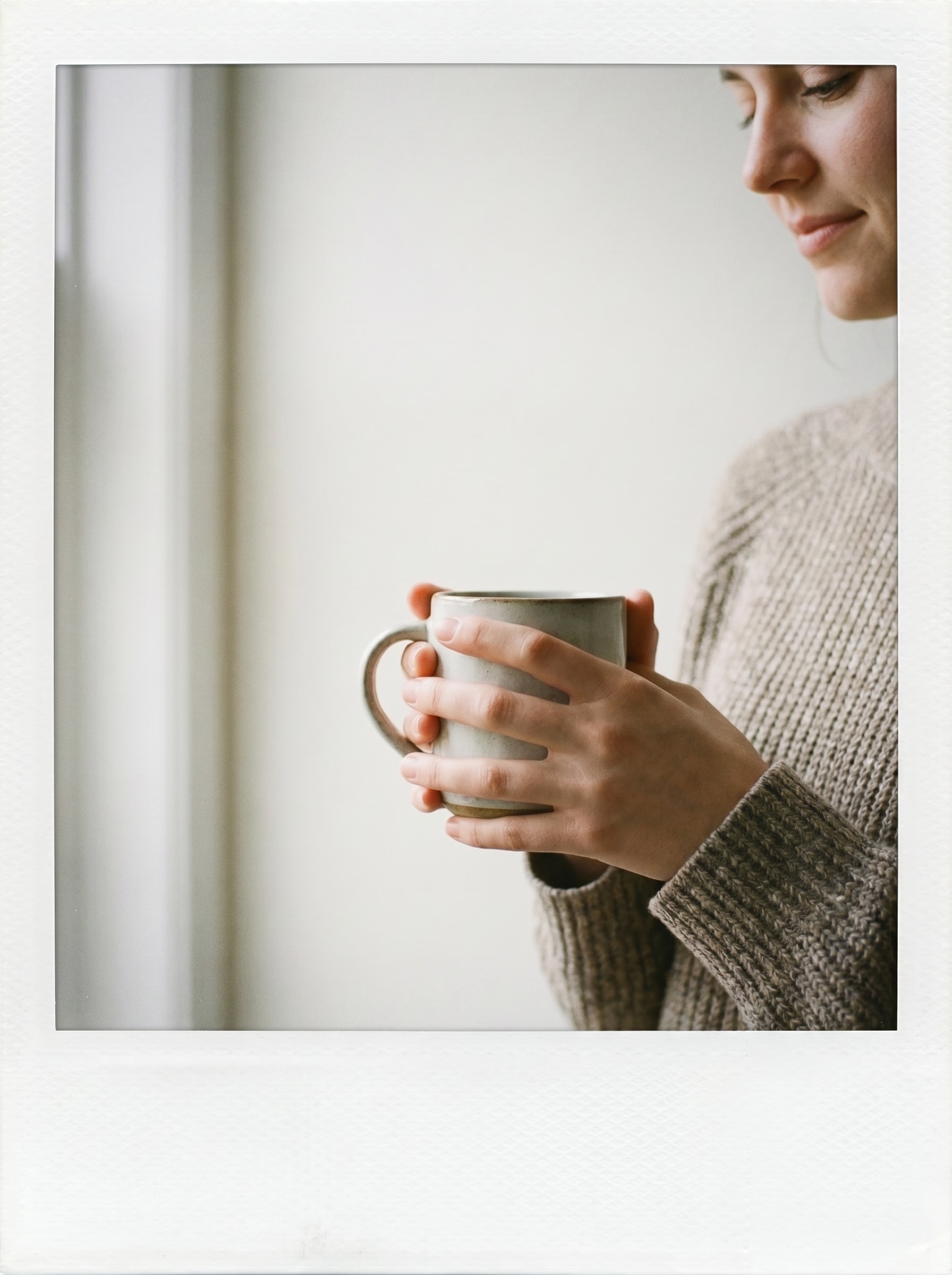
Cornice Polaroid Bianca e Pulita
Usa l'immagine caricata come soggetto e trasformala in una stampa su pellicola istantanea pulita con un bordo polaroid bianco realistico, margine inferiore più spesso, illuminazione neutra e morbida, leggera grana cinematografica, delicata desaturazione, texture liscia di carta fotografica e un'atmosfera nitida e nostalgica con contrasto equilibrato.
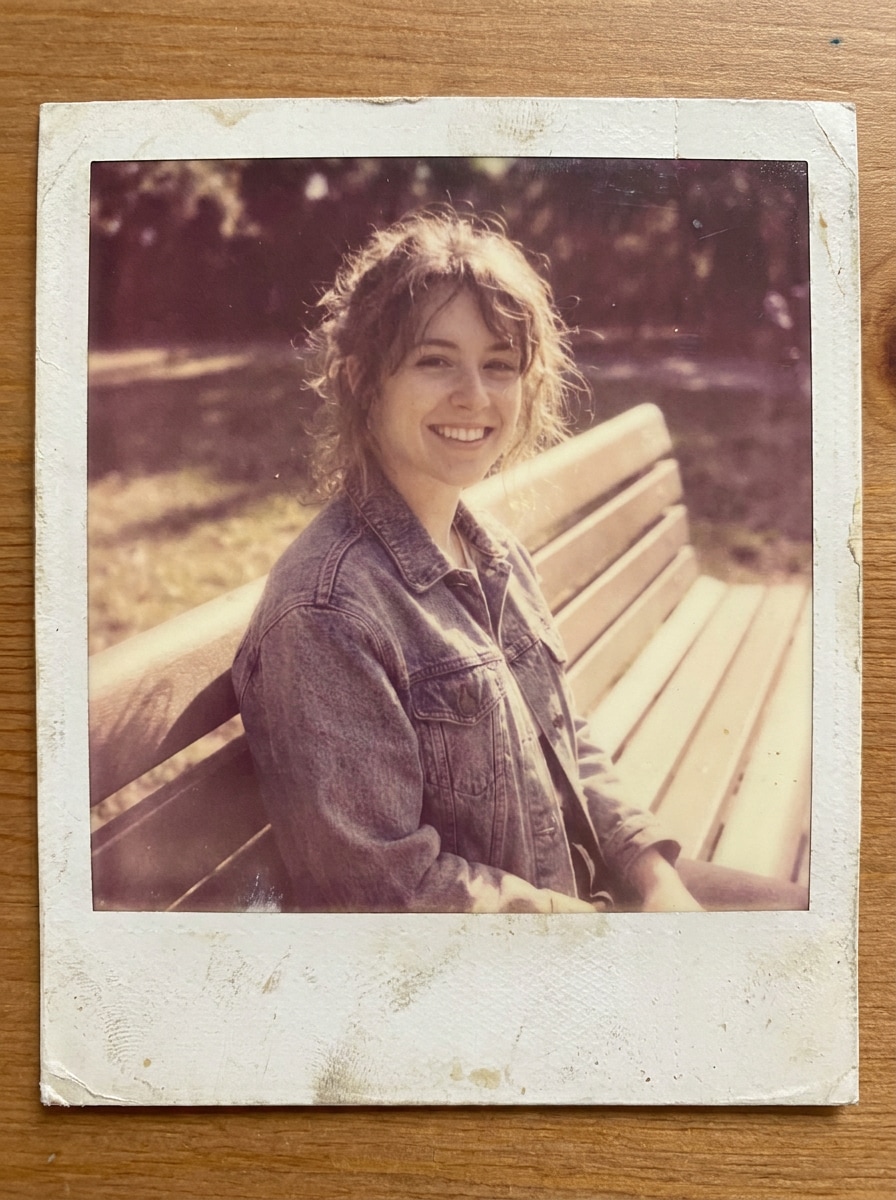
Foto Istantanea Vintage Sbiadita
Usa l'immagine caricata come soggetto e applica un restyling da pellicola istantanea invecchiata con bordo bianco, toni caldi sbiaditi, neri sollevati, sfocatura morbida, grana analogica, texture di carta leggermente consumata, delicata morbidezza del flash e un'atmosfera da libro dei ricordi sentimentale che sembra naturalmente retrò.
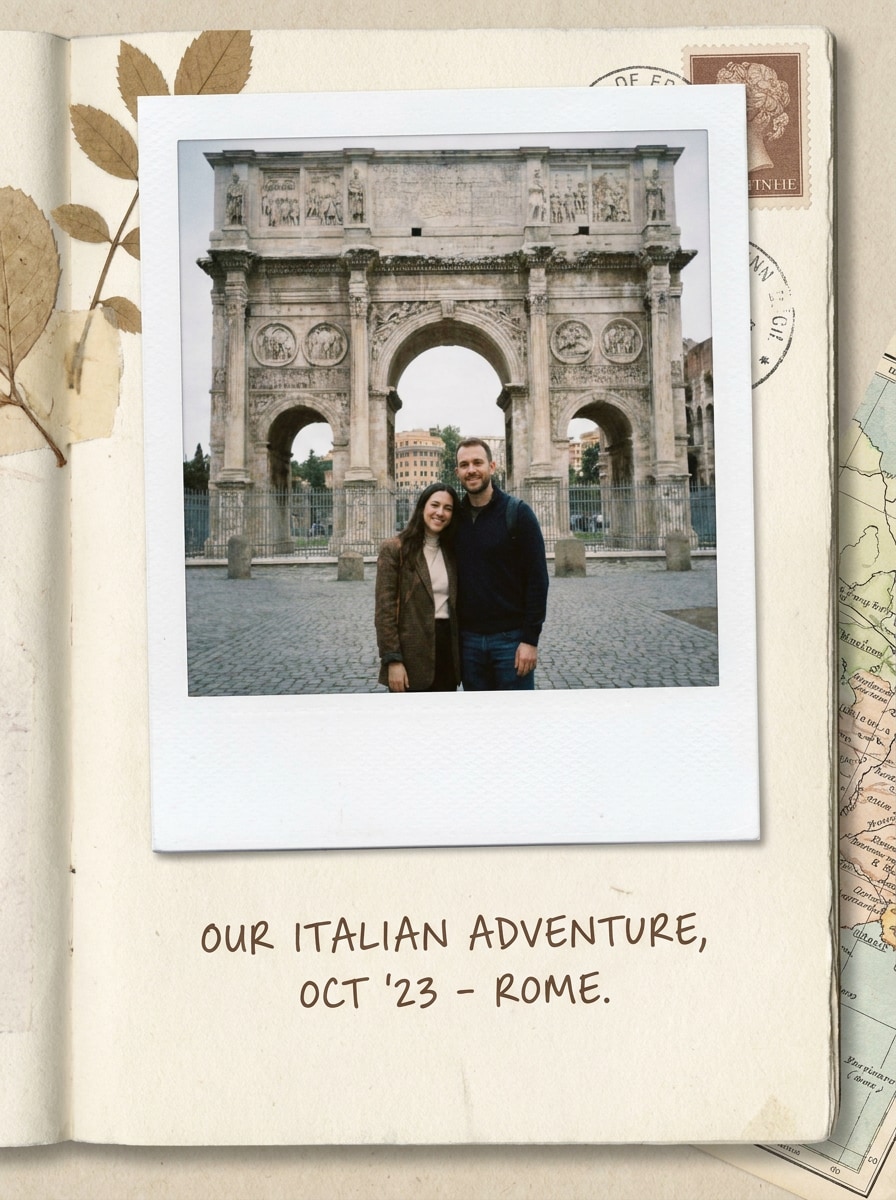
Nota Polaroid da Scrapbook
Usa l'immagine caricata come soggetto e inseriscila in una stampa istantanea in stile scrapbook con un bordo bianco realistico, spazio extra per didascalie in basso, delicata gradazione vintage beige, texture grana carta, leggera ombra portante, atmosfera accogliente da raccolta di ricordi e un'estetica ordinata da diario artigianale.
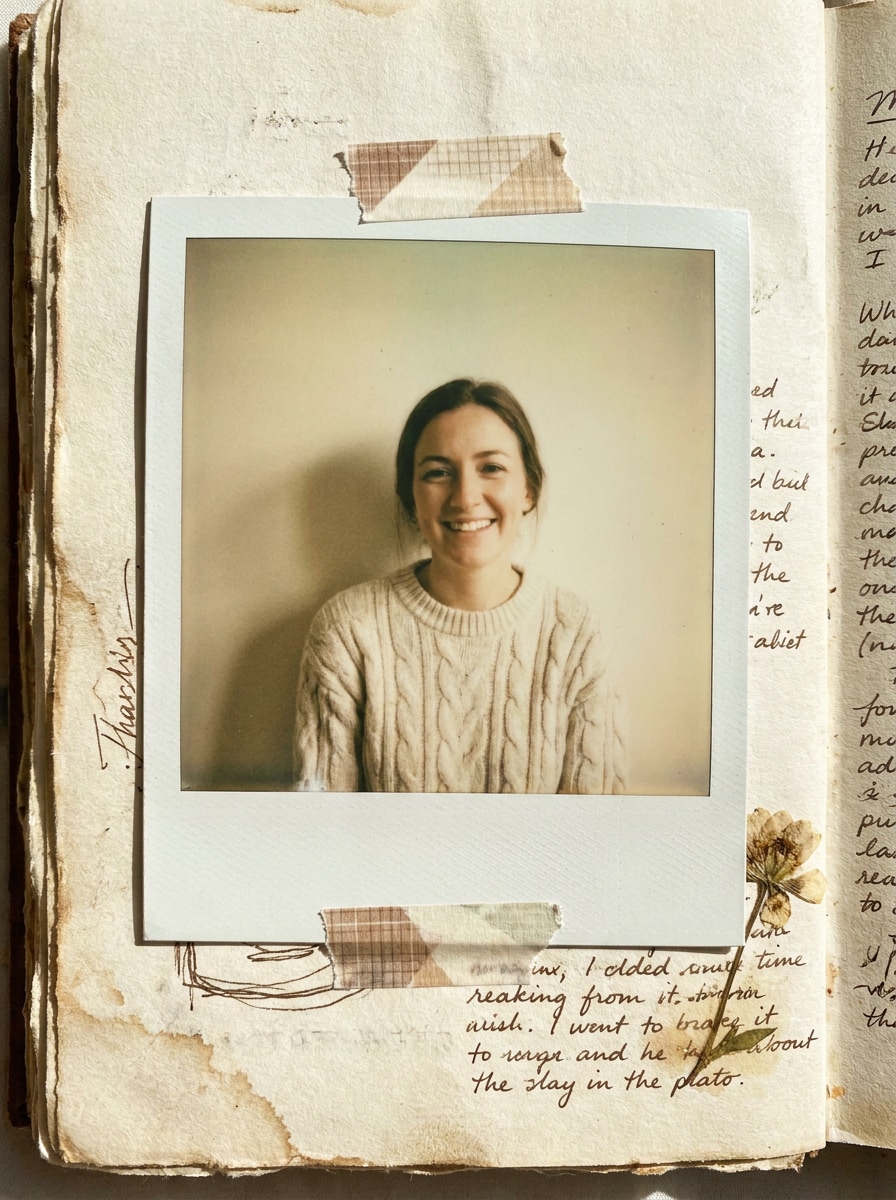
Estetica da Diario con Nastro Adesivo
Usa l'immagine caricata come soggetto e trasformala in una stampa istantanea in stile diario con nastro adesivo, bordo bianco, finitura opaca morbida, toni carta leggermente ingialliti, grana realistica, ombra scrapbook stratificata e un layout artigianale nostalgico che sembra personale e tattile.
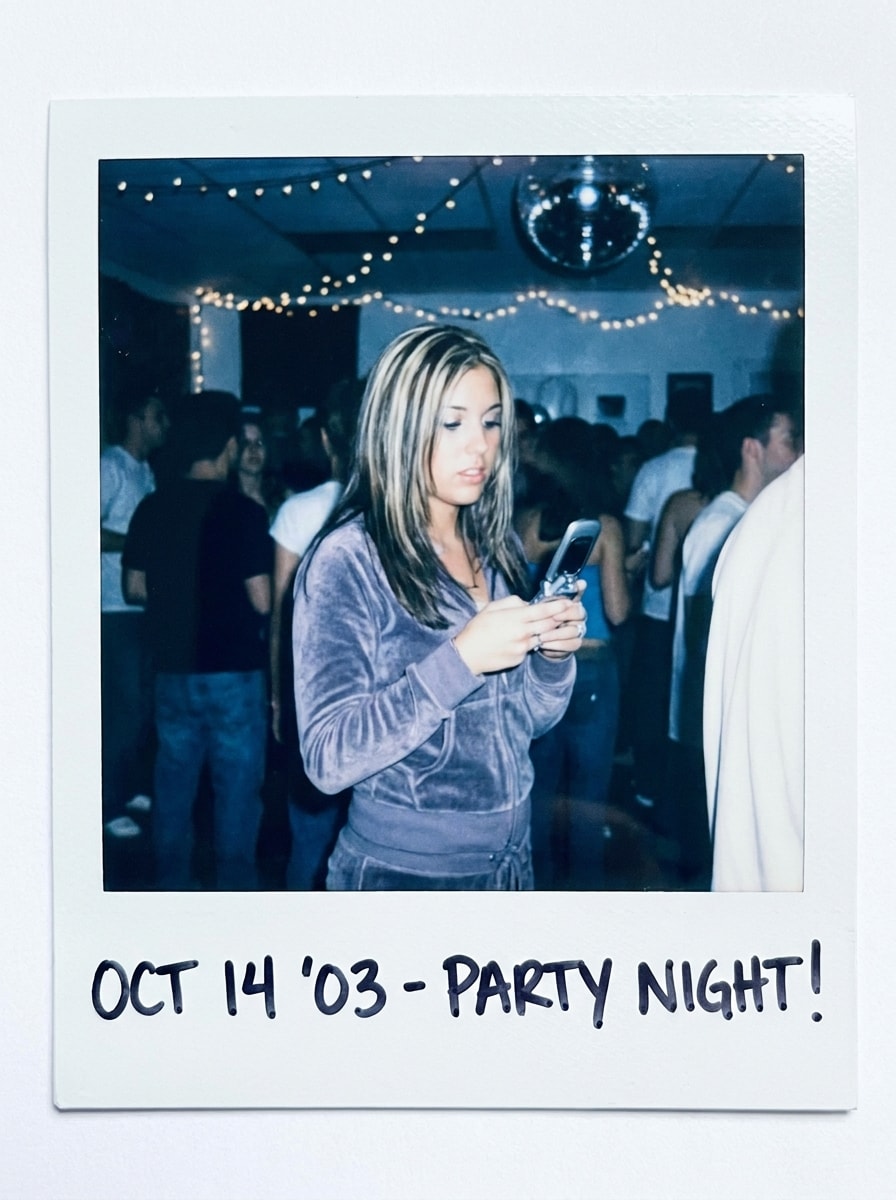
Polaroid Flash Y2K
Usa l'immagine caricata come soggetto e reinterpretala come una stampa istantanea lucida in stile Y2K con riflessi di flash diretto luminosi, bordo bianco nitido, variazione cromatica dai toni freddi, leggera morbidezza del movimento, effetto pellicola lucida e un'atmosfera giocosa da vita notturna con forte energia retrò.
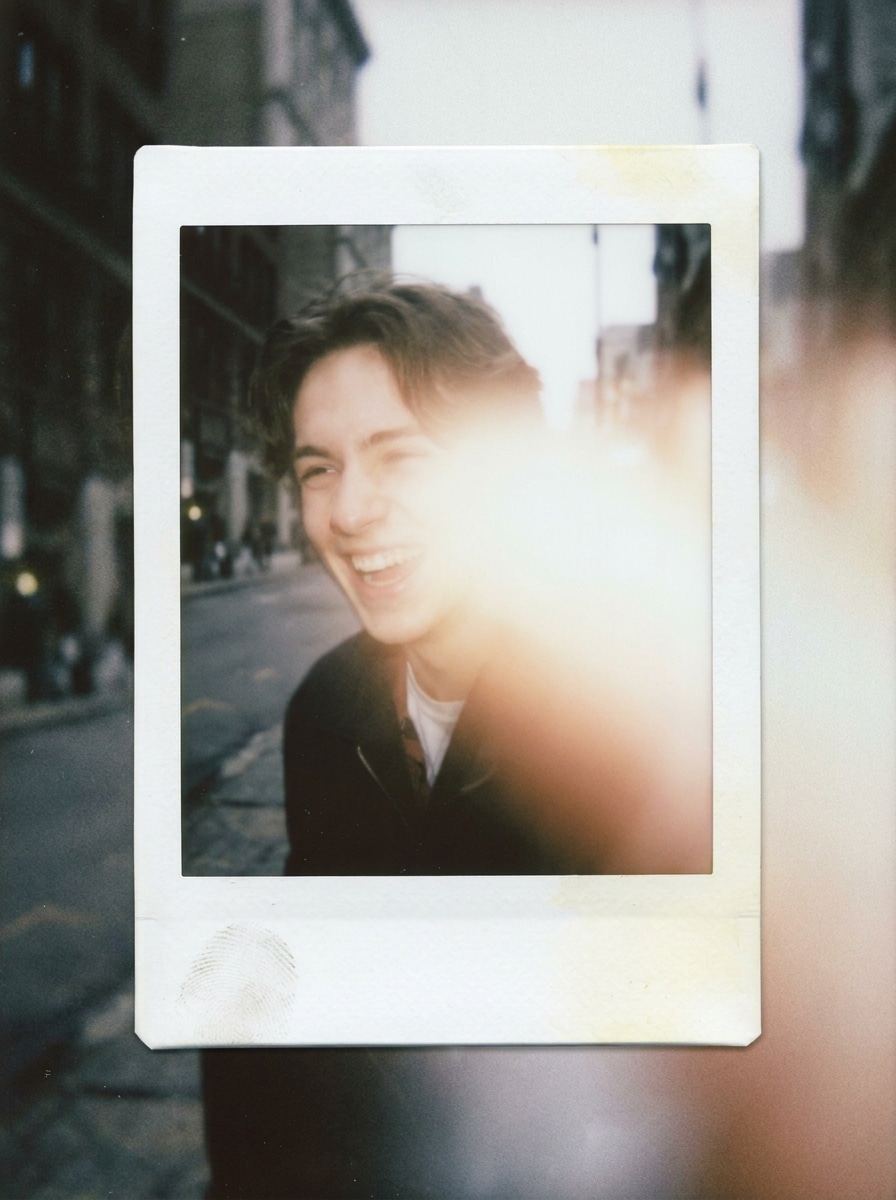
Mix Polaroid da Fotocamera Usa e Getta
Usa l'immagine caricata come soggetto e unisci un'atmosfera da fotocamera usa e getta con una cornice da pellicola istantanea, aggiungendo bloom del flash, colori retrò smorzati, leggera morbidezza della messa a fuoco, grana evidente, bordo bianco realistico e un'atmosfera candida e spontanea che sembra improvvisata e nostalgica.
Polaroid Ricordo di Viaggio
Usa l'immagine caricata come soggetto e crea una stampa istantanea da viaggio sentimentale con una cornice bianca realistica, delicata calore sbiadita dal sole, grana morbida, luci ariose, atmosfera da ricordo di vacanza conservato e una finitura da istantanea analogica senza tempo con composizione naturale e pulita.
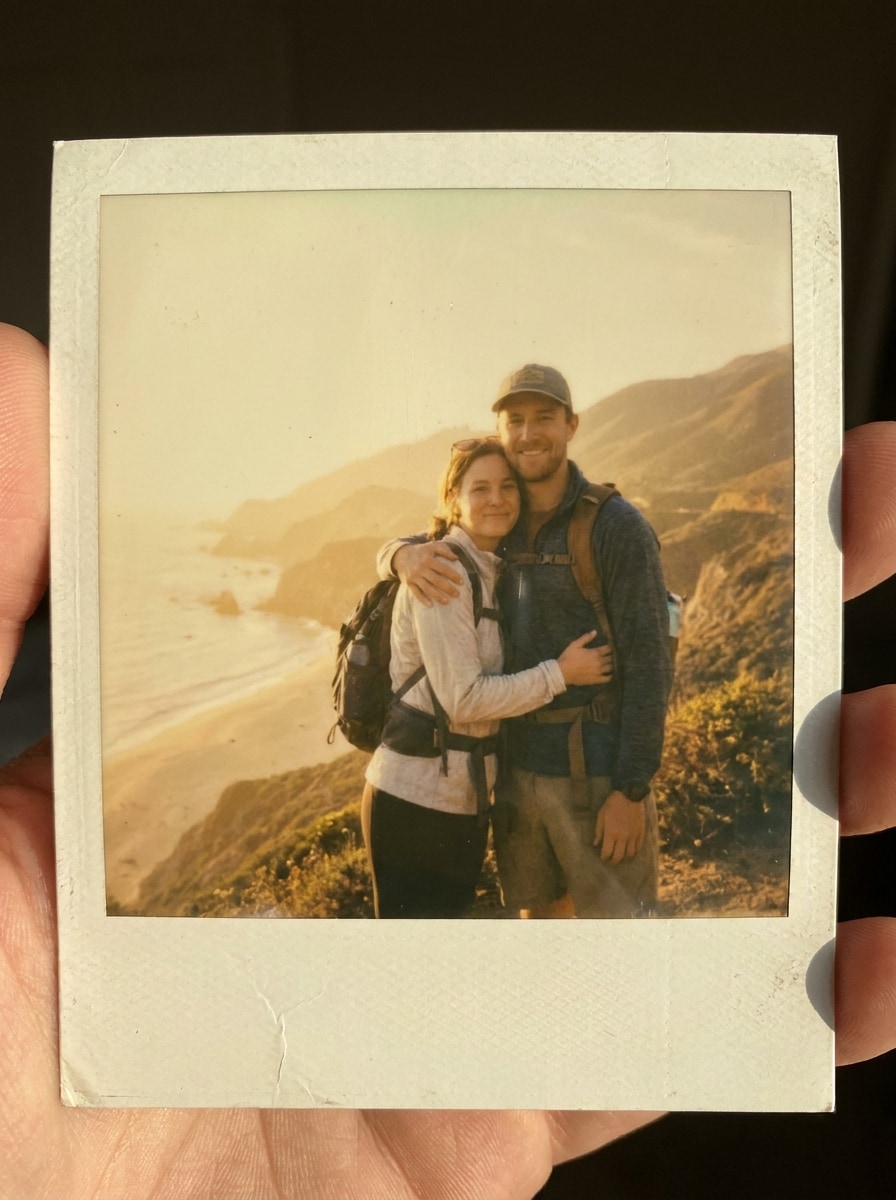
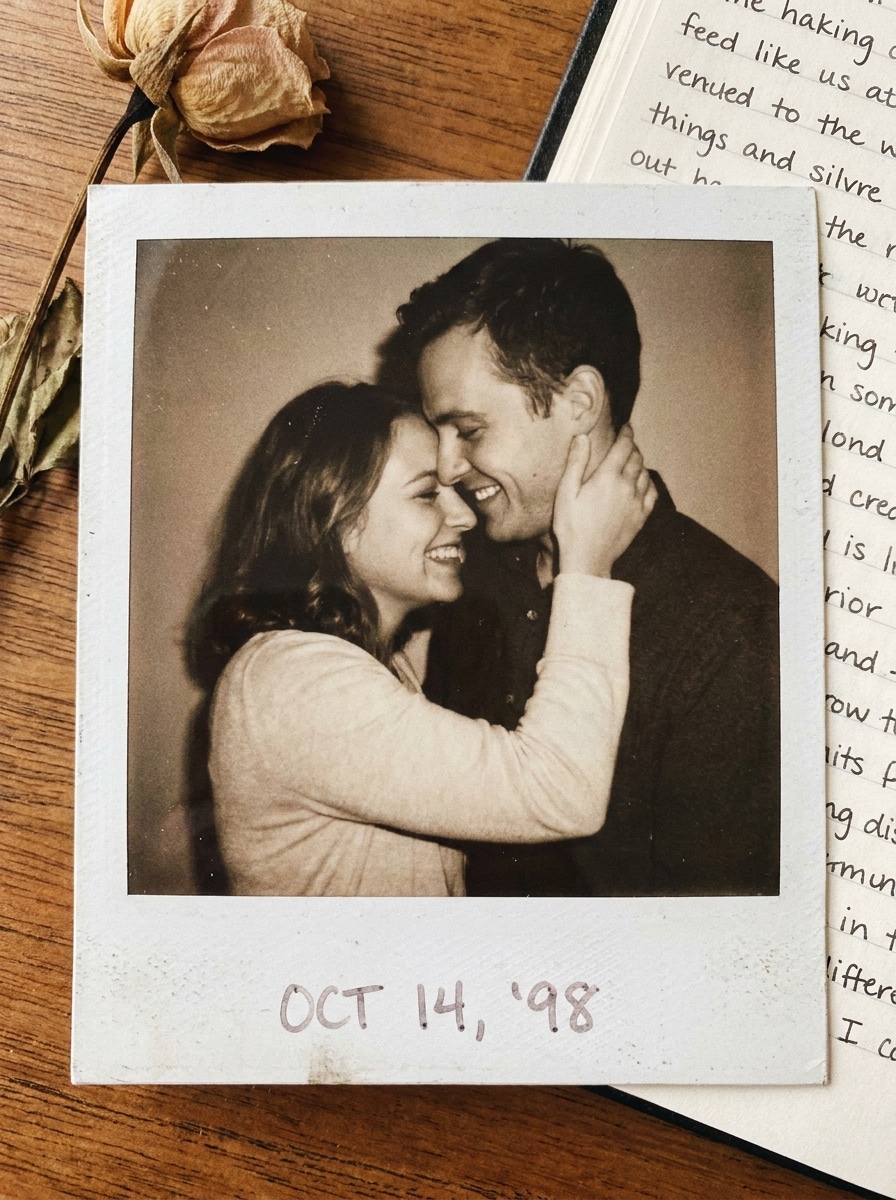
Polaroid Foto di Coppia
Usa l'immagine caricata come soggetto e trasformala in una stampa istantanea romantica con un bordo bianco realistico, toni caldi morbidi, colori della pelle lusinghieri, contrasto onirico, grana sottile, texture liscia della carta e un'atmosfera da cimelio sentimentale adatta alla condivisione di ricordi.
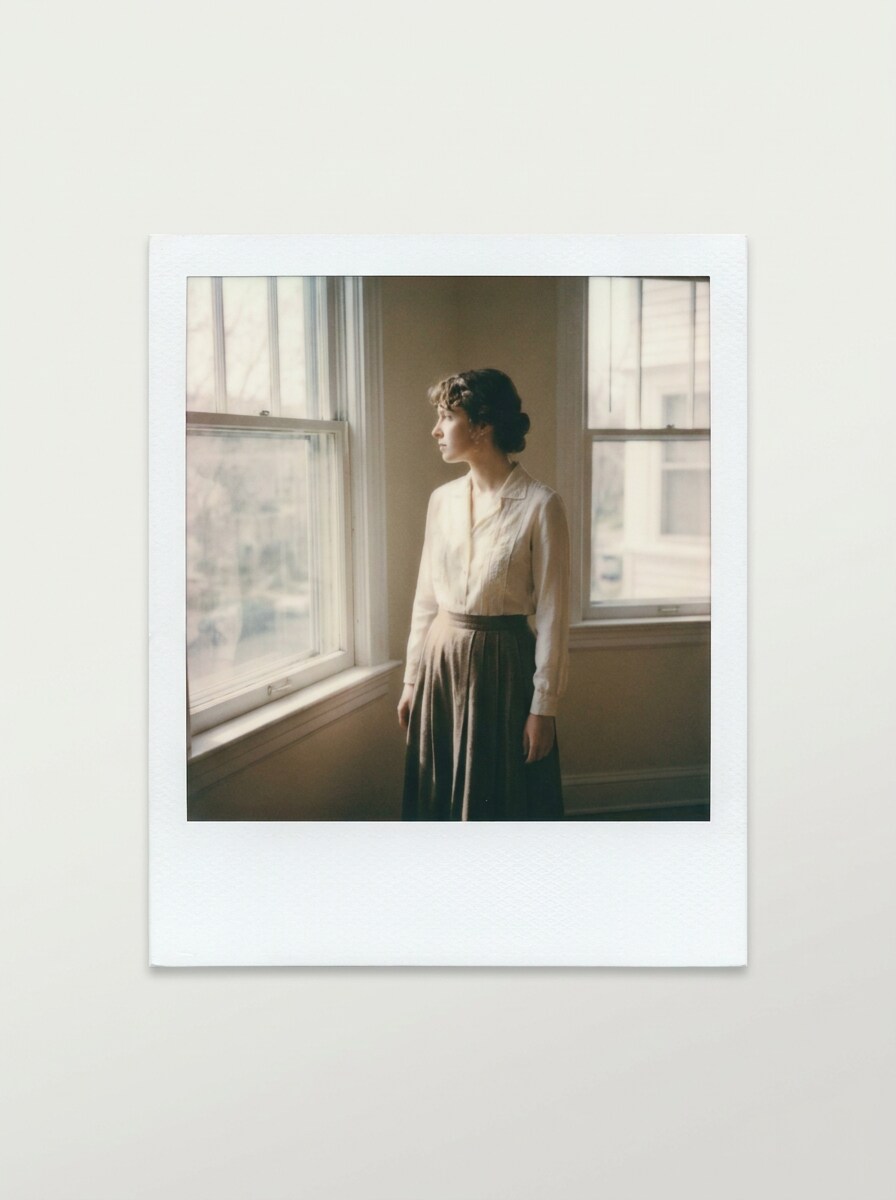
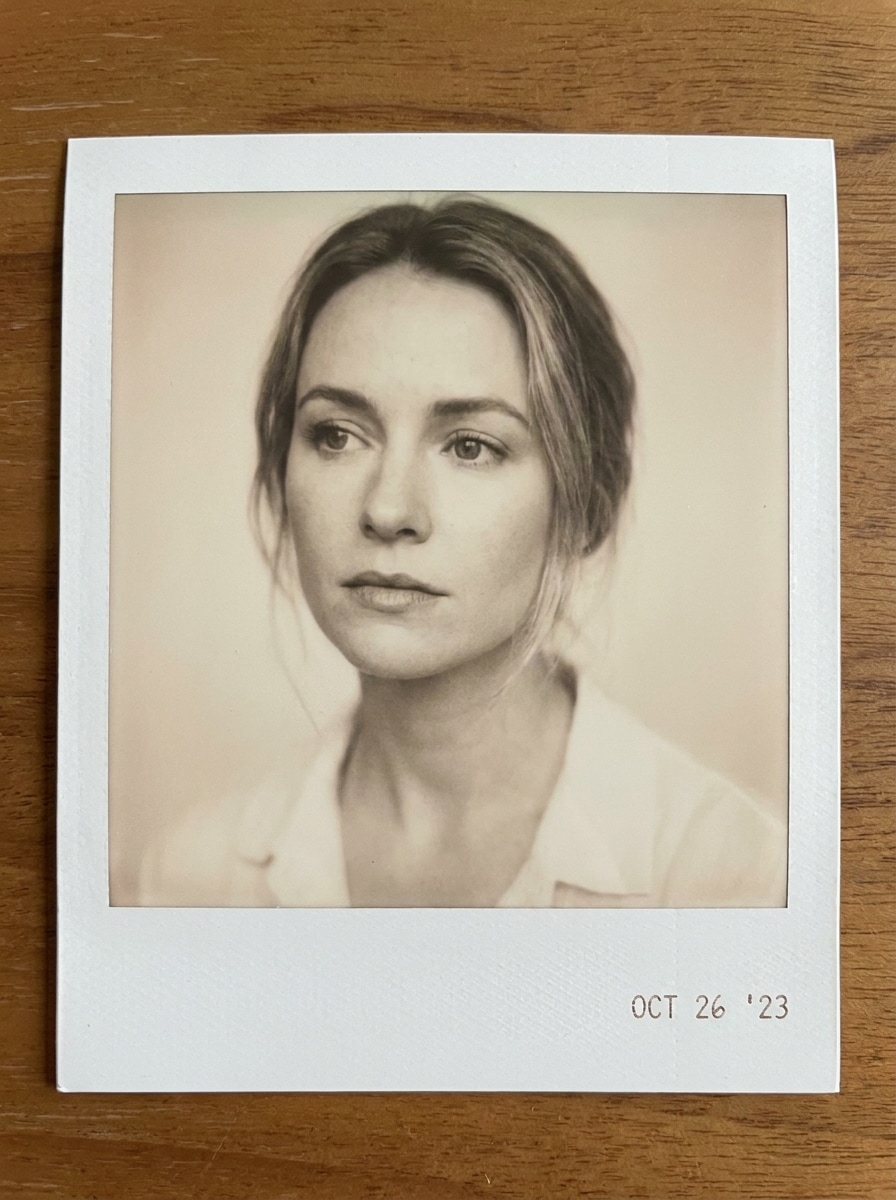
Polaroid Beige Neutro
Usa l'immagine caricata come soggetto e applica un trattamento retrò moderno e minimale con una cornice polaroid bianca, gradazione beige neutra, grana discreta, finitura opaca morbida della carta, composizione editoriale pulita e un'atmosfera calma e raffinata con un sottile carattere vintage.
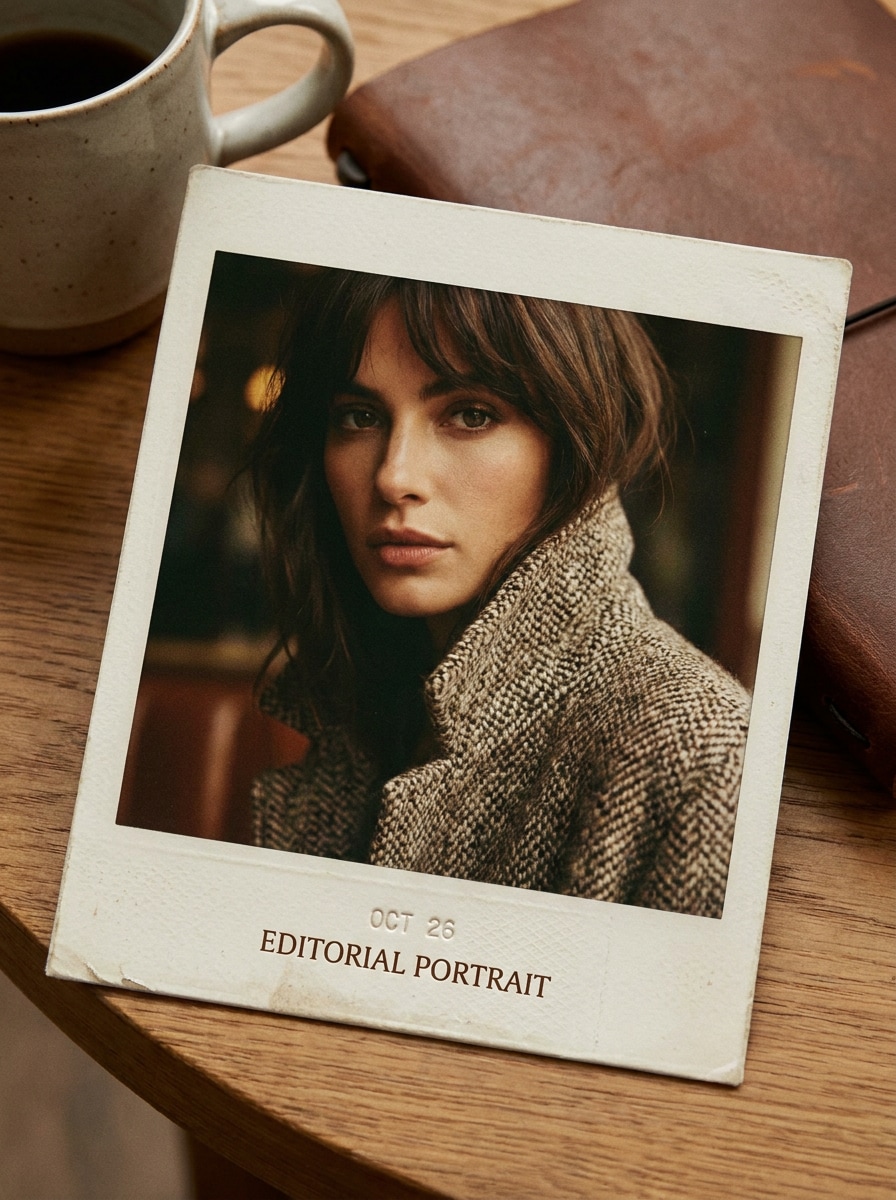
Polaroid Editoriale ad Alto Contrasto
Usa l'immagine caricata come soggetto e trasformala in una stampa istantanea editoriale con nitidezza del soggetto, bordo bianco realistico, alto contrasto controllato, grana fine della pellicola, texture analogica premium, atmosfera fashion sicura di sé e una finitura retrò pulita ispirata alle riviste.
Perché Usare Media.io per un Effetto Foto Polaroid
Trasforma Qualsiasi Caricamento in un Look da Foto Istantanea
Per le modifiche basate sul caricamento, Media.io aiuta a mantenere il soggetto di riferimento visivamente coerente mentre si reinterpreta l'immagine con un nuovo effetto filtro polaroid. Ciò rende i risultati personalizzati più affidabili per ritratti, scatti lifestyle e lavori creativi con marchio.
Abbina lo Stile Giusto per Ogni Versione
Se la tua immagine in stile polaroid deve fare di più che stare in una piccola anteprima, Media.io aiuta a produrre risultati più nitidi fino a 4K, in modo che il look vintage con cornice rimanga affidabile per presentazioni, risorse social e mockup di design.
Genera Output più Puliti fino a 4K
Alcuni risultati devono fare di più che sembrare buoni in un'anteprima. Media.io aiuta a generare elementi visivi del filtro polaroid più puliti con output fino a 4K, in modo che l'immagine finale regga in sfondi, presentazioni e mockup.
Modifica su Telefono o Desktop Senza Software Aggiuntivo
Quando un'idea visiva con filtro polaroid nasce lontano dalla tua postazione principale, Media.io ti permette di crearla e perfezionarla nel browser, rendendo il passaggio tra mobile e desktop fluido anziché problematico.
Come Creare un Effetto Fotocamera Polaroid Online
Trasforma le tue parole in immagini straordinarie in tre semplici passaggi, poi continua a perfezionare il risultato se vuoi andare oltre.
Passaggio 1
Carica la Tua Immagine di Riferimento
Inizia con una foto JPG, PNG o JPEG chiara che desideri reinterpretare. Ritratti, foto di coppia, immagini di viaggio e scatti candid funzionano particolarmente bene quando si desidera un bordo bianco da pellicola istantanea e un'atmosfera analogica nostalgica.
Passaggio 2
Descrivi la Modifica e Imposta le Opzioni
Inserisci un prompt che descriva il tuo effetto fotocamera polaroid ideale, come colori sbiaditi, spazio extra per didascalie, stile con nastro da scrapbook o atmosfera Y2K con flash diretto. Poi scegli il tuo modello e regola il rapporto d'aspetto, la qualità e il numero di varianti d'immagine.
Passaggio 3
Genera, Scarica e Continua a Migliorare
Crea più versioni, confronta l'aspetto di ciascun effetto foto polaroid e scarica il risultato preferito. Se necessario, perfeziona il prompt, genera di nuovo o continua a modificare per post social, stampe, copertine o design per bacheche dei ricordi.
Scopri come i creator usano questo Filtro Polaroid per contenuti, marketing e progetti personali, poi adatta ogni idea alle proprie esigenze.
Crea Foto da Libro dei Ricordi per i Post Social
Dona a ritratti quotidiani, scatti di viaggio e momenti del weekend un bordo bianco da pellicola istantanea, grana morbida e un trattamento cromatico sbiadito che sembra più personale di un generico preset vintage. Questo look da filtro foto polaroid è un modo semplice per creare caroselli in stile scrapbook, mood board e contenuti per le storie.
Trasforma Foto di Coppia, Famiglia ed Eventi in Cimeli
Uno stile da stampa istantanea nostalgica funziona splendidamente per foto di relazioni, ricordi di compleanni e gallerie di celebrazioni. Con cornice e tono regolabili, puoi creare una finitura retrò calda che sembra un souvenir stampato, che tu voglia un sottile effetto fotocamera polaroid o un filtro cornice polaroid più evidente.
Progetta Risorse Retrò per Biglietti, Copertine e Mockup
Usa il look per grafica di inviti, concept di poster, layout collage o elementi visivi social con marchio che necessitano di un'estetica da istantanea analogica. Il trattamento con cornice aggiunge struttura e personalità, mentre Media.io ti aiuta a trasformare il concept in un raffinato effetto foto polaroid o anche in un più ricco filtro vintage polaroid per la pubblicazione.
Cosa Dicono gli Utenti di Questo Filtro Polaroid
Ava Martinez
Lifestyle Content Creator
"Perfetto per i post in stile scrapbook" Volevo un bordo bianco realistico da pellicola istantanea senza usare template a strati. Questo strumento ha dato alle mie foto di viaggio un effetto foto polaroid naturale in pochi minuti, e i risultati sembravano ottimi nel mio carosello Instagram.
Jordan Lee
Designer Freelance
"Modifiche retrò veloci con esportazioni pulite" L'ho usato per creare elementi visivi per mood board e mockup di copertine. Il filtro cornice polaroid sembrava convincente, e mi è piaciuto poter generare diverse varianti prima di scaricare l'immagine finale.
Mia Robinson
Creator Studentessa
"Facile su telefono e laptop" L'ho provato prima sul mio iPhone e poi sul laptop. Il flusso di lavoro nel browser era semplice, e il filtro vintage polaroid ha dato alle mie foto di coppia quel look nostalgico e morbido che desideravo.
Ethan Clark
Social Media Manager
"Utile per campagne retrò con marchio" Avevamo bisogno di un look rapido da fotocamera istantanea per una promozione stagionale. Media.io ci ha aiutato a trasformare normali scatti di prodotti e lifestyle in elementi visivi retrò coerenti senza un lungo processo di editing.
Esplora i più popolari effetti video e immagini AI
Un filtro polaroid è uno stile di immagine che fa sembrare una foto digitale più simile a una stampa su pellicola istantanea. Di solito combina un bordo bianco, contrasto più morbido, grana sottile e gradazione cromatica vintage per creare un'atmosfera da istantanea retrò. Rispetto a un preset vintage generico, un filtro effetto polaroid è più focalizzato sull'estetica della foto istantanea con cornice.
2. Come posso aggiungere una cornice polaroid a una foto online?
Carica la tua immagine su Media.io, descrivi il look che desideri e genera una versione stilizzata con un bordo da foto istantanea e gradazione retrò. Puoi guidare il risultato con prompt come una cornice bianca pulita, toni pellicola sbiaditi, spazio per didascalie da scrapbook o un morbido effetto fotocamera polaroid.
3. Questo filtro foto polaroid è gratuito?
Gli utenti gratuiti possono provare Media.io con crediti gratuiti, utili per testare un filtro foto polaroid o un look da pellicola istantanea prima di effettuare l'upgrade. A seconda del piano, le esportazioni gratuite potrebbero includere filigrane, mentre gli abbonati a pagamento possono scaricare risultati ad alta risoluzione senza filigrana. Puoi confrontare le opzioni nella pagina dei prezzi.
4. Posso personalizzare il bordo, i colori o l'area della didascalia?
Media.io supporta la modifica delle immagini guidata da prompt, quindi puoi descrivere il tipo di bordo bianco, dissolvenza cromatica, livello di grana o spazio aggiuntivo in basso che desideri. Ciò lo rende pratico per tutto, da una modifica online sottile con filtro polaroid a un filtro cornice polaroid più evidente con spazio per didascalie in stile scrapbook.
5. L'effetto polaroid ridurrà la qualità della mia immagine?
Lo stile retrò cambia l'aspetto dell'immagine, ma Media.io offre anche opzioni di output ad alta risoluzione per aiutare a preservare un risultato finale di qualità. Se desideri un effetto foto polaroid nitido per la pubblicazione o la stampa, scegli la risoluzione e il rapporto d'aspetto più adatti al tuo progetto. Gli utenti gratuiti potrebbero avere filigrane.
6. Il filtro polaroid funziona su iPhone, Android e desktop?
Media.io è basato sul web, quindi puoi usare il filtro polaroid su telefoni, tablet e computer desktop tramite un browser. Ciò include i flussi di lavoro su iPhone, Android, Windows e Mac, il che rende facile creare un look da filtro fotocamera polaroid a casa o in movimento.