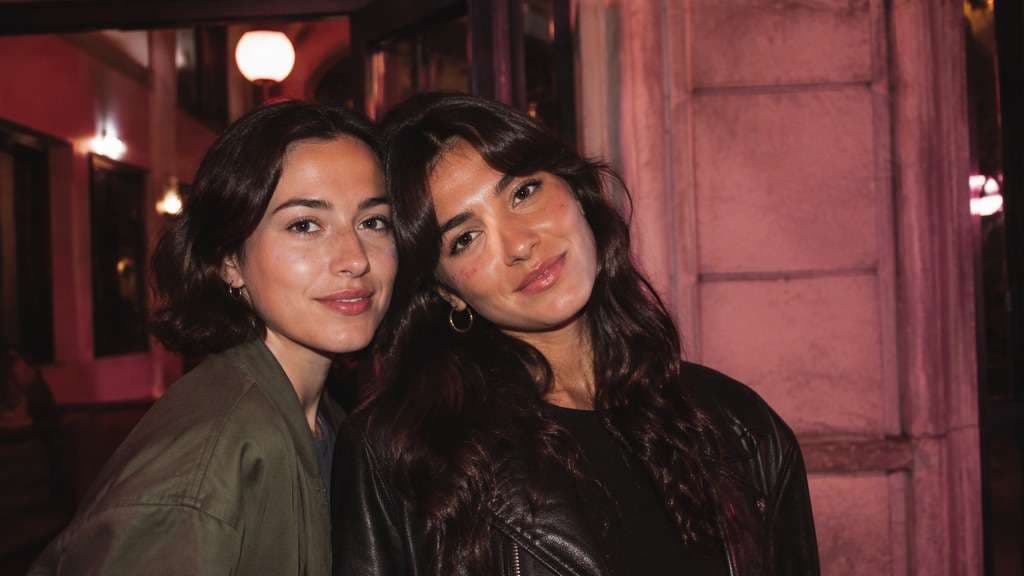
Click or drag to upload, or choose from My HistoryClick To UploadMy History
No ideas? Generate an image first >
Upload jpg, jpeg, png images up to 50 MB, with a minimum width/height of 300 px.
Find the Pink Filter That Fits Your Photo
Your selfie looks flat, but a solid pink overlay hides your skin tone and washes out your eyes. A pink filter can be subtle rose light, a warm blush haze or a punchy hot-pink accent. Start with your own photo in Media.io AI Face Editor and try the color where it belongs - in the light and background, not across every detail of your face.
For portraits, ask for rosy highlights first; keep neutral whites and natural skin detail.
Pink Photo Filter Prompts for Soft, Bold and Retro Selfies
Not every pink edit is bubblegum. A pale window-light portrait needs a different treatment from a neon night-out shot. Copy the prompt that matches your source photo, then adjust tint strength so the final result still feels like your moment.
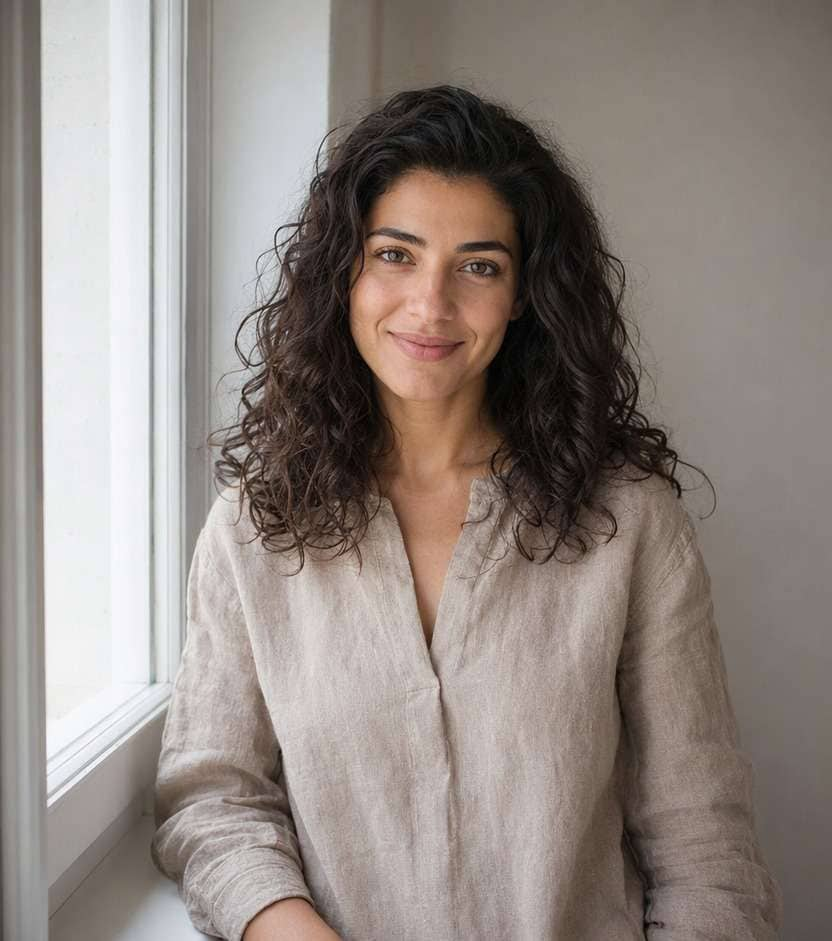
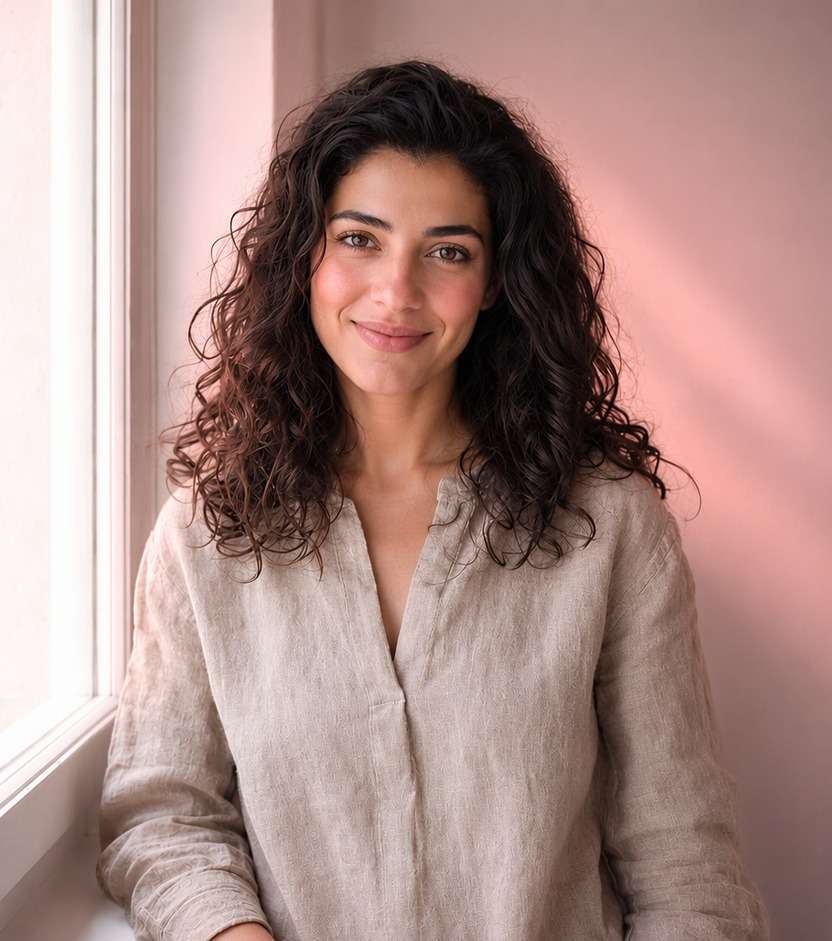
Soft Rose Window Light
Edit my uploaded reference photo: Add feather-light rose highlights along the window side of the face; keep skin detail and whites neutral. Keep the same person, real facial identity and expression except where this named face effect intentionally changes proportions, and preserve original hair, clothing, perspective, room or outdoor setting. Do not add captions, logos, extra people or unrelated props.
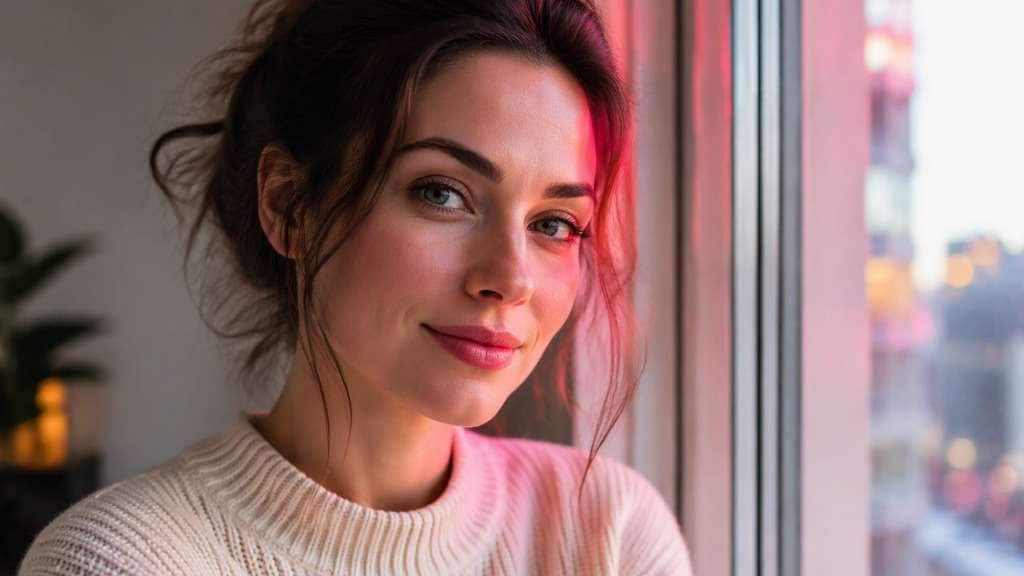
Hot Pink Party Edge
Edit my uploaded reference photo: Place vivid fuchsia rim light near existing party lights, with the center face naturally lit. Keep the same person, real facial identity and expression except where this named face effect intentionally changes proportions, and preserve original hair, clothing, perspective, room or outdoor setting. Do not add captions, logos, extra people or unrelated props.
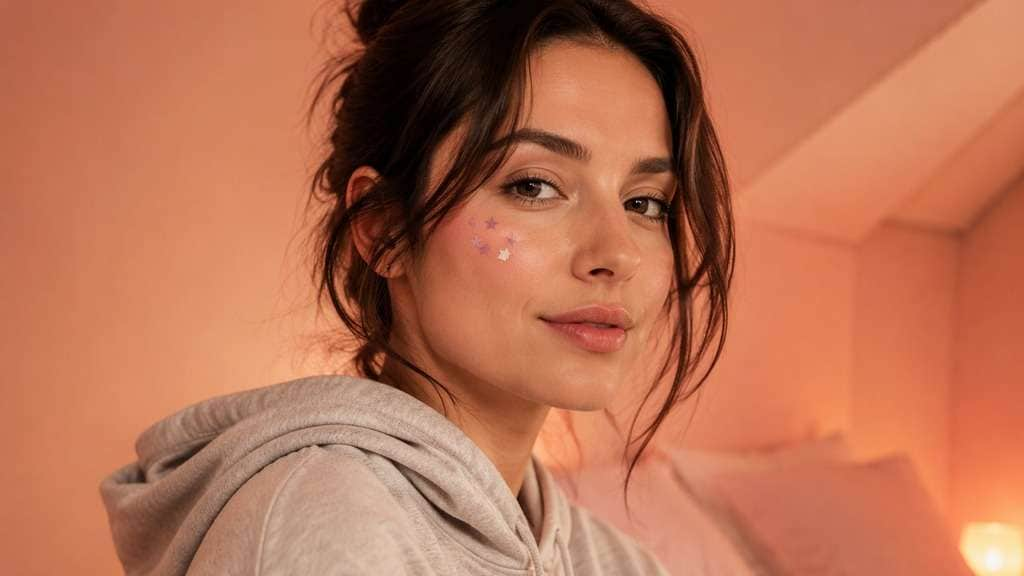
Blush Pink Bedroom
Edit my uploaded reference photo: Shift the ambient wall light into warm blush with a little peach, avoiding pink on the eyes. Keep the same person, real facial identity and expression except where this named face effect intentionally changes proportions, and preserve original hair, clothing, perspective, room or outdoor setting. Do not add captions, logos, extra people or unrelated props.
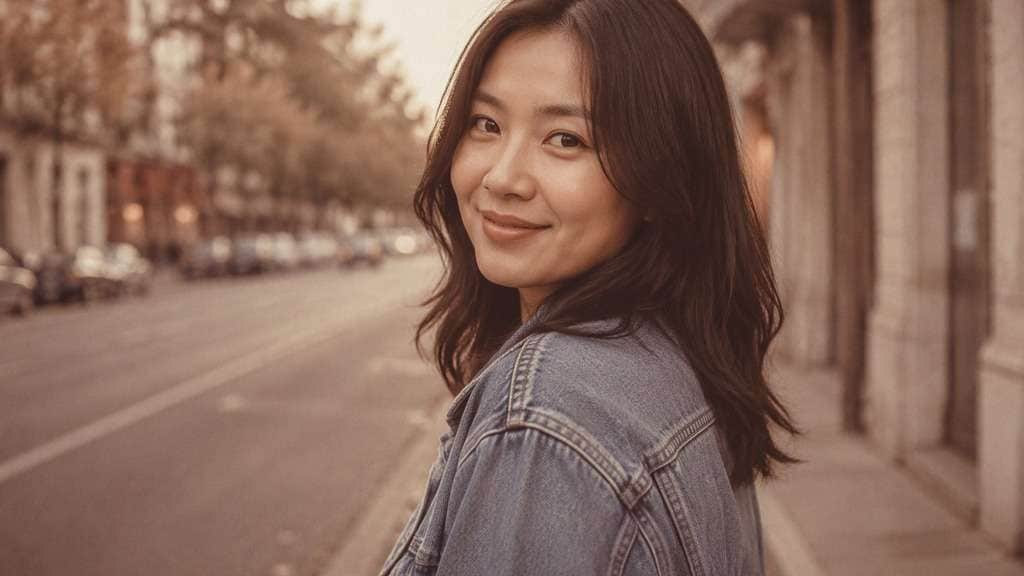
Pink Film Throwback
Edit my uploaded reference photo: Add faded rose midtones, light vintage softness and restrained digital grain, keeping street colors legible. Keep the same person, real facial identity and expression except where this named face effect intentionally changes proportions, and preserve original hair, clothing, perspective, room or outdoor setting. Do not add captions, logos, extra people or unrelated props.
Candy Pink Neon
Edit my uploaded reference photo: Add bold pink light reflections to one side of face, realistic contrasting cool shadows. Keep the same person, real facial identity and expression except where this named face effect intentionally changes proportions, and preserve original hair, clothing, perspective, room or outdoor setting. Do not add captions, logos, extra people or unrelated props.
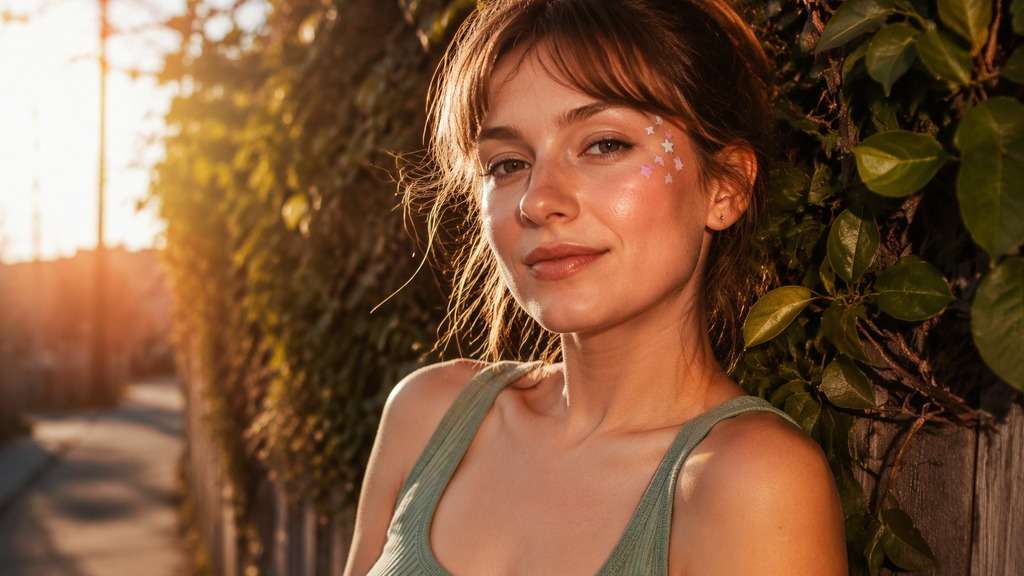
Peach Rose Golden Hour
Edit my uploaded reference photo: Add peach-pink low sunlight, neutral green leaves and believable face shadows. Keep the same person, real facial identity and expression except where this named face effect intentionally changes proportions, and preserve original hair, clothing, perspective, room or outdoor setting. Do not add captions, logos, extra people or unrelated props.
Cool Lavender Pink
Edit my uploaded reference photo: Layer cool pastel lilac in shadows with faint pink highlights without gray skin. Keep the same person, real facial identity and expression except where this named face effect intentionally changes proportions, and preserve original hair, clothing, perspective, room or outdoor setting. Do not add captions, logos, extra people or unrelated props.
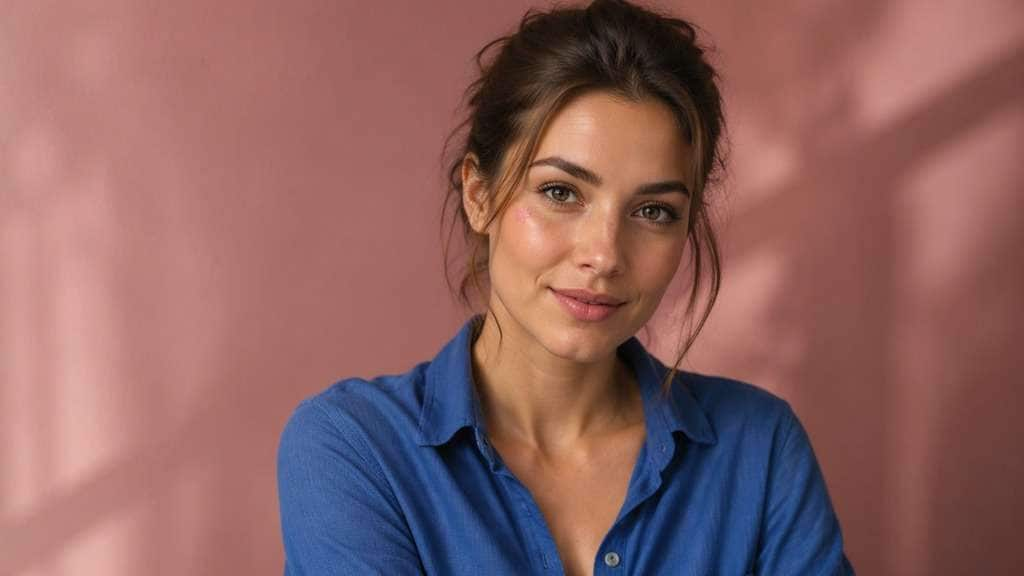
Pink Studio Backdrop
Edit my uploaded reference photo: Grade wall toward muted dusty rose and leave blue clothing distinct. Keep the same person, real facial identity and expression except where this named face effect intentionally changes proportions, and preserve original hair, clothing, perspective, room or outdoor setting. Do not add captions, logos, extra people or unrelated props.
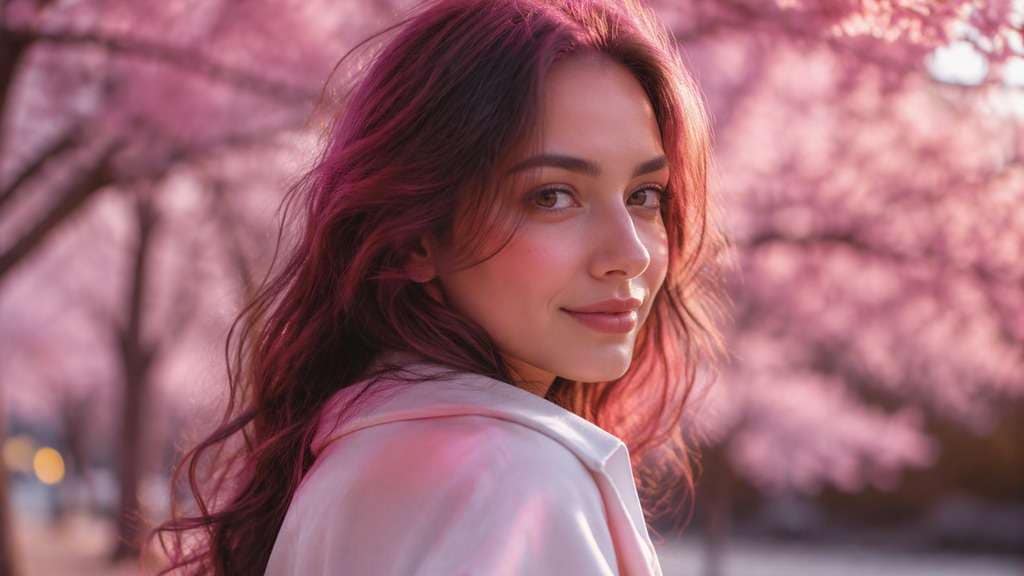
Blossom Light Portrait
Edit my uploaded reference photo: Echo subtle blossom-pink reflections around hairline, without adding new objects or makeup. Keep the same person, real facial identity and expression except where this named face effect intentionally changes proportions, and preserve original hair, clothing, perspective, room or outdoor setting. Do not add captions, logos, extra people or unrelated props.
Rose Flash Snapshot
Edit my uploaded reference photo: Retain crisp direct camera flash and give surrounding shadows a soft rosy cast. Keep the same person, real facial identity and expression except where this named face effect intentionally changes proportions, and preserve original hair, clothing, perspective, room or outdoor setting. Do not add captions, logos, extra people or unrelated props.
Make Pink Color Work With Your Original Light
Keep Skin Tones Believable
A rosy glow should sit mainly in highlights and surrounding light, not turn every facial feature bright fuchsia. Preserve eye whites and skin texture; ask for a gentler color cast when the face begins looking painted.
Choose Soft Rose or Hot Pink
Soft pink is useful for friendly profile photos and scrapbook-style posts. Saturated pink suits party lighting, neon signs or stylized portraits. Judge the edit by the place where your photo was taken, not by a single color swatch.
Control the Background Tint
A pale cream wall may become peach-rose without overpowering a face. On a park photo, shift only the sunlit highlights and keep leaves green enough to read as real foliage.
Compare a 2016 Haze With a Clean Finish
For nostalgic selfies, try faded contrast and slight digital softness. For a newer polished portrait, keep crisp detail and use pink as controlled reflected light. Both are pink filters, but they tell different stories.
How to Make a Rosy Photo Online
A clear selfie with recognizable highlights makes color comparisons easier. Change one pink treatment at a time rather than stacking several incompatible styles.
Step 1
Upload the Selfie or Portrait
Open Media.io AI Face Editor and upload a photo with visible face detail. Window light, a plain wall or a simple indoor setting helps you judge the pink tint.
Step 2
Describe Your Pink Light
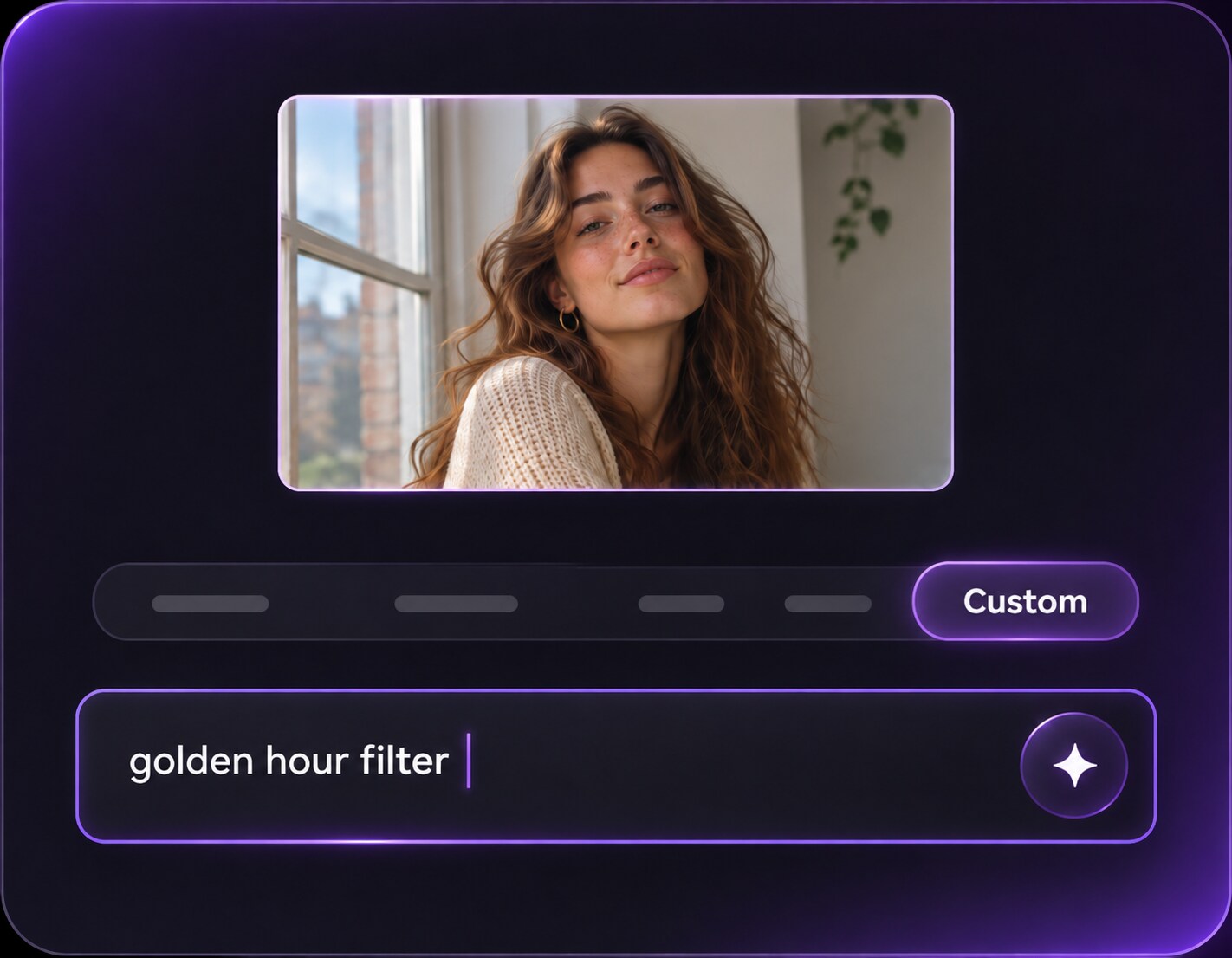
Enter a prompt for rosy side light, warm blush haze or stronger pink background accents. Say where the pink belongs and what skin, clothing and facial details should stay unchanged.
Step 3
Generate and Compare the Color
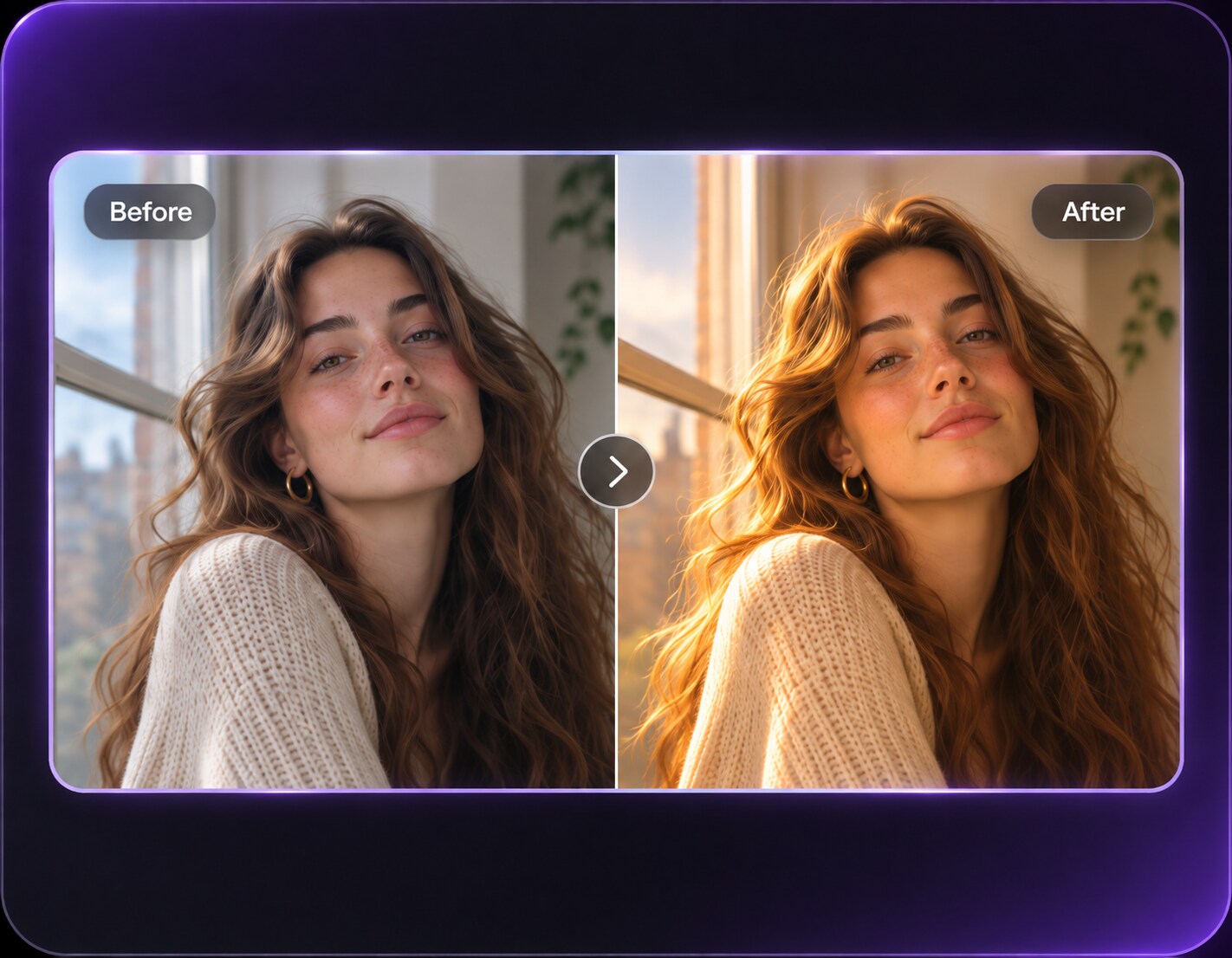
Click Generate, check the face and whites against the original, and soften the request if pink spills across the whole image.
A pink filter for photos should support the subject, whether the picture is a casual profile update or a playful party snapshot.
Refresh a Daylight Profile Picture
You like the expression in your current headshot but want a warmer mood. Ask for pale pink window highlights and a faint peach shadow lift while keeping the original background and the natural whites of your eyes.
Match a Birthday Photo Carousel
If one birthday portrait is warmer than the rest, add gentle rose reflections near existing lamps rather than repainting the cake, clothes and guests. Reuse the same color direction across the set for visual consistency.
Revisit an Old Social-Media Selfie
A faded, rosy camera look can echo mid-2010s photos without changing today's face. Add light blur only at the edges and keep a little digital-camera texture for an intentional throwback.
Rose Color Photo Preview Checklist
Skin Color
Photo preview checklist
"Do the cheeks still have natural variation?" If cheeks and forehead become one magenta patch, request a weaker pink tint concentrated in light rather than skin.
White Balance
Photo preview checklist
"Are eyes and pale clothes still neutral?" Check the whites of the eyes and any white shirt before approving a pink grade.
Background
Photo preview checklist
"Does the room still look like the same room?" Pink should affect illumination, not silently replace furniture and walls.
Intensity
Photo preview checklist
"Is it rosy light or a solid colored veil?" Compare at thumbnail size and reduce saturation if facial contrast disappears.
1. How can I add a rosy tint without changing my natural skin tone?
Ask for pink reflected light in the background and highlights while keeping natural skin tone, eye whites and facial detail. A low-strength rose tint is a better starting point than a full-frame magenta overlay.
2. What is the difference between a soft pink filter and a hot pink filter?
Soft pink uses pale blush highlights and muted contrast. Hot pink is more saturated and works best when a photo already contains strong lighting, party colors or a bold editorial mood.
3. Can a rosy photo edit give my selfie a 2016 look?
Yes, you can describe a rosy haze, slightly faded shadows and gentle digital-camera softness. Keep that nostalgic treatment separate from dog-ear or flower-crown stickers if you want a color-only edit.
4. Does the filter work on outdoor photos?
Outdoor portraits can take rosy sunset highlights, but keep grass and trees recognizable. A strong whole-image pink layer often makes an outdoor scene look artificial.
5. Will a pink photo edit change my makeup or facial features?
You can ask the editor to preserve your expression, makeup and face while changing lighting and color. Review the generated version because AI image edits may also alter small details.
6. What photo should I upload for a rosy portrait effect?
Use a clear image with visible skin detail and not too many competing light sources. A neutral wall or window-lit face makes it easier to compare small color changes.