Seleziona / @ carattere, descrivi la scena che desideri generare.
0/2000
9:16
1K
1
Unlimited Banana Pro
Creations
Ideas Hub
How It Works
All
Popular features
View All
Sfida creativa di Halloween
View All
Storia di Frutta con IA
View All
Video Storia con AI
View All
Video virali oggi
View All
Video di prodotti IA
View All
Personaggio AI
View All
Tendenze di Danza
View All
GPT Image 2
View All
Seedance 2.0
View All
Match Celebrità con AI
View All
Suggerimenti per Pose di Coppia
View All
Prompt di Pose per Ragazze AI Estetiche
View All
Prompt di Pose per Ragazzo AI Elegante
View All
Generate List
Creations are stored for only 7 days. Assets created after upgrading to a Membership plan will be stored permanently.
Unlock your creative potential and experience the magic of Media AI right away!
Crea un Mockup Professionale del Telefono dal Tuo Screenshot in Modo Rapido
Trasforma gli screenshot in realistici mockup del telefono visual per lanci di app, annunci, presentazioni e siti web. Media.io ti aiuta a creare scene da studio pulite, scatti lifestyle e cornici di dispositivi premium in pochi minuti, rendendo la creazione di mockup per app mobile, mockup di app per telefono e mockup di telefono cellulare molto più semplice senza Photoshop.
Digita la tua idea -> L'AI lo progetta. Gratuito da provare.
Esamina questi esempi di istruzioni, poi personalizza i dettagli del prompt per ottenere risultati migliori con questo generatore di mockup per telefono in Media.io.
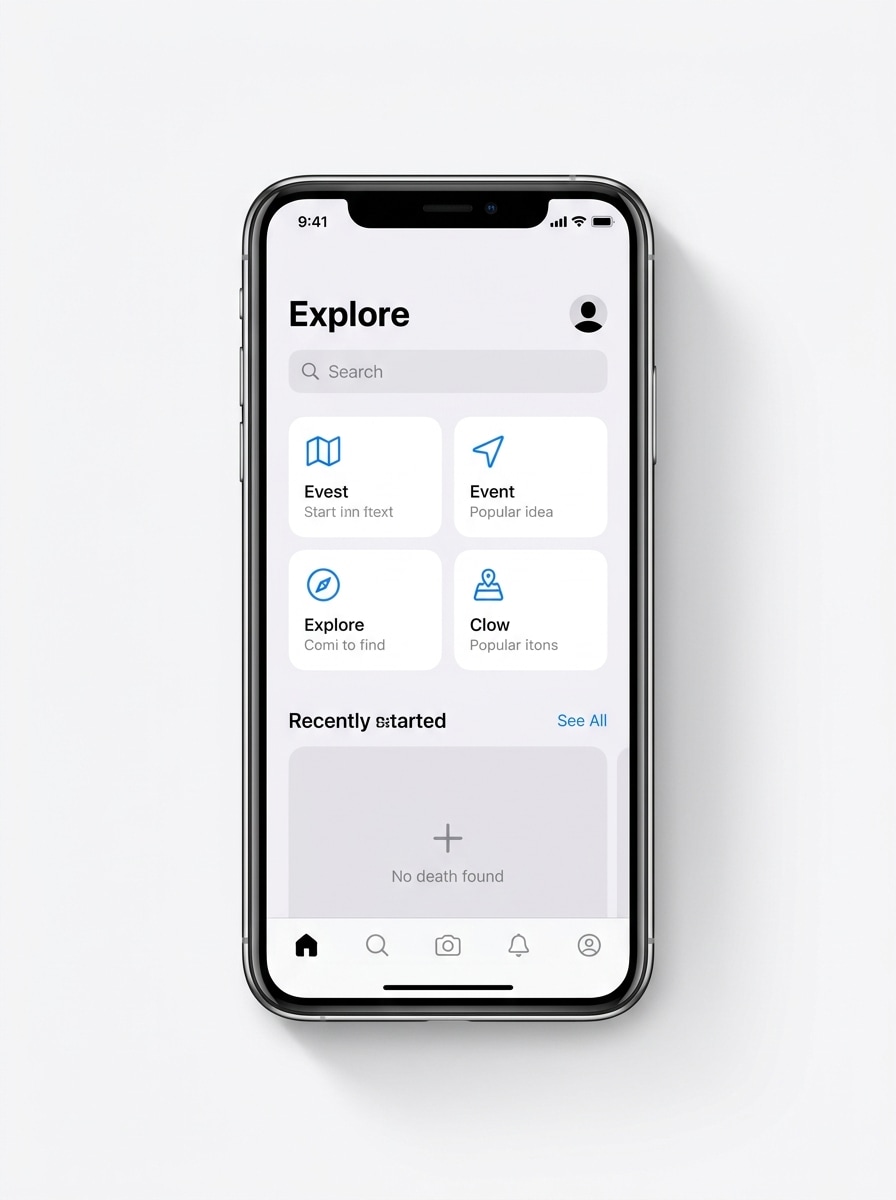
Vista Frontale iPhone Pulito
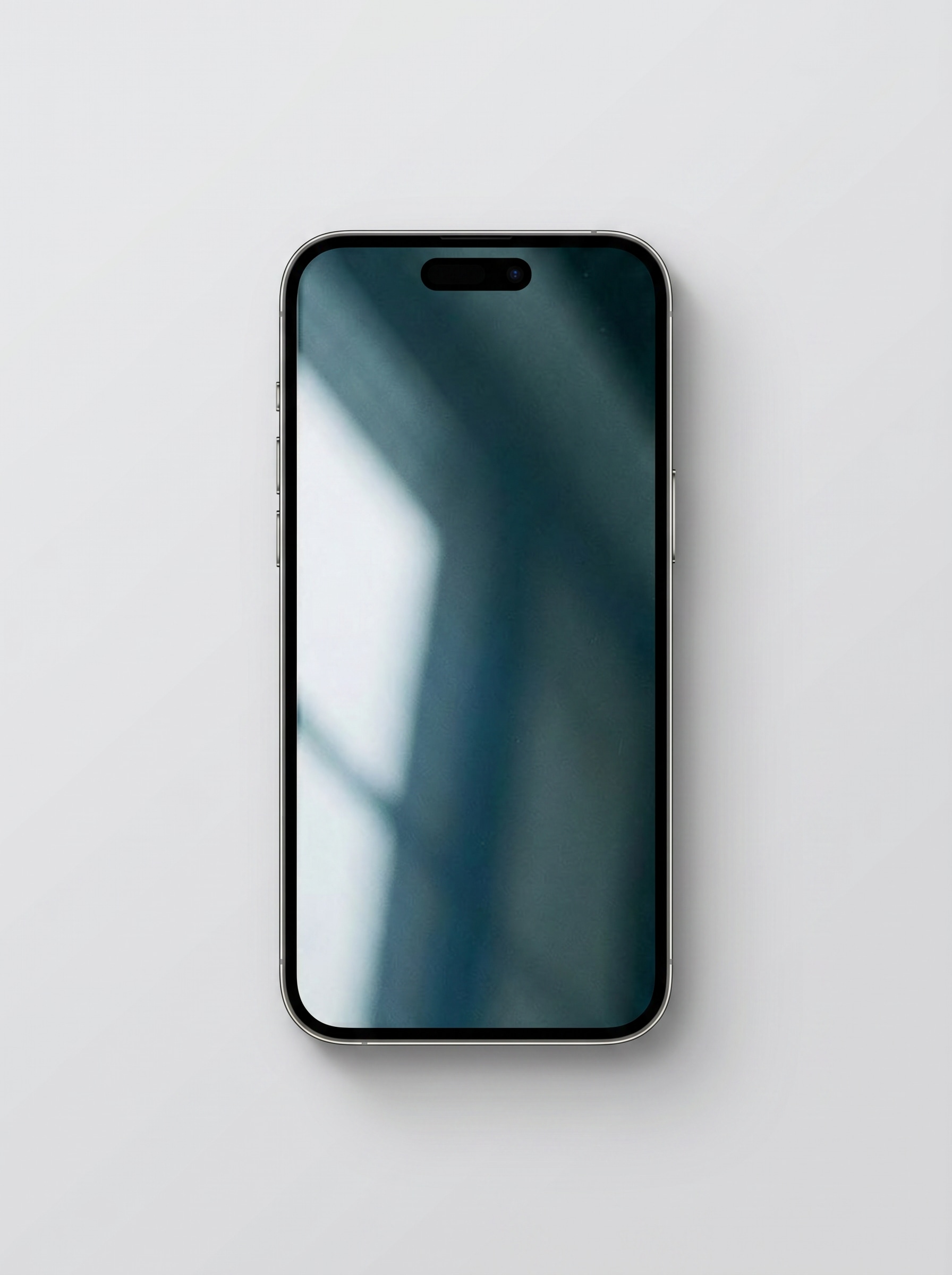
Usa l'immagine caricata come contenuto dello schermo del telefono e trasformala in un realistico mockup di smartphone moderno frontale centrato su uno sfondo grigio chiaro morbido, con illuminazione da studio premium, bordi metallici nitidi, ombra sottile sotto il dispositivo, stile commerciale minimale, composizione pulita e dettagli ad alta risoluzione nitidi.
Telefono Fluttuante su Bianco
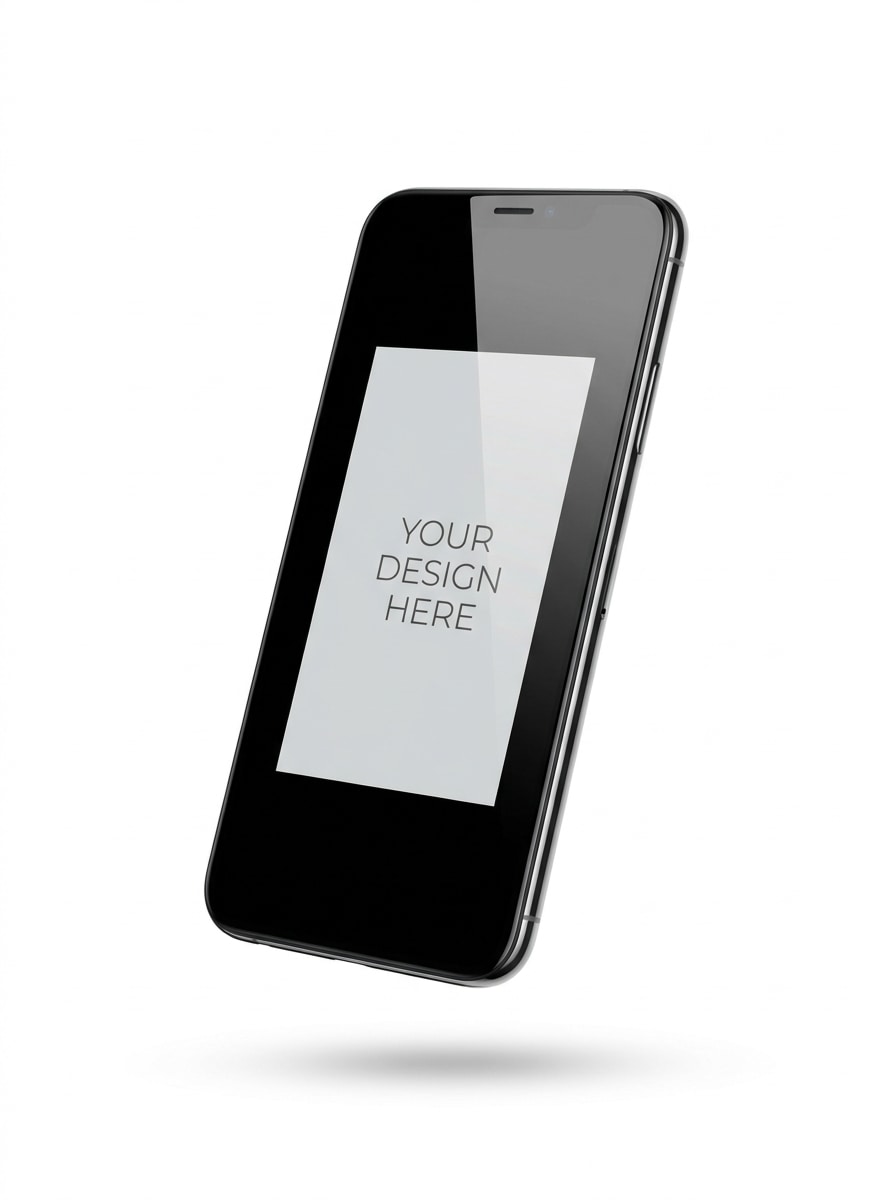
Usa l'immagine caricata come schermo e trasformala in un mockup di smartphone fluttuante su sfondo bianco puro, leggermente angolato per la profondità, con ombra morbida, riflessi fluidi sul vetro, presentazione e-commerce premium, spazio negativo pulito, atmosfera minimalista moderna e rendering commerciale di alta qualità.
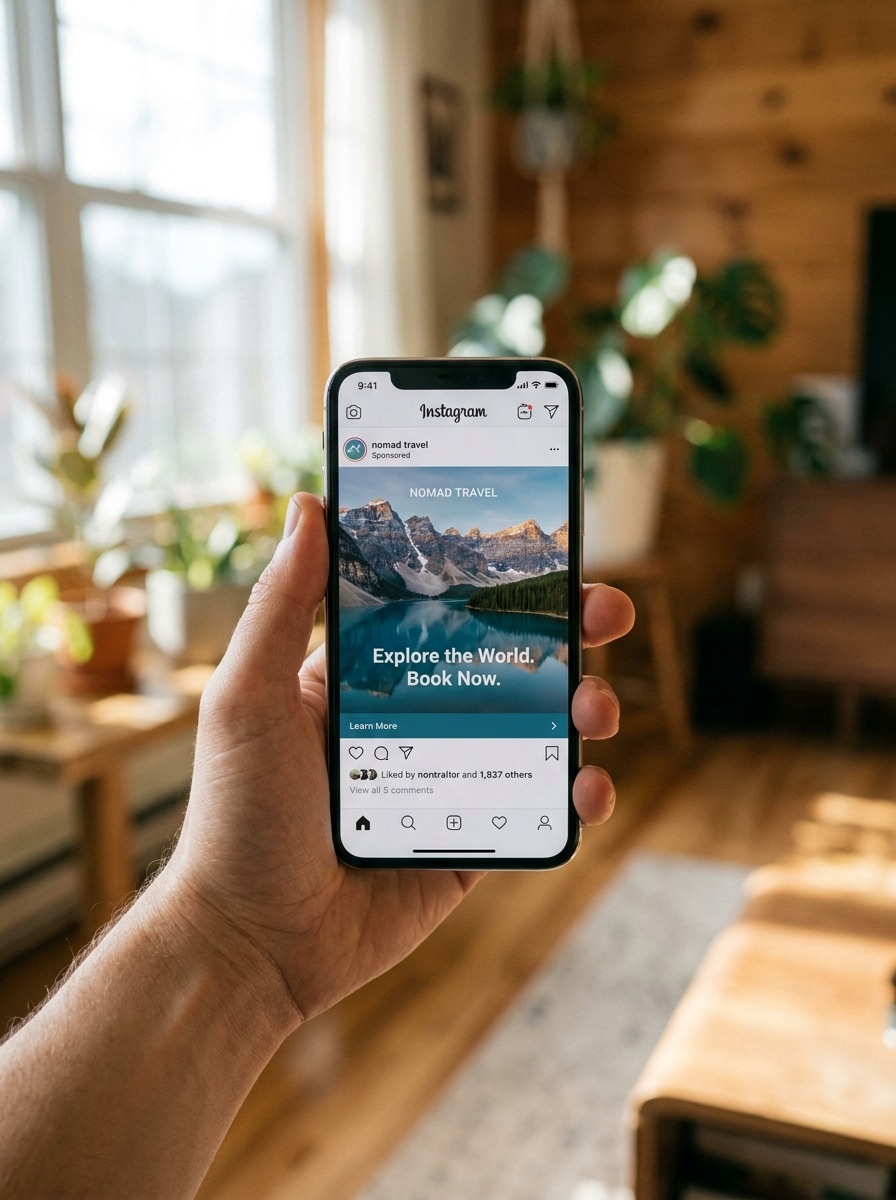
Mano che Tiene il Telefono
Usa l'immagine caricata come contenuto dello schermo e inseriscila all'interno di uno smartphone realistico tenuto in una mano, con toni della pelle naturali, luce diurna morbida, profondità di campo ridotta, fotografia lifestyle moderna, sfocatura dello sfondo delicata, atmosfera commerciale autentica e visibilità chiara dello schermo per una presentazione accattivante per annunci social.
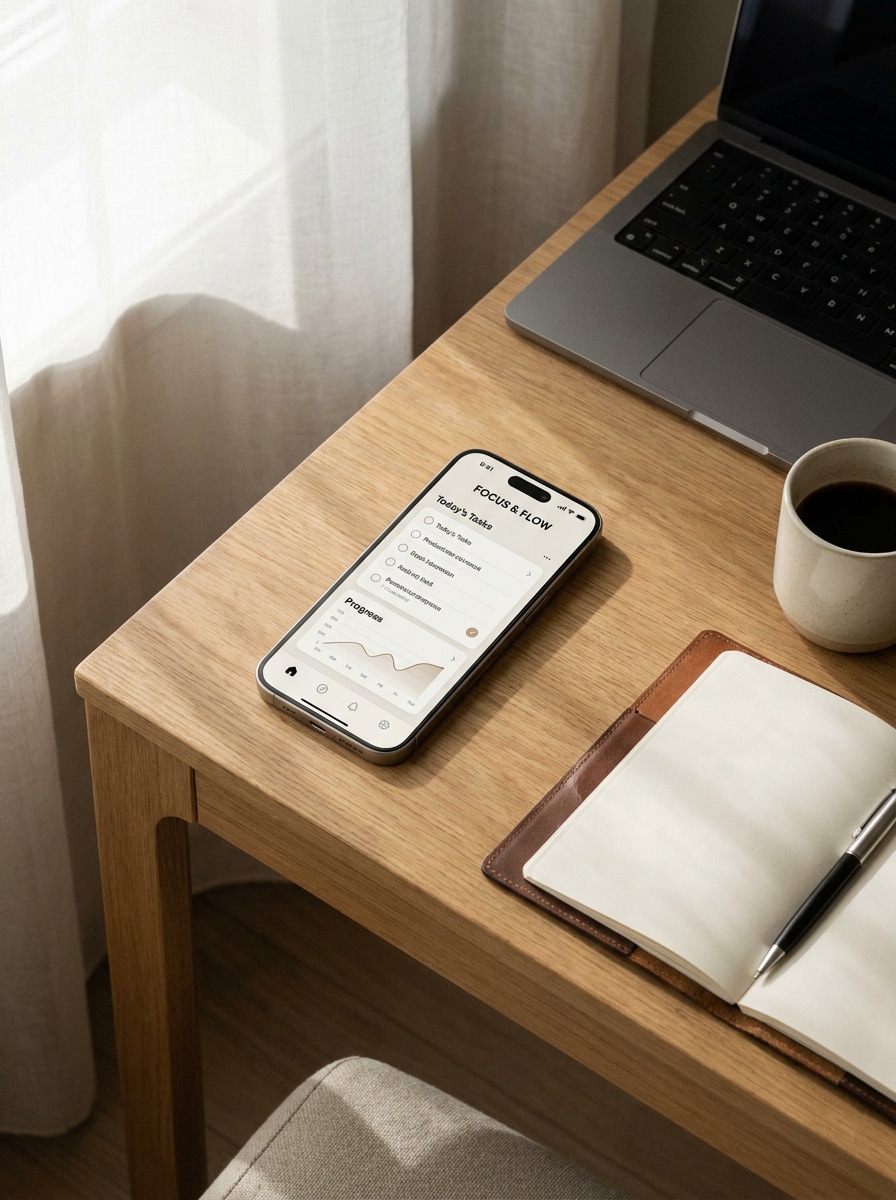
Mockup Scrivania Workspace
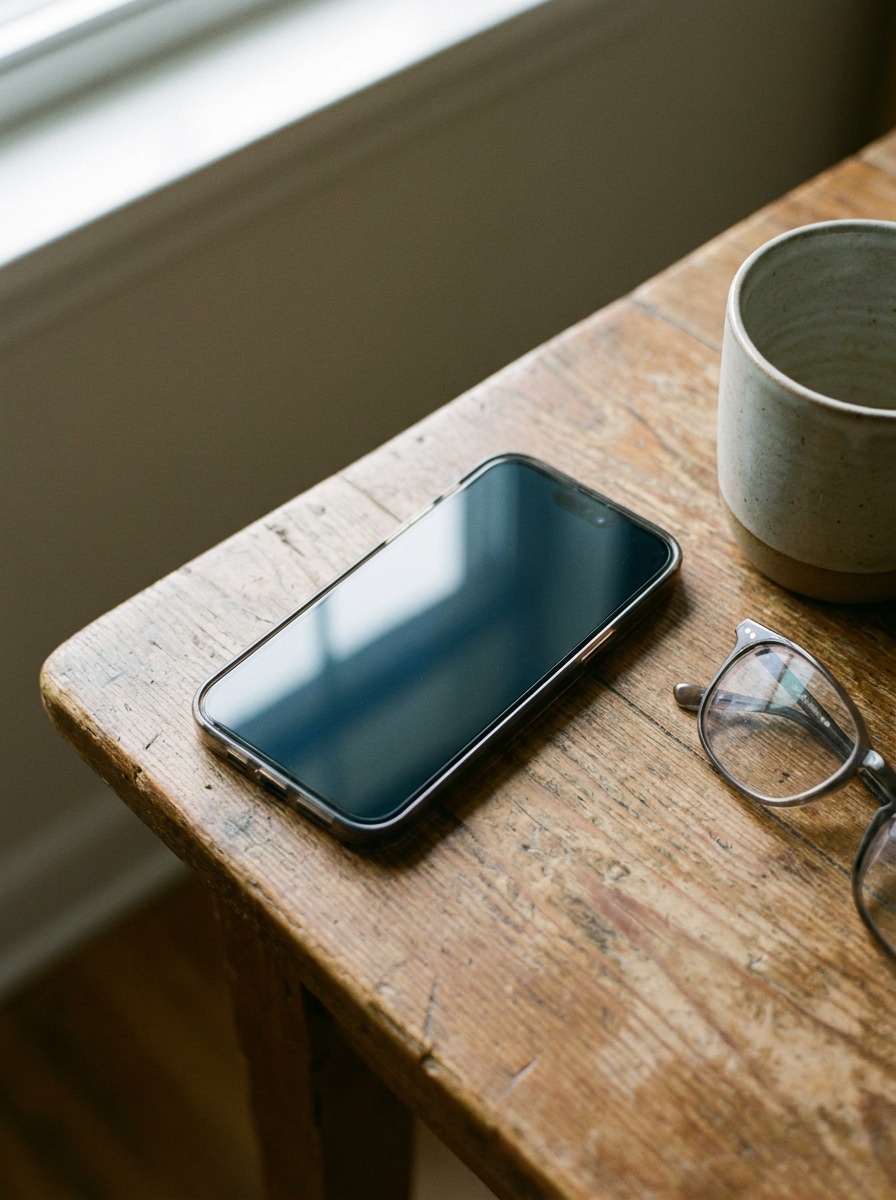
Usa l'immagine caricata come schermo e trasformala in uno smartphone realistico posato su una moderna scrivania con laptop, taccuino e tazza di caffè, illuminato da una morbida luce naturale dalla finestra, stilizzato con un'estetica professionale pulita, ombre sottili, palette neutra calda e presentazione del brand premium.
Cornice Screenshot App Store
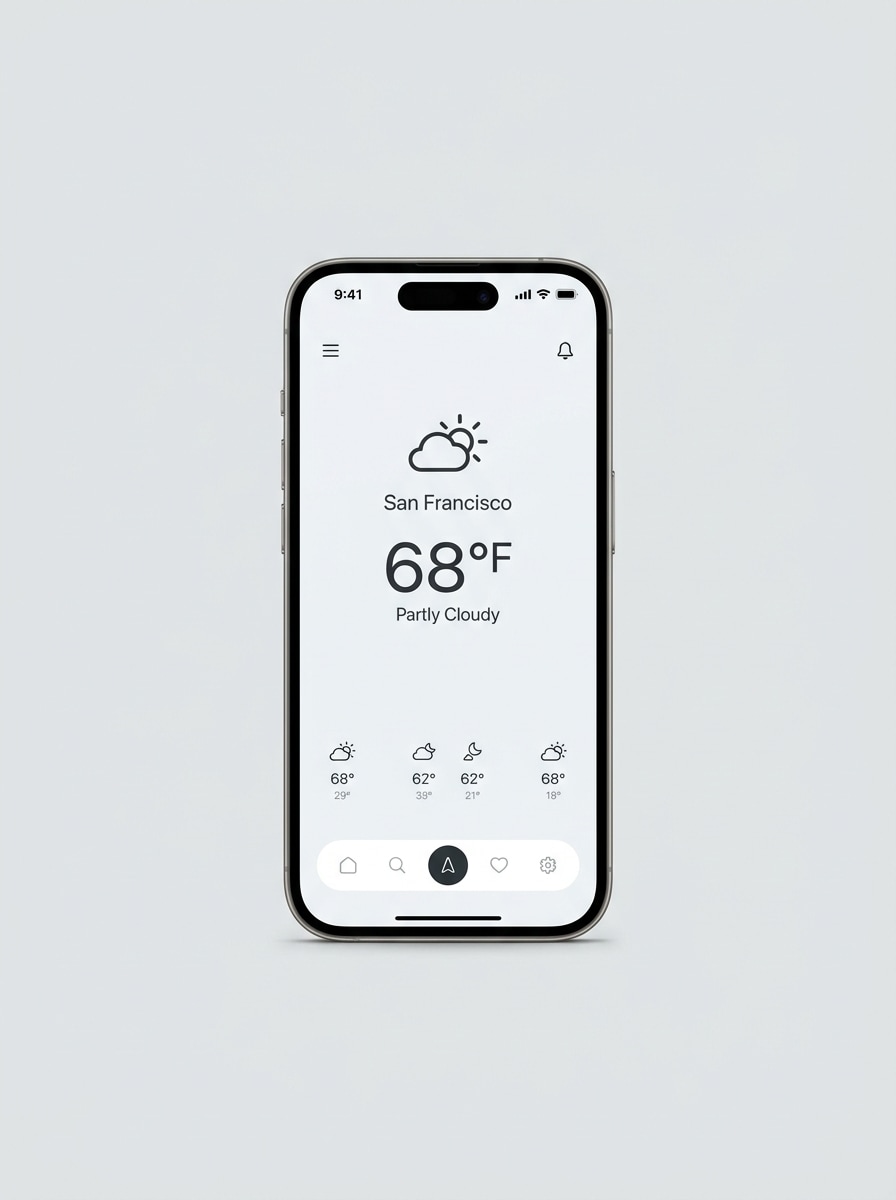
Usa l'immagine caricata come contenuto dello schermo e trasformala in una cornice per smartphone rifinita per il marketing dell'app, con vista frontale, sfondo luminoso e pulito, linee del bordo nitide, ombra morbida, aspetto pronto per l'app store premium, spaziatura equilibrata e chiarezza visiva nitida che mette in risalto i dettagli dell'interfaccia in modo professionale.
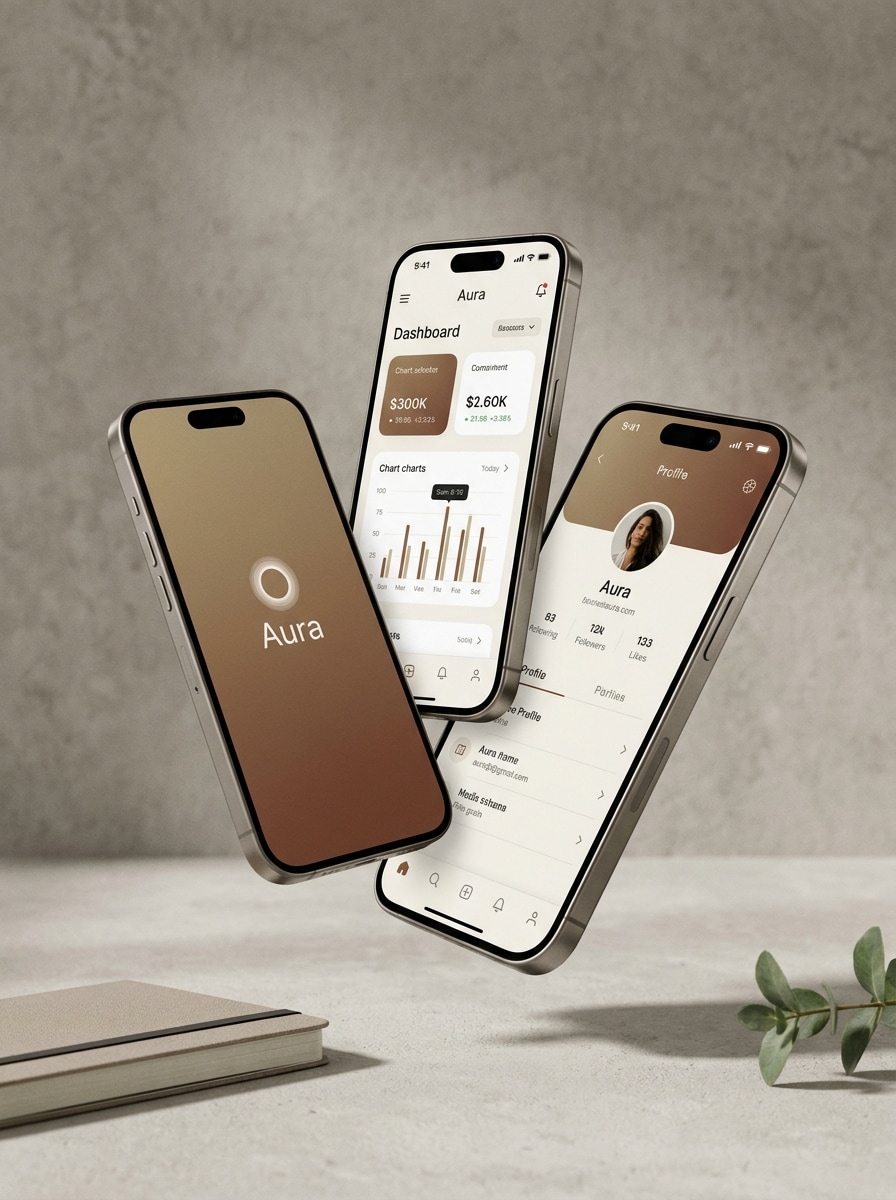
Carosello Multi-Schermo
Usa l'immagine caricata come riferimento dello schermo principale e trasformala in una composizione premium a tre telefoni che mostra più visualizzazioni dell'app, con disposizione a strati, ombre morbide, sfondo neutro, estetica di lancio startup, separazione della profondità pulita, riflessi raffinati e un layout editoriale moderno adatto per vetrine di prodotti.
Render 3D Telefono Angolato
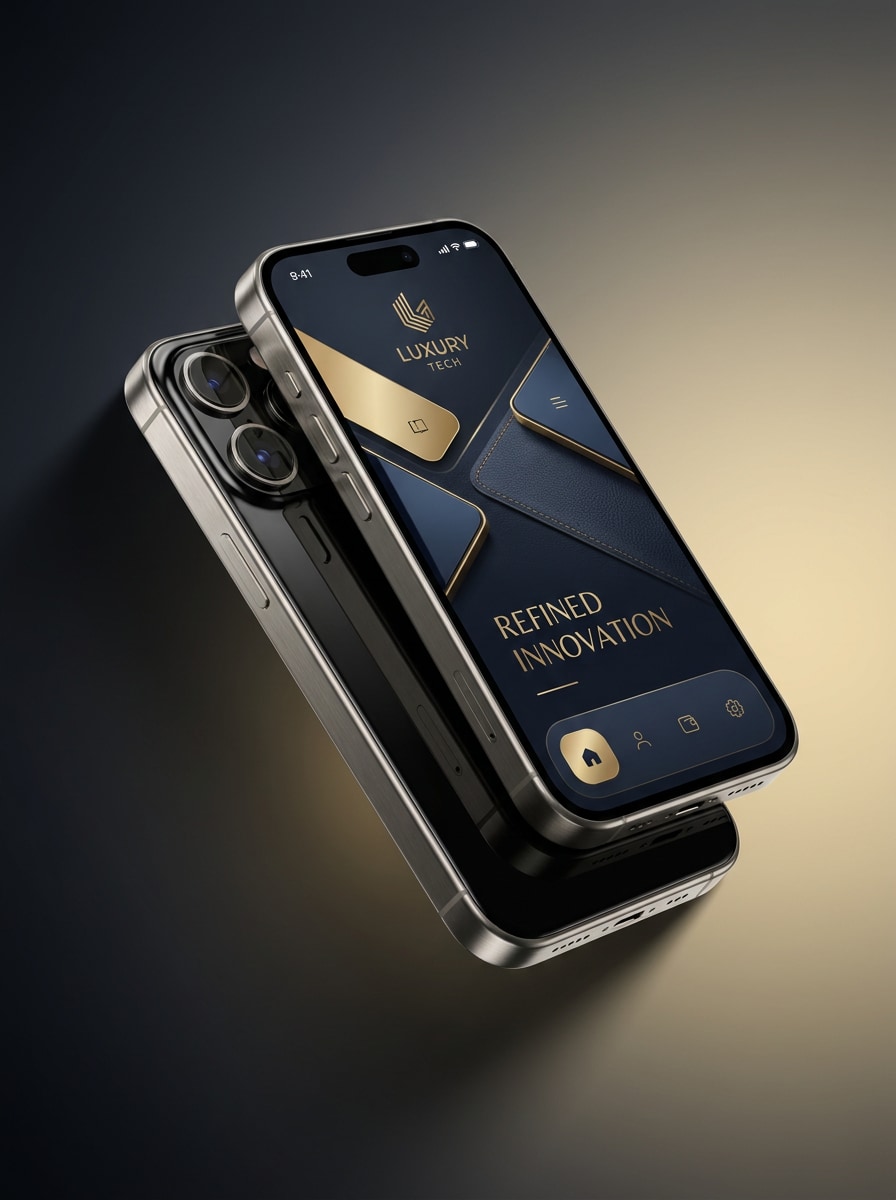
Usa l'immagine caricata come schermo e trasformala in un render 3D premium di smartphone angolato con bordi metallici, riflessi lucidi, illuminazione da studio drammatica, sfondo con gradiente da scuro a chiaro, atmosfera da pubblicità tech di lusso, texture dei materiali raffinate, profondità marcata e dettagli ad altissima risoluzione per visual di marketing d'impatto.
Mockup con Riflesso in Vetro
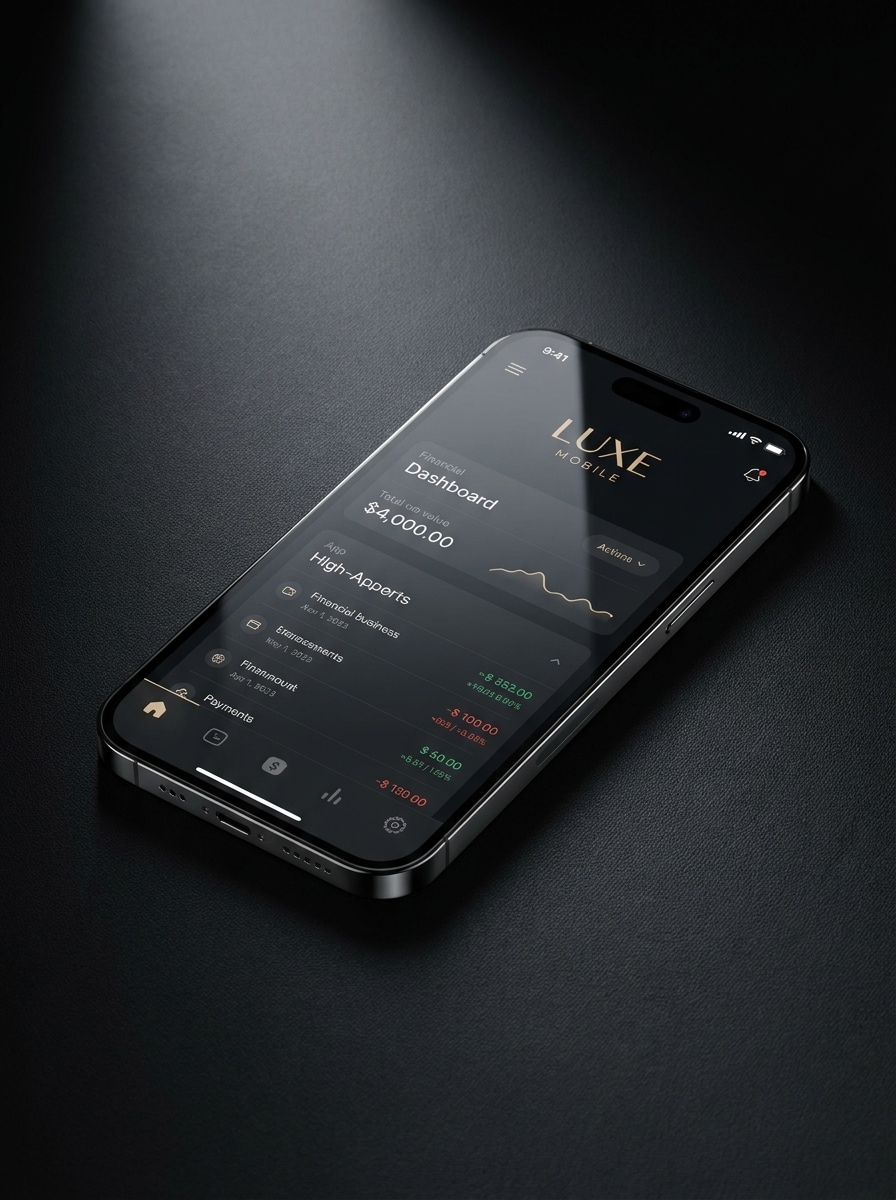
Usa l'immagine caricata come contenuto dello schermo e crea un mockup di smartphone lucido con eleganti riflessi in vetro, luci cinematografiche, materiali del dispositivo realistici, sfondo scuro premium, gradienti di ombra sottili, sensazione pubblicitaria di lusso e dettagli affilati che rendono l'interfaccia sofisticata e di alta gamma.
Telefono con Sfondo Sfumato
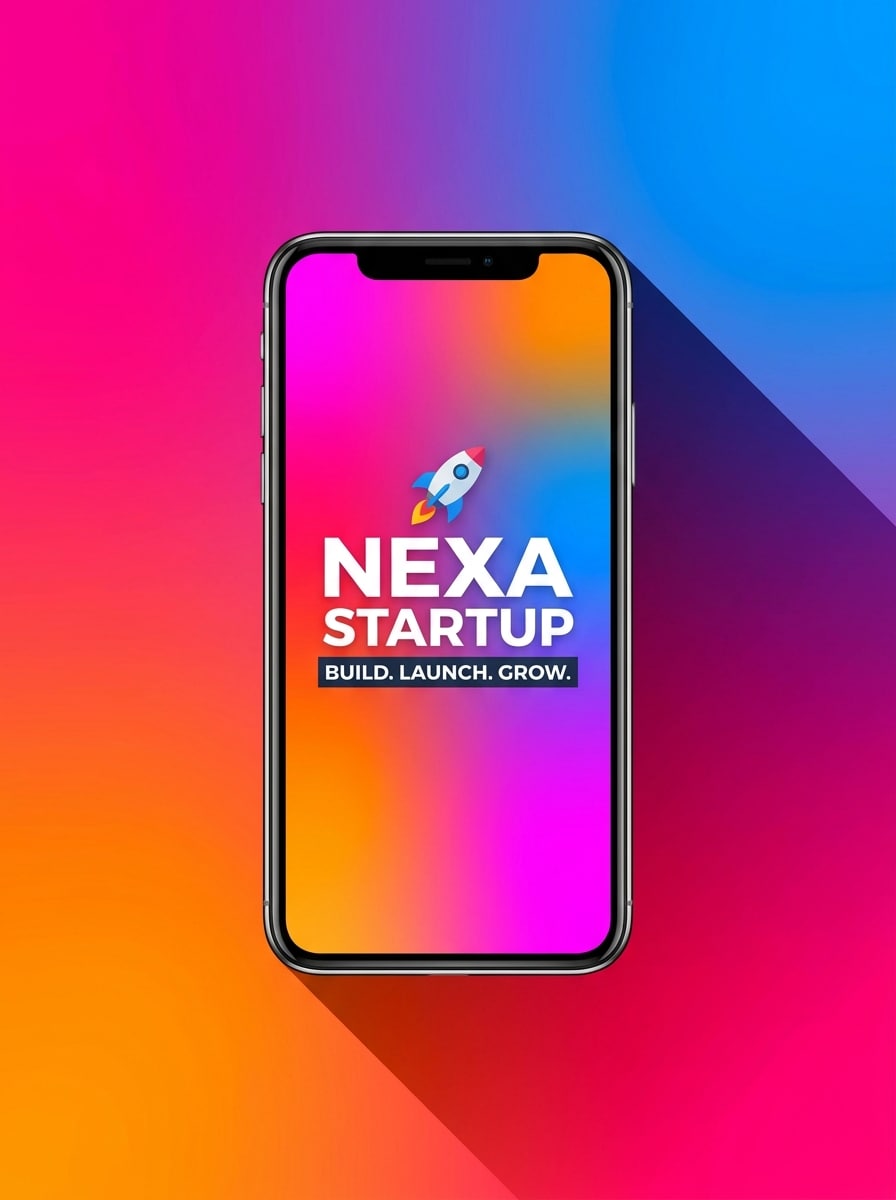
Usa l'immagine caricata come schermo e trasformala in un mockup di smartphone audace centrato su uno sfondo con gradiente vibrante, con ombra drammatica, colori campagna brillanti, energia moderna da annuncio startup, enfasi pulita sullo schermo, contorni del dispositivo eleganti e una composizione promozionale rifinita progettata per creatività sui social media.
Telefono con Callout UI
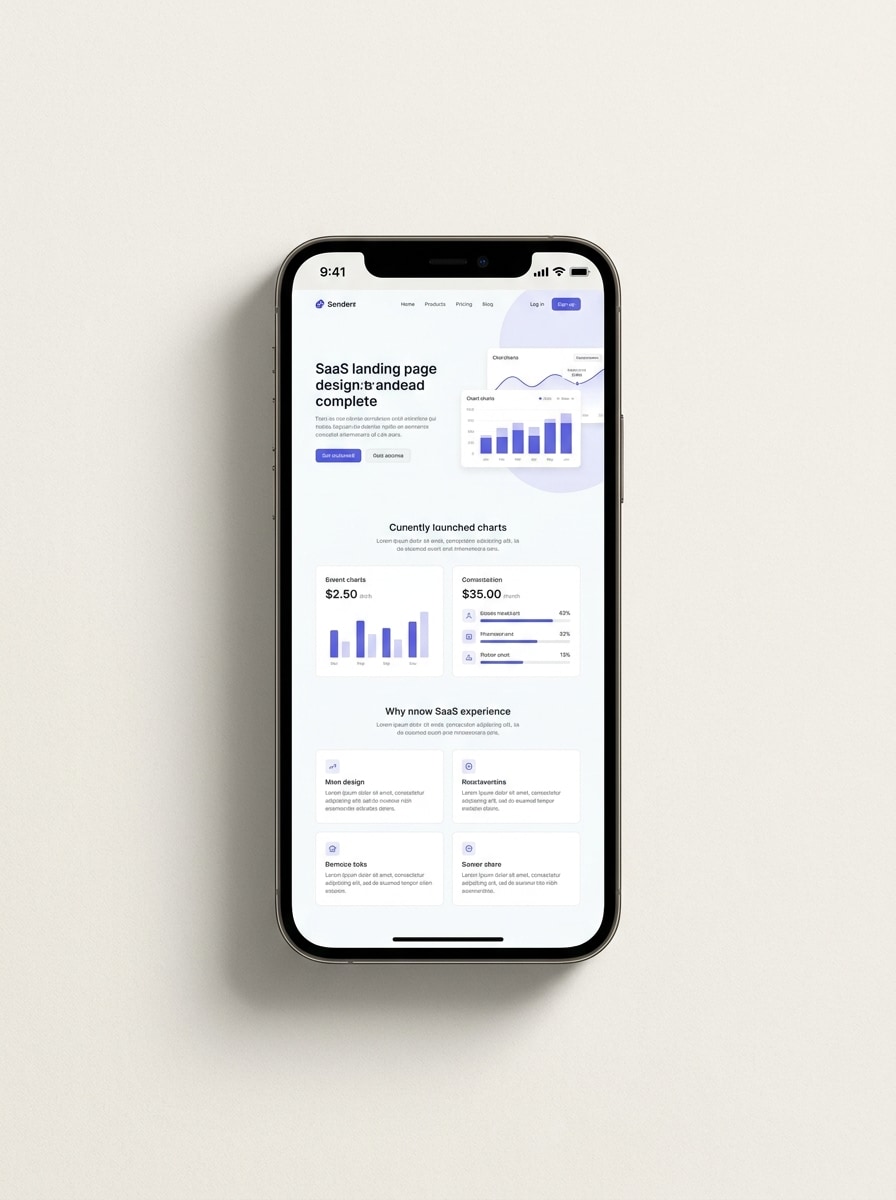
Usa l'immagine caricata come contenuto dello schermo e inseriscila all'interno di un mockup di smartphone pulito con spazio aperto circostante per callout delle funzionalità, sfondo chiaro, ombra sottile, stile di presentazione SaaS premium, composizione equilibrata, illuminazione da studio morbida e una gerarchia visiva chiara per landing page e presentazioni commerciali.
Perché Usare Media.io come Generatore di Mockup per Telefono
Personalizza i Risultati Attorno a un Soggetto di Riferimento
Per lanci di app, landing page o pitch per investitori, Media.io ti consente di caricare uno screenshot e trasformarlo in mockup del telefono rifiniti in pochi minuti.
Esplora Stili Diversi Senza Perdere la Direzione
Quando lo stile fa parte del processo decisionale, Media.io ti aiuta a confrontare più direzioni dalla stessa base di mockup del telefono, rendendo la selezione creativa più efficiente.
Esporta Layout Flessibili per Annunci, Store e Presentazioni
Uno screenshot singolo spesso richiede diversi output, e Media.io ti aiuta ad adattare lo stesso design in un visual mockup app per post social, pagine prodotto, copertine o asset di marketing per app.
Genera Output più Nitidi fino a 4K
Gli asset di pubblicazione devono rimanere nitidi, e Media.io aiuta a trasformare il tuo mockup del telefono in un'immagine pronta per le presentazioni con output fino a 4K. Quella chiarezza aggiuntiva fa sì che il visual regga meglio su slide, sfondi e materiali di marketing riutilizzati.
Come Creare un Mockup del Telefono Online
Trasforma le tue parole in visual straordinari in tre semplici passaggi, poi continua a perfezionare il risultato se vuoi andare oltre.
Passaggio 1
Carica la Tua Immagine di Riferimento
Carica uno screenshot dell'app chiaro, uno schermo UI o un display del prodotto in formato JPG, PNG o JPEG. Un'immagine sorgente nitida fornisce a Media.io una base migliore per creare una cornice telefonica realistica, che tu voglia uno scatto da studio pulito o una scena lifestyle.
Passaggio 2
Descrivi la Modifica e Imposta le Opzioni
Inserisci un prompt che spieghi lo stile del dispositivo, lo sfondo, l'illuminazione, l'angolo e l'atmosfera che desideri. Poi scegli il tuo modello e regola il rapporto d'aspetto, la risoluzione e il numero di immagini per adattarle all'output previsto, da un annuncio social a una vetrina di mockup per app mobile.
Passaggio 3
Genera, Scarica e Continua a Migliorare
Genera diverse versioni, confronta i layout e scarica quello più adatto. Puoi perfezionare il prompt per una cornice diversa, creare altri mockup mobile o rifinire ulteriormente il risultato per presentazioni, pagine di lancio e contenuti promozionali.
Guarda come i creator usano questo Mockup del Telefono per contenuti, marketing e progetti personali, poi adatta ogni idea al brief con Media.io.
Presenta le Schermate dell'App per le Campagne di Lancio
Trasforma screenshot grezzi in visual rifiniti del dispositivo per lanci di prodotto, creatività per l'app store e annunci a pagamento. È ideale quando hai bisogno di una presentazione mockup telefono pulita che faccia sembrare le nuove funzionalità pronte per la produzione su landing page, pitch deck e post social.
Crea Visual Migliori per Siti Web e Portfolio
Mostra la tua UI all'interno di cornici di dispositivi premium invece di caricare screenshot piatti. Designer, fondatori e agenzie possono usare Media.io per creare un solido mockup di app per telefono o mockup del telefono per case study, banner hero e presentazioni ai clienti che risulti più credibile e visivamente completo.
Crea Asset di Marketing Localizzati e Multi-Stile
Fai funzionare un singolo design dello schermo in diverse campagne trasformandolo in un render da studio minimale, scena lifestyle o composizione pronta per gli annunci. Quella flessibilità aiuta i team a usare Media.io come generatore di mockup di dispositivi per testare direzioni creative, costruire una versione mockup cellulare o creare un concetto di mockup telefonico gratuito per la revisione.
Cosa Dicono gli Utenti
Avery Chen
Product Designer
"Modo rapido per presentare le schermate dell'app" Ho usato Media.io per trasformare semplici acquisizioni UI in presentazioni rifinite del dispositivo per una revisione con il cliente. I mockup sembravano molto più professionali rispetto agli screenshot normali, e non ho dovuto aprire Photoshop nemmeno una volta.
Sofia Martinez
App Marketing Manager
"Ottimo per le creatività di lancio" Avevamo bisogno rapidamente di visual per l'app store e annunci social, e questo strumento ci ha fatto risparmiare molto tempo. Ho potuto testare un look da studio minimale, una cornice lifestyle e uno stile promozionale lucido dallo stesso screenshot.
Ethan Brooks
Startup Founder
"Utile per pitch deck e landing page" Il flusso di lavoro nel browser è semplice e i risultati sono sufficientemente puliti per le slide degli investitori e i visual della homepage. Ci ha aiutato a creare una presentazione mobile premium senza assumere un artista 3D.
Camila Reyes
UI Designer Freelance
"Facile da iterare e perfezionare" Mi piace poter caricare uno schermo e provare layout, sfondi e stili di illuminazione diversi. È un modo pratico per creare mockup del telefono pronti per i clienti quando ho bisogno di opzioni velocemente.
Esplora i più popolari effetti video e immagini AI
Un generatore di mockup per telefono è uno strumento che trasforma uno screenshot o un design in un'immagine realistica di presentazione di uno smartphone. Con Media.io, puoi caricare il tuo schermo, descrivere lo stile desiderato e creare mockup rifiniti per il marketing di app, siti web, presentazioni e contenuti social direttamente nel tuo browser.
2. Come inserisco il mio screenshot in un mockup del telefono online?
Carica il tuo screenshot su Media.io, aggiungi un prompt che descriva la cornice del telefono o la scena che desideri, poi scegli opzioni come rapporto d'aspetto, risoluzione e numero di immagini. Media.io usa l'immagine caricata come riferimento, così puoi trasformare una schermata piatta in un mockup realistico con un lavoro di editing minimo.
3. Posso creare un mockup del telefono gratuitamente?
Gli utenti gratuiti possono provare Media.io con crediti gratuiti, utile se vuoi un mockup del telefono gratuito di prova o un concetto rapido di mockup telefonico gratuito prima di impegnarsi in progetti più grandi. Per un utilizzo maggiore e download ad alta risoluzione senza filigrana, puoi consultare la pagina dei prezzi.
4. Posso creare mockup iPhone e Android con lo stesso strumento?
Media.io è progettato per la modifica flessibile da immagine a immagine, così puoi creare diversi stili di presentazione dello smartphone dallo stesso screenshot caricato. Ciò lo rende utile per visual di marketing in stile iPhone e in stile Android, a seconda della cornice, dell'angolo e della scena descritti nel prompt, e funziona in un browser su dispositivi desktop e mobili.
5. Quale dimensione dell'immagine funziona meglio per un mockup dello schermo del telefono?
Uno screenshot chiaro e di alta qualità funziona meglio, soprattutto quando il testo dell'UI e le icone sono facili da leggere. Se prevedi di creare visual dettagliati per il marketing delle app, un mockup di app per telefono o altri mockup mobile per display più grandi, inizia con l'acquisizione dello schermo della massima qualità disponibile in modo che il risultato finale rimanga nitido dopo la modifica.
6. I mockup del telefono esportati sono ad alta risoluzione?
Media.io supporta opzioni di risoluzione 1K, 2K e 4K, utili quando hai bisogno di esportazioni nitide per siti web, presentazioni, annunci o pagine prodotto. Gli utenti gratuiti potrebbero avere filigrane.