Creations are stored for only 7 days. Assets created after upgrading to a Membership plan will be stored permanently.
Unlock your creative potential and experience the magic of Media AI right away!
AI Passport Photo Maker Free
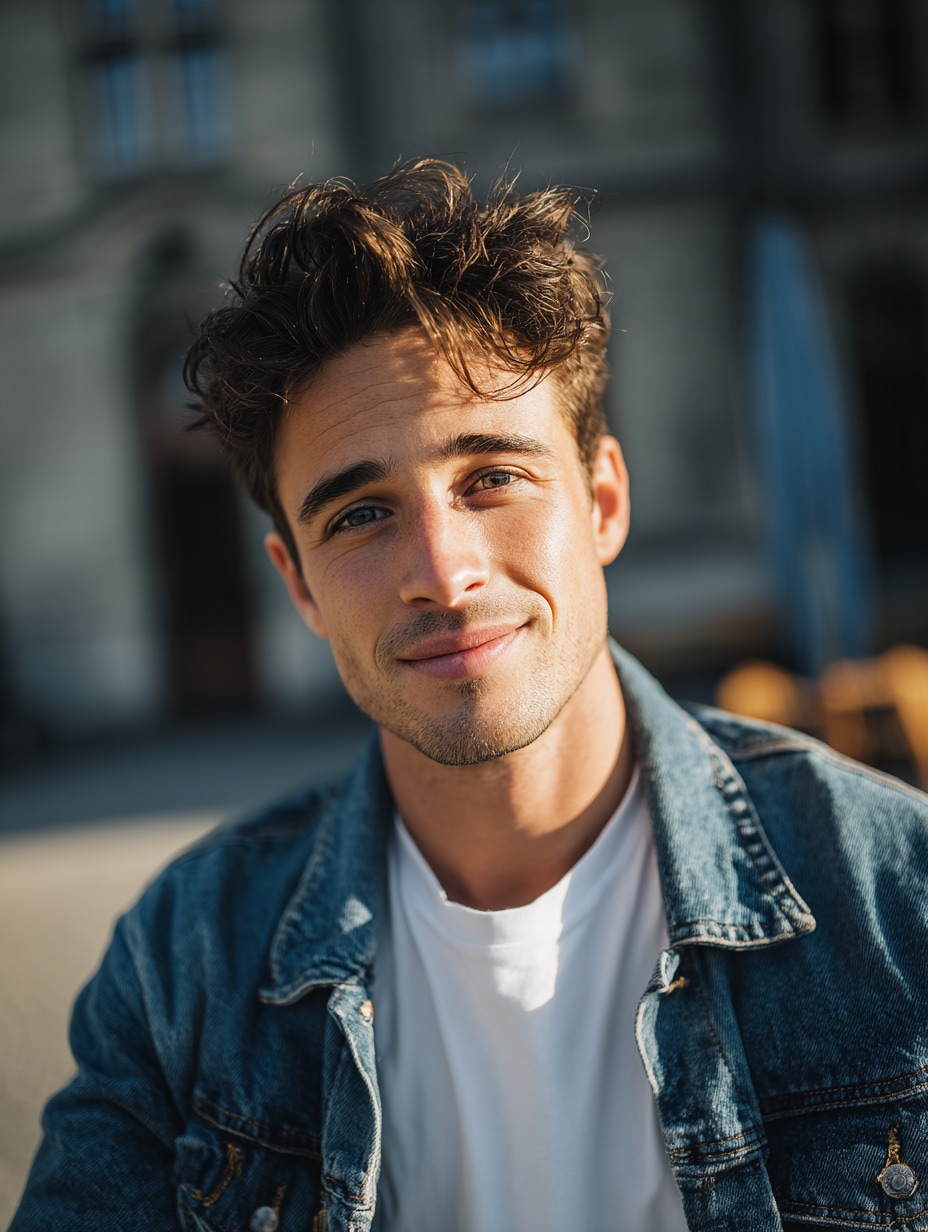
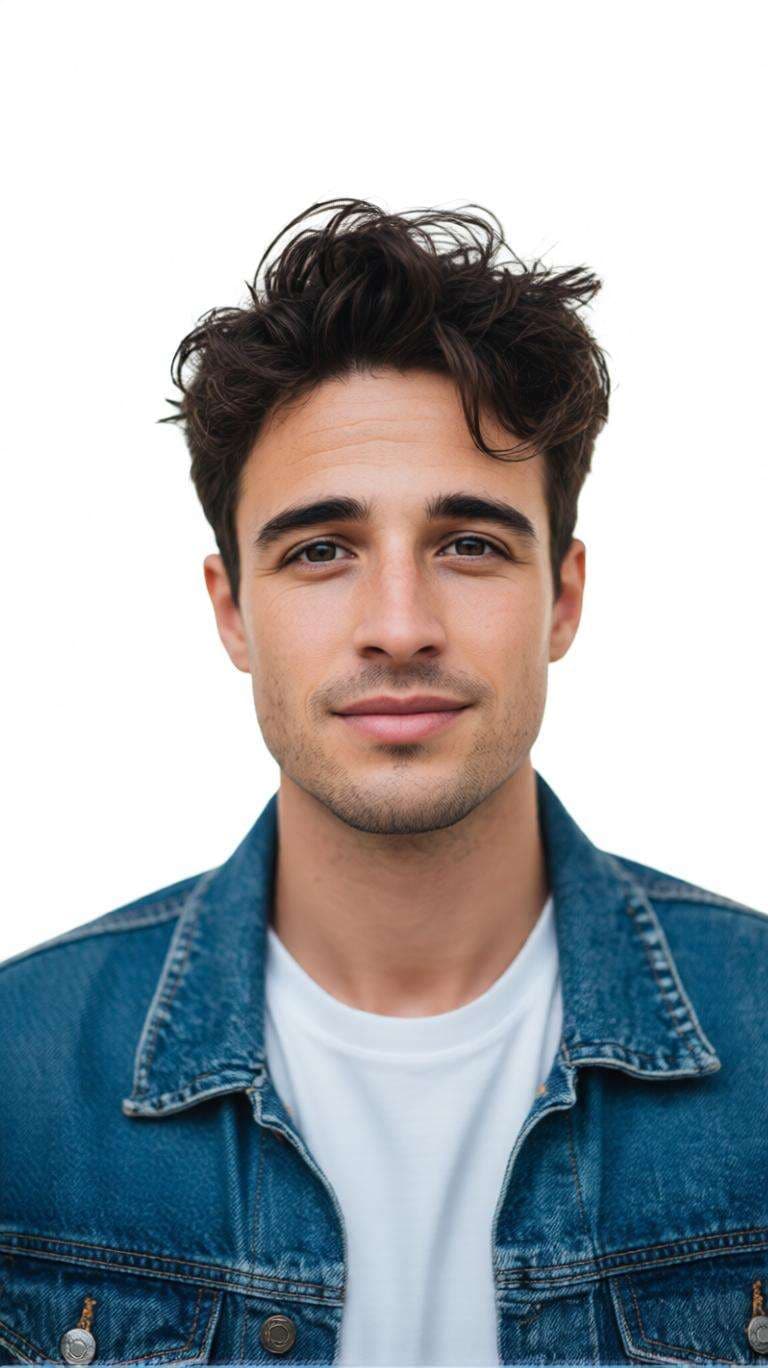
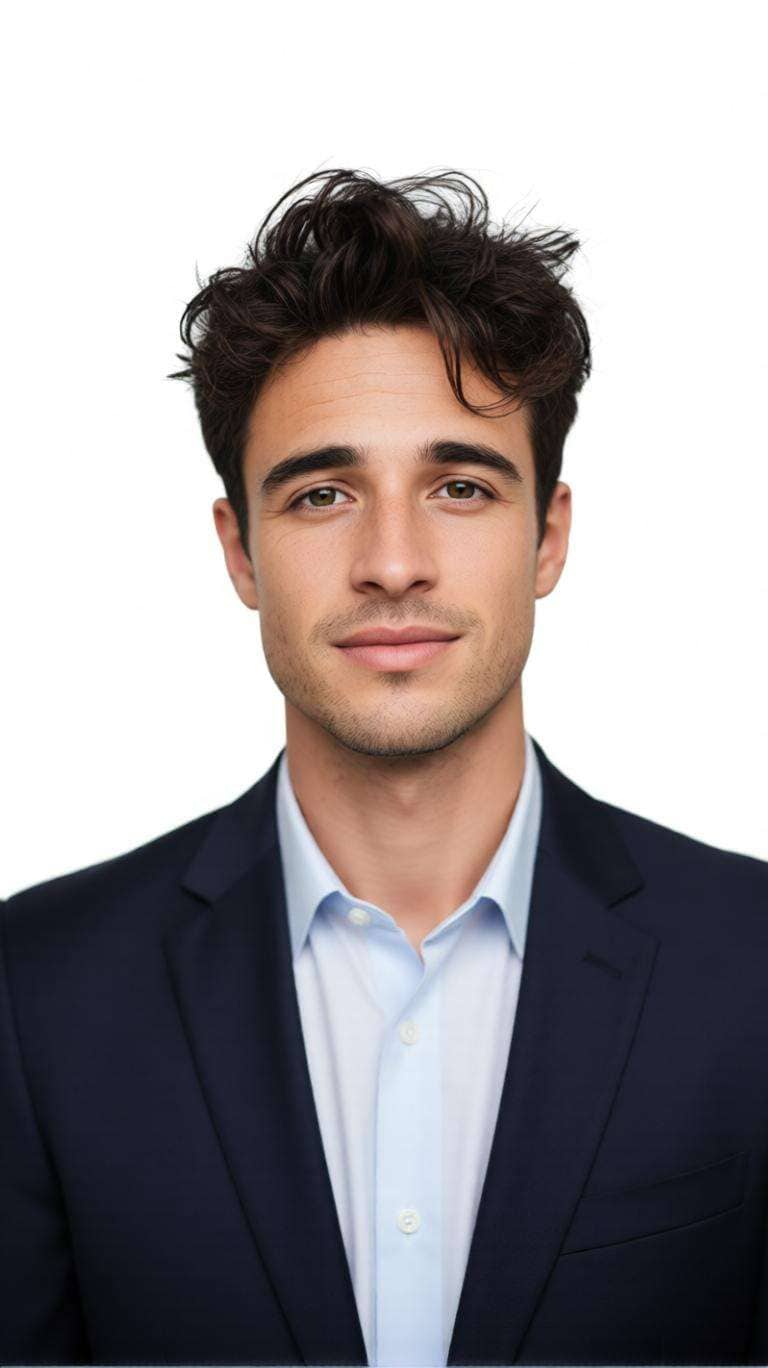
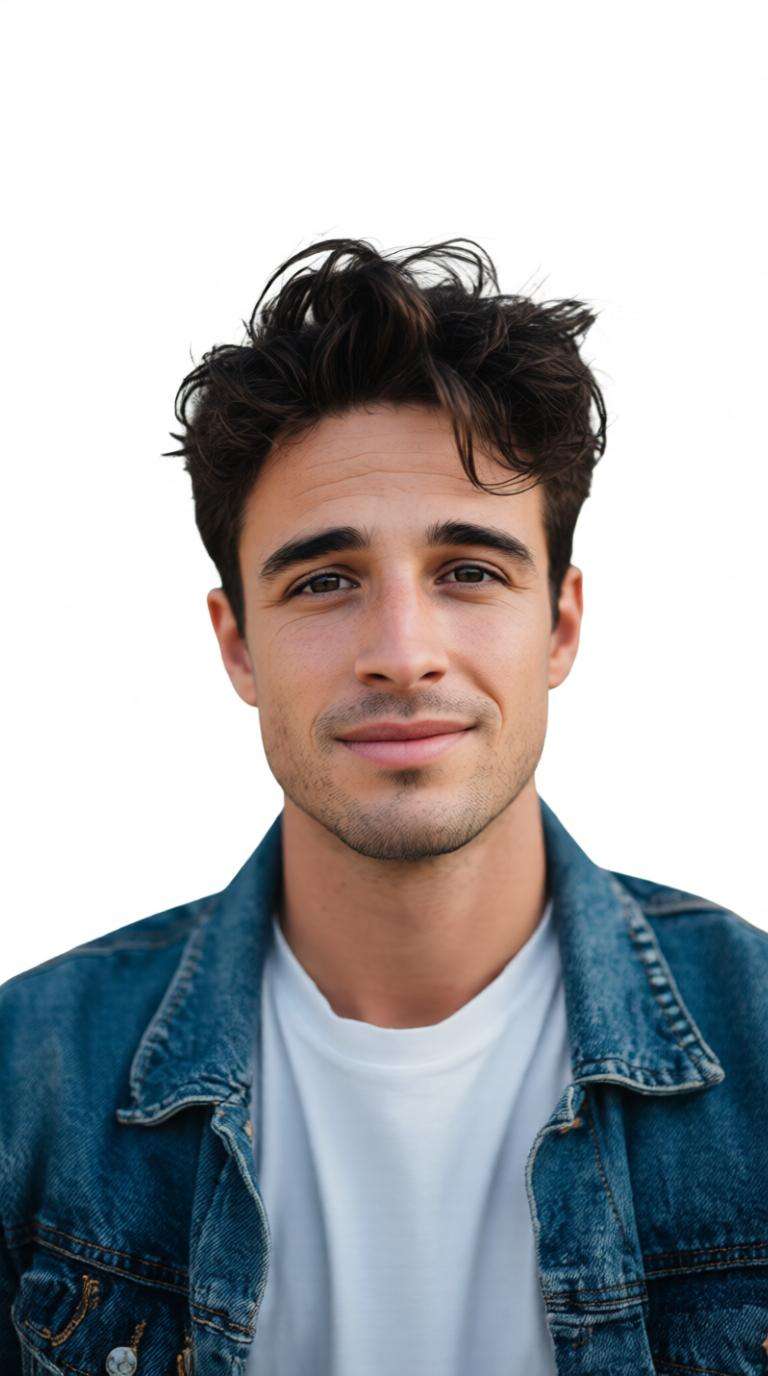
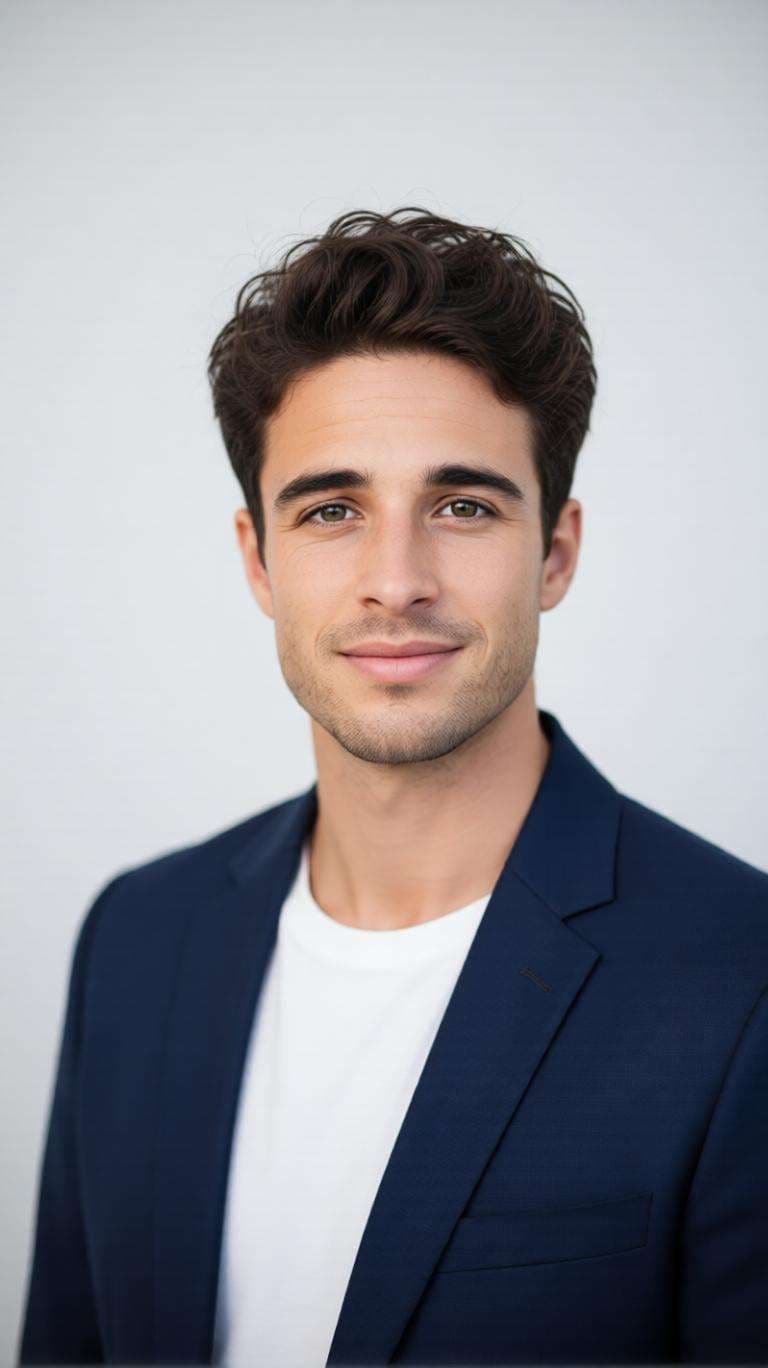
Turn a regular selfie into a clean passport or ID-style photo online. Media.io AI Passport Photo Maker Free helps you replace distracting backgrounds, refine portrait framing, create professional ID photos, and prepare 2x2 passport photo layouts without complicated editing.
Upload a clear portrait and create a clean passport-size or ID photo in a few clicks.
Before
After
Before
After
AI Passport Photo Maker Prompts for Every ID Photo Need
Use these ready-to-copy prompts to create white-background passport photos, 2x2 ID portraits, professional dress photos, blue-background IDs, baby passport-style photos, and other clean portrait variations with Media.io.
White Background Passport Photo
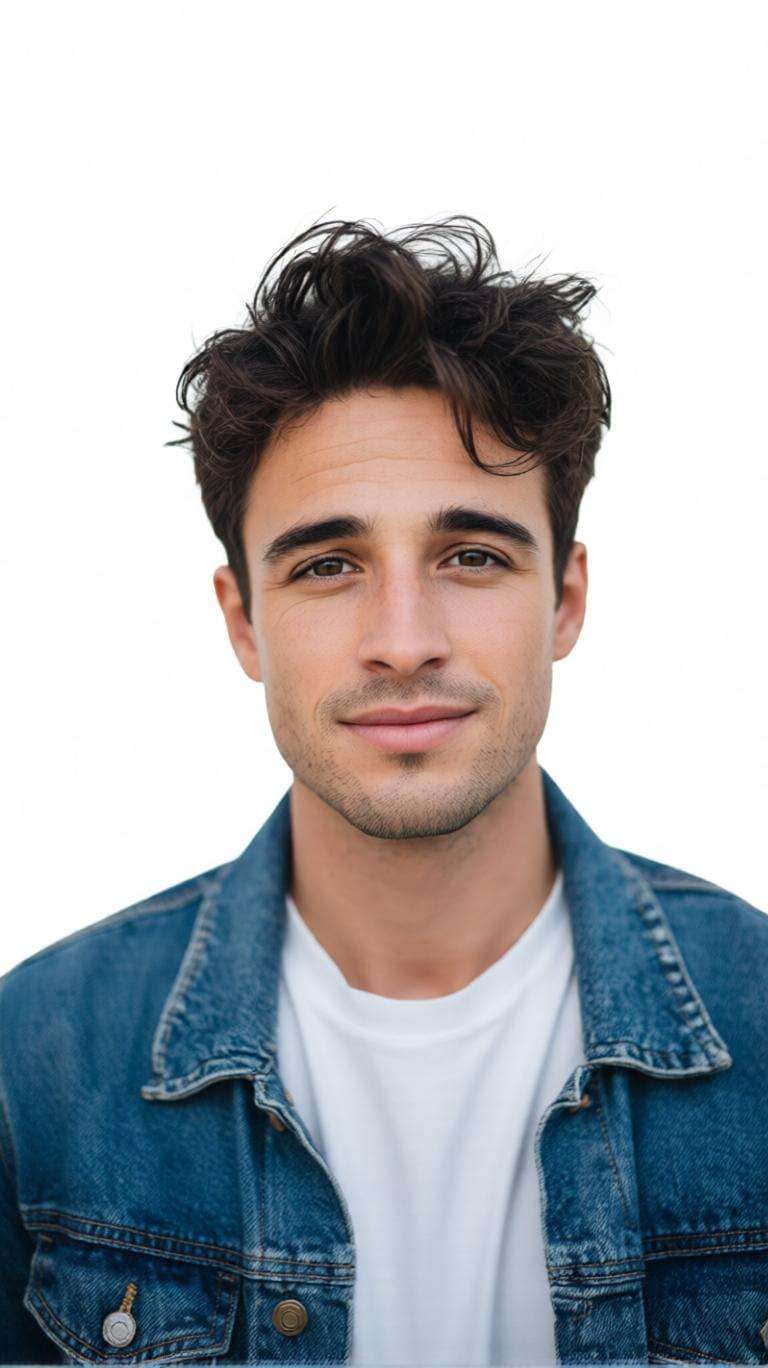
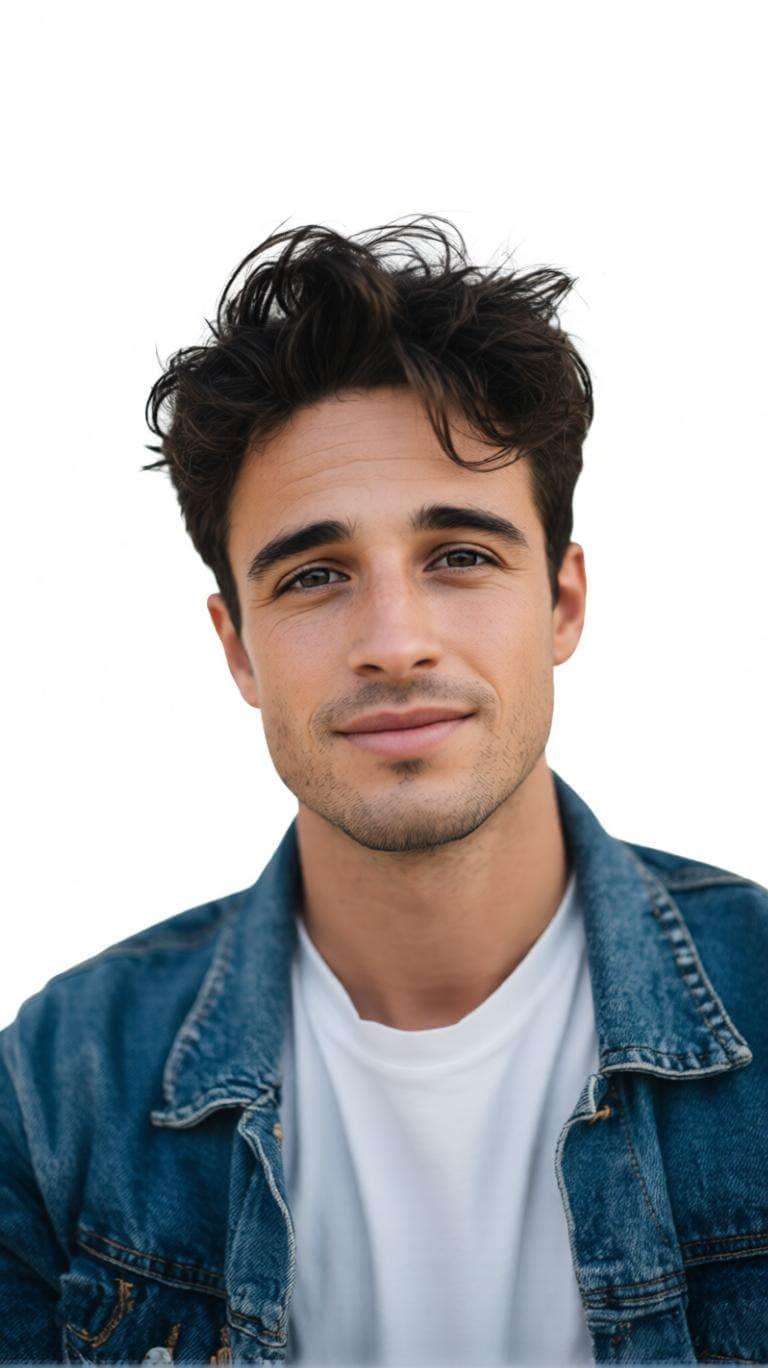
Transform the uploaded portrait into a professional passport-style ID photo. Preserve the person’s exact identity, facial features, face shape, skin tone, hairstyle, age, and natural appearance. Center the head and shoulders, use a neutral expression, replace the original background with seamless pure white, and apply soft even studio lighting. Realistic skin texture, sharp details, no beauty filter, no facial reshaping, no text or watermark.
Selfie to Passport Photo
Convert the uploaded casual smartphone selfie into a clean professional passport-style photo while preserving the exact identity and recognizable facial features. Correct mild selfie perspective, center the head and shoulders, straighten posture naturally, use a clean white background, and balance uneven lighting. The result should look like a professional ID studio photo, not an AI portrait.
2x2 Passport Photo Online
Create a clean square ID-style portrait suitable for preparing a 2x2 passport photo layout. Preserve the exact face and natural proportions. Center the head, leave balanced space above the hair, keep both shoulders visible, use a seamless white background, neutral expression, even frontal lighting, and sharp realistic details. Do not stretch or reshape the face. Verify official sizing before submission.
AI Passport Photo with Dress
Keep the uploaded person’s exact face, hairstyle, skin tone, age, and proportions unchanged. Replace casual clothing with a simple realistic dark blazer and plain light shirt suitable for a professional ID portrait. Use a clean white background, centered head-and-shoulders framing, natural fabric texture, straight posture, and balanced studio lighting.
Blue Background ID Photo
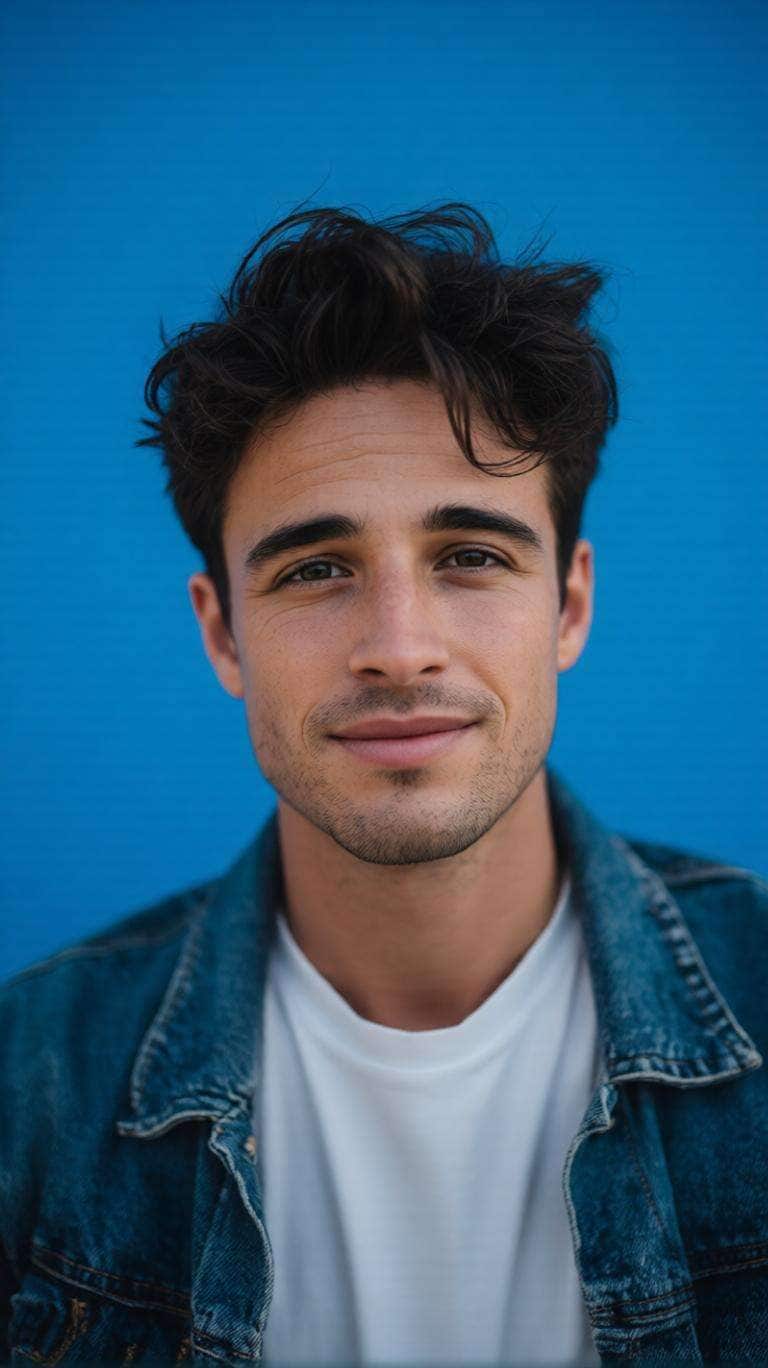
Transform the uploaded portrait into a professional ID photo with a smooth uniform blue background. Preserve identity, facial structure, hairstyle, skin tone, and natural details. Center the face, keep shoulders symmetrical, create precise hair edges, and use soft even frontal studio lighting with realistic skin texture and sharp focus.
Passport Photo Background Changer
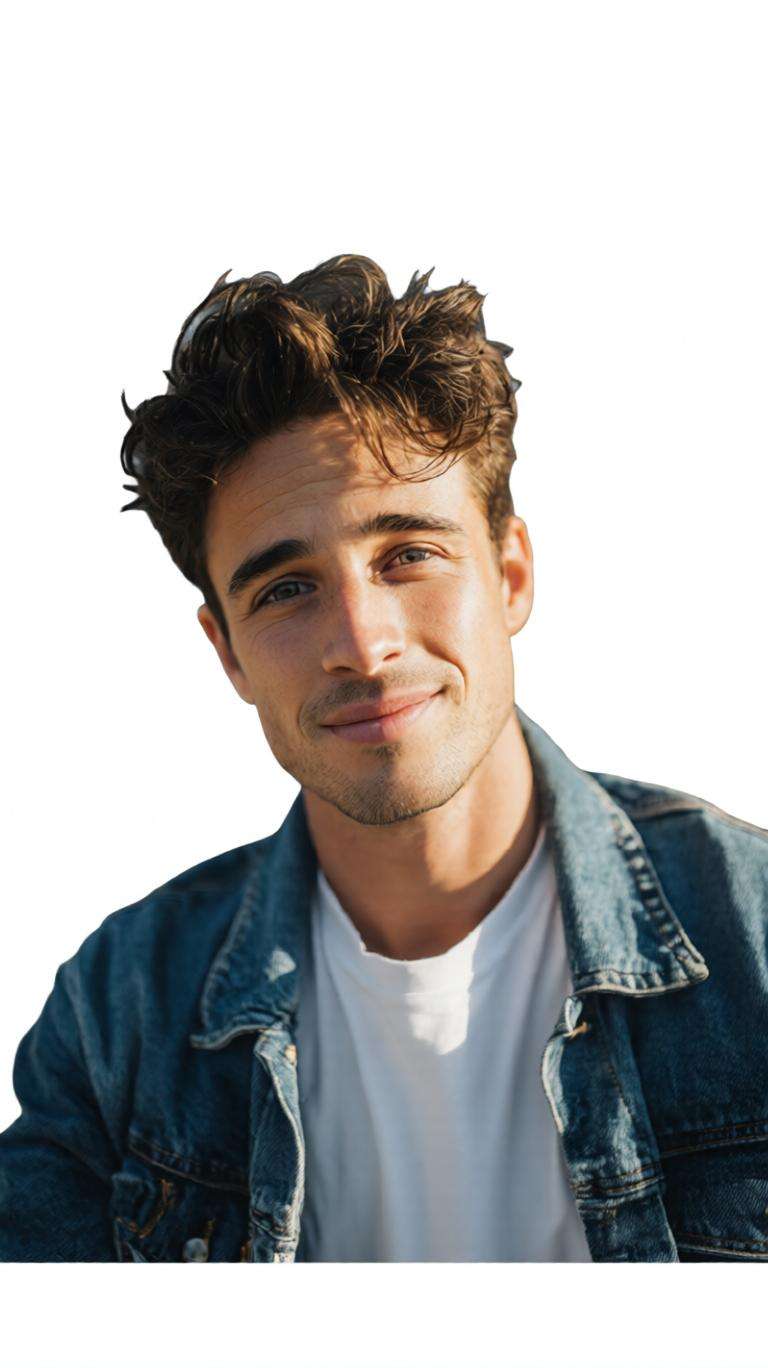
Use the uploaded portrait as the exact identity reference. Precisely remove the existing indoor, outdoor, office, bedroom, or street background while preserving fine hair edges. Replace it with a seamless pure white background and correct uneven lighting. Keep the face unchanged, naturally centered, realistic, and professionally photographed.
Professional ID Photo Maker
Create a polished head-and-shoulders ID portrait for applications, CVs, employee profiles, or school records. Preserve the exact identity and facial proportions. Use direct eye contact, straight posture, a natural neutral expression, a clean light background, realistic studio lighting, sharp eyes, and natural skin texture without excessive retouching.
Baby Passport-Style Photo
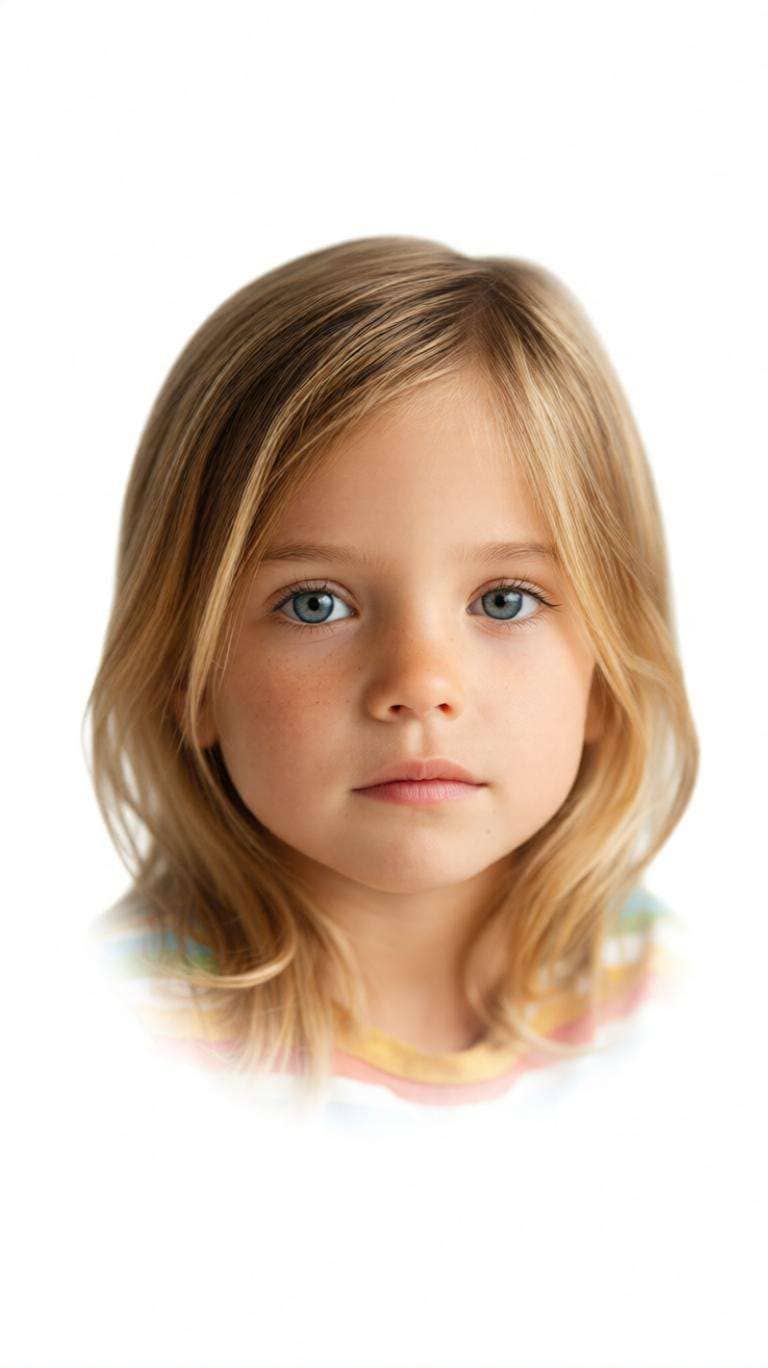
Transform the uploaded baby photo into a clean passport-style portrait while preserving the baby’s exact facial features, skin tone, hair, age, and natural appearance. Remove distracting blankets, hands, toys, pillows, or furniture where possible. Use a uniform white background, center the visible face, and keep soft even lighting with realistic baby skin texture.
Old Photo to Clean ID Portrait
Use the uploaded older portrait as the identity reference and convert it into a clean high-quality ID-style photo. Preserve recognizable facial structure, age characteristics, skin tone, hairstyle, and natural appearance. Improve clarity, exposure, sharpness, and color balance, replace the distracting background with plain white, and use centered head-and-shoulders framing.
Multiple Passport Photo Backgrounds
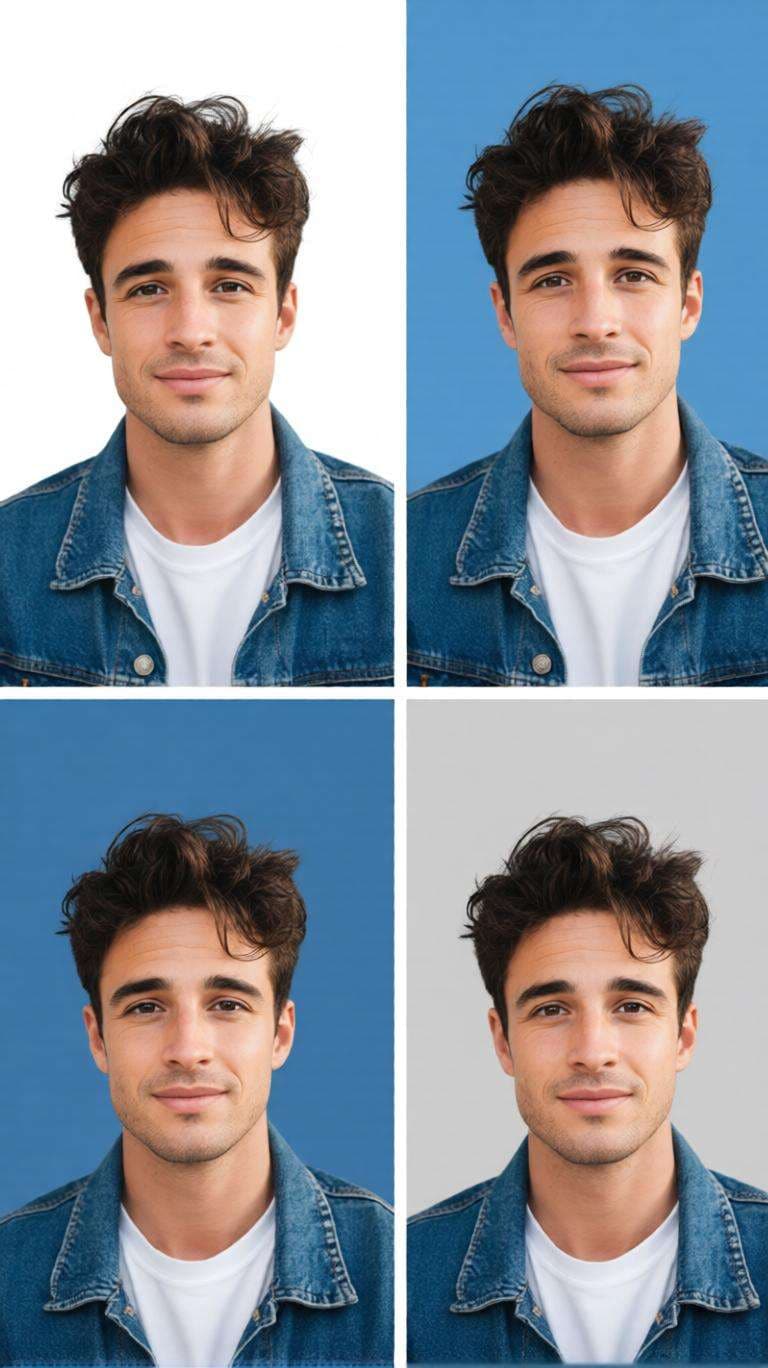
Use the uploaded portrait as the exact identity reference and create consistent ID-photo variations with pure white, light blue, medium blue, and light gray backgrounds. Keep the face, crop, lighting, clothing, expression, and proportions identical across all versions. Preserve precise hair edges, realistic skin detail, and professional ID-photo quality.
Why Use Media.io AI Passport Photo Maker Free?
Make Passport Photos from Everyday Selfies
Start with a clear selfie instead of arranging a studio shoot. AI helps create a centered, clean ID-style portrait with balanced lighting and a simple background when you need a passport-size photo quickly.
Change Passport Photo Backgrounds Easily
Remove distracting rooms, walls, or outdoor scenes and replace them with white, light blue, blue, or gray. This is useful for ID photos, application portraits, employee profiles, and other formal photo needs.
Try Professional Dress for ID Photos
Use AI editing to visualize a simple shirt, blazer, or suit-style outfit while keeping your face recognizable. The AI passport photo maker with dress free workflow is also useful for CVs and professional profiles.
Prepare 2x2 Photos Without Complex Editing
Create a neatly framed square portrait for a 2x2 passport photo online free workflow. Adjust the crop and presentation quickly, then compare the final image with the official requirements of the authority receiving your photo.
How to Make a Passport Size Photo Online Free in 3 Steps
01
Upload a Clear Portrait
Choose a front-facing selfie or portrait with your full face visible. A sharp image and even lighting help produce cleaner ID-photo results.
02
Choose Your ID Photo Style
Select or describe a white or blue background, centered passport framing, neutral expression, and—when appropriate—a simple professional outfit.
03
Generate, Check & Save
Review the face, hair edges, crop, background, and dimensions. For official use, compare the final photo with the current requirements of your passport or ID authority.
Popular Uses for an AI Passport Size Photo Maker
Passport & ID Applications
Create a centered portrait with a plain background for passport or ID workflows. Requirements vary by country, so verify the finished photo against the issuing authority’s current rules.
2x2 Passport Photo & Print Prep
Prepare a clean square portrait for a 2x2 passport photo online free workflow, then confirm required dimensions, head size, resolution, eye position, and print instructions before submission.
CV, Profile & Formal ID Photos
Use the id photo maker free workflow for resumes, professional profiles, school records, employee cards, and other formal portraits where a clean background and polished presentation matter.
What Users Say About Media.io ID Photos
Emma Carter
Freelance Designer
“Clean Background in Seconds” I had a decent selfie but the room behind me was distracting. The background cleanup and centered framing made it much easier to prepare a clean ID-style portrait.
Daniel Kim
Job Seeker
“Useful for Formal Photos” I wanted one photo for applications and my CV. I kept my face natural, switched to a plain background, and tested a more professional outfit without complicated editing.
Priya Nair
Student
“Simple 2x2 Photo Prep” The workflow was straightforward for preparing a square ID portrait. I could focus on the crop and background first, then check the final dimensions against the requirements I needed.
Frequently Asked Questions About AI Passport Photo Maker Free
1. What is the best free online passport photo maker?
The best free online passport photo maker should make it easy to upload a portrait, clean or replace the background, center the subject, and export a high-quality ID-style image without advanced editing skills. Media.io provides an AI-assisted browser workflow for these tasks. For official applications, always verify the finished image against the current rules of the passport or ID authority.
2. Can I use an AI passport photo maker free without watermark?
Media.io can be used online for AI-assisted photo creation and editing, but export conditions, credits, account requirements, and watermark policies may vary by product mode or plan. Check the current export screen before processing an important photo. If you specifically need an AI passport photo maker free without watermark, also confirm that the downloaded resolution is sufficient for your intended use.
3. Is there an AI passport photo maker with dress free?
AI image editing can help visualize a simple professional outfit such as a shirt, blazer, or suit while keeping the face recognizable. This is useful for CV photos, employee profiles, school IDs, and other professional portraits. Government passport applications may have stricter editing rules, so avoid unnecessary alterations and check the issuing authority’s requirements before submission.
4. How do I make a 2x2 passport photo online free?
Upload a sharp front-facing portrait, remove distracting backgrounds, choose the required plain background, and crop the image into a balanced square composition. A 2x2 photo is 2 inches by 2 inches as a physical format, but official rules can also specify head size, eye position, resolution, recency, expression, shadows, and editing limits. Verify all current requirements before submitting.
5. What do Reddit users look for in an AI passport photo maker free?
Searches such as “ai passport photo maker free reddit” usually reflect interest in real-user opinions about price, watermark restrictions, privacy, background accuracy, output quality, and official acceptance. When comparing recommendations, distinguish casual ID-photo tools from official passport workflows. Acceptance is determined by the relevant authority, not the photo-maker tool.