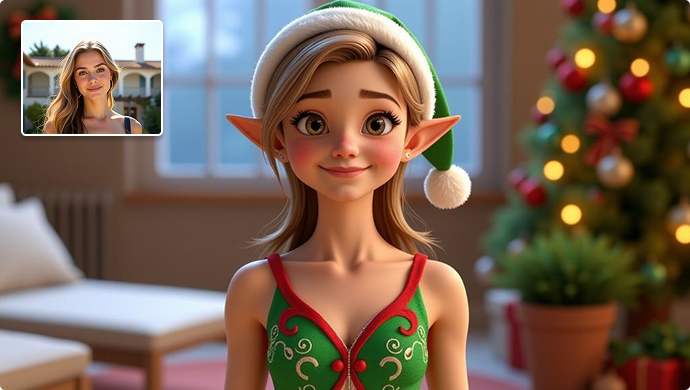
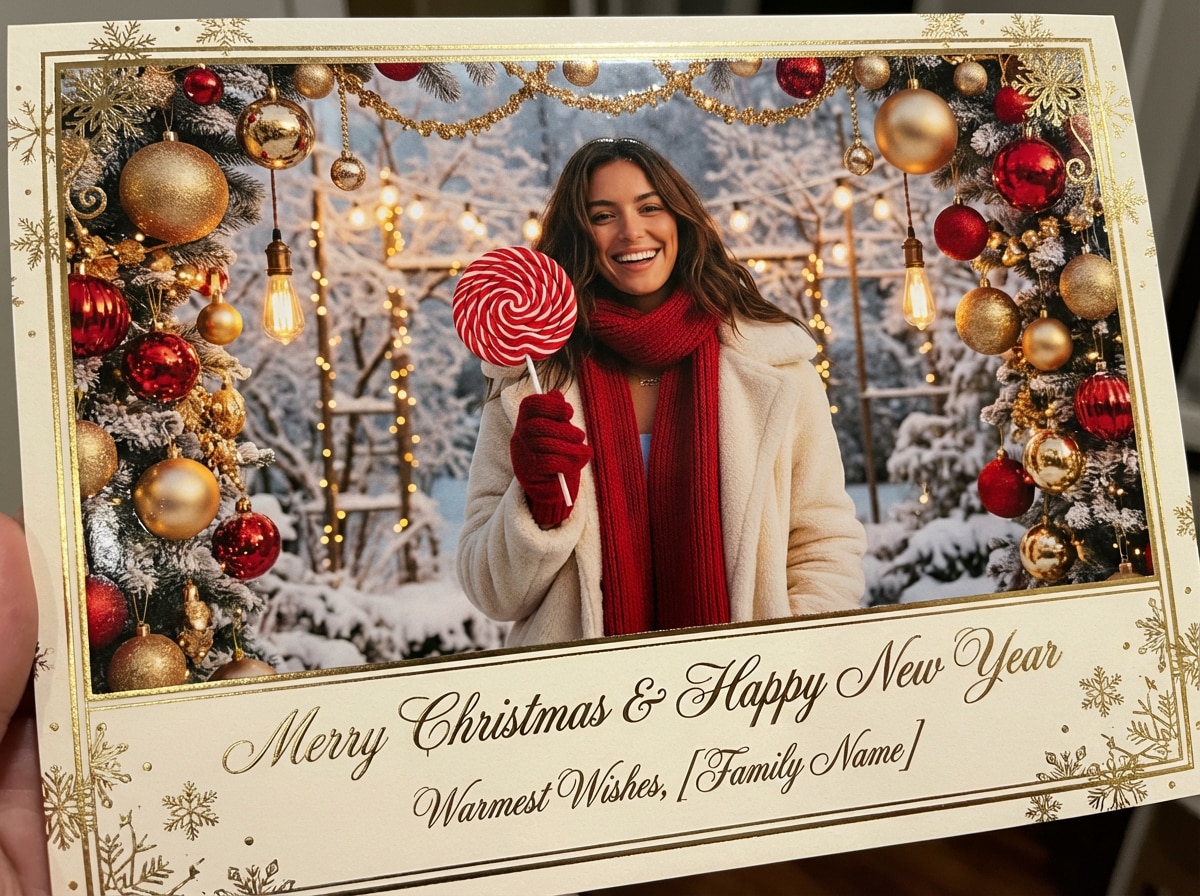
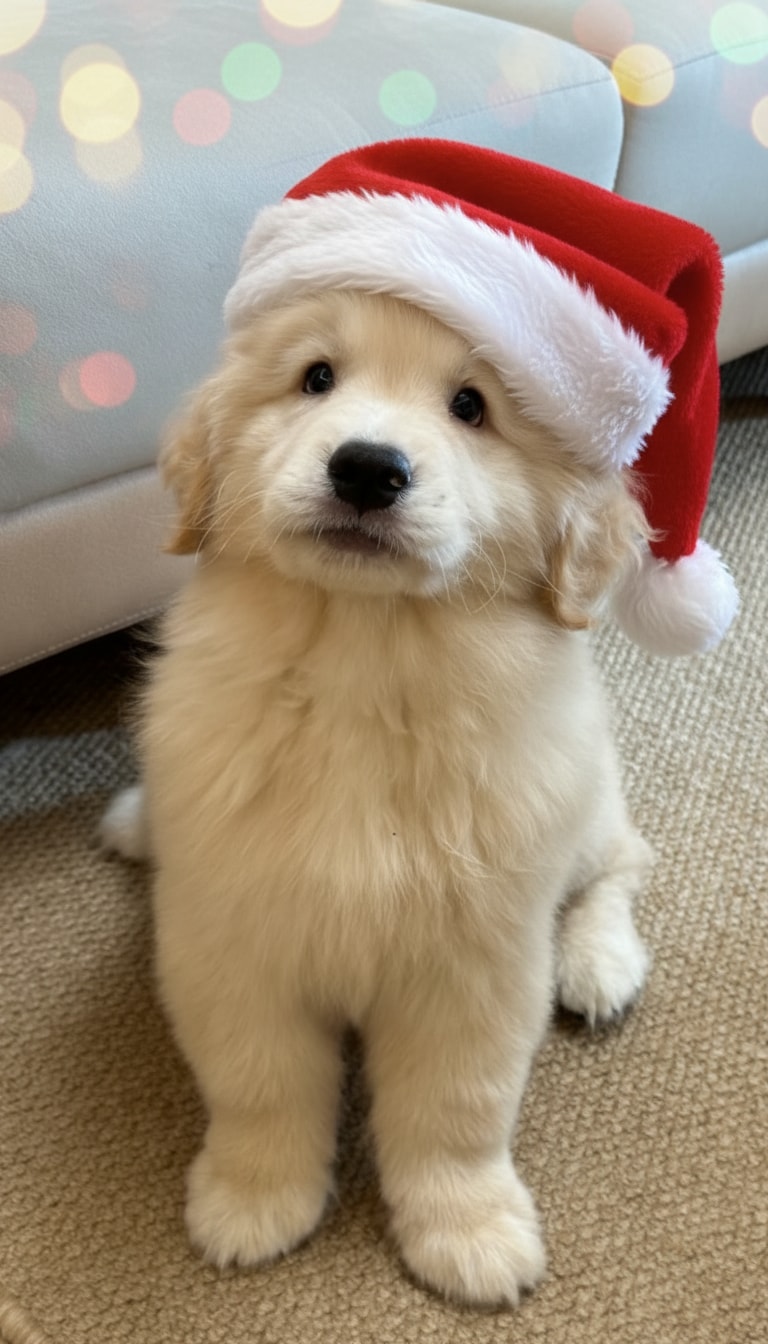
Realistic Christmas Lights Overlay (AI-Blended)
Add Christmas lights to a photo with natural glow, shadows, and reflections—so the lighting looks like it was really there.
 Nano Banana Pro
 Unlock your creative potential and experience the magic of Media AI right away!














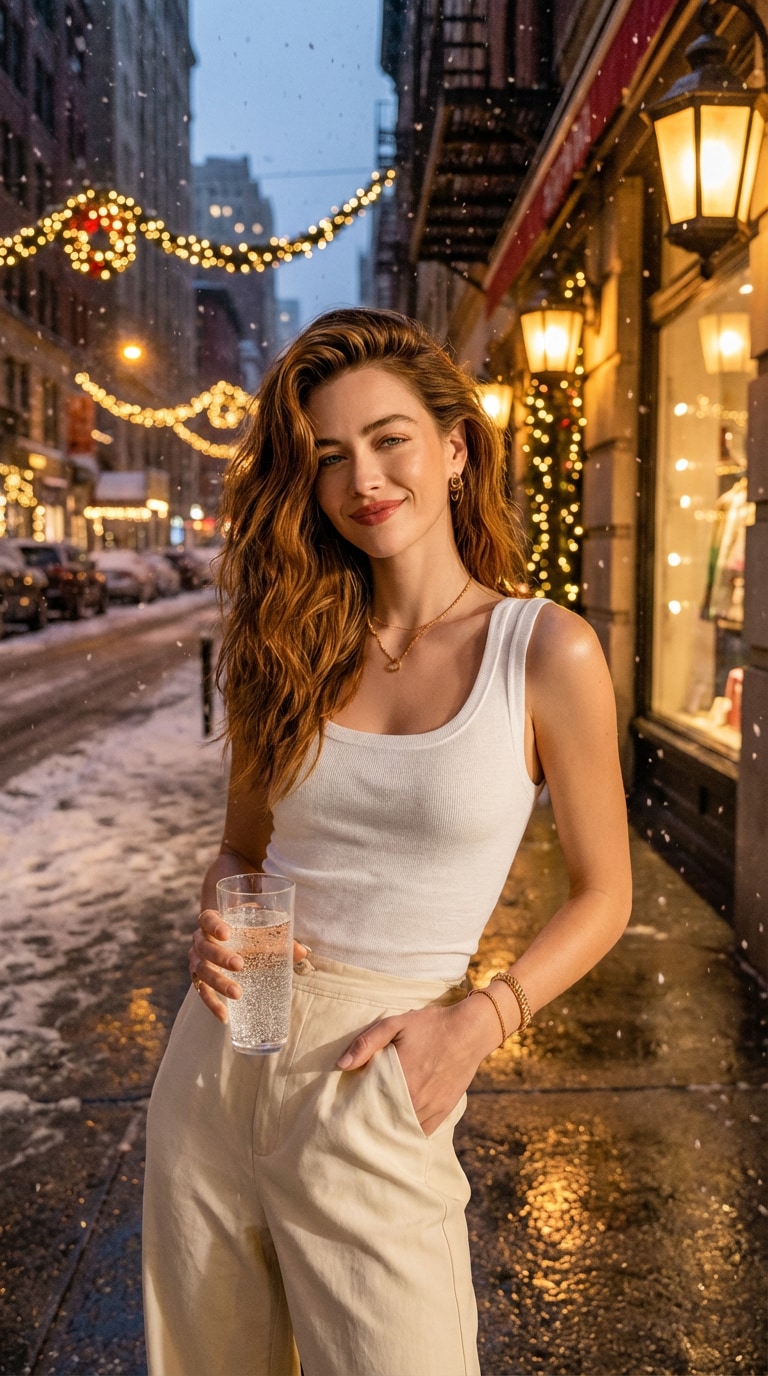
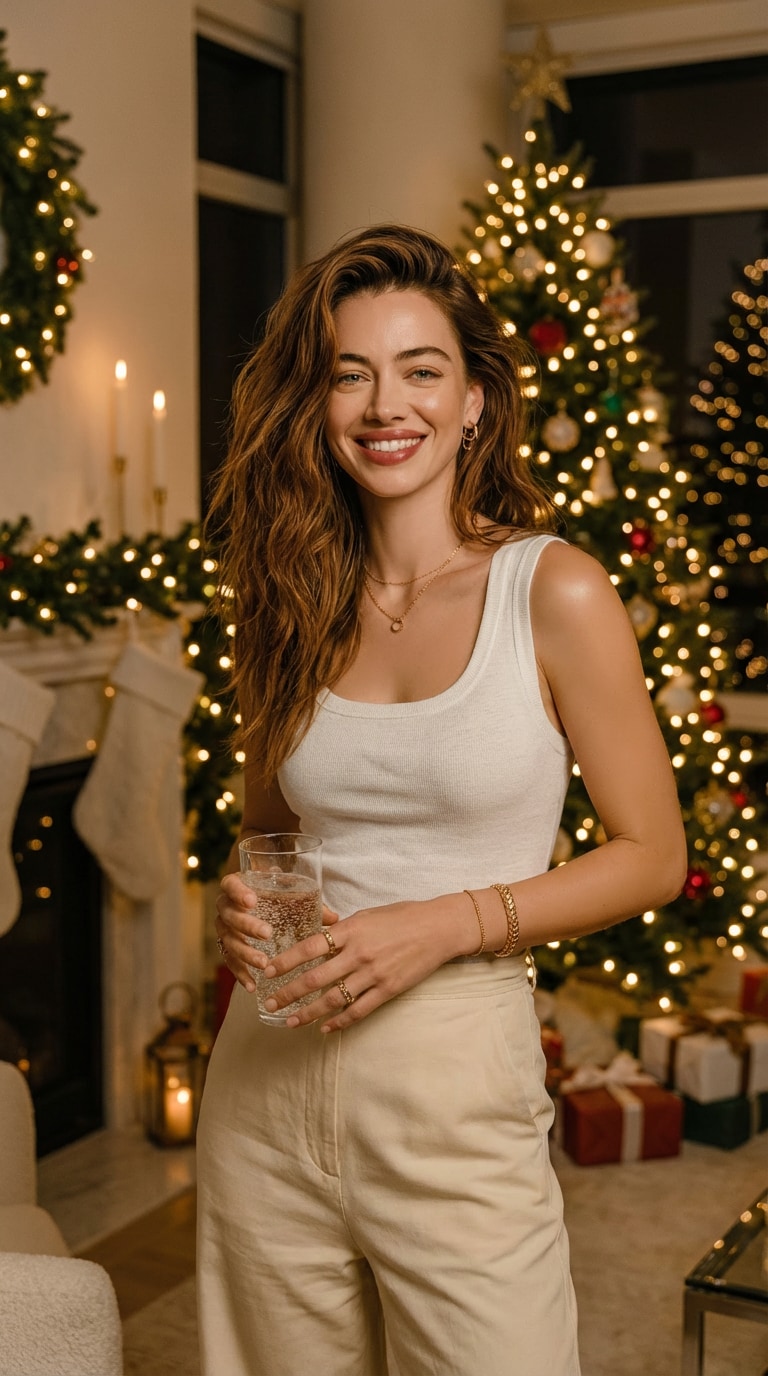
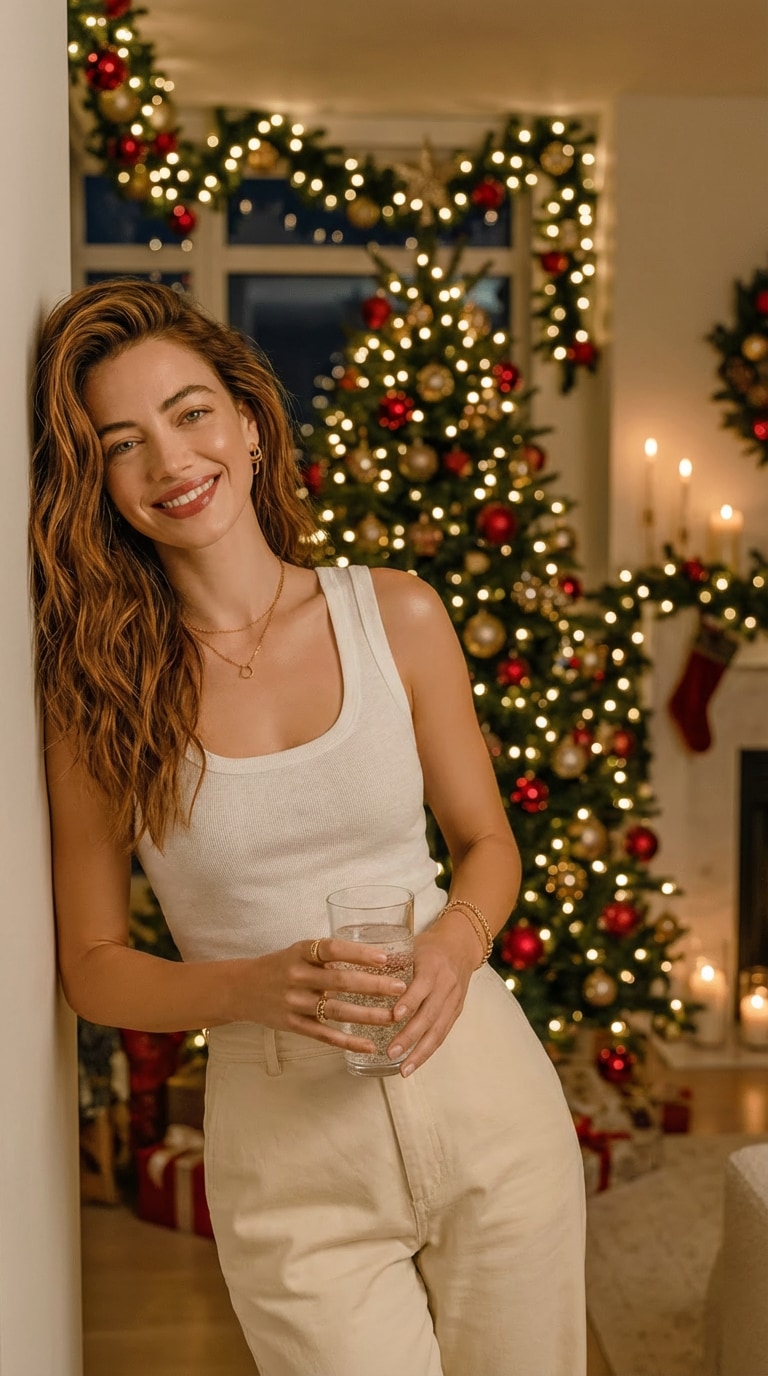
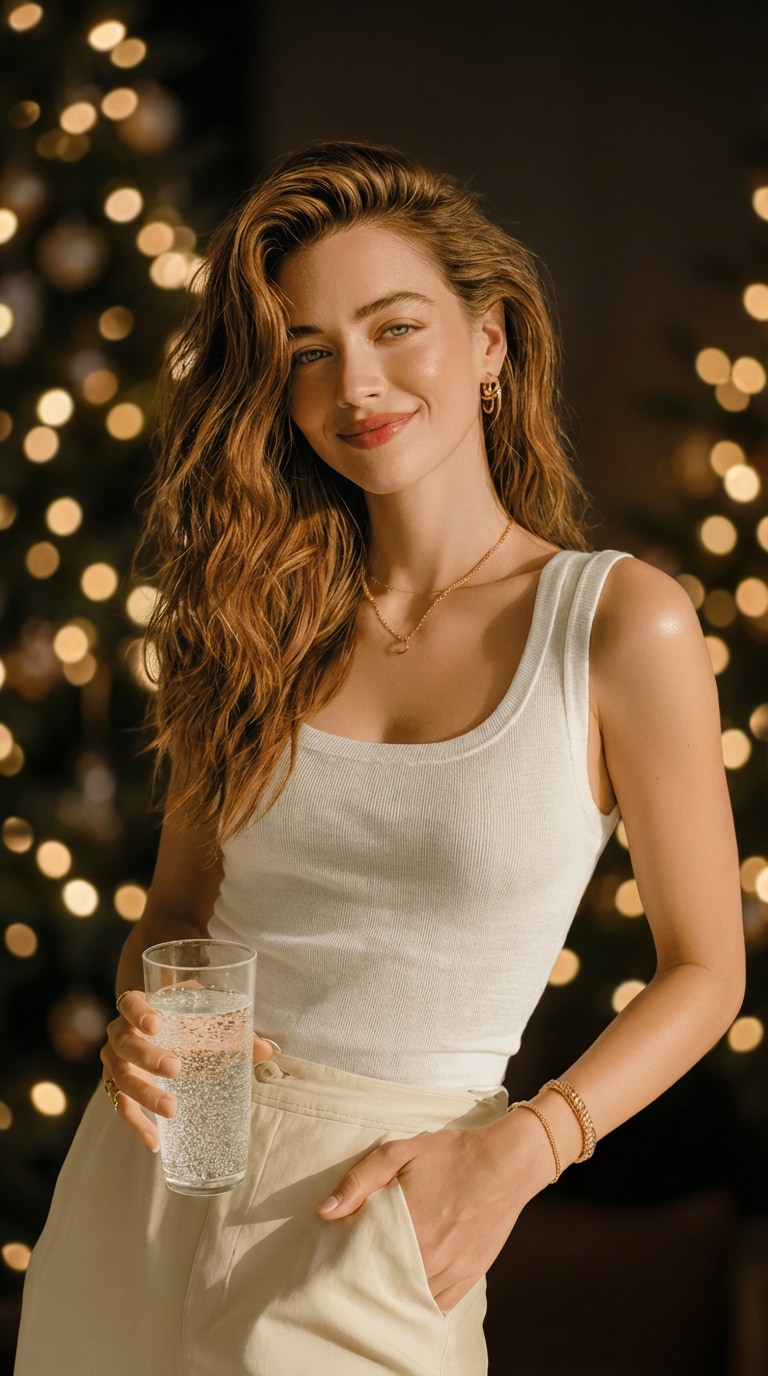
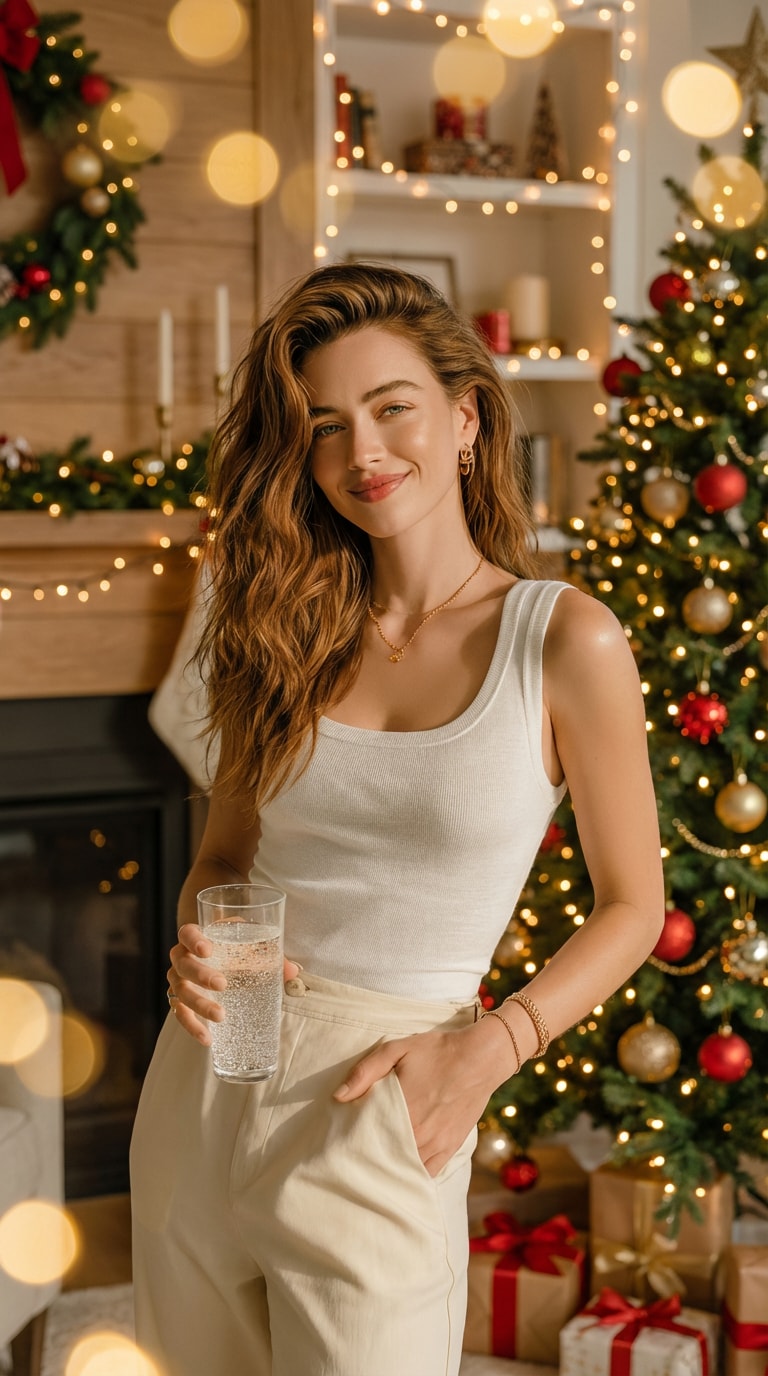
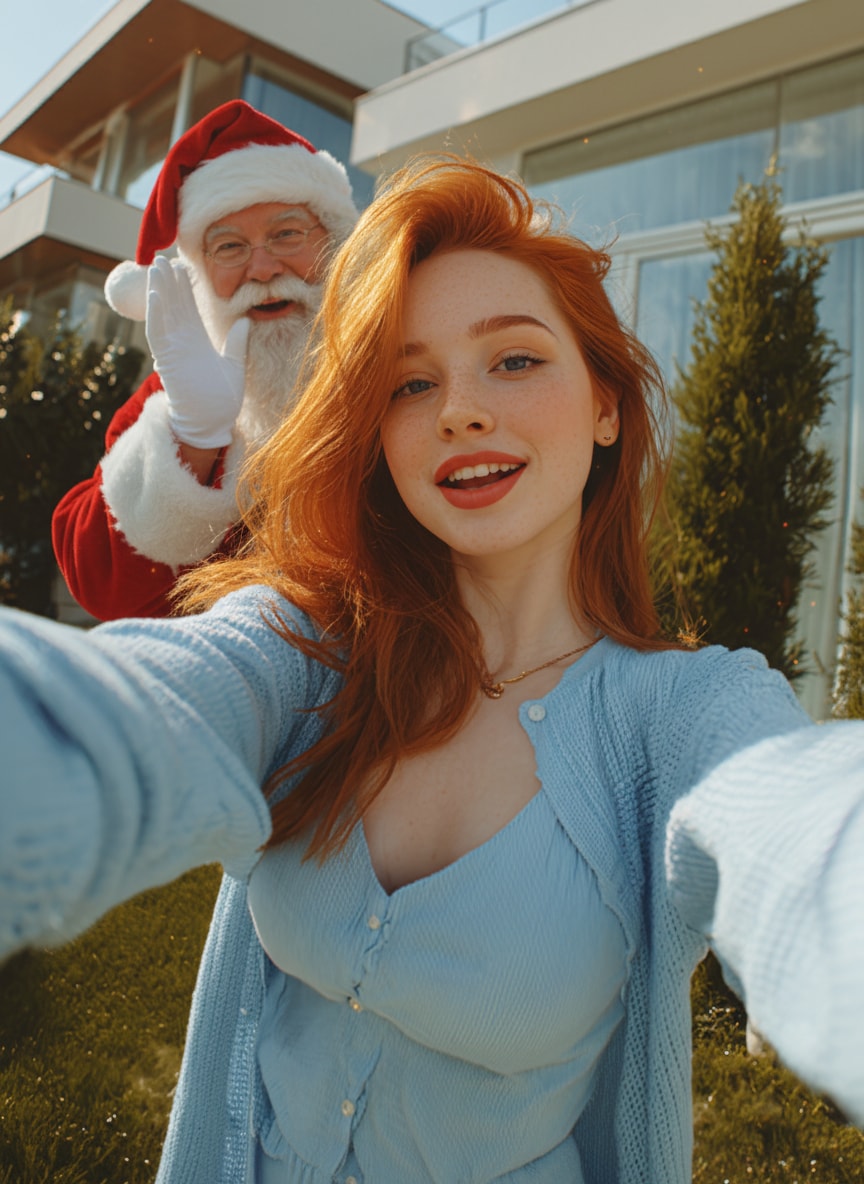
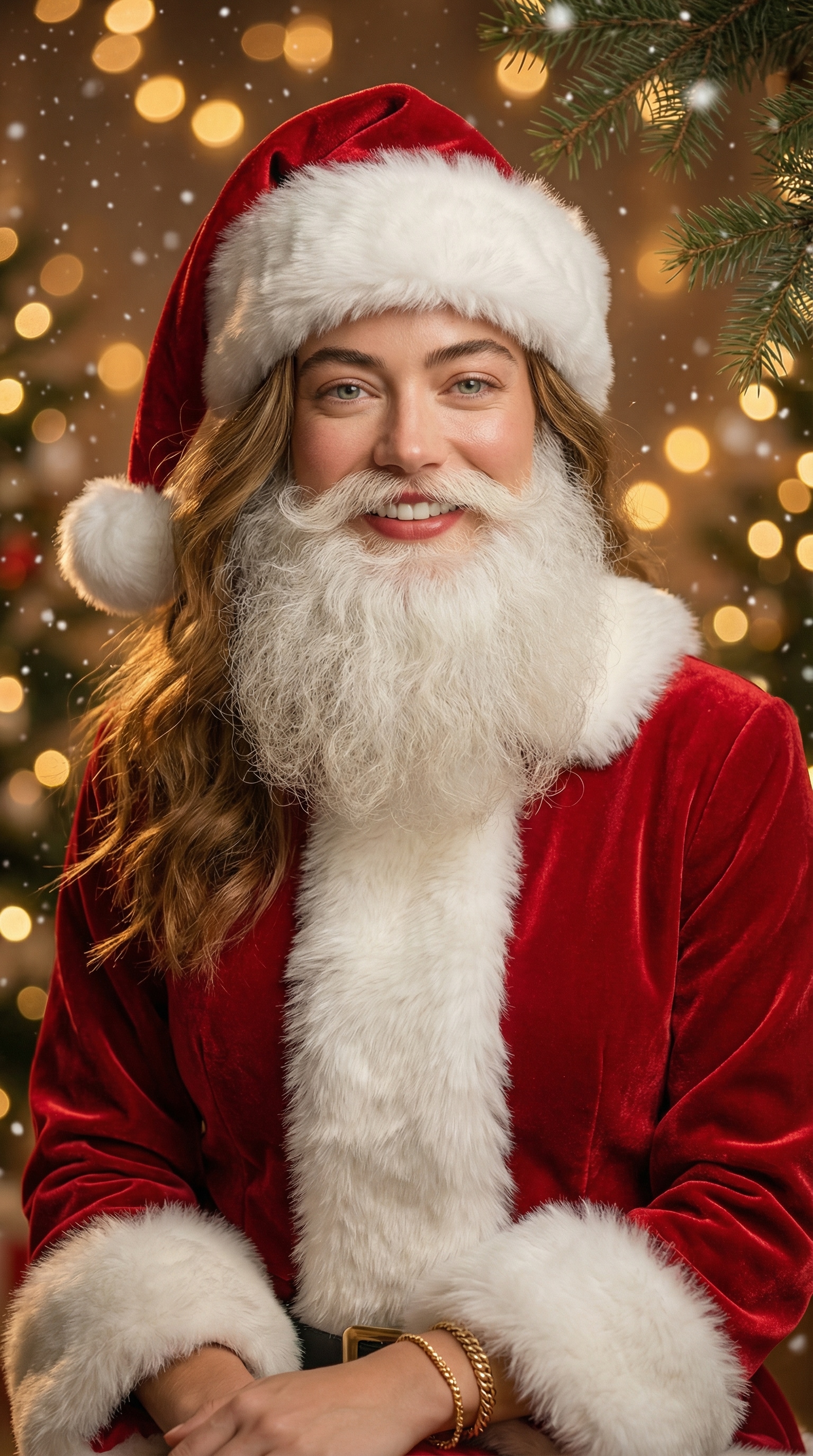
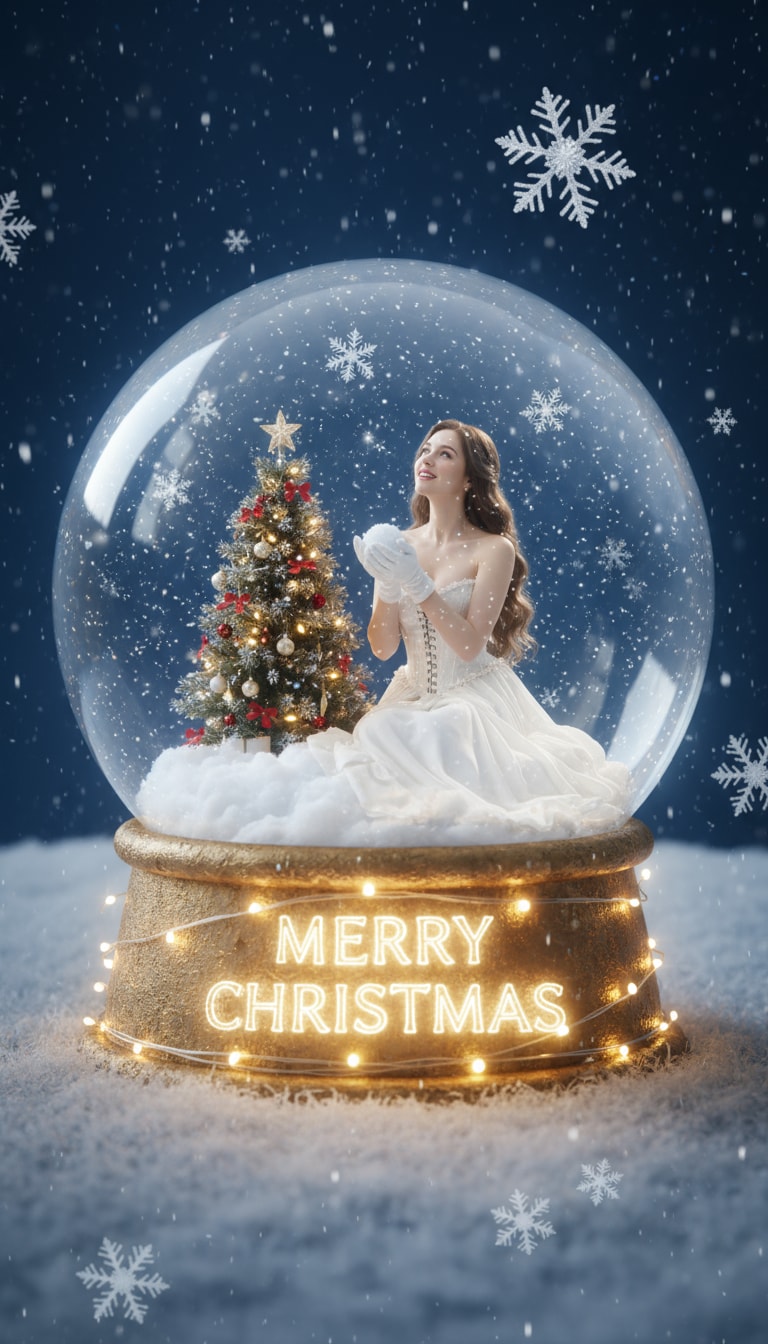
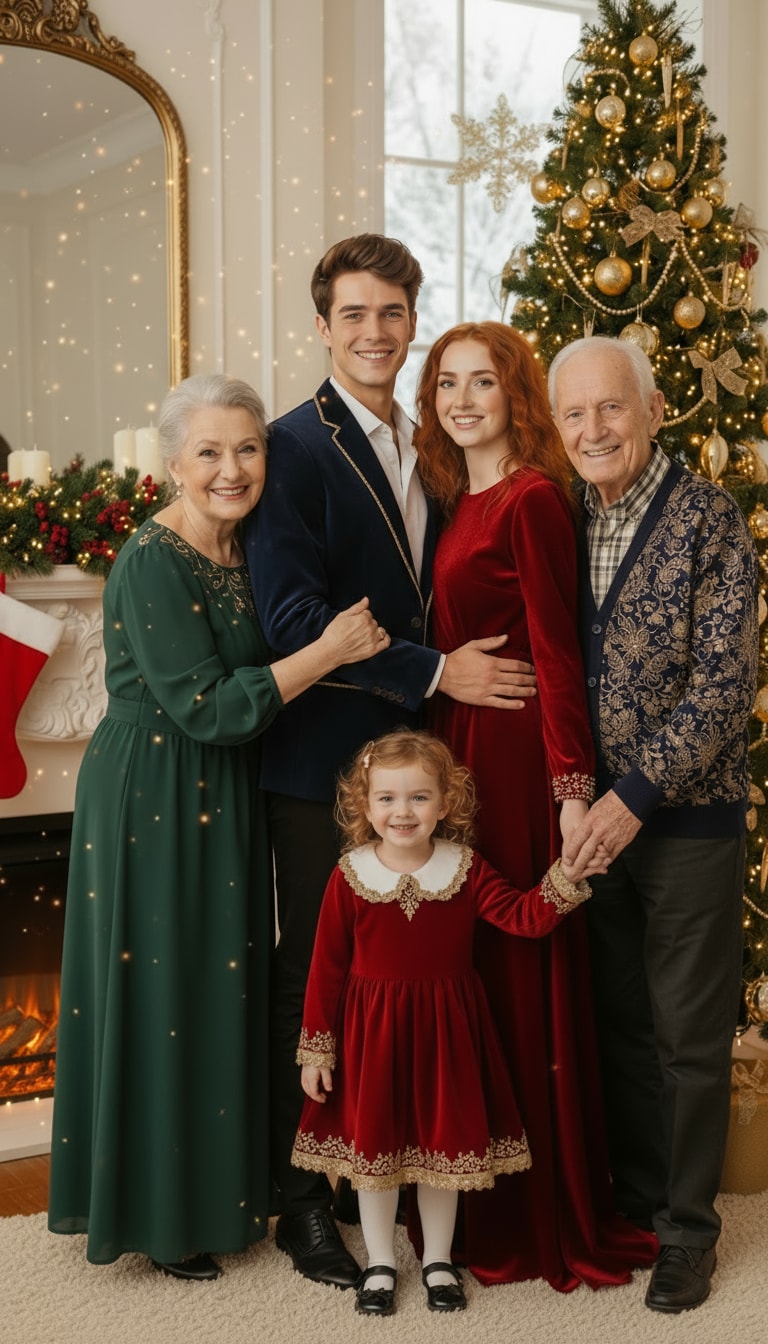
Turn any photo into a cozy holiday scene with Media.io’s AI Christmas lights photo editor. Upload a portrait, home exterior, Christmas tree, product shot, or street photo, and let AI add realistic Christmas string lights, glowing bulbs, and festive lighting that blends naturally with your image’s shadows, reflections, and color tone. No Photoshop, no app—just upload and generate online.
| Scenes | AI Prompts | Before | After | Copy |
|---|---|---|---|---|
|
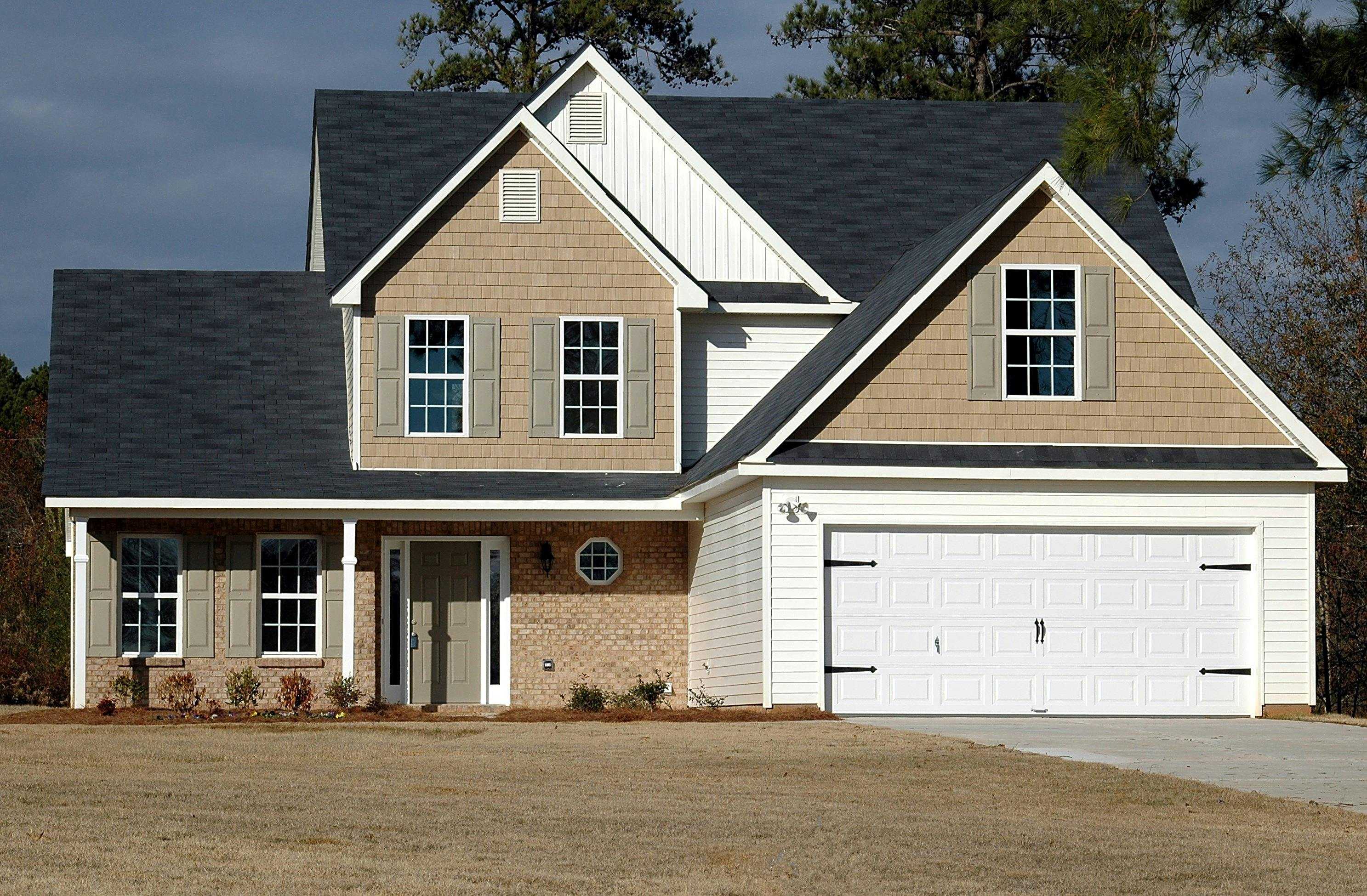
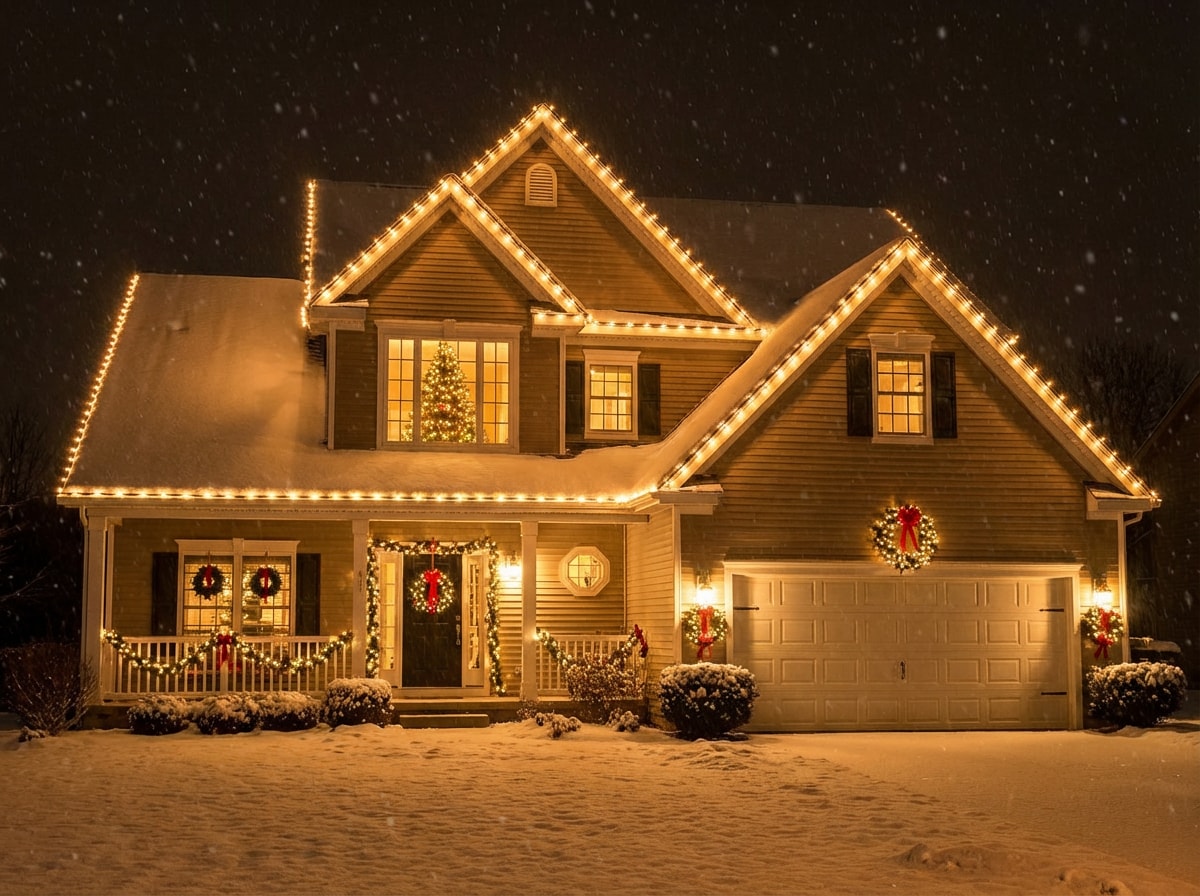
Christmas Lights on My House
#house
#lights
#snow
|
A magical snowy winter night. Christmas lights turn on around my house, illuminating festive decorations and garlands. Soft falling snow, warm glow against the cold night, cinematic lighting, high detail. |
|
|
Create! |
|
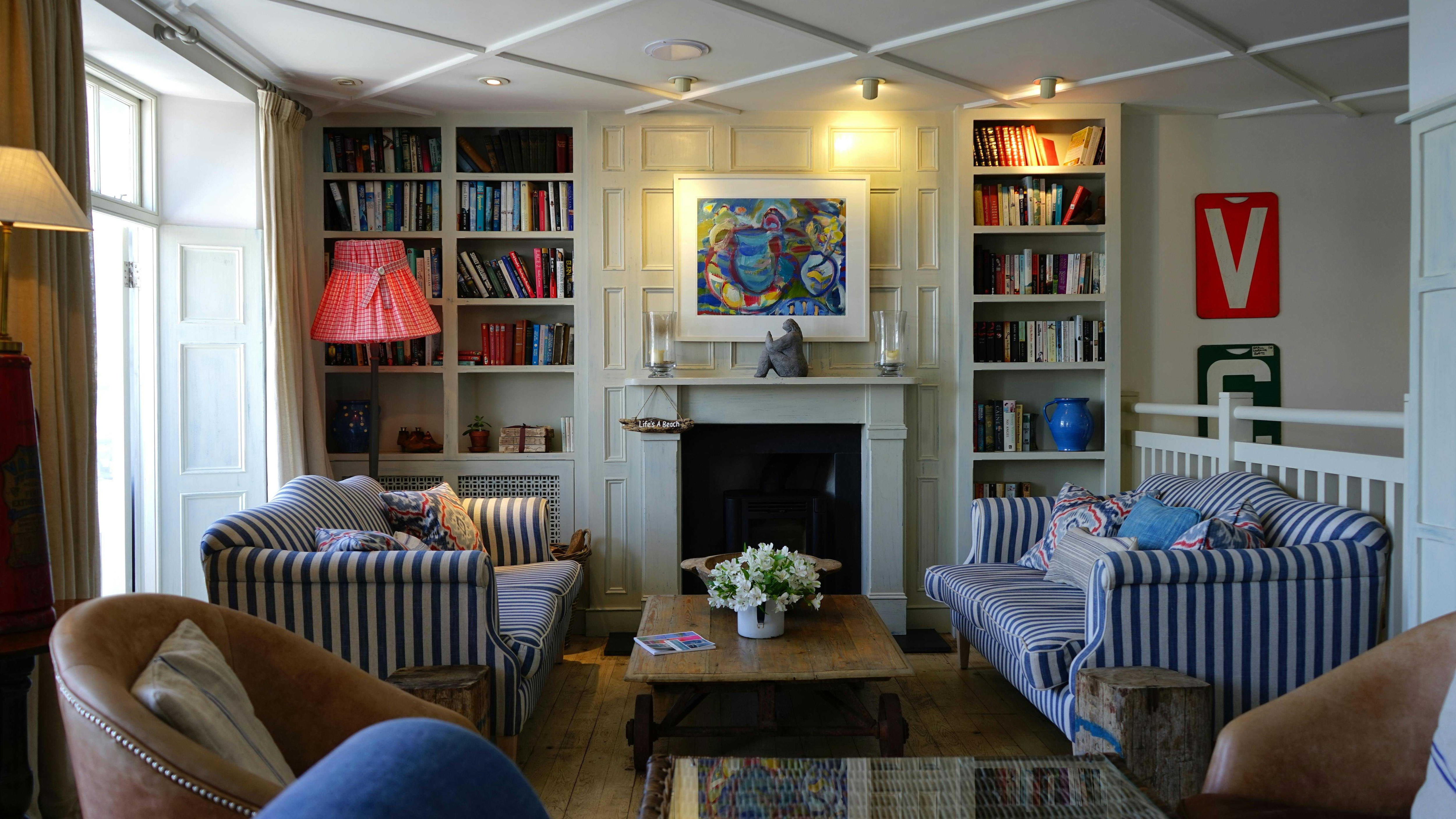
Christmas Living Room Upgrade
#livingroom
#indoor
#decor
|
A cozy living room decorated for Christmas at night. Add warm glowing Christmas lights, festive ornaments, and holiday decorations. Soft warm lighting, cozy atmosphere, realistic details. |
|
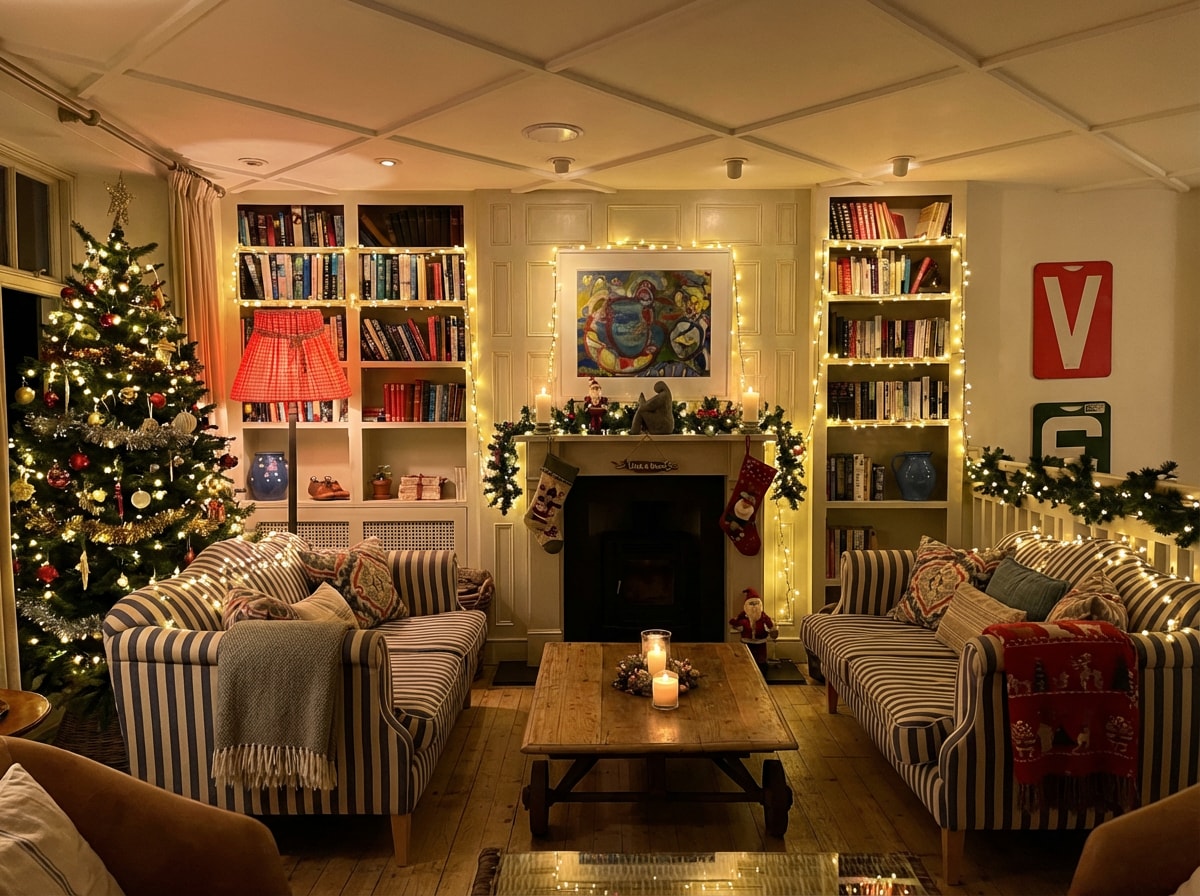
|
Create! |
|
Outdoor Snowy Christmas Portrait
#portrait
#outdoor
#snow
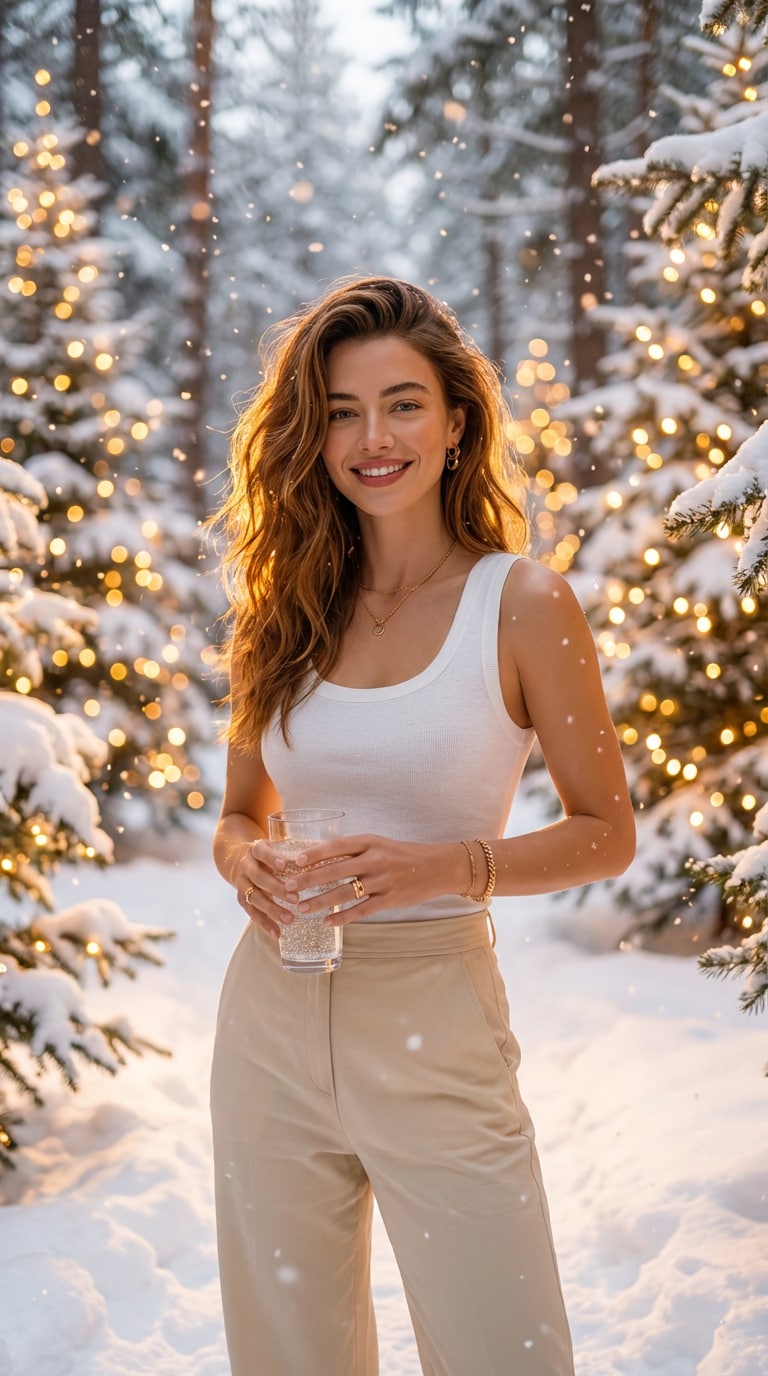
|
Background: snowy enchanted forest with golden bokeh Christmas lights and softly falling snowflakes. |
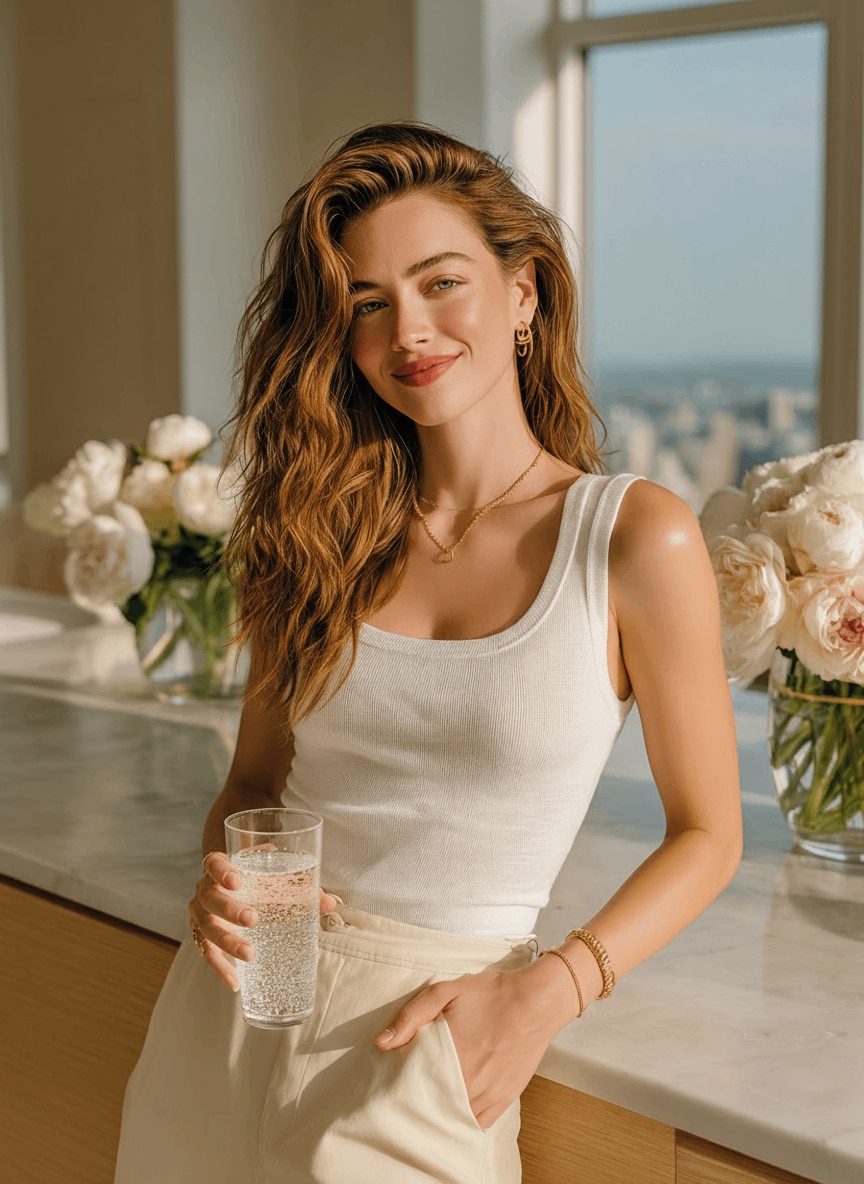
|
|
Create! |
|
Outdoor Winter Portrait (Snowy Street Lights)
#portrait
#outdoor
#winter
|
Transform the background into a snowy winter outdoor scene at dusk with warm Christmas street lights, festive bokeh, and gentle snowfall. Keep the subject’s face and details unchanged. Cinematic winter lighting, realistic texture, high detail. |
|
|
Create! |
|
Indoor Festive Living Room Portrait
#portrait
#indoor
#livingroom
|
Background: Festive living room decorated with Christmas string lights, glowing garlands, ornaments, and a warm cozy holiday vibe. Lighting: Soft warm lights creating a cheerful and inviting mood. |
|
|
Create! |
Add Christmas lights to a photo with natural glow, shadows, and reflections—so the lighting looks like it was really there.
Use the AI Christmas lights effect on portraits, house photos, Christmas trees, storefronts, and product shots—great for cards, posts, and listings.
Choose subtle fairy lights, colorful bulbs, roofline lights, bokeh glow, or a full “holiday makeover” by tweaking the prompt or using a ready-made template.
No Photoshop or apps required. Generate in seconds and download your festive image in HD (watermark-free) for social media, Christmas cards, or printing.
Go to Media.io and open the AI Image-to-Image tool. Upload the photo you want to decorate—this can be a portrait, house exterior, Christmas tree, product shot, or any image you want to add festive lights to.
Use a ready-made Christmas lights prompt or type your own, such as “warm white string lights around the tree” or “colorful Christmas lights glowing on the house roof”. The AI understands lighting styles and places the lights naturally.
Click Generate and let AI add realistic Christmas lights to your photo in seconds. Download your festive image in HD or 4K and share it on social media, send it as a Christmas card, or use it for holiday marketing.

AI analyzes your photo’s structure, lighting, and depth, then places Christmas string lights, glowing bulbs, or holiday lighting effects in a way that blends naturally with shadows, colors, and perspective.

You can add Christmas lights to portraits, selfies, house exteriors, Christmas trees, streets, storefronts, product photos, and more. Tools like Media.io’s AI image editor work best with clear, well-lit images.
Yes. The AI only adds festive lighting effects. Your original photo—faces, objects, background, and details—remains unchanged, with Christmas lights layered on naturally.
Yes. You can customize the look by describing the lights you want—such as warm fairy lights, colorful bulbs, roofline lights, or subtle bokeh glow—or by using ready-made holiday prompts.
No. Everything runs online in your browser. With platforms like Media.io, you simply upload your photo, apply the AI Christmas lights effect, and generate the result in seconds.
Yes. Media.io offer free daily credits on login, so you can add Christmas lights to photos and download results before deciding to upgrade.
 4.7 (162,357 Votes)