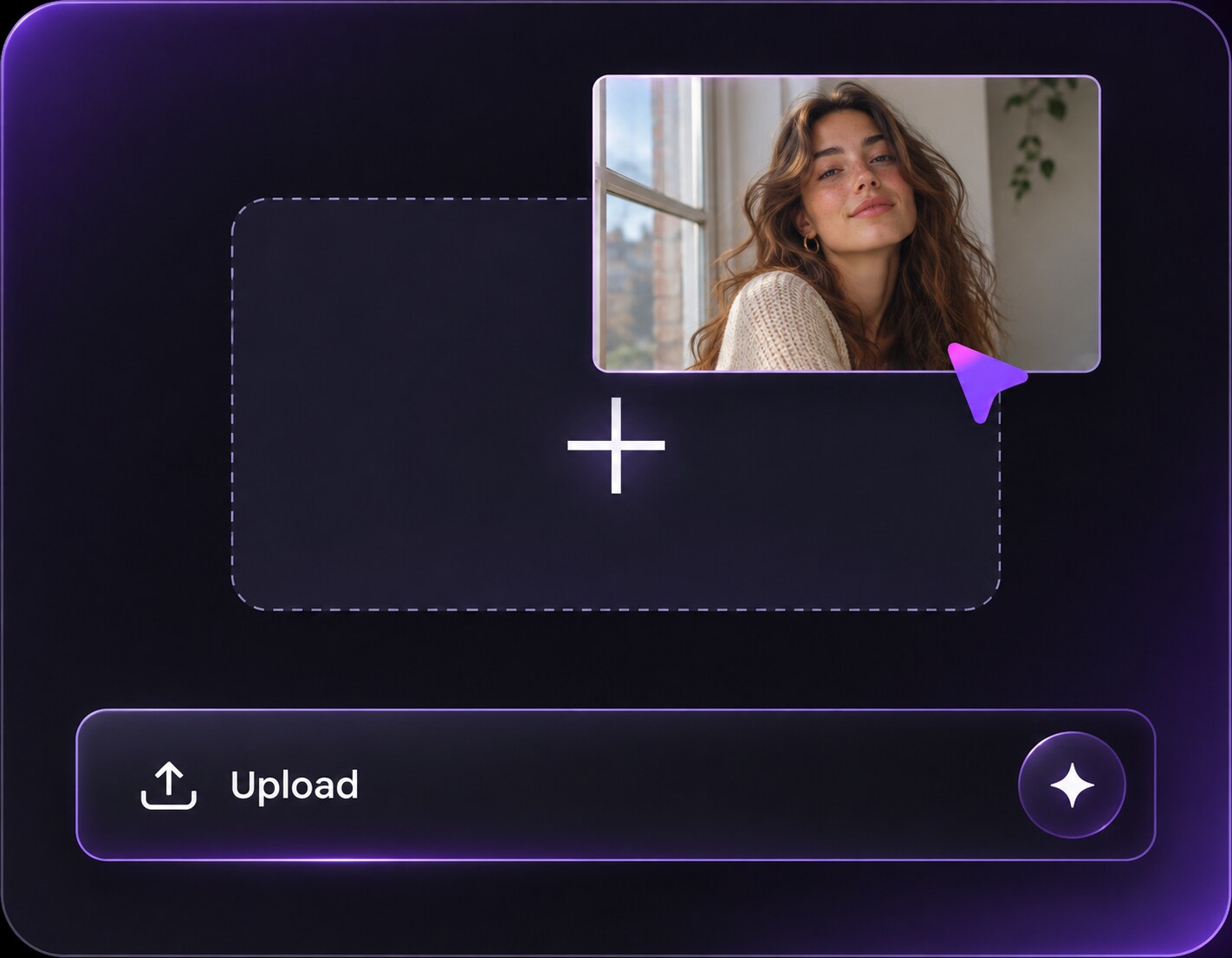
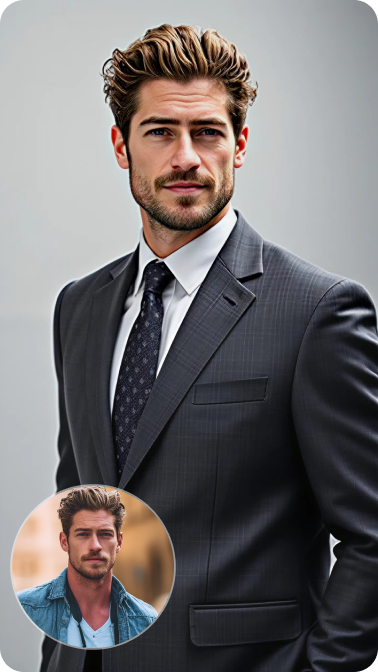
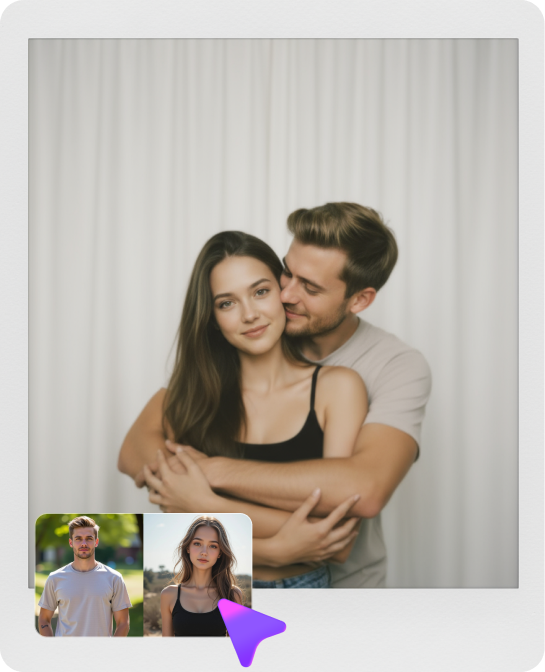
Click or drag to upload, or choose from My HistoryClick To UploadMy History
No ideas? Generate an image first >
Upload jpg, jpeg, png images up to 50 MB, with a minimum width/height of 300 px.
Find an AI Beauty Filter That Still Looks Like You
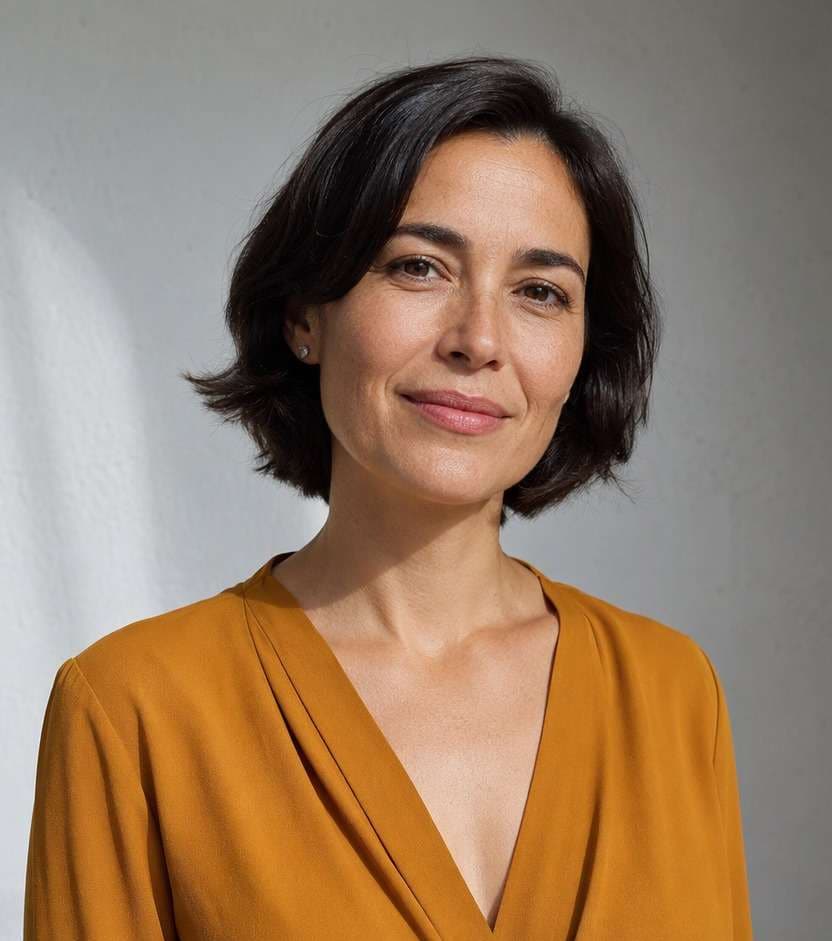
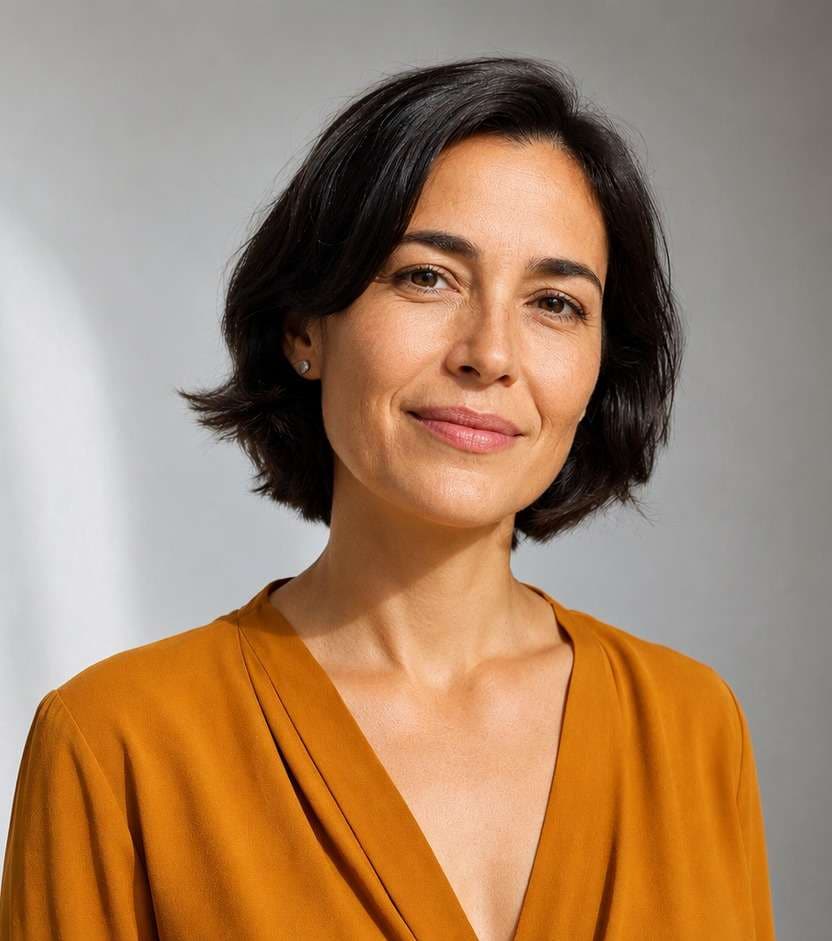
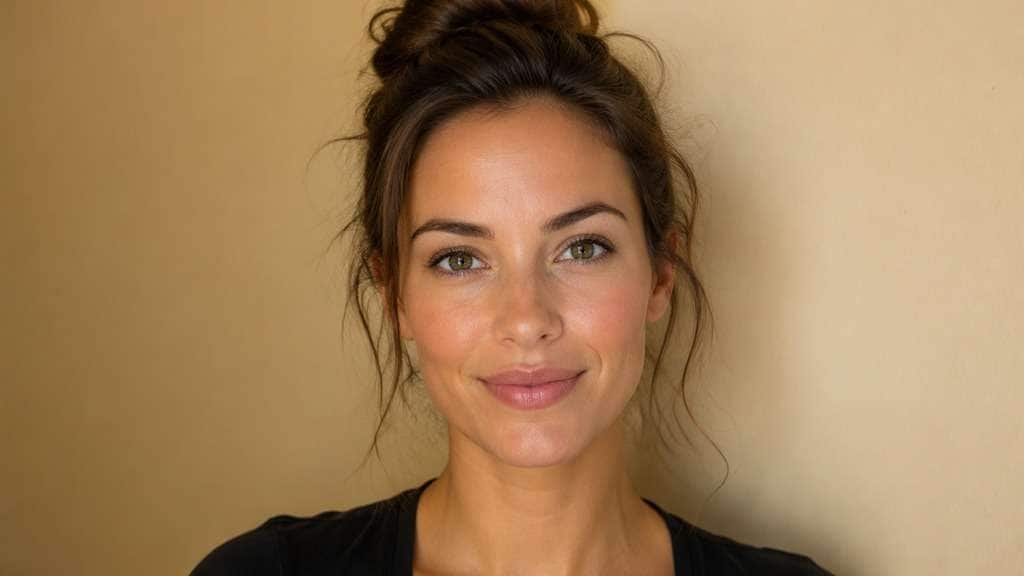
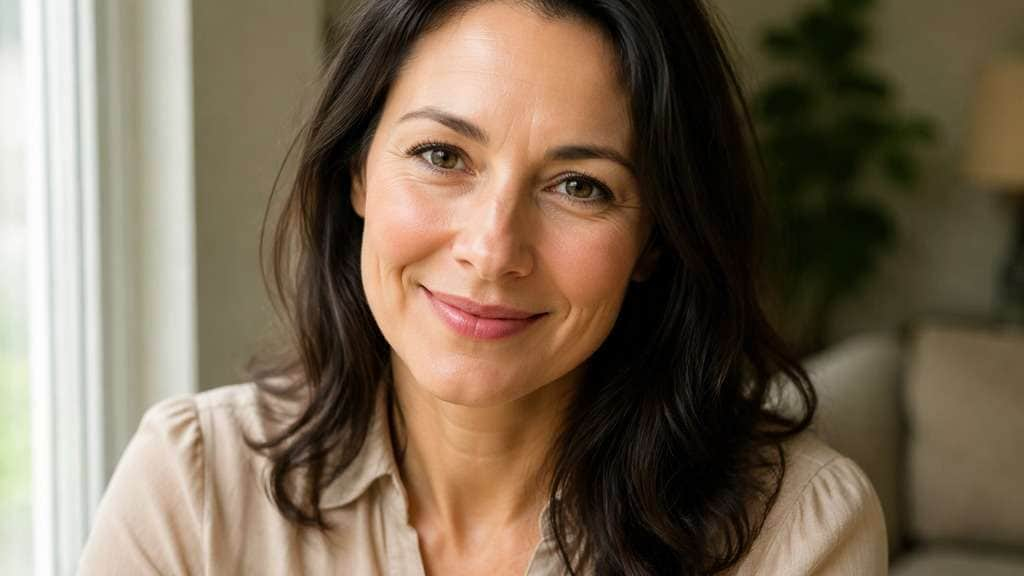
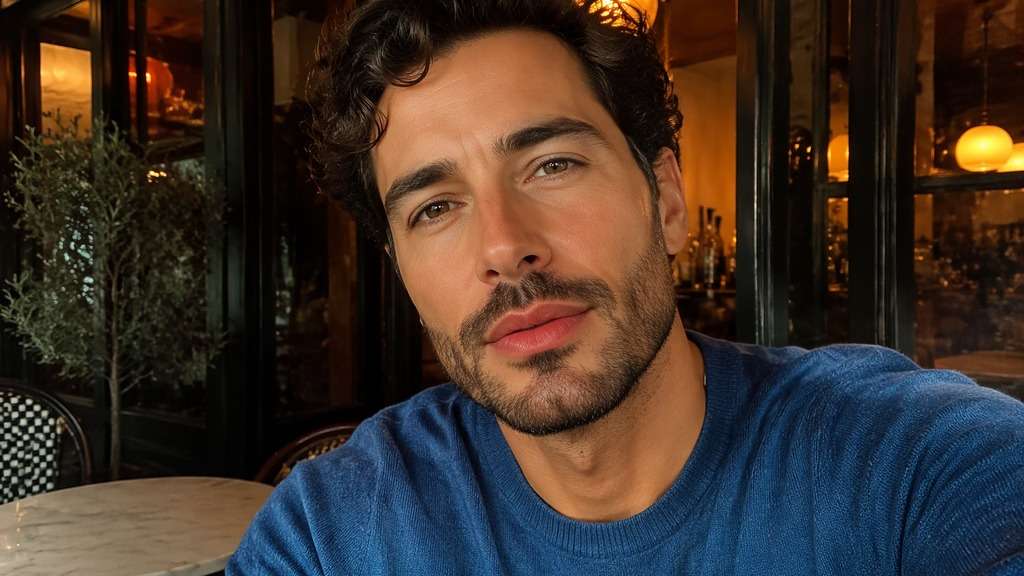
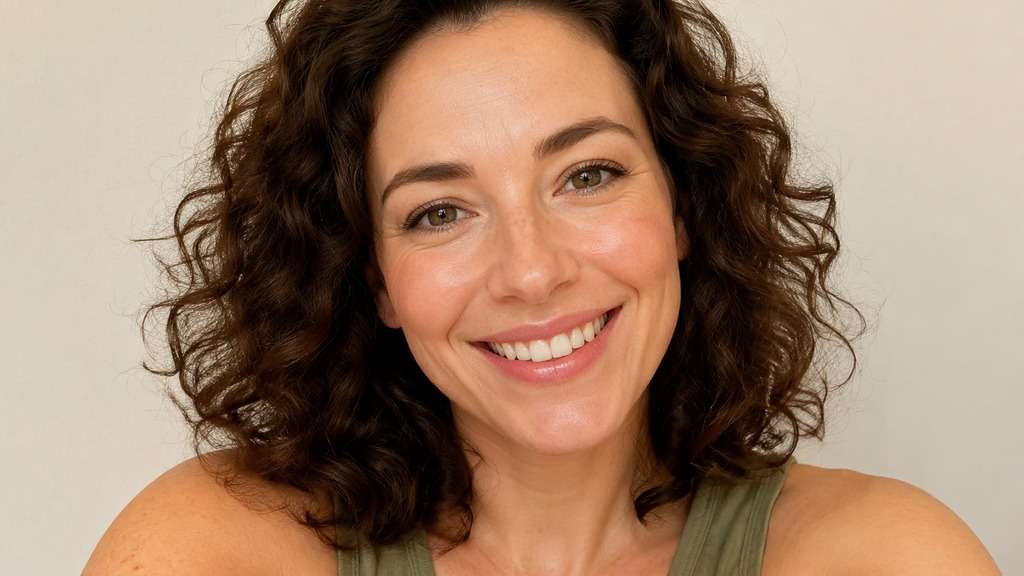
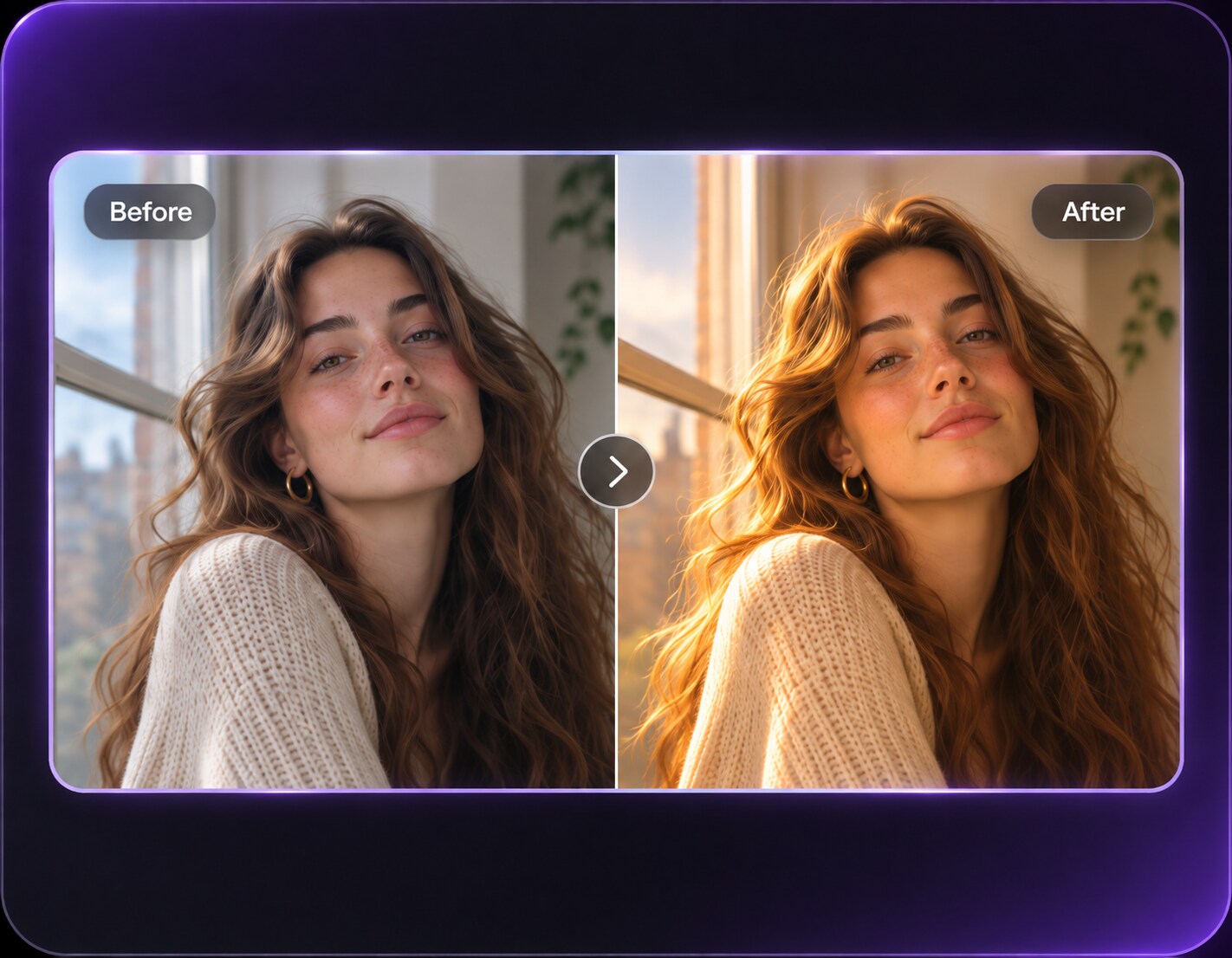
The photo is worth keeping; you just want softer flash shadows, a cleaner complexion in the picture or a hint of camera-ready glow. An AI beauty filter can preview those choices on the selfie you already have. Try natural retouching first, then compare a dewy or editorial finish without asking the model to invent a different face.
Pick a finish before adding details: natural correction, soft glow, matte portrait or makeup-inspired polish.
AI Beauty Filter Prompts for Different Portrait Finishes
A natural everyday selfie and a formal portrait need different treatments. Copy a single look and compare it against the uploaded photo before stacking effects.
Natural Barely-There Finish
Edit my uploaded reference photo: Reduce harsh shadows and obvious photo noise, keep real pores, the same eyebrows and natural lip color in a daylight selfie. Work from my uploaded portrait. Keep the same face geometry, natural skin tone, hair, clothes, facial expression, viewpoint and background. Preserve authentic texture; make only the described photographic correction.
Soft Daylight Glow
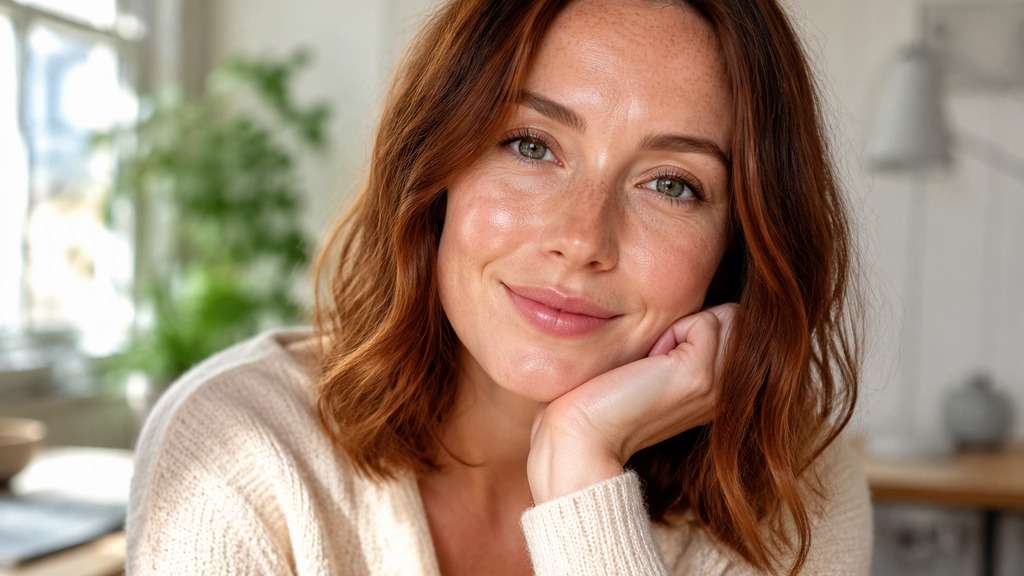
Edit my uploaded reference photo: Give the cheeks subtle reflected daylight and a gentle luminous finish without blurring freckles or changing skin tone. Work from my uploaded portrait. Keep the same face geometry, natural skin tone, hair, clothes, facial expression, viewpoint and background. Preserve authentic texture; make only the described photographic correction.
Matte Camera-Ready Portrait
Edit my uploaded reference photo: Lower oily-looking glare on the forehead and nose with realistic texture, retaining existing expression and hairstyle. Work from my uploaded portrait. Keep the same face geometry, natural skin tone, hair, clothes, facial expression, viewpoint and background. Preserve authentic texture; make only the described photographic correction.
Fresh Morning Selfie
Edit my uploaded reference photo: Slightly brighten the under-eye photo shadows with soft window lighting, keep fine lines and normal human skin detail. Work from my uploaded portrait. Keep the same face geometry, natural skin tone, hair, clothes, facial expression, viewpoint and background. Preserve authentic texture; make only the described photographic correction.
Warm Portrait Polish
Edit my uploaded reference photo: Balance warm highlights and cool shadows in a restaurant selfie, preserving original lipstick shade and background ambience. Work from my uploaded portrait. Keep the same face geometry, natural skin tone, hair, clothes, facial expression, viewpoint and background. Preserve authentic texture; make only the described photographic correction.
No-Makeup Makeup Style
Edit my uploaded reference photo: Apply extremely subtle brow definition, soft lash contrast and a natural lip finish that matches the source photo. Work from my uploaded portrait. Keep the same face geometry, natural skin tone, hair, clothes, facial expression, viewpoint and background. Preserve authentic texture; make only the described photographic correction.
Professional Headshot Balance
Edit my uploaded reference photo: Use clean neutral contrast and gentle skin correction for a work profile, keeping jaw, nose and eye size unchanged. Work from my uploaded portrait. Keep the same face geometry, natural skin tone, hair, clothes, facial expression, viewpoint and background. Preserve authentic texture; make only the described photographic correction.
Evening Light Glam
Edit my uploaded reference photo: Add refined soft lighting and a slightly stronger eye definition suitable for an event portrait, retaining actual face shape. Work from my uploaded portrait. Keep the same face geometry, natural skin tone, hair, clothes, facial expression, viewpoint and background. Preserve authentic texture; make only the described photographic correction.
Texture-First Skin Finish
Edit my uploaded reference photo: Keep all freckles and pores visible while softening one minor blemish and reducing aggressive phone-camera sharpening. Work from my uploaded portrait. Keep the same face geometry, natural skin tone, hair, clothes, facial expression, viewpoint and background. Preserve authentic texture; make only the described photographic correction.
Subtle Editorial Beauty Grade
Edit my uploaded reference photo: Refine image contrast, background tonality and directional light in a portrait, without altering facial proportions or adding heavy makeup. Work from my uploaded portrait. Keep the same face geometry, natural skin tone, hair, clothes, facial expression, viewpoint and background. Preserve authentic texture; make only the described photographic correction.
Build a Beauty Edit Around Your Own Photo
Choose Natural or Editorial Intensity
A polished work photo and a creative beauty portrait can use different levels of contrast and makeup. Write the intended finish so the AI does not apply heavy glamour styling when you only wanted soft light.
Let Texture Stay Visible
Visible pores, freckles and fine lines make a photograph feel like a person rather than an artificial mask. Start with a small amount of retouching, especially when the source already has good light.
Keep Facial Proportions Yours
A broad instruction such as make me prettier can cause unexpected eye, nose or jaw changes. Ask for lighting, color or specific makeup details instead and compare the original features after every result.
Match Makeup to the Original Color
When requesting a lipstick or eye accent, specify a restrained color family that complements the existing portrait lighting. If a result changes underlying skin shade, refine the prompt and check the face against the neck.
How to Apply an AI Beauty Filter to a Photo Online
Decide on one type of visual polish first: light, texture, tone or a small makeup accent.
Step 1
Upload Your Favorite Selfie
Open Media.io AI Face Editor and upload an existing photo with a visible face and natural color reference.
Step 2
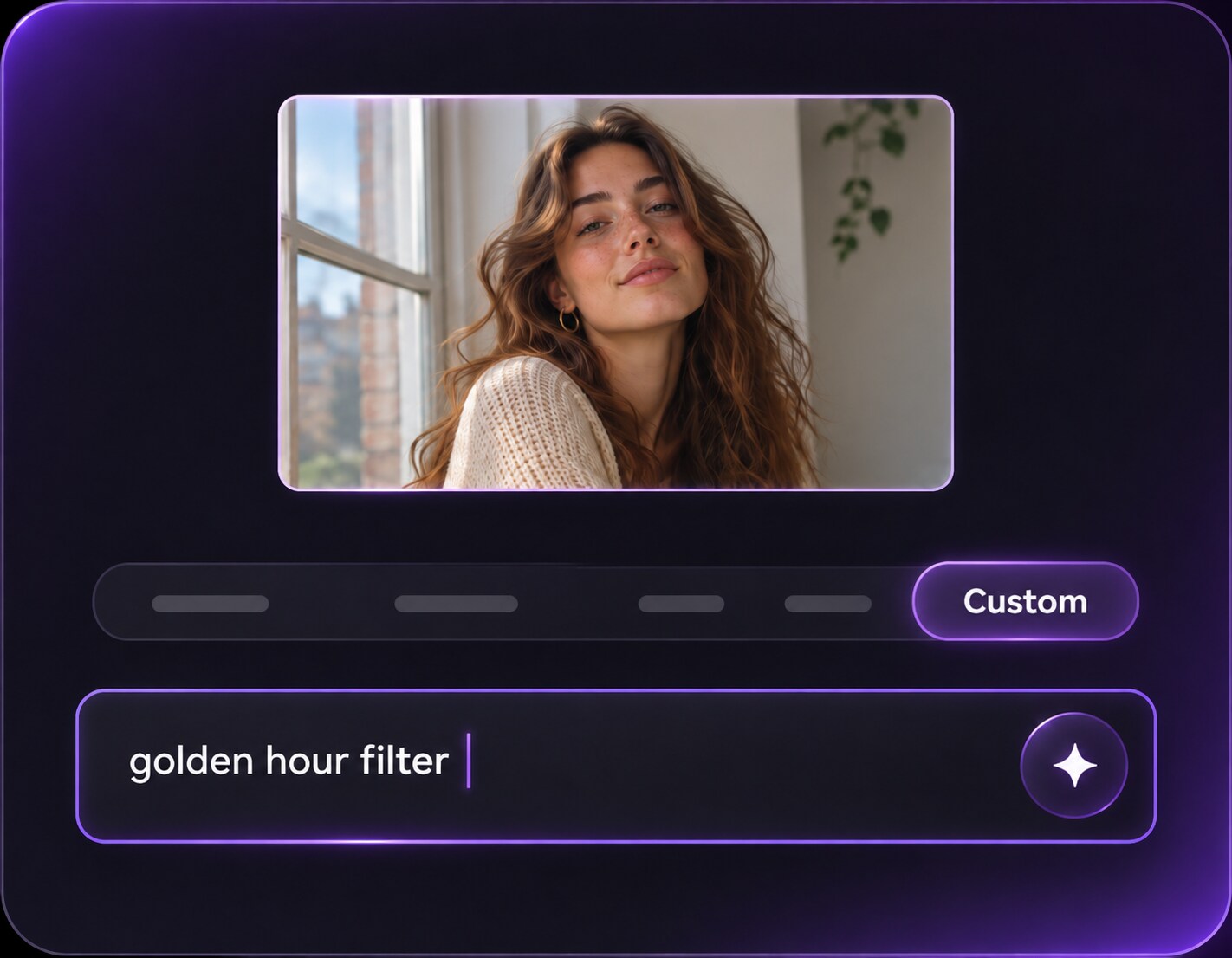
Prompt for Your Preferred Finish
Enter a precise prompt: Describe a subtle glow, matte finish or restrained makeup detail, and specify the features and skin tone to preserve.
Step 3
Generate and Compare Natural Detail
Click Generate, then inspect skin texture, eyebrows, lip color and facial proportions beside the original.
Use the filter to express a particular photo mood rather than chasing a universal definition of beauty.
Refresh a Daily Profile Picture
A familiar selfie can benefit from improved eye lighting and a little tonal balance. Keep the original smile, pores and skin tone so the avatar still looks like you when friends see it at small size.
Preview a Softer Makeup Direction
Before a photo session, compare subtle lip and lash accents on the same portrait. The edited image can illustrate a direction, but it does not precisely predict how any physical cosmetic product will look on skin.
Give a Formal Portrait Better Light
For an event or work headshot, aim for natural contrast, a controlled highlight on the face and realistic skin detail. Avoid reshaping the person just to create a magazine-style finish.
Ai Beauty Filter Photo Preview Checklist
Texture
Photo preview checklist
"Check texture before export" Natural skin should not turn into a flat mask.
Face Proportions
Photo preview checklist
"Check face proportions before export" Eye size and jaw shape should remain familiar.
Skin Tone
Photo preview checklist
"Check skin tone before export" Check against the neck for unwanted color shifts.
Makeup Detail
Photo preview checklist
"Check makeup detail before export" Makeup accents should fit the chosen subtle or editorial finish.
1. What can an AI beauty filter change in a portrait?
It can illustrate photo-oriented changes such as lighting, skin texture, color tone and described makeup accents. A prompt can ask to preserve facial proportions and the recognizable appearance of the person.
2. Will a beauty filter make my skin look fake?
Strong blur can remove pores and fine lines. Ask for gentle corrections and natural texture, then compare the cheeks and forehead against the original at close zoom.
3. How is this different from a clear skin filter?
Clear skin requests usually focus on spots or redness in the image. A broader beauty look can combine lighting, tonal balance and small makeup changes, so use the narrower page when only one blemish is the issue.
4. Can I keep the original skin tone?
Yes, specify that the existing skin color should remain. Check the generated face, neck and hands for unwanted color shifts before using the photo.
5. Does Media.io score my attractiveness?
No such scoring feature is claimed here. The page helps you experiment with photographic appearance and expression, not determine a beauty rank.
6. Can I use a beauty filter on a professional headshot?
A light photographic polish can work, but keep the result representative of the person. Excessive reshaping or dramatic makeup changes can make an identity-focused headshot misleading.