Vos créations sont conservées pendant seulement 7 jours. Les éléments créés après la mise à niveau de l'Abonnement seront stockés de façon permanente.
Libérez votre potentiel créatif et découvrez la magie de l'IA médiatique dès mIAntenant!
Générateur de pieds IA pour images réalistes, anime et esthétiques
Transformez vos prompts texte en visuels de pieds soignés en quelques secondes avec Media.io. Créez des gros plans réalistes, des références anime, des clichés mode, des rendus 3D ou des illustrations anatomiques avec des styles et formats variés, haute résolution et le tout directement dans votre navigateur.
Décrivez votre idée → l’IA la crée. Essayez gratuitement.
Découvrez notre sélection des générateur de pieds ia styles.
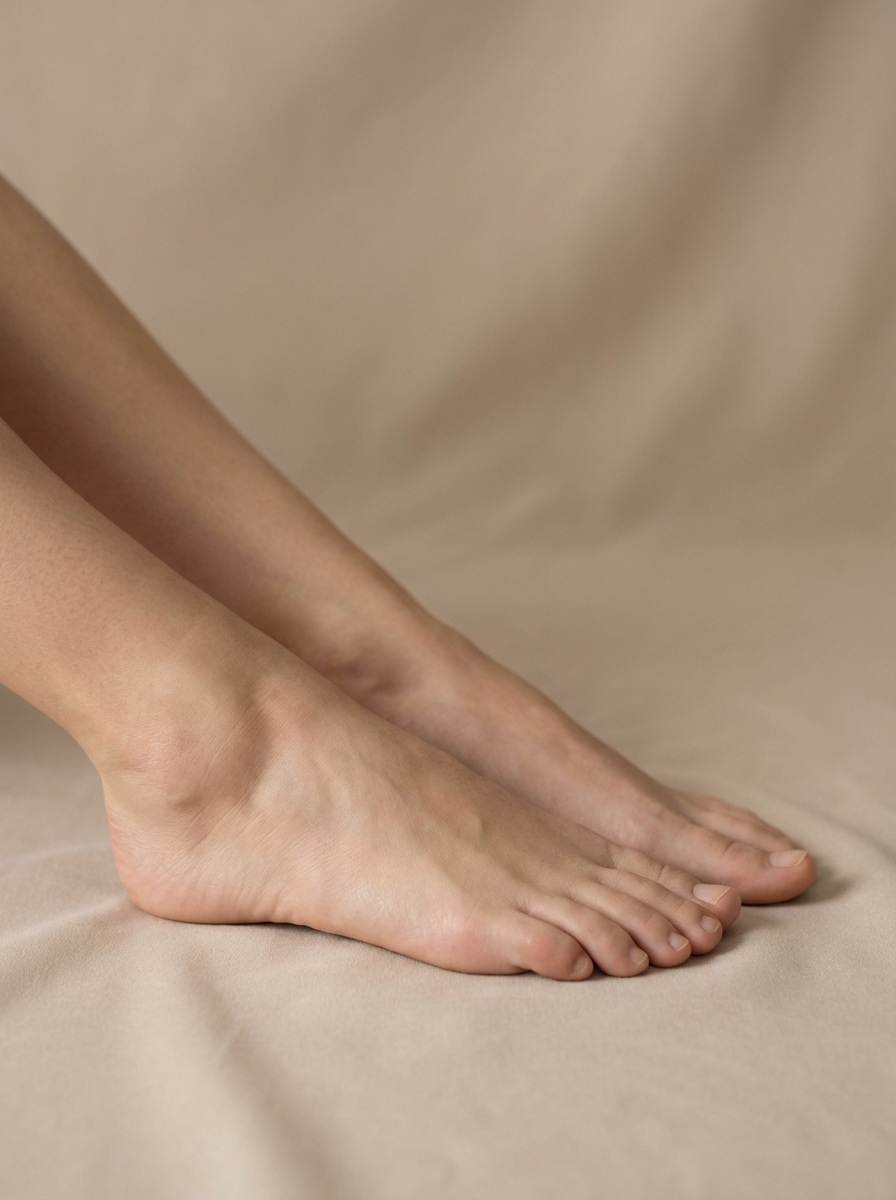
Gros plan studio beauté
Obtenez un gros plan photoréaliste de pieds humains dans un style photo studio haut de Event beauté, lumière douce et diffuse, anatomie précise, grain de peau naturel uniforme, ombres subtiles, fond neutre sans couture, composition éditoriale, haut niveau de détail, cadrage élégant et naturel.
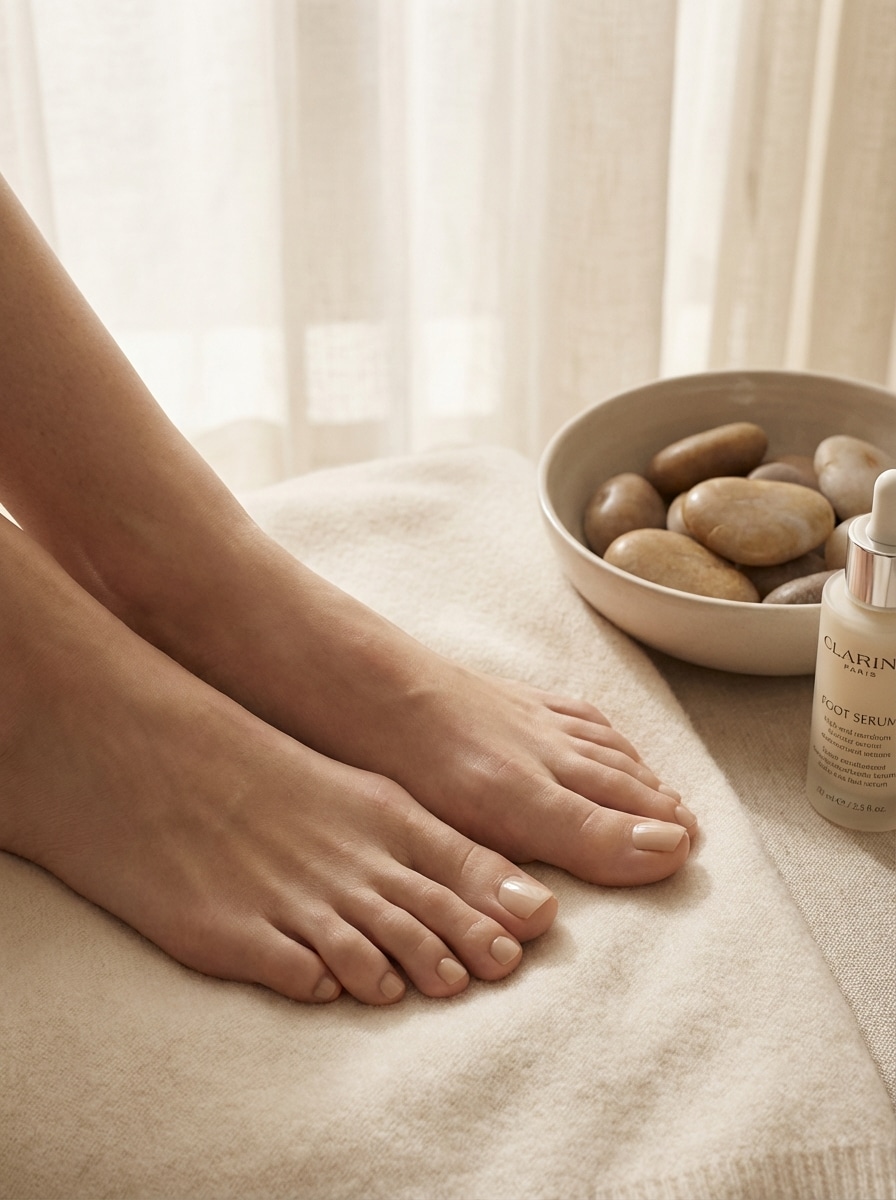
Pédicure luxe éditoriale
Générez une image éditoriale de pieds avec une esthétique pédicure de luxe, ongles brillants mais réalistes, palette beige & crème douce, ambiance spa haut de gamme, éclairage raffiné magazine, composition épurée, anatomie fidèle, look photo campagne beauté premium.
Ambiance vacances plage
Créez une photo lifestyle de pieds sur l’ambiance vacances à la plage, lumière dorée de fin de journée, texture sable, flou d’océan en fond, esprit détente et voyage, détails peau réalistes, pose naturelle, colorimétrie aérée, composition stylée adaptée aux réseaux sociaux.
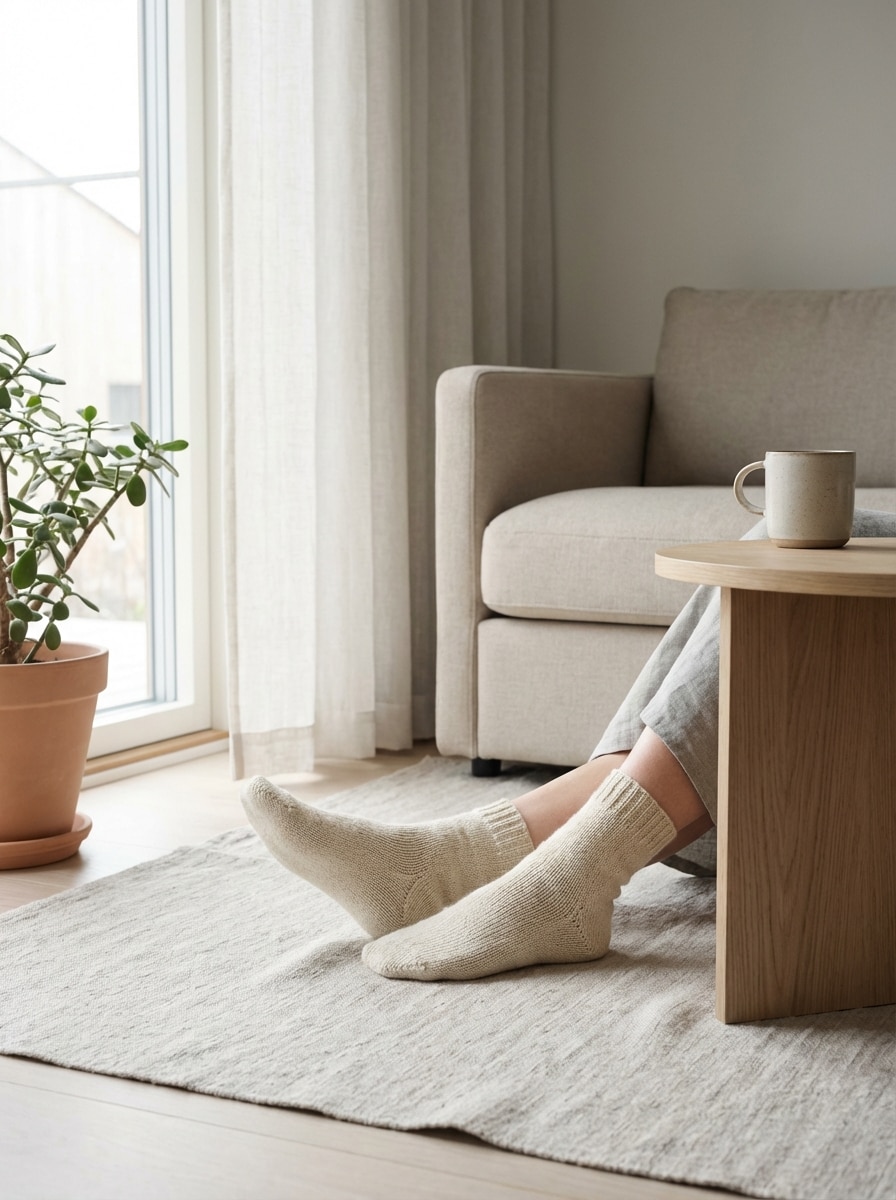
Minimalisme cosy à la maison
Générez une image lifestyle minimaliste de pieds dans un intérieur moderne chaleureux, lumière douce de fenêtre, déco neutre, textiles en lin, ambiance éditoriale apaisée, anatomie réaliste, palette scandinave douce, cadrage épuré et élégant.
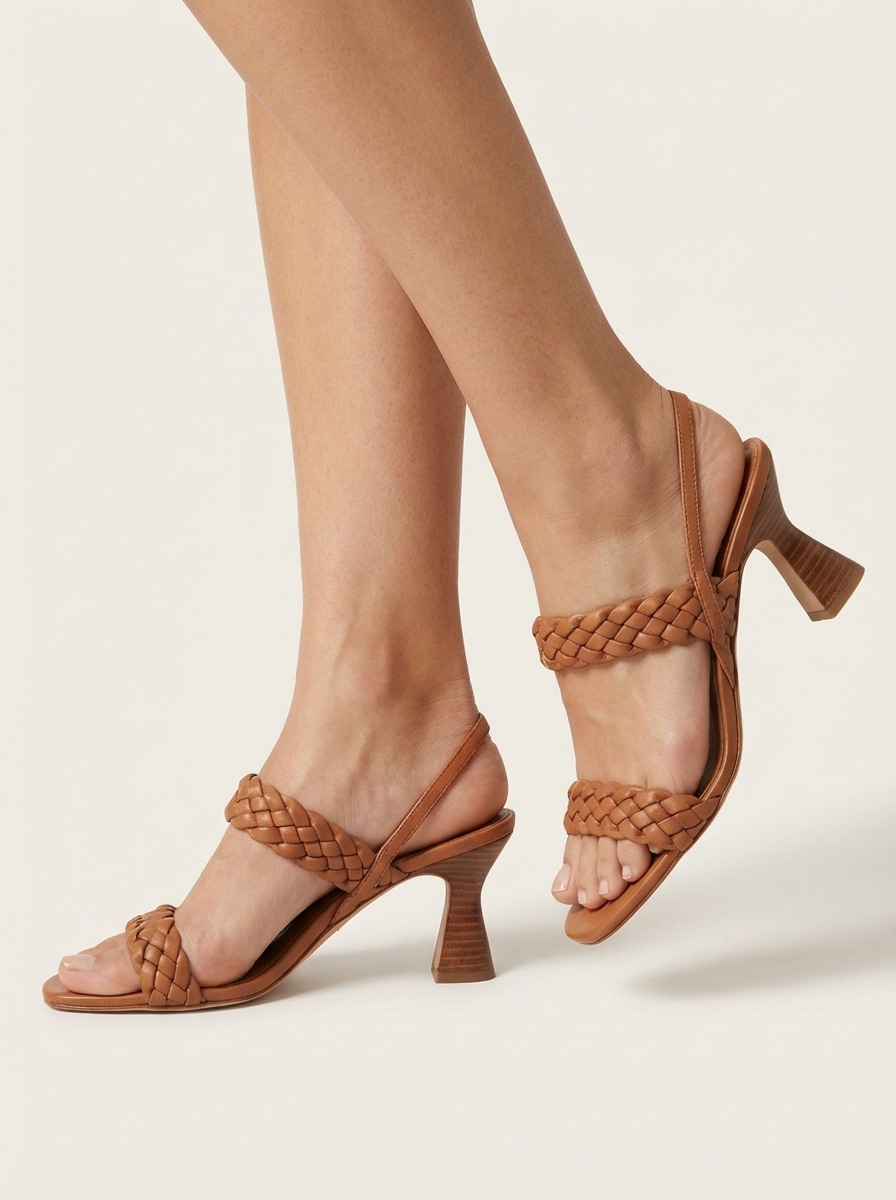
Packshot sandales mode
Créez une image de mode commerciale nette avec pieds chaussant des sandales tendance, anatomie précise, composition axée produit, fond blanc ou neutre doux, éclairage e-commerce premium, détails nets, style photo catalogue moderne.
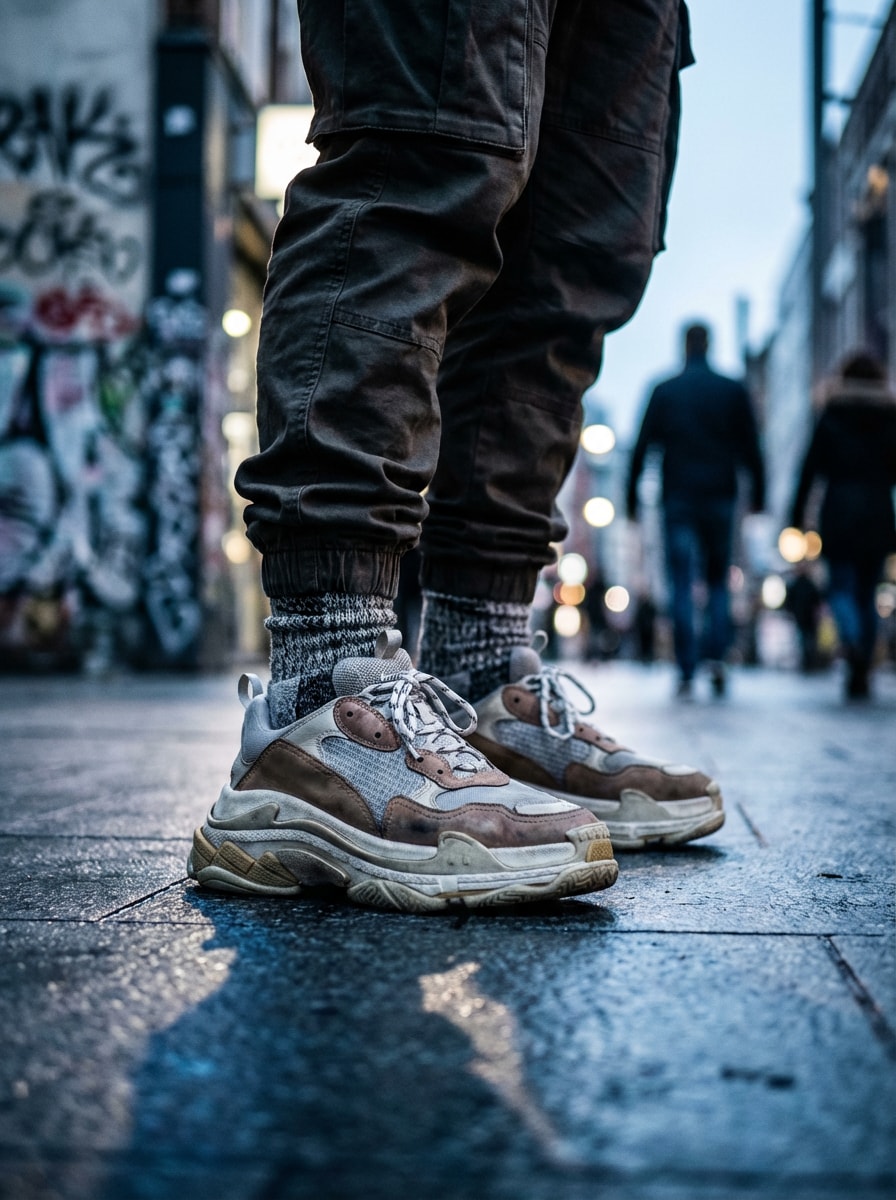
Sneakers streetwear recadré
Générez une photo mode streetwear recadrée centrée sur des pieds en sneakers stylées, fond urbain flouté, lumière froide, composition prête aux réseaux sociaux, anatomie réaliste, stylisme lookbook, texture renforcée et contraste marqué.
Pieds de personnage anime
Créez des pieds stylisés en anime avec lignes épurées, shading doux, anatomie stylisée précise, rendu inspiré manga soigné, harmonie de couleurs lumineuses, pose dynamique, qualité design parfaite pour le concept art.
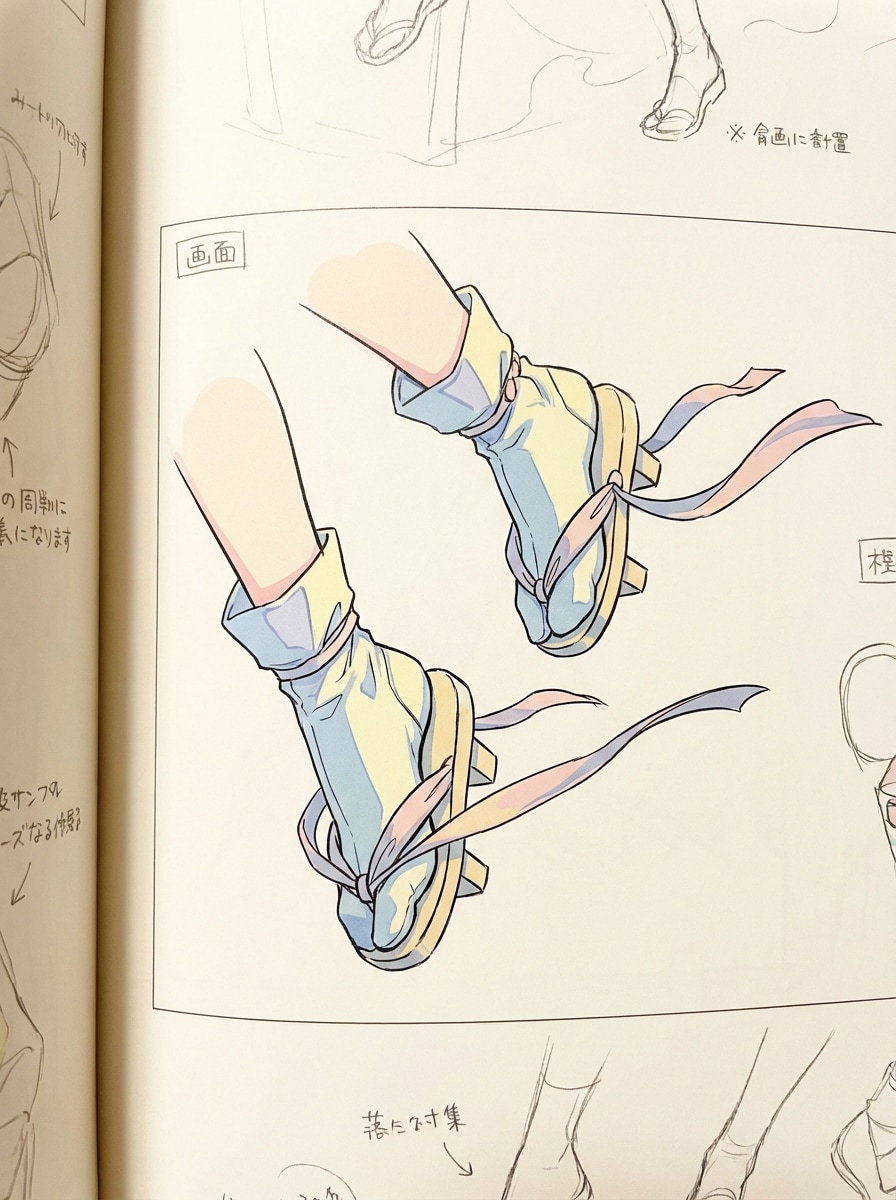
Sheet de référence manga
Générez une feuille de référence manga de pieds vus sous plusieurs angles, trait noir et blanc avec léger ombrage gris, layout étude d’anatomie, variantes de pose annotées, composition propre pour artistes, style visuel pédagogique.
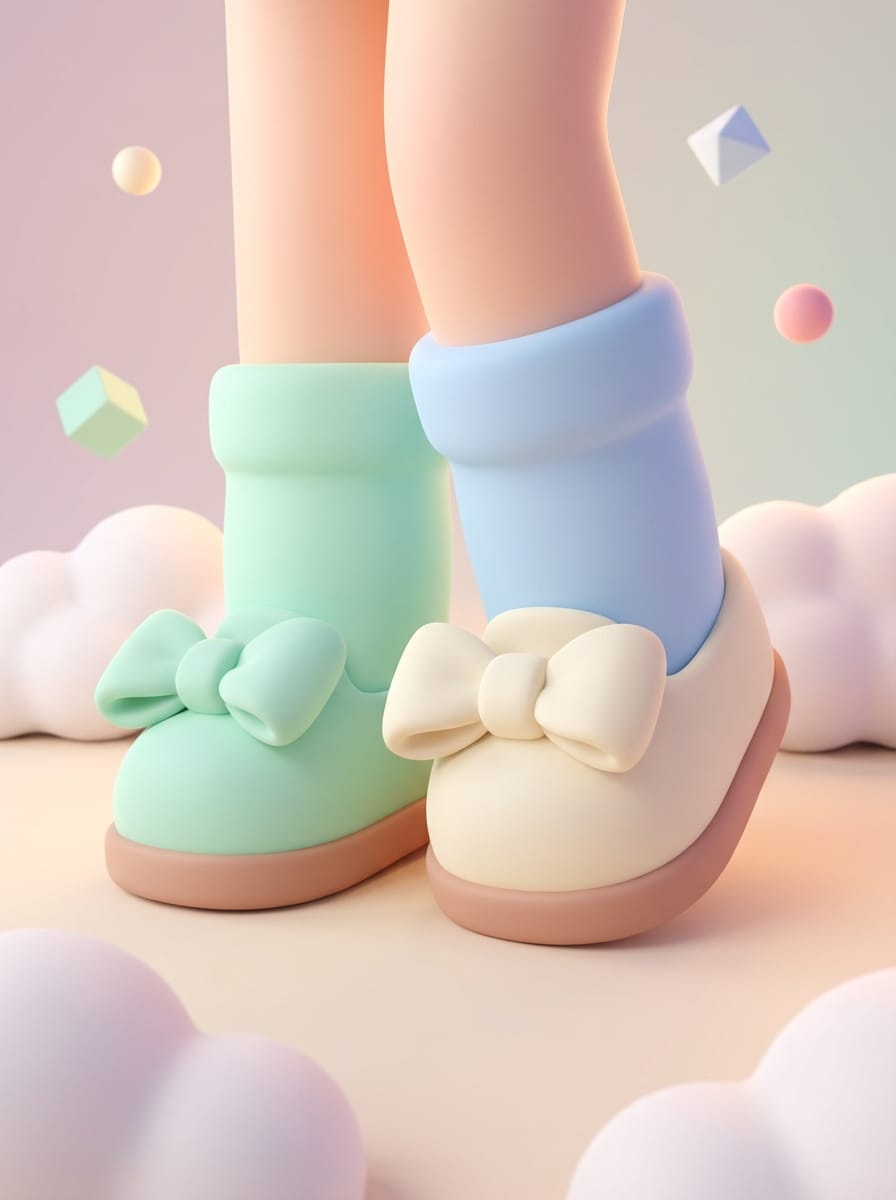
Rendu cartoon 3D mignon
Créez un rendu 3D stylisé mignon de pieds façon personnage animé, matériaux lisses, lumière globale douce, proportions fun, palette pastel, rendu studio soigné, look charmant parfait pour les réseaux.
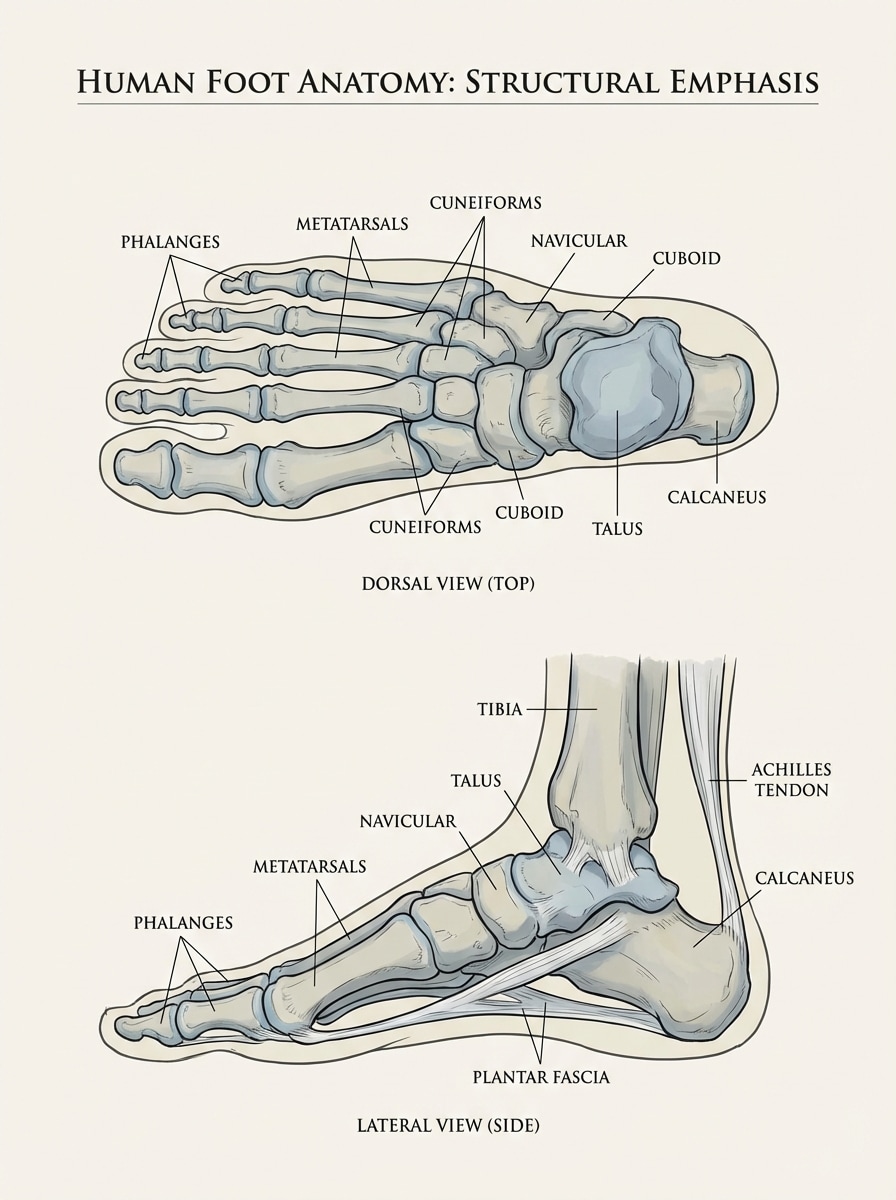
Schéma anatomie médicale
Générez une illustration d’anatomie humaine du pied propre et pédagogique, vue latérale et dessus, structure annotée, style médical de référence, proportions précises, fond neutre, grande clarté, présentation scientifique non graphique.
Pourquoi utiliser Media.io pour des images de pieds IA
Créer en style réaliste, anime, 3D et plus encore
Générez des images de pieds IA dans de nombreux styles à partir d’un seul prompt, incluant shoots éditoriaux réalistes, illustration anime, rendus 3D ou références illustrées.
Export haute résolution jusqu’en 4K
Créez des visuels pour moodboards, références artistiques, concepts mode ou posts sociaux avec des exports 1K, 2K ou 4K pour un rendu plus net et pro.
Formats flexibles pour tous vos contenus
Choisissez parmi Auto, 1:1, 9:16, 16:9, 4:3, 3:4, 3:2 et 2:3 pour pipeline d’études, recadrages magazine, contenus mobiles ou slides de présentation.
Génération rapide 100% navigateur
Utilisez Media.io sur Windows, Mac, iOS ou Android sans installation. Tapez un prompt en anglais, sélectionnez un modèle et générez instantanément dans votre navigateur.
Comment utiliser le générateur de pieds IA
1
2
3
1
Ouvrir le générateur d’images IA Media.io
Rendez-vous sur Media.io, puis ouvrez le générateur de pieds IA dans IA → Texte en image. Cet outil en ligne fonctionne directement dans votre navigateur, pour créer art de pieds, références et visuels éditoriaux sur desktop ou mobile.
2
Entrer un prompt
Tapez un prompt complet comme « gros plan photoréaliste de vous pieds avec lumière de studio, anatomie précise, fond neutre, photo beauté éditoriale, haut niveau de détail ». Puis sélectionnez style, modèle, format d’image et résolution souhaités.
3
Générer, affiner & télécharger
Cliquez sur Générer pour créer l’image. Affinez le prompt selon la pose, l’angle, les chaussures, la lumière ou le fond, puis téléchargez votre image finale en haute définition pour vos designs, références ou contenus.
« Au top pour des concepts esthétiques soignés » J’ai utilisé l’outil pour tester des visuels de pieds inspirés spa ou édito pour ma campagne beauté. Le contrôle du prompt m’a bluffée, surtout pour la lumière, la stylisation des ongles et les fonds propres.
Jordan P.
Illustrateur freelance
« Pratique pour le style anime et les références » Les rendus style anime ou manga sont méga utiles en recherche de références rapides. Au top de pouvoir switcher du trait stylisé à l’étude d’anatomie dans le même outil.
Elena R.
Designer marketing mode
« Idéal pour nickels visuels chaussures » J’ai testé les prompts sandales et sneakers pour mes concepts de présentation rapide, résultat propre et très pro. Gros gain de temps pour explorer plusieurs styles avant le shooting réel.
David K.
Étudiant en e-art jeux vidéo
« Super équilibre réalisme & stylisation » Je l’utilise surtout pour les études d’anatomie ou des sheets de design personnages. Les styles 3D ou concept art m’aident à lancer mes idées sans jamais commencer de zéro.
Découvrez Les Effets Vidéo et d'Image IA Les Plus Populaires
1. L’IA peut-elle créer des images de pieds réalistes ?
Oui. Media.io permet de générer des images de pieds IA réalistes depuis un prompt texte grâce à ses modèles texte-en-image. Pour un rendu optimal, pensez à inspected la pose, l’anatomie, la lumière, la texture de peau, le fond et le style ; le générateur est optimisé pour les prompts en anglais clair.
2. Quel prompt utiliser pour un générateur de pieds IA réaliste ?
Un prompt efficace est précis et visuel. Exemple : « gros plan photoréaliste sur pieds humains, lumière de studio douce et diffuse, anatomie fidèle, grain naturel, ombres subtiles, fond uni, composition édito, haut niveau de détail. » Précisez aussi angle, chaussures, style pédicure ou format d’image si besoin.
3. Puis-je créer du style anime ou 3D avec Media.io ?
Oui. Media.io supporte de nombreux styles visuels dont anime, réalisme, rendu 3D, peinture à l’huile, cyberpunk, etc. Idéal si vous cherchez un générateur pieds anime, un rendu 3D stylisé ou une image éditoriale réaliste sur une même plateforme.
4. Existe-t-il un générateur de pieds IA gratuit en ligne ?
Media.io propose un accès gratuit avec 3 crédits/jour pour tester des prompts et générer des visuels IA dans votre navigateur. Il y a un filigrane sur les images gratuites, les abonnés peuvent les télécharger en HD sans watermark. Besoin de plus de crédits ou exports propres ? Découvrez les offres ici : https://www.media.io/fr/pricing.html
5. Quelles résolutions et formats sont pris en charge par Media.io ?
Media.io génère en 1K, 2K, 4K, et propose Auto, 1:1, 9:16, 16:9, 4:3, 3:4, 3:2 et 2:3. Pratique pour créer vos références pieds gros plan, visuels pour mobiles ou mises en page édito au format adapté.
6. Media.io fonctionne-t-il sur mobile et desktop ?
Oui. Media.io est 100 % en ligne, accessible sur tune device avec navigateur – Windows, Mac, iOS ou Android. Créez vos générateur de référence pieds ia images ou de l’art conceptuel esthétique sans rien installer.