
AI Christian Story Video Maker for Bible Lessons and Church Shorts
Build scripture lessons, parable retellings, devotional clips, and testimony-style videos from a real script instead of a vague prompt. Media.io's AI Christian Story Video Maker helps extract the outline, guide faith-centered characters and settings, preview storyboard images, and generate narration-led videos for church screens, YouTube, TikTok, or class.
Create Faith Stories That Feel Respectful, Clear, and Watchable
Guide the message, visuals, narration, and publishing flow without turning your Bible story into a generic clip.
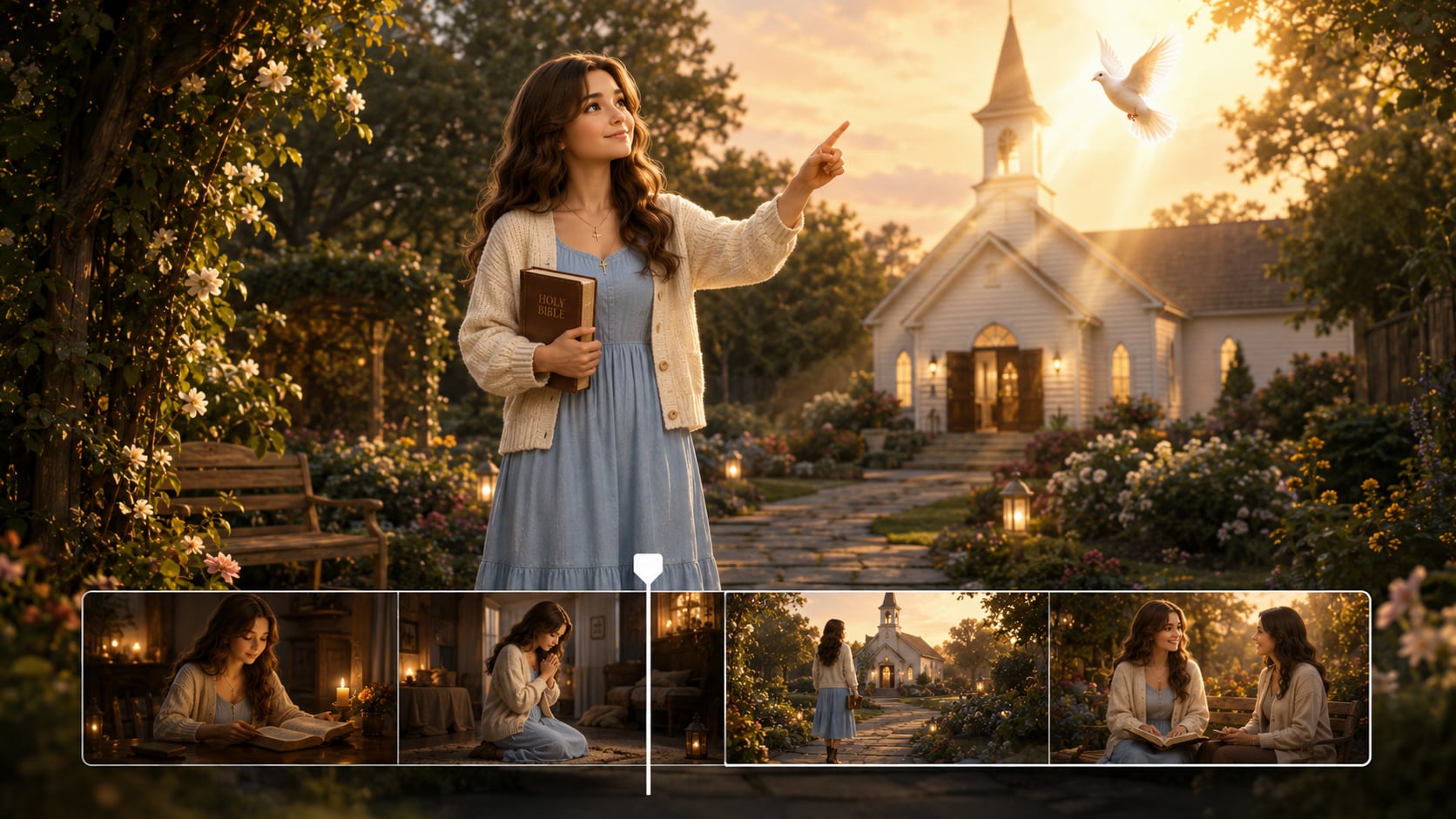
Shape Bible Scenes with a Reverent Visual Tone
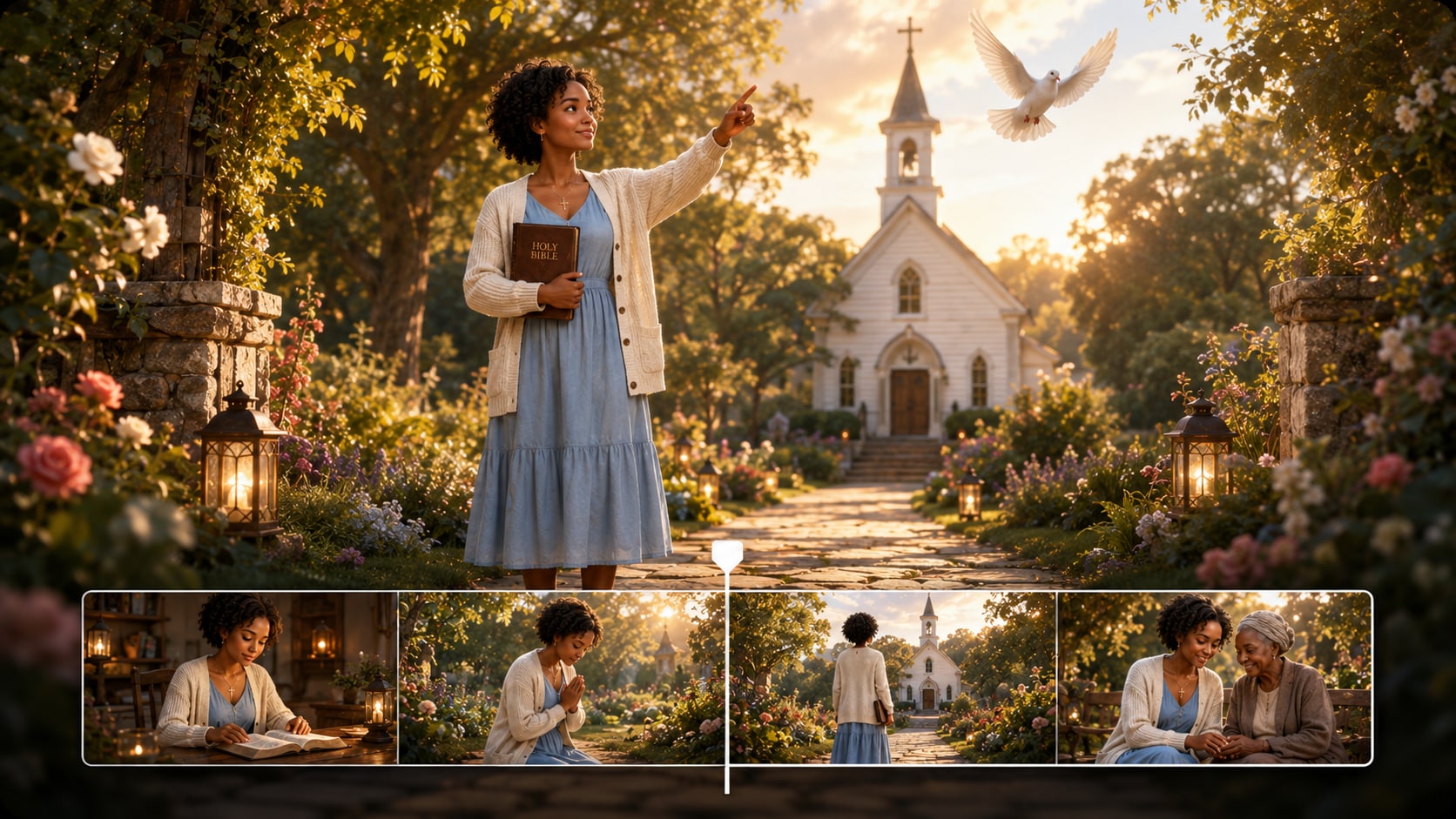
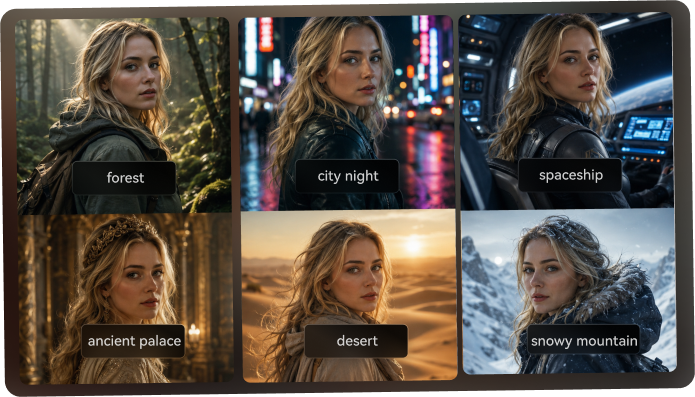
Create a faith-centered atmosphere before the video is generated. Choose the format, style, and visual direction that fit a desert parable, a church testimony, a Sunday school lesson, or a modern devotional.
- Faithful Mood - Match visual direction to scripture, devotion, or lesson tone
- Scene Setting - Guide backgrounds such as temples, villages, churches, or classrooms
- Format Choice - Prepare videos for vertical shorts, square posts, or widescreen lessons
- Creator Fit - Support ministry teams, educators, and faith-based creators
Turn Sermon Notes into a Clear Story Arc
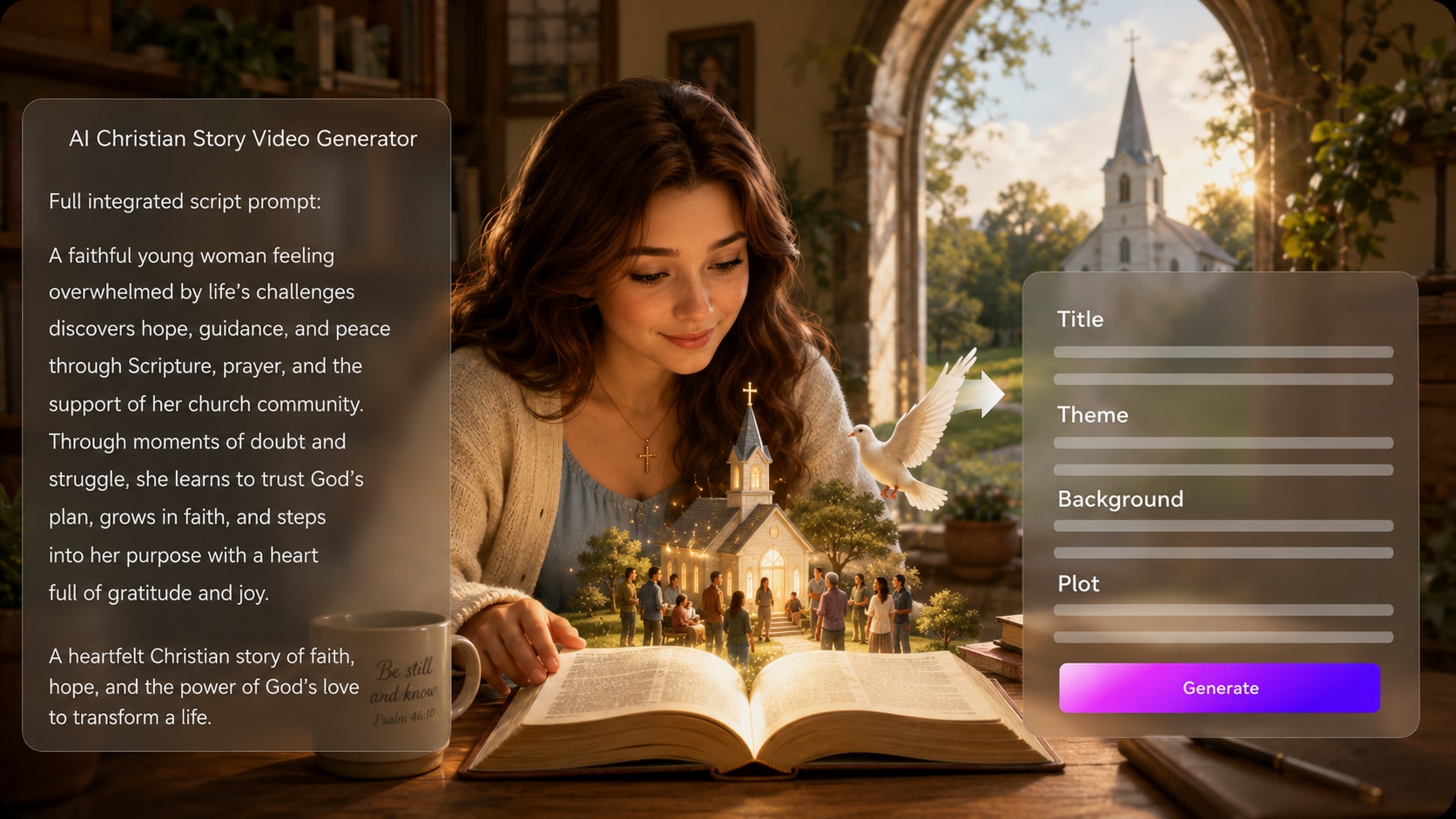
Start with a detailed script, Bible passage, devotional draft, or sermon outline. Media.io extracts an editable outline with title, theme, setting, plot, and characters, so your message has structure before scenes are generated.
- Outline Extraction - Review the title, theme, setting, plot, and cast
- Lesson Clarity - Keep the moral, verse, or teaching point visible
- Script Discipline - Use stronger input to guide stronger video scenes
- Story Flow - Move from setup to conflict, reflection, and takeaway
Guide Biblical Figures and Modern Witnesses
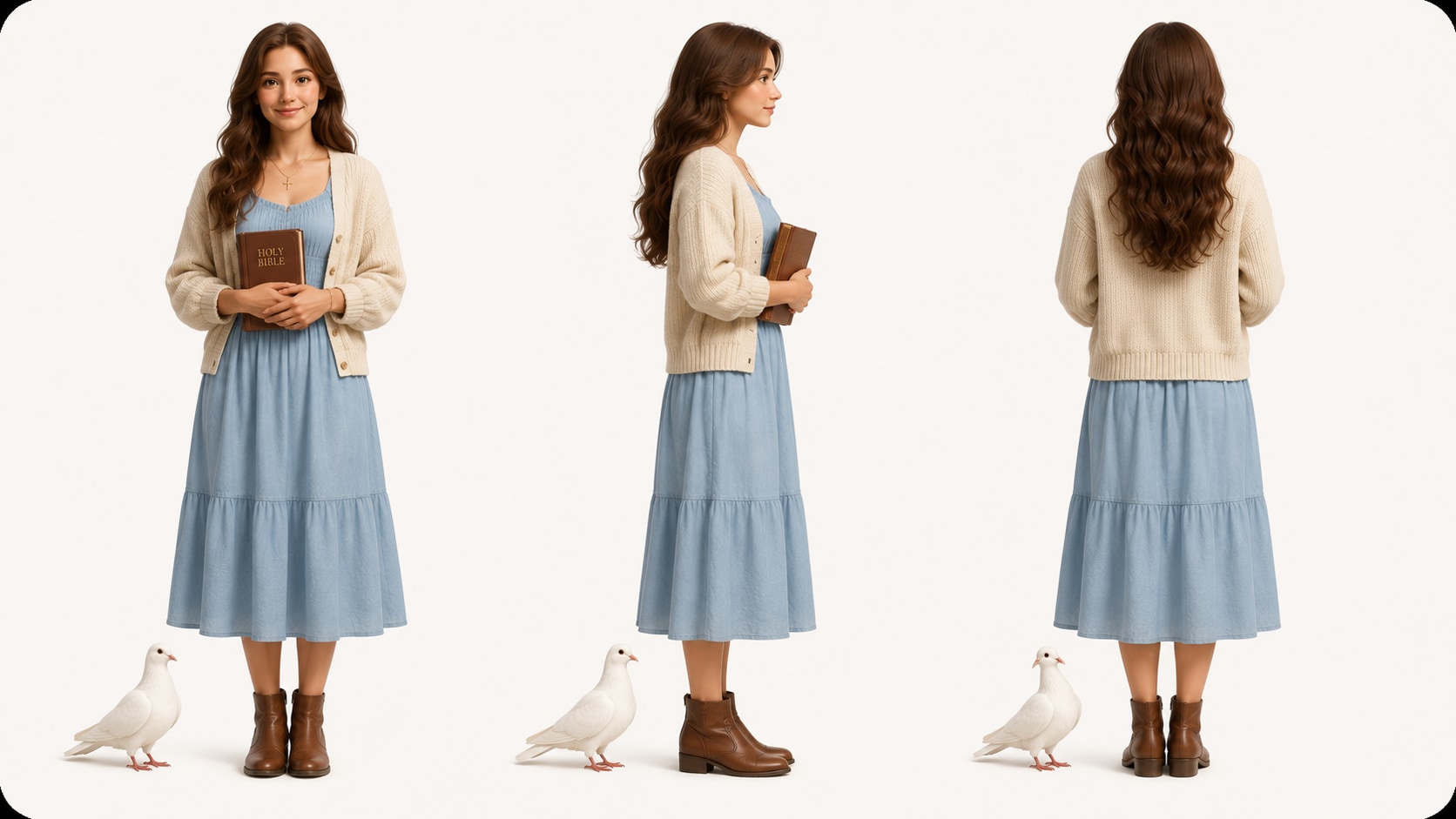
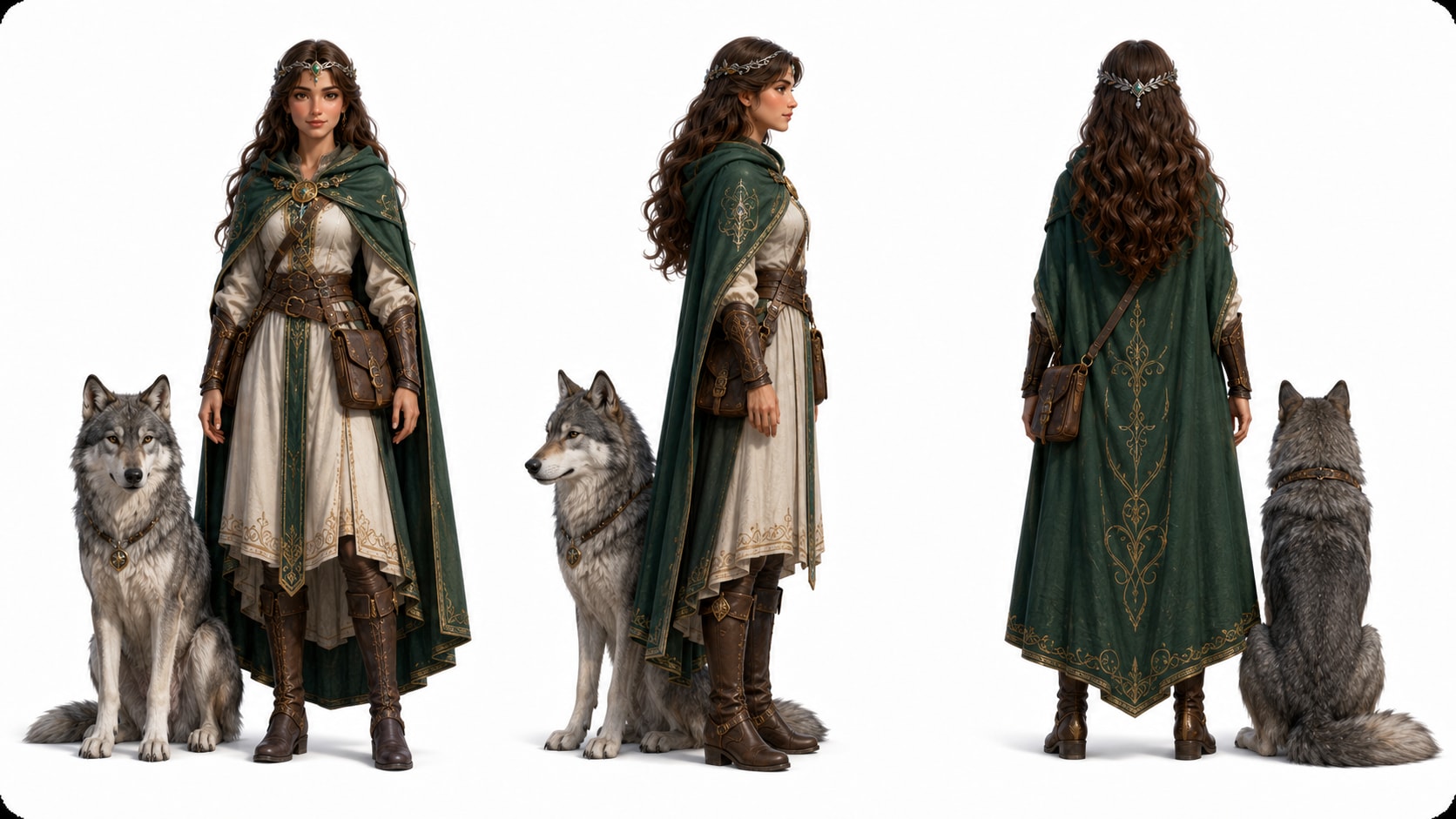
Describe characters in text, use a sketch, or upload a real photo when your story needs a recognizable pastor, narrator, student, disciple, or testimony subject.
- Text Characters - Describe age, clothing, expression, and role
- Photo Guidance - Use real images when a modern speaker should be recognizable
- Sketch Input - Start from simple drawings or concept references
- Story Continuity - Help viewers track recurring people across scenes
Publish with Narration, Music, and Final Polish
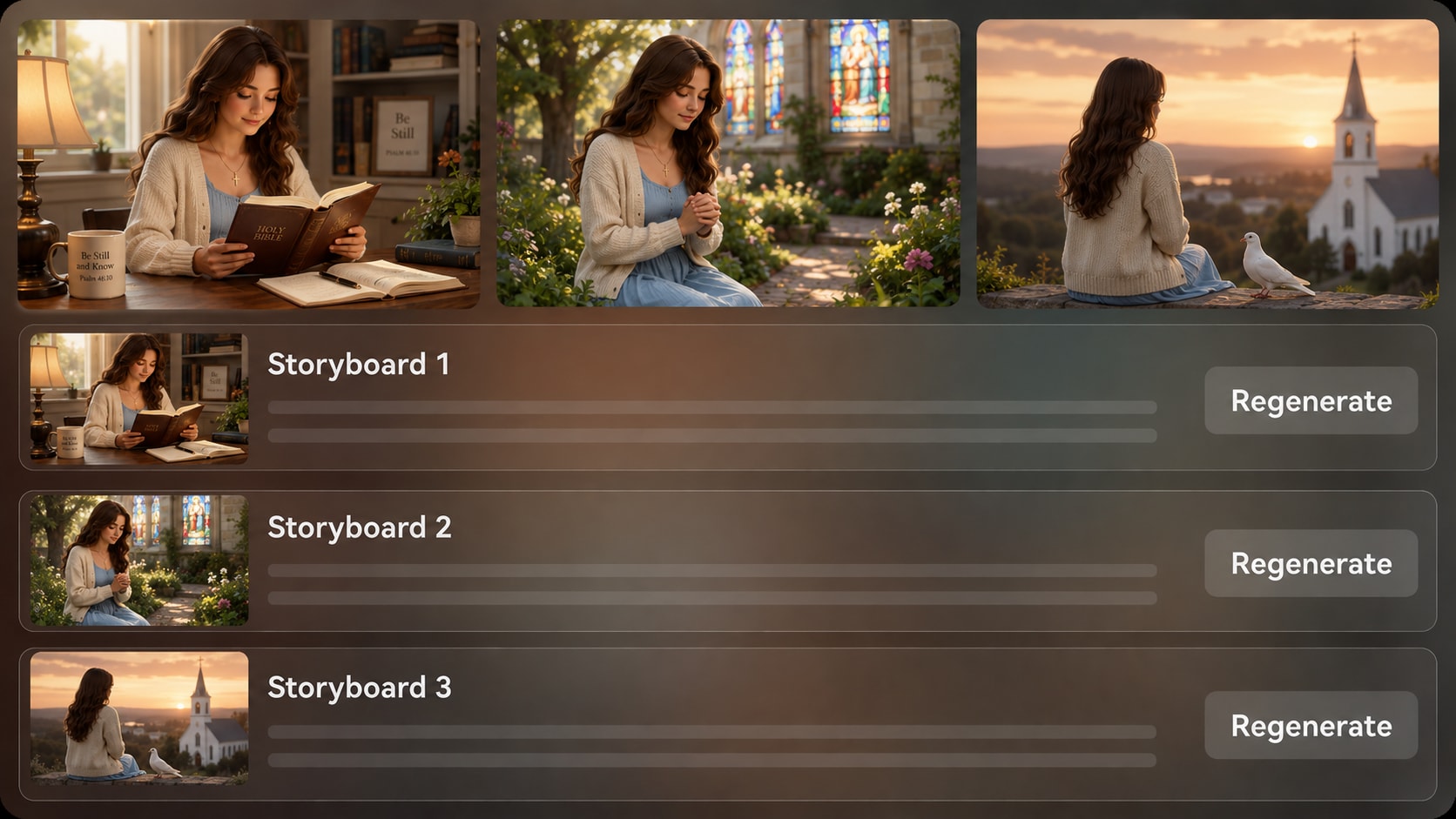
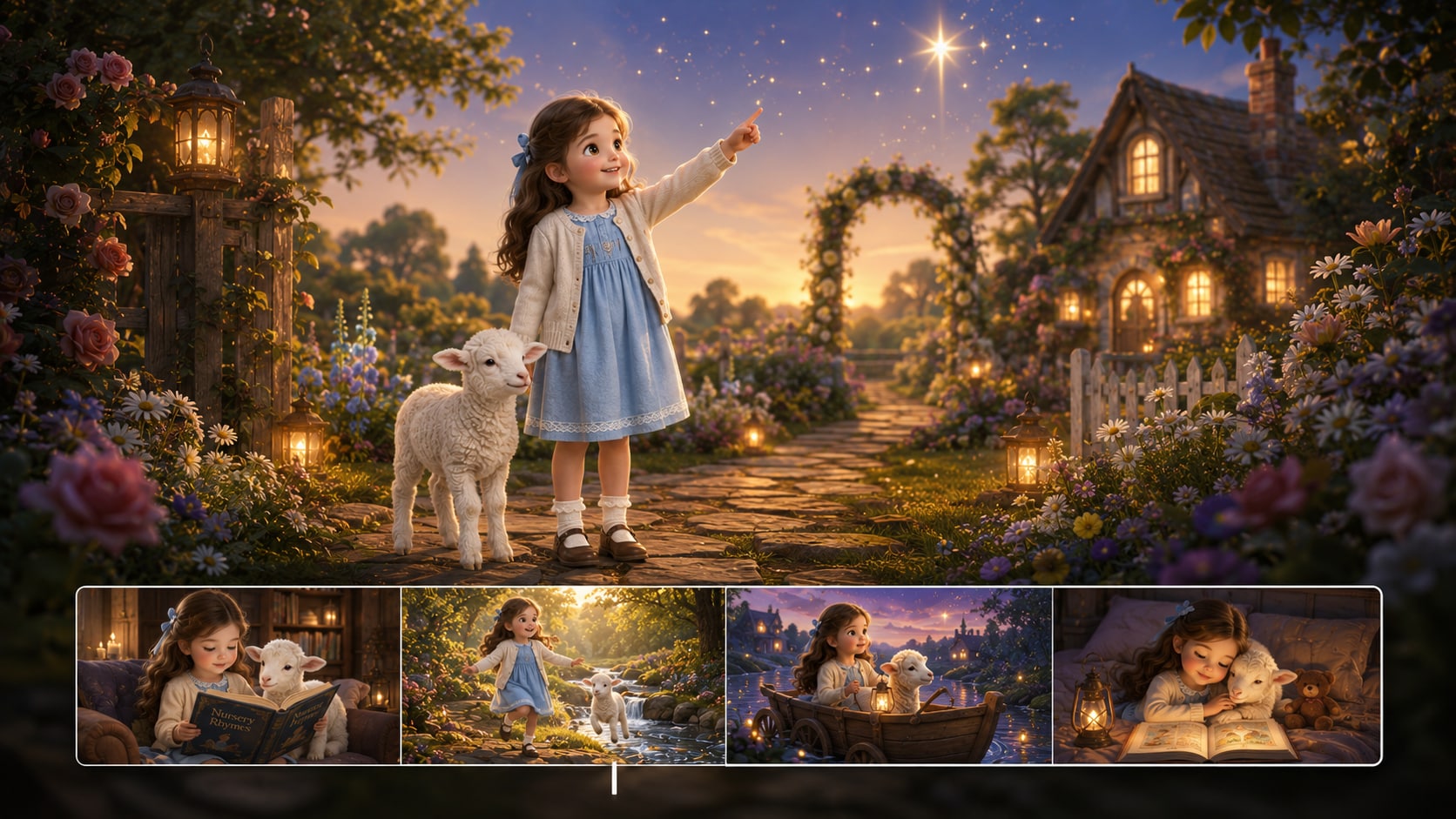
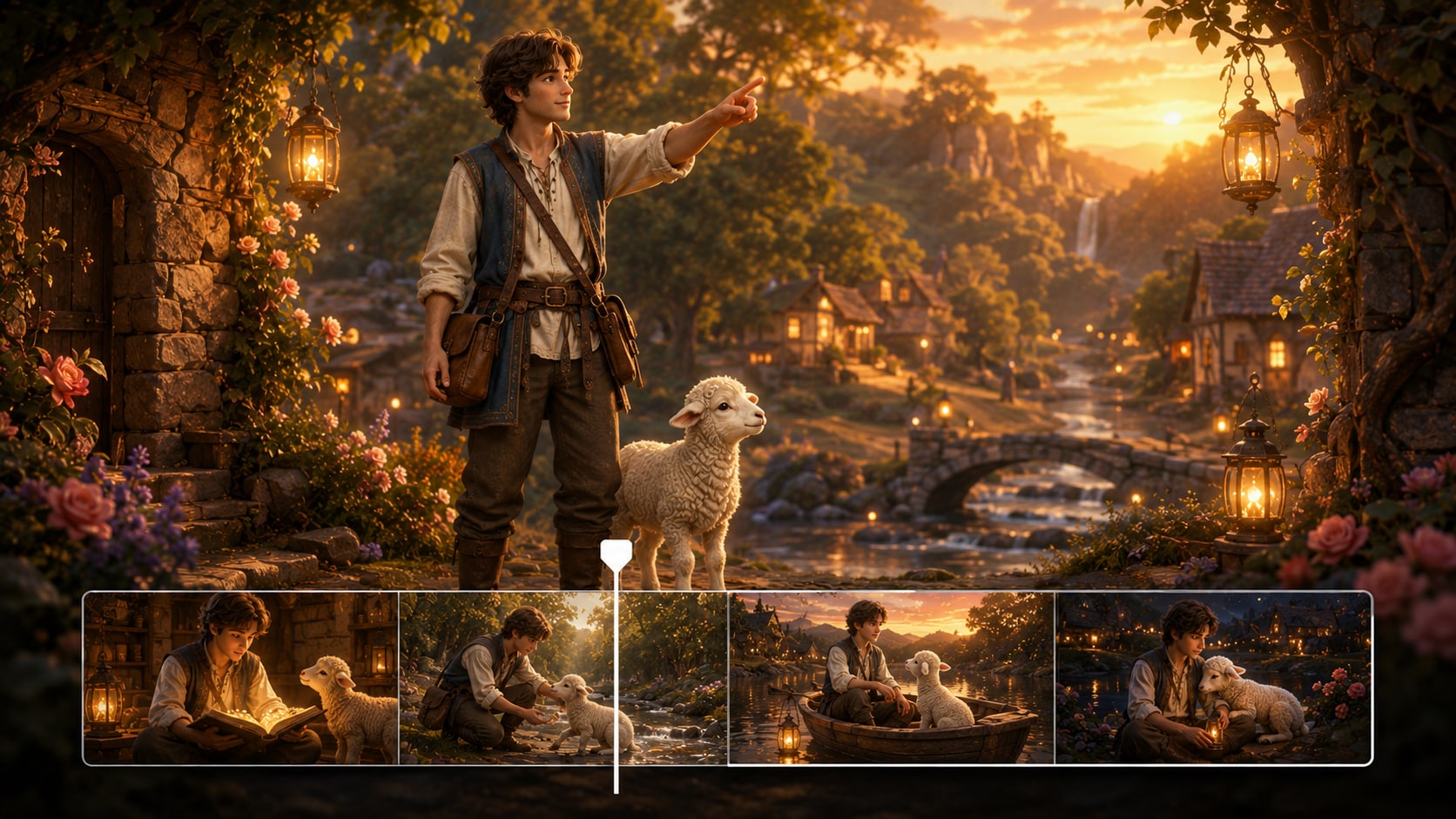
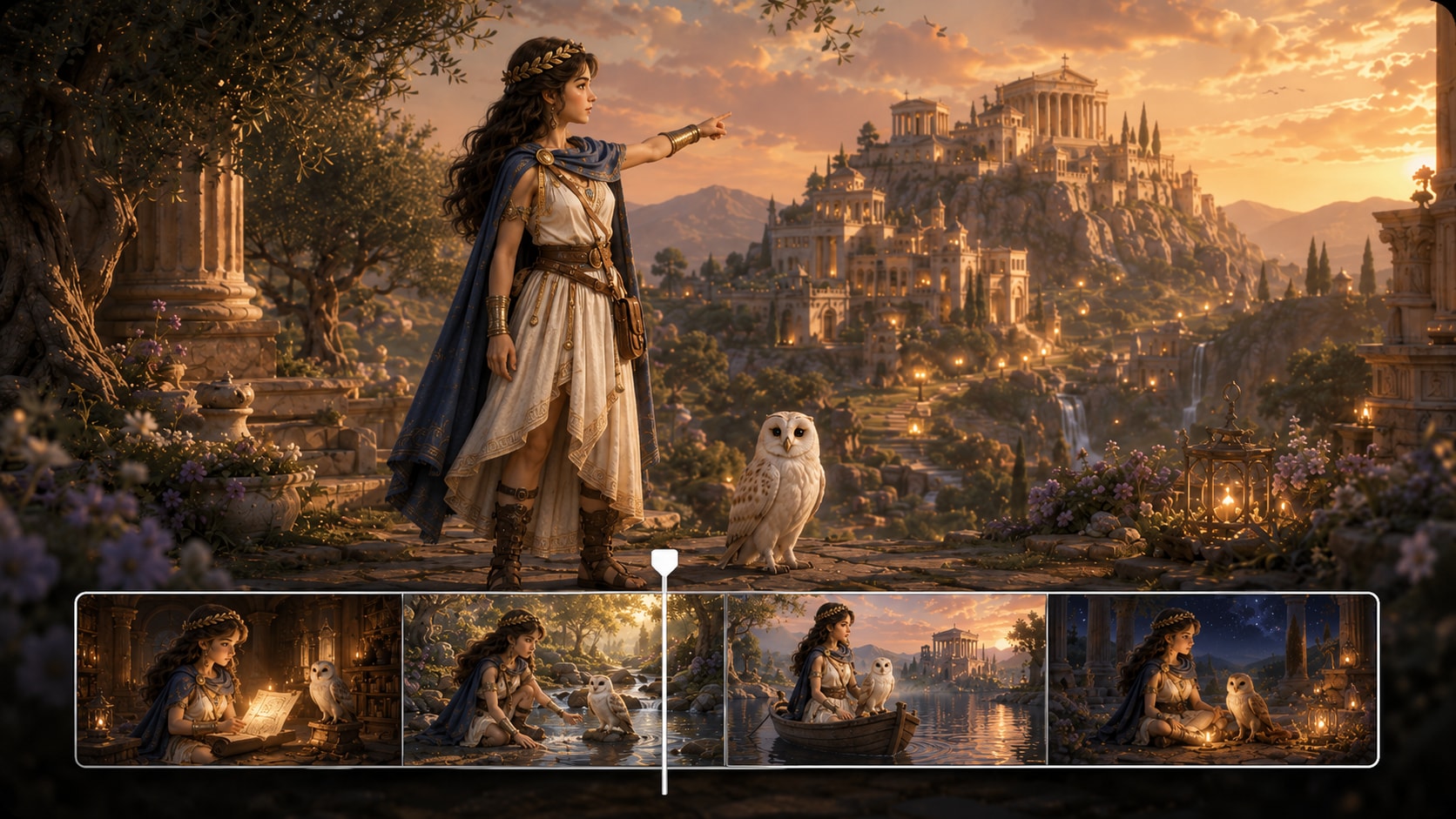
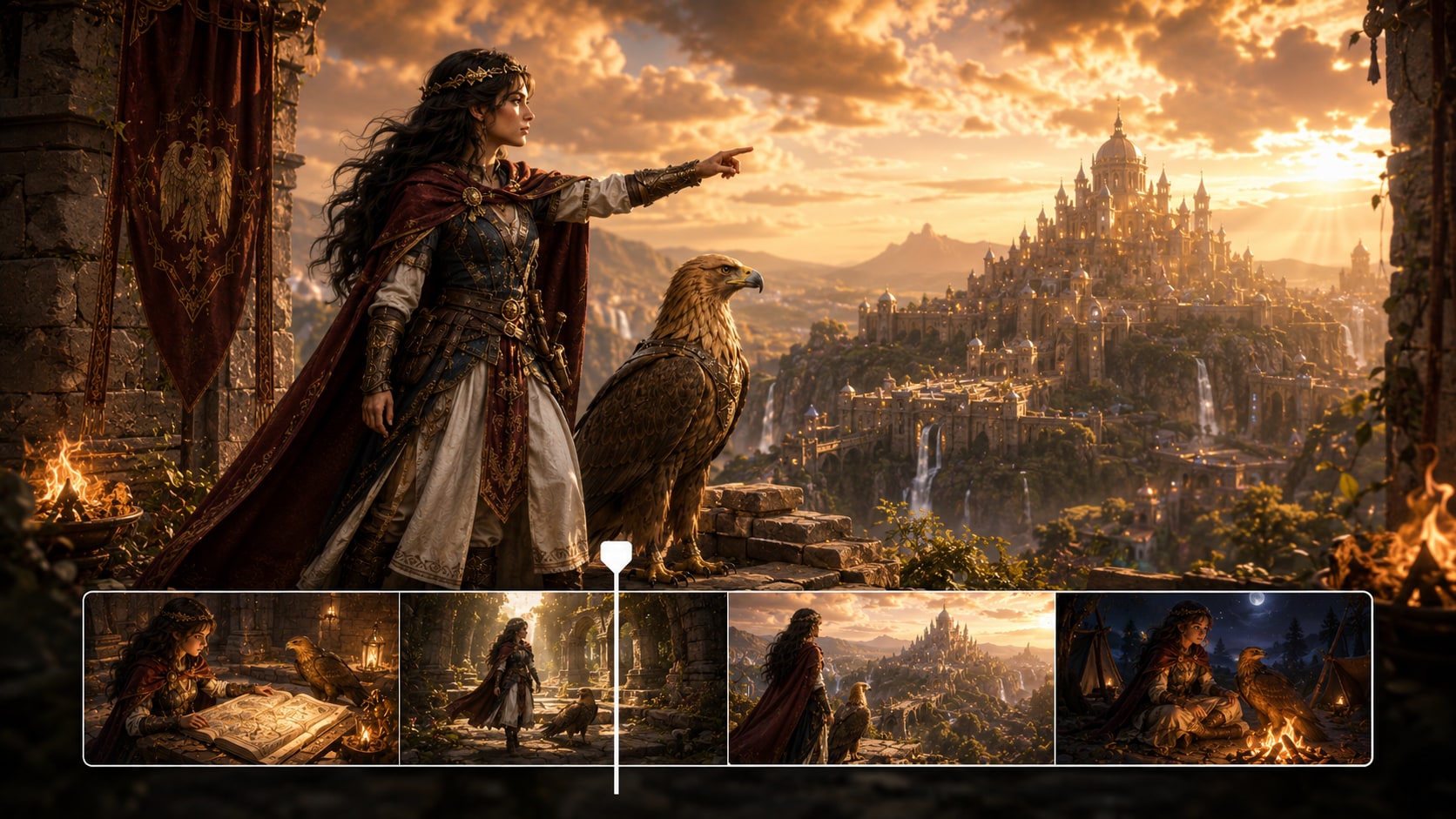
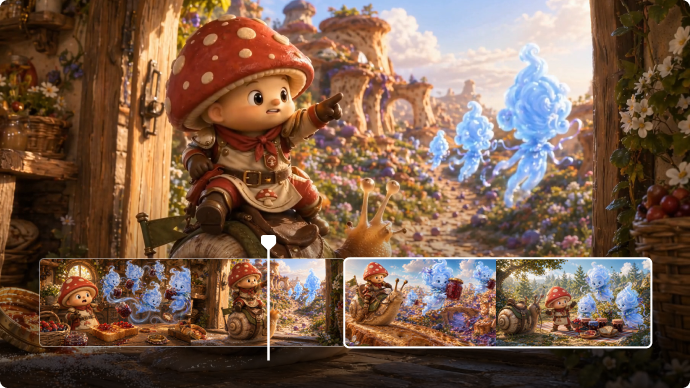
Review generated storyboard images before the final video, then regenerate any unsatisfying shot.
- Storyboard Review - Check the visual sequence before generation
- Shot Regeneration - Create a new version when a specific image feels off
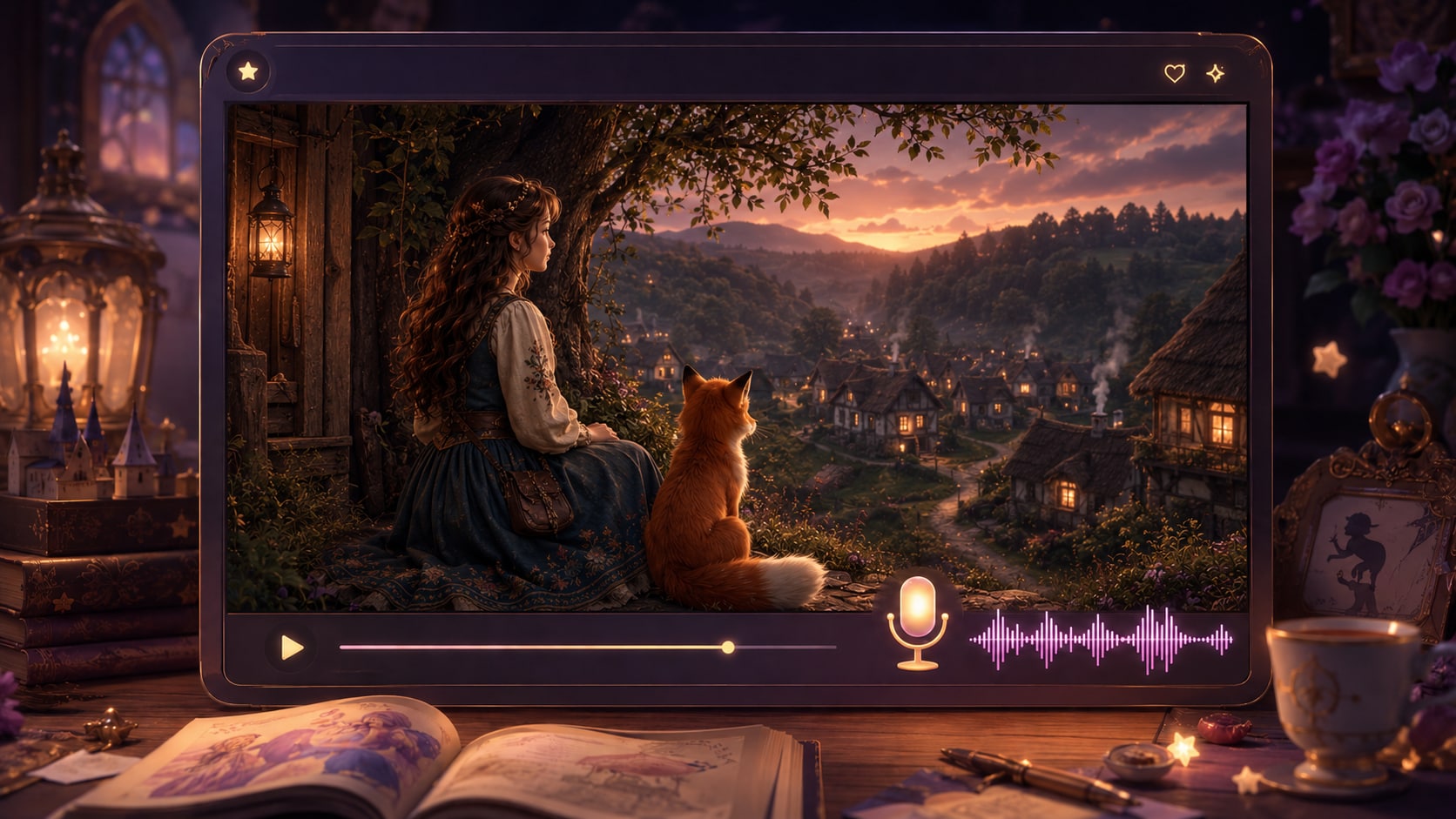
- Script-Based Audio - Let narration and music follow the written story
- Post-Generation Polish - Refine the final video with Media.io tools
Create a Christian Video in Three Practical Steps
Use a script-first workflow so the message, characters, and visuals stay anchored to your faith story.

Paste the Script
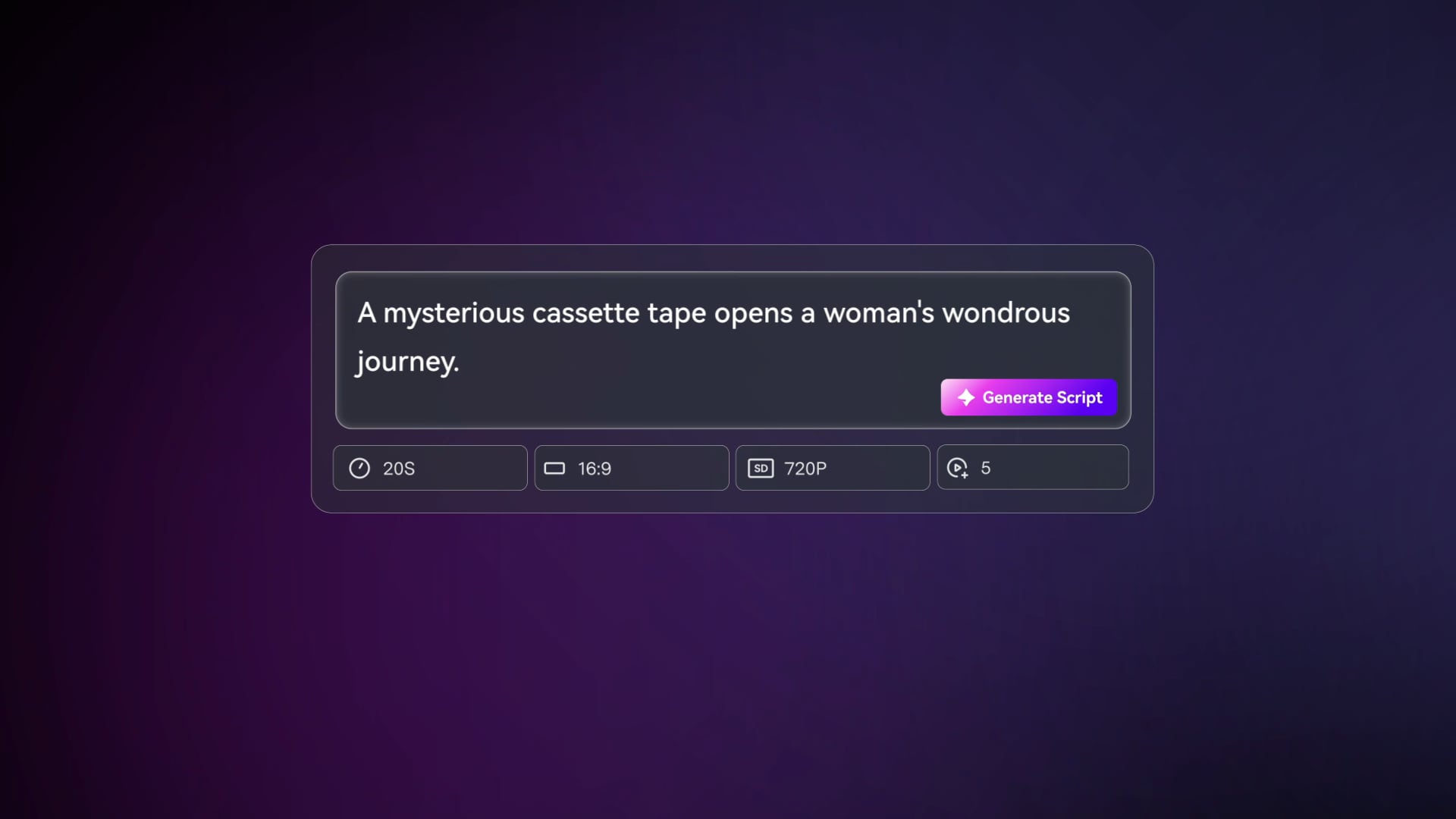
Provide a detailed script or structured story input such as a Bible passage, sermon outline, lesson plan, or devotional draft. Review and edit the extracted outline fields, including title, theme, setting / background, story plot, and characters, then choose an aspect ratio such as 9:16, 1:1, or 16:9 during setup.

Guide the Storyboard
Prepare the video direction with available style and visual choices, then add character guidance from text, real photos, or sketches when needed. Media.io generates scene-by-scene storyboard images from the outline so you can review the visual flow before final video generation.

Generate and Polish
Generate the final video with voiceover and music based on the script. If a storyboard image does not fit the message, use Regenerate on that shot before moving forward. After generation, review the full video and polish it with Media.io tools such as Enhance Video Quality when needed.
Compare an AI Christian Story Video Maker with Generic Video Tools
A Christian story workflow should protect the message, structure the scripture source, and support review before publishing.
Create for the Faith Audiences You Already Serve

Church Media Teams
Create sermon recaps, ministry stories, announcements, and seasonal message videos without building every scene from scratch.

YouTube Creators
Turn Bible explainers, parable retellings, and testimony scripts into narrated episodes for faith-based channels.

TikTok Creators
Produce short devotional stories, scripture reflections, and faith lessons with a clear hook and visual rhythm.

Educators
Build classroom-friendly visuals for Sunday school, Bible study, homeschool lessons, and youth group discussion.
Watch More Texts to Story Video Examples
Loved by Christian Creators
Faith-focused creators like starting from a real script and reviewing the story before they share it.


"The outline step helped our sermon recap stay focused instead of drifting into random visuals."

"I used a full Bible lesson script and the storyboard preview made it easier to catch scenes that needed a different direction."

"It gave my students a clearer visual path through the parable without me spending the week learning editing software."

"The script-based narration and music fit short devotional posts much better than silent image clips."

"I liked being able to shape the message, the setting, and the final polish in one workflow."

"Character guidance from text and sketches helped me test a biblical short film concept before pitching the full idea."
FAQs on AI Christian Story Video Maker
What Is an AI Christian Story Video Maker Used for?
An AI christian story video maker is used to create faith-centered videos from Bible stories, sermon outlines, devotional scripts, testimonies, and Christian lessons. It helps structure the message, guide scenes, and produce narrated videos for church, class, YouTube, TikTok, or ministry outreach.
Can I Start with a Bible Passage or Sermon Outline?
Yes. Media.io works best when you provide a detailed script or structured story input, such as a Bible passage with scene notes, a sermon outline, a devotional draft, or a lesson plan. The tool can extract an editable outline before generating visuals.
Can the Voiceover and Music Follow My Christian Script?
The final generated video can include voiceover and music based on the script you provide. For best results, write the narration tone, emotional beats, pauses, and key scripture moments directly into the script.
How Should I Write a Better Christian Story Video Script?
Start with the teaching goal, then organize the story into clear scenes: setting, character action, conflict, reflection, scripture connection, and takeaway. Include visual details such as location, clothing, mood, and narration cues so the generated video has stronger direction.
How Do I Avoid Making a Bible Story Video Feel Generic?
Avoid vague prompts like a short Bible story. Use specific scripture context, named characters, setting details, emotional tone, and lesson purpose. Review the extracted outline before generation so the plot, theme, and characters match your intended message.
Can I Create Recognizable Pastors, Teachers, or Bible Characters?
Media.io can use text descriptions, real photos, or sketches to guide character creation and help people appear more recognizable in the story. This provides clear character guidance, but you should still review the generated scenes and refine anything that does not fit.
Can I Make Christian Videos for YouTube Shorts, TikTok, or Church Screens?
Yes. During setup, you can choose a format and aspect ratio suited to vertical social posts, square feeds, or widescreen viewing. This makes the workflow useful for YouTube Shorts, TikTok, Instagram Reels, Bible classes, worship screens, and ministry websites.
Can I review the storyboard If a Scene Looks Wrong?
You can edit the extracted outline before storyboard generation, including the title, theme, setting / background, plot, and characters. The storyboard images themselves are not manually editable, but if a specific storyboard image is unsatisfying, you can click Regenerate to create that shot again.
Why Use Media.io Instead of a Generic AI Video Generator for Christian Stories?
Media.io is better suited to Christian story videos because it supports detailed scripts, editable outline extraction, character guidance, storyboard review, script-based voiceover and music, and post-generation polish. That helps faith creators keep the message clearer from script to final video.
Explore More Ways to Turn Scripts into Story Videos
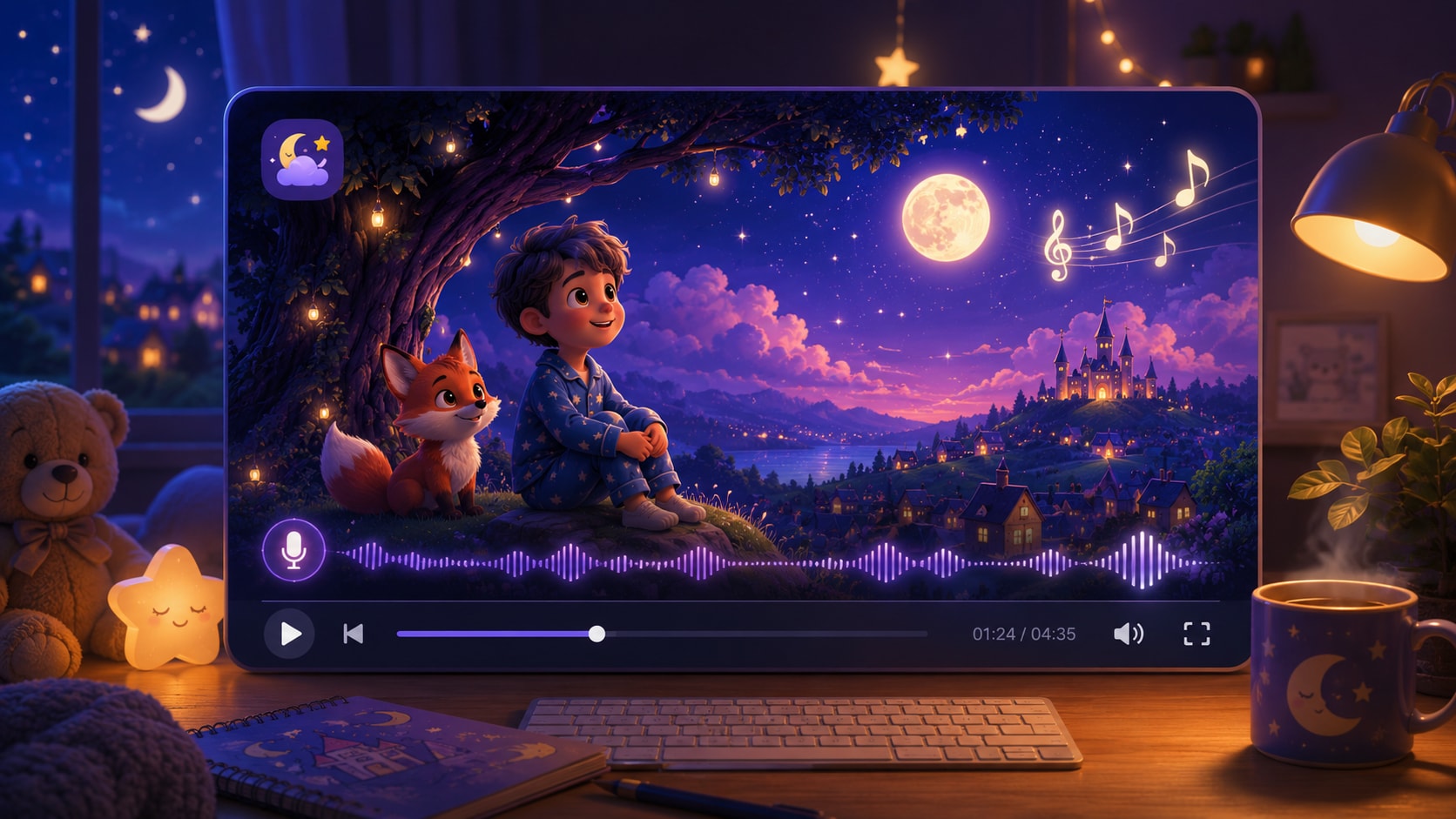
If your Christian video idea expands into lessons, trailers, bedtime stories, horror-style cautionary tales, or broader script-to-video projects, explore related Media.io generators built for different storytelling formats.















Create a Christian Story Video
From the Script You Already Have
Paste your Bible story, sermon outline, devotional, or faith lesson and guide it into a narrated video your audience can watch, understand, and share.
 4.8 (281 Votes)