Sélectionnez / @ caractère, décrivez la scène que vous souhaitez générer.
0/2000
9:16
1K
1
Mode Illimité Banana Pro
Créations
Centre d’idées
Comment ça marche
Tout
Fonctionnalités populaires
Voir tout
Défi créatif d’Halloween
Voir tout
Histoire de Fruits Drama IA
Voir tout
Vidéo d'Histoire par IA
Voir tout
Vidéos virales aujourd'hui
Voir tout
Vidéos de produits IA
Voir tout
Personnage IA
Voir tout
Tendances de Danse
Voir tout
GPT Image 2
Voir tout
Seedance 2.0
Voir tout
Correspondance de Célébrités IA
Voir tout
Suggestions de Poses pour Couples
Voir tout
Prompts de Poses de Fille IA Esthétique
Voir tout
Invites de Poses Élégantes pour Garçon IA
Voir tout
Générer une liste
Vos créations sont conservées pendant seulement 7 jours. Les éléments créés après la mise à niveau de l'Abonnement seront stockés de façon permanente.
Libérez votre potentiel créatif et découvrez la magie de l'IA médiatique dès mIAntenant!
Identificateur de montre à partir d'une image pour une correspondance visuelle plus rapide et plus intelligente
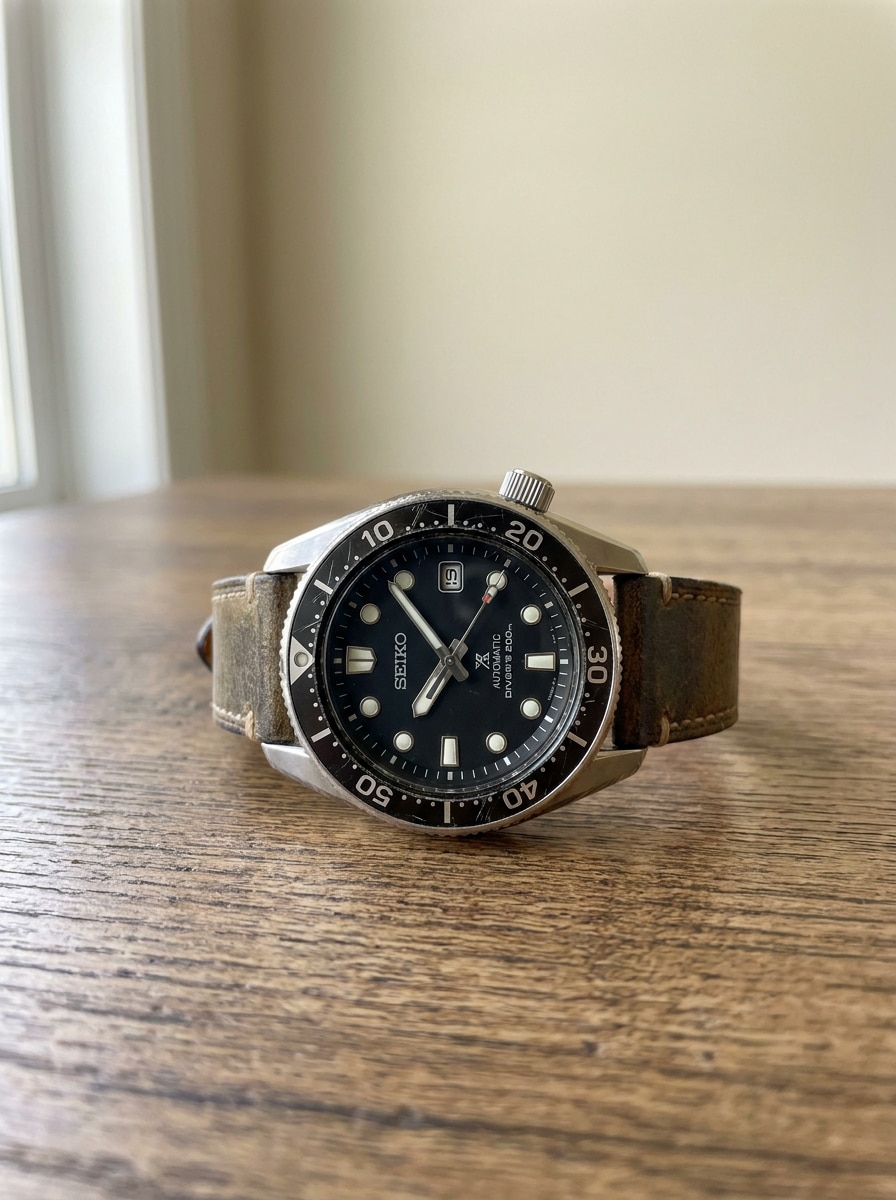
Téléchargez une photo de montre pour comparer la marque visible, le cadran, la lunette, le bracelet et les détails du boîtier grâce à la correspondance visuelle assistée par IA. Media.io vous aide avec l'identification de montre, la recherche de montres similaires, la mise en ordre des annonces et les flux de travail d'identification de montre à partir de photo pour les montres de luxe, vintage, de poche et du quotidien. Cette configuration fonctionne bien pour l'identificateur de montre vintage.
Saisissez votre idée -> l'IA la conçoit. Gratuit à essayer.
Consultez ces exemples de directives, puis adaptez les détails du prompt pour obtenir de meilleurs résultats avec cet identificateur de montre, que vous ayez besoin d'une identification rapide de montre, d'une vérification d'identification de montre-bracelet, ou d'un point de départ visuel à partir d'un flux de travail de scanner de montre en ligne.
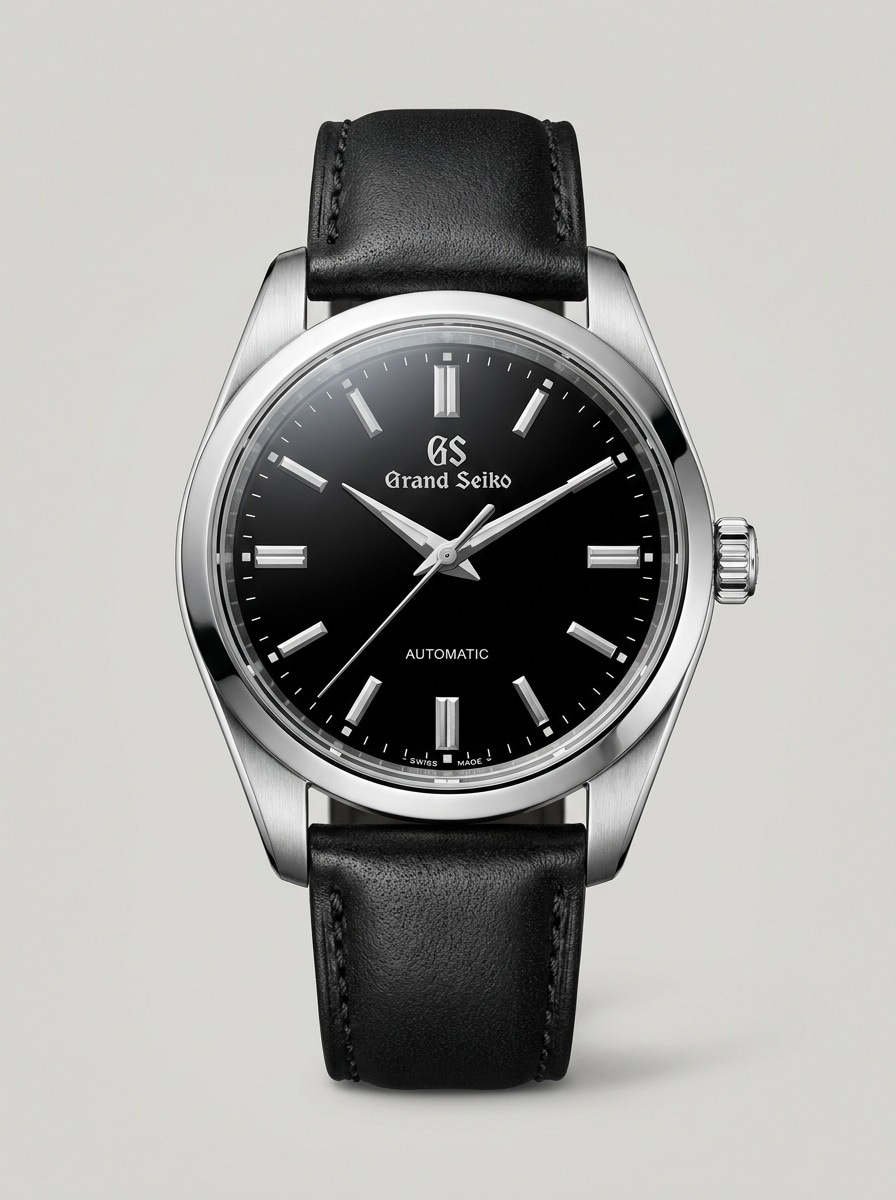
Gros plan macro de luxe
Utilisez l'image téléchargée comme sujet et transformez-la en un visuel d'identification de montre de luxe très détaillé. Mettez en valeur la texture du cadran, les chiffres de la lunette, la forme de la couronne, les maillons du bracelet, les reflets du verre et les surfaces métalliques polies avec un éclairage de studio net, un fond neutre, une composition macro centrée et un réalisme ultra-net digne de la photographie de produit.
Correspondance visuelle style Rolex
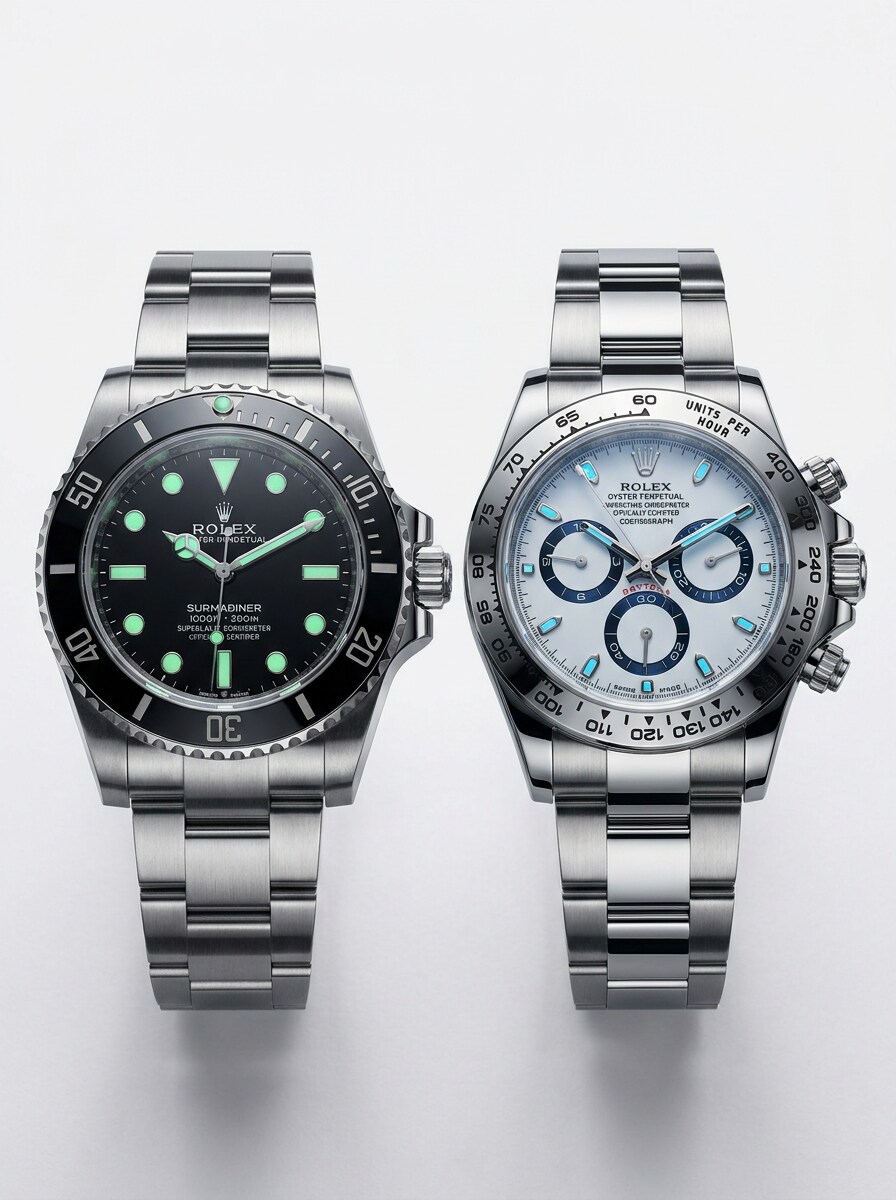
Utilisez l'image téléchargée comme sujet et restylisez-la en un visuel de comparaison de montre sport haut de gamme. Mettez en évidence la forme de la lunette, les index lumineux, la construction du bracelet, les proportions du boîtier et la finition de luxe avec un cadrage côte à côte style catalogue, un éclairage vif mais contrôlé, des tons neutres, des contours nets et une clarté de qualité e-commerce pour la correspondance visuelle.
Superposition annotée des composants
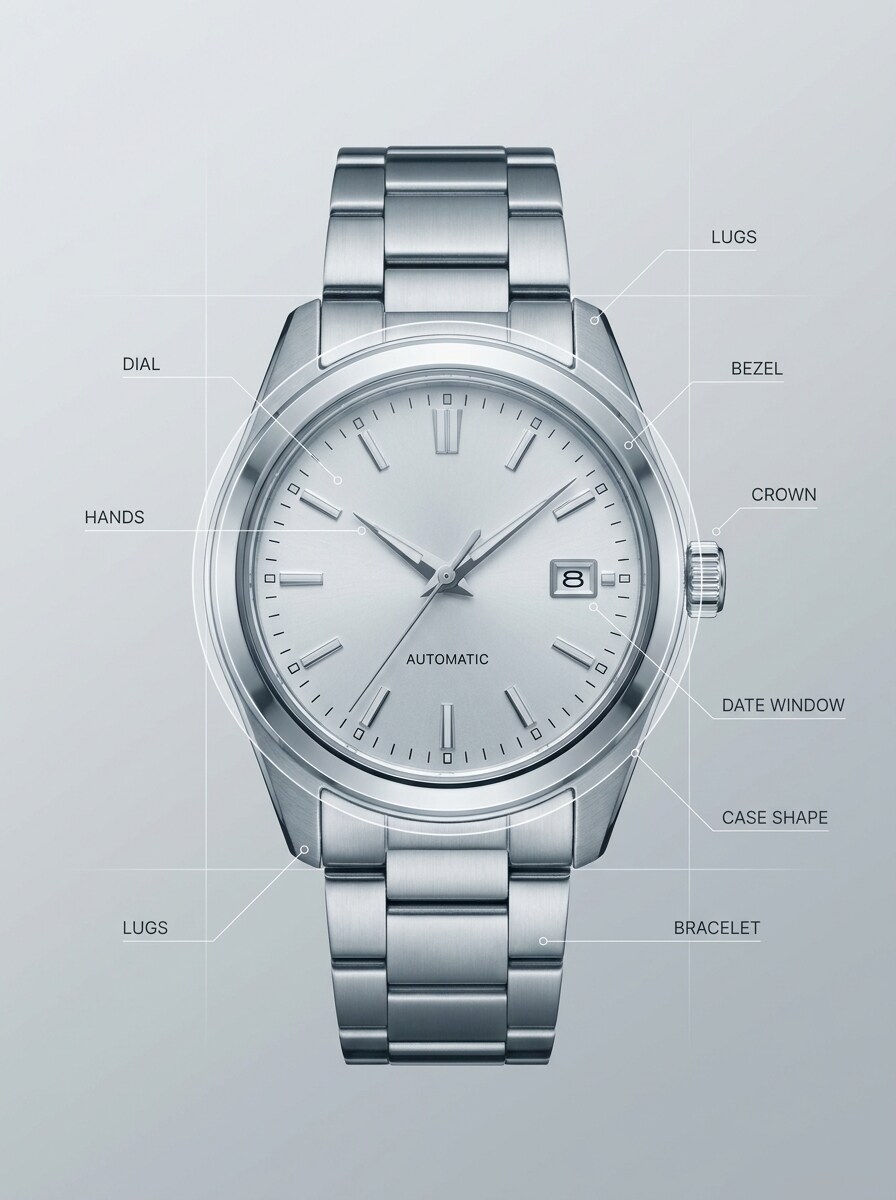
Utilisez l'image téléchargée comme sujet et convertissez-la en un graphique explicatif de style forensique. Ajoutez des flèches et des étiquettes pointant vers le cadran, les aiguilles, la lunette, la couronne, les cornes, le guichet de date, la forme du boîtier et le bracelet, tout en préservant le détail réaliste de la montre, le contraste élevé, le style d'interface minimaliste et une mise en page éducative moderne.
Tableau d'indices d'authentification
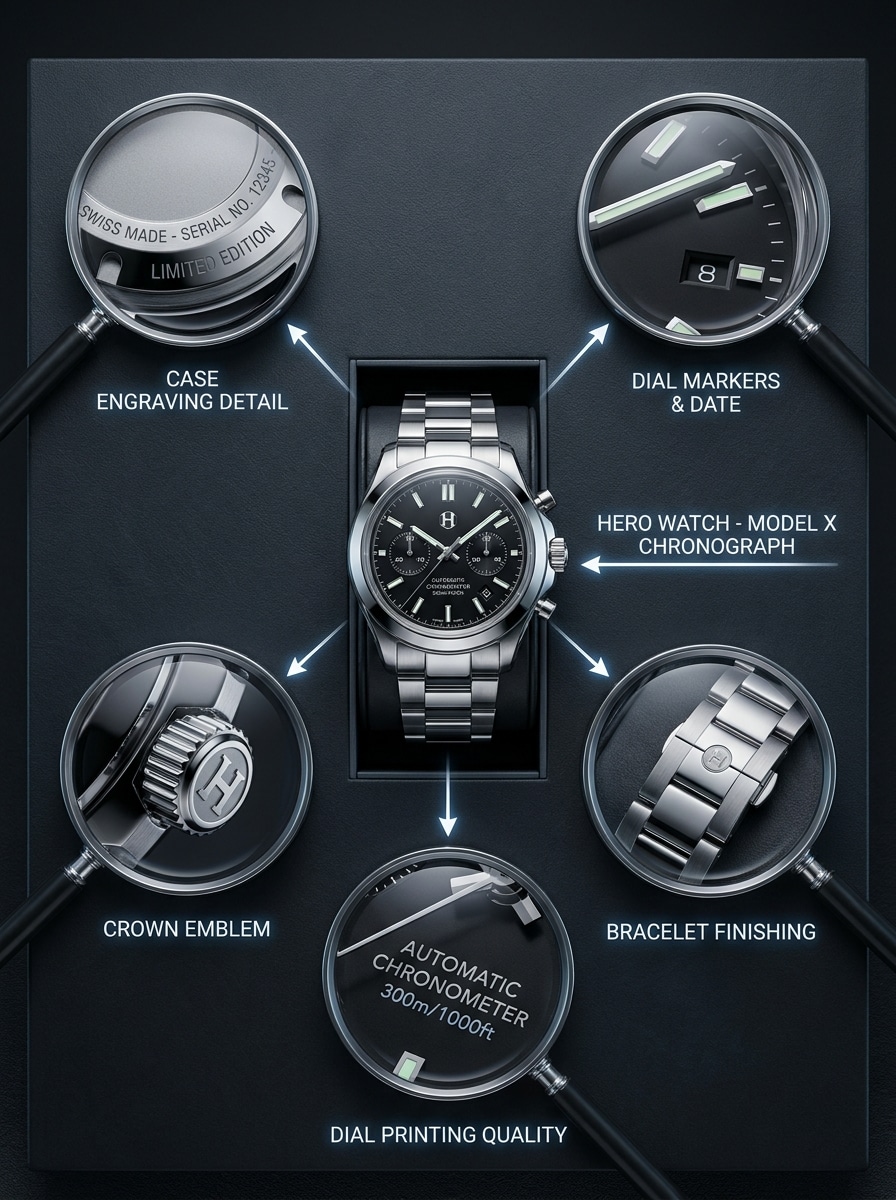
Utilisez l'image téléchargée comme sujet et transformez-la en un visuel de tableau d'indices de type enquête pour une identification axée sur l'authentification. Incluez des encarts de détails zoomés pour les gravures, les index, le logo de la couronne, la finition du bracelet et l'impression du cadran avec un fond sombre haut de gamme, un éclairage directionnel, un réalisme métallique et une composition organisée en tableau de preuves.
Catalogue de collection vintage
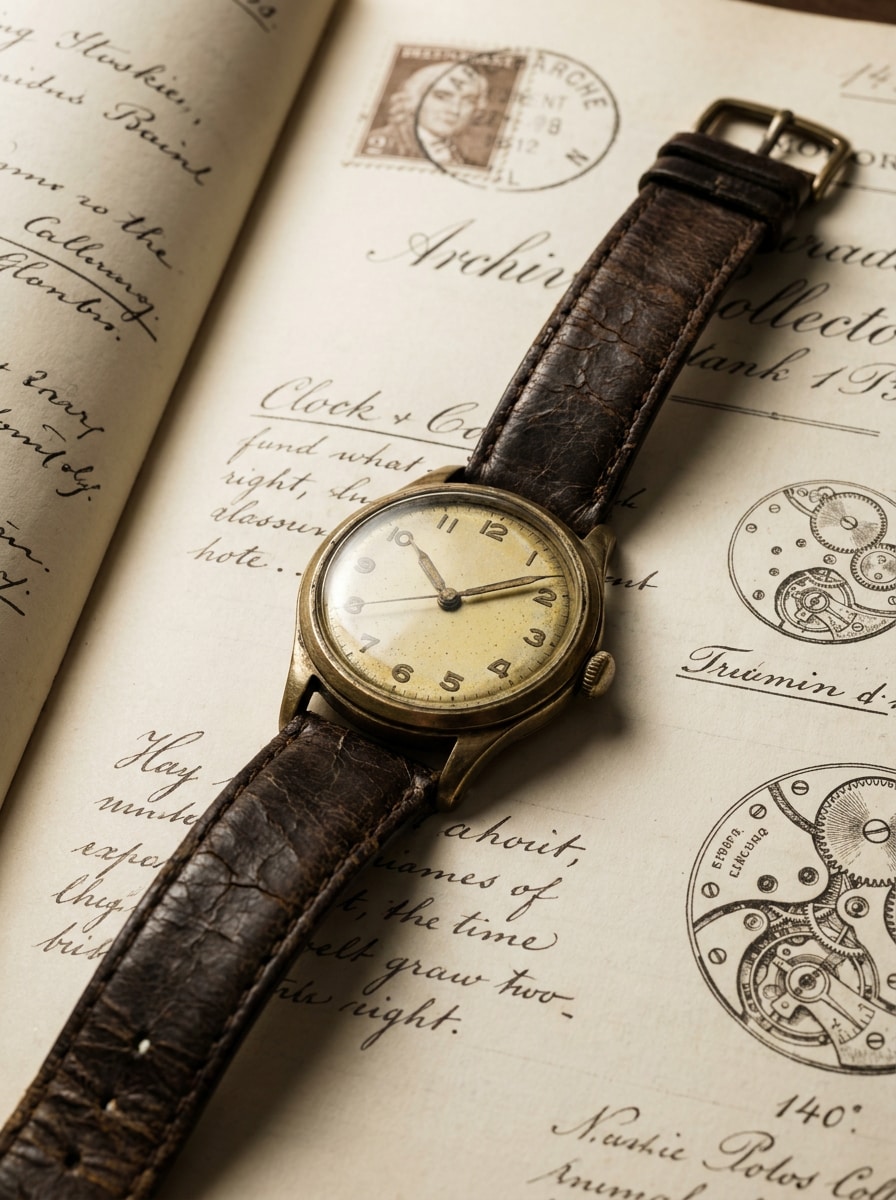
Utilisez l'image téléchargée comme sujet et transformez-la en une planche de catalogue de collection vintage. Préservez l'identité de la montre tout en mettant en valeur la patine, le vieillissement du cadran, la texture du cuir, l'usure du boîtier et l'ambiance historique avec un éclairage de style muséal chaleureux, des tons de papier d'archives, un espacement élégant et une présentation éditoriale raffinée pour la correspondance d'époque et de style.
Recherche de chronographe rétro
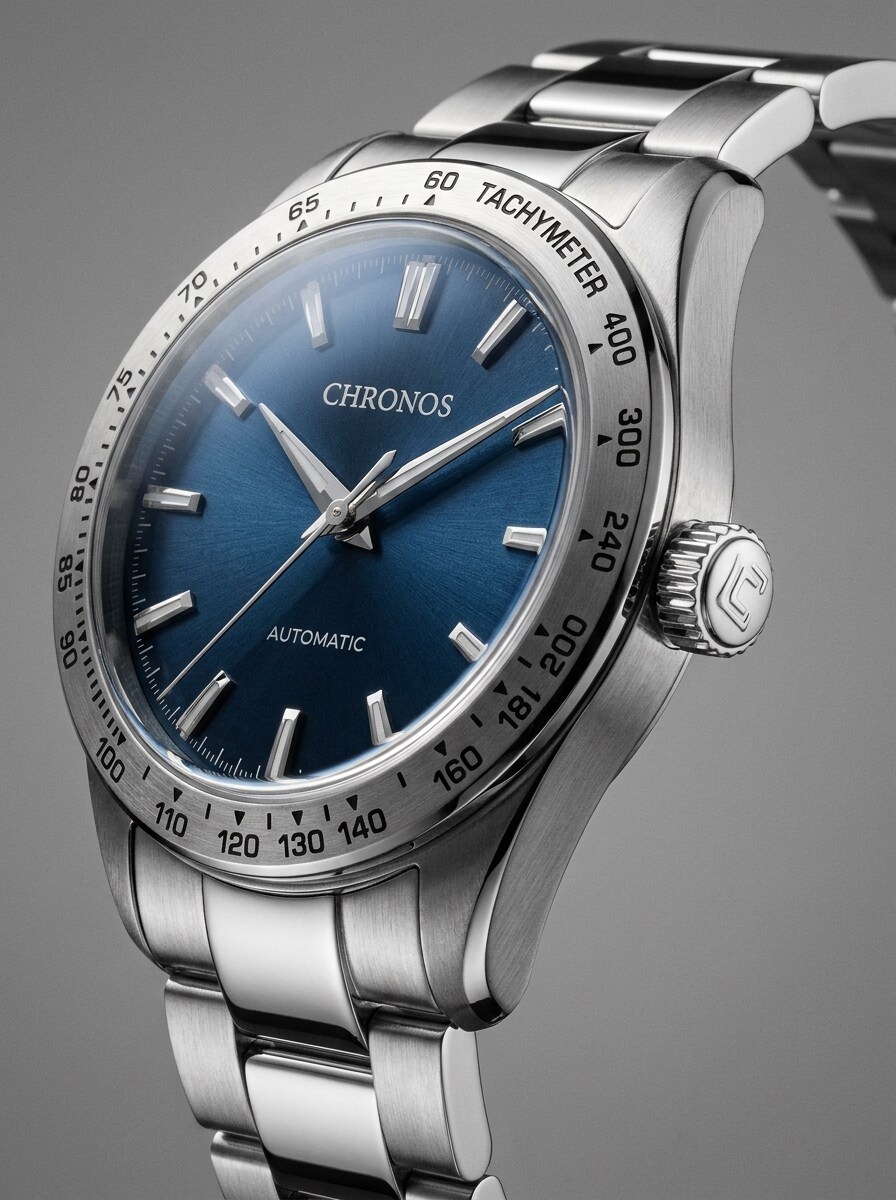
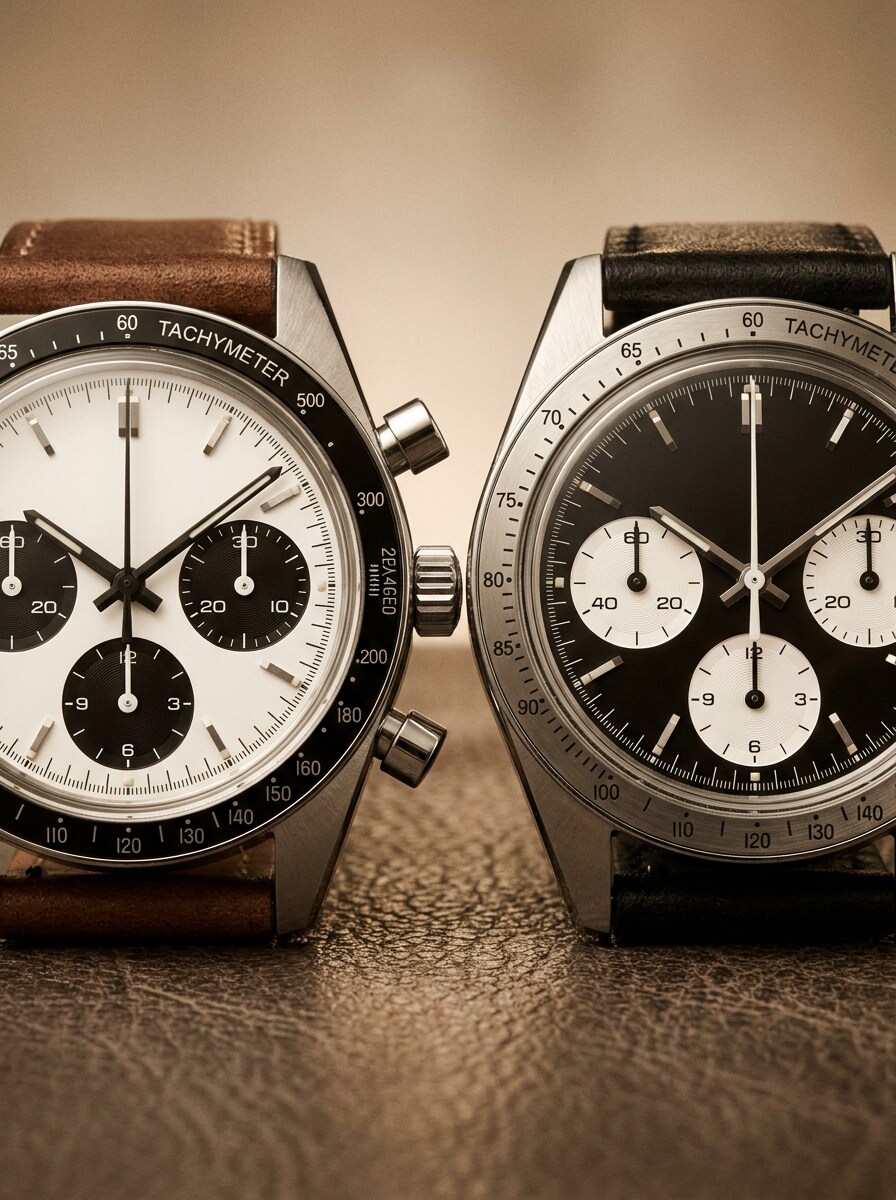
Utilisez l'image téléchargée comme sujet et transformez-la en un visuel de comparaison de chronographe rétro. Accentuez les compteurs, la lunette tachymétrique, les poussoirs, la texture en acier brossé et l'équilibre des couleurs d'inspiration années 1970 avec un cadrage macro éditorial, des reflets nets, des ombres contrôlées et une présentation claire adaptée à la comparaison pour les passionnés et les collectionneurs.
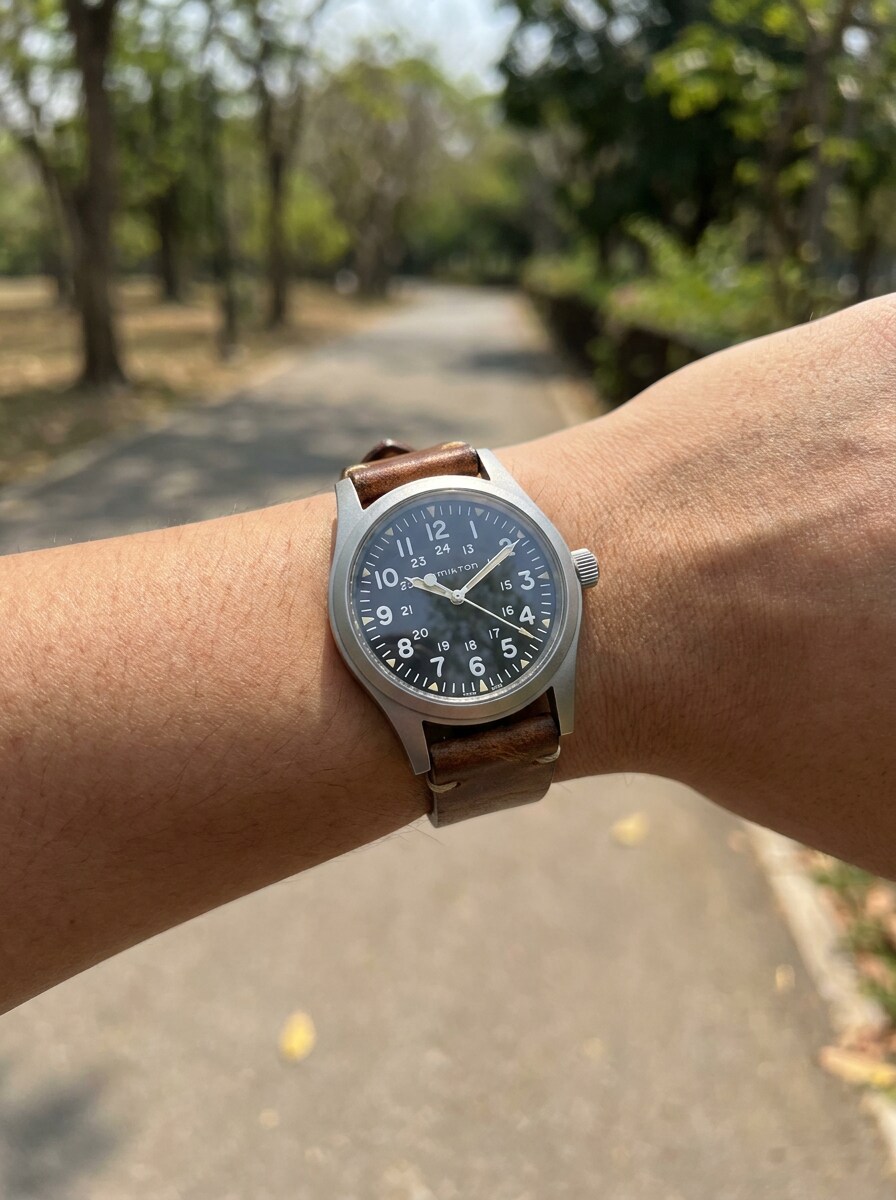
Identificateur de photo de poignet décontractée
Utilisez l'image téléchargée comme sujet et améliorez-la en une image d'identification de photo de poignet décontractée plus claire. Préservez l'aspect réel tout en améliorant la visibilité du cadran, la texture du bracelet, le contour du boîtier et l'éclairage naturel extérieur, en utilisant des tons de peau réalistes, un contraste équilibré, une faible profondeur de champ et un cadrage de style social adapté à la reconnaissance quotidienne.
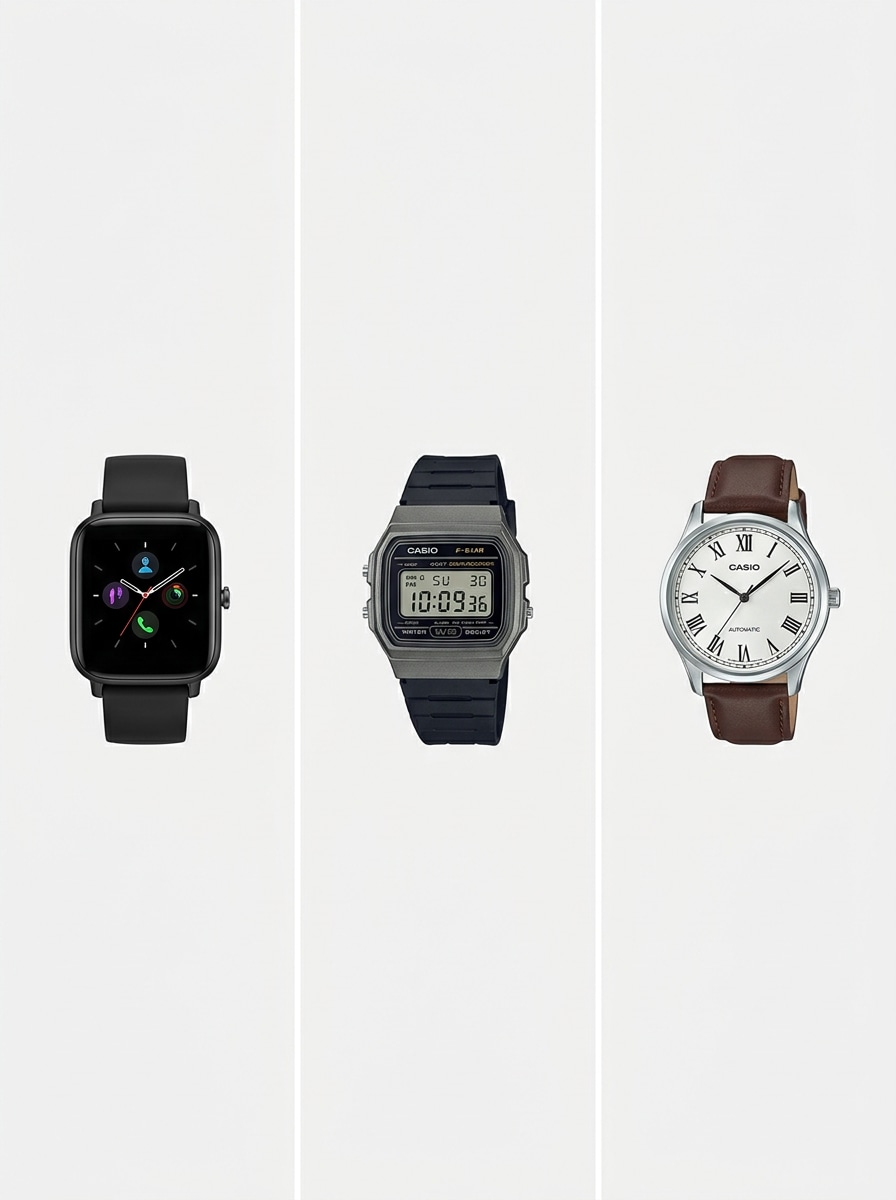
Correspondance montre connectée vs montre classique
Utilisez l'image téléchargée comme sujet et convertissez-la en un visuel de comparaison de catégories qui permet de repérer facilement le type d'appareil. Clarifiez si la montre se présente comme une montre connectée, numérique ou analogique classique en mettant en évidence l'écran, les aiguilles, la forme du boîtier, le matériau du bracelet et les indices d'affichage dans une mise en page de comparaison neutre et épurée.
Amélioration des annonces vendeur
Utilisez l'image téléchargée comme sujet et optimisez-la en une photo d'annonce de montre plus propre, prête à la revente. Corrigez l'éclairage, améliorez la netteté du cadran et du boîtier, simplifiez l'arrière-plan, centrez la composition et préservez les textures réalistes du métal, du verre et du bracelet afin que les détails d'identification soient plus faciles à inspecter.
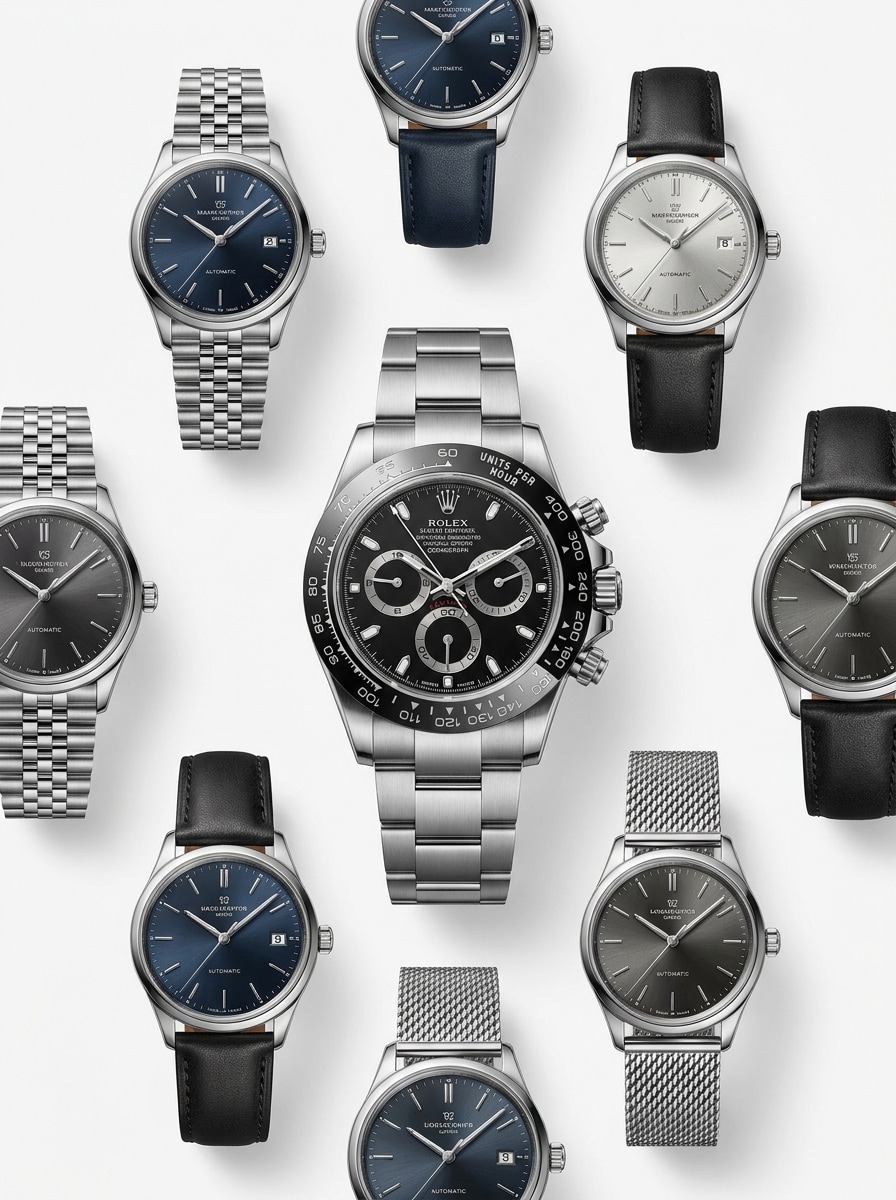
Tableau de recommandations de montres similaires
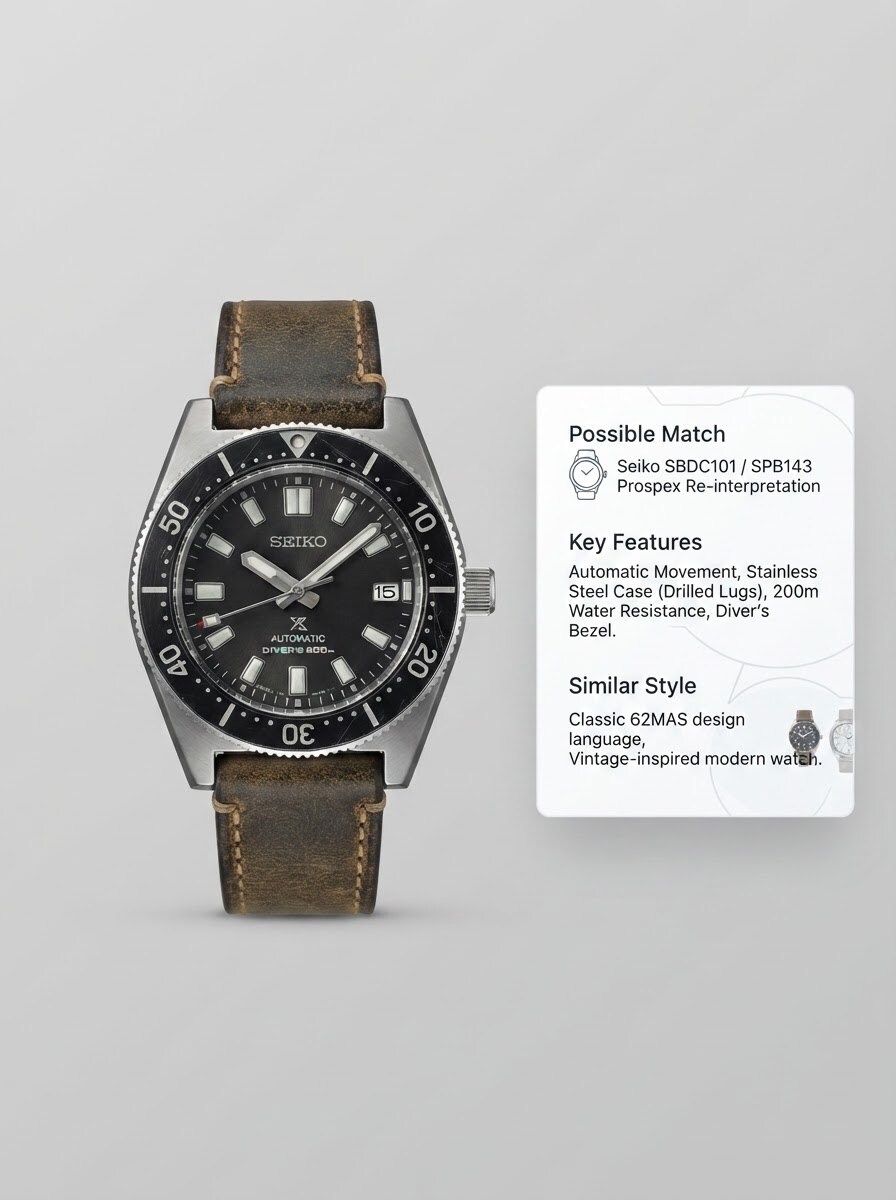
Utilisez l'image téléchargée comme sujet et transformez-la en un tableau de montres similaires soigneusement sélectionnées. Gardez la montre originale comme ancre visuelle, puis présentez des modèles similaires coordonnés avec un style de cadran, un profil de lunette, un design de bracelet et des proportions de boîtier correspondants, en utilisant une mise en page de catalogue blanc épurée et un rendu élégant de type shopping éditorial.
Pourquoi utiliser Media.io pour la correspondance d'images de montres
Correspondance basée sur la référence qui préserve les détails clés de la montre
Pour les modifications basées sur le téléchargement, Media.io maintient le sujet de référence visuellement cohérent tout en changeant la direction visuelle finale de l'identificateur de montre, ce qui rend les résultats personnalisés plus faciles à utiliser en toute confiance.
Choisissez le bon style pour chaque version
Différents résultats nécessitent différentes esthétiques. Media.io vous aide à explorer divers traitements du même concept visuel d'identificateur de montre afin que le visuel final corresponde plus rapidement au bon ton. Cela permet d'élargir la direction créative sans autant de retravail.
Détails plus nets pour les cadrans, lunettes et caractéristiques du boîtier
Pour les projets qui nécessitent plus qu'une qualité de brouillon, Media.io aide à produire des visuels d'identificateur de montre avec une sortie allant jusqu'à 4K afin que les détails restent plus nets lorsque vous présentez, recadrez ou réutilisez le fichier final.
Maintenir le flux de travail actif sur tous les appareils
Lorsqu'une idée de visuel d'identificateur de montre commence loin de votre configuration principale, Media.io vous permet de la créer et de l'affiner dans le navigateur afin que le passage entre mobile et bureau soit fluide plutôt que perturbateur.
Comment utiliser l'identificateur de montre
Transformez vos mots en visuels époustouflants en trois étapes simples, puis continuez à affiner le résultat si vous souhaitez aller plus loin.
Étape 1
Téléchargez votre image de référence
Ajoutez une photo de montre claire au format JPG, PNG ou JPEG. Vous pouvez télécharger un gros plan du cadran, une photo complète du poignet, une image de revente ou une photo de collection pour les tâches identificateur de montre et d'identification de montre-bracelet.
Étape 2
Décrivez le changement et définissez les options
Indiquez à Media.io ce dont vous avez besoin, comme une vue macro plus nette, un tableau de montres similaires ou une mise en page de comparaison vintage. Choisissez ensuite votre modèle et ajustez le ratio d'aspect, la qualité, la résolution et le nombre d'images pour correspondre au résultat souhaité.
Étape 3
Générez, téléchargez et continuez à améliorer
Créez des variantes, comparez quelle version montre les détails les plus clairs du cadran, de la lunette, de la couronne ou du bracelet, puis téléchargez votre résultat préféré. Si nécessaire, affinez le prompt et régénérez pour une meilleure correspondance visuelle, une présentation de revente ou une utilisation comme référence de collection.
Exploitez le potentiel de l'identification de montre
Découvrez comment les créateurs utilisent cet identificateur de montre pour le contenu, le marketing et les projets personnels, puis adaptez chaque idée à vos besoins.
Comparez les modèles sport de luxe avec plus de confiance
Utilisez un téléchargement propre pour vérifier les caractéristiques visibles comme la forme de la lunette, le style des index, les maillons du bracelet et les proportions du boîtier lorsque vous souhaitez identifier des références de montre Omega, examiner les indices d'identification de montre Omega, ou comparer des designs premium similaires côte à côte.
Améliorez la recherche sur les montres vintage et de poche
Les collectionneurs peuvent transformer des photos plus anciennes ou inégales en visuels de style catalogue plus clairs pour les flux de travail de recherche vintage, notamment l'identification du boîtier de montre de poche en argent, l'identification générale de montre de poche, ou des comparaisons spécifiques à une marque telles que l'identification de montre de poche Elgin, l'identification de montre de poche Hebdomas, l'identification de montre Nicolet, et l'identification de montre Timex vintage des années 1950. Media.io peut également vous aider à identifier les détails d'une montre de poche ou à identifier les caractéristiques d'une montre de poche Elgin à partir d'une image mieux préparée.
Facilitez la révision des photos de marché
Les vendeurs et les acheteurs peuvent améliorer les annonces informelles, isoler la montre et créer des tableaux de comparaison plus nets avant de décider comment identifier les détails d'une montre, comparer un modèle Citizen grand public, ou juger si une photo de poignet fournit suffisamment d'indices visibles pour une identification de montre Citizen ou une correspondance probable avec un identificateur de montre Citizen.
Ce que disent les utilisateurs
Daniel R.
Collectionneur de montres vintage
« Utile pour les comparaisons de vieilles montres » Je l'ai utilisé sur plusieurs photos de vieilles montres-bracelets et les résultats retouchés ont rendu les détails du cadran beaucoup plus faciles à comparer. C'était particulièrement utile lorsque je faisais des recherches vintage et que j'essayais de déterminer l'époque et le style probables.
Maya T.
Revendeuse en ligne
« De meilleurs visuels d'annonces en quelques minutes » Beaucoup de mes photos de montres proviennent d'un éclairage inconsistant. Media.io m'a aidée à créer des versions plus nettes et plus claires qui ont rendu le boîtier et le cadran plus faciles à inspecter avant de les mettre en vente.
Chris L.
Passionné de montres
« Excellent pour la correspondance de montres similaires » J'ai téléchargé une photo décontractée de poignet et utilisé les prompts de style comparaison pour obtenir une correspondance visuelle plus claire. C'est une façon intelligente d'explorer ce à quoi ressemble une montre sans avoir besoin d'une photo de studio parfaite.
Alina P.
Créatrice de contenu
« Utile pour les graphiques explicatifs » Les mises en page annotées sont excellentes pour le contenu court. Je peux transformer une image de montre en un explicatif étiqueté qui met en évidence la couronne, la lunette et les détails du cadran que les gens demandent toujours.
Découvrez Les Effets Vidéo et d'Image IA Les Plus Populaires
1. L'IA peut-elle identifier une montre à partir d'une photo ?
Media.io prend en charge un flux de travail basé sur le téléchargement où vous pouvez ajouter une image de montre et générer des variations visuelles plus claires pour la comparaison. Cela le rend utile lorsque vous souhaitez identifier les détails d'une montre à partir d'un gros plan du cadran, d'une photo décontractée du poignet ou d'une image d'annonce, et examiner plus facilement les indices de marque, de style et de modèle visibles.
2. Quelle est la précision d'un identificateur de montre pour la correspondance de marque et de modèle ?
La précision dépend fortement de la qualité de la photo et de la visibilité du cadran, de la lunette, de la couronne, du bracelet et de la forme du boîtier. Media.io aide en transformant votre image de référence en visuels plus nets et plus faciles à inspecter, ce qui peut améliorer la comparaison pour la correspondance de modèle de montre, mais les résultats sont toujours meilleurs lorsque la photo source montre clairement les caractéristiques d'identification.
3. Existe-t-il un outil d'identification de montre gratuit que je peux essayer en ligne ?
Media.io offre des crédits gratuits pour que vous puissiez essayer le flux de travail en ligne avant de passer à la version payante. Les utilisateurs gratuits peuvent voir des filigranes, tandis que les plans payants permettent une utilisation plus importante et des téléchargements haute résolution sans filigrane. Vous pouvez consulter la page de tarification pour les détails actuels des plans.
4. Quel type de photo de montre convient le mieux à l'identification ?
La meilleure image est claire, bien éclairée et centrée sur le cadran ou le boîtier complet de la montre. Essayez de garder le cadran lisible, réduisez les reflets sur le verre et montrez des indices importants comme les index, les compteurs, le texte de la lunette, la forme de la couronne, les cornes et le design du bracelet ou du strap. Cela est particulièrement utile pour l'identification de montre de poche, les tâches d'identificateur de montre-bracelet et toute tentative d'identification d'une montre à partir de photos téléchargées.
5. Un identificateur de montre peut-il reconnaître les montres de luxe, vintage et du quotidien ?
Il peut prendre en charge les trois en vous aidant à créer des visuels prêts à la comparaison à partir de votre image téléchargée. Cela inclut les styles sport de luxe, les pièces de collection plus anciennes et les montres quotidiennes décontractées, de sorte que le flux de travail peut être utile pour l'identification de montre Citizen, les comparaisons de catalogues vintage ou la reconnaissance générale de montres à travers différents designs et époques.
6. L'outil fonctionne-t-il sur mobile ainsi que sur ordinateur de bureau ?
Media.io est basé sur le web, il fonctionne donc sur les téléphones, les tablettes, les ordinateurs portables et les ordinateurs de bureau tant que vous disposez d'un navigateur. C'est pratique si vous souhaitez télécharger rapidement une photo de poignet sur mobile ou examiner de plus grandes images de montres depuis un ordinateur de bureau.
Au-delà de l'identificateur de montre en ligne alimenté par l'IA