Sélectionnez / @ caractère, décrivez la scène que vous souhaitez générer.
0/2000
9:16
1K
1
Mode Illimité Banana Pro
Créations
Centre d’idées
Comment ça marche
Tout
Fonctionnalités populaires
Voir tout
Défi créatif d’Halloween
Voir tout
Histoire de Fruits Drama IA
Voir tout
Vidéo d'Histoire par IA
Voir tout
Vidéos virales aujourd'hui
Voir tout
Vidéos de produits IA
Voir tout
Personnage IA
Voir tout
Tendances de Danse
Voir tout
GPT Image 2
Voir tout
Seedance 2.0
Voir tout
Correspondance de Célébrités IA
Voir tout
Suggestions de Poses pour Couples
Voir tout
Prompts de Poses de Fille IA Esthétique
Voir tout
Invites de Poses Élégantes pour Garçon IA
Voir tout
Générer une liste
Vos créations sont conservées pendant seulement 7 jours. Les éléments créés après la mise à niveau de l'Abonnement seront stockés de façon permanente.
Libérez votre potentiel créatif et découvrez la magie de l'IA médiatique dès mIAntenant!
Identifiez un logo et retrouvez sa marque à partir d'une image
Utilisez cet identificateur de logo pour importer une capture d'écran, une photo ou un logo recadré dans cet identificateur de logo pour retrouver les marques qui correspondent le mieux à l'image. Media.io propose un outil en ligne simple pour identifier un logo à partir d'une image, rechercher une marque depuis une photo ou répondre à la question « quel est ce logo ? », même lorsque le logo n'apparaît que partiellement.
Saisissez votre idée -> l'IA la crée. Gratuit à essayer.
Consultez ces exemples de directions, puis adaptez les détails de l'invite pour obtenir de meilleurs résultats avec cet identificateur de logo Media.io et un flux de travail d'identification de logo en ligne plus utile.
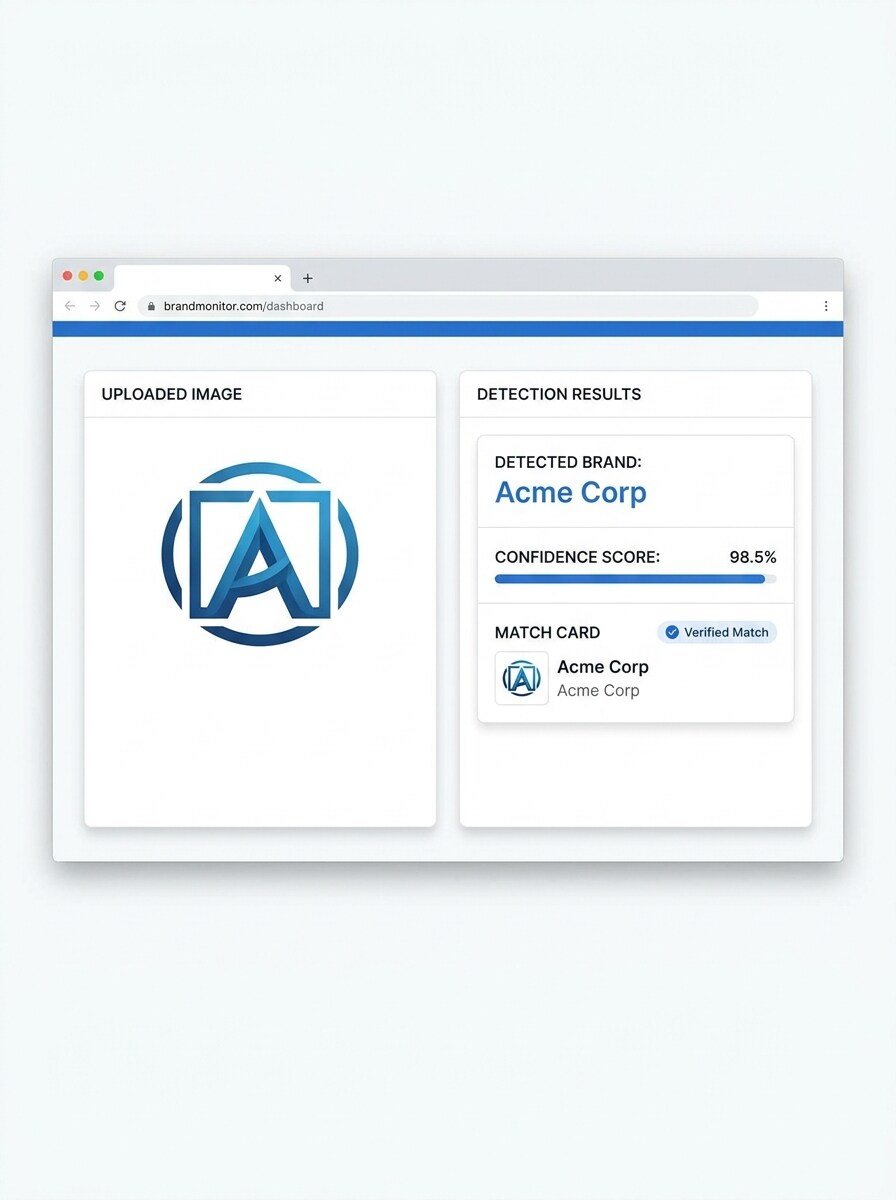
Écran Partagé Téléchargement-Résultat
Utilisez l'image téléchargée comme sujet et transformez-la en une démonstration produit épurée en écran partagé. Montrez la photo originale du logo à gauche et un panneau de résultats de correspondance de marque soigné à droite avec le nom de l'entreprise détecté, le score de confiance, des accents bleus subtils, une typographie nette, une interface blanche et un style de tableau de bord de navigateur réaliste.
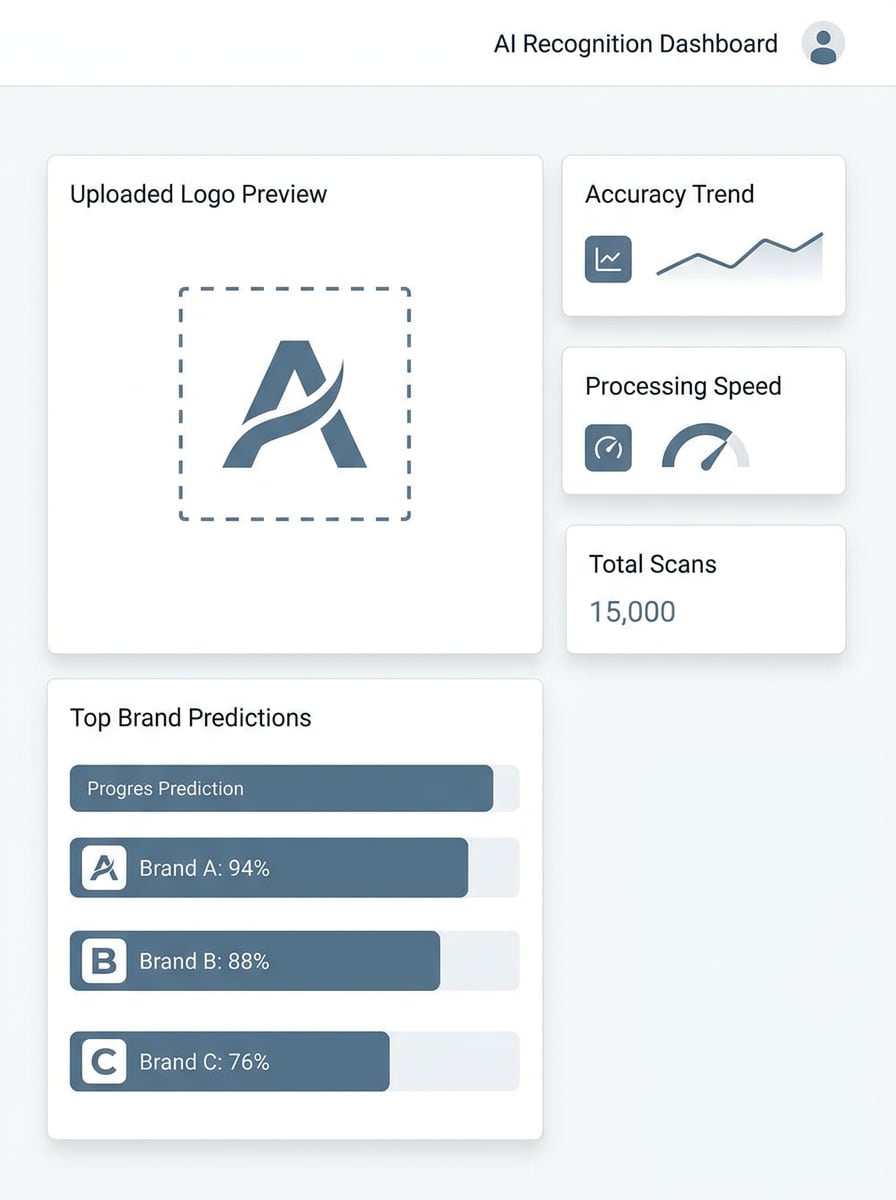
Panneau de Reconnaissance du Score de Confiance
Utilisez l'image téléchargée comme sujet et convertissez-la en un tableau de bord de reconnaissance mettant en évidence les meilleures correspondances de marque. Présentez l'aperçu du logo téléchargé, trois résultats classés avec des barres de confiance, des cartes d'analyse compactes, une interface blanche minimale, des étiquettes sans-serif nettes, une palette bleu et gris, et une esthétique d'utilitaire IA moderne et fiable.
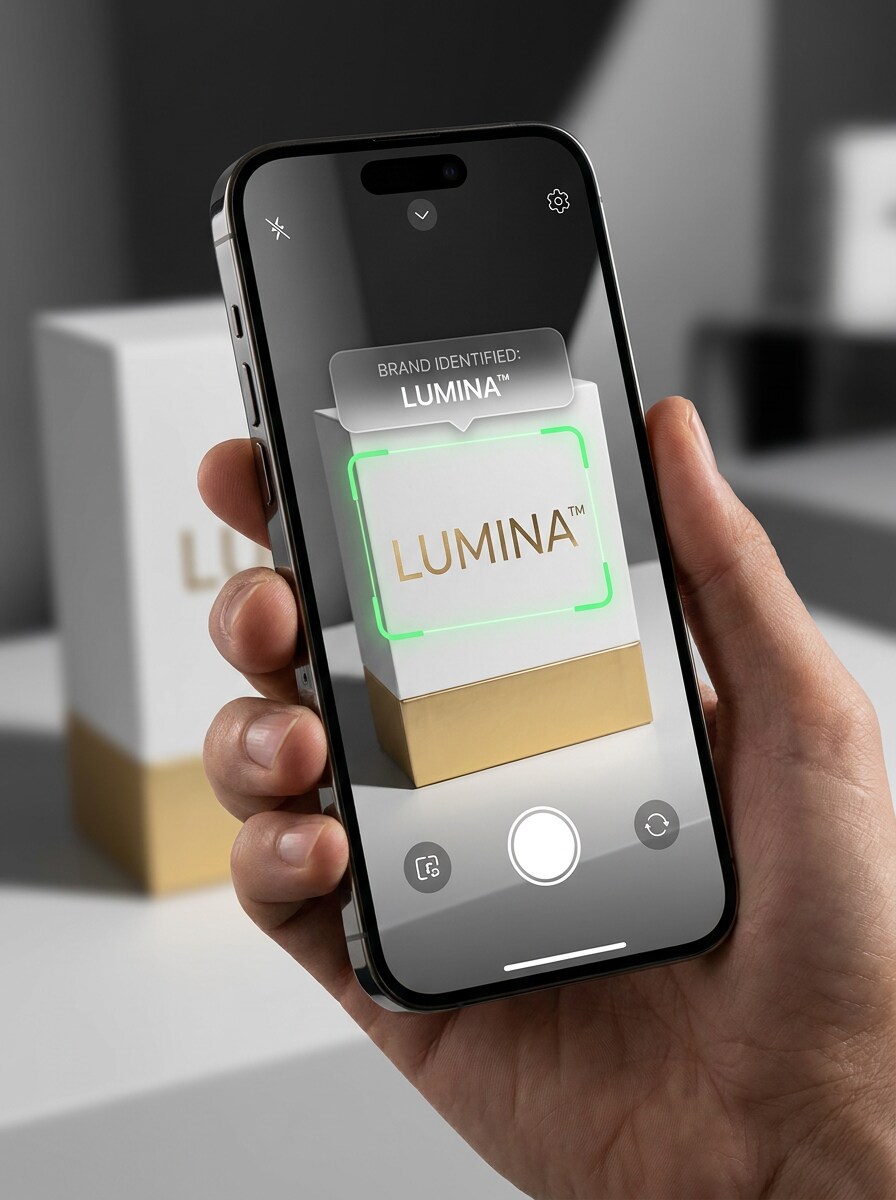
Scan de Marque par Caméra de Téléphone
Utilisez l'image téléchargée comme sujet et recadrez-la comme une expérience de numérisation mobile. Montrez une vue caméra de smartphone détectant le logo sur un emballage avec un cadre de superposition, une étiquette de marque identifiée, des indicateurs de scan en direct, une maquette d'appareil brillant, des reflets doux et un éclairage de style application élégant pour une ambiance de reconnaissance en temps réel rapide.
Carte de Résultat d'Application
Utilisez l'image téléchargée comme sujet et transformez-la en un écran de résultat d'application qui révèle un logo reconnu après numérisation. Incluez la miniature du logo, le nom de la marque, le pourcentage de confiance, des cartes arrondies, des dégradés fluides, une mise en page minimale et des détails d'interface mobile soignés avec un style visuel poli, convivial et axé sur l'utilité.
Démonstration de Récupération de Logo Flou
Utilisez l'image téléchargée comme sujet et transformez-la en un graphique éducatif de détection avant-après. Montrez le recadrage du logo flou ou partiel à gauche, des flèches d'analyse IA au centre et un résultat de marque reconnu propre à droite, avec un contraste élevé, un style explicatif et une narration visuelle claire.
Correspondance d'Emballage Partielle
Utilisez l'image téléchargée comme sujet et repensez-la en tant que démonstration de reconnaissance de marque pour un emballage partiel. Montrez seulement une partie du logo visible sur un emballage grand public, ajoutez un cadre de délimitation IA et un panneau de correspondance latéral, en gardant la mise en page propre, adaptée au commerce électronique et facile à comprendre en un coup d'œil.
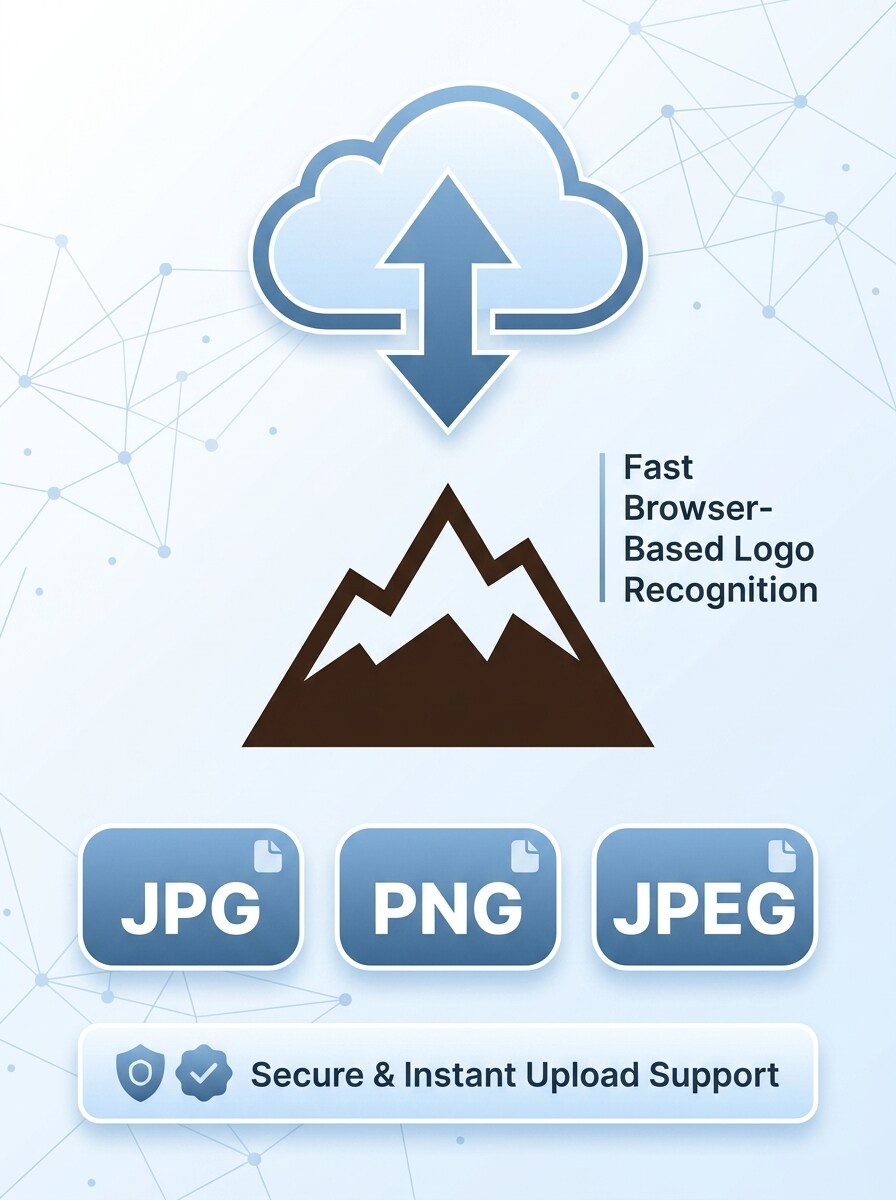
Carte des Types de Fichiers Pris en Charge
Utilisez l'image téléchargée comme sujet et convertissez-la en un graphique de fonctionnalité qui met en valeur la prise en charge des téléchargements. Associez l'image du logo à de grands badges JPG, PNG et JPEG, une icône de téléchargement, un espacement soigné, un style d'illustration SaaS moderne et un design épuré qui renforce la confiance et suggère une reconnaissance de logo rapide dans le navigateur.
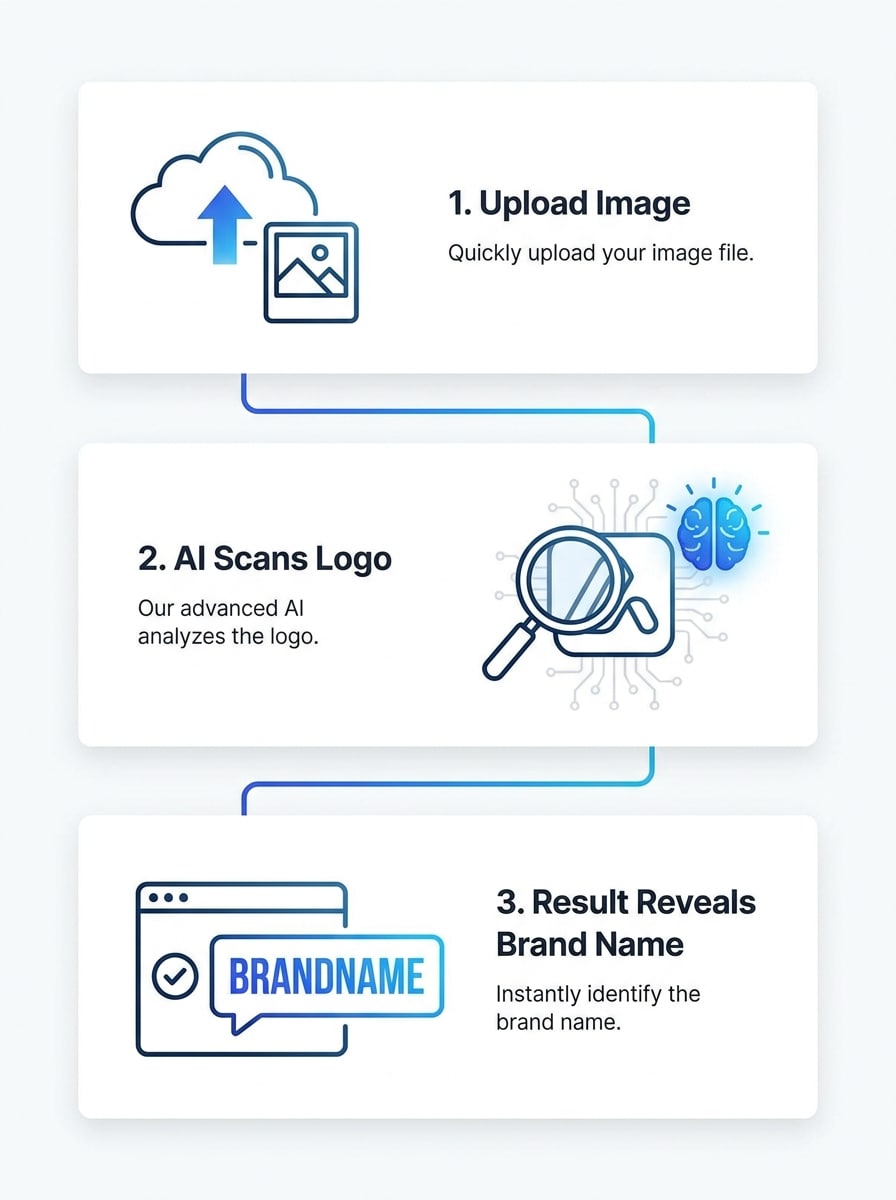
Flux de Travail de Reconnaissance Rapide
Utilisez l'image téléchargée comme sujet et transformez-la en un visuel de flux de travail en trois étapes. Présentez les étapes de téléchargement, de scan IA et de résultat de marque dans une séquence linéaire avec des icônes, des étiquettes courtes, une mise en page blanche minimale, des accents de dégradé bleu et un design explicatif épuré adapté à une section de confiance de page d'accueil.
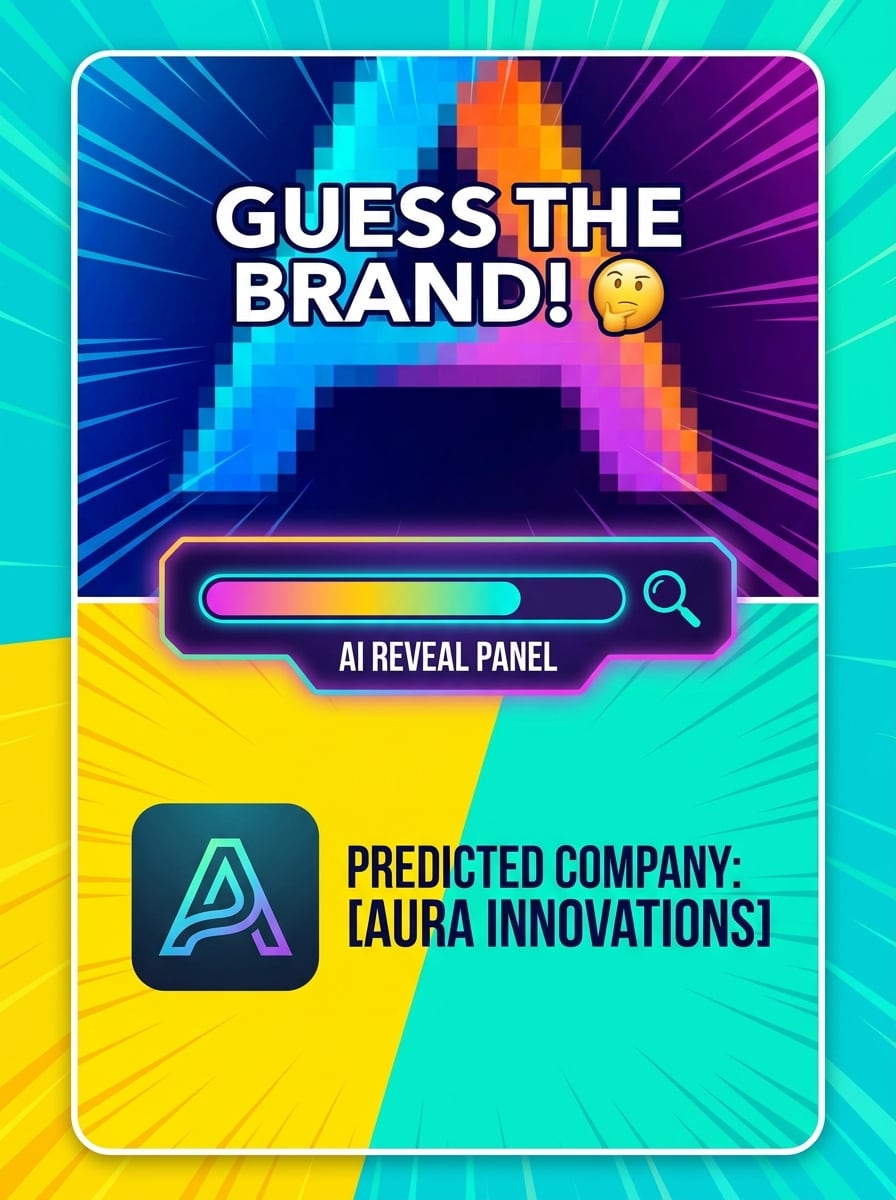
Défi Devinez la Marque
Utilisez l'image téléchargée comme sujet et restylisez-la en une carte de défi social. Masquez une partie du logo, ajoutez du texte en gras de style quiz, puis révélez la marque prédite dans un panneau inférieur avec des couleurs ludiques mais soignées, un contraste fort, une composition verticale et une esthétique virale d'utilité qui capte l'attention.
Détection de Vitrine dans le Monde Réel
Utilisez l'image téléchargée comme sujet et transformez-la en une démonstration de reconnaissance de vitrine. Placez le logo visible sur une enseigne de magasin dans une scène de rue réaliste, ajoutez un cadre de détection IA et une superposition d'étiquette de marque, avec un éclairage urbain soigné, une perspective naturelle et un flux de travail d'identification dans le monde réel convaincant.
Pourquoi Utiliser Media.io pour la Reconnaissance de Logo à partir d'Images
Résultats Basés sur la Référence du Logo Exact que Vous Téléchargez
Pour les vérifications pilotées par téléchargement, Media.io maintient le sujet de référence visuellement cohérent tout en affinant la direction de l'identificateur de logo, ce qui facilite l'identification des détails du logo de marque à partir de captures d'écran, d'emballages ou de marques recadrées avec plus de confiance.
Correspondre au Style Approprié pour Chaque Version
Différentes tâches de reconnaissance nécessitent différents traitements visuels. Media.io vous aide à explorer des variations du même concept d'identificateur de logo, ce qui est utile pour l'identification de logo de marque et le travail d'identification de logo d'entreprise lorsque vous avez besoin d'une correspondance plus claire et plus rapide.
Facile à Adapter les Visuels de Reconnaissance pour les Rapports et le Contenu Social
Partager les résultats est plus facile lorsque le résultat est soigné. Media.io peut transformer les vérifications de logo en visuels propres pour des cartes, des maquettes, des publications sociales ou des diapositives internes, vous aidant à présenter des exemples d'identification de logo d'entreprise plus clairement à une équipe, un client ou un public.
Paramètres de Qualité Flexibles pour les Marques Petites ou Difficiles à Lire
Certains résultats doivent faire plus que bien paraître dans un aperçu. Media.io aide à générer un identificateur de logo plus propre avec une sortie jusqu'à 4K pour que l'image finale tienne dans des fonds d'écran, des présentations et des maquettes.
Comment Utiliser Cet Identificateur de Logo en Ligne
Transformez vos mots en visuels époustouflants en trois étapes simples, puis continuez à affiner le résultat si vous souhaitez aller plus loin.
Étape 1
Téléchargez Votre Image de Référence
Ajoutez une capture d'écran claire, une photo de produit, un recadrage de vitrine ou une marque partielle que vous souhaitez vérifier. Cela fonctionne bien pour les personnes qui demandent de quelle marque il s'agit, quel est ce logo de marque ou de quelle entreprise provient ce logo à partir d'une image réelle.
Étape 2
Décrivez le Changement et Définissez les Options
Entrez une invite pour le type de démonstration de reconnaissance ou de vue de résultat que vous souhaitez, puis choisissez votre modèle et ajustez le rapport d'image ou les paramètres de qualité. Cela est utile pour un flux de travail d'identificateur de logo par image, des démonstrations de chercheur de logo par image ou des visuels de recherche de logo d'entreprise.
Étape 3
Générer, Télécharger et Continuer à Améliorer
Créez le résultat, comparez les variations et téléchargez la version qui vous aide le mieux à identifier les détails du logo de marque. Si nécessaire, affinez l'invite, téléchargez à nouveau un recadrage plus propre ou testez une autre mise en page pour une identification de logo d'entreprise plus rapide.
Voyez comment les créateurs utilisent cet identificateur de logo Media.io pour le contenu, le marketing et les projets personnels, puis adaptez chaque idée au brief.
Vérifier les Marques Inconnues sur les Emballages ou les Produits
Si vous avez besoin de trouver un logo d'entreprise à partir d'une étiquette, d'une boîte, d'une tasse ou d'un sac, téléchargez la photo sur Media.io et créez une vue de reconnaissance plus claire. C'est un moyen pratique de gérer les tâches de recherche de logo à partir d'une image lorsque la marque est petite, recadrée ou partiellement cachée, surtout si vous vous demandez de quelle entreprise provient ce logo.
Examiner les Indices de Vitrine et de Signalisation Plus Rapidement
Une enseigne de magasin ou une photo de rue peut être difficile à lire en un coup d'œil, donc Media.io vous aide à créer un visuel d'analyse plus propre, à comparer plusieurs recadrages et à accélérer la recherche de logo par image. Ce flux de travail est utile lorsque vous souhaitez vérifier quel est ce logo de marque dans une scène du monde réel ou effectuer une recherche rapide de logo d'entreprise.
Créer des Démonstrations pour le Support, l'Éducation ou le Contenu Social
Les équipes, les créateurs et les éducateurs peuvent transformer des exemples de reconnaissance en cartes soignées, en scans mobiles ou en explications côte à côte avec Media.io. Cela facilite la démonstration du fonctionnement d'un flux de travail d'identificateur de logo, la réponse à \u201cquel est ce logo\u201d ou l'explication de quelle marque il s'agit avec un exemple visuel plus clair.
Ce que les Utilisateurs Disent de Ce Flux de Travail de Scanner de Logo
Marcus Lee
Spécialiste des Opérations de Marché
"Utile pour des vérifications rapides de marque" Je l'ai utilisé pour créer un flux de travail rapide de chercheur de logo par image pour les listes de produits. Le style de résultat en écran partagé a rendu les marques d'emballage inconnues beaucoup plus faciles à examiner avec mon équipe.
Priya Nair
Stratège de Contenu
"Visuels propres pour les explications" L'outil m'a aidé à créer des graphiques éducatifs autour des recherches de quel est ce logo d'entreprise. J'ai aimé pouvoir télécharger une vraie photo et la transformer en une démonstration de reconnaissance plus claire.
Daniel Ortiz
Chercheur en Tendances du Commerce de Détail
"Utile sur les échantillons flous" J'ai testé des enseignes de vitrine partielles et des photos d'emballage à mise au point douce. Cela m'a donné un bon point de départ pour l'identification de logo d'entreprise et avait l'air beaucoup plus soigné qu'une capture d'écran basique.
Emily Chen
Productrice de Médias Sociaux
"Idéal pour les maquettes de style mobile" J'avais besoin d'un visuel de style application montrant de quelle marque il s'agit pour une courte vidéo. Les mises en page de scan téléphonique étaient nettes, faciles à personnaliser et fonctionnaient bien dans les formats verticaux.
Découvrez Les Effets Vidéo et d'Image IA Les Plus Populaires
1. Qu'est-ce qu'un identificateur de logo et comment fonctionne-t-il ?
Un identificateur de logo est un outil qui vous aide à analyser une image téléchargée et à faire correspondre la marque visible à une marque ou une entreprise probable. Avec Media.io, vous téléchargez une image de référence telle qu'une capture d'écran, une photo d'emballage ou une enseigne, puis utilisez des fonctionnalités de traitement d'image alimentées par l'IA pour créer un résultat de style reconnaissance plus clair dans votre navigateur.
2. Puis-je identifier un logo de marque à partir d'une image en ligne gratuitement ?
Oui, Media.io offre des crédits gratuits, donc vous pouvez essayer un identificateur de logo en ligne et tester un chercheur de logo par image flux de travail sans payer à l'avance. Si vous avez besoin de plus d'utilisation, vous pouvez consulter la page de tarification pour les options d'abonnement et obtenir plus de crédits ainsi que des téléchargements haute résolution sans filigrane.
3. Quelle est la précision d'un identificateur de logo IA sur des logos flous ou partiels ?
La précision dépend de la clarté des détails du logo visible dans votre image téléchargée. Media.io fonctionne mieux avec un recadrage lisible, mais vous pouvez améliorer les cas difficiles en téléchargeant une photo plus nette, en essayant un autre recadrage ou en utilisant des paramètres de résolution plus élevée pour faciliter l'examen des marques floues ou partielles.
4. Quels formats d'image puis-je télécharger dans un outil de reconnaissance de logo ?
Media.io prend en charge les téléchargements JPG, PNG et JPEG pour son flux de travail image-à-image. Cela le rend pratique pour les cas d'utilisation d'identificateur de logo par image, que vous travailliez à partir d'une capture d'écran enregistrée, d'une photo de produit ou d'une image pour la recherche de logo d'entreprise.
5. Puis-je utiliser un scanner de logo sur mobile ainsi que sur ordinateur de bureau ?
Media.io est basé sur le web, donc vous pouvez l'utiliser sur n'importe quel appareil avec un navigateur, y compris Windows, Mac, iOS et Android. Que vous souhaitiez un flux de travail de chercheur de logo à partir d'une image adapté aux mobiles ou une configuration d'identificateur de logo d'entreprise sur ordinateur de bureau, Media.io vous permet d'utiliser le même outil sans installer d'application.
6. À quelle vitesse la détection de logo IA renvoie-t-elle des résultats ?
Media.io est conçu pour un flux de travail rapide dans le navigateur, donc les résultats sont généralement renvoyés rapidement après que vous avez téléchargé votre image et généré le visuel. La vitesse exacte peut varier en fonction de votre image, des paramètres sélectionnés et de la demande actuelle, mais le processus est conçu pour vous aider à passer du téléchargement à l'examen en une courte session.
Au-delà de l'Identificateur de Logo en Ligne Alimenté par l'IA