Sélectionnez / @ caractère, décrivez la scène que vous souhaitez générer.
0/2000
9:16
1K
1
Mode Illimité Banana Pro
Créations
Centre d’idées
Comment ça marche
Tout
Fonctionnalités populaires
Voir tout
Défi créatif d’Halloween
Voir tout
Histoire de Fruits Drama IA
Voir tout
Vidéo d'Histoire par IA
Voir tout
Vidéos virales aujourd'hui
Voir tout
Vidéos de produits IA
Voir tout
Personnage IA
Voir tout
Tendances de Danse
Voir tout
GPT Image 2
Voir tout
Seedance 2.0
Voir tout
Correspondance de Célébrités IA
Voir tout
Suggestions de Poses pour Couples
Voir tout
Prompts de Poses de Fille IA Esthétique
Voir tout
Invites de Poses Élégantes pour Garçon IA
Voir tout
Générer une liste
Vos créations sont conservées pendant seulement 7 jours. Les éléments créés après la mise à niveau de l'Abonnement seront stockés de façon permanente.
Libérez votre potentiel créatif et découvrez la magie de l'IA médiatique dès mIAntenant!
Identifiez une chaussure par photo et retrouvez sa marque ou son modèle et les Sneakers similaires rapidement
Téléchargez une photo pour identifier la marque probable, le modèle, le coloris et des chaussures similaires. Media.io fonctionne comme un identificateur de chaussures et de sneakers, mais aussi comme un outil de recherche de chaussures par image. Pratique si vous vous demandez « quelle est cette paire de chaussures ? » ou si vous souhaitez retrouver un modèle aperçu sur une photo, depuis un mobile ou un ordinateur. C'est également une option pratique pour identifier une chaussure par image.
Tapez votre idée -> L'IA la conçoit. Gratuit à essayer.
Consultez ces exemples de directions, puis adaptez les détails du prompt pour obtenir de meilleurs résultats avec cet identifiant de chaussures Media.io, que vous ayez besoin d'un identifiant de chaussures par image, d'un chercheur de chaussures par image ou d'un résultat de style scanner de sneakers en ligne rapide.
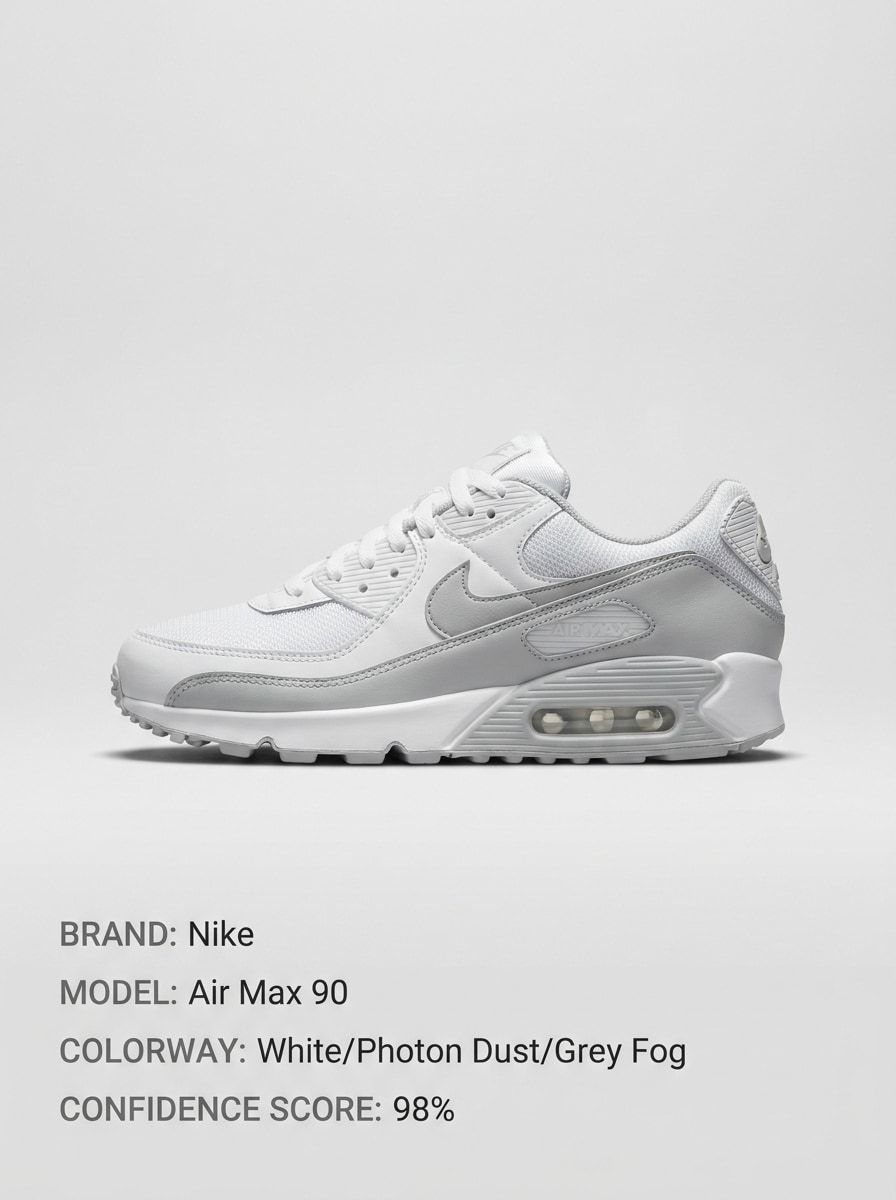
Correspondance de Produit Nette
Utilisez l'image téléchargée comme sujet et transformez-la en une carte d'identification de sneaker nette. Centrez la chaussure sur un fond neutre doux avec un éclairage produit net, une ombre subtile et un espacement soigné. Ajoutez des champs étiquetés pour la marque probable, le modèle, le coloris et le niveau de confiance dans un style éditorial e-commerce moderne.
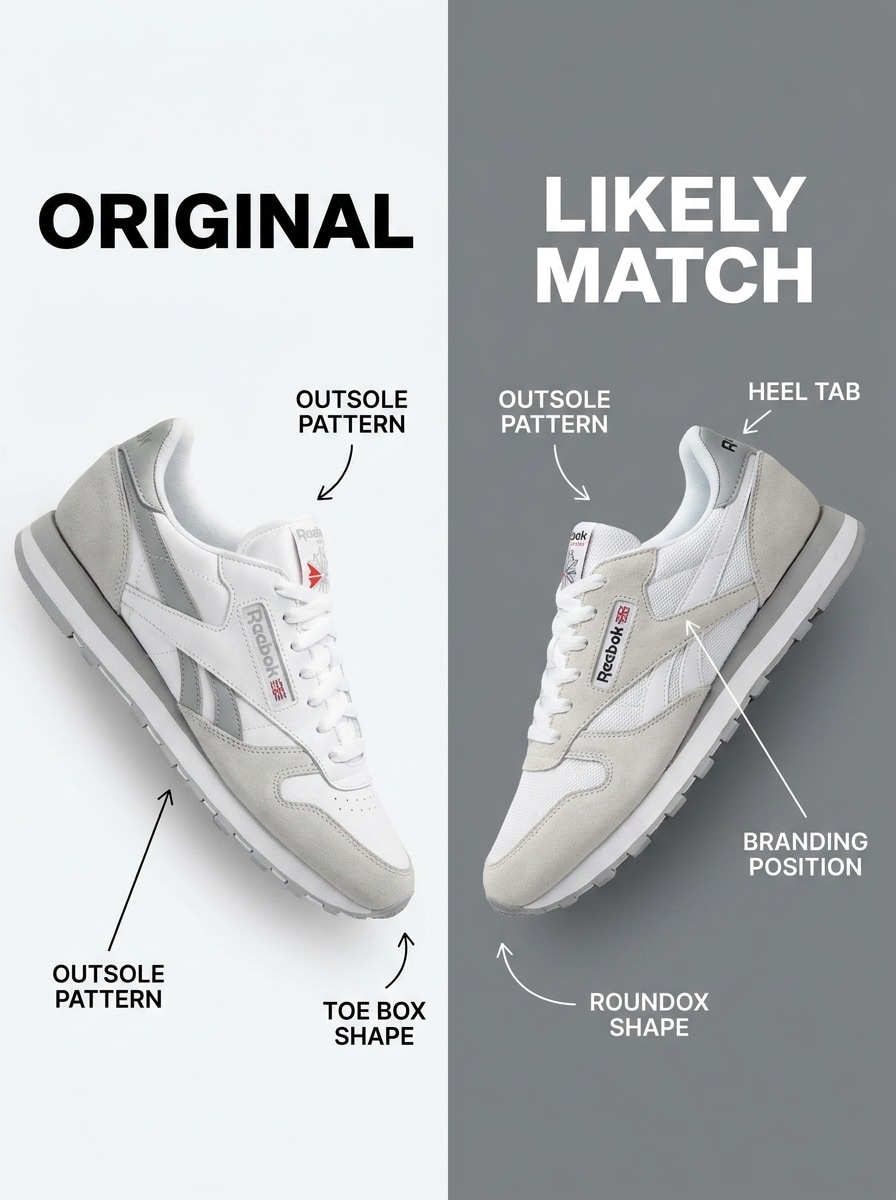
Comparaison Côte à Côte
Utilisez l'image de chaussure téléchargée comme référence et créez un graphique de comparaison côte à côte. Placez la chaussure originale à gauche et le modèle de sneaker le plus proche à droite, avec des flèches, de courtes notes de silhouette et des annotations visuelles pour la forme de la semelle, les superpositions, le placement du logo et la construction des panneaux.
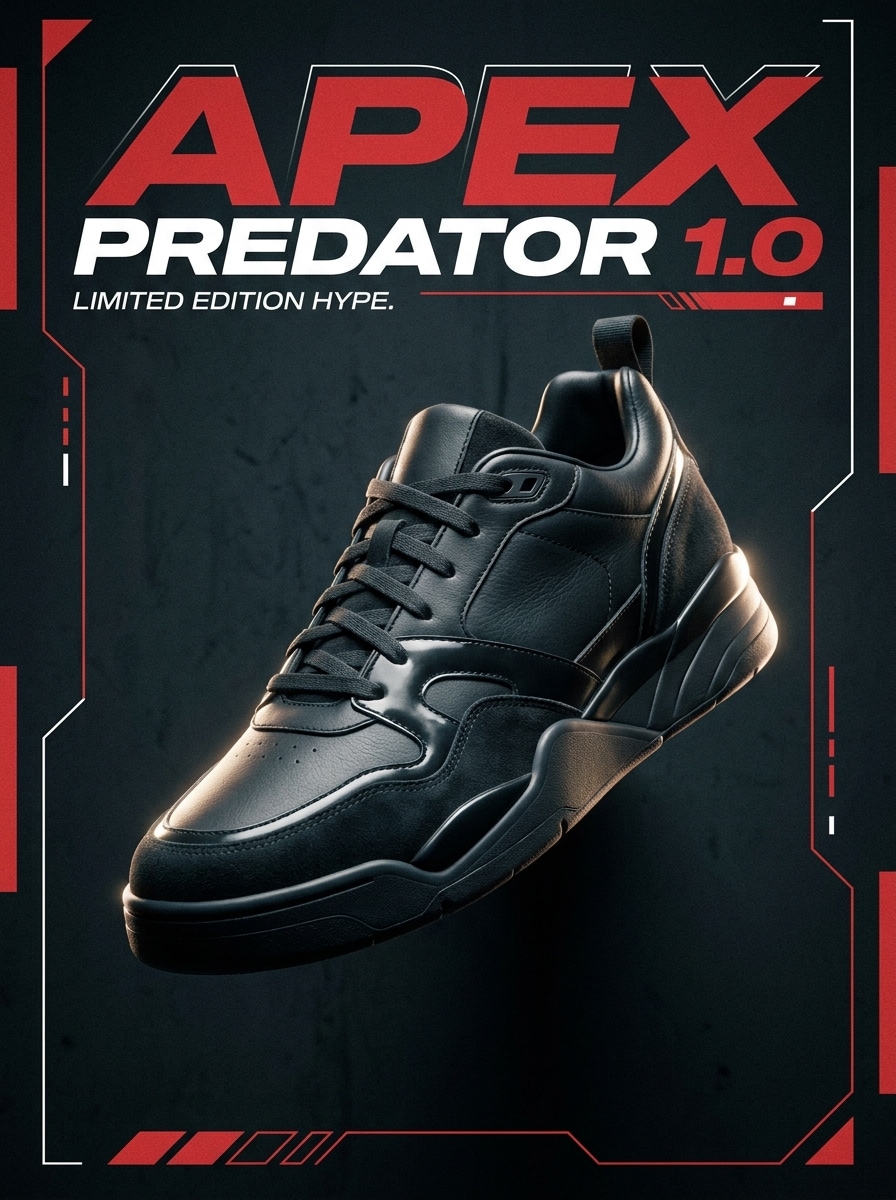
Mise en Lumière Sneaker Hype
Utilisez la sneaker téléchargée comme sujet et transformez-la en une affiche d'identification streetwear audacieuse. Gardez la chaussure dominante dans le cadre avec un contraste dramatique, un éclairage d'ambiance, des ombres riches et une typographie surdimensionnée du nom du modèle, créant un look de culture sneaker de collection avec une énergie premium et un fort impact visuel.
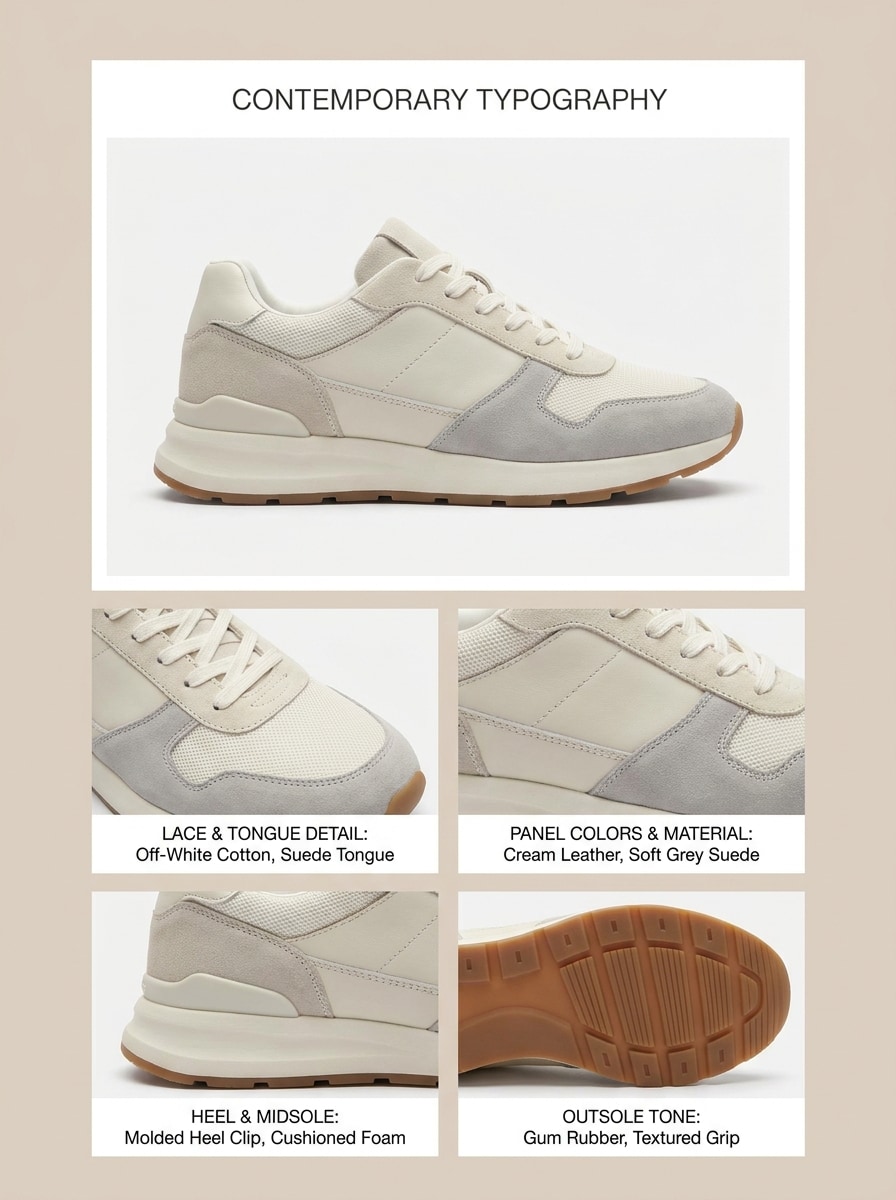
Analyse du Coloris
Utilisez l'image de chaussure téléchargée pour construire une analyse éditoriale du coloris. Mettez en valeur la sneaker principale avec des recadrages rapprochés nets pour la languette, le talon, le panneau latéral et la semelle extérieure. Ajoutez des étiquettes de palette, des notes sur les matériaux et un espacement propre style magazine de mode pour que le résultat soit informatif, élégant et facile à parcourir.
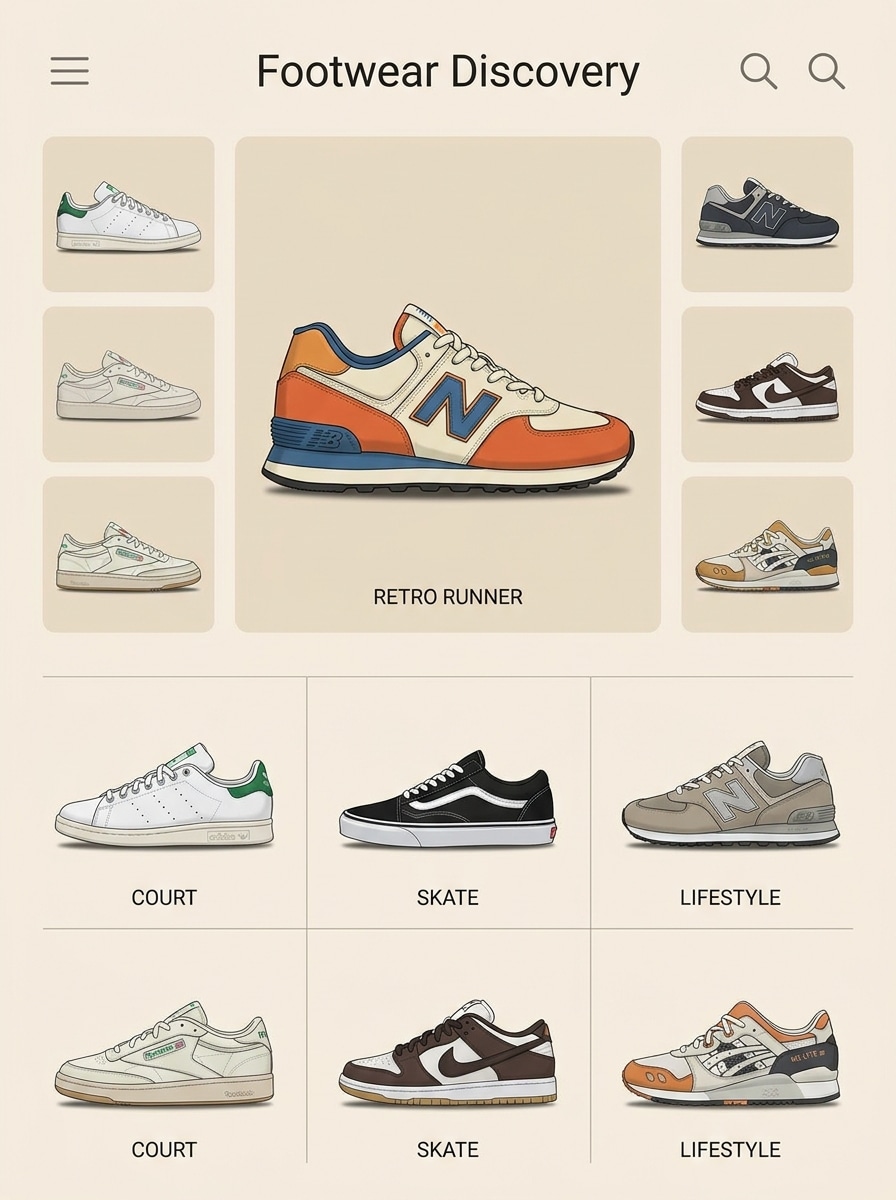
Grille de Découverte Pinterest
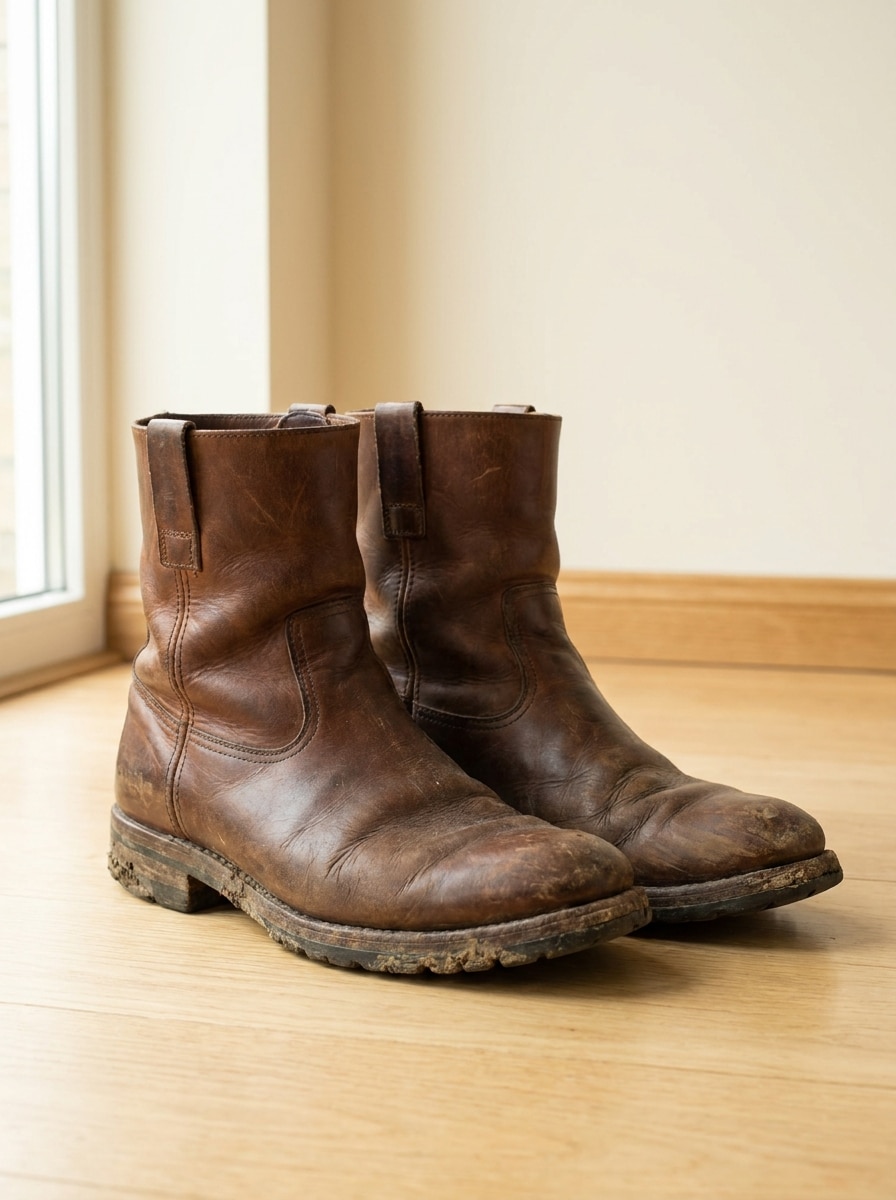
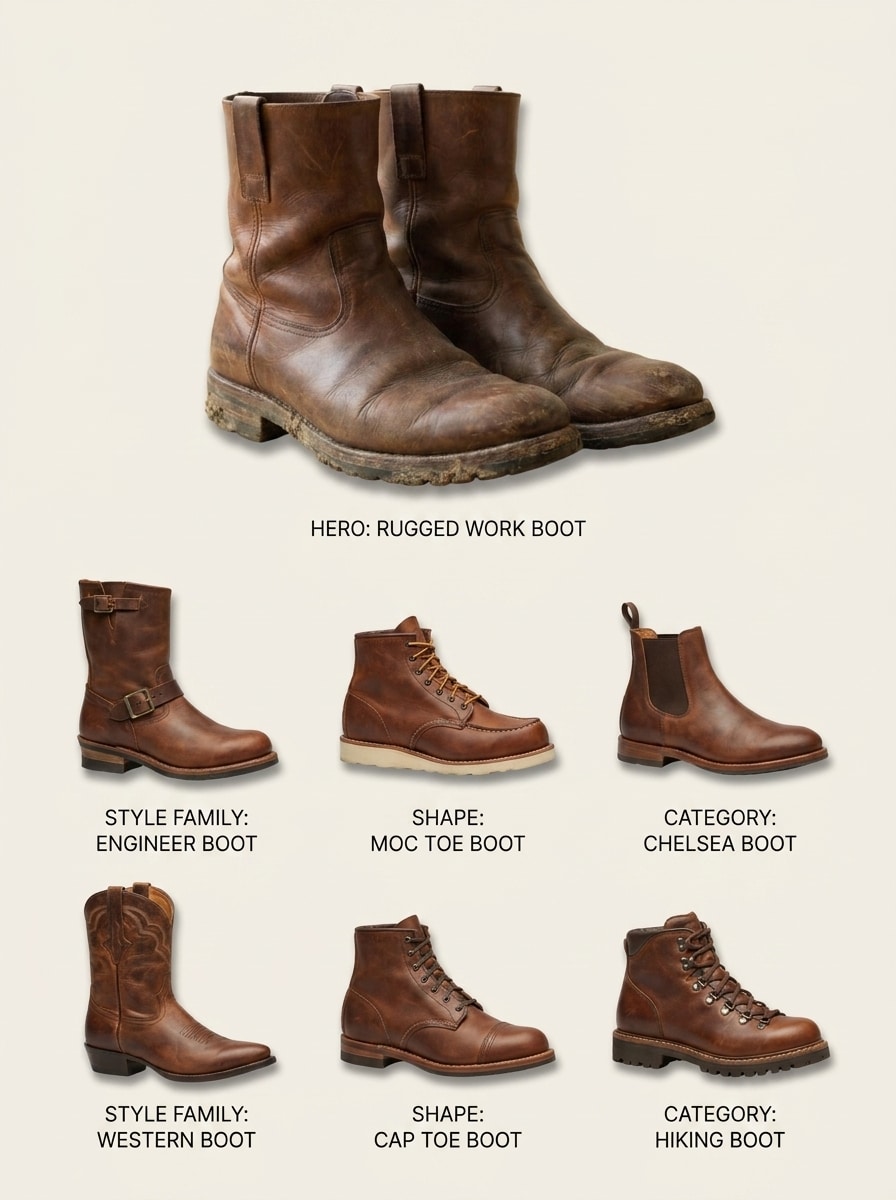
Utilisez la chaussure téléchargée comme référence principale et générez un tableau de découverte de chaussures visuellement similaires. Montrez une grande chaussure principale plus six options connexes dans une grille ordonnée, chacune avec des étiquettes subtiles pour la famille de style, la forme ou la catégorie, en utilisant des ombres douces, un espacement aéré et une esthétique de recherche visuelle épurée.
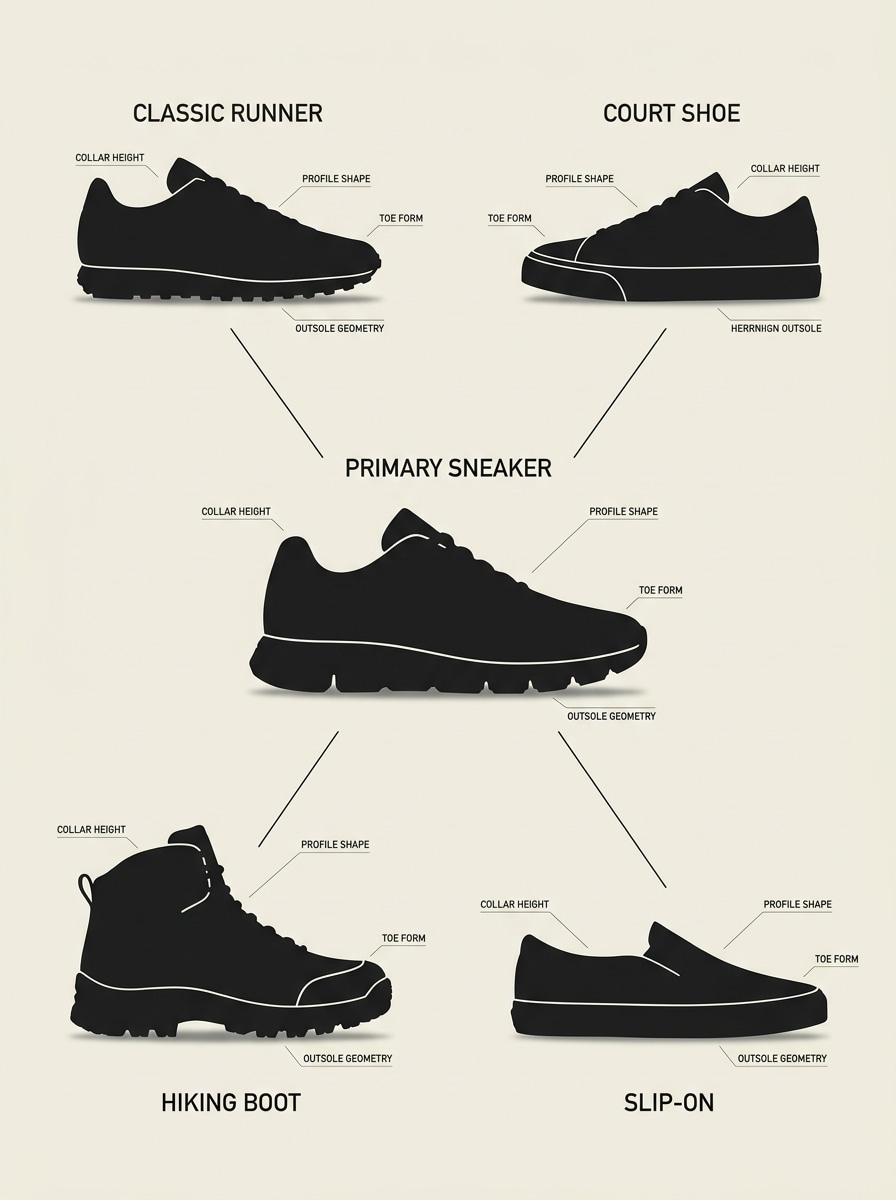
Tableau des Familles de Silhouettes
Utilisez la sneaker téléchargée comme image d'ancrage et regroupez-la avec des silhouettes apparentées. Présentez la chaussure de référence avec les catégories environnantes telles que running, basketball, skate et lifestyle, en utilisant des étiquettes claires, des graphiques minimalistes et une palette neutre afin que les spectateurs puissent rapidement comprendre les similitudes de forme et les caractéristiques de la famille.
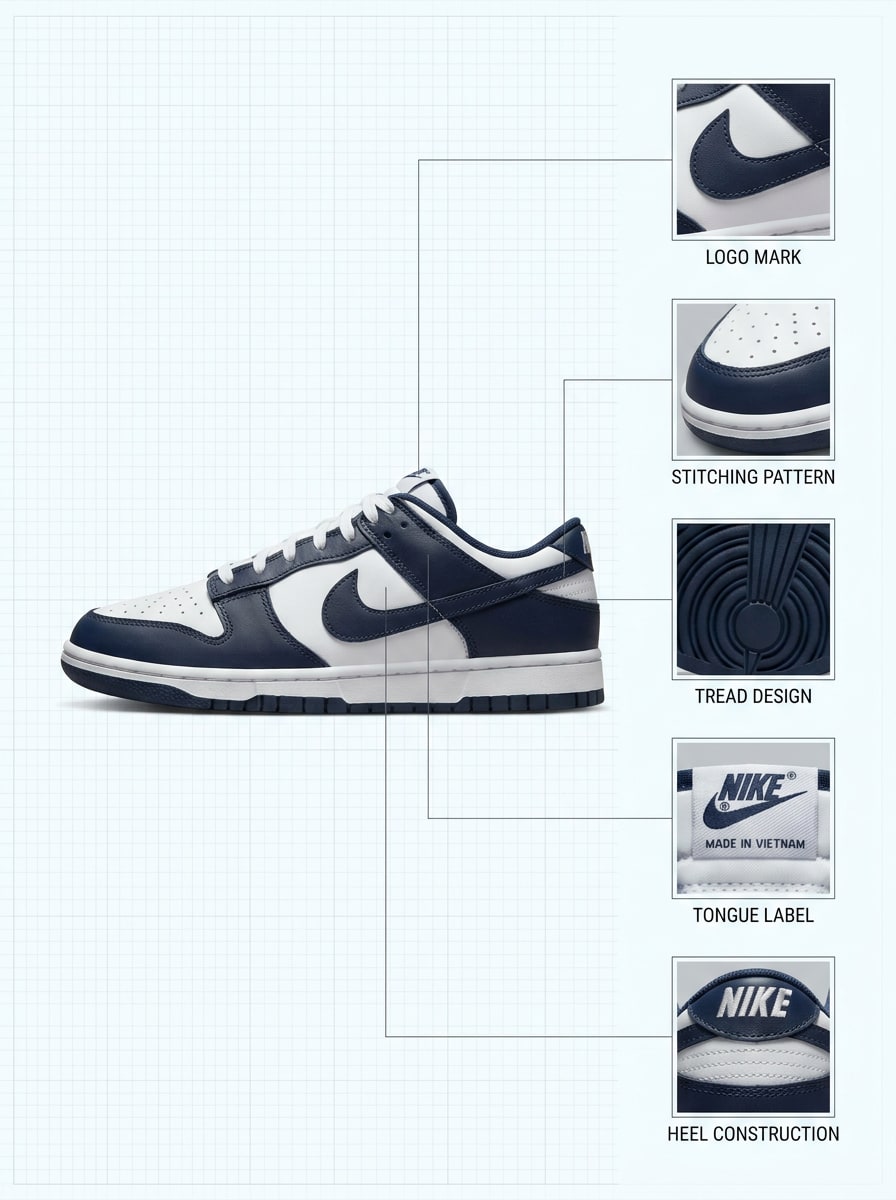
Identifiant par Zoom sur les Détails
Utilisez l'image téléchargée pour créer une mise en page d'identification de chaussure axée sur les détails. Gardez la sneaker complète visible et ajoutez des panneaux en zoom sur le logo, les coutures, la bande de roulement de la semelle extérieure, l'étiquette de la languette et l'onglet du talon. Utilisez des étiquettes précises, un éclairage équilibré et un design inspiré de l'authentification qui donne une impression d'expertise et de fiabilité.
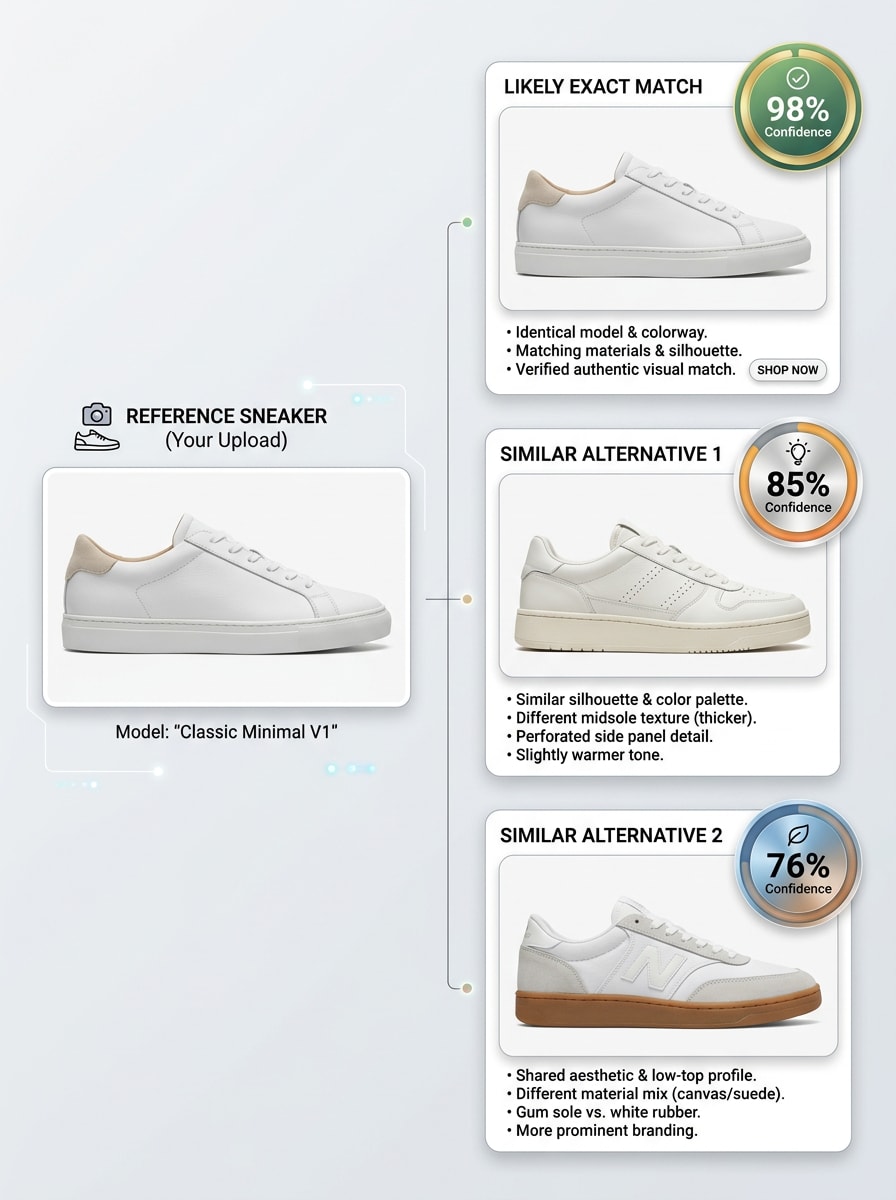
Réel vs Similaire
Utilisez la photo de chaussure téléchargée pour produire une carte de résultat montrant la correspondance exacte la plus probable et deux alternatives similaires. Gardez la mise en page propre et orientée confiance, avec de courtes notes sur les différences de forme, de branding, de superpositions et de conception de la semelle afin que le spectateur puisse comparer les options d'un coup d'œil.
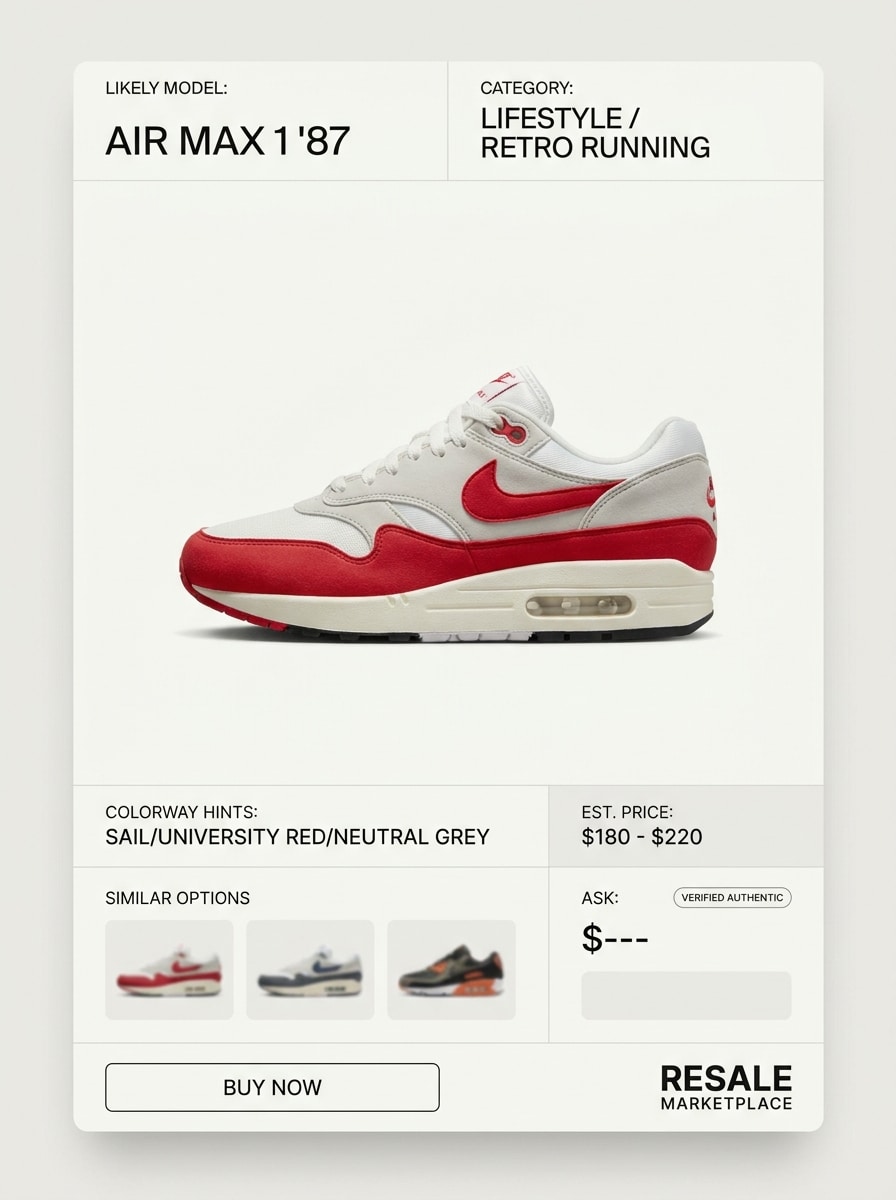
Aperçu d'Annonce de Revente
Utilisez la chaussure téléchargée comme sujet et convertissez-la en un résultat d'identification prêt pour le marché. Présentez la sneaker comme une annonce produit soignée avec le nom de modèle probable, la catégorie, les indices de coloris et des options d'achat similaires, en utilisant une interface raffinée, un détourage propre et une présentation réaliste de vente au détail.
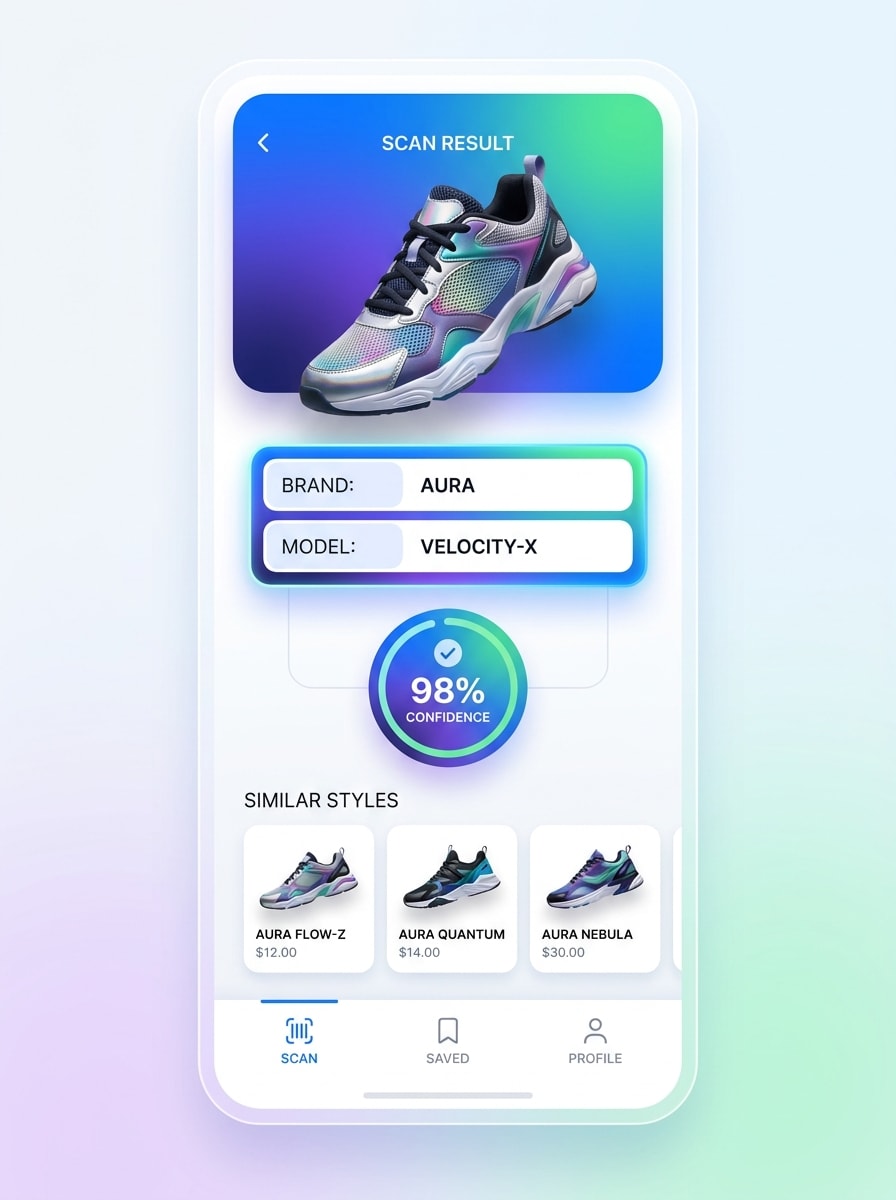
Interface Mobile de Scan vers Résultat
Utilisez l'image de chaussure téléchargée comme sujet scanné et transformez-la en une interface d'identification mobile. Montrez un écran de téléphone avec le scan de la sneaker, la carte de résultat instantané, le badge de confiance et les modèles similaires suggérés, en utilisant un design d'application moderne, un contraste lumineux et une hiérarchie visuelle fluide pour une sensation rapide et intelligente.
Pourquoi Utiliser Media.io pour l'Identification de Chaussures par Photo
Résultats Basés sur la Référence qui Restent Fidèles à Votre Chaussure
Pour les modifications pilotées par téléchargement, Media.io maintient le sujet de référence visuellement cohérent tout en changeant la direction visuelle finale de l'identifiant de chaussures, ce qui rend les résultats personnalisés plus faciles à utiliser en toute confiance.
Retravailler un Sujet en Plusieurs Styles
Le travail basé sur des références nécessite plus qu'un simple changement de style approximatif. Media.io aide à conserver les détails d'identité clés reconnaissables tout en retravaillant l'apparence visuelle de l'identifiant de chaussures, de sorte que le résultat semble personnel plutôt que générique.
Garder les Visuels Finaux Nets pour de Vrais Projets
Un résultat prêt pour la présentation est important pour les tableaux de comparaison, le contenu produit et les visuels destinés aux clients.
Flux de Travail Rapide sur Navigateur sur Téléphone ou Bureau
Pour les créateurs qui passent entre mobile et bureau, Media.io maintient la création de visuels de l'identifiant de chaussures dans le navigateur afin que le flux de travail reste pratique où que vous travailliez.
Comment Utiliser ce Chercheur de Chaussures par Image
Transformez vos mots en visuels époustouflants en trois étapes simples, puis continuez à affiner le résultat si vous souhaitez aller plus loin.
Étape 1
Téléchargez Votre Image de Référence
Ajoutez une photo de chaussure nette au format JPG, PNG ou JPEG. Une vue latérale, une zone de logo visible, une forme de semelle nette et un bon éclairage facilitent l'utilisation de l'outil comme chercheur de chaussures par image, identifiant de logo de chaussure ou flux de travail de recherche de chaussures par photo.
Étape 2
Décrivez le Changement et Définissez les Options
Dites à Media.io ce que vous souhaitez générer, comme une carte d'identification, un tableau de comparaison, une analyse de coloris ou une maquette de scan mobile. Choisissez ensuite un modèle et ajustez le rapport d'aspect, la qualité de l'image, la résolution ou le nombre de variations souhaité.
Étape 3
Générer, Télécharger et Continuer à Améliorer
Créez le résultat, comparez les différents résultats et téléchargez le meilleur. Si vous souhaitez identifier une chaussure par image plus clairement, affinez le prompt, essayez une mise en page différente ou générez de nouvelles versions qui mettent en valeur le branding, la silhouette ou les détails de la semelle extérieure.
Exploitez le Potentiel de Quelles Sont Ces Chaussures
Voyez comment les créateurs utilisent cet identifiant de chaussures Media.io pour le contenu, le marketing et les projets personnels, puis adaptez chaque idée au brief.
Transformez des Sneakers Inconnues en Cartes de Correspondance Partageables
Si vous publiez sur TikTok, Instagram ou Pinterest, vous pouvez transformer une simple photo de chaussure en un résultat étiqueté qui répond à \u201cquel type de chaussures sont-ce\u201d avec une présentation plus nette et plus visuelle. Media.io est utile pour les révélations de collectionneurs, l'éducation sneaker et le contenu de comparaison côte à côte.
Créer de Meilleurs Visuels d'Achat et de Revente
Lorsque les acheteurs demandent \u201ctrouver ces chaussures par image\u201d ou veulent des alternatives similaires, Media.io peut vous aider à créer des graphiques soignés de style annonce présentant la marque probable, le modèle et les indices de coloris. Cela rend les discussions sur les produits plus claires pour les revendeurs, les vendeurs sur les marchés et les créateurs de thrift-flip qui ont besoin de trouver des chaussures à partir d'une image rapidement.
Comparer les Détails de Marque et les Alternatives Similaires
Utilisez des panneaux en gros plan et des mises en page de comparaison pour inspecter les logos, les superpositions et les formes de semelles avec Media.io lorsque vous souhaitez l'identification de chaussures adidas, avez besoin d'identifier des chaussures adidas, ou souhaitez simplement trouver des résultats d'images de chaussures qui semblent proches même lorsque la correspondance exacte est incertaine.
Ce que les Utilisateurs Disent de cet Identifiant de Chaussures IA
Jordan M.
Créateur de Contenu Sneaker
"Idéal pour des visuels de comparaison rapides" Je l'ai utilisé quand mes abonnés continuaient à demander quelle est cette chaussure sur mes vidéos. Les mises en page côte à côte ont facilité la présentation du modèle probable et de quelques alternatives proches sans tout concevoir from scratch.
Priya S.
Vendeur sur Marché de Revente
"Utile pour la préparation des annonces" J'ai souvent besoin d'identifier des chaussures à partir de téléchargements d'images avant de publier des articles de revente. Media.io m'a aidé à transformer des photos brutes en graphiques de style ID plus nets qui semblaient beaucoup plus professionnels pour les pages produit et les publications en story.
Alex T.
Blogueur Streetwear
"Pratique pour le contenu d'analyse de coloris" Les prompts de zoom sur les détails et de tableau de coloris sont particulièrement bons. Je pouvais mettre en valeur les logos, les couleurs des panneaux et les motifs de semelle d'une manière qui rendait le contenu d'identifiant de chaussures soigné et facile à comprendre.
Nina R.
Acheteuse Occasionnelle
"Facile à utiliser sur mon téléphone" Je voulais juste trouver des chaussures à partir de captures d'images pendant mes achats en ligne. Le téléchargement depuis mon téléphone était simple, et les mises en page générées m'ont donné un moyen rapide de comparer des styles similaires avant d'acheter.
Découvrez Les Effets Vidéo et d'Image IA Les Plus Populaires
1. Comment puis-je identifier une chaussure à partir d'une image ?
Téléchargez une photo nette de la chaussure sur Media.io, puis utilisez un prompt qui demande une carte d'identification, un tableau de comparaison ou un résultat de correspondance basé sur les détails.
2. Un identifiant de chaussures peut-il trouver le modèle exact de sneaker ?
Un identifiant de chaussures peut aider à générer une correspondance probable basée sur des caractéristiques visibles telles que la silhouette, le placement de la marque, la forme de la semelle extérieure et le blocage des couleurs. Media.io est particulièrement utile pour créer des visuels côte à côte et des tableaux de correspondances similaires, donc si un modèle exact est incertain, vous pouvez quand même comparer des alternatives et affiner le résultat.
3. Existe-t-il un identifiant de chaussures IA gratuit en ligne ?
Media.io offre des crédits gratuits, vous pouvez donc essayer un identifiant de chaussures IA en ligne avant de passer à la version payante. Les utilisateurs gratuits peuvent voir des filigranes, tandis que les abonnés payants peuvent télécharger des images haute résolution sans filigrane. Pour plus de détails sur l'utilisation, consultez la page de tarification.
4. Quels types de chaussures la recherche par image peut-elle reconnaître ?
Media.io peut être utilisé pour créer des visuels d'identification pour de nombreuses catégories de chaussures, notamment les chaussures de running, les sneakers de basketball, les chaussures de skate, les paires lifestyle, les runners rétro et les trainers. C'est utile que vous l'appeliez un identifiant de trainer, un identifiant de logo de chaussure, ou un outil pour trouver des chaussures à partir de références d'images et de silhouettes similaires.
5. Quelle est la précision de l'identification des chaussures à partir d'une photo ?
La précision dépend fortement de la qualité de l'image et du nombre de détails distinctifs visibles. Un angle latéral propre, un branding lisible, des coutures nettes et un motif de semelle visible donnent à Media.io de meilleurs éléments pour construire un résultat de style correspondance, comparer des options similaires et soutenir les décisions \u201cquel type de chaussures sont-ce\u201d plus clairement.
6. Puis-je utiliser un identifiant de chaussures sur mon téléphone ?
Media.io est basé sur le web, vous pouvez donc l'utiliser dans un navigateur mobile sur iOS ou Android ainsi que sur des navigateurs de bureau. Cela le rend pratique si vous souhaitez télécharger une photo rapide en magasin, utiliser un flux de travail de chercheur de chaussures par image, ou tester un concept de scanner de sneakers en ligne sans installer de logiciel.
Au-delà de l'Identifiant de Chaussures en Ligne Alimenté par l'IA