Sélectionnez / @ caractère, décrivez la scène que vous souhaitez générer.
0/2000
9:16
1K
1
Mode Illimité Banana Pro
Créations
Centre d’idées
Comment ça marche
Fonctionnalités populaires
Voir tout
Défi créatif d’Halloween
Voir tout
Histoire de Fruits Drama IA
Voir tout
Vidéo d'Histoire par IA
Voir tout
Vidéos virales aujourd'hui
Voir tout
Vidéos de produits IA
Voir tout
Personnage IA
Voir tout
Tendances de Danse
Voir tout
GPT Image 2
Voir tout
Seedance 2.0
Voir tout
Correspondance de Célébrités IA
Voir tout
Suggestions de Poses pour Couples
Voir tout
Prompts de Poses de Fille IA Esthétique
Voir tout
Invites de Poses Élégantes pour Garçon IA
Voir tout
Générer une liste
Vos créations sont conservées pendant seulement 7 jours. Les éléments créés après la mise à niveau de l'Abonnement seront stockés de façon permanente.
Libérez votre potentiel créatif et découvrez la magie de l'IA médiatique dès mIAntenant!
Créez une maquette de bougie avec l'IA pour les étiquettes et les emballages
Transformez une vraie photo de bougie en une maquette de bougie soignée pour les pots, les boîtes métalliques, les boîtes et les étiquettes de marque. Media.io vous aide à créer rapidement des visuels de produits premium, que vous ayez besoin d'un maquette de bougie gratuite test, d'images pour le commerce électronique ou de scènes de présentation prêtes pour les clients.
Tapez votre idée -> L'IA la conçoit. Gratuit à essayer.
Examinez ces exemples de directives, puis adaptez les détails de l'invite pour obtenir de meilleurs résultats avec cette maquette de bougie dans Media.io.
Photo de produit en pot de verre neutre
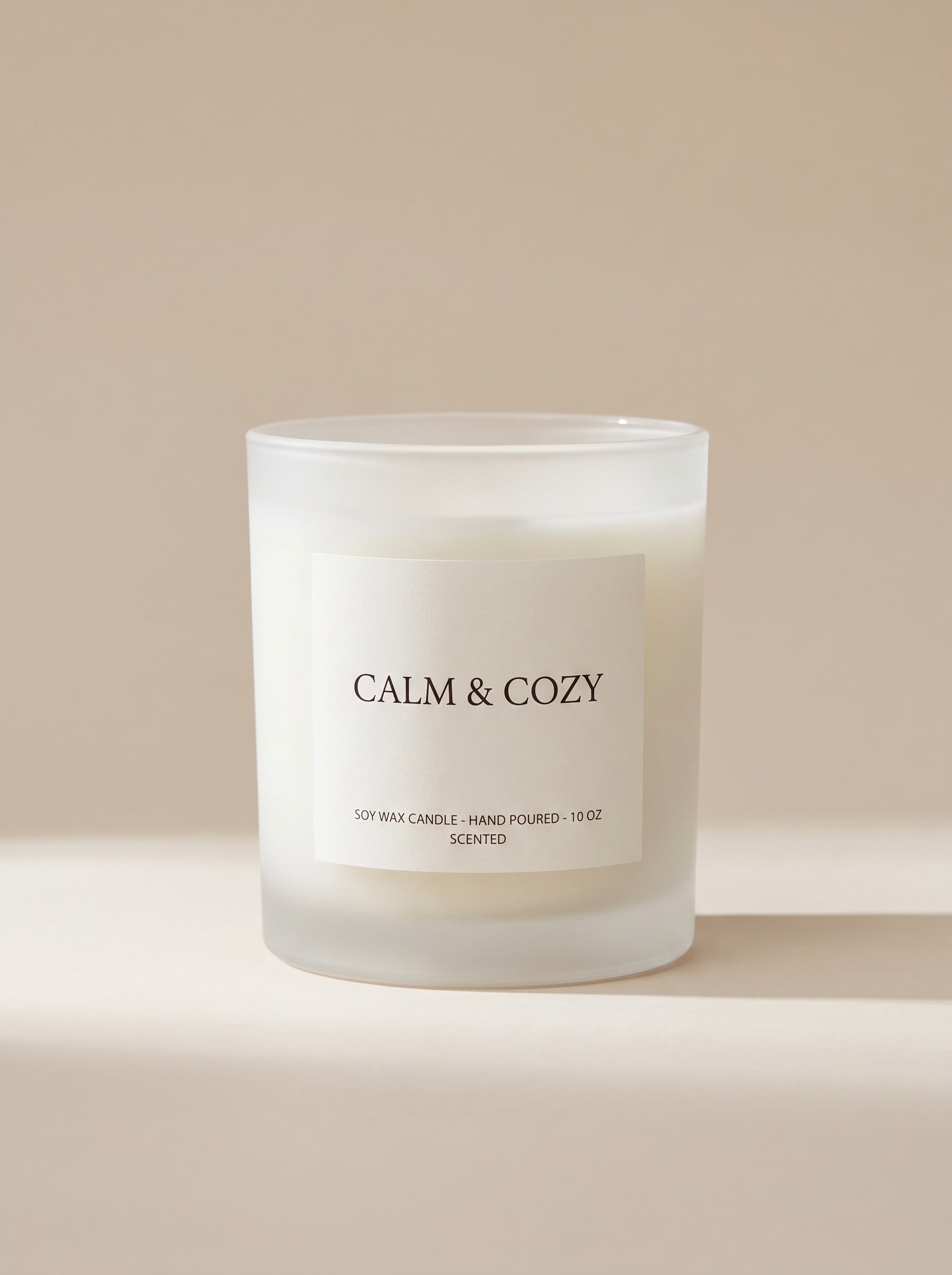
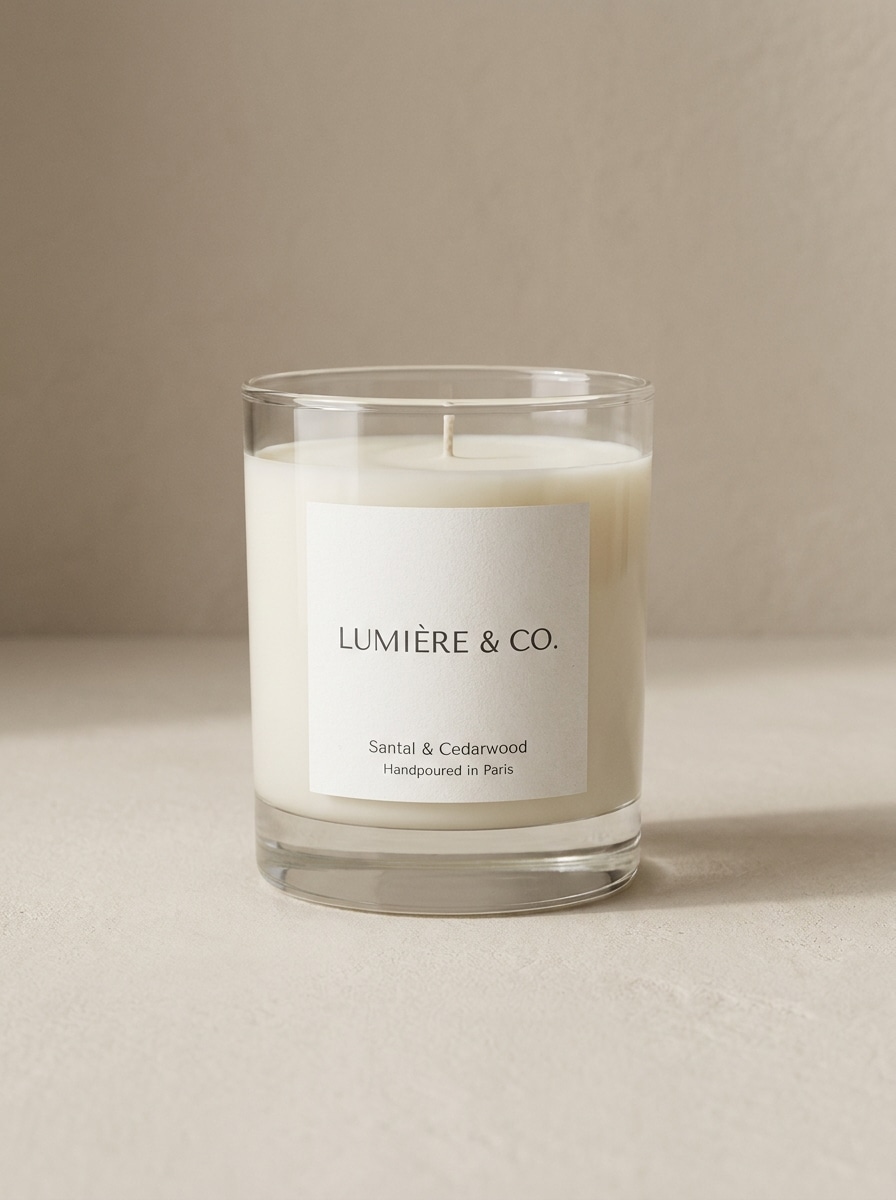
Utilisez l'image téléchargée comme produit principal de bougie et transformez-la en une maquette photoréaliste de pot en verre transparent ou givré, centrée sur un fond de studio beige doux. Gardez l'étiquette nette et lisible, ajoutez de douces ombres naturelles, des reflets propres, un style minimaliste premium et une composition frontale prête pour le commerce électronique.
Maquette e-commerce sur fond blanc
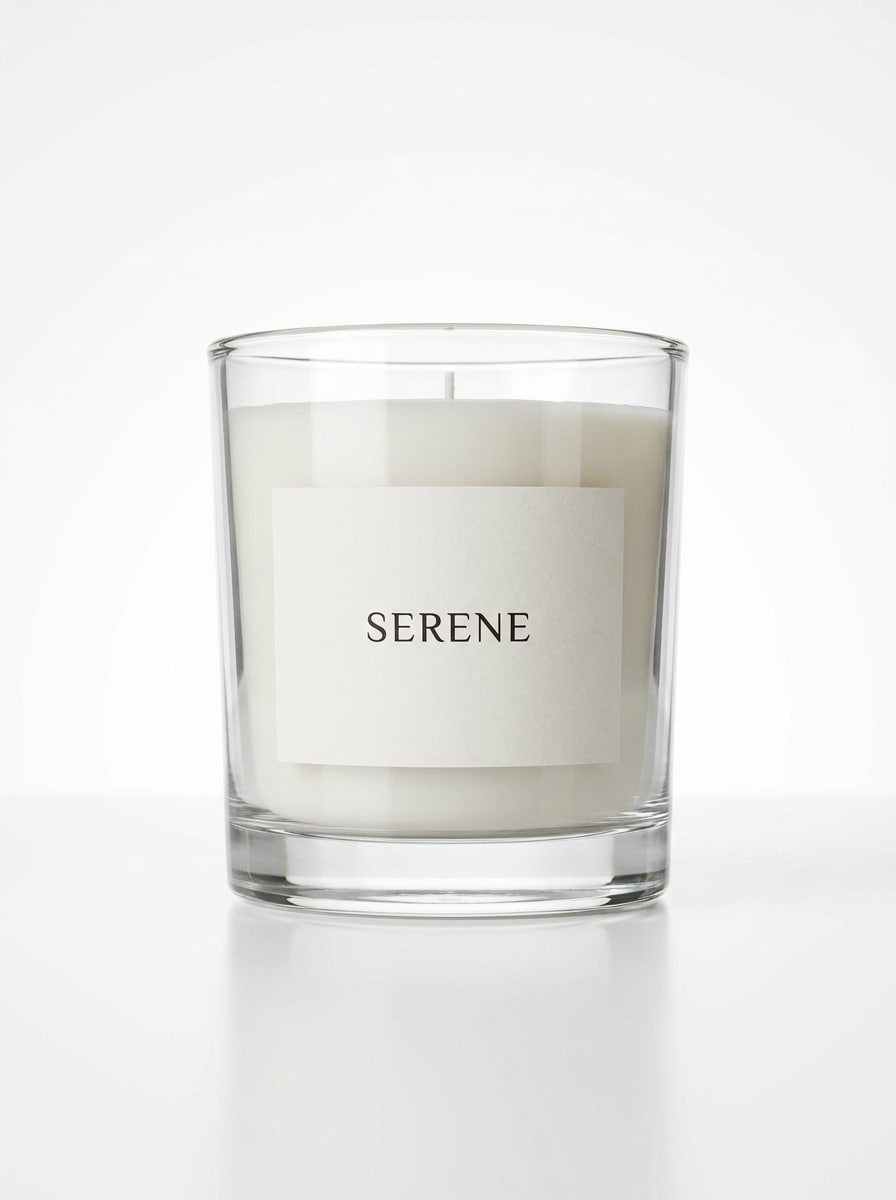
Utilisez l'image de bougie téléchargée comme sujet et convertissez-la en une maquette de studio épurée sur fond blanc pur. Préservez la forme réaliste du pot et le placement de l'étiquette, ajoutez un éclairage net, une ombre douce au sol, des reflets subtils, des détails d'emballage précis et un aspect photo de produit de boutique en ligne premium.
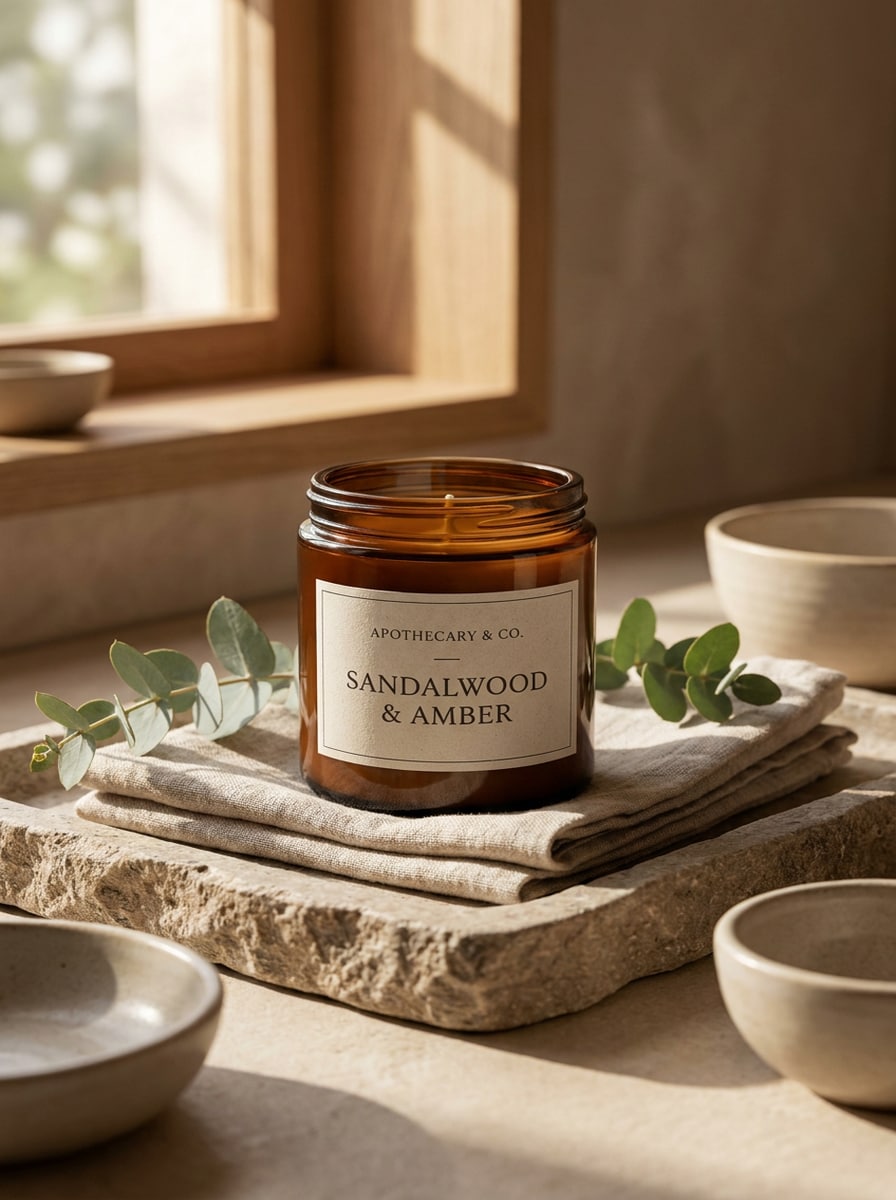
Esthétique spa apothicaire
Utilisez la photo de bougie téléchargée et restylisez-la en tant que scène de produit apothicaire de luxe. Placez-la dans un cadre de spa élégant avec des serviettes pliées, un plateau en pierre, des accents d'eucalyptus, une lumière naturelle chaude, la richesse du verre ambré, une marque avec empattement raffinée et une ambiance bien-être calme avec des textures premium.
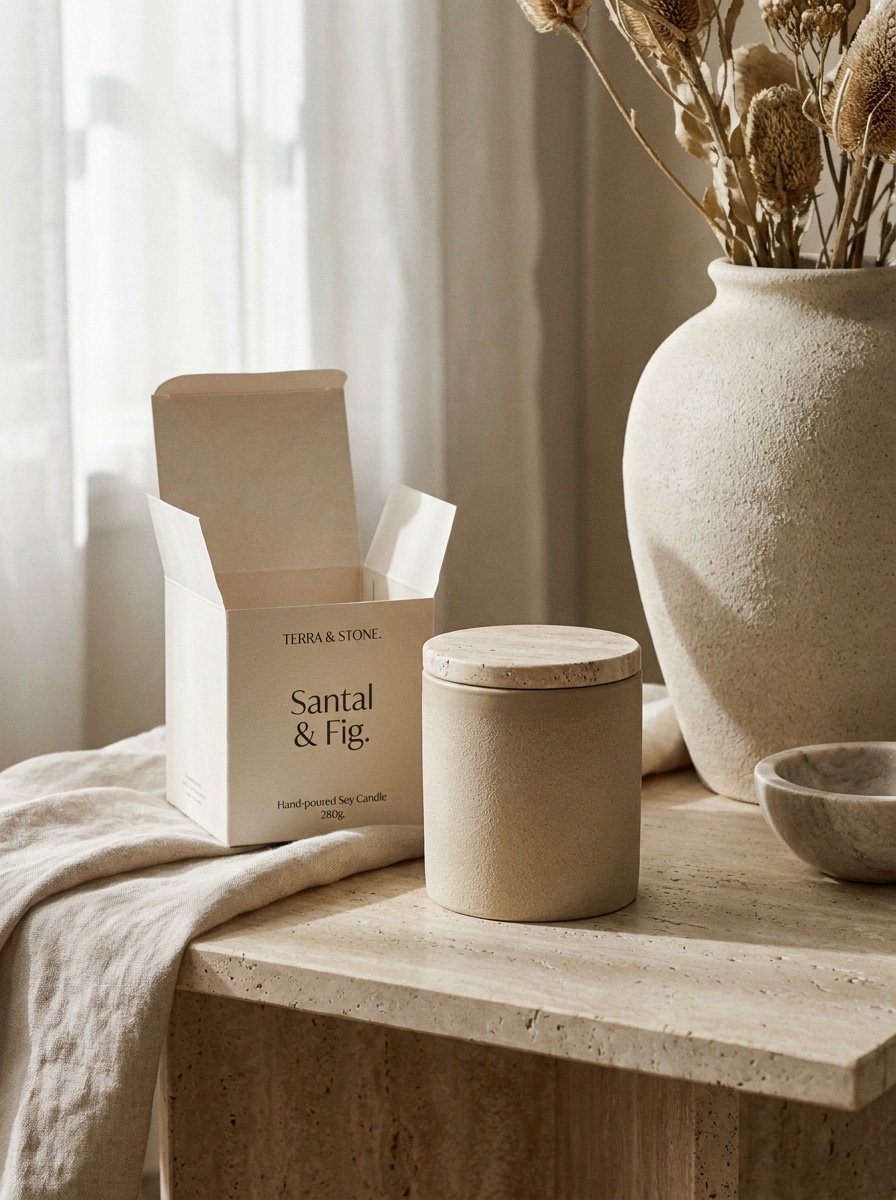
Scène de décoration intérieure boutique
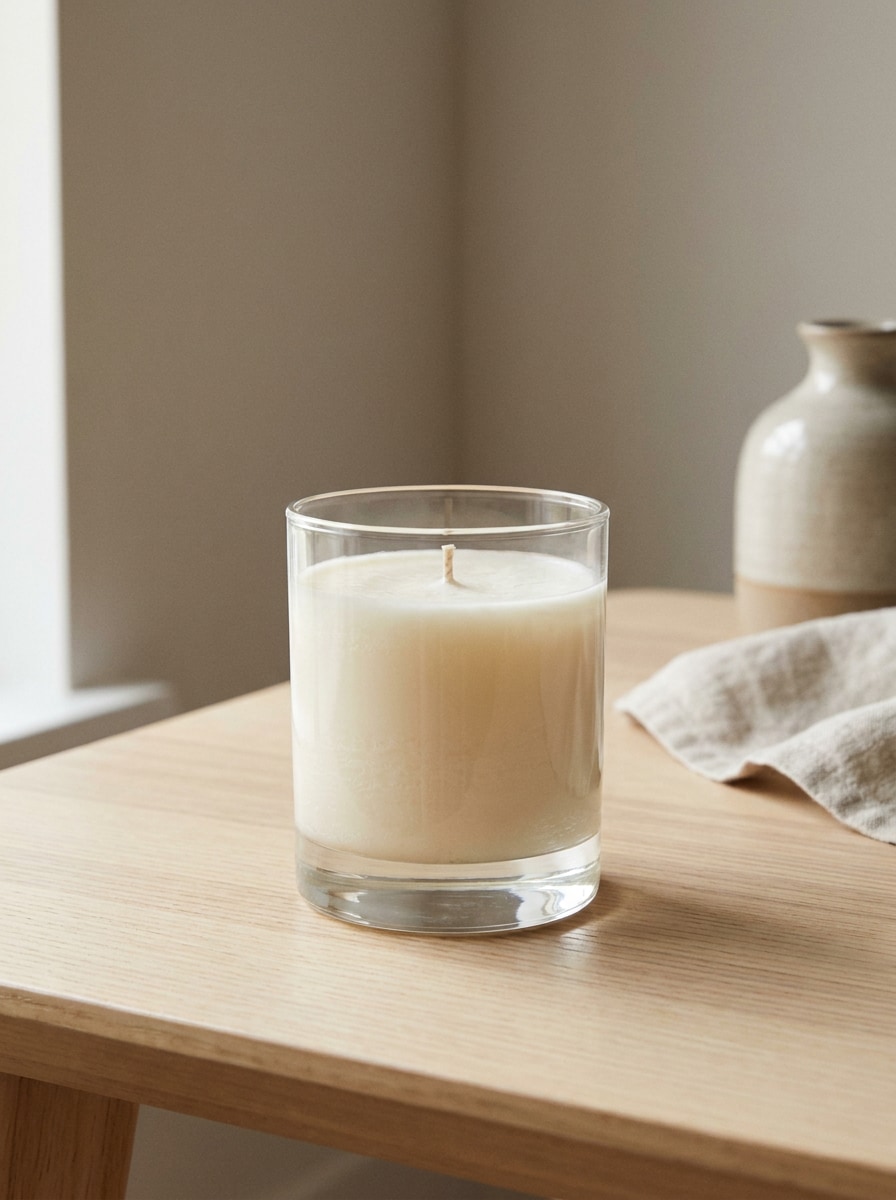
Utilisez la bougie téléchargée comme produit phare et transformez-la en une maquette de décoration intérieure premium. Mettez-la en scène sur une surface en travertin avec une vase en céramique stylisée, un tissu en lin doux, une lumière du jour diffuse, des accessoires botaniques subtils et une composition de boutique haut de gamme qui garde la marque visible et réaliste.
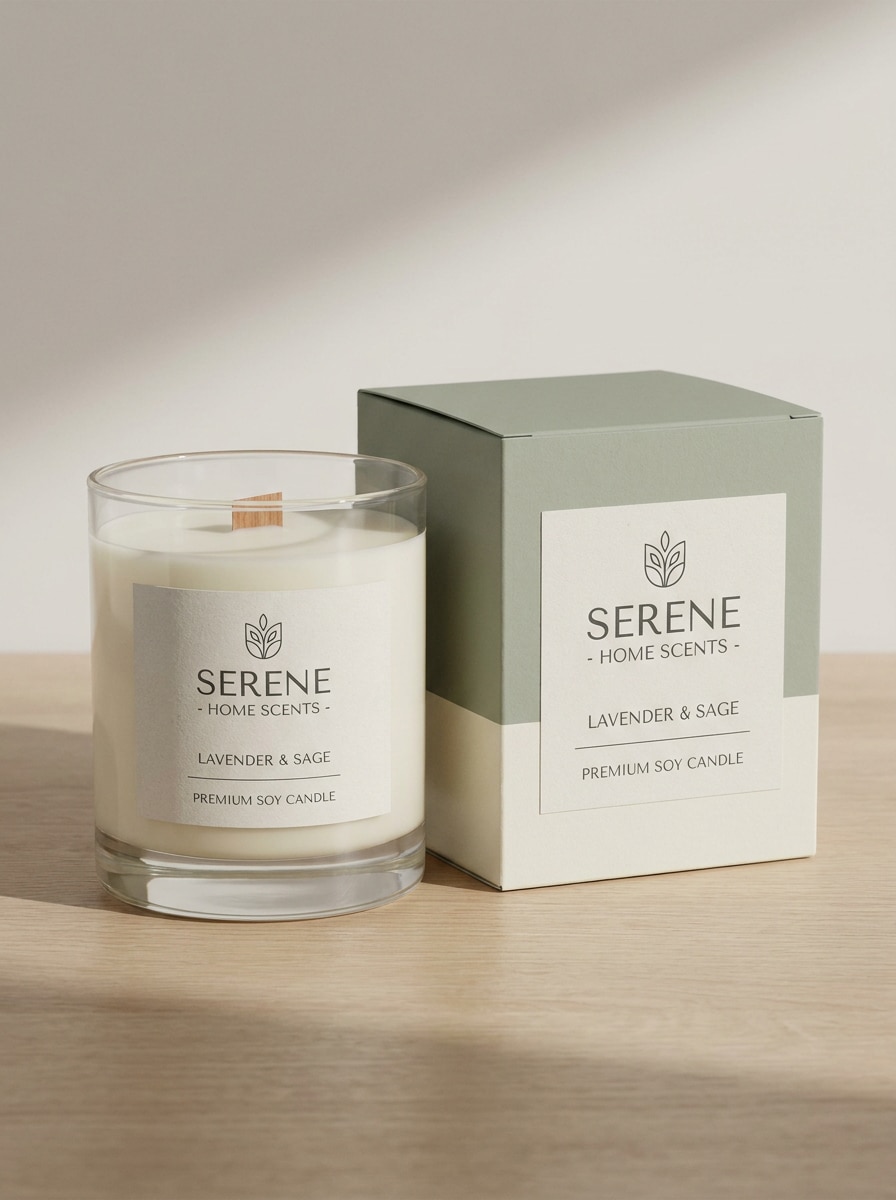
Ensemble boîte et pot de bougie
Utilisez le produit bougie téléchargé comme référence et créez une maquette d'emballage coordonnée pot et boîte. Ajoutez une boîte rigide assortie à côté de la bougie, alignez la marque sur les deux surfaces, préservez des proportions réalistes, utilisez un éclairage de studio doux, des ombres nettes et une présentation en rayon haut de gamme.
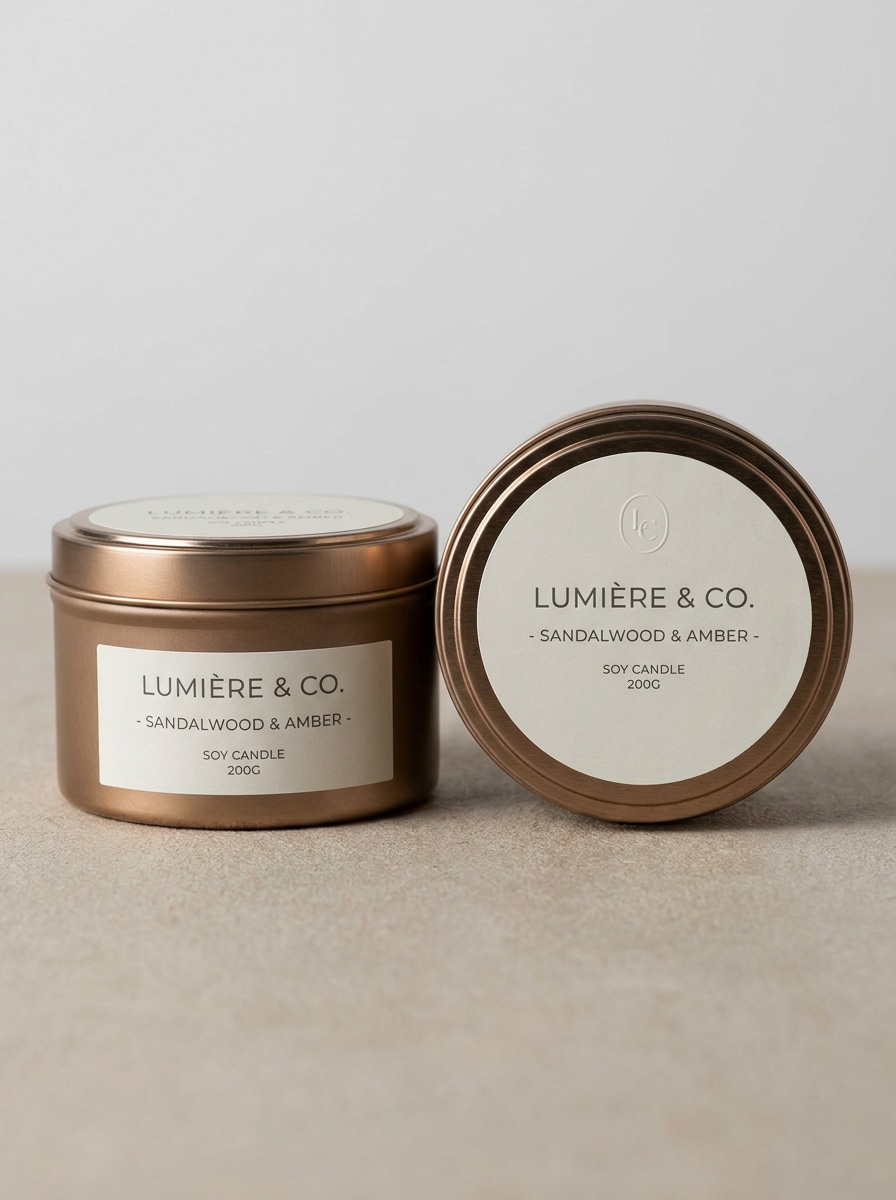
Emballage de bougie en boîte métallique
Utilisez l'image téléchargée et transformez-la en une maquette soignée de bougie en boîte métallique ronde avec couvercle de marque et étiquette latérale. Montrez une texture métallique premium, un fond minimal et épuré, une présentation de dessus et en angle, des reflets réalistes, des ombres subtiles et un design d'emballage moderne adapté aux lancements de produits.
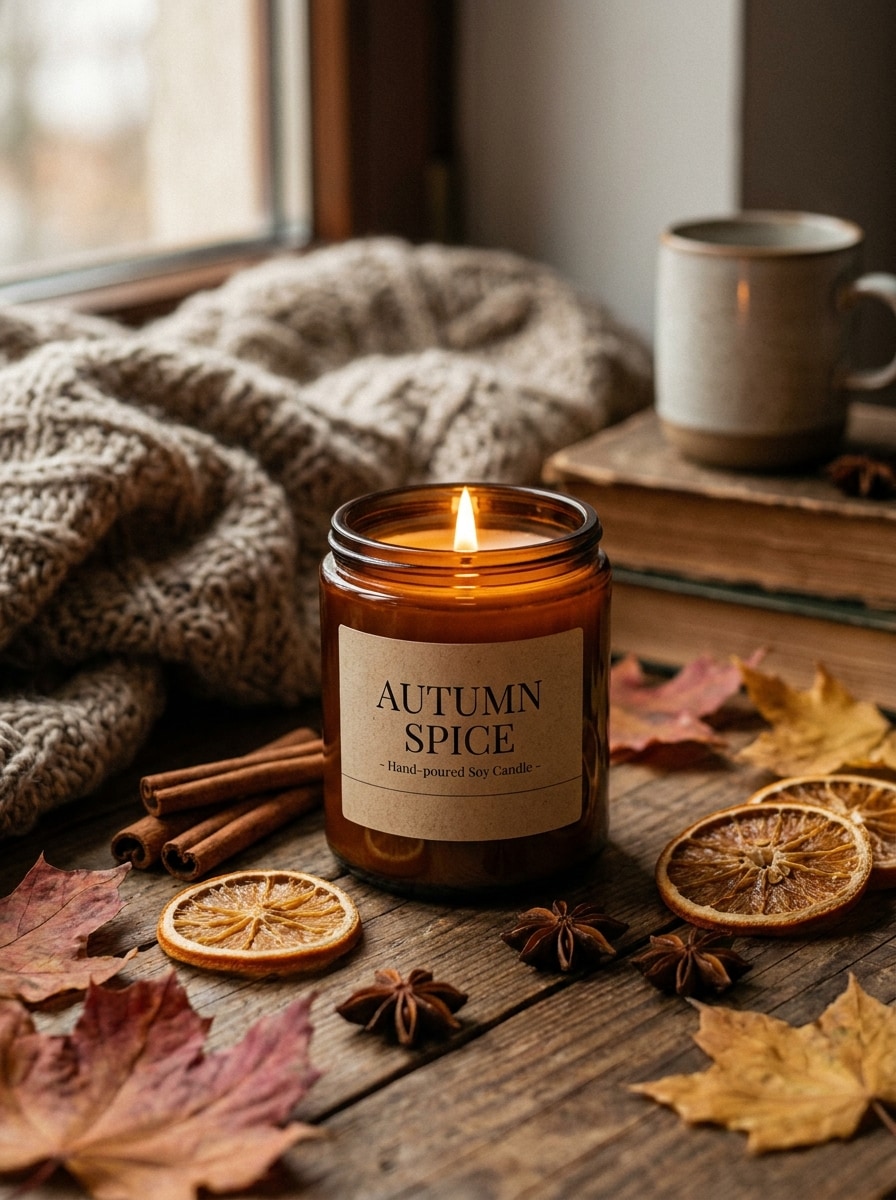
Scène de bougie parfumée d'automne
Utilisez la bougie téléchargée comme sujet et convertissez-la en une maquette de produit automnal et cosy. Ajoutez des bâtons de cannelle, des feuilles séchées, des tons chauds marron et ambrés, un éclairage doux et atmosphérique, un style saisonnier réaliste et une composition premium évoquant le parfum qui garde néanmoins le pot et l'étiquette clairement visibles.
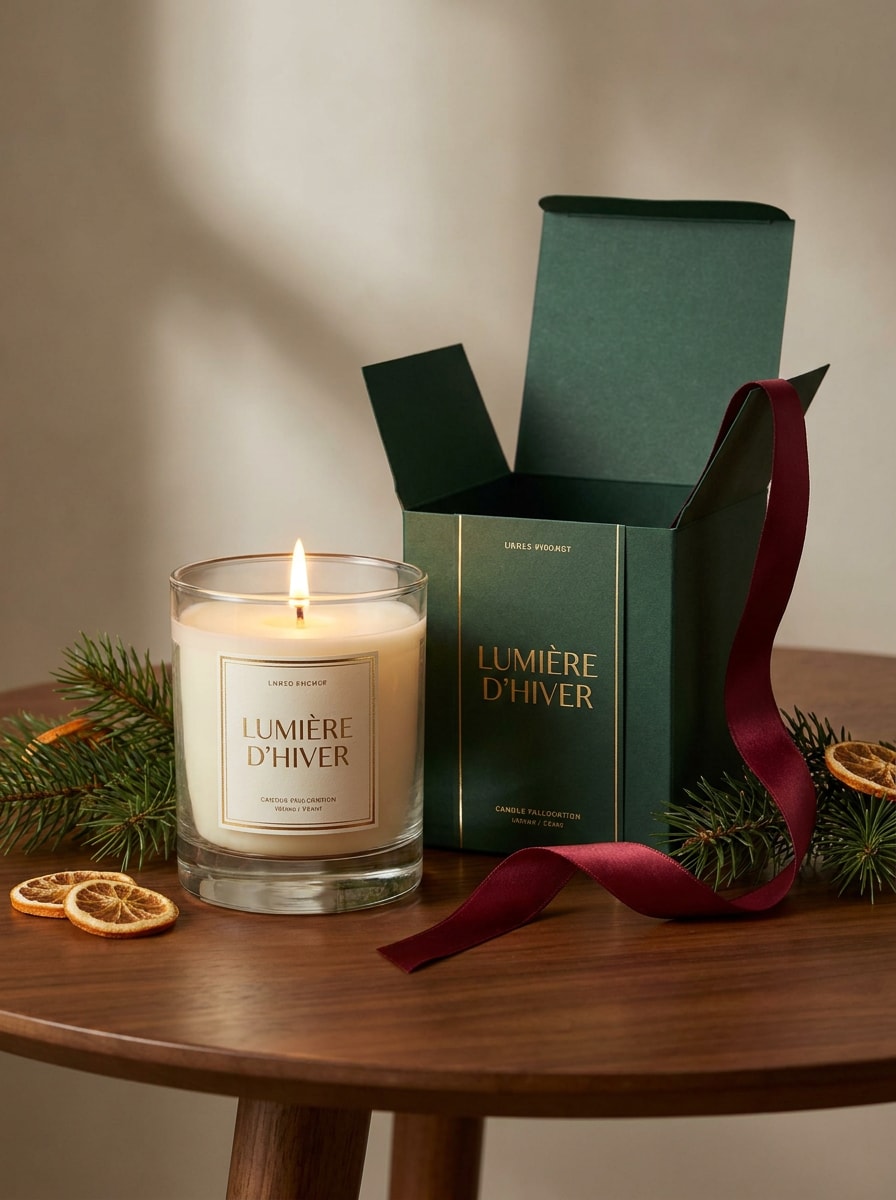
Maquette de bougie cadeau de fête
Utilisez la photo de bougie téléchargée et stylisez-la en une maquette festive prête à offrir. Ajoutez une boîte de marque élégante, un détail de ruban, des accents de pin subtils, une lueur chaleureuse, une palette de fêtes raffinée et une scène de vente au détail premium qui semble festive tout en gardant les surfaces d'emballage réalistes et lisibles.
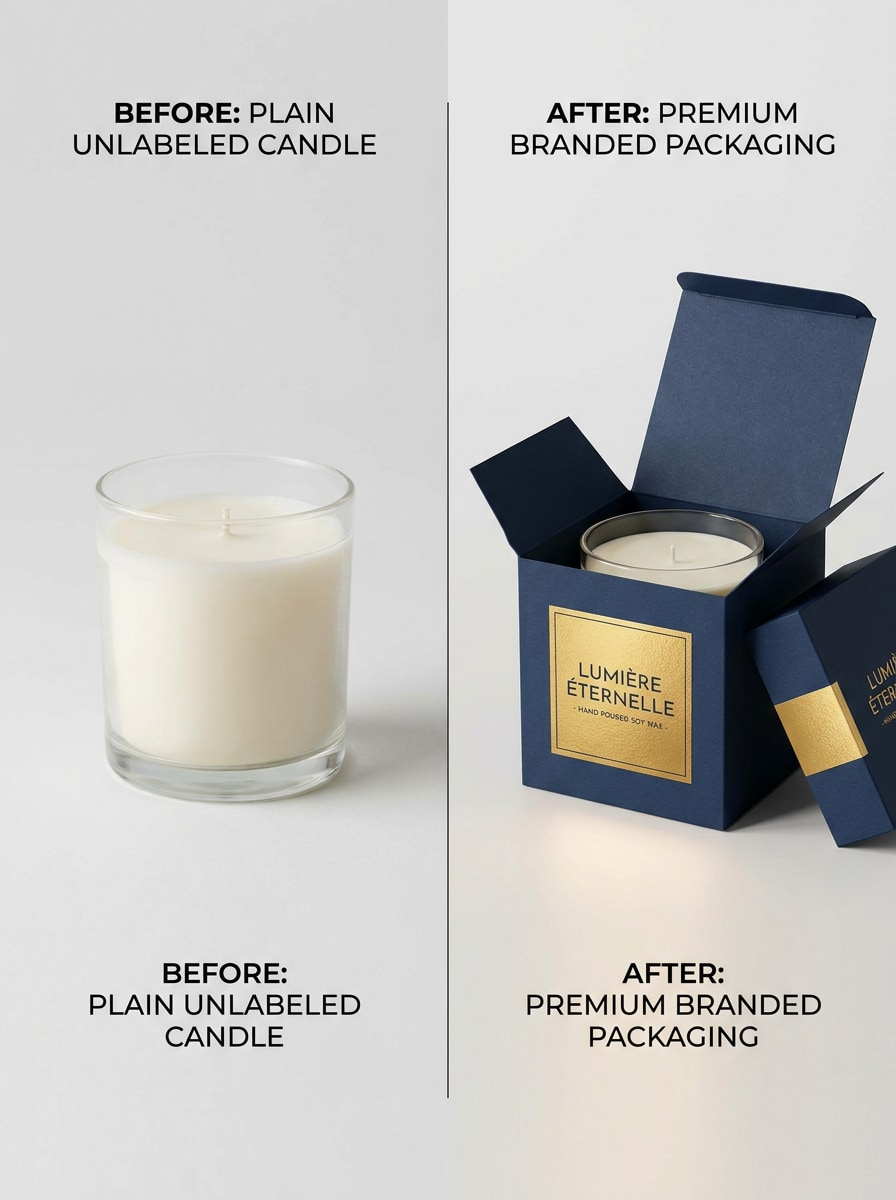
Mise à niveau d'étiquette avant-après
Utilisez la photo de bougie ordinaire téléchargée et transformez-la en une maquette de transformation de marque côte à côte. Gardez une version simple et améliorez l'autre avec une étiquette premium, un meilleur éclairage, des détails d'emballage soignés et une mise en page comparative adaptée au marketing qui montre clairement l'amélioration visuelle.
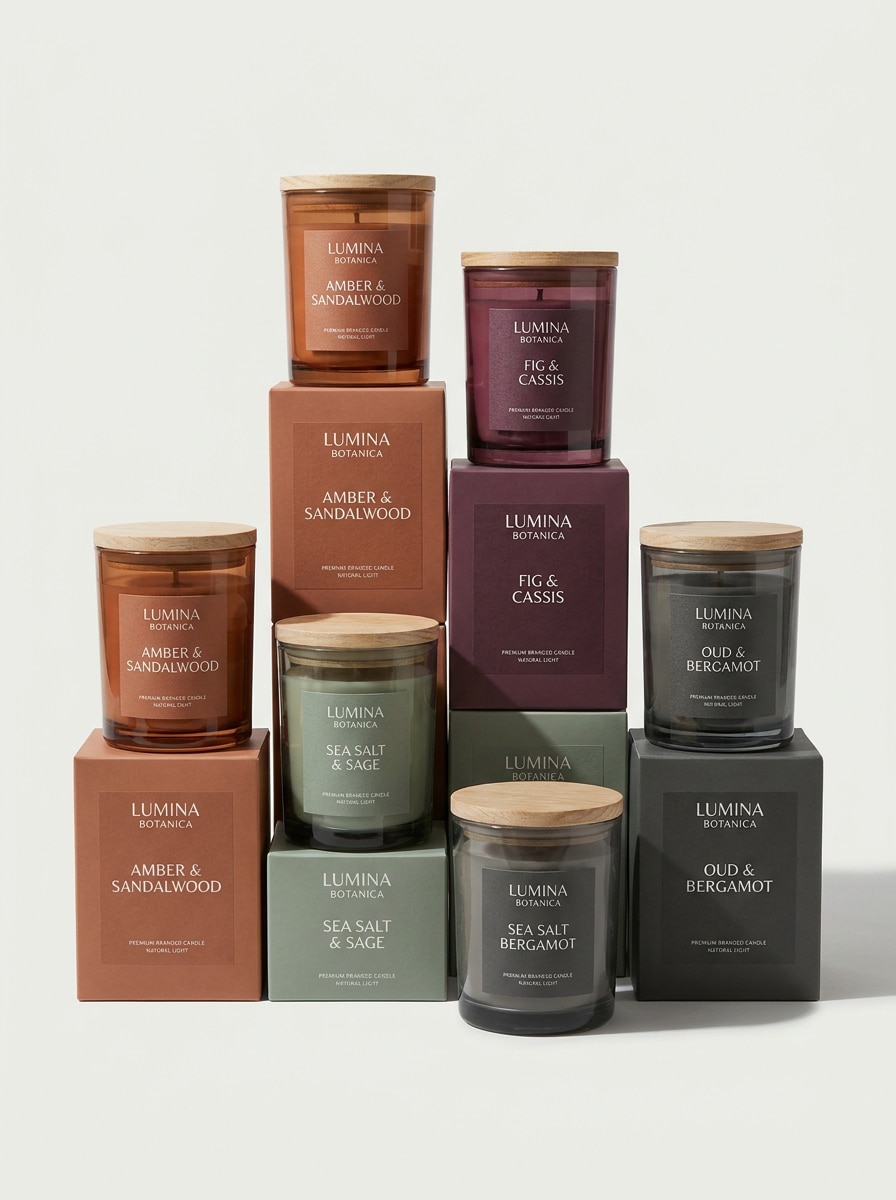
Série de variantes de parfums personnalisés
Utilisez l'image de bougie téléchargée comme produit de base et créez une série cohérente de maquettes multi-parfums. Générez des pots assortis avec des étiquettes codées par couleur, une mise en page de marque cohérente, une disposition de catalogue premium, des ombres douces, un espacement équilibré et des détails d'emballage réalistes pour une présentation complète de la gamme de produits.
Pourquoi utiliser Media.io pour les maquettes d'emballage de bougies
Transformez rapidement de vraies photos de produits en scènes de marque
Media.io vous permet de télécharger une photo de bougie, un concept d'emballage ou une ébauche d'étiquette et de la transformer en une maquette soignée pour des pots, des boîtes métalliques ou des boîtes.
Explorez différents styles sans perdre de direction
Différents résultats nécessitent différentes esthétiques. Media.io vous aide à explorer différents traitements du même concept de maquette de bougie afin que le visuel final atteigne plus rapidement le bon ton.
Contrôlez la visibilité et la mise en page des étiquettes pour les listes de produits
Les formats de projet peuvent évoluer rapidement. Media.io aide à adapter une maquette de bougie pour les écrans, les couvertures, les cartes et les utilisations de maquettes connexes, afin que vous puissiez réutiliser une direction visuelle forte plus efficacement sur l'ensemble des livrables.
Générez des sorties plus nettes jusqu'en 4K
Certains visuels doivent faire plus que simplement avoir l'air bien dans un aperçu. Media.io aide à générer des images de maquette de bougie plus nettes avec une sortie jusqu'en 4K, afin que le résultat final soit plus résistant dans les fonds d'écran, les présentations et les maquettes de présentation.
Comment créer une maquette de bougie dans Media.io
Transformez vos mots en visuels époustouflants en trois étapes simples, puis continuez à affiner le résultat si vous souhaitez aller plus loin.
Étape 1
Téléchargez votre image de référence
Commencez avec une photo de bougie nette, un concept d'étiquette, une photo de pot ou une image d'emballage au format JPG, PNG ou JPEG. Une image de produit propre et orientée vers l'avant donne à l'IA une base plus solide pour une marque réaliste, un éclairage et un placement de maquette.
Étape 2
Décrivez le changement et définissez les options
Entrez le style souhaité, tel qu'une maquette de pot de bougie, une scène de spa de luxe, un packshot e-commerce sur fond blanc ou une présentation boîte et pot. Choisissez ensuite votre modèle et ajustez le rapport d'aspect, le nombre d'images et la résolution pour la mise en page finale.
Étape 3
Générez, téléchargez et continuez à améliorer
Créez plusieurs versions, comparez les scènes les plus solides et téléchargez la maquette qui convient le mieux à votre boutique, portefeuille ou dossier client. Vous pouvez affiner l'invite, régénérer des détails ou tester de nouveaux looks d'emballage jusqu'à ce que la marque vous semble correcte.
Libérez le potentiel de la maquette de bougie gratuite
Voyez comment les créateurs utilisent cette maquette de bougie pour le contenu, le marketing et les projets personnels, puis adaptez chaque idée au cahier des charges.
Lancez de meilleures images de produits pour le commerce électronique
Créez des visuels de vitrine épurés à partir d'une seule photo de produit au lieu d'organiser une séance photo complète à chaque fois. Media.io permet de tester facilement le placement des étiquettes, les images principales et les looks d'emballage premium avant d'investir dans la photographie finale.
Présentez de nouvelles collections de parfums en toute confiance
Créez des ensembles de maquettes cohérents pour les lancements saisonniers, les gammes bien-être ou les collections de boutiques. Avec Media.io, montrer des pots, des boîtes métalliques et des boîtes dans un système visuel soigné aide les clients et les équipes internes à évaluer la marque plus rapidement et à prendre des décisions avec moins d'allers-retours.
Créez rapidement des preuves de marque sans modèles PSD
Si vous cherchez normalement des maquettes de bougies gratuites mais avez besoin de plus de contrôle, Media.io offre un moyen plus rapide de générer des scènes personnalisées à partir d'une seule image de produit téléchargée. Vous pouvez explorer des présentations luxueuses, minimales ou de style de vie qui correspondent à la direction de votre marque.
Ce que disent les utilisateurs
Ava Martinez
Fondatrice d'une petite entreprise de bougies
"Idéal pour des aperçus rapides de la marque" J'ai téléchargé une photo de pot basique et j'ai obtenu des maquettes soignées qui semblaient prêtes pour la page d'accueil de ma boutique. Cela m'a évité d'acheter plusieurs fichiers de modèles juste pour tester des idées d'étiquettes.
Jordan Lee
Designer d'emballages indépendant
"Utile pour les présentations clients" Les variations boîte et pot m'ont aidé à présenter plusieurs directions en une après-midi. J'aime que je puisse transformer une simple image de référence en quelque chose de beaucoup plus proche d'un concept de marque final.
Priya Shah
Responsable créatif e-commerce
"Résultats propres pour les listes de produits" Les scènes sur fond blanc et les scènes de style de vie sont toutes sorties de manière convaincante. L'étiquette est restée lisible et les exportations en haute résolution semblaient beaucoup plus professionnelles dans nos ébauches de listes.
Mason Brooks
Propriétaire d'une marque bien-être boutique
"Moyen facile de tester des esthétiques premium" J'ai utilisé une photo de bougie pour essayer les styles spa, automne et fête avant de choisir la direction de ma campagne saisonnière. Ce type de rapidité est difficile à égaler avec les flux de travail de maquettes traditionnels.
Découvrez Les Effets Vidéo et d'Image IA Les Plus Populaires
1. Qu'est-ce qu'un générateur de maquettes de bougies ?
Un générateur de maquettes de bougies est un outil qui vous aide à transformer une photo de produit ou un concept d'emballage en une image de présentation stylisée. Avec Media.io, vous pouvez télécharger une image de référence et créer des visuels de pot de bougie, d'étiquette, de boîte métallique ou d'emballage pour la marque, les listes e-commerce et les présentations.
2. Puis-je créer une maquette de bougie gratuitement ?
Media.io offre des crédits gratuits, vous pouvez donc essayer un flux de travail de maquette de bougie gratuite avant de passer à la mise à niveau. L'utilisation gratuite peut inclure des filigranes, tandis que les plans payants débloquent des téléchargements haute résolution sans filigrane et plus de crédits ; vous pouvez comparer les options sur la page de tarification.
3. Puis-je transformer ma photo de bougie existante en maquette ?
Cette page est conçue pour la création d'image à image, vous pouvez donc télécharger une photo de bougie existante au format JPG, PNG ou JPEG et guider le résultat avec une invite. Media.io facilite la transformation d'une photo de produit ordinaire en une maquette d'étiquette de bougie de marque, une scène de style de vie ou un concept d'emballage.
4. Puis-je créer une maquette d'étiquette de bougie et une maquette d'emballage en un seul design ?
Media.io peut utiliser une seule image de référence téléchargée pour générer des visuels montrant à la fois la bougie elle-même et l'emballage associé, comme une boîte assortie ou un ensemble de produits coordonné. C'est particulièrement utile lorsque vous souhaitez une présentation cohérente sur la conception des étiquettes, l'emballage de vente au détail et les aperçus marketing.
5. Quelle qualité de fichier ou résolution puis-je exporter pour les listes de produits ?
Media.io prend en charge les options de résolution 1K, 2K et 4K, ce qui est utile lorsque vous avez besoin de visuels plus nets pour les listes de produits, les présentations ou les révisions détaillées. Les utilisateurs gratuits peuvent avoir des filigranes.
6. L'outil de maquette de bougie fonctionne-t-il sur mobile et sur ordinateur ?
Media.io fonctionne dans les navigateurs modernes sur ordinateur et mobile, vous pouvez donc créer et réviser des designs sans installer de logiciel lourd. En tant qu'outil basé sur le web, Media.io fonctionne sur les appareils dotés d'un navigateur, notamment Windows, Mac, iOS et Android.
Au-delà de la maquette de bougie en ligne alimentée par l'IA