Sélectionnez / @ caractère, décrivez la scène que vous souhaitez générer.
0/2000
9:16
1K
1
Mode Illimité Banana Pro
Créations
Centre d’idées
Comment ça marche
Tout
Fonctionnalités populaires
Voir tout
Défi créatif d’Halloween
Voir tout
Histoire de Fruits Drama IA
Voir tout
Vidéo d'Histoire par IA
Voir tout
Vidéos virales aujourd'hui
Voir tout
Vidéos de produits IA
Voir tout
Personnage IA
Voir tout
Tendances de Danse
Voir tout
GPT Image 2
Voir tout
Seedance 2.0
Voir tout
Correspondance de Célébrités IA
Voir tout
Suggestions de Poses pour Couples
Voir tout
Prompts de Poses de Fille IA Esthétique
Voir tout
Invites de Poses Élégantes pour Garçon IA
Voir tout
Générer une liste
Vos créations sont conservées pendant seulement 7 jours. Les éléments créés après la mise à niveau de l'Abonnement seront stockés de façon permanente.
Libérez votre potentiel créatif et découvrez la magie de l'IA médiatique dès mIAntenant!
Créez une maquette de café à partir de photos de produits en quelques minutes
Transformez votre photo de produit ou votre logo en un maquette de café réaliste pour les tasses, les sachets et les scènes de marque de café. Media.io vous aide à générer rapidement des visuels soignés, que vous ayez besoin de concepts prêts pour les réseaux sociaux, d'aperçus d'emballages, ou d'une maquette de tasse à café gratuite avec des crédits de démarrage.
Saisissez votre idée -> L'IA la conçoit. Gratuit à essayer.
Consultez ces exemples de directives, puis adaptez les détails du prompt pour obtenir de meilleurs résultats avec cette maquette de café.
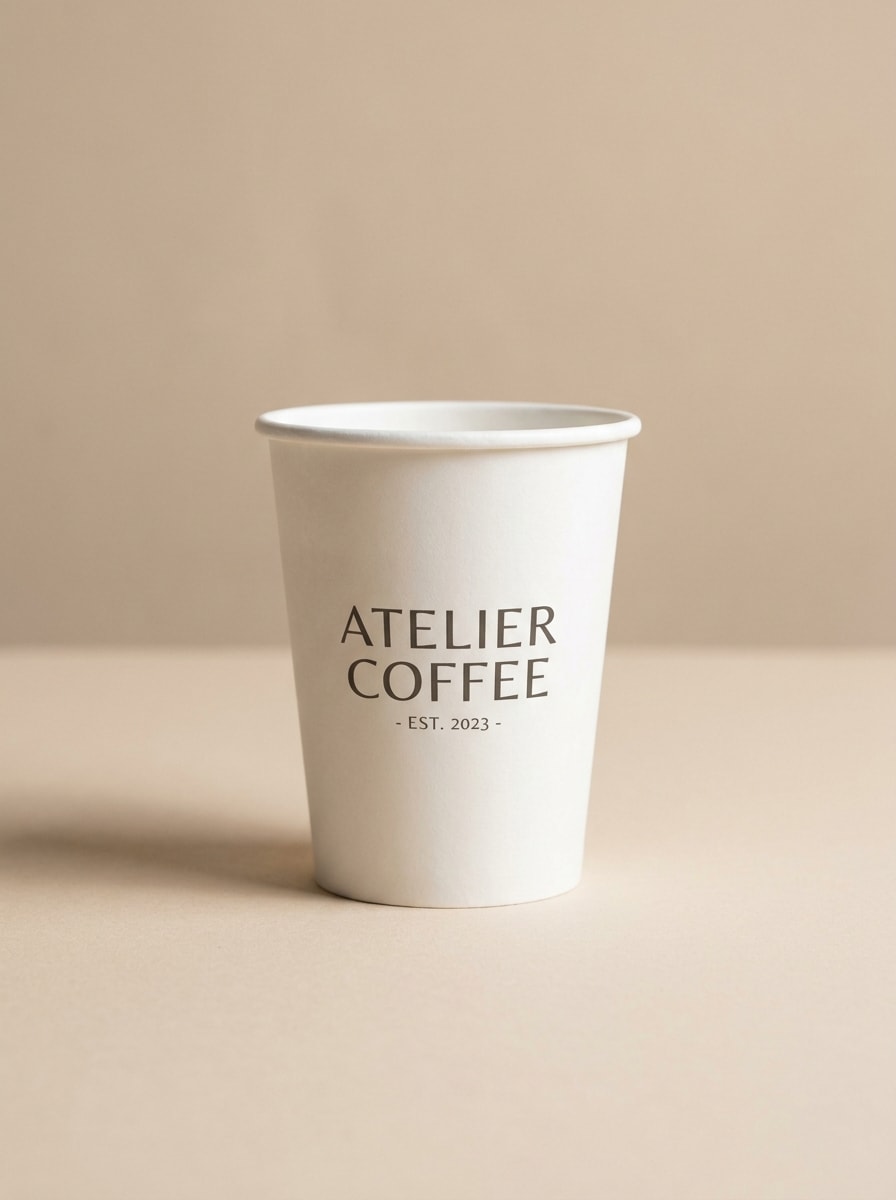
Tasse en papier blanc sur surface neutre
Utilisez l'image téléchargée comme source de marque et transformez-la en une maquette réaliste de tasse à emporter en papier blanc sur un plan de table beige doux, vue de face centrée, espace négatif propre, ombres naturelles subtiles, texture papier mat, esthétique café raffinée, palette neutre chaude, photographie de produit commerciale nette.
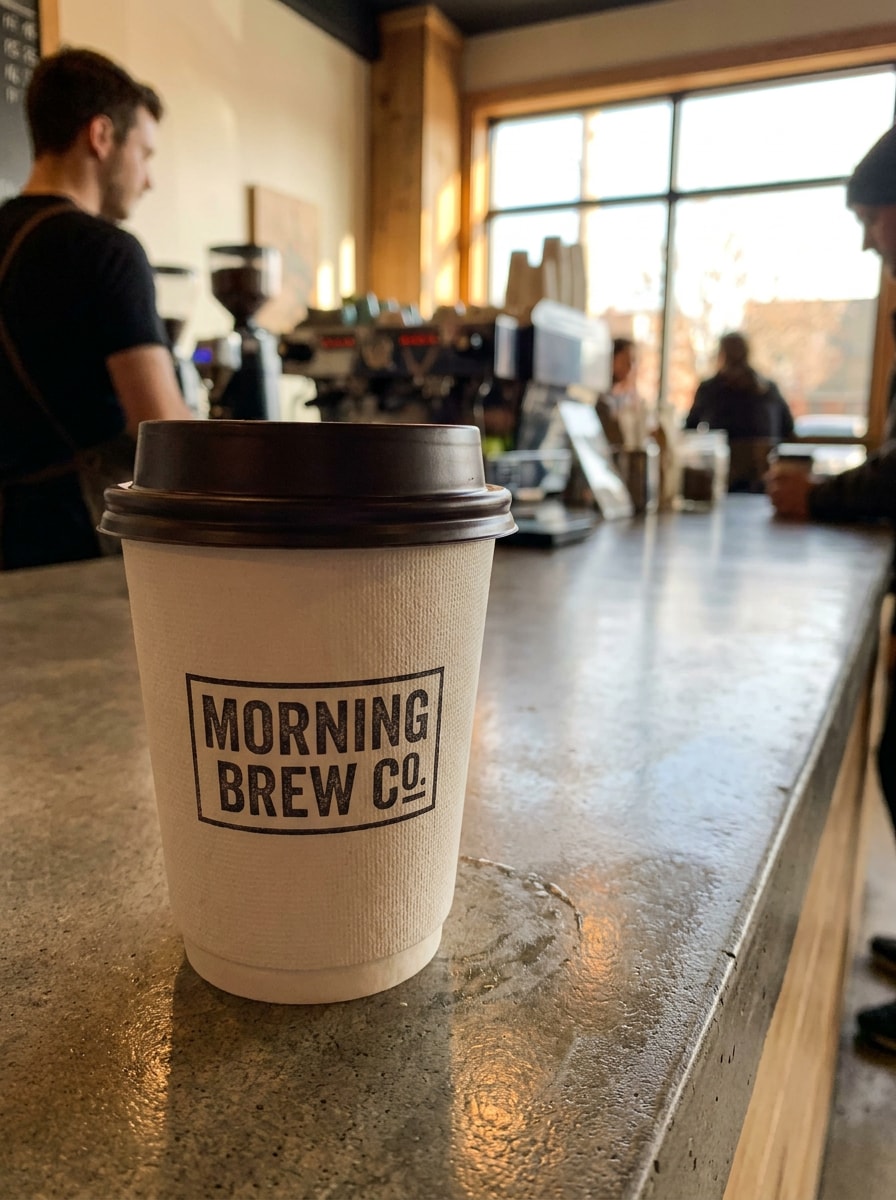
Photo de produit au comptoir de café
Utilisez l'image téléchargée comme référence de marque et placez-la sur une tasse à café à emporter réaliste posée sur un comptoir de café moderne, lumière intérieure ambiante chaude, faible profondeur de champ, arrière-plan doucement flou, style commercial soigné, zone de logo visible, ambiance matinale de café accueillante.
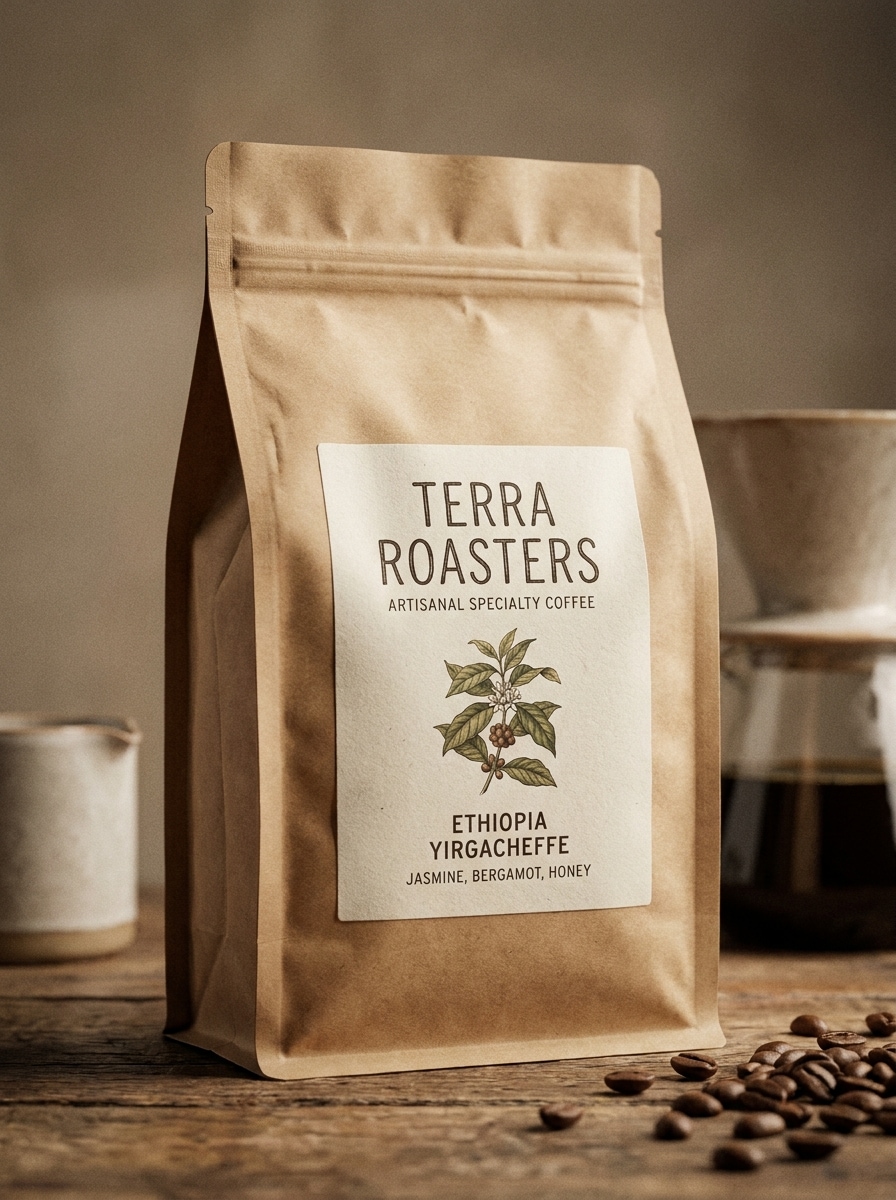
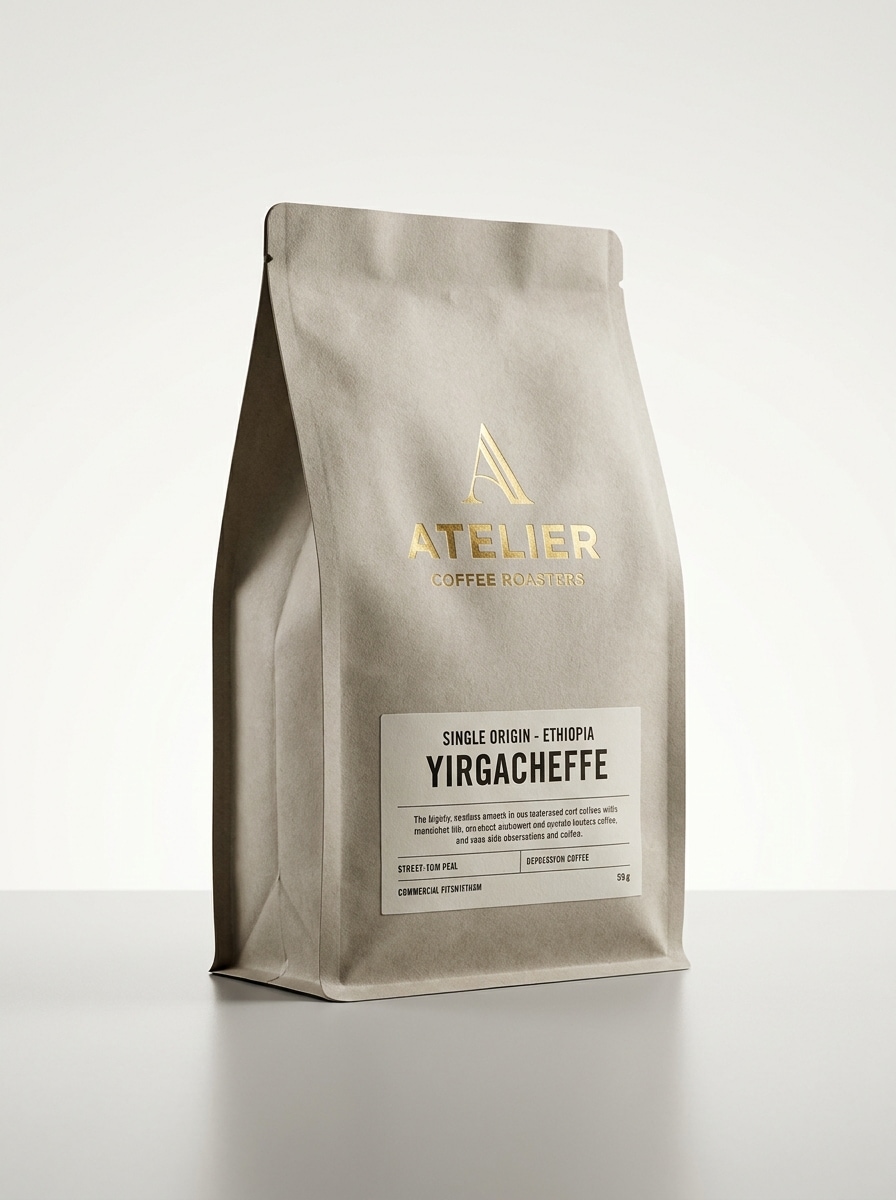
Sachet de café kraft vue de face
Utilisez le design d'emballage ou le logo téléchargé comme référence et transformez-le en une maquette de sachet de café kraft vue de face, texture de pochette mate, fermeture refermable, zone d'étiquette centrée, éclairage studio doux, look café spécialisé artisanal, tons chauds et terreux, réalisme d'emballage détaillé.
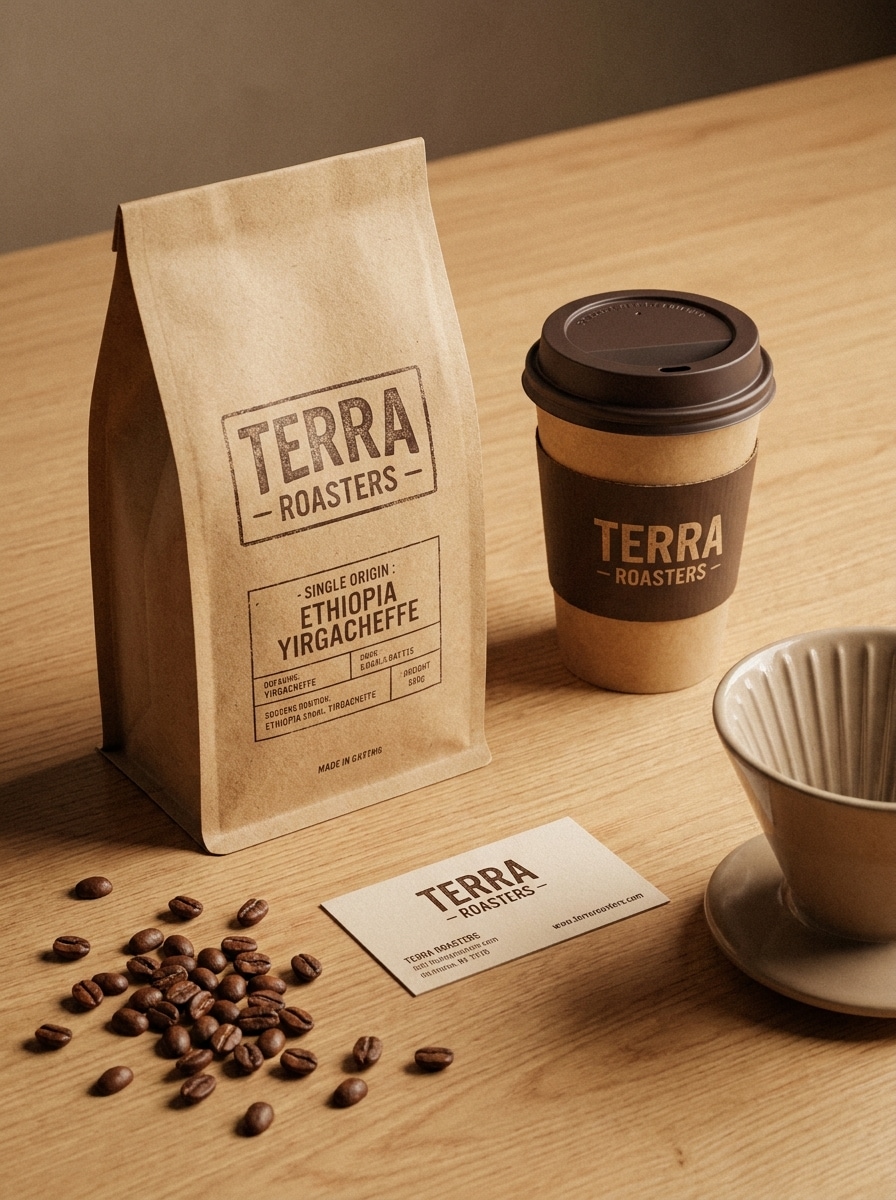
Ensemble de marque sachet et tasse
Utilisez les éléments de marque téléchargés comme référence visuelle et créez un ensemble cohérent de marque de café avec un sachet kraft, une tasse à emporter, des grains de café torréfiés éparpillés et une carte de visite sur un plan de table propre, palette chaude et terreuse, ombres réalistes, présentation de café spécialisé haut de gamme.
Tasse à emporter tenue à la main
Utilisez le logo ou l'image de tasse téléchargé comme sujet et transformez-le en une maquette lifestyle d'une personne tenant une tasse à café à emporter de marque en extérieur, lumière naturelle du jour, flou d'arrière-plan subtil de café en ville, position de main authentique, composition élégante prête pour les réseaux sociaux, visibilité claire de la marque.
Scène matinale sur table
Utilisez l'image de marque téléchargée comme référence et créez une scène matinale de café cosy avec une tasse de marque et un sachet de café sur une table en bois, lumière solaire douce sur le côté, légère vapeur, viennoiseries à proximité, style éditorial chaleureux, atmosphère de petit-déjeuner accueillante, storytelling de café haut de gamme.
Rendu de produit en studio
Utilisez la photo du produit ou l'illustration de l'emballage téléchargée comme source et transformez-la en une maquette d'emballage de café studio haute réalité, éclairage contrôlé, bords nets, reflets subtils, fond propre isolé, présentation e-commerce haut de gamme, matériaux précis, finition commerciale nette.
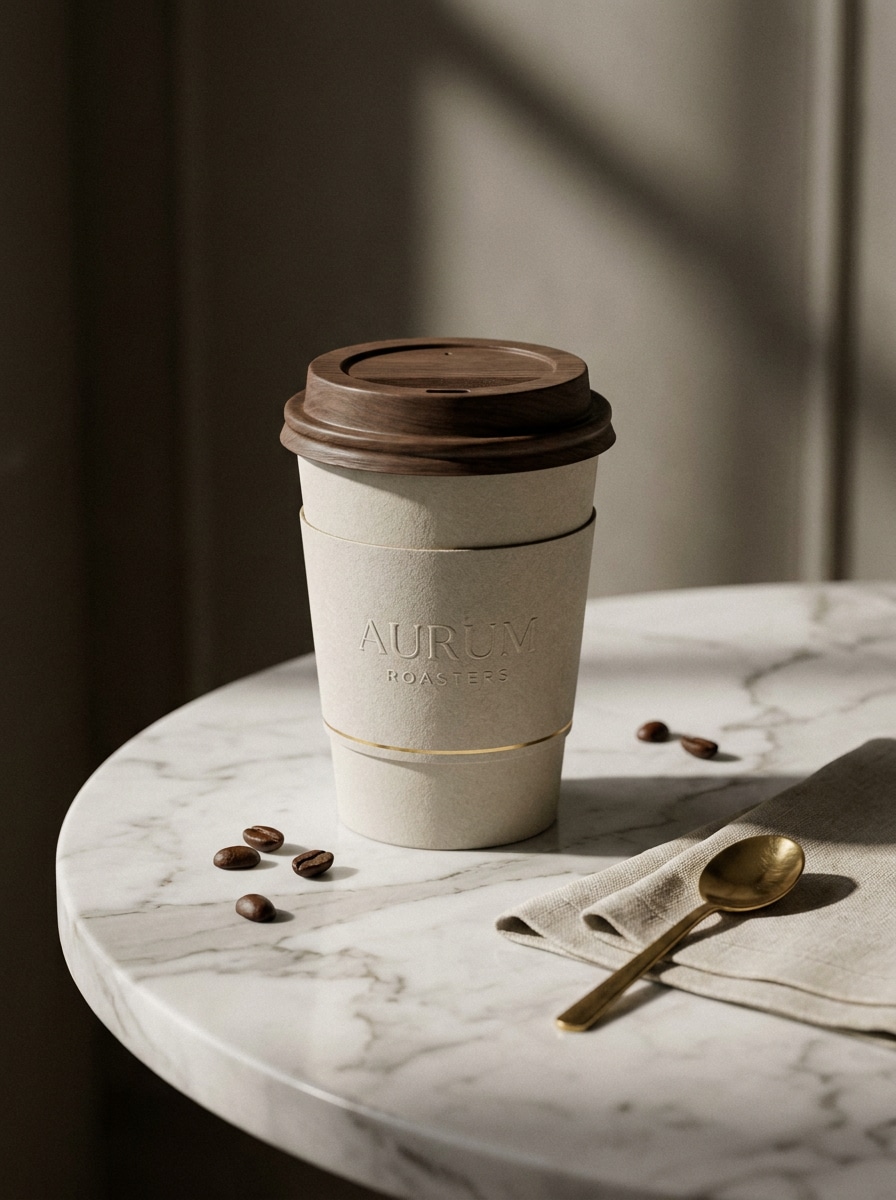
Tasse sur surface en marbre
Utilisez la marque téléchargée comme référence de design et placez-la sur une tasse à café en papier haut de gamme posée sur une table en marbre, composition centrée élégante, ombres douces dramatiques, texture papier réaliste, style café luxueux, palette crème et pierre atténuée, ambiance de vitrine sophistiquée.
Accent grains de café et vapeur
Utilisez l'image téléchargée comme guide de marque et créez une scène produit riche avec une tasse à emporter et un sachet de café de marque entourés de grains torréfiés, accents de vapeur subtils, palette de bruns chauds, textures tactiles, atmosphère de publicité de café accueillante, composition équilibrée avec visibilité claire du logo.
Maquette de café glacé saisonnier
Utilisez l'élément de marque téléchargé comme référence et transformez-le en une maquette de café glacé saisonnier dans une tasse en plastique transparent avec condensation visible, paille, éclairage de campagne lumineux, style de café moderne et frais, palette estivale épurée, composition promotionnelle conçue pour les publications et publicités sur les réseaux sociaux.
Pourquoi utiliser Media.io pour les maquettes d'emballages de café et de tasses
Transformez de vraies photos de produits en maquettes de marque
Media.io vous permet de télécharger une photo de tasse, de sachet ou d'emballage et de la transformer en visuels de marque soignés pour les lancements de cafés, les revues clients ou les ébauches de campagnes. Ce flux de travail basé sur des références permet à votre maquette de rester reconnaissable tout en paraissant plus prête pour la présentation.
Choisissez le bon style pour chaque version
Lorsque le style fait partie de la prise de décision, Media.io vous aide à comparer plusieurs directions à partir de la même base de maquette de café, ce qui rend la sélection créative plus efficace. Cela offre aux projets de maquettes de café une plus grande amplitude créative sans avoir à reconstruire chaque direction manuellement.
Adaptez les maquettes pour les publications sur les réseaux sociaux et les présentations
Que vous prépariez des visuels de lancement, des présentations ou des aperçus d'emballages, Media.io facilite l'adaptation des visuels à différentes mises en page. Des formats d'image flexibles et des scènes adaptées à la publication aident vos maquettes de café à s'intégrer plus proprement dans chaque canal.
Créez des ressources très détaillées sans configuration complexe
Certains résultats doivent faire plus qu'être beaux en aperçu. Media.io aide à générer des maquettes de café plus nettes avec une sortie allant jusqu'à 4K, afin que l'image finale tienne la route dans les fonds d'écran, les présentations et les maquettes.
Comment créer une maquette de café en ligne
Transformez vos mots en visuels époustouflants en trois étapes simples, puis continuez à affiner le résultat si vous souhaitez aller plus loin.
Étape 1
Téléchargez votre image de référence
Téléchargez une photo de produit claire, un exemple de placement de logo, une photo de tasse à café ou une image d'emballage au format JPG, PNG ou JPEG. Une référence nette aide l'IA à maintenir votre concept de tasse, de sachet ou de marque de café plus proche du look souhaité.
Étape 2
Décrivez la modification et définissez les options
Saisissez un prompt qui explique la scène de la maquette, comme une tasse à emporter sur un comptoir de café, une photo de produit de sachet kraft ou une mise en scène lifestyle sur une table. Choisissez ensuite votre modèle et ajustez le format d'image, la qualité d'image et le nombre de variations.
Étape 3
Générez, téléchargez et continuez à améliorer
Générez plusieurs versions, comparez les meilleures compositions et téléchargez celle qui correspond à votre campagne ou présentation. Vous pouvez affiner le prompt, essayer un style différent ou créer des variations supplémentaires pour les publications sur les réseaux sociaux, les aperçus d'emballages et les maquettes de marque.
Exploitez le potentiel de la maquette de tasse à café gratuite
Découvrez comment les créateurs utilisent cette maquette de café pour le contenu, le marketing et les projets personnels, puis adaptez chaque idée au brief.
Prévisualisez la marque du café avant l'impression
Testez les logos, les mises en page des étiquettes et les directions de couleurs sur des tasses, des pochettes et des scènes de comptoir avant de vous engager dans la production d'emballages. C'est un moyen pratique de présenter clairement les concepts aux clients, aux coéquipiers ou aux propriétaires de cafés.
Créez des visuels lifestyle pour les lancements et les publicités
Construisez des scènes chaleureuses sur table, des photos de tasses tenues à la main ou des concepts de boissons saisonnières qui semblent plus promotionnels que des photos plates de produits. Ces résultats soignés fonctionnent bien pour les campagnes sur les réseaux sociaux, les pages d'atterrissage et les annonces de menus.
Générez rapidement des ensembles de concepts pour les listes e-commerce
Montrez une vue de face de sachet, une variation de tasse et une scène de marque stylisée à partir d'un seul flux de travail au lieu de parcourir des bibliothèques de modèles statiques. Cela est particulièrement utile lorsque vous souhaitez un look personnalisé au-delà d'un PSD téléchargeable typique.
Ce que disent les utilisateurs
Amelia R.
Designer d'emballages
« Idéal pour des aperçus clients rapides » J'ai utilisé Media.io pour transformer une photo de base de sachet de café en plusieurs concepts d'emballages de marque en une seule séance. Cela m'a évité de construire chaque aperçu manuellement et a rendu les retours clients beaucoup plus rapides.
Jordan M.
Propriétaire de café
« Utile pour les scènes de tasses et de comptoirs » Je voulais des visuels de tasses réalistes pour une nouvelle gamme à emporter, et cela m'a donné des résultats plus nets que de parcourir des modèles génériques. Les looks de comptoir de café et de table étaient particulièrement utiles pour le contenu des réseaux sociaux.
Priya S.
Stratège de marque freelance
« Maquettes faciles sans travail PSD » Le flux de travail basé sur le téléchargement est simple. Je pouvais partir d'une vraie image de produit, décrire la scène souhaitée et obtenir des maquettes de marque de café soignées qui semblaient prêtes pour la présentation dans mon deck.
Ethan K.
Responsable marketing e-commerce
« Utile pour des tests visuels rapides » Nous avons testé différentes directions de sachets et de tasses avant de finaliser les visuels. Media.io nous a aidés à générer rapidement des concepts très détaillés, ce qui a facilité la comparaison des styles pour les publicités et les pages de produits.
Découvrez Les Effets Vidéo et d'Image IA Les Plus Populaires
1. Comment puis-je créer une maquette de café en ligne ?
Téléchargez une image de référence telle qu'une photo de tasse, un sachet de café ou un logo, puis décrivez la scène que vous souhaitez créer. Media.io vous permet de choisir un modèle d'IA, de définir le format d'image et la qualité, et de générer des variations de maquettes de marque directement dans votre navigateur.
2. Puis-je créer une maquette de tasse à café gratuitement ?
Oui, les utilisateurs gratuits peuvent essayer Media.io avec des crédits gratuits, ce qui est utile si vous souhaitez tester un flux de travail de maquette de tasse à café gratuite avant de passer à la version supérieure. Les exports gratuits peuvent inclure un filigrane, tandis que les plans payants permettent des téléchargements haute résolution sans filigrane. Vous pouvez comparer les options sur la page de tarification. Les utilisateurs gratuits peuvent utiliser des crédits gratuits. Pour une utilisation plus importante, les utilisateurs peuvent souscrire à un plan sur la page de tarification. Passez à un plan payant sur la page de tarification pour plus de crédits et des téléchargements haute résolution sans filigrane.
3. Puis-je transformer ma photo de produit en maquette de café de marque ?
Media.io est conçu pour les flux de travail image-à-image, vous pouvez donc télécharger une vraie photo de produit au format JPG, PNG ou JPEG et l'utiliser comme référence pour une tasse, un sachet ou une scène de café de marque. Cela aide à maintenir le résultat plus proche de votre produit d'origine tout en améliorant le style de présentation.
4. Quels types de maquettes d'emballages de café puis-je générer ?
Vous pouvez créer une large gamme de visuels de marque, notamment des scènes de tasses à emporter, des emballages de sachets de café, des ensembles de produits sur table, des photos de café lifestyle et des concepts de boissons promotionnelles. Cela rend Media.io utile pour tout, des simples tasses aux maquettes de café plus larges pour la marque et les aperçus de campagnes.
5. Ma maquette de café sera-t-elle en haute résolution pour une utilisation marketing ?
Media.io prend en charge les options de résolution 1K, 2K et 4K, vous pouvez donc générer des visuels plus nets pour les présentations, les réseaux sociaux et les aperçus marketing. Les utilisateurs gratuits peuvent avoir des filigranes.
6. Puis-je utiliser le créateur de maquettes sur mobile ou sur ordinateur de bureau ?
Media.io est un outil basé sur le web, vous pouvez donc créer et modifier des maquettes sur n'importe quel appareil disposant d'un navigateur, notamment Windows, Mac, iPhone, iPad et les appareils Android. Cette flexibilité facilite la révision des concepts ou la génération de nouvelles versions où que vous soyez. Media.io est un outil basé sur le web qui fonctionne sur n'importe quel appareil avec un navigateur (Windows, Mac, iOS, Android).
Au-delà de la maquette de café en ligne alimentée par l'IA