Sélectionnez / @ caractère, décrivez la scène que vous souhaitez générer.
0/2000
9:16
1K
1
Mode Illimité Banana Pro
Créations
Centre d’idées
Comment ça marche
Tout
Fonctionnalités populaires
Voir tout
Défi créatif d’Halloween
Voir tout
Histoire de Fruits Drama IA
Voir tout
Vidéo d'Histoire par IA
Voir tout
Vidéos virales aujourd'hui
Voir tout
Vidéos de produits IA
Voir tout
Personnage IA
Voir tout
Tendances de Danse
Voir tout
GPT Image 2
Voir tout
Seedance 2.0
Voir tout
Correspondance de Célébrités IA
Voir tout
Suggestions de Poses pour Couples
Voir tout
Prompts de Poses de Fille IA Esthétique
Voir tout
Invites de Poses Élégantes pour Garçon IA
Voir tout
Générer une liste
Vos créations sont conservées pendant seulement 7 jours. Les éléments créés après la mise à niveau de l'Abonnement seront stockés de façon permanente.
Libérez votre potentiel créatif et découvrez la magie de l'IA médiatique dès mIAntenant!
Créer un Mockup de Sticker Réaliste à partir de Votre Design Importé
Transformez votre œuvre, logo ou PNG transparent en un mockup de sticker soigné en quelques minutes. Utilisez Media.io pour prévisualiser des scènes de découpe, holographiques, d'emballage et de style de vie sans Photoshop, puis exportez des visuels propres pour les boutiques, les approbations clients et les publications sur les réseaux sociaux. Il peut également aider avec les mockups de stickers.
Tapez votre idée -> L'IA la conçoit. Gratuit à essayer.
Consultez ces exemples de directives, puis adaptez les détails du prompt pour obtenir de meilleurs résultats avec cet outil de mockup de sticker sur Media.io.
Sticker sur Couvercle de Laptop
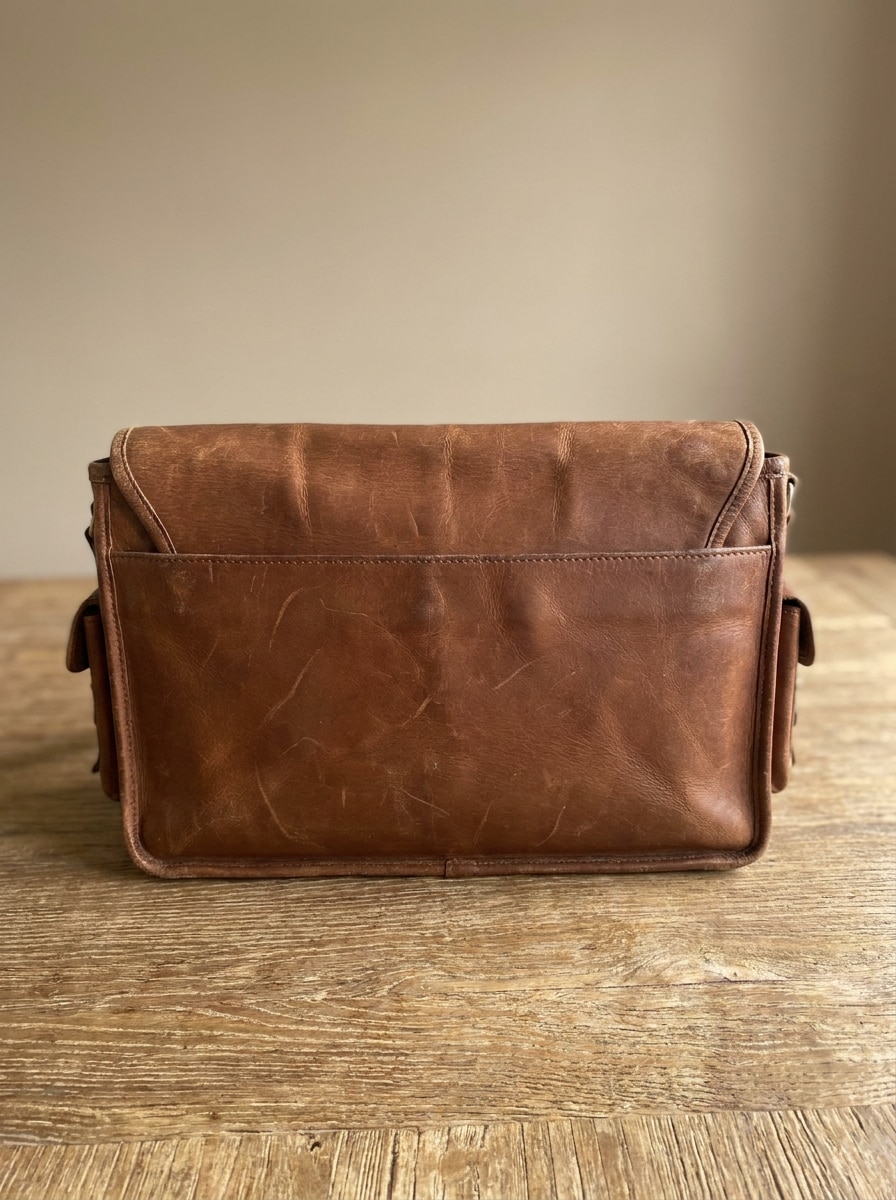
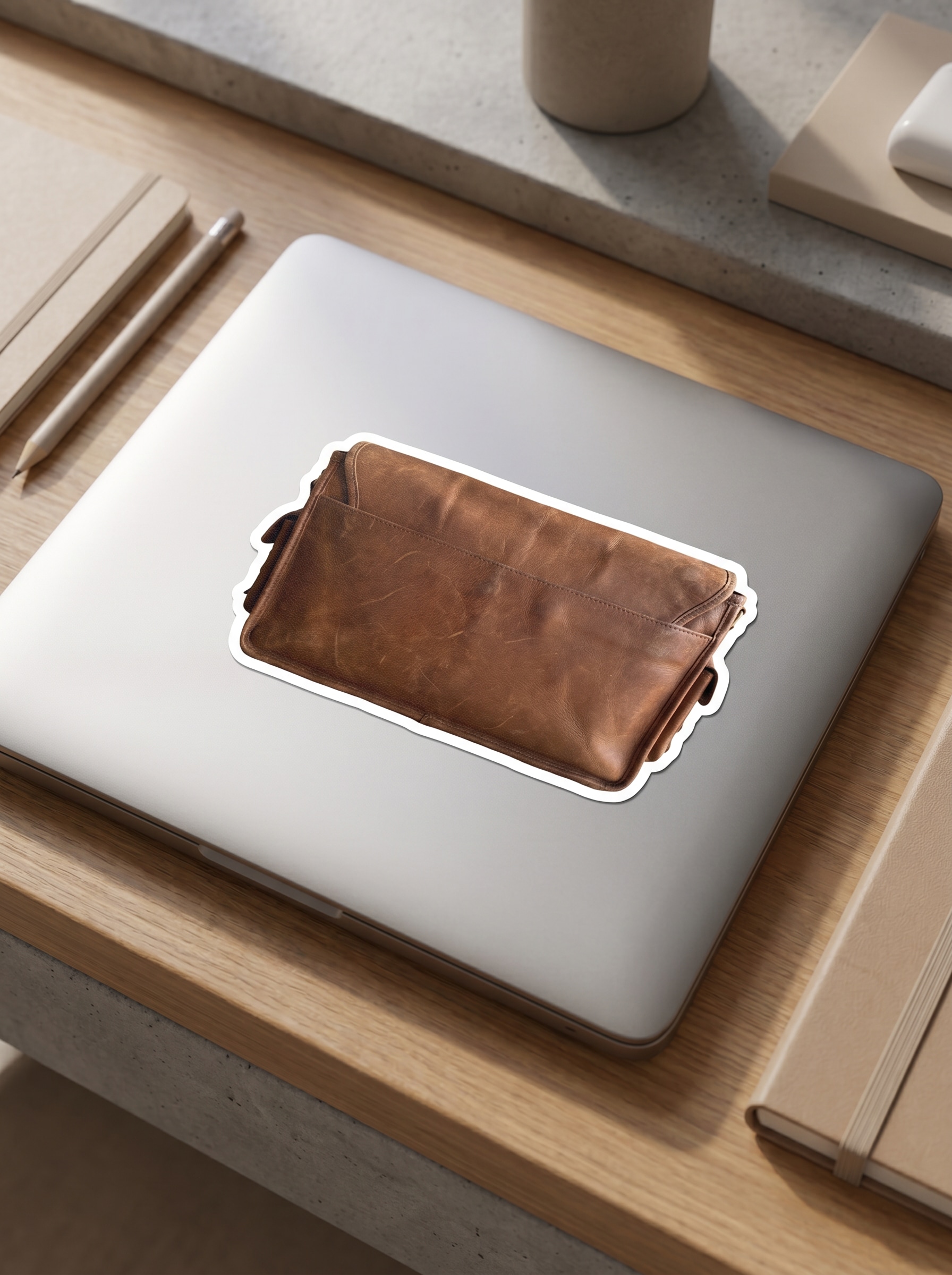
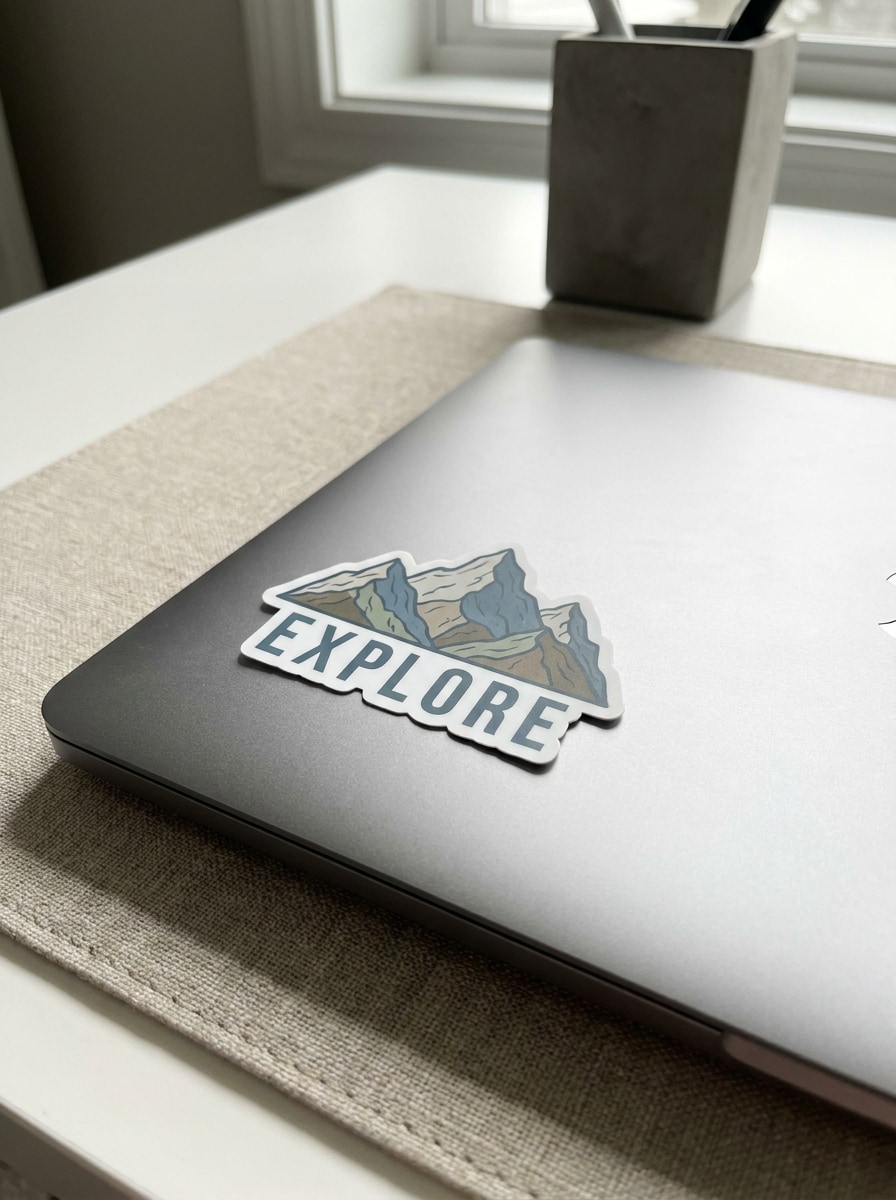
Utilisez l'image importée comme illustration du sticker et transformez-la en un sticker découpé réaliste placé sur un élégant couvercle de laptop argenté. Ajoutez une bordure blanche nette, des ombres douces naturelles sur le bureau, une subtile texture métallique mate, un style d'espace de travail moderne et épuré, des tons neutres et des détails de photographie produit nets.
Sticker sur Bouteille d'Eau
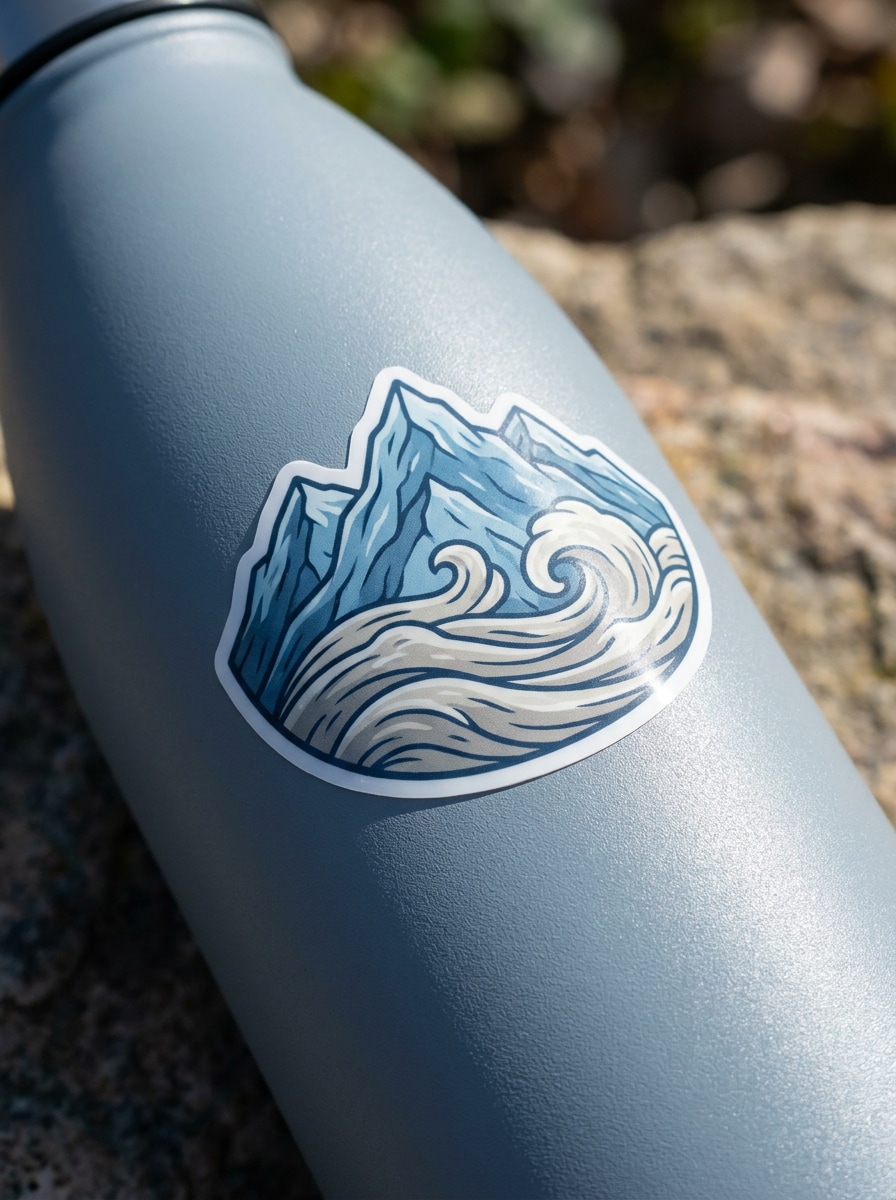
Utilisez l'image importée comme design principal et placez-la comme sticker découpé sur une bouteille d'eau réutilisable mate. Montrez une légère courbure, un éclairage authentique de style de vie en plein air, des lignes de découpe nettes, une texture vinyle réaliste, une palette fraîche aux tons froids et une composition de prise de vue produit propre avec des ombres naturelles.
Sticker sur Emballage Postal
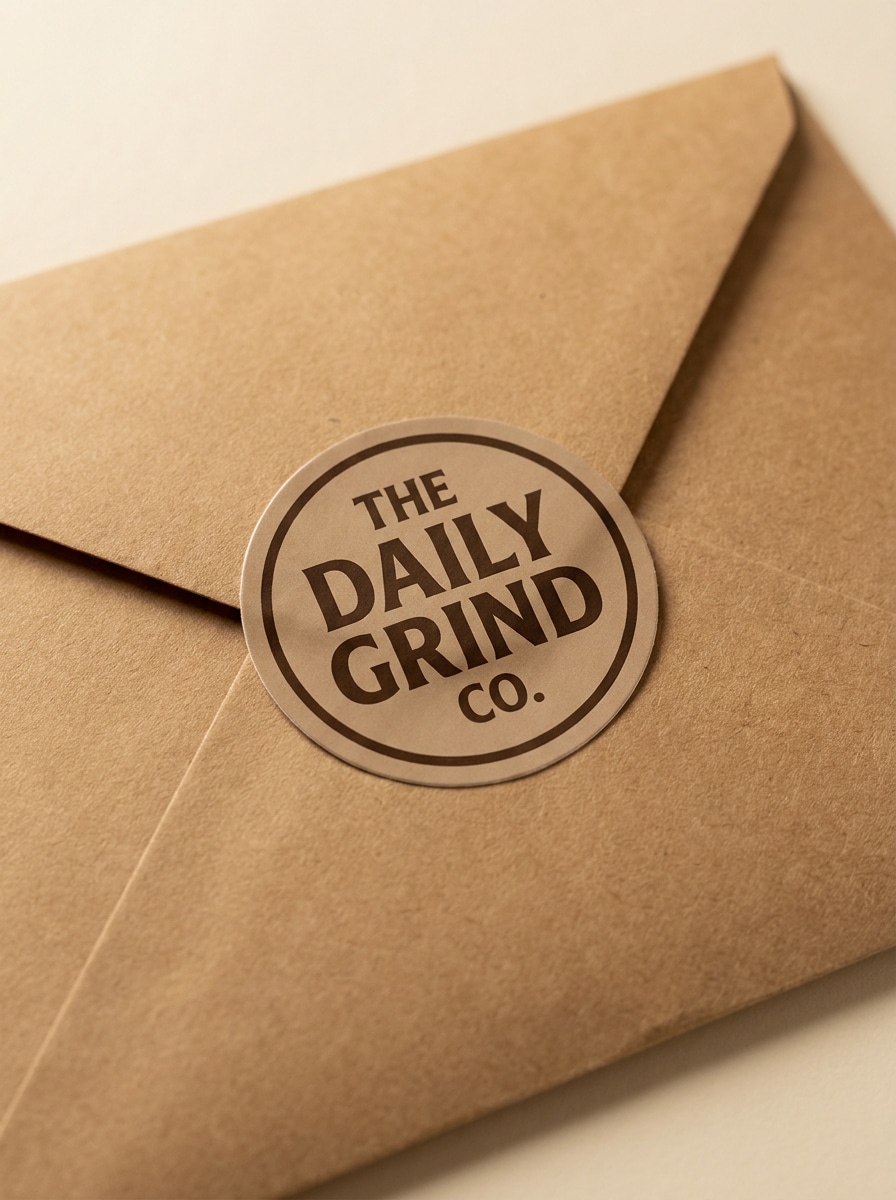
Utilisez l'image importée comme logo ou sceau de marque et transformez-la en un sticker réaliste sur un emballage postal en kraft pour le commerce électronique. Ajoutez des ombres douces en studio, une texture de papier chaleureuse, un style soigné de petite entreprise, des couleurs terreuses atténuées et une composition aérienne ordonnée qui semble soignée et prête pour les aperçus de boutique.
Sticker Sceau de Remerciement
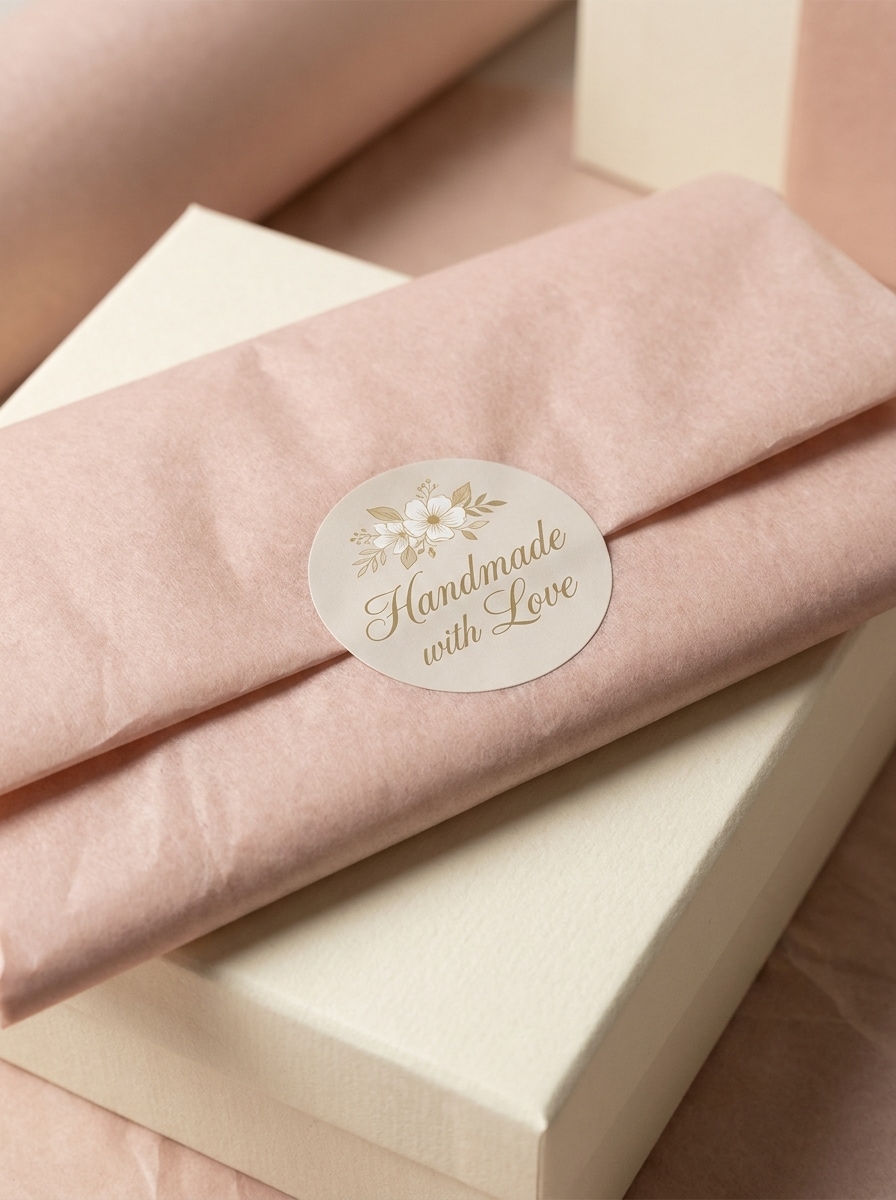
Utilisez l'image importée comme illustration du sticker et placez-la comme sceau d'emballage rond sur du papier de soie plié dans une boîte cadeau. Incluez un éclairage luxueux doux, une délicate texture de papier, des ombres légères, des couleurs pastel neutres et une atmosphère premium de déballage e-commerce avec des détails réalistes de sticker adhésif.
Bordure Blanche Découpée
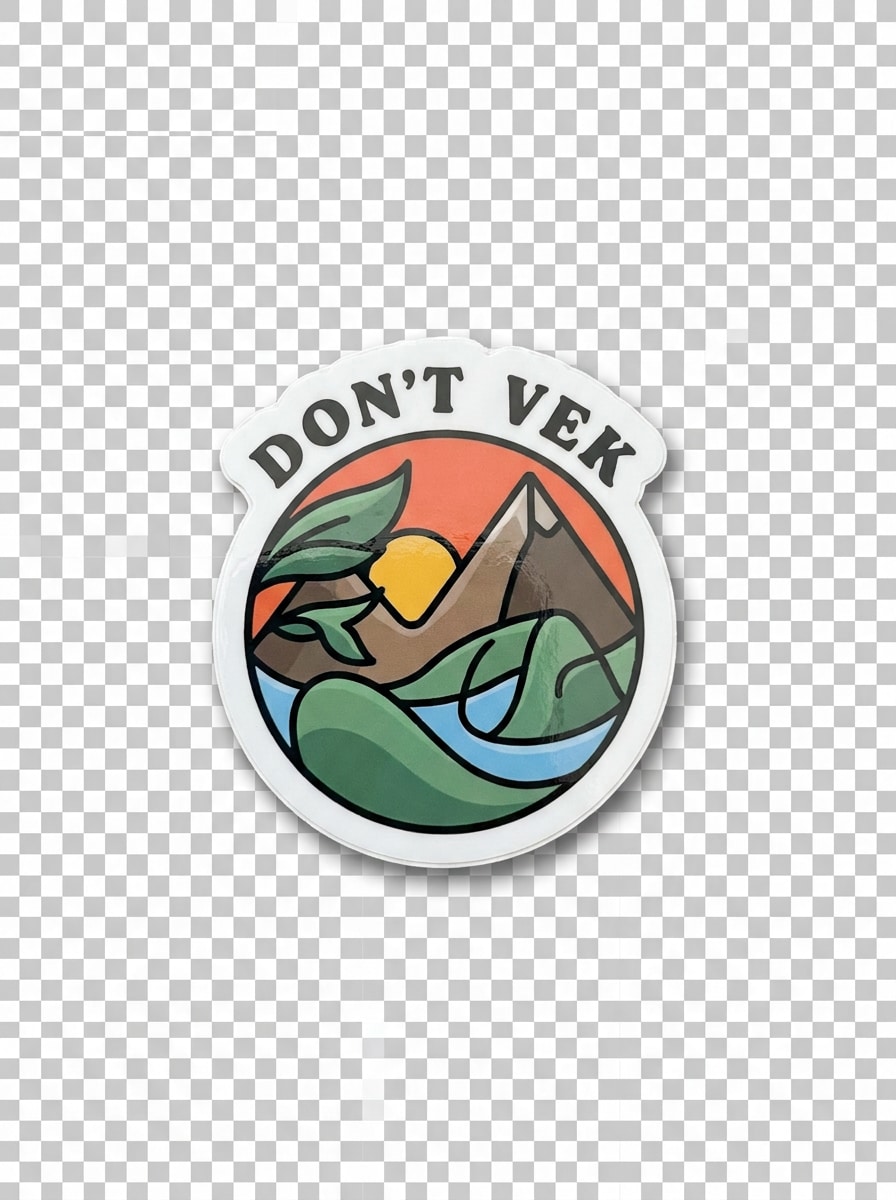
Utilisez l'image importée comme sujet et transformez-la en un sticker découpé isolé avec un contour blanc en gras. Ajoutez un léger brillant, une présentation sur fond transparent, une ombre portée douce, une composition centrée épurée, un éclairage neutre lumineux et un réalisme précis des bords découpés pour des visuels de style aperçu d'impression.
Disposition en Planche de Stickers
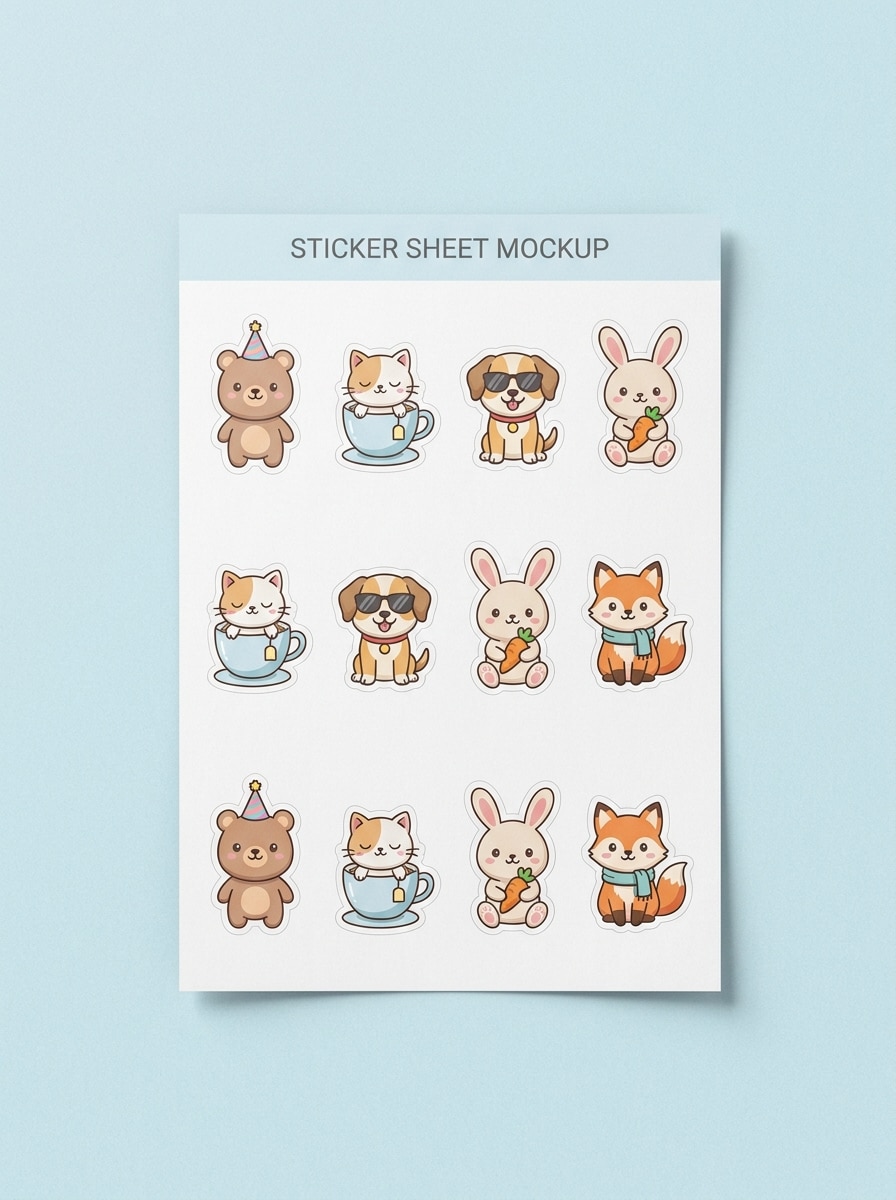
Utilisez l'image importée comme design de base et arrangez-la en un mockup de planche de stickers réaliste avec plusieurs variations. Incluez des contours de découpe baiser, un espacement soigné, une composition vue de dessus, un fond pastel doux, des ombres légères en studio, un style d'aperçu d'imprimerie et des détails nets qui mettent en valeur la disposition et la précision de découpe.
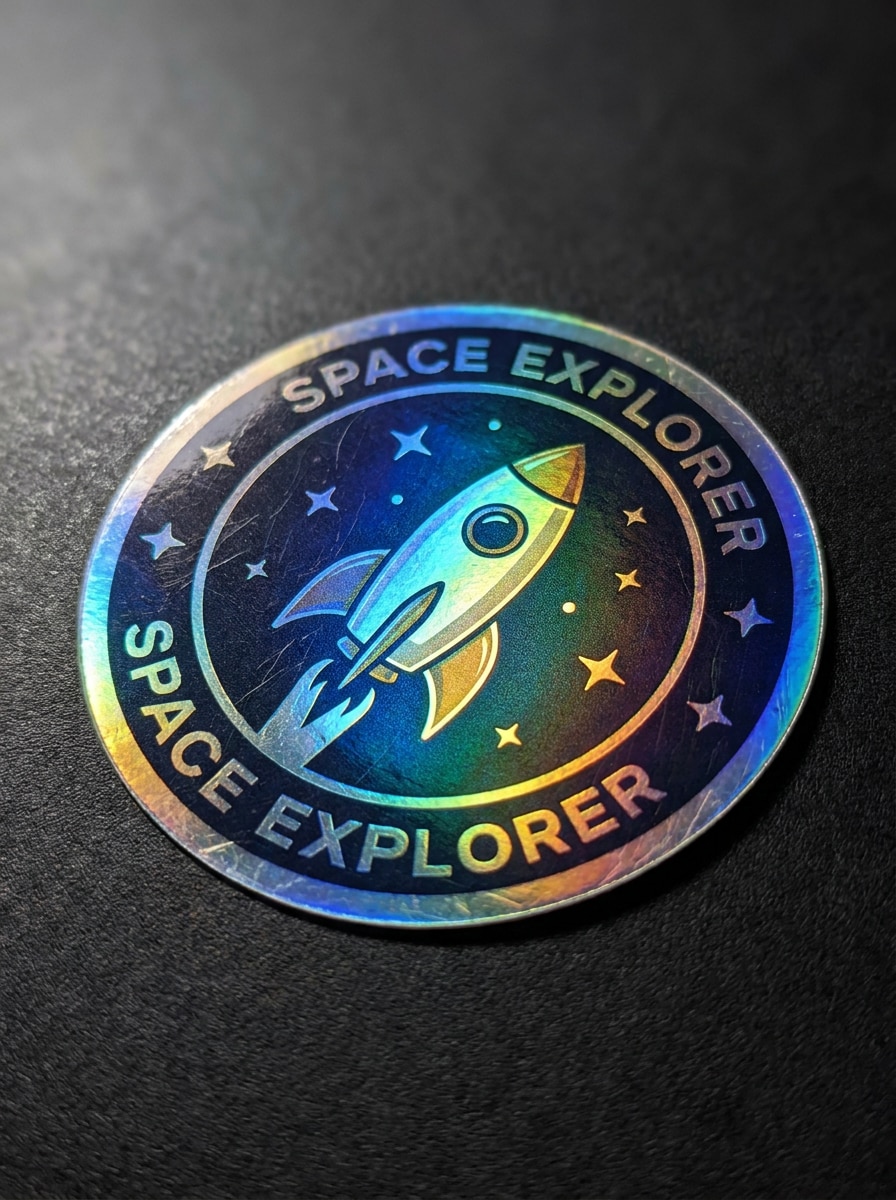
Sticker Holographique
Utilisez l'image importée comme design de sticker et convertissez-la en un décalque holographique premium. Ajoutez des reflets de feuille irisée, une finition brillante, un éclairage dramatique en gros plan, des bords découpés nets, un fond sombre et luxueux, et un scintillement arc-en-ciel vif tout en gardant l'œuvre originale reconnaissable et propre.
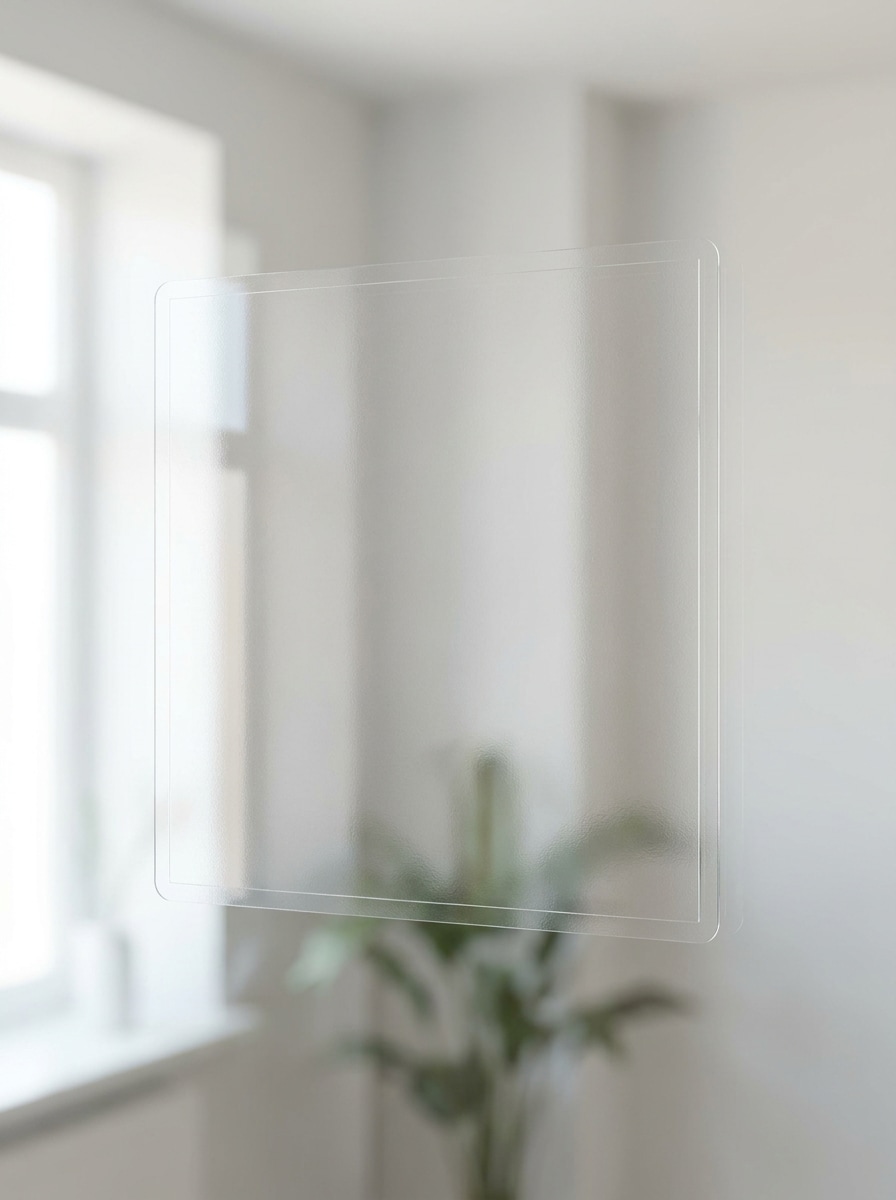
Sticker en Vinyle Transparent
Utilisez l'image importée comme illustration et prévisualisez-la comme sticker en vinyle transparent placé sur du verre. Conservez des reflets subtils, un matériau transparent réaliste, un style minimal épuré, une lumière naturelle lumineuse, des ombres douces et une définition nette des bords pour que l'effet de sticker transparent paraisse crédible et premium.
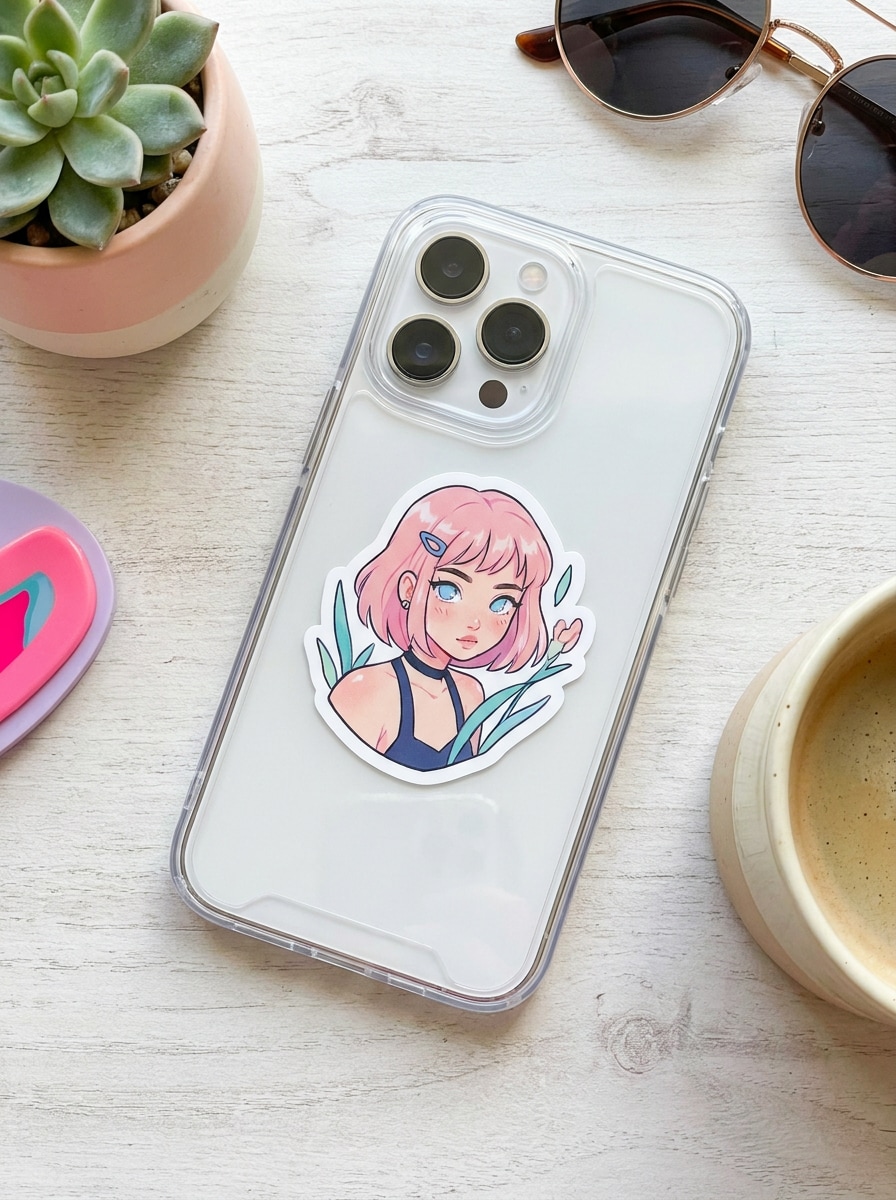
Sticker sur Coque de Téléphone
Utilisez l'image importée comme sticker découpé appliqué sur une coque de téléphone transparente. Montrez un éclairage de style de vie lumineux, une texture plastique lisse, une composition tendance prête pour les réseaux sociaux, un placement réaliste, des reflets doux et des détails de bordure blanche nette pour que le mockup paraisse actuel, propre et adapté aux créateurs.
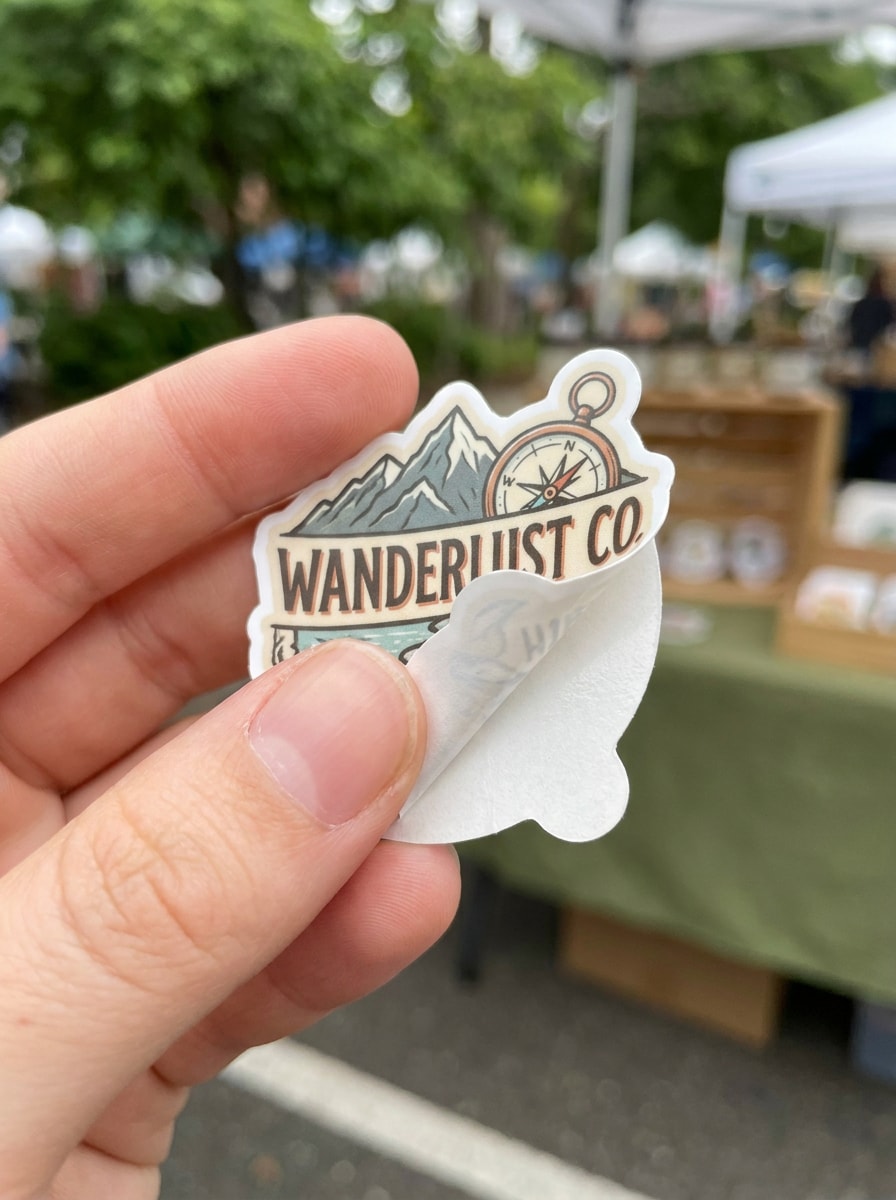
Révélation de Sticker Tenu à la Main
Utilisez l'image importée comme sticker découpé tenu entre les doigts dans un plan de révélation en gros plan. Ajoutez une faible profondeur de champ, une lumière naturelle de jour, un bord découpé ultra-net, des tons de peau doux, un arrière-plan extérieur flou et une atmosphère de présentation produit pour le commerce social qui semble authentique et de haute qualité.
Pourquoi Utiliser Media.io pour les Mockups de Stickers
Gardez votre design reconnaissable grâce au contrôle par importation
Lorsqu'un résultat doit rester lié au sujet original, Media.io aide à préserver les caractéristiques reconnaissables tout en adaptant le style général du mockup de sticker pour une utilisation sur les réseaux sociaux, le branding ou les mockups.
Transformez un design en scènes de produits réalistes rapidement
Une seule idée nécessite souvent plus d'un aspect. Media.io aide à réinterpréter le même mockup de sticker dans différents styles afin que chaque version puisse mieux correspondre au placement cible.
Adaptez les mises en page pour les boutiques, les publications sociales et les aperçus d'impression
Des listes e-commerce aux présentations d'emballage et aux publications de créateurs, Media.io facilite la création de visuels de mockups de stickers avec des formats flexibles et des mises en page prêtes à la publication, vous permettant de passer moins de temps à redimensionner et à retravailler les fichiers pour chaque canal.
Créez des Images Haute Résolution pour une Utilisation Réelle
Pour les travaux nécessitant un résultat soigné plutôt que des brouillons, Media.io aide à créer un mockup de sticker avec une qualité jusqu'à 4K, afin que les détails restent plus nets pour les révisions clients, le recadrage et la réutilisation sur différents supports.
Comment Créer un Mockup de Sticker en Ligne
Transformez vos mots en visuels époustouflants en trois étapes simples, puis continuez à affiner le résultat si vous souhaitez aller plus loin.
Étape 1
Importez Votre Image de Référence
Importez un logo, une illustration, une étiquette ou un PNG transparent clair que vous souhaitez prévisualiser comme sticker. Une image source propre aide Media.io à produire des lignes de découpe plus nettes, un placement plus crédible et un résultat de mockup de sticker plus soigné.
Étape 2
Décrivez la Modification et Définissez les Options
Indiquez à l'IA où et comment placer votre design, comme sur un couvercle de laptop, une bouteille, un sceau d'emballage ou une finition holographique. Choisissez ensuite le modèle et ajustez le format, la qualité et le nombre d'images pour votre mockups de stickers scène idéale.
Étape 3
Générez, Téléchargez et Continuez à Améliorer
Créez plusieurs variations, comparez différentes surfaces ou bordures et téléchargez la meilleure. Vous pouvez continuer à affiner le prompt pour tester des bords découpés, des effets transparents, des mises en page de planches de stickers ou des mockups de stickers plus soignés pour les clients et les boutiques.
Découvrez comment les créateurs utilisent ce Mockup de Sticker pour le contenu, le marketing et les projets personnels, puis adaptez chaque idée au brief.
Montrez aux clients l'apparence d'un design dans la vie réelle
Les freelances et les designers de marque peuvent transformer des œuvres plates en aperçus de laptops, bouteilles ou emballages qui semblent prêts pour une présentation. Media.io offre un moyen simple d'aller au-delà d'un fichier de mockup de sticker basique et de montrer aux clients un contexte d'approbation plus clair avant l'impression.
Créez des visuels plus percutants pour le e-commerce et les petites entreprises
Les vendeurs peuvent créer des sceaux d'emballage, des étiquettes de courrier et des aperçus de scènes de produits qui donnent aux boutiques artisanales un aspect plus soigné. Media.io aide à transformer un simple logo en mockups de stickers commercialisables pour les listes, les promotions et le contenu orienté client, incluant un point de départ de mockup de sticker gratuit avec des crédits gratuits disponibles.
Testez les formats avant de commander ou d'imprimer
Les créateurs peuvent comparer les mises en page découpées, holographiques, transparentes et en feuilles à partir du même import avant de s'engager dans la production. Media.io est utile lorsque vous souhaitez un flux de travail navigateur de mockup de sticker gratuit, un concept de planche de stickers, ou une vérification rapide sur la lisibilité d'un mockup de sticker vierge, d'une version à bords nets ou à bordure blanche.
Ce que les Utilisateurs Disent de Cet Outil de Mockup de Sticker
Ava Martinez
Propriétaire de Boutique Etsy
"Idéal pour les aperçus d'emballage" J'ai utilisé un seul fichier logo et j'ai rapidement créé des aperçus d'emballage et de bouteille qui semblaient bien plus professionnels que des œuvres plates. Cela m'a aidée à tester un concept de mockup de sticker avant de commander des échantillons.
Daniel Kim
Designer de Marque Freelance
"Utile pour les approbations clients" Les scènes de découpe et de laptop ont donné à mon client un contexte immédiat. Au lieu d'envoyer uniquement un design brut, je pouvais montrer un placement réaliste et obtenir des retours plus rapidement sur la direction finale du sticker.
Priya Shah
Créatrice de Contenu
"Facile à utiliser sur différents appareils" J'ai créé un aperçu de coque de téléphone et de sticker tenu à la main à partir de mon PNG sur le navigateur de ma tablette. Le flux de travail semblait simple et les résultats étaient suffisamment bons pour les publications sur les réseaux sociaux et la planification de merchandising pour créateurs.
Marcus Reed
Vendeur Print-on-Demand
"Utile pour tester les finitions" J'ai apprécié pouvoir essayer des aspects holographiques et transparents à partir du même design. Cela m'a fait gagner du temps par rapport à la création manuelle de chaque aperçu, surtout lors de la comparaison de plusieurs mockups de stickers.
Découvrez Les Effets Vidéo et d'Image IA Les Plus Populaires
1. Qu'est-ce qu'un générateur de mockup de sticker ?
Un générateur de mockup de sticker est un outil qui transforme votre design importé en un aperçu réaliste de son apparence en tant que sticker fini. Avec Media.io, vous pouvez placer des œuvres ou des logos dans des scènes comme des laptops, des bouteilles, des emballages ou des planches de stickers sans avoir besoin de Photoshop.
2. Comment puis-je transformer une image en mockup de sticker en ligne ?
Importez votre fichier JPG, PNG ou JPEG sur Media.io, décrivez la surface ou le style souhaité et choisissez des paramètres comme le format ou la qualité. L'outil génère ensuite un aperçu réaliste basé sur votre image de référence, ce qui est utile pour les concepts découpés, les sceaux d'emballage et autres mockup de sticker mises en page.
3. Puis-je créer un mockup de sticker gratuit sans Photoshop ?
Media.io offre des crédits gratuits pour vous permettre d'essayer un flux de travail de mockup de sticker gratuit directement dans votre navigateur sans Photoshop. L'utilisation gratuite peut inclure des filigranes, tandis que les plans payants prennent en charge les téléchargements haute résolution sans filigrane, et vous pouvez comparer les options sur la page de tarification.
4. L'outil prend-il en charge les fichiers PNG transparents et les logos ?
Media.io prend en charge les imports JPG, PNG et JPEG, de sorte que les œuvres PNG transparentes et les fichiers de logo s'intègrent naturellement dans le flux de travail. Cela le rend utile pour les marques propres, les designs de décalques et les aperçus de stickers transparents où la définition des bords est importante.
5. Puis-je créer des mockups découpés et en planche de stickers à partir d'un seul design ?
Media.io peut utiliser une seule image de référence importée pour générer différents styles de présentation, notamment des aspects découpés isolés et des mises en page en feuilles. Cela est utile lorsque vous souhaitez comparer un seul design entre un aperçu de décalque autonome, un concept de planche de stickers ou un affichage produit plus complet.
6. Quelle qualité d'export ou résolution puis-je obtenir pour mon mockup de sticker ?
Media.io prend en charge les options de résolution 1K, 2K et 4K, vous permettant de choisir le niveau adapté aux aperçus rapides ou aux présentations plus soignées. Les utilisateurs gratuits peuvent avoir des filigranes.
Au-delà du Mockup de Sticker en Ligne Alimenté par l'IA