Vos créations sont conservées pendant seulement 7 jours. Les éléments créés après la mise à niveau de l'Abonnement seront stockés de façon permanente.
Libérez votre potentiel créatif et découvrez la magie de l'IA médiatique dès mIAntenant!
Filtre DJ IA qui transforme votre photo en art prêt pour le club
Créez un filtre DJ IA audacieux à partir de n'importe quel portrait en quelques minutes. Importez une photo et transformez la photo en DJ œuvre d'art avec un visuel de boîte de nuit, un cliché de tête d'affiche de festival, une retouche style affiche, ou un portrait de DJ de club avec éclairages personnalisables, effets de cabine, et cadrage prêt pour les réseaux sociaux.
Lisez ces exemples d'instructions, puis adaptez les détails du prompt pour obtenir de meilleurs résultats avec ce filtre photo DJ dans Media.io.
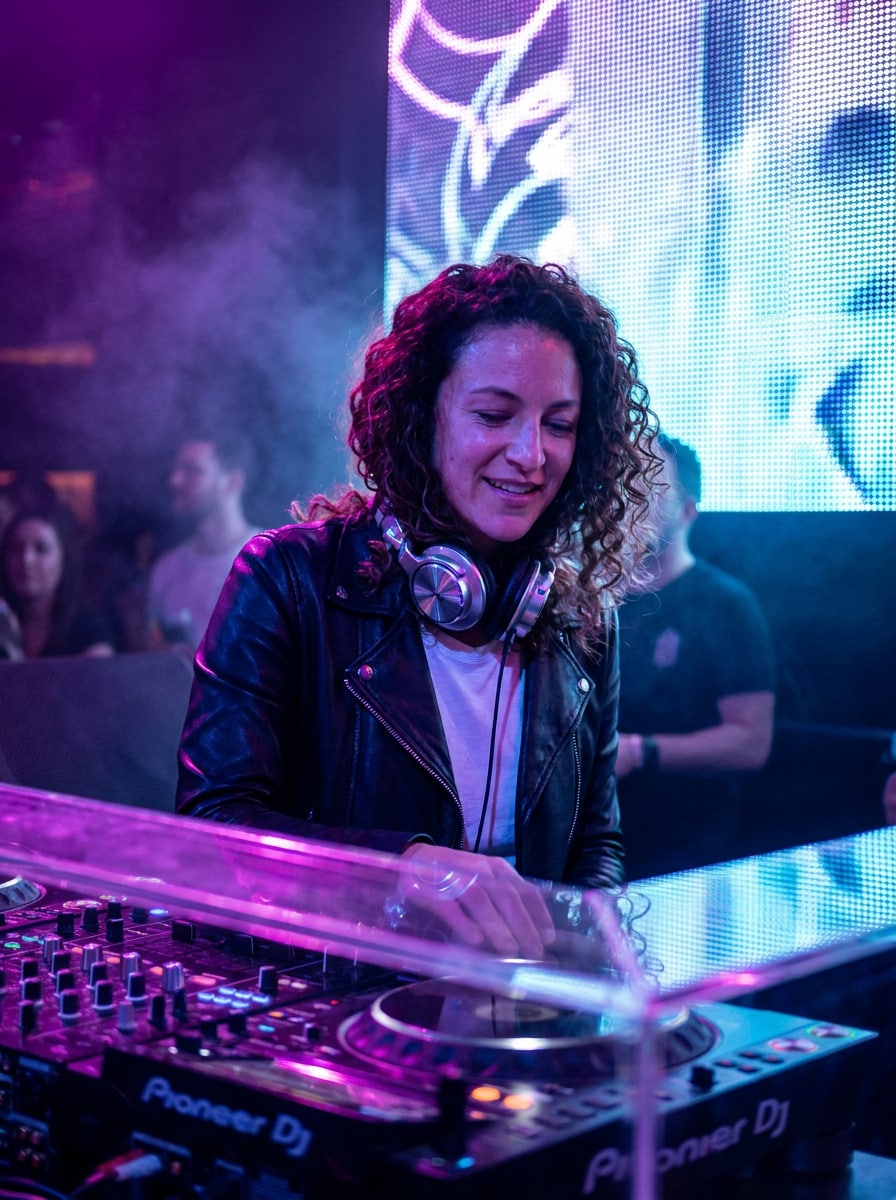
Portrait DJ Cabine Néon
Utilisez l'image importée comme sujet et transformez-la en un portrait réaliste de DJ en boîte de nuit derrière une cabine de mixage élégante, avec des lumières néon violettes et bleues électriques, des surfaces brillantes, une légère brume de fumée, l'éclat d'un mur LED, un casque audio chromé, un contraste cinématographique, des traits du visage nets, et une ambiance éditoriale nightlife sophistiquée.
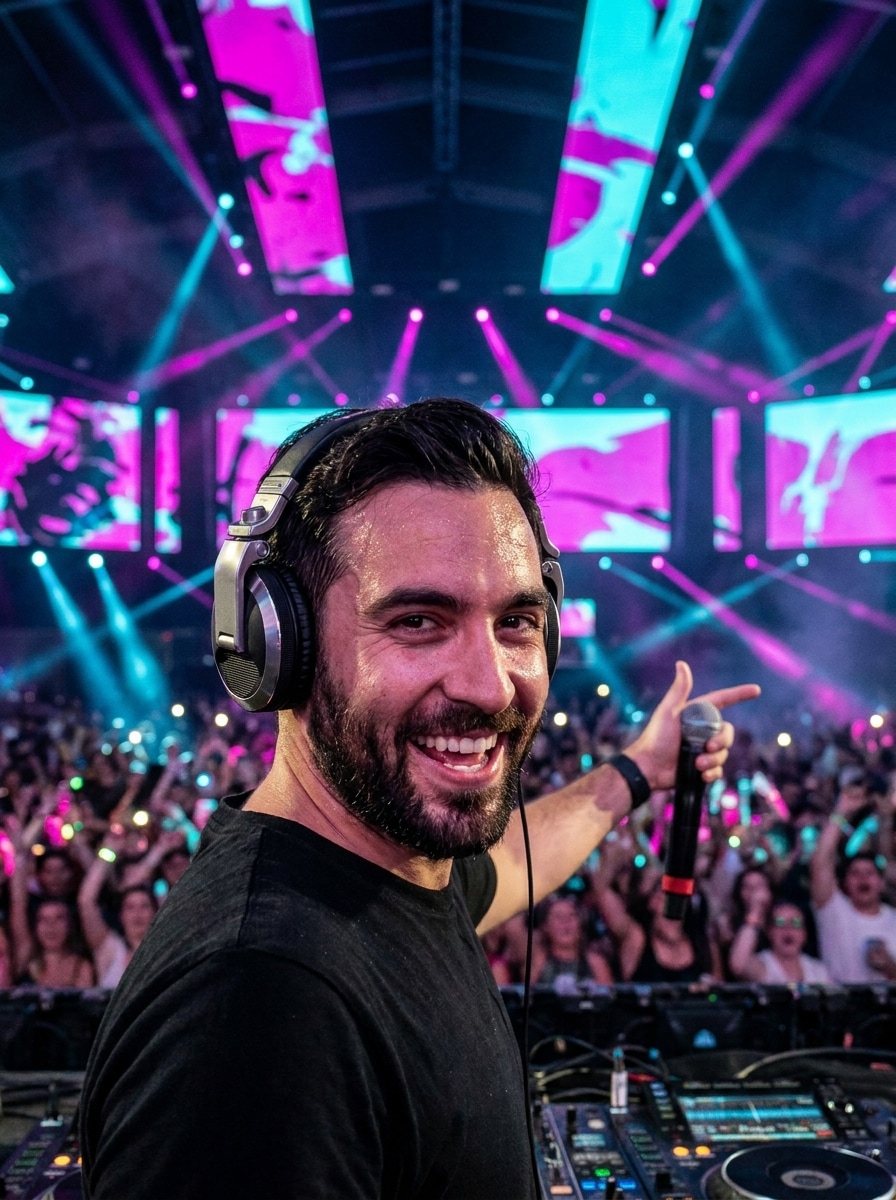
Headliner de Festival EDM
Utilisez l'image importée comme sujet et transformez-la en une scène de performance DJ énergique de festival avec d'immenses écrans LED, éclairages magenta et cyan de scène, effet de foule en bokeh, fumée d'ambiance, pose surélevée, casque audio métallique, profondeur dynamique, détails réalistes de peau, et l'ambiance épique d'un concert nocturne.
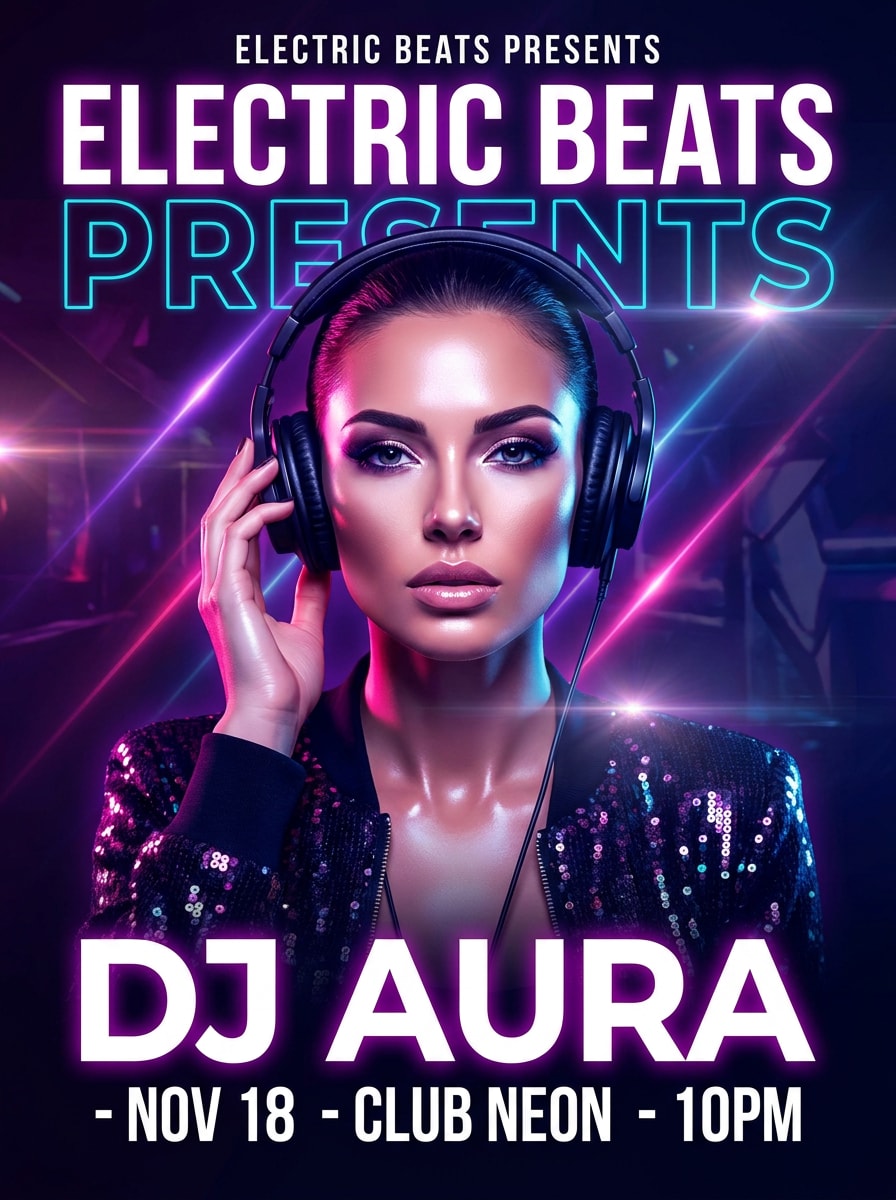
Affiche de DJ
Utilisez l'image importée comme sujet et réinventez-la en un portrait affiché percutant pour un événement, avec retouche glossy, couleurs intenses de club, reflets d'objectif, superpositions de traînées lumineuses, espace propre pour le titre, composition centrée, mise en page premium, expression assurée, et une ambiance promotionnelle forte.
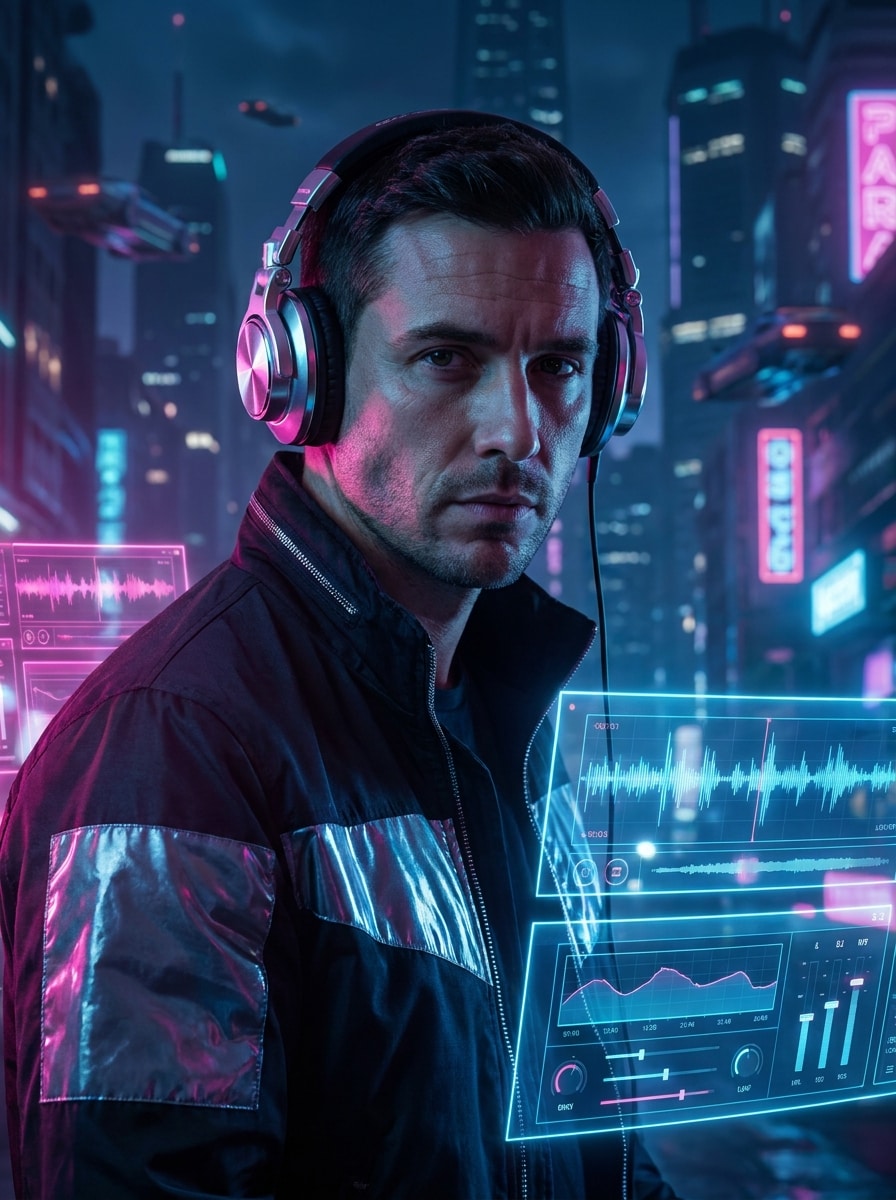
DJ Club Cyberpunk
Utilisez l'image importée comme sujet et transformez-la en un portrait DJ cyberpunk futuriste avec casque chromé, superpositions d'interfaces holographiques, éclairage club néon rose et bleu électrique, textures brillantes, décor de vie nocturne urbaine, détails saillants des pommettes, ombres cinématographiques, et une ambiance high-tech élégante.
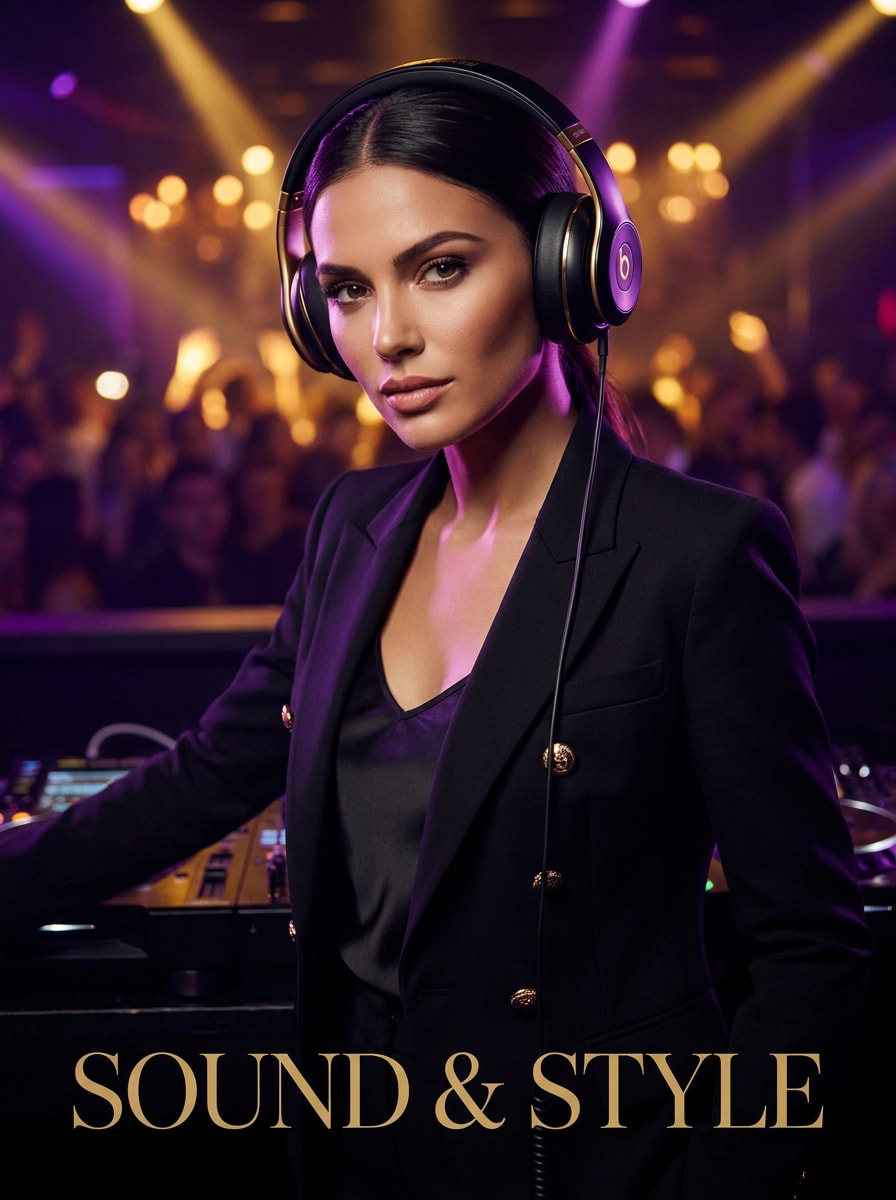
Editorial DJ de Luxe
Utilisez l'image importée comme sujet et transformez-la en un éditorial DJ de luxe axé mode, avec casque élégant, stylisme raffiné, éclairage glossy de club, accents violets et dorés, retouche de peau douce, composition façon magazine, ombres soignées, et une atmosphère haut de gamme digne d'une couverture de nightlife.
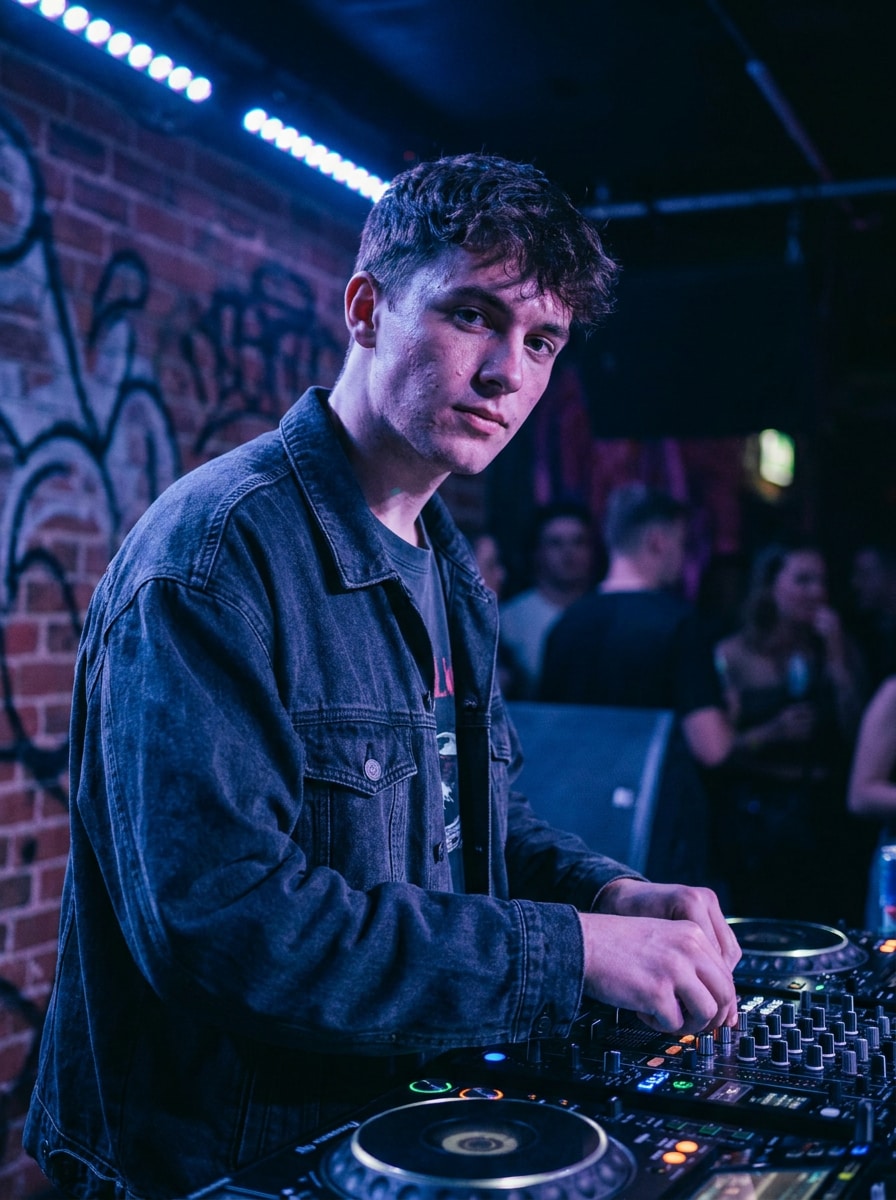
Photo promo DJ streetwear
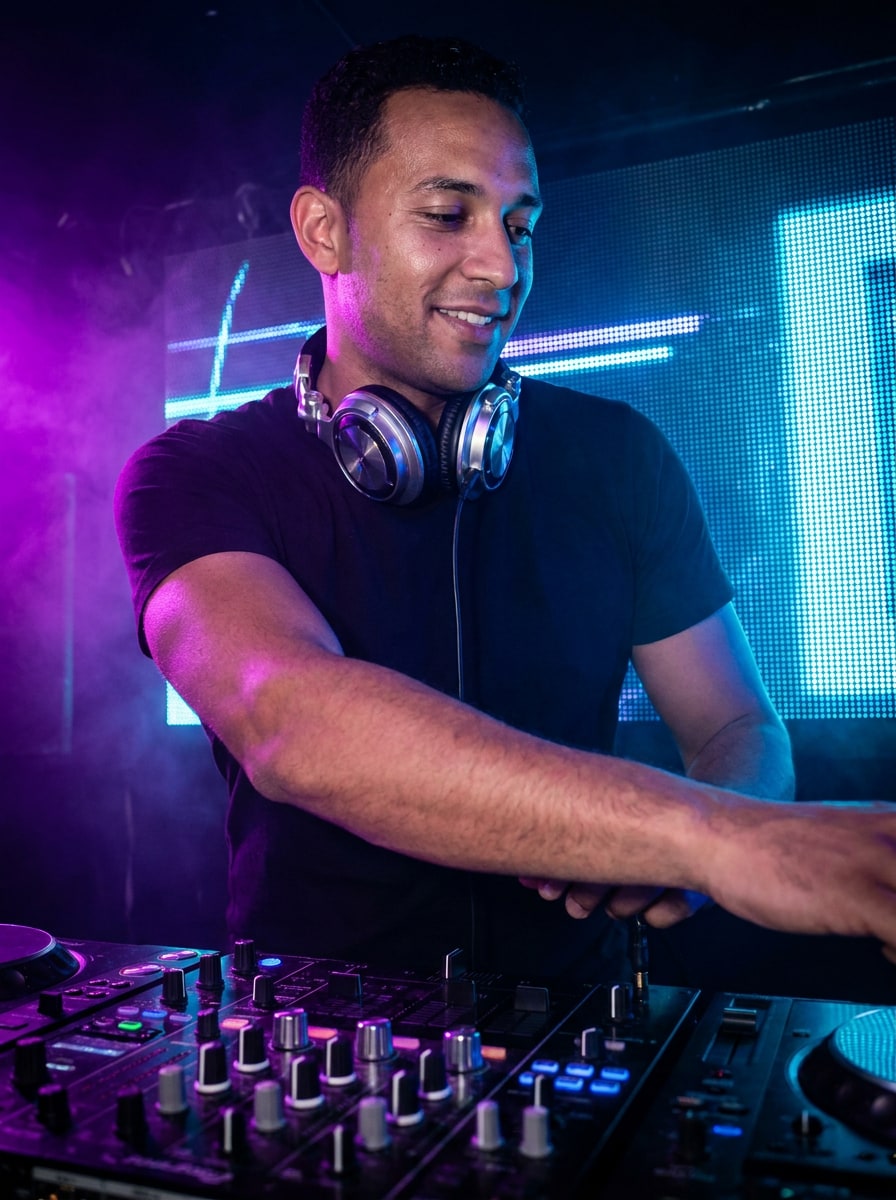
Utilisez l'image importée comme sujet et créez un visuel promo DJ streetwear moderne avec veste oversize, platines visibles, éclairage club atmosphérique, textures urbaines, filtres bleu-violet, texture de peau réaliste, faible profondeur de champ, et une ambiance d'artiste confiant.
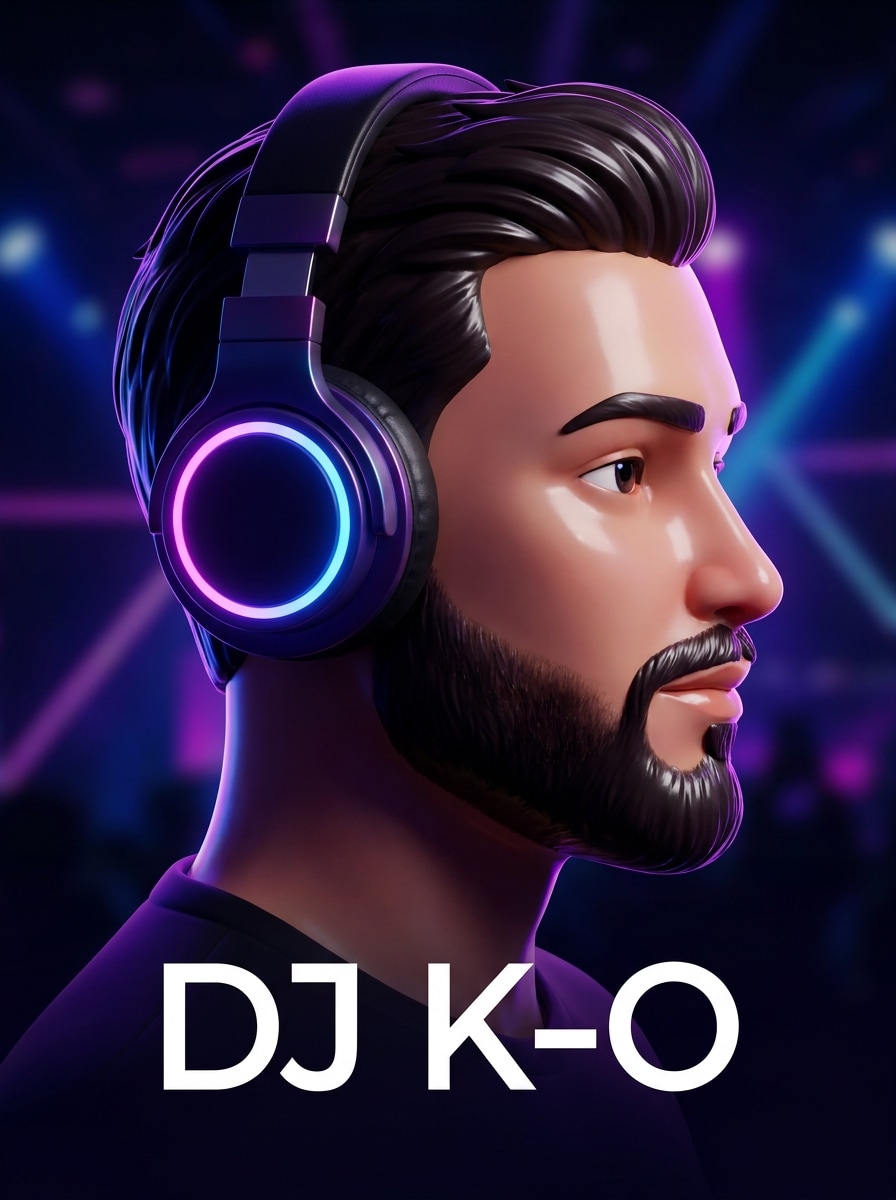
Avatar DJ 3D
Utilisez l'image importée comme sujet et convertissez-la en avatar 3D soigné avec casque lumineux, traits du visage stylisés et lisses, fond évoquant un décor de club, reflets violets-bleus vifs, matériaux brillants, cadrage convivial façon profil créateur, et une finition moderne prête pour les réseaux sociaux.
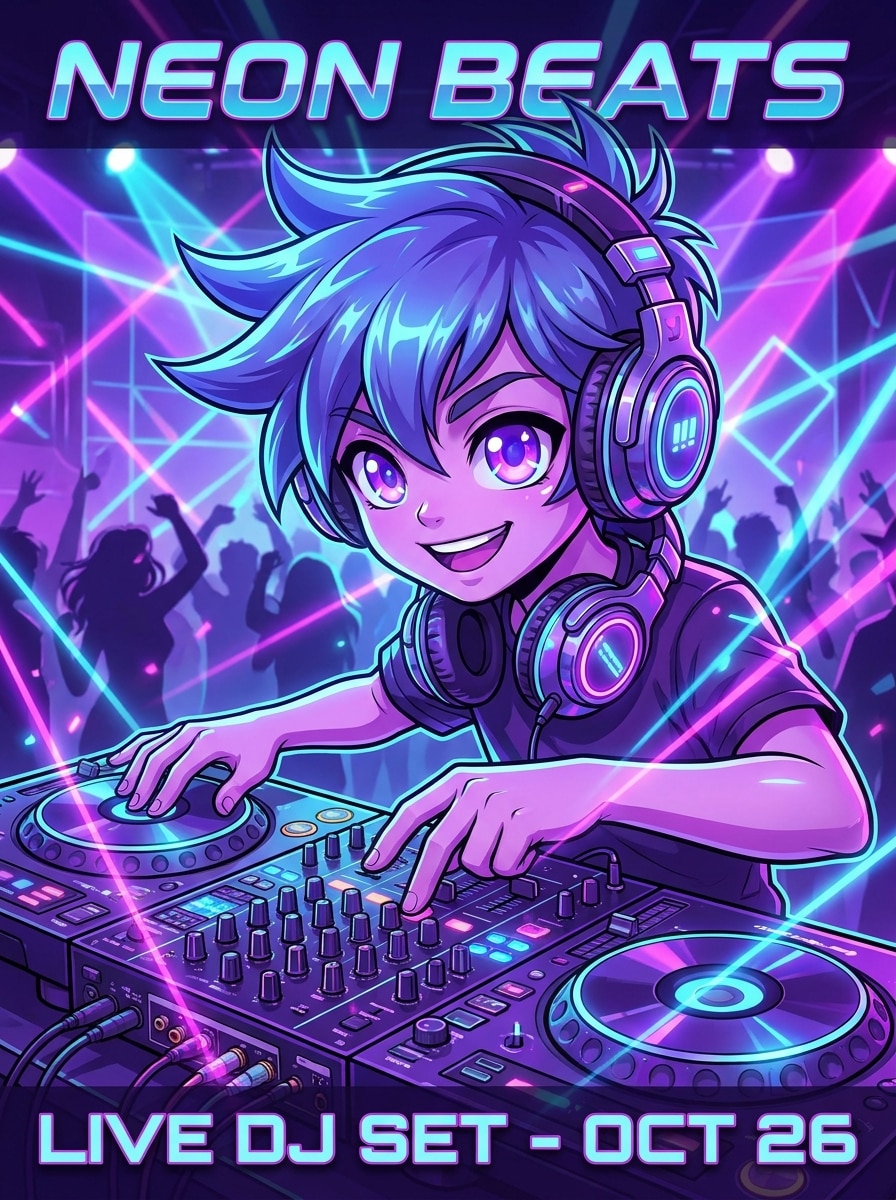
Filtre DJ Anime
Utilisez l'image importée comme sujet et transformez-la en un personnage DJ inspiré d'anime avec yeux expressifs, casque détaillé, lumières colorées de nightclub, installation platine, saturation éclatante, traits épurés, cadrage dynamique, ambiance EDM énergique, et finition polie façon poster.
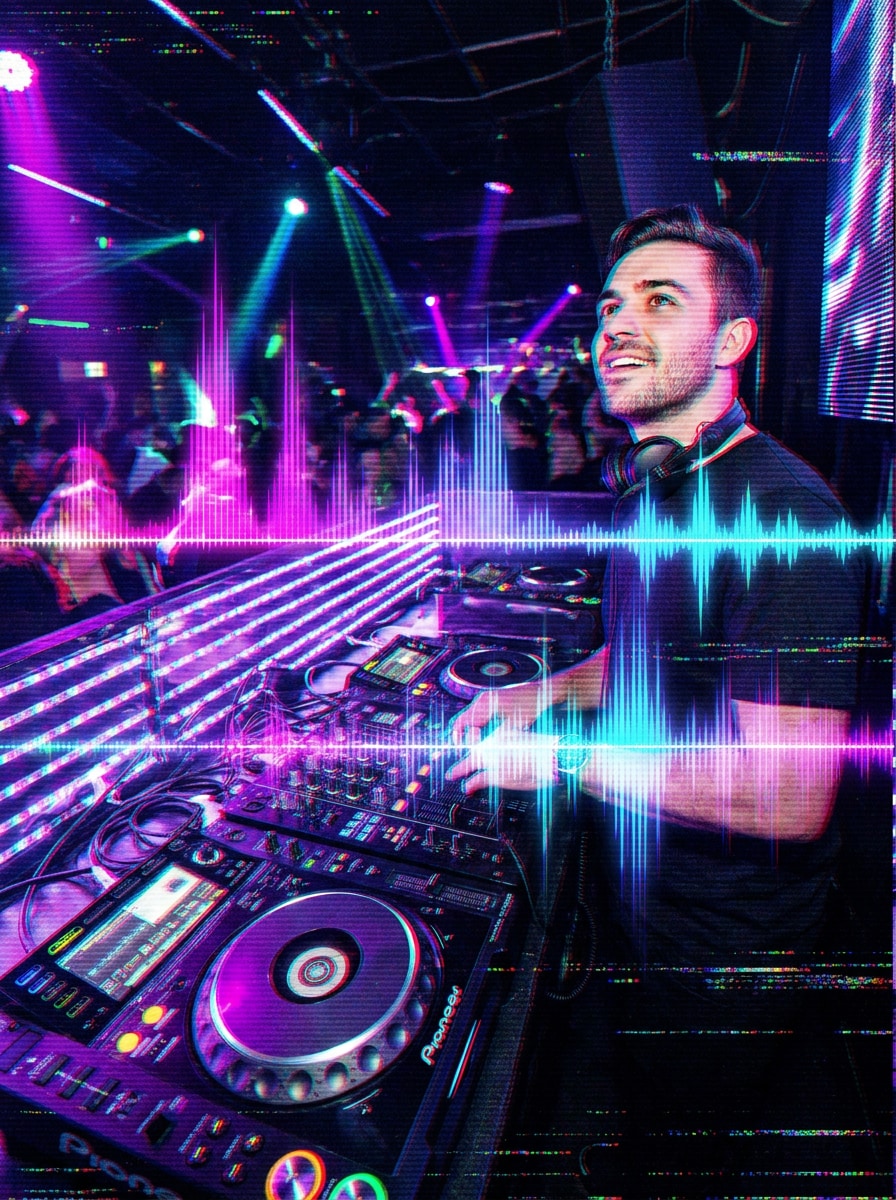
Visuel DJ Glitch
Utilisez l'image importée comme sujet et appliquez une transformation DJ spectaculaire basée sur le glitch avec effets de décalage RVB, superpositions d'ondes audio, traînées de lumière LED, ambiance sombre de club, contraste marqué, surfaces réfléchissantes, séparation intense des couleurs, et une esthétique de marque musique électronique futuriste.
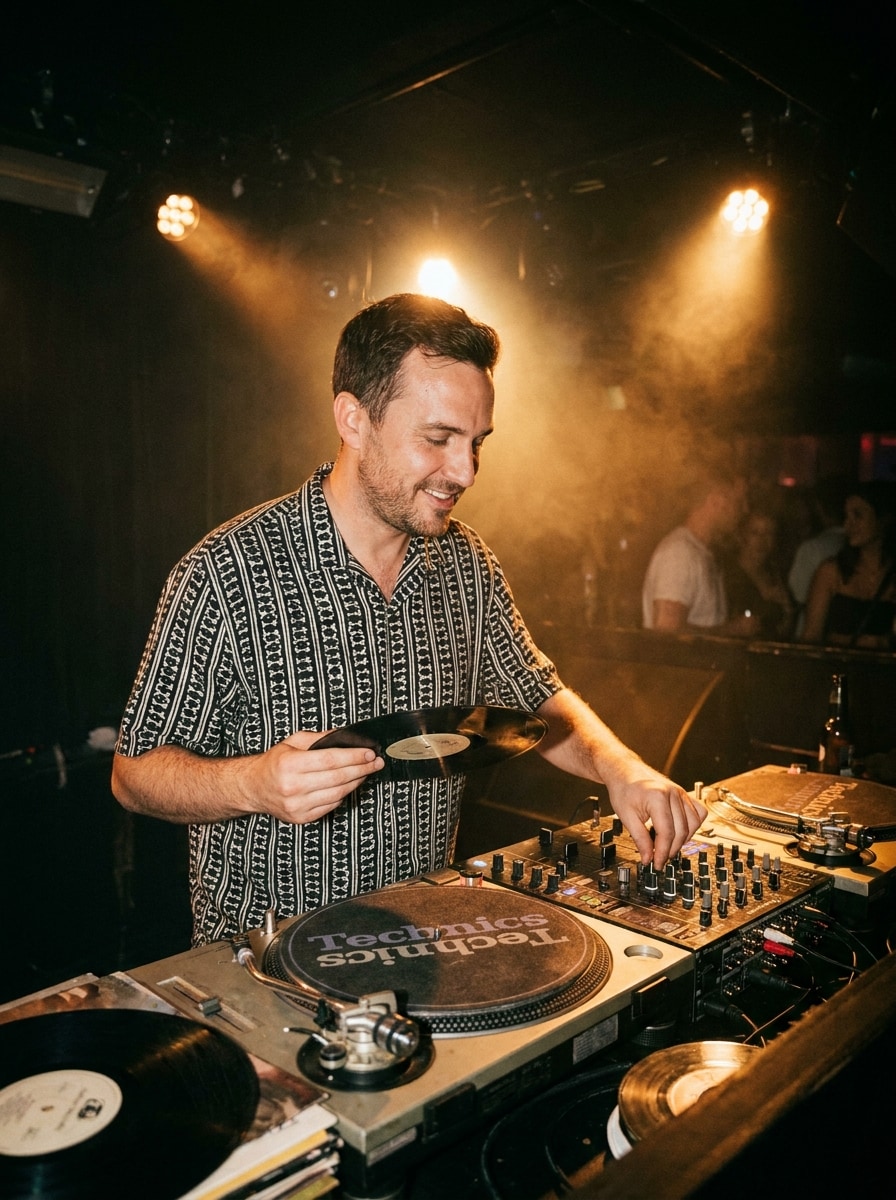
DJ Classique Platines Vinyle
Utilisez l'image importée comme sujet et donnez-lui le style d'une scène DJ vinyle classique avec platines analogiques, projecteurs ambrés chaleureux, brume légère, surfaces texturées de mixeur, ambiance rétro de nightlife, détails de portrait réalistes, composition équilibrée, et un rendu intemporel façon photo musicale.
Pourquoi utiliser Media.io pour les transformations photo DJ IA
Passez facilement des portraits de club aux affiches
Un travail basé sur une référence réclame plus qu'un simple changement de style. Media.io aide à conserver les détails majeurs de l'identité tout en réimaginant l'aspect visuel du filtre DJ, pour un résultat personnalisé plutôt que générique.
Ajustez précisément style, résolution et qualité de sortie
Une même idée peut nécessiter plusieurs rendus. Media.io aide à réinterpréter le même filtre visuel DJ dans différents styles pour que chaque version corresponde mieux au projet.
Gardez des visuels finaux nets pour de vrais projets
Pour des visuels au-delà du simple brouillon, Media.io permet de créer des images DJ en haute résolution jusqu'à 4K, pour que lumières, détails de visage et stylisation soient impeccables lors de la présentation, du recadrage ou pour toute réutilisation.
Créez sur n'importe quel appareil, sans logiciel supplémentaire
Les idées ne sont pas toujours finalisées en une seule session. Media.io garantit un flux de travail en ligne, pour commencer sur mobile, poursuivre sur ordinateur, et développer votre concept sans installations ni paramétrages supplémentaires.
Comment créer une image DJ IA à partir de votre photo
Transformez vos mots en visuels spectaculaires en trois étapes simples, puis continuez à affiner le résultat si vous souhaitez aller plus loin.
Étape 1
Importez votre image de référence
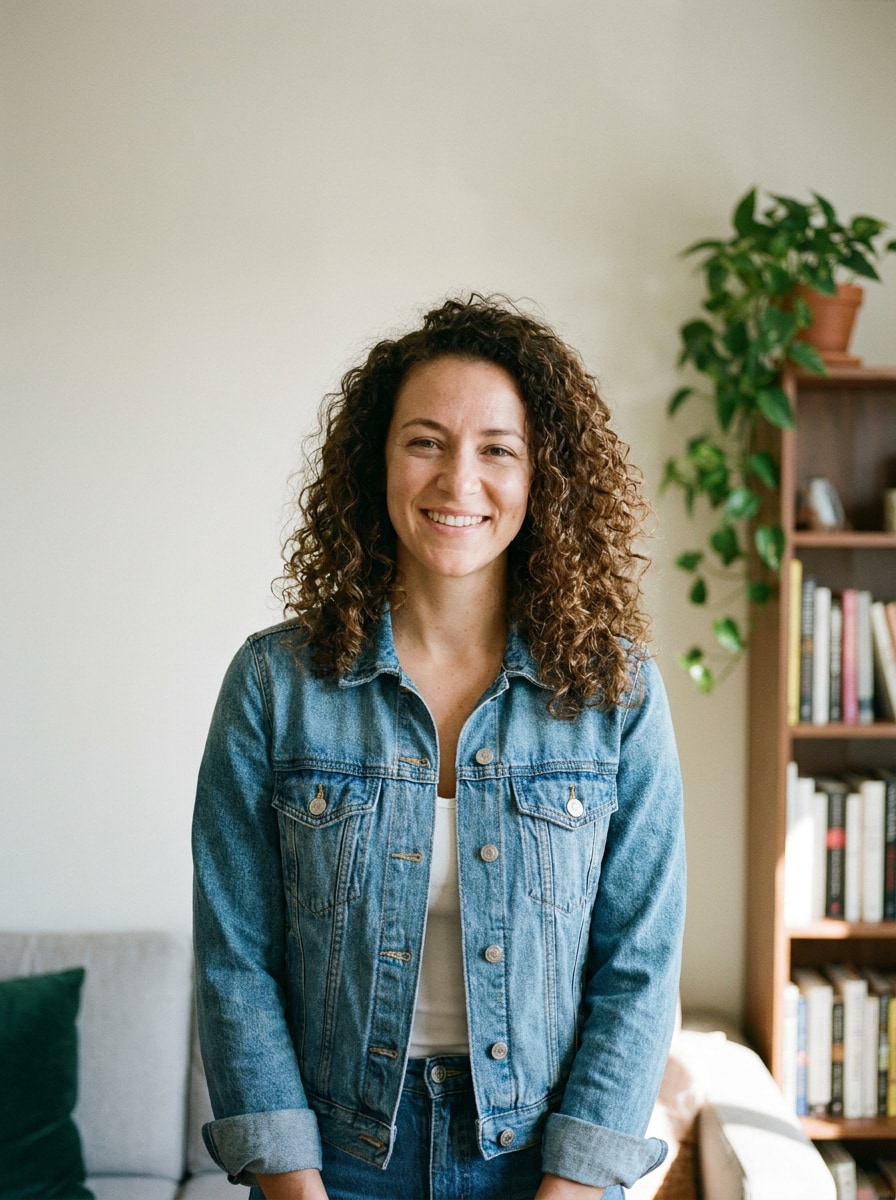
Commencez par un portrait, selfie ou photo de profil clair (JPG, PNG ou JPEG). Les images de face avec un bon éclairage sont idéales pour obtenir un aspect club réaliste, une édition style affiche, ou une transformation créateur reconnaissable.
Étape 2
Décrivez le changement et choisissez vos options
Indiquez le style DJ souhaité, par exemple : cabine néon, scène de festival, personnage anime, ou affiche promo élégante. Sélectionnez ensuite votre modèle et ajustez le format, la résolution ou le nombre d'images selon vos besoins finaux.
Étape 3
Générez, téléchargez et améliorez encore
Créez plusieurs variantes, comparez les résultats et téléchargez votre version préférée. Si besoin, ajustez le prompt, testez un autre style ou générez un nouveau look pour avatars, couvertures, affiches ou miniatures de contenus courts.
Découvrez comment les créateurs utilisent cet effet DJ pour leurs projets, leur marketing et leurs contenus, puis adaptez chaque idée à votre objectif.
Créez une image de profil créateur marquante
Transformez un simple selfie en une persona nightlife stylisée pour YouTube, TikTok, Instagram ou le streaming. Media.io permet de créer un portrait DJ marquant qui donne aux artistes, fans de musique et créateurs de contenu une identité de marque forte, sans avoir besoin d'une séance photo complète.
Créez rapidement des visuels promo pour événements et mixes
Réalisez images d'affiches, couvertures et miniatures de mix à partir d'un seul portrait, sans devoir tout concevoir à partir de zéro. Media.io peut ajouter un éclairage vibrant et un effet photo cabine DJ, parfait pour annonces d'événements, sorties de démos ou teasers sur les réseaux.
Expérimentez avec les looks club, festival et avatars
Un simple téléversement peut devenir une scène cabine réaliste, une affiche rave futuriste, ou un personnage stylisé. Media.io facilite les tests de portrait DJ de club, visuel cyber ou avatar créateur avant toute publication ou impression.
Avis d'utilisateurs sur cet effet photo DJ
Marcus T.
Créateur de contenu musical
"Parfait pour des visuels promo rapides" J'ai envoyé un portrait basique et obtenu une image club bien adaptée pour la miniature de mon mix. L'éclairage cabine et le casque étaient convaincants, et mon visage restait bien reconnaissable.
Jade R.
Promoteur d'événements
"Pratique pour les concepts d'affiche" Cela m'a permis de maquetter mes idées d'affiche DJ bien plus vite qu'en tout faisant à la main. J'ai testé plusieurs looks nightclub et festival depuis la même photo pour trouver celui qui convenait le mieux à la promo sur les réseaux.
Owen P.
Streamer
"Facile sur mobile et ordinateur" Je l'ai essayé d'abord sur mon téléphone, puis affiné sur mon PC portable. Le flux était simple et le rendu bien plus propre que la majorité des filtres gadgets qui se contentent d'ajouter des effets aléatoires.
Lina C.
Étudiante en design graphique
"Bonne variété de styles en un envoi" J'ai aimé passer d'un portrait DJ cabine réaliste à une version anime, sans avoir besoin d'une nouvelle photo. Très pratique pour explorer un concept ou créer un moodboard.
Découvrez Les Effets Vidéo et d'Image IA Les Plus Populaires
Un filtre DJ IA pour photos est un effet image-à-image qui transforme un portrait importé en visuel DJ. Avec Media.io, vous pouvez ajouter éclairage de boîte de nuit, casque, scène cabine, effet festival ou look d'affiche tout en conservant la photo originale comme référence.
2. Comment transformer une photo en image DJ en ligne ?
Importez une photo JPG, PNG ou JPEG sur Media.io, puis décrivez le rendu voulu, par exemple portrait cabine néon, scène de performeur de festival ou édition façon affiche. Sélectionnez ensuite le modèle et les paramètres de sortie, générez des variantes, puis téléchargez celle qui convient à votre projet.
3. Existe-t-il un filtre DJ IA gratuit à tester ?
Media.io propose des crédits gratuits pour tester une transformation DJ IA avant de passer à un forfait payant. L'usage gratuit peut inclure un filigrane, tandis que les forfaits permettent des images sans filigrane, en haute résolution. Comparez les options sur la page tarifs.
4. Un filtre photo DJ IA peut-il garder mon visage reconnaissable ?
Oui. Media.io utilise votre photo de référence pour guider la transformation afin de préserver l'identité faciale, tout en ajoutant des éléments DJ comme l'éclairage, la tenue, les cabines ou l'ambiance performance.
5. Quels styles DJ puis-je créer à partir d'une seule image ?
Vous pouvez obtenir des portraits réalistes de boîte de nuit, scènes de tête d'affiche de festival, affiches promo, retouches cyberpunk, looks avatars, versions anime et variations vinyle rétro.
6. L'effet DJ IA fonctionne-t-il sur téléphone et ordinateur ?
Media.io est accessible sur le web et donc compatible avec téléphones, tablettes et ordinateurs via navigateur. Cela rend facile de commencer une retouche filtre DJ sur iPhone ou Android et poursuivre sur Mac ou Windows.