Sélectionnez / @ caractère, décrivez la scène que vous souhaitez générer.
0/2000
9:16
1K
1
Mode Illimité Banana Pro
Créations
Centre d’idées
Comment ça marche
Tout
Fonctionnalités populaires
Voir tout
Défi créatif d’Halloween
Voir tout
Histoire de Fruits Drama IA
Voir tout
Vidéo d'Histoire par IA
Voir tout
Vidéos virales aujourd'hui
Voir tout
Vidéos de produits IA
Voir tout
Personnage IA
Voir tout
Tendances de Danse
Voir tout
GPT Image 2
Voir tout
Seedance 2.0
Voir tout
Correspondance de Célébrités IA
Voir tout
Suggestions de Poses pour Couples
Voir tout
Prompts de Poses de Fille IA Esthétique
Voir tout
Invites de Poses Élégantes pour Garçon IA
Voir tout
Générer une liste
Vos créations sont conservées pendant seulement 7 jours. Les éléments créés après la mise à niveau de l'Abonnement seront stockés de façon permanente.
Libérez votre potentiel créatif et découvrez la magie de l'IA médiatique dès mIAntenant!
Appliquer un filtre de brûlure de film en ligne pour des fuites de lumière vintage instantanées
Transformez n'importe quelle photo téléchargée en une édition analogique nostalgique avec un filtre de brûlure de film en ligne. Media.io vous permet d'ajouter des éclats de bord chauds, des tons de brûlure de film rouge, du grain, du fondu et des effets de brûlure de film réalistes en quelques secondes — sans installation de logiciel requise. Il prend également en charge l'effet de film brûlé.
Tapez votre idée -> L'IA la conçoit. Gratuit à essayer.
Consultez ces exemples de directions, puis adaptez les détails de l'invite pour obtenir de meilleurs résultats avec ce filtre de brûlure de film Media.io et créez exactement le look de brûlure de film que vous souhaitez.
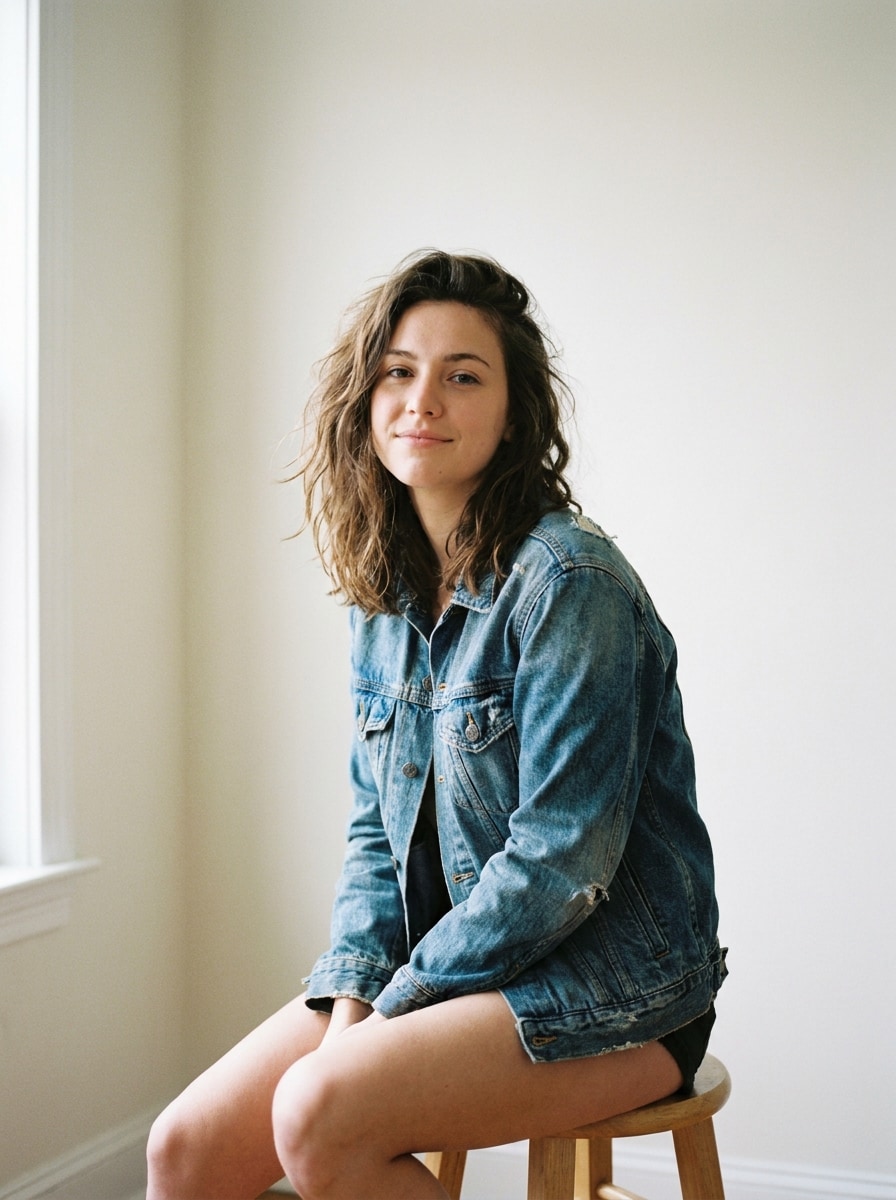
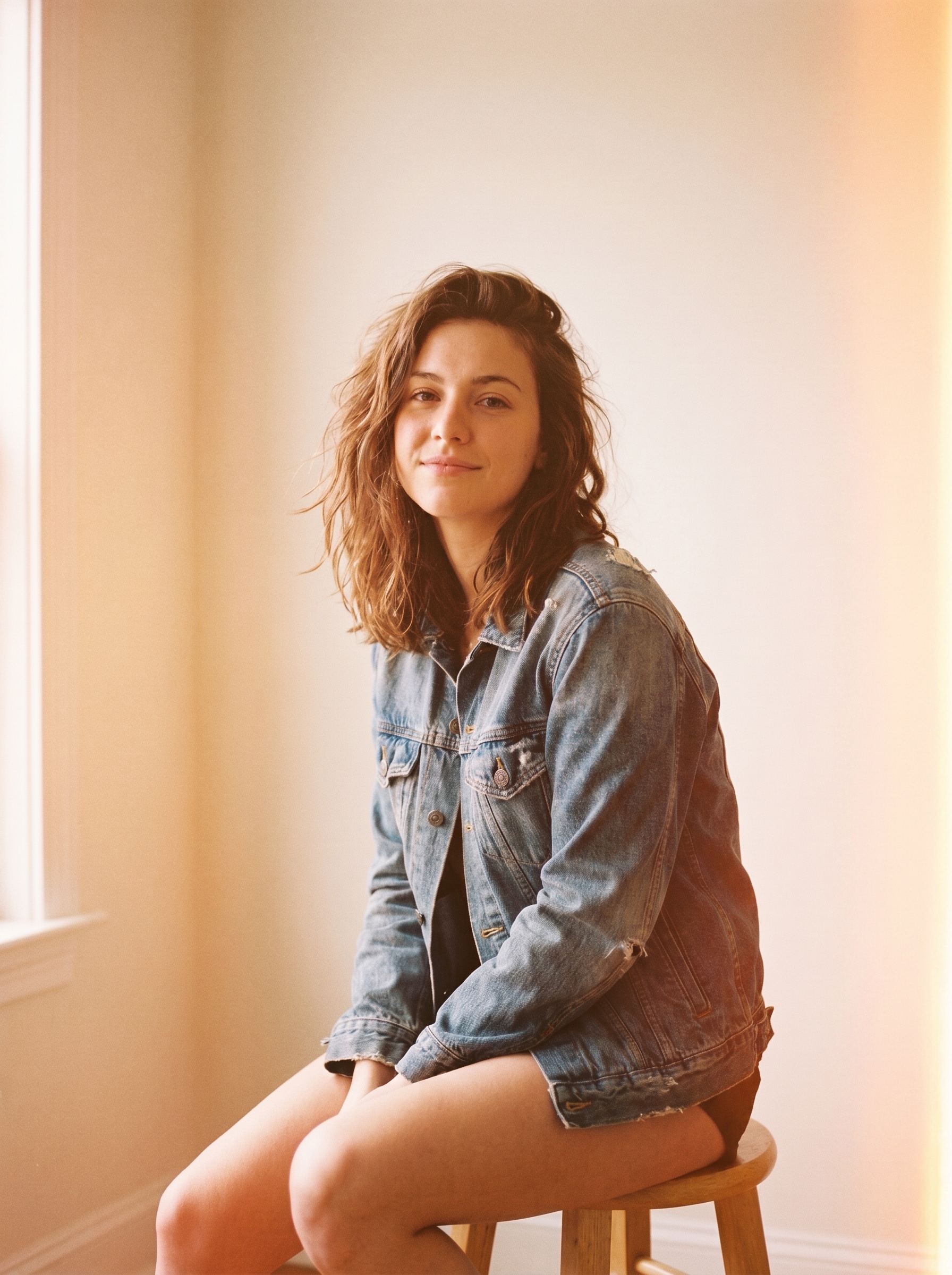
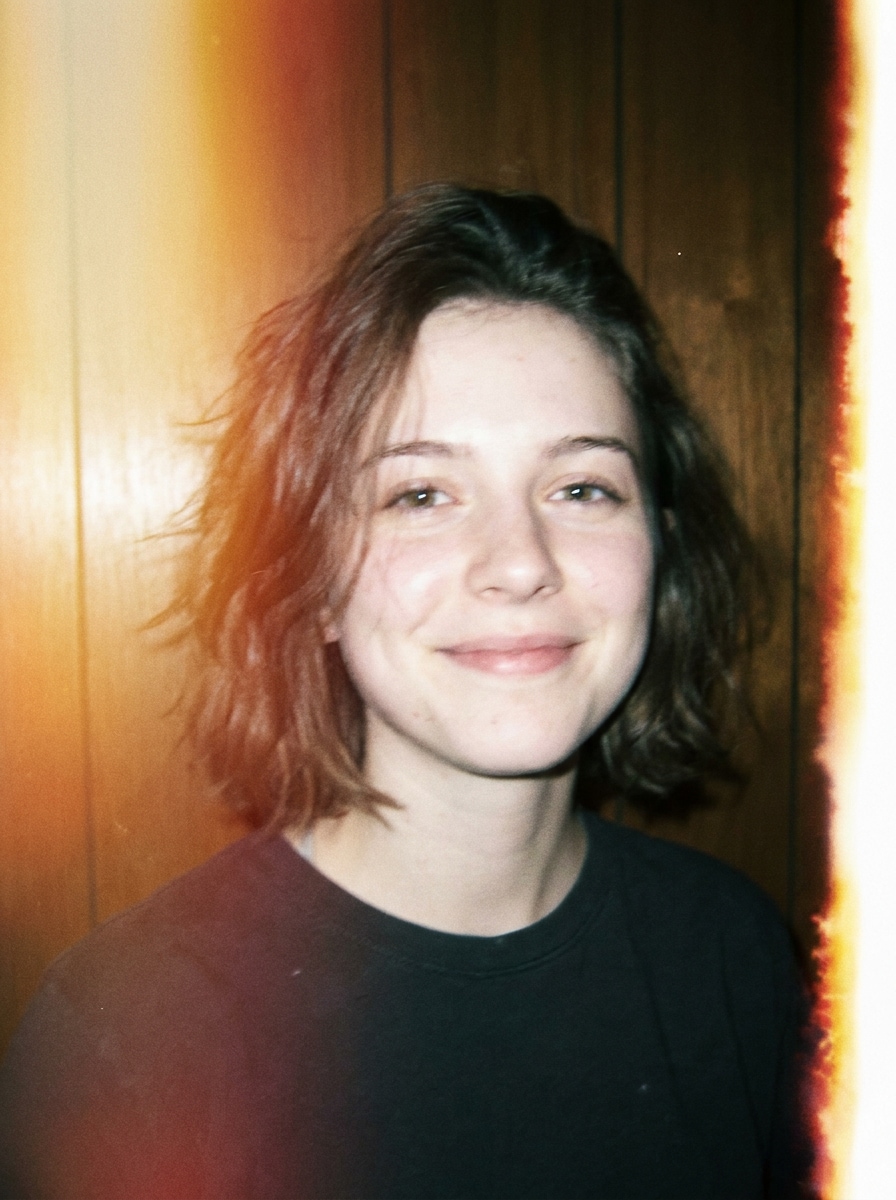
Brûlure de bord orange chaud
Utilisez l'image téléchargée comme sujet principal et transformez-la avec un filtre de brûlure de film orange chaud réaliste. Ajoutez une exposition douce sur les bords ambrés d'un côté, une légère brume, un grain analogique doux, un contraste légèrement estompé, des détails de visage ou de scène préservés, et une ambiance nostalgique d'appareil jetable avec un équilibre naturel des couleurs.
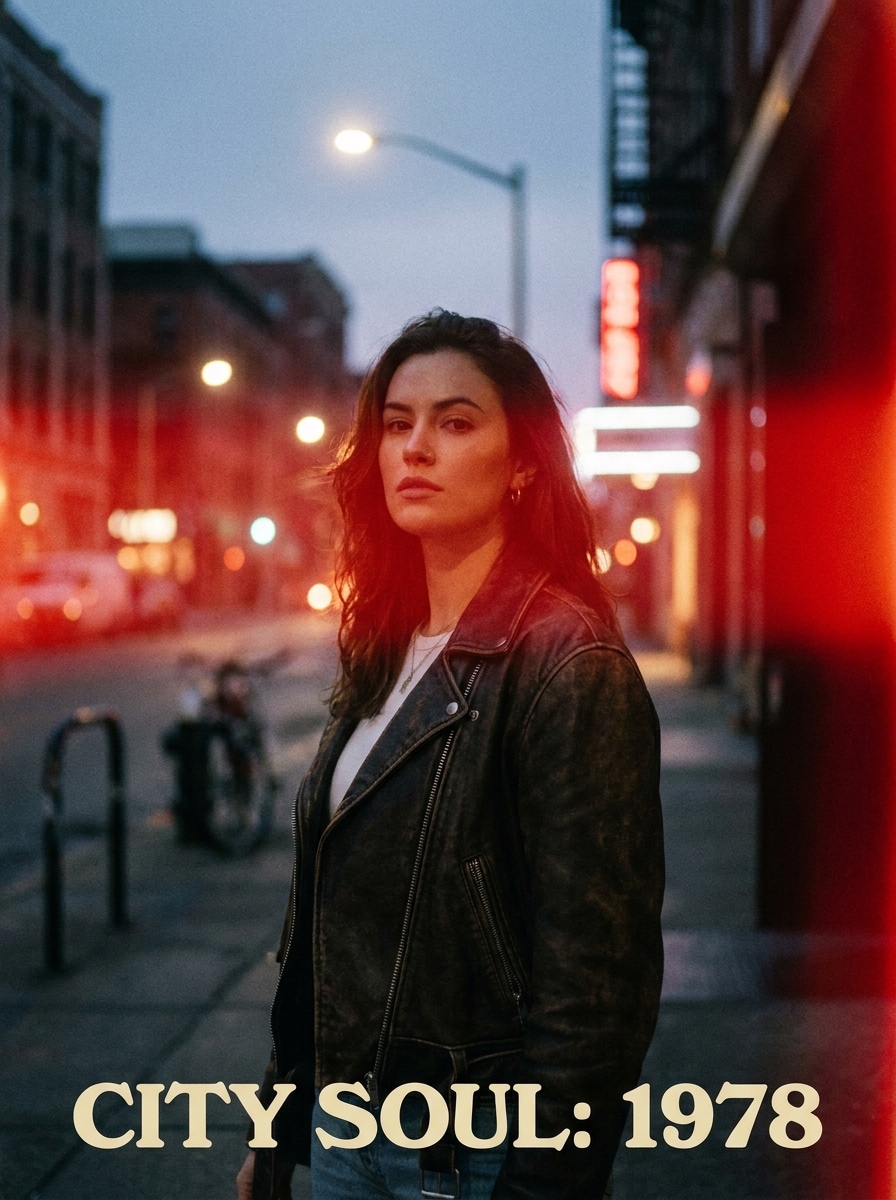
Fuite de film rouge
Utilisez l'image téléchargée comme sujet et appliquez un look rétro audacieux avec une fuite latérale cramoisi. Créez une brûlure de film rouge réaliste sur un bord, un lavage doux dans le cadre, un grain léger, un léger fondu de contraste, une texture analogique et une finition éditoriale atmosphérique tout en gardant le sujet reconnaissable.
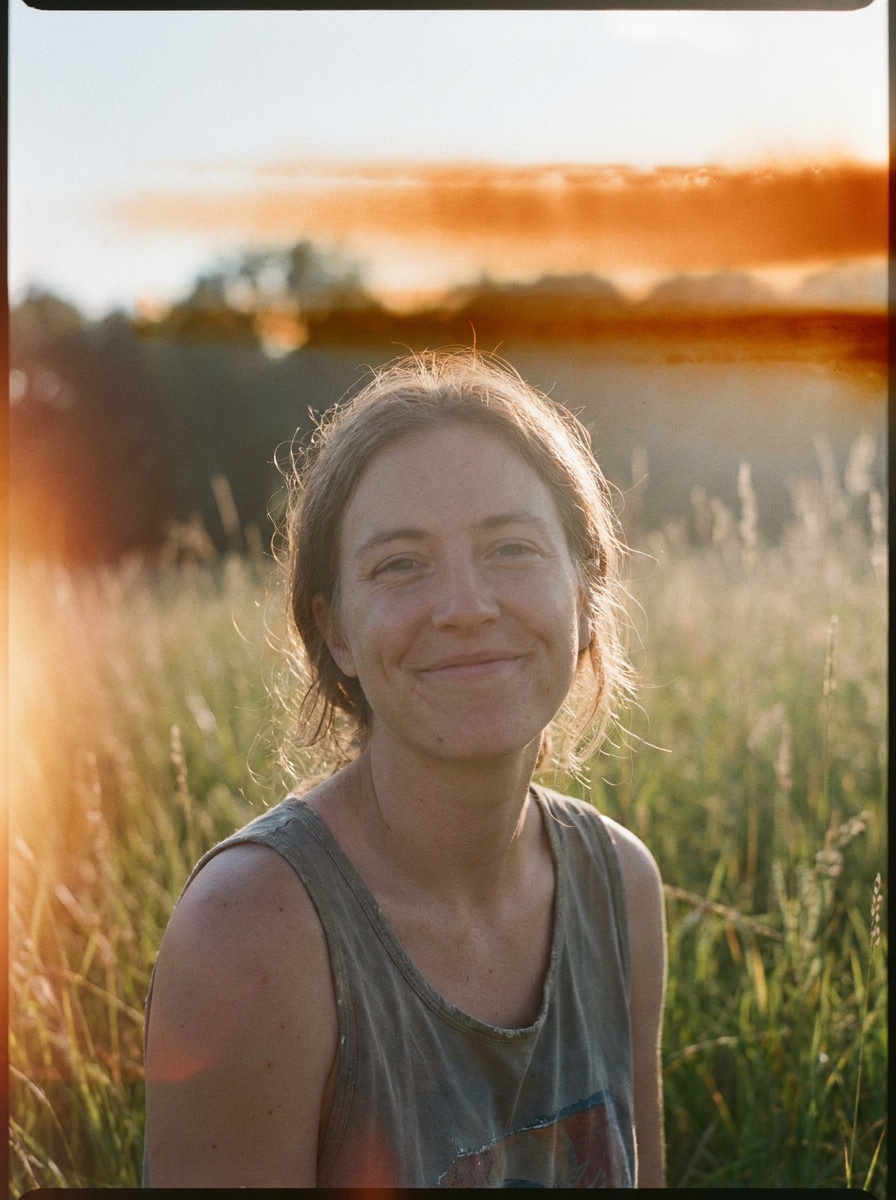
Brûlure estivale flashy
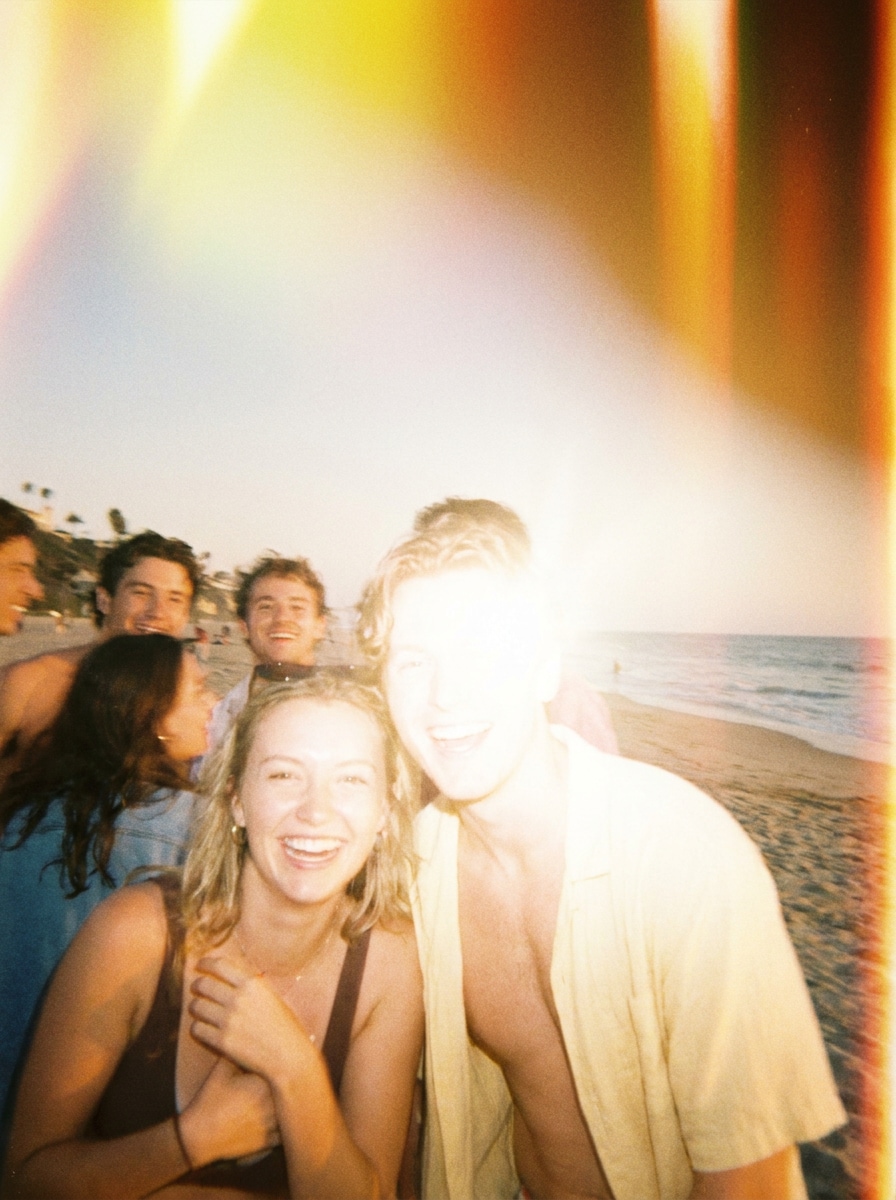
Utilisez l'image téléchargée comme référence et transformez-la en une photo de style point-and-shoot lumineuse. Ajoutez une brûlure de film jaune-orange autour des coins, une sensation de flash direct, des hautes lumières délavées, un grain fin, un léger flou, une énergie estivale ludique et une esthétique de cliché authentique avec des couleurs nostalgiques chaudes.
Brûlure vintage avec cachet de date
Utilisez la photo téléchargée et donnez-lui une transformation nostalgique de style point-and-shoot avec une brûlure latérale vintage. Ajoutez une brume de fuite de lumière chaude, des tons estompés, un grain fin, une légère douceur, une ambiance de flash d'appareil compact et de subtiles imperfections analogiques pour une finition photo qui évoque un vieux souvenir crédible.
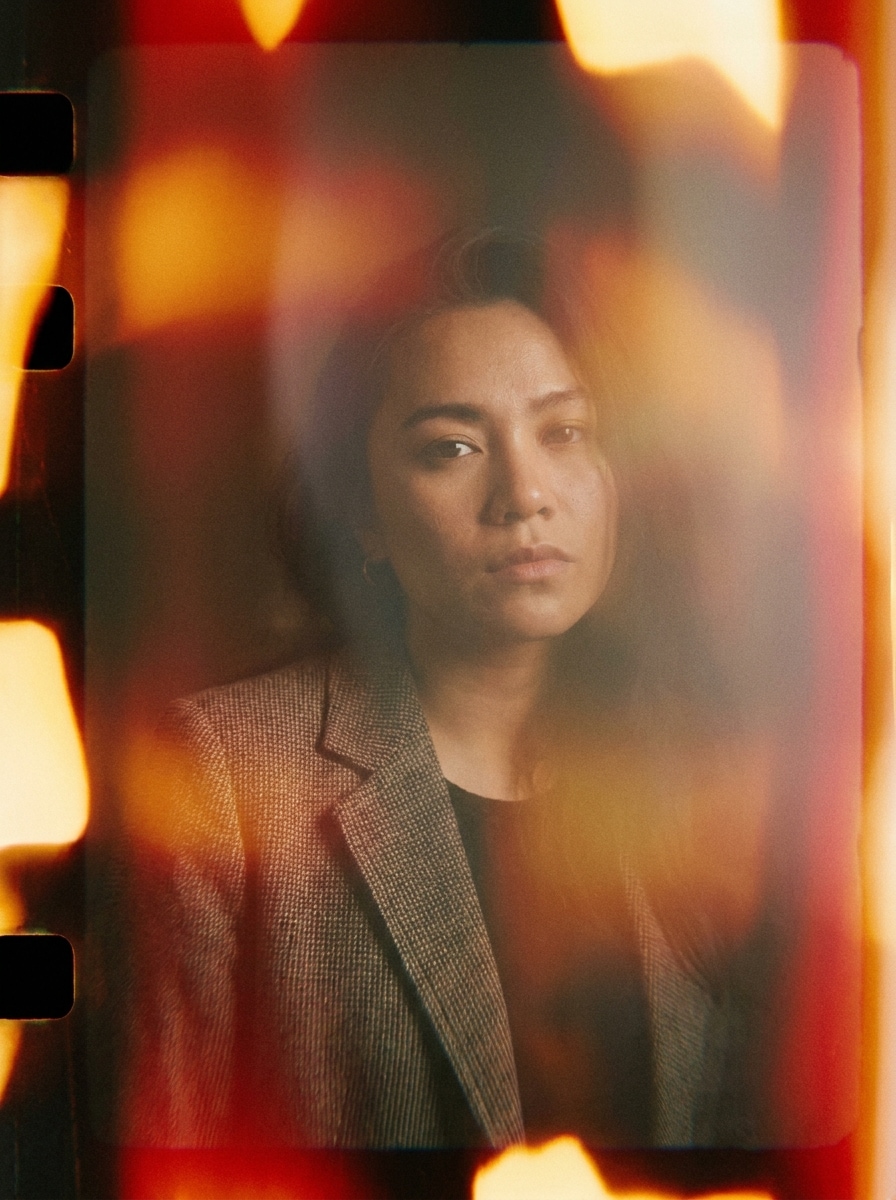
Brûlure cinématographique 35 mm
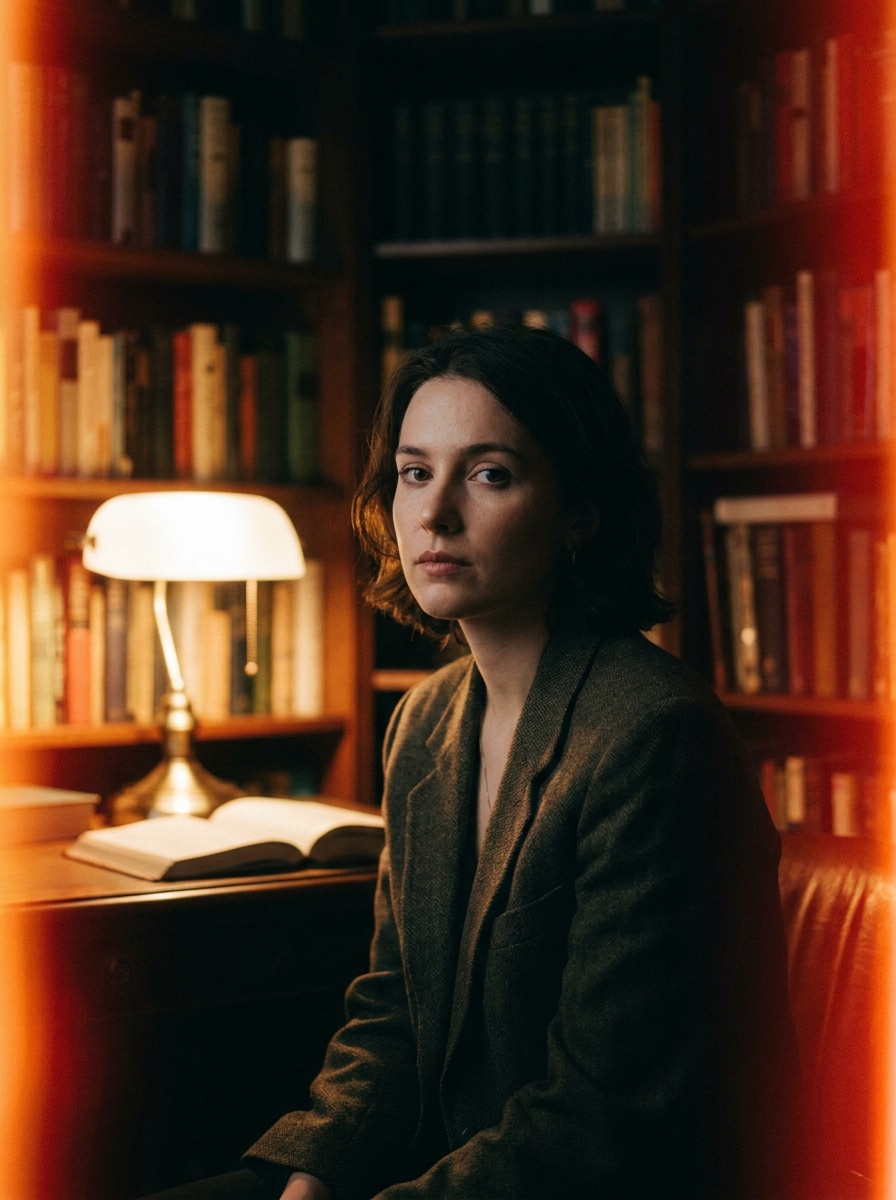
Utilisez l'image téléchargée comme base et créez un effet de film brûlé cinématographique inspiré du 35 mm. Ajoutez des traînées de bord chauds, une halation douce, un grain modéré, des ombres riches, un léger fondu de couleur et une ambiance éditoriale soignée qui semble dramatique, texturée et authentiquement analogique.
Transition par lavage de cadre
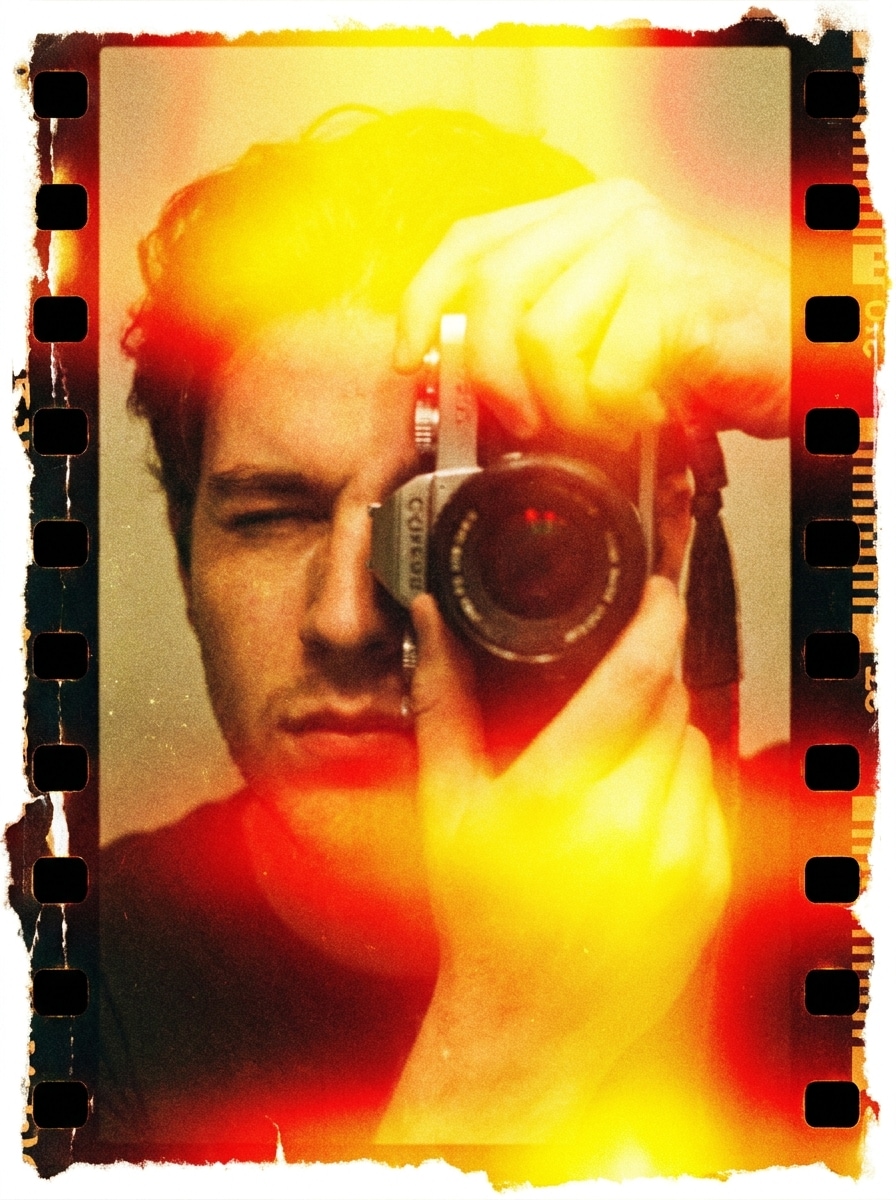
Utilisez l'image téléchargée et appliquez un effet de brûlure de film haute intensité qui efface partiellement le cadre. Ajoutez un bloom d'exposition jaune-rouge vif, des dommages organiques sur les bords, une brume analogique texturée, un grain plus prononcé et une finition créative de style transition tout en gardant le sujet central lisible.
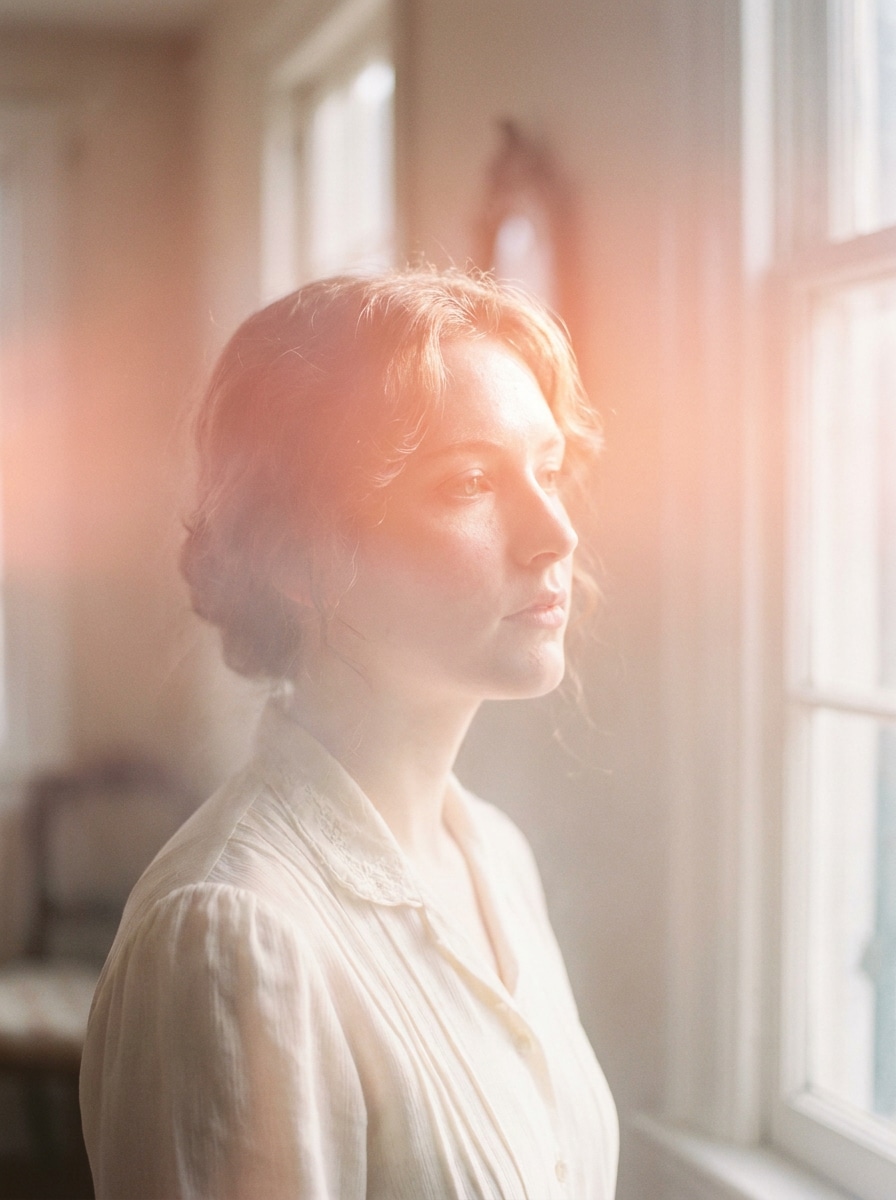
Brûlure pastel onirique
Utilisez l'image téléchargée comme sujet et transformez-la en une édition douce et onirique avec des fuites de lumière pastel. Mélangez une lueur rose-orange, une brume aérienne, un faible contraste, un grain doux, une chaleur flatteuse et une ambiance romantique apaisée pour une finition de brûlure de film subtile qui semble délicate et nostalgique.
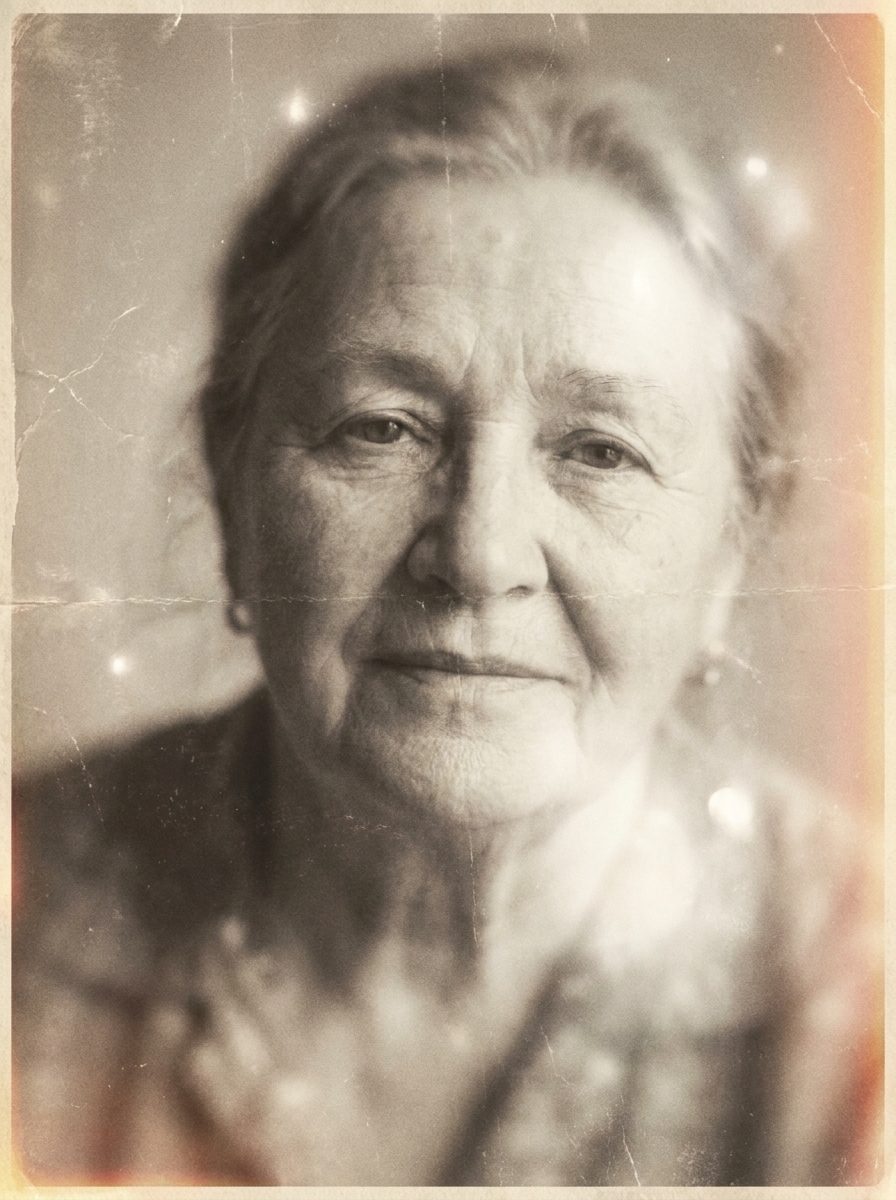
Look souvenir estompé
Utilisez l'image téléchargée et créez une brûlure de film de style souvenir estompé. Ajoutez des tons chauds désaturés, une légère exposition sur les bords, un grain délicat, un léger flou, une texture de photo usée et une ambiance émotionnelle de vieille photo qui semble personnelle, discrète et naturellement vieillie plutôt que trop stylisée.
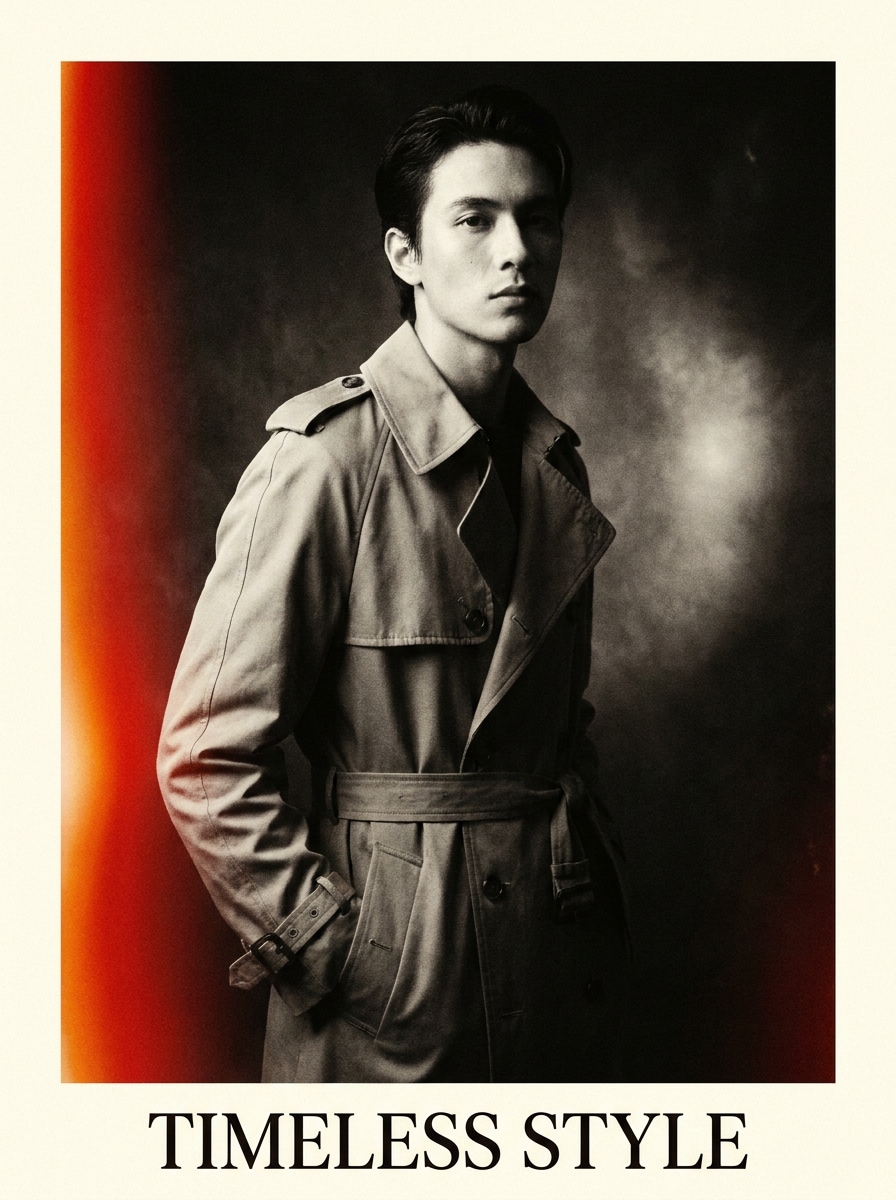
Brûlure magazine à fort contraste
Utilisez l'image téléchargée comme sujet principal et créez un traitement éditorial dramatique avec une brûlure prononcée. Ajoutez une fuite de lumière rouge-orange, un contraste net, un grain raffiné, une ambiance mode premium, un bloom de hautes lumières maîtrisé et une finition analogique élégante adaptée aux portraits audacieux ou aux couvertures de réseaux sociaux.
Éclat de bord abstrait
Utilisez l'image téléchargée et appliquez une superposition de brûlure de film artistique avec un éclat de bord irrégulier. Mélangez des dégradés ambre-rouge, une texture de fuite de lumière en couches, une légère distorsion, une brume douce, un grain modéré et un look créatif moderne-rétro qui rend la photo expressive sans perdre le sujet original.
Pourquoi utiliser Media.io pour un filtre de brûlure de film
Modifications basées sur une référence qui gardent votre photo originale reconnaissable
Pour les modifications basées sur le téléchargement, Media.io maintient le sujet de référence visuellement cohérent tout en modifiant la direction du filtre de brûlure de film final, ce qui facilite l'utilisation des résultats personnalisés en toute confiance.
Contrôle flexible de la chaleur, de l'ambiance et de l'intensité de la brûlure
Une idée créative nécessite souvent plusieurs rendus. Media.io peut réinterpréter le même style de filtre de brûlure de film selon différentes esthétiques, de sorte que chaque version correspond à un brief spécifique tout en conservant l'ambiance analogique souhaitée.
Générer une sortie plus nette jusqu'en 4K
Lorsqu'un visuel de filtre de brûlure de film est destiné à une publication réelle, Media.io vous offre une sortie plus nette jusqu'en 4K, ce qui permet à l'image de rester claire dans les présentations, les arrière-plans et les ressources réutilisées.
Édition rapide dans le navigateur sans télécharger de logiciel supplémentaire
Les tests vintage rapides sont simples avec Media.io dans le navigateur. Cela permet de maintenir un processus pratique lorsque vous n'êtes pas lié à un seul appareil.
Comment ajouter des effets de brûlure de film à votre photo
Transformez vos mots en visuels époustouflants en trois étapes simples, puis continuez à affiner le résultat si vous souhaitez aller plus loin.
Étape 1
Téléchargez votre image de référence
Commencez avec un portrait JPG, PNG ou JPEG clair, une photo de voyage, une image de produit ou une photo lifestyle. Une image source bien éclairée donne à l'IA une base solide pour des brûlures de bord réalistes, une brume vintage et des fuites de lumière de style analogique.
Étape 2
Décrivez le changement et définissez les options
Saisissez le rendu souhaité, comme des fuites orange chaudes, un fondu vintage subtil ou une exposition de bord rouge dramatique. Choisissez ensuite votre modèle et ajustez le rapport d'aspect, la résolution et le nombre de variations générées pour correspondre à votre projet.
Étape 3
Générer, télécharger et continuer à améliorer
Créez plusieurs résultats, comparez le placement de la brûlure et l'ambiance, et téléchargez la version que vous préférez. Vous pouvez continuer à affiner l'invite pour des fuites plus douces, un grain plus prononcé ou une finition plus cinématographique jusqu'à ce que la retouche vous convienne.
Découvrez comment les créateurs utilisent ce filtre de brûlure de film dans Media.io pour le contenu, le marketing et les projets personnels, puis adaptez chaque idée à votre brief.
Donnez aux portraits une apparence instantanément analogique
Offrez aux selfies, aux portraits éditoriaux et aux photos de couple la chaleur des accidents de caméra vintage sans superposition manuelle. Media.io peut ajouter des fuites réalistes, un grain doux et un contraste estompé pour transformer une image numérique nette en un cadre évocateur d'un souvenir avec une profondeur émotionnelle.
Améliorez les contenus de voyage et d'été pour les réseaux sociaux
Ajoutez des éclats de bord, une brume flashy et des couleurs nostalgiques aux photos de plage, aux scènes de road trip et aux photos de coucher de soleil. Dans Media.io, ce style fonctionne particulièrement bien lorsque vous souhaitez que les publications courtes ou les images de couverture paraissent candides, cinématographiques et moins trop polies, y compris une brûlure de film audacieuse ou une lueur chaude subtile.
Créez des œuvres d'art rétro sans chercher des superpositions
Au lieu de chercher des brûlures de film gratuites ou des séquences de film brûlé en stock, vous pouvez transformer votre propre image directement dans Media.io. Cela facilite la création de visuels personnalisés pour des couvertures de style album, des graphismes promotionnels et des planches d'ambiance avec un ressenti analogique plus original.
Ce que les utilisateurs disent de ce filtre de brûlure de film
Ava Martinez
Créatrice de contenu
« Retouches rétro rapides pour les publications sur les réseaux sociaux » Je voulais une ambiance d'appareil jetable vintage sans apprendre un logiciel de retouche compliqué. Media.io m'a facilement permis d'ajouter des fuites de bord chaudes et du grain à mes portraits, et les résultats semblaient beaucoup plus naturels que les superpositions statiques.
Noah Bennett
Photographe de voyage
« Idéal pour les photos de voyage nostalgiques » Je l'ai utilisé sur des images de road trip et de coucher de soleil, et le placement de la brûlure semblait organique plutôt que artificiel. Le flux de travail dans le navigateur est rapide, et pouvoir générer quelques variations m'a aidé à trouver le bon équilibre entre une brume subtile et un éclat dramatique.
Mia Robinson
Responsable des réseaux sociaux
« Utile pour les couvertures et les visuels de campagne » Nous avions besoin de ressources d'inspiration rétro pour une campagne à thème musical. Cet outil nous a permis de tester plusieurs looks, de la nostalgie douce aux brûlures éditoriales audacieuses, et les images finales ont bien résisté pour les couvertures de réseaux sociaux et les graphismes promotionnels.
Ethan Cole
Designer indépendant
« Mieux que de télécharger des superpositions aléatoires » Au lieu de chercher des packs de brûlures de film, j'ai simplement téléchargé l'image et décrit le rendu souhaité. Cela m'a fait gagner du temps et m'a donné un résultat plus personnalisé, notamment pour les planches d'ambiance et les concepts clients de style vintage.
Découvrez Les Effets Vidéo et d'Image IA Les Plus Populaires
Un filtre de brûlure de film est un effet d'image qui recrée l'aspect d'un film analogique exposé à trop de lumière ou de chaleur. Il ajoute généralement des éclats de bord chauds, de la brume, du fondu, du grain et des changements de couleur imparfaits, aidant une photo numérique à paraître plus vintage, cinématographique ou nostalgique.
2. Comment ajouter un effet de brûlure de film à une photo en ligne ?
Téléchargez une image JPG, PNG ou JPEG sur Media.io, décrivez le rendu souhaité et générez la retouche dans votre navigateur. Vous pouvez orienter le résultat vers des fuites subtiles, une brûlure de film rouge audacieuse ou une brume rétro chaude, puis comparer les variations et télécharger la version que vous préférez.
3. Puis-je utiliser un filtre de brûlure de film gratuitement ?
Les utilisateurs gratuits peuvent essayer Media.io avec des crédits gratuits, ce qui est utile si vous souhaitez tester l'effet avant de passer à la version supérieure. Pour plus de crédits, une utilisation accrue et des téléchargements haute résolution sans filigrane, vous pouvez mettre à niveau sur la page de tarification.
4. Quelle est la différence entre un filtre de brûlure de film et une superposition de fuite de lumière ?
Un filtre de brûlure de film transforme directement votre photo téléchargée, de sorte que le rendu semble généralement plus intégré à l'image. Une superposition de fuite de lumière est souvent un graphique séparé placé par-dessus. En pratique, Media.io aide à créer des effets de brûlure de film qui semblent plus organiques et analogiques, tandis que les superpositions peuvent paraître plus fixes ou répétitives.
5. L'effet de brûlure de film réduira-t-il la qualité de mon image ?
Le style lui-même ajoute de la texture, de la brume ou du fondu, mais Media.io prend en charge des options de sortie haute résolution, notamment 1K, 2K et 4K. Cela permet de préserver la clarté de l'image tout en donnant à votre photo une texture vintage réaliste et un style de brûlure lumineuse. Les utilisateurs gratuits peuvent avoir des filigranes.
6. Puis-je appliquer un filtre de brûlure de film sur mon téléphone ?
Media.io est basé sur le web, vous pouvez donc appliquer cet effet sur un téléphone, une tablette ou un ordinateur avec un navigateur. Cela facilite la retouche de portraits ou de photos de voyage sur iOS, Android, Mac ou Windows sans installer de logiciel séparé.
Au-delà du filtre de brûlure de film en ligne alimenté par l'IA