Vos créations sont conservées pendant seulement 7 jours. Les éléments créés après la mise à niveau de l'Abonnement seront stockés de façon permanente.
Libérez votre potentiel créatif et découvrez la magie de l'IA médiatique dès mIAntenant!
Filtre IA Années 1920 pour portraits glamour Gatsby et Flapper
Transformez des selfies, portraits et photos de couple en images élégantes des Années Folles avec un AI Filtre années 1920. Créez un filtre photo années 1920 grâce à l’élégance du style Gatsby, l’ambiance club de jazz, le charme du studio sépia ou la finition raffinée d’un filtre portrait années 1920 en quelques clics seulement. C’est également une option idéale pour un filtre flapper IA.
Consultez ces exemples d’instructions, puis adaptez les détails du prompt pour obtenir de meilleurs résultats avec ce filtre années 1920.
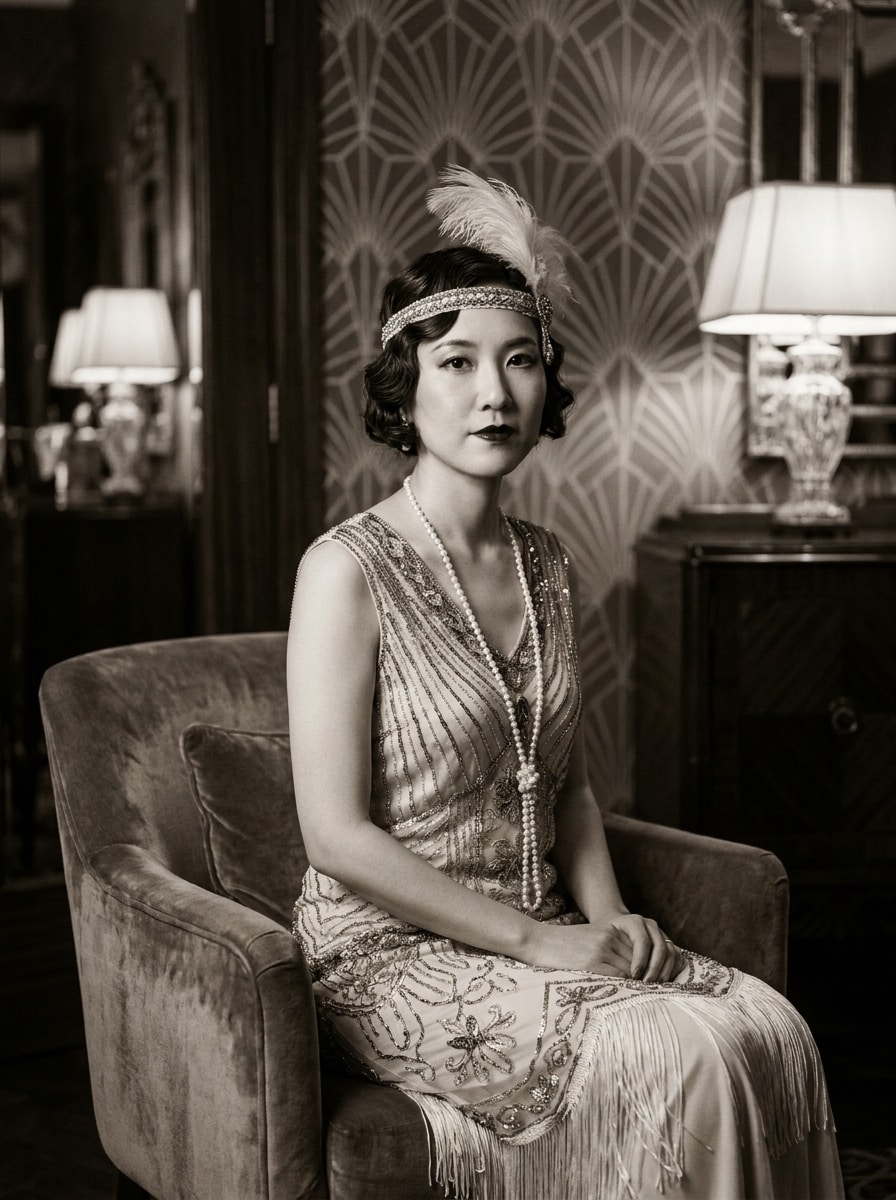
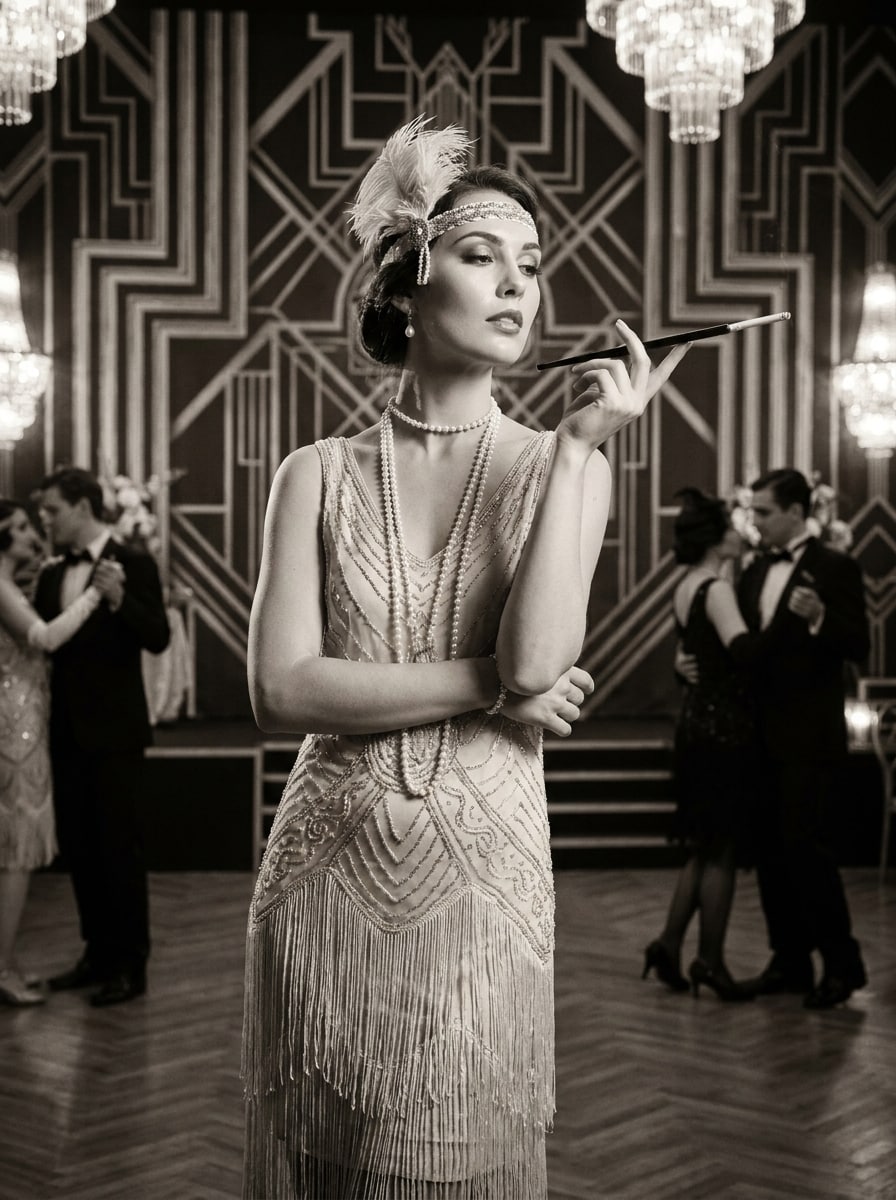
Glamour Gatsby
Utilisez l'image téléchargée comme sujet et transformez-la en un portrait glamour style Gatsby années 1920. Ajoutez une tenue de soirée élégante, des perles, un bandeau à plumes, un smoking ou un style flapper, un intérieur Art Déco luxueux, un éclairage cinéma doux, un visage raffiné, un grain subtil et une finition sépia ou monochrome riche.
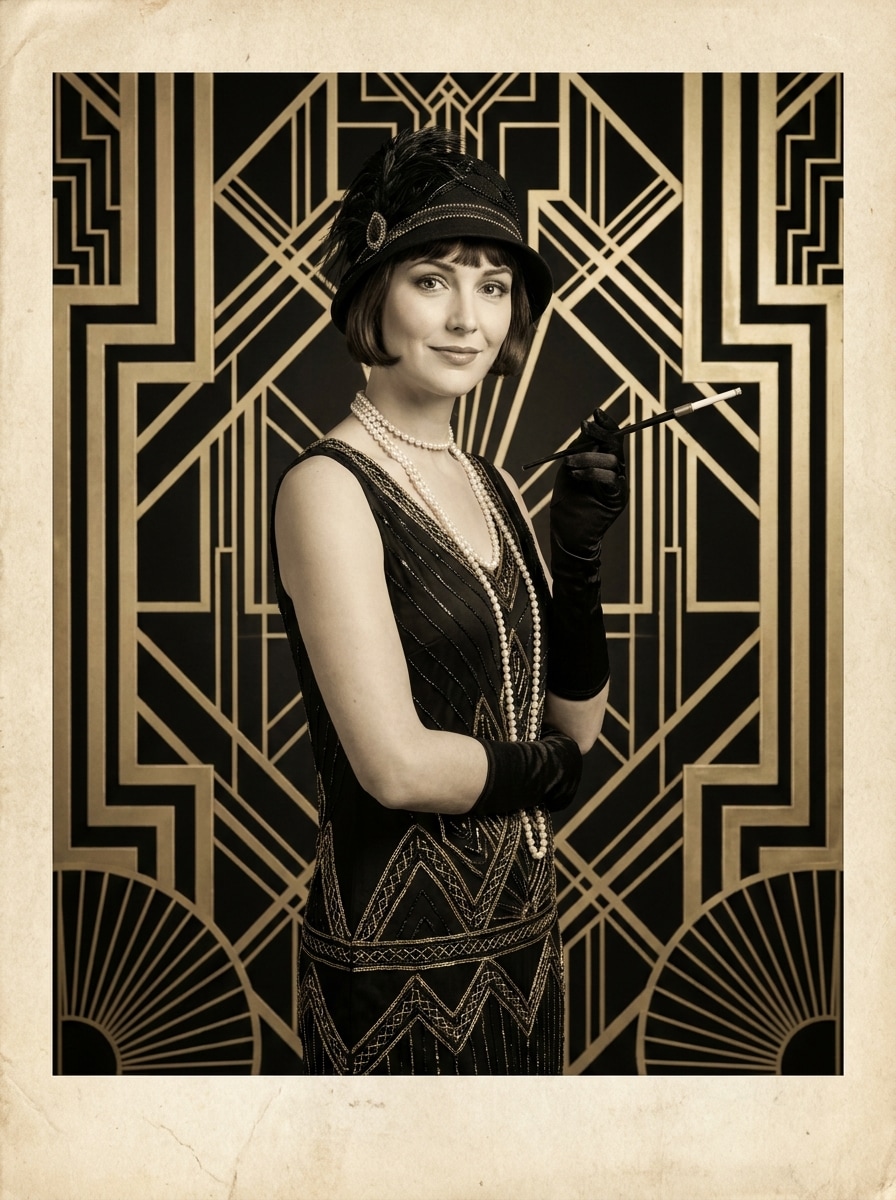
Mondaine Art Déco
Utilisez la photo téléchargée comme sujet et redonnez-lui le style d’un portrait de haute société des années 1920. Intégrez des motifs géométriques Art Déco, une mode chic, une posture élégante, une lumière de studio douce, des touches métalliques raffinées, une texture d’impression vintage et une ambiance authentique et sophistiquée.
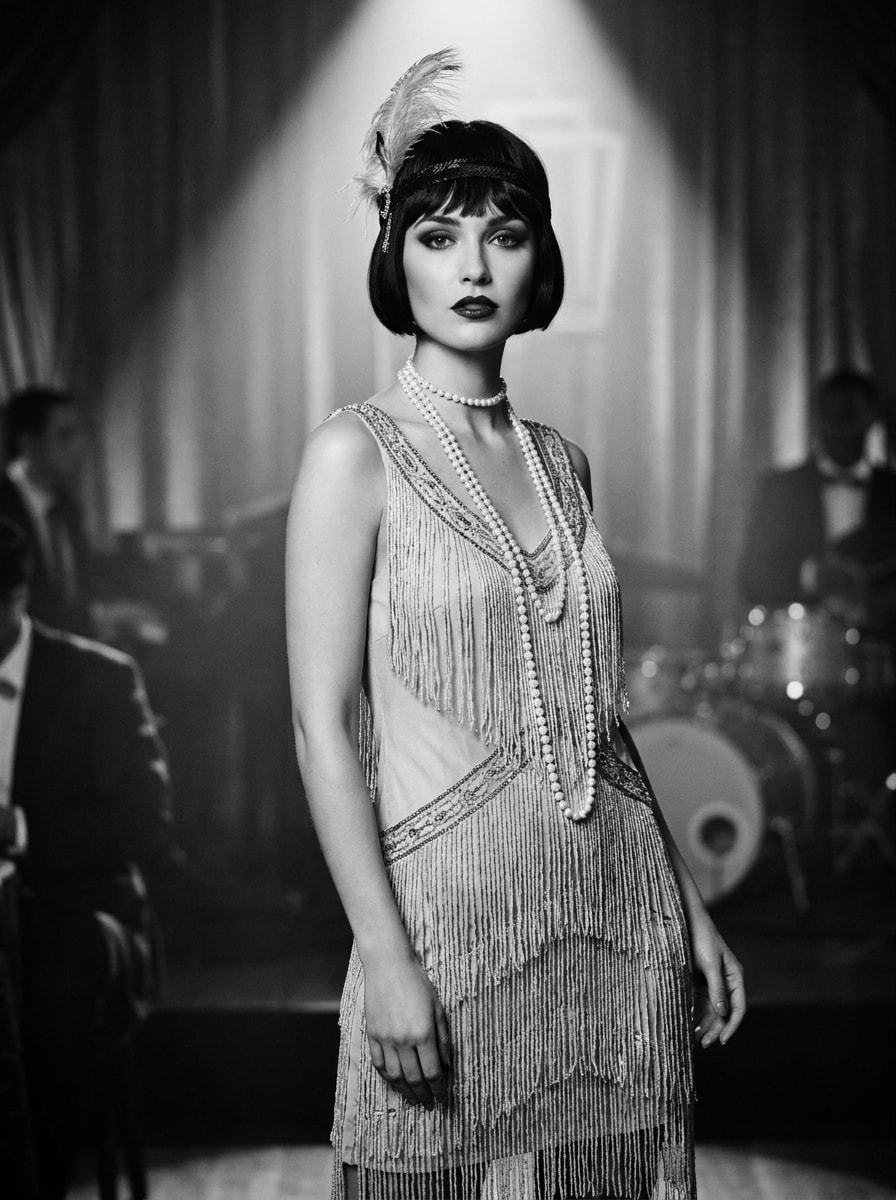
Mode Flapper
Utilisez le portrait téléchargé comme sujet et créez une transformation audacieuse inspirée par les flappers des années 1920. Ajoutez une robe à franges, un long collier de perles, un bandeau à plumes, une coupe au carré, un maquillage rétro, l’assurance du jazz, un éclairage doux, un visage net et une finition monochrome dramatique avec un grain délicat.
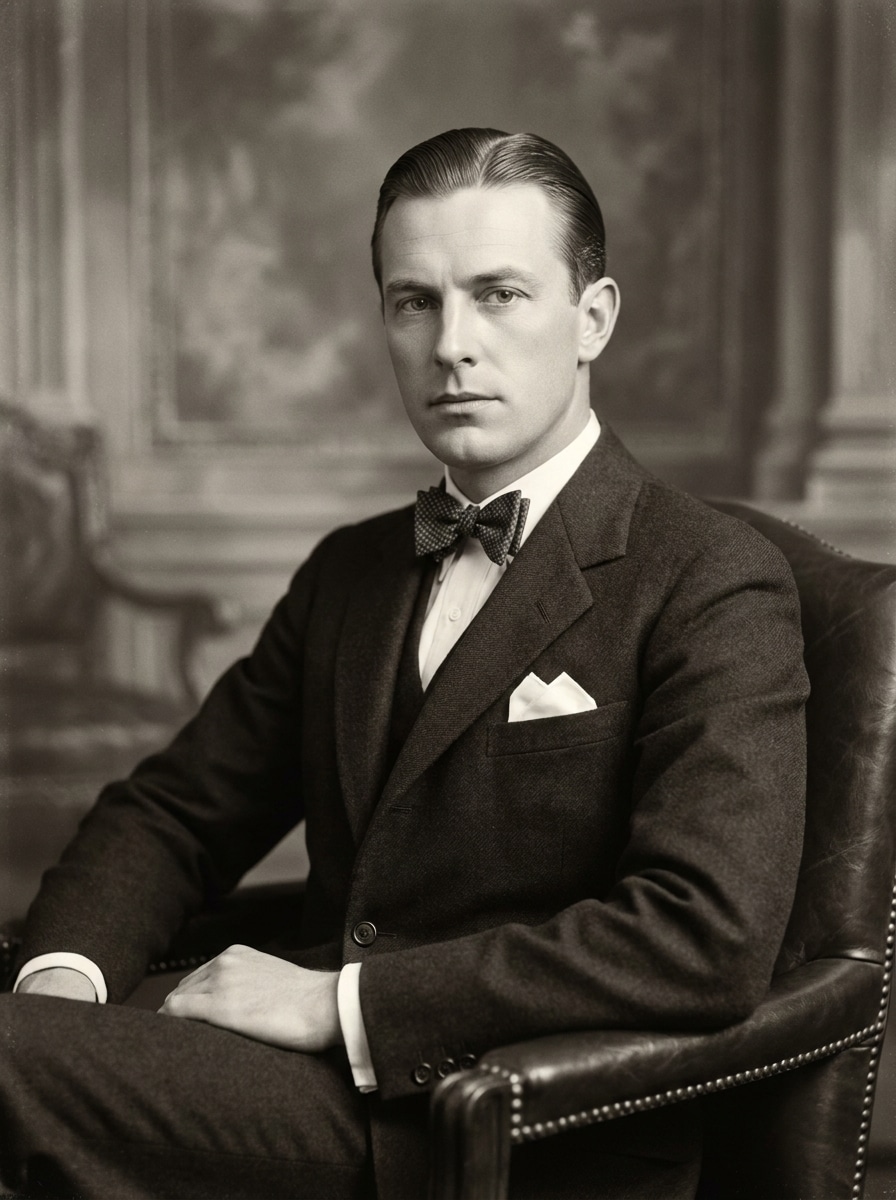
Gentleman Élégant
Utilisez l'image téléchargée comme sujet et transformez-la en portrait raffiné d’un gentleman des années 1920. Ajoutez un costume sur-mesure, un nœud papillon, une pochette, des cheveux lissés, un fond de studio vintage, des tons monochromes précis, une lumière douce, une texture d’impression subtile et une ambiance confiante et distinguée des Années Folles.
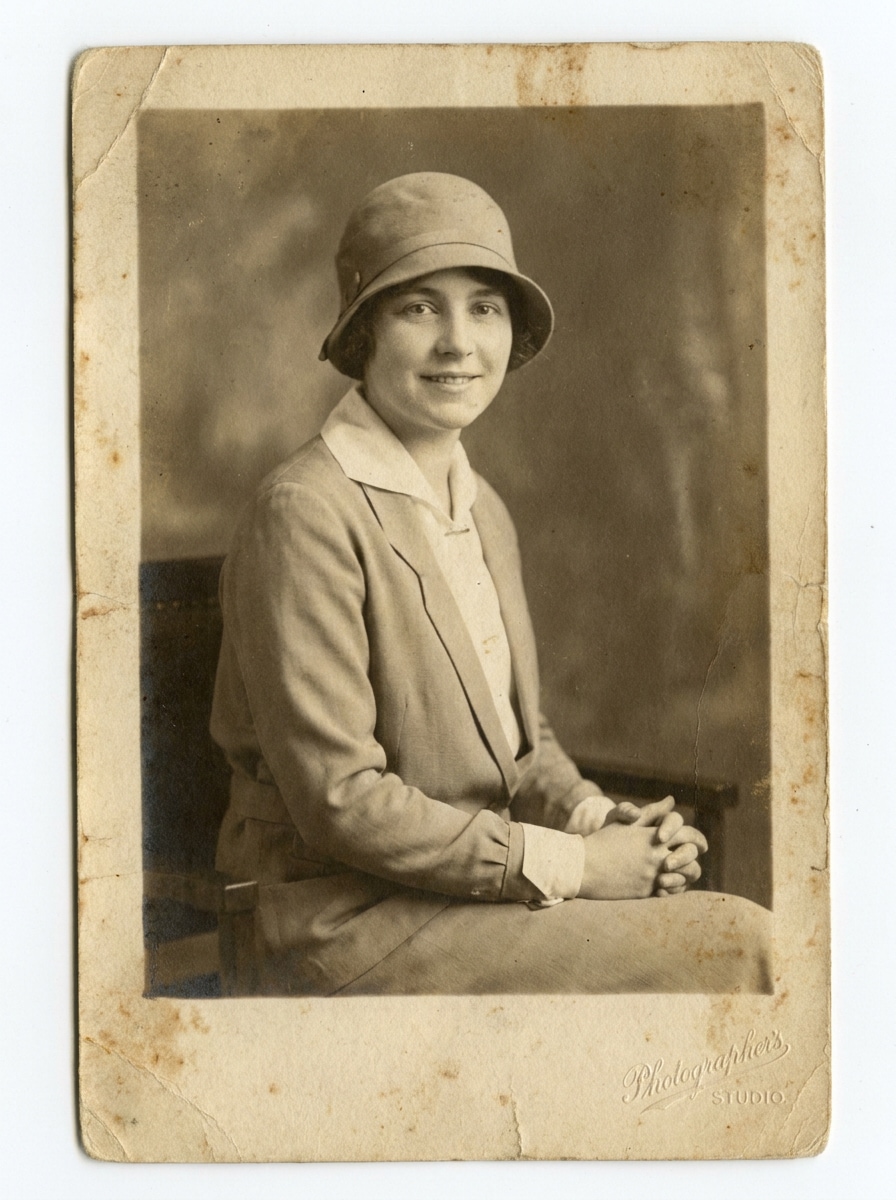
Héritage Sépia
Utilisez la photo téléchargée comme sujet pour obtenir un portrait familial authentique des années 1920. Appliquez des tons sépia doux, un effet vieilli, une texture papier ancien, des vêtements d’époque, une pose calme et une atmosphère intemporelle avec un vieillissement réaliste et un visage parfaitement conservé.
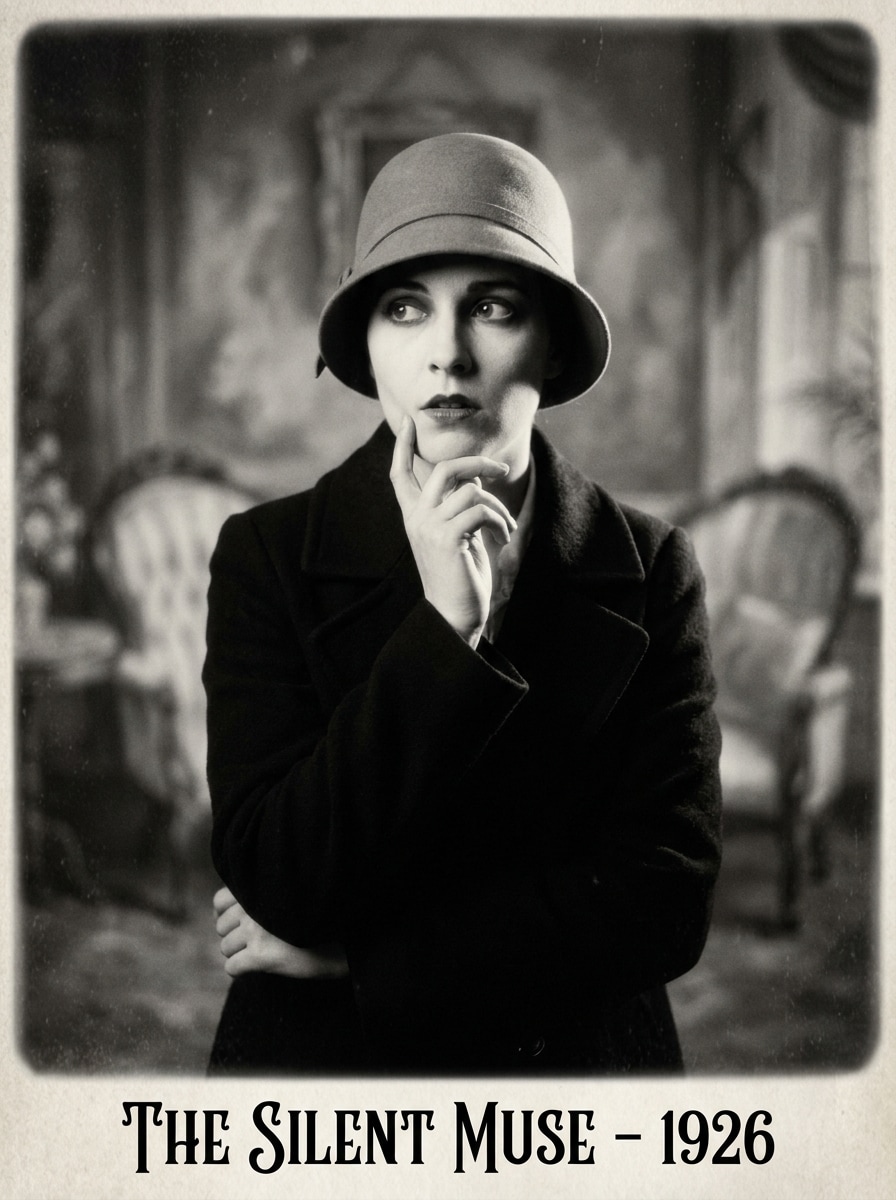
Monochrome Cinéma Muet
Utilisez l'image téléchargée comme sujet et transformez-la en portrait de l’ère du cinéma muet. Ajoutez un contraste monochrome dramatique, un flou doux à l’arrière-plan, une pose expressive, le caractère d’un objectif vintage, un léger vignettage, une lumière classique de studio, et une atmosphère de vieux cinéma à la fois théâtrale, émotive et iconique.
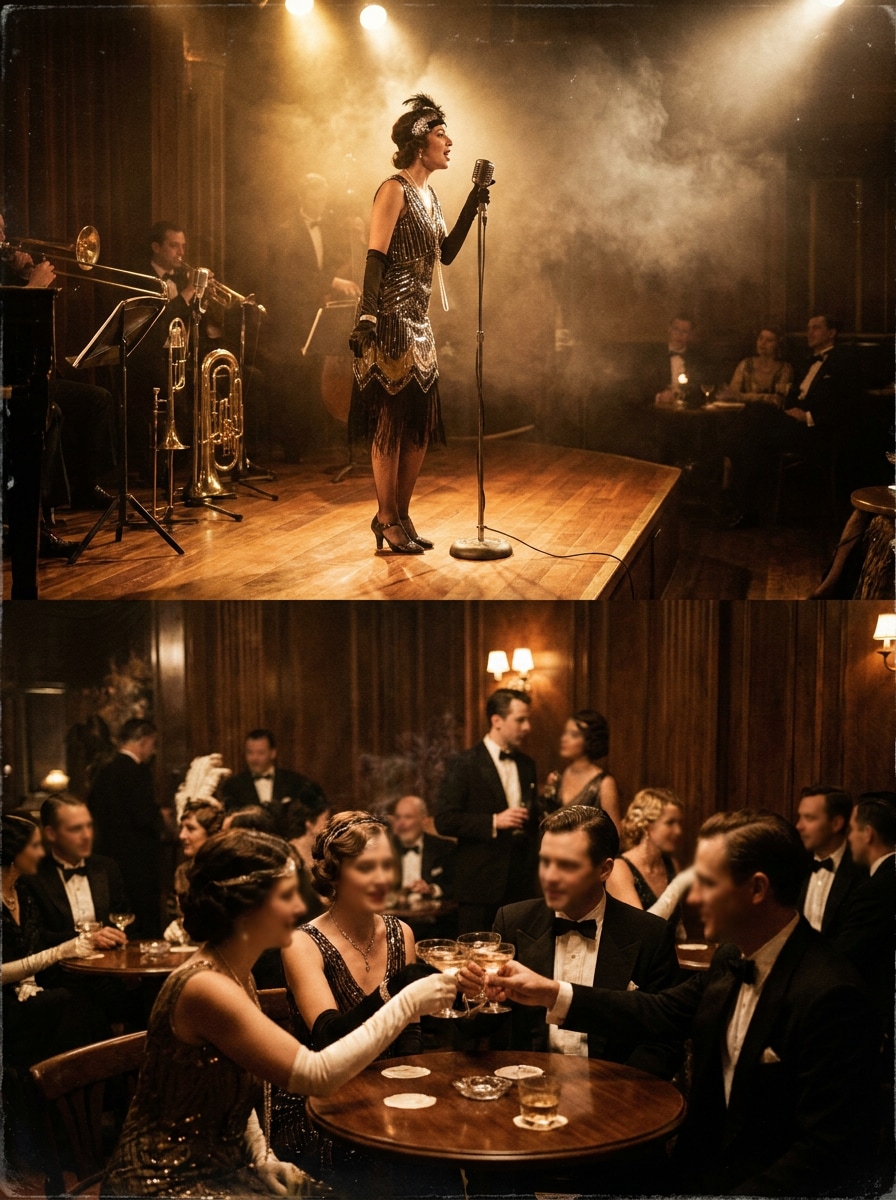
Nuit de Jazz Club
Utilisez le portrait téléchargé comme sujet et placez-le dans un club de jazz animé des années 1920. Ajoutez une ambiance lounge enfumée, des lumières de scène éclatantes, une tenue de soirée élégante, des éléments de foule flous, une colorimétrie vintage, et une ambiance glamour de la vie nocturne, résolument Jazz Age.
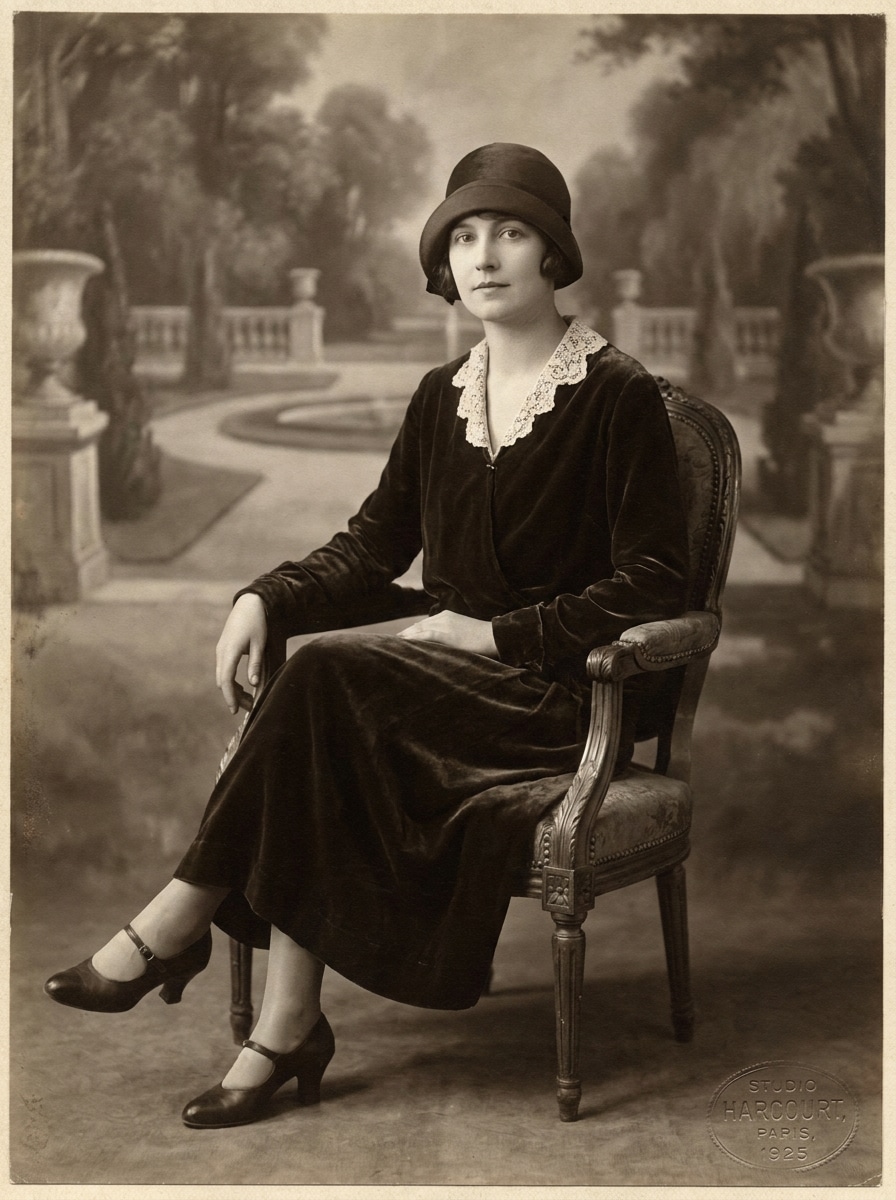
Séance Studio Vintage
Utilisez la photo téléchargée comme sujet et transformez-la en portrait formel de studio années 1920. Ajoutez un fond peint, une posture assise élégante, des vêtements inspirés de l’époque, une lumière directionnelle douce, une texture monochrome réaliste et une composition soignée avec une élégance discrète.
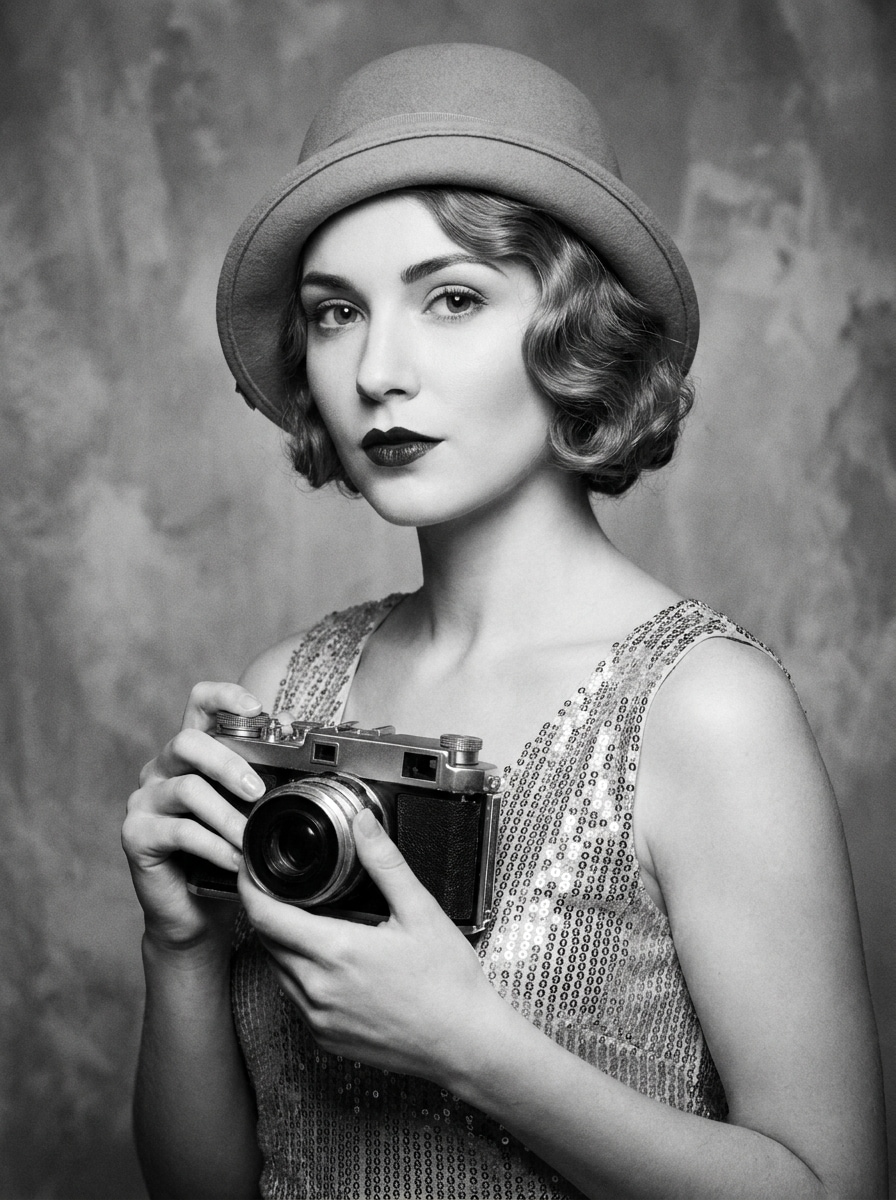
Selfie en Star des Années 1920
Utilisez le selfie téléchargé comme sujet et transformez-le en photo glamour de star de cinéma des années 1920. Ajoutez une coiffure élégante, un maquillage d’époque, une lumière de studio flatteuse noir et blanc, une peau raffinée, une texture de pellicule subtile et une ambiance hollywoodienne assurée et reconnaissable.
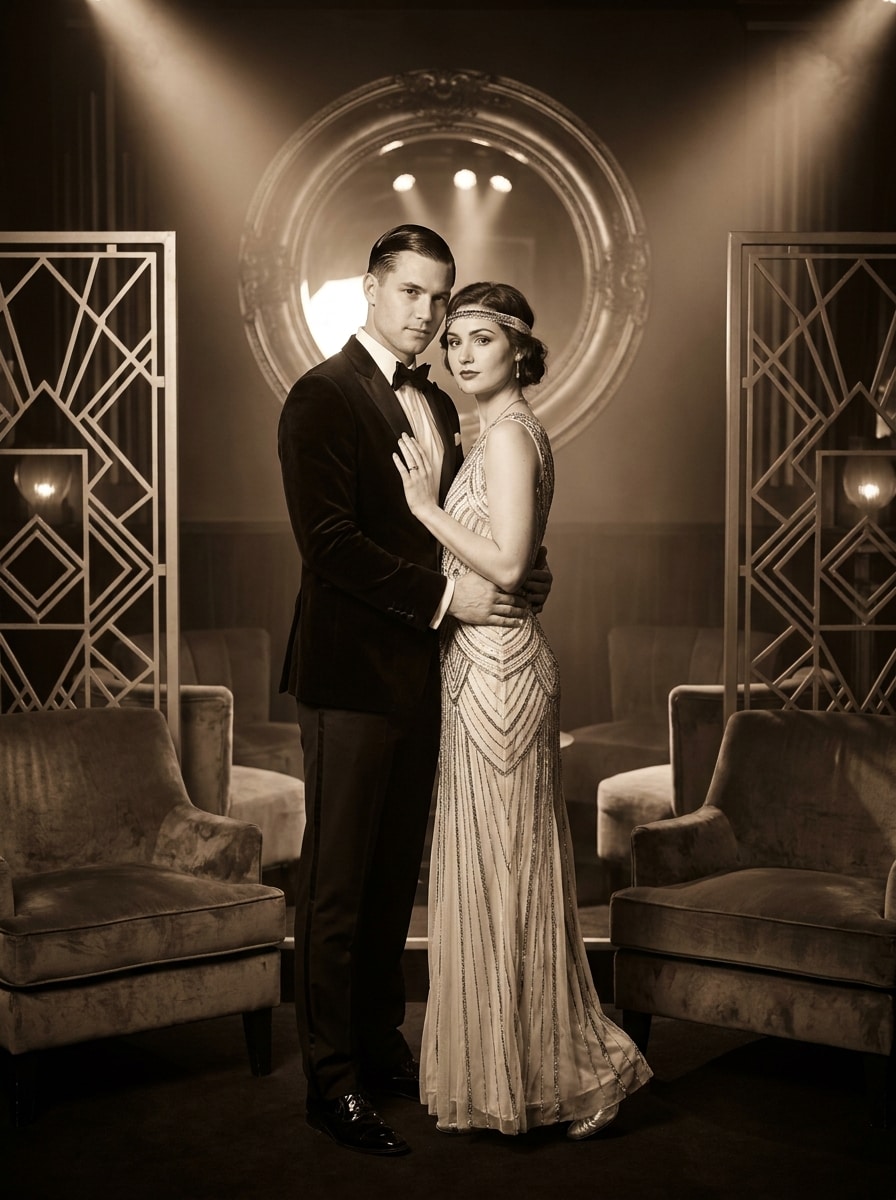
Transformation Gatsby de couple
Utilisez la photo de couple téléchargée comme sujets et faites-en un portrait romantique style Gatsby années 1920. Ajoutez des tenues coordonnées, un intérieur Art Déco, des textures luxueuses, un éclairage doux, un traitement monochrome ou sépia et une ambiance intemporelle, élégante, cinématographique et festive.
Pourquoi utiliser Media.io pour une transformation photo années 1920
Réglez avec précision l’effet Gatsby, Flapper ou Studio
Que vous désiriez un filtre photo style années 1920 ou une transformation flapper spectaculaire, Media.io vous aide à décrire la tenue, l’ambiance, la lumière et le décor afin d’obtenir un rendu spécifique à l’époque – et pas juste une teinte vintage générique comme beaucoup de filtres flapper.
Associer le bon style à chaque version
Lorsque le style fait partie de la décision, Media.io aide à comparer plusieurs pistes à partir de la même base visuelle du filtre 1920s, ce qui facilite des choix créatifs efficaces. Cela élargit les options créatives sans multiplier les retouches.
Gardez des visuels nets pour les vrais projets
Si votre image inspirée des années 1920 doit servir ailleurs que dans une miniature, Media.io permet d’exporter des visuels jusqu’en 4K, pour un résultat final fiable en maquettes, présentations ou partages professionnels.
Éditez rapidement sur n’importe quel navigateur
Si une inspiration visuelle année 1920 naît loin de votre setup habituel, Media.io vous permet de la créer et d’affiner dans le navigateur – vous passez facilement du mobile au bureau sans interruption.
Comment appliquer un filtre années 1920 à votre photo
Transformez vos mots en magnifiques visuels en trois étapes simples, puis continuez d’ajuster le résultat si vous souhaitez aller plus loin.
Étape 1
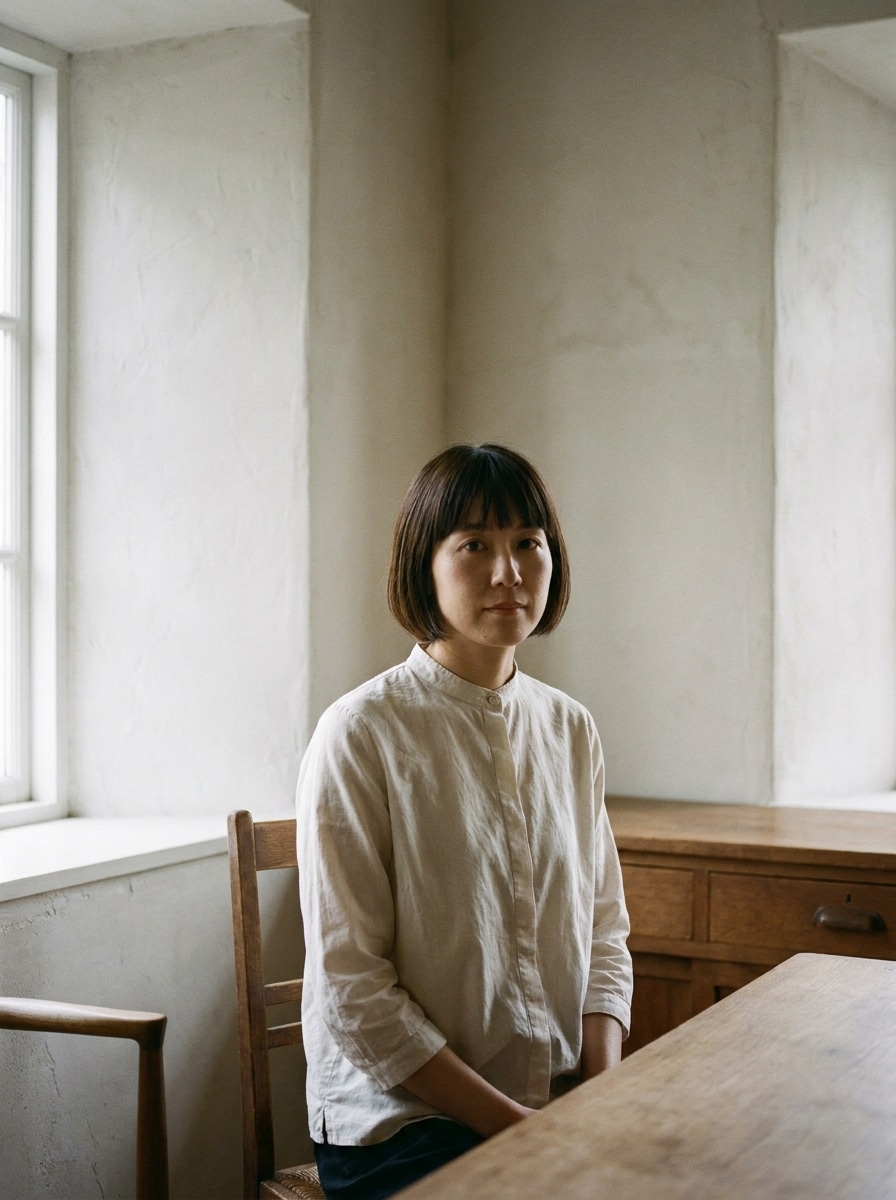
Téléchargez votre image de référence
Commencez avec un selfie, un portrait ou une photo de couple clair au format JPG, PNG ou JPEG. Les photos de face bien éclairées, avec un fond simple et des traits du visage nets, donnent généralement les transformations années 1920 les plus convaincantes.
Étape 2
Décrivez le style et réglez les options
Entrez l’effet souhaité, comme glamour Gatsby, portrait héritage sépia, club de jazz ou style cinéma muet noir et blanc. Puis choisissez le modèle, ajustez le format, la qualité, et le nombre de variantes à générer.
Étape 3
Générez, téléchargez et améliorez sans cesse
Créez vos versions années 1920, comparez les résultats et téléchargez votre favorite. Pour un effet d’époque plus marqué, affinez le prompt, essayez d’autres styles ou générez plus de variantes jusqu’à obtenir le portrait parfait.
Découvrez comment les créateurs utilisent ce filtre années 1920 en contenu, marketing ou projets personnels, et adaptez chaque idée à votre brief.
Créez des portraits Gatsby prêts pour la fête
Réalisez des visuels mémorables pour soirées à thème, invitations ou réseaux sociaux en réinventant vos photos modernes en personnages glamour de l’Ère du Jazz. C’est le moyen rapide d’obtenir des avant/après élégants et cinématographiques, loin d’un simple filtre vintage années 1920.
Revisitez les selfies façon flapper ou cinéma muet
Les créateurs de contenu transforment de simples portraits en images rétro spectaculaires grâce aux perles, lumières monochromes, texture sépia ou finition star de cinéma. Cette méthode marche parfaitement si vous voulez un visage reconnaissable, une forte identité d’époque, plus proche d’un filtre photo Gatsby qu’un simple effet vintage d’application.
Faites de vos photos de couple ou famille des souvenirs patrimoniaux
Avec la transformation par téléchargement, réalisez des portraits duo romantiques, des images de studio formelles ou des souvenirs de famille nostalgiques, prêts à imprimer et partager. Un portrait années 1920 bien conçu donnera un rendu d’archive intemporel à vos photos modernes sans retouches compliquées.
Avis sur le Filtre Années 1920 par les utilisateurs
Ava M.
Créatrice lifestyle
« Parfait pour du contenu rétro sur les réseaux » J’ai téléchargé un selfie classique et obtenu un portrait raffiné style Jazz Age en quelques minutes. Le visage restait le mien, mais le stylisme, la lumière et l’ambiance Art Déco donnaient vraiment l’impression d’une image éditoriale années 1920.
Jordan T.
Organisateur d’événements
« Idéal pour des invitations façon Gatsby » Nous l’avons utilisé pour transformer les photos d’invités en visuels élégants et sur-mesure pour la campagne de la soirée. Le rendu était bien plus précis qu’un filtre vintage classique, surtout grâce aux tenues chics et aux options sépia.
Nina R.
Photographe portraitiste
« Outil de référence de style utile » J’ai testé plusieurs types de portrait avec prompts flapper, studio et cinéma muet. Il est rapide d’expérimenter, et chaque ambiance m’a servi de référence forte pour mes retouches client ou séances créatives.
Marcus L.
Community Manager
« Facile depuis le téléphone et l’ordinateur » J’ai apprécié de pouvoir télécharger la photo, ajuster le prompt et régénérer directement dans le navigateur sans rien installer. Les tests de campagnes sont devenus très simples, et les résultats étaient suffisamment nets pour partager instantanément.
Découvrez Les Effets Vidéo et d'Image IA Les Plus Populaires
An Filtre IA années 1920 est un effet image-à-image qui transforme votre photo téléchargée en portrait typique des Années Folles. Plutôt que d’ajouter seulement une surcouche vintage, Media.io utilise votre image de référence et vos instructions pour redéfinir tenue, ambiance, lumière et décor, donnant un résultat réellement fidèle à l’époque.
2. Quelle différence entre un filtre IA années 1920 et un filtre vintage classique ?
Un filtre vintage classique modifie généralement la couleur, le contraste ou le grain sur toute l’image. Le filtre IA 1920 va plus loin en utilisant votre portrait en référence et en reconstituant des détails comme la mode flapper, les intérieurs Art Déco, une ambiance studio sépia ou l’atmosphère noir et blanc du cinéma muet.
3. Puis-je utiliser ce filtre IA années 1920 gratuitement ?
Les utilisateurs gratuits peuvent essayer Media.io avec des crédits gratuits. Pour plus de générations ou télécharger sans filigrane en haute résolution, consultez la page des tarifs pour les formules payantes.
4. Quels types de photos fonctionnent le mieux pour une transformation portrait années 1920 ?
Les selfies nets, portraits de face et photos de couple donnent les meilleurs résultats. Pour une transformation optimale, importe une photo où le visage est bien visible, la lumière équilibrée et le fond minimal, afin que Media.io conserve l’identité tout en stylisant l’image façon vintage avec précision.
5. Puis-je transformer un selfie en image style Gatsby ou flapper ?
Media.io propose l’édition de portrait basée sur référence, vous pouvez donc télécharger un selfie et demander un style mondain, flapper, club de jazz ou studio. Media.io est donc le choix pratique pour une transformation vraiment glamour, au lieu d’un simple filtre couleur – et son éditeur web fonctionne sur tous les appareils récents.
6. L’image générée sera-t-elle en assez haute résolution pour téléchargement ou partage ?
Media.io propose des options en 1K, 2K ou 4K, pour un partage social, des invitations ou une utilisation graphique plus large. Les utilisateurs gratuits peuvent avoir un filigrane.