



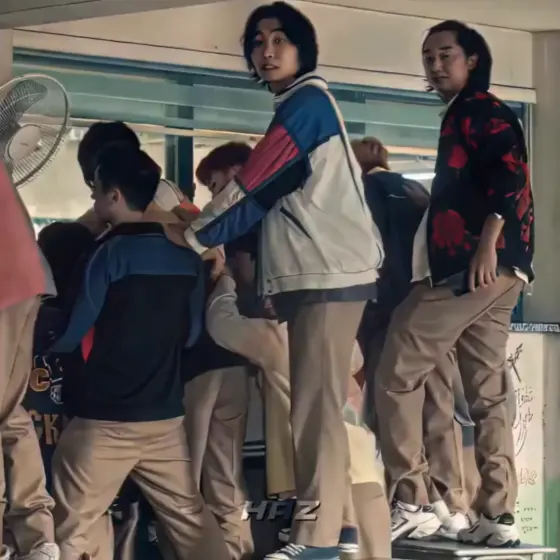

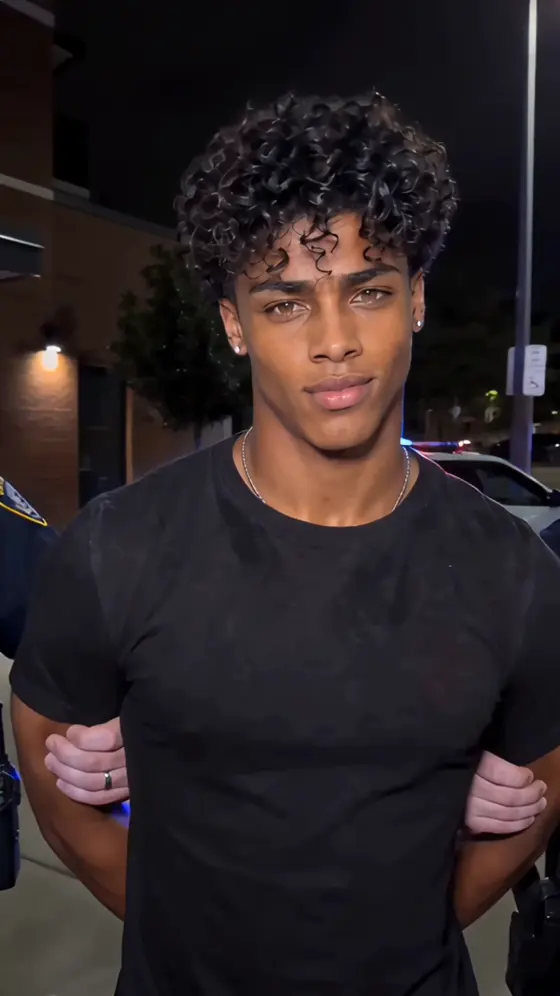

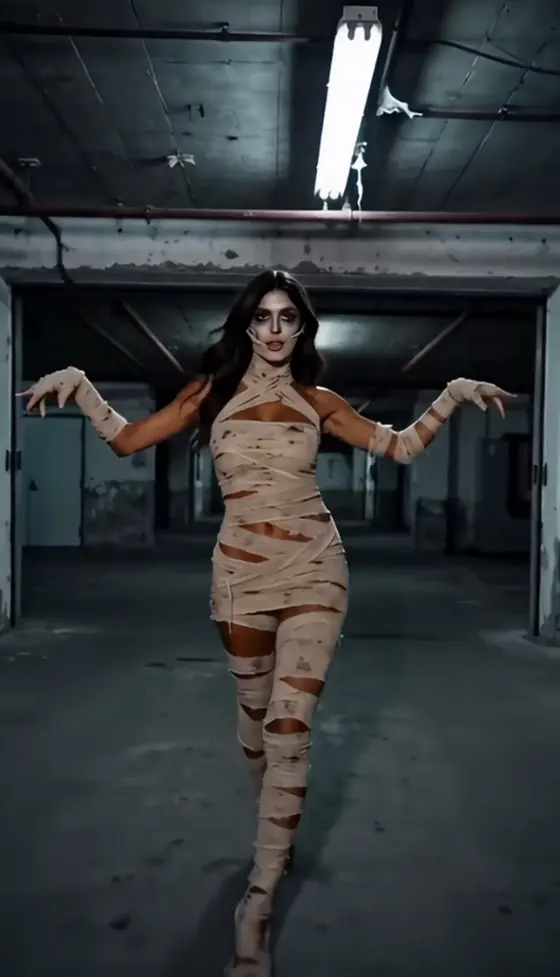


























Hub de Prompts Photo IA | Plus de 100 prompts d'images IA tendance et idées de photos virales

Découvrez les derniers prompts photo IA pour ChatGPT, Gemini, Midjourney, Flux et bien plus. Explorez plus de 100 prompts d'images IA tendances, des idées de photos virales pour Instagram et TikTok, des portraits cinématographiques, des montages de couples, des styles fantastiques, de l'anime, des effets saisonniers et des modèles de prompts prêts à l'emploi - tout en un seul endroit.

Preset Editor AI Online: Create Custom Photo Presets Free

Create polished, consistent photo styles in seconds with Media.io Preset Editor AI. Upload an image, describe the look you want, and let AI adjust color, light, contrast, and mood online—ideal for social posts, portraits, products, travel photos, and branded content.

Try Preset Editor AI Free

Free credits on signup.

Why Choose Media.io Preset Editor AI

Create Custom Presets Without Editing Skills

Describe a look such as warm cinematic, soft vintage, bright ecommerce, or moody editorial. The AI preset editor automatically balances exposure, contrast, highlights, shadows, saturation, temperature, and overall tone for you.

Preset Editor Online in Any Browser

Open the preset editor online on Windows, Mac, Android, iPhone, or tablet. There is no software installation, complicated setup, or need to download preset packs from unknown sources.

CapCut-Inspired Looks, Your Own Way

Recreate popular aesthetics often associated with preset editor CapCut workflows by describing the color palette, lighting, texture, and mood you prefer. Media.io produces a custom result while keeping your original photo visually distinct.

Consistent Visual Style Across Projects

Apply a repeatable visual direction to portraits, product images, thumbnails, campaigns, and social content. This helps creators and brands keep a recognizable look without manually rebuilding edits for every image.

How to Use Preset Editor AI Online

01

Step 1: Upload Your Photo

Upload a portrait, landscape, product photo, travel image, or social visual to the Media.io preset editor online. Use a clear, well-lit image for the most natural color and lighting adjustments.

02

Step 2: Describe or Select a Style

Choose a preset direction or enter a prompt such as “warm cinematic sunset,” “soft vintage film,” “clean luxury product photo,” or “high-contrast editorial portrait.” Add color, lighting, and mood details for greater control.

03

Step 3: Generate, Refine, and Download

Generate the styled image, compare the result with your original, and refine the prompt if needed. Once the preset look feels right, download the edited photo and use the same direction for future images.

Popular Preset Editor AI Use Cases

Use Preset Editor AI to build a consistent aesthetic for social media, improve product presentation, or give portraits and travel photos a distinctive finish. Each look can be adjusted by changing the color palette, lighting, contrast, texture, and mood.

Social Media and Creator Presets

Create cohesive Instagram posts, TikTok covers, Pinterest images, YouTube thumbnails, and creator portfolios. Use trendy preset styles while maintaining a recognizable visual identity across every channel.

Product and Ecommerce Photo Presets

Give product photos cleaner lighting, balanced color, stronger contrast, and a more premium finish. Presets help stores keep listings, ads, and campaign visuals consistent across multiple products.

Portrait, Travel, and Lifestyle Presets

Transform selfies, portraits, vacation photos, food images, and lifestyle shots into cinematic, vintage, airy, dramatic, or editorial visuals without manually adjusting every editing slider.

Users Build Better Photo Styles with Media.io

user
Emma Carter

Travel Photographer

starstarstarstarstar

“Beautiful Travel Presets.” I used the preset editor online to give an entire trip album the same warm, cinematic look. The colors stayed natural, and I did not have to edit each image from scratch.

user
Lucas Brown

Content Creator

starstarstarstarstar

“Perfect Feed Consistency.” My social posts finally look like they belong together. I describe the mood once, then use the same preset direction across portraits, thumbnails, and promotional images.

user
Sophia Lee

Ecommerce Store Owner

starstarstarstarstar

“Faster Product Styling.” The AI preset editor helps me brighten product photos and keep every listing visually consistent. It saves time when I need to prepare a large batch of images.

FAQs About Preset Editor AI Online

1. What is Preset Editor AI?

Preset Editor AI is an image editing tool that creates or applies a customized visual style with artificial intelligence. Instead of adjusting exposure, contrast, highlights, shadows, saturation, temperature, and tone one by one, you can describe the result you want and let AI build the look automatically.

Media.io provides free signup credits for supported AI tools, allowing you to test the preset editor online and preview styled results. Available credits, export quality, processing speed, watermark rules, and premium model access may vary by account or plan.

Media.io supports a similar goal: creating attractive, reusable visual styles for photos. The difference is that you can describe the look in natural language and generate it online without manually building a CapCut preset or installing a desktop editing app.

Clear, well-lit photos usually produce the most natural results. You can use portraits, selfies, landscapes, product images, food photos, travel pictures, fashion content, social visuals, and AI-generated artwork. For consistency, start with images that have similar lighting and composition.

The term cap card can refer to visual editing resources, card-style graphics, or preset-related assets shared in creator communities. Media.io does not provide downloadable cap card packs, but you can recreate a similar color, lighting, texture, or mood by describing the desired style in the AI preset editor.

Media.io Online AI Tools Quality Rating:
vote 4.7 (162,357 Votes)




