Cliquez ou faites glisser pour télécharger, ou choisissez parmi Mon HistoriqueCliquez pour téléchargerMon Historique
Pas d'idées ? Générer une image d'abord. >
Importez des images jpg, jpeg, png jusqu'à 50 Mo, avec une largeur/hauteur minimale de 300 px.
Picture Yourself with Hair That Reaches Your Waist
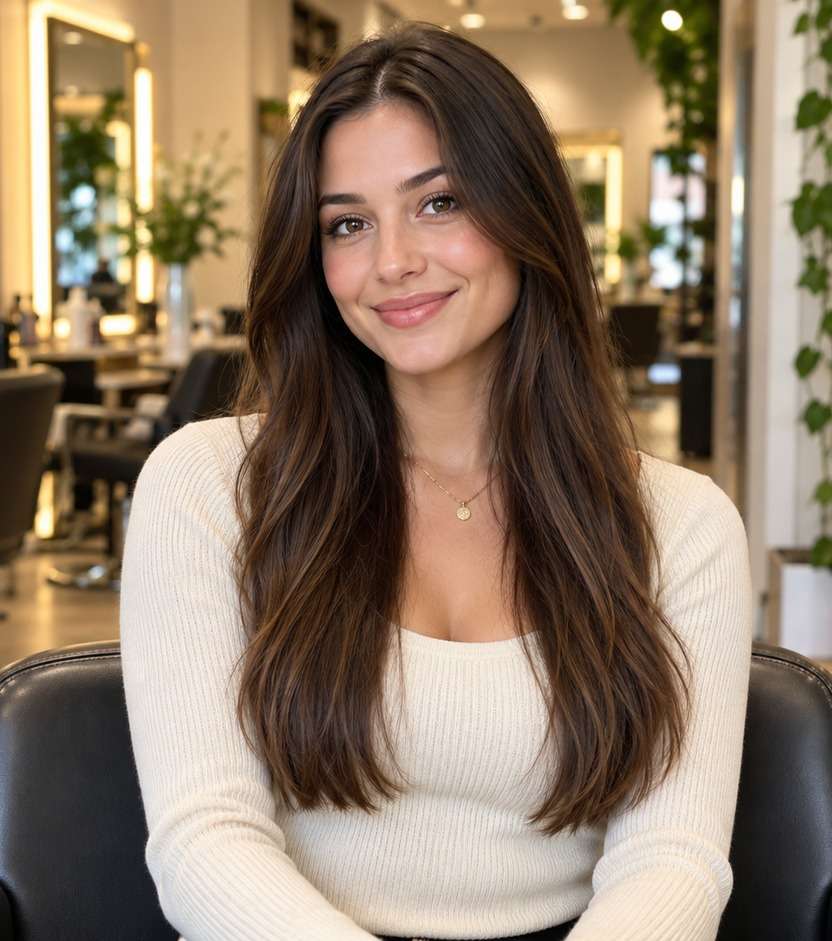
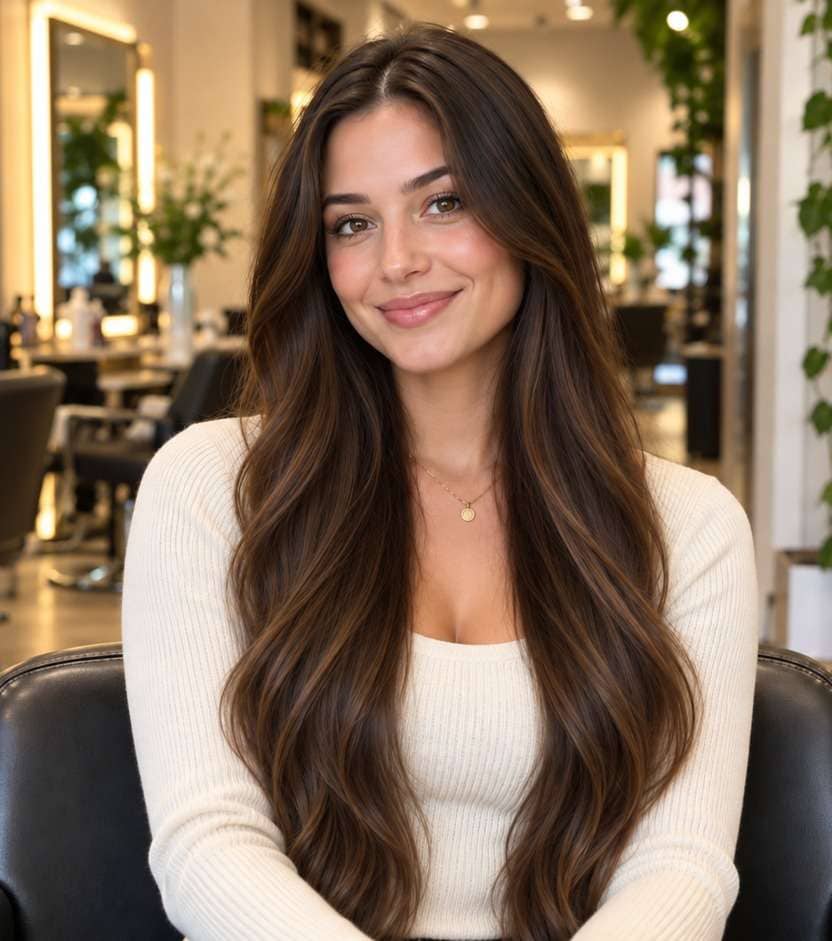
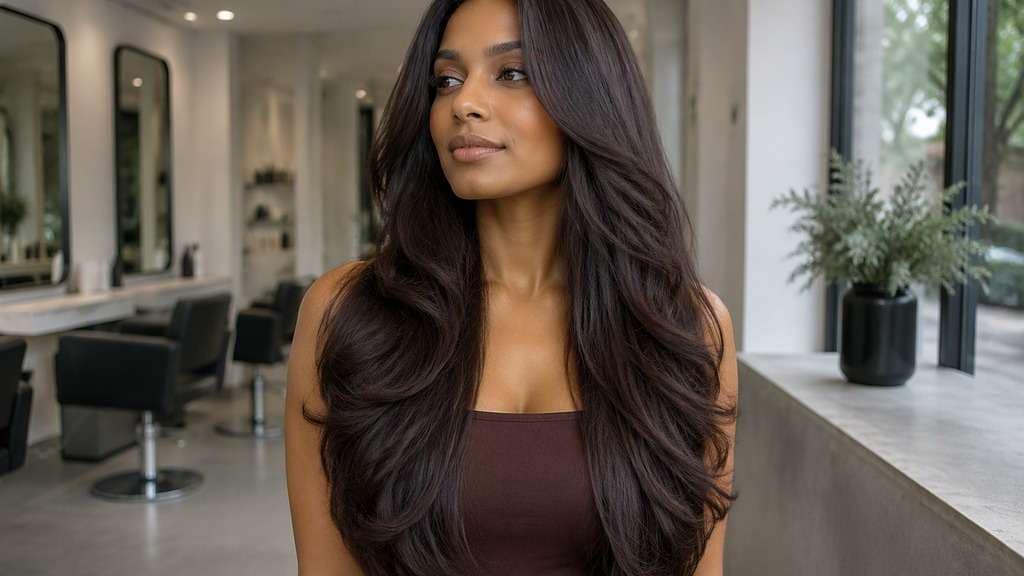
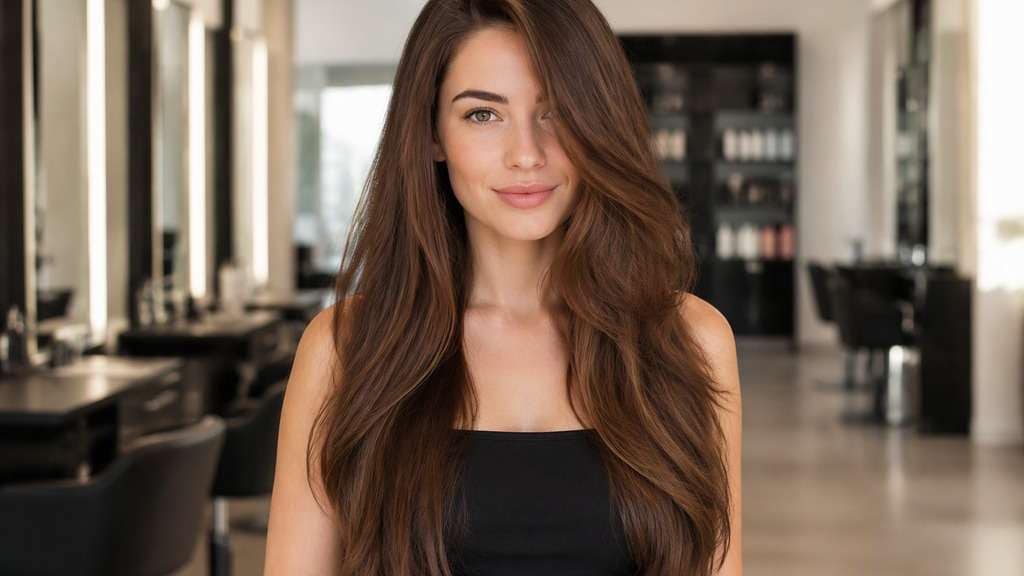
Extra-long hair changes a full-body silhouette, not just the area around your face. With a waist length hair filter, you can visualize where the ends would fall against a top or dress, test a straight finish versus soft waves, and decide whether the look suits your style before growing it out or considering extensions.
Use a torso-visible photo that reaches your waist.
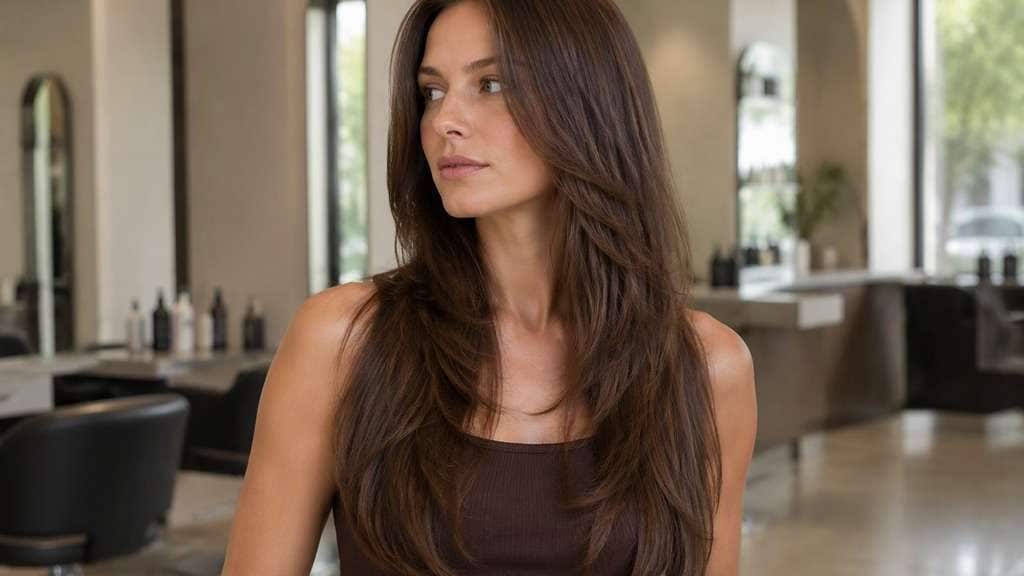
For believable long-hair previews, keep the lower torso in frame. These looks explore how density, layers, curl pattern and parting affect the visible length, not merely how much hair covers the screen.
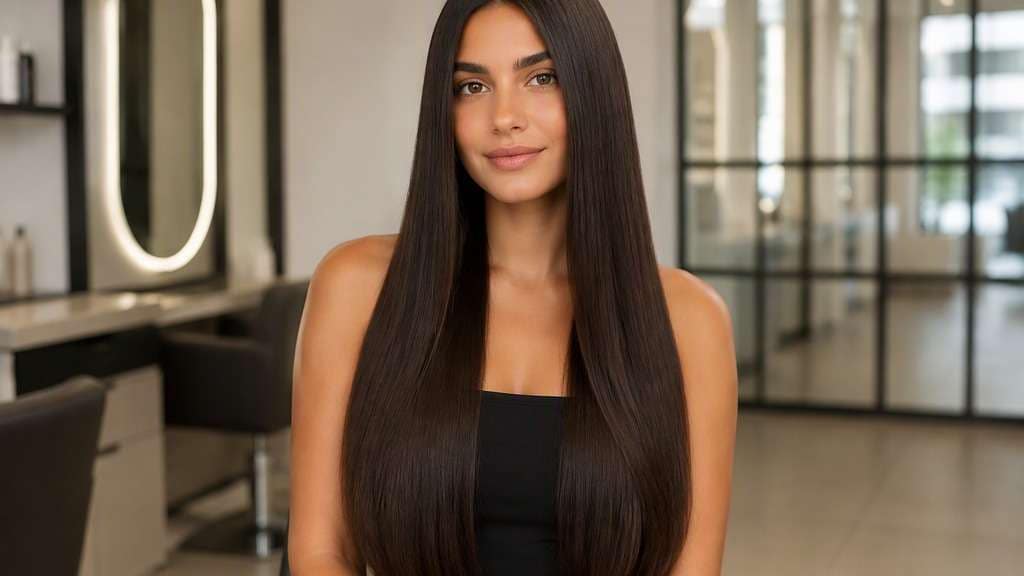
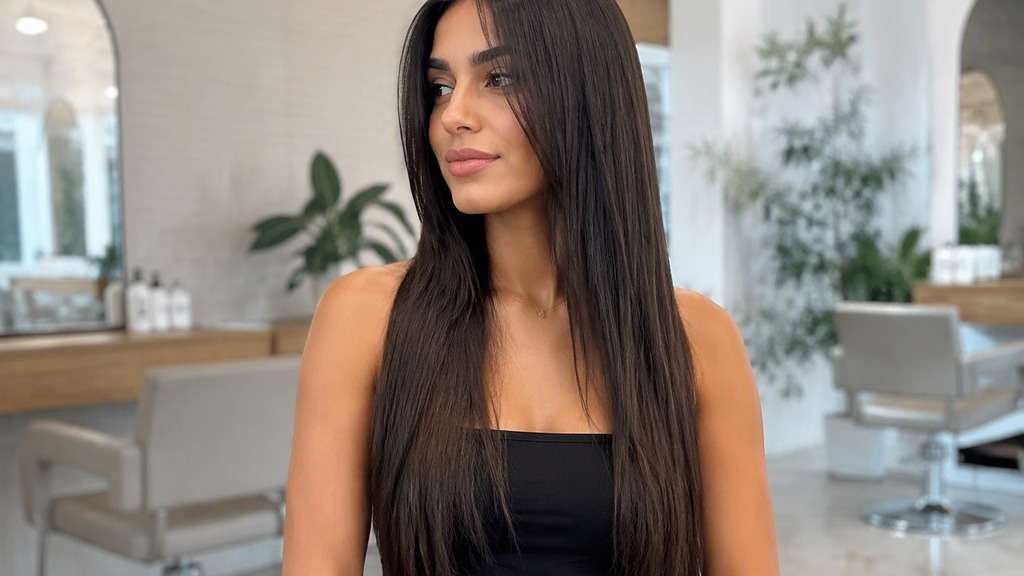
Straight Waist-Length Hair
In my uploaded portrait, change only the hair to this specific cut: Natural straight tresses extending to waistline with soft tapering and a clear center part. Preserve the recognizable facial features, expression, skin tone, existing hair color, clothing, camera perspective and background of the uploaded photo. Avoid an airbrushed wig look; show believable roots, natural strand separation and enough of the neckline to judge length. Do not crop the extended ends at the shoulders or invent unnaturally thick extensions.
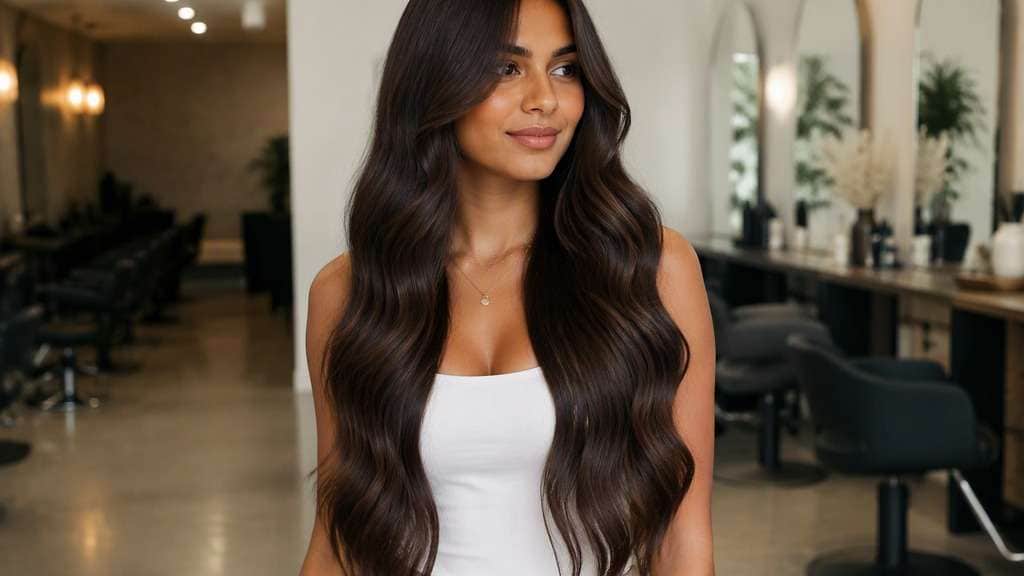
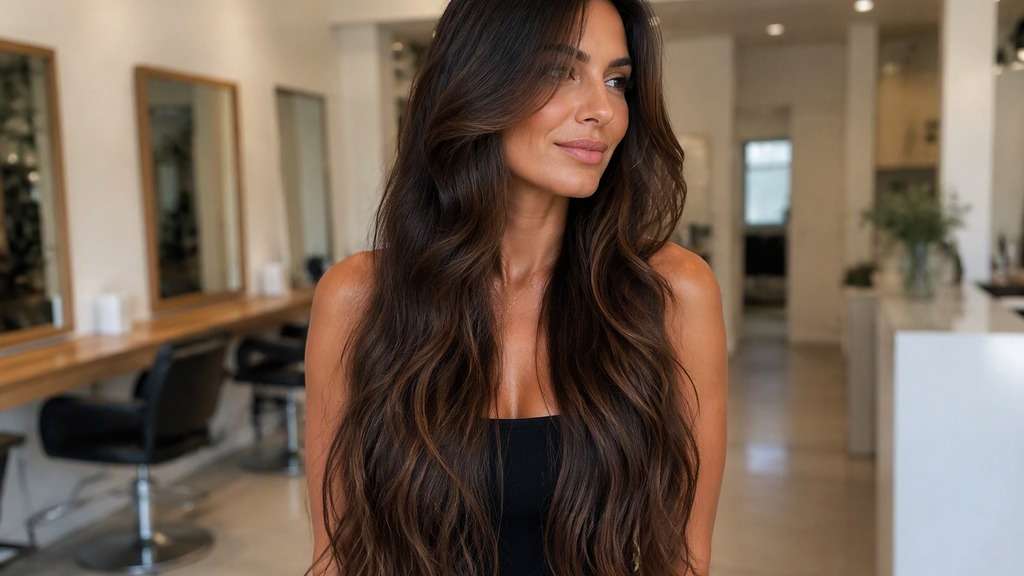
Soft Mermaid Waves
Use the person in my reference image and preview this haircut: Long flowing broad waves reaching waist while keeping each section separated and believable. Use the uploaded photo as the reference; keep the original facial features, hair shade, skin tone, outfit, posture and room lighting recognizable. Keep the result photorealistic and cut-specific, with natural flyaways and a hairline that blends with the original photo. Do not crop the extended ends at the shoulders or invent unnaturally thick extensions.
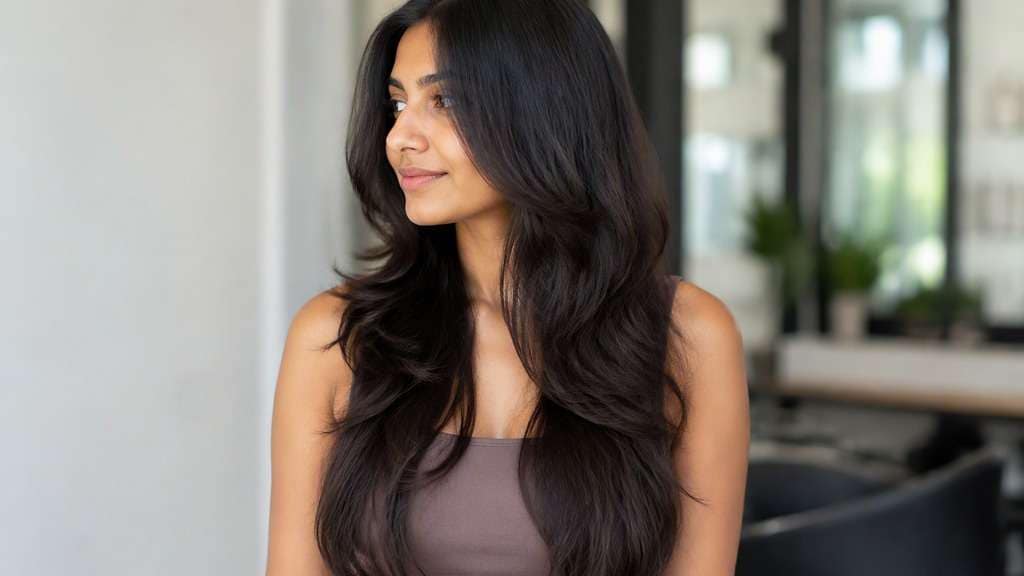
Waist-Length Layers
Edit my original photo to show the following hairstyle, without replacing the person: Long gradual layers beginning below chest with the longest pieces touching waist. Edit the hairstyle only on my supplied portrait. Keep my identity cues, face proportions, expression, clothes, original hair color and setting consistent. Show the actual perimeter clearly against the jaw, neck or shoulders, without exaggerated artificial density or altered facial geometry. Do not crop the extended ends at the shoulders or invent unnaturally thick extensions.
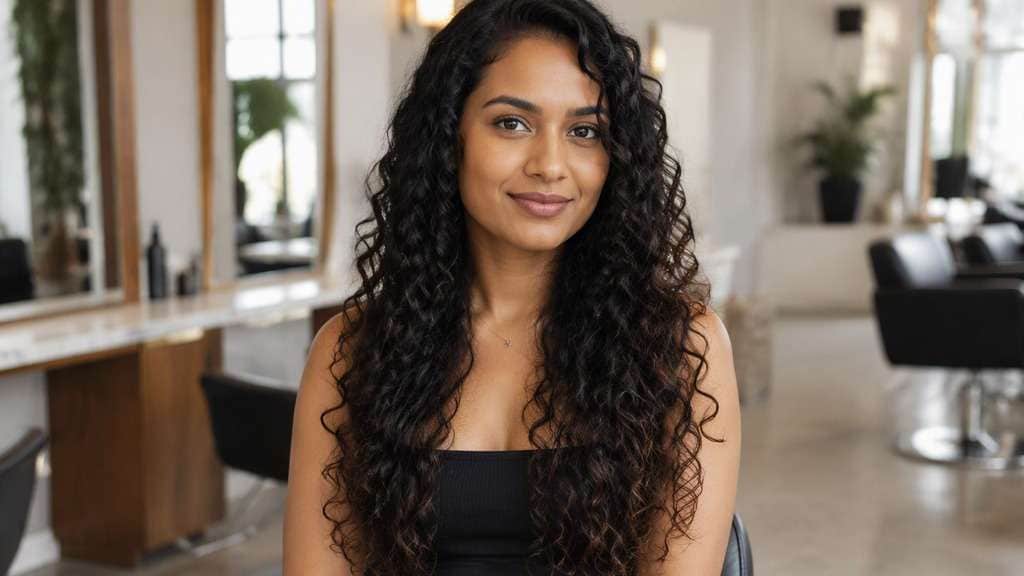
Waist-Length Curly Hair
Keep the source portrait as the base and create this precise hairstyle: Defined curls with apparent dry ends near waist, balanced volume and realistic spring-up. Start from my own image and retain the same person, original face, makeup, attire, lighting, camera angle and background where possible. Leave the original camera framing in place, show believable hair strands and avoid changing makeup, outfit or facial structure. Do not crop the extended ends at the shoulders or invent unnaturally thick extensions.
Long Hair with Curtain Bangs
Using my uploaded selfie, show what I would look like with: Waist-level length paired with face-framing curtains at cheekbones. Work from my provided selfie without altering the person, their skin tone, expression, shirt, setting or source lighting. Maintain the visual balance of the original portrait; avoid harsh compositing edges, extra hairpieces and unnaturally uniform strands. Do not crop the extended ends at the shoulders or invent unnaturally thick extensions.
Sleek Low-Density Long Hair
In my uploaded portrait, change only the hair to this specific cut: Fine straight hair reaching waist with a modest believable density and narrow ends. Preserve the recognizable facial features, expression, skin tone, existing hair color, clothing, camera perspective and background of the uploaded photo. Avoid an airbrushed wig look; show believable roots, natural strand separation and enough of the neckline to judge length. Do not crop the extended ends at the shoulders or invent unnaturally thick extensions.
Thick Long Hair with U-Shaped Ends
Use the person in my reference image and preview this haircut: Natural dense hair finishing at waist in a soft U-shaped perimeter, no artificial hair sheet. Use the uploaded photo as the reference; keep the original facial features, hair shade, skin tone, outfit, posture and room lighting recognizable. Keep the result photorealistic and cut-specific, with natural flyaways and a hairline that blends with the original photo. Do not crop the extended ends at the shoulders or invent unnaturally thick extensions.
Side-Parted Waist-Length Hair
Edit my original photo to show the following hairstyle, without replacing the person: Natural side part and smooth sweep with full waist-reaching length. Edit the hairstyle only on my supplied portrait. Keep my identity cues, face proportions, expression, clothes, original hair color and setting consistent. Show the actual perimeter clearly against the jaw, neck or shoulders, without exaggerated artificial density or altered facial geometry. Do not crop the extended ends at the shoulders or invent unnaturally thick extensions.
Waist-Length Hair with Face-Framing Layers
Keep the source portrait as the base and create this precise hairstyle: Shorter front pieces beginning at collarbone while back stays waist length. Start from my own image and retain the same person, original face, makeup, attire, lighting, camera angle and background where possible. Leave the original camera framing in place, show believable hair strands and avoid changing makeup, outfit or facial structure. Do not crop the extended ends at the shoulders or invent unnaturally thick extensions.
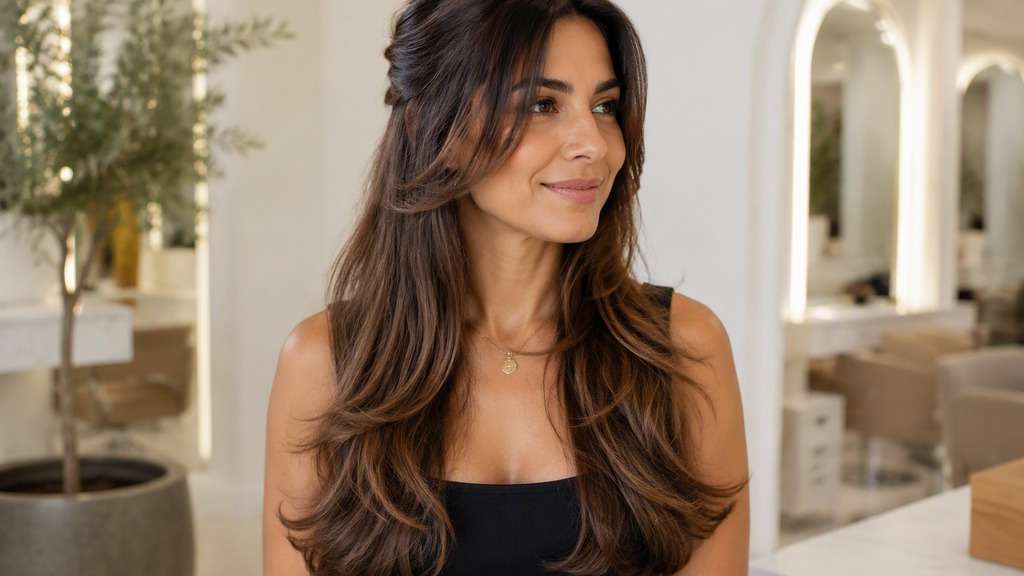
Half-Up Waist-Length Style
Using my uploaded selfie, show what I would look like with: Long natural waist-level hair with upper side sections loosely pinned back and ends visible. Work from my provided selfie without altering the person, their skin tone, expression, shirt, setting or source lighting. Maintain the visual balance of the original portrait; avoid harsh compositing edges, extra hairpieces and unnaturally uniform strands. Do not crop the extended ends at the shoulders or invent unnaturally thick extensions.
Look Beyond the Extra Inches
See Where the Ends Fall on Your Body
Waist length means something different on every person. A waist length hair photo editor works best with a torso-visible portrait so the hair can finish near your natural waist rather than floating below the crop.
Avoid the Unrealistic Hair-Curtain Effect
Very long hair still separates into strands and responds to gravity. Compare tapered ends and natural density instead of requesting an impossibly thick sheet of hair.
Decide Whether Layers Are Worth It
Long face-framing layers add movement, but short top layers can make the silhouette feel unlike a classic waist-length style. Judge the front and back separately.
Test Texture Before Growing or Extending
An extra long hair filter can show straight, wavy and curly directions, although natural curl shrinkage and extension matching require real-life assessment.
How to Use the Waist Length Hair Filter on Your Photo
For a useful body landmark vs cropped selfie preview, start with a well-lit reference image and change one hairstyle detail at a time.
Step 1
Upload Your Photo
Upload a clear photo showing your face and hairline. Use a torso-visible photo that reaches your waist. Natural lighting helps the new haircut align with the source photo.
Step 2
Choose a Haircut Filter or Enter a Prompt
Choose a haircut preset if available, or write a custom prompt such as "straight flowing hair reaching the natural waistline on a torso-visible photo". Include the intended hair length, fringe and texture, and ask to keep the face and outfit.
Step 3
Click Generate
Click Generate to create your hairstyle preview. Compare the result with your original portrait, then refine one detail at a time. Download the image you want to keep as a style reference.
The payoff is often knowing which kind of long hair you mean before investing time or money.
Planning a Grow-Out Goal
Use a waist-level reference to communicate your target length, then remember that hair growth rate and breakage vary from person to person.
Thinking About Extensions
A visual test can help you choose density and placement style. It does not tell you which attachment method, hair weight or color match is appropriate.
Planning a Long-Hair Look for an Event
See how straight lengths, soft waves or braids might sit against the neckline of an outfit before deciding how to style it.
What Media.io Users Say About Bob Hairstyle Previews
Alyssa M.
Salon Client
"Much more useful than a social filter" I wanted to know if a bob would actually suit my face, not just get a funny effect. Media.io gave me previews that looked polished and realistic enough to show my stylist.
Jenna R.
Beauty Content Creator
"Easy to compare several bob styles" I tested blunt, wavy, and curtain-bang versions from one selfie. The ability to generate multiple looks made this feel more like a real makeover tool than a random app filter.
Priya S.
Frequent Mobile User
"Worked well on my phone" I used it in my mobile browser without downloading anything. The results were quick, and the hairstyle blending looked surprisingly natural around my jawline and forehead.
Monica T.
Hair Stylist Assistant
"Helpful for consultation prep" Clients often ask to try a bob hairstyle before cutting. This made it easier to show different lengths and bangs visually, which helped narrow down the best direction faster.
Describe ends resting near the natural waistline and upload a photo that includes the upper body to that point. A face-only selfie cannot show the full intended length.
2. Can I preview waist-length hair if my current hair is short?
Yes. Describe the desired long hairstyle while retaining your actual facial features, parting preference, skin tone, pose and background.
3. Why does very long AI hair sometimes look unnatural?
Image models can add too much density or lose track of hair behind the shoulders. Ask for believable tapering, separate strands and visible ends against the clothing.
4. Can the tool predict how many years it will take to grow?
No. It is a visual mockup, not a hair-growth estimator. Breakage, texture and growth rate vary; consult a stylist for realistic plans.
5. Will curls appear shorter than straight waist-length hair?
Usually, because curls spring up. If you want curls that appear waist-long when dry, specify visible dry length and realistic coil density.
6. Is a waist-length preview suitable for choosing extensions?
It can help communicate visual goals, but cannot assess comfort, attachment tension, care requirements or whether extensions suit your natural hair.