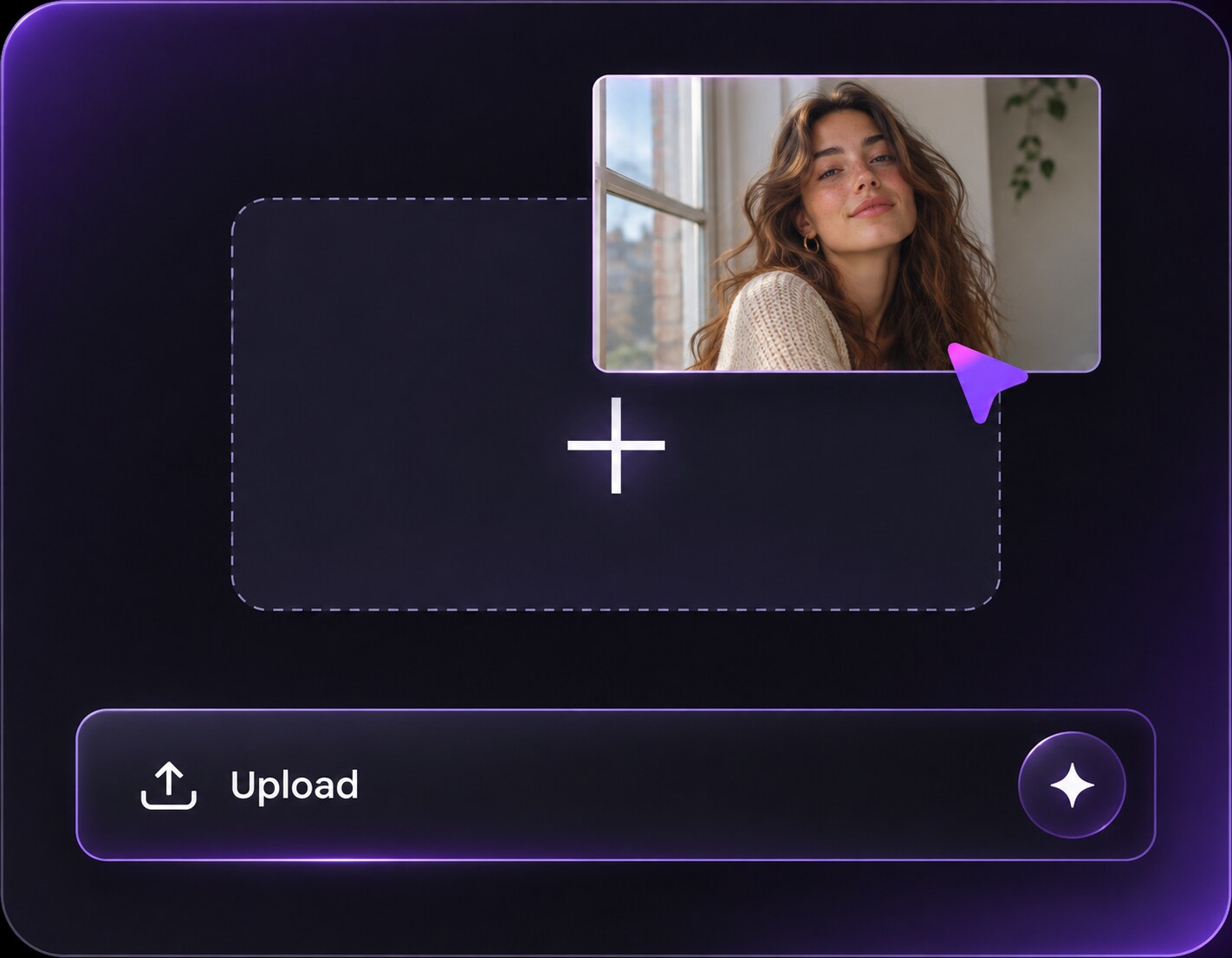
Cliquez ou faites glisser pour télécharger, ou choisissez parmi Mon HistoriqueCliquez pour téléchargerMon Historique
Pas d'idées ? Générer une image d'abord. >
Importez des images jpg, jpeg, png jusqu'à 50 Mo, avec une largeur/hauteur minimale de 300 px.
Wear a Flower Crown Filter in Your Favorite Selfie
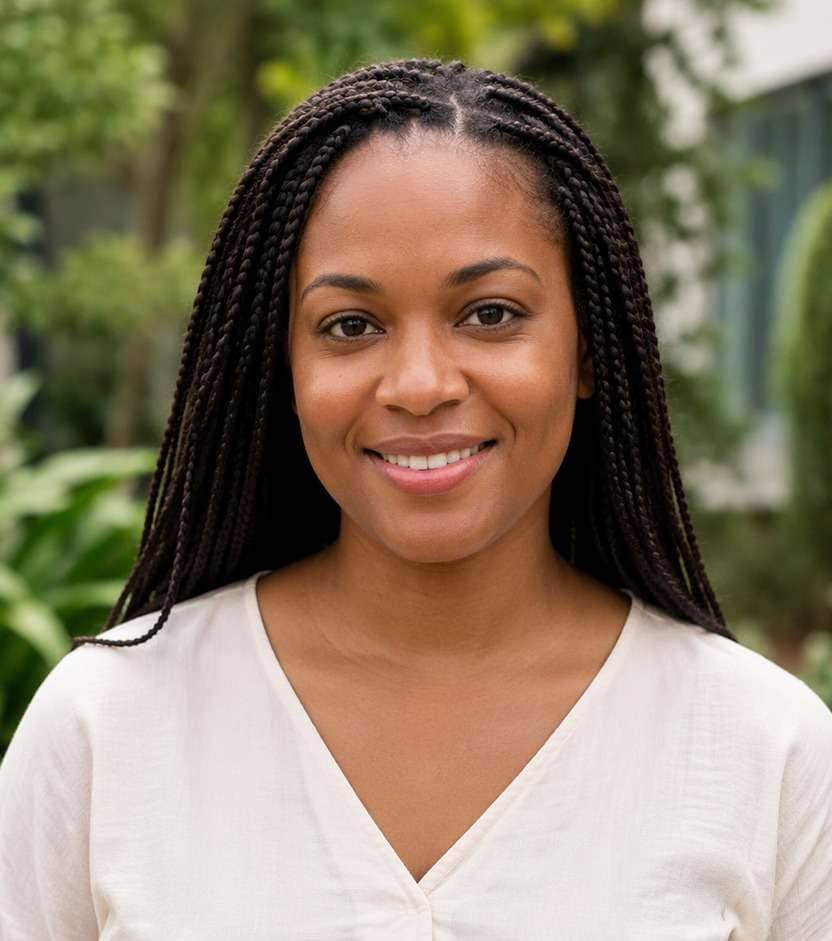
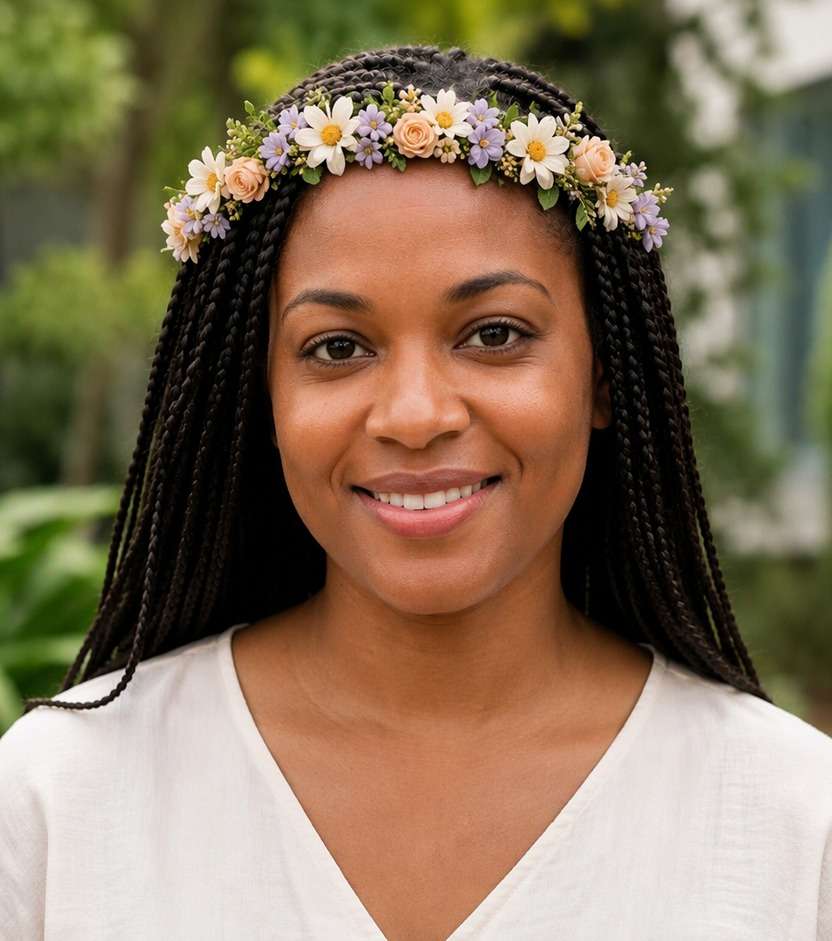
Your portrait has the perfect smile, but a full floral headband would make the moment feel like summer again. With a flower crown filter, you can place tiny daisies, warm blossoms or an old-school pastel wreath above your hairline while leaving the face and outfit you chose untouched. Try the mood on your photo before committing to a particular bloom.
A head-and-shoulders image with visible hairline gives digital flowers room to sit naturally.
Flower Crown Face Filter Prompts for Festival and Throwback Photos
A crown of small daisies reads casual; oversized peonies bring festival drama. Use these prompts to choose flower scale, color and placement rather than adding a generic floral border to the whole image.
Tiny White Daisies
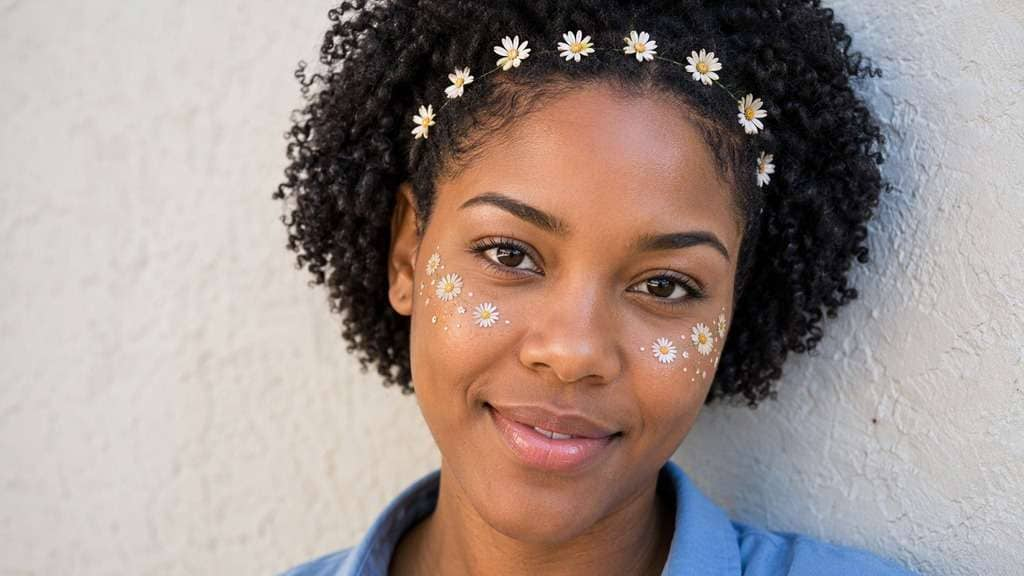
Edit my uploaded reference photo: Add a slender ring of small white daisies along hairline. Keep the same person, real facial identity and expression except where this named face effect intentionally changes proportions, and preserve original hair, clothing, perspective, room or outdoor setting. Do not add captions, logos, extra people or unrelated props.
Peach Festival Blooms
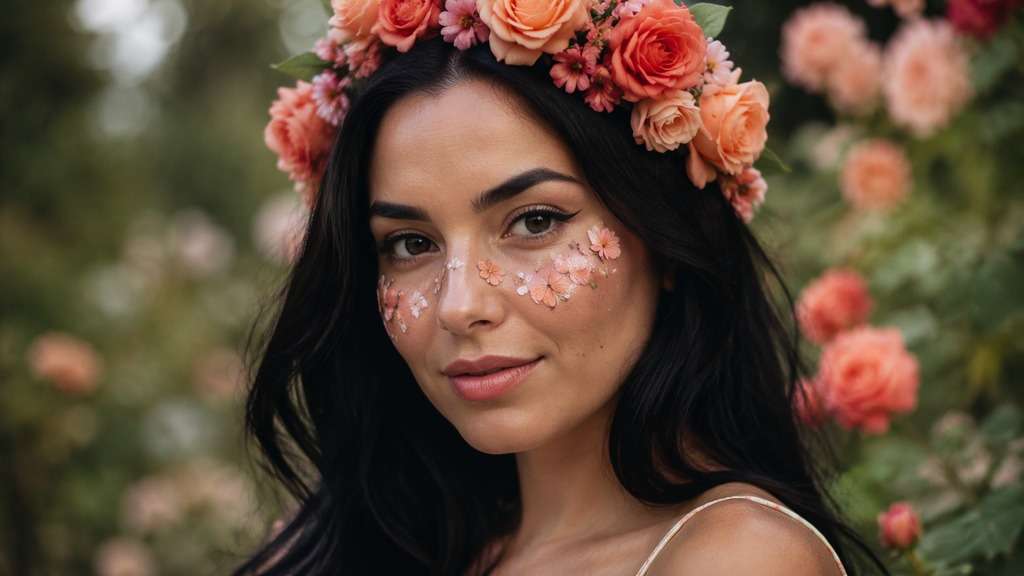
Edit my uploaded reference photo: Add peach roses and light coral blossoms in loose but fitted floral crown. Keep the same person, real facial identity and expression except where this named face effect intentionally changes proportions, and preserve original hair, clothing, perspective, room or outdoor setting. Do not add captions, logos, extra people or unrelated props.
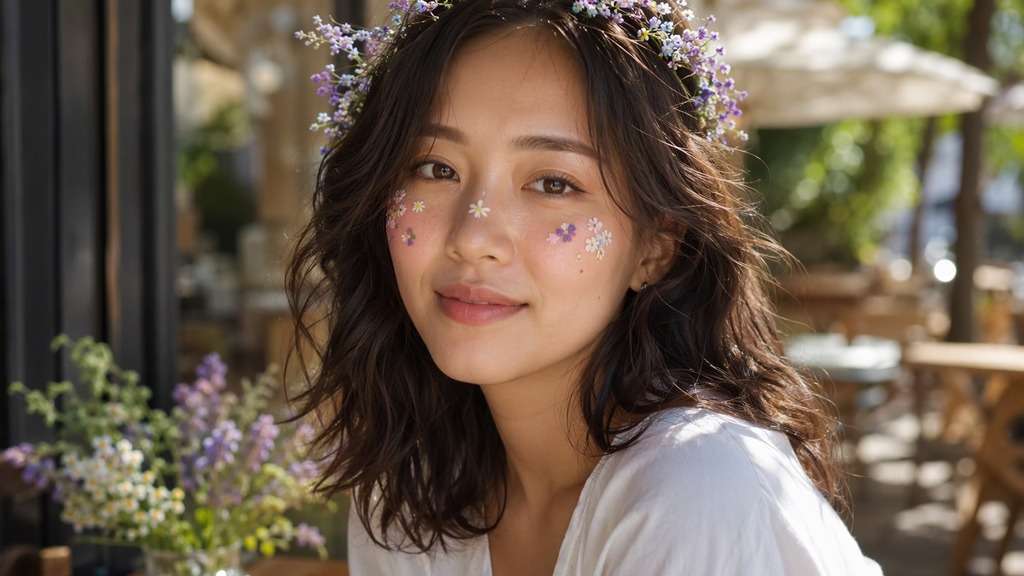
Lavender Meadow Crown
Edit my uploaded reference photo: Add a thin halo of lavender and tiny wildflowers, keeping hair visible. Keep the same person, real facial identity and expression except where this named face effect intentionally changes proportions, and preserve original hair, clothing, perspective, room or outdoor setting. Do not add captions, logos, extra people or unrelated props.
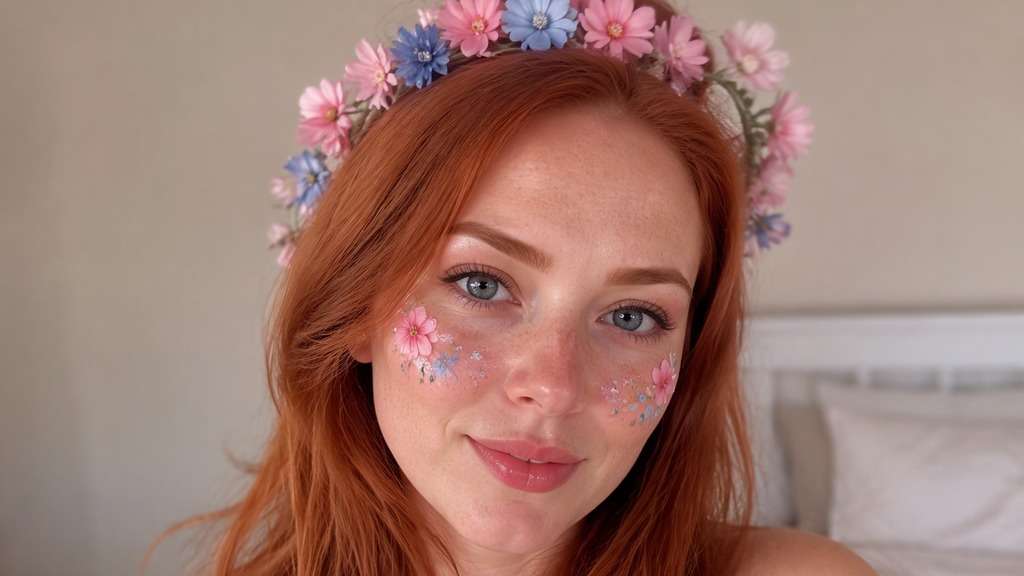
Retro Pastel Wreath
Edit my uploaded reference photo: Add gentle pink-blue 2016-style flower halo with mild camera softness. Keep the same person, real facial identity and expression except where this named face effect intentionally changes proportions, and preserve original hair, clothing, perspective, room or outdoor setting. Do not add captions, logos, extra people or unrelated props.
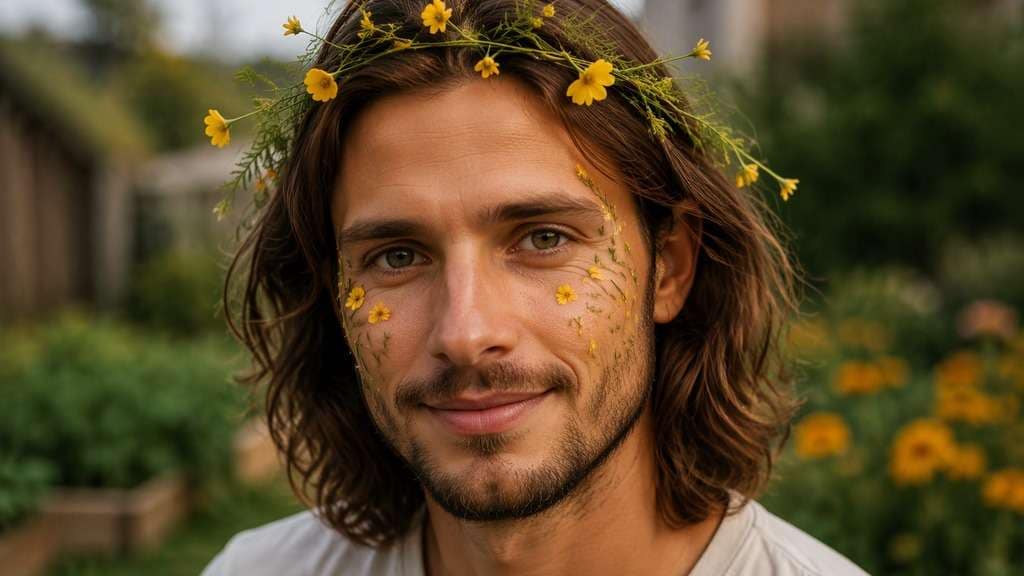
Buttercup Garden Crown
Edit my uploaded reference photo: Add yellow buttercup and fine green leaf wreath, casual and unfussy. Keep the same person, real facial identity and expression except where this named face effect intentionally changes proportions, and preserve original hair, clothing, perspective, room or outdoor setting. Do not add captions, logos, extra people or unrelated props.
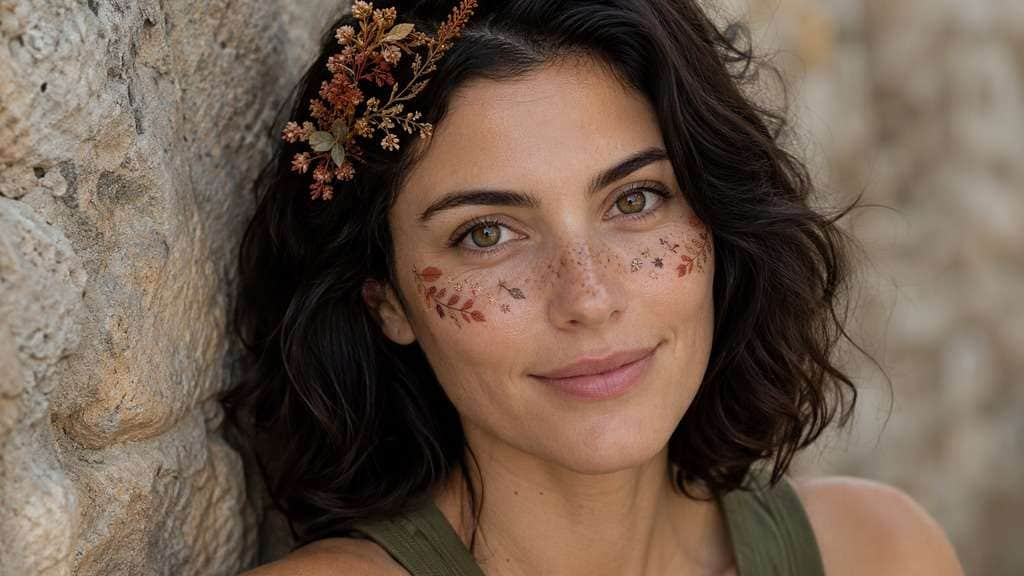
Autumn Copper Flowers
Edit my uploaded reference photo: Add warm terracotta dried blossoms and tiny leaves at hairline. Keep the same person, real facial identity and expression except where this named face effect intentionally changes proportions, and preserve original hair, clothing, perspective, room or outdoor setting. Do not add captions, logos, extra people or unrelated props.
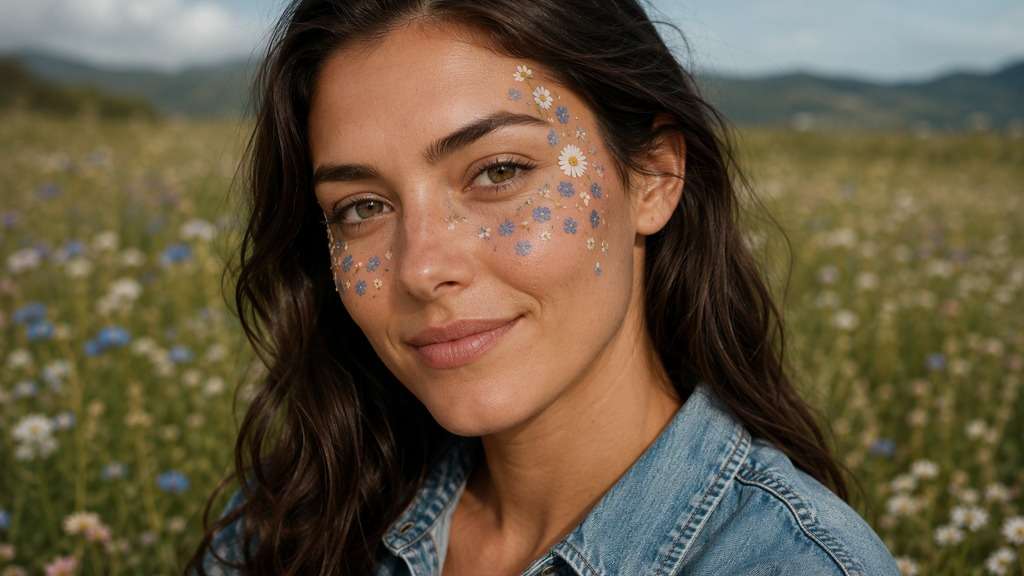
Wildflower Festival
Edit my uploaded reference photo: Add mismatched soft wildflowers, small blue and white petals, naturally fitted. Keep the same person, real facial identity and expression except where this named face effect intentionally changes proportions, and preserve original hair, clothing, perspective, room or outdoor setting. Do not add captions, logos, extra people or unrelated props.
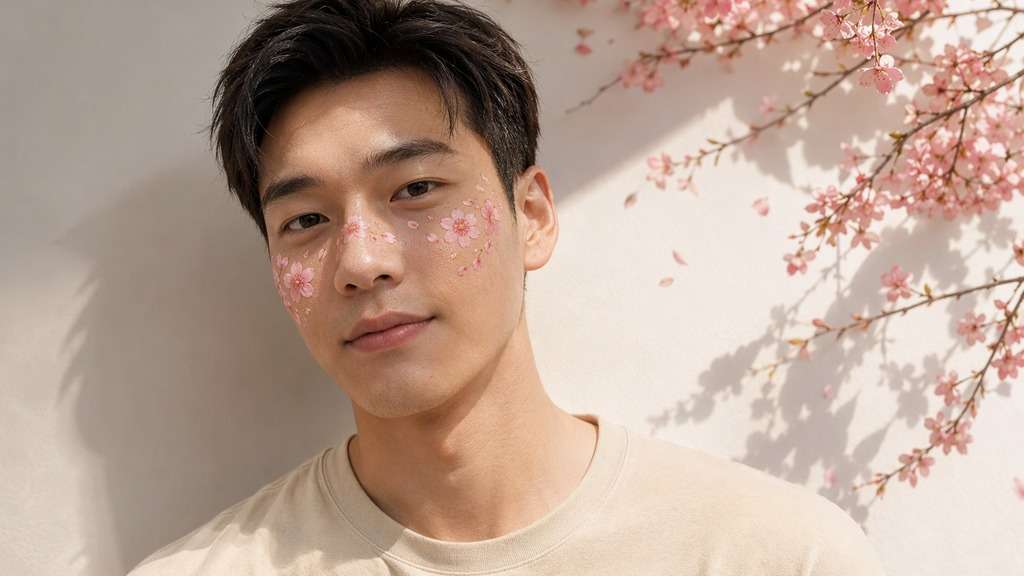
Cherry Blossom Circle
Edit my uploaded reference photo: Add a subtle arc of pink cherry blossoms and fine brown twigs. Keep the same person, real facial identity and expression except where this named face effect intentionally changes proportions, and preserve original hair, clothing, perspective, room or outdoor setting. Do not add captions, logos, extra people or unrelated props.
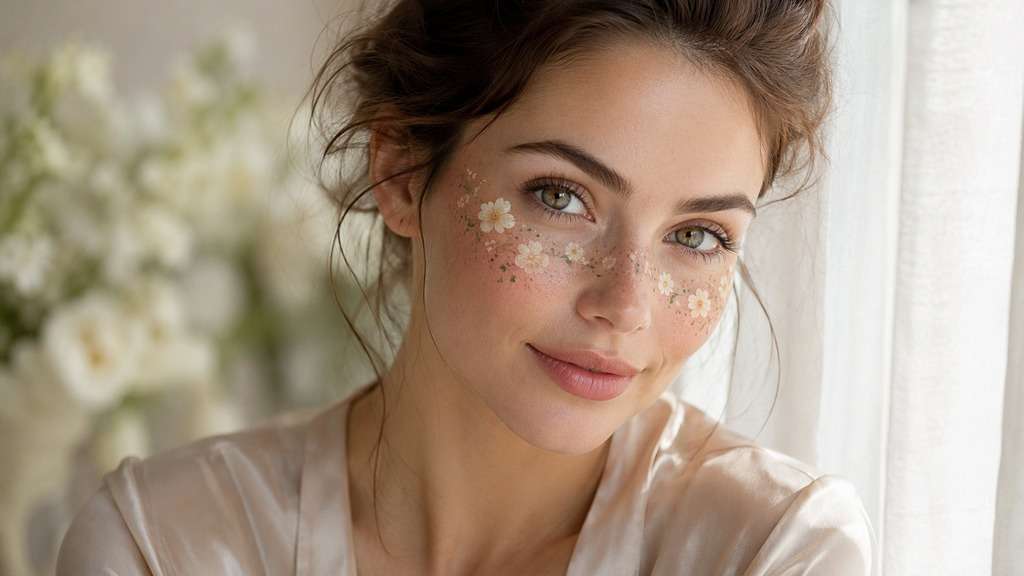
Cream Bridal-Inspired Florals
Edit my uploaded reference photo: Add understated cream blooms and very small greenery, no extra accessories. Keep the same person, real facial identity and expression except where this named face effect intentionally changes proportions, and preserve original hair, clothing, perspective, room or outdoor setting. Do not add captions, logos, extra people or unrelated props.
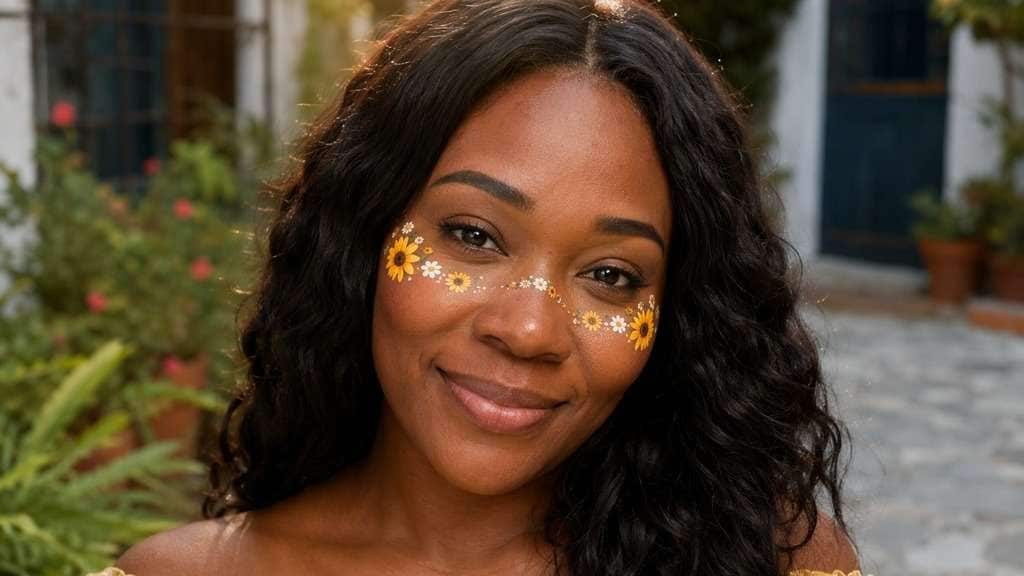
Bold Sunflower Mini Crown
Edit my uploaded reference photo: Add mini sunflowers mixed with small white filler flowers without obscuring face. Keep the same person, real facial identity and expression except where this named face effect intentionally changes proportions, and preserve original hair, clothing, perspective, room or outdoor setting. Do not add captions, logos, extra people or unrelated props.
Choose a Wreath That Matches the Portrait
Sit Flowers Above the Hairline
A flower crown looks believable when the band follows the curve of the head. Ask for visible gaps between blossoms and natural hair instead of letting petals cover eyebrows or float above the scalp.
Pick Flower Size for Your Crop
Tiny wildflowers are readable in closer portraits but may disappear in a small avatar. For a wider waist-up crop, use fuller blooms with a clear silhouette without creating an oversized hat.
Match the Palette to the Light
Cream daisies pair with cool daylight; peach roses suit late afternoon; lavender blossoms can balance a neutral studio image. Keep the original skin color and background lighting.
Choose Nostalgia Without Fake Film Damage
For a 2016 throwback, add pastel petals and a mild soft-camera glow. Heavy scratches, dramatic color shifts and extra stickers can distract from the simple flower-crown look.
How to Add a Flower Crown Filter to a Photo
Use a portrait where the top of your head is visible; the goal is a fitted digital headpiece, not a background bouquet.
Step 1
Upload a Portrait with Headroom
Open Media.io AI Face Editor and upload a clear selfie with the hairline and top of the head visible.
Step 2
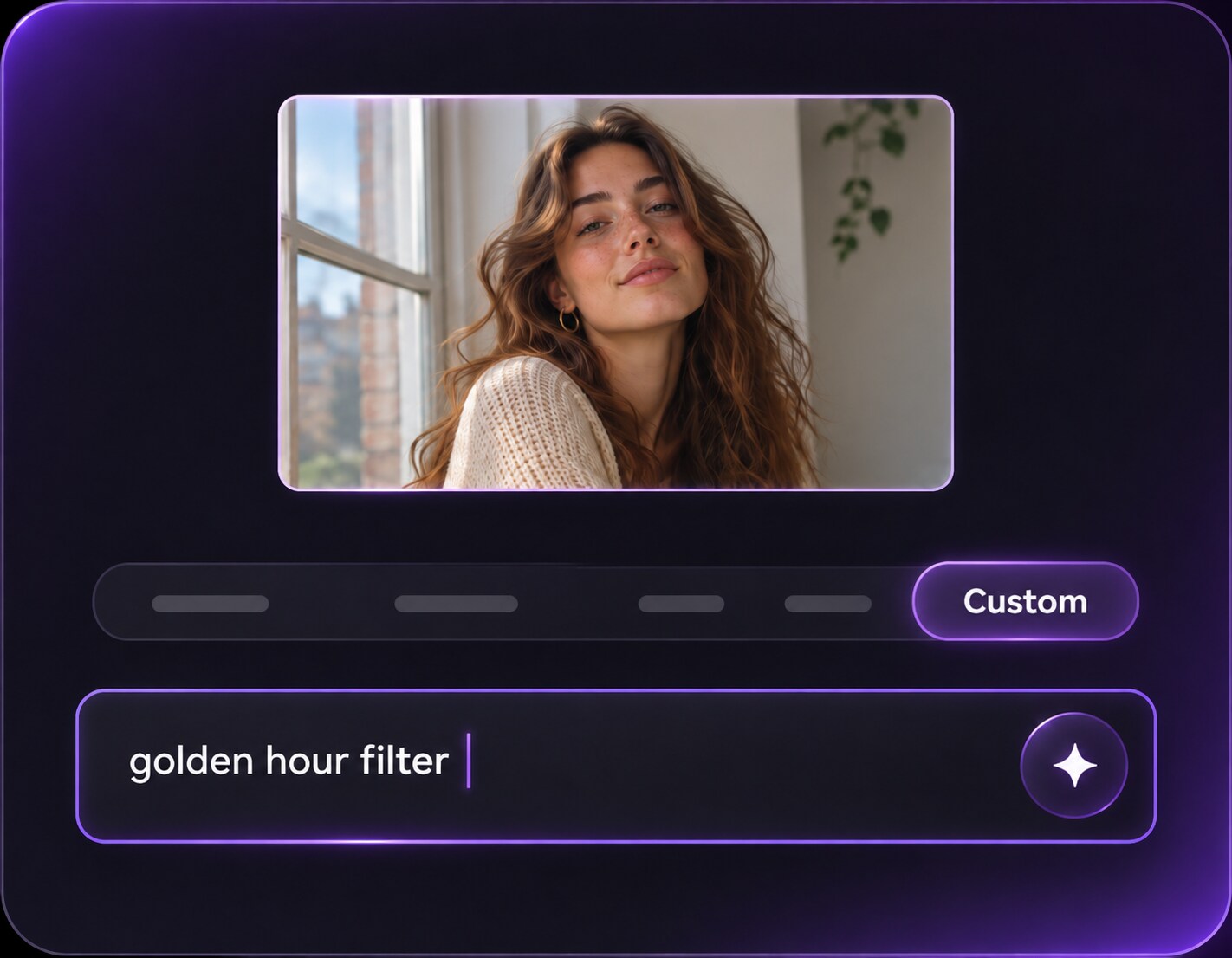
Prompt the Floral Crown Details
Write a prompt for flower species, bloom size, colors and a wreath fitted along the hairline. Mention that facial features and clothes must remain recognizable.
Step 3
Generate and Inspect the Wreath
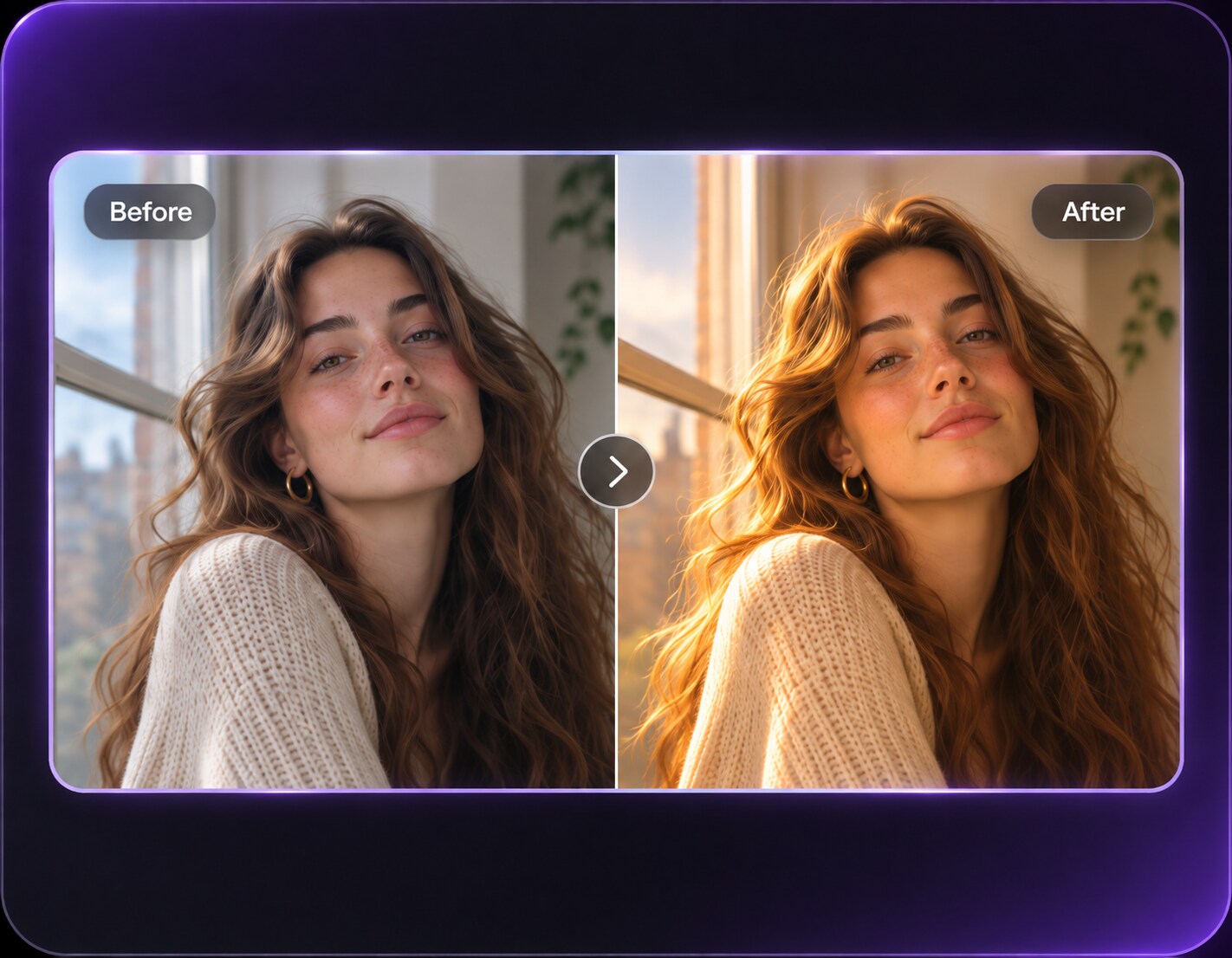
Click Generate, check the headband follows the head shape and blossoms do not hide your eyes, then refine placement if needed.
Flower Crown Photo Moments from Festivals to Throwbacks
A 2016 flower crown filter can be playful nostalgia, while smaller botanical styling suits current profile and seasonal posts.
Make a 2016 Social-Media Throwback
Bring back the pastel flower halo from classic social selfies. Keep the simple room background and original expression so the added wreath feels like a familiar old filter, not a staged costume shoot.
Summer Festival Picture
You have an outdoor photo you love but want a festival mood. Ask for a few peach, white and lilac blossoms following the hairline, leaving real sunlight and clothing unchanged.
Soft Spring Profile Portrait
A fine ring of white daisies can make a clean headshot feel seasonal without adding a full bouquet or covering bangs. Review the crop at the small size where the photo will actually appear.
Flower Crown Filter Preview Checklist
Crown Curve
Photo preview checklist
"Does the wreath wrap the head naturally?" Follow the visible hairline rather than a floating straight arc.
Petal Scale
Photo preview checklist
"Are blooms appropriate for face size?" Shrink oversized flowers that distract from the expression.
Face Visibility
Photo preview checklist
"Can you still see brows and eyes?" Keep petals away from forehead details and eyelids.
Light Consistency
Photo preview checklist
"Do flower shadows match the source photo?" Match daylight or indoor warmth; avoid glowing plastic blossoms.
1. How do I put a flower crown filter on an existing picture?
Upload a portrait and describe the floral wreath you want along the hairline. Specify blossom colors, size and placement, then generate and inspect the edit.
2. Can I make a 2016-style flower crown selfie?
Yes, ask for a pastel floral ring, slight soft-camera warmth and a natural selfie finish. The result is an interpretation of that visual style, not the original platform Lens.
3. Which flowers look best for a subtle crown?
Small daisies, baby's breath and a few pale blossoms usually read more lightly than a full band of large roses. Match the density to the portrait crop.
4. Will flowers cover my bangs or forehead?
Mention that the crown should sit above your visible hairline and not hide bangs, eyebrows or eyes. Review the generated image for overlap.
5. Can this work on a side-profile photo?
It can, but the crown arc and hidden side of the head are harder to judge. A three-quarter or near-front portrait usually provides clearer placement.
6. Is a flower crown filter the same as adding flowers around the border?
No. The defining effect is a headpiece fitted to the person. A floral frame sits around the photo edges and is a different visual treatment.