No App or APK Download Required
Skip the search for a Dola AI app download or Dola AI APK. Media.io works directly in your browser on Windows, Mac, iPhone, Android, and tablets, so you can create AI images without installing extra software.
Discover the latest AI photo prompts for ChatGPT, Gemini, Midjourney, Flux, and more. Explore 100+ trending AI image prompts, viral Instagram and TikTok photo ideas, cinematic portraits, couple edits, fantasy styles, anime, seasonal effects, and ready-to-use prompt templates - all in one place.

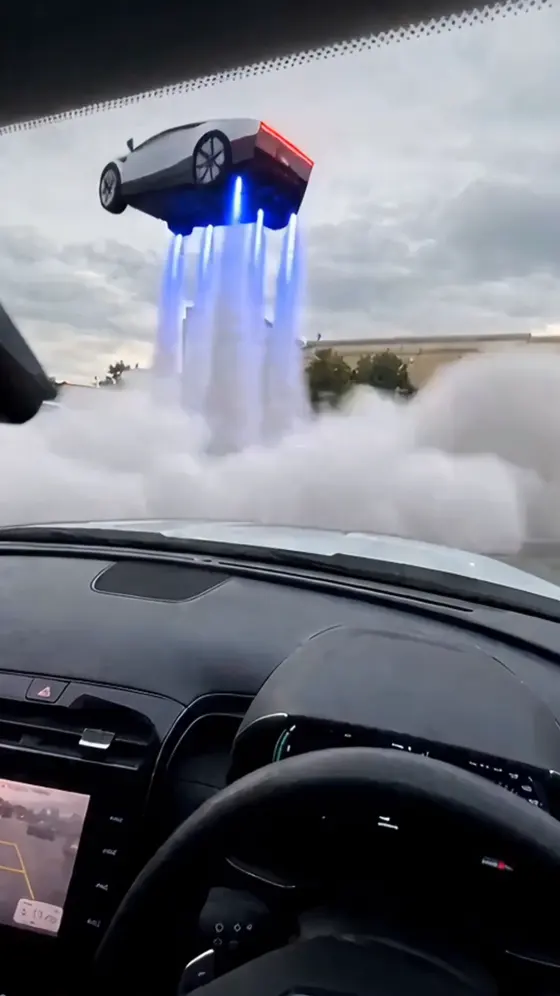


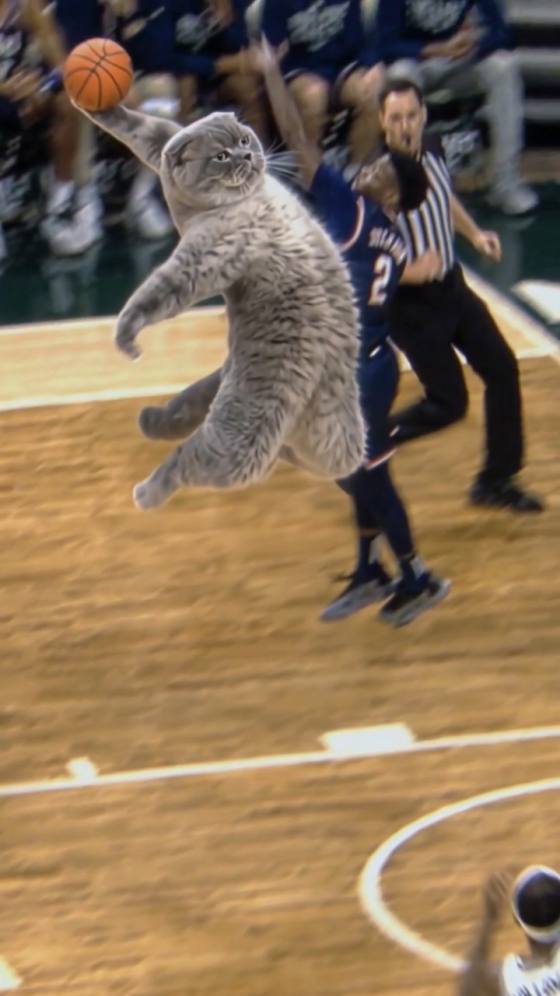
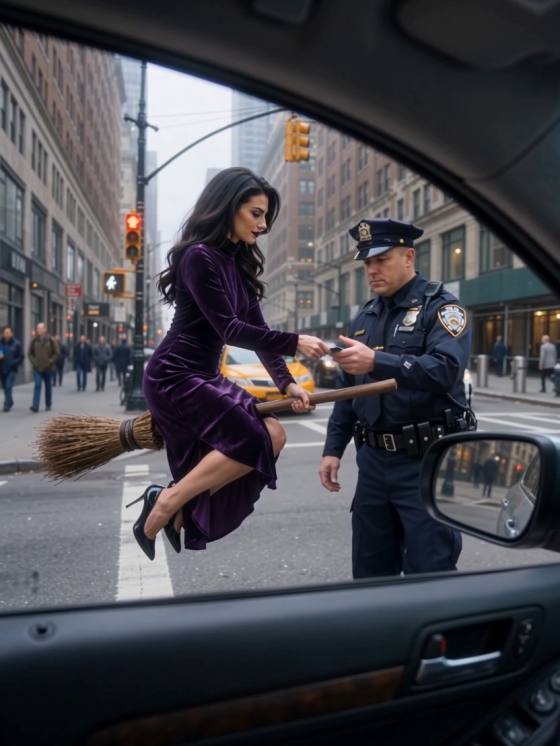
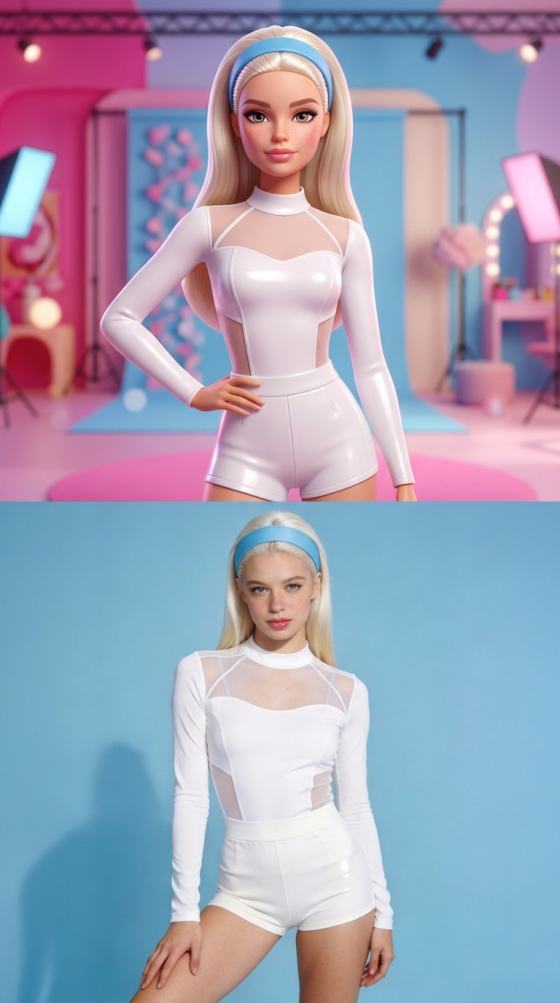
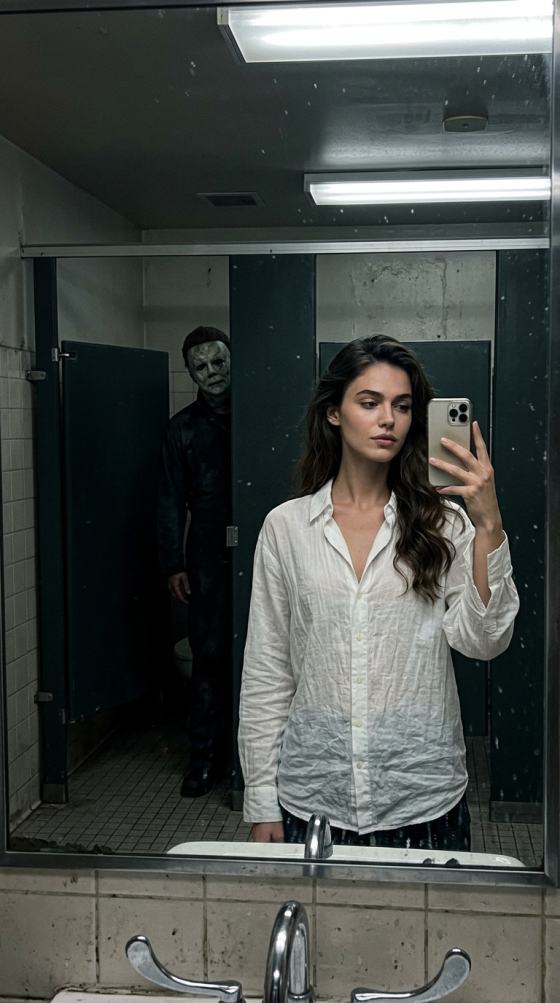
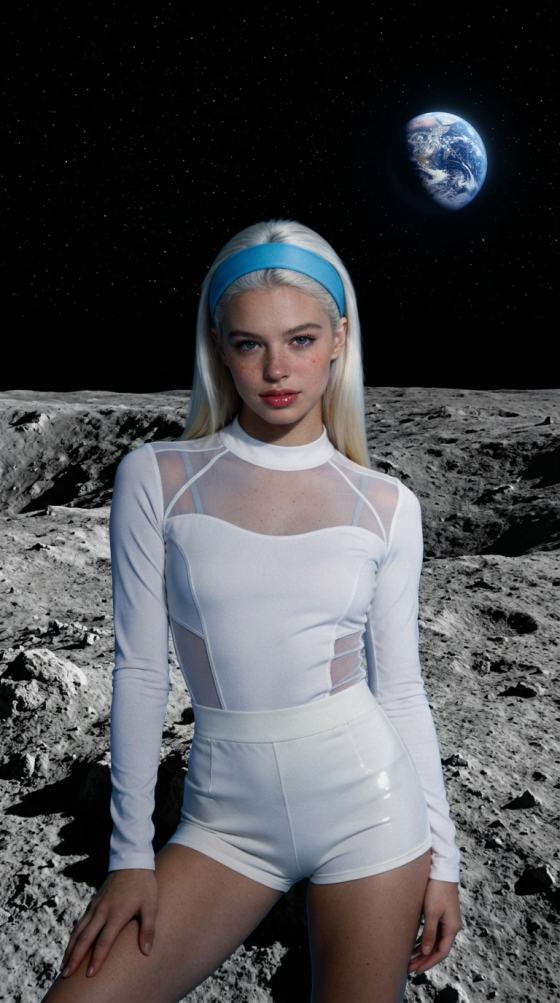

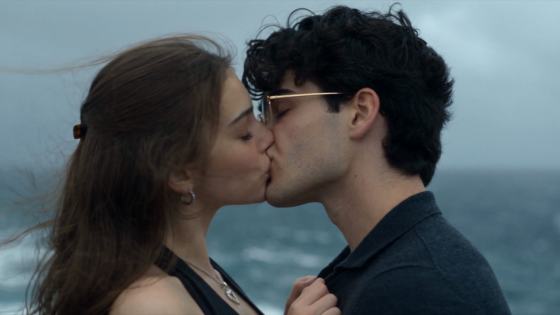
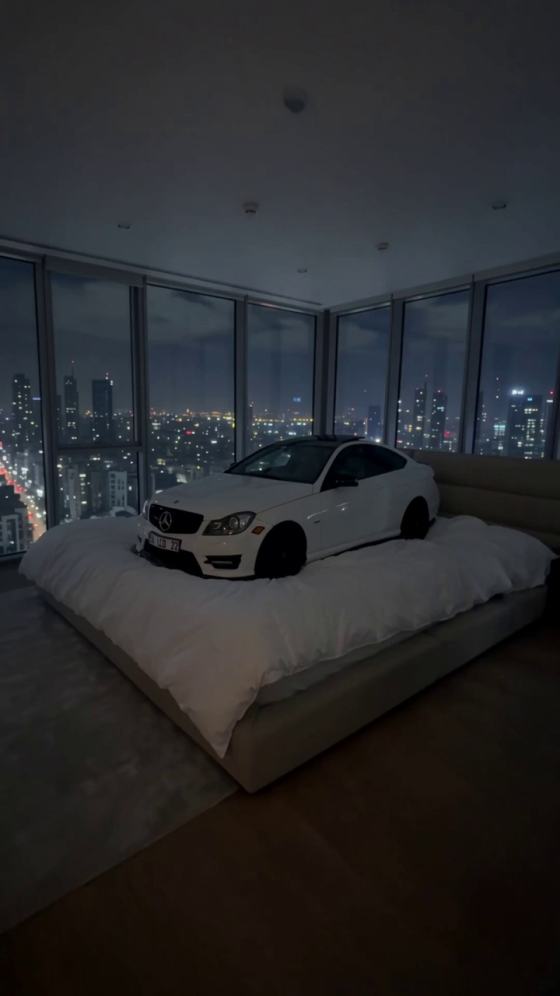
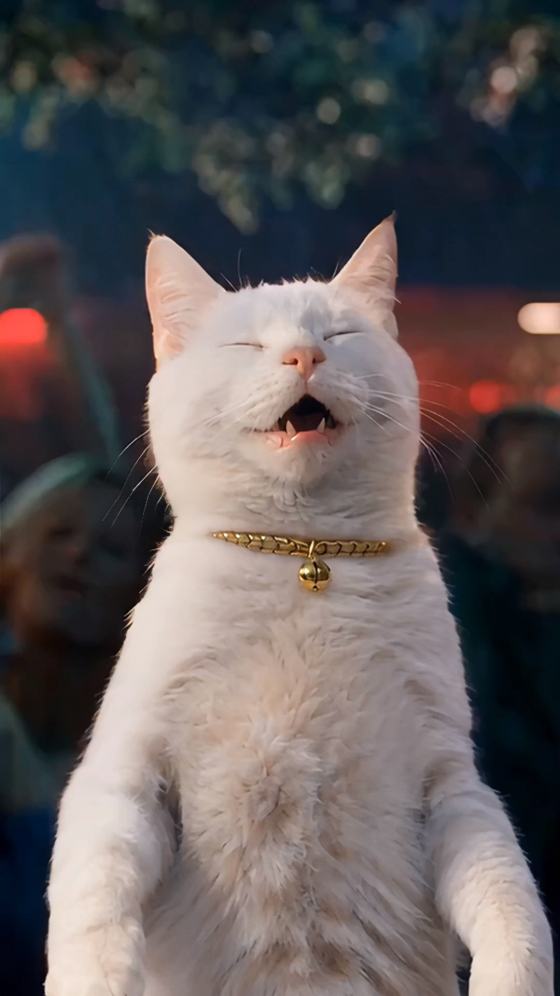
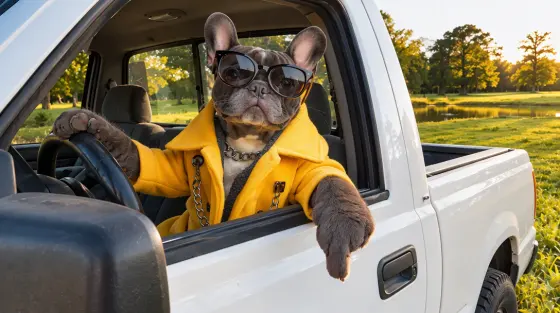
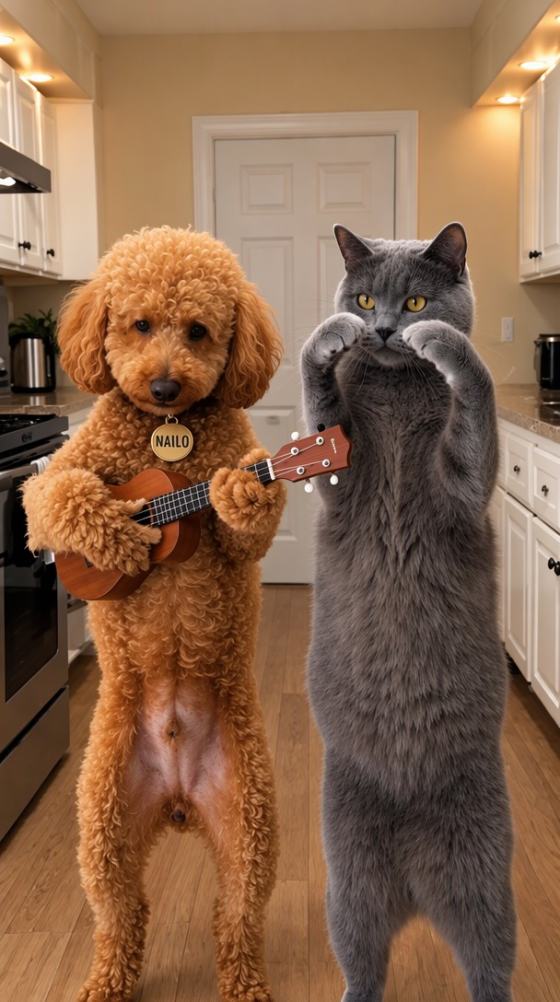
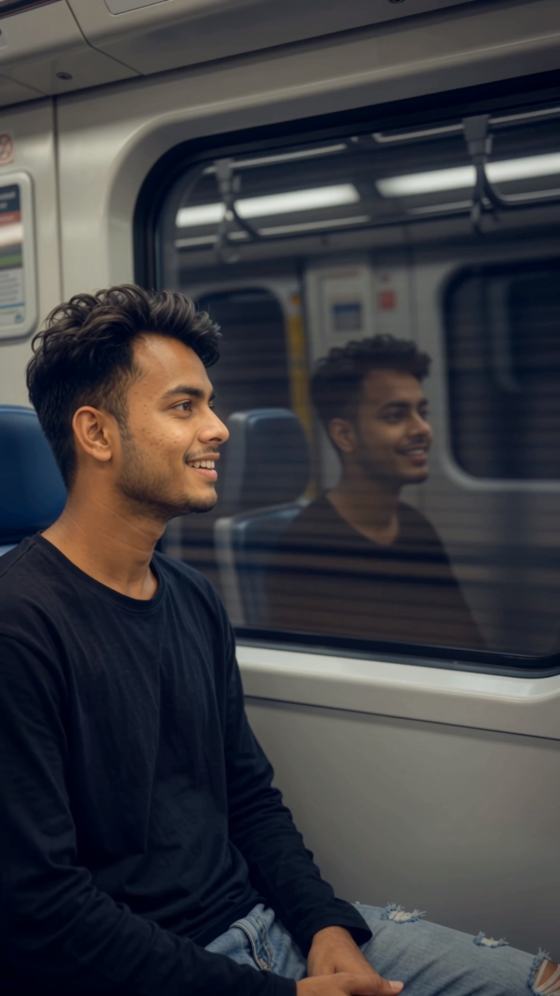
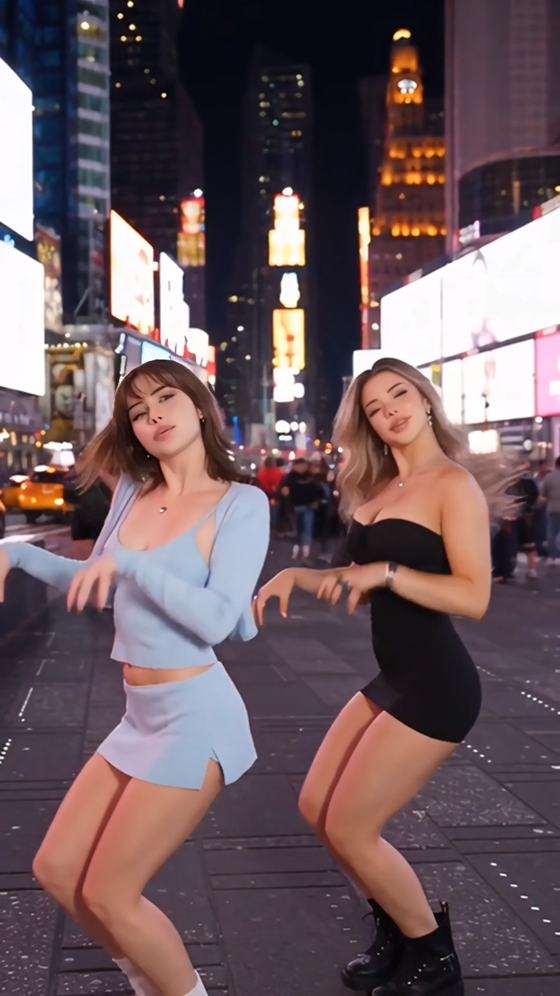
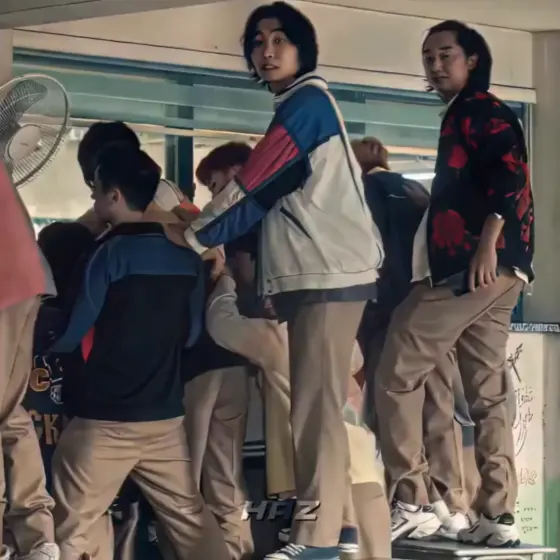

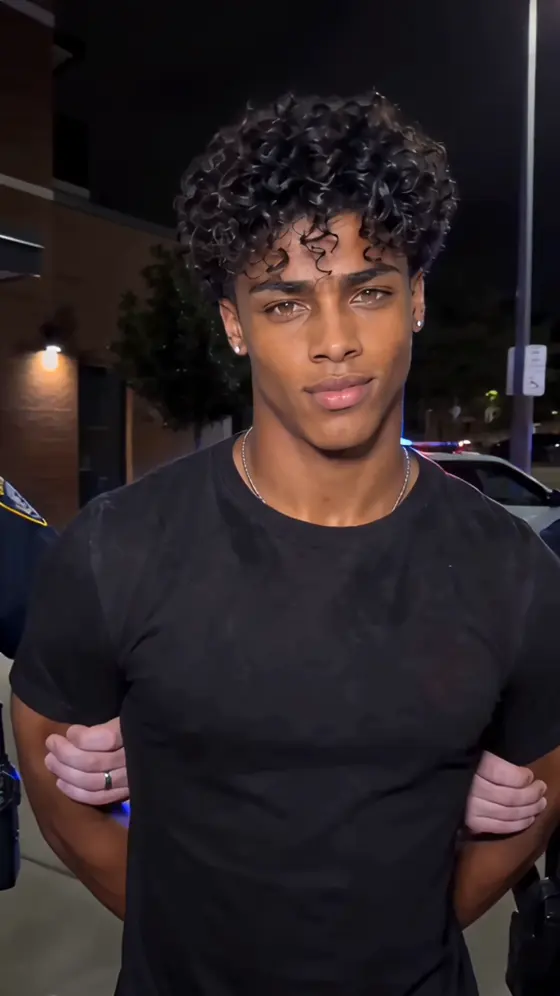

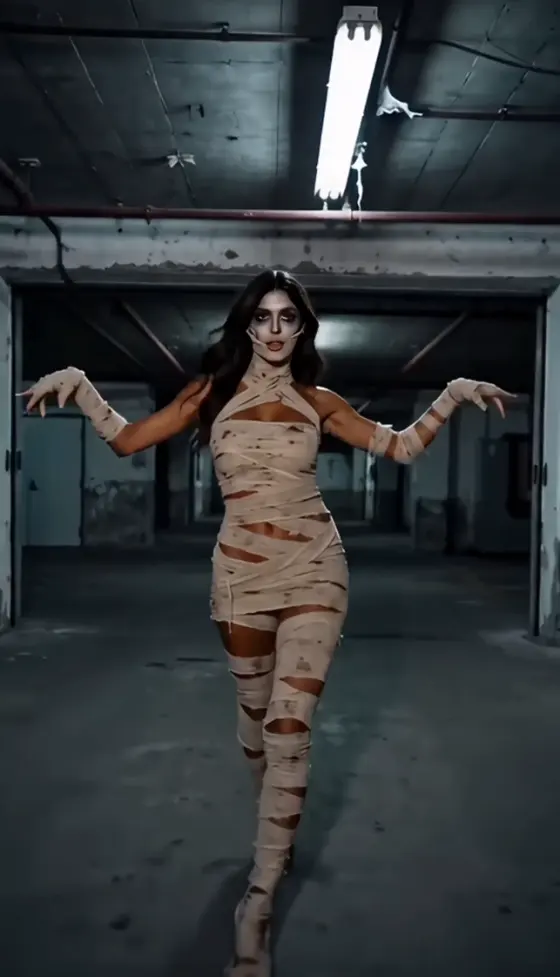


























Turn a simple idea into a polished AI image with a clear Dola AI prompt. Media.io helps you create portraits, anime art, product visuals, social posts, and fantasy scenes online - without a Dola AI app download, APK installation, or complicated editing workflow.
Free credits on signup.
Skip the search for a Dola AI app download or Dola AI APK. Media.io works directly in your browser on Windows, Mac, iPhone, Android, and tablets, so you can create AI images without installing extra software.
Describe the subject, scene, art style, lighting, camera angle, mood, and color palette in one prompt. This makes Media.io a practical Dola AI image generator free alternative for creators who want more control over the final result.
Generate an image, then continue with background removal, object replacement, image expansion, enhancement, or AI effects. The connected workflow is useful for anyone comparing Media.io with a Dola AI photo editor.
You do not need advanced prompt engineering or design experience. Start with a short description, generate several versions, and refine only the details that matter until the image matches your idea.
Describe the subject, setting, visual style, lighting, mood, camera view, and key details. You can begin with a simple sentence or paste a complete Dola AI prompt template.
Choose an aspect ratio and visual direction, then add details such as realistic photography, anime, cinematic lighting, product advertising, watercolor, or 3D illustration.
Generate multiple results, review the composition, and refine the wording if needed. Download the final image for social media, marketing, thumbnails, avatars, presentations, or personal projects.
Use these prompt directions to create practical visuals for content, branding, entertainment, and everyday creative work. Each idea can be customized with a different style, mood, format, or level of realism.
Create professional headshots, cinematic portraits, anime profile pictures, fantasy characters, or stylized avatars. Add facial expression, wardrobe, background, lens type, and lighting details for a more precise result.
Generate Instagram posts, TikTok covers, YouTube thumbnails, ad concepts, banners, and campaign artwork. Include the platform format, target audience, brand mood, and clean text space in the prompt.
Visualize perfume bottles, fashion products, food photography, game characters, interiors, or story scenes before production. Media.io helps turn a written concept into a clear image that is easy to review and refine.

Digital Artist

“Flexible Prompt Control.” I can start with a short idea and keep refining the style, lighting, and composition. The workflow feels much easier than switching between a separate AI generator and photo editor.
Content Creator
“Fast Browser-Based Creation.” I was looking for a Dola AI app download, but Media.io worked directly in my browser. I created several social graphics without installing an APK or desktop program.
Marketing Designer
“One Connected Workflow.” I generate a product image first, then remove the background and improve the quality in the same platform. It saves time when I need campaign visuals quickly.
A Dola AI prompt is a text description used to guide an AI tool toward a specific image or creative result. A useful prompt normally includes the subject, environment, style, lighting, camera angle, mood, colors, and important details that should appear or be avoided.
Yes. Media.io provides an online AI image generation workflow with free signup credits for supported models. You can test prompt ideas, generate several versions, and use additional editing tools. Credit use, output resolution, queue speed, and model access may vary by account or plan.
No. Media.io runs in a modern web browser, so you do not need a Dola AI app download or a third-party Dola AI APK. This reduces installation steps and avoids the security risks that can come with downloading unofficial APK files from unknown websites.
Media.io supports both image generation and AI-assisted editing. After creating an image, you can remove or replace backgrounds, enhance image quality, expand the canvas, apply visual effects, or adjust objects. This makes it useful for users comparing it with a Dola AI photo editor.
Searches such as Dola AI chat, Cici AI Dola, and Dola AI assistant usually refer to conversational or productivity-focused AI services. Media.io is designed primarily for visual creation and editing. It turns text prompts and uploaded images into creative assets for social media, marketing, design, and personal projects.
 4.7 (162,357 Votes)



