

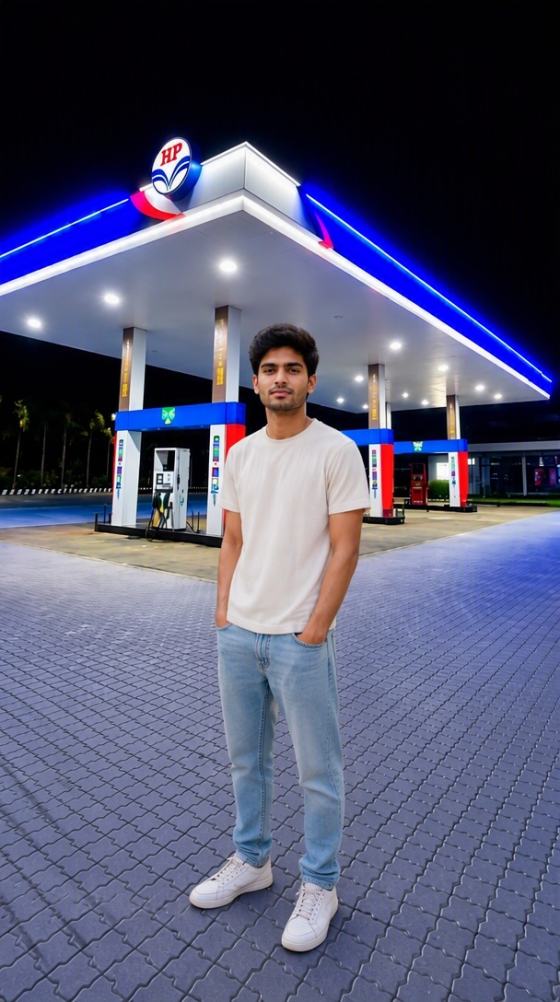


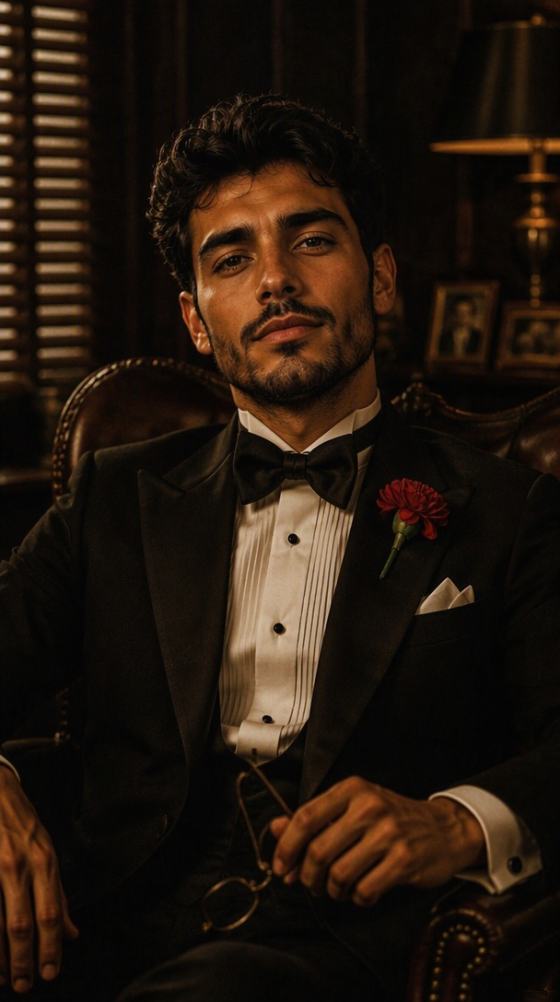

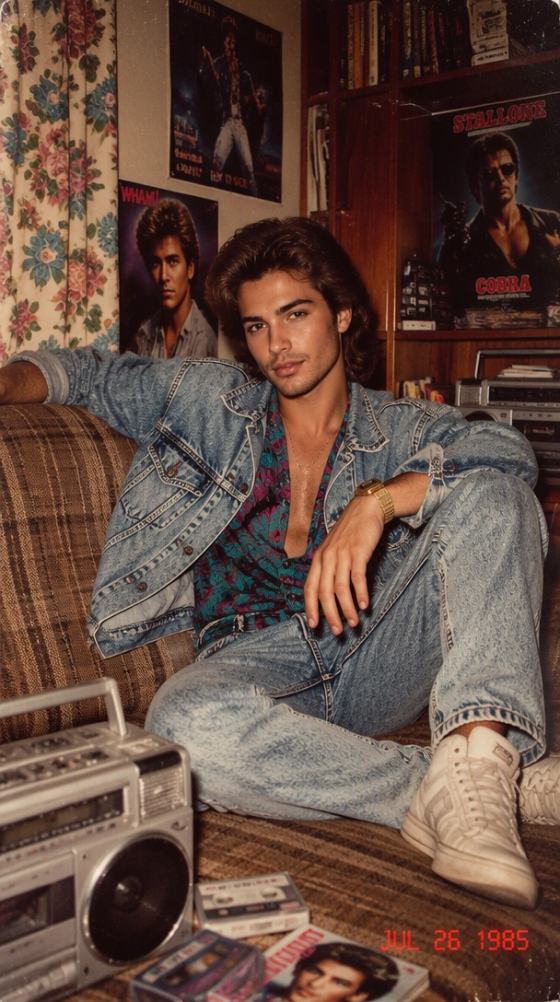
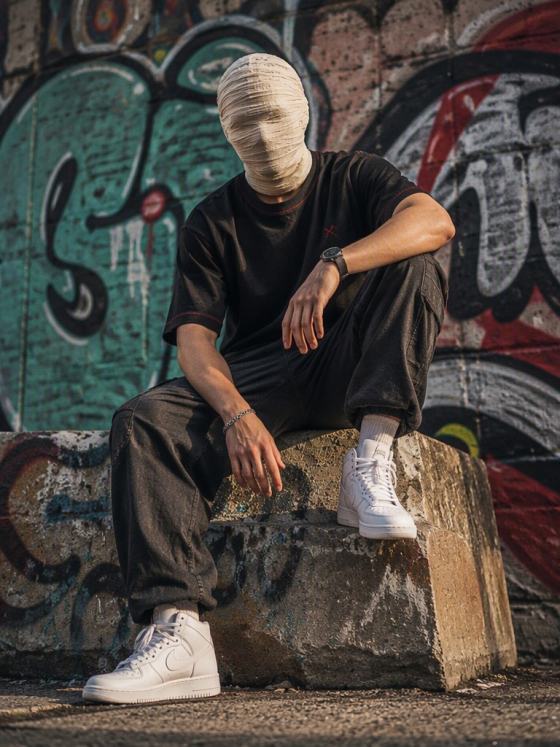
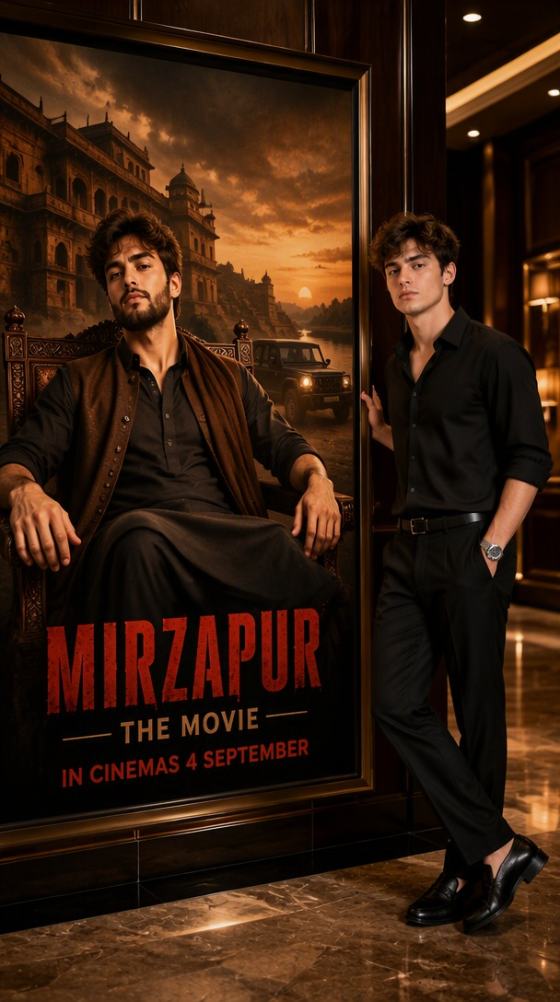
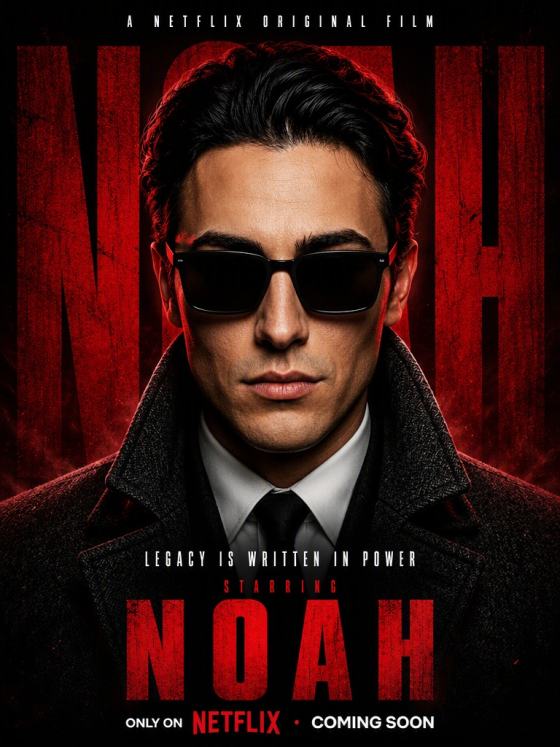
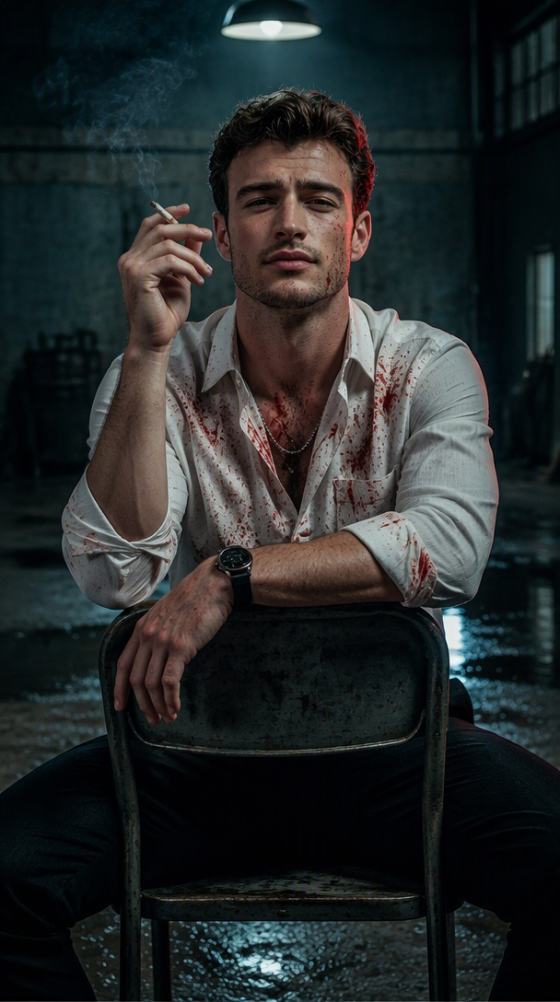
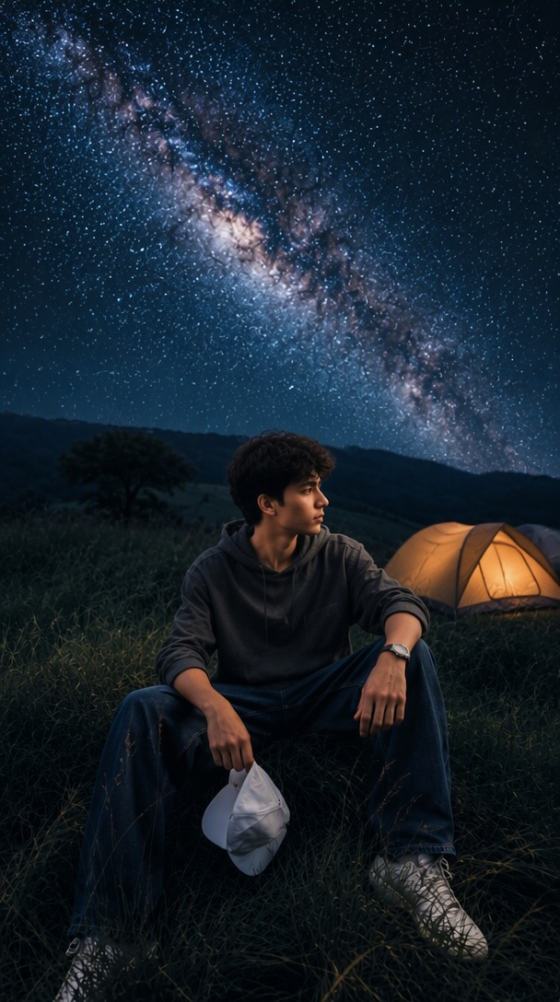
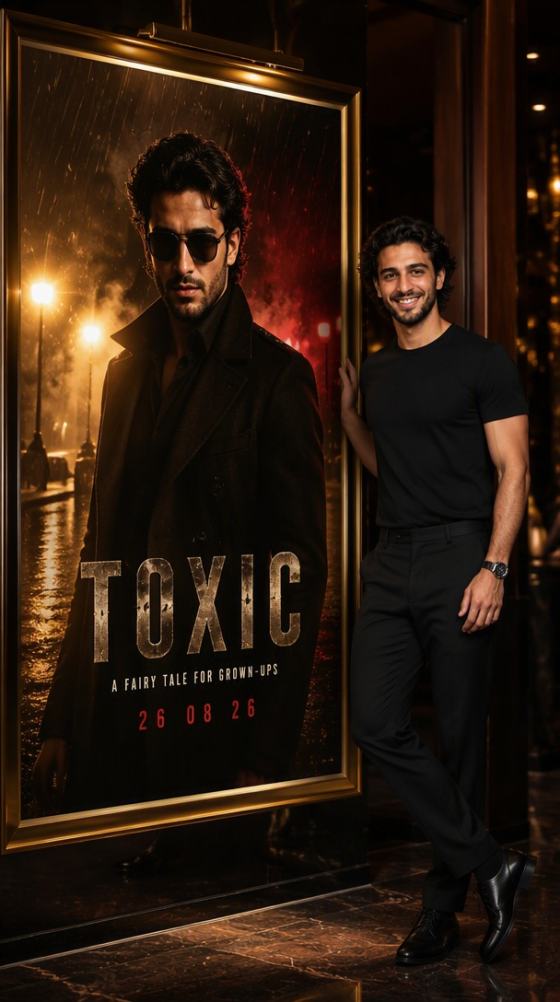
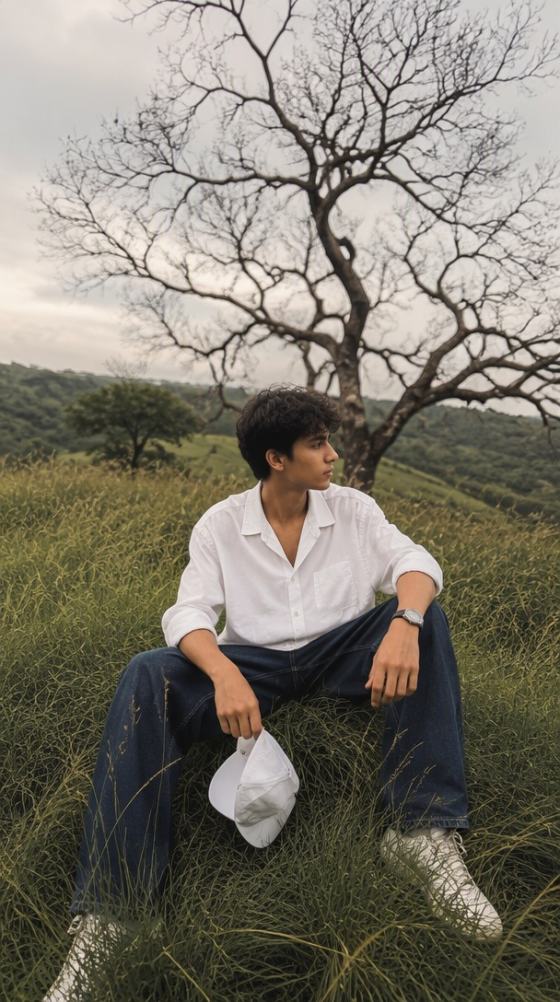
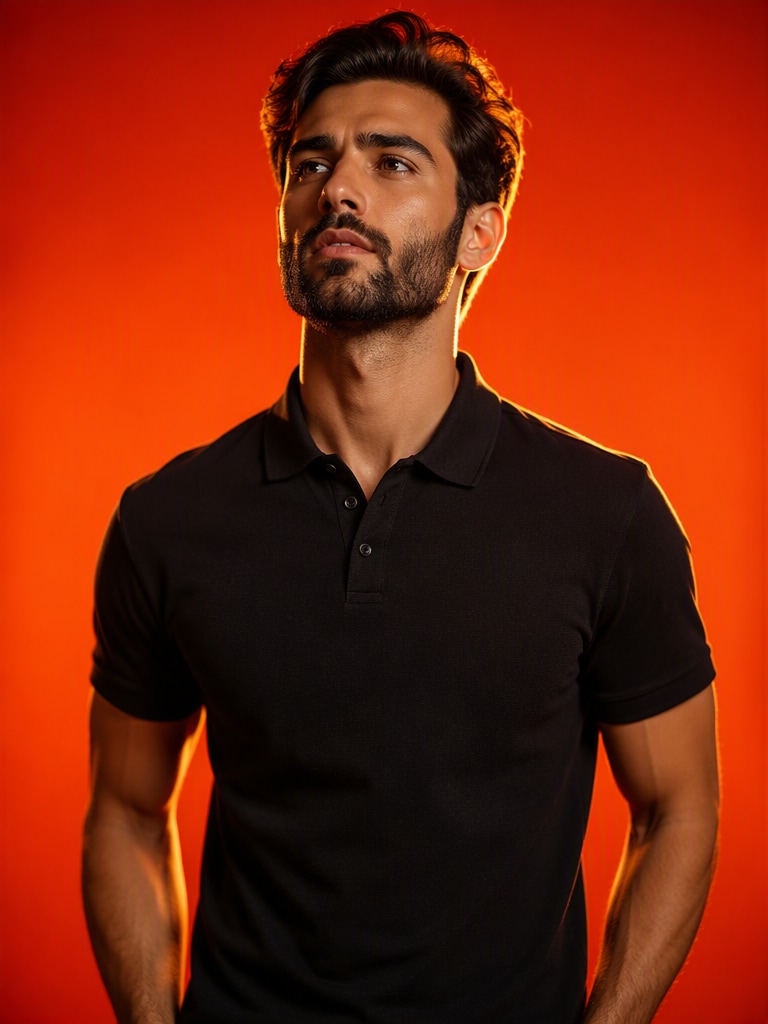
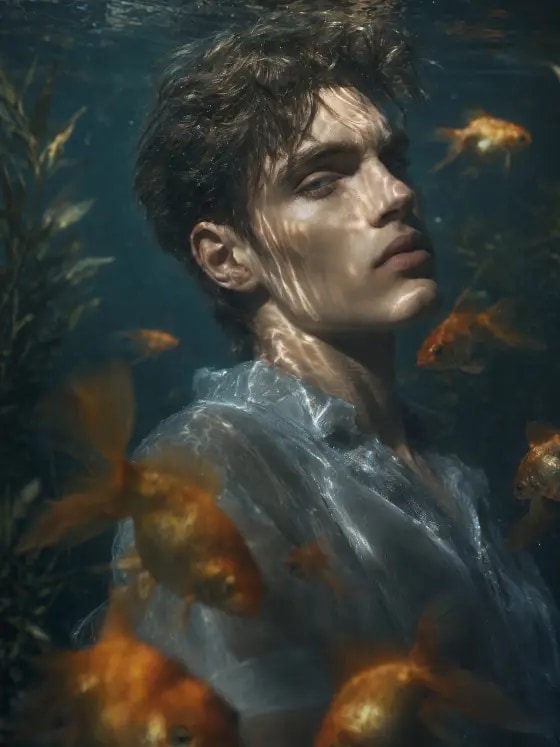
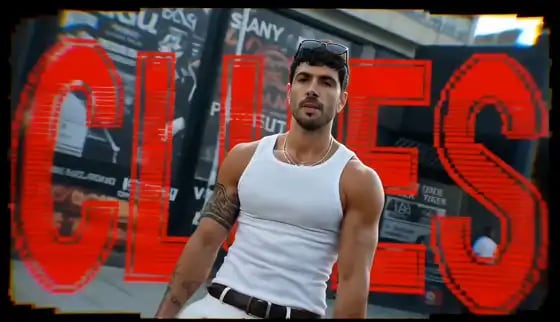

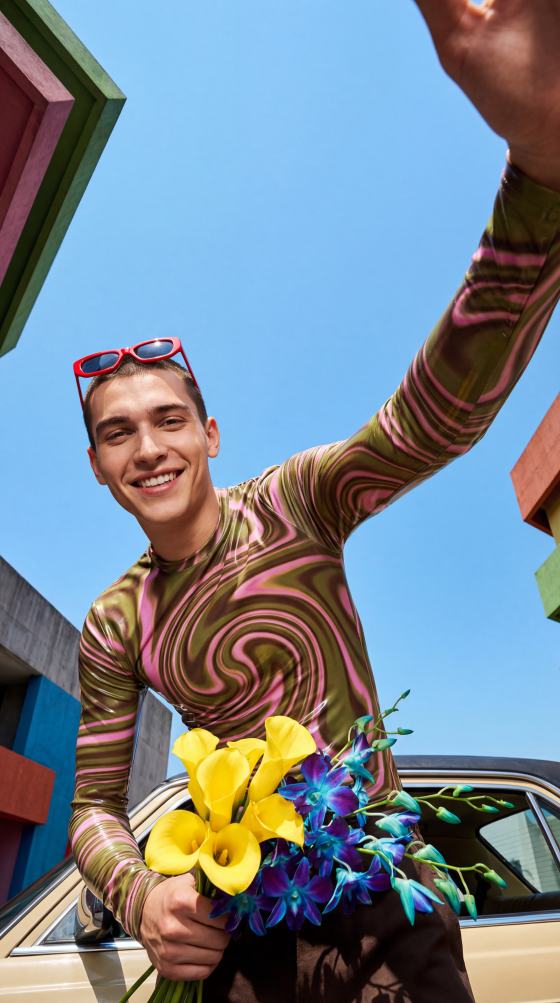
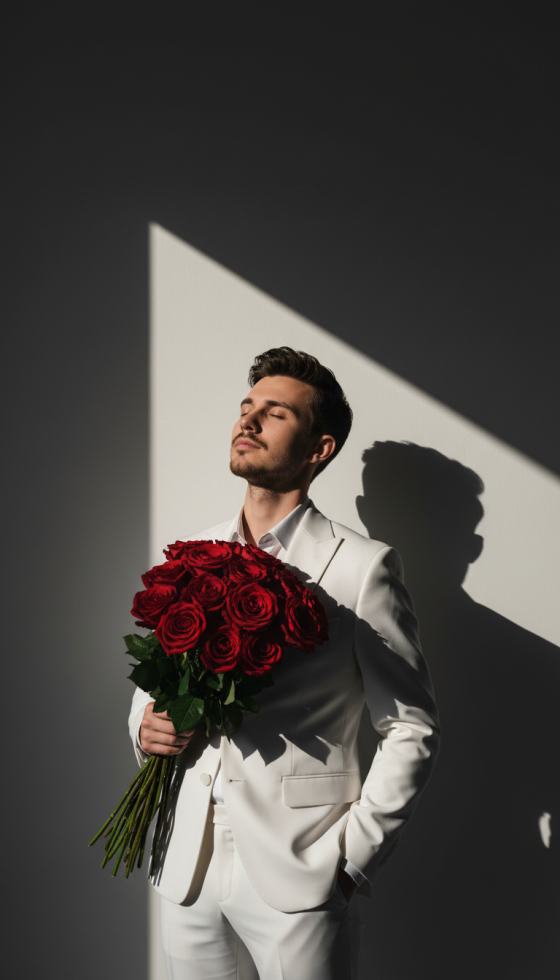
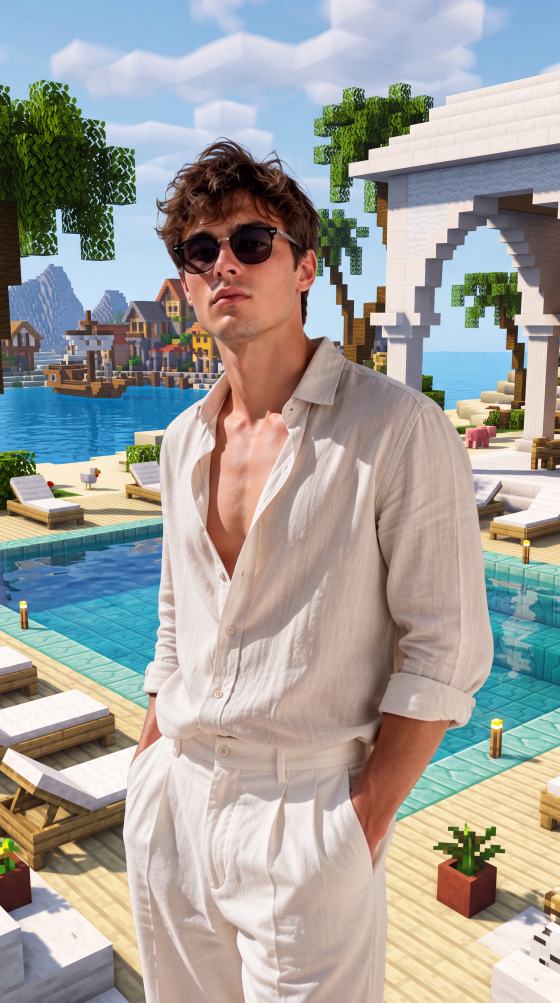
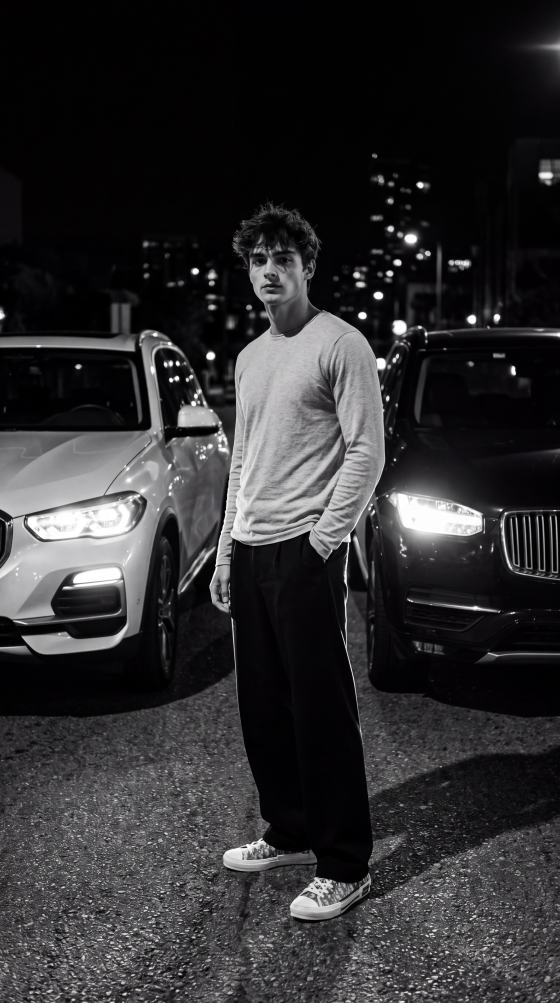
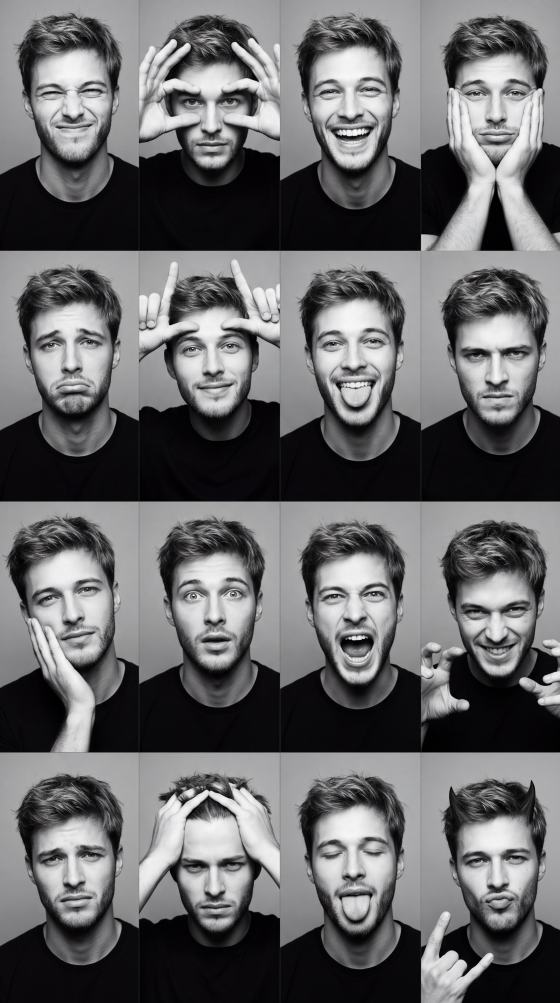
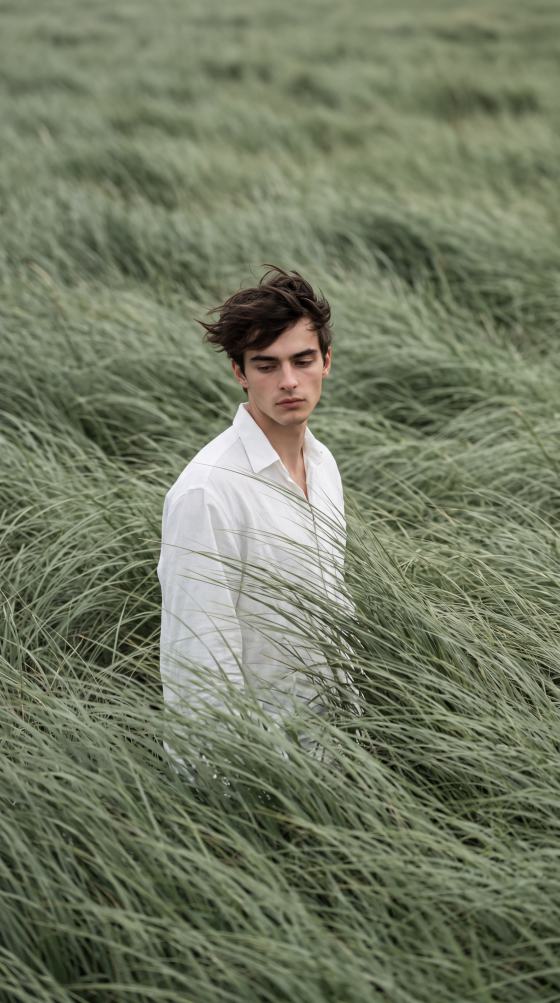
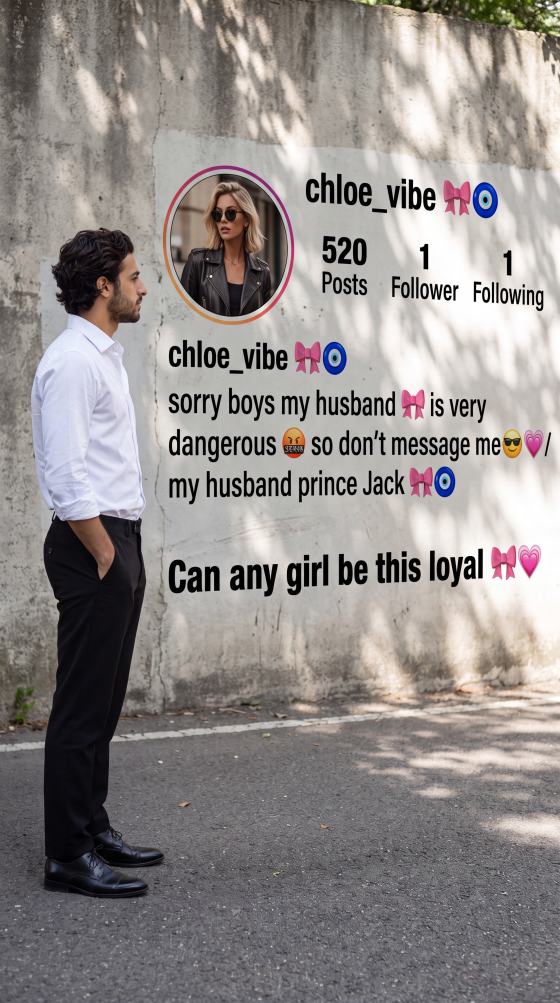
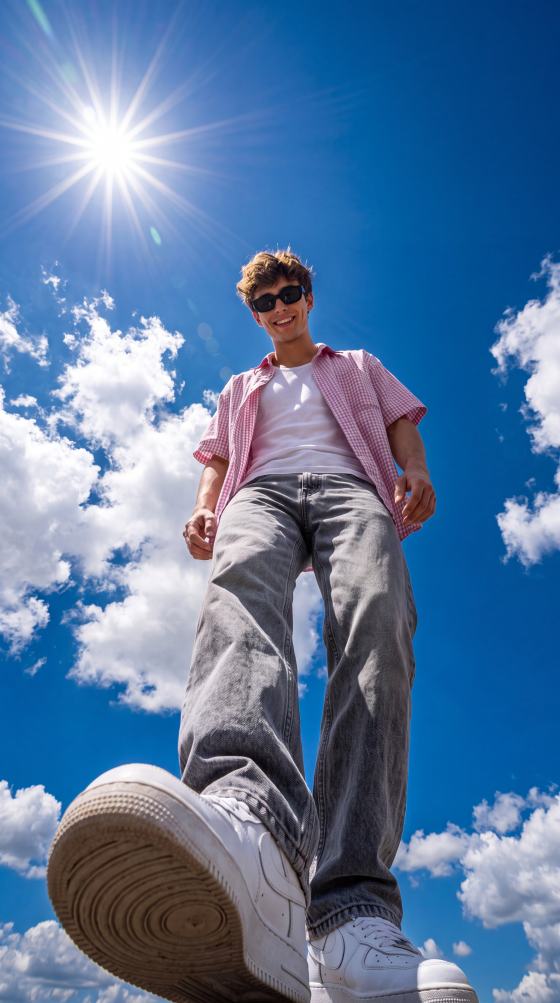
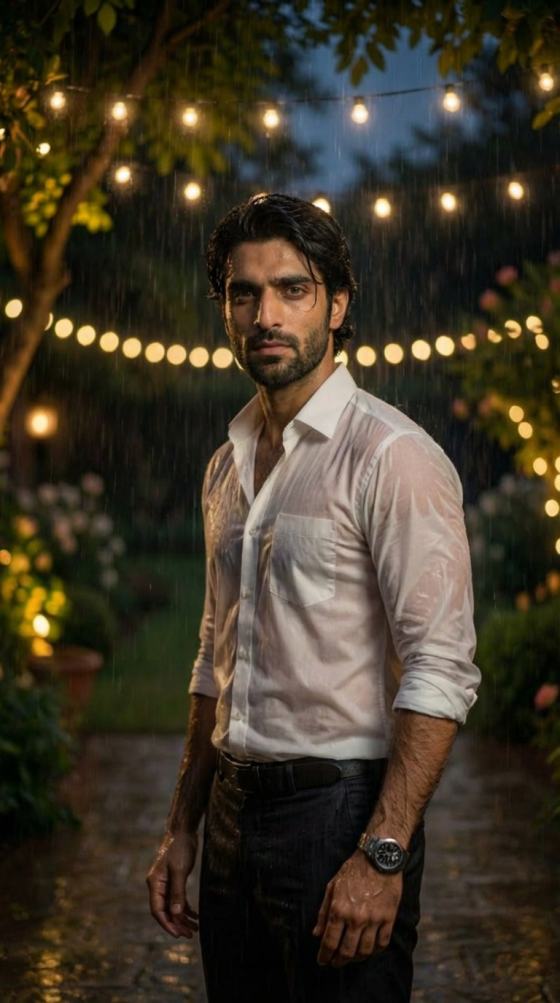
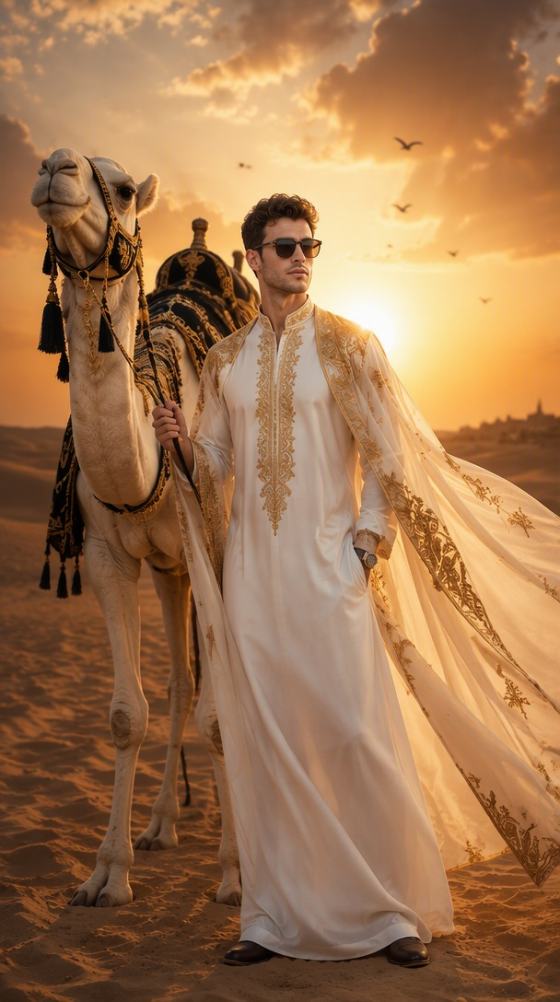
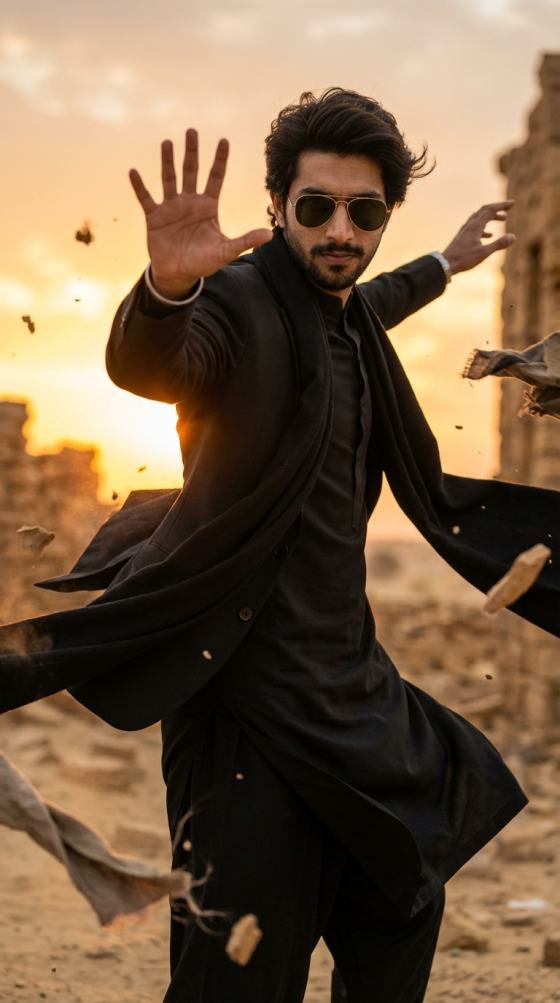
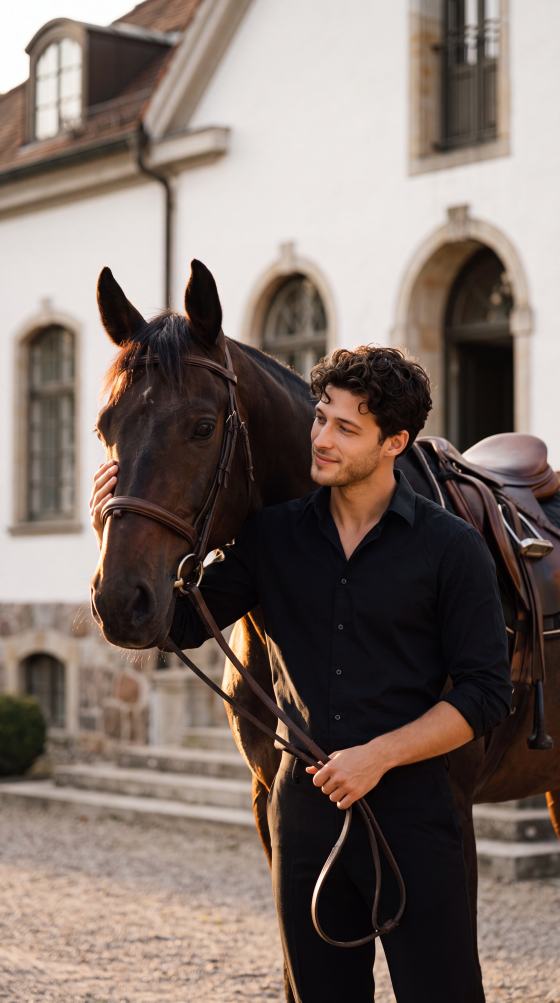
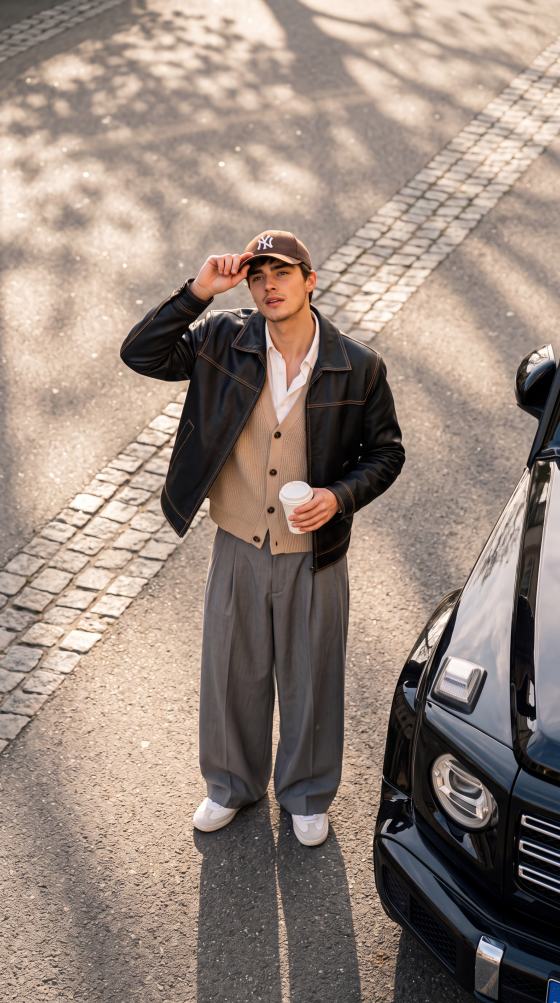
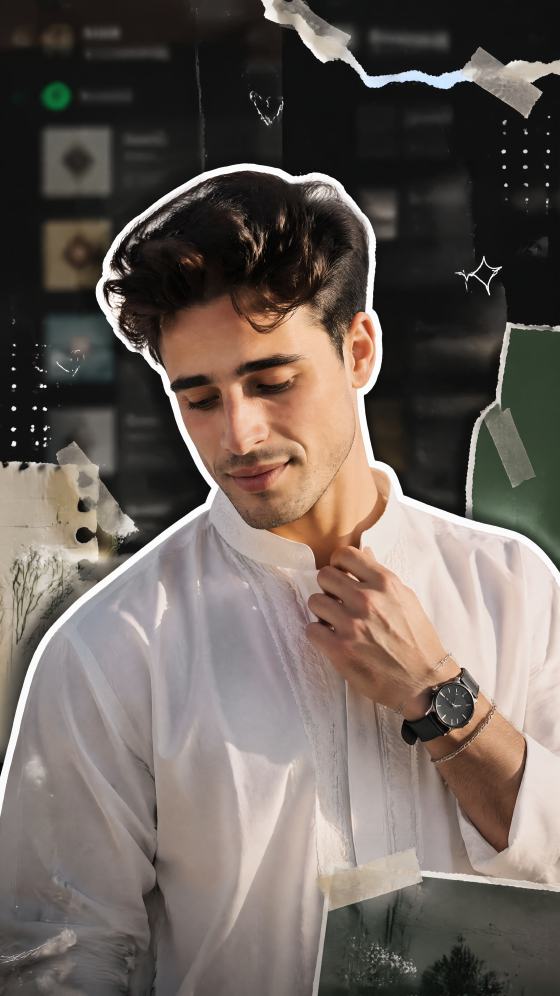


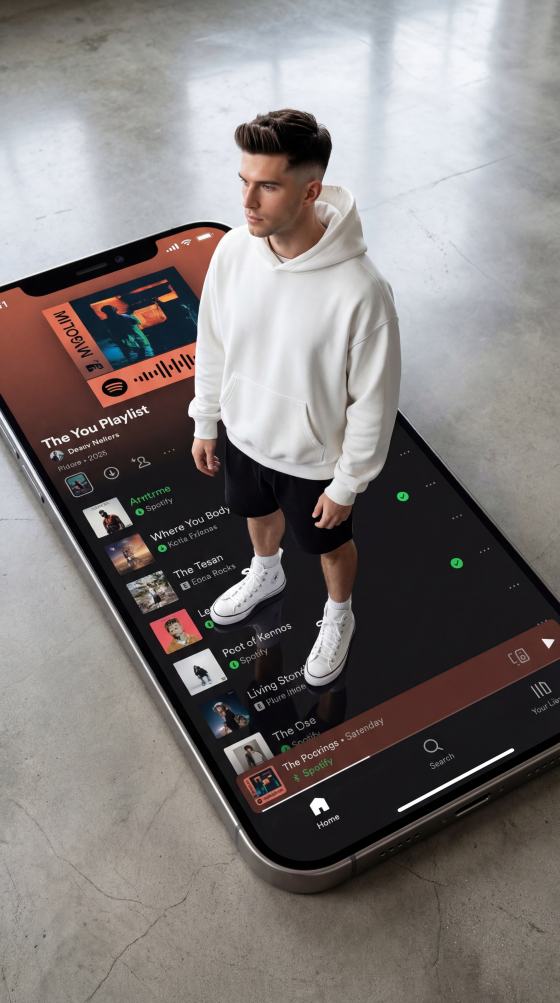
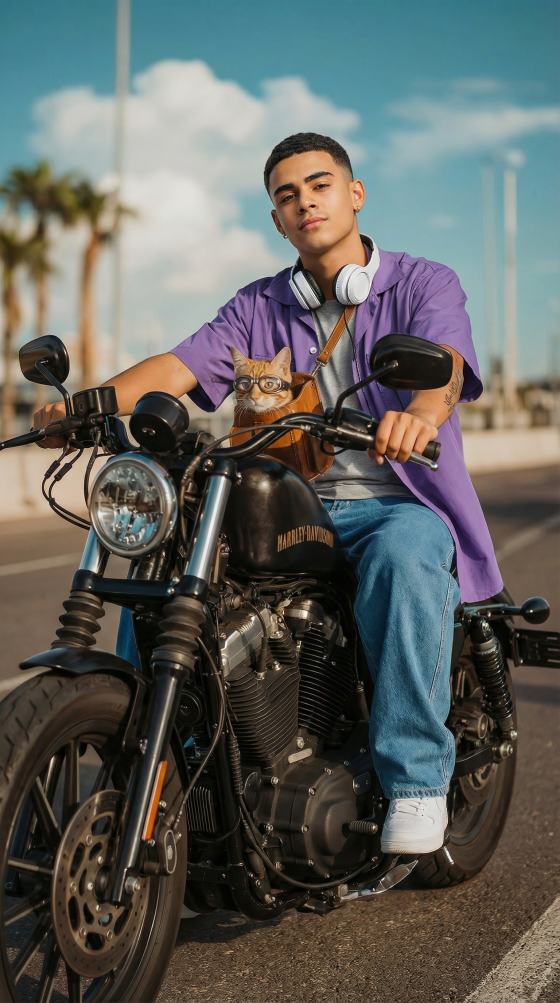
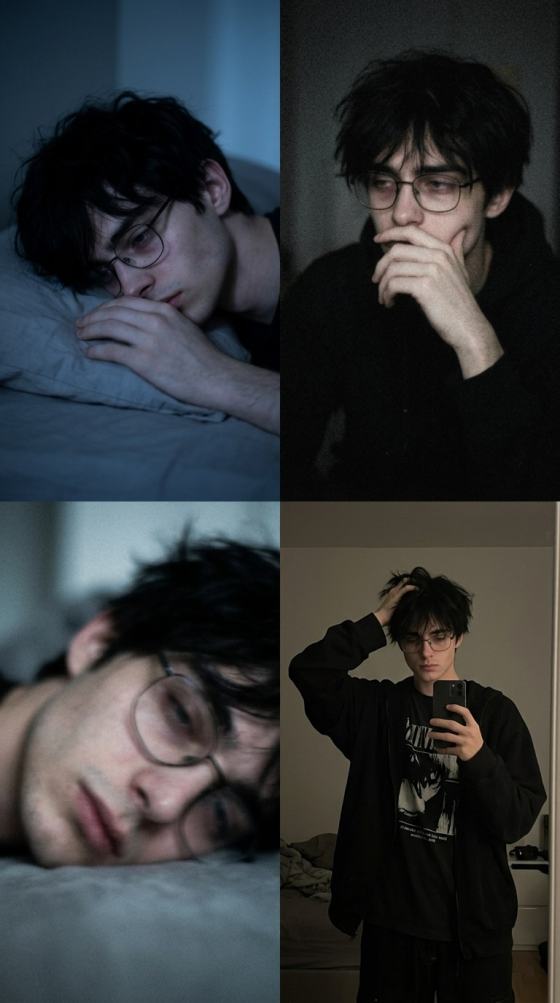
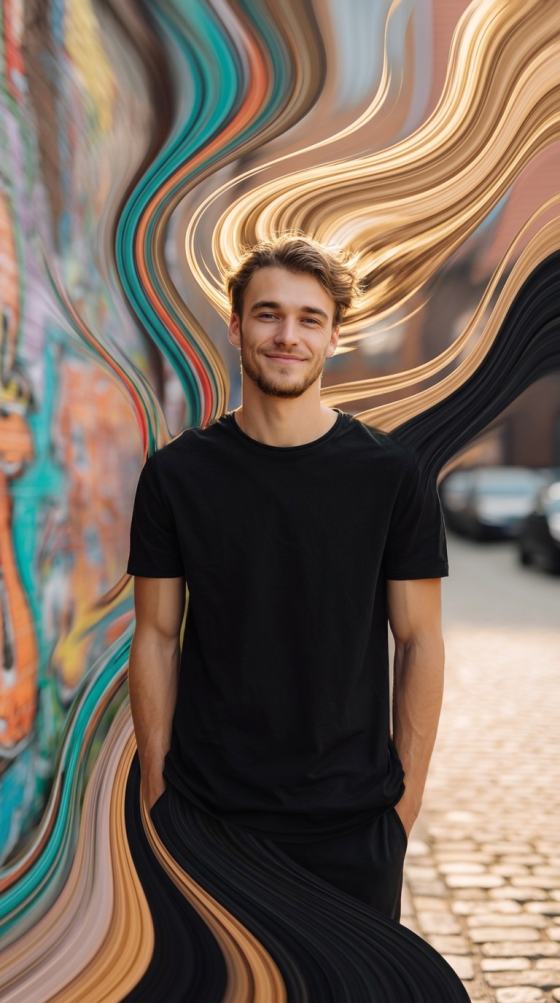
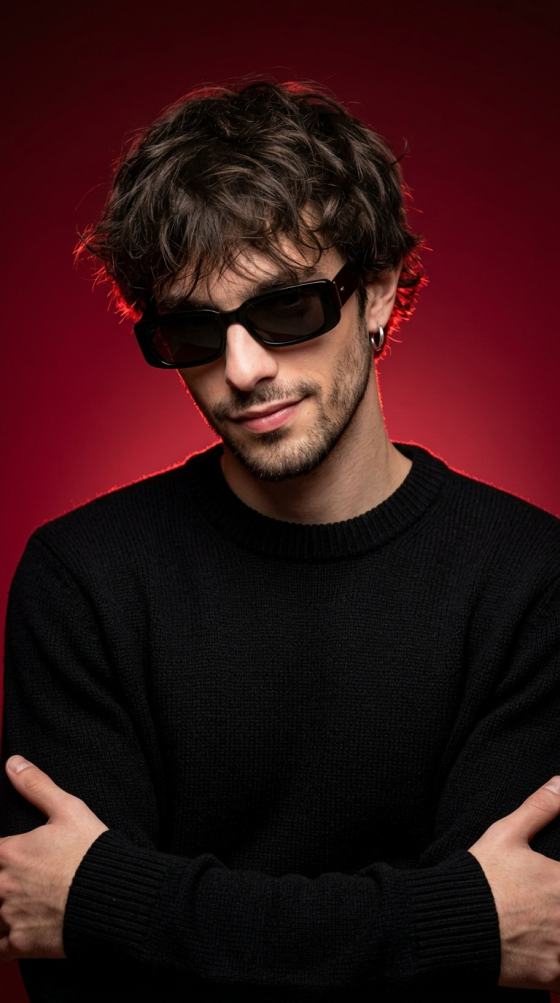
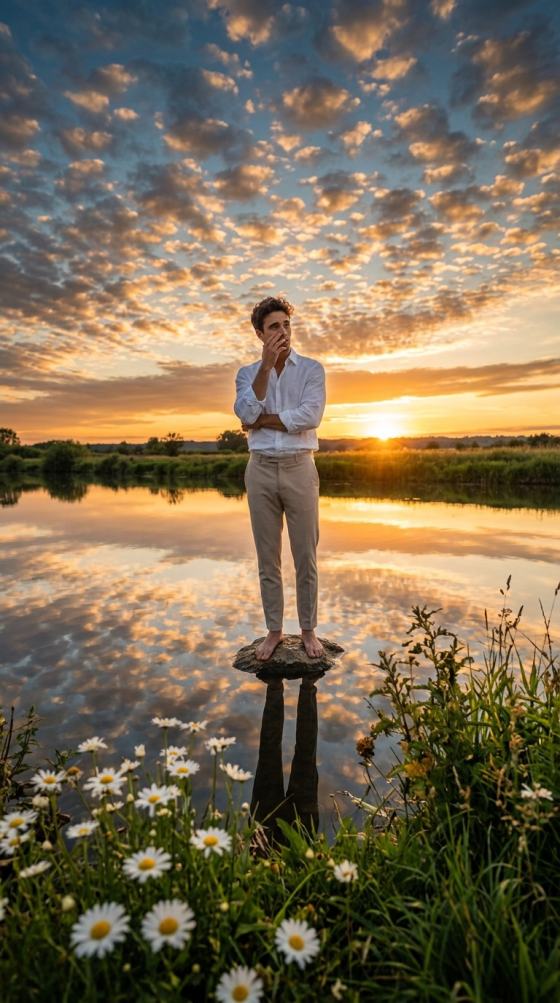

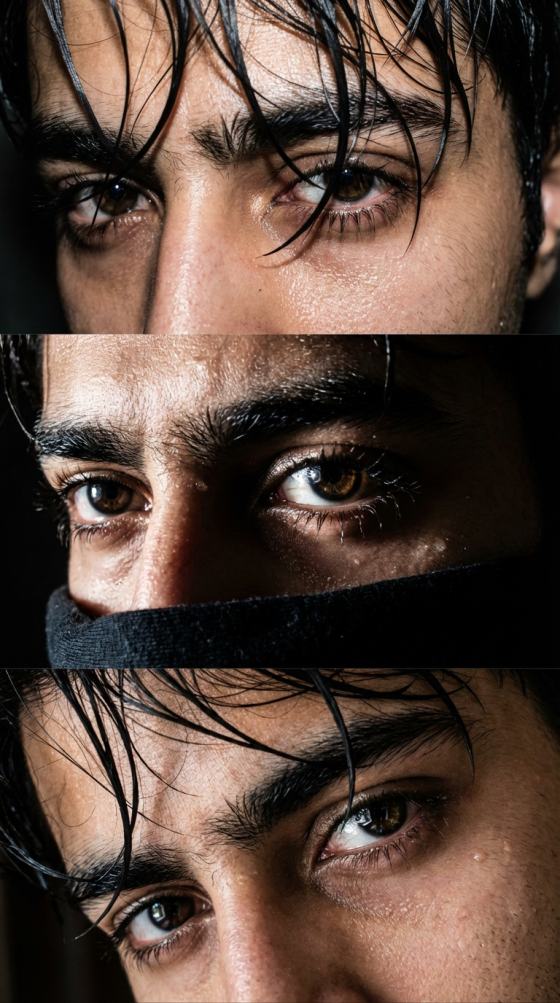
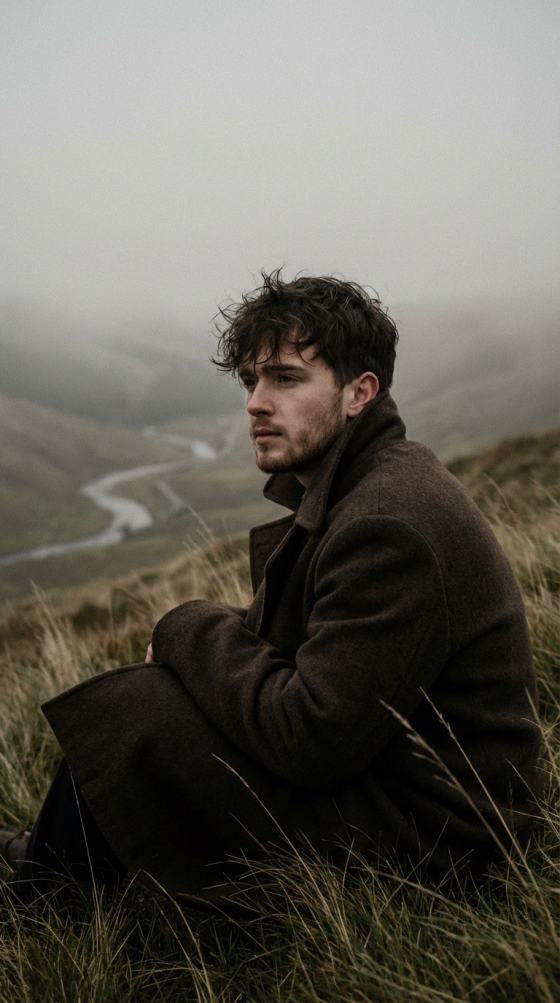
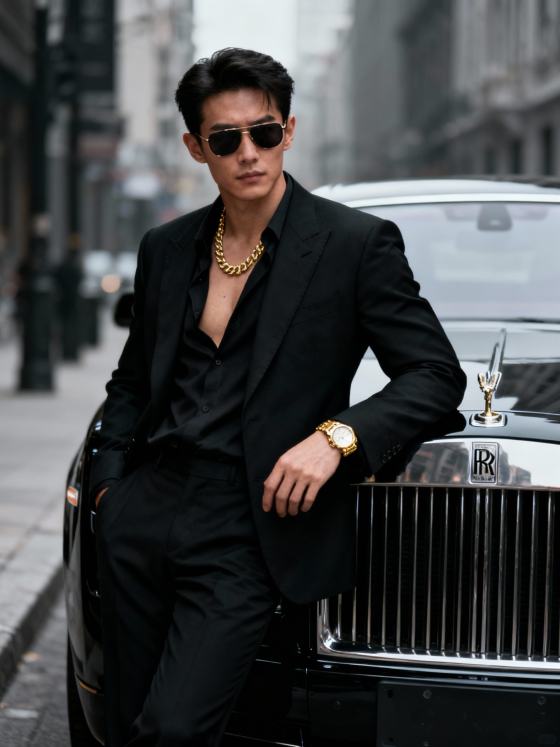
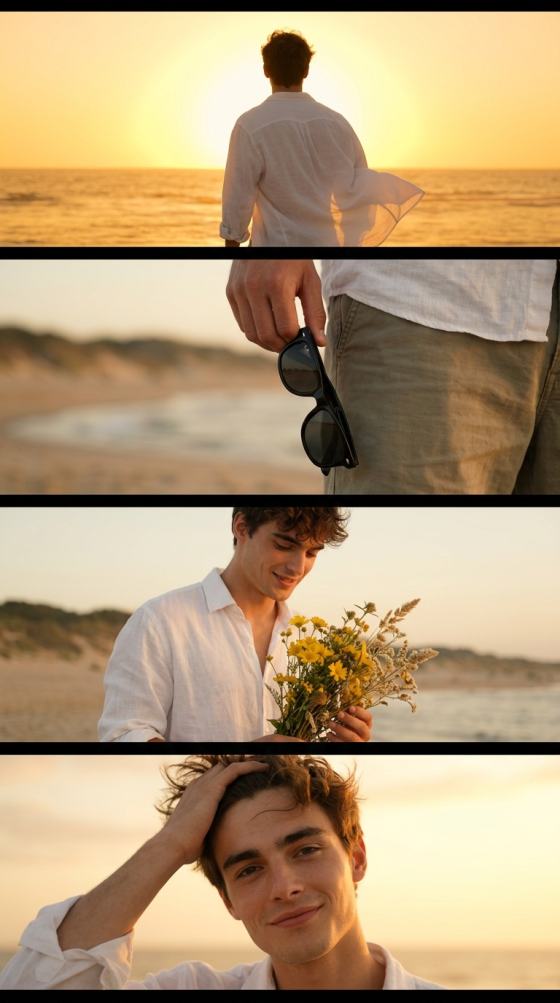
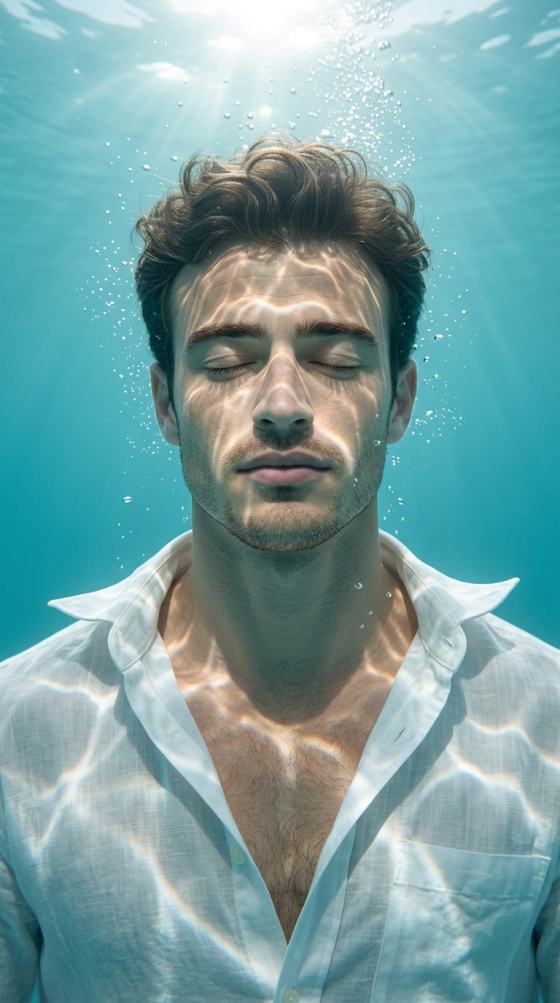
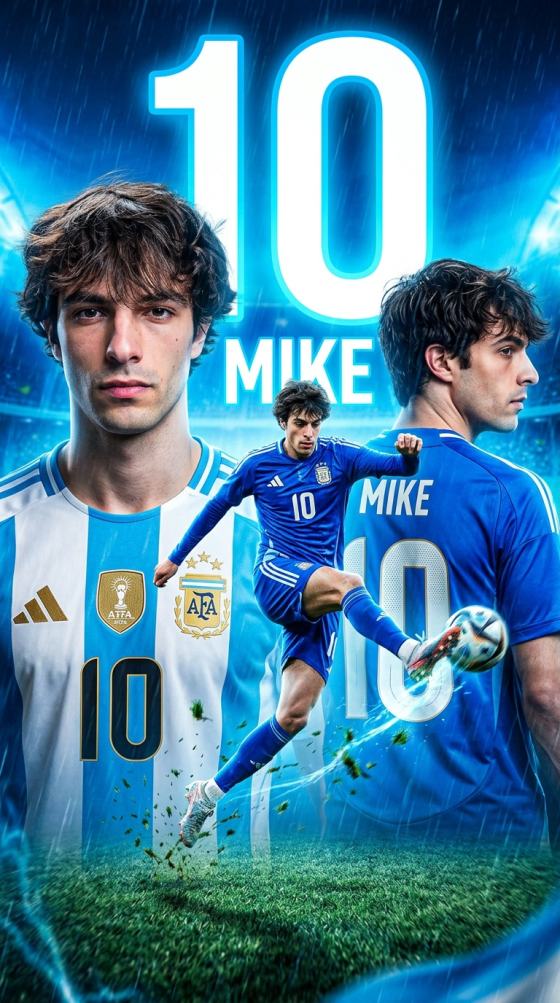
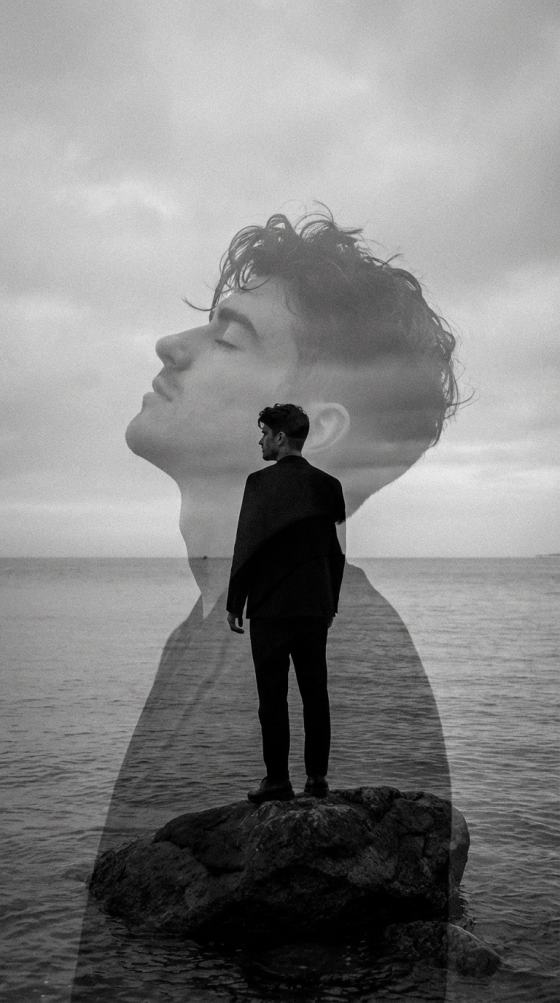
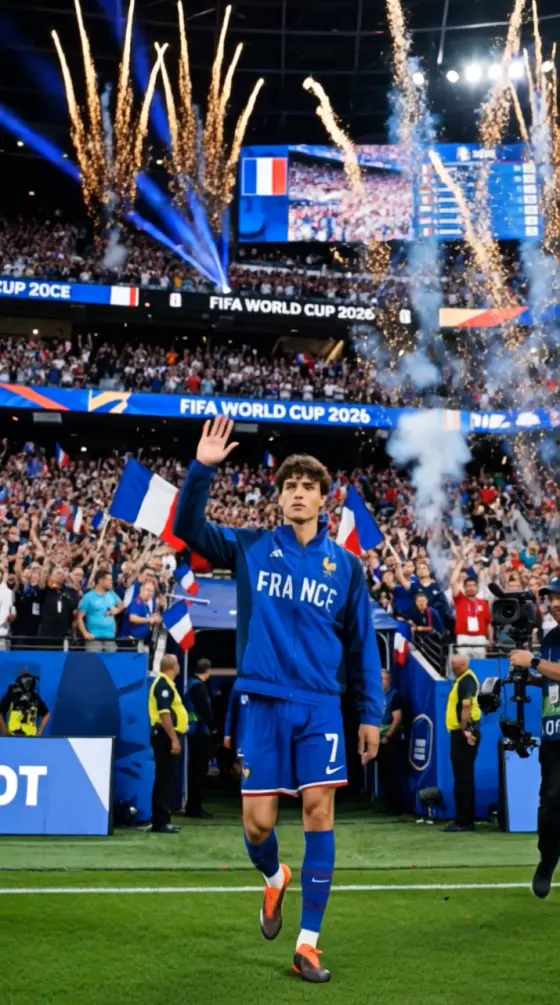

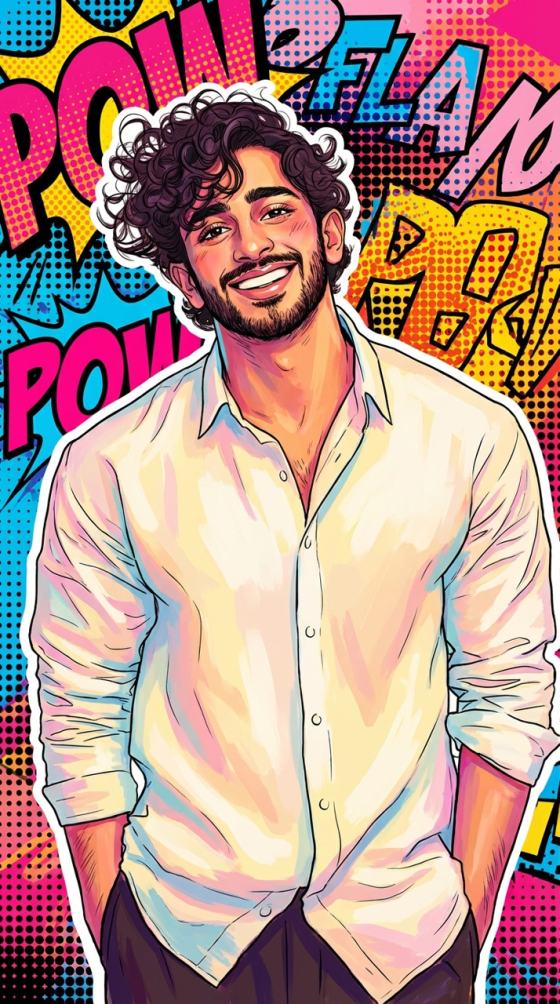
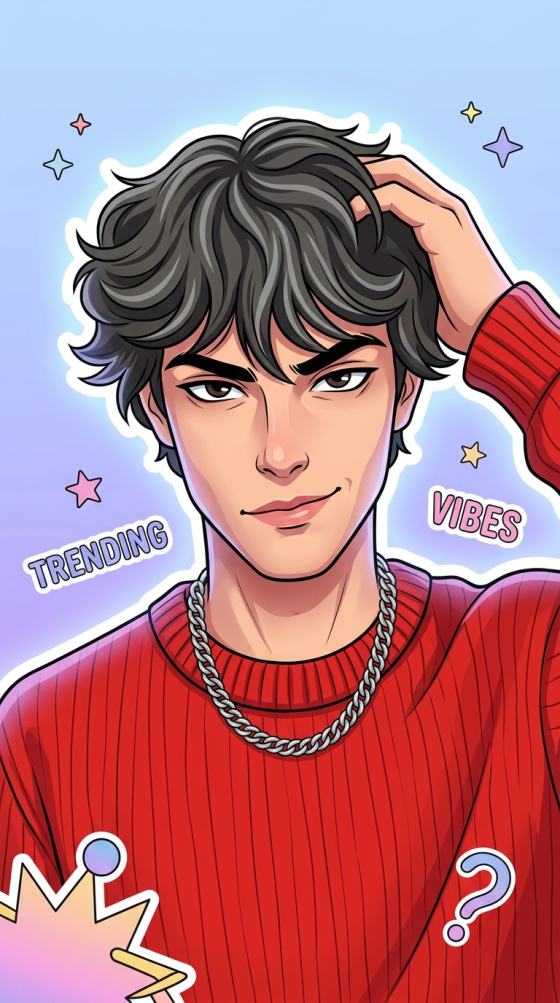
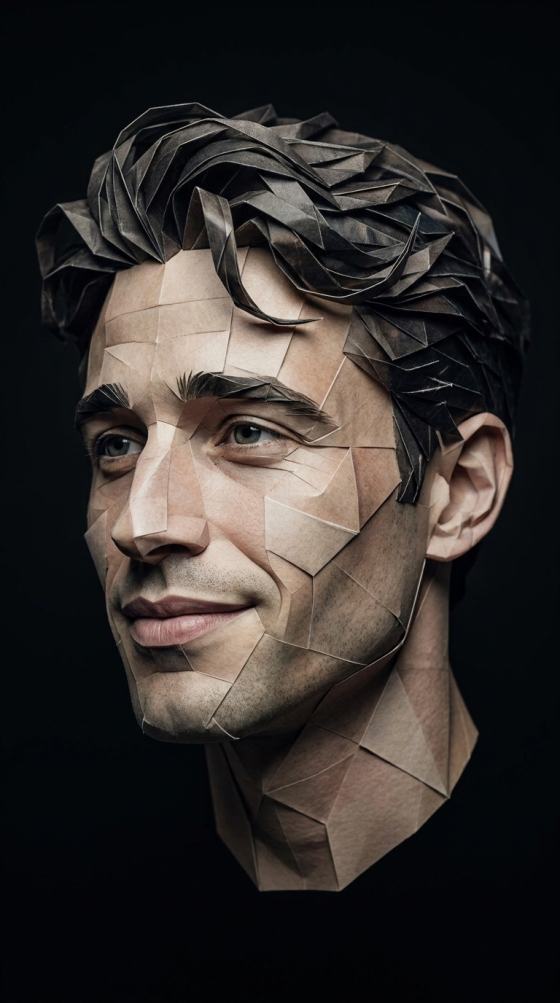
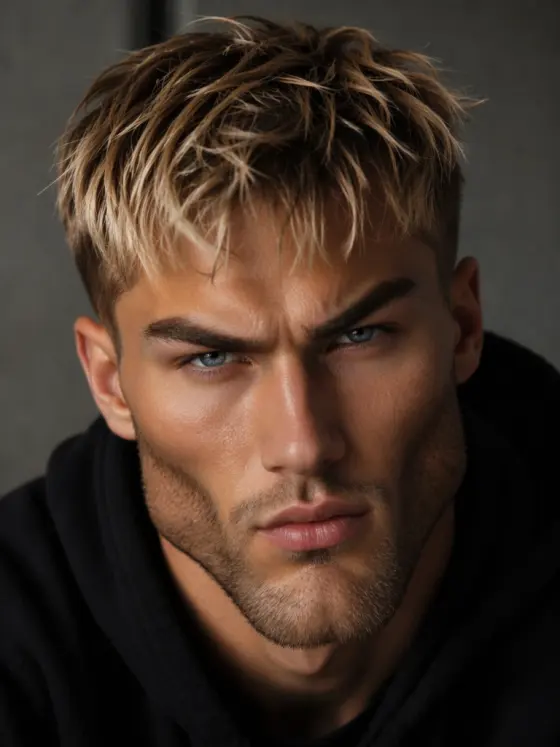
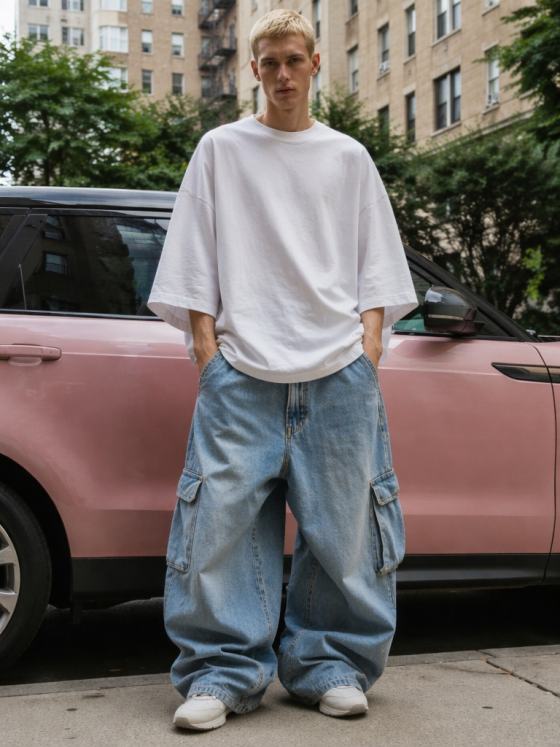
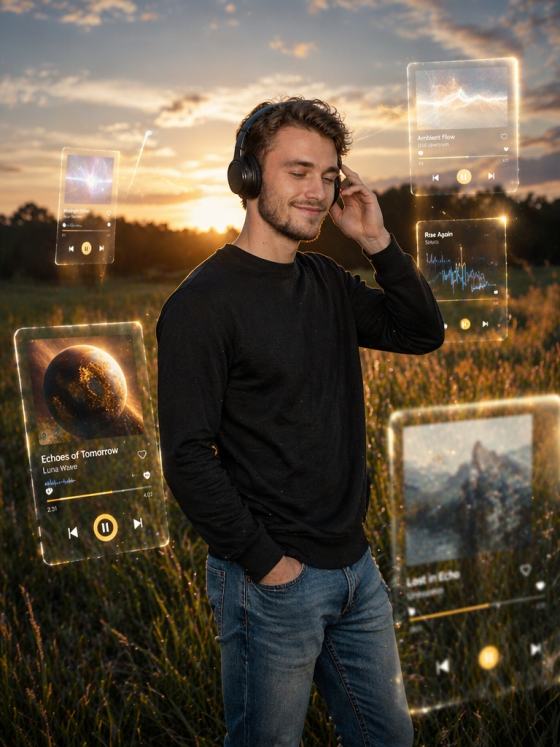
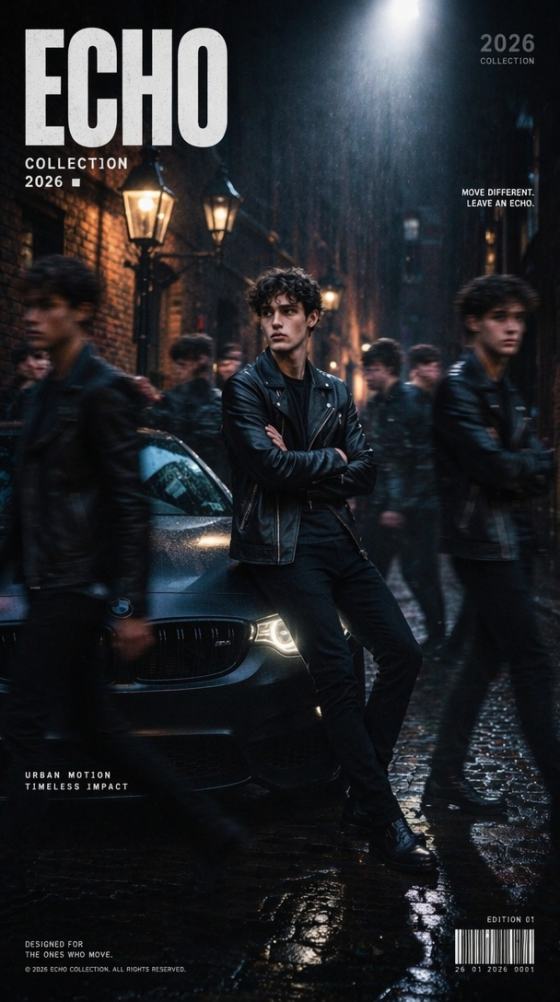
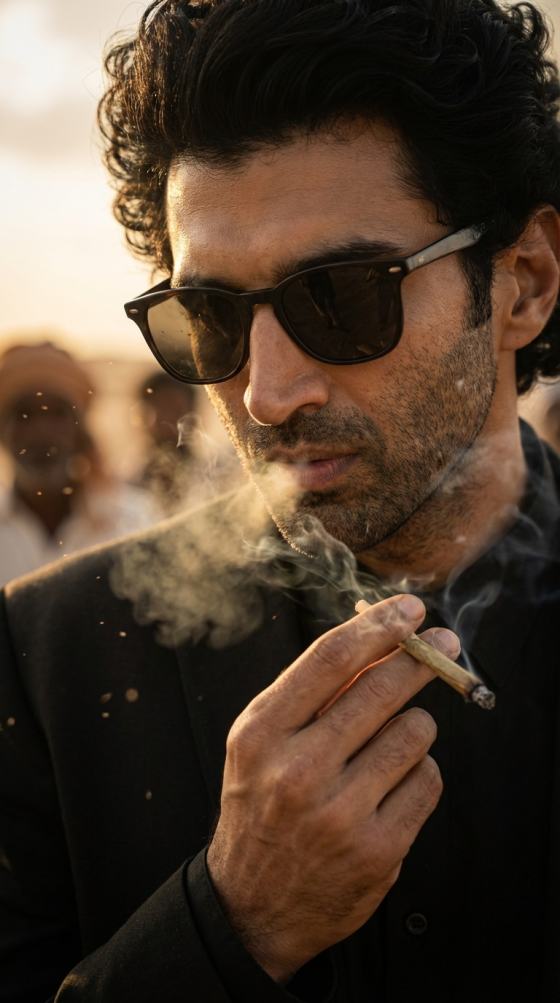
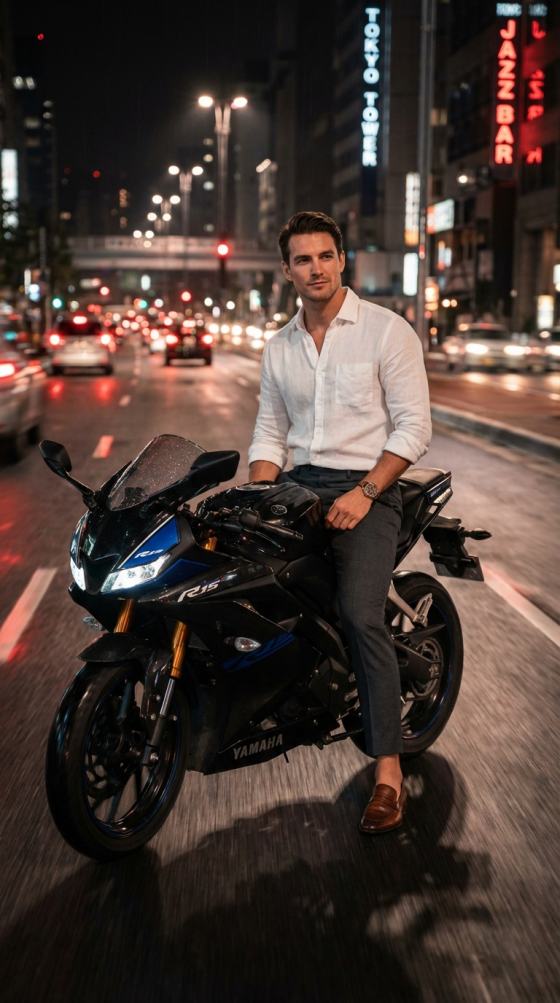
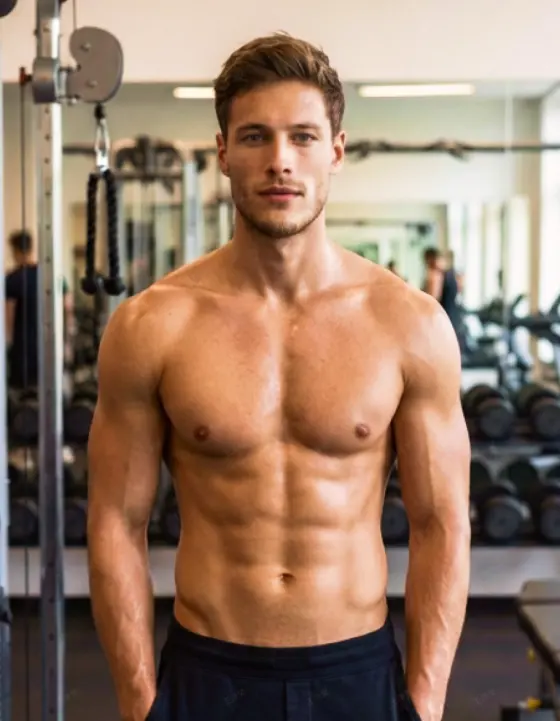
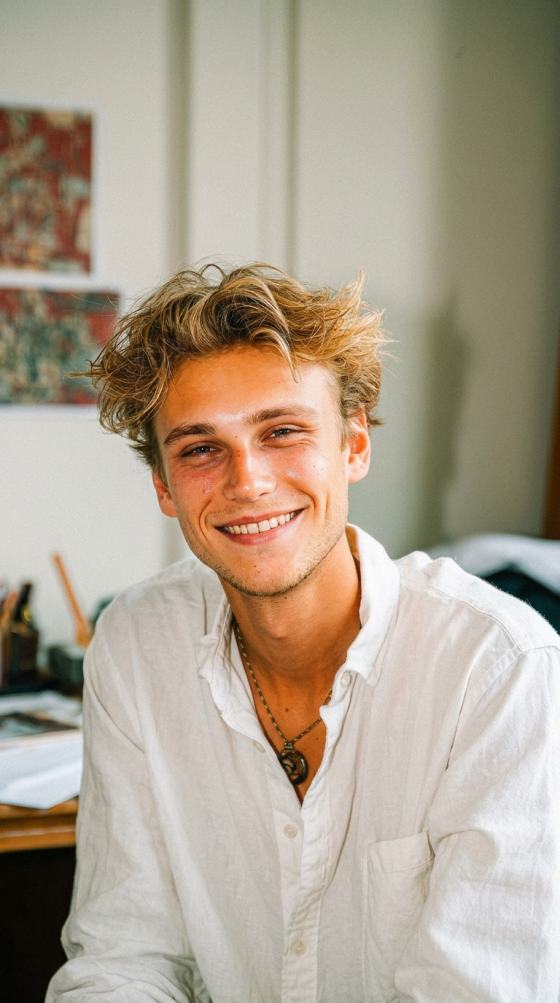
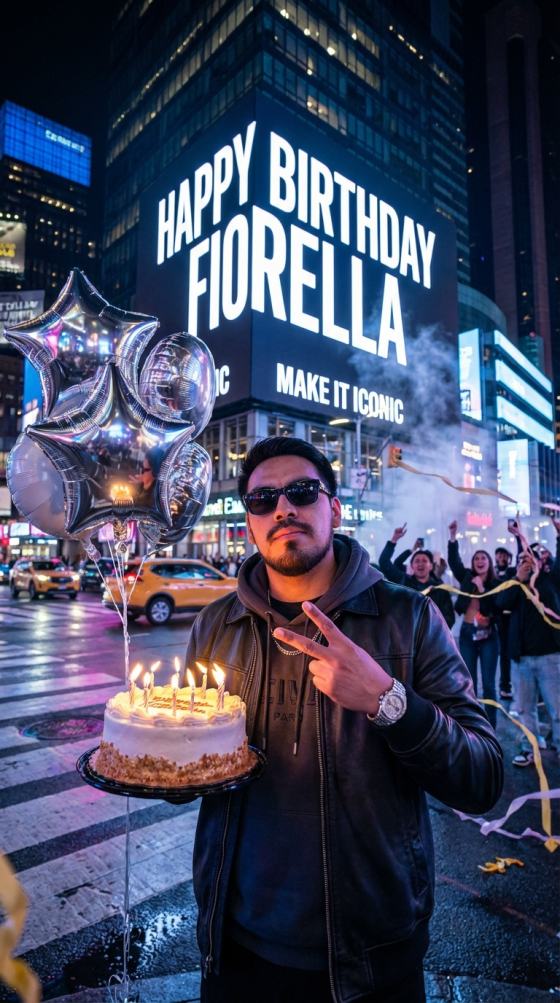
Prompt di Pose per Ragazzo AI Elegante

Generate high-quality AI images with Gemini boy pose prompts for social media, portraits, and cinematic styles. Create confident, realistic poses in seconds.

Create for Free
All Submissions

Attitude Boy CapCut Template

Create an Attitude Boy CapCut-style video from your own photo or clip with Media.io. Recreate Hindi attitude edits, slow-motion entrances, beat-sync transitions, Shayari status looks, cinematic portraits, and trending boy reel aesthetics for Instagram Reels, YouTube Shorts, and social status videos.

Create Attitude Boy Video

Upload your photo, describe the attitude trend, and turn it into a cinematic AI reel.

Why Create an Attitude Boy CapCut Template with Media.io?

Attitude edits are built around presence: a confident pose, a strong beat, and a visual change that lands at the right moment. Media.io helps turn portraits and short clips into CapCut-inspired attitude videos without rebuilding every zoom, slow-motion shot, cinematic frame, or transition manually.

Hindi Attitude Boy Reel Style

Create a capcut template attitude boy hindi look with confident portraits, dark cinematic grading, punchy zooms, flashes, lyric space, and dramatic hero framing. It works well for Hindi attitude songs, status videos, and personality-focused Reels.


Attitude Slow-Motion Effects

Turn walking shots, sunglasses poses, head turns, jacket movements, or bike entrances into a capcut template attitude slow motion edit. Emphasize the strongest moment with speed changes, motion blur, camera push-ins, and a clean beat drop.

Attitude Shayari Video Looks

Combine your portrait with dark backgrounds, bold Hindi or Romanized Shayari space, particles, glowing edges, photo cards, and cinematic lighting. This makes it easy to build an attitude shayari CapCut template-inspired status around a quote or lyric.

Trending Boy & Girl Variations

Reuse the same visual language for a capcut template attitude boy trending reel or an attitude girl edit. Change the outfit, pose, lighting, color palette, and motion while keeping the vertical, beat-led template aesthetic consistent.

How to Make an Attitude Boy CapCut-Style Video in 3 Steps

01

Step 1: Upload Your Boy Photo or Clip

Choose a clear portrait, walking shot, sunglasses pose, bike clip, mirror shot, or full-body photo. A strong silhouette and visible face make attitude effects easier to read in a vertical mobile video.

02

Step 2: Describe the Attitude Trend

Ask for slow motion, a Hindi-song reel, dark hero lighting, attitude Shayari, flash transitions, cinematic zooms, smoke, particles, or a bold entrance. Match the intensity to the music and personality you want to show.

03

Step 3: Generate, Export & Share

Preview the face, pose, camera movement, and transition timing. Refine the prompt if needed, export the vertical result, and pair it with music you have permission to use when posting to Reels, Shorts, or status platforms.

Create Better Attitude Boy Videos with AI

A strong attitude edit is more than a filter. The pose, pacing, lighting, camera movement, and beat should all reinforce the same personality. Use Media.io to test these visual directions from your own photo or clip.

Keep the Face Recognizable

Start with a clear portrait and ask the AI to preserve facial identity, hairstyle, outfit, and body proportions. This is especially useful when creating stylized hero shots from a personal photo.

Control the Attitude Mood

Choose confident, cool, rebellious, mysterious, romantic, or sad attitude. Reinforce it with matching posture, expression, lighting, background, and color grading instead of stacking unrelated effects.

Build Around the Beat

Reserve the strongest zoom, flash, pose change, or slow-motion moment for the musical hook. Clear visual hierarchy helps a short attitude edit feel closer to a polished template rather than a random effect sequence.

Make It Vertical & Social Ready

Frame the subject for 9:16 viewing, keep important facial details away from platform UI, and leave controlled negative space for lyrics or Shayari. The same concept can be adapted for Reels, Shorts, and status videos.

3 Trending Attitude Boy CapCut Template Ideas

Hindi Song Attitude Edit

Build a capcut template attitude hindi song look around a close-up or full-body portrait. Use dark contrast, beat-timed flashes, a slow camera push, sharp facial detail, and space for one short lyric or attitude line.

Slow-Motion Boy Entrance

Use a walking, jacket-adjusting, sunglasses, or bike entrance as the hero shot. Add cinematic slow motion, background blur, subtle camera shake, speed ramping, and a punchy transition at the strongest beat.

Attitude Shayari Status

Turn a portrait into a moody status video with black, red, blue, or gold grading, smoke and particles, dramatic side lighting, and clean space for attitude Shayari. Keep the text short so the face remains the visual focus.

What Attitude Video Creators Say

user
Arjun Mehta

Reels Creator

“The Entrance Looks Powerful.” I used a normal walking clip and focused the prompt on slow motion, dark lighting, and a camera push. The result gave the entrance much more attitude without making the edit feel overloaded.

user
Ravi Singh

Status Video Editor

“Great for Shayari Edits.” I kept my portrait in the center and left space for one short attitude line. The darker background and subtle particles made the Shayari stand out without covering the face.

user
Kabir Sharma

Short-Video Creator

“Easy to Test Styles.” The same portrait worked with a Hindi-song look, a bike entrance, and a cinematic black-and-red version. It was useful for trying different attitude directions before posting.

FAQs About Attitude Boy CapCut Templates

1. What is an Attitude Boy CapCut template?

An Attitude Boy CapCut template is a short-form editing style centered on confident male portraits, walking shots, bike or car entrances, sunglasses poses, Hindi songs, attitude Shayari, slow motion, flashes, zooms, and cinematic color grading. The goal is usually to make one person feel like the hero of a Reel or status video. With Media.io, you can recreate this visual style from your own photo or clip even when you are not using a specific CapCut project file.

Start with a clear portrait or short vertical clip. Choose a Hindi attitude-song mood and describe the visual treatment: confident expression, cinematic dark lighting, slow camera push, beat-timed flash, subtle particles, and space for a short lyric. Generate the visual or animation, review face consistency and motion, then export it in a vertical format. When publishing, pair the video with audio you have permission to use.

Choose an action with natural movement, such as walking toward the camera, turning your head, adjusting sunglasses, putting on a jacket, or stepping off a bike. Ask for a smooth cinematic slowdown around the strongest pose, then add motion blur, a subtle push-in, and a faster transition before or after the hero moment. Avoid making the entire clip equally slow; contrast between normal speed and the highlighted moment usually makes the effect feel stronger.

If you need a specific editable CapCut template, availability depends on the original template creator and region. If your goal is the finished attitude-style video, Media.io offers another approach: upload your own image or clip, describe the desired attitude effect, generate the result, and export a standard video. This is useful when a template link is unavailable, outdated, or does not fit your source material.

Yes. The same editing principles work for attitude girl videos: a clear portrait, confident pose, strong visual hierarchy, cinematic lighting, beat-driven motion, and controlled text space. You can change the styling from dark and rebellious to glamorous, streetwear, elegant, or bold fashion while keeping effects such as slow motion, flashes, zooms, lyric overlays, and photo-card transitions.

Media.io Online AI Tools Quality Rating:
vote4.7 (162,357 Votes)



