A2O LITE NEON AI Dance Generator
Create an A2O LITE NEON AI dance video from a photo and a dance reference clip. Use image-to-video or reference-to-video guidance to recreate the NEON-inspired K-pop performance, matching the clip’s choreography, rhythm, timing, and movement sequence. Start with the two-person intro or try a simplified solo version using copy-ready AI dance video prompts.
Use a photo of yourself, an adult who has agreed, or a character you own, plus a dance reference clip you have permission to use. Video length, aspect ratio, motion-reference inputs, and audio options depend on the selected model.
What Is the A2O LITE NEON AI Dance Trend?
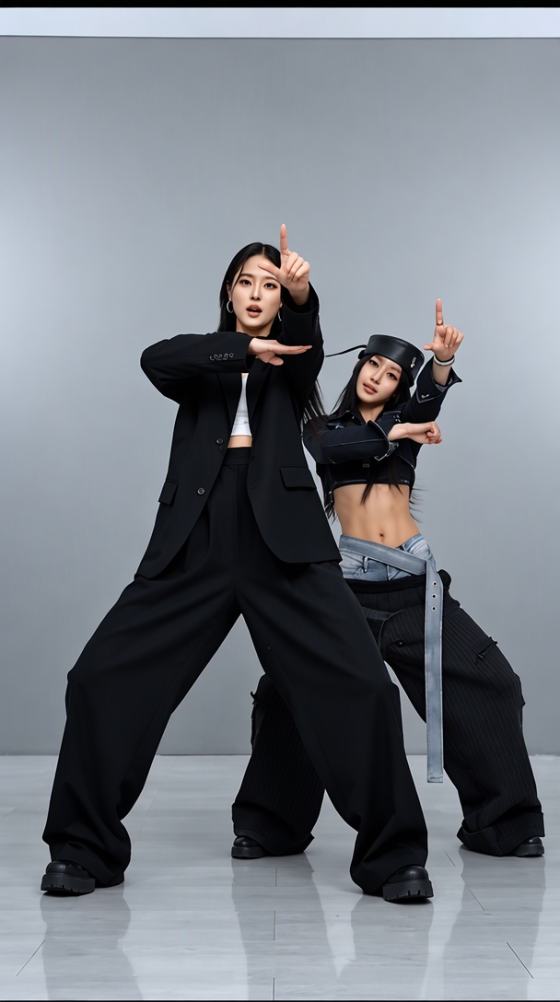
The A2O LITE NEON AI dance trend recreates the K-pop choreography and performance style associated with A2O LITE’s “NEON” using image-to-video or reference-to-video tools. Add a character photo and, when supported, a dance reference clip to guide the movement. The two-person intro is the best place to start; a simplified solo recreation offers another option, while group formations work best as a secondary variation.
Photo-to-Video Character Replacement
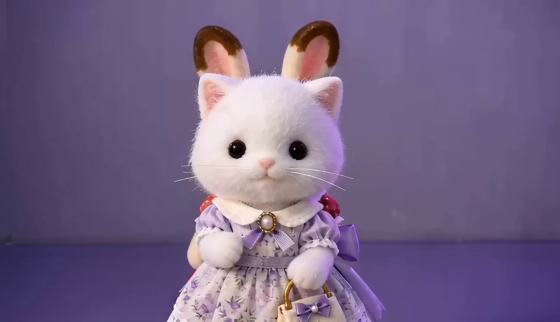
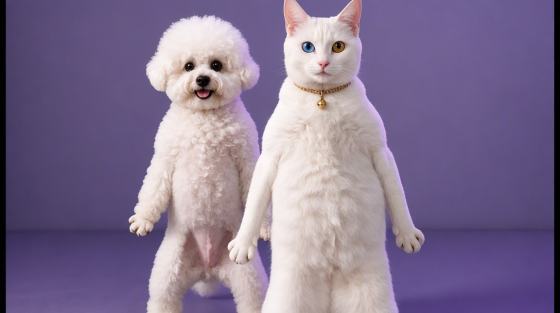
Use Image 1 to define the appearance of the person taking part in the dance. Choose a clear image that shows the face, hairstyle, outfit, and enough of the body for the reference movement. For a two-person intro, use a separate image for each participant if your tool supports multiple identity references. Keep each person’s face, clothes, proportions, and on-screen position consistent throughout the video.
Match the NEON Dance Reference
Use a dance clip you have permission to use as the motion reference when supported. Ask the model to follow its visible choreography, rhythm, timing, sequence, and interaction instead of inventing extra steps. Keep the camera front-facing and full-body, preserve the background and lighting, and avoid extra dancers, role swaps, duplicated limbs, outfit changes, and cuts.
How to Make an A2O LITE NEON AI Dance Video
Step 1: Add Your Photo
Open an image-to-video or reference-to-video tool and upload a clear photo of the person or original character you want to animate. Choose an image with the face, outfit, and body visible. For the two-person intro, add a separate identity image for each dancer if the tool accepts multiple image references.
Step 2: Add the NEON Dance Reference
Choose a copy-ready A2O LITE NEON AI dance prompt below and add a dance reference clip you have permission to use when your tool supports it. Tell the model to follow the reference’s visible movement sequence, rhythm, timing, and performer positions. Keep the two-person intro or simplified solo version consistent with the source clip.
Step 3: Review and Export
Preview your A2O LITE NEON AI dance video and check that each person’s face, hairstyle, outfit, proportions, and position remain consistent. Review choreography timing, hand and limb shape, foot contact, and background stability. Remove unintended dancers, role swaps, duplicates, outfit flicker, or camera cuts. Add audio separately if your selected generation mode does not include it.
Copy-Ready A2O LITE NEON AI Dance Video Prompts

Two Identity Images + Dance Reference Clip

A2O LITE NEON Duo Dance Prompt: Use @Image1 and @Image2 as the appearance references for the two performers in the A2O LITE “NEON”-inspired dance. Keep each person’s face, hairstyle, outfit, body proportions, and screen position consistent; do not swap roles or merge identities. Use the permitted dance reference clip to guide the visible two-person intro choreography, movement order, rhythm, timing, and interaction. Recreate only the actions shown in the reference; do not invent additional steps. Keep both performers fully visible in a steady, front-facing full-body shot with the same background and lighting throughout. SAME IDENTITY. FIXED POSITIONS. NO ROLE SWAP. NO DUPLICATE. NO NEW SCENES. Avoid extra dancers, fused or duplicated limbs, distorted hands, foot sliding, outfit flicker, background drift, and camera cuts.

One Identity Image + Dance Reference Clip
A2O LITE NEON Solo Dance Prompt: Use @Image1 as the identity and wardrobe reference for one dancer inspired by A2O LITE’s “NEON” performance. Preserve the same face, hairstyle, outfit, and body proportions throughout. Use the permitted dance reference clip to guide a simplified solo recreation of the visible movement, matching its rhythm and timing without adding choreography that is not shown. Keep the dancer centered and fully visible in a steady, front-facing full-body shot. Preserve the source scene and lighting; do not add other performers or switch locations. SAME IDENTITY. NO DUPLICATE. NO NEW SCENES. Avoid role changes, extra limbs, distorted hands, foot sliding, clothing flicker, background drift, and sudden camera cuts.

One Dancer Image + Motion Reference
NEON Dance Practice Prompt: Use @Image1 as the identity reference for one dancer. Keep the person’s face, hair, clothing, and body proportions unchanged in every frame. Use the permitted A2O LITE “NEON” dance clip as the motion reference and recreate the selected section’s visible choreography, pace, and timing as closely as the tool allows. Keep the dancer’s full body in frame, facing the camera, with grounded feet and clear separation between the arms and torso. Maintain one continuous shot and a stable background. SAME IDENTITY. NO DUPLICATE. NO NEW SCENES. Do not add unshown choreography, dancers, props, role swaps, outfit changes, limb distortion, foot sliding, flicker, or camera cuts.

One Character Image + Dance Reference
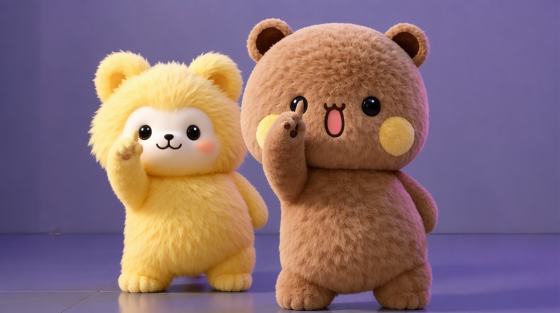
Original Character A2O LITE NEON Prompt: Use @Image1 as the exact design reference for one original character. Preserve its features, silhouette, colors, proportions, costume, and distinctive details in every frame. Use a dance reference clip you have permission to use to guide a simplified NEON-inspired performance, following only the visible movement, order, rhythm, and timing. Keep the character alone in the foreground, facing the camera, with the full body visible and feet grounded. Use one continuous shot with stable lighting and background. SAME CHARACTER IDENTITY. NO DUPLICATE. NO NEW SCENES. Avoid character fusion, extra limbs, warped hands, unshown choreography, floating feet, costume flicker, and background drift.
Explore the Hottest AI Features and Effects




FAQs About the A2O LITE NEON AI Dance Generator
1. What is the A2O LITE NEON AI dance trend?
The A2O LITE NEON AI dance trend uses an image and, when supported, a dance reference clip to create a NEON-inspired K-pop dance video. The reference guides the visible choreography, rhythm, timing, and performer positions while the uploaded image supplies the character’s appearance.
2. How do I make an A2O LITE NEON AI dance video?
Upload a clear identity image to an image-to-video or reference-to-video generator, then add a permitted A2O LITE “NEON” dance clip if motion references are supported. Paste an A2O LITE NEON AI dance prompt asking the model to follow the reference’s movement sequence, rhythm, timing, and positions. Preview the result for identity consistency, choreography, anatomy, and background stability.
3. Do I need a dance reference video?
A text prompt can guide a general dance video, but a reference clip helps communicate the specific NEON-inspired choreography and timing. Use a clip you have permission to use, and check whether your selected generator accepts motion-reference input. Available inputs vary by tool.
4. Will the AI video include music?
Audio support depends on the video generator and settings you use. Some tools can create sound, while others export a silent clip. If needed, add music separately using audio you have the right to use, then align it with the dance timing in your editor.
5. What image works best for an A2O LITE NEON AI dance?
Choose a clear image with the face, hairstyle, outfit, and body visible. For a two-person intro, use one identity image per performer if the tool supports multiple references; for a solo version, one image is enough. Ask for SAME IDENTITY, fixed positions, and stable clothing, then review hands, limbs, and foot placement after generation.
Explore More AI Dance Videos, Motion Tools, and Prompts
 Upload a Photo. Add a Dance Reference. Create.