Tus creaciones solo se guardan durante 7 días. Los recursos creados después de actualizar a Membresía se almacenarán de forma permanente.
¡Desbloquea tu potencial creativo y experimenta la magia de Media AI ahora mismo!
Generador de Texto Ardiente para Logos y Títulos en Llamas
Crea arte de palabras ardientes, letras con estilo de logotipo y gráficos de títulos dramáticos con este generador de texto de fuego. Convierte indicaciones en diseños de llamas de alto contraste para miniaturas, carteles, banners y publicaciones sociales más rápido que un clásico generador de texto de fuego o una plantilla fija de creador de texto de llama.
Escribe tu idea -> La IA la diseña. Prueba gratis.
Revisa estos ejemplos de indicaciones y adapta los detalles para obtener mejores resultados con este Generador de Texto Ardiente de Media.io.
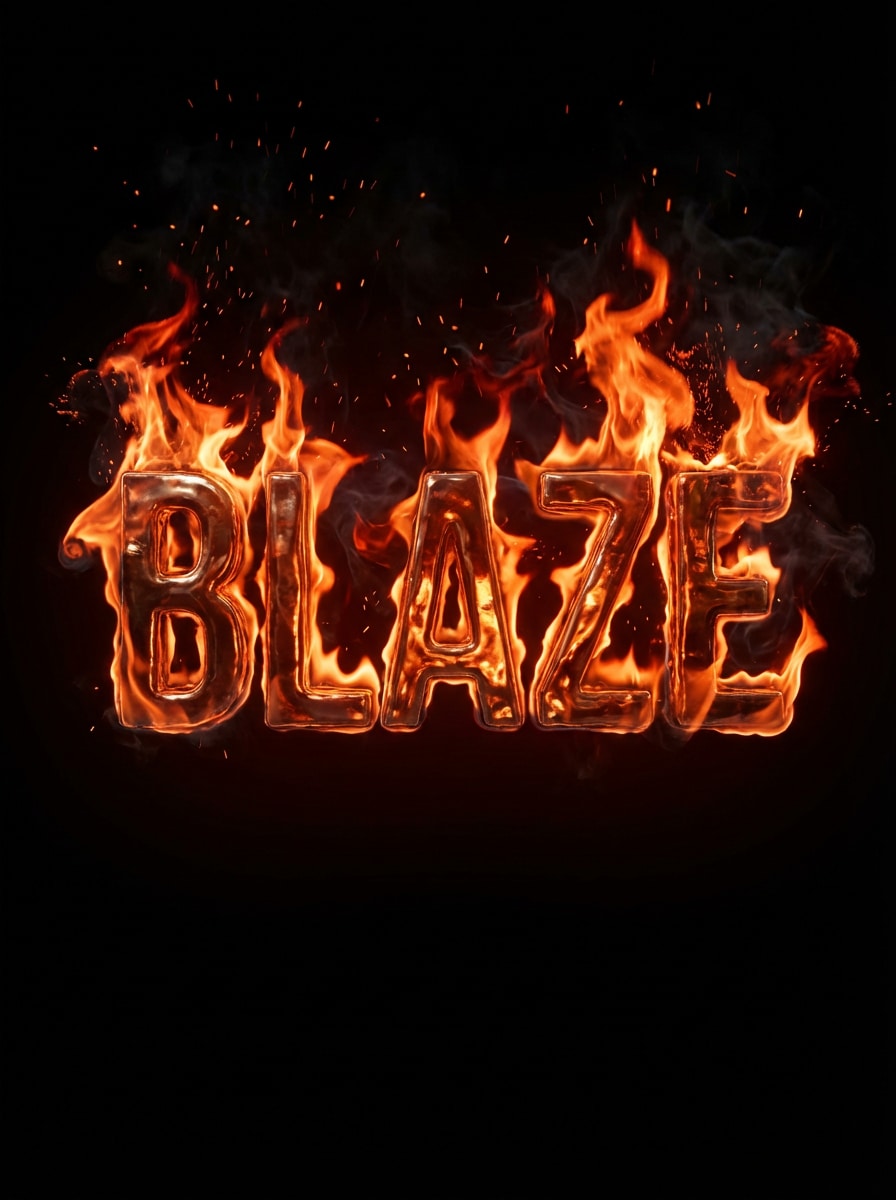
Texto Realista en Llamas Naranja
Crea la palabra BLAZE en letras gruesas de mayúsculas envueltas en llamas realistas naranjas y rojas, con brasas resplandecientes, sutiles estelas de humo, reflejos brillantes de calor, fondo negro profundo, alto contraste cinematográfico, tipografía clara y nítida, y un aspecto dramático de logotipo ardiente con detalles premium.
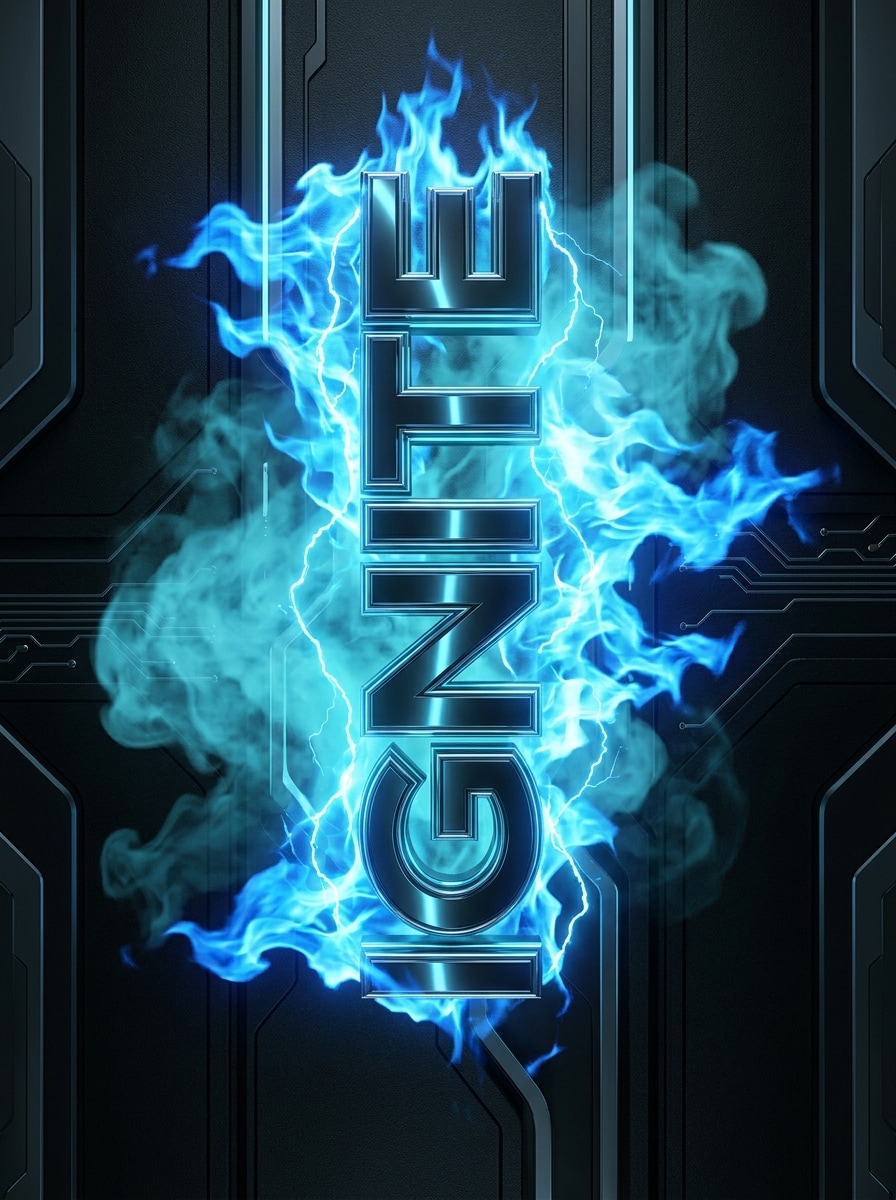
Tipografía de Llama Azul
Genera la palabra IGNITE en texto futurista de mayúsculas rodeada de vivas llamas azules, resplandor eléctrico frío, humo suave cian, relieves metálicos brillantes, fondo oscuro de carbón, ambiente elegante de ciencia ficción, bordes limpios, gran legibilidad y una iluminación de calidad cartelera que se siente intensa pero moderna.
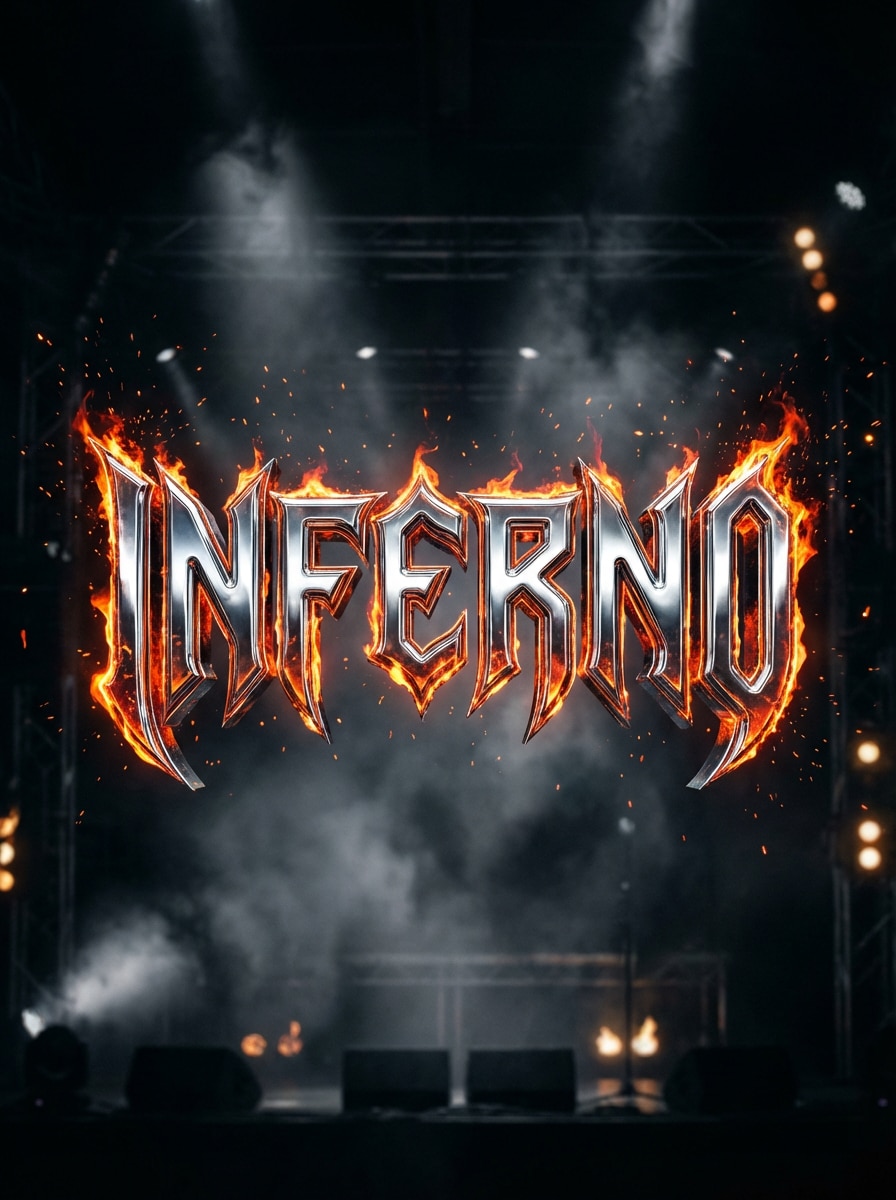
Logo de Fuego Heavy Metal
Diseña la palabra INFERNO con letras agresivas de heavy metal y textura cromada, bordes dentados, intensas llamas ascendiendo de cada letra, chispas, neblina de humo, fondo oscuro como escenario, relieves dramáticos, contraste arenoso y energía de portada de disco con alto nivel de detalle, sin perder fuerza ni legibilidad.
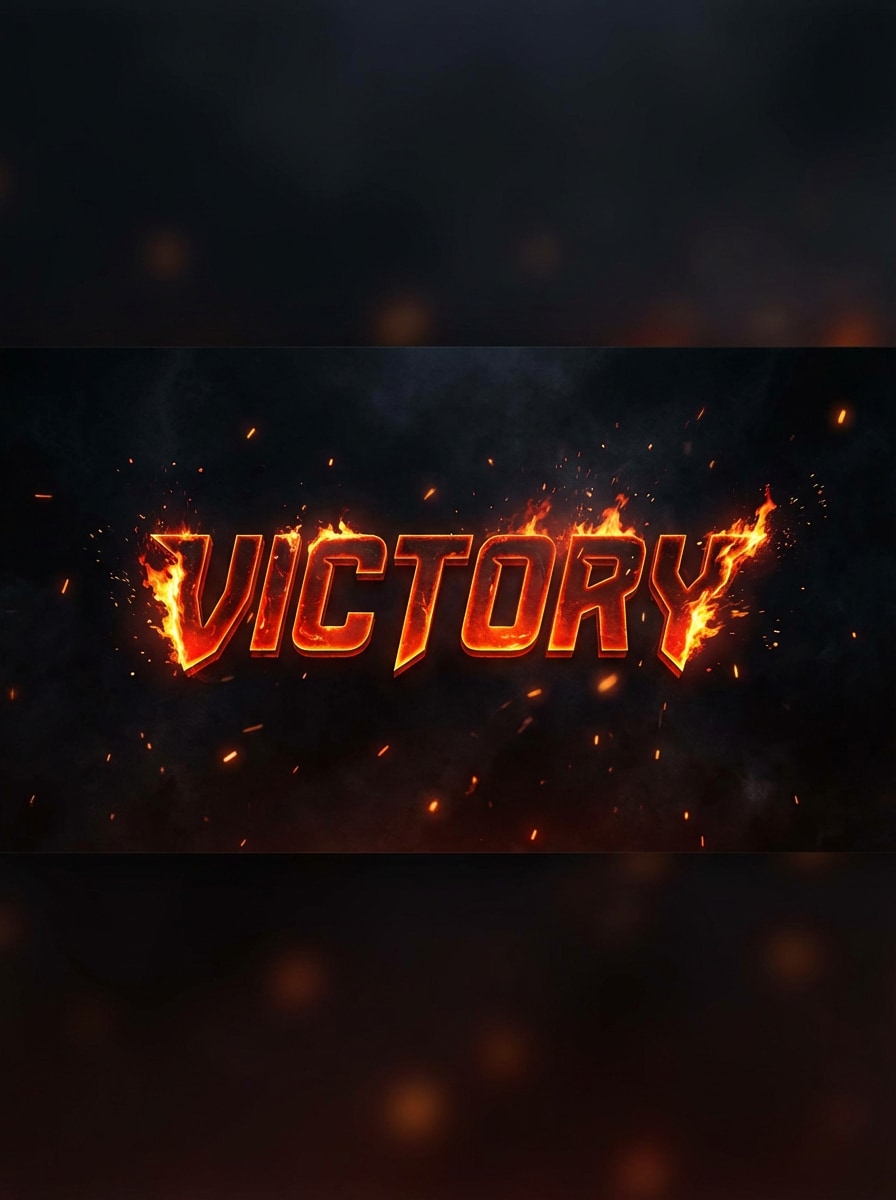
Texto de Fuego para Banner de Gaming
Crea el título VICTORY en letras gruesas estilo esports con fuego ardiente en los bordes, brasas flotantes, ambiente ahumado, resplandor rojo-naranja, fondo negro, composición dinámica centrada, legibilidad para miniatura y luz cinematográfica intensa, competitiva y perfecta para banners de gaming.
Título de Terror en Llamas
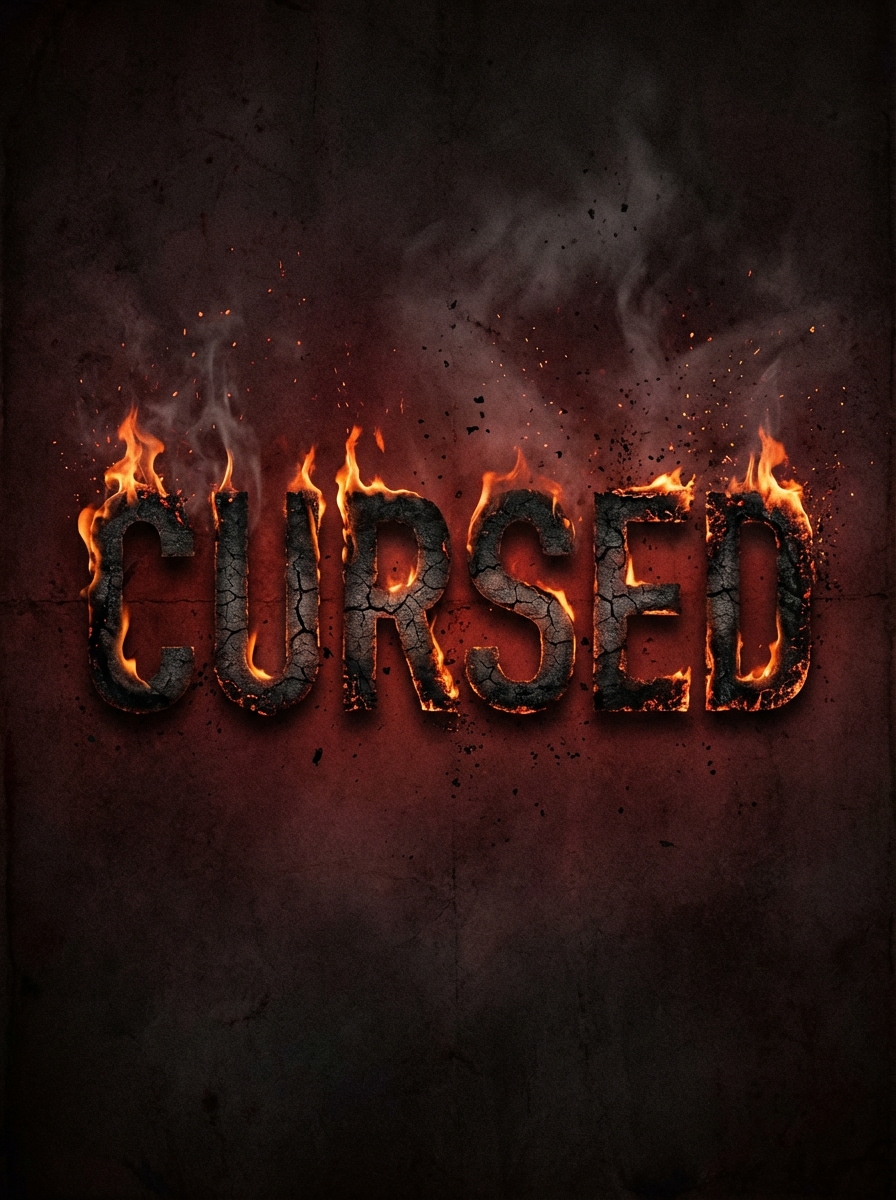
Genera el título CURSED en tipografía de terror desgastada con bordes quemados, letras con puntas de fuego, partículas de ceniza, humo flotante, paleta oscuro roja y negra, ambiente aterrador de cartel, textura áspera, sombras tenebrosas y alto contraste que hace que el título ardiente luzca siniestro y memorable.
Texto de Fuego de Dragón
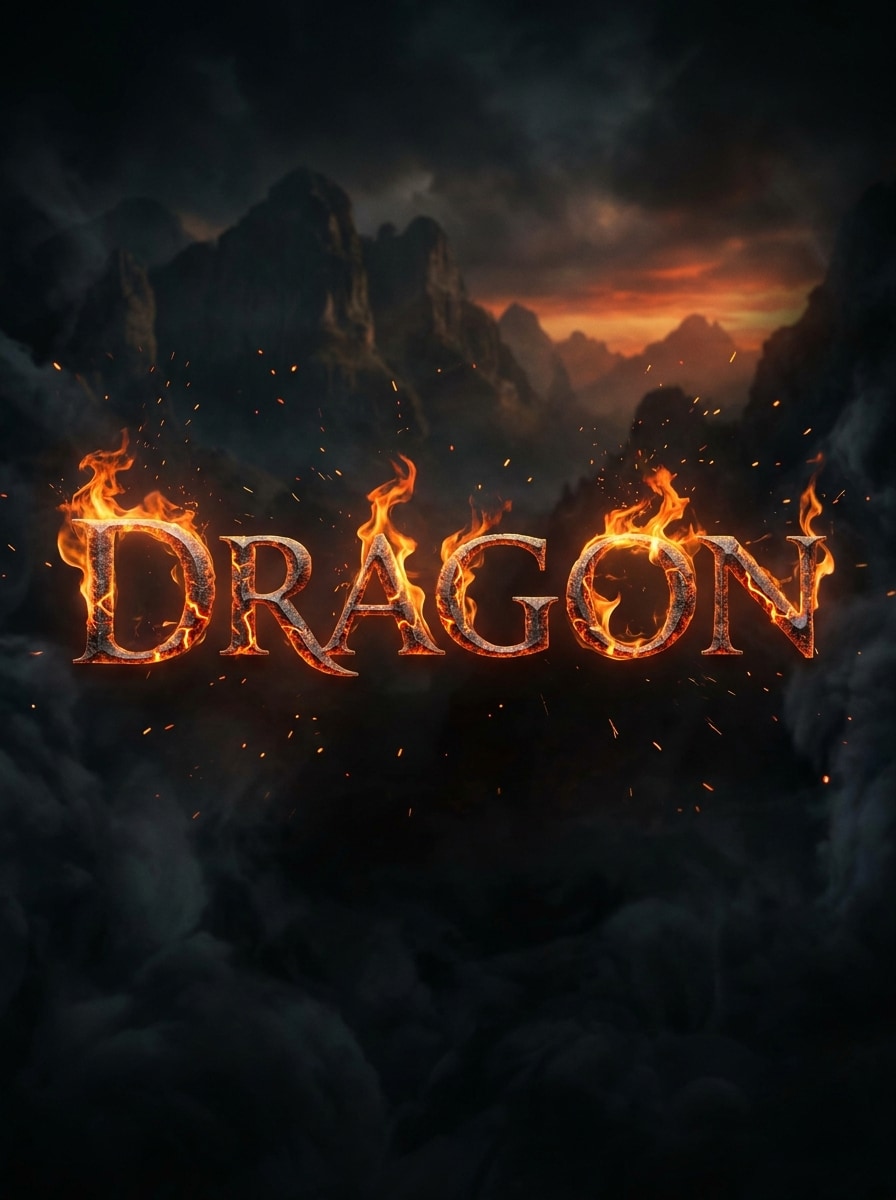
Crea la palabra DRAGON en tipografía con serifas de fantasía épica forjada en metal fundido, grietas de lava incandescente, llamas naranjas ondulantes, chispas, sombras ahumadas y un fondo cinematográfico oscuro, con textura rica, calor mágico, composición heroica y calidad de póster fantástica, siempre clara y legible.
Letras de Lava Fundida
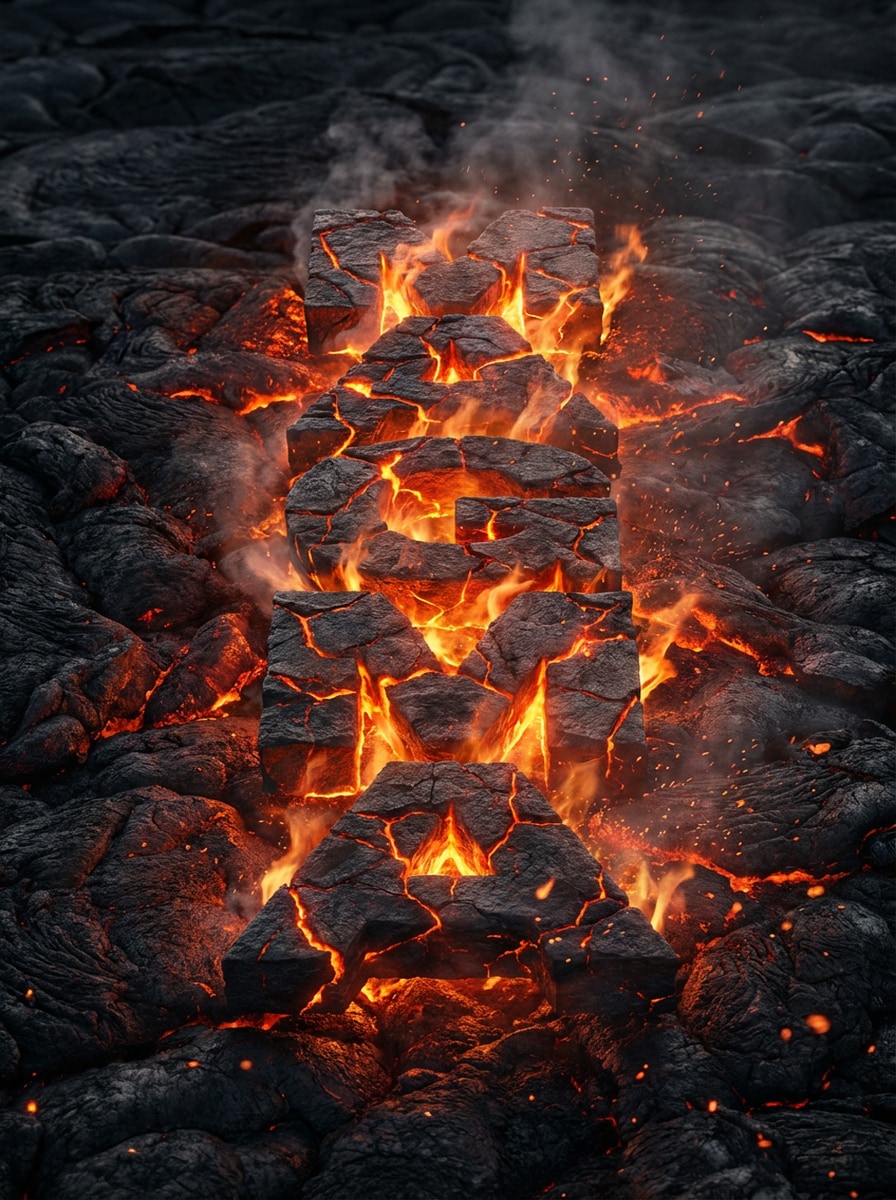
Genera la palabra MAGMA en gruesas letras de bloque hechas de roca volcánica agrietada, grietas de magma incandescente, llamas sutiles, polvo de brasa, humo suave y un fondo negro de campo de lava, con textura térmica realista, reflejos naranjas de fuego e iluminación ultradetallada para un efecto dramático de texto fundido.
Texto de Llama Neón
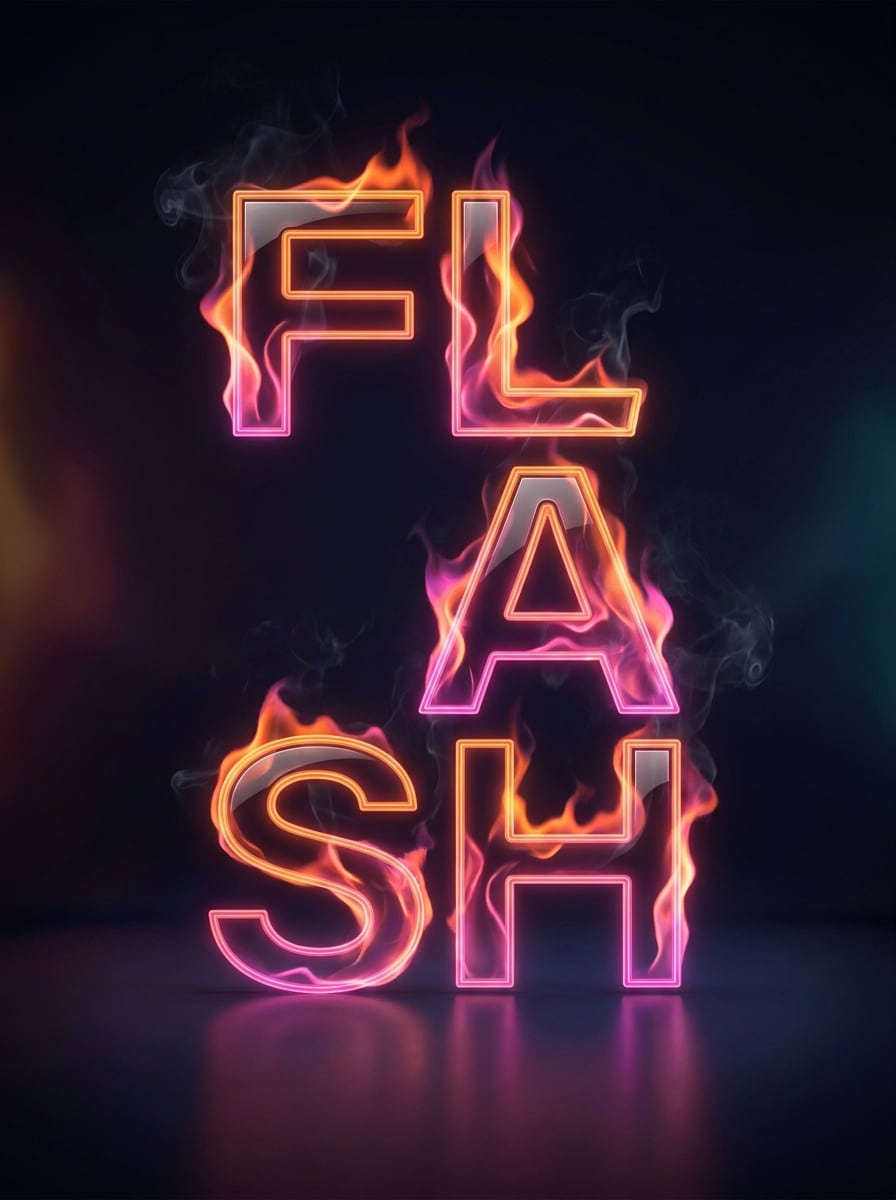
Diseña la palabra FLASH en tipografía moderna y limpia con resplandor de llamas neón naranja y rosa, humo mínimo, reflejos brillantes, fondo oscuro de estudio, espaciado balanceado, composición elegante de póster, contraste vívido y un look de tendencia social que mezcla energía de fuego con diseño contemporáneo refinado.
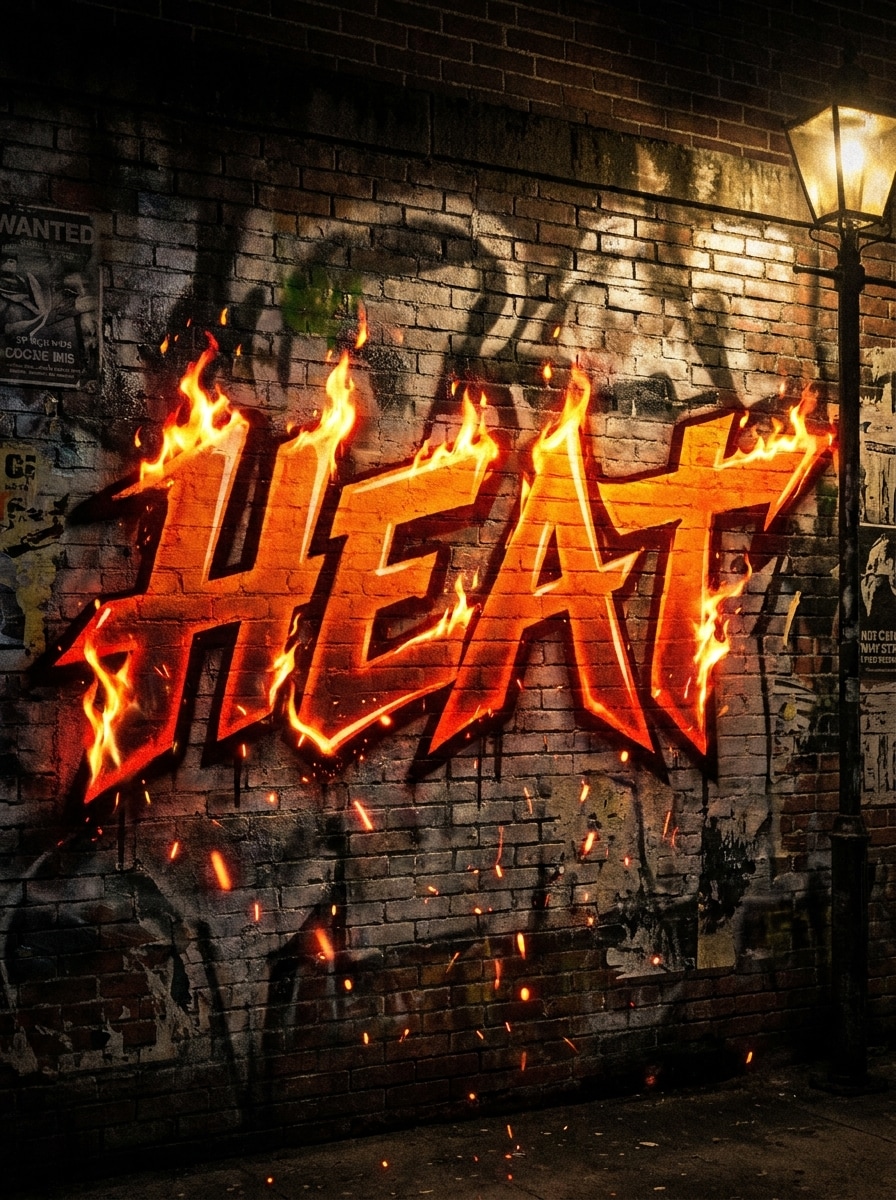
Arte Urbano de Fuego Estilo Graffiti
Crea la palabra HEAT en letras estilo graffiti con bordes en llamas, textura de aerosol, suciedad de pared, brasas, ambiente nocturno urbano, sombras ásperas, rojos y naranjas saturados, composición audaz de arte callejero y perfecta legibilidad, ideal para gráficos promocionales rebeldes y energéticos.
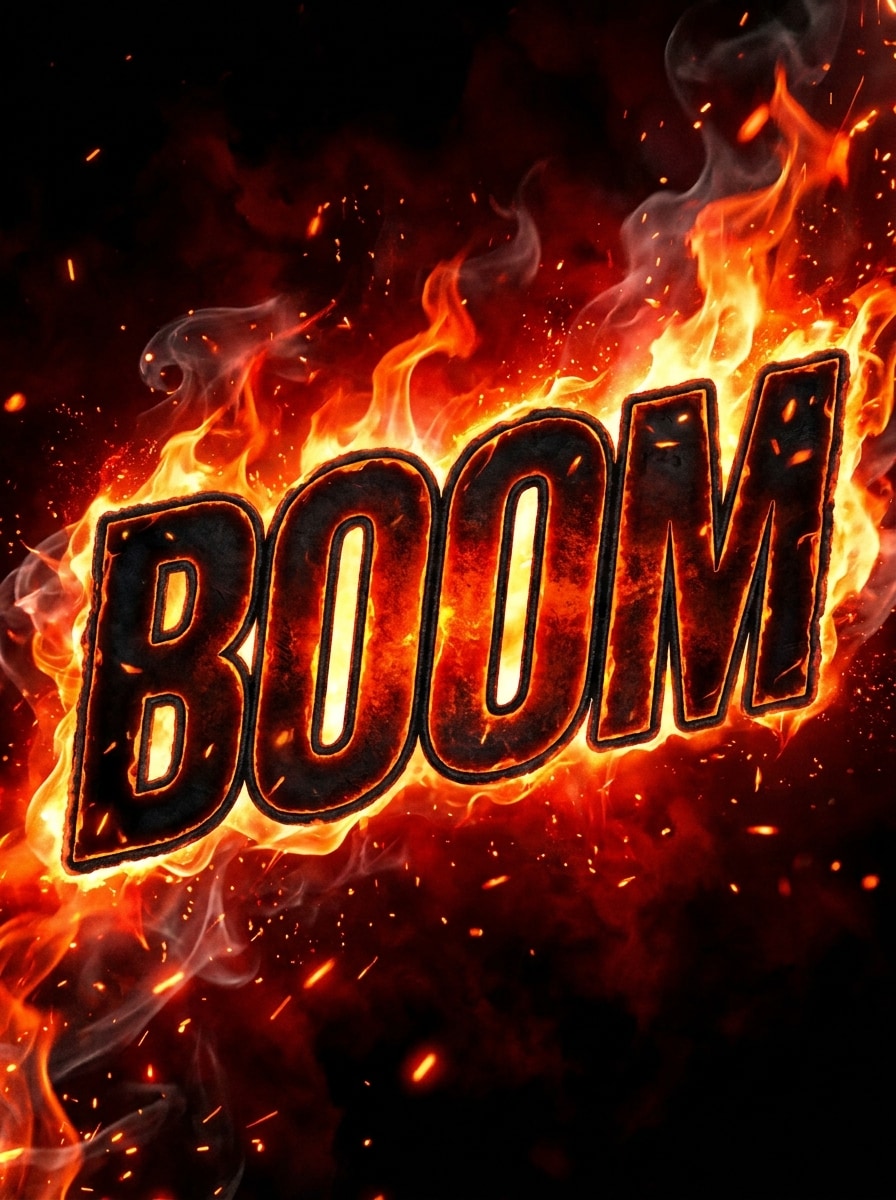
Título de Fuego para Miniatura de YouTube
Genera la palabra BOOM en letras extragrandes y gruesas con efectos de fuego, brasas brillantes, fondo negro ahumado, contorno marcado, legibilidad extrema, composición de creador, tonos naranja-rojo intensos y estética de miniatura de alto contraste diseñada para atraer la atención al instante en plataformas de video.
Por Qué Usar Media.io para un Generador de Texto Ardiente
Tipografía Ardiente desde Indicación a Imagen
Ve más allá de la edición de plantillas y crea arte original de texto ardiente a partir de indicaciones de texto. Media.io te ayuda a hacer títulos tipo logo, carteles y miniaturas con más libertad que un típico creador de texto en llamas, generador de letras en fuego o flujo de trabajo de logotipo ardiente fijo.
Alta Resolución y Formatos Flexibles
Exporta tus letras de fuego en 1K, 2K o 4K y elige formatos como 1:1, 16:9, 9:16, 4:3 o 3:4. Así es fácil diseñar para banners, miniaturas, carteles, redes sociales o un logo de texto en llamas pulido.
Múltiples Estilos de Llama en una Sola Herramienta
Cambia de fuego naranja realista a llamas azules, lava fundida, títulos de terror o efectos listos para gaming. Con modelos como Nano Banana Pro y Nano Banana 2, Media.io puede crear rápidamente nuevas variaciones para un generador de texto en llamas, generador de texto ardiente o efectos de texto de fuego.
Funciona Online en Todos los Dispositivos
Media.io funciona en tu navegador en Windows, Mac, iOS y Android. Ya sea que necesites un generador de texto ardiente rápido para contenido móvil, diseño de escritorio o una idea de logotipo en llamas, puedes crear y descargar sin instalar software.
Cómo Hacer Texto de Fuego Online
1
2
3
1
Abre el Generador de Texto Ardiente de Media.io
Ve a Generador de Texto a Imagen con IA y abre el Generador de Texto Ardiente en IA -> Texto a Imagen. Esta herramienta online funciona en tu navegador, así que puedes crear arte de título en llamas en computadora o móvil sin instalar software extra.
2
Ingresa una Indicación
Escribe una indicación detallada, como “Crea la palabra BLAZE en letras realistas de llamas naranjas con brasas, humo y fondo negro.” Ajusta estilo, modelo, formato y resolución para que coincida con tu cartel, banner o miniatura.
3
Generar, Refinar y Descargar
Haz clic en Generar. Ajusta el mensaje si necesitas cambiar el ánimo de la fuente, paleta de colores o intensidad de las llamas. Luego descarga tu imagen de texto en fuego en alta resolución para publicaciones, logos, videos o gráficos promocionales.
Descubre el Potencial del Generador de Texto de Fuego
Mira cómo los creadores usan este Generador de Texto Ardiente de Media.io para contenido, marketing y proyectos personales, y adapta cada idea a tus necesidades.
Diseña Miniaturas que Detienen el Scroll
Los creadores pueden usar Media.io como una solución visual tipo generador de texto animado en fuego para miniaturas llenas de energía. Aunque los resultados son imágenes y no GIF animados, el tratamiento llamativo logra ese efecto dinámico que la gente espera en gaming, reacciones y desafíos, incluyendo búsquedas de generador de texto de fuego gif.
Crea Carteles y Títulos de Evento con Intesidad
Realiza gráficos audaces para conciertos, títulos de terror y carteles promocionales con un generador de texto ardiente moderno. En vez de depender de plantillas de logotipo en llamas, puedes pedir letras metálicas, de lava, góticas, neón o de fuego fantástico según tu marca, incluyendo estilos que la gente podría buscar como generador de texto gif en llamas.
Crea Logos Sociales y Letras Ardientes Rápido
Usa Media.io como generador flexible de letras de fuego para nombres cortos, eslóganes y titulares en banners. Media.io es ideal para quienes buscan un generador de texto de llama, creador de texto ardiente o experiencia de logotipo flameante, sobre todo si quieren resultados personalizados para reels, historias, branding de canal o aspecto de texto encendida en gif.
Qué Dicen los Usuarios de Esta Herramienta de Texto Ardiente
Marcus T.
Creador de YouTube
"Genial para miniaturas" Necesitaba títulos ardientes y fuertes para miniaturas de gaming, y esto funcionó más rápido que los generadores antiguos. Las indicaciones me dieron mucho más control del resultado final.
Alina R.
Diseñadora de Carteles
"Más flexible que sitios de plantillas" Lo usé para hacer gráficos de títulos para terror y conciertos. Se siente más creativo que un creador estándar de logotipo en llamas porque puedo describir el ambiente, la textura y el estilo de las llamas que quiero.
Jared P.
Manager de equipo eSports
"Gran legibilidad" El texto en llamas se mantuvo legible incluso con efectos intensos. Eso es clave para banners o posts sociales donde el título debe destacar al instante.
Nina C.
Freelancer de redes sociales
"Fácil en móvil" Lo probé en mi móvil y laptop, y ambos funcionaron perfecto. Es un flujo sencillo en navegador para crear arte de palabra en llamas sin apps extra.
Explora los efectos de video e imagen con IA más populares
Preguntas Frecuentes sobre Generador de Texto Ardiente
1. ¿Cómo hago texto ardiente desde una indicación?
Abre la herramienta Texto a Imagen de Media.io y describe la palabra, tipo de letra, color de las llamas, fondo y estilo que quieras. Por ejemplo, pide letras mayúsculas gruesas con llamas naranjas, humo y brasas en fondo negro. Media.io genera imágenes originales de texto en fuego según tu indicación, útil si buscas más libertad que con un generador tradicional.
2. ¿Es gratuito el generador de texto ardiente?
Los usuarios gratis pueden probar la herramienta con créditos gratuitos. Si necesitas más creaciones o descargas sin marca de agua en alta resolución, consulta la página de precios para ver los planes disponibles.
3. ¿Puedo crear un PNG transparente con texto en fuego?
Media.io puede generar imágenes de texto de fuego aptas para superposiciones, y puedes pedir en la indicación texto aislado con fondo limpio para facilitar la edición. Si necesitas un look de texto en llamas transparente, describe claramente las letras aisladas en tu indicación y afina el resultado para tu proyecto.
4. ¿Qué calidad o resolución de imagen puedo exportar?
Media.io permite salida en 1K, 2K y 4K, así que puedes crear imágenes en alta calidad para miniaturas, carteles, banners y redes sociales. Los usuarios gratis pueden tener marca de agua.
5. ¿Puedo usarlo en móvil y escritorio?
Media.io es web y funciona en navegador en Windows, Mac, iOS y Android. Eso significa que puedes crear conceptos visuales de generador de texto en llama tipo gif, títulos de carteles o logos flameantes desde móvil y escritorio sin instalar nada.
6. ¿Qué tan rápido genera la IA imágenes de texto ardiente?
La generación está pensada para ser ágil, y Media.io ofrece modelos como Nano Banana 2 (más creativo y rápido) y Nano Banana Pro (calidad de imagen de nueva generación). La velocidad depende de la complejidad de la indicación, modelo seleccionado y configuración de salida.
Más Allá del Generador de Texto Ardiente Online con IA