Consejos: Utilice consejos en inglés para obtener mejores resultados.
1K
9:16
1
Modo Ilimitado Banana Pro
Creaciones
Centro de Ideas
Cómo funciona
Todo
Funciones populares
Ver todo
Historia de Frutas con IA
Ver todo
Video de Historia de IA
Ver todo
Videos Virales Hoy
Ver todo
Videos de Productos de IA
Ver todo
Personaje de IA
Ver todo
Tendencias de Baile
Ver todo
GPT Image 2
Ver todo
Seedance 2.0
Ver todo
Emparejamiento de Celebridades con IA
Ver todo
Indicaciones de Poses para Parejas
Ver todo
Prompts de Poses de Chica AI Estética
Ver todo
Sugerencias de Pose Elegante para Chicos AI
Ver todo
Lista de generación
Tus creaciones solo se guardan durante 7 días. Los recursos creados después de actualizar a Membresía se almacenarán de forma permanente.
¡Desbloquea tu potencial creativo y experimenta la magia de Media AI ahora mismo!
Generador gratuito de burbujas de texto para memes, cómics y publicaciones sociales
Crea visuales de burbujas de diálogo, pensamiento, cómic y llamadas en minutos con Media.io. Convierte simples indicaciones en gráficos de memes pulidos, globos de diálogo estilo manga, burbujas retro pixeladas y llamadas de texto para redes sociales con estilos flexibles, salida en alta resolución y creación fácil desde el navegador. Los creadores suelen usarlo para creador de texto burbuja.
Escribe tu idea -> la IA lo diseña. Gratis para probar.
Explora nuestra colección seleccionada de generador de burbujas de texto estilos. Este flujo de trabajo es especialmente útil para creador de burbujas de texto.
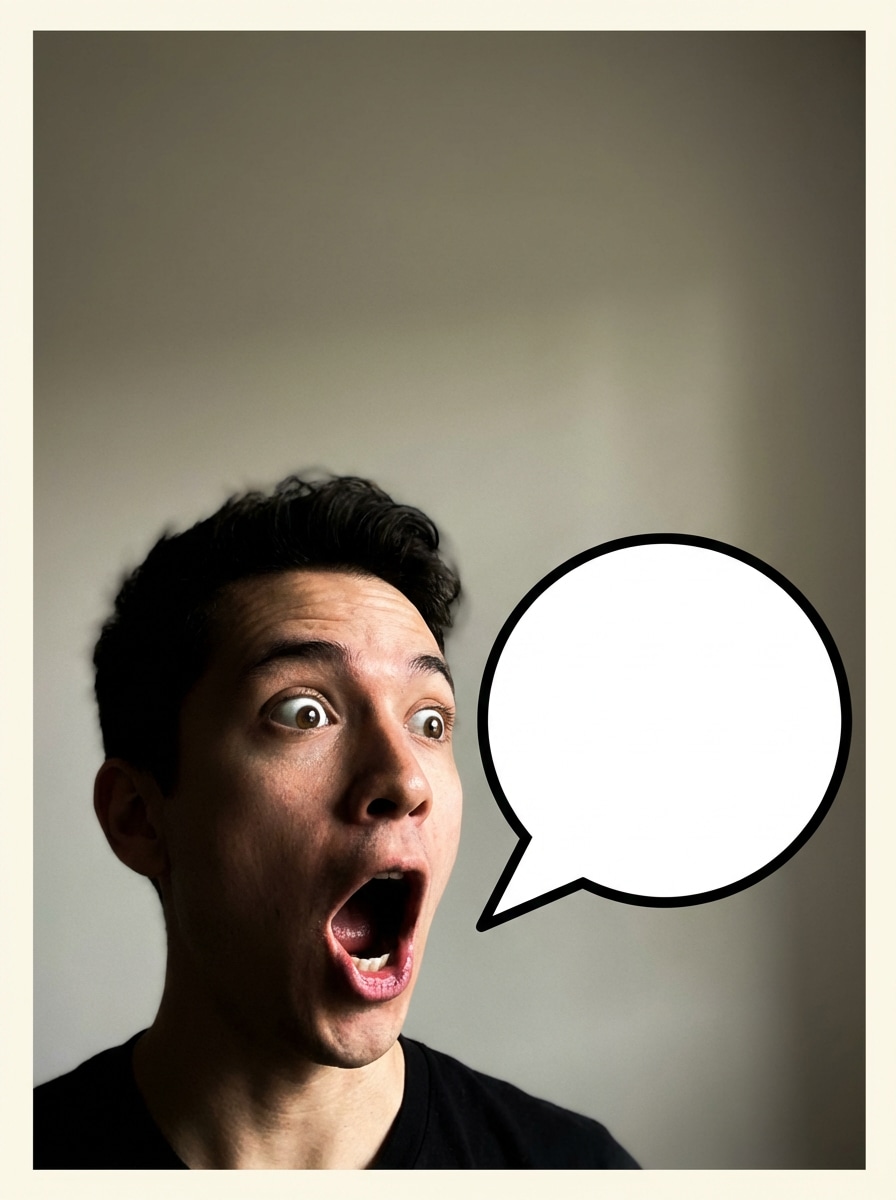
Burbuja de diálogo clásica de meme
Crea una imagen de meme tipo reacción divertida con una burbuja de diálogo blanca y audaz cerca de la cara del sujeto, borde negro grueso, iluminación de alto contraste, emoción expresiva, composición limpia, espacio generoso en blanco para texto legible, formato listo para compartir en redes sociales, detalle nítido y un ambiente juguetón de meme de internet.
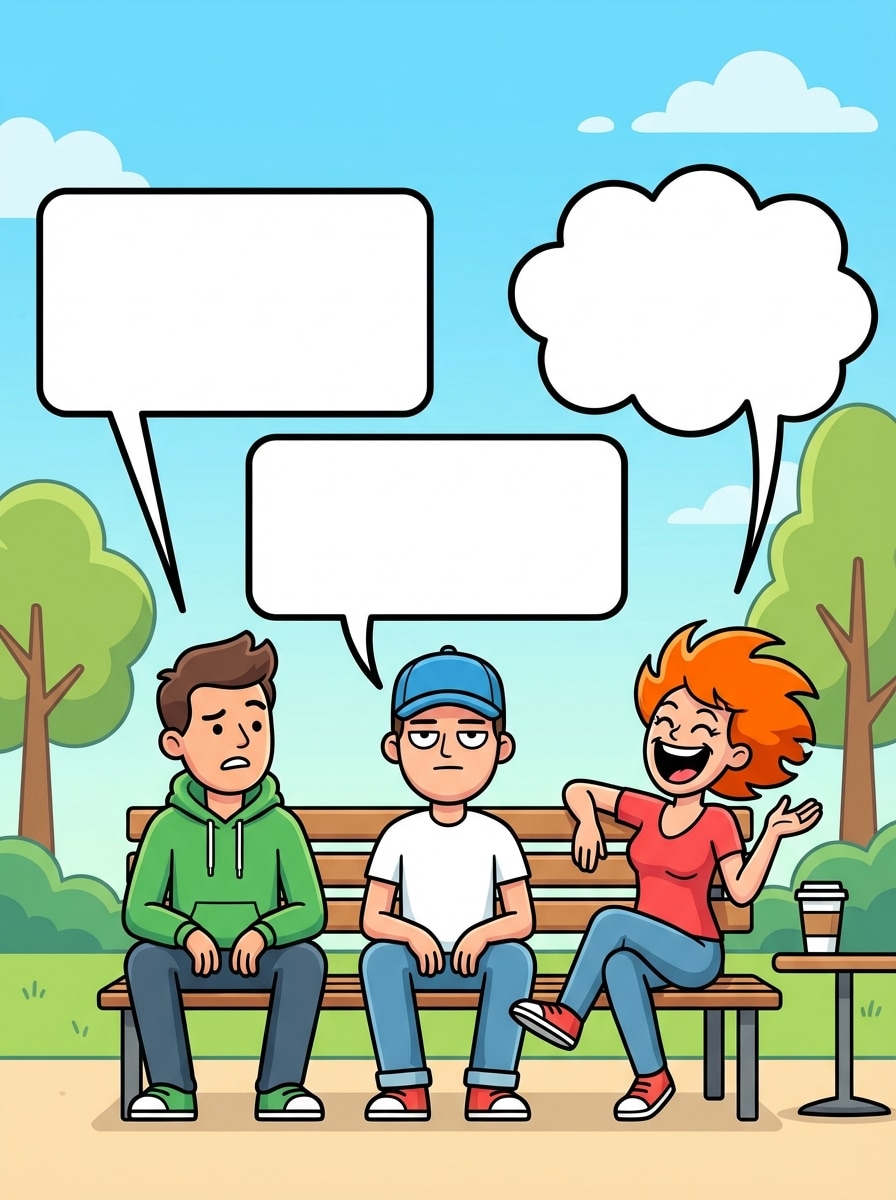
Meme de conversación multi-persona
Diseña una escena humorística con dos o tres personajes teniendo una conversación usando burbujas separadas, cada burbuja claramente anclada a su hablante, composición equilibrada, iluminación natural brillante, contornos limpios, energía moderna de meme, áreas de texto vacías y legibles, y composición pulida lista para compartir.
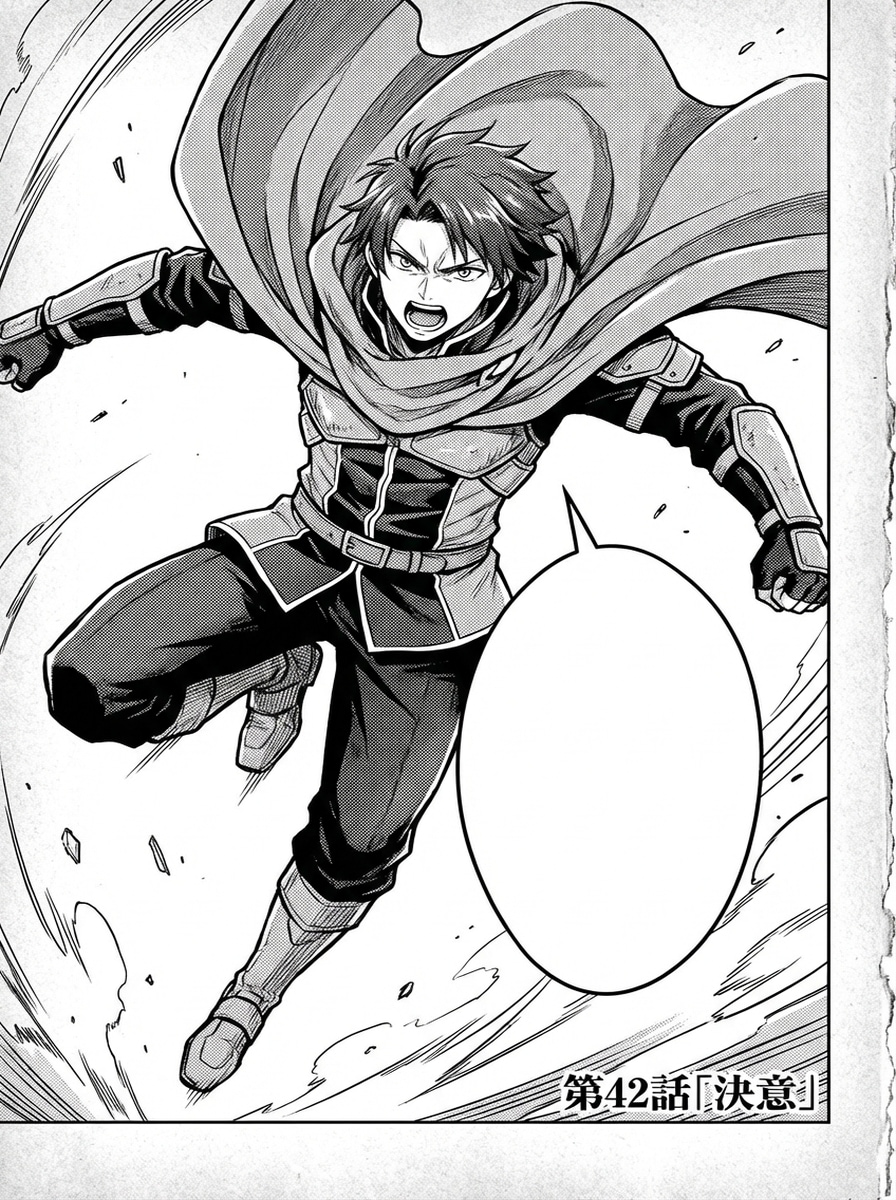
Globo de diálogo manga
Genera una viñeta de manga en blanco y negro con un personaje en pose dramática, arte lineal limpio entintado, textura de trama, globo ovalado de diálogo con cola afilada, fuerte contraste, encuadre cinematográfico, ambiente auténtico de página manga y área clara vacía dentro del globo para el texto.
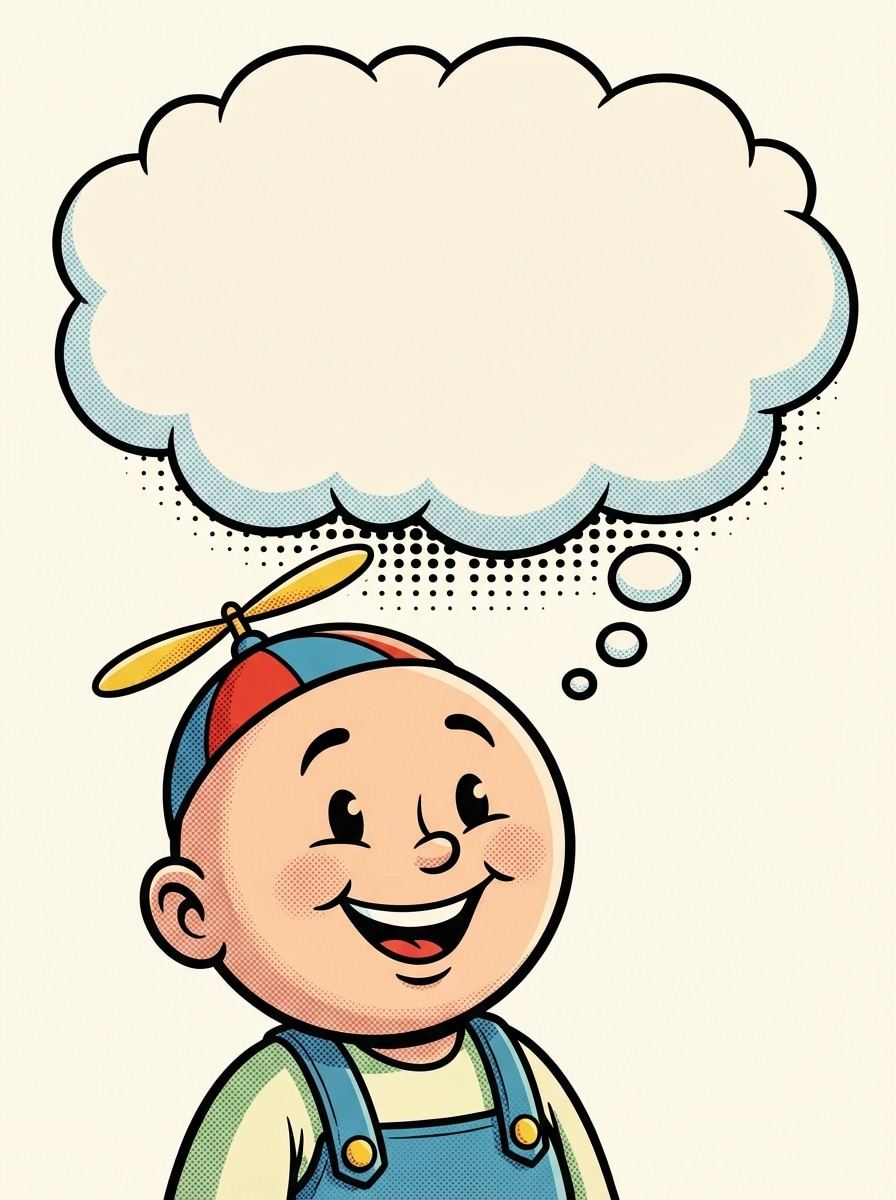
Burbuja de pensamiento estilo cómic
Crea una ilustración clásica de personaje estilo cómic con una burbuja de pensamiento en forma de nube, cola de puntos desde la cabeza, ambiente alegre tipo caricatura, contornos audaces, sombreado suave de semitonos, composición equilibrada, paleta de colores vibrante pero controlada y espacio amplio en blanco dentro de la burbuja para palabras legibles.
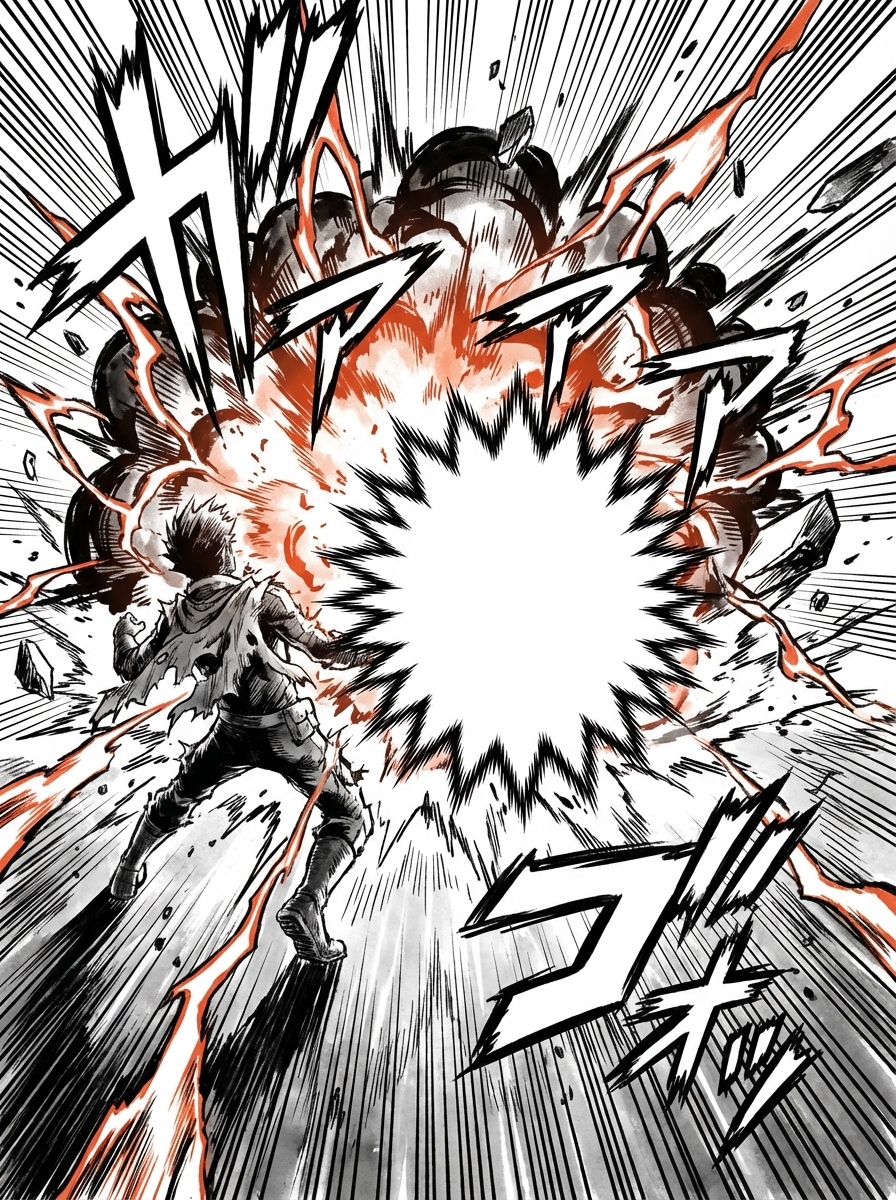
Burbuja de explosión de acción
Diseña una escena de acción dramática estilo cómic con una burbuja de texto en forma de explosión puntiaguda, líneas de movimiento dinámicas, energía intensa inspirada en manga, fuerte contraste blanco y negro con color de acento selectivo, perspectiva marcada, ritmo visual explosivo y área vacía centrada adecuada para una exclamación o efecto de sonido corto.
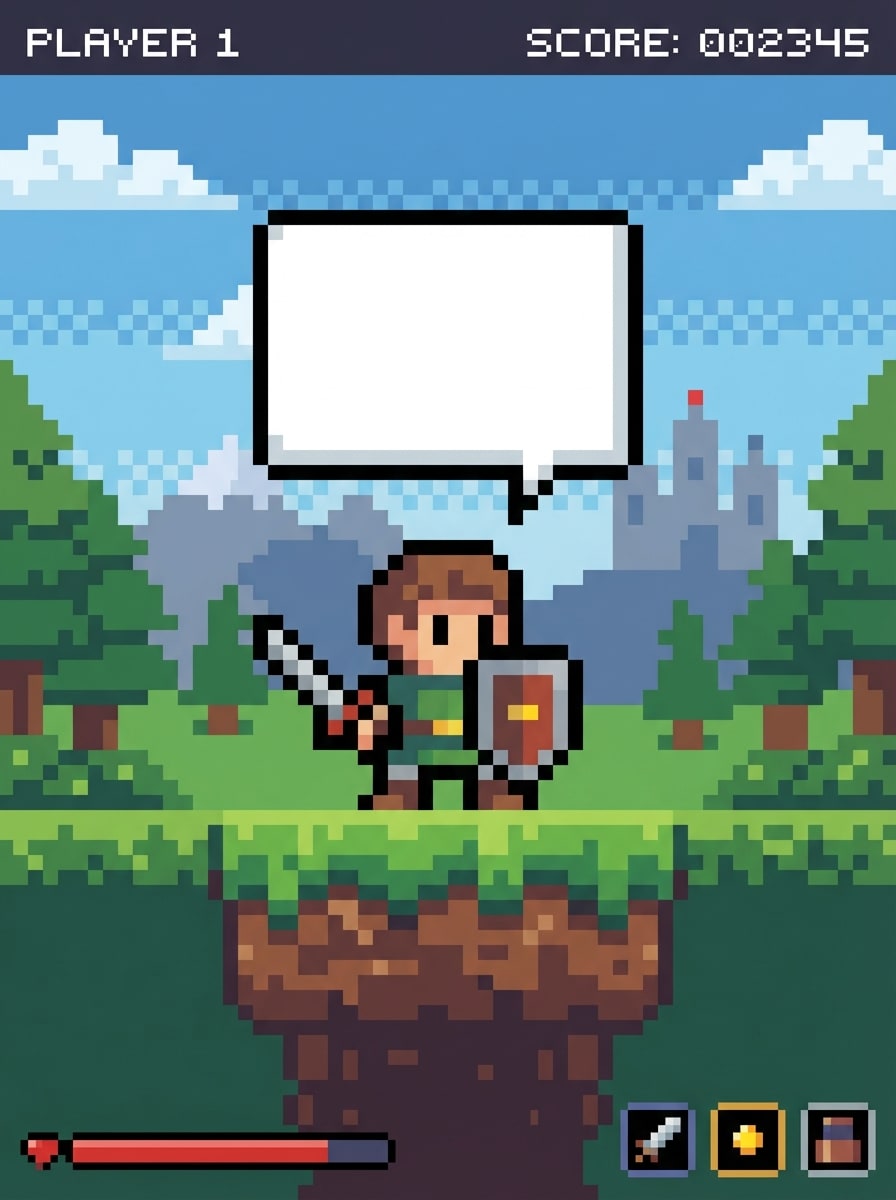
Burbuja de diálogo pixelada
Crea una escena retro de arte pixelado de 8 bits con una burbuja de diálogo de bordes cuadrados, paleta limitada y nostálgica, texturas gruesas de píxel, estilo inspirado en interfaz de juego, fondo simple, composición equilibrada y área de burbuja vacía claramente legible que resulta auténtica para arcades y consolas clásicas.
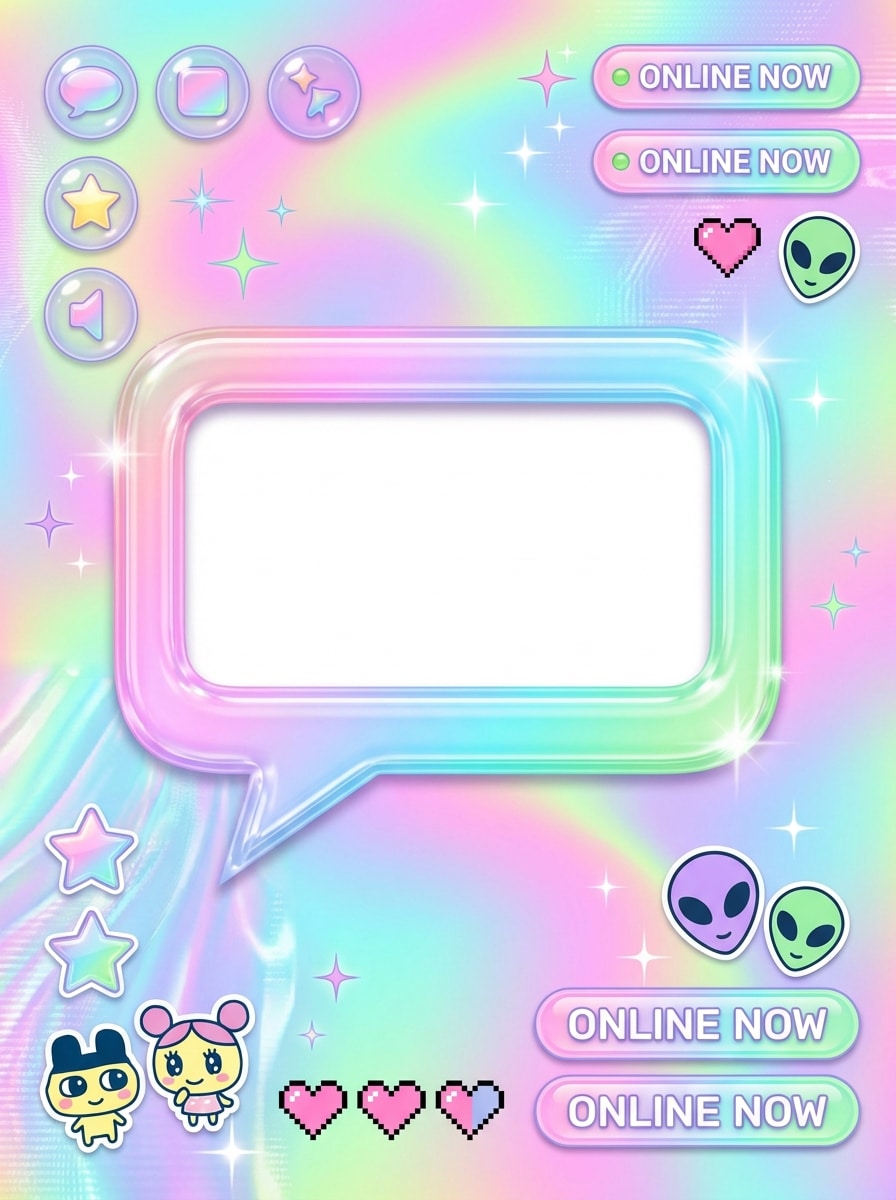
Burbuja de chat retro
Genera un gráfico social inspirado en Y2K con una burbuja de chat retro brillante, gradientes juguetones, texturas de interfaz plásticas brillantes, energía de sticker cute, acentos pastel neón, composición centrada limpia, ambiente nostálgico de internet y un área vacía ideal para subtítulos, chistes o diálogo corto.
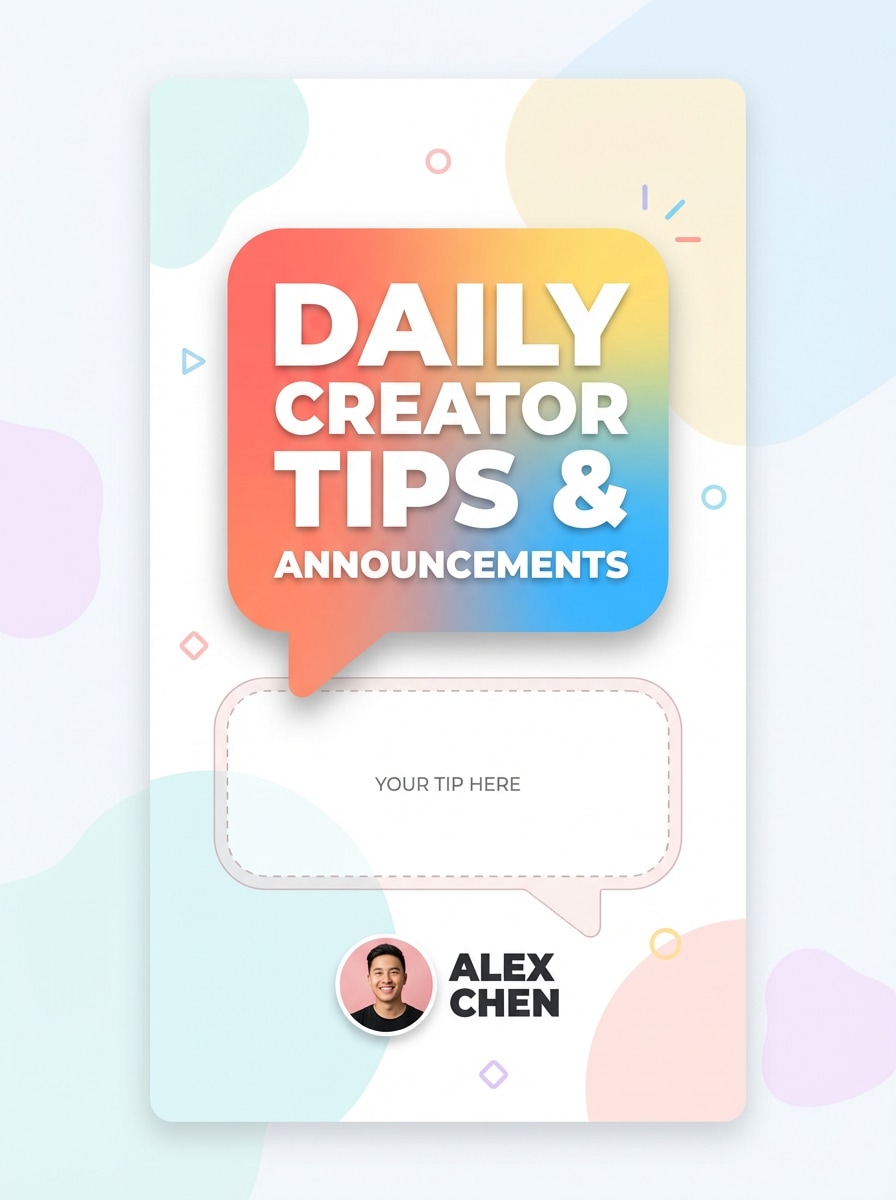
Burbuja de llamada para historia de Instagram
Crea un diseño vertical pulido de historia para redes sociales con una burbuja colorida de texto redondeado, estilo sans-serif audaz, paleta brillante pero limpia, sombras suaves, fondo moderno minimalista, composición centrada en el creador, alta legibilidad y un área de llamada vacía refinada para consejos, reacciones o anuncios cortos.
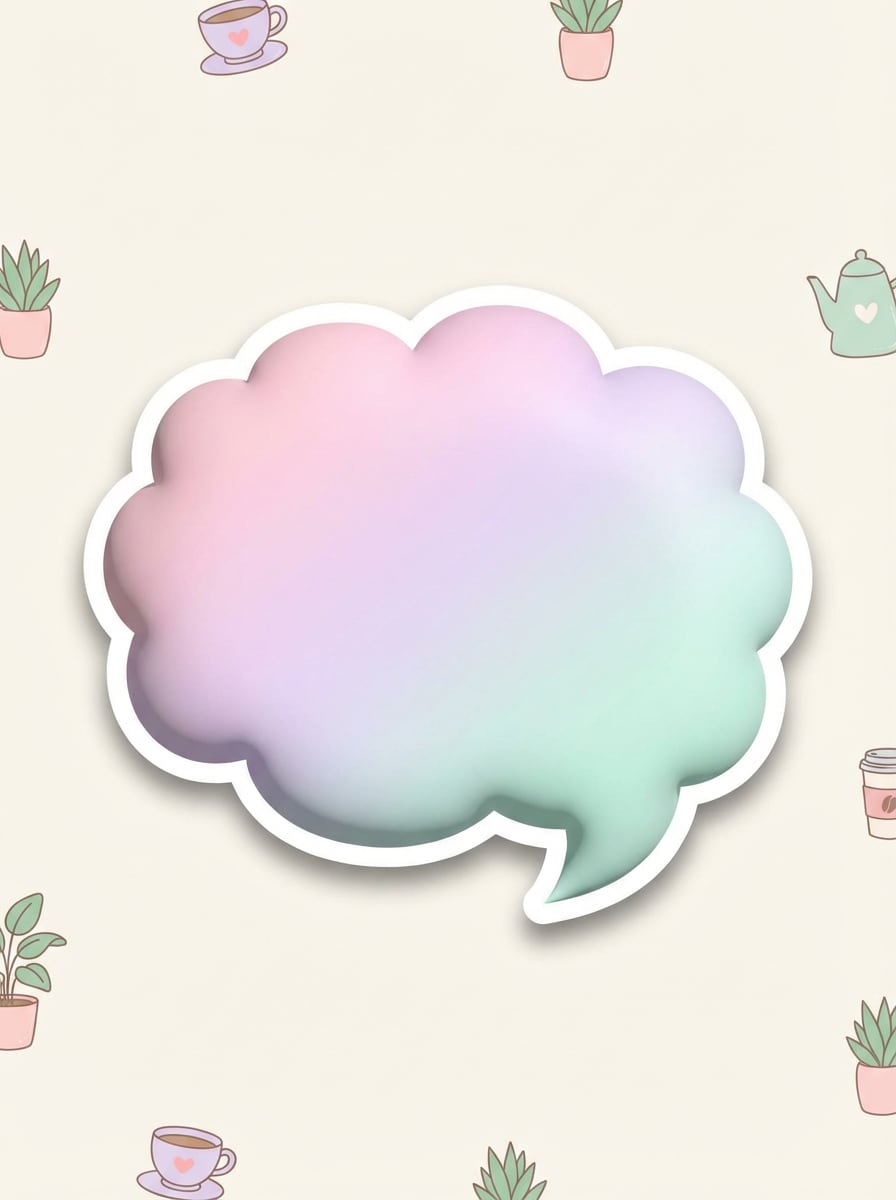
Burbuja sticker pastel
Diseña una burbuja de diálogo tipo sticker pastel suave con bordes redondeados, sombra sutil, textura mate lisa, estética cute de estilo de vida, composición aireada, paleta de rosa delicado, lavanda y menta, fondo limpio y un centro espacioso en blanco ideal para subtítulos o mensajes amistosos.
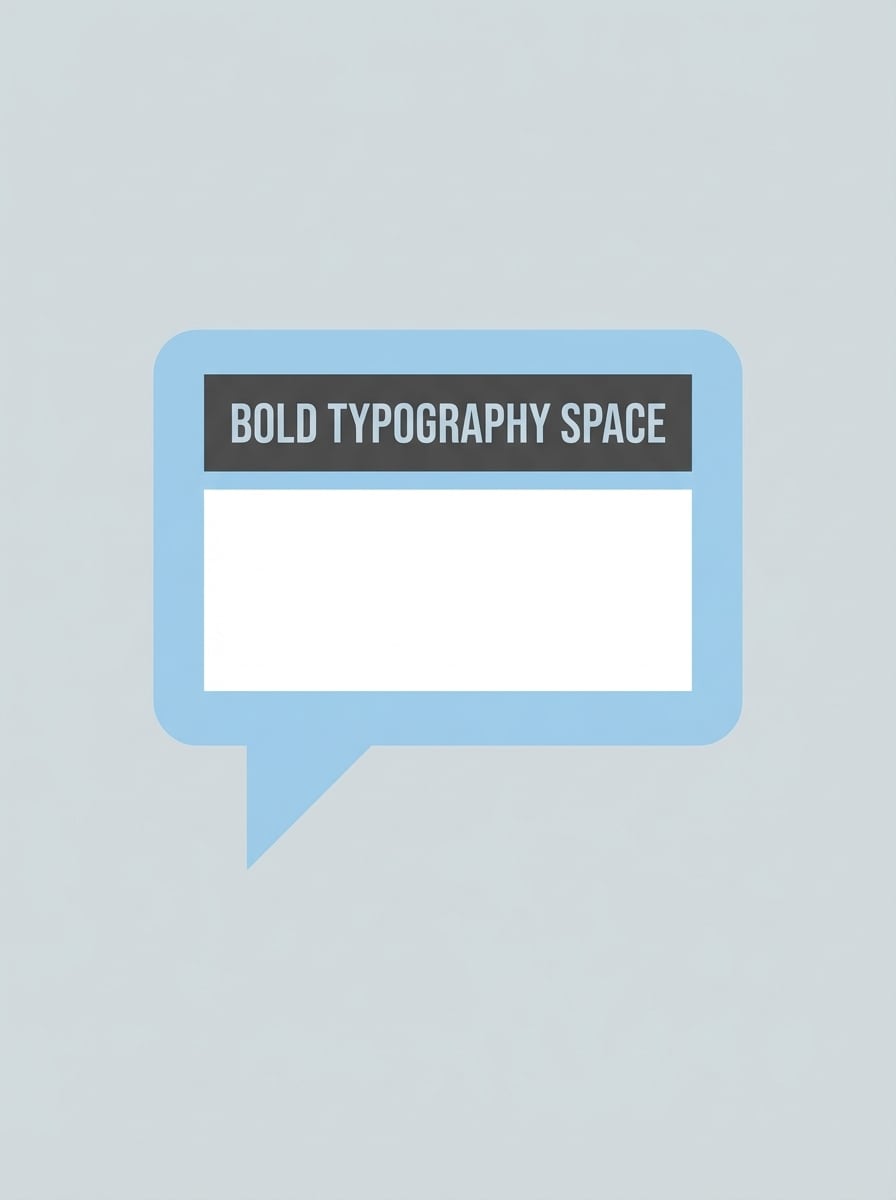
Burbuja de llamada de interfaz plana
Crea una burbuja de llamada de diseño plano sencilla para gráficos explicativos, forma geométrica limpia, espacio audaz para tipografía, sensación profesional de presentación, fondo pastel neutro, espacios equilibrados, bordes nítidos, composición minimalista y una zona clara vacía adecuada para tutoriales, publicaciones de negocios o diapositivas educativas.
Por qué usar Media.io para crear imágenes de burbujas de texto
Crea gráficos de burbujas desde simples indicaciones
Convierte ideas para burbujas de diálogo, nubes de pensamiento, globos de cómic y llamadas sociales en visuales usando indicaciones de texto IA. Media.io admite estilos versátiles para memes, apariencia manga, gráficos retro y contenido social pulido. También puede ayudar con el generador de globos de texto.
Exportaciones en alta resolución en ratios flexibles
Genera imágenes en resolución 1K, 2K o 4K con proporciones como 1:1, 9:16, 16:9, 4:3, 3:4, 3:2 y 2:3. Así es más fácil crear diseños de burbujas de texto para publicaciones, historias, viñetas de cómic y diapositivas de presentación. Este sistema funciona bien para generador de burbujas de chat.
Múltiples modelos de IA para necesidades creativas variadas
Elige entre modelos avanzados como Nano Banana Pro, Nano Banana 2, Seedream 5.0 Lite, Soul Character, Seedream 4.0, Nano Banana e Imagen 4. Esto te brinda flexibilidad al generar arte de burbuja estilo cómic, realista, anime o estilizado. También es una opción práctica para creador de burbujas de chat.
Funciona online en todos tus dispositivos
Media.io se ejecuta en el navegador en Windows, Mac, iOS y Android, así puedes crear diseños de generador de burbujas de texto desde casi cualquier dispositivo. No se necesita experiencia avanzada en diseño para comenzar a crear conceptos visuales rápidamente. También soporta generador de texto burbuja gratis.
Cómo usar el Generador de burbujas de texto de Media.io
1
2
3
1
Abre el Generador de burbujas de texto de Media.io
Ve a Generador IA de texto a imagen y abre el Generador de burbujas de texto en IA -> Texto a imagen. Esta herramienta online funciona en tu navegador, así puedes empezar a crear burbujas de diálogo, pensamiento o de cómic en escritorio o móvil sin instalar software.
2
Escribe una indicación o sube
Escribe una indicación detallada como “una viñeta de manga en blanco y negro con globo ovalado de diálogo, arte lineal limpio, fuerte contraste y espacio vacío para texto”. Ajusta estilo, modelo, resolución y proporción para memes, publicaciones sociales o visuales inspirados en cómic.
3
Genera, refina y descarga
Haz clic en Generar. Ajusta tu indicación si necesitas afinar la forma de burbuja, estilo de escena o composición. Luego descarga tu imagen en alta resolución para compartir en redes sociales, presentaciones, conceptos de cómic o maquetas de diseño creativo.
"Rápido para contenido estilo meme" Usé Media.io para crear imágenes rápidas de reacción con diseños de burbujas de diálogo para Instagram. El flujo de trabajo por indicación es mucho más rápido que hacerlo todo manual y los diferentes estilos me ayudaron a pasar de look meme a gráfico pulido de historia en el mismo lugar.
Kenji M.
Aficionado de cómic independiente
"Útil para conceptos inspirados en manga" Quería una forma sencilla de crear conceptos de globos de diálogo manga y escenas estilo cómic. Media.io me dio resultados en blanco y negro potentes y poder elegir estilos y proporciones facilitó experimentar con ideas de viñetas antes de editar el cómic final.
Alicia T.
Diseñadora de presentaciones
"Bueno para visuales limpios de llamadas" Los conceptos de burbujas de llamada planas y sticker están geniales para diapositivas explicativas. Me gusta que funcione en el navegador y la calidad de salida es suficientemente buena para presentaciones internas y visuales sociales, sin complicaciones.
Derrick P.
Entusiasta del arte retro
"Estética divertida tipo píxel y Y2K" Vine buscando ideas pixeladas para burbujas de diálogo y terminé probando el estilo de chat retro también. Las opciones de modelo y flexibilidad de las indicaciones hicieron fácil generar diseños nostálgicos de burbujas de texto que realmente lucen pulidos en vez de genéricos.
Explora los efectos de video e imagen con IA más populares
Preguntas frecuentes sobre el generador de burbujas de texto
1. ¿Cómo agrego una burbuja de diálogo a una foto?
Con Media.io puedes crear una imagen estilo burbuja de diálogo introduciendo una indicación detallada de texto en el flujo IA -> Texto a imagen. Describe la escena, tipo de burbuja, estilo y composición para mejores resultados. Ya que Media.io es web, puedes hacerlo en Windows, Mac, iOS o Android desde el navegador. Este sistema es especialmente útil como creador de burbujas de mensaje.
2. ¿Cómo se llama una burbuja de diálogo?
Una burbuja de diálogo también se conoce como globo de diálogo o globo de texto. Formatos relacionados incluyen burbuja de pensamiento, burbuja de cómic y burbuja de llamada. Si creas visuales inspirados en cómic o manga, puedes describir el tipo exacto de burbuja en tu indicación en Media.io para orientar el resultado. También ayuda como generador de texto para burbujas.
3. ¿Cómo hago un meme con burbuja de texto?
Comienza con una indicación que explique el estilo del meme, el ambiente del sujeto y el diseño de la burbuja, como una burbuja blanca audaz con borde negro y espacio claro para texto corto. En Media.io puedes también seleccionar modelos IA, estilos, proporciones y resoluciones diferentes para crear salidas listas para memes en feeds o historias.
4. ¿Cuál es la diferencia entre burbuja de diálogo y burbuja de pensamiento?
Una burbuja de diálogo suele mostrar palabras habladas y suele tener una cola puntiaguda dirigida al hablante. Una burbuja de pensamiento normalmente tiene forma de nube con pequeños círculos o puntos a modo de cola. En Media.io puedes especificar cualquier formato en tu indicación para generar el estilo visual que mejor se adapte a tu concepto.
5. ¿Puedo crear burbujas de diálogo de cómic gratis?
Sí. Los usuarios gratuitos obtienen 3 créditos al día para probar Media.io. Las salidas gratuitas pueden tener marca de agua, mientras los suscriptores pueden descargar imágenes en alta resolución sin marca de agua. Si necesitas más créditos o exportaciones limpias para proyectos regulares, puedes comparar planes aquí: https://www.media.io/es/pricing.html
6. ¿Qué aplicación agrega burbujas de texto a fotos?
Media.io es una opción basada en navegador que funciona en dispositivos de escritorio y móviles incluyendo Windows, Mac, iOS y Android. Admite generación de imágenes IA con múltiples modelos, proporciones flexibles y resoluciones hasta 4K. Los recursos subidos se eliminan automáticamente de los servidores de Media.io después de 7 días para proteger la privacidad del usuario.
Más allá del generador de burbujas de texto gratis impulsado por IA