Consejos: Utilice consejos en inglés para obtener mejores resultados.
1K
9:16
1
Modo Ilimitado Banana Pro
Creaciones
Centro de Ideas
Cómo funciona
Todo
Funciones populares
Ver todo
Historia de Frutas con IA
Ver todo
Video de Historia de IA
Ver todo
Videos Virales Hoy
Ver todo
Videos de Productos de IA
Ver todo
Personaje de IA
Ver todo
Tendencias de Baile
Ver todo
GPT Image 2
Ver todo
Seedance 2.0
Ver todo
Emparejamiento de Celebridades con IA
Ver todo
Indicaciones de Poses para Parejas
Ver todo
Prompts de Poses de Chica AI Estética
Ver todo
Sugerencias de Pose Elegante para Chicos AI
Ver todo
Lista de generación
Tus creaciones solo se guardan durante 7 días. Los recursos creados después de actualizar a Membresía se almacenarán de forma permanente.
¡Desbloquea tu potencial creativo y experimenta la magia de Media AI ahora mismo!
Generador de Texturas con IA para Materiales Seamless, Recursos de Juegos y Diseño 3D
Convierte descripciones de texto simples en conceptos detallados de texturas para madera, piedra, metal, concreto, superficies de fantasía y ciencia ficción. Media.io te ayuda a crear imágenes de materiales en apariencia enlosables rápidamente en tu navegador para arte conceptual, diseño de juegos e ideación de flujos 3D.
Escribe tu idea -> La IA la diseña. Gratis para probar.
Explora nuestra colección seleccionada de generador de texturas con ia estilos.
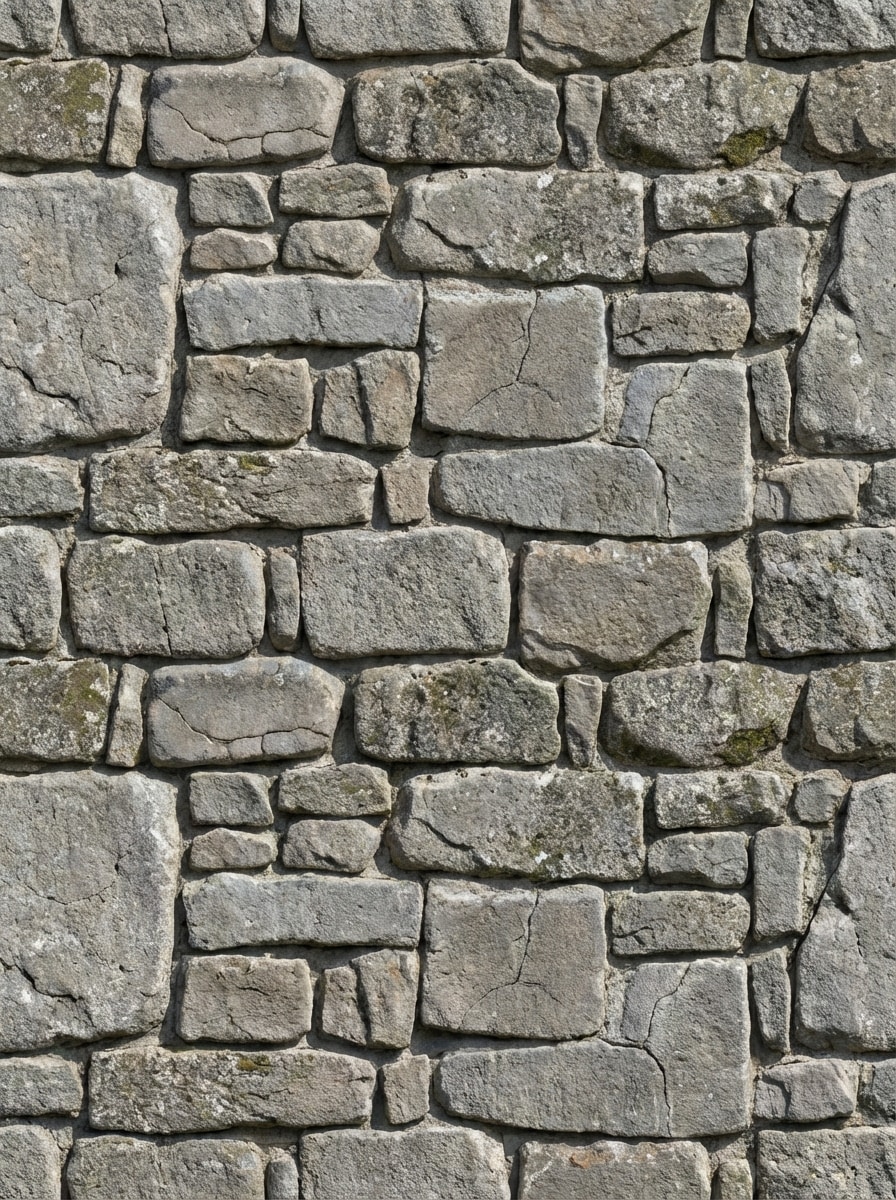
Muro de Piedra Envejecida
Crea una textura seamless enlosable de pared de piedra envejecida para modelos 3D y entornos de juegos, mostrada como una hoja de material plana sin perspectiva. Incluye piedras de varios tamaños, erosión suave, grietas finas, indicios realistas de profundidad, tonos neutros grises fríos, iluminación natural de día, calidad de superficie fotorrealista de alto detalle y bordes limpios repetitivos.
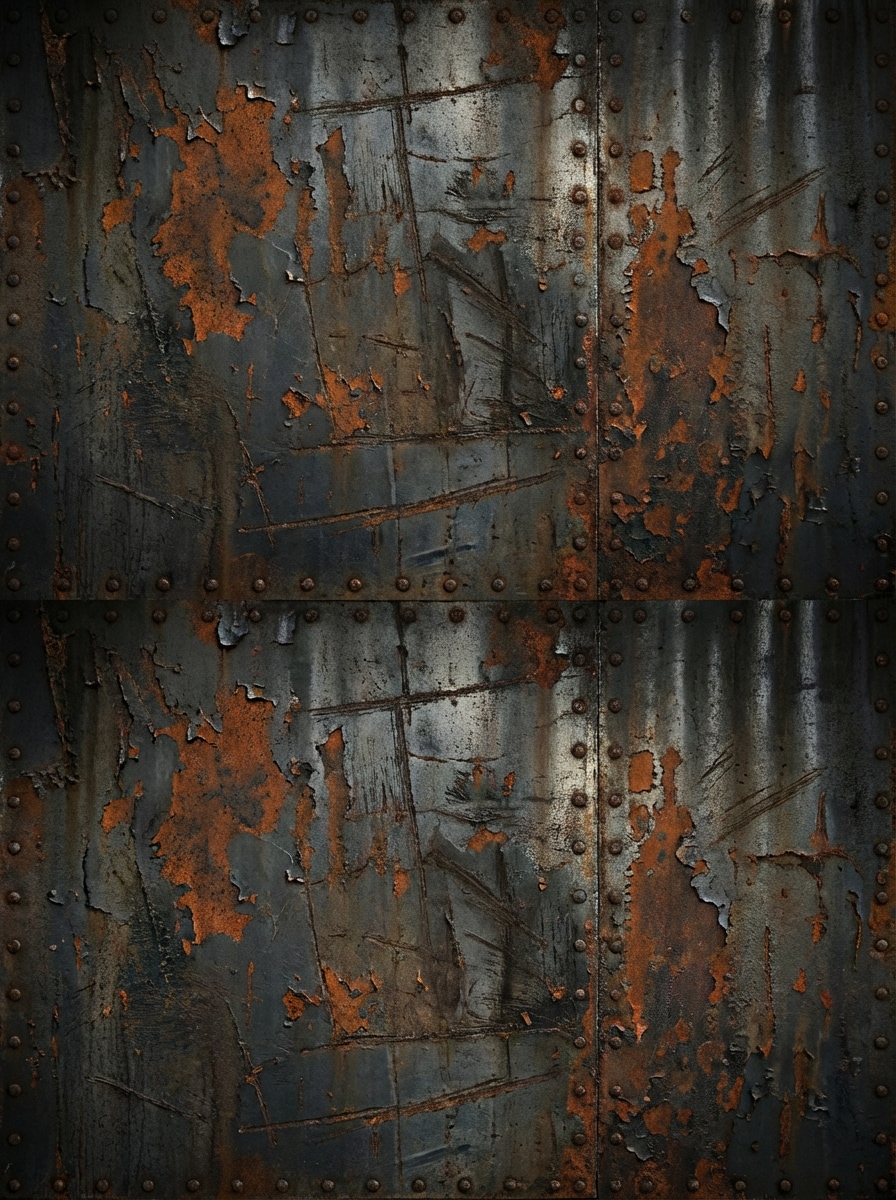
Metal Industrial Oxidado
Genera una textura seamless de panel metálico industrial oxidado con pintura desgastada, oxidación, remaches sutiles, rasguños y suciedad en capas. Usa una composición de mapa de material plano sin perspectiva, iluminación industrial tenue, tonos de gris acero oscuro y naranja quemado, textura metálica realista y repetición nítida enlosable adecuada para assets de sci-fi hard surface o de fábrica.
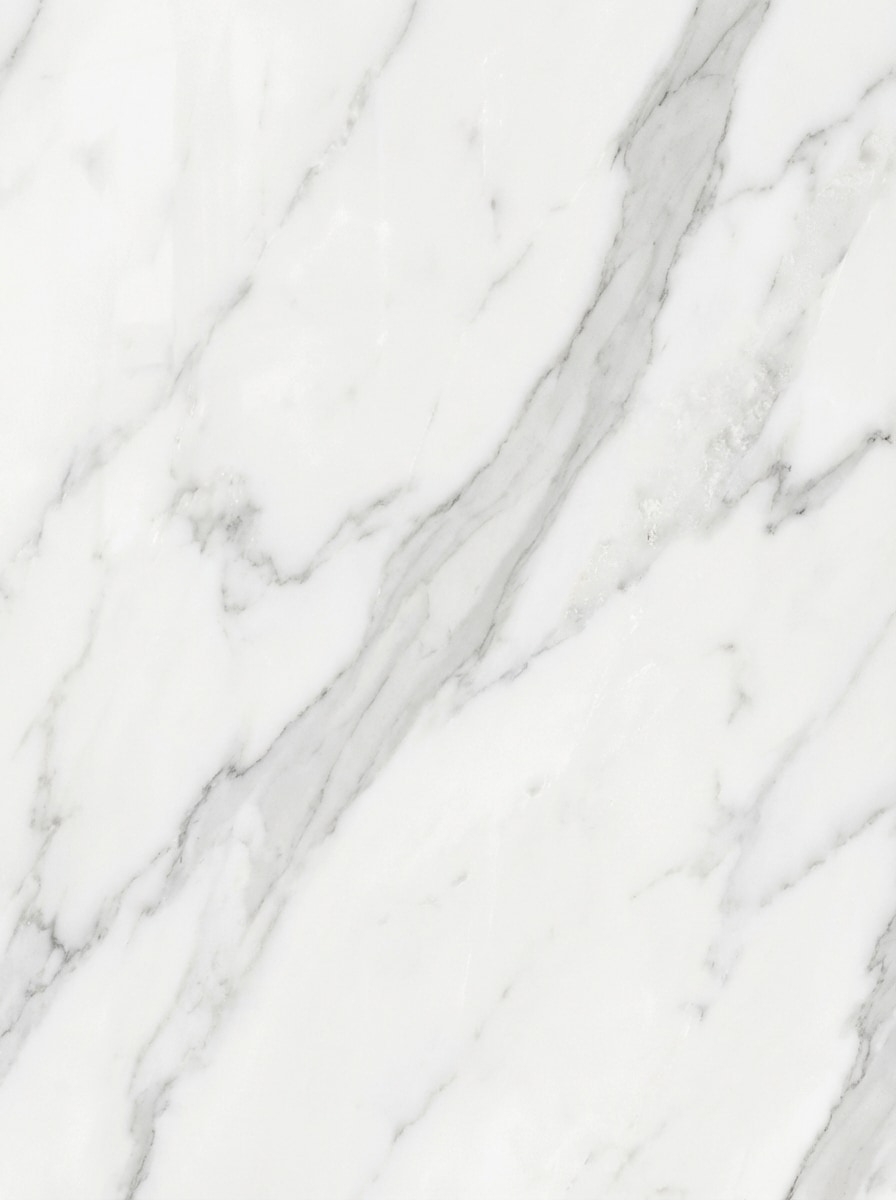
Mármol Blanco Pulido
Crea una textura seamless de mármol blanco pulido con vetas grises elegantes y sutil variación natural, presentada como una hoja de textura de frente plana. Usa iluminación suave y uniforme de estudio, ambiente limpio y lujoso, detalle liso y brillante de piedra, textura mineral refinada y un diseño enlosable de alta resolución ideal para visualización de interiores, maquetas de producto o superficies premium en 3D.
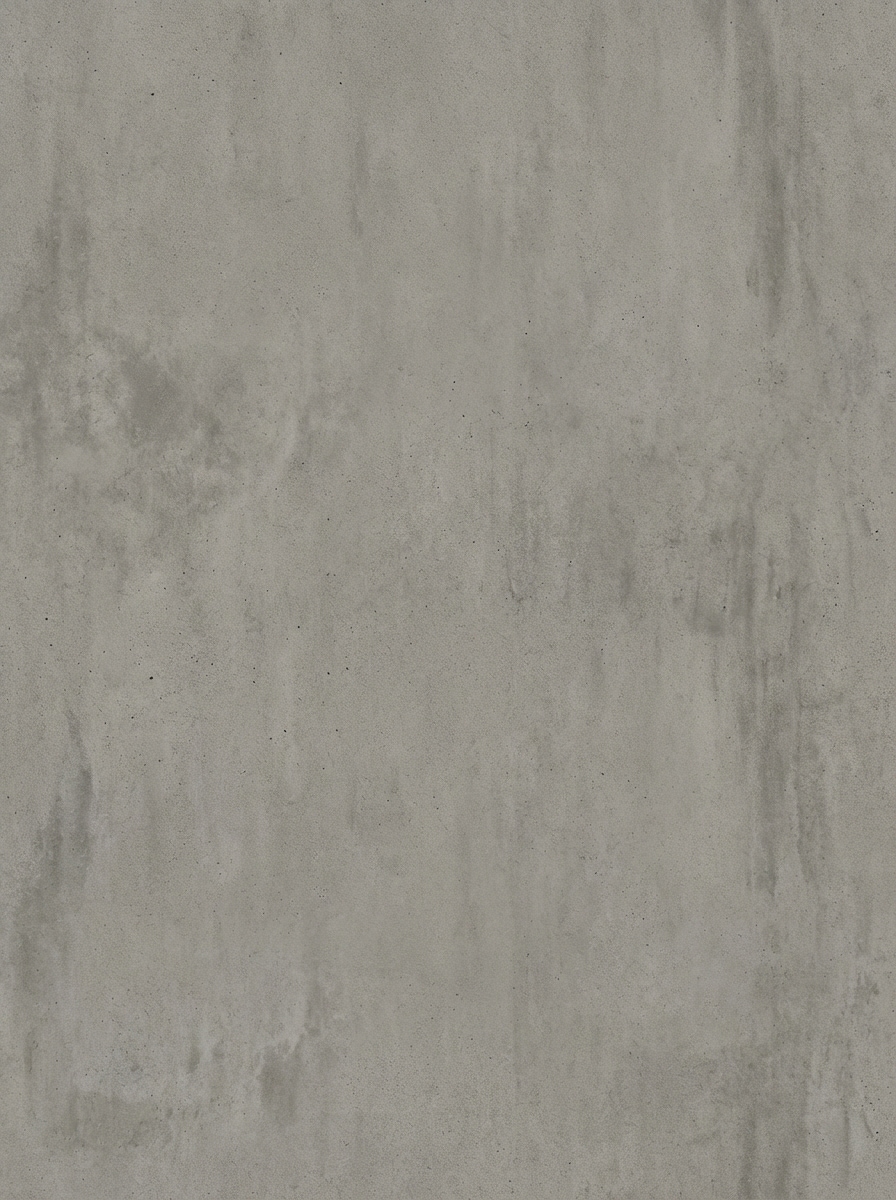
Hormigón Crudo Minimalista
Genera una textura seamless de muro de hormigón crudo en estilo arquitectónico minimalista, mostrada como una muestra de material plana sin distorsión de perspectiva. Añade poros sutiles, decoloración suave, grano fino de cemento, envejecimiento ligero, acabado mate, paleta neutral moderna en grises, luz diurna difusa y variación de superficie realista de alto detalle con bordes repetibles para conceptos de diseño y render.
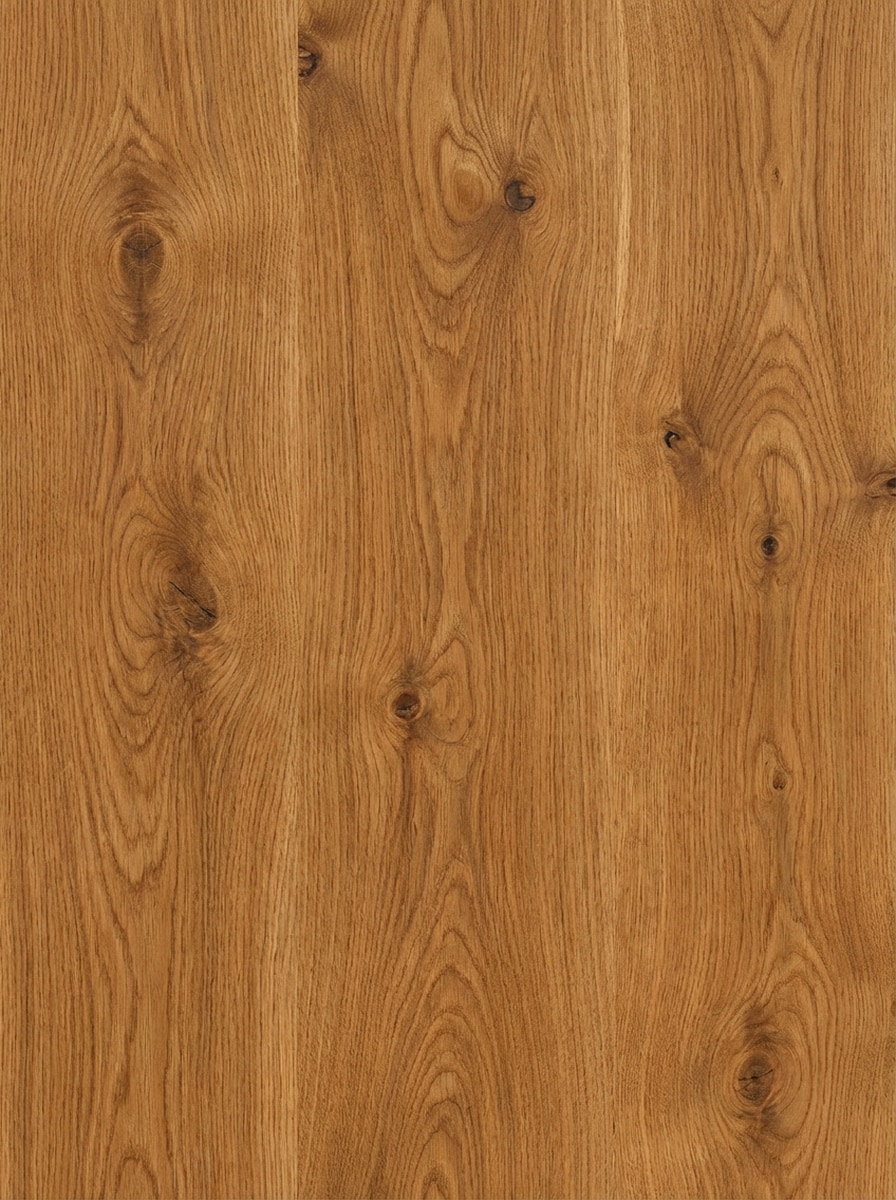
Vetado de Roble
Crea una textura seamless de vetado de madera de roble con tonos marrones cálidos, nudos visibles, vetas naturales fluidas y un delicado acabado satinado. Preséntala como un mapa de textura plana sin perspectiva, iluminación suave y equilibrada, detalle orgánico y táctil, carácter realista de superficie de madera y repetición limpia enlosable apta para renders de muebles, materiales de Blender y arte ambiental.
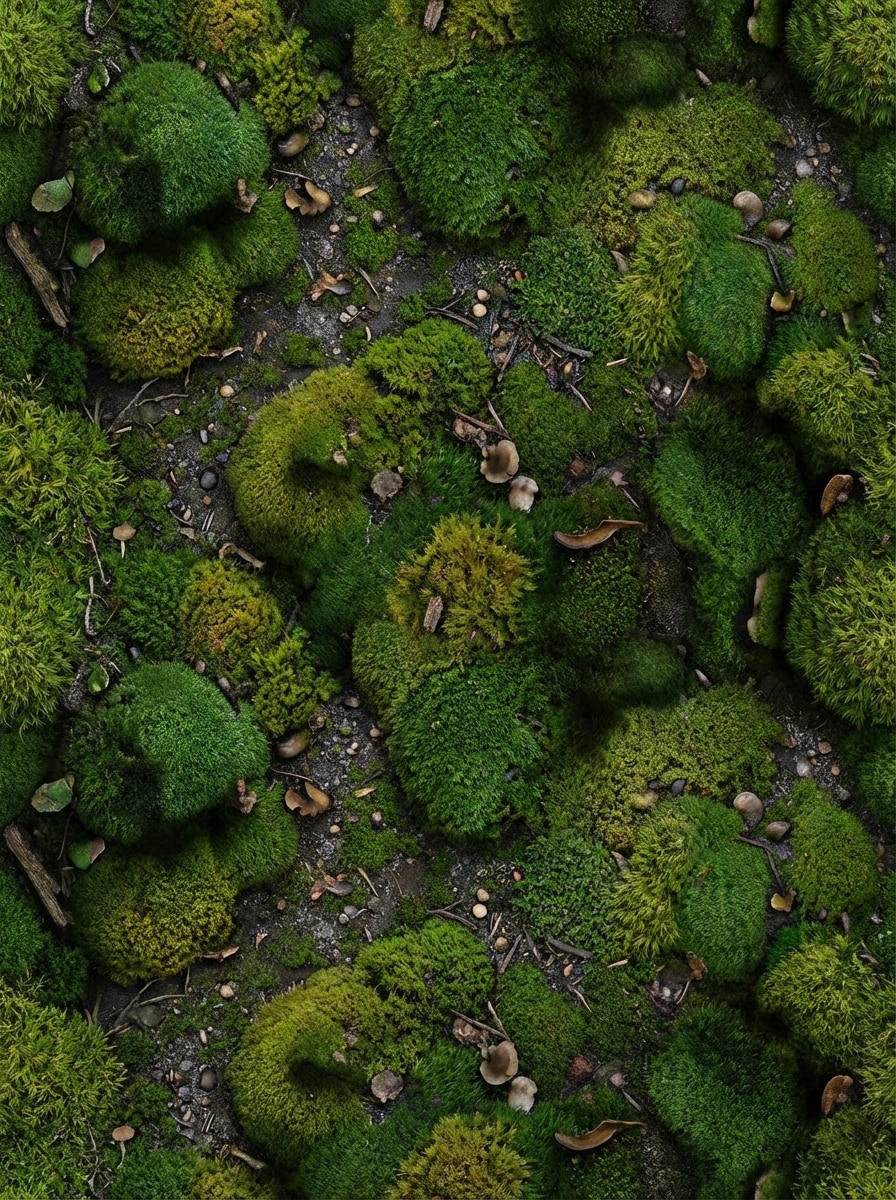
Suelo de Musgo de Bosque
Genera una textura seamless de suelo musgoso de bosque para entornos naturales, vista directamente desde arriba como una hoja de textura plana. Incluye musgo verde denso, tierra húmeda, pequeñas piedrecillas, variación orgánica de color, detalle de sombra suave, ambiente rico de bosque, textura de superficie fotorrealista y bordes lisos repetibles para conceptos de terrenos, escenas de juegos y diseño de ambientes de fantasía.
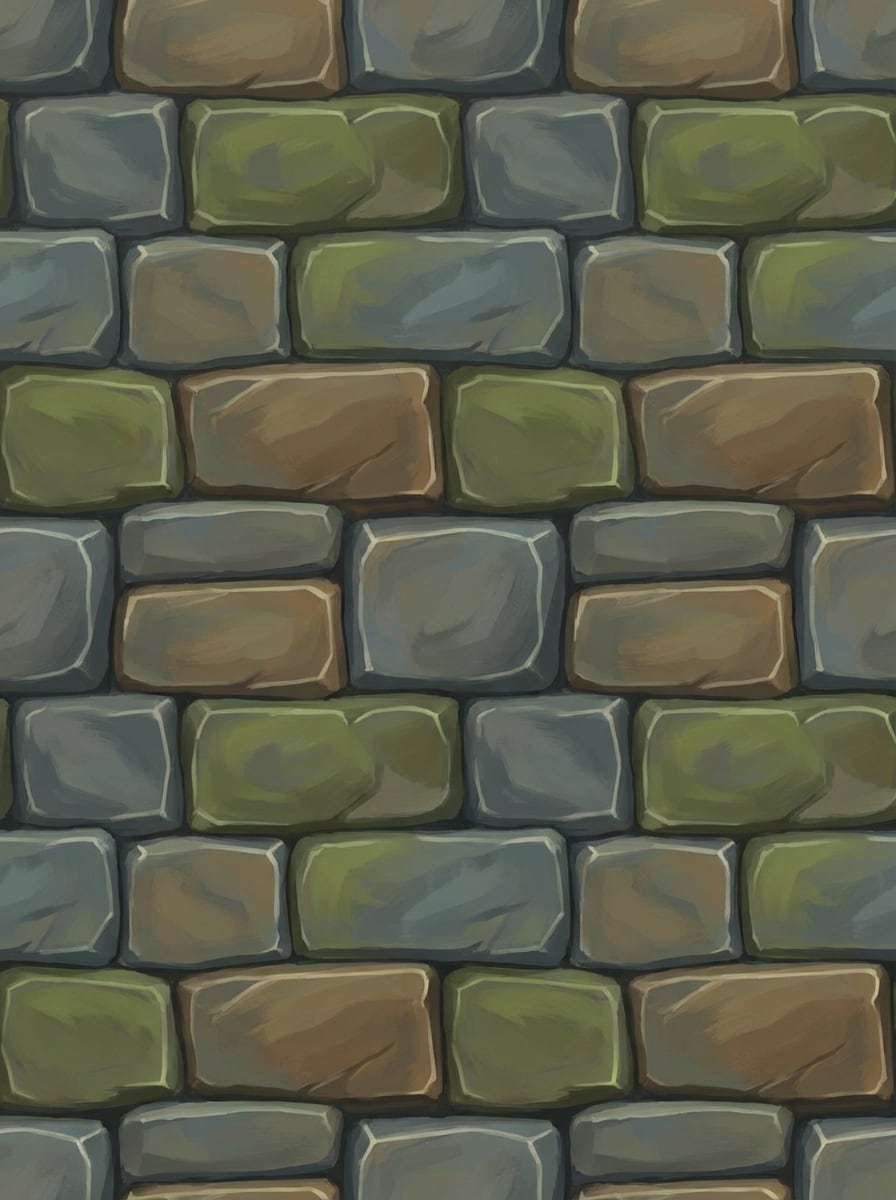
Piedra Fantástica Pintada a Mano
Crea una textura seamless de piedra fantástica pintada a mano para juegos estilizados, dispuesta como una hoja plana de vista superior. Usa formas de piedra gruesas, sombreado pictórico, formas comprensibles, sutiles brillos en bordes, colores gris-azulado terrosos, ambiente de aventura fantástica y repetición limpia enlosable con gran claridad para assets de juegos indie y mapas de fantasía.
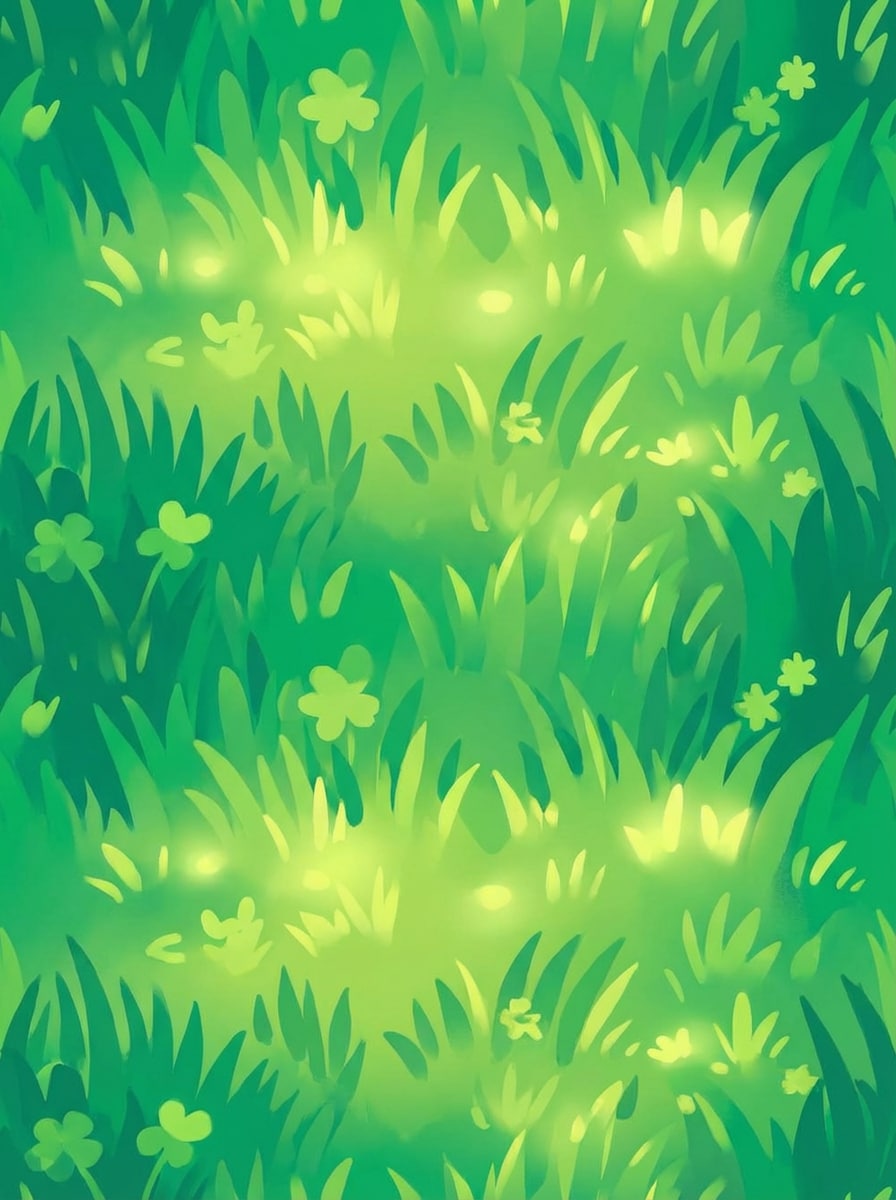
Césped Cartoon para Terreno
Genera una textura seamless estilizada de césped cartoon con hojas pintadas a pincel, variación de color divertida, brillos suaves y un aspecto brillante listo para juegos. Preséntala como un mapa de textura visto desde arriba sin perspectiva, formas claras, paleta fresca en verdes, ambiente alegre y bordes lisos repetibles para juegos móviles, escenas Unity y construcción de mundos estilizados.
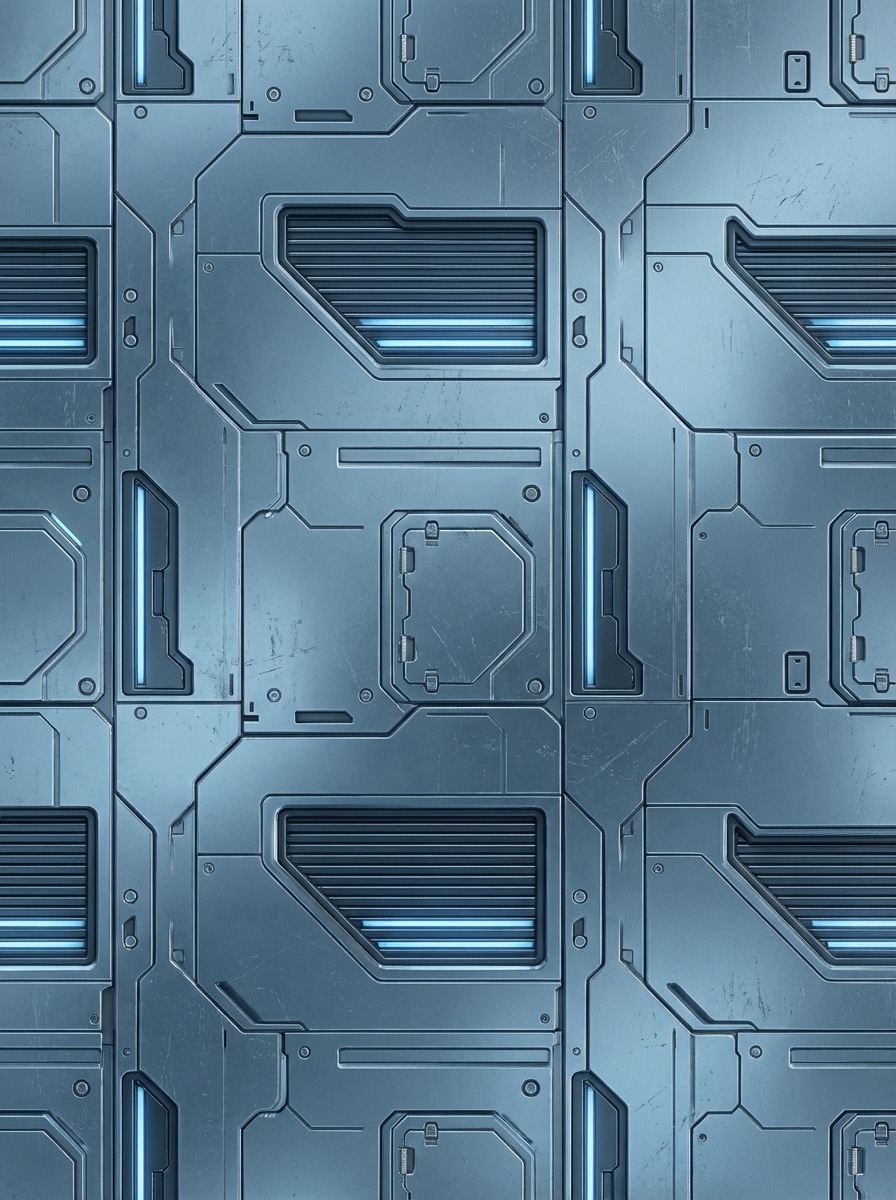
Panelado Sci-Fi
Crea una textura seamless de panel futurista de ciencia ficción con líneas limpias de panel duro, rejillas, sutiles acentos emisivos, desgaste metálico y detalles de superficie diseñados. Usa un formato de mapa de material plano, paleta frío azul-gris, iluminación de estudio controlada, ambiente industrial cyber pulido, indicios de profundidad nítidos y repetición enlosable adecuada para interiores de naves, escenas Unreal o conceptos de mechas.
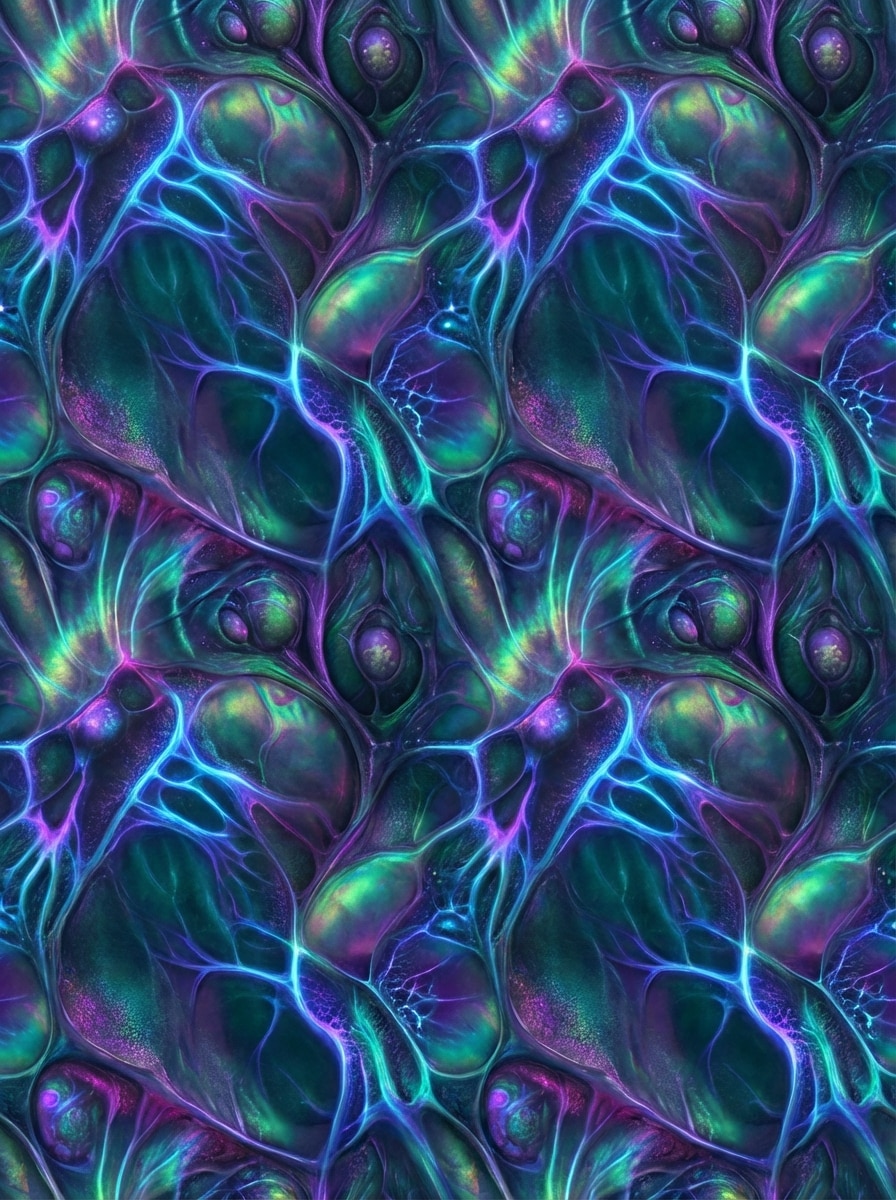
Superficie Biorgánica Alienígena
Genera una textura seamless de superficie orgánica alienígena con patrones de venas luminosas, capas tipo membrana, cambios iridiscentes de color y detalle biológico surrealista. Muéstrala como una hoja de textura plana desde arriba sin perspectiva, iluminación sci-fi oscura, tonos profundo azul verdoso y violeta, riqueza táctil y estructura repetitiva enlosable para mundos de criaturas y arte conceptual.
¿Por qué usar Media.io para generar texturas con IA?
Genera Ideas de Textura en Múltiples Resoluciones
Crea salidas del generador de texturas con IA en resolución 1K, 2K o 4K, facilitando producir conceptos de material detallados para presentaciones, maquetas y arte ambiental.
Elige Modelos por Calidad o Rapidez
Usa modelos estrella como Nano Banana Pro para generación de imágenes de nueva generación o Nano Banana 2 para creación rápida. Esto ofrece a los creadores opciones flexibles al explorar superficies realistas o estilizadas.
Explora Estilos Realistas y Estilizados de Superficie
Media.io soporta estilos diversos incluidos Realista, Render 3D, Anime, Pintura al Óleo, Cyberpunk y más, para que puedas pasar de generador de texturas seamless a ideas de superficie de fantasía, sci-fi o impulsadas por concepto.
Crea en tu Navegador en Cualquier Dispositivo
Esta herramienta web de generador de materiales con IA funciona en Windows, Mac, iOS y Android. No necesitas descargar software, así que puedes probar prompts fácilmente desde escritorio o móvil.
Cómo Usar el Generador de Texturas con IA
1
2
3
1
Paso 1: Abre el Generador de Texturas por IA de Media.io
Ve a Generador de Imagen IA desde Texto y abre el Generador de Texturas bajo IA -> Texto a Imagen. Esta herramienta online funciona en tu navegador, así que puedes comenzar a crear conceptos de texturas en escritorio o móvil sin instalar programas extra.
2
Paso 2: Ingresa un Prompt
Escribe una descripción detallada como "textura seamless de muro de piedra envejecida, hoja de material plana, grietas realistas, tonos grises fríos, enlosable repetida." Luego elige tu modelo, estilo, resolución y relación de aspecto preferidos según el aspecto de material que desees.
3
Paso 3: Genera, Refina y Descarga
Haz clic en Generar para crear tu concepto de textura. Si lo necesitas, refina la redacción para un resultado más realista, estilizado o listo para juegos. Una vez satisfecho, descarga la imagen en alta resolución y úsala en tu diseño, arte conceptual o flujo de trabajo 3D.
"Manera rápida de explorar ideas de texturas" Utilizo Media.io para hacer lluvia de ideas de superficies de piedra, metal y césped antes de crear los assets finales. Es mucho más rápido que empezar desde cero y el flujo de trabajo basado en prompts es fácil de probar para diferentes direcciones artísticas de juegos.
Maya L.
Artista 3D
"Útil para conceptos de material en Blender" Cuando necesito referencias ráidas para vetas de madera o concreto, este generador de texturas con IA me da un punto de partida sólido. Me gusta que funciona en el navegador y me permite probar diferentes estilos sin configuración complicada.
Jordan K.
Diseñador Conceptual
"Gran rango desde realista hasta ciencia ficción" Lo he usado para ideas de mármol, paneles oxidados y superficies alienígenas. La variedad es útil porque puedo ir de materiales realistas a texturas más imaginativas manteniendo el proceso de prompts sencillo.
Sofía T.
Freelancer de Visualización de Interiores
"Práctico para moodboards y estudios de superficies" Media.io me ayuda a crear conceptos de material pulidos para presentaciones y moodboards. Las opciones de salida en alta resolución son especialmente útiles cuando necesito referencias visuales más limpias para clientes.
Explora los efectos de video e imagen con IA más populares
Preguntas Frecuentes sobre el Generador de Texturas con IA
1. ¿Qué es un generador de texturas con IA?
Un generador de texturas con IA es una herramienta que crea imágenes de tipo textura a partir de descripciones de texto. Con Media.io, puedes describir superficies como madera, piedra, metal o concreto y generar resultados visuales en diferentes estilos, incluidos Realista, Render 3D, Anime, Pintura al Óleo y Cyberpunk.
2. ¿Cómo creo una textura desde texto con Media.io?
Abre la herramienta Texto a Imagen de Media.io, ingresa una descripción detallada de la superficie que deseas, luego elige tu modelo, estilo, resolución y relación de aspecto antes de generar. Para mejores resultados, Media.io está optimizado para prompts en inglés.
3. ¿Puede la IA generar texturas seamless (enlosables)?
Media.io puede generar imágenes tipo textura a partir de prompts de texto, y muchos usuarios crean conceptos de textura enlosable pidiendo explícitamente "seamless" y "tileable" en la descripción. Los resultados dependen de tu prompt y estilo elegido, así que afinar la redacción puede ayudar a mejorar la repetibilidad.
4. ¿Puedo usar este generador de texturas con IA para proyectos en Blender, Unity o Unreal Engine?
Media.io puede ayudarte a crear conceptos de texturas para flujos de trabajo de diseño 3D y de juegos, incluidas ideas para proyectos en Blender, Unity y Unreal Engine. Al ser una herramienta online de texto a imagen, funciona bien para generar referencias visuales de superficies y exploraciones creativas de material.
5. ¿Media.io soporta salida de texturas en alta resolución?
Sí. Media.io soporta generación de imágenes en 1K, 2K y 4K, lo que es útil cuando necesitas conceptos de textura más detallados para presentaciones, maquetas o trabajos creativos minuciosos. Los usuarios gratuitos obtienen 3 créditos diarios y los suscriptores pueden acceder a mayor capacidad de generación y descargas en alta resolución sin marca de agua: https://www.media.io/es/pricing.html
6. ¿Es gratis usar Media.io para generar texturas con IA?
Media.io ofrece uso diario gratuito con 3 créditos por día. Los usuarios Free podrían ver marcas de agua, mientras que los suscriptores pueden descargar imágenes en alta resolución sin marcas. Si necesitas más créditos u opciones de exportación más limpias, puedes comparar los planes aquí: https://www.media.io/es/pricing.html