
Start with Your Existing Ebook
Use an existing ebook, chapter, or synopsis as your starting point. Focus on the strongest ideas without rewriting the entire book as a video script.
 Seedance 2.5
Turn your ebook into an engaging video with AI. Repurpose chapters, storylines, and key insights into book trailers, bite-sized summaries, educational explainers, and promotional clips—without starting from a blank editing timeline.
Start with your ebook content and create online.
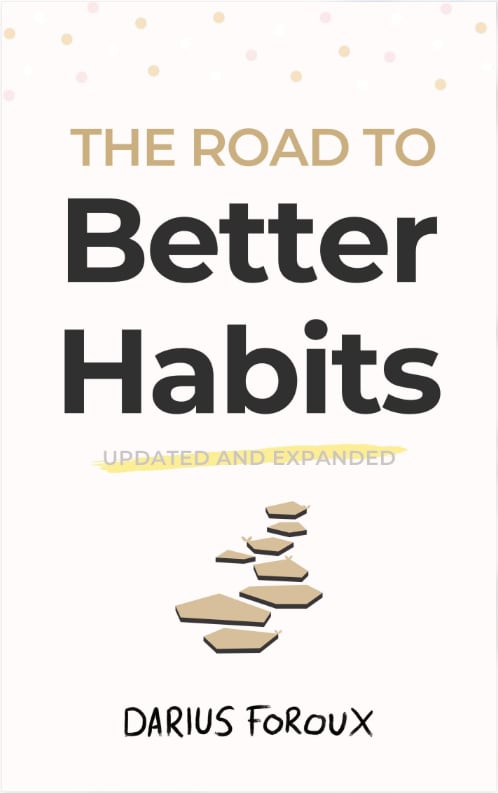
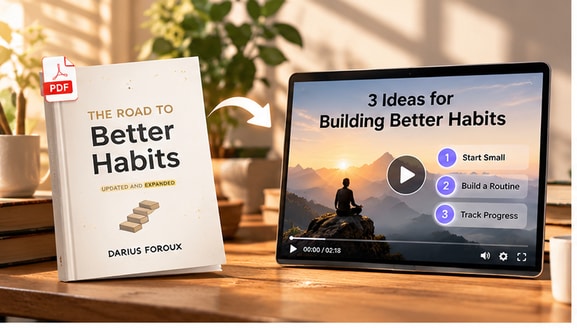
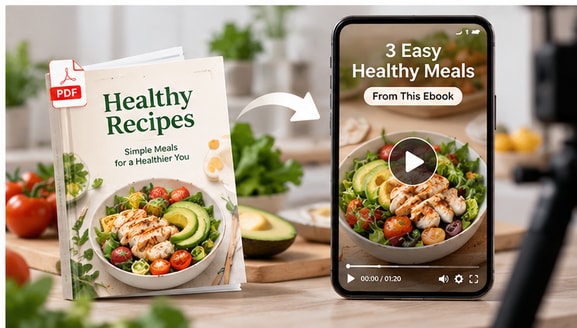
See how the sample ebook's key takeaways can become a short educational video. View the source ebook, then play the corresponding video to compare the original ideas with the visual story.
An AI ebook to video generator turns selected ideas, chapters, or summaries from an ebook into a visual story. Rather than displaying pages one by one, it helps you plan a book trailer, short educational video, or key-takeaway explainer around the content viewers will find most useful.
Choose the workflow that fits your original content.
Turn the ideas in your ebook into visual stories that fit how your audience watches, learns, and discovers new books.
Use an existing ebook, chapter, or synopsis as your starting point. Focus on the strongest ideas without rewriting the entire book as a video script.
Translate plot moments, expert insights, and chapter themes into a visual sequence that keeps viewers engaged beyond the page.
Adapt one ebook into a book trailer, a short summary, a learning clip, or an author promotion tailored to different audiences.
Generate a first concept faster and spend more time refining the story, visuals, and pacing instead of assembling every scene by hand.
From book promotion to learning videos, turn your ebook into a format that makes its strongest ideas easier to discover, understand, and share.
Adapt a nonfiction chapter or the major takeaways from a book into a focused visual recap. Make the main ideas easier to revisit and share.
An ebook to video workflow works especially well when you choose one clear theme instead of trying to compress an entire book into a few seconds.
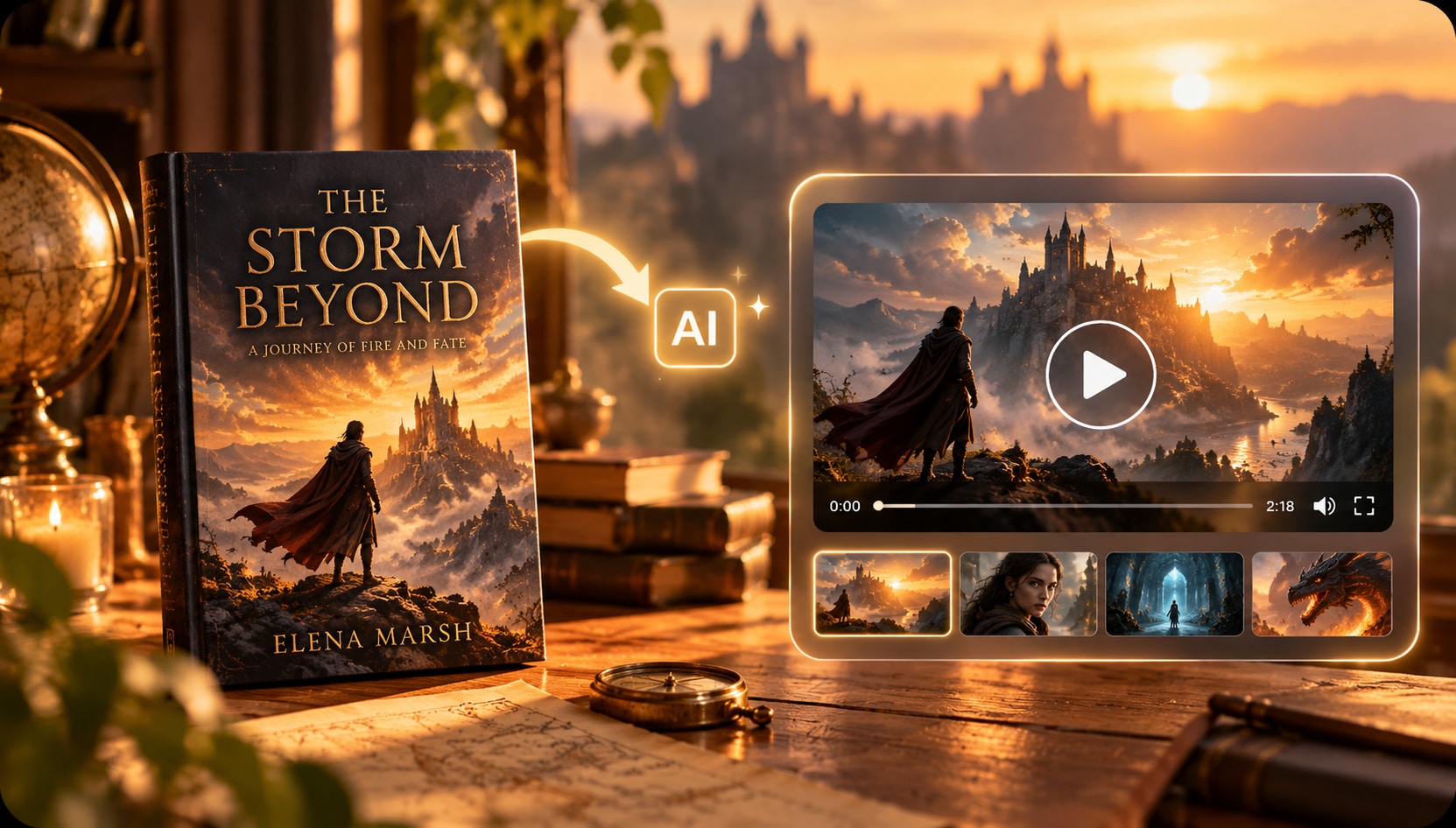
Use a synopsis, central conflict, or key theme as the basis for a short teaser that introduces the tone of your book without revealing the ending.
A strong> book-to-video generator can help authors plan visuals and messaging for a launch announcement, author website, or reader-facing promotion.
Repurpose study guides, practical how-to ebooks, or instructional chapters into digestible lessons built around one learning objective.
With an AI ebook-to-video generator , you can focus on the ideas learners need to retain while reviewing claims, examples, and terminology against the source.
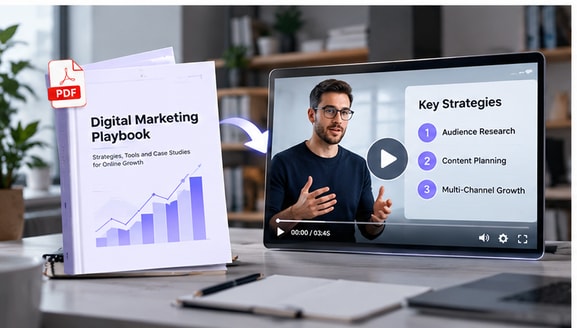
Highlight a practical tip, interesting premise, or memorable idea in a short video designed for discovery on social platforms.
When you turn an ebook into a video , create separate clips for distinct ideas rather than forcing every chapter into the same video. Use only excerpts and assets you have permission to publish.
Add the ebook you want to turn into a video. Documents with clear headings, readable text, and a logical structure are easier for AI to interpret.
Tell the AI what the video should focus on, who it is for, and how concise or detailed the result should feel.
Generate the video draft, review whether the key information matches the ebook, and then export the final video for sharing or publishing.
AI can simplify a chapter, but the new video should stay faithful to the source.
Check names, claims, quotations, events, and the main takeaway against the source book.
Separate the author's ideas from added interpretations, and do not invent plot points or conclusions.
Use books, excerpts, cover images, and audio that you own or have permission to adapt and publish.
Both use an ebook as the source, but they create different viewing experiences.
Uses a book chapter, synopsis, or selected ideas to plan a new video narrative with scenes and key takeaways.
Shows pages or screenshots in order, often with basic transitions, without substantially reworking the text into a new narrative.
An AI ebook to video generator helps turn material from an ebook into video content. You can use a chapter, synopsis, or selected ideas to plan a visual story, book summary, or promotional video instead of building each scene manually.
Start with ebook content that you own or have permission to use. Add the supported source material, describe your audience and desired video style, generate a draft, and review the result for accuracy before sharing. Available input formats depend on the current product workflow.
EPUB is a common ebook format, but direct EPUB upload support may vary. Check the upload options in the tool. If EPUB is not supported, prepare an accepted format or use an authorized excerpt or chapter text as your source.
Yes. Focus on a few main ideas, a single chapter, or a brief synopsis to create a concise video summary. Check the generated script against the source and avoid inventing quotes or plot details.
You can use the premise, key themes, and selected scenes to develop a book-trailer concept. Describe the mood, genre, audience, and desired length so the result works as a teaser rather than a complete retelling.
Both can inspire video content. Fiction can become a character-focused teaser or story recap; nonfiction can become a lesson, explainer, or key-takeaways video. Select passages or summaries appropriate to your goal.
An AI-generated video is generally an adaptation, not a page-for-page recording. For precise quotations, citations, or educational claims, compare the generated content with the original ebook before publishing.
Use ebooks you created, licensed, or otherwise have permission to adapt. A purchased ebook does not necessarily grant the right to publish a video adaptation. Check the relevant rights before sharing commercially.