Seleccione / @ carácter, describa la escena que desea generar.
0/2000
9:16
1K
1
Modo Ilimitado Banana Pro
Creaciones
Centro de Ideas
Cómo funciona
Todo
Funciones populares
Ver todo
Desafío creativo de Halloween
Ver todo
Historia de Frutas con IA
Ver todo
Video de Historia de IA
Ver todo
Videos Virales Hoy
Ver todo
Videos de Productos de IA
Ver todo
Personaje de IA
Ver todo
Tendencias de Baile
Ver todo
GPT Image 2
Ver todo
Seedance 2.0
Ver todo
Emparejamiento de Celebridades con IA
Ver todo
Indicaciones de Poses para Parejas
Ver todo
Prompts de Poses de Chica AI Estética
Ver todo
Sugerencias de Pose Elegante para Chicos AI
Ver todo
Lista de generación
Tus creaciones solo se guardan durante 7 días. Los recursos creados después de actualizar a Membresía se almacenarán de forma permanente.
¡Desbloquea tu potencial creativo y experimenta la magia de Media AI ahora mismo!
Crea un mockup realista de tarjeta regalo a partir de tu diseño rápidamente
Convierte un diseño de tarjeta plano en una maqueta de tarjeta de regalo pulida en segundos. Sube tu diseño, elige una escena y genera presentaciones fotorrealistas en plástico, papel o digitales con iluminación realista, sombras y un estilo listo para venta en promociones, comercio electrónico y vistas previas para clientes.
Escribe tu idea -> La IA la diseña. Pruébalo gratis.
Revisa estas instrucciones de ejemplo y luego ajusta los detalles del prompt para obtener mejores resultados con este mockup de tarjeta regalo.
Tarjeta regalo de plástico sobre superficie neutra
Usa la imagen subida como el diseño de la tarjeta de regalo y transfórmala en una maqueta Premium de tarjeta de regalo en plástico, centrada sobre una superficie beige Suave con reflejos sutiles de estudio, textura de plástico lisa, bordes limpios, sombra natural suave, estilo minimalista de lujo, composición equilibrada y calidad nítida de fotografía comercial de producto.
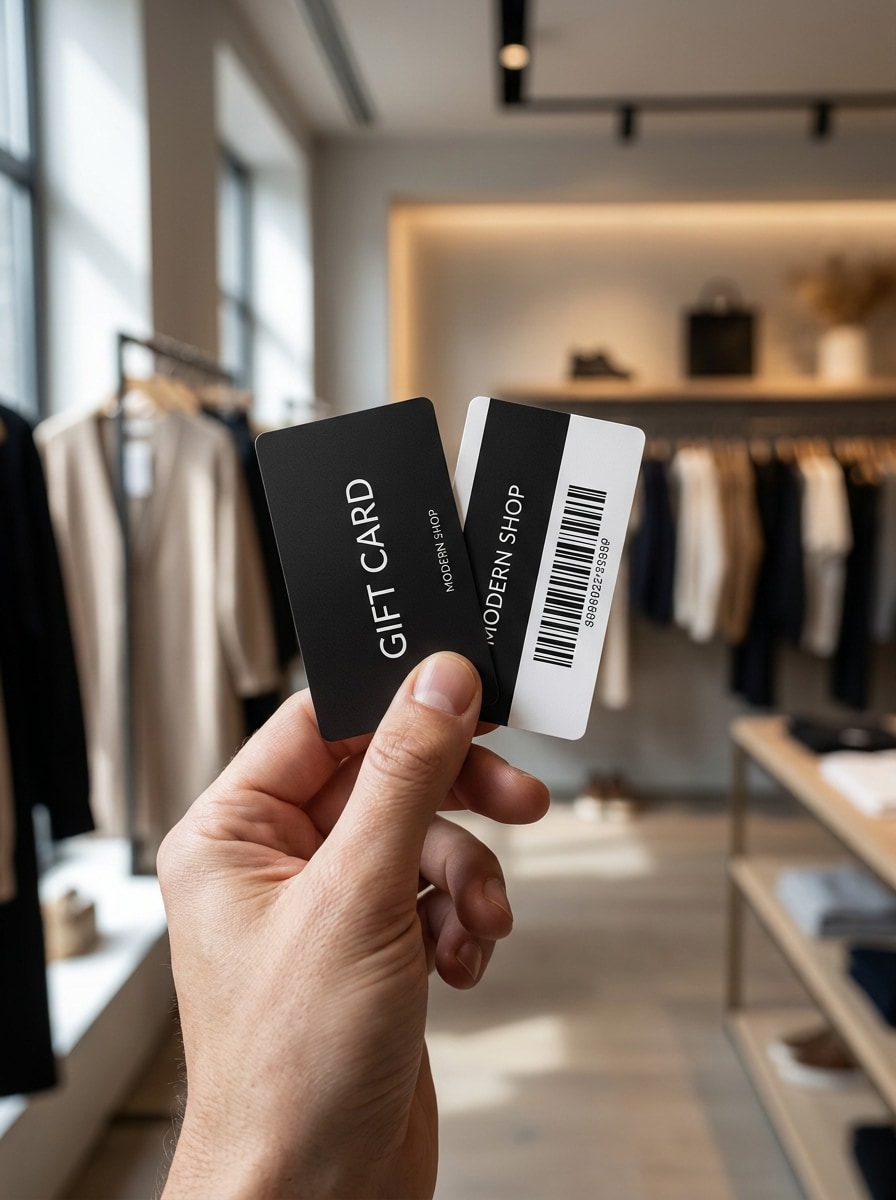
Mano sosteniendo una tarjeta regalo
Usa la imagen subida como cara de la tarjeta y colócala en una escena de estilo de vida realista donde una mano sostiene la tarjeta regalo hacia la cámara, con luz natural del día, Profundidad de campo reducida, textura de piel auténtica, fondo con Desenfocar Suave, ambiente moderno de retail y enfoque nítido en el diseño impreso.
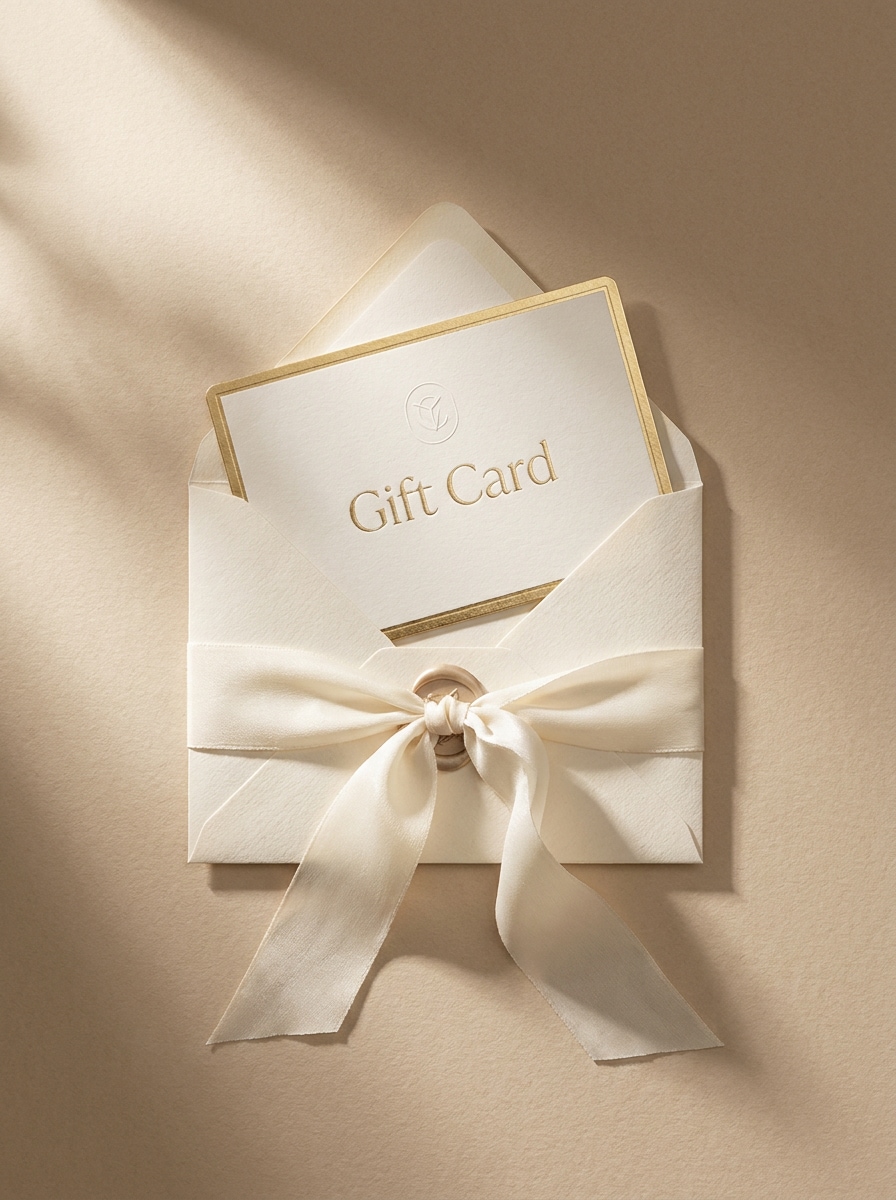
Tarjeta regalo con sobre y Barra de navegación superior
Usa la imagen subida como el diseño principal de la tarjeta y preséntala en una elegante escena de regalo, parcialmente introducida en un sobre con una Barra de navegación superior de seda, composición cenital, sombras suaves, paleta beige cremoso y marfil, texturas refinadas de papelería y un estilo fotorrealista lujoso para una maqueta de certificado de regalo Premium.
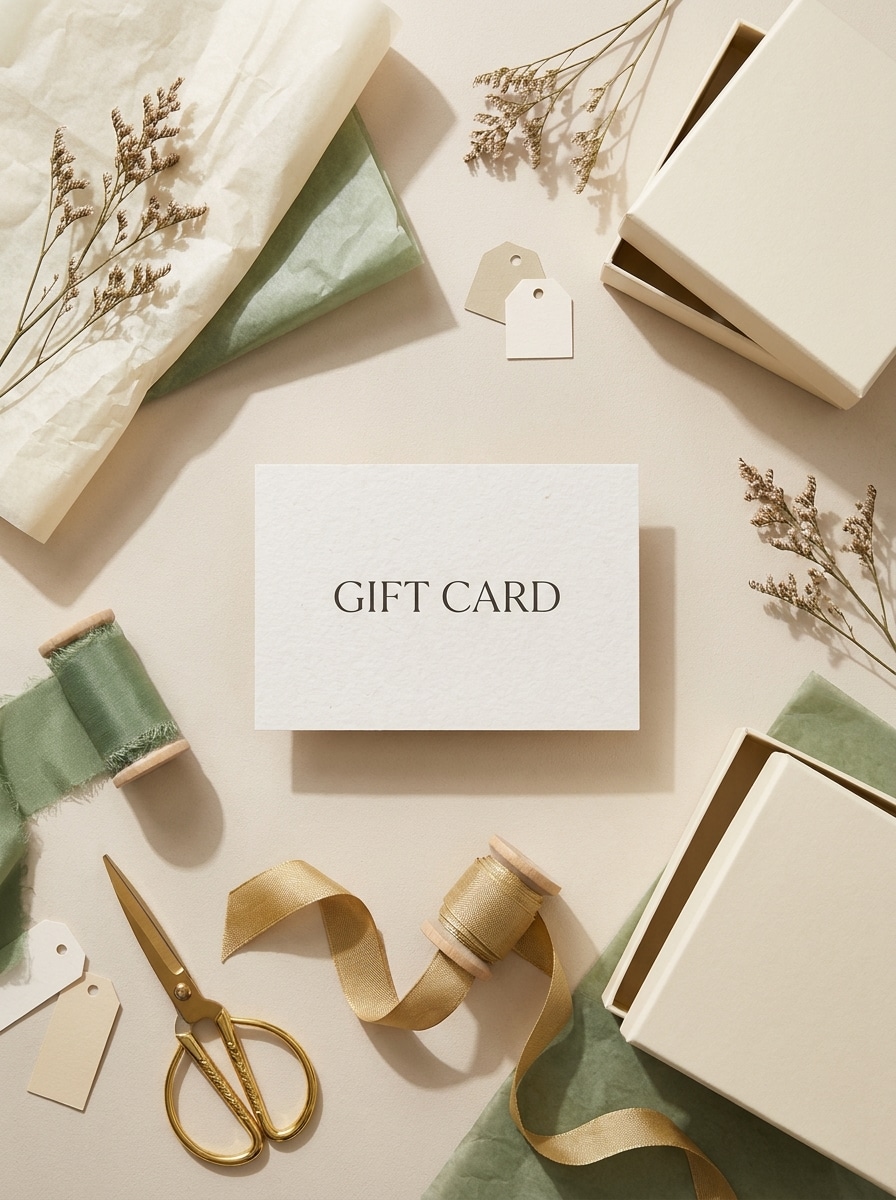
Set de regalo en vista cenital
Usa la imagen subida como tarjeta destacada y construye una escena cenital pulida con papel de regalo, Barra de navegación superior, papel de seda y una pequeña caja de regalo, dispuestos en una composición editorial equilibrada con luz natural Suave, materiales realistas, colores estilosos de temporada neutra y detalle de fotografía Premium de ecommerce.
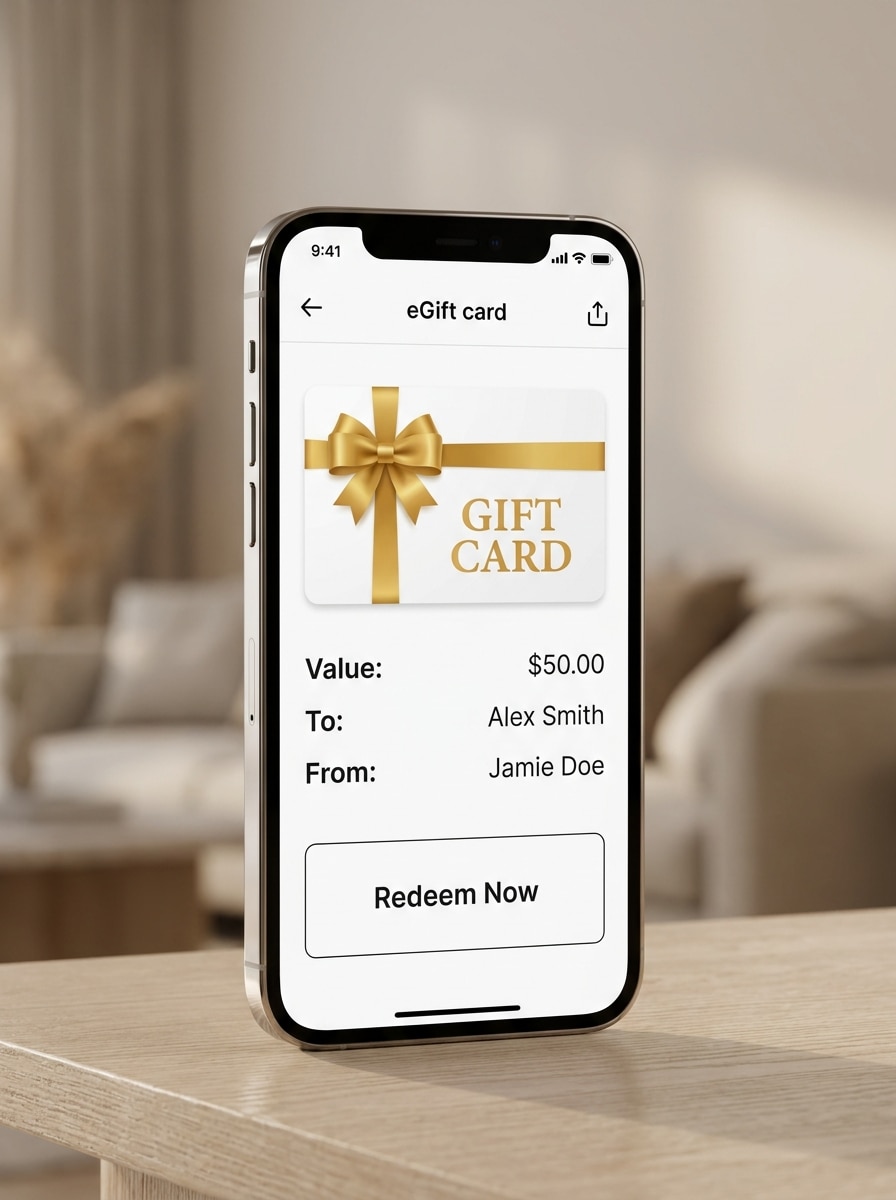
Pantalla de eGift card en móvil
Usa la imagen subida como diseño de la tarjeta y muéstrala dentro de una interfaz de smartphone elegante como un mockup de tarjeta regalo digital moderno, con un marco de interfaz de app limpio, luz Ambiente Suave, reflejos sutiles de pantalla, estilo minimalista de ecommerce, legibilidad nítida y una vista previa de producto pulida de alta conversión.
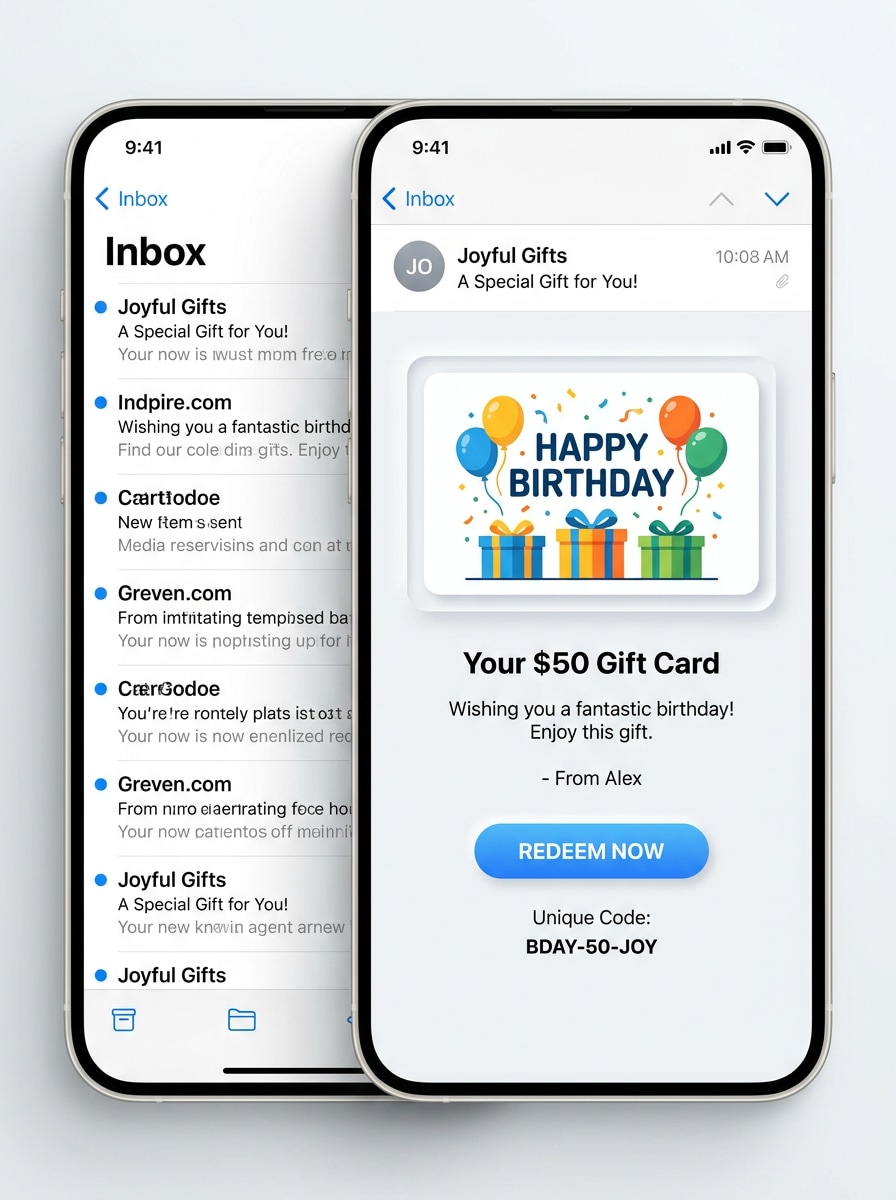
Vista previa de entrega por correo electrónico
Usa la imagen subida como arte de la tarjeta y conviértela en una Presentación de eGift enviada por correo electrónico dentro de una bandeja de entrada limpia y un Diseño de mensaje abierto, con estilo moderno de ecommerce, interfaz blanca brillante, espaciado ordenado, sombras sutiles y una sensación de marca digital confiable para vistas previas promocionales.
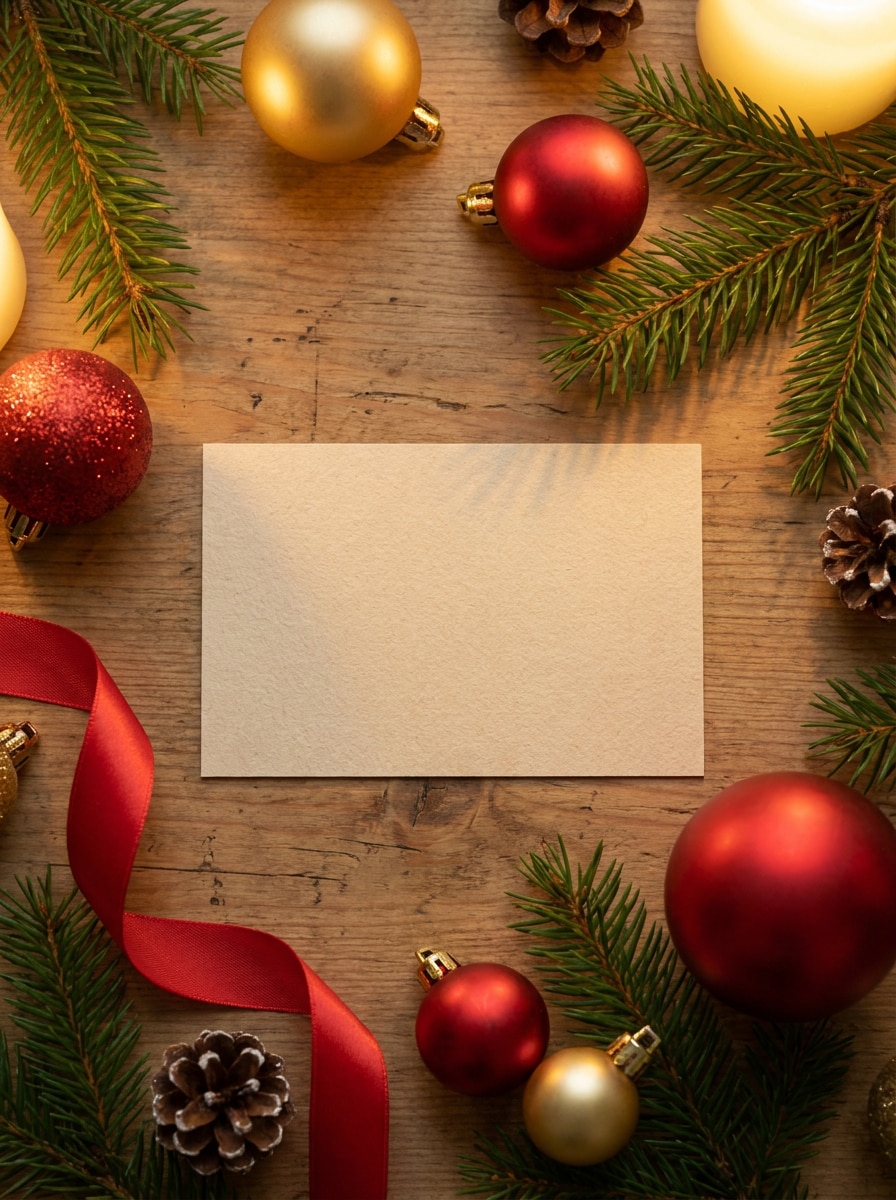
Mockup de tarjeta regalo navideña
Usa la imagen subida como diseño principal de la tarjeta y colócala en una escena festiva navideña con ramas de pino, adornos, bokeh dorado Suave, iluminación cálida y estilo refinado de retail, creando una Toma de producto estacional realista con texturas Premium y un ambiente acogedor de celebración.
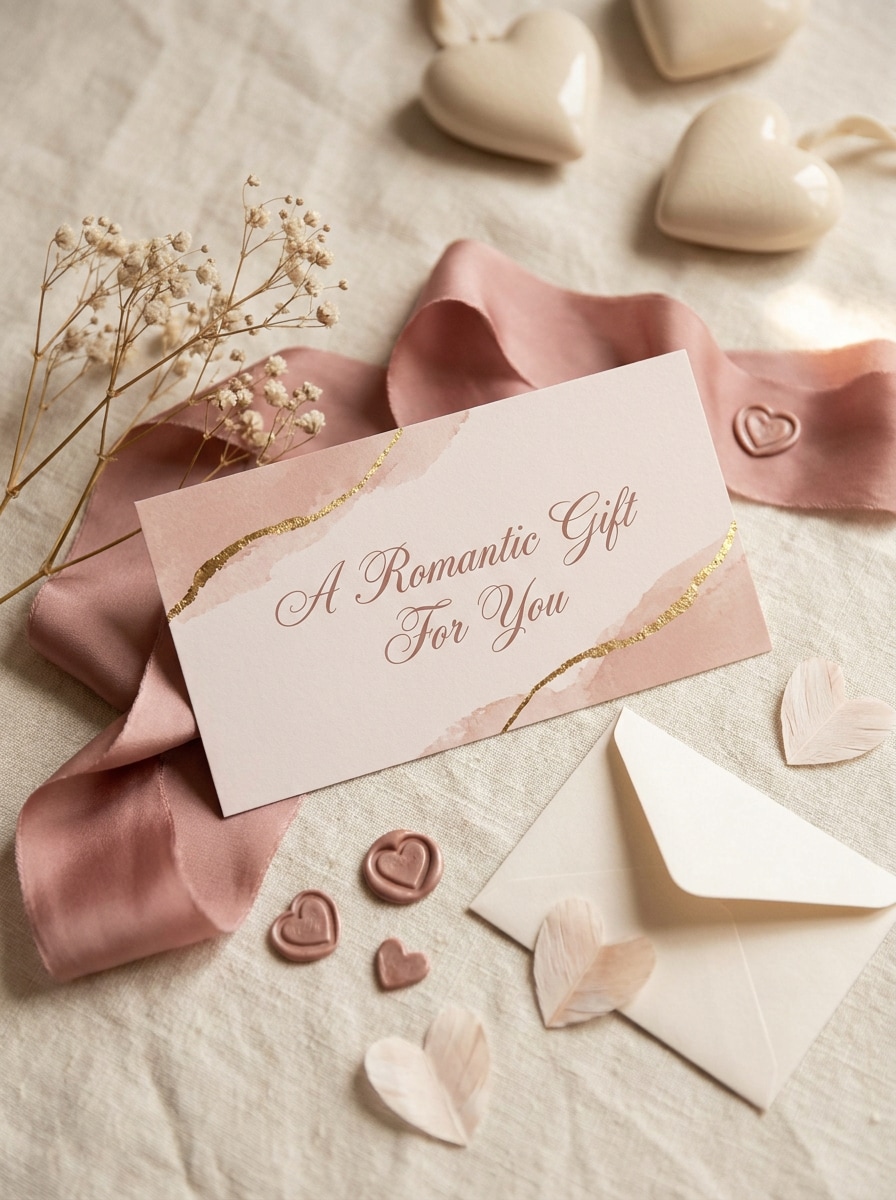
Escena de certificado de regalo de San Valentín
Usa la imagen subida como el diseño de la tarjeta y transfórmala en una exhibición romántica de temporada con tonos rosa rubor, accesorios refinados de sobre, Barra de navegación superior Suave, acentos sutiles de corazón, luz difusa y un estilo Premium elegante adecuado para una encantadora Presentación promocional de regalo.
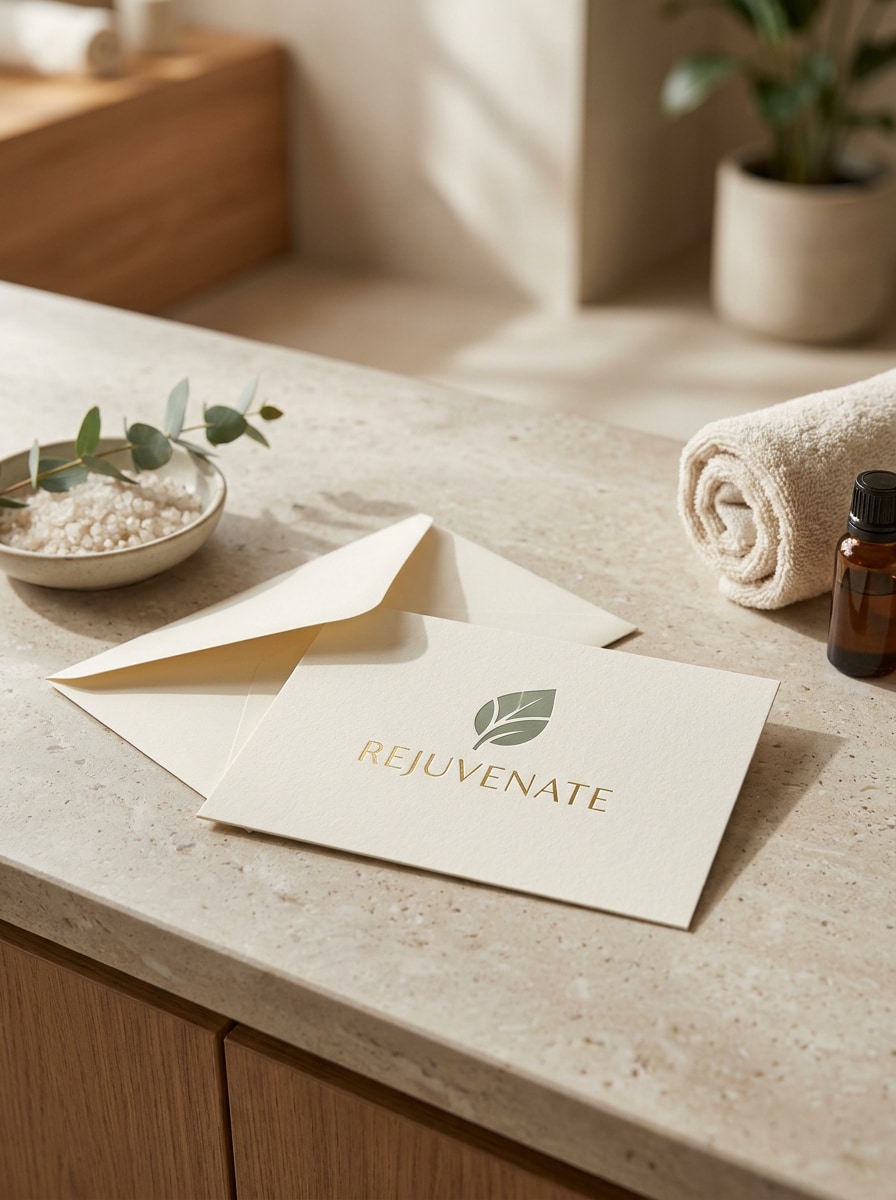
Exhibición de tarjeta regalo de salón o spa
Usa la imagen subida como tarjeta destacada y colócala en una escena de exhibición tranquila de salón o spa con texturas de piedra o madera, iluminación natural Suave, estilo de mostrador, ambiente Premium de bienestar, composición limpia y fotografía de producto realista que se vea pulida y lista para la marca.
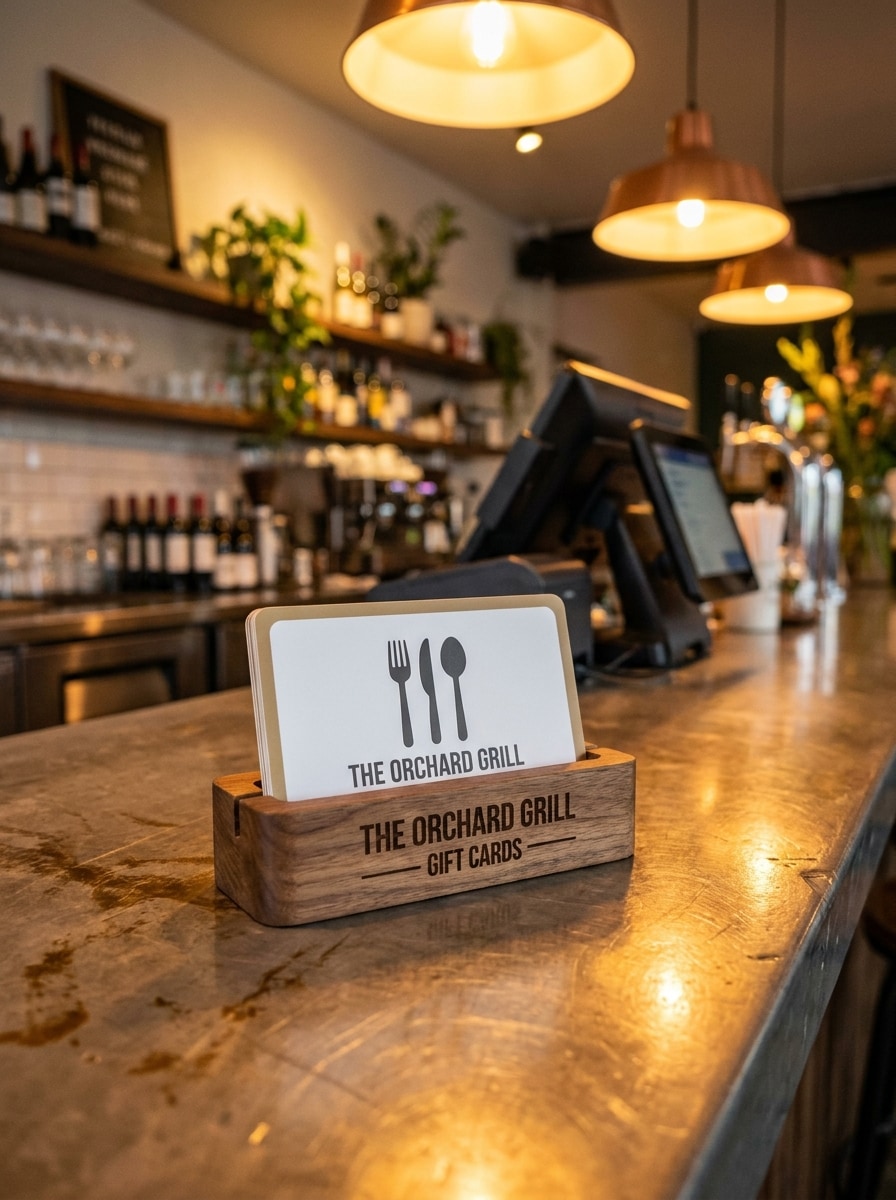
Exhibición de tarjeta regalo en mostrador de restaurante
Usa la imagen subida como el diseño de la tarjeta y transfórmala en una exhibición realista de punto de venta de restaurante, colocada en un soporte de marca cerca de un mostrador de caja con iluminación cálida de hospitalidad, Desenfocar de fondo con buen gusto, materiales Premium y una atmósfera convincente de promoción minorista.
Por qué usar Media.io para vistas previas de diseño de mockups de tarjetas regalo
Preserva la identidad mientras cambias el aspecto
Media.io te permite subir un diseño de tarjeta terminado y Transformar lo en presentaciones pulidas en plástico, papel o sobre mostrador, para que los profesionales de marketing y pequeñas empresas puedan mostrar una maqueta de diseño de tarjeta de regalo realista antes de imprimir, lanzar o compartir promociones.
Mantén tu marca reconocible en cada variación
Cuando la dirección artística aún está abierta, Media.io te permite probar múltiples estilos alrededor de la misma idea de mockup de tarjeta regalo, facilitando encontrar el estilo adecuado sin reconstruir desde cero.
Adapta mockups para impresión, ecommerce y Diseños para redes sociales
Ya sea que necesites una imagen para marketplace, diapositiva de Presentación o creatividad de campaña, Media.io admite Relación de aspecto flexibles y Diseños aptos para publicación, ayudándote a adaptar un diseño en un mockup de tarjeta regalo en blanco, vista previa de estilo de vida o escaparate digital con menos retrabajo.
Controla el detalle para activos más nítidos para clientes y tiendas
Cuando una maqueta de tarjeta de regalo está destinada a un uso real de publicación, Media.io te ofrece una salida más nítida de hasta 4K, lo que ayuda a que la imagen se mantenga clara en presentaciones, fondos y recursos reutilizados.
Cómo hacer un mockup de tarjeta regalo en línea
Convierte tus palabras en visuales impresionantes en tres sencillos pasos y luego continúa refinando el resultado si deseas llevarlo más lejos.
Paso 1
Sube tu imagen de referencia
Comienza subiendo un archivo JPG, PNG o JPEG claro de tu arte de tarjeta regalo, diseño de voucher o Diseño de marca. Una imagen fuente limpia y frontal ayuda a la IA a colocar tu diseño con mayor precisión en escenas realistas de retail, impresión o digitales.
Paso 2
Describe el cambio y configura las opciones
Ingresa un prompt que explique el estilo de mockup que deseas, como tarjeta de plástico, Presentación en sobre, exhibición en caja o vista previa de eGift en móvil. Luego elige tu modelo y ajusta la Relación de aspecto, Resolución y cantidad de imágenes según el uso final.
Paso 3
Genera, descarga y sigue mejorando
Genera varias variaciones, compara la iluminación y composición, y descarga la versión que se ajuste a tu campaña o revisión del cliente. Si es necesario, refina el prompt y crea nuevos resultados hasta que la escena se vea pulida y acorde con la marca.
Desbloquea el potencial del mockup de tarjeta regalo
Descubre cómo los creadores usan este mockup de tarjeta regalo para contenido, marketing y proyectos personales, y luego adapta cada idea a tu brief.
Previsualiza exhibiciones en tienda y mostrador antes de imprimir
Muestra cómo se verá una tarjeta en un entorno real de retail antes de invertir en producción. Esto es útil para restaurantes, salones, spas y tiendas locales que desean visuales pulidos para aprobaciones internas, presentaciones de lanzamiento o señalización promocional.
Crea mejores visuales para ecommerce y campañas estacionales
Transformar un diseño en múltiples escenas para ofertas navideñas, promociones de San Valentín o banners web de marca. Una Presentación de producto realista ayuda a tiendas en línea, equipos de marketing y freelancers a presentar ofertas de tarjetas digitales o físicas con más confianza.
Presenta a clientes con Presentaciones de marca realistas
Los diseñadores y agencias pueden convertir Diseños planos en mockups persuasivos que se sientan terminados y listos para el mercado. Eso facilita presentar conceptos Premium, comparar direcciones y vender un mockup de voucher de regalo o concepto de eGift sin construir cada escena manualmente.
Lo que dicen los usuarios sobre Media.io
Avery Collins
Diseñadora de marca
"Vistas previas realistas y rápidas" Subí un diseño plano y obtuve una escena de tarjeta estilo retail creíble en minutos. La iluminación y las sombras se veían lo suficientemente pulidas para una Presentación al cliente.
Nina Patel
Gerente de marketing de ecommerce
"Genial para variaciones de campaña" Lo usamos para crear visuales de tarjetas estacionales para diferentes promociones sin reconstruir todo desde cero. Hizo que nuestros activos navideños se vieran mucho más Premium.
Jordan Reyes
Creativo freelance
"Fácil en móvil y escritorio" Me gusta que puedo subir arte, ajustar el prompt y generar nuevos mockups desde un navegador. Es conveniente cuando necesito aprobaciones rápidas mientras trabajo de forma remota.
Melissa Grant
Propietaria de spa
"Útil para promociones de negocios locales" Creamos visuales elegantes de tarjetas regalo para nuestros paquetes de spa y publicaciones en redes sociales. Los resultados se veían limpios, de alta gama y mucho más profesionales que un simple arte plano.
Explora los efectos de video e imagen con IA más populares
Preguntas frecuentes sobre mockups de tarjetas regalo
1. ¿Qué es un mockup de tarjeta de regalo?
Un mockup de tarjeta de regalo es una vista previa visual que muestra el diseño de tu tarjeta en un entorno realista antes de imprimirla o publicarla en línea. Puede presentar la ilustración como una tarjeta de plástico, un certificado de papel, un expositor de mostrador o una vista digital de eGift para que puedas revisar la marca, el Diseño y la Presentación con mayor claridad.
2. ¿Cómo puedo convertir mi diseño en un mockup realista de tarjeta de regalo?
Sube tu diseño existente en formato JPG, PNG o JPEG, luego describe la escena que deseas, como una tarjeta sostenida en la mano, una Presentación en sobre o una vista previa digital en un Teléfono. Media.io utiliza tu imagen de referencia para guiar el resultado, y puedes ajustar el modelo, la Relación de aspecto, la Resolución y el número de resultados antes de generar.
3. ¿Puedo crear un mockup de certificado de regalo gratis?
Sí, los usuarios gratuitos pueden probar Media.io con créditos gratuitos. Ten en cuenta que las exportaciones gratuitas pueden incluir marcas de agua, mientras que los planes de pago ofrecen descargas de alta Resolución sin marcas de agua. Puedes comparar las opciones en la página de precios. Los usuarios gratuitos pueden usar créditos gratuitos. Para un mayor uso, los usuarios pueden suscribirse a un plan en la página de precios. Actualiza a un plan de pago en la página de precios para obtener más créditos y descargas de alta Resolución sin marcas de agua.
4. ¿Puedo crear mockups de tarjetas de regalo tanto de plástico como digitales?
Media.io admite la Creación de imagen a imagen a partir de tu diseño cargado, por lo que puedes generar escenas de estilo físico como tarjetas de plástico o certificados en papel, así como Presentaciones digitales para envío por correo electrónico y Teléfono inteligente. Esto lo hace útil tanto para promociones en tienda como para campañas de tarjetas de regalo electrónicas en línea.
5. ¿Qué tamaño de imagen o Resolución funciona mejor para un mockup de tarjeta de regalo?
Una imagen de origen clara y de alta calidad funciona mejor porque el diseño cargado guía el resultado final. Si necesitas detalles más nítidos para Presentaciones o recursos de marketing, Media.io ofrece opciones de salida en 1K, 2K y 4K, por lo que puedes elegir el nivel que se adapte al uso web, la revisión del cliente o materiales promocionales más pulidos. Los usuarios gratuitos pueden tener marcas de agua.
6. ¿Mi diseño de tarjeta de regalo subido se mantendrá privado?
Media.io elimina automáticamente las imágenes subidas de sus servidores después de 7 días para ayudar a proteger la privacidad del usuario. Esto te brinda un flujo de trabajo más seguro cuando estás probando tarjetas de regalo con marca, elementos visuales de campañas internas o ilustraciones aprobadas por el cliente.
Más allá del mockup de tarjeta de regalo en línea con IA