Seleccione / @ carácter, describa la escena que desea generar.
0/2000
9:16
1K
1
Modo Ilimitado Banana Pro
Creaciones
Centro de Ideas
Cómo funciona
Todo
Funciones populares
Ver todo
Desafío creativo de Halloween
Ver todo
Historia de Frutas con IA
Ver todo
Video de Historia de IA
Ver todo
Videos Virales Hoy
Ver todo
Videos de Productos de IA
Ver todo
Personaje de IA
Ver todo
Tendencias de Baile
Ver todo
GPT Image 2
Ver todo
Seedance 2.0
Ver todo
Emparejamiento de Celebridades con IA
Ver todo
Indicaciones de Poses para Parejas
Ver todo
Prompts de Poses de Chica AI Estética
Ver todo
Sugerencias de Pose Elegante para Chicos AI
Ver todo
Lista de generación
Tus creaciones solo se guardan durante 7 días. Los recursos creados después de actualizar a Membresía se almacenarán de forma permanente.
¡Desbloquea tu potencial creativo y experimenta la magia de Media AI ahora mismo!
Crea mockups de marca gratuitos a partir de tu logotipo en minutos
Convierte tu logotipo, etiqueta o diseño plano en escenas de marca realistas con mockups de marca gratuitos. Media.io te ayuda a generar papelería, empaques, señalización, merchandising y vistas previas digitales rápidamente, para que puedas presentar conceptos de marca pulidos sin Photoshop ni archivos PSD complejos.
Escribe tu idea -> La IA la diseña. Pruébalo gratis.
Revisa estas instrucciones de ejemplo y luego adapta los detalles del prompt para obtener mejores resultados con estos mockups de marca gratuitos.
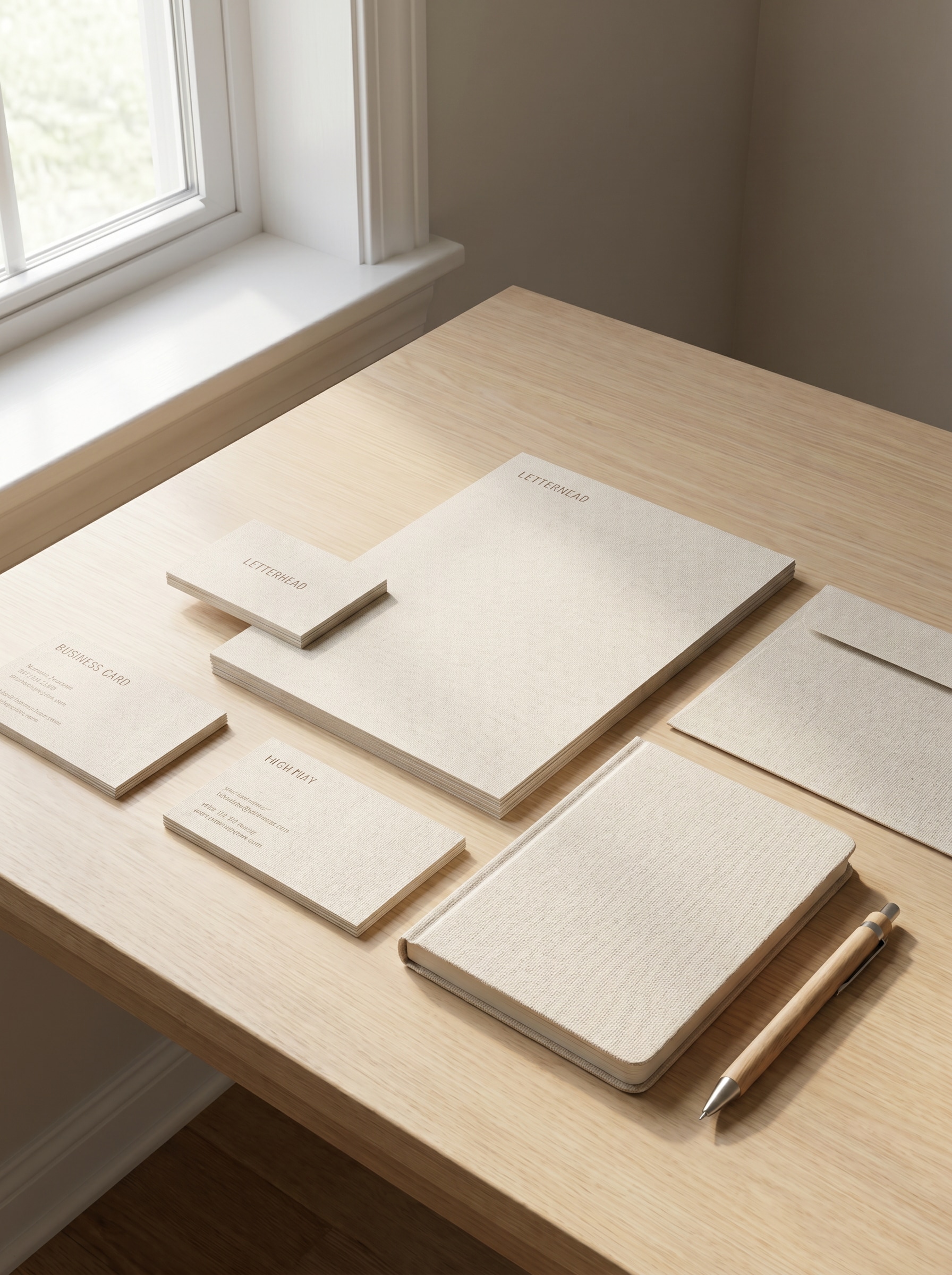
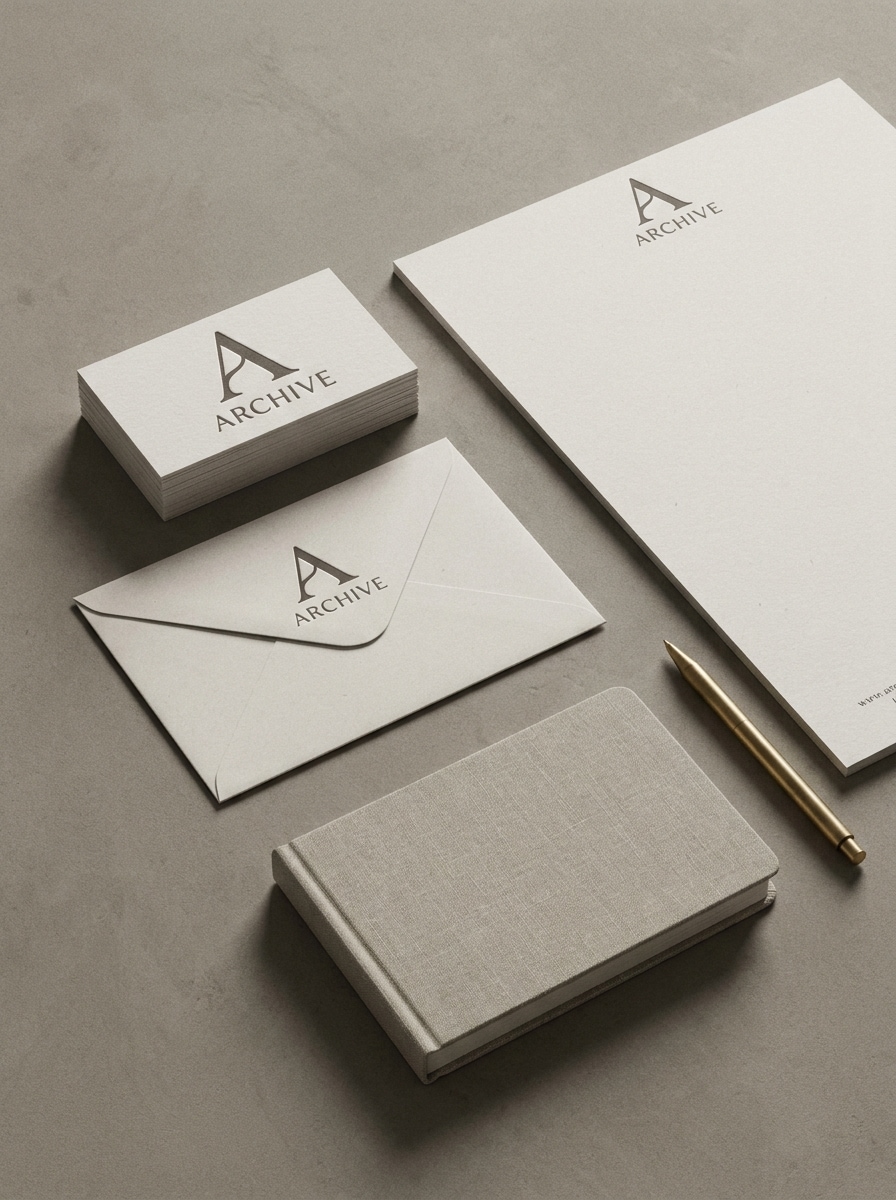
Papelería minimalista en vista cenital
Usa la imagen subida como fuente de marca y transfórmala en un mockup fotorrealista de papelería minimalista con tarjetas de presentación, papel membretado, sobre, cuaderno y bolígrafo dispuestos sobre un escritorio neutro. Añade luz natural Suave, sombras sutiles, composición editorial Premium, textura de papel realista y una Presentación de identidad moderna y limpia.
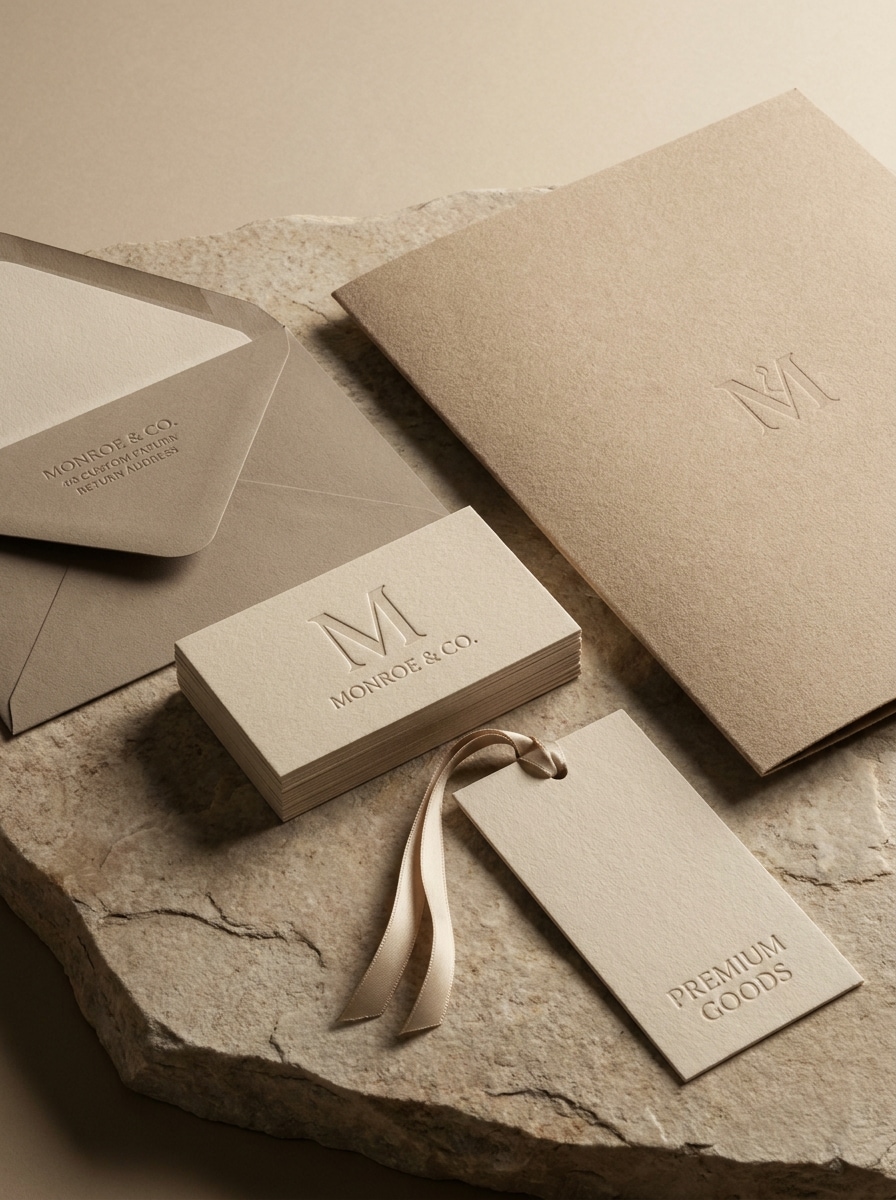
Suite de identidad de marca de lujo
Usa la imagen subida como identidad de marca principal y transfórmala en un mockup de papelería de lujo con tarjetas de presentación en relieve, papel texturizado, sobre, carpeta y etiqueta de marca. Enfatiza tonos neutros cálidos, iluminación de estudio Suave, materiales Premium, composición elegante y un ambiente editorial de alta gama.
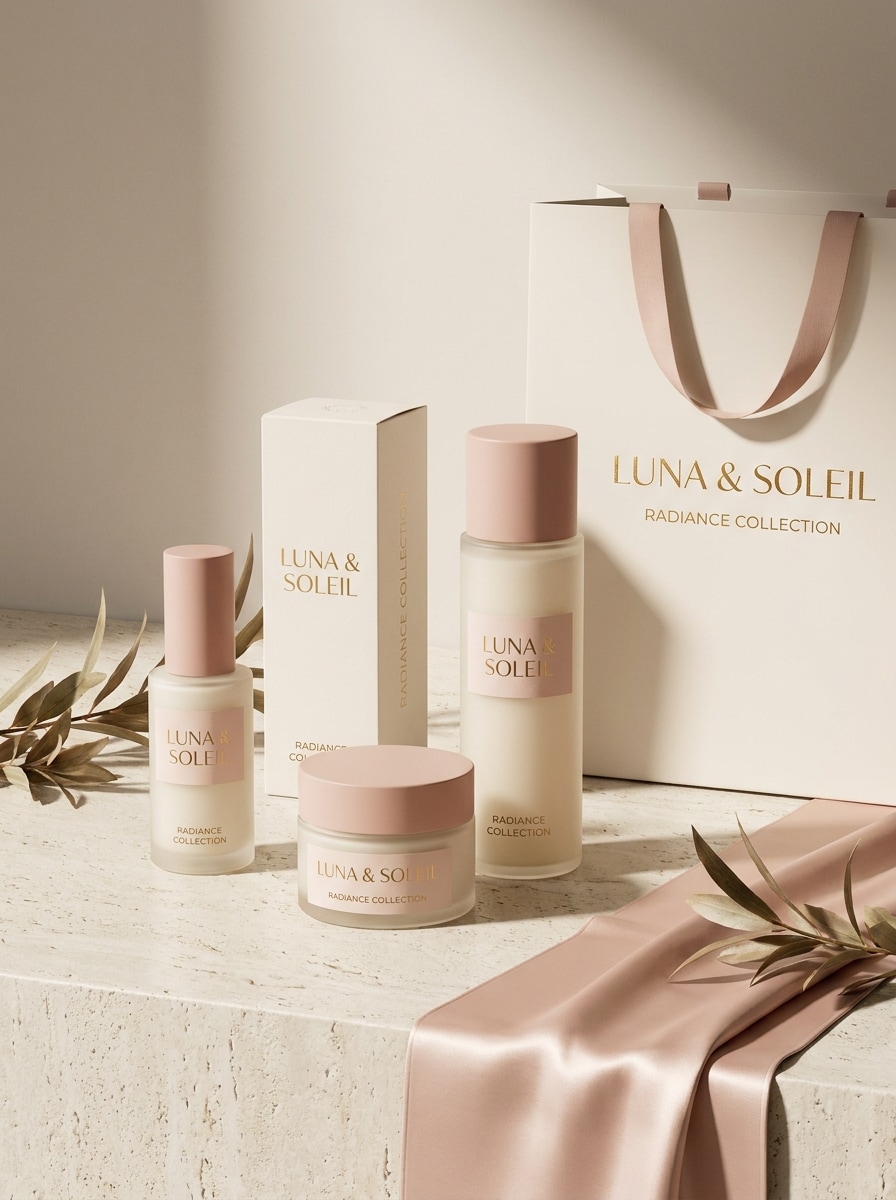
Exhibición de empaque cosmético
Usa la imagen subida como referencia de diseño de empaque y transfórmala en un mockup realista de branding cosmético con frascos de cuidado de la piel, cajas de producto, etiquetas y una bolsa de compras de marca. Añade iluminación con sombras Suaves, reflejos sutiles, estilismo de set limpio, materiales Premium y una atmósfera pulida de marca de Belleza.
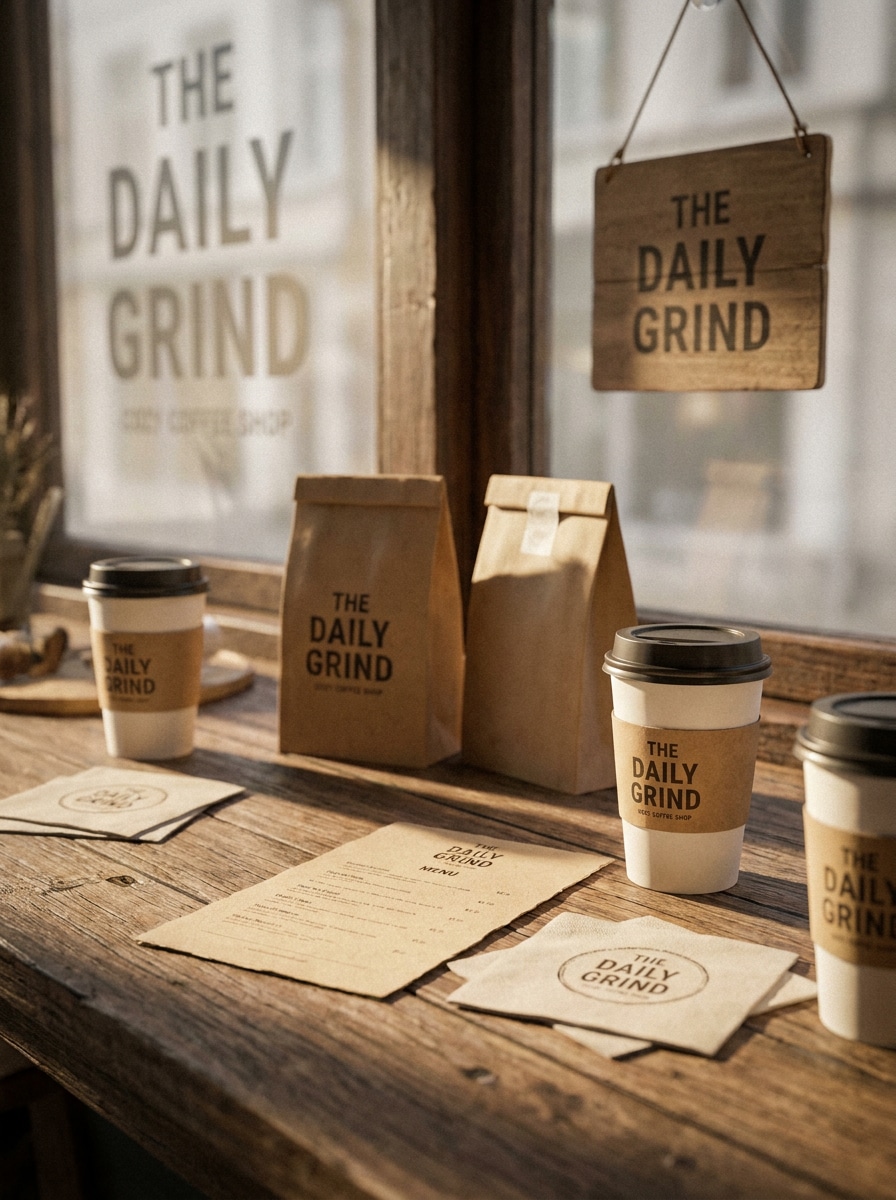
Empaque para cafetería y alimentos
Usa la imagen subida como referencia de marca de cafetería y transfórmala en un mockup cálido de empaque de alimentos con vasos para llevar, bolsas kraft, tarjeta de menú, servilletas y acentos de fachada. Mantén la escena acogedora y artesanal con luz natural, texturas ricas, detalles de empaque realistas y un estilismo de cafetería cohesivo.
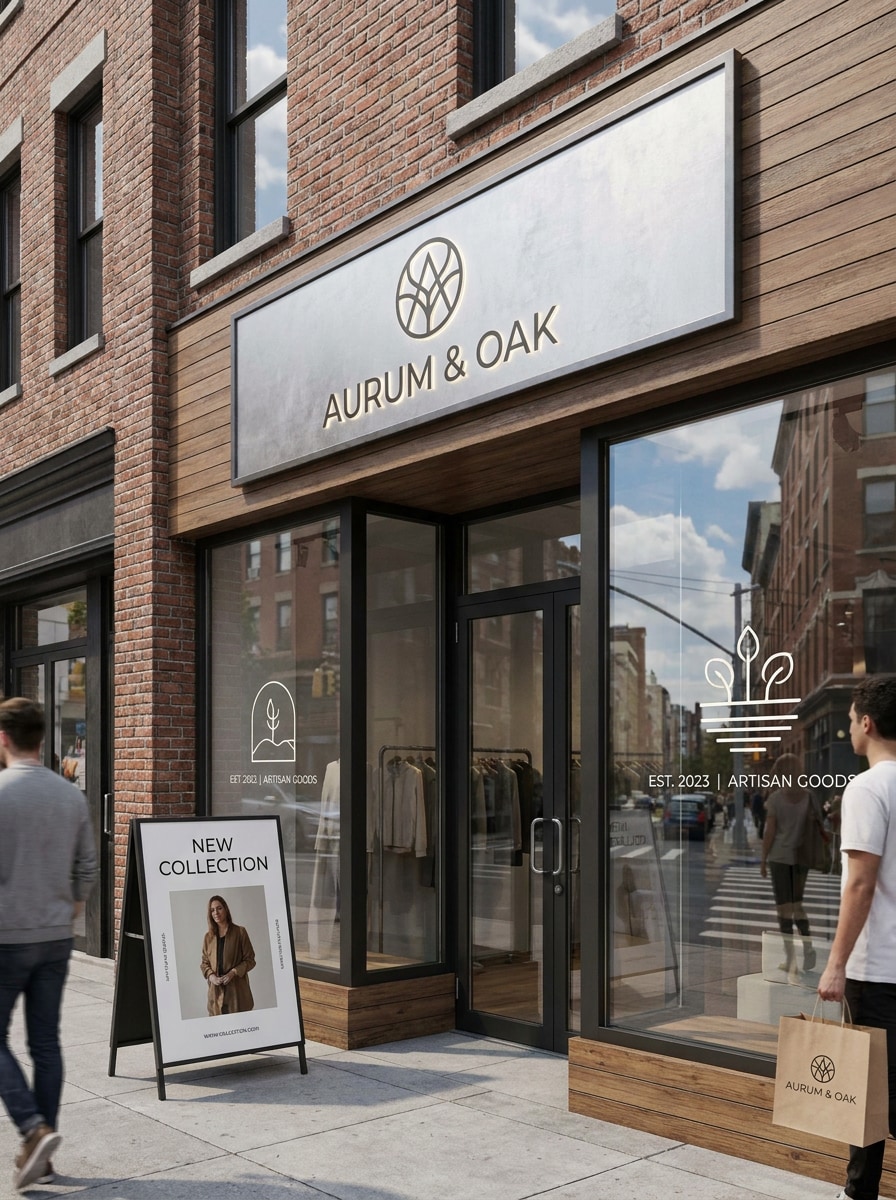
Mockup de letrero de fachada
Usa la imagen subida como referencia de logotipo o diseño de fachada y transfórmala en una escena fotorrealista de branding retail con letrero exterior, calcomanías de ventana, póster de entrada y bolsa de compras de marca. Incluye reflejos realistas, contexto urbano, luz natural limpia y un estilismo comercial pulido.
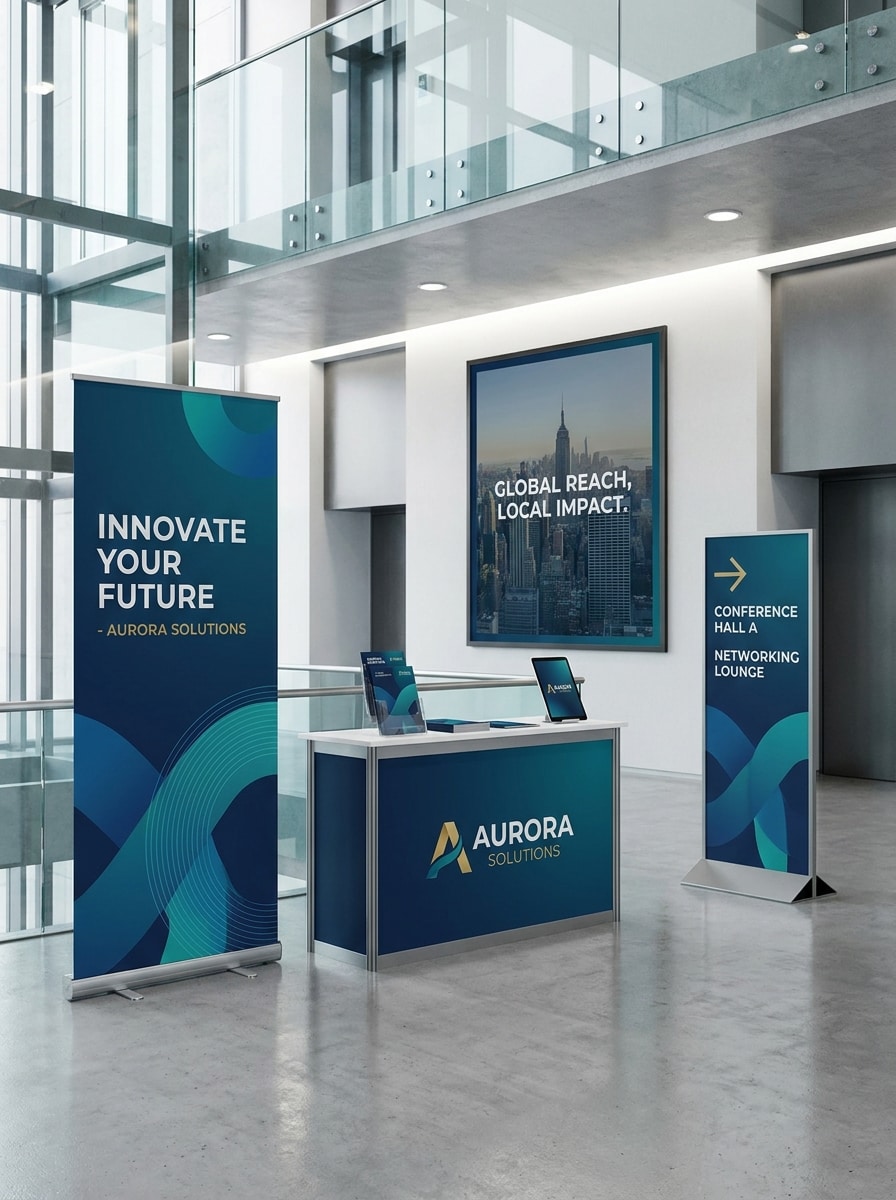
Branding para ferias comerciales y gran formato
Usa la imagen subida como fuente de branding de eventos y transfórmala en una escena de mockup profesional con banner enrollable, póster de pared, señalización direccional y mostrador de exhibición. Enfócate en perspectiva realista, iluminación de evento limpia, materiales de exhibición modernos y un sistema de marca cohesivo de gran formato.
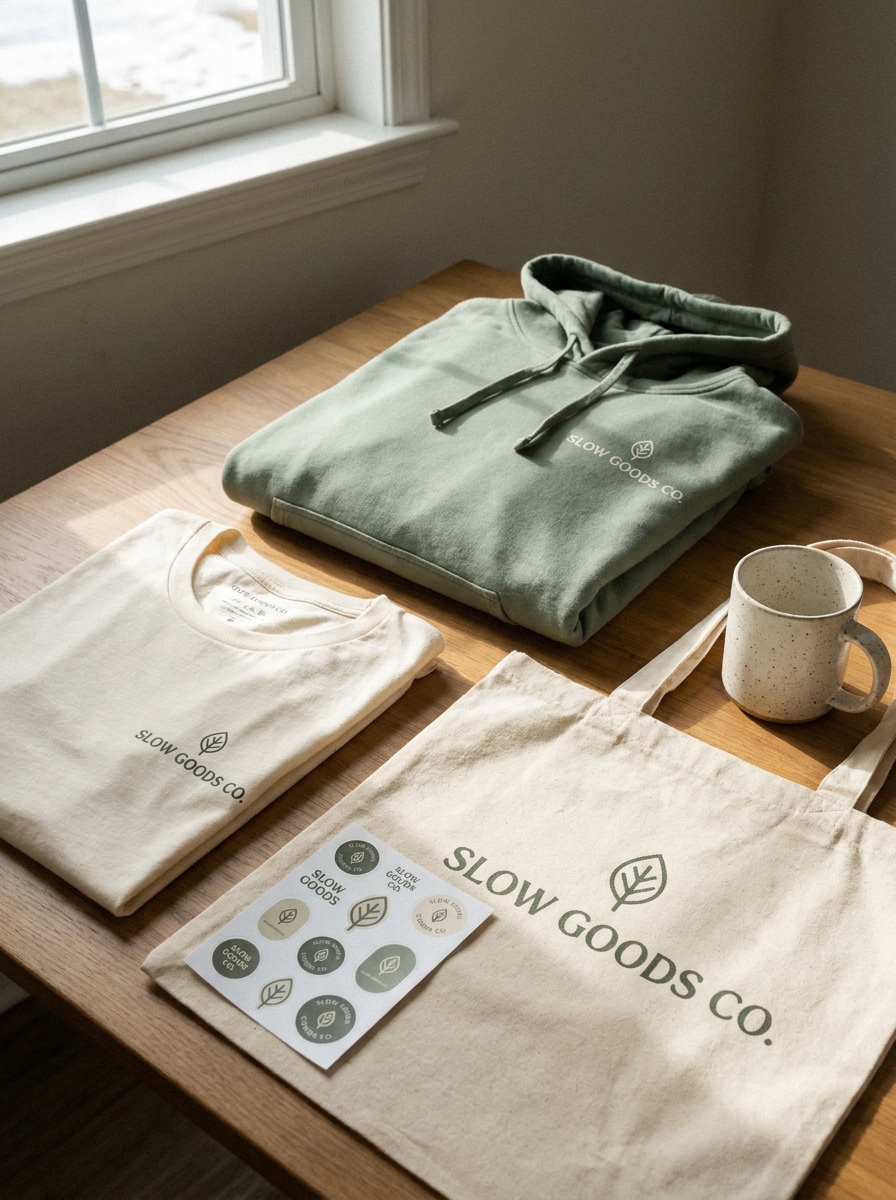
Mockup de merchandising lifestyle
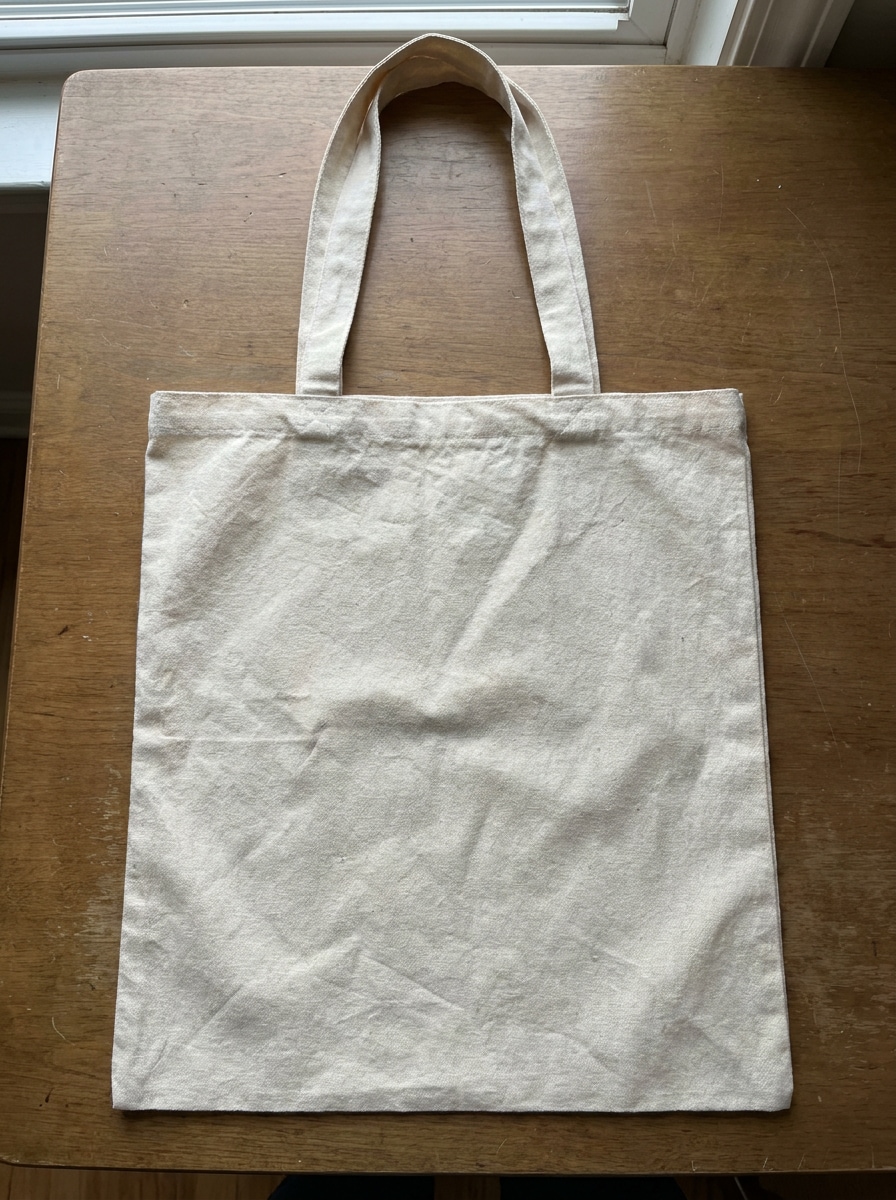
Usa la imagen subida como arte de marca y transfórmala en un mockup de merchandising lifestyle con camiseta doblada, sudadera con capucha, bolsa tote, hoja de stickers y taza. Añade sombras naturales, estilismo de estudio casual, textura realista de tela e impresión, y un ambiente de marca directo al consumidor con estilo actual.
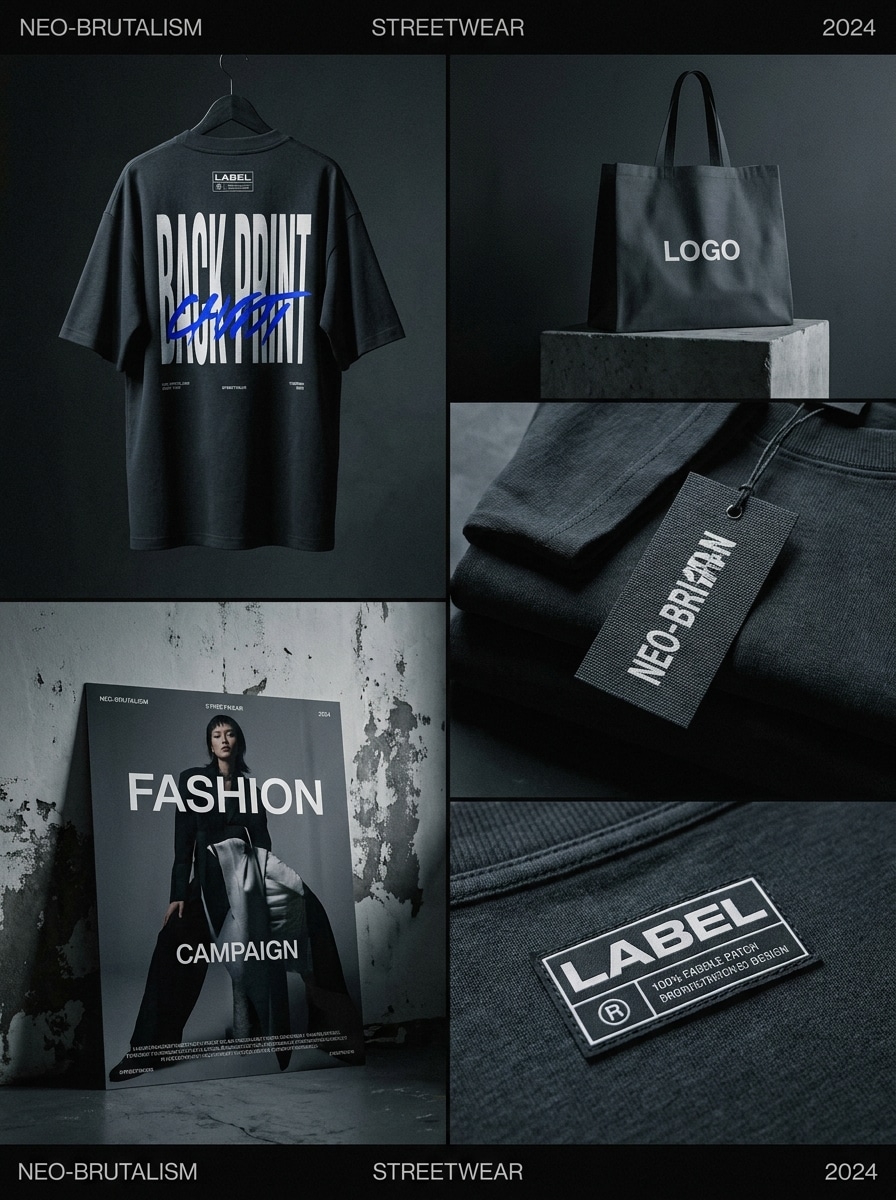
Presentación de marca streetwear
Usa la imagen subida como fuente de logotipo y transfórmala en un mockup audaz de branding streetwear con camiseta oversize, etiqueta de prenda, bolsa de compras, parche de etiqueta y póster. Usa iluminación dramática, composición editorial urbana, colocación tipográfica fuerte y detalle textil realista para un look de moda Premium.
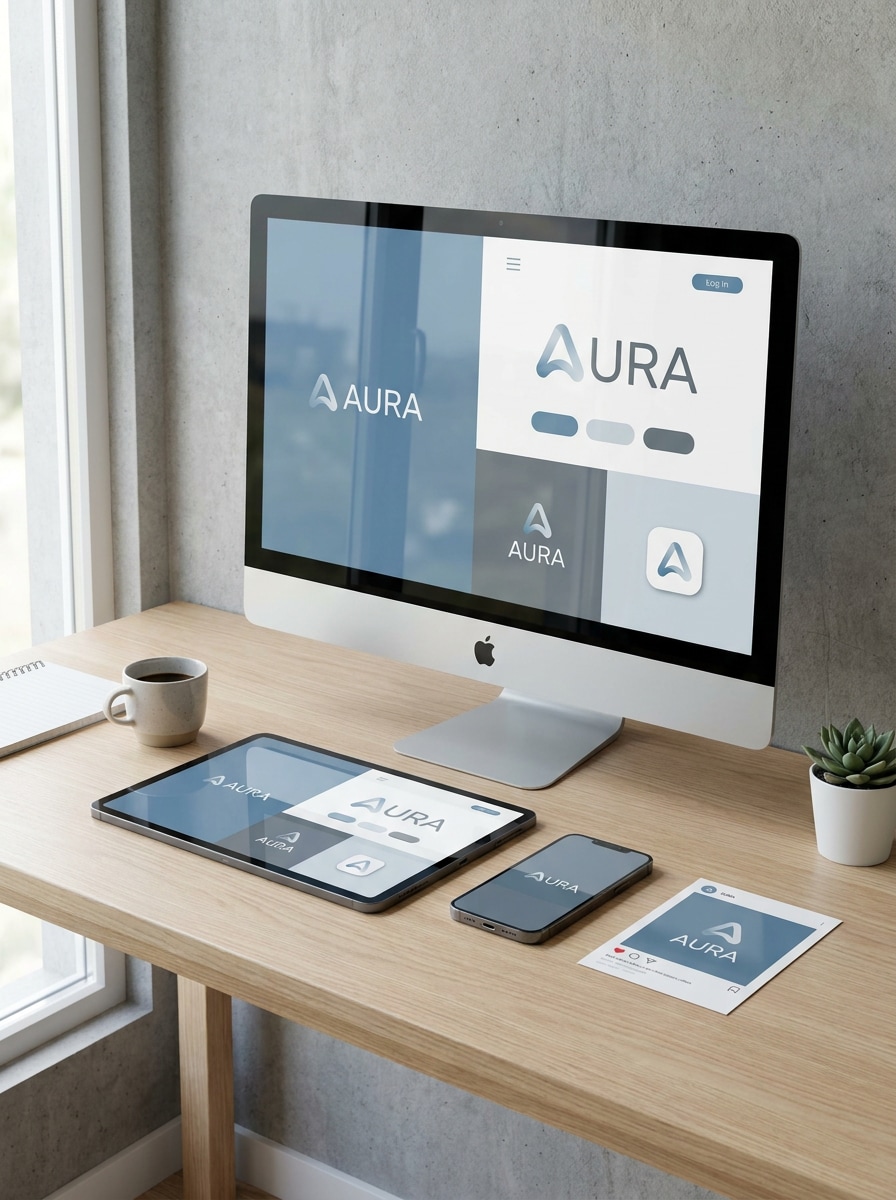
Vista previa del kit de marca para redes sociales
Usa la imagen subida como referencia de marca digital y transfórmala en un mockup moderno que muestre un smartphone, una tableta, una pantalla de escritorio y Diseños de publicaciones para redes sociales. Incluye reflejos de pantalla realistas, Presentación de interfaz pulida, estilismo de espacio de trabajo limpio y un sistema de marca digital cohesivo.
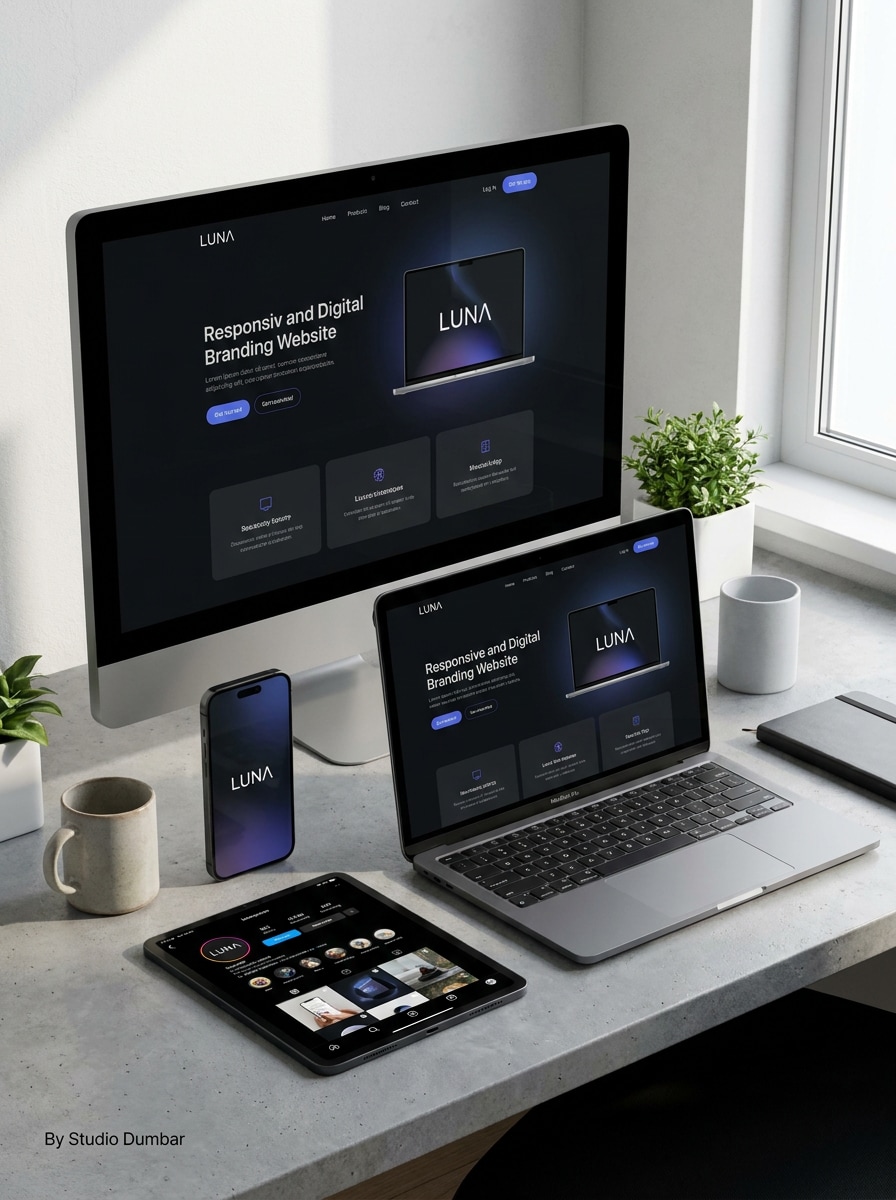
Mockup de identidad web y móvil
Usa la imagen subida como fuente de identidad visual y transfórmala en un conjunto de mockups de sitio web y móvil en alta Resolución con pantalla de escritorio, interfaz de Teléfono, recursos de perfil social y pantalla de inicio de app. Mantén la escena minimalista, realista, bien iluminada y adecuada para Presentaciones pulidas a clientes.
Por qué usar Media.io para la Creación de mockups de marca
Mantén el sujeto reconocible en nuevos estilos
Cuando un resultado necesita mantenerse fiel al sujeto original, Media.io ayuda a preservar las características reconocibles mientras adapta el estilo general del mockup de marca para uso en redes sociales, branding o mockups.
Convierte diseños planos en escenas de marca realistas rápidamente
Cuando la dirección artística aún está abierta, Media.io te permite probar múltiples looks en torno a la misma idea de mockup de marca, facilitando encontrar el estilo adecuado sin reconstruir desde cero.
Adapta un concepto de marca a múltiples formatos de Presentación
Si un concepto tiene que cubrir más de una necesidad de publicación, Media.io ayuda a ajustar el resultado para diferentes Diseños, de modo que los recursos finales sean más conscientes del formato y estén listos para usar.
Controla la calidad de salida para exportaciones listas para el cliente
Algunos resultados necesitan hacer más que verse bien en una vista previa. Media.io ayuda a generar mockups de marca más limpios con salida de hasta 4K para que la imagen final se mantenga en fondos de pantalla, presentaciones y mockups.
Cómo crear mockups de marca gratis con Media.io
Convierte tus palabras en visuales impresionantes en tres simples pasos y luego continúa refinando el resultado si deseas llevarlo más lejos.
Paso 1
Sube tu imagen de referencia
Comienza con un archivo de logotipo claro, diseño de empaque, etiqueta, arte plano o tablero de marca en formato JPG, PNG o JPEG. Una carga limpia le da a la IA una guía visual más sólida para escenas realistas de papelería, empaques, señalización, merchandising o marca digital.
Paso 2
Describe el cambio y configura las opciones
Indica a Archivos multimedia.io cómo Transformar el diseño subido en el mockup que deseas, como empaque de lujo, branding de cafetería, señalización retail o un kit para redes sociales. Luego elige tu modelo y ajusta la Relación de aspecto, la Resolución y la cantidad de imágenes según el uso final.
Paso 3
Genera, descarga y sigue mejorando
Crea múltiples variaciones, compara las escenas de mockup más fuertes y descarga la versión que se adapte a tu Presentación o portafolio. Si es necesario, refina el prompt, prueba otro Diseño o usa Regenerar para obtener un resultado de marca más pulido.
Desbloquea el potencial de los mockups de marca gratuitos
Descubre cómo los creadores usan estos mockups de marca gratuitos para contenido, marketing y proyectos personales, y luego adapta cada idea a tu brief.
Presenta conceptos de marca sin construir escenas PSD
Los freelancers y estudios pueden convertir logotipos o arte de etiquetas en vistas previas de identidad pulidas para revisiones con clientes. En lugar de buscar paquetes de plantillas, puedes mostrar rápidamente conjuntos de papelería, empaques o señalización que hagan que un concepto se sienta tangible y más fácil de aprobar.
Crea visuales cohesivos para portafolios y casos de estudio
Los diseñadores pueden presentar un sistema visual unificado en tarjetas de presentación, cajas, ropa y pantallas digitales para que los proyectos de portafolio luzcan más completos. Esto es especialmente útil cuando deseas flujos de trabajo de mockup de marca gratis que aún luzcan editoriales y listos para Presentación.
Prototipa branding de producto y retail para lanzamientos
Las pequeñas empresas y los especialistas en marketing pueden previsualizar cómo aparecerá una nueva identidad en vasos de café, empaques de cuidado de la piel, fachadas o recursos para redes sociales antes de la producción. Es una forma práctica de probar la dirección visual, crear adelantos para redes sociales y explorar mockups de marca gratis para campañas iniciales.
Lo que dicen los usuarios sobre la Creación de mockups en Media.io
Lena Morris
Diseñadora de marca freelance
"Forma rápida de presentar conceptos de identidad" Usé Media.io para convertir un tablero de logotipo plano en escenas de papelería y empaque para un Tono de presentación a un cliente. Me ahorró horas en comparación con la Edición manual de archivos PSD, y los resultados lucieron lo suficientemente pulidos para presentaciones.
Daniel Park
Fundador de startup
"Útil para vistas previas de empaques" Subimos nuestro diseño de etiqueta y generamos mockups realistas de botella, caja y bolsa de compras en un solo flujo de trabajo. Facilitó mucho visualizar nuestra marca antes de pagar por muestras de producción completas.
Sofia Bennett
Estratega creativa
"Útil tanto en escritorio como en móvil" Me gusta que puedo crear variaciones de mockups rápidamente sin software especial. El flujo de trabajo en el navegador es simple, y puedo revisar ideas en mi Teléfono o portátil cuando estoy entre reuniones.
Marcus Hill
Gerente de marca de e-commerce
"Ideal para kits de merchandising y marca digital" Probamos conceptos de ropa, bolsa tote y vista previa para redes sociales a partir del mismo recurso de marca subido. Archivos multiMedia.io nos ayudó a mantener la identidad consistente mientras explorábamos diferentes visuales de lanzamiento.
Explora los efectos de video e imagen con IA más populares
Preguntas frecuentes sobre mockups de branding gratuitos
1. ¿Cómo puedo crear mockups de branding gratuitos a partir de mi logotipo o diseño?
Sube tu logotipo, etiqueta, arte de empaque o diseño plano a Media.io, luego describe el tipo de escena de marca que deseas crear, como papelería, empaque, señalización, merchandising o vistas previas digitales. Los usuarios gratuitos pueden comenzar con créditos gratuitos, y si necesitas más uso puedes consultar la página de precios. Los usuarios gratuitos pueden usar créditos gratuitos. Para un mayor uso, los usuarios pueden suscribirse a un plan en la página de precios. Actualiza a un plan de pago en la página de precios para obtener más créditos y descargas en alta resolución sin marca de agua.
2. ¿Puedo convertir una imagen existente en un mockup de branding realista con IA?
Media.io está diseñado para la Creación de Imagen a imagen, por lo que puedes subir un diseño existente y usarlo como referencia para una Presentación de marca realista.
3. ¿Puedo hacer mockups de branding en móvil, tableta y escritorio?
Media.io es una herramienta basada en la web, por lo que puedes crear y editar mockups desde cualquier dispositivo con un navegador, incluyendo Teléfonos, tabletas, portátiles y computadoras de escritorio. Eso facilita revisar conceptos, actualizar indicaciones y descargar resultados dondequiera que estés trabajando. Media.io es una herramienta basada en la web que funciona en cualquier dispositivo con un navegador (Windows, Mac, iOS, Android).
4. ¿Necesito Photoshop o habilidades de diseño para crear mockups?
Media.io está diseñado para simplificar el proceso permitiéndote subir una imagen de referencia y guiar la transformación con un prompt, una elección de modelo y ajustes de salida. No necesitas habilidades avanzadas de Photoshop para crear escenas de marca realistas para presentaciones o uso en portafolios.
5. ¿Mis imágenes de marca subidas se mantienen privadas y seguras?
Las imágenes subidas se eliminan automáticamente de nuestros servidores después de 7 días para garantizar la privacidad del usuario.
6. ¿Qué tipos de mockups de branding puedo hacer gratis?
Media.io te permite comenzar con créditos gratuitos, y los planes de pago pueden desbloquear más créditos además de exportaciones en alta resolución sin marca de agua.
Más allá de los mockups de branding gratuitos en línea con IA