Seleccione / @ carácter, describa la escena que desea generar.
0/2000
9:16
1K
1
Modo Ilimitado Banana Pro
Creaciones
Centro de Ideas
Cómo funciona
Todo
Funciones populares
Ver todo
Desafío creativo de Halloween
Ver todo
Historia de Frutas con IA
Ver todo
Video de Historia de IA
Ver todo
Videos Virales Hoy
Ver todo
Videos de Productos de IA
Ver todo
Personaje de IA
Ver todo
Tendencias de Baile
Ver todo
GPT Image 2
Ver todo
Seedance 2.0
Ver todo
Emparejamiento de Celebridades con IA
Ver todo
Indicaciones de Poses para Parejas
Ver todo
Prompts de Poses de Chica AI Estética
Ver todo
Sugerencias de Pose Elegante para Chicos AI
Ver todo
Lista de generación
Tus creaciones solo se guardan durante 7 días. Los recursos creados después de actualizar a Membresía se almacenarán de forma permanente.
¡Desbloquea tu potencial creativo y experimenta la magia de Media AI ahora mismo!
Crea un mockup de folleto realista a partir de tu Diseño plano
Convierte un diseño de folleto plano en un mockup de folleto pulido y listo para Presentación en minutos. Sube tu arte, elige una escena y genera pliegues realistas, textura de papel e iluminación para presentaciones a clientes, portafolios, páginas de producto o una vista previa rápida de mockup de folleto tríptico. También es una opción práctica para mockup tríptico.
Escribe tu idea -> La IA la diseña. Prueba gratis.
Revisa estas instrucciones de ejemplo y luego ajusta los detalles del prompt para obtener mejores resultados con este generador de mockups de folletos en Media.io. También puede ayudar con mockups de folletos.
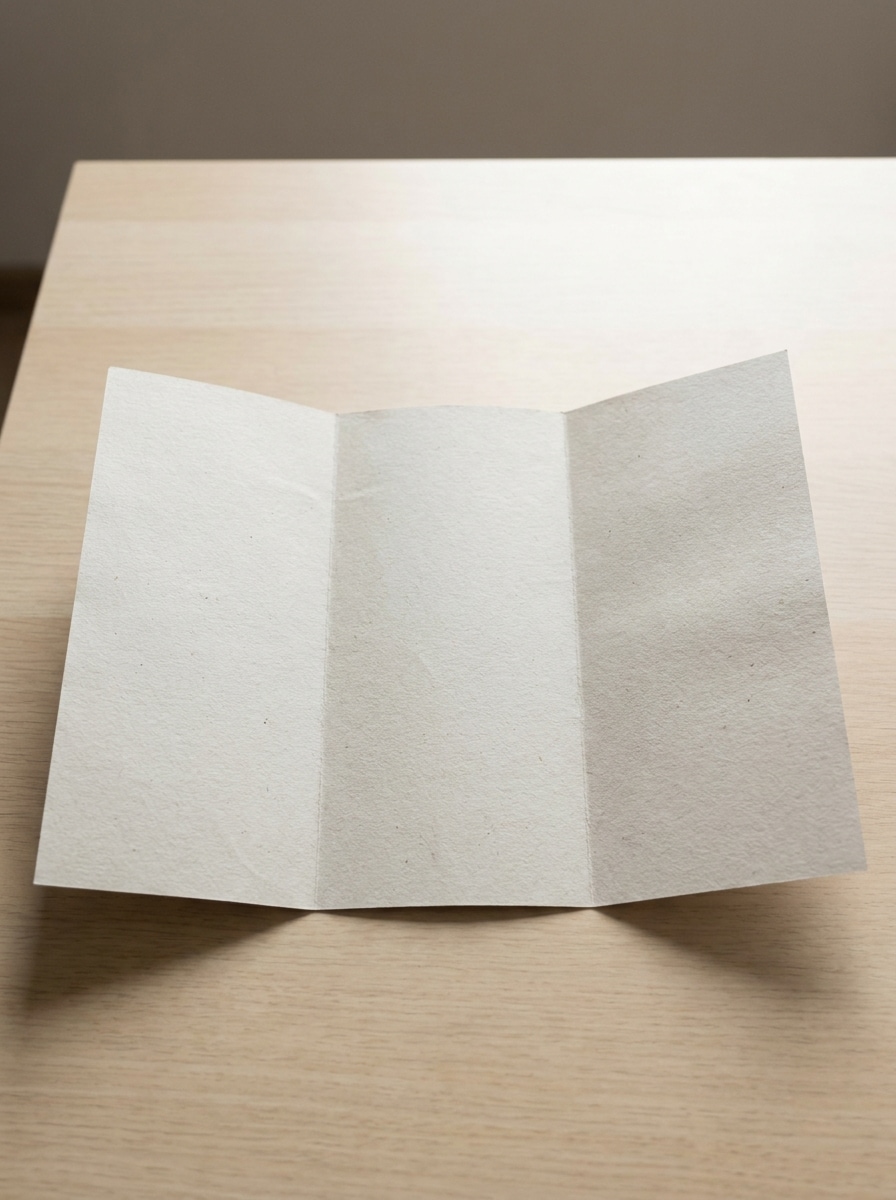
Espacio de trabajo neutro en vista superior
Usa la imagen cargada como la ilustración del folleto y transfórmala en un mockup de folleto realista con vista superior sobre un escritorio beige cálido. Añade sombras Suaves y naturales de ventana, una sutil textura de grano de papel, accesorios de oficina limpios, espacio negativo equilibrado, composición editorial moderna y un ambiente de marca minimalista Premium.
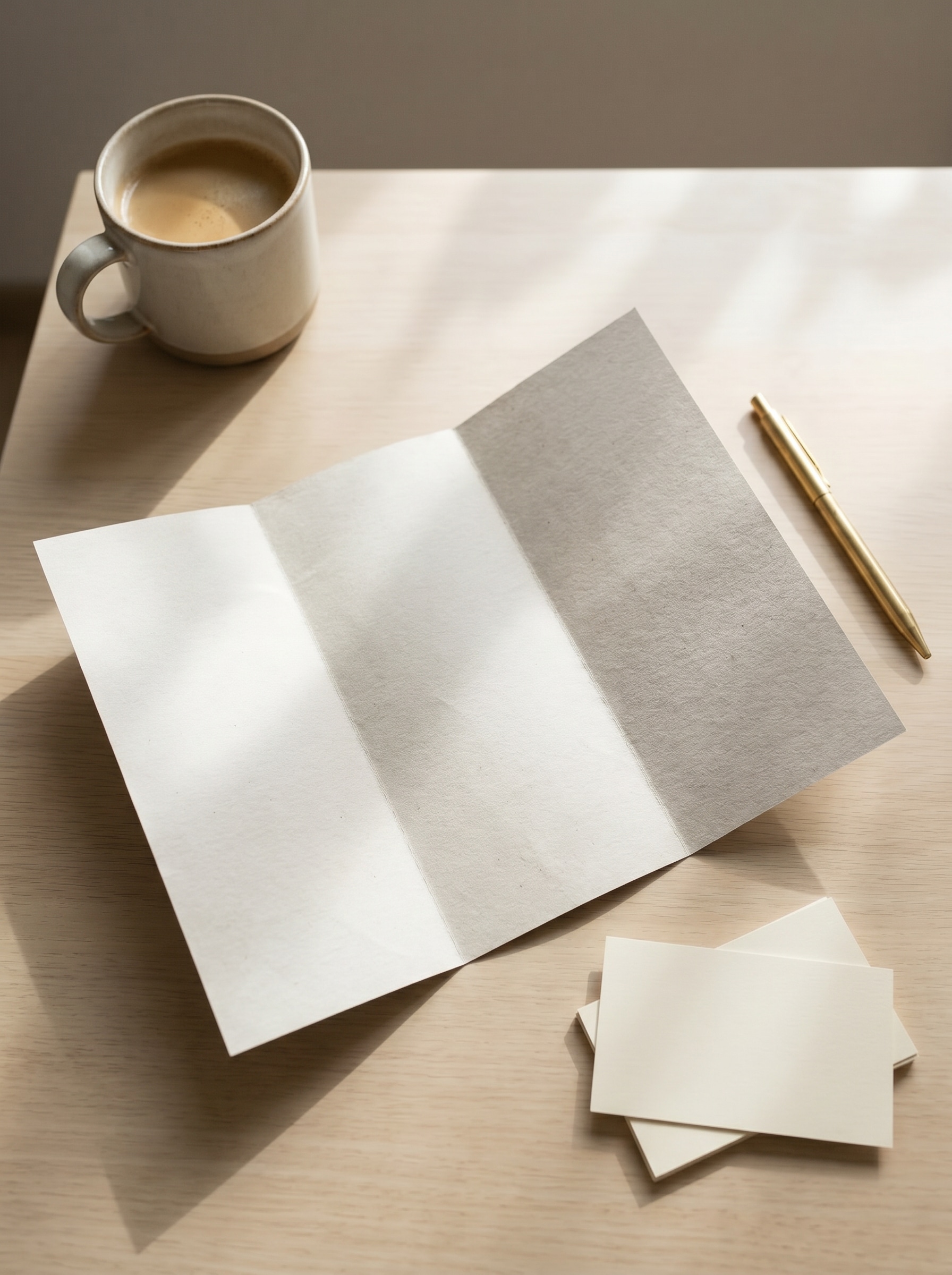
Flat lay editorial
Usa la imagen subida como diseño del folleto y colócala en una escena de flat lay editorial. Incluye un cuaderno, bolígrafo y accesorios de estilismo sutiles, con sombras direccionales Suave, tonos de lujo apagados, textura de papel mate, espaciado refinado y una Presentación pulida de inspiración editorial.
Mockup de tríptico de pie
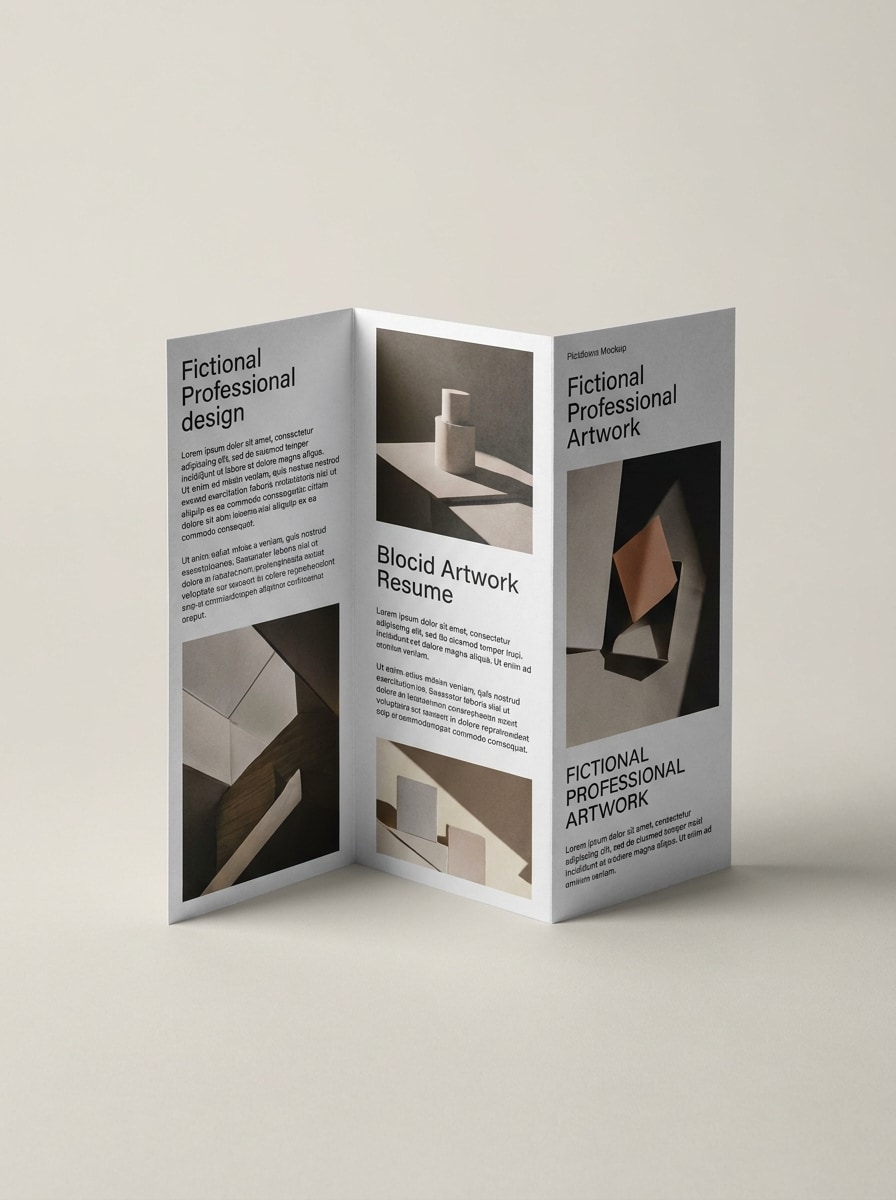
Usa la imagen cargada como el diseño impreso y transfórmala en un folleto tríptico de pie en exhibición. Muestra líneas de pliegue nítidas, una ligera perspectiva frontal, papel de acabado mate, un fondo de estudio limpio y aislado, sombras Suaves y controladas, y una Presentación de marketing profesional con detalles realistas y definidos.
Díptico abierto desplegado
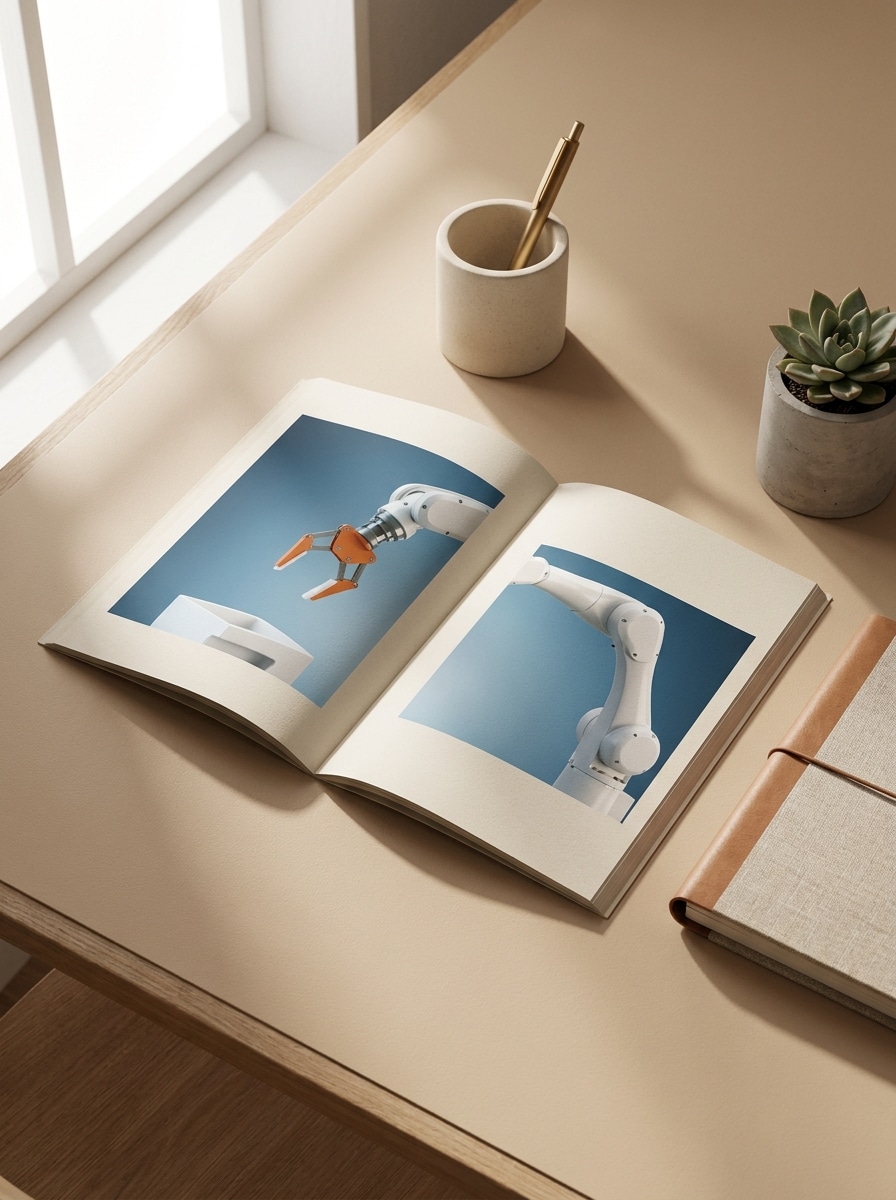
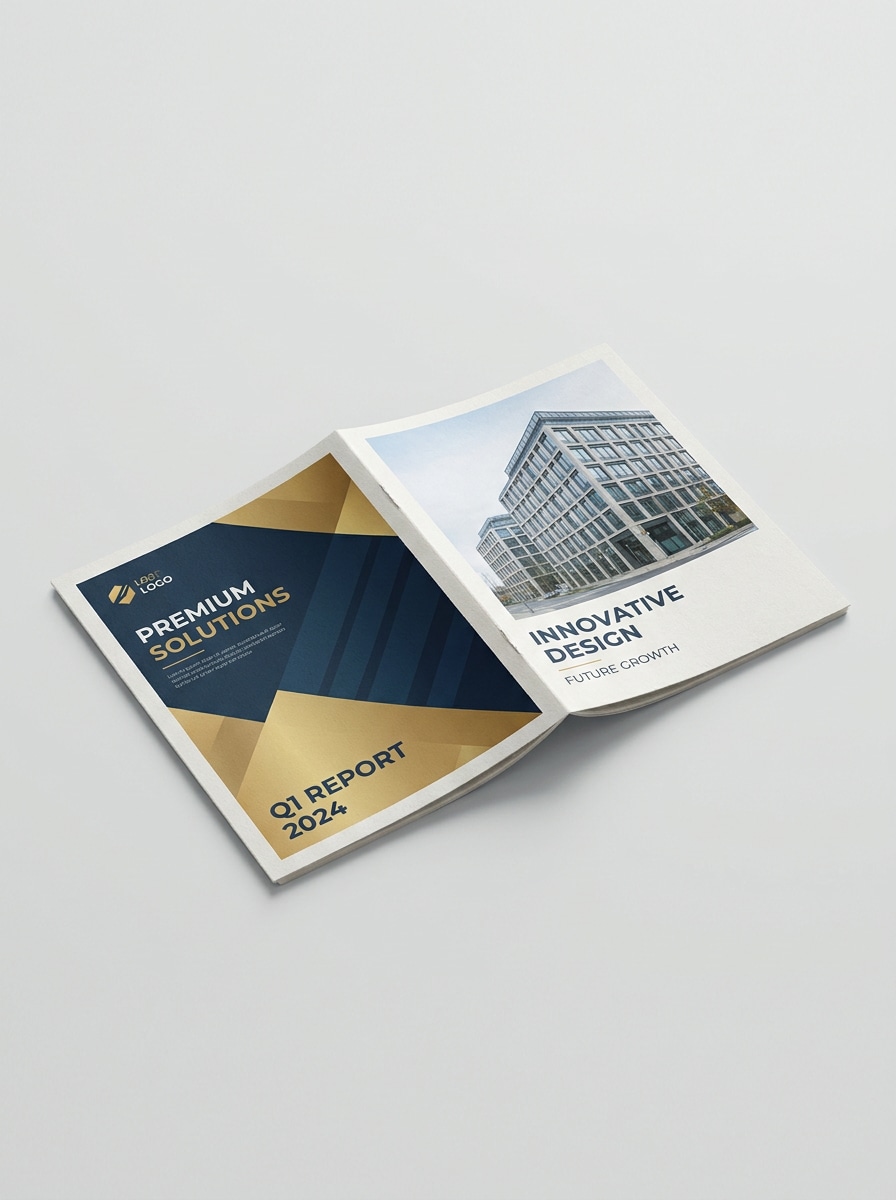
Usa la imagen subida como arte del folleto y conviértela en un mockup de díptico abierto desplegado. Enfatiza el pliegue central, el grosor realista del papel, iluminación de estudio Suave, sombras proyectadas suaves, estilismo comercial limpio y un aspecto Premium de vista previa de impresión que resalte la continuidad del Diseño.
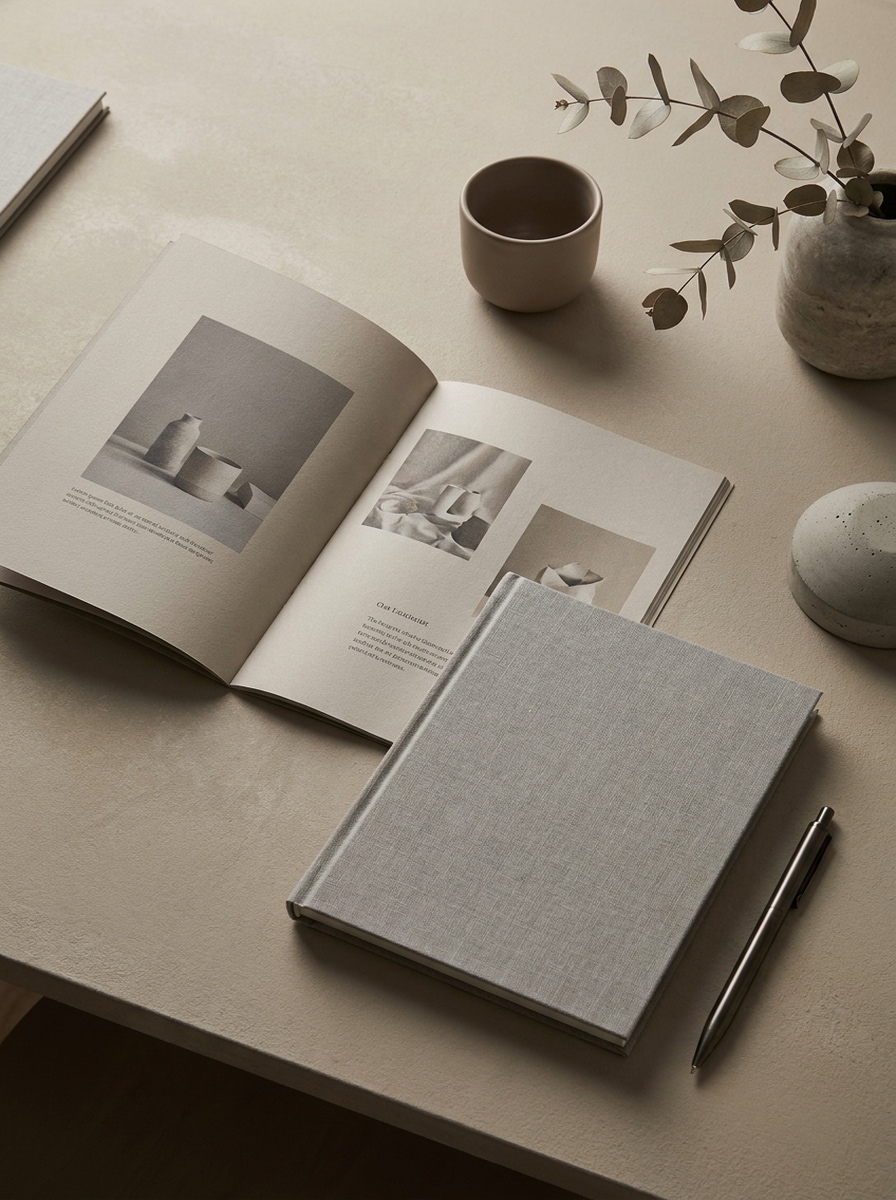
Superficie de piedra de lujo
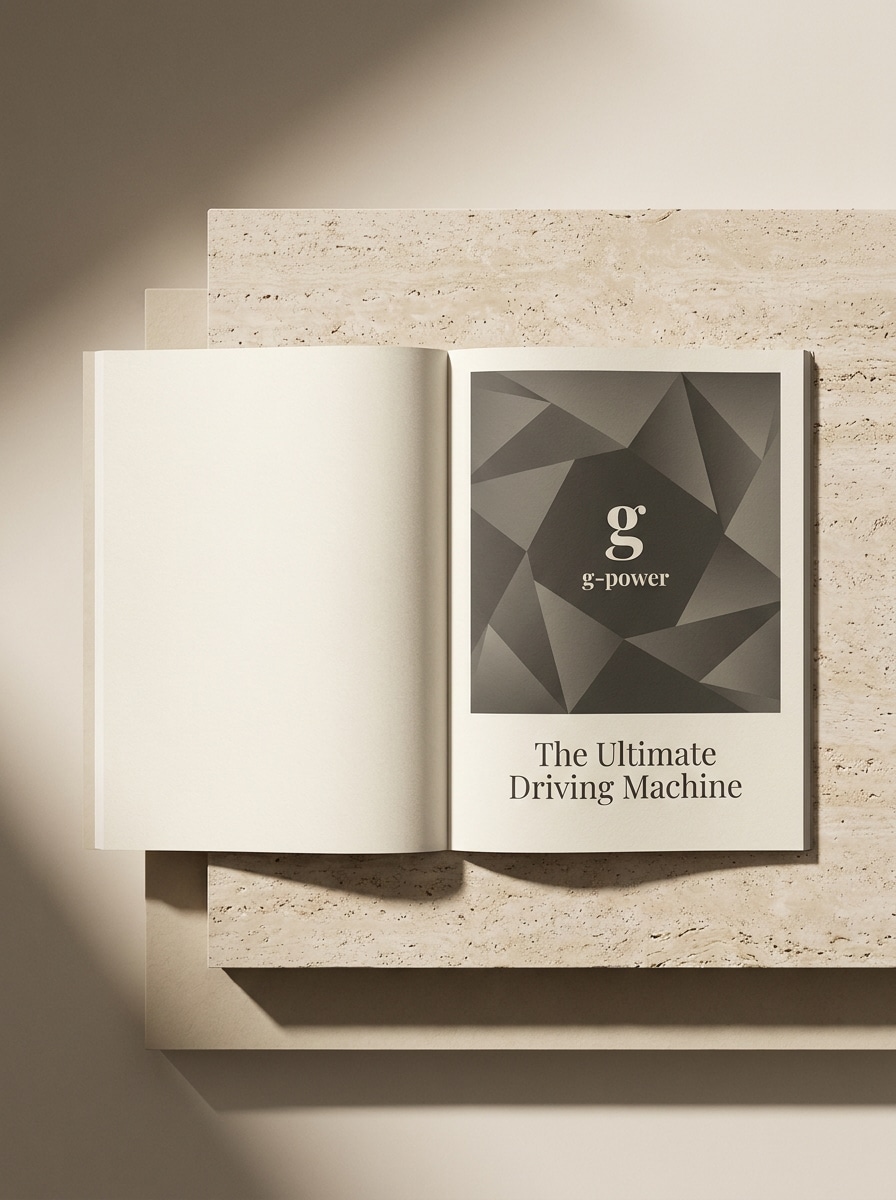
Usa la imagen cargada como el diseño del folleto y colócala sobre una superficie refinada de piedra travertino. Añade luz direccional Suave, sombras elegantes, textura de papel Premium, colores neutros de alta gama y una escena de marca sofisticada que resulte adecuada para Presentaciones de hotelería de lujo, Belleza o bienes raíces.
Tabla de reuniones corporativa
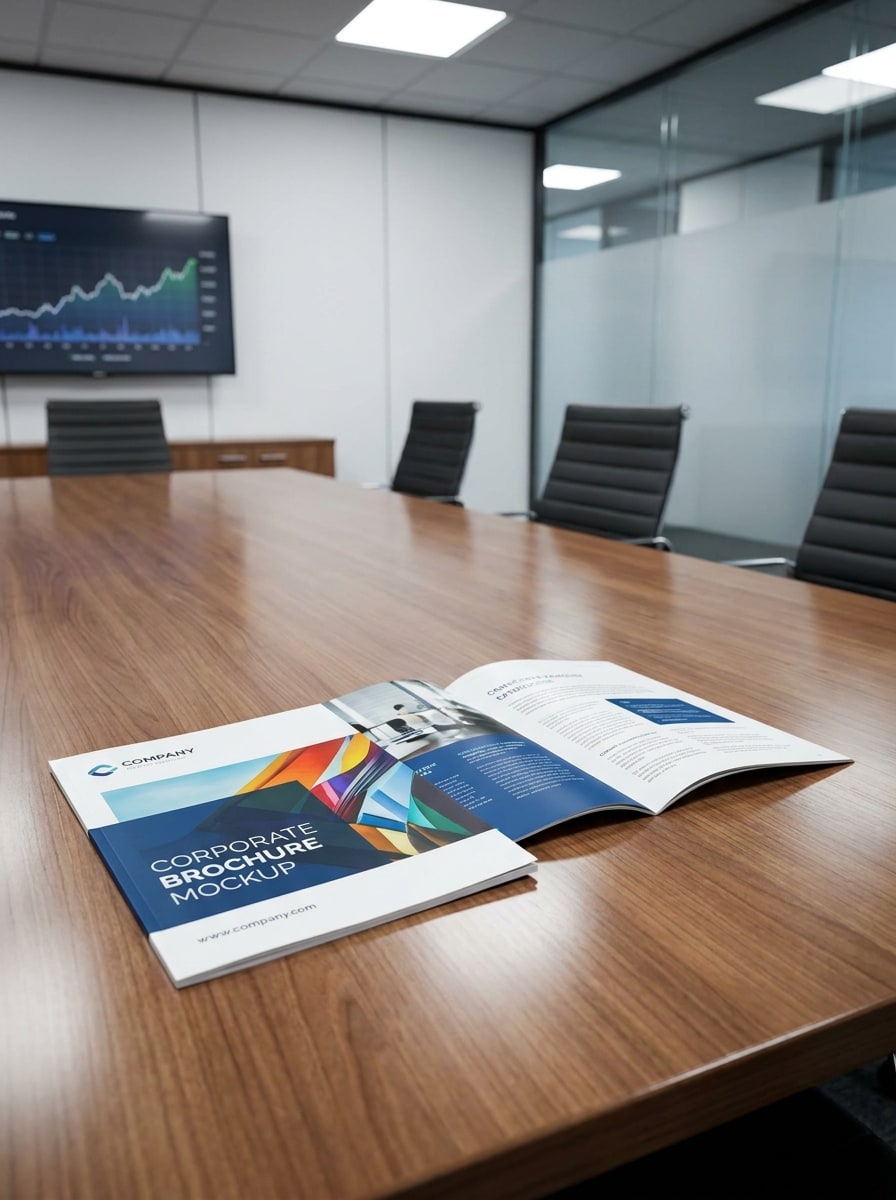
Usa la imagen subida como diseño del folleto y preséntala sobre una Tabla de sala de reuniones moderna. Crea un entorno empresarial realista con reflejos sutiles, perspectiva limpia, sombras controladas, detalles nítidos del papel y un ambiente corporativo pulido adecuado para presentaciones de consultoría, finanzas o marketing B2B.
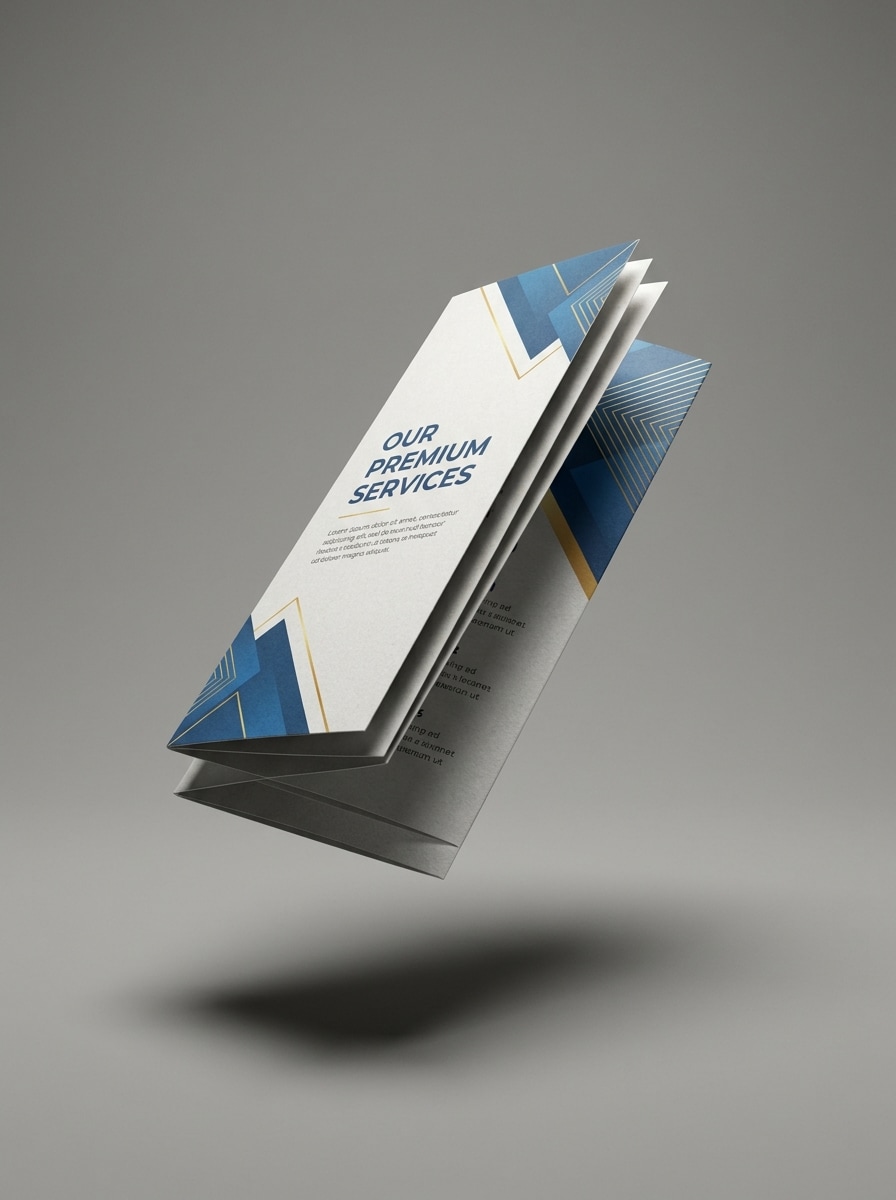
Mockup de folleto flotante
Usa la imagen subida como arte del folleto y conviértela en un mockup de folleto flotante aislado. Muestra grosor de papel realista, bordes definidos, sombreado dramático pero limpio, fondo liso, profundidad sutil y una composición elegante centrada en el producto, ideal para escaparates de ecommerce o portafolios.
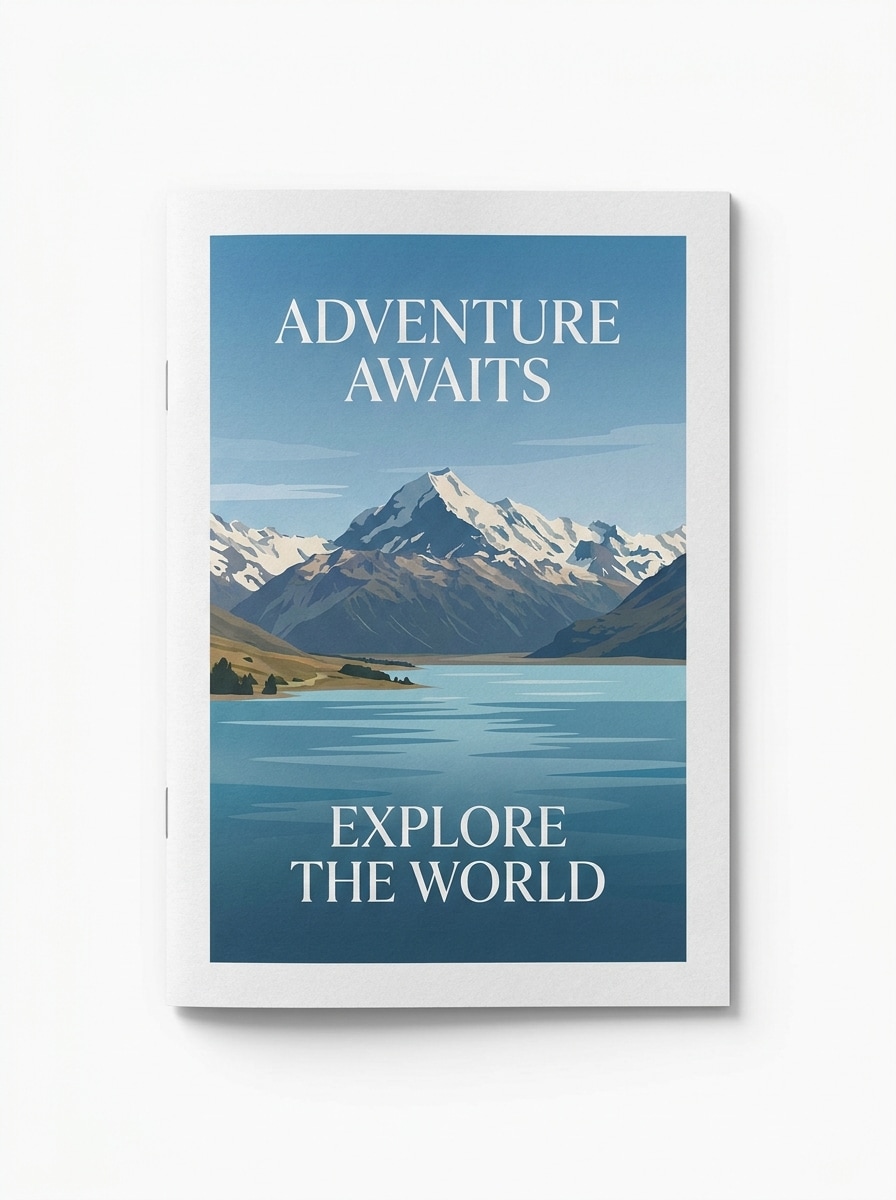
Toma principal de portada frontal
Usa la imagen cargada como la portada del folleto y transfórmala en un mockup principal con vista frontal. Mantén la composición centrada, el fondo limpio, la textura del papel realista y la iluminación Suave pero nítida para una vista previa de portada comercial que luzca lista para una página de tienda o una propuesta para el cliente.
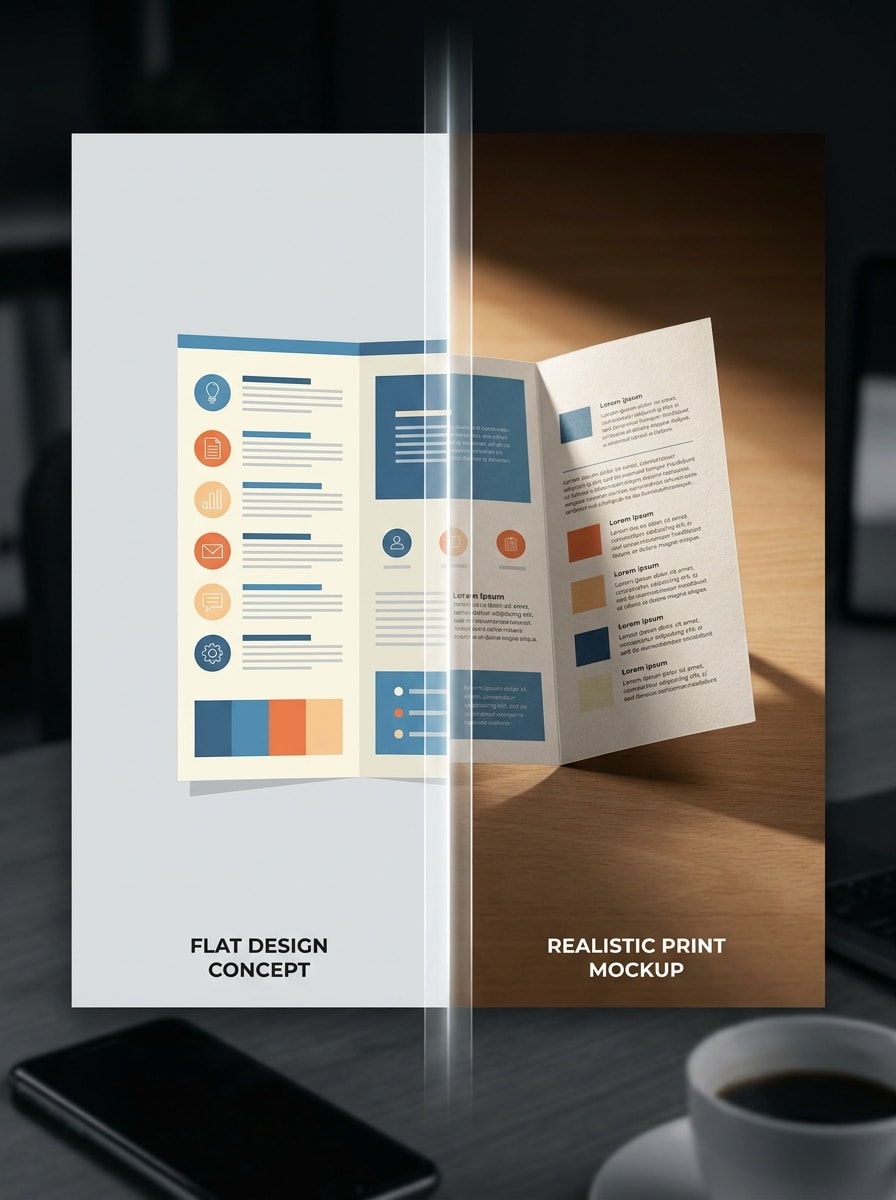
Revelación de antes y después
Usa la imagen subida como arte original del folleto y crea una transformación en escena dividida que muestre el diseño plano en un lado y un mockup impreso realista en el otro. Añade composición dinámica, contraste limpio, detalle claro de pliegues, encuadre apto para redes sociales e iluminación de Presentación pulida.
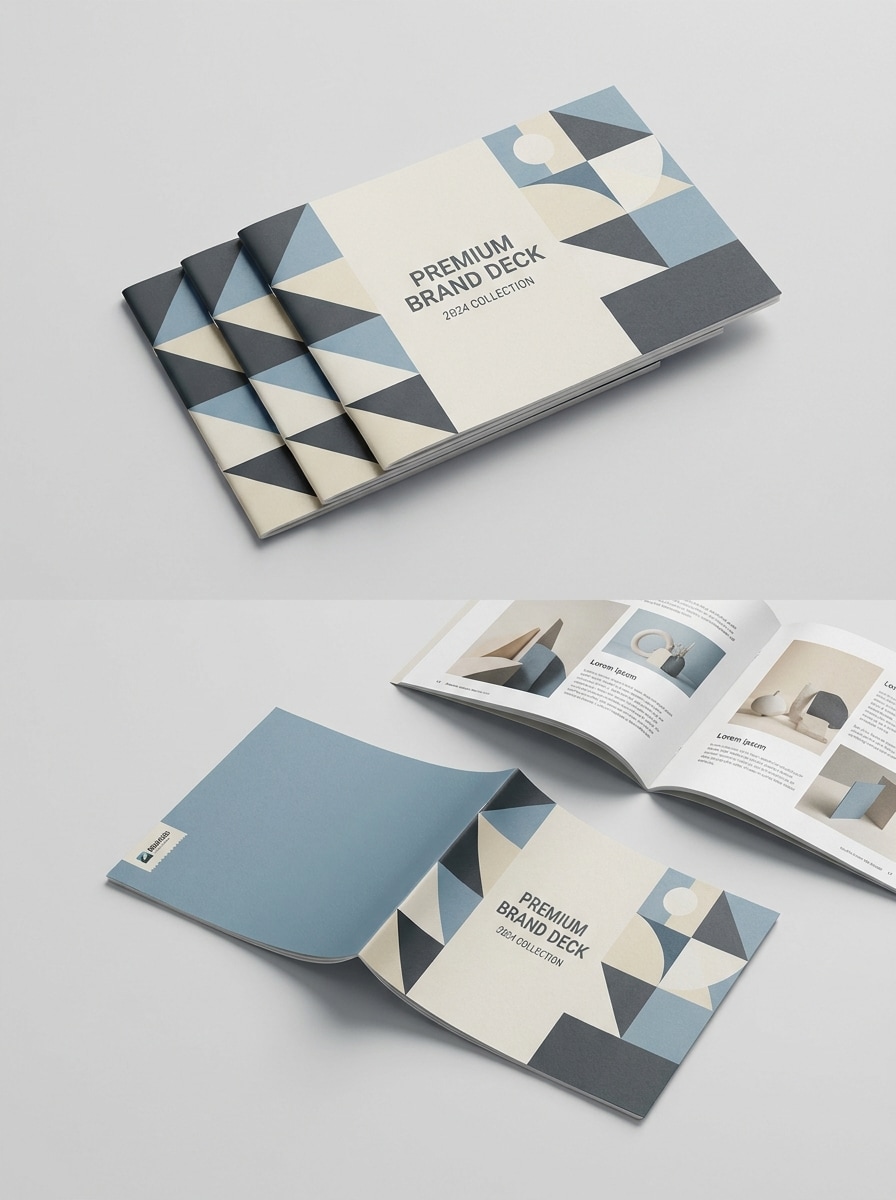
Exhibición multiángulo
Usa la imagen subida como diseño del folleto y genera una Presentación coordinada multiángulo con vista de portada, desplegado abierto y versión plegada. Mantén la iluminación consistente, la textura del papel realista, la composición organizada y la escena final pulida para guías de marca, casos de estudio o tableros de portafolio.
Por qué usar Media.io para mockups de folletos
Mantén el sujeto reconocible en nuevos estilos
Para presentaciones a clientes, portafolios o vistas previas de ecommerce, Media.io te permite subir un diseño plano y Transformar lo en un mockup de folleto realista con pliegues, iluminación y profundidad de papel, para que tu concepto luzca pulido en lugar de inacabado. También admite mockup de folleto tríptico.
Explora diferentes estilos sin perder la dirección
Cuando el estilo es parte de la toma de decisiones, Media.io te ayuda a comparar múltiples direcciones desde la misma base de mockup de folleto, lo que hace la selección creativa más eficiente.
Controla la Resolución y el encuadre para necesidades de publicación
En publicaciones en redes sociales, diapositivas y materiales promocionales, Media.io ayuda a adaptar el mismo mockup de folleto para diferentes ubicaciones sin reconstruir el concepto desde cero, para que un diseño pueda convertirse en mockups de folletos flexibles para varias necesidades de campaña.
Crea imágenes de alta Resolución para uso real
Cuando un mockup de folleto está destinado a un uso de publicación real, Media.io te ofrece una salida más nítida de hasta 4K, lo que ayuda a que la imagen se mantenga clara en Presentaciones, fondos y recursos reutilizados.
Cómo hacer un mockup de folleto en línea
Convierte tus palabras en visuales impresionantes en tres sencillos pasos y luego continúa refinando el resultado si deseas llevarlo más lejos.
Paso 1
Sube tu imagen de referencia
Sube un diseño de folleto claro, Diseño de portada, desplegado o arte plegado en formato JPG, PNG o JPEG. Una imagen fuente limpia ayuda a la IA a construir bordes de papel, pliegues y detalles de Presentación realistas más convincentes.
Paso 2
Describe el cambio y configura las opciones
Ingresa un prompt describiendo la escena que deseas, como una configuración de escritorio de lujo, una Tabla corporativa o un mockup tríptico. Luego elige tu modelo y ajusta la Relación de aspecto, la cantidad de imágenes y la Resolución para el estilo de Presentación final.
Paso 3
Genera, descarga y sigue mejorando
Genera múltiples variaciones, compara los resultados y descarga la versión que mejor se adapte a tu presentación, página de producto o portafolio. Si es necesario, refina el prompt, prueba un nuevo ángulo o usa Regenerar para un estilo de pliegue e iluminación diferente.
Descubre cómo los creadores usan este mockup de folleto para contenido, marketing y proyectos personales, y luego adapta cada idea a tu brief.
Presenta conceptos a clientes con más confianza
Un Diseño plano puede parecer inacabado en una propuesta, por eso Media.io convierte tu diseño en escenas de folletos realistas con pliegues, sombras y contexto de superficie. El resultado ayuda a los clientes a visualizar la pieza impresa final con mayor claridad, ya sea que busques un aspecto Premium o una vista previa rápida lista para aprobación.
Crea visuales para portafolio y marketplace más rápido
Los diseñadores a menudo necesitan materiales pulidos para casos de estudio, publicaciones en Behance, escaparates o una demostración rápida. Media.io ayuda a generar portadas principales, desplegados abiertos y escenas con capas rápidamente, en lugar de pasar horas montando cada mockup de folleto o concepto de mockup de folleto gratuito manualmente.
Muestra diferentes formatos de plegado desde un solo diseño
Reutiliza el mismo arte subido para una portada de folleto, desplegado abierto o formato plegado para explicar opciones en diferentes campañas. Esto es especialmente útil al comparar un mockup de folleto tríptico, un mockup de folleto para materiales de ventas o una Presentación de folleto limpia para revisiones internas.
Lo que dicen los usuarios sobre Media.io
Lena Ortiz
Diseñadora de marca freelance
"Forma rápida de presentar conceptos de folletos" Usé Media.io para convertir un Diseño plano de folleto en una escena de escritorio realista antes de una revisión con el cliente. Los pliegues, sombras y sensación del papel lucieron lo suficientemente convincentes para diapositivas de Presentación, y no necesité construir el mockup desde cero.
Marcus Chen
Consultor de marketing
"Útil para vistas previas de trípticos y portadas" Lo que más me gustó fue poder probar diferentes vistas de folleto desde un solo diseño subido. Hice una toma principal de portada frontal y un mockup de folleto tríptico en el mismo flujo de trabajo, lo que ahorró tiempo al comparar conceptos.
Priya Nair
Gerente de estudio creativo
"Bueno para visuales rápidos de portafolio" Nuestro equipo necesitaba mockups de folletos limpios para una página de caso de estudio. Media.io nos dio varios ángulos pulidos rápidamente, y el flujo de trabajo basado en navegador facilitó revisar resultados sin abrir software de diseño más pesado.
Ethan Brooks
Diseñador de impresión y empaque
"Ayuda a conectar el diseño con la Presentación" Esta herramienta es útil cuando ya tienes el arte del folleto y solo necesitas que luzca real. Subí un desplegado plano y generé un mockup de folleto más realista para una presentación a cliente en pocos minutos.
Explora los efectos de video e imagen con IA más populares
Un generador de mockups de folletos es una herramienta que convierte un diseño de folleto plano o una imagen cargada en una Presentación visual realista. Con Media.io, puedes cargar tu diseño y generar escenas que parecen folletos impresos con pliegues, textura de papel y entornos estilizados para presentaciones, portafolios o listados de productos.
2. ¿Puedo crear un mockup de folleto en línea gratis?
Media.io ofrece créditos gratuitos, por lo que puedes probar un flujo de trabajo de mockup de folleto gratis en línea antes de actualizar tu plan. Los usuarios gratuitos pueden ver marcas de agua, mientras que los suscriptores de pago pueden descargar imágenes de alta Resolución sin marcas de agua y obtener más créditos a través de la página de precios.
3. ¿Cómo convierto un diseño de folleto plano en un mockup realista?
Carga tu diseño de folleto en JPG, PNG o JPEG, luego describe la escena que deseas, como un escritorio neutro, una Toma de producto flotante o una superficie de lujo. Media.io utiliza tu imagen de referencia para crear una Presentación realista con pliegues, perspectiva, iluminación y detalle de papel, lo cual es ideal para una prueba de mockup de folleto gratis o una imagen pulida lista para el cliente.
4. ¿Admite mockups de folletos trípticos y dípticos?
Media.io puede ayudarte a crear Presentaciones de folletos plegados a partir de tu Diseño cargado, incluyendo Diseños de estilo tríptico y díptico. Esto lo hace útil para una maqueta de folleto tríptico, una vista previa de portada de folleto u otras maquetas de folletos en las que desees mostrar múltiples disposiciones de paneles a partir de un solo archivo fuente.
5. ¿Qué tamaño de imagen o Resolución debo cargar para obtener los mejores resultados?
Usa un diseño de folleto claro y de alta calidad con detalles legibles y bordes limpios, especialmente si deseas pliegues realistas o tomas de Presentación en primer plano. Media.io también te permite elegir una salida de 1K, 2K o 4K, por lo que comenzar con una imagen fuente nítida generalmente te dará una mejor calidad final para un mockup de folleto o una escena detallada de estilo impreso. Los usuarios gratuitos pueden tener marcas de agua.
6. ¿Puedo usar un mockup de folleto en mi Teléfono o necesito un escritorio?
Puedes usar Media.io en un navegador en escritorio o dispositivo móvil, incluyendo dispositivos Windows, Mac, iOS y Android. Si deseas crear un mockup de folleto, un mockup de panfleto o una vista previa rápida de concepto lejos de tu estación de trabajo principal, aún puedes cargar, generar y revisar resultados desde tu Teléfono.