Seleccione / @ carácter, describa la escena que desea generar.
0/2000
9:16
1K
1
Modo Ilimitado Banana Pro
Creaciones
Centro de Ideas
Cómo funciona
Todo
Funciones populares
Ver todo
Desafío creativo de Halloween
Ver todo
Historia de Frutas con IA
Ver todo
Video de Historia de IA
Ver todo
Videos Virales Hoy
Ver todo
Videos de Productos de IA
Ver todo
Personaje de IA
Ver todo
Tendencias de Baile
Ver todo
GPT Image 2
Ver todo
Seedance 2.0
Ver todo
Emparejamiento de Celebridades con IA
Ver todo
Indicaciones de Poses para Parejas
Ver todo
Prompts de Poses de Chica AI Estética
Ver todo
Sugerencias de Pose Elegante para Chicos AI
Ver todo
Lista de generación
Tus creaciones solo se guardan durante 7 días. Los recursos creados después de actualizar a Membresía se almacenarán de forma permanente.
¡Desbloquea tu potencial creativo y experimenta la magia de Media AI ahora mismo!
Crea un mockup de packaging realista a partir de tu diseño rápidamente
Convierte arte plano de etiquetas o archivos de marca en un mockup de empaque realista en línea. Media.io te ayuda a crear visuales de mockup de cajas, bolsas, botellas, latas y paquetes rápidamente para ecommerce, presentaciones y revisiones de clientes con un flujo de trabajo sencillo de imagen a imagen.
Escribe tu idea -> La IA la diseña. Pruébalo gratis.
Revisa estas indicaciones de ejemplo y luego adapta los detalles del prompt para obtener mejores resultados con este mockup de packaging. Media.io también puede ayudarte a crear mockups de packaging en diferentes formatos de producto y estilos visuales.
Caja cosmética Premium
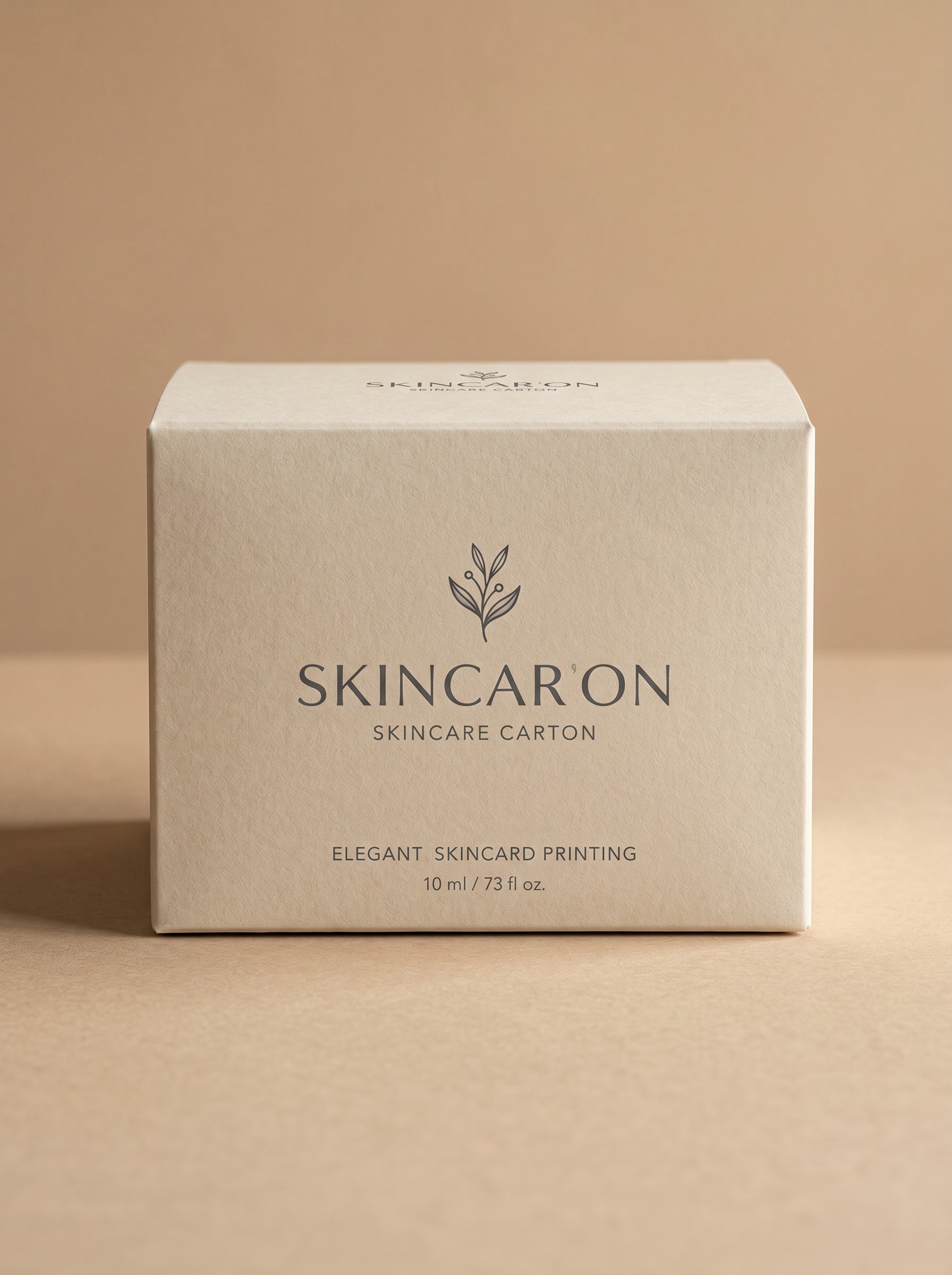
Usa la imagen subida como arte del empaque y transfórmala en un mockup Premium de caja cosmética. Muestra un estuche rígido de cuidado de la piel visto de frente con textura de papel mate, colocación nítida de la impresión, iluminación de estudio Suave, sombra sutil en la base, fondo beige cálido, estilo elegante y minimalista, y detalle fotorrealista listo para venta.
Botella y estuche de cuidado de la piel
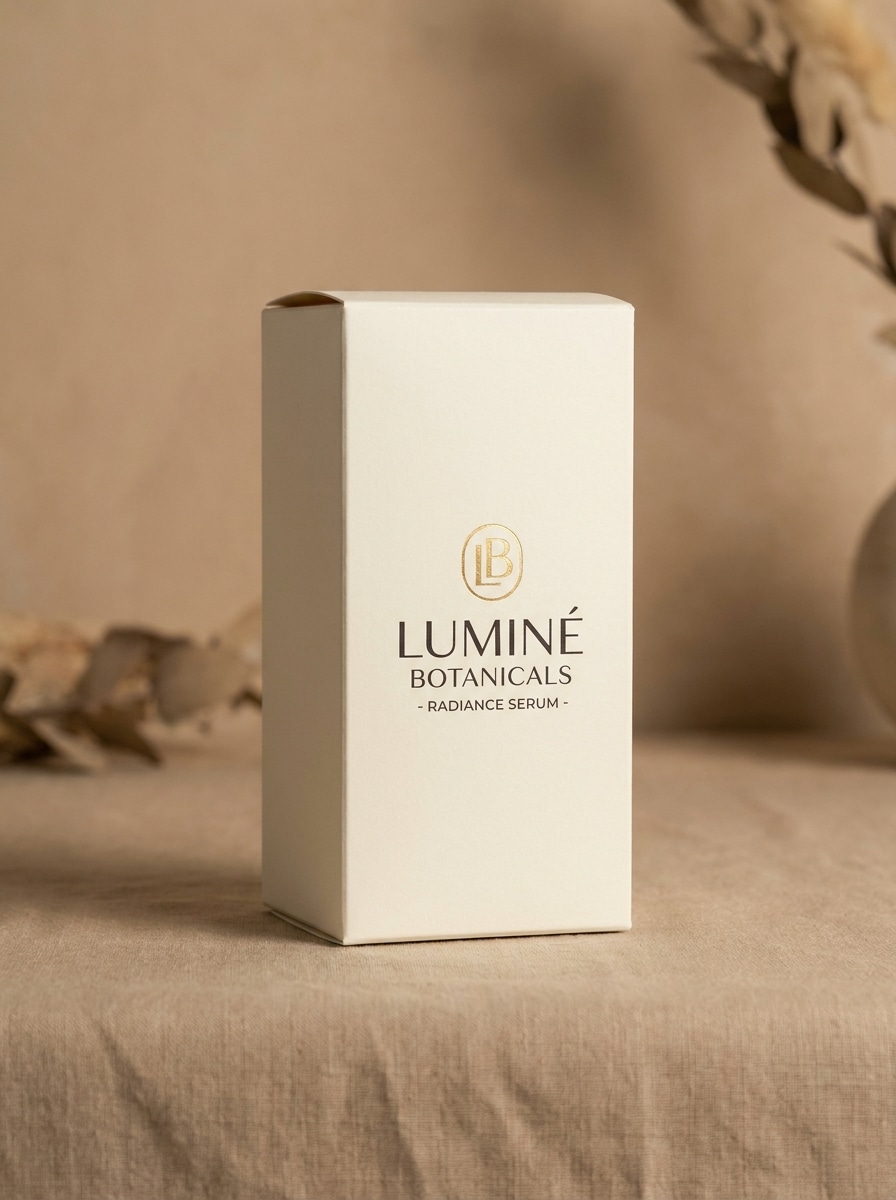
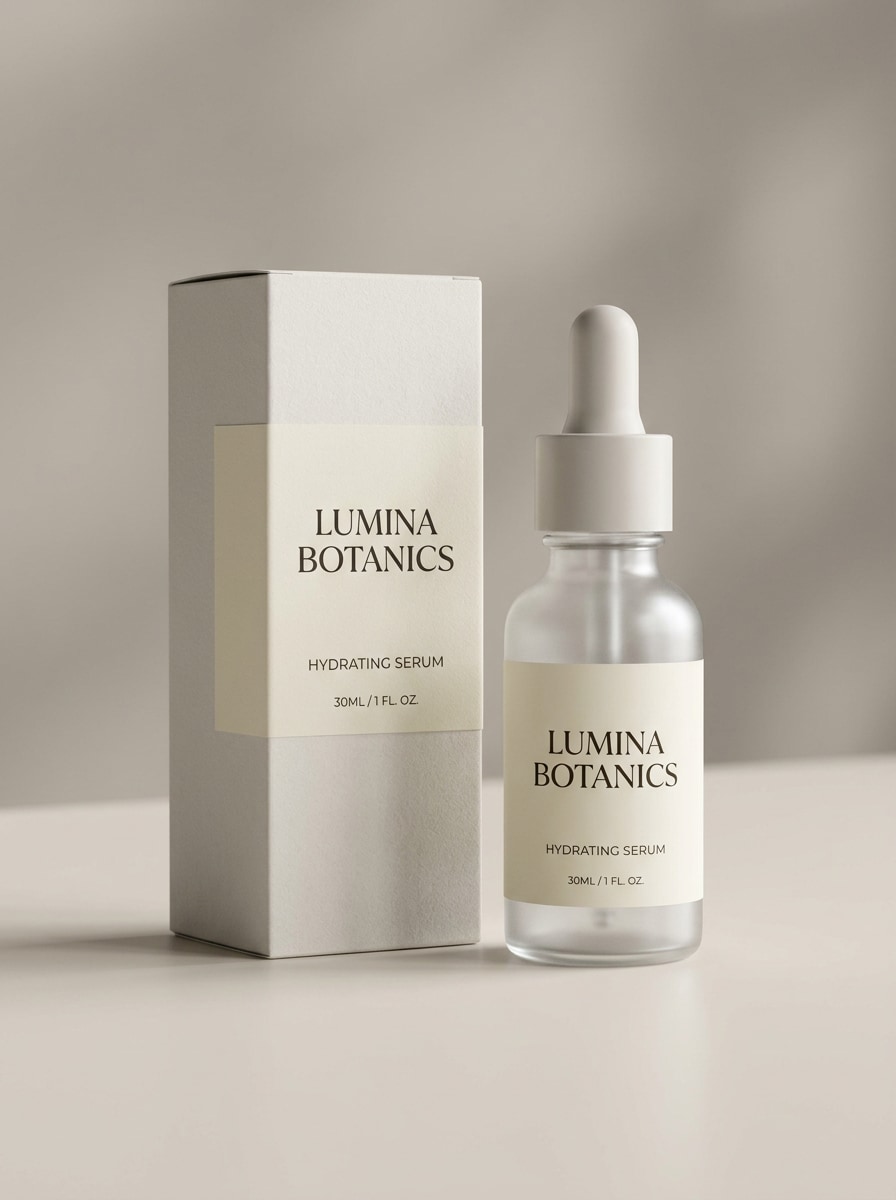
Usa la imagen subida como diseño de marca y transfórmala en un mockup realista de botella de cuidado de la piel con estuche a juego. Mantén la etiqueta legible, añade una botella de sérum esmerilada, iluminación editorial Suave y neutra, sombras suaves, textura de cartón mate, composición limpia y estilo de campaña de Belleza Premium.
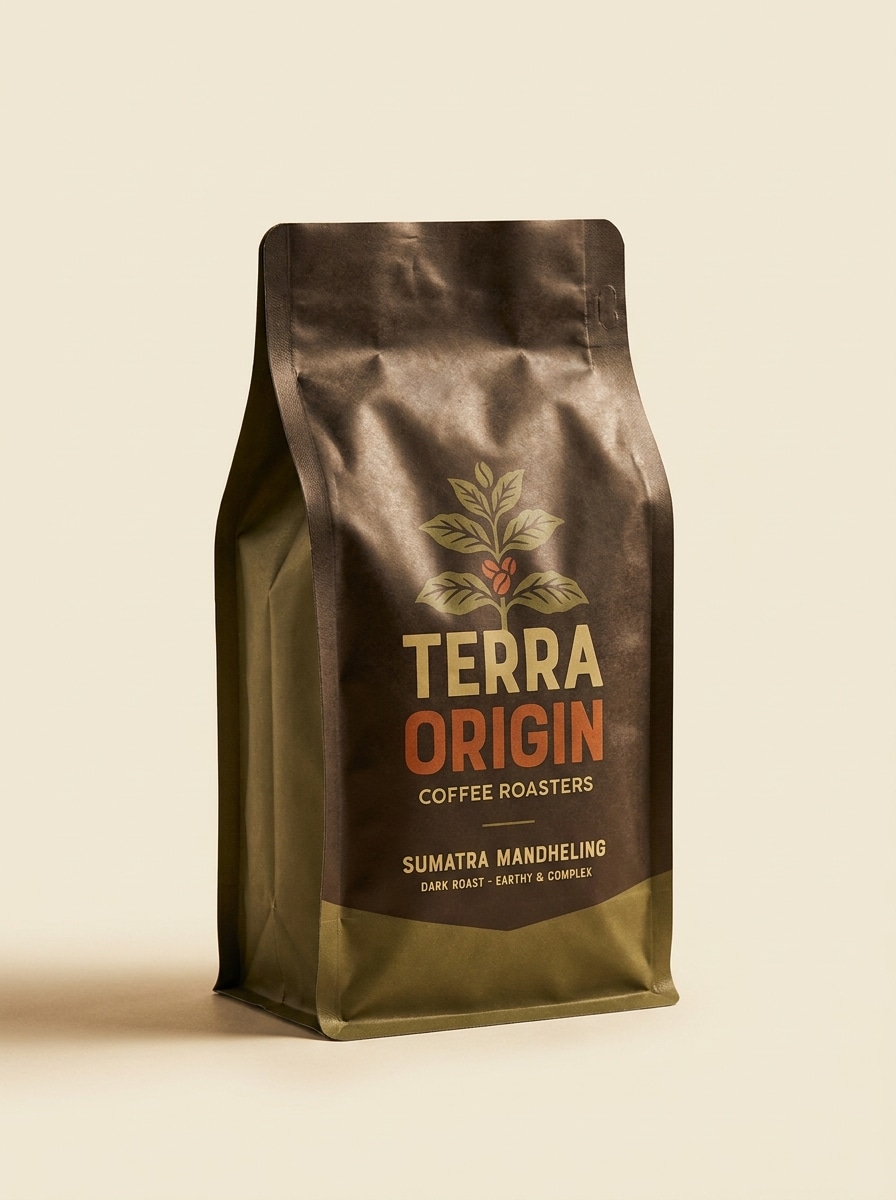
Mockup de bolsa de café
Usa la imagen cargada como diseño del paquete y conviértela en un mockup de bolsa de café tipo stand-up. Crea una bolsa flexible mate con pliegues realistas, sensación de marca artesanal, iluminación de estudio cálida, sombra Suave sobre un fondo limpio, tonos terrosos intensos y calidad fotorrealista lista para estantería para Presentación de producto.
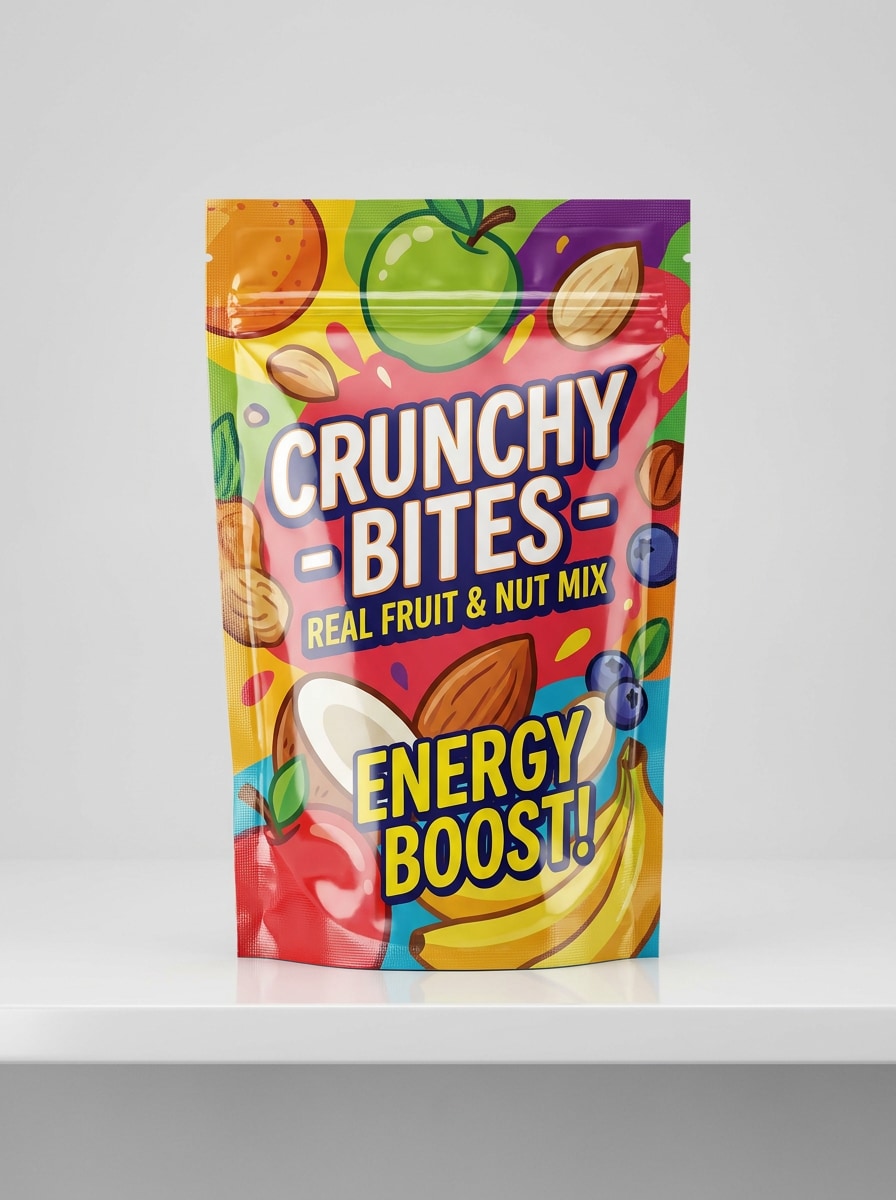
Mockup de bolsa de snacks
Usa la imagen cargada como arte de marca y conviértela en un mockup vibrante de bolsa de snacks. Muestra un paquete flexible brillante de pie con arrugas realistas, iluminación comercial brillante, contraste de colores audaz, composición limpia lista para estantería y estilo pulido de productos de consumo envasados.
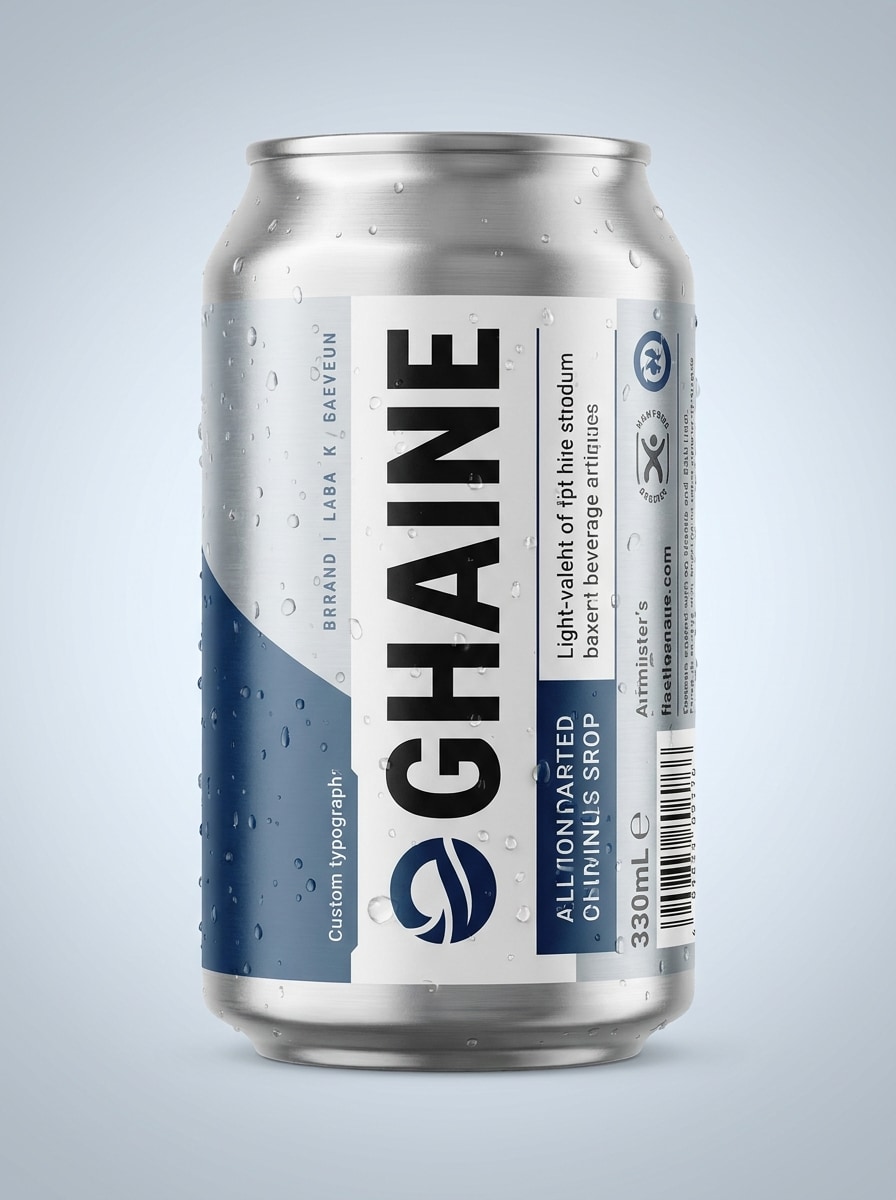
Etiqueta de lata de bebida
Usa la imagen subida como etiqueta de lata y transfórmala en un mockup de empaque de bebida. Muestra una lata de aluminio elegante en vista frontal destacada con gráficos envolventes realistas, ligera condensación, iluminación de estudio comercial, reflejos sutiles, detalle nítido y un estilo Premium de anuncio de bebida refrescante.
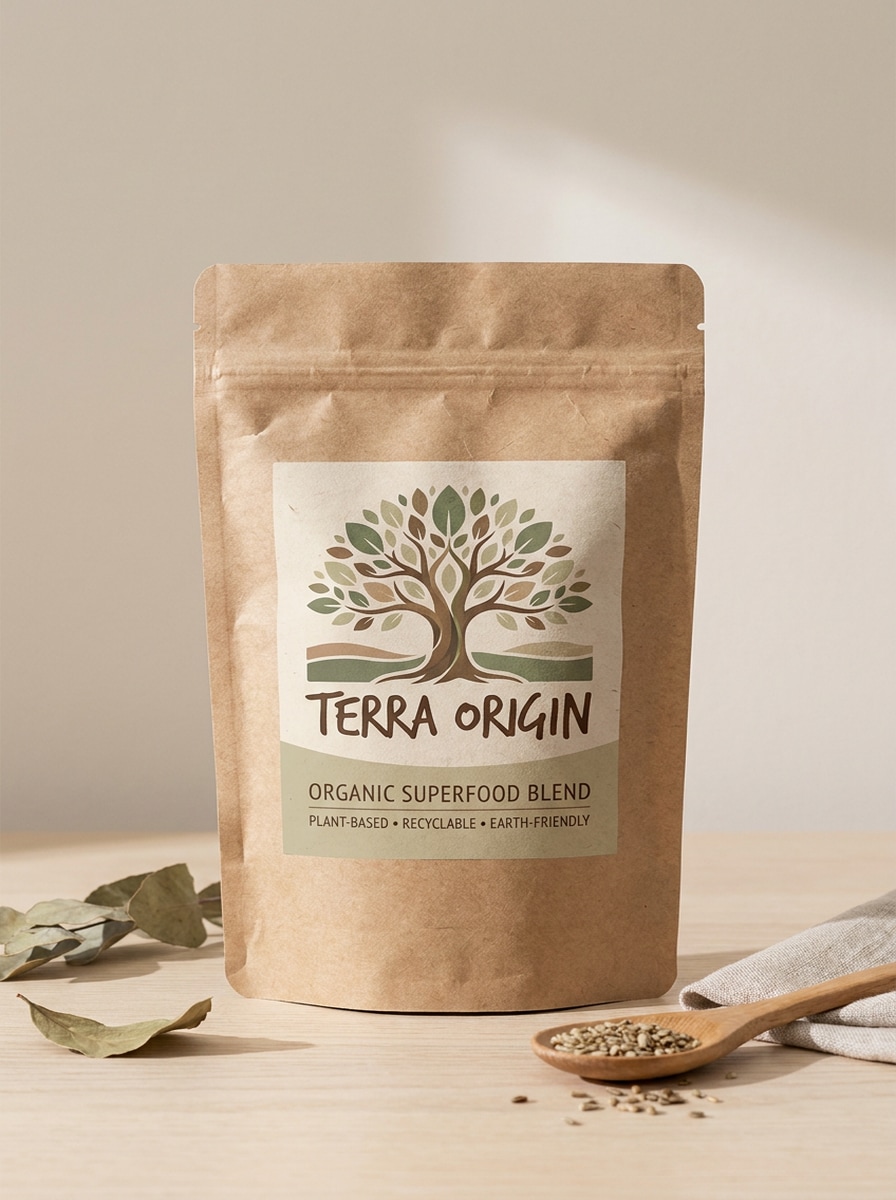
Bolsa ecológica de papel kraft
Usa la imagen cargada como branding de producto y conviértela en un mockup de bolsa ecológica de papel kraft. Crea una bolsa reciclable tipo stand-up con textura de papel natural, luz natural Suave, paleta terrosa orgánica, sombras suaves, composición minimalista y detalle realista de materiales para un aspecto de marca sostenible.
Caja de envío reciclable
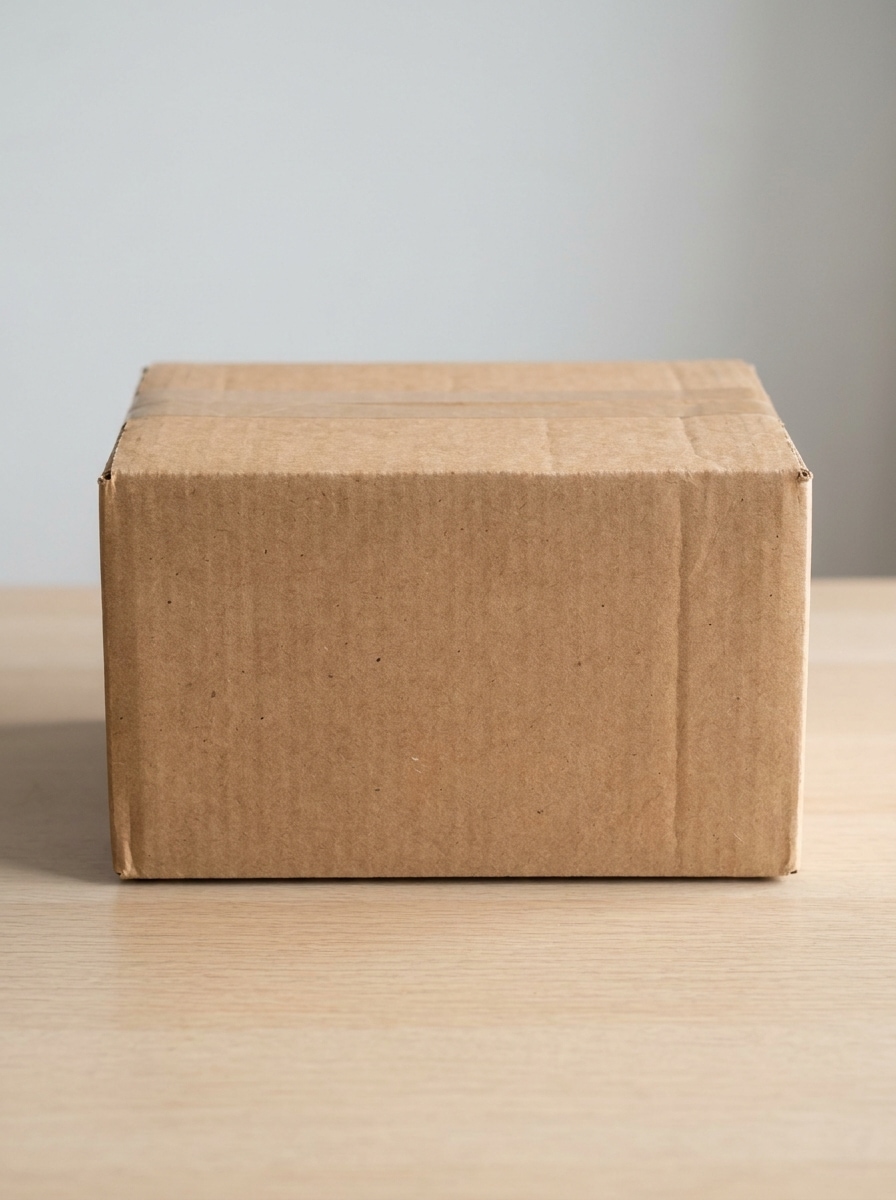
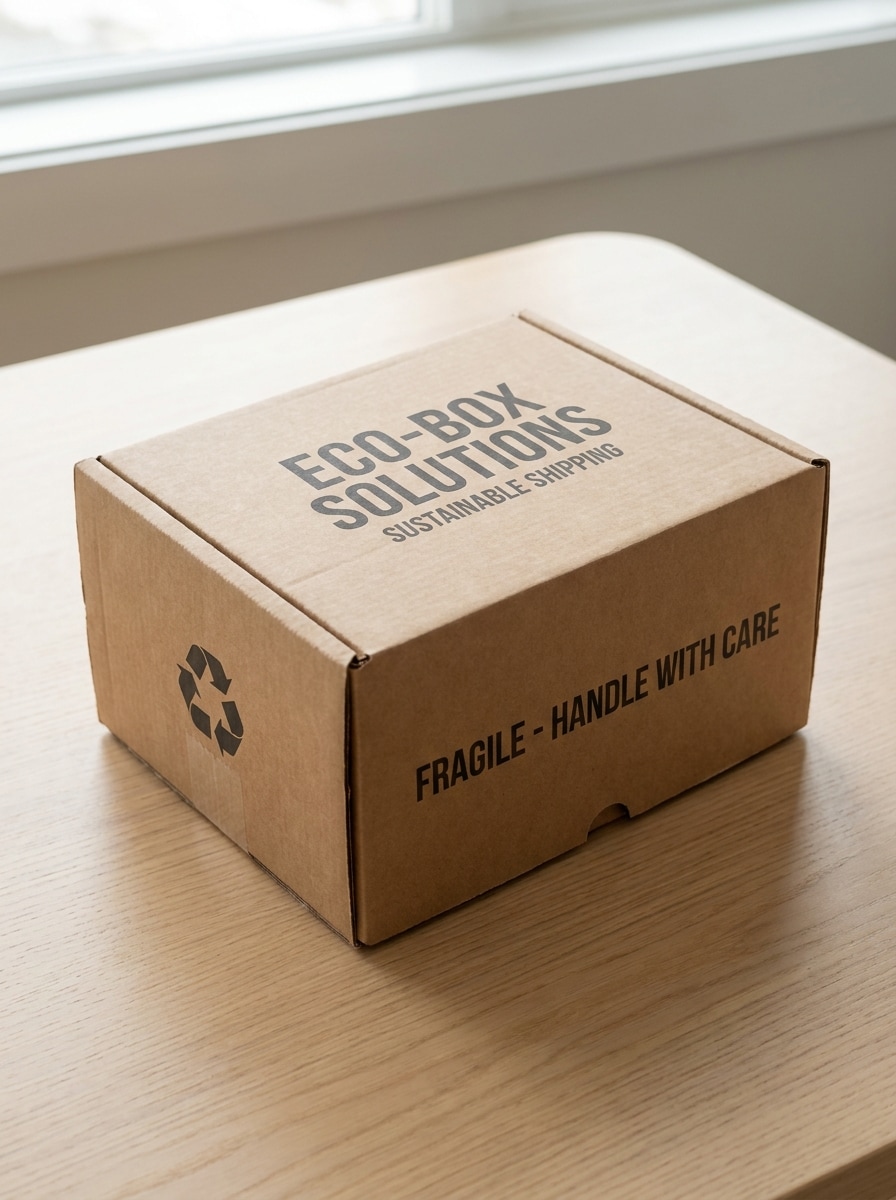
Usa la imagen cargada como branding de caja de envío y crea un mockup de caja de envío reciclable. Muestra textura de cartón corrugado, colocación limpia del logotipo, iluminación natural, sombras Suaves, composición sencilla de unboxing para ecommerce, colores neutros apagados y detalle realista de impresión y materiales.
Mockup de caja de perfume
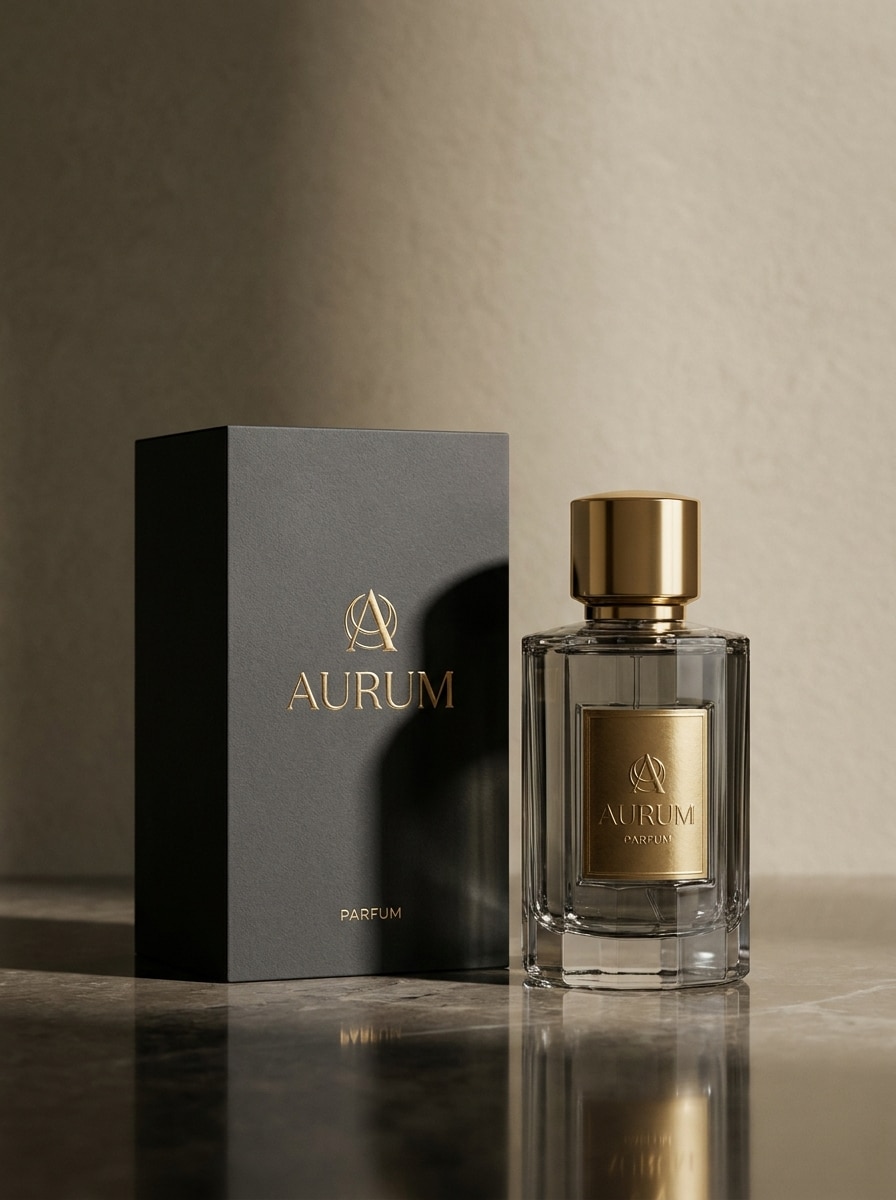
Usa la imagen subida como branding de fragancia y transfórmala en un mockup de empaque de perfume de lujo. Incluye una caja rígida y una botella elegante, iluminación editorial dramática, escena neutra refinada, sensación de impresión en relieve Premium, reflejos sutiles y materiales fotorrealistas de alta gama.
Packaging de tarro de vela
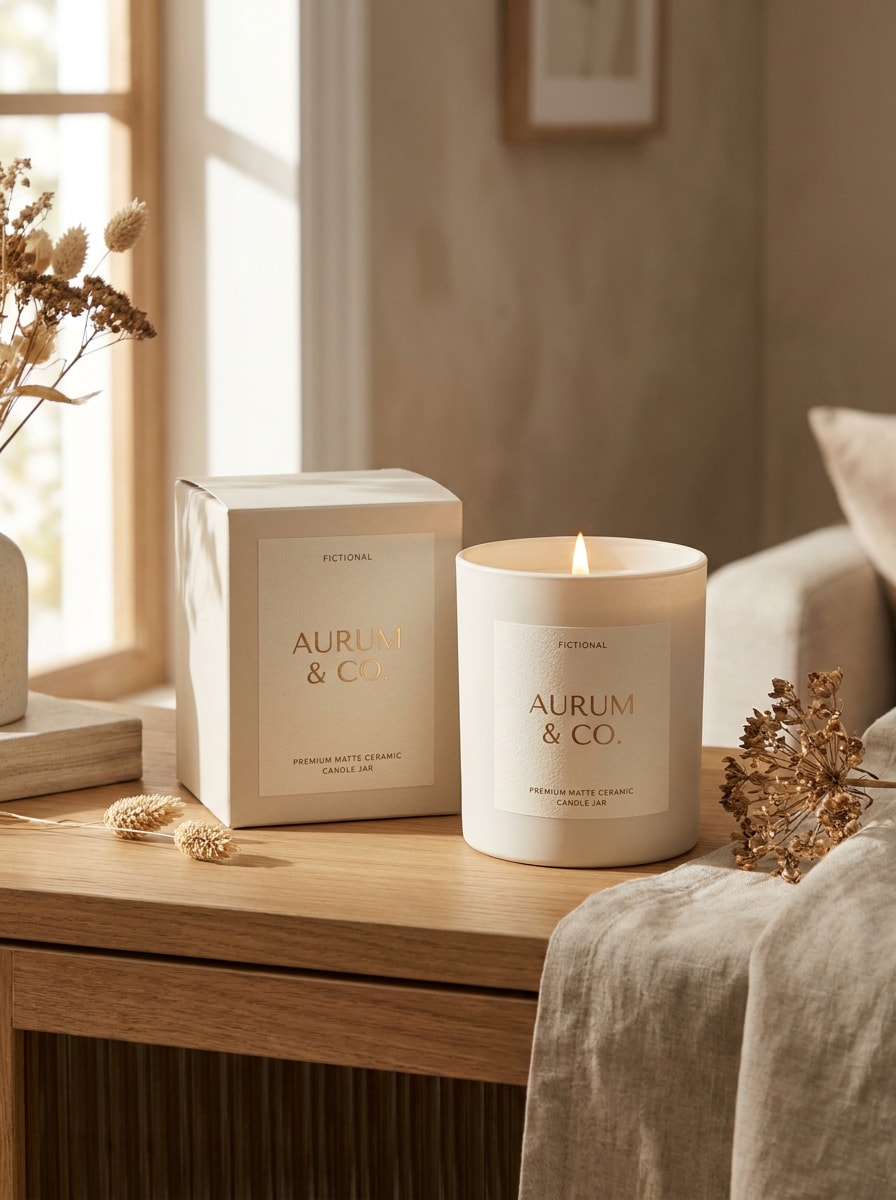
Usa la imagen cargada como branding de vela y crea un mockup de tarro de vela con caja. Muestra una etiqueta de tarro mate con estuche a juego, iluminación Suave y envolvente, estilo editorial de decoración del hogar, sombras suaves, paleta neutra cálida y materiales Premium realistas para Presentación de boutique.
Antes y después: de plano a 3D
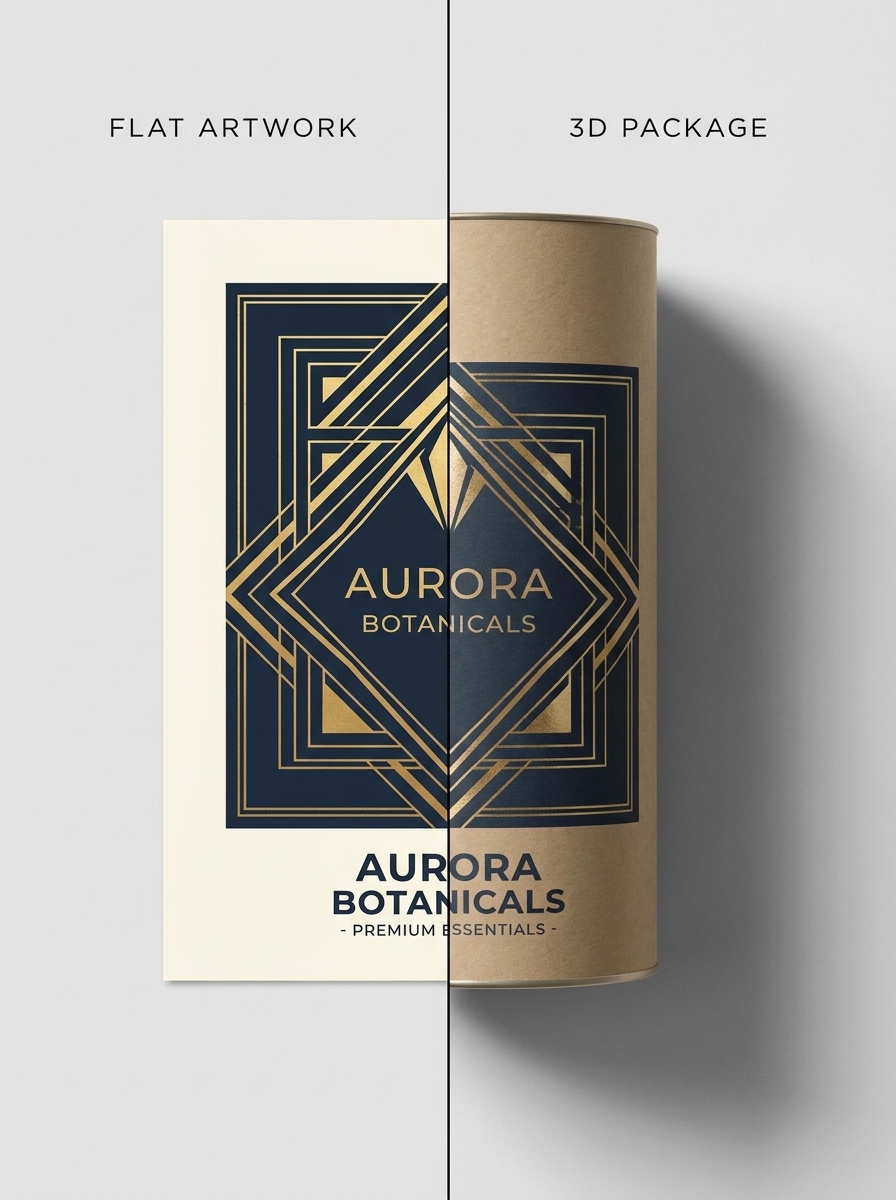
Usa la imagen subida como arte plano original y transfórmala en una muestra de empaque de antes y después. Presenta el diseño plano junto a una versión de paquete 3D realista con composición limpia lado a lado, alto contraste, iluminación de estudio, materiales precisos y calidad de Presentación comercial.
Por qué usar Media.io para mockups de packaging
Mantén el sujeto reconocible en nuevos estilos
Para revisiones de concepto, lanzamientos de producto o presentaciones a clientes, Media.io te permite cargar arte de etiquetas, troqueles o gráficos de marca y convertirlos en visuales realistas de mockup de packaging rápidamente, para que tu diseño sea más fácil de evaluar antes de la producción.
Crea online sin PSD ni software 3D
Una sola idea a menudo necesita más de un aspecto. Media.io te ayuda a reinterpretar el mismo mockup de packaging en diferentes estilos para que cada versión se ajuste mejor a la ubicación objetivo.
Controla la calidad de salida para ecommerce y presentaciones
Una idea visual rara vez vive en un solo Diseño. Media.io te ayuda a adaptar el mismo concepto de mockup de packaging para publicaciones, portadas, mockups o presentaciones, para que cada versión se sienta hecha para su formato en lugar de estirada para encajar.
Mantén los visuales finales nítidos para proyectos reales
Para proyectos que necesitan más que calidad de borrador, Media.io te ayuda a crear mockups de empaque con salida de hasta 4K, para que los detalles se mantengan más nítidos cuando presentes, recortes o reutilices el archivo final.
Cómo crear un mockup de packaging online
Convierte tus palabras en visuales impresionantes en tres sencillos pasos y luego continúa refinando el resultado si quieres llevarlo más lejos.
Paso 1
Sube tu imagen de referencia
Sube un archivo JPG, PNG o JPEG claro de tu arte de etiqueta, diseño plano de paquete o gráfico de marca. Un archivo fuente limpio ayuda a Media.io a generar una Presentación de paquete con aspecto 3D más precisa.
Paso 2
Describe el cambio y configura las opciones
Ingresa un prompt describiendo el tipo de paquete, materiales, iluminación, ambiente y escena, luego elige tu modelo y ajusta la relación de aspecto, la Resolución y la cantidad de imágenes para obtener el resultado que deseas.
Paso 3
Genera, descarga y sigue mejorando
Crea variaciones, compara los resultados y descarga tu versión favorita. Puedes refinar el prompt, probar otro formato de paquete o generar nuevos ángulos para mejorar tus visuales finales de mockup de packaging.
Descubre cómo los creadores usan este mockup de packaging para contenido, marketing y proyectos personales, y luego adapta cada idea a tu brief con Media.io.
Presenta nuevos conceptos de producto con confianza
Convierte branding plano en visuales realistas listos para estantería antes de que comience la producción. Esto es útil para fundadores, agencias y equipos internos que necesitan un flujo rápido de aplicación de packaging en Media.io para revisiones de stakeholders, pruebas de concepto y aprobaciones de clientes.
Crea mejores imágenes para listados de ecommerce
Crea visuales de producto limpios para tiendas online, marketplaces y páginas de lanzamiento sin esperar a una sesión de fotos. Un mockup pulido de caja, bolsa, botella o paquete ayuda a los compradores a entender tu marca más rápido y hace que los listados se vean más creíbles.
Muestra múltiples direcciones de packaging lado a lado
Compara una versión en bolsa, estuche, lata o caja de envío del mismo diseño para guiar las decisiones de producción y branding. Esto es especialmente útil cuando quieres un flujo de trabajo online en Media.io para una revisión rápida de mockup de paquete en lugar de descargar archivos de plantilla por separado.
Lo que dicen los usuarios sobre Media.io
Maya Chen
Diseñadora de packaging
"Genial para vistas previas rápidas con clientes" Usé Media.io para convertir arte plano de etiquetas en una Presentación realista de bolsa y caja en minutos. Me ayudó a mostrar a los clientes una dirección clara sin construir una escena PSD desde cero.
Jordan Alvarez
Propietario de marca de ecommerce
"Útil para visuales de lanzamiento" Necesitábamos imágenes rápidas de producto antes de que llegaran las muestras. La herramienta hizo que nuestros conceptos de bolsa de café y lata se vieran lo suficientemente pulidos para la planificación del lanzamiento y la revisión interna.
Elena Rossi
Estratega creativa
"Flujo de trabajo sencillo en el navegador" Lo que más me gusta es lo fácil que es cargar el arte, describir la escena y generar múltiples direcciones. Se siente mucho más rápido que buscar en bibliotecas de plantillas.
Noah Patel
Fundador de startup
"Útil para pruebas de concepto de producto" Probamos varias direcciones de packaging para una línea de cuidado de la piel usando un solo archivo de diseño. Los resultados realistas facilitaron discutir materiales, colocación y presencia en estantería con nuestro equipo.
Explora los efectos de video e imagen con IA más populares
Un generador de mockups de packaging es una herramienta que convierte tu arte plano de empaque o archivo de marca en una visualización de producto más realista. Con Media.io, puedes subir un diseño en JPG, PNG o JPEG y usar IA de imagen a imagen para crear imágenes de Presentación de productos como cajas, bolsas, botellas, latas u otros productos en línea.
2. ¿Puedo convertir un diseño de empaque plano en un mockup de packaging 3D realista?
Media.io está diseñado para ese flujo de trabajo: subes tu diseño plano como imagen de referencia y luego describes el formato de empaque y el estilo visual que deseas. La herramienta puede Transformar el arte de etiquetas o gráficos frontales en un mockup de packaging realista estilo 3D con iluminación, materiales y profundidad.
3. ¿Existe una herramienta gratuita en línea para crear mockups de packaging?
Media.io ofrece créditos gratuitos para nuevos usuarios, para que puedas probar a crear un mockup de packaging en línea antes de actualizar tu plan. Los usuarios gratuitos pueden ver marcas de agua, mientras que los planes de pago admiten descargas de alta Resolución sin marcas de agua y más créditos. Puedes comparar las opciones en la página de precios.
4. ¿Qué tipos de packaging puedo simular, como cajas, bolsas, botellas o latas?
Media.io admite un flujo de trabajo flexible de imagen a imagen, por lo que puedes crear visualizaciones para muchos tipos de empaques, incluyendo cajas, bolsas, botellas, tubos, latas y sobres de envío. Esto lo hace práctico para todo, desde un estuche de cosméticos hasta una bolsa de café, una lata de bebidas o una revisión más amplia de mockups de packaging.
5. ¿Qué tan realistas y de alta Resolución son los resultados de los mockups de packaging?
Los resultados pueden verse muy realistas, especialmente cuando subes ilustraciones fuente claras y usas un prompt detallado que describa materiales, iluminación y composición. Media.io también ofrece opciones de Resolución de 1K, 2K y 4K, ayudándote a crear maquetas de empaque nítidas para páginas de comercio electrónico, Presentaciones y archivos de revisión para clientes. Los usuarios gratuitos pueden tener marcas de agua.
6. ¿Necesito Photoshop o habilidades de diseño para hacer un mockup de packaging?
Media.io está diseñado para simplificar el proceso, por lo que no necesitas Photoshop, Plantillas PSD con capas ni habilidades de renderizado 3D para hacer un mockup de packaging. Sube tu diseño, describe el resultado que deseas, elige la configuración y genera variaciones directamente en el navegador.