Seleccione / @ carácter, describa la escena que desea generar.
0/2000
9:16
1K
1
Modo Ilimitado Banana Pro
Creaciones
Centro de Ideas
Cómo funciona
Todo
Funciones populares
Ver todo
Desafío creativo de Halloween
Ver todo
Historia de Frutas con IA
Ver todo
Video de Historia de IA
Ver todo
Videos Virales Hoy
Ver todo
Videos de Productos de IA
Ver todo
Personaje de IA
Ver todo
Tendencias de Baile
Ver todo
GPT Image 2
Ver todo
Seedance 2.0
Ver todo
Emparejamiento de Celebridades con IA
Ver todo
Indicaciones de Poses para Parejas
Ver todo
Prompts de Poses de Chica AI Estética
Ver todo
Sugerencias de Pose Elegante para Chicos AI
Ver todo
Lista de generación
Tus creaciones solo se guardan durante 7 días. Los recursos creados después de actualizar a Membresía se almacenarán de forma permanente.
¡Desbloquea tu potencial creativo y experimenta la magia de Media AI ahora mismo!
Crea un mockup de papelería realista con una sola carga de diseño
Convierte una imagen de diseño en un mockup de papelería pulido con textura de papel realista, sombras y escenas de escritorio con marca. Media.io te ayuda a crear Diseños de membretes, tarjetas, sobres e invitaciones rápidamente en tu navegador, haciendo que la Creación de mockups de papelería sea más fácil para presentaciones de Tono, portafolios y vistas previas para clientes. Esta configuración funciona bien para mockups de papelería.
Escribe tu idea -> La IA la diseña. Pruébalo gratis.
Revisa estas instrucciones de ejemplo y luego adapta los detalles del prompt para obtener mejores resultados con este mockup de papelería en Media.io.
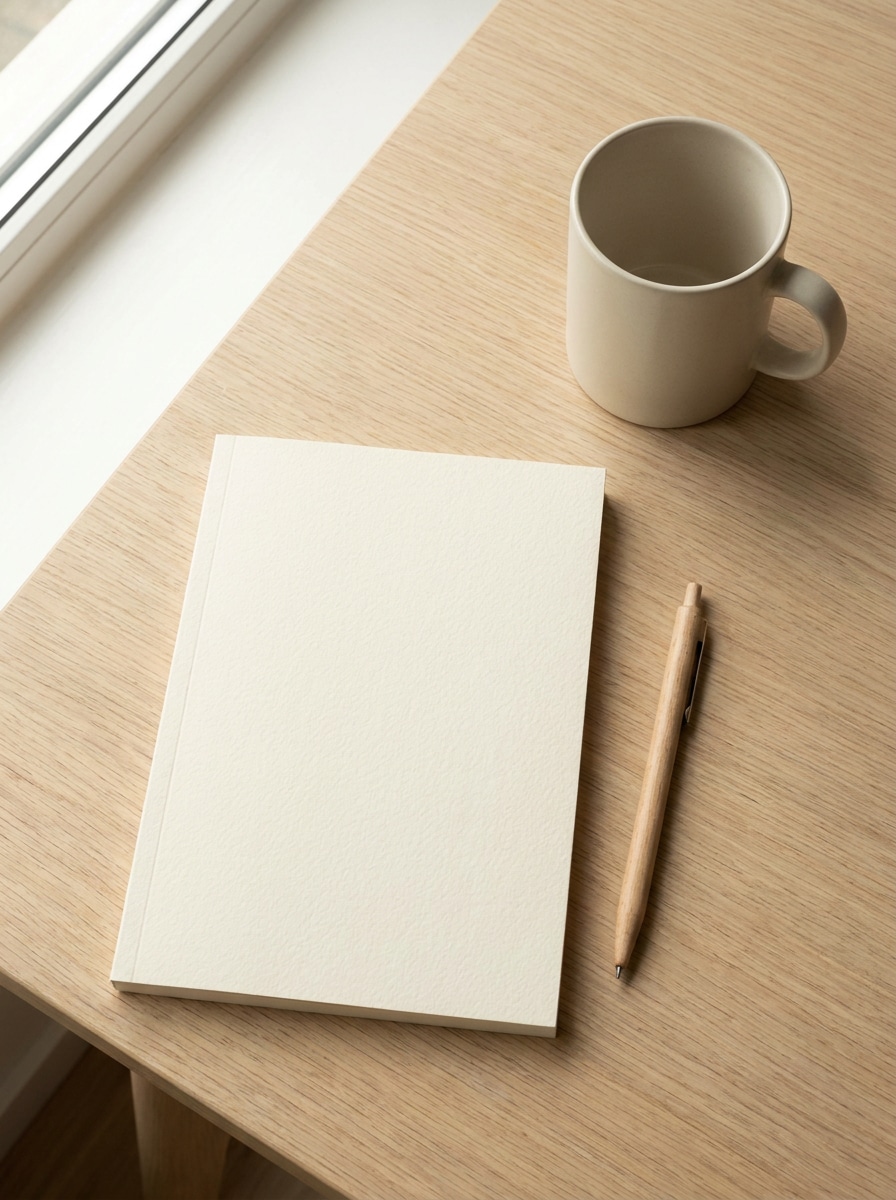
Flat lay minimalista de escritorio
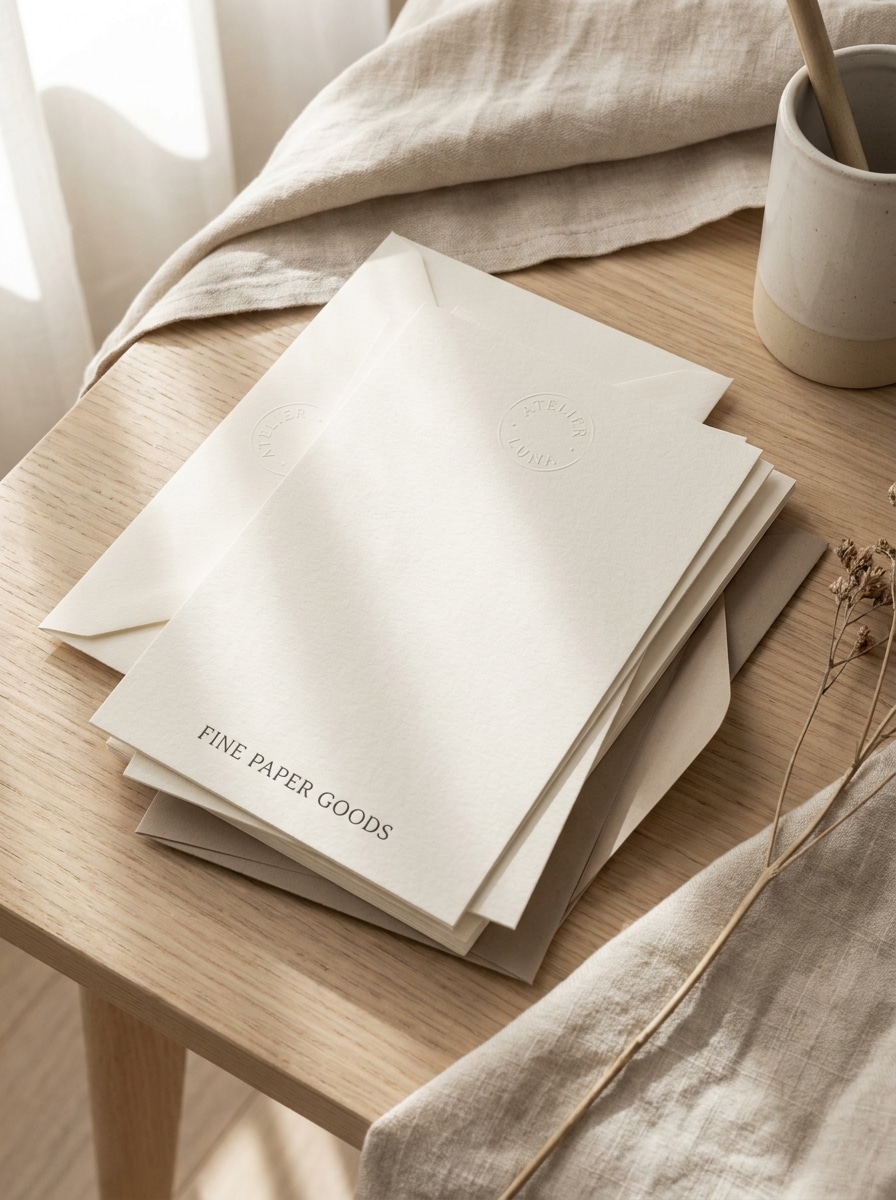
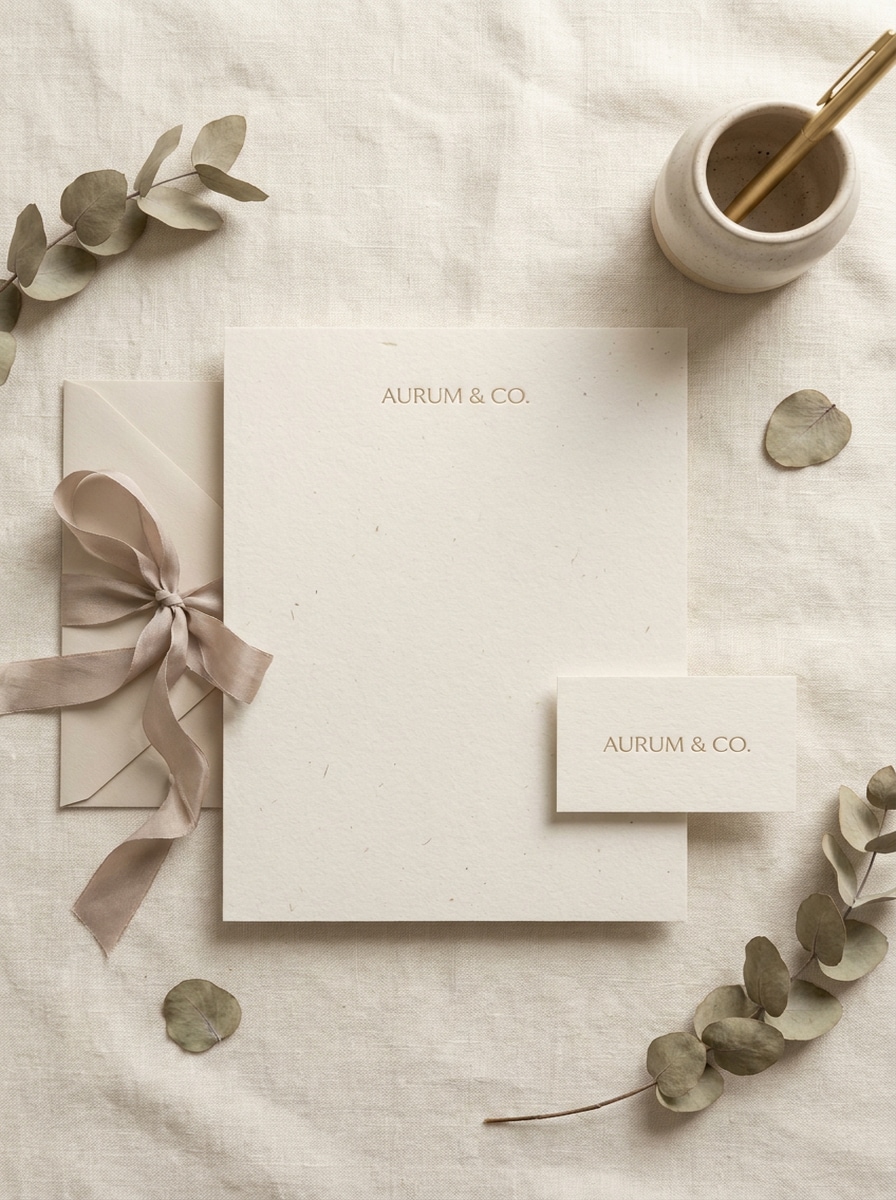
Usa la imagen cargada como el arte de marca y transfórmala en un mockup de papelería limpio con vista superior sobre un escritorio moderno. Muestra membrete, tarjeta de presentación, sobre, carpeta y bolígrafo coordinados con sombras naturales Suaves, grano de papel sutil, espaciado equilibrado, tonos neutros beige y blanco, y una Presentación Premium fotorrealista.
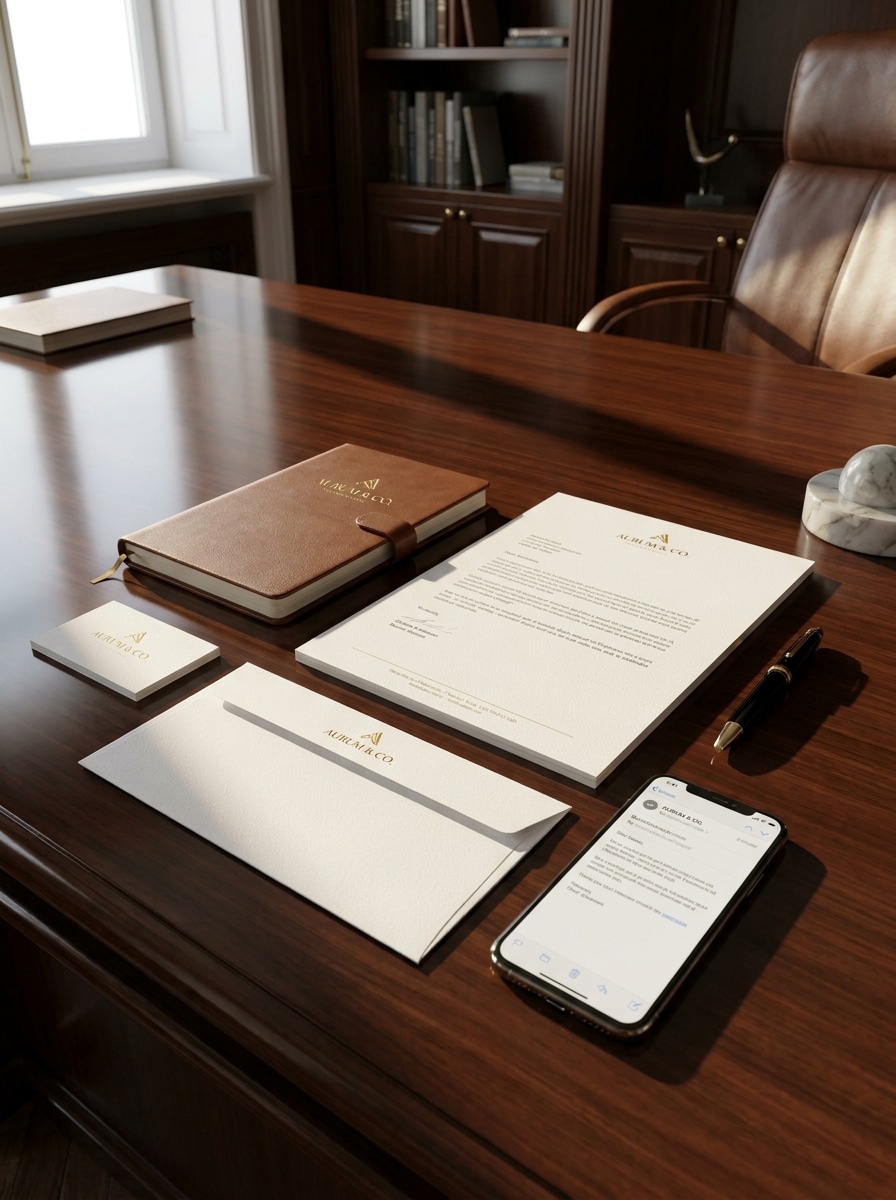
Mockup de oficina ejecutiva
Usa la imagen cargada como el diseño de identidad y colócala en un set de papelería de oficina Premium. Incluye membrete, sobre, tarjeta de presentación, cuaderno y Teléfono sobre un escritorio ejecutivo oscuro con iluminación nítida, profundidad de sombra realista, textura de papel refinada y un ambiente corporativo de alta gama pulido.
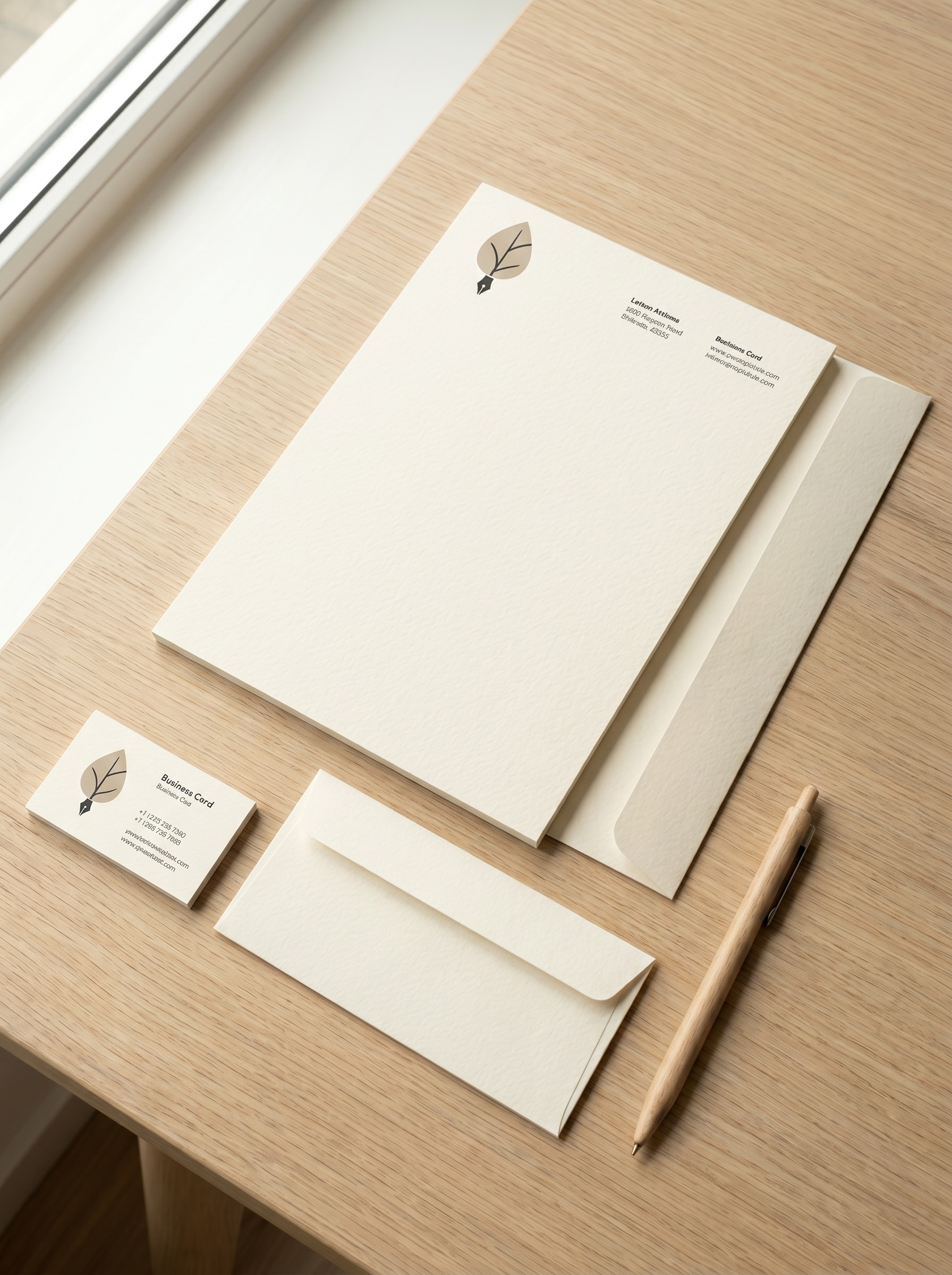
Editorial en papel texturizado
Usa la imagen cargada como el diseño impreso y transfórmala en una Presentación de papelería de estilo editorial. Enfatiza papel de algodón texturizado, sensación de relieve sutil, luz direccional Suave, colocación elegante de tipografía, sombras suaves, paleta neutra cálida y un ambiente de prueba de impresión de lujo con detalles altamente realistas.
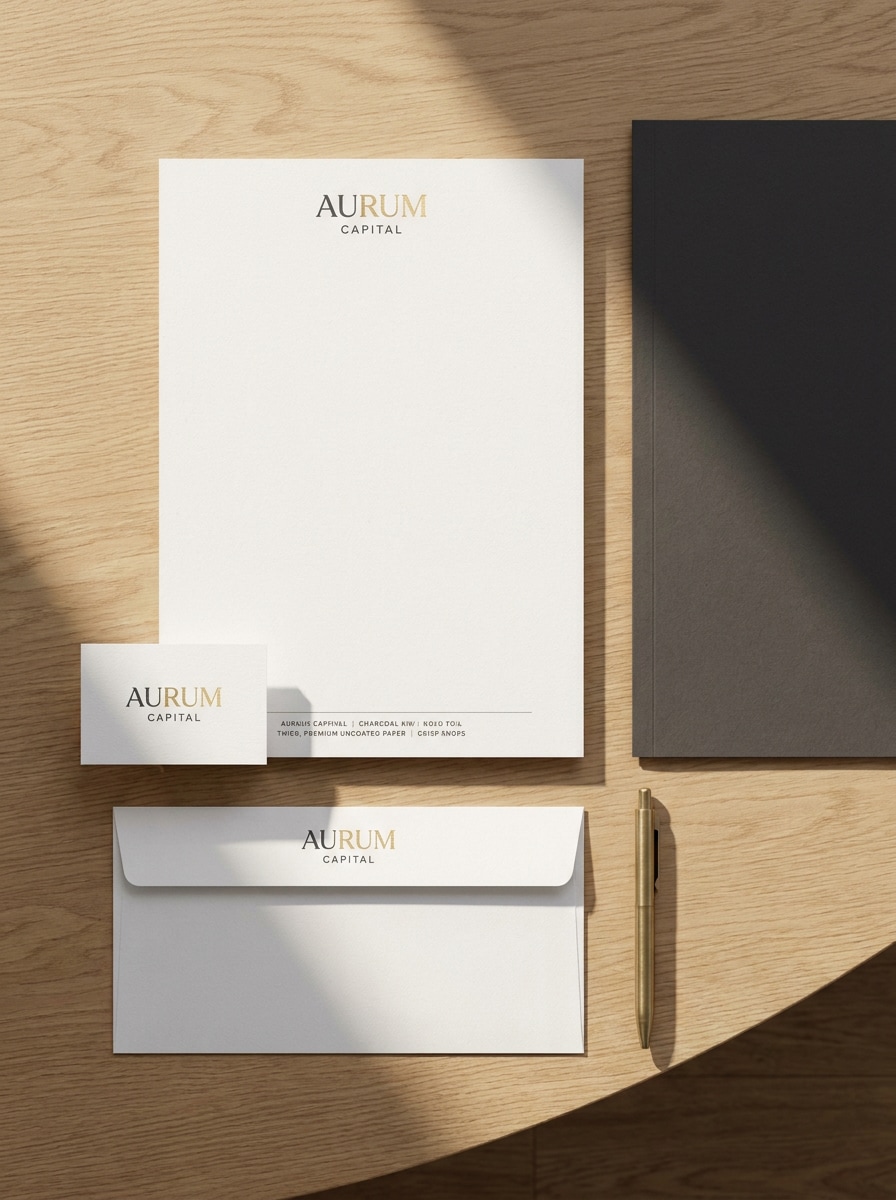
Flat lay de lujo en tonos apagados
Usa la imagen cargada como el arte de branding y construye una escena de papelería lujosa en flat lay. Muestra tarjeta de presentación, sobre, membrete y acento de Barra de navegación superior con tonos apagados beige, marfil y piedra, sombras delicadas, materiales realistas, acabado de papel Premium y un ambiente visual sereno y exclusivo.
Suite de invitación de arte fino
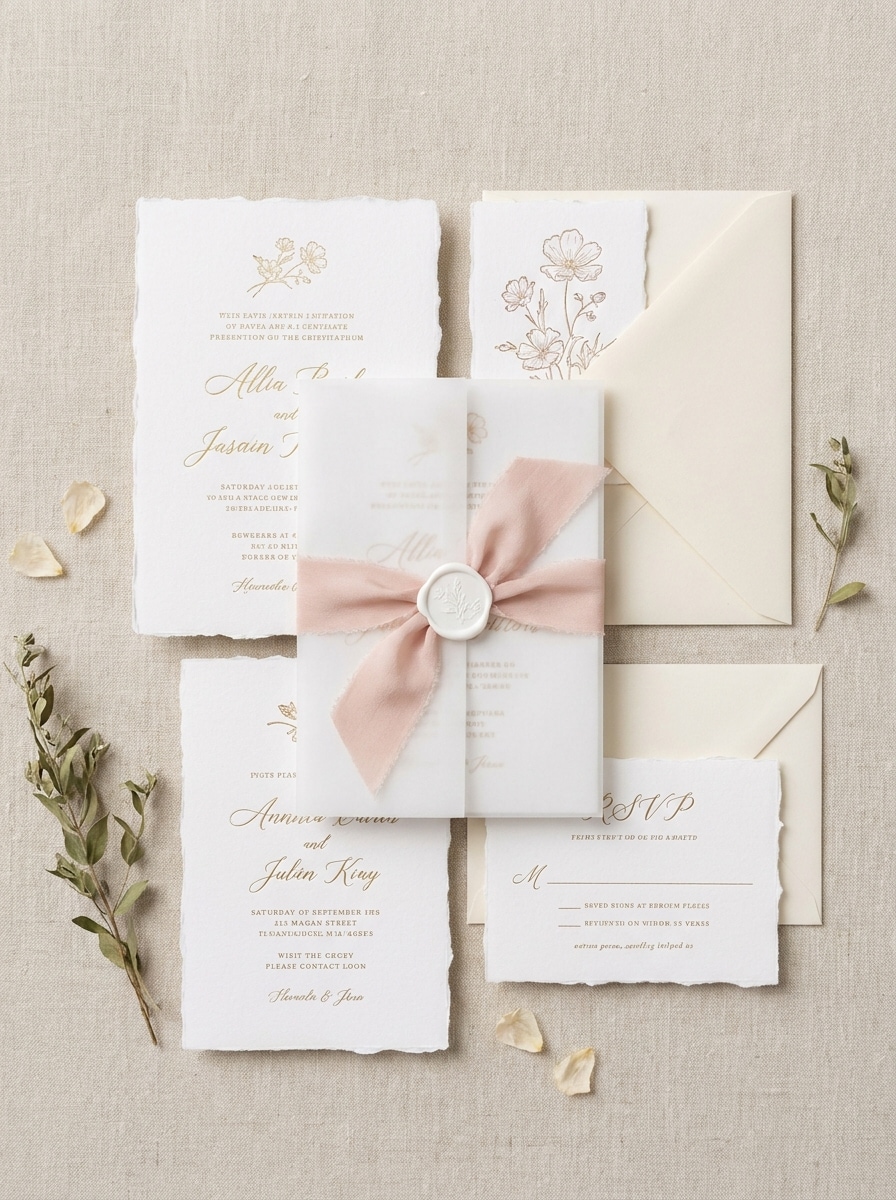
Usa la imagen cargada como el arte de invitación y transfórmala en un mockup de papelería romántico. Incluye tarjeta de invitación, tarjeta de confirmación de asistencia, sobre, papel vegetal para superponer, Barra de navegación superior de seda y sello de cera con bordes de papel deckle, luz Suave de ventana, composición aireada y un estilo elegante de boda de bellas artes.
Escena de boda botánica
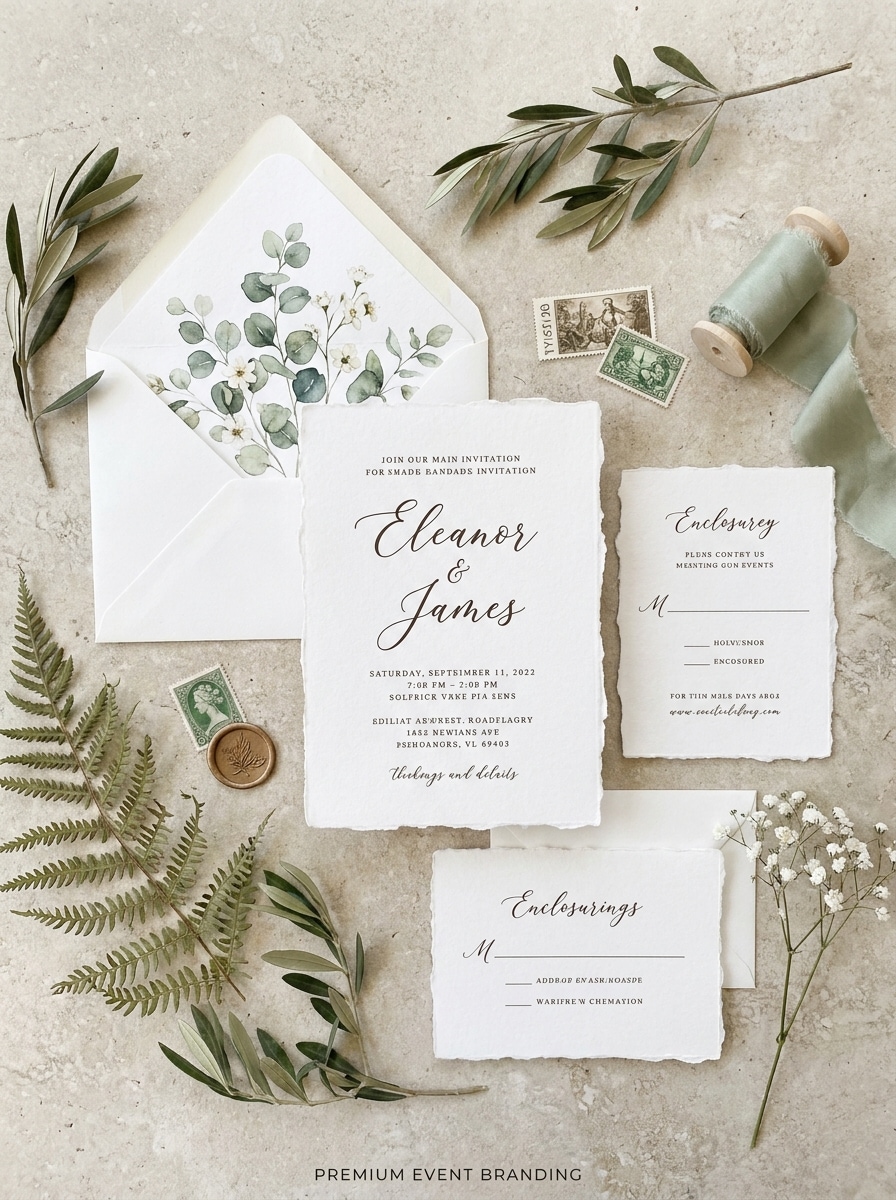
Usa la imagen cargada como el diseño de artículos de papel y crea una escena de papelería botánica. Dispón tarjetas de invitación y sobres con acentos florales delicados, detalles de forro de sobre, textura de papel orgánico, luz natural del día, sombras Suaves y una Presentación de boda elegante y artesanal.
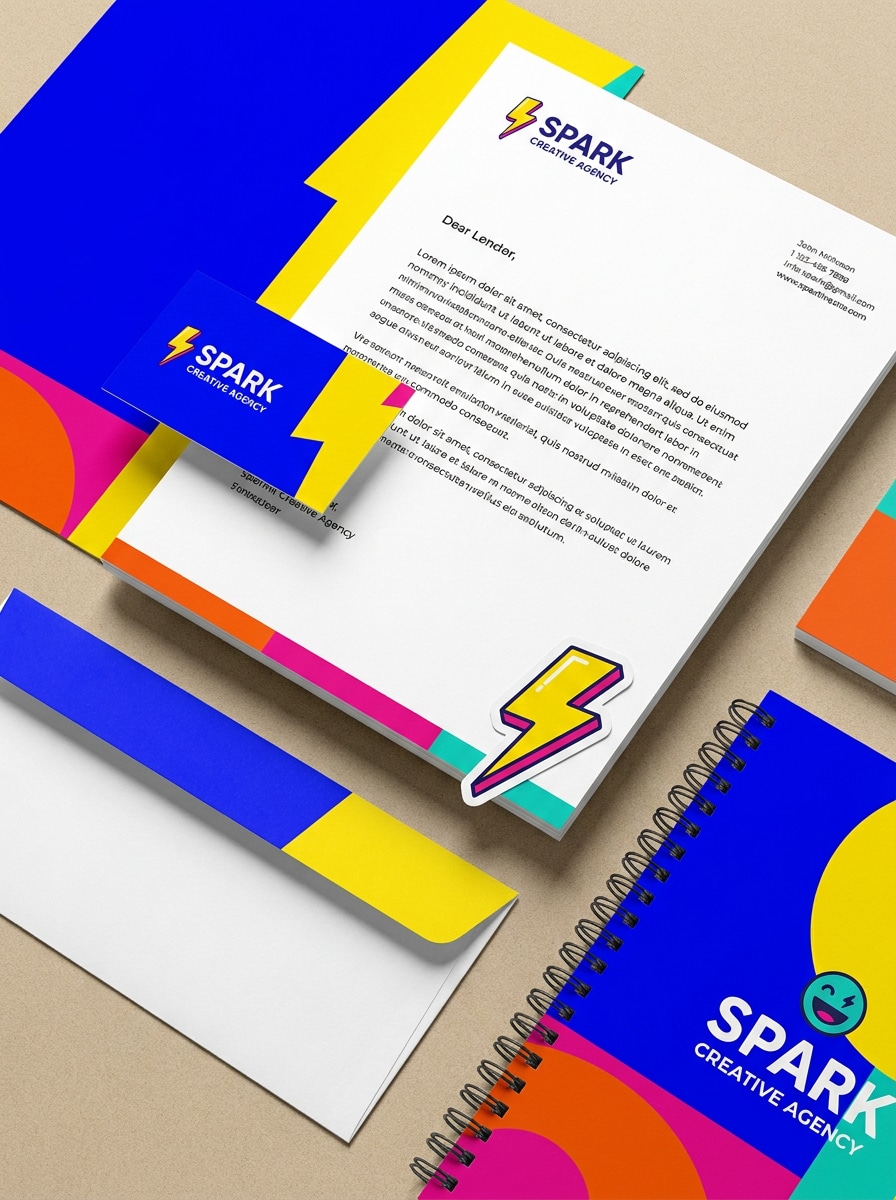
Kit de marca con colores vibrantes
Usa la imagen cargada como la identidad central y transfórmala en un mockup de papelería divertido con bloques de color audaces. Incluye membrete, tarjeta de presentación, sobre, pegatina y cuaderno, paleta moderna y brillante, composición limpia, textura de papel realista, energía alegre e iluminación nítida de calidad comercial.
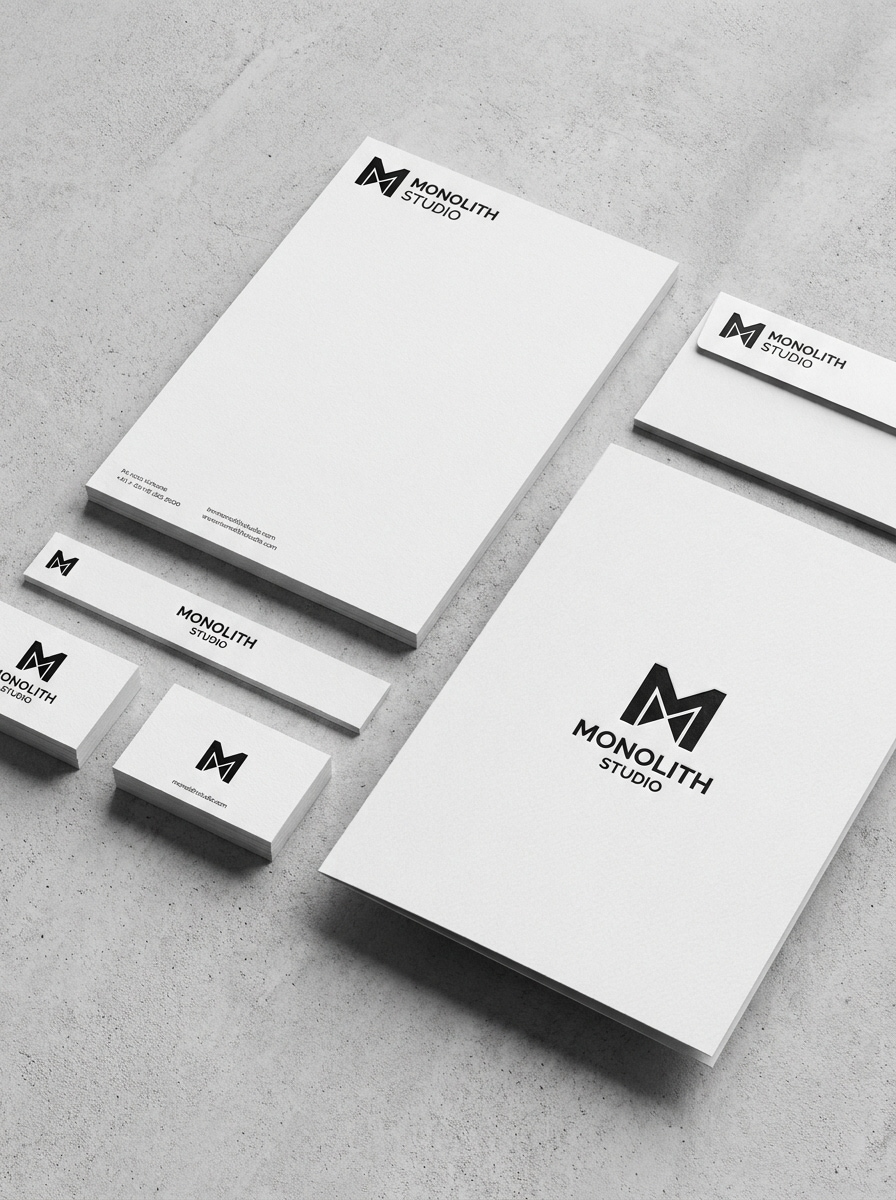
Mockup de identidad monocromática
Usa la imagen cargada como el arte de identidad y conviértela en un mockup de papelería en blanco y negro. Presenta membrete, sobre, tarjeta de presentación y carpeta con contraste nítido, sombras realistas Suaves, detalle de papel Premium, estilo minimalista y una Presentación atemporal de alta claridad para exhibiciones de marca.
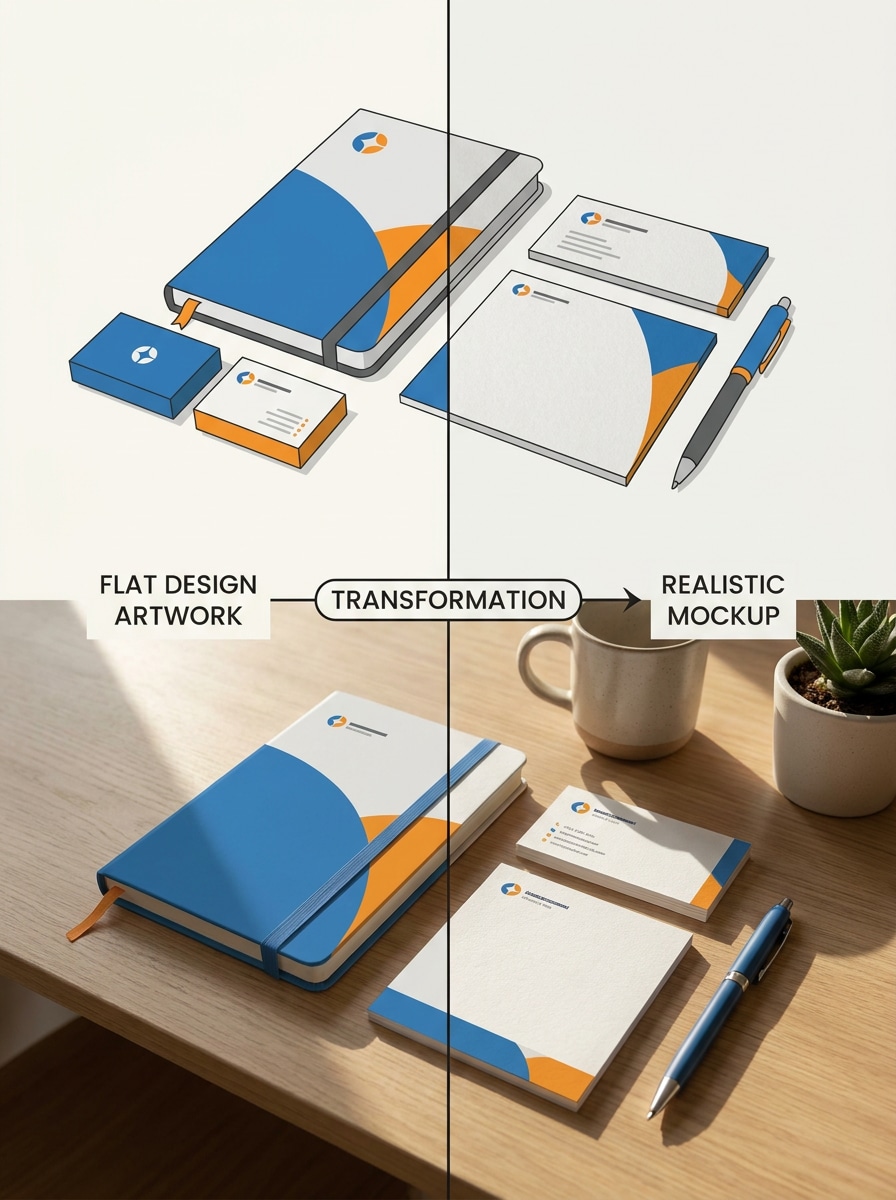
Transformación antes y después
Usa la imagen cargada como el arte plano original y preséntala como un mockup de transformación. Muestra una composición dividida con el diseño simple en un lado y una escena de papelería realista en el otro, con textura de papel, contexto de escritorio, sombreado natural y narrativa visual de demostración para creadores.
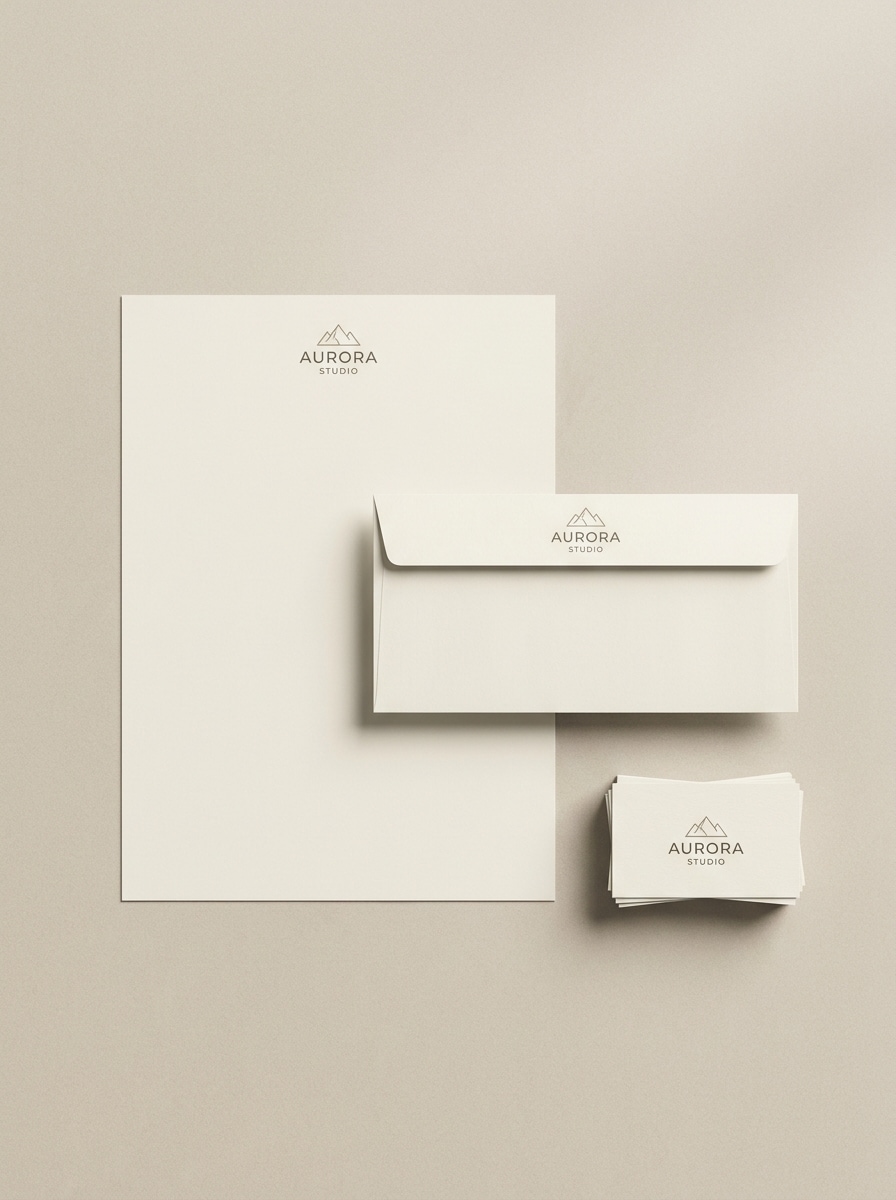
Mockup inteligente con una sola carga
Usa la imagen cargada como el diseño de fuente única y mapéala automáticamente en un set completo de papelería. Genera una escena limpia con membrete, sobre y tarjeta de presentación, luz Suave, materiales de papel realistas, sombras sutiles y una vista previa de marca lista para e-commerce con acabado profesional.
Por qué usar Media.io para mockups de papelería
Preserva la identidad mientras cambias el aspecto
Para presentaciones de identidad, Media.io te permite cargar una imagen de diseño y Transformar la en elementos visuales coordinados de membrete, tarjeta y sobre, brindándote una forma rápida de previsualizar el diseño de papelería como un sistema de marca pulido.
Papel, luz y sombras más realistas
Diferentes resultados requieren diferentes estéticas. Media.io te ayuda a explorar tratamientos variados del mismo concepto de mockup de papelería para que el visual final alcance el Tono adecuado más rápido.
Diseños flexibles para materiales de impresión y Tono
Una idea visual rara vez vive en un solo Diseño. Media.io ayuda a adaptar el mismo concepto de mockup de papelería para publicaciones, portadas, mockups o presentaciones, de modo que cada versión se sienta hecha para su formato mientras mantiene la coherencia de marca.
Crea imágenes de alta Resolución para uso real
Cuando un mockup de papelería está destinado a un uso real de publicación, Media.io te ofrece una salida más nítida de hasta 4K, lo que ayuda a que la imagen se mantenga clara en presentaciones, fondos y recursos reutilizados.
Cómo hacer un mockup de papelería en línea
Convierte tus palabras en visuales impresionantes en tres simples pasos y luego continúa refinando el resultado si deseas llevarlo más lejos.
Paso 1
Sube tu imagen de referencia
Sube un archivo JPG, PNG o JPEG claro de tu hoja de logotipo, arte de invitación, diseño de tarjeta de presentación u otro Diseño de impresión. Una imagen fuente limpia y de alta Resolución le da a la IA una base más sólida para un flujo de trabajo de mockup de papelería gratuito realista.
Paso 2
Describe el cambio y configura las opciones
Indica a Media.io cómo presentar el diseño, como un mockup de membrete, mockup de tarjeta de presentación, escena de sobre o flat lay de lujo. Luego elige el modelo y ajusta la Relación de aspecto, la Resolución y la cantidad de imágenes que deseas generar.
Paso 3
Genera, descarga y sigue mejorando
Crea múltiples variaciones, compara Diseños y descarga la versión que se ajuste a tu Presentación de marca. Si es necesario, refina tu prompt, prueba otro estilo o usa Regenerar hasta que tu escena esté lista para clientes, portafolios o listados de productos.
Desbloquea el potencial de los mockups de papelería gratuitos
Descubre cómo los creadores usan este mockup de papelería para contenido, marketing y proyectos personales, y luego adapta cada idea a tu brief.
Presenta sistemas de identidad de marca con más impacto
Muestra logotipos, tipo de papel y opciones de Diseño en una escena realista en lugar de archivos planos separados. Esto ayuda a estudios y freelancers a presentar membretes, tarjetas y sobres como un sistema visual cohesivo que se siente listo para aprobación.
Crea vistas previas de artículos de papel para bodas y eventos
Convierte arte de invitación en elegantes composiciones planas con cintas, papel vegetal, flores o estilo de sello de cera. Es una forma práctica de previsualizar conjuntos para clientes que quieren ver el ambiente y el acabado antes de pasar a producción.
Crea visuales rápidos para portafolios y marketplaces
Usa escenas pulidas para promocionar servicios de diseño, packs de plantillas o productos imprimibles en línea. Media.io facilita la creación de pruebas de mockup de papelería gratuito, comparar composiciones e incluso probar un flujo de trabajo de mockup de papelería gratuito sin un proceso complejo de PSD.
Lo que dicen los usuarios
Maya Chen
Diseñadora de marca
"Mockups rápidos listos para clientes" Subí una simple hoja de identidad y obtuve una escena de papelería pulida en minutos. La textura del papel y el detalle de las sombras hicieron que el resultado se sintiera mucho más cercano a una Presentación real que el arte plano con el que empecé.
Jordan Ellis
Creativo freelance
"Útil para presentaciones rápidas de conceptos" A menudo necesito visuales de tarjetas de presentación, sobres y membretes sin abrir Photoshop. Media.io es mucho más rápido para presentaciones de Tono en etapas tempranas, y generar algunas variaciones me ayuda a mostrar diferentes direcciones a los clientes rápidamente.
Sofia Ramirez
Papelera de bodas
"Hermosas escenas de suites de invitación" Los estilos de arte fino y botánico funcionan muy bien para artículos de papel de boda. Puedo convertir mi diseño impreso en un flat lay romántico que se siente lo suficientemente Premium para propuestas, publicaciones en redes sociales y vistas previas de tiendas en línea.
Ethan Brooks
Vendedor de e-commerce
"Excelente flujo de trabajo basado en el navegador" Me gusta que funcione en el navegador y que no me ralentice con una configuración complicada. Para probar ideas de mockup de papelería gratuito y crear visuales de producto más limpios, ha sido una herramienta práctica.
Explora los efectos de video e imagen con IA más populares
1. ¿Cómo puedo crear un mockup de papelería a partir de mi imagen de diseño?
Sube tu diseño como JPG, PNG o JPEG, luego describe la escena que deseas, como un membrete, tarjeta de presentación, sobre o Diseño de invitación. Media.io utiliza tu imagen de referencia para generar un mockup estilizado con iluminación realista, textura de papel y composición.
2. ¿Puedo hacer un mockup de papelería gratuito en línea sin Photoshop?
Media.io funciona en el navegador, por lo que puedes crear un mockup de papelería gratuito en línea sin Photoshop ni software avanzado de mockups. Los usuarios gratuitos pueden comenzar con créditos, y si necesitas más generaciones o descargas sin marca de agua, puedes comparar las opciones de planes en la página de precios.
3. ¿Qué elementos se pueden incluir en un conjunto de mockup de papelería?
Un conjunto puede incluir elementos como membretes, tarjetas de presentación, sobres, carpetas, cuadernos, tarjetas de invitación, tarjetas de confirmación de asistencia u otros artículos de papelería. Esto hace que Media.io sea útil para la imagen corporativa, conjuntos de boda y presentaciones más amplias de identidad de marca.
4. ¿El mockup se verá lo suficientemente realista para presentaciones a clientes?
Media.io está diseñado para crear escenas de Presentación realistas añadiendo textura de papel, sombras, iluminación y Diseños estilizados alrededor de tu diseño subido. El resultado funciona bien para presentaciones de Tono, imágenes de portafolio y vistas previas de marca, especialmente cuando comienzas con una imagen fuente clara y de alta calidad.
5. ¿Qué tamaño de imagen o formato de archivo funciona mejor para la generación de mockups de papelería?
Se admiten archivos JPG, PNG y JPEG. Para obtener el mejor resultado, sube una imagen de diseño clara y de alta resolución con detalles legibles y bordes limpios, porque un arte fuente más nítido ayuda a Media.io a colocarlo y Transformarlo con mayor precisión en la escena final.
6. ¿Puedo crear mockups de tarjeta de presentación, membrete y sobre en una sola escena?
Media.io puede generar una composición coordinada que incluya múltiples elementos impresos en el mismo Diseño de marca, lo cual es útil cuando deseas un conjunto completo en lugar de vistas previas aisladas por separado.