Ideas de retratos festivos para cada estilo
Explora indicaciones de fotos de IA de Ganesh Chaturthi para chicas con retratos en sari, escenas de Ganpati Bappa, thalis de puja, pandals florales, rangoli y looks festivos modernos.
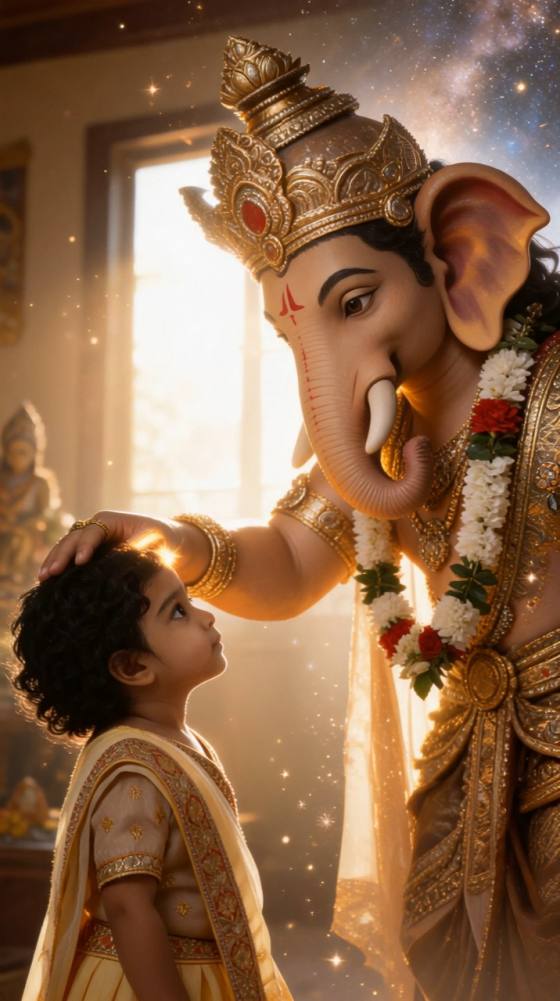
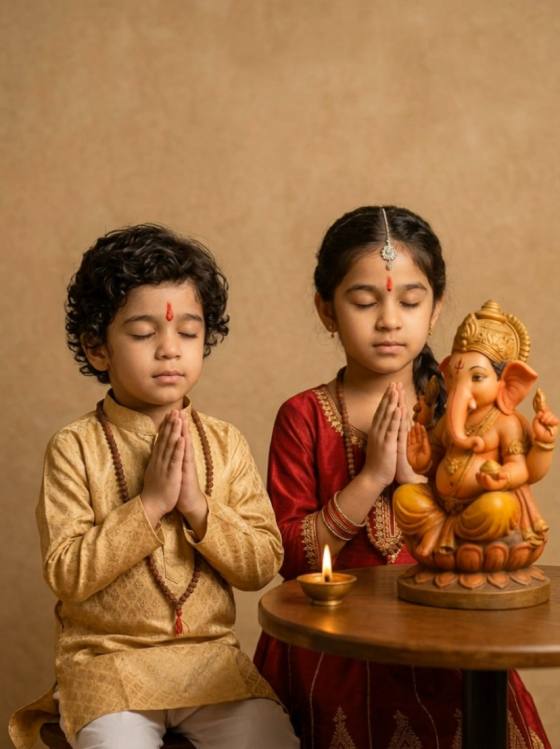
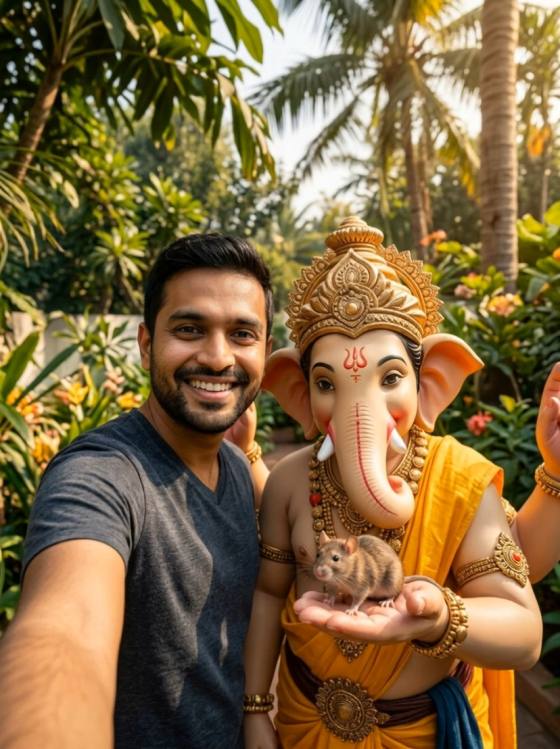
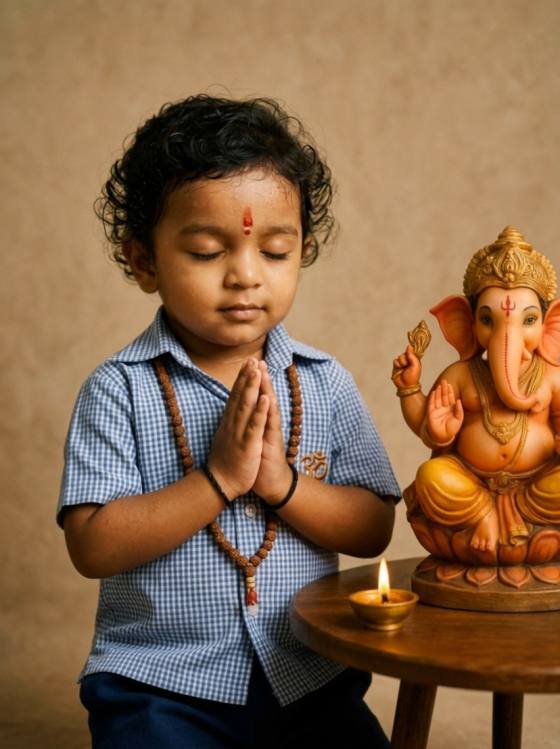
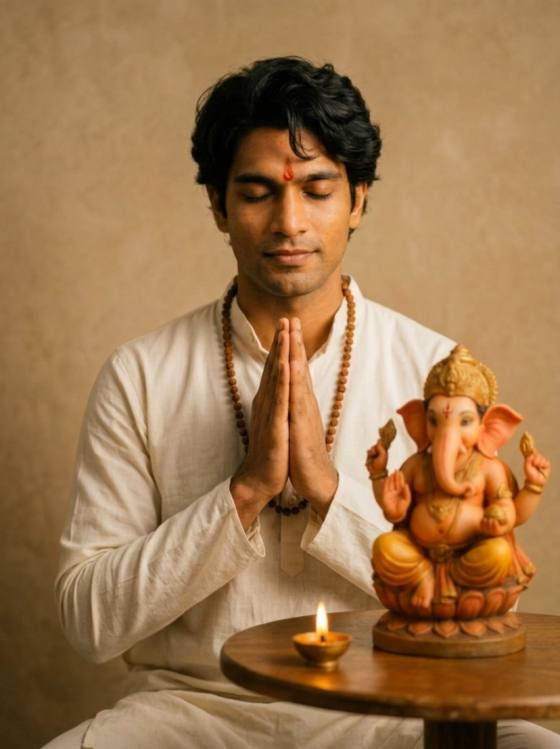
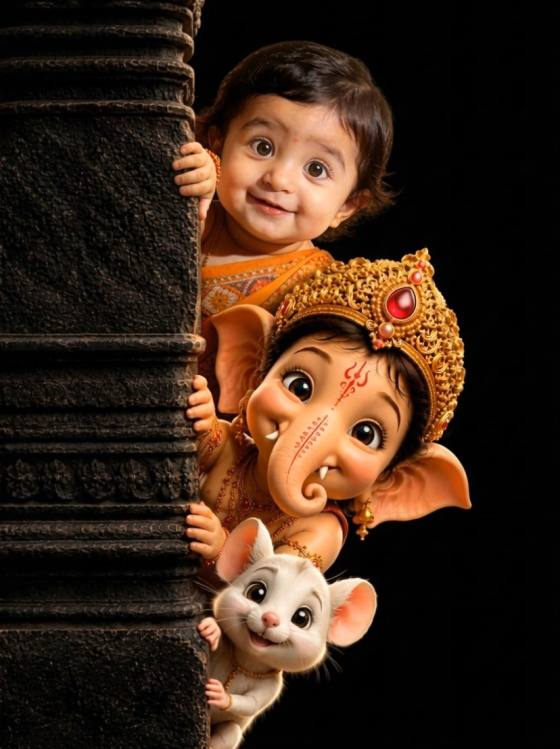
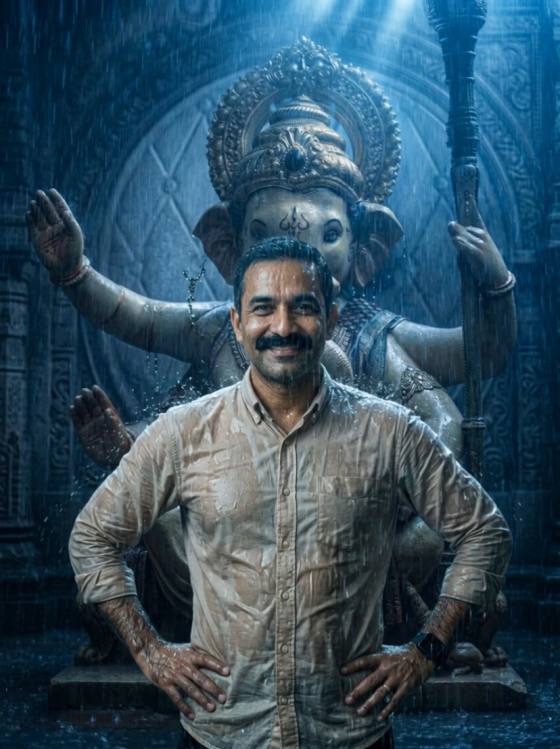
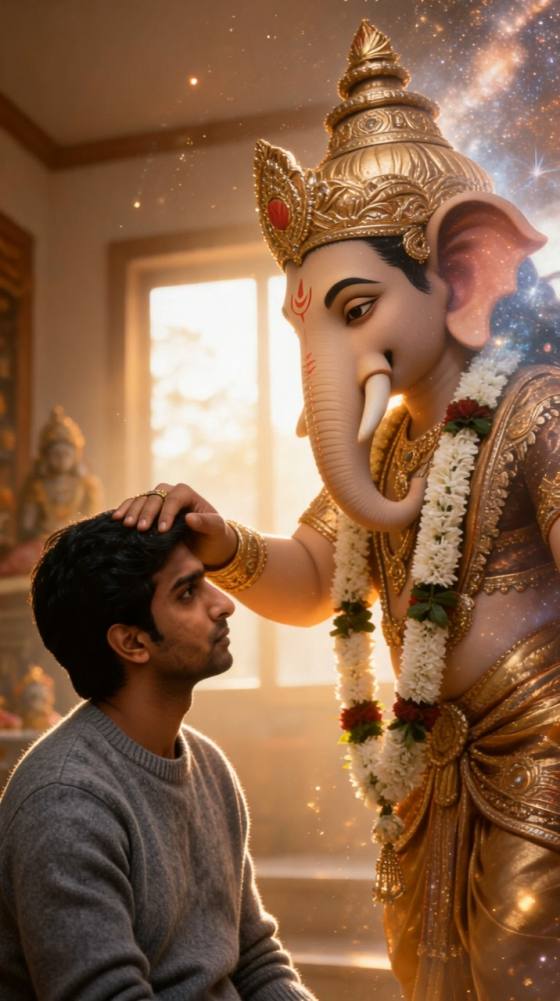
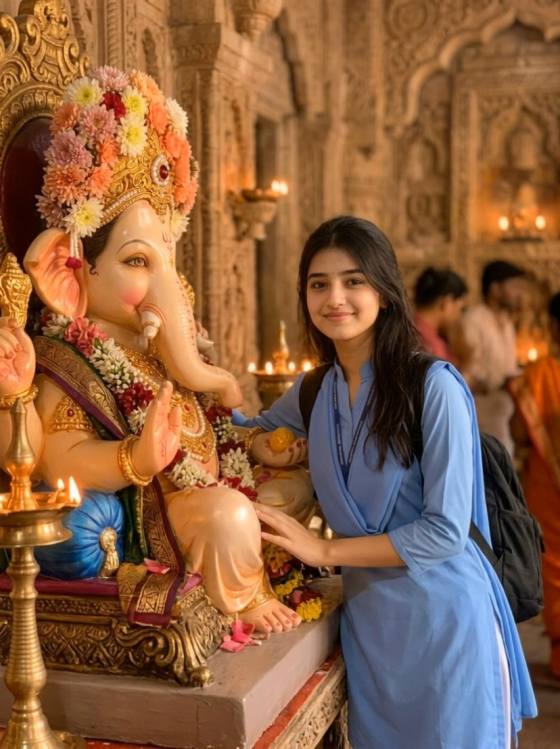
Convierte tu selfie favorita en un retrato festivo con indicaciones de fotos de Ganesh Chaturthi para chicas listas para copiar. Explora saris de seda, looks maharashtrianos, poses de puja, pandals de Ganpati y composiciones listas para Instagram. Sube tu foto, personaliza una indicación y crea una foto de Ganesh Chaturthi con IA realista manteniendo tu rostro reconocible.
Créditos gratuitos al registrarse. Sube solo fotos de tu propiedad o que tengas permiso para editar.
Explora indicaciones de fotos de IA de Ganesh Chaturthi para chicas con retratos en sari, escenas de Ganpati Bappa, thalis de puja, pandals florales, rangoli y looks festivos modernos.
Personaliza saris de seda, lehengas, trajes salwar y looks Nauvari maharashtriano junto con ídolos de Ganpati, rangoli, diyas, modaks y decoraciones de caléndula.
Usa una foto de referencia clara y pide a la IA que preserve tus rasgos faciales reconocibles, tono de piel natural, peinado y proporciones corporales realistas.
Copia una indicación de edición de fotos de Ganpati para chicas, luego ajusta el atuendo, la pose, el entorno festivo, la iluminación y la proporción de imagen para Instagram, WhatsApp o un recuerdo personal.
Navega por las indicaciones de fotos de Ganesh Chaturthi para chicas y elige una idea de retrato con sari, maharashtriano, puja, pandal de Ganpati o Instagram.
Sube un retrato claro que tengas permiso para usar. Personaliza el atuendo, la pose, la decoración de Ganpati, la iluminación y la proporción de imagen mientras pides a la IA que preserve el rostro.
Genera tu retrato festivo, verifica el rostro, las manos, las joyas y los detalles religiosos, luego refínalo y descárgalo para Instagram, WhatsApp o un recuerdo de celebración.

Creadora de retratos festivos

"Mi selfie cotidiana se convirtió en un retrato festivo pulido." La indicación del sari me dio un cálido entorno de caléndulas y diyas manteniendo mi rostro reconocible y la imagen final lo suficientemente natural para compartir en Instagram.

Creadora de contenido de festivales
"El atuendo y las decoraciones de Ganpati fueron fáciles de personalizar." Adapté una indicación de edición de fotos de Ganesh Chaturthi con un sari Nauvari, arco de caléndulas y luces de pandal nocturno. Cada detalle visual fue fácil de describir.

Creadora de contenido de moda
"El look maharashtriano se sentía detallado sin volverse excesivo." Pude especificar el sari Nauvari, el nath, el moño con mogra y la pose de namaste manteniendo la iluminación suave y el retrato creíble.

Editora de fotos con IA
"Ideas útiles para publicaciones, fotos de perfil y recuerdos festivos." La colección incluye primeros planos, fotos de sari de cuerpo entero, escenas de puja y retratos de pandal, por lo que puedo crear varios looks sin repetir una composición.
A Una indicación de foto de Ganesh Chaturthi para chicas es una instrucción escrita para crear o editar un retrato femenino festivo con IA. Puede definir el sari o lehenga, la pose, el entorno de Ganpati Bappa, las decoraciones de caléndula, la iluminación con diyas, el estilo de cámara y la proporción de imagen.
Sí. Sube una foto clara y bien iluminada en la que tu rostro sea visible, luego pide a la IA que preserve tus rasgos faciales reconocibles, tono de piel natural, peinado y proporciones corporales mientras cambia el atuendo, la pose o el fondo. Usa solo una foto de tu propiedad o que tengas permiso para editar.
Describe el atuendo, la pose, la expresión, el entorno de Ganpati, las decoraciones, la iluminación, el ángulo de cámara y la proporción de imagen. Para resultados realistas, añade instrucciones como "preservar el rostro", "textura de piel natural", "manos precisas", "joyas realistas" y "proporciones corporales creíbles".
Las opciones populares incluyen saris de seda, saris Nauvari maharashtriano, lehengas, trajes anarkali y trajes salwar sencillos. Especifica la tela, el color, las joyas y el peinado en tu indicación de foto de IA de Ganesh Chaturthi para que el resultado coincida con el look festivo deseado.
Solicita una composición vertical 4:5 para una publicación de Instagram o 9:16 para una Historia. Usa una pose de cuerpo entero o hasta la cintura, mantén el rostro claro y añade un entorno de festival reconocible como un pandal de Ganpati floral, un mandap de puja en casa o un fondo cálido iluminado con diyas.
 4.7 (162,357 votos)


