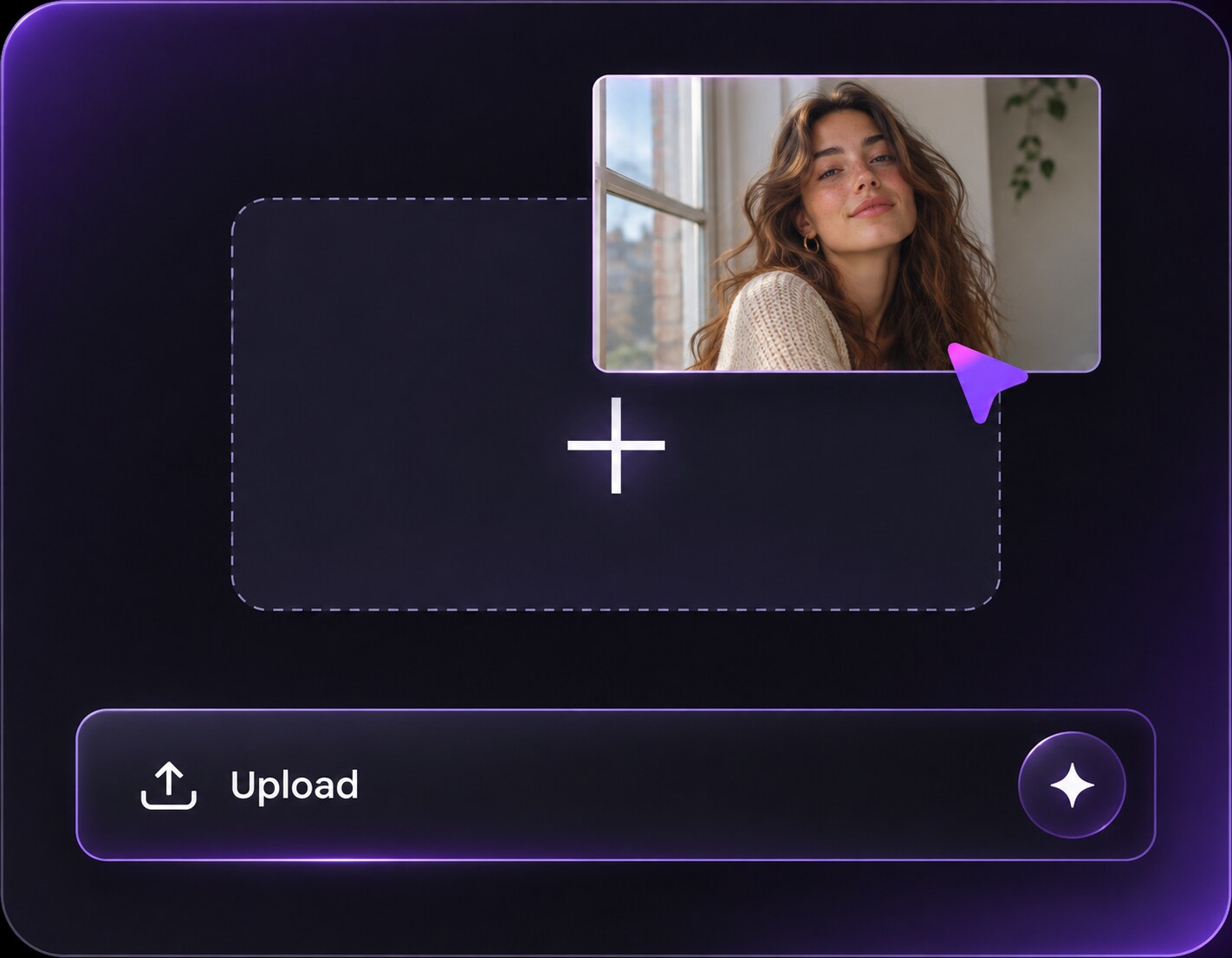
Haz clic o arrastra para subir, o elige de Mi HistorialHaga clic para cargarMi Historial
¿Sin ideas? Genera primero una imagen. >
Sube imágenes jpg, jpeg o png de hasta 50 MB, con un ancho/alto mínimo de 300 px.
See a Baby-Style Version of You With a Baby Face Filter
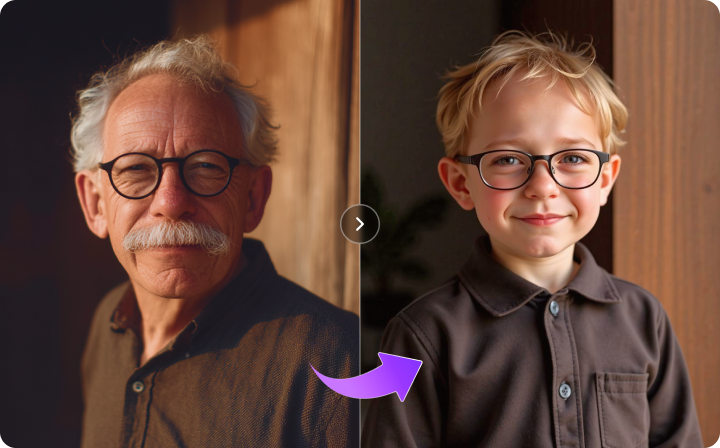
A friend finds an old childhood picture and suddenly everyone wants to know what their own baby version might look like. A baby face filter lets you explore that idea using an adult selfie: rounder cheeks, younger-looking proportions and the same familiar expression. It creates an imagined portrait, not a reconstruction of your actual childhood photo.
Ask for a specific younger-looking age range and preserve the source expression as a visual reference.
Baby Face Filter Prompts for Playful Younger Portraits
Describe how young the imagined character should appear and what original details help connect it to the adult source. Keep this as a fictional image, not a claimed authentic memory.
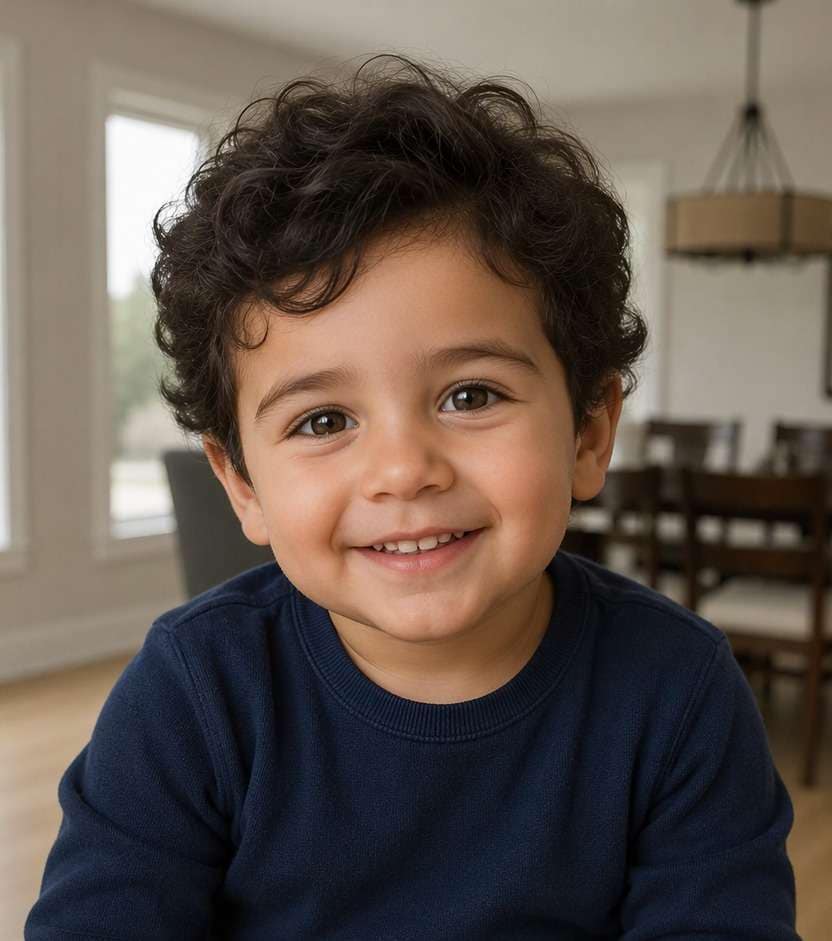
Toddler in a Familiar Room
Edit my uploaded reference photo: Reimagine the adult as a smiling toddler with rounded cheeks, softer facial proportions and similar eye color, preserving the room palette. Use the uploaded adult portrait as the visual reference. This is a fictional younger-looking interpretation, not an authentic childhood photograph. Keep familiar eye and smile cues where plausible; return one edited portrait.
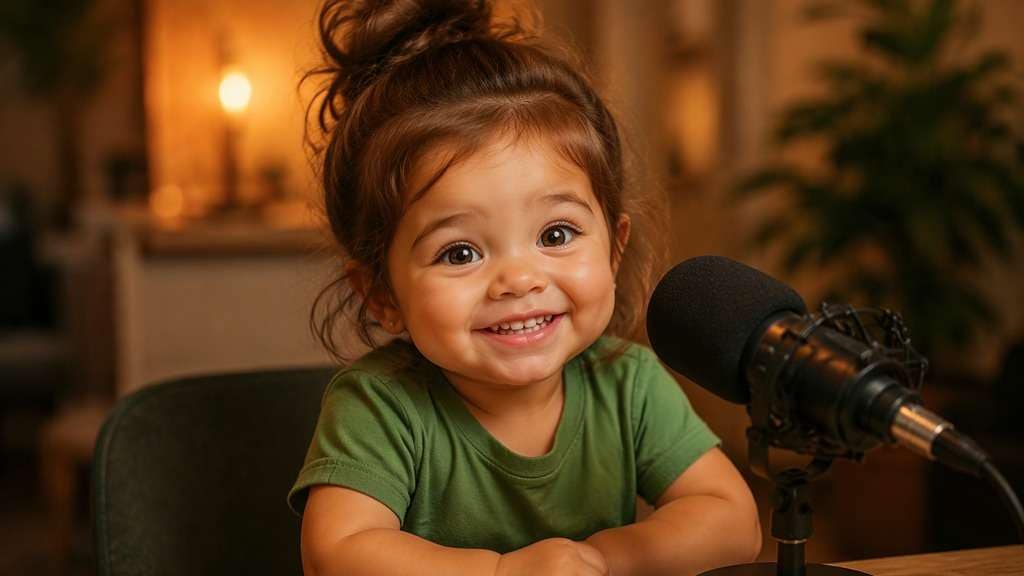
Baby Podcast Joke
Edit my uploaded reference photo: Create a fictional toddler-like version of the adult seated at a small podcast microphone, keeping their recognizable expression and simple outfit colors. Use the uploaded adult portrait as the visual reference. This is a fictional younger-looking interpretation, not an authentic childhood photograph. Keep familiar eye and smile cues where plausible; return one edited portrait.
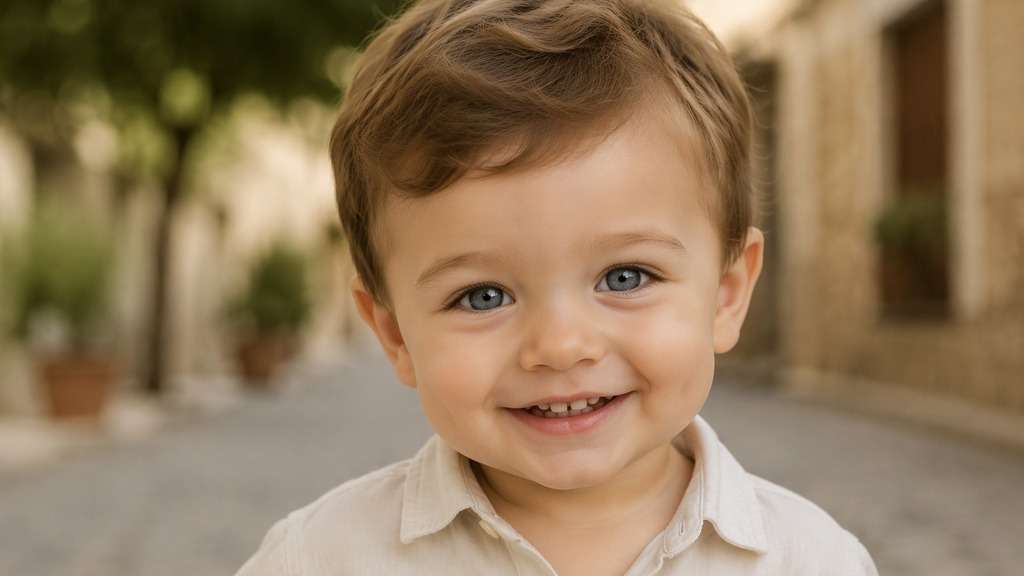
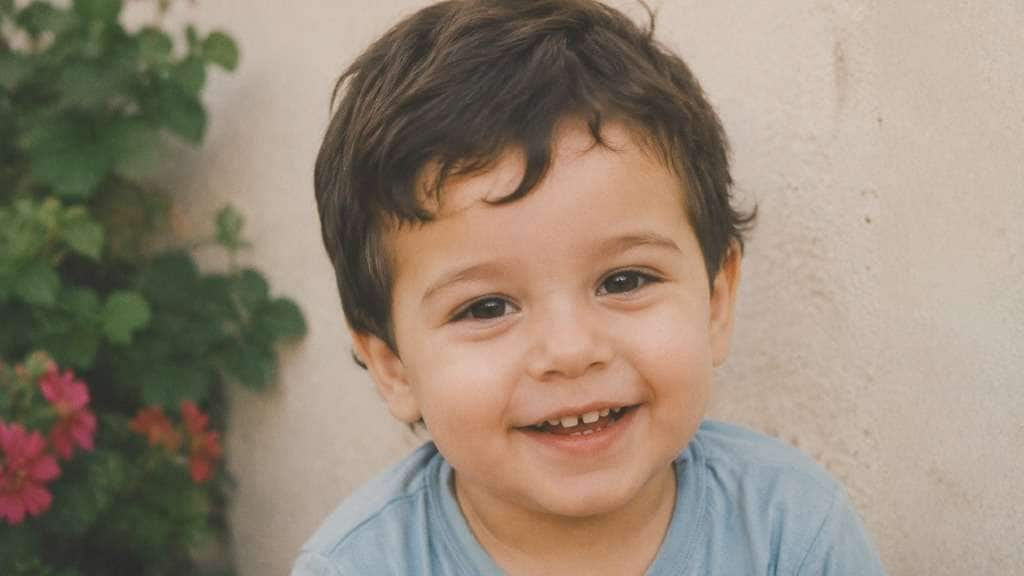
Family Album Style
Edit my uploaded reference photo: Reinterpret the adult selfie as a believable toddler-era family-album portrait with gentle film grain and a plain wall, without adding fake date stamps. Use the uploaded adult portrait as the visual reference. This is a fictional younger-looking interpretation, not an authentic childhood photograph. Keep familiar eye and smile cues where plausible; return one edited portrait.
Little Artist Portrait
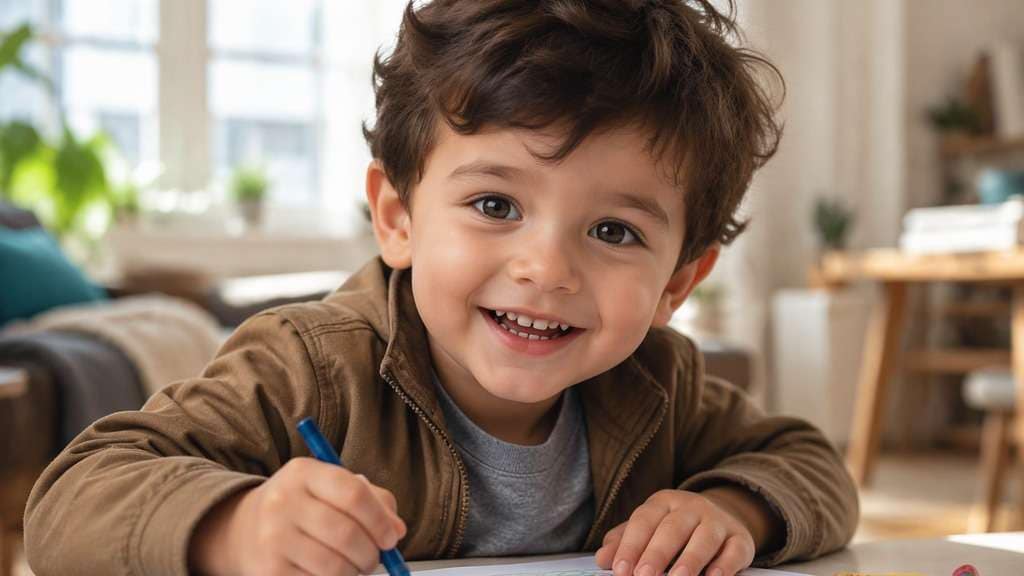
Edit my uploaded reference photo: Transform the adult into a cheerful young child at a drawing table with softer round facial proportions, retaining familiar eye and hair cues. Use the uploaded adult portrait as the visual reference. This is a fictional younger-looking interpretation, not an authentic childhood photograph. Keep familiar eye and smile cues where plausible; return one edited portrait.
Playful Baby Smile
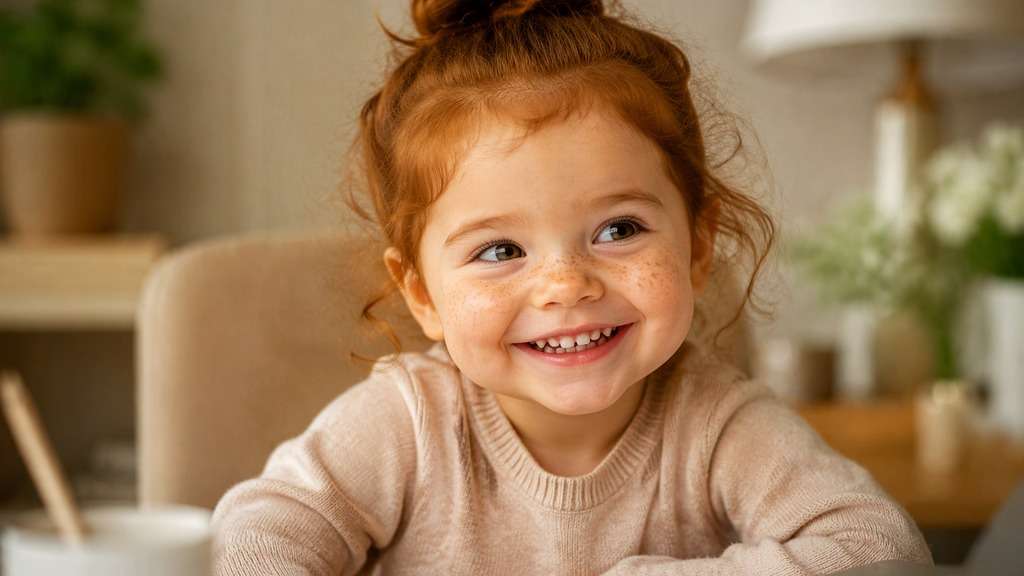
Edit my uploaded reference photo: Make a bright baby-like portrait with a rounder face, small nose and wide smile, keeping the original gaze direction as inspiration. Use the uploaded adult portrait as the visual reference. This is a fictional younger-looking interpretation, not an authentic childhood photograph. Keep familiar eye and smile cues where plausible; return one edited portrait.
Mini Birthday Portrait
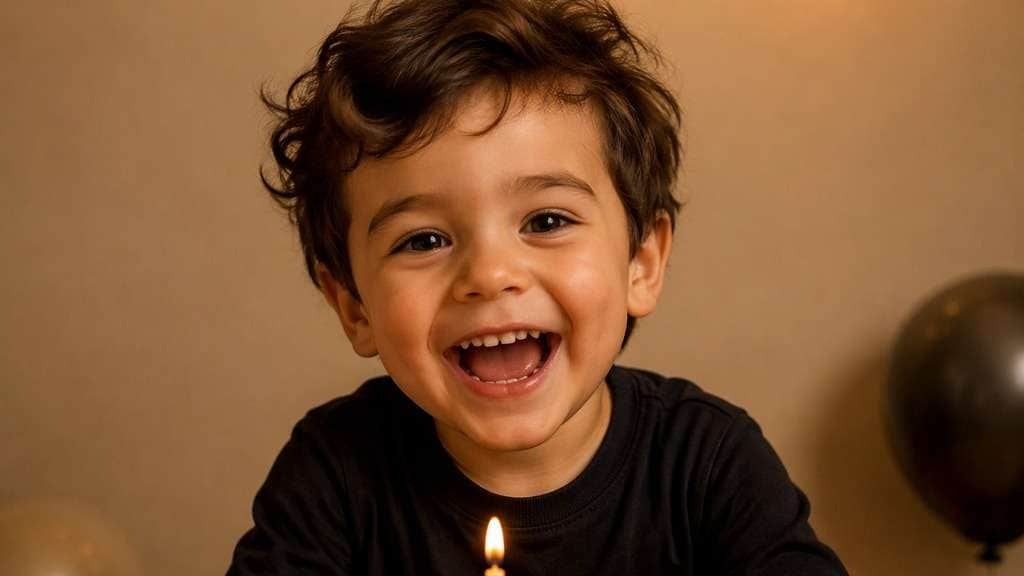
Edit my uploaded reference photo: Create an imagined toddler birthday snapshot from the adult portrait, using the same clothing palette and simple party light. Use the uploaded adult portrait as the visual reference. This is a fictional younger-looking interpretation, not an authentic childhood photograph. Keep familiar eye and smile cues where plausible; return one edited portrait.
Studio Baby-Style Headshot
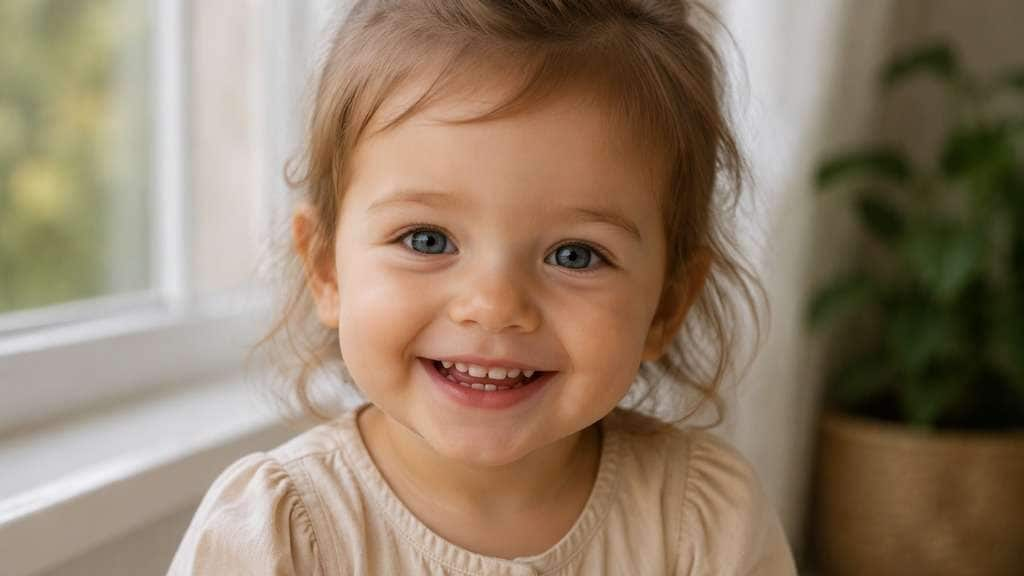
Edit my uploaded reference photo: Produce a clean fictional toddler portrait with soft daylight and natural skin detail, echoing the adult eye color and smile. Use the uploaded adult portrait as the visual reference. This is a fictional younger-looking interpretation, not an authentic childhood photograph. Keep familiar eye and smile cues where plausible; return one edited portrait.
Tiny Reader Character
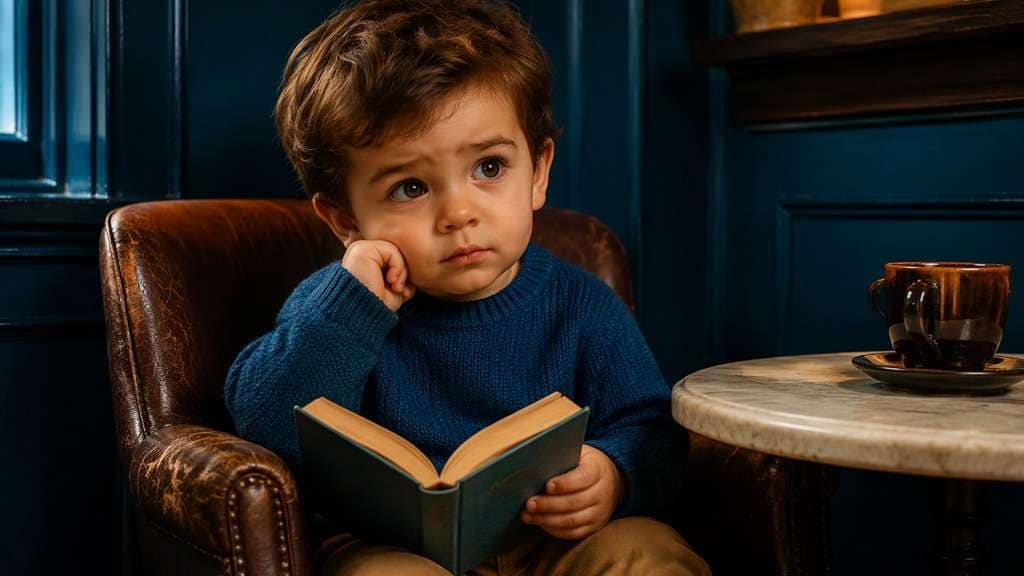
Edit my uploaded reference photo: Imagine a younger child version in a quiet reading corner, keeping a recognizable expression and the original room colors where feasible. Use the uploaded adult portrait as the visual reference. This is a fictional younger-looking interpretation, not an authentic childhood photograph. Keep familiar eye and smile cues where plausible; return one edited portrait.
Sleepy Baby Mood
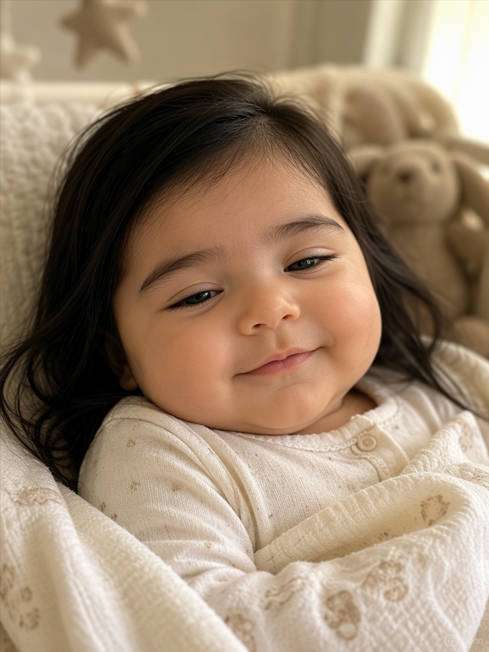
Edit my uploaded reference photo: Reimagine the adult as a sleepy infant-like portrait with relaxed eyes, soft cheeks and warm natural nursery-style light, without changing to an unrelated face. Use the uploaded adult portrait as the visual reference. This is a fictional younger-looking interpretation, not an authentic childhood photograph. Keep familiar eye and smile cues where plausible; return one edited portrait.
Baby Version of a Formal Photo
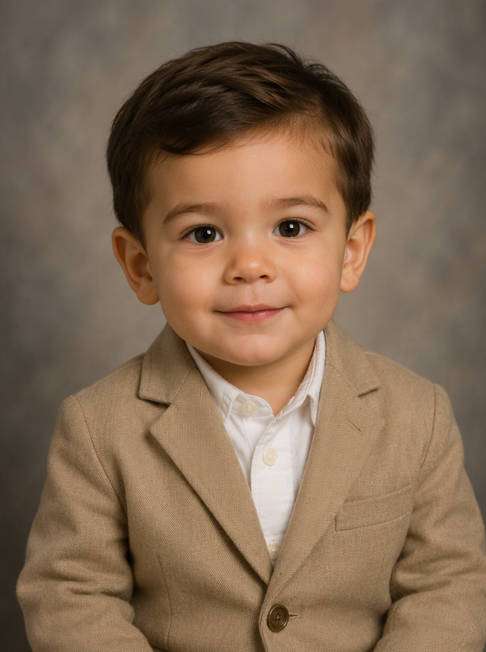
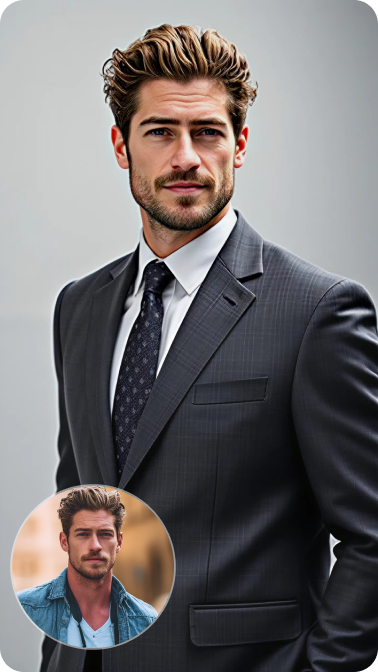
Edit my uploaded reference photo: Turn the adult formal portrait into a humorous imagined toddler dressed in a simplified similar-colored jacket, retaining the original calm expression. Use the uploaded adult portrait as the visual reference. This is a fictional younger-looking interpretation, not an authentic childhood photograph. Keep familiar eye and smile cues where plausible; return one edited portrait.
Make the Age Change Clear Without Claiming It Is Real
Choose Baby or Toddler Proportions
A baby and a preschooler do not look the same. Specify the approximate younger age and the degree of roundness you want, then inspect whether the output matches that intent rather than shifting to a random child.
Carry Over Recognizable Visual Cues
Eye color, expression and broad facial resemblance can help connect the playful image to the adult photo. These are creative cues, not a promise of exact identity preservation across an extreme age change.
Keep the Storyline Plausible
A family-album feel works with soft light and a simple setting. A podcast joke works with a tiny mic and a more obvious comic contrast. Choose one narrative instead of stacking unrelated props.
Be Clear It Is an AI Interpretation
Generated younger versions cannot reveal what someone truly looked like at that age. Use the effect for playful posts and visual storytelling, and label synthetic childhood-style images when context could mislead viewers.
How to Make a Baby Face Filter Photo Online
Use a permitted adult portrait with a visible expression and good light, then choose the younger-looking result you want.
Step 1
Upload an Adult Portrait
Open Media.io AI Face Editor and upload a clear adult face photo you have permission to edit.
Step 2
Describe the Imagined Younger Look
Enter a prompt for a baby-like or toddler-age face, naming recognizable features and an optional story setting.
Step 3
Generate and Compare Familiar Traits
Click Generate and check whether the expression, eye color and overall scene echo the adult photo in a playful way.
Think of these as imaginative character images, not factual records of someone's childhood.
Join a Lighthearted Then-and-Now Conversation
Friends may share real childhood pictures while you have none handy. A clearly labeled AI baby-face version can join the conversation as a joke, especially when the smile or eye color recalls the adult selfie.
Make a Baby Podcast Reaction Image
For a meme, place a fictional toddler version behind a tiny microphone with a serious expression. The funny contrast matters more than photorealistic facial reconstruction, and it should be shared as an edited image.
Create an Imagined Album-Style Portrait
Try soft daylight, restrained grain and simple clothes to give the scene a familiar album mood. Avoid fake dates, official documents or claims that the image is a genuine photo from the past.
Baby Face Filter Photo Preview Checklist
Age Impression
Photo preview checklist
"Check age impression before export" The age should match the requested imaginative baby or toddler range.
Familiar Traits
Photo preview checklist
"Check familiar traits before export" Eye color and expression can echo the adult without promising exact identity.
Scene
Photo preview checklist
"Check scene before export" A familiar setting may need natural age-appropriate adaptation.
Labeling
Photo preview checklist
"Check labeling before export" Mark the synthetic result as an imagined portrait when sharing.
1. Does a baby face filter show what I really looked like as a baby?
No. The AI creates an imagined younger-looking interpretation of an adult photo. It cannot recover a true childhood appearance from a current selfie.
2. What is the difference between a baby and toddler filter?
A baby-style effect uses noticeably rounder infant-like proportions; a toddler-style result usually shows a slightly older young child with more developed facial structure. Specify which age range you prefer.
3. Can I keep my eye color and smile?
You can ask the model to use those traits as references. A large age transformation redraws the face, so the result may not reproduce every detail faithfully.
4. Is this the same as Snapchat's baby Lens?
No. This page describes editing an uploaded still photo; Snapchat Lenses are camera-based AR experiences. The results and controls differ.
5. Can I create a baby podcast meme with a photo?
You can request a fictional toddler portrait at a tiny microphone with a recognizably serious or cheerful expression. Keep the image clearly presented as AI-created.
6. Should I use a photo of a child?
The workflow is designed around an adult selfie to imagine a younger version. Use images you are entitled to edit and avoid creating misleading representations of real children.