Haz clic o arrastra para subir, o elige de Mi HistorialHaga clic para cargarMi Historial
¿Sin ideas? Genera primero una imagen. >
Sube imágenes jpg, jpeg o png de hasta 50 MB, con un ancho/alto mínimo de 300 px.
Preview Ash Blonde Hair Color on Your Photo
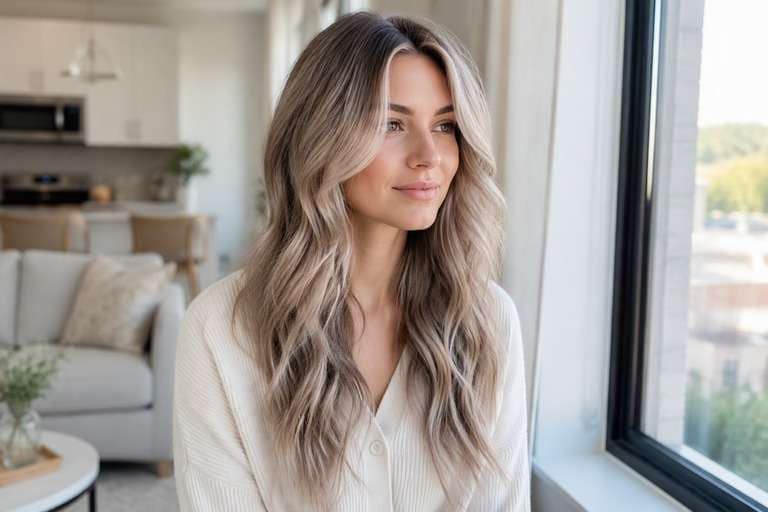
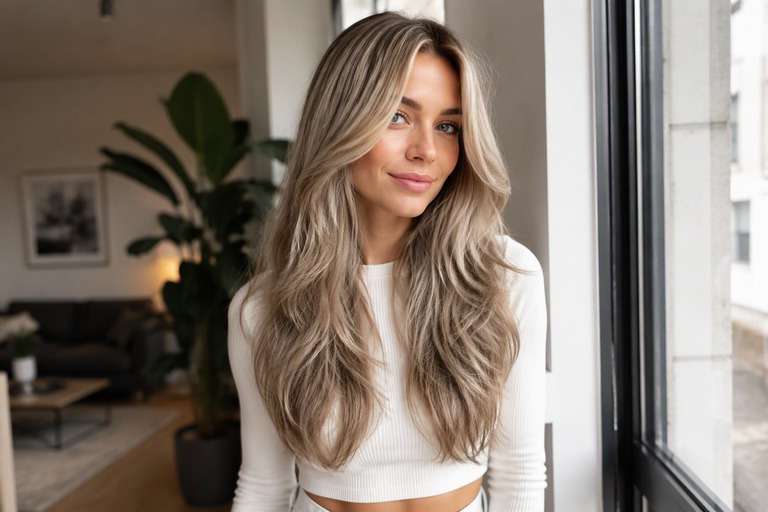
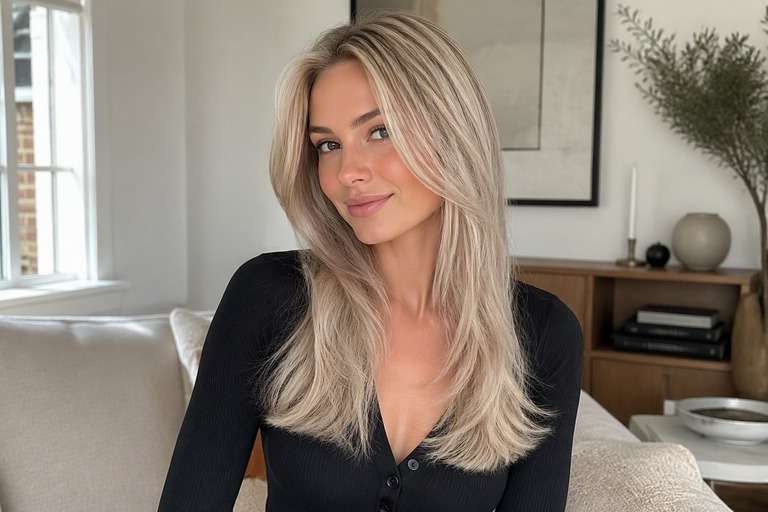
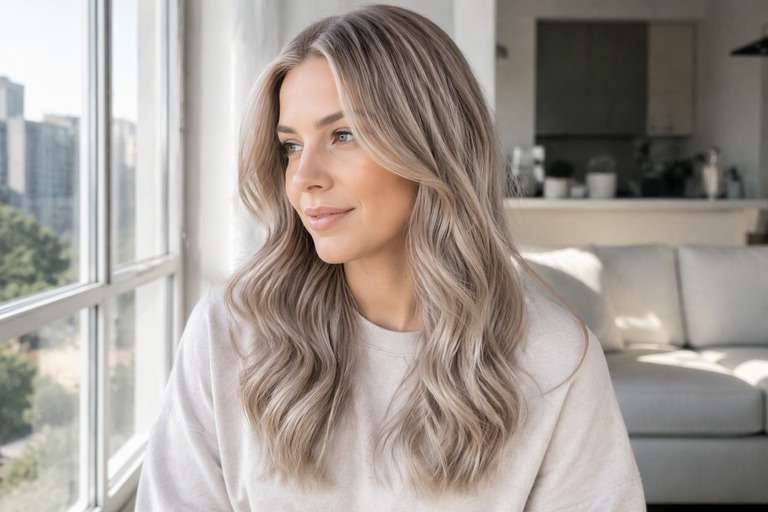
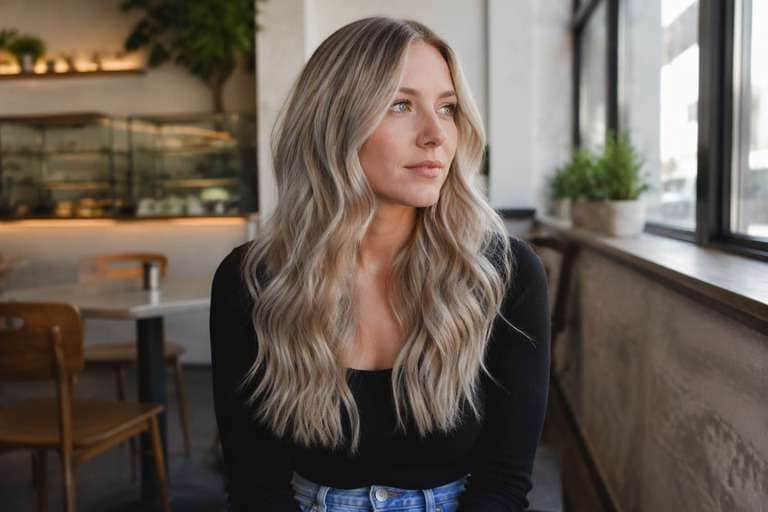
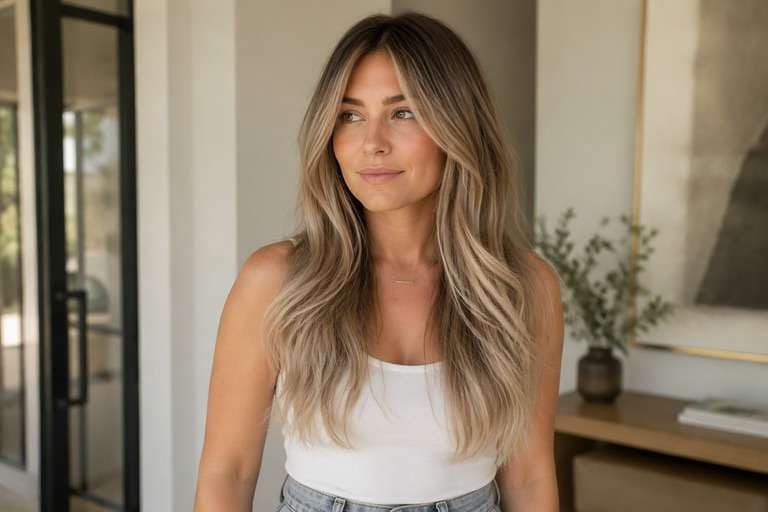
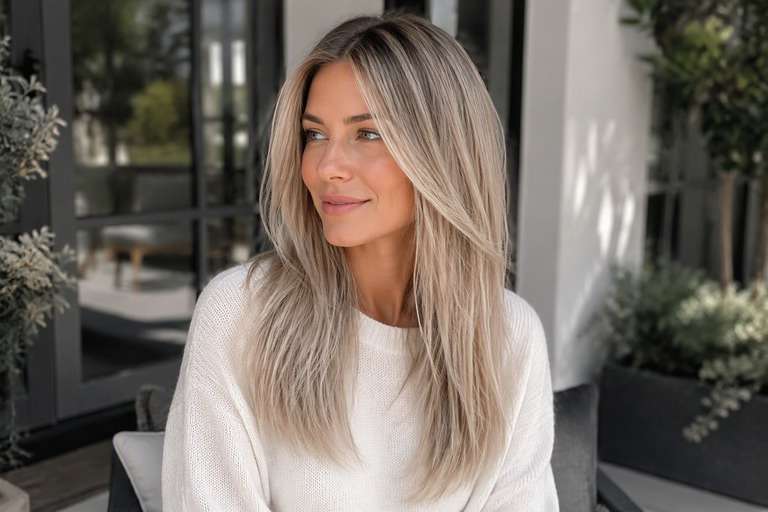
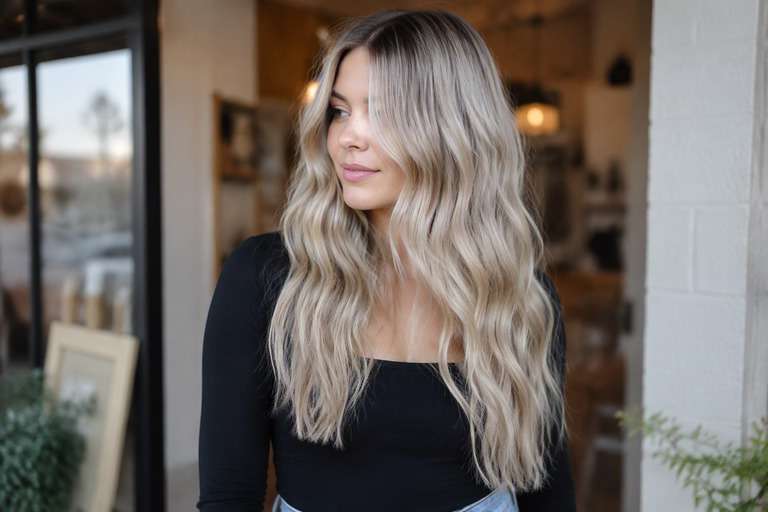
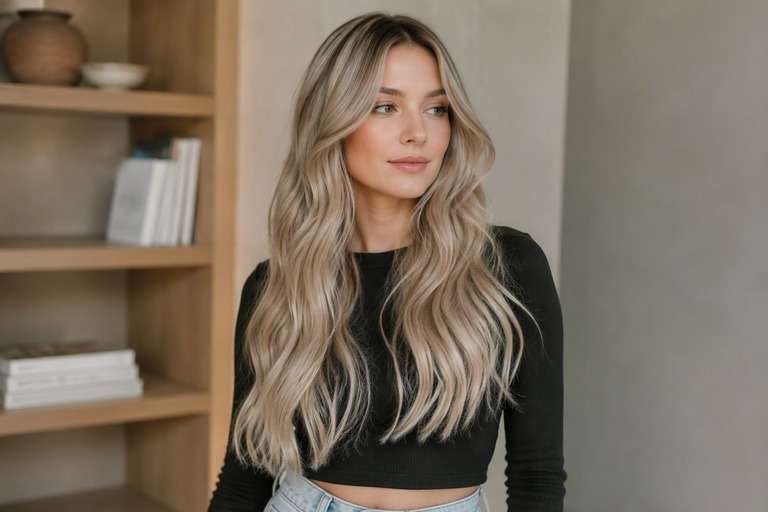
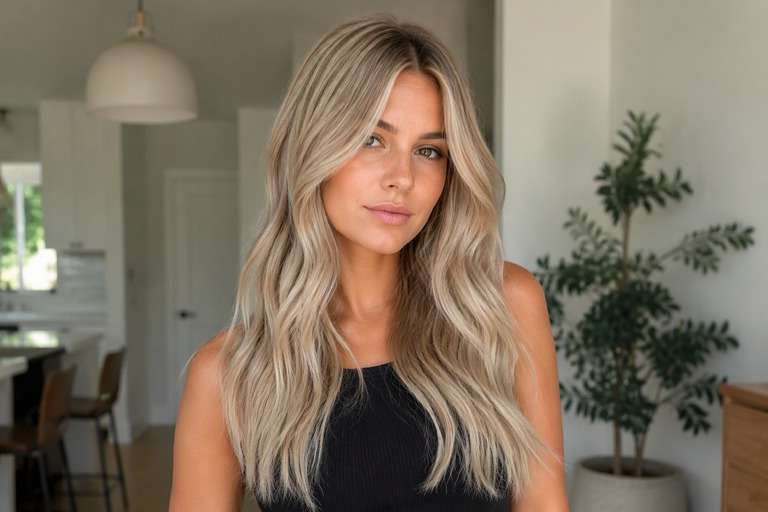
Want a cooler blonde without making your hair look silver? Try smoky beige, soft mushroom and medium ash tones with the AI ash blonde hair filter. A clear, evenly lit portrait makes it easier to see whether the new undertone flatters your skin or simply looks gray. Keep your cut and roots recognizable as you compare shades. If you are planning to tone down unwanted gold, save the version that captures the cool blonde you actually want.
Choose even, neutral lighting. A yellow room light can make an ash preview look warmer than the shade itself.
Ash Blonde Hair Color Photo Editing Prompts
Choose how much color you want to see, not just a shade name. Lower warmth and reduce brassiness without turning pure silver. The prompts below separate delicate daytime finishes from stronger statement looks. Keep your face, hair length, existing cut and background fixed to compare color alone.
Smoky Beige
Edit my uploaded portrait to preview smoky beige: cool muted ash blonde with beige-silver undertones. Lower warmth and reduce brassiness without turning pure silver. Keep my exact identity, skin, eyebrow shape, expression, haircut, hair length, pose, clothing, camera angle and background unchanged. Adjust only hair color and realistic color placement; maintain natural individual strands, root shadows and convincing highlights. No new hairstyle, makeup, accessories, text, logos, phones or mirrors. Keep intensity subtle and wearable.
Cool Mushroom Blonde
Edit my uploaded portrait to preview cool mushroom blonde: cool muted ash blonde with beige-silver undertones. Lower warmth and reduce brassiness without turning pure silver. Keep my exact identity, skin, eyebrow shape, expression, haircut, hair length, pose, clothing, camera angle and background unchanged. Adjust only hair color and realistic color placement; maintain natural individual strands, root shadows and convincing highlights. No new hairstyle, makeup, accessories, text, logos, phones or mirrors. Add medium contrast with blended transitions.
Pale Ash
Edit my uploaded portrait to preview pale ash: cool muted ash blonde with beige-silver undertones. Lower warmth and reduce brassiness without turning pure silver. Keep my exact identity, skin, eyebrow shape, expression, haircut, hair length, pose, clothing, camera angle and background unchanged. Adjust only hair color and realistic color placement; maintain natural individual strands, root shadows and convincing highlights. No new hairstyle, makeup, accessories, text, logos, phones or mirrors. Make the shade vivid but believable.
Subtle Ash Blonde
Edit my uploaded portrait to preview subtle ash blonde: cool muted ash blonde with beige-silver undertones. Lower warmth and reduce brassiness without turning pure silver. Keep my exact identity, skin, eyebrow shape, expression, haircut, hair length, pose, clothing, camera angle and background unchanged. Adjust only hair color and realistic color placement; maintain natural individual strands, root shadows and convincing highlights. No new hairstyle, makeup, accessories, text, logos, phones or mirrors. Use softly diffused color rather than hard stripes.
Dimensional Ash Blonde
Edit my uploaded portrait to preview dimensional ash blonde: cool muted ash blonde with beige-silver undertones. Lower warmth and reduce brassiness without turning pure silver. Keep my exact identity, skin, eyebrow shape, expression, haircut, hair length, pose, clothing, camera angle and background unchanged. Adjust only hair color and realistic color placement; maintain natural individual strands, root shadows and convincing highlights. No new hairstyle, makeup, accessories, text, logos, phones or mirrors. Preserve multi-tonal depth and believable natural shadow.
Face-Framing Ash Blonde
Edit my uploaded portrait to preview face-framing ash blonde: cool muted ash blonde with beige-silver undertones. Lower warmth and reduce brassiness without turning pure silver. Keep my exact identity, skin, eyebrow shape, expression, haircut, hair length, pose, clothing, camera angle and background unchanged. Adjust only hair color and realistic color placement; maintain natural individual strands, root shadows and convincing highlights. No new hairstyle, makeup, accessories, text, logos, phones or mirrors. Give the front strands a slightly brighter tonal emphasis.
Glossy Ash Blonde
Edit my uploaded portrait to preview glossy ash blonde: cool muted ash blonde with beige-silver undertones. Lower warmth and reduce brassiness without turning pure silver. Keep my exact identity, skin, eyebrow shape, expression, haircut, hair length, pose, clothing, camera angle and background unchanged. Adjust only hair color and realistic color placement; maintain natural individual strands, root shadows and convincing highlights. No new hairstyle, makeup, accessories, text, logos, phones or mirrors. Favor reflective shine without changing overall exposure.
Natural-Light Ash Blonde
Edit my uploaded portrait to preview natural-light ash blonde: cool muted ash blonde with beige-silver undertones. Lower warmth and reduce brassiness without turning pure silver. Keep my exact identity, skin, eyebrow shape, expression, haircut, hair length, pose, clothing, camera angle and background unchanged. Adjust only hair color and realistic color placement; maintain natural individual strands, root shadows and convincing highlights. No new hairstyle, makeup, accessories, text, logos, phones or mirrors. Show credible window-light color reflections.
Soft-Root Ash Blonde
Edit my uploaded portrait to preview soft-root ash blonde: cool muted ash blonde with beige-silver undertones. Lower warmth and reduce brassiness without turning pure silver. Keep my exact identity, skin, eyebrow shape, expression, haircut, hair length, pose, clothing, camera angle and background unchanged. Adjust only hair color and realistic color placement; maintain natural individual strands, root shadows and convincing highlights. No new hairstyle, makeup, accessories, text, logos, phones or mirrors. Keep natural root depth and smooth transition.
Bold Ash Blonde
Edit my uploaded portrait to preview bold ash blonde: cool muted ash blonde with beige-silver undertones. Lower warmth and reduce brassiness without turning pure silver. Keep my exact identity, skin, eyebrow shape, expression, haircut, hair length, pose, clothing, camera angle and background unchanged. Adjust only hair color and realistic color placement; maintain natural individual strands, root shadows and convincing highlights. No new hairstyle, makeup, accessories, text, logos, phones or mirrors. Make the target shade immediately legible at a glance.
Ash Blonde Hair: Choose Cool Tone, Depth and Roots
Muted Ash, Not Flat Gray
A cool blonde should still have dimensional highlights and shadows. Try beige-ash before a very smoky version if you want to avoid a color that appears silvery in ordinary daylight.
Separate Tone From Lightness
Ash blonde is about undertone, not necessarily about going dramatically lighter. Compare a medium ash against a paler result to see whether the coolness or the brightness is what attracts you.
Check Your Brows and Roots
Dark eyebrows and a natural root shadow can work with cool blonde. Keep both intact in the preview to judge contrast around your face instead of smoothing everything to one shade.
Watch for Yellow Lighting
Warm indoor bulbs can push neutral hair toward gold. Use a natural-light base image where possible and review whether you still like ash tones without a heavy photo filter.
How to Try Ash Blonde Hair Color in a Photo
Use a muted beige-ash prompt first, then test a smokier option without changing the face or haircut.
Step 1
Upload Your Photo
Upload a clear front or three-quarter hair photo with the roots and color area visible. Use even light and keep your face, cut and background unfiltered.
Step 2
Choose a Haircut Filter or Enter a Prompt
Choose a suitable hair color preset if available or describe the target color and placement in a prompt. Keep the original haircut and facial features unchanged.
Step 3
Click Generate
Click Generate. Check the color only against your original image, then refine its tone or placement if the first preview is too strong or too subtle.
Focus on the cool tone you want, and keep expectations realistic about what a salon can achieve.
Correcting an Overly Golden Look
If your current blonde looks warmer than you hoped, compare a light beige-ash and a deeper smoky option. Show the difference to your stylist instead of only asking for less yellow.
Trying a Cooler Seasonal Change
Moving from sunlit summer blonde to a softer winter color? Keep the same hairstyle and face framing so the cool shift is easy to assess alongside your clothes and complexion.
Choosing a Salon Reference Photo
Save one achievable-looking neutral ash and one more editorial silver-ash. A colorist can then explain what toning, lifting and maintenance might be needed from your existing base. Ask about how cooler toning would interact with your existing highlights and whether your hair is already light enough for the shade you selected.
How to Review Your Ash Blonde Hair Preview
Visible Color Change
Image review checklist
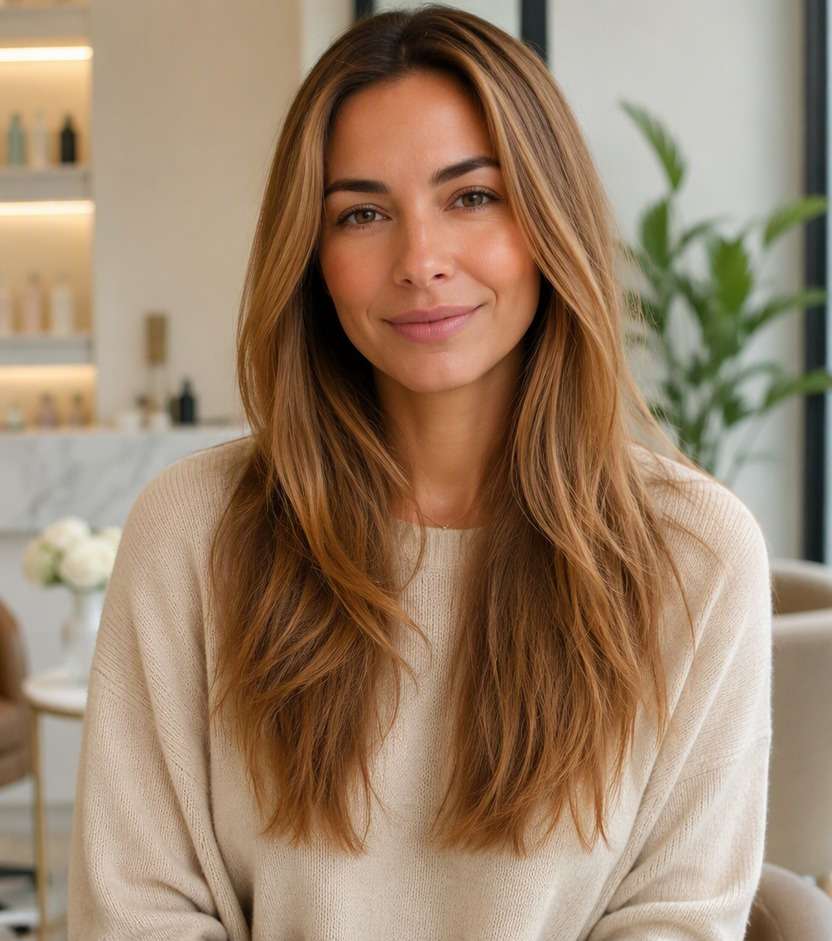
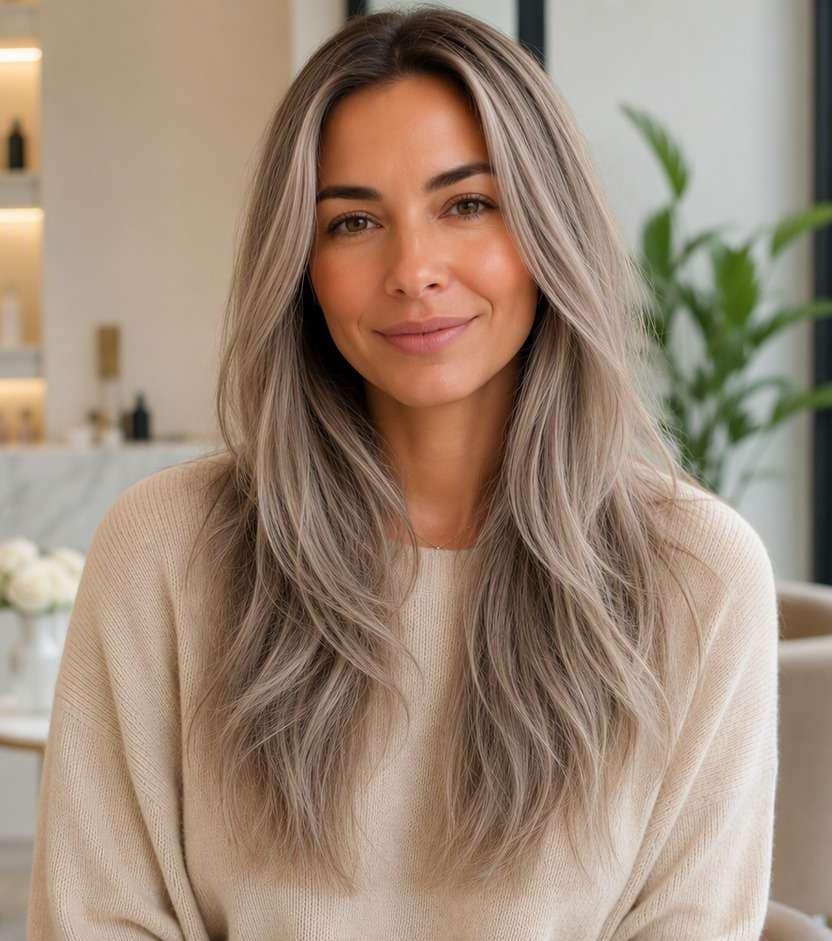
"Does the color match the idea?" The before must show warm dark-blonde hair with visible golden undertones. The after should show cool muted ash blonde with beige-silver undertones. Reject an edit that only increases overall photo warmth.
Same Face and Hairstyle
Image review checklist
"Did the edit preserve your features?" Compare face shape, hair length, haircut, background and clothing. A useful virtual color test leaves these unchanged.
Placement and Strands
Image review checklist
"Does color follow real strands?" Look for lower warmth and reduce brassiness without turning pure silver. Check that color follows actual strands and is not painted onto skin or the background.
Real-World Expectations
Image review checklist
"Is this a reference, not a promise?" Use this image to discuss your preferred appearance. Real coloring depends on your starting color, treatment history and the technique chosen by your stylist.
No. Ash blonde can be softly beige or smoky with a cooler undertone. If the preview reads gray, try asking for a neutral-cool blonde with more natural depth.
2. Can I try ash blonde on brown hair?
You can preview that appearance on brown hair in a photo. The edit does not indicate how much lifting a real color service would require, especially on previously colored hair.
3. Is ash blonde the same as platinum blonde?
No. Ash refers to a cool undertone, while platinum is generally much lighter. Compare medium ash and very pale platinum separately to avoid blending two different decisions.
4. What photo gives the most accurate cool-tone comparison?
Choose a sharp portrait in neutral daylight with roots and ends visible. Avoid yellow indoor light and beauty filters that shift the appearance of skin and hair together.
5. How do I use the AI ash blonde hair filter?
Upload a suitable portrait to Media.io, use a color option or a custom ash-blonde prompt and click Generate. Compare the result against your untouched photo at normal screen brightness.
6. Will a cool blonde look the same after dyeing?
No AI edit can predict a specific color formula or final salon outcome. Your starting color, hair condition and toning process all affect the result.