BLACK FRIDAY: HASTA¡50% DE DESCUENTO!
Reclamar oferta
Intercambio de bikini con IA
Subir personaje
Haz clic o arrastra para subir, o elige de Mi HistorialHaga clic para cargarMi Historial
¿Sin ideas? Genera primero una imagen. >
Consejo: añade una foto nítida de la persona cuya ropa quieres cambiar. Se admiten los formatos PNG, JPG y JPEG.
Subir bikini
Haz clic o arrastra para subir, o elige de Mi HistorialHaga clic para cargarMi Historial
¿Sin ideas? Genera primero una imagen. >
Consejo: Usa una toma de producto del bikini sin modelo.
Ejemplos:
Relación de aspecto

See Yourself in a Yacht-Ready Bikini

Wondering whether a different swimsuit would look believable in your yacht photo before you post it? Use your adult photo and a chosen or uploaded bikini reference to preview an outfit swap. For AI yacht bikini photos, start with the yacht setting you want to keep: only the clothing changes, while the source photo's background, pose and lighting stay the same. Results vary.

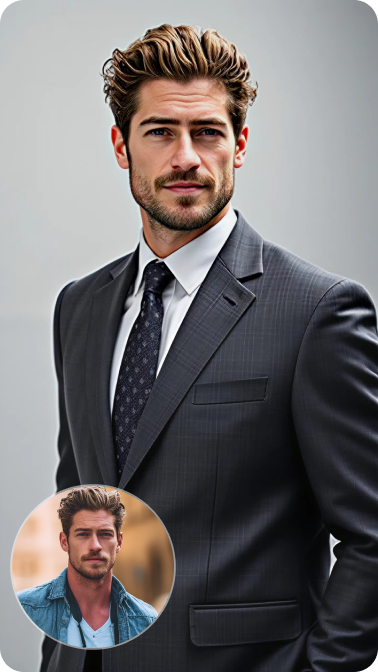
Everyday photo before swimsuit preview
Swimsuit swap preview on the same photo
Preview a Bikini Swap

Start with a clear adult photo taken in the yacht setting you want to show. This edit will not add a yacht to a beach or indoor photo.

What to Check Before You Share the Photo

Keep the Vacation Setting Credible

A convincing yacht image starts with a source photo that already shows the deck, water or other setting you want. An outfit swap does not create a new destination. Choose a photo whose background tells the vacation story before you compare swimsuit styles.

Judge the Cut Against Your Pose

A neckline or waistband can read differently when you are seated, standing or leaning against a rail. Compare style samples with the pose you actually photographed rather than assuming a cut will look the same as it does in a reference image. Preview results vary.

Match Color to Existing Light

Bright sun, deck shade and reflected water can change how a swimsuit color appears. Try a reference with enough contrast to be visible in your source photo, then inspect the illustrative preview for color and edges before deciding whether it is worth sharing.

Decide Whether the Source Photo Is Ready

Before using luxury bikini photoshoot AI as an alternative to booking a shoot, inspect your original photo. A clearly visible adult subject, unobstructed clothing and a setting you already like give you a more useful starting point than an image that needs a new pose or background.

Preview the Swimsuit on Your Yacht Photo

Use a photo of an adult in the setting and pose you want to keep. You will choose a bikini style sample or supply a swimsuit reference; there is no text-prompt step.

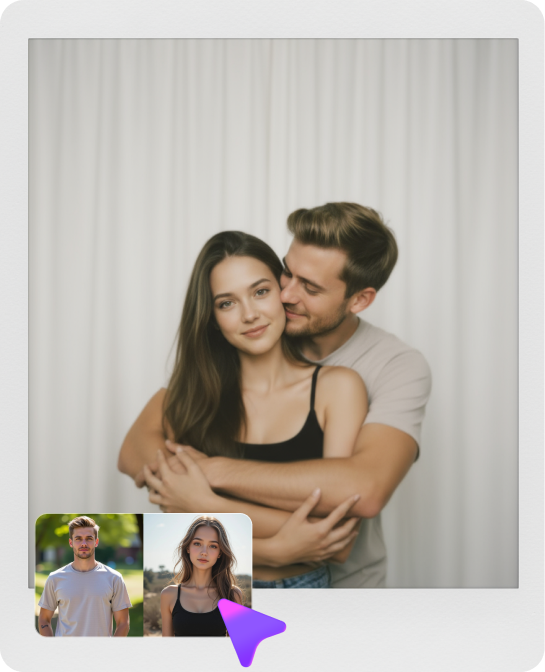
Adult uploading yacht vacation photo
Step 1

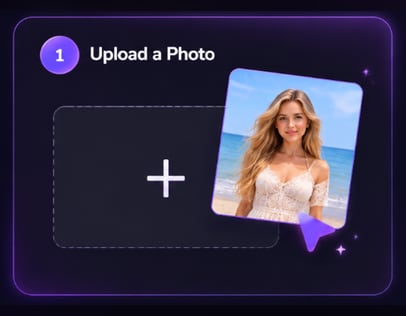
Upload Your Photo

Select a clear adult photo with the yacht background, pose and lighting you want in the final preview. Check that the clothing area is visible enough to assess an outfit swap.

Adult choosing bikini style reference
Step 2

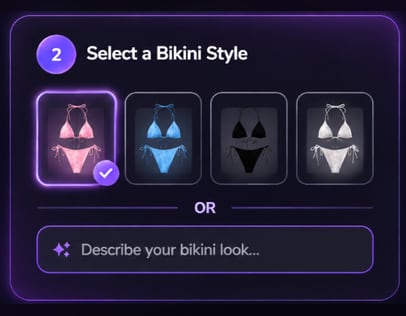
Choose a Bikini Style or Upload Your Own

Pick a bikini style sample or upload a reference photo of the swimsuit you want. Compare its cut, coverage and color with your source photo before continuing.

Adult reviewing bikini swap preview
Step 3

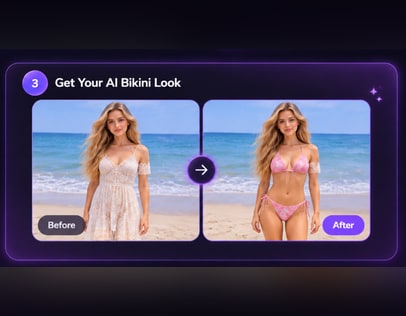
Click Generate

Click Generate for an illustrative preview that swaps only the clothing while the original background, pose and lighting stay unchanged. Inspect the result before sharing; results vary.

When a Bikini Preview Helps

A yacht bikini photoshoot is not always the next step. An outfit preview can help you decide whether the adult vacation photo you already have works for the occasion, without treating a clothing swap as a new trip or a new shoot.

Choose a Photo for a Vacation Post

You have an adult photo on a boat but are unsure whether the swimsuit works with the deck and daylight. Compare a few cuts on that same image, then choose whether to share the original, use a preview or leave the photo out of your post.

Narrow Down Swimwear Before a Trip

You already know the kind of yacht photo you like and want to compare swimsuit silhouettes before packing or shopping. Use an adult source photo with a similar pose and lighting to assess colors and coverage, not to predict exact garment fit.

Decide Whether to Book a Shoot

If your existing adult yacht snapshot has the right expression and setting, a clothing preview may help you decide whether it serves your purpose. If you need a different pose, location or lighting, an outfit-only edit cannot replace a new photograph.


What Media.io Users Say About AI Beach Photo Previews

TG
Todor Gerovski

April 28, 2025

star star star star star

“I have great experience with their tools. I had some very windy videos and managed to remove all the noise and clear all the voices. Happy with the final results.”

View original review on Trustpilot

HB
H. Barry

April 17, 2025

star star star star star

“The video creation quality from images or text is outstanding! There are so many other features available on the site to explore.”

View original review on Trustpilot

Questions to Settle Before You Generate

1. Can this turn my adult beach photo into a yacht photo?

No. This is an outfit-swap preview, not a scene change. For AI yacht vacation photos, choose an adult source image that already shows the yacht setting you want. A beach background remains a beach background, with the original pose and lighting unchanged.

The source lighting stays in place, so choose a swimsuit color that remains readable under those conditions. Look at both sunlit and shaded clothing areas in the illustrative preview. If the lighting itself is the problem, start with a different adult photo.

Compare neckline and bottom coverage with the way the adult subject is seated in the source photo. A reference shown only on a standing person may be less helpful. Check the generated preview at the waistband and edges; it cannot guarantee an exact fit.

No. For an adult photo, choose a bikini style sample or upload a photo of the swimsuit you want to use as a reference. The ten styles on this page are comparison ideas, not text to paste into the product.

The intended change is clothing only; the adult subject's face, body, pose, background and lighting stay as they are in the source photo. Because results vary, inspect the preview yourself before using it as a believable vacation image.

Use an adult-photo preview when your existing setting, pose and lighting already work and the swimsuit is your main uncertainty. Book or take another photo if you need a different location, angle or light. An outfit swap cannot make those changes.

Media.io Online AI Tools Quality Rating:
vote 4.7 (162,357 Votes)