

Turn Written Ideas into Visual Stories
Present an article’s main idea, supporting points, and conclusion in a visual sequence.
 Seedance 2.5
Turn articles and blog posts into engaging videos with AI. Transform key points, research, and written insights into clear video stories for learning, publishing, and social sharing.
Start with your source content and one clear message.
An article-to-video AI generator turns written content into a visual story. It organizes an article’s main argument, supporting points, and conclusion into a video format that is easier to watch, understand, and share.
Jump to the workflow that best matches what you want to create.
Make written ideas more accessible by presenting the main message in a concise visual format.
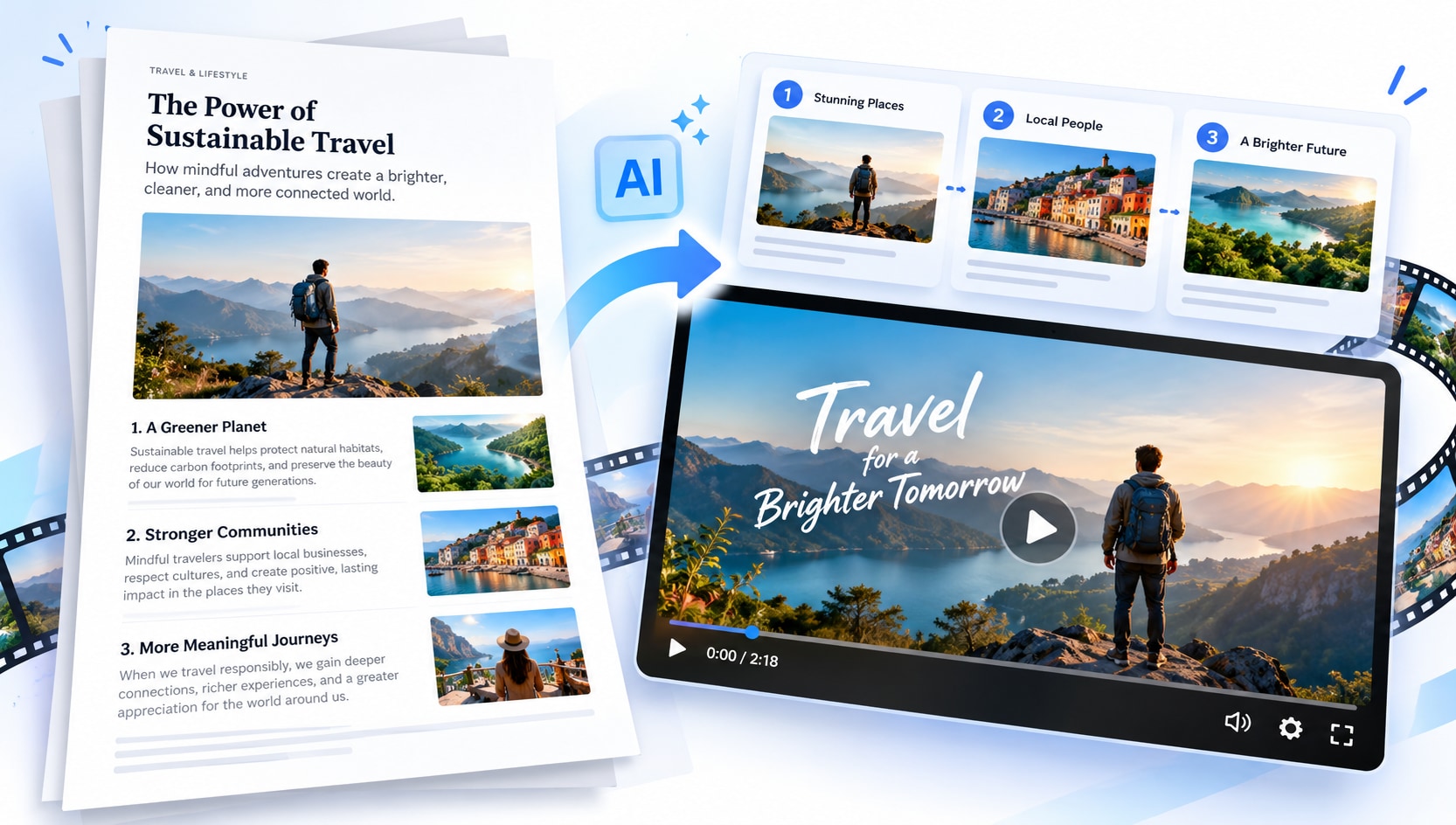
Present an article’s main idea, supporting points, and conclusion in a visual sequence.
Focus on the argument or takeaway readers should remember, rather than reproducing every paragraph.
Give useful articles a second format for audiences who prefer watching to reading.
Create a concise format for explainers, learning, publishing, and social sharing.
Repurpose useful written content into focused videos for readers, learners, and social audiences.
Transform a how-to article, opinion piece, or practical guide into a concise video that highlights the main points. An article to video AI workflow can extend content beyond readers who prefer long-form text.
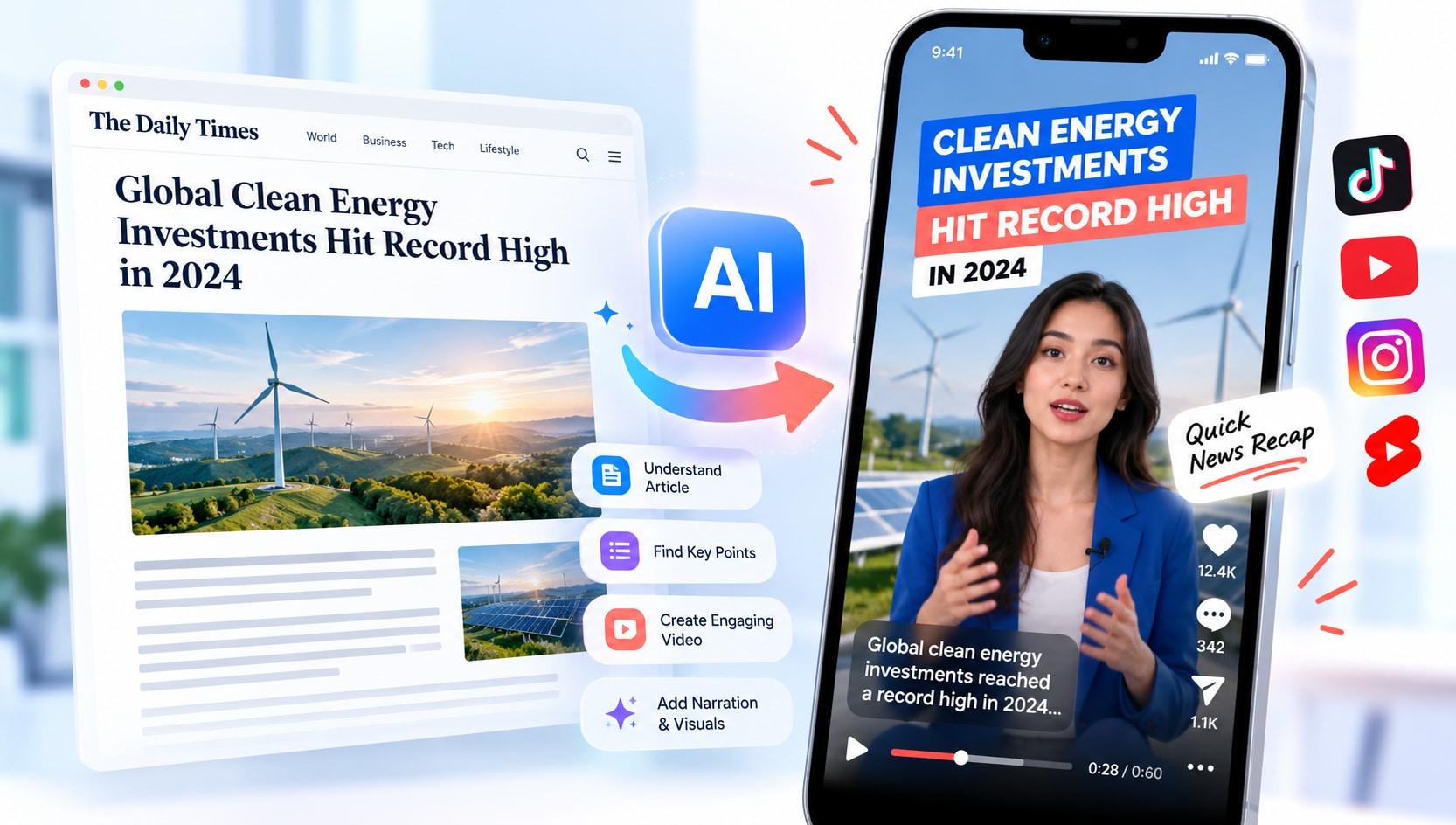
Highlight the key facts, context, and implications of a news article in a short visual recap. Keep dates, names, and quoted information accurate, and distinguish confirmed details from analysis.
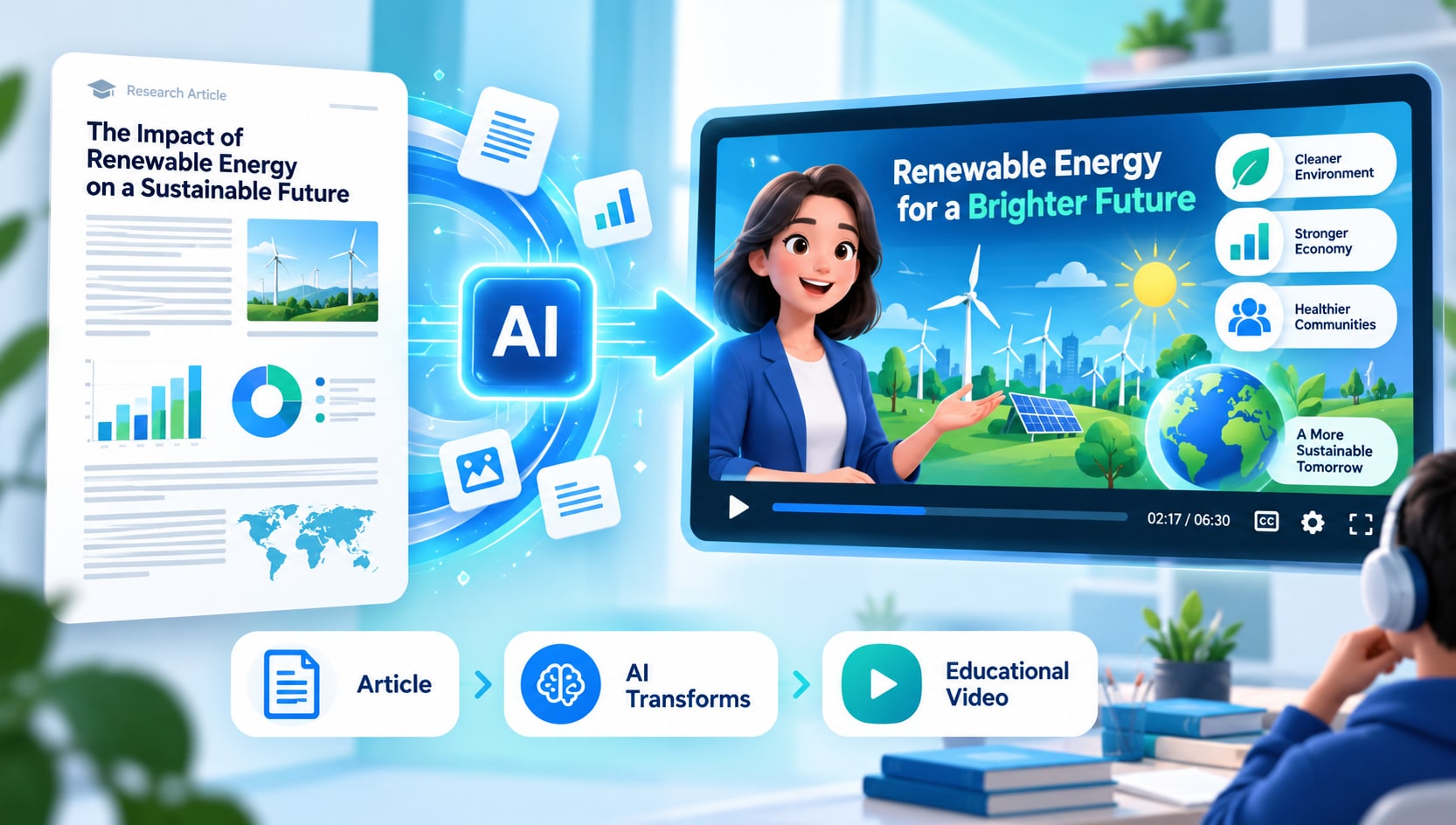
Turn research explainers, learning materials, and instructional articles into a lesson built around one clear learning objective. Retain important definitions and verify claims against the original text.
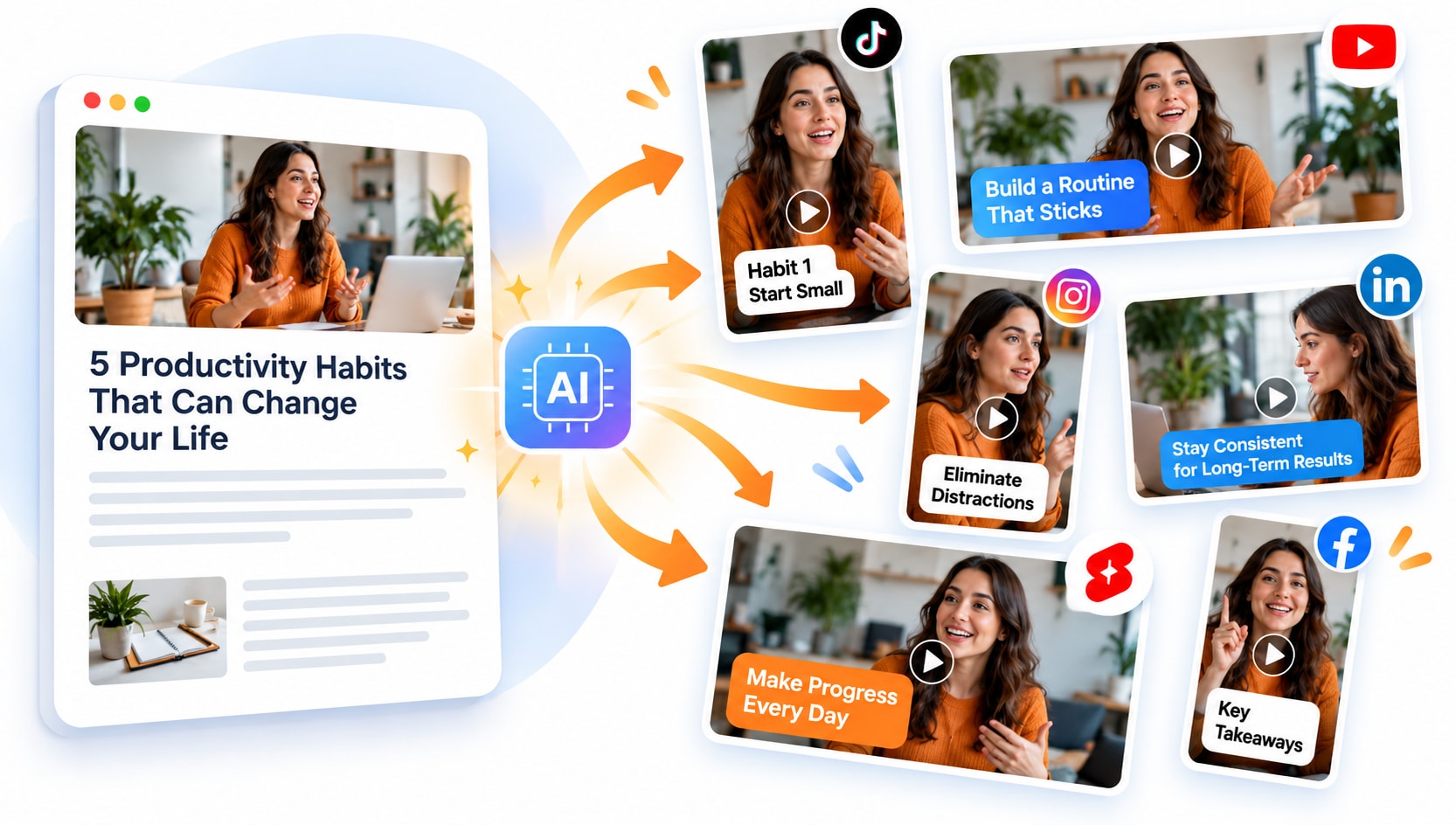
Extract one useful idea, statistic, or recommendation from an article and turn it into a short clip. Create separate videos for distinct takeaways instead of squeezing the entire article into one sequence.
Start with an article or blog post that has a clear central idea, readable structure, and useful supporting details.
Choose the audience, key points, desired tone, and takeaway. Focus on the most useful ideas rather than reproducing every paragraph.
Review the generated video against the article, verify names and facts, and confirm you have permission to reuse any text or media before sharing.
Articles with a clear topic and a few strong takeaways are easier to adapt into a focused video.
Use the video as a concise companion to the original source, not a replacement for essential detail.
A concise video should make the source easier to understand without changing its meaning.
Check names, dates, quotes, and claims against the source article.
Do not remove caveats or supporting details that change the meaning.
Use only text, images, and clips you have permission to publish.
These two workflows solve different problems. Choose the format based on what viewers need to understand.
Presents the main ideas in a concise sequence with visuals and narration.
Keeps the complete text, references, and supporting context available for close reading.
It helps turn an article’s main idea and supporting points into a video summary or explainer.
Yes. Start with a focused post, identify its key takeaways, and review the video against the original text.
How-to guides, explainers, research summaries, news updates, and articles with a clear central message are useful starting points.
Yes. Create short clips around individual takeaways and ensure you have permission to reuse any source material.
Usually not. A focused video is easier to follow when it highlights a few related ideas rather than reproducing every paragraph.
Check names, dates, quotes, statistics, and important qualifications against the source article.
Use relevant visuals that support the article’s meaning, and make sure you have the rights to publish them.
Check the current product workflow for supported export formats before publishing.