Deine Werke werden nur 7 Tage lang gespeichert. Assets, die nach dem Upgrade auf einen Mitgliedschaftstarif erstellt werden, werden dauerhaft gespeichert.
Entfalten Sie Ihr kreatives Potenzial und erleben Sie jetzt die Magie der Media-KI!
Spider-Identifikator für eine klarere fotobasierte Spinnenbildanalyse
Laden Sie ein Spinnenfoto hoch und verwandeln Sie es online in ein klareres, identifikationsfertiges Bild. Media.io unterstützt Spider-Identifikator Arbeitsabläufe wie das Identifizieren von Spinnen anhand von Bildern, die Bereinigung verschwommener Aufnahmen und die Bildverbesserung, die eine schnellere Spinnenidentifikation ermöglicht, egal ob Sie einen Online-Spinnen-Identifikator auf dem Desktop oder einen schnellen Online-Spinnen-Identifikator auf dem Mobilgerät benötigen. Ersteller verwenden es häufig für den Online-Spinnen-Scanner. Dieses Setup funktioniert gut für Spinnen-Identifikationsdiagramme.
Geben Sie Ihre Idee ein -> KI gestaltet sie. Kostenlos ausprobieren.
Sehen Sie sich diese Beispielanweisungen an und passen Sie dann die Eingabeaufforderungsdetails an, um bessere Ergebnisse mit diesem Spider-Identifikator zu erzielen. Media.io eignet sich gut für Anfragen wie das Identifizieren von Spinnen anhand von Fotos, die Online-Spinnenidentifikation oder klarere Referenzen für den Artenvergleich.
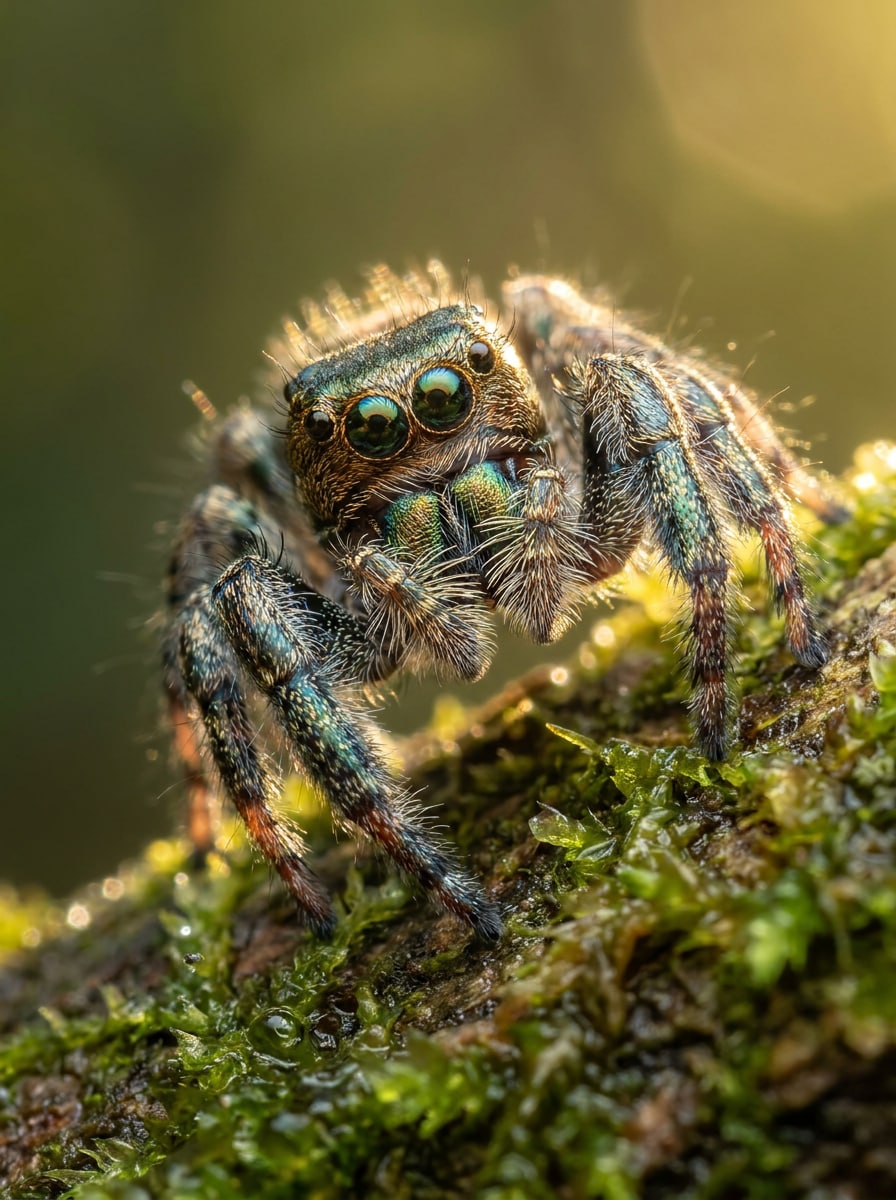
Scharfe natürliche Makroaufnahme
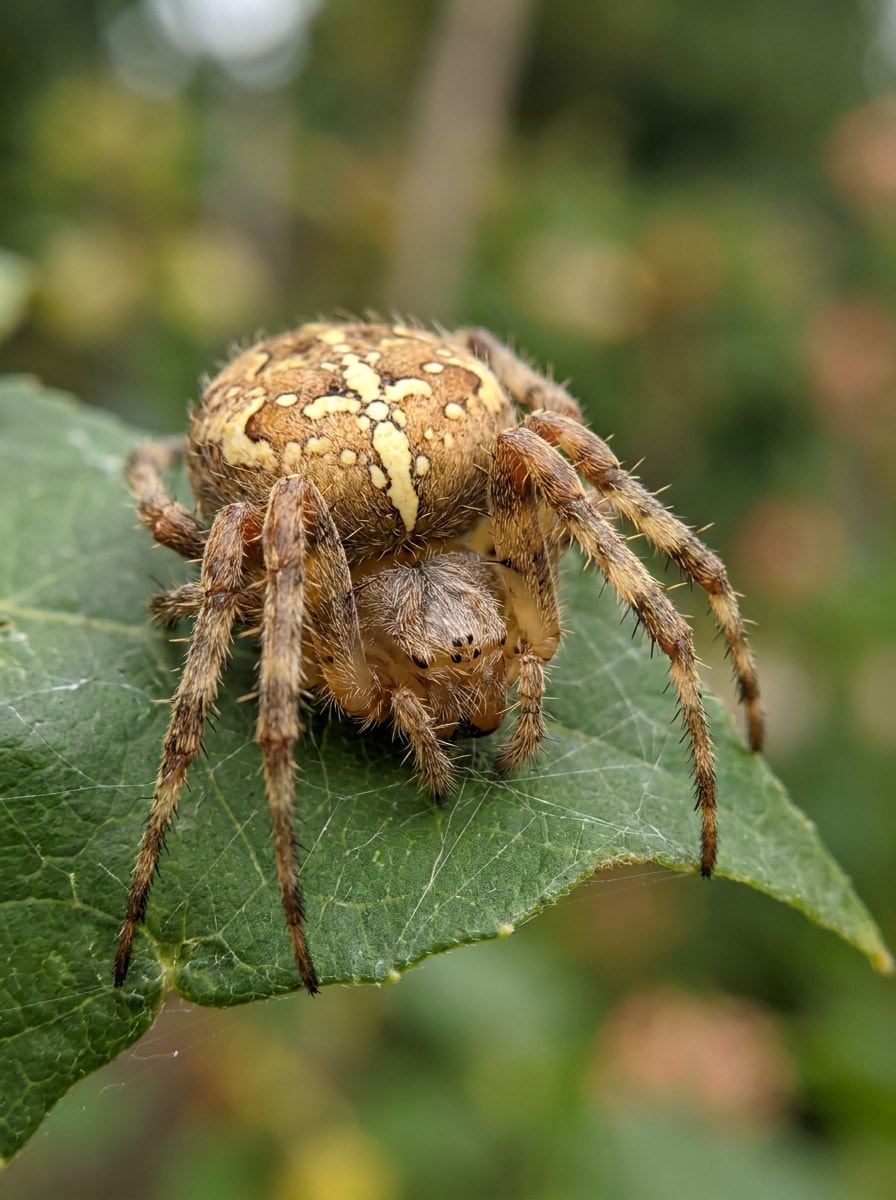
Verwenden Sie das hochgeladene Bild als Motiv und wandeln Sie es in ein realistisches Makro-Referenzfoto zur Identifikation um. Schärfen Sie die Augen, Beine und Hinterleibsmarkierungen, behalten Sie natürliche Farben bei, verwenden Sie ausgewogenes Tageslicht, subtile geringe Schärfentiefe, saubere Texturdetails und eine ruhige Feldführer-Stimmung mit hoher Klarheit.
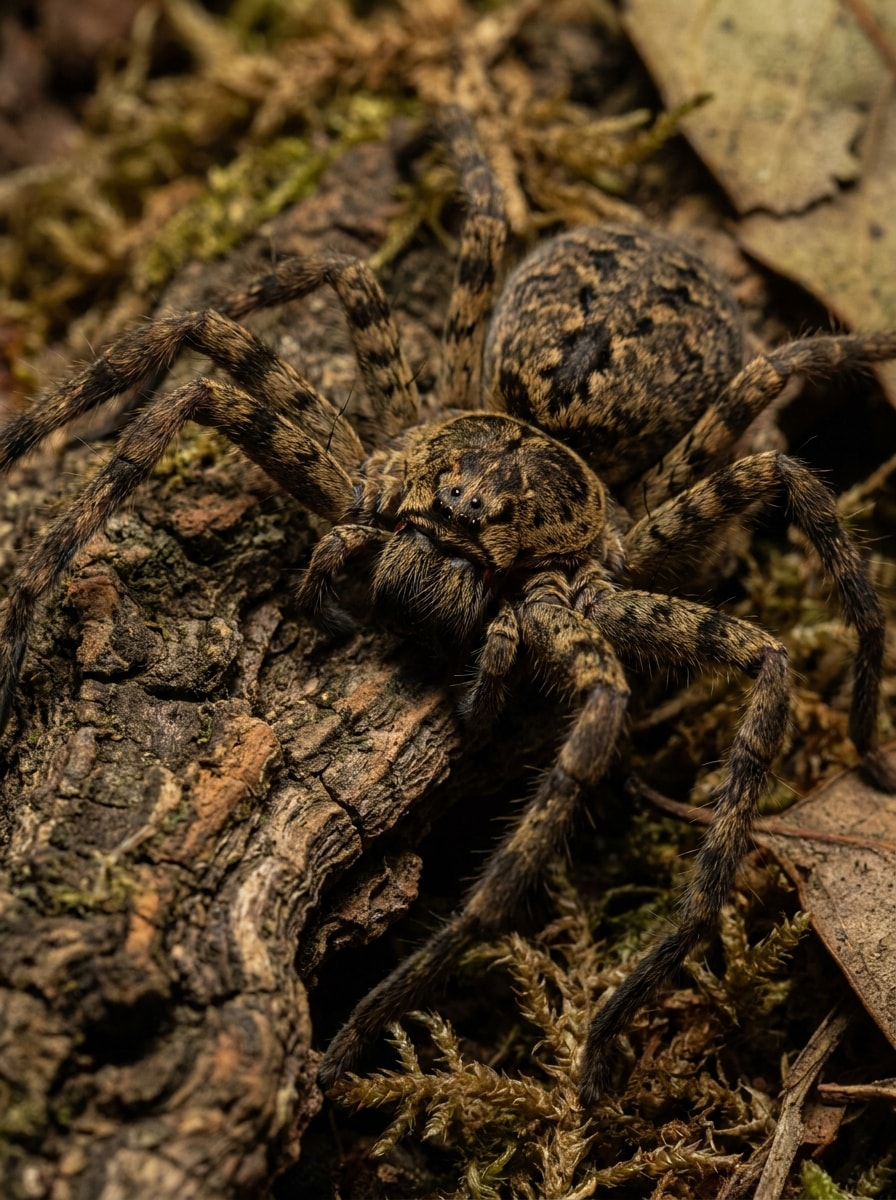
Hochkontrastiges Felddetail
Verwenden Sie das hochgeladene Spinnenfoto als Referenz und verbessern Sie es für eine einfachere Artenüberprüfung. Erhöhen Sie den Kontrast sorgfältig, heben Sie Hinterleibsmuster und Cephalothorax-Details hervor, schärfen Sie Beingelenke, bewahren Sie realistische Töne, verwenden Sie dokumentarischen Beleuchtungsstil und erstellen Sie ein sauberes, hochklares Ergebnis, das für die Feldinspektion geeignet ist.
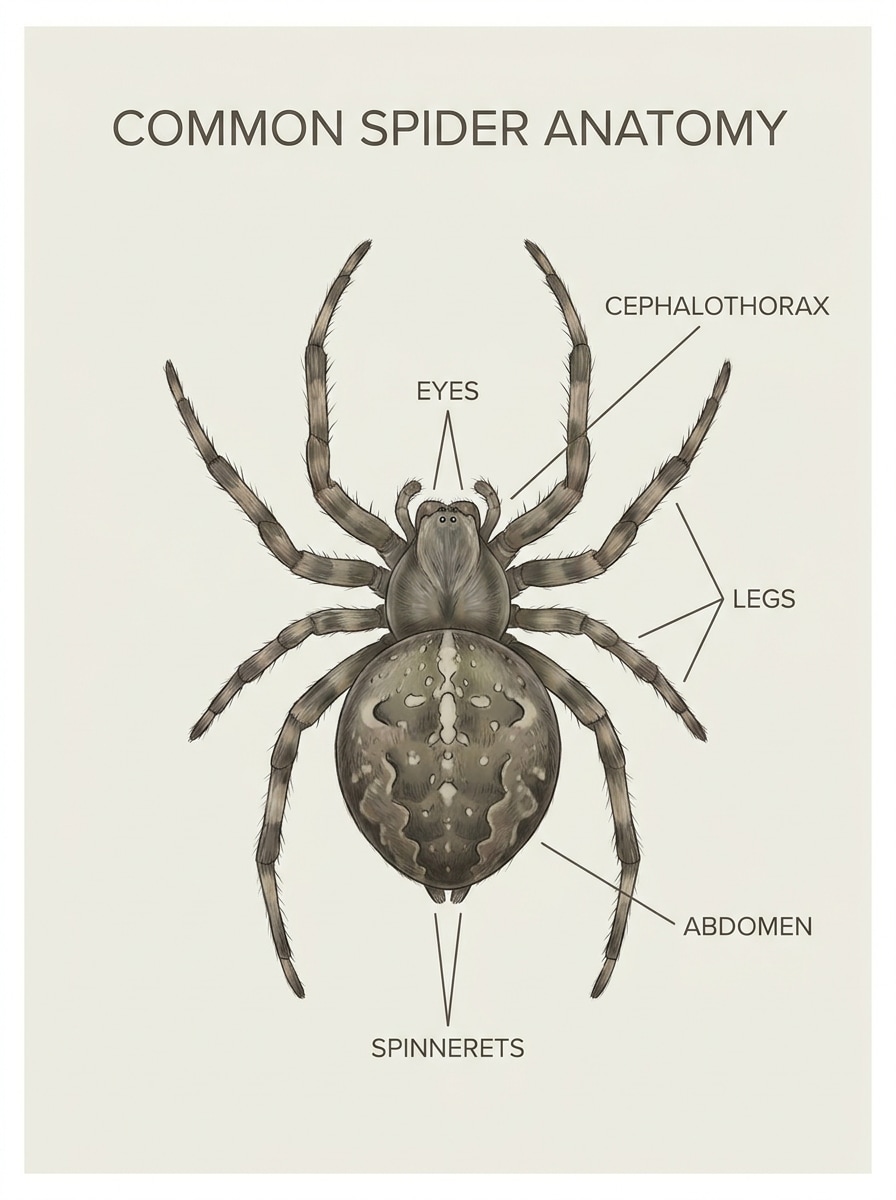
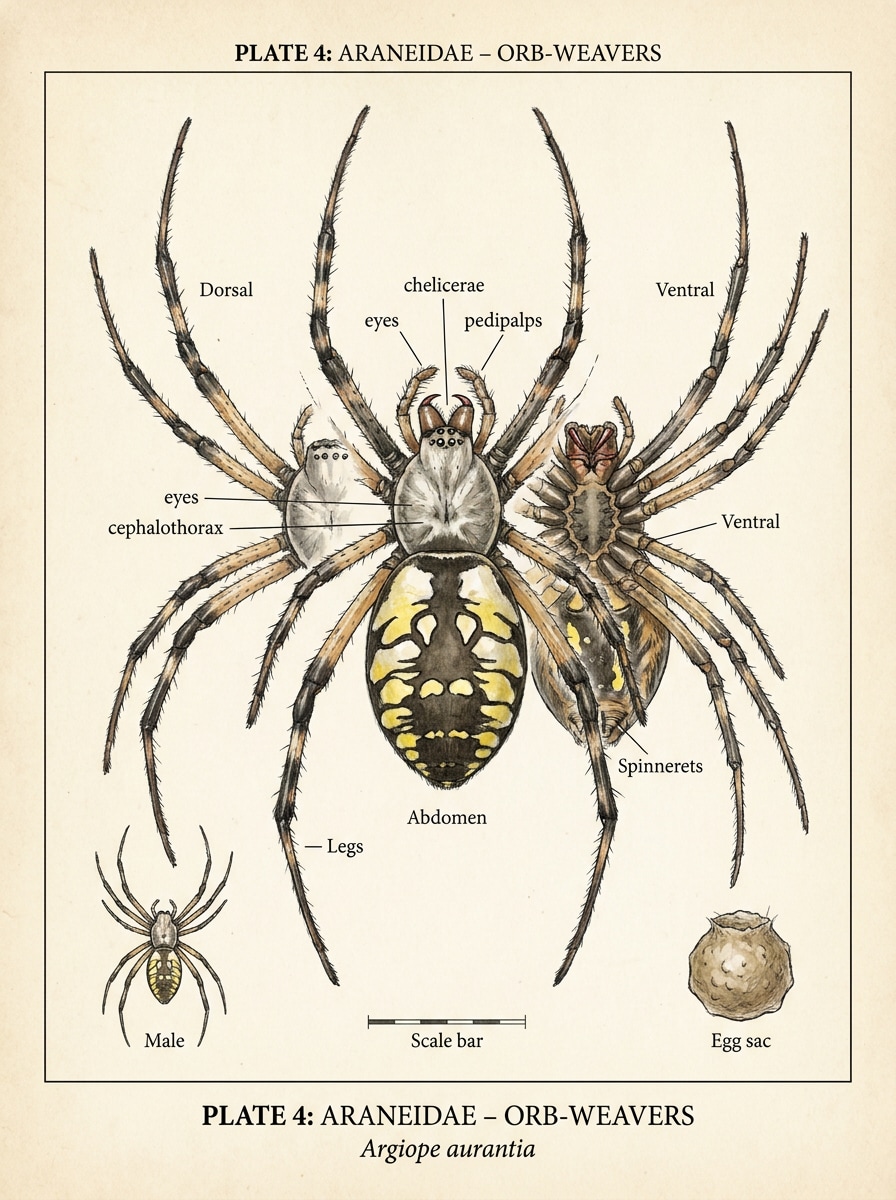
Kommentierter Anatomieleitfaden
Verwenden Sie das hochgeladene Bild als Exemplar und verwandeln Sie es in einen pädagogischen Identifikationsleitfaden. Fügen Sie klare Beschriftungen für Augen, Beine, Hinterleib, Cephalothorax und Spinndüsen hinzu, halten Sie die Spinne realistisch und zentriert, verwenden Sie ein übersichtliches Infografik-Layout, einen weichen neutralen Hintergrund und einen lesbaren wissenschaftlichen Stil.
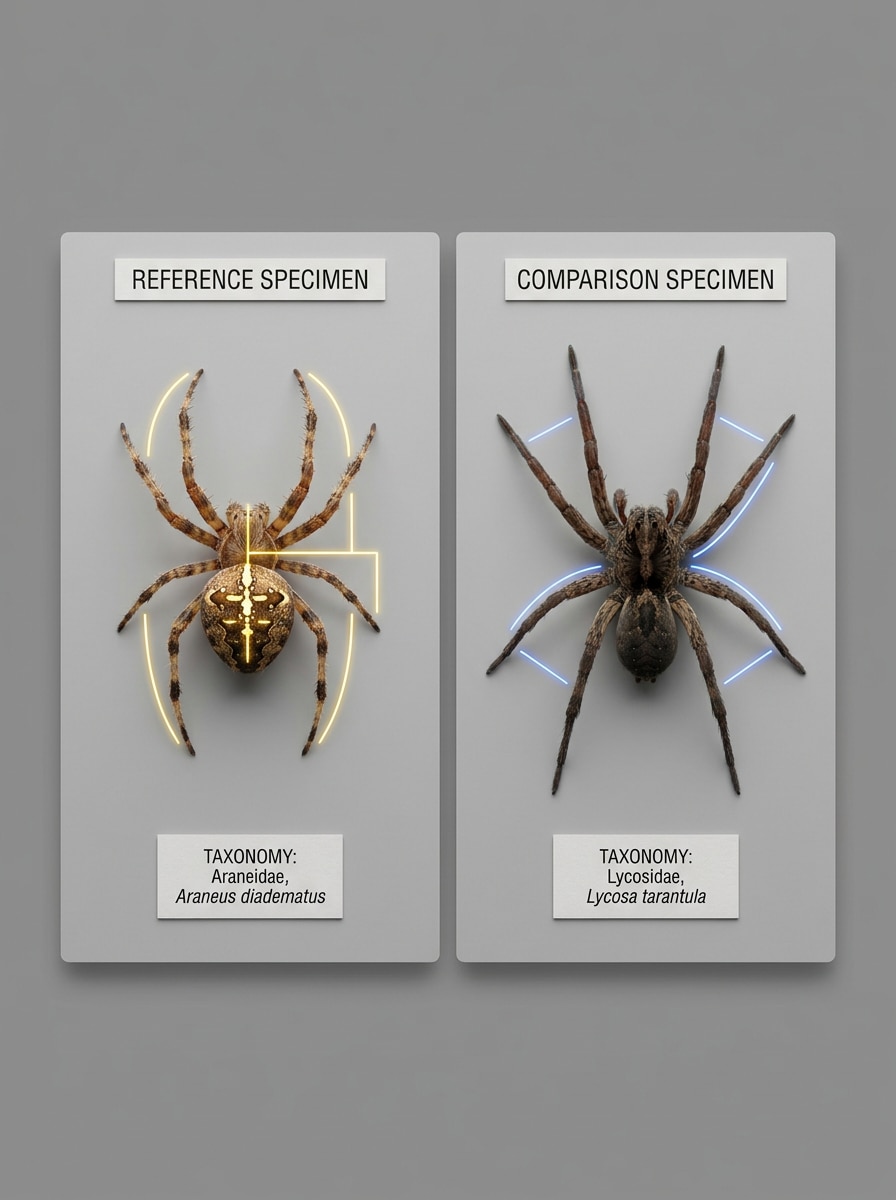
Artenvergleichstafel
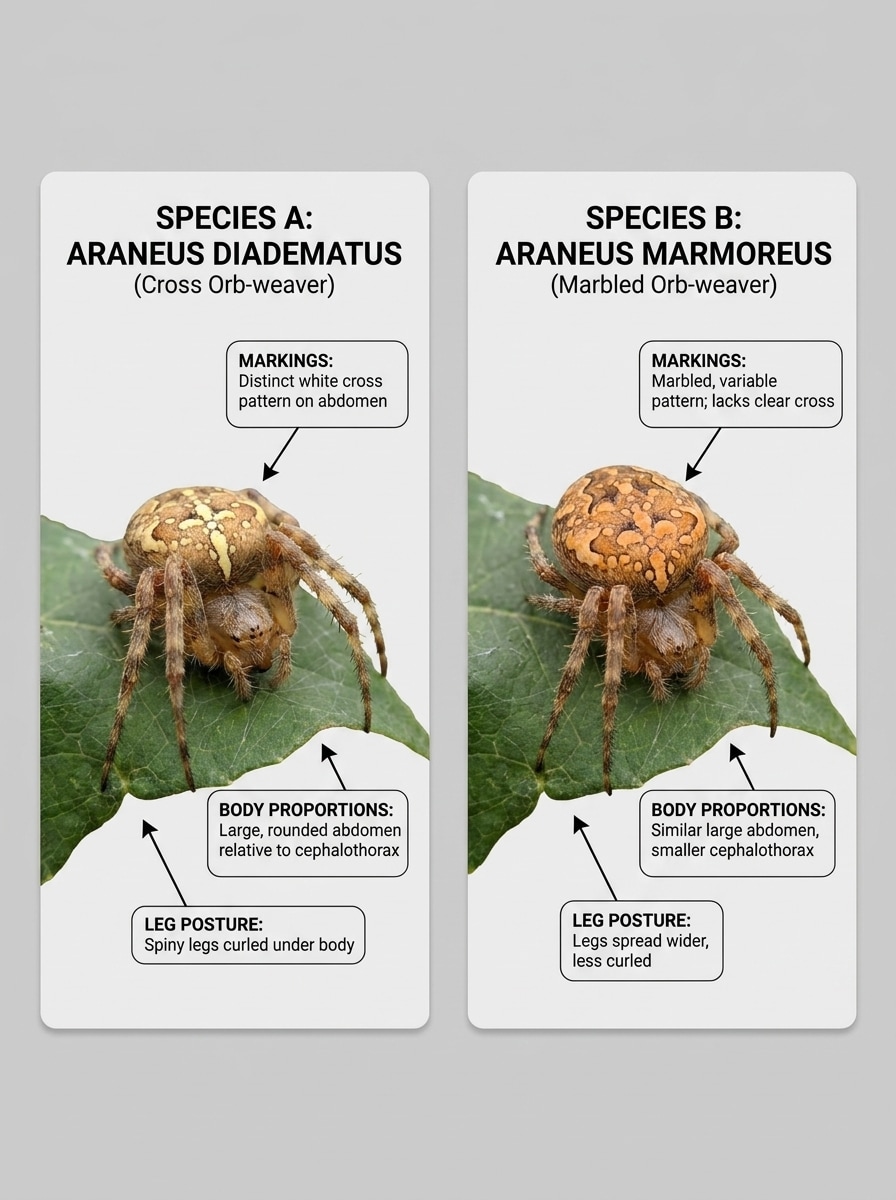
Verwenden Sie das hochgeladene Spinnenbild als Hauptreferenz und erstellen Sie eine Vergleichstafel nebeneinander. Heben Sie unterscheidende Markierungen, Körperproportionen und Beinhaltung vor einem neutralen Layout hervor, mit sauberen kartenartigen Feldern, realistischen Details, ausgewogenem Kontrast und einer pädagogisch-taxonomisch inspirierten Präsentation.
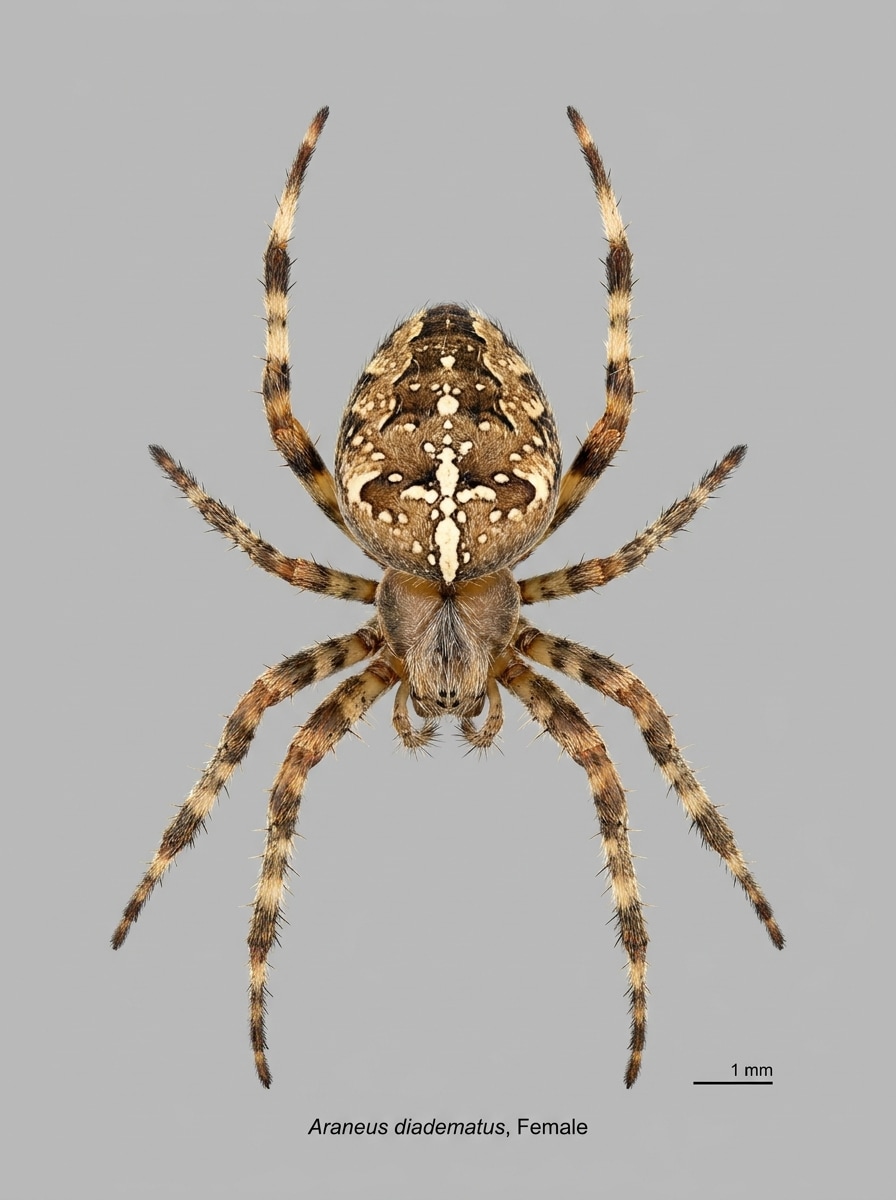
Sauberer Hintergrundausschnitt
Verwenden Sie das hochgeladene Foto als Quelle und isolieren Sie die Spinne für eine einfachere Betrachtung. Entfernen Sie ablenkende Umgebungen, platzieren Sie das Motiv auf einem neutralen, sauberen Hintergrund, bewahren Sie natürliche Proportionen und Markierungen, verfeinern Sie Kantendetails und halten Sie das Ergebnis realistisch, scharf und identifikationsfertig.
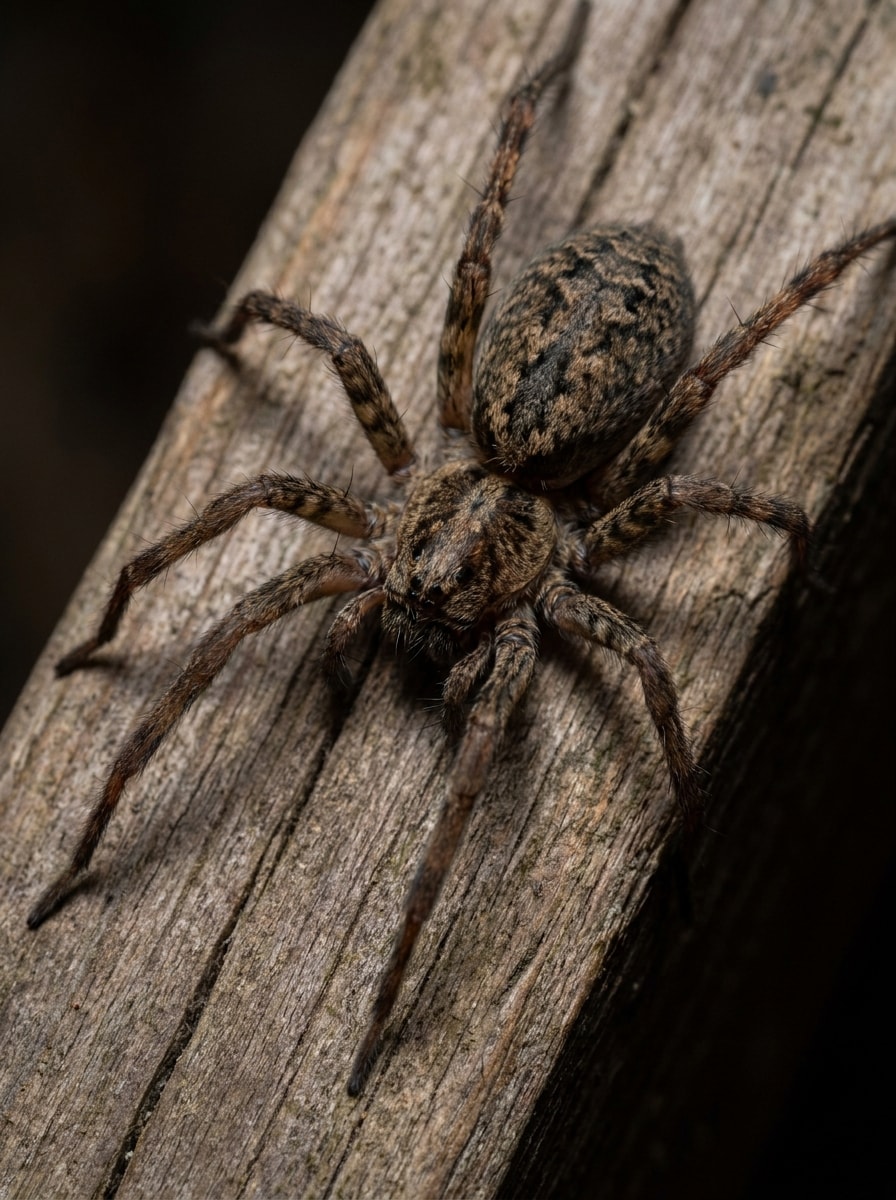
Schwachlicht-Rettung
Verwenden Sie das hochgeladene dunkle oder verrauschte Spinnenfoto als Basis und stellen Sie es für eine klarere Überprüfung wieder her. Verbessern Sie die Belichtung, reduzieren Sie Rauschen, stellen Sie natürliche Farben wieder her, schärfen Sie Textur- und Musterdetails, behalten Sie realistische Beleuchtung bei und erstellen Sie ein sauberes Ergebnis, das dem ursprünglichen Exemplar treu bleibt.
Springspinnen-Heldenporträt
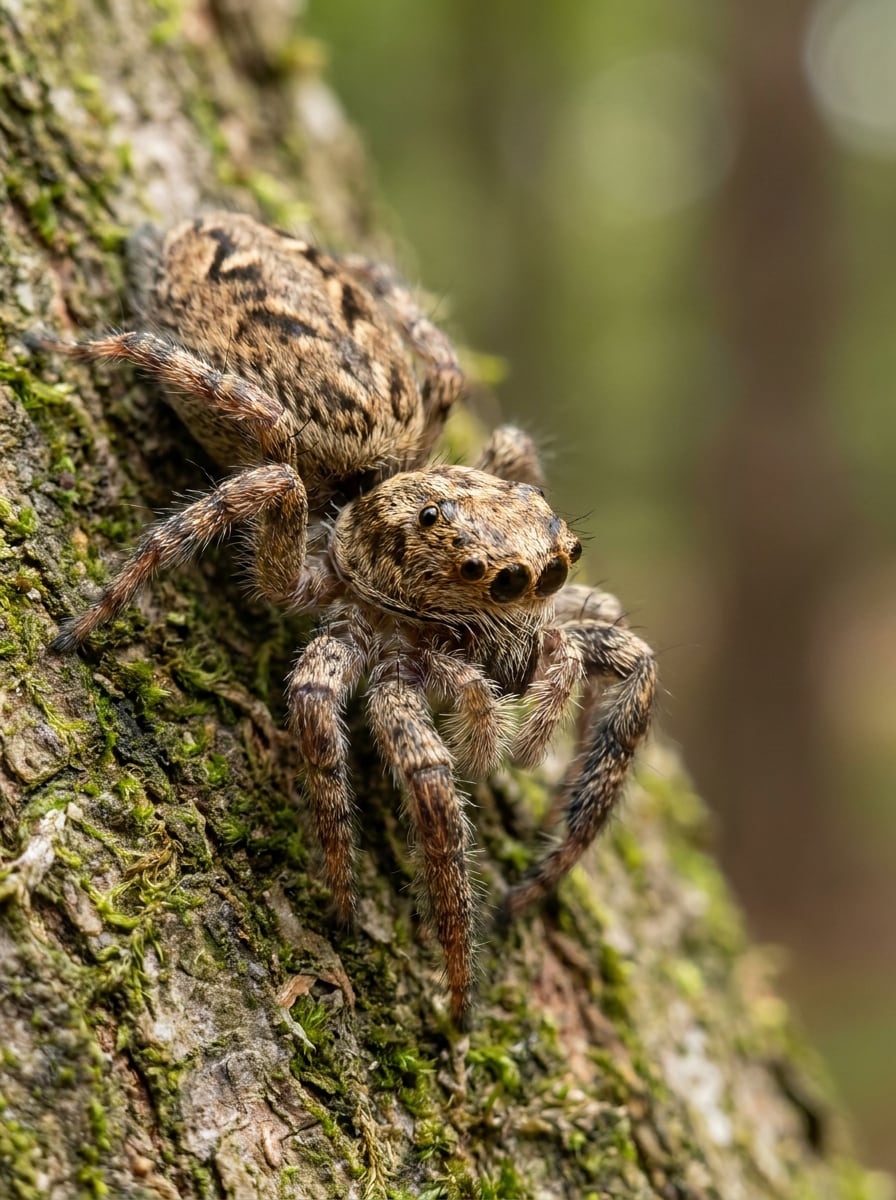
Verwenden Sie das hochgeladene Springspinnenbild als Motiv und erstellen Sie ein lebendiges Makroporträt ohne Genauigkeitsverlust. Betonen Sie die großen Augen, feinen Haare und Gesichtsdetails, verwenden Sie kinematographisches natürliches Licht, sattes aber realistisches Farbe, geringe Schärfentiefe und eine auffällige Wildlife-Stimmung.
Gruselig-sauberer Dokumentarfilm
Verwenden Sie das hochgeladene Spinnenfoto als Referenz und gestalten Sie es in ein dramatisches dokumentarisches Makrobild um. Behalten Sie die Anatomie realistisch, fügen Sie scharfen Fokus auf Markierungen und Mundwerkzeuge hinzu, verwenden Sie natürlichen Schattenkontrast, zurückhaltende erdige Farben und eine saubere pädagogische Wildlife-Präsentation.
Feldführer-Tafel
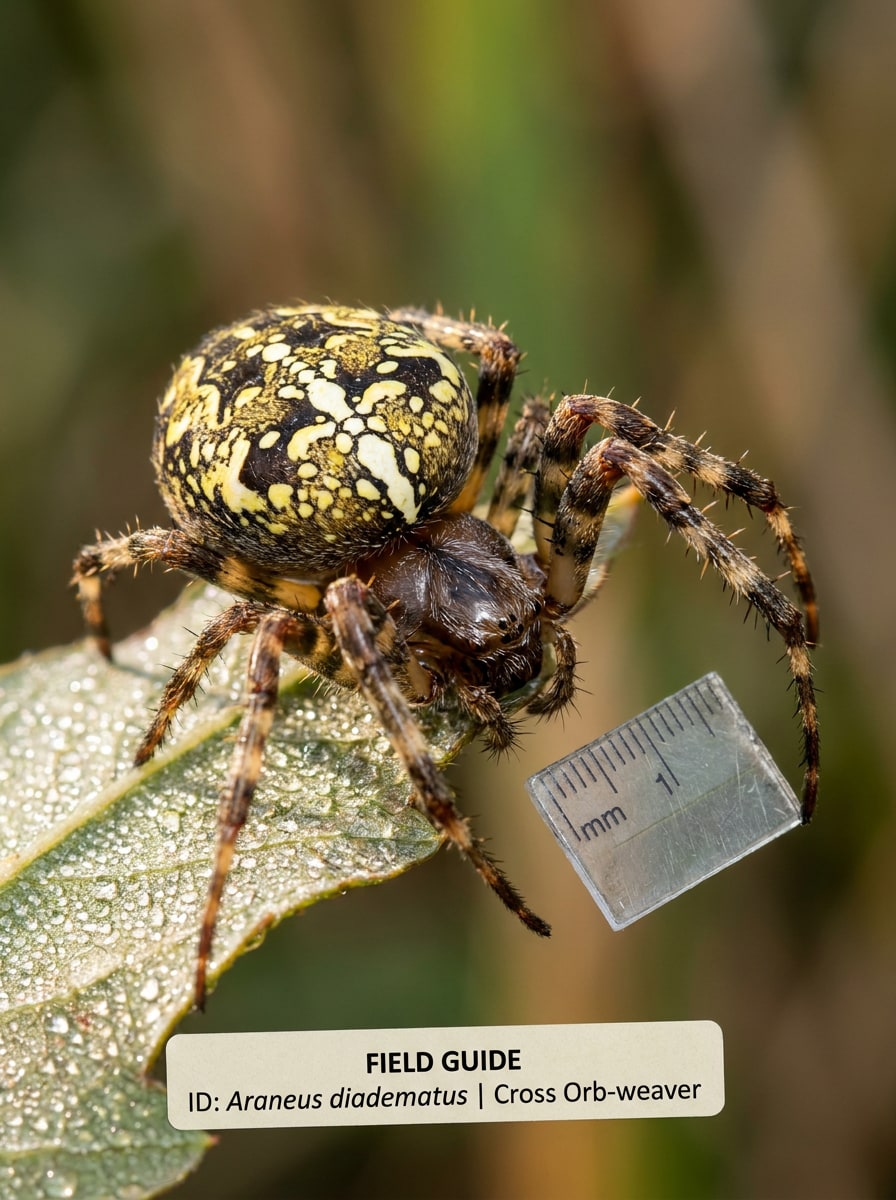
Verwenden Sie das hochgeladene Bild als Exemplar und konvertieren Sie es in ein Feldführer-Tafel-Stilbild. Zentrieren Sie die Spinne, behalten Sie einen neutralen Hintergrund bei, schärfen Sie anatomische Merkmale, erhalten Sie realistische Farben, verwenden Sie gleichmäßige Beleuchtung und erstellen Sie eine ordentliche Referenzbuch-Präsentation für den Artenvergleich.
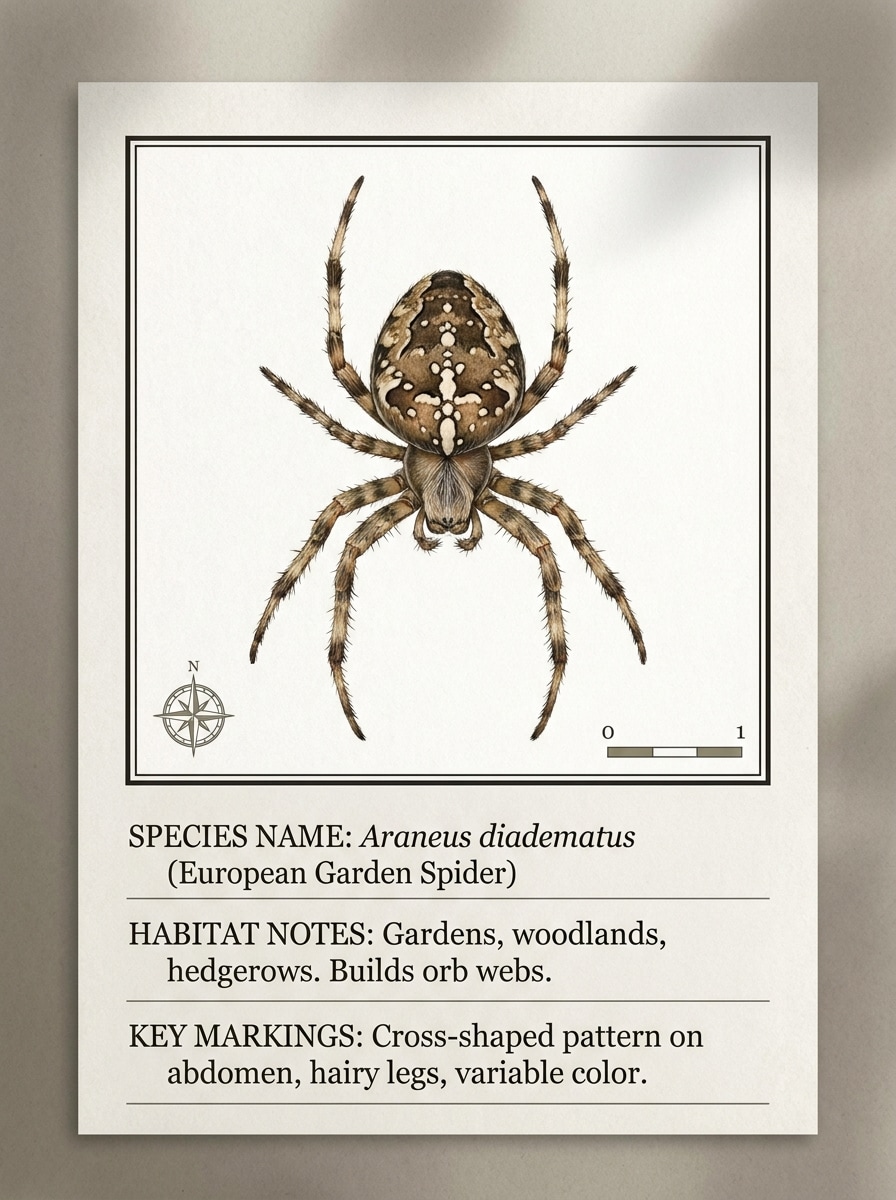
Regionale ID-Karte
Verwenden Sie das hochgeladene Spinnenfoto als Quelle und erstellen Sie eine saubere regionale Identifikationskarte. Halten Sie das Exemplar scharf gerahmt, lassen Sie Platz für Artname und Habitatnotizen, verwenden Sie modernen pädagogischen Stil, realistische Markierungen, weichen Kontrast und ein poliertes Naturgeschichtskarten-Layout.
Warum Media.io für die Spinnenbildanalyse verwenden
Gewöhnliche Spinnenfotos in klarere ID-Referenzen umwandeln
Ein schneller Gartenmomentaufnahme oder eine Innensichtung kann auf den ersten Blick schwer zu beurteilen sein, aber Media.io hilft dabei, Markierungen, Beinform und Körperdetail aus Ihrem hochgeladenen Bild zu schärfen, damit die Spinne für Spinnenidentifikation und Arten einfacher zu überprüfen ist.
Verschiedene Looks erkunden, ohne die Richtung zu verlieren
Verschiedene Ausgaben erfordern unterschiedliche Ästhetik. Media.io hilft Ihnen, verschiedene Behandlungen desselben Spider-Identifikator-Visualkonzepts zu erkunden, damit das endgültige Bild schneller den richtigen Ton trifft.
Sauberere Ausgabe bis zu 4K generieren
Vorschaubilder sind nicht immer ausreichend zum Teilen oder für eine genauere Überprüfung. Media.io hilft, sauberere Spider-Identifikator-Bilder mit einer Ausgabe bis zu 4K zu generieren, sodass das Bild in Präsentationen, Leitfäden, Hintergrundbildern oder Nebeneinandervergleichen nützlich bleibt, wo Details wichtig sind.
Geräteübergreifend ohne zusätzliche Installationen arbeiten
Wenn eine Spider-Identifikator-Bildidee abseits Ihres Hauptarbeitsplatzes beginnt, ermöglicht Media.io die Erstellung und Verfeinerung im Browser, sodass der Wechsel zwischen Mobilgerät und Desktop nahtlos statt störend wirkt.
So verwenden Sie diesen Spider-Identifikator online
Verwandeln Sie Ihre Worte in drei einfachen Schritten in beeindruckende Bilder und verfeinern Sie das Ergebnis weiter, wenn Sie es weiterentwickeln möchten.
Schritt 1
Ihr Referenzbild hochladen
Beginnen Sie mit einem klaren Spinnenfoto, einer Nahaufnahme oder einem Feldbild in JPG, PNG oder JPEG. Für die besten Spinnenidentifikationsergebnisse laden Sie ein Bild hoch, auf dem Körper, Beine und Markierungen so gut wie möglich sichtbar sind.
Schritt 2
Änderung beschreiben und Optionen festlegen
Teilen Sie Media.io mit, was Sie benötigen, z. B. klarere Markierungen, einen neutralen Hintergrund, eine Feldführer-Tafel oder ein Vergleichslayout. Wählen Sie dann ein Modell und passen Sie Seitenverhältnis, Qualität, Auflösung oder die Anzahl der Bildvariationen an.
Schritt 3
Generieren, herunterladen und weiter verbessern
Erstellen Sie verbesserte Versionen, vergleichen Sie die Ausgaben und laden Sie das klarste Ergebnis herunter. Passen Sie bei Bedarf die Eingabeaufforderung an, probieren Sie einen anderen Stil aus oder generieren Sie ein saubereres Diagrammbild für Überprüfungen wie Spinnenidentifikationsdiagramm oder Feldreferenznutzung.
Das Potenzial von „Was für eine Spinne ist das" freisetzen
Sehen Sie, wie Ersteller diesen Spider-Identifikator für Inhalte, Referenzbilder und persönliche Projekte verwenden, und passen Sie jede Idee an den Auftrag an.
Häufige Haus- und Gartensichtungen schneller überprüfen
Wenn Sie sich fragen: „Was für eine Spinne ist das?", laden Sie ein schnelles Handyfoto hoch und verwandeln Sie es in ein klareres Referenzbild mit schärferen Markierungen und weniger Hintergrundablenkung. Media.io macht alltägliche Heim-, Schuppen-, Wand- oder Gartensichtungen einfacher zu überprüfen, bevor wahrscheinliche Arten verglichen werden.
Sauberere Bilder für den Artenvergleich vorbereiten
Verwenden Sie verbesserte Fotos, um Nebeneinanderkarten, Anatomieleitfäden oder ein einfaches Spinnenidentifikationsdiagramm für ähnlich aussehende Arten zu erstellen. Media.io ist nützlich zum Vergleichen von Radnetzspinnen, Hausspinnen, Springspinnen oder witwenähnlichen Formen, ohne auf ein verschwommenes Originalbild angewiesen zu sein.
Regions- und vorsichtsspezifische Überprüfungen verbessern
Für regionsspezifische Überprüfungen hilft Media.io, klarere Bilder für britische Spinnenidentifikation, einen britischen Spinnen-Identifikator-Workflow oder englische Spinnenidentifikation zu erstellen. Es ist auch hilfreich beim Überprüfen von witwenähnlichen oder braunen Einsiedler-ähnlichen Merkmalen, da klarere Ausgaben Körperform, Beinhaltung und Hinterleibsmuster einfacher zu überprüfen machen.
Was Benutzer sagen
Ella M.
Gärtnerin
„Hilfreich für alltägliche Sichtungen" Ich habe ein schnelles Terrassenfoto hochgeladen und Media.io hat die Spinne viel klarer gemacht. Der sauberere Hintergrund und die schärferen Markierungen halfen mir, es mit häufigen lokalen Arten zu vergleichen, anstatt aus einer verschwommenen Aufnahme zu raten.
Ryan T.
Naturhobbyist
„Großartig für Makro-Stilbereinigung" Ich verwende es, wenn meine Handyfotos zu dunkel oder überladen sind. Die verbesserten Versionen machen Beine, Hinterleibsmuster und Gesamtform einfacher zu sehen, was genau das ist, was ich brauche, bevor ich Identifikationsressourcen überprüfe.
Sophie L.
Wissenschaftslehrerin
„Nützlich für Lehrvisualisierungen" Die Ideen für Führerkarten und beschriftete Layouts sind ausgezeichnet für Unterrichtsmaterialien. Ich kann ein Spinnenbild in ein saubereres pädagogisches Bild verwandeln, von dem Schüler tatsächlich lernen können.
Daniel P.
Hausbesitzer
„Einfach auf dem Mobilgerät" Ich wollte eine schnelle Möglichkeit, eine Spinne zu überprüfen, die ich in der Garage gefunden hatte. Das Hochladen von meinem Telefon war einfach, und das verbesserte Bild machte den Online-Vergleich viel einfacher.
Entdecken Sie die beliebtesten KI-Video- und Bildeffekte
1. Kann ich eine Spinne anhand eines Fotos online identifizieren?
Media.io ermöglicht es Ihnen, ein Spinnenfoto hochzuladen und es online in ein klareres, identifikationsfertiges Bild zu verwandeln.
2. Ist dieser Spider-Identifikator kostenlos nutzbar?
Ja, kostenlose Benutzer können Media.io mit kostenlosen Credits ausprobieren. Wenn Sie mehr Nutzung benötigen, können Sie auf der Preisseite upgraden, um mehr Credits, wasserzeichenfreie Exporte und hochauflösende Downloads zu erhalten.
3. Wie genau ist ein KI-Spinnenarten-Identifikator?
Die Genauigkeit hängt stark von der Fotoqualität ab und davon, wie klar die Form, Markierungen und Körperabschnitte der Spinne sichtbar sind. Media.io verbessert das hochgeladene Bild zur Überprüfung, aber das Ergebnis sollte als visuelle Hilfe für Überprüfungen wie die Identifikation der braunen Einsiedlerspinne, die Identifikation der schwarzen Witwe oder allgemeine Lookalike-Vergleiche verwendet werden, nicht als wissenschaftliche Garantie.
4. Welche Art von Spinnenfoto eignet sich am besten zur Identifikation?
Das beste Bild zeigt die Spinne deutlich mit sichtbaren Beinen, Körperproportionen und Hinterleibsmarkierungen. Versuchen Sie, ein gut beleuchtetes Foto mit minimalem Unschärfe und begrenztem Hintergrundchaos zu verwenden, besonders für Fälle wie die Identifikation der braunen Einsiedlerspinne, die Fotoidentifikation der braunen Einsiedlerspinne oder wie man die braune Einsiedlerspinne identifiziert.
5. Kann ich einen Spider-Identifikator auf meinem Telefon verwenden?
Media.io ist webbasiert und funktioniert daher auf Telefonen, Tablets und Computern über einen Browser. Das macht es praktisch für mobile Aufgaben wie Online-Spinnenidentifikation, Spider-Identifikator-per-Bildüberprüfungen oder schnelle Uploads, wenn Sie eine Spinne anhand eines Fotos identifizieren müssen, wenn Sie nicht an Ihrem Desktop sind.
6. Wie schnell dauert der Spinnenbildidentifikationsprozess?
Der Arbeitsablauf ist so gestaltet, dass er schnell ist: Laden Sie das Bild hoch, wählen Sie den gewünschten Verbesserungs- oder Leitfadenstil und generieren Sie Ergebnisse in einer kurzen Sitzung. Die genaue Zeit kann je nach den ausgewählten Einstellungen und der Anzahl der erstellten Bildvariationen variieren.
Über den KI-gestützten Online-Spider-Identifikator hinaus