Deine Werke werden nur 7 Tage lang gespeichert. Assets, die nach dem Upgrade auf einen Mitgliedschaftstarif erstellt werden, werden dauerhaft gespeichert.
Entfalten Sie Ihr kreatives Potenzial und erleben Sie jetzt die Magie der Media-KI!
Wenden Sie einen KI-Coquette-Filter für traumhafte, redaktionelle Fotobearbeitungen an
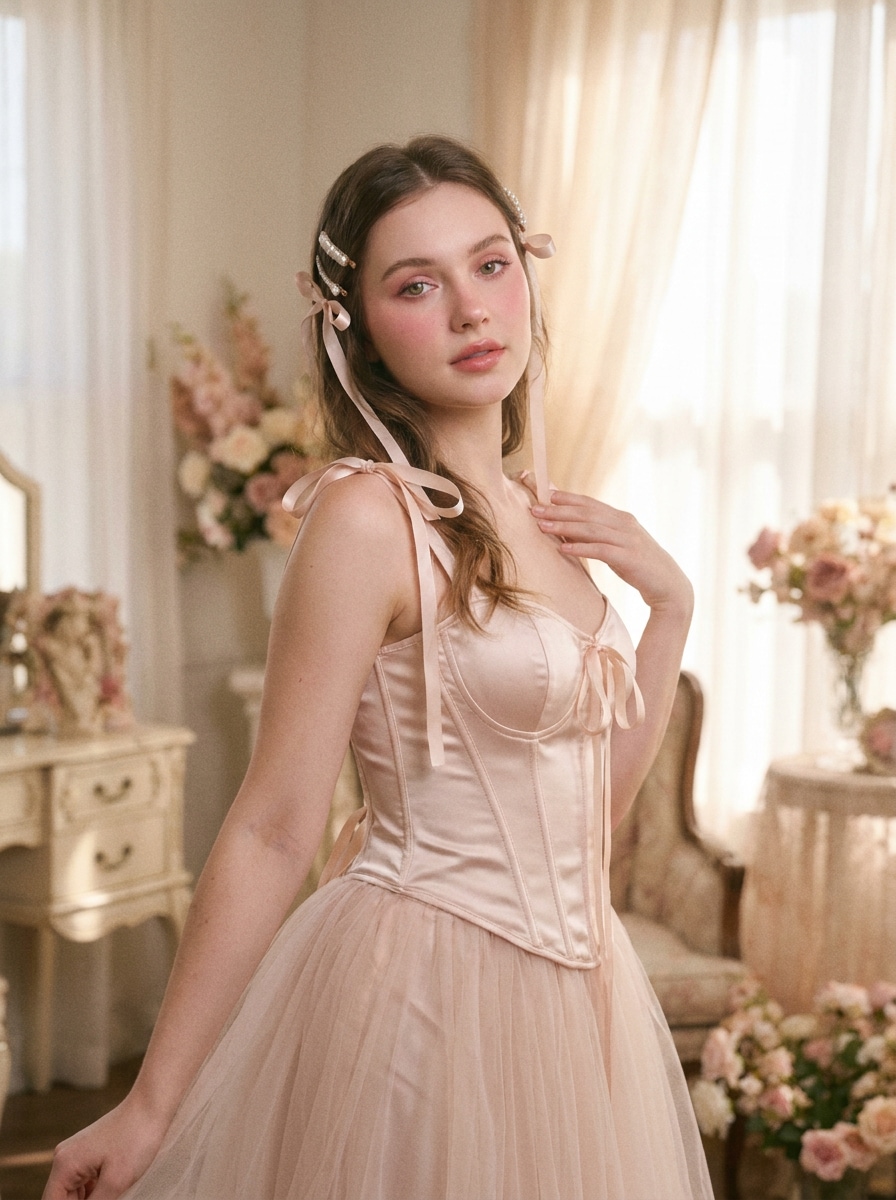
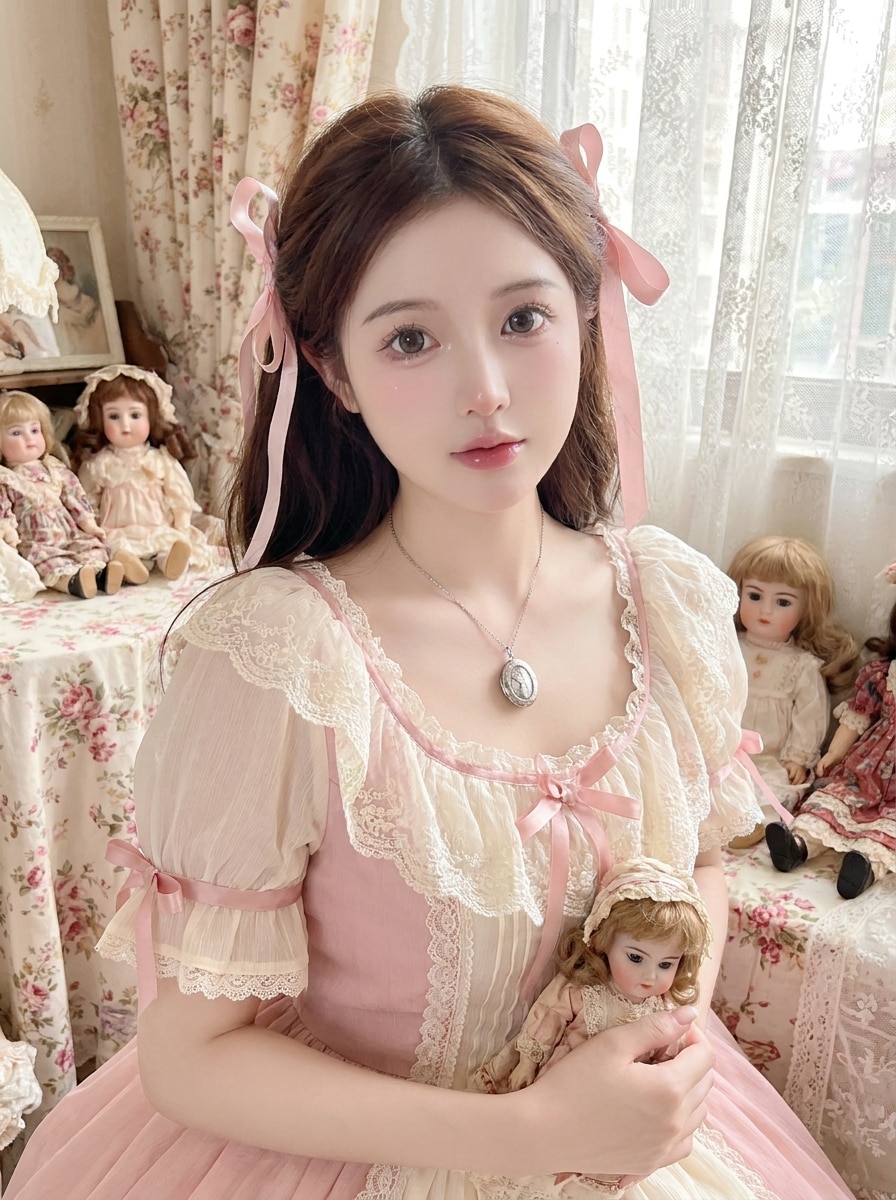
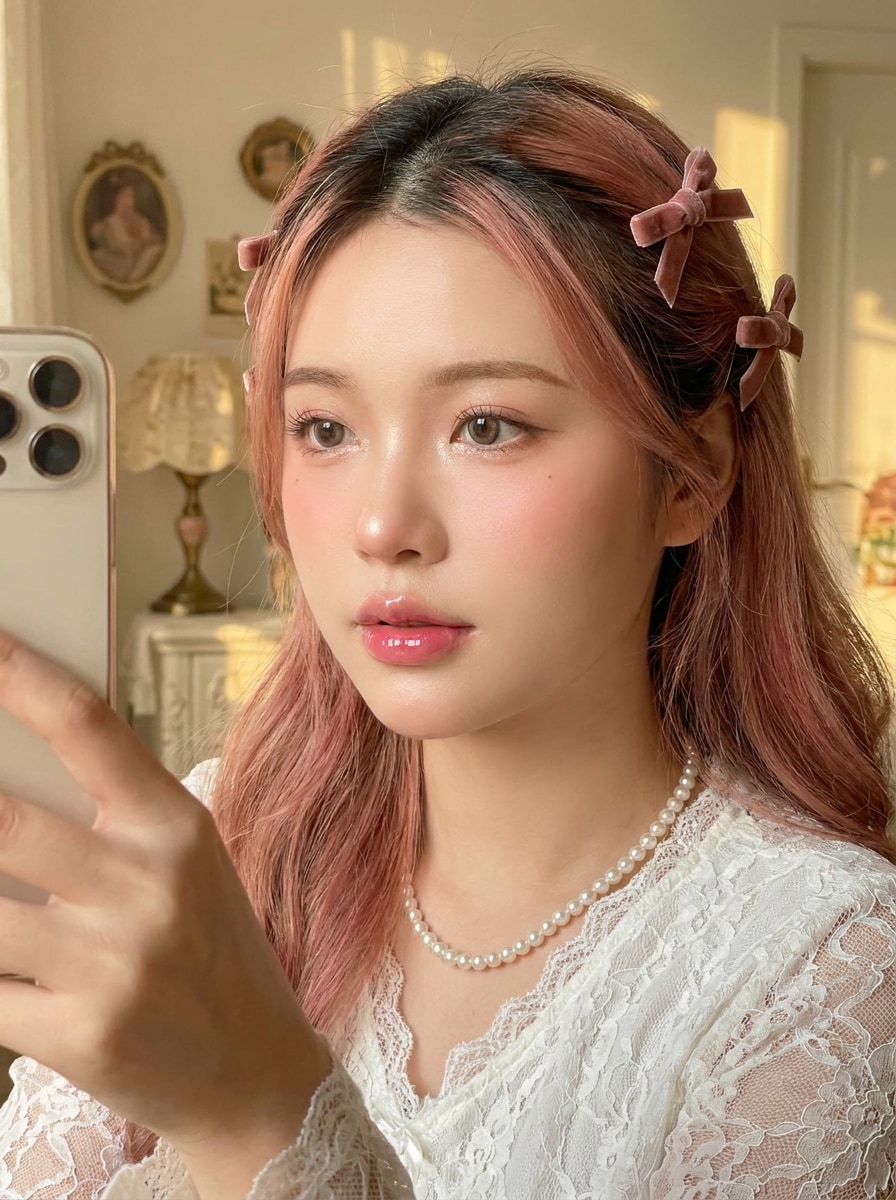
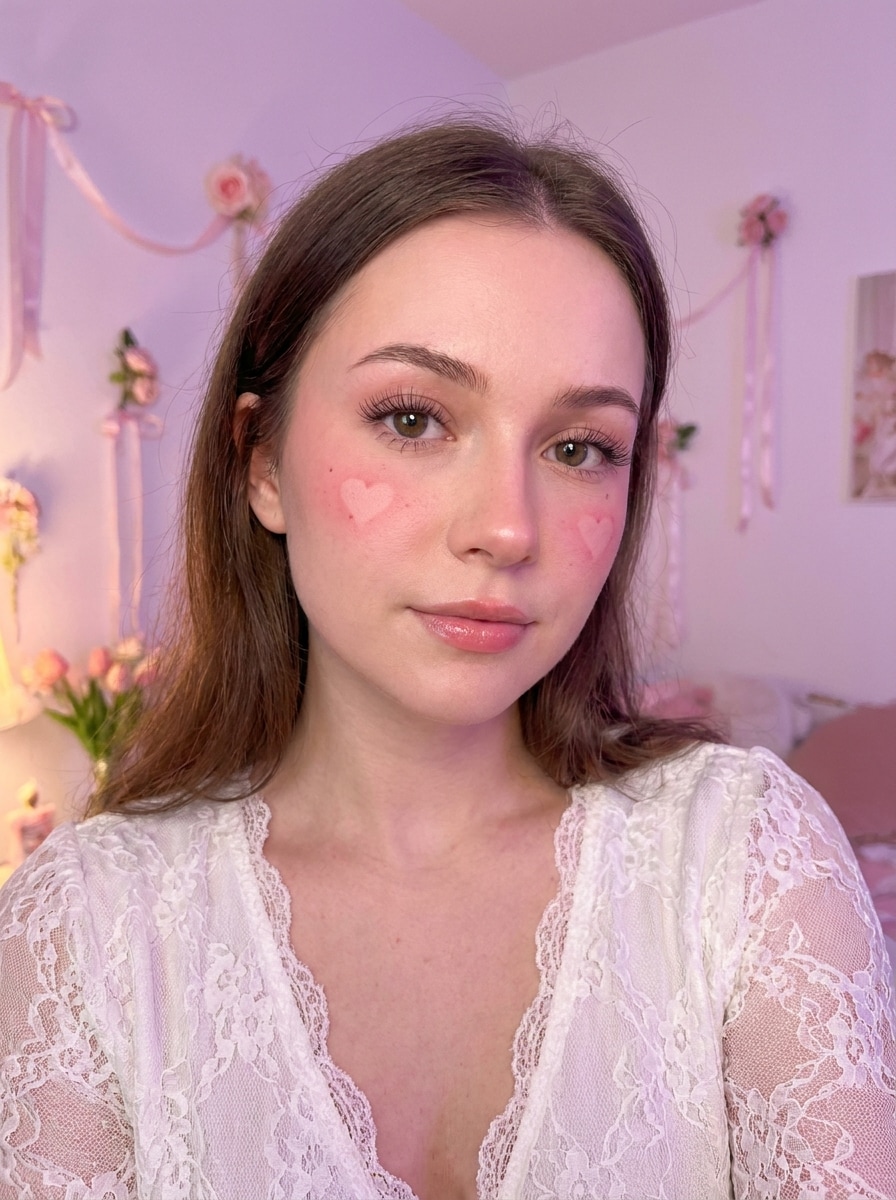
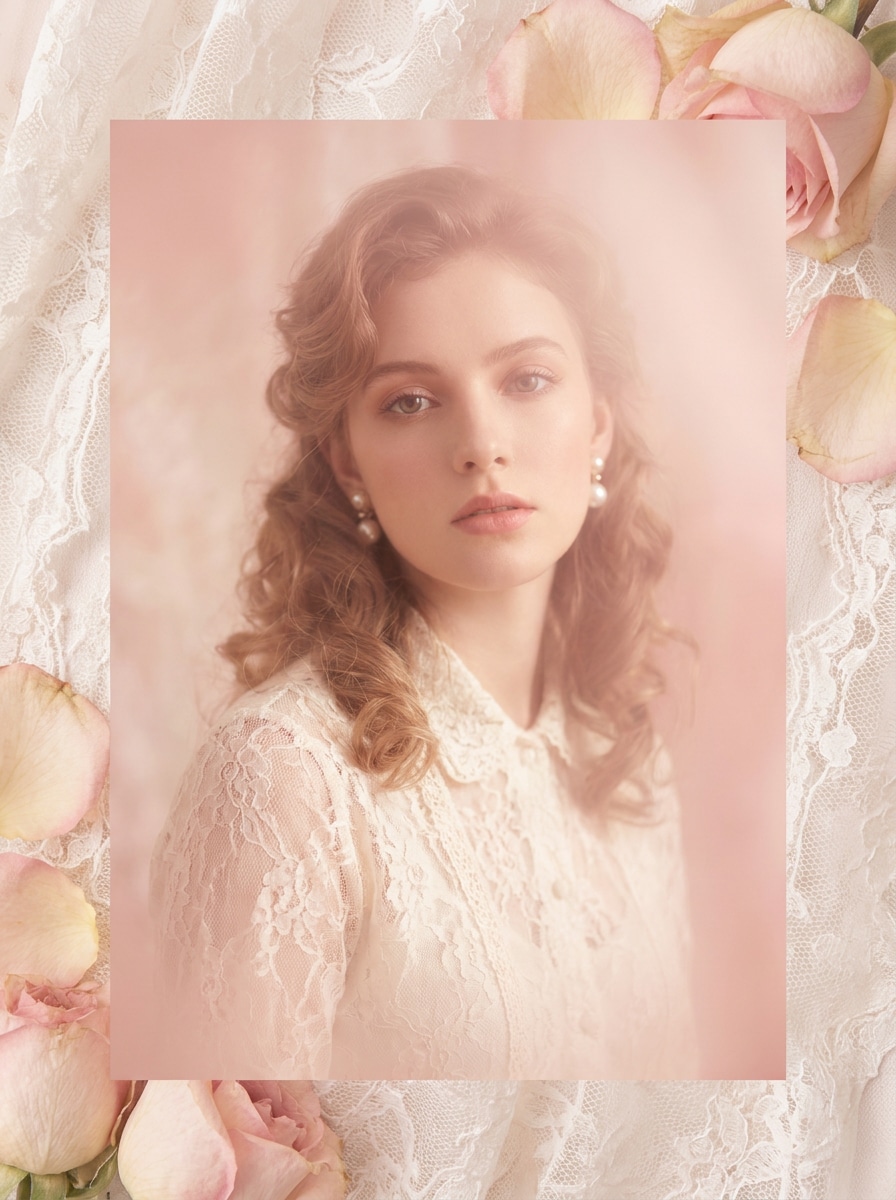
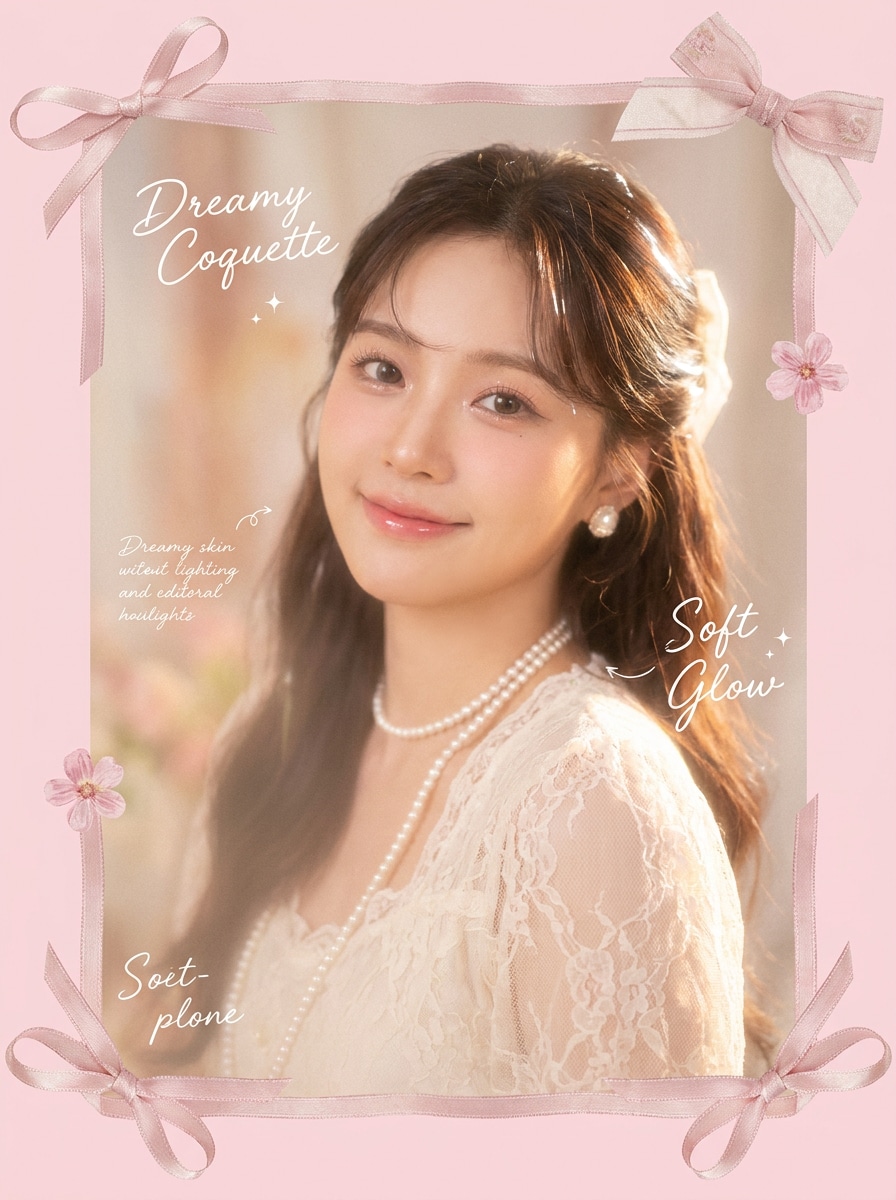
Verwandeln Sie Porträts, Selfies und Modefotos in wenigen Minuten in weiche, rosafarbene, schleifeninspirate Coquette-Bearbeitungen. Media.io hilft Ihnen dabei, einen Coquette-Filter Look mit traumhaftem Glanz, Vintage-Romantik und polierten Gesichtsdetails für Social-Media-Beiträge, Moodboards oder persönliches Styling zu erstellen.
Geben Sie Ihre Idee ein -> KI gestaltet sie. Kostenlos ausprobieren.
Sehen Sie sich diese Beispielanweisungen an und passen Sie die Prompt-Details an, um bessere Ergebnisse mit diesem Coquette-Filter in Media.io zu erzielen.
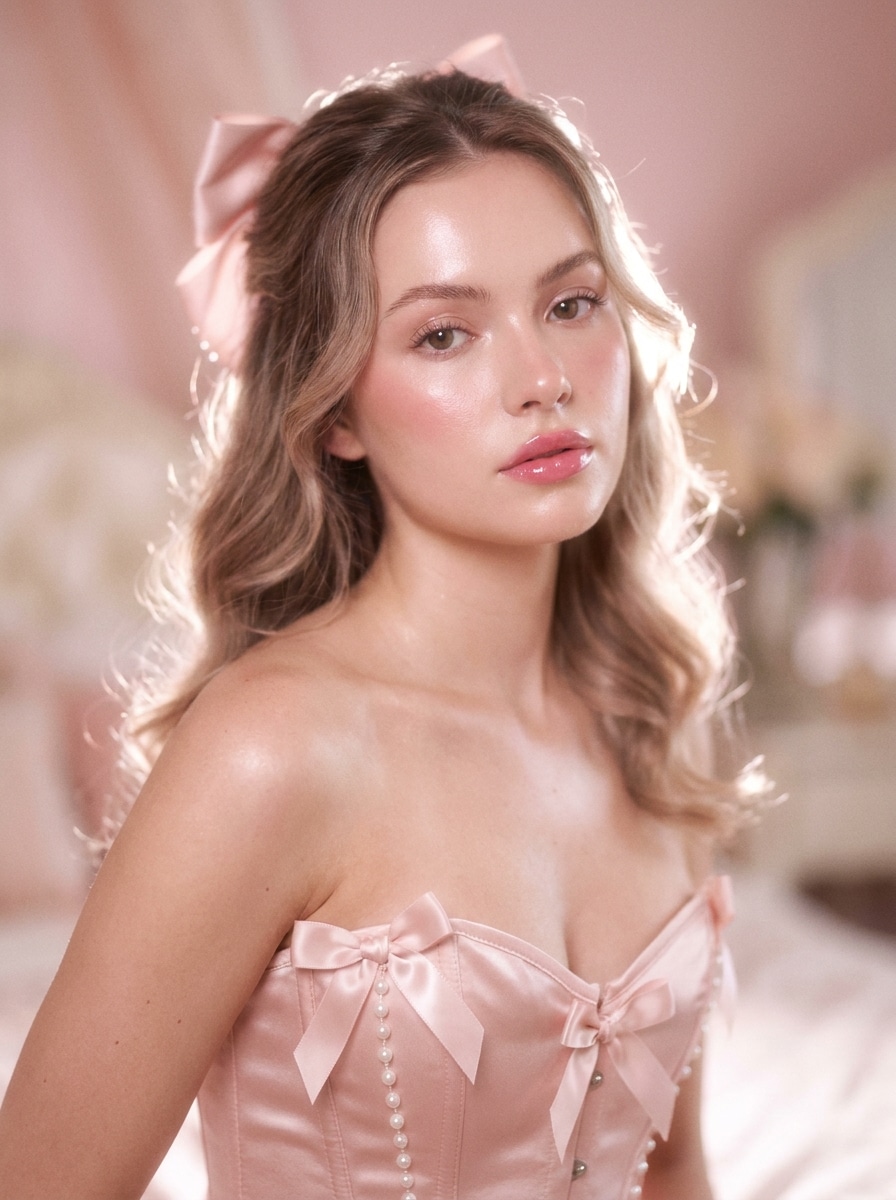
Sanfter Rosa Coquette-Glanz
Verwenden Sie das hochgeladene Bild als Motiv und verwandeln Sie es in ein sanftes Coquette-Porträt mit rosafarbenem Farbton, strahlender Haut, zarten Schleifenakzenten, traumhaften Highlights, cremiger Weichheit, geringer Schärfentiefe, romantisch-femininer Stimmung, verfeinerten Gesichtsdetails und einem polierten redaktionellen Finish.
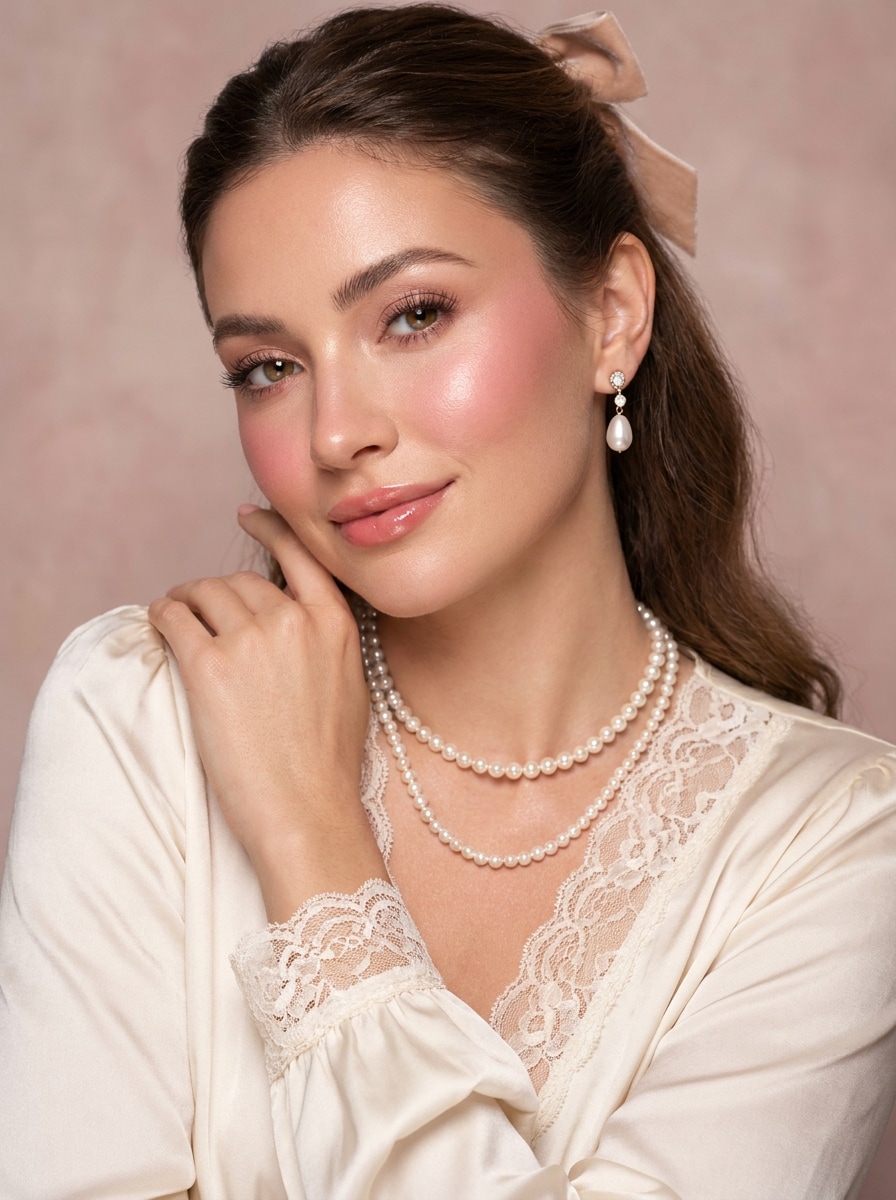
Perlen und Schleife Editorial
Verwenden Sie das hochgeladene Foto als Basis und gestalten Sie es in ein luxuriöses Coquette-Editorial-Porträt mit Perlen-Accessoires, seidigen Schleifen-Motiven, sanftem Glamour-Make-up, cremigen Pastelltönen, romantischer Studiobeleuchtung, eleganter Komposition, glatter aber realistischer Hauttextur und einer verfeinerten Modemagazin-Atmosphäre um.
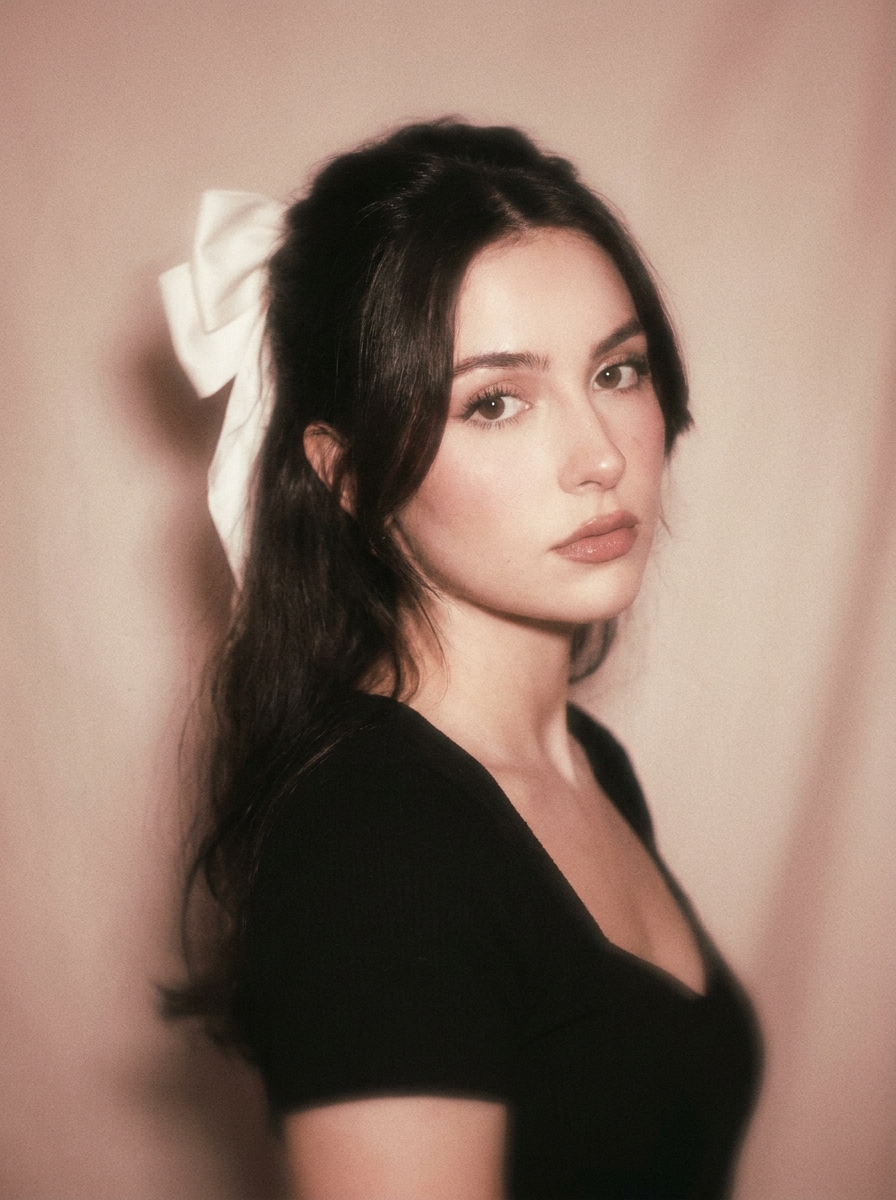
Filmkorn Coquette
Verwenden Sie das hochgeladene Bild als Motiv und verwandeln Sie es in ein Vintage-Romantik-Porträt mit verblassten Rosa-Beige-Tönen, subtilen 35mm-Filmkorn, sanftem Blitzeffekt, nostalgischer Unschärfe, weichem Kontrast, zartem femininen Styling und einer wehmütigen Coquette-Stimmung, während die Person erkennbar bleibt.
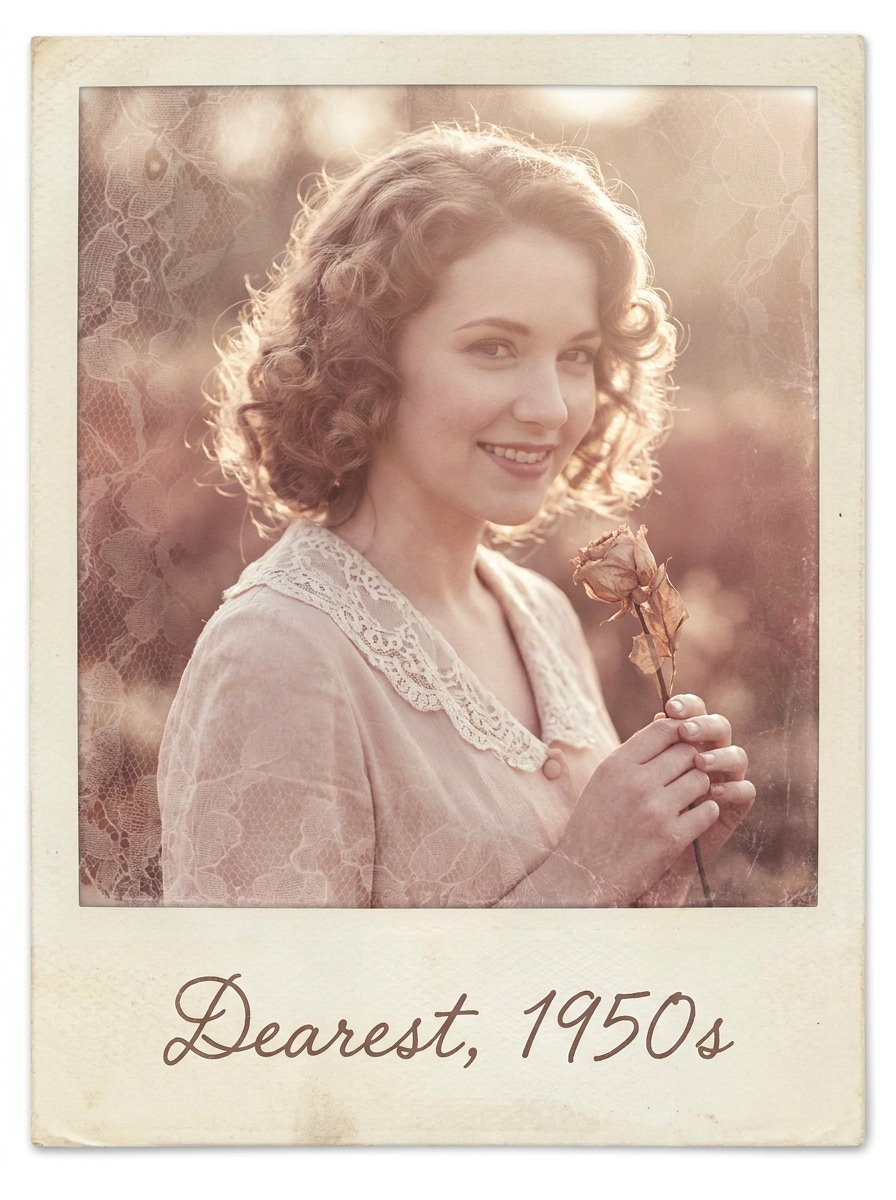
Polaroid-Liebesbrief
Verwenden Sie das hochgeladene Foto als Mittelpunkt und gestalten Sie es wie ein nostalgisches Coquette-Polaroid mit cremigem Weiß, rosigen Untertönen, verblassten Rändern, handgeschriebener Liebesbrief-Stimmung, Weichzeichner, spitzeninspirierter Textur, luftigen Highlights und zartem romantischen Styling, das die Gesichtsklarheit bewahrt.
Balletcore Coquette
Verwenden Sie das hochgeladene Bild als Motiv und verwandeln Sie es in eine balletcore-inspirierte Coquette-Bearbeitung mit blassrosa Palette, Satintexturen, anmutiger Eleganz, luftiger Beleuchtung, sanftem Make-up, verfeinerter Haltungsbetonung, sanftem Glanz und einem zarten Studio-Porträt-Feeling.
Dollette Puppenweichheit
Verwenden Sie das hochgeladene Foto als Basis und erstellen Sie eine Dollette-Coquette-Transformation mit Porzellan-Weichheit, Pastellrosa und Elfenbeintönen, glänzenden Augen, Spitzen- und Schleifendetails, sanfter Beleuchtung, verspielter Süße und einem traumhaften puppenartigen Finish, das die Identität natürlich und erkennbar hält.
Coquette Selfie-Filter
Verwenden Sie das hochgeladene Selfie als Motiv und verbessern Sie es zu einer social-media-fertigen Coquette-Beautybearbeitung mit schmeichelhafter Hautglättung, rosigen Wangen, glänzenden Lippen, strahlenden Augen, sanften rosafarbenen Highlights, subtiler schleifeninspirerter Gestaltung, sauberer Beleuchtung und einem realistischen aber polierten Finish zum Teilen.
Herz-Blush Beauty-Bearbeitung
Verwenden Sie das hochgeladene Porträt als Motiv und fügen Sie eine romantische Coquette-Make-up-Transformation mit herzförmiger Blush-Platzierung, sanften Wimpern, rosigen Wangen, subtilen Lipgloss, Pastellbeleuchtung, traumhaftem Glanz, zartem femininen Styling und natürlicher Gesichtstreue während der Bearbeitung hinzu.
Spitzen und Rosen Overlay
Verwenden Sie das hochgeladene Bild als Hauptmotiv und fügen Sie eine Coquette-dekorative Behandlung mit Spitzentexturen, sanften Rosendetails, pastellrosa Schleier, eleganter Vignette, glänzenden Highlights und einer romantisch-femininen Atmosphäre hinzu, während Gesicht oder Outfit klar sichtbar bleiben.
Schleifenrahmen-Traumbearbeitung
Verwenden Sie das hochgeladene Foto als Mittelpunkt und verwandeln Sie es in eine traumhafte Coquette-Komposition mit Schleifenrahmen-Elementen, pastellrosafarbenen Rändern, sanftem Glanz, glänzenden Highlights, zarten femininen Designelementen, luftiger Textur und einer charmanten Social-Media-Ästhetik.
Warum Media.io für einen Coquette-Ästhetik-Filter verwenden
Identität bewahren, während das Aussehen verändert wird
Für Selfies, Porträts oder Outfit-Fotos ermöglicht Media.io das Hochladen eines echten Fotos und die Anwendung eines Coquette-Ästhetik-Filters, ohne die Identität des Motivs zu verlieren. Der Look bleibt traumhaft und stilisiert, während Gesichtszüge, Pose und wichtige Details glaubwürdig bleiben.
Ein Motiv in mehrere Stile umarbeiten
Bei upload-basierten Bearbeitungen hält Media.io das Referenzmotiv visuell konsistent, während die endgültige visuelle Richtung des Coquette-Filters geändert wird, was personalisierte Ergebnisse einfacher und zuverlässig nutzbar macht. Das verleiht referenzbasierten Bearbeitungen ein glaubwürdigeres Gefühl von Kontinuität.
Finale Visuals für echte Projekte scharf halten
Vorschau-Attraktivität reicht für fertige kreative Arbeiten nicht aus, daher hilft Media.io dabei, sauberere Coquette-Filter-Visuals mit einer Ausgabe bis zu 4K zu generieren. Das endgültige Bild eignet sich besser für Hintergrundbilder, Präsentationen und Mockups, bei denen Bildqualität noch wichtig ist.
Im Browser auf verschiedenen Geräten erstellen
Kreative wechseln oft zwischen Telefon und Computer, und Media.io hält die Coquette-Filter-Erstellung im Browser, sodass der Prozess einfach bleibt. Sie können überall weiterbearbeiten, wo Sie arbeiten, ohne zusätzliche Software in den Workflow einzubinden.
Wie man einen Coquette-Filter online anwendet
Verwandeln Sie Ihre Worte in beeindruckende Visuals in drei einfachen Schritten, und verfeinern Sie das Ergebnis anschließend nach Belieben.
Schritt 1
Referenzbild hochladen
Beginnen Sie mit einem klaren Selfie, Porträt oder Ganzkörperfoto im JPG-, PNG- oder JPEG-Format. Ein sauberes Bild mit sichtbaren Gesichtszügen, Outfit-Details und ausgewogener Beleuchtung gibt der KI eine bessere Basis für sanfte rosafarbene, schleifeninspirate oder Vintage-Romantik-Bearbeitungen.
Schritt 2
Änderung beschreiben und Optionen festlegen
Geben Sie den gewünschten Look ein, wie Perlen, Spitzen, pastellfarbenes Blush, traumhafter Glanz, Filmkorn oder Balletcore-Styling. Wählen Sie dann Ihr bevorzugtes Modell und passen Sie Seitenverhältnis, Ausgabequalität und die Anzahl der Bildvariationen an Ihren endgültigen Verwendungszweck an.
Schritt 3
Generieren, Herunterladen und Weiterverbessern
Erstellen Sie Ihre transformierten Bilder, vergleichen Sie die Versionen und laden Sie diejenige herunter, die am besten passt. Wenn Sie eine stärkere redaktionelle Stimmung oder ein weicheres Finish wünschen, verfeinern Sie den Prompt, generieren Sie erneut und erkunden Sie neue Coquette-Variationen vom selben Foto.
Das Potenzial des Coquette-Ästhetik-Filters entfalten
Sehen Sie, wie Kreative diesen Coquette-Filter für Inhalte, Marketing und persönliche Projekte nutzen, und passen Sie jede Idee an Ihre Anforderungen an.
Selfies für Social-Media-Feeds aufwerten
Verwandeln Sie alltägliche Frontkamera-Fotos in romantische, polierte Porträts mit Schleifen, Blush-Tönen, glänzenden Highlights und traumhafter Weichheit. Dieser Coquette-Selfie-Filter Stil eignet sich gut für Profilbilder, Karussell-Cover oder ästhetische Story-Posts, die ein feminines redaktionelles Gefühl benötigen.
Moodboard-fertige Porträt-Serien erstellen
Generieren Sie mehrere stilisierte Variationen aus einem Upload, passend zu Pinterest-Boards, Fan-Bearbeitungen oder persönlichen Inspirationssammlungen. Ein Coquette-Fotofilter Look mit weichen Filmtexturen, Spitzen-Overlays und pastellfarbenem Rahmen lässt Bilder kuratiert statt wie ein generisches Preset wirken.
Outfit- und Modefotos schnell neu gestalten
Geben Sie Lookbook-Aufnahmen oder lässigen Spiegelfotos eine verfeinertere romantische Richtung, ohne neu zu fotografieren. Ein Coquette-Ästhetik-Filter mit traumhaftem Glanz, Perlenakzenten und Vintage-Farbgebung kann Mode-Inhalte für Markenseiten, Stiltagebücher oder thematische Kampagnen kohärenter wirken lassen.
Was Nutzer über diesen Coquette-Filter sagen
Maya R.
Beauty-Content-Erstellerin
„Perfekt für sanfte rosafarbene Selfie-Bearbeitungen" Ich wollte einen schnellen Weg finden, um einfache Selfies in etwas Hübscheres und Redaktionelleres zu verwandeln. Media.io gab mir diesen traumhaften rosa Glanz, das glänzende Finish und die schleifeninspirate Stimmung, ohne mein Gesicht unecht aussehen zu lassen.
Elena T.
Pinterest-Moodboard-Kuratorin
„Die Vintage-Romantik-Stile sehen fantastisch aus" Ich testete mehrere Looks von einem Foto und liebte, wie einfach es war, zwischen Polaroid, Filmkorn und perlenreichen Bearbeitungen zu wechseln. Die Ergebnisse passten viel besser zu meinen Boards als Standard-Rosé-Filter.
Sophie L.
Lifestyle-Influencerin
„Einfach zu verwenden, auch ohne Bearbeitungskenntnisse" Ich bin nicht gut im manuellen Retuschieren, daher hat mir dieser Workflow wirklich geholfen. Ich lud ein Foto hoch, beschrieb die Stimmung und erhielt nach ein paar Versuchen einen polierten Coquette-Look, der gut für Instagram-Cover funktionierte.
Nina C.
Modestudentin
„Hervorragende Detailbeibehaltung bei Porträts" Was mich am meisten beeindruckte, war, dass sich der Stil stark veränderte, aber meine Gesichtszüge immer noch wie ich aussahen. Diese Balance ließ die endgültigen Bilder kreativ, nicht überbearbeitet wirken.
Entdecken Sie die beliebtesten KI-Video- und Bildeffekte
1. Was ist ein Coquette-Filter und wie verändert er ein Foto?
Ein Coquette-Filter ist ein Fotostil, der einem Bild durch Blush-Rosa-Töne, traumhaften Glanz, Vintage-Weichheit, Schleifen, Perlen, spitzeninspirierte Akzente oder zarte Make-up-Hinweise einen sanften, romantischen, femininen Look verleiht. Mit Media.io laden Sie ein Foto hoch und verwenden KI, um die Stimmung und das Styling zu verändern, während das ursprüngliche Motiv sichtbar und erkennbar bleibt.
2. Wie kann ich online einen Coquette-Filter auf mein Bild anwenden?
Laden Sie ein JPG-, PNG- oder JPEG-Bild zu Media.io hoch und beschreiben Sie dann den gewünschten Look, wie ein sanftes rosafarbenes Porträt, Vintage-Romantik-Finish oder traumhafter redaktioneller Effekt. Wählen Sie danach Ihr bevorzugtes Modell, legen Sie Optionen wie Seitenverhältnis oder Auflösung fest und generieren Sie das Bild online in Ihrem Browser.
3. Gibt es einen kostenlosen Coquette-Filter, den ich vor dem Upgrade ausprobieren kann?
Media.io bietet kostenlose Credits an, damit Sie eine Coquette-Bearbeitung ausprobieren können, bevor Sie zu einem kostenpflichtigen Plan wechseln. Die kostenlose Nutzung kann Wasserzeichen enthalten, während kostenpflichtige Pläne mehr Credits und wasserzeichenfreie hochauflösende Downloads auf der Preisseite bieten.
4. Kann ein KI-Coquette-Filter bei Selfies und Ganzkörperfotos funktionieren?
Media.io kann mit Nahaufnahme-Selfies, Porträts und Ganzkörperbildern arbeiten, solange das hochgeladene Foto klar genug ist, damit die KI das Motiv erkennen kann. Das macht es nützlich für Beauty-Bearbeitungen, Outfit-Aufnahmen, romantische Modeporträts und stilisierte Social-Media-Inhalte.
5. Wird der Coquette-Ästhetik-Filter mein Gesicht und meine Details realistisch halten?
Ja, besonders wenn Sie mit einem klaren Referenzfoto beginnen und einen Prompt verwenden, der sich auf Stimmung, Beleuchtung, Make-up und dekoratives Styling konzentriert, anstatt auf extreme Veränderungen. Media.io ist für die Bild-zu-Bild-Bearbeitung konzipiert und kann daher Gesichtsstruktur und wichtige Details bewahren, während ein Coquette-Ästhetik-Filter-Stil angewendet wird.
6. Kann ich einen Coquette-Fotofilter auf iPhone, Android und Desktop verwenden?
Media.io ist webbasiert, sodass Sie es auf iPhone, Android, Mac, Windows oder anderen Geräten mit einem Browser verwenden können. Das macht es einfach, eine Coquette-Fotofilter-Bearbeitung von Ihrem Telefon, Tablet oder Computer aus zu erstellen, ohne separate Software zu installieren.
Jenseits des KI-gestützten Online-Coquette-Filters