Deine Werke werden nur 7 Tage lang gespeichert. Assets, die nach dem Upgrade auf einen Mitgliedschaftstarif erstellt werden, werden dauerhaft gespeichert.
Entfalten Sie Ihr kreatives Potenzial und erleben Sie jetzt die Magie der Media-KI!
Erstellen Sie einen Old-Money-Filter-Look mit eleganten KI-Porträt-Bearbeitungen
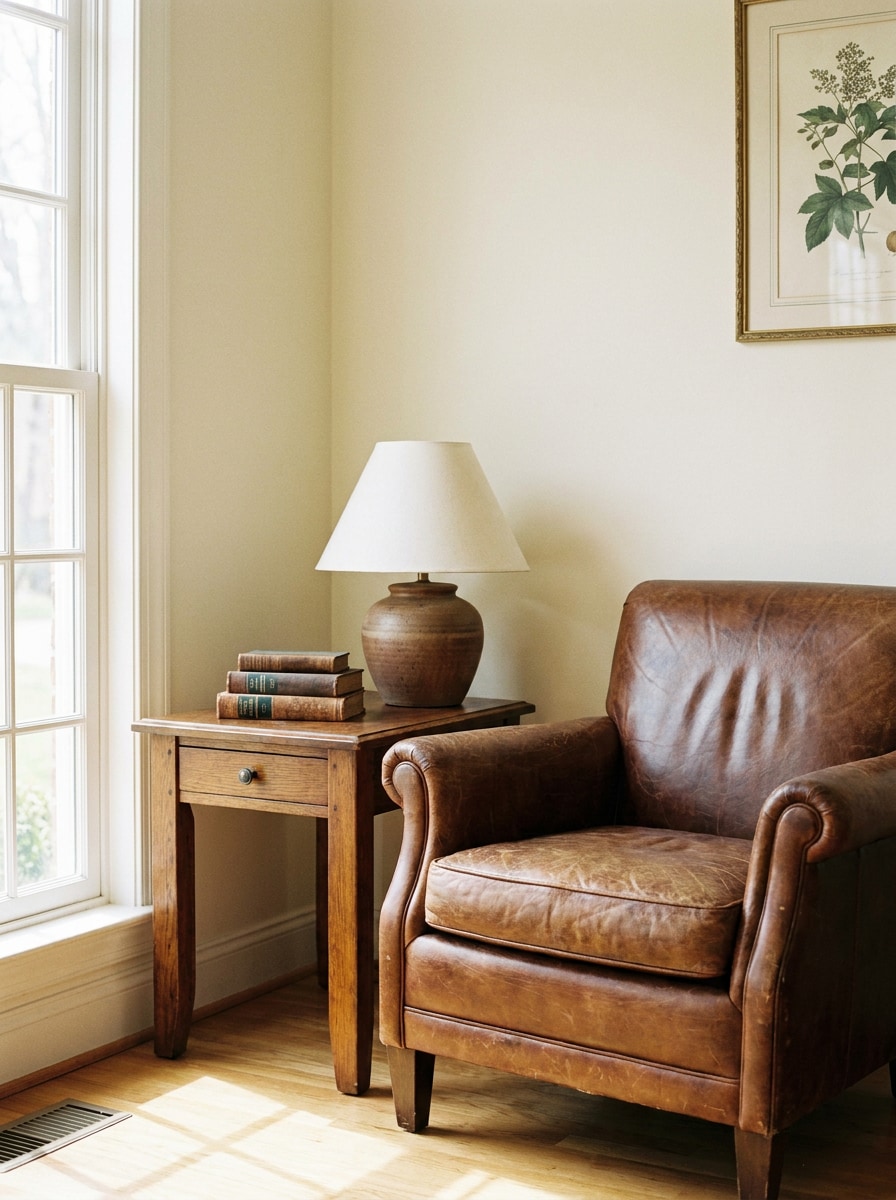
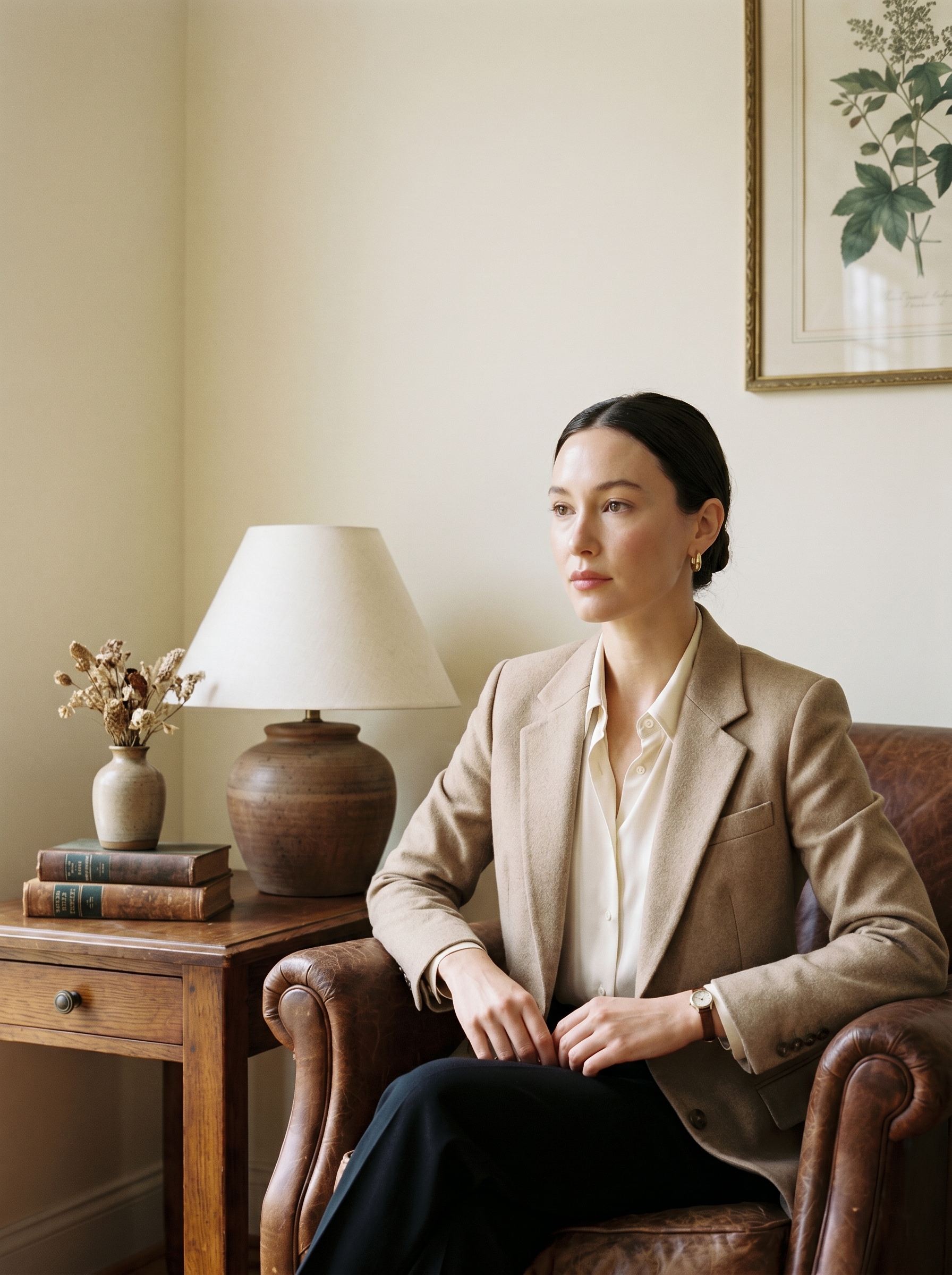
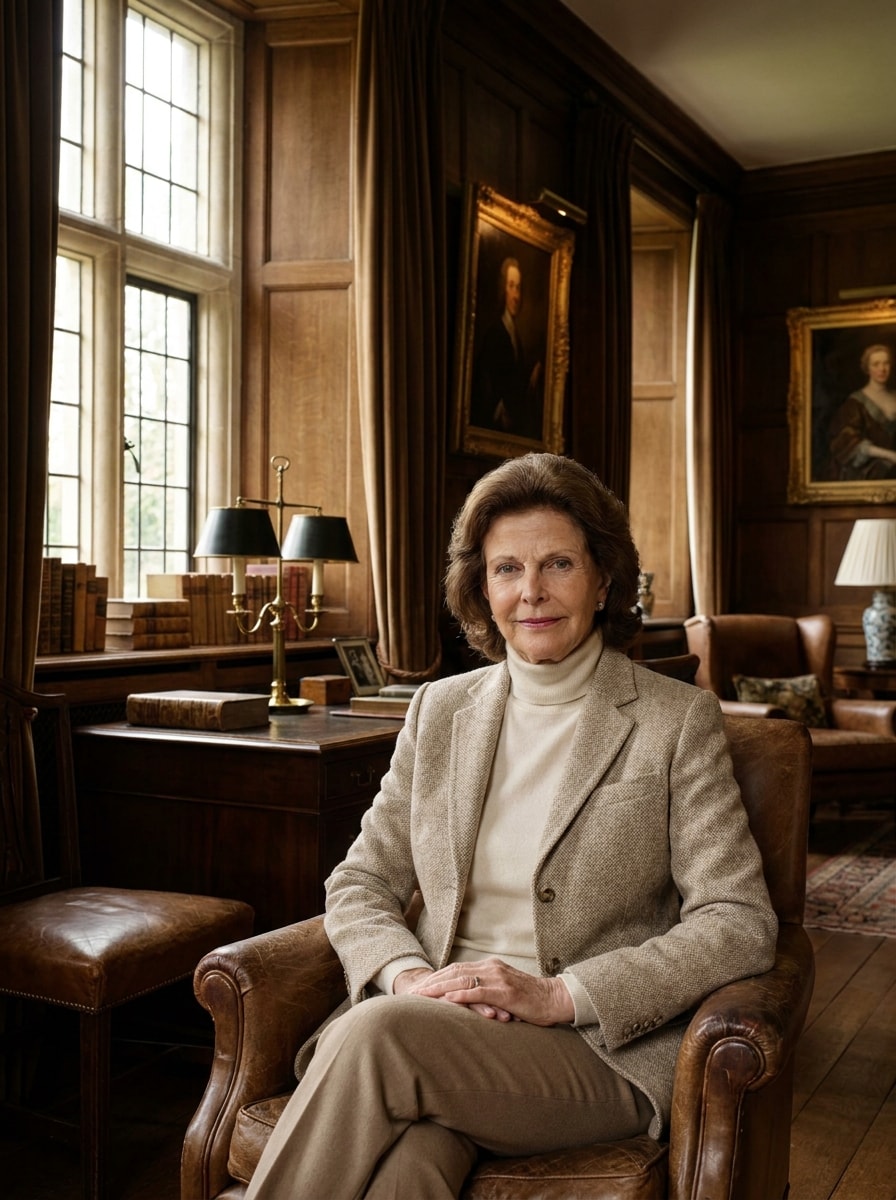
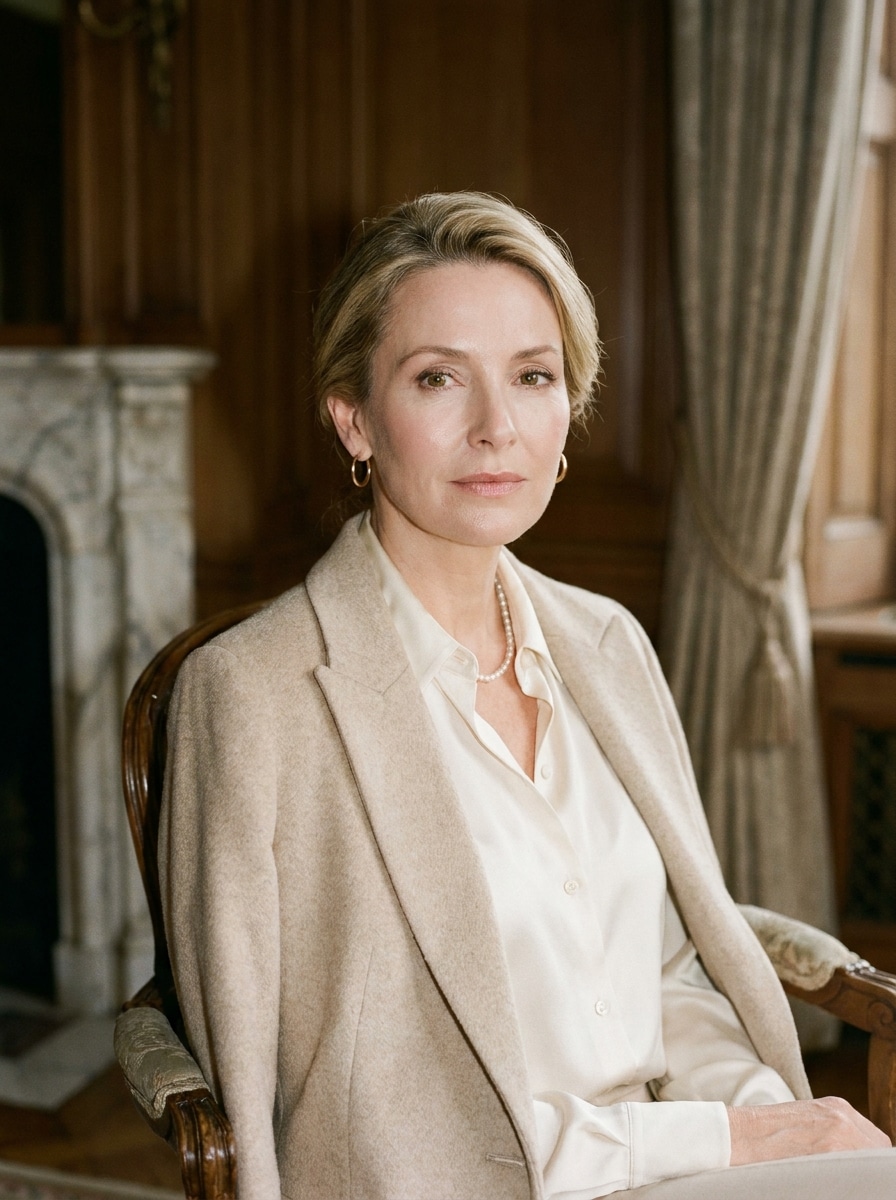
Verwandeln Sie Selfies und Porträts in polierte Quiet-Luxury-Visuals mit dem Old-Money-Filter von Media.io. Erstellen Sie einen verfeinerten Old-Money-Ästhetik-Filter-Look mit weichem Editorial-Licht, Preppy-Styling, Vintage-Wohlstandstönen und realistischen Gesichtsdetails in einem schnellen Online-Workflow. Dieser Workflow ist besonders nützlich für den Old-Money-Fotofilter.
Geben Sie Ihre Idee ein -> KI gestaltet sie. Kostenlos testen.
Sehen Sie sich diese Beispielanweisungen an und passen Sie die Prompt-Details an, um mit diesem Media.io Old-Money-Filter bessere Ergebnisse zu erzielen.
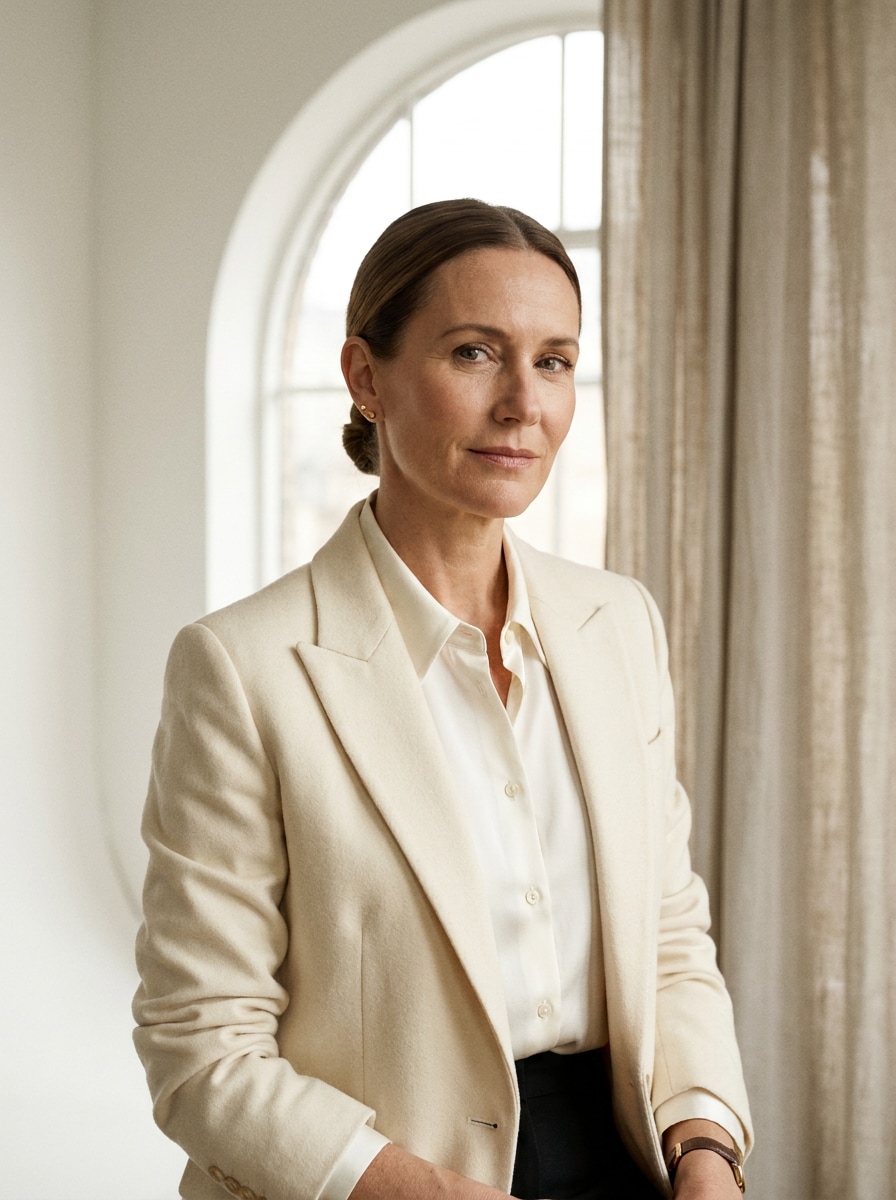
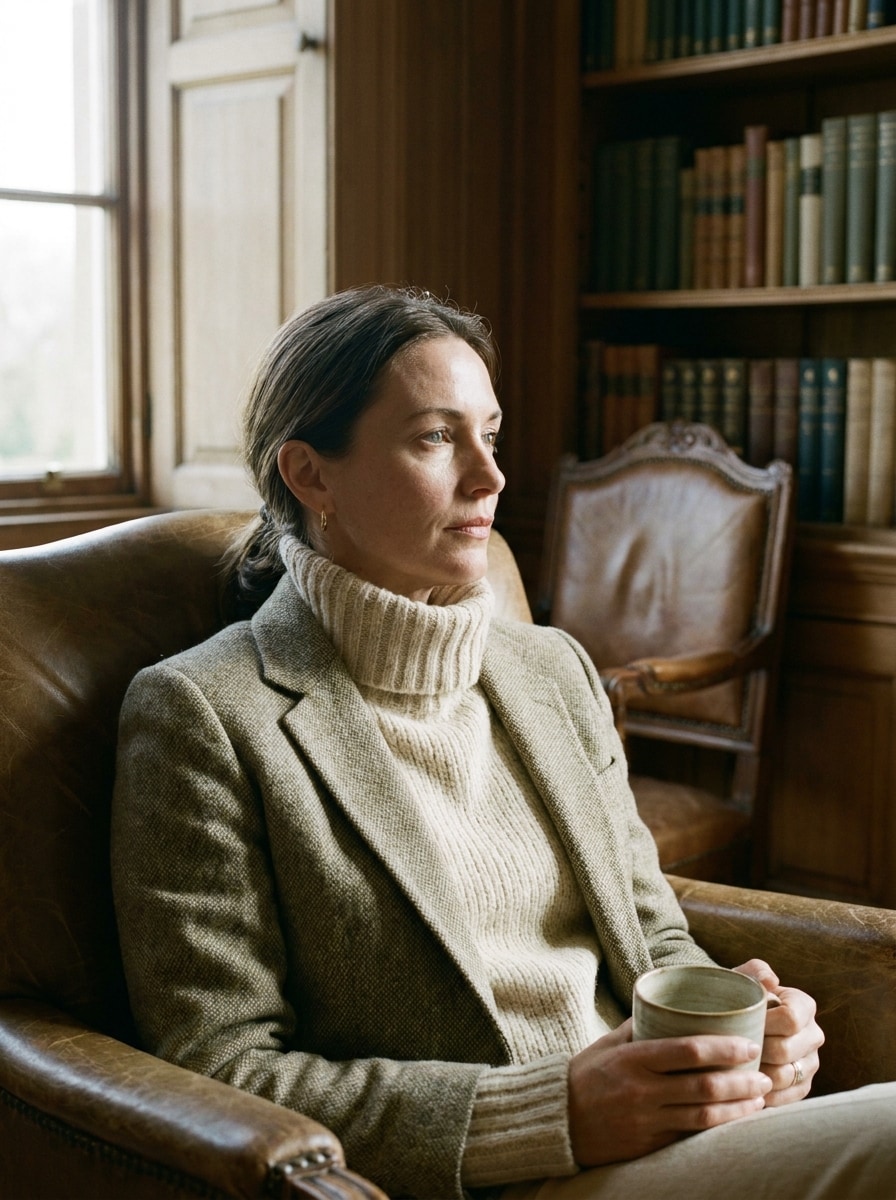
Quiet-Luxury-Studioporträt
Verwenden Sie das hochgeladene Bild als Motiv und verwandeln Sie es in ein verfeinertes Quiet-Luxury-Editorial-Porträt. Fügen Sie eine Beige-Elfenbein-Palette, maßgeschneidertes Blazer-Styling, minimalen Schmuck, weiches Fensterlicht, glatte aber realistische Hauttextur, sauberen Hintergrund, subtilen Kontrast und eine elegante, zurückhaltende Old-Money-Stimmung hinzu.
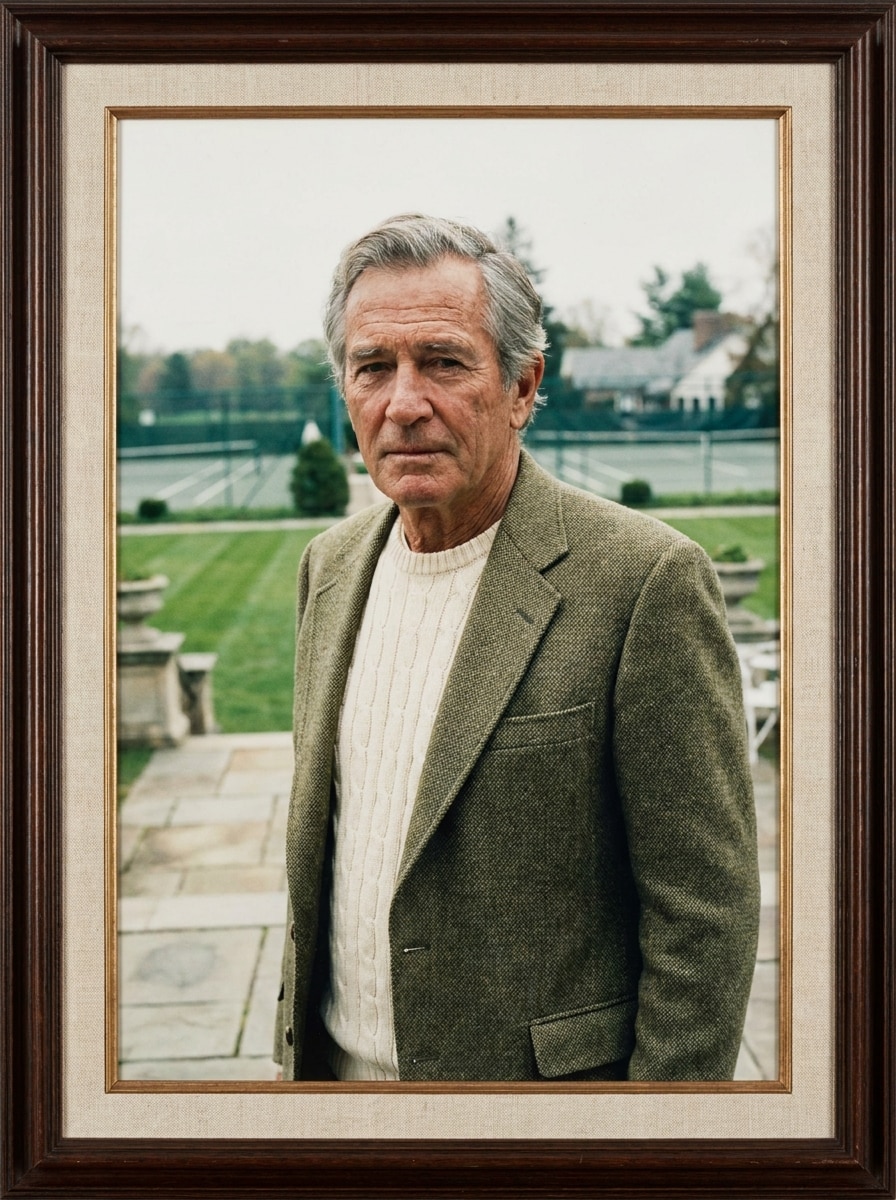
Country-Club-Porträt
Verwenden Sie das hochgeladene Bild als Motiv und gestalten Sie es in ein Country-Club-Porträt mit klassischer Preppy-Eleganz um. Fügen Sie einen cremefarbenen Strickpullover, einen strukturierten Blazer, eine Tennisclub- oder Anwesen-Kulisse, weiches Tageslicht, knackige Komposition, gedämpfte Grün- und Neutaltöne, realistische Gesichtsdetails und eine zeitlose Oberschicht-Atmosphäre hinzu.
Film-Grain-Heritage-Look
Verwenden Sie das hochgeladene Bild als Motiv und wenden Sie eine heritage-inspirierte Old-Money-Bearbeitung mit subtilen 35-mm-Filmkorn an. Fügen Sie warme Neutraltöne, verblasste Grüntöne, weiche Schatten, gedämpfte Highlights, klassische Garderobentöne, realistische Haut und eine zeitlose aristokratische Stimmung hinzu, die sich cinematisch, geschmackvoll und natürlich wohlhabend anfühlt.
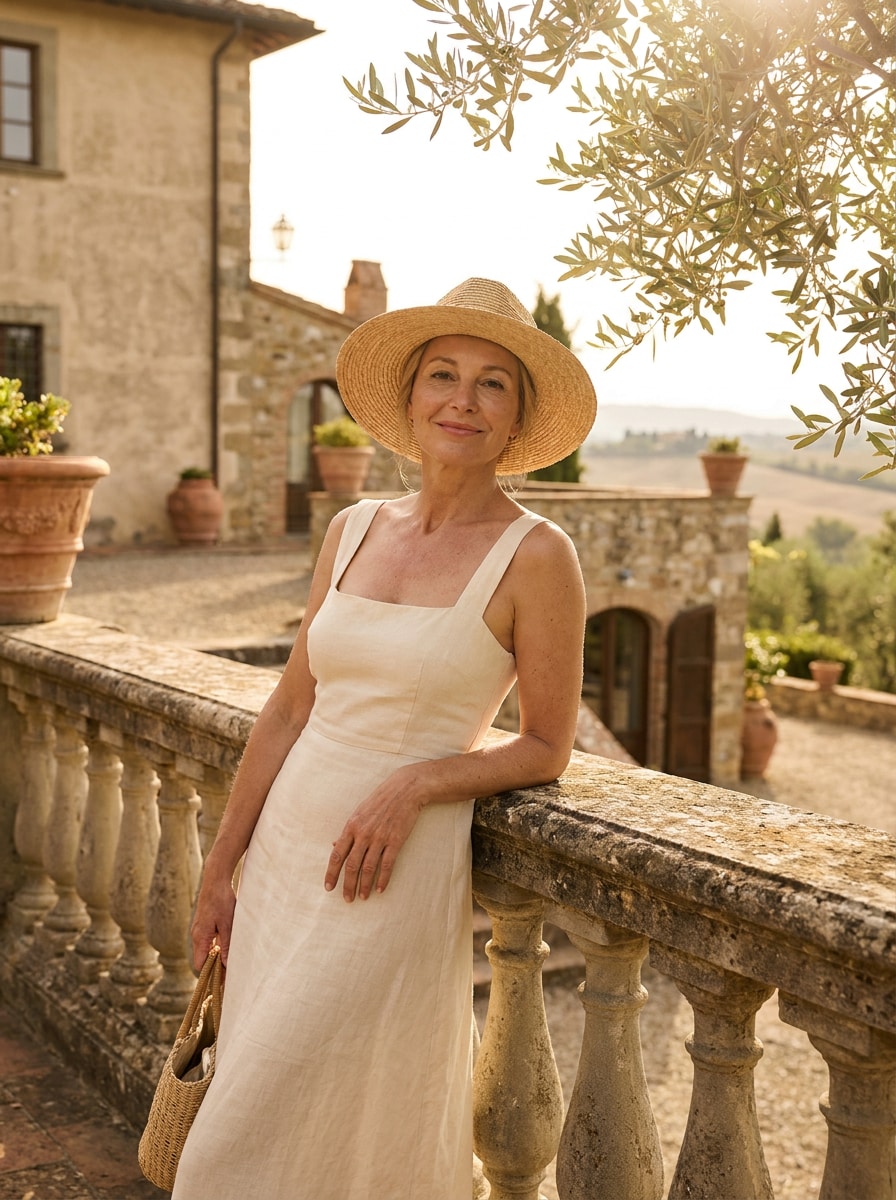
Europäisches Sommer-Anwesen
Verwenden Sie das hochgeladene Bild als Motiv und verwandeln Sie es in ein sonnendurchflutetes europäisches Sommer-Anwesen-Porträt. Fügen Sie leineninsperierte Mode, cremige Neutraltöne, weiches goldenes Tageslicht, steinerne Villen-Umgebungen, luftige Komposition, elegante Urlaubsstimmung, realistische Textur und den subtilen Charme von ererbtem Reichtum statt auffälligem Glamour hinzu.
Ivy-League-Preppy
Verwenden Sie das hochgeladene Bild als Motiv und geben Sie ihm ein Ivy-League-inspiriertes Old-Money-Makeover. Fügen Sie einen Marineblazer, ein Hemd mit Kragen, eine gestrickte Schicht, eine Bibliotheks- oder Campus-Kulisse, gedämpfte Prep-School-Farben, weiches natürliches Licht, realistische Gesichtsdetails und ein poliertes akademisches Porträtgefühl hinzu.
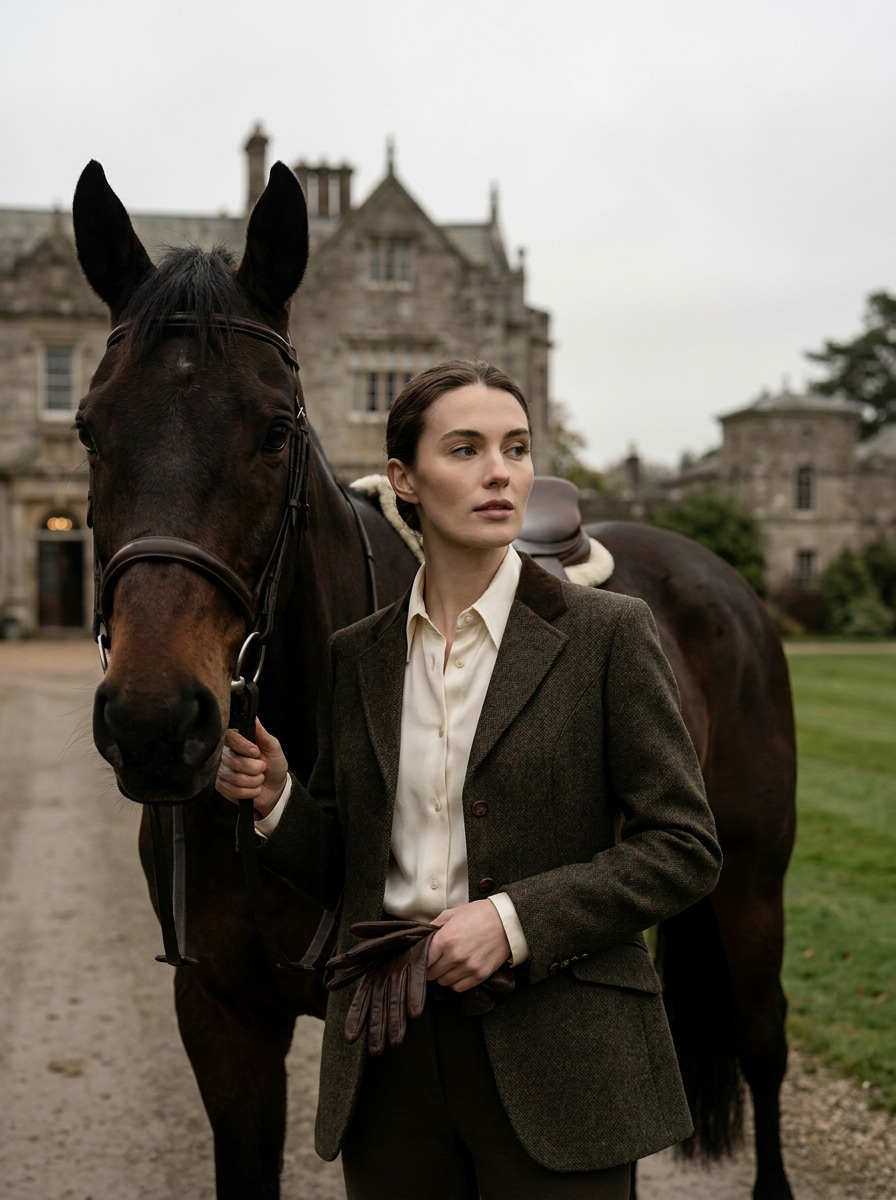
Reitstall-Anwesen-Stil
Verwenden Sie das hochgeladene Bild als Motiv und verwandeln Sie es in ein Reitstall-Anwesen-Porträt mit Heritage-Luxus. Fügen Sie strukturierte reitinspirierte Mode, tiefe Braun- und Cremetöne, Landgut-Szenerie, weiches bedecktes Licht, Leder- und Wolltexturen, realistische Gesichtsdetails und eine selbstbewusste Editorial-Stimmung hinzu.
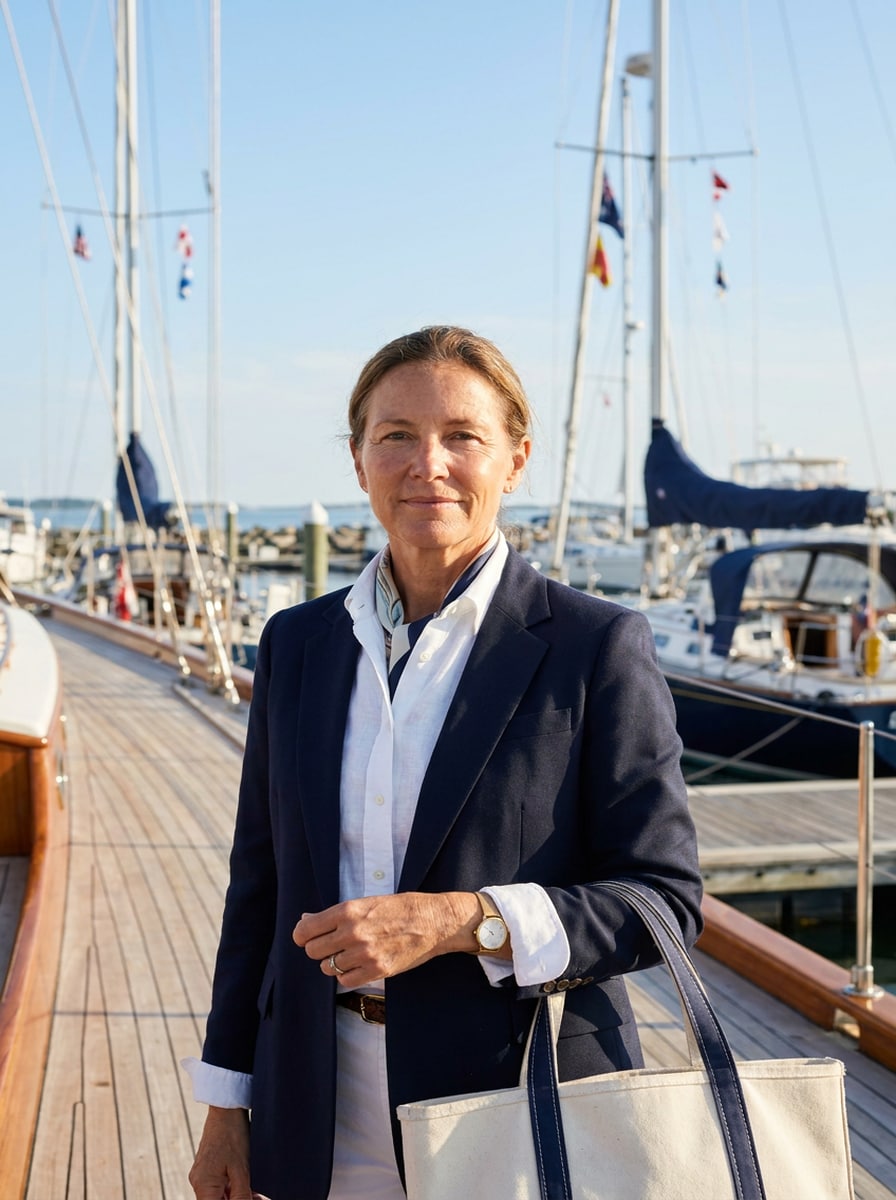
Yachtclub Minimaler Luxus
Verwenden Sie das hochgeladene Bild als Motiv und erstellen Sie ein Yachtclub-Porträt mit zurückhaltendem Küstenluxus. Fügen Sie klares Weiß- und Marine-Styling, Hafen- oder Meeresfront-Szenerie, helles luftiges Licht, knackige Komposition, natürliche Hauttextur, raffinierte Accessoires und eine ruhige wohlhabende Stimmung hinzu, die modern und diskret wirkt.
Herrenhaus-Interieur
Verwenden Sie das hochgeladene Bild als Motiv und platzieren Sie es in einer klassischen Herrenhaus-Porträtszene. Fügen Sie dunkle Holzinterieurs, geschmackvolle Dekoration, weiches Fensterlicht, neutrale Garderobe, reiche Braun- und Cremetöne, realistische Gesichtsdetails und eine aristokratische Atmosphäre hinzu, die cinematisch aber glaubwürdig wirkt.
Weiches Blitz-Gesellschaftsporträt
Verwenden Sie das hochgeladene Bild als Motiv und wenden Sie eine Gesellschaftsporträt-Bearbeitung mit weichem Blitz an. Fügen Sie verfeinerte Beauty-Styling, glatte aber realistische Haut, subtilen Direktblitz, beige Luxustöne, sauberes Mode-Framing, zurückhaltenden Schmuck und eine polierte Socialite-Stimmung mit ruhiger Selbstsicherheit und editorialem Realismus hinzu.
Gedämpftes Luxus-Selfie
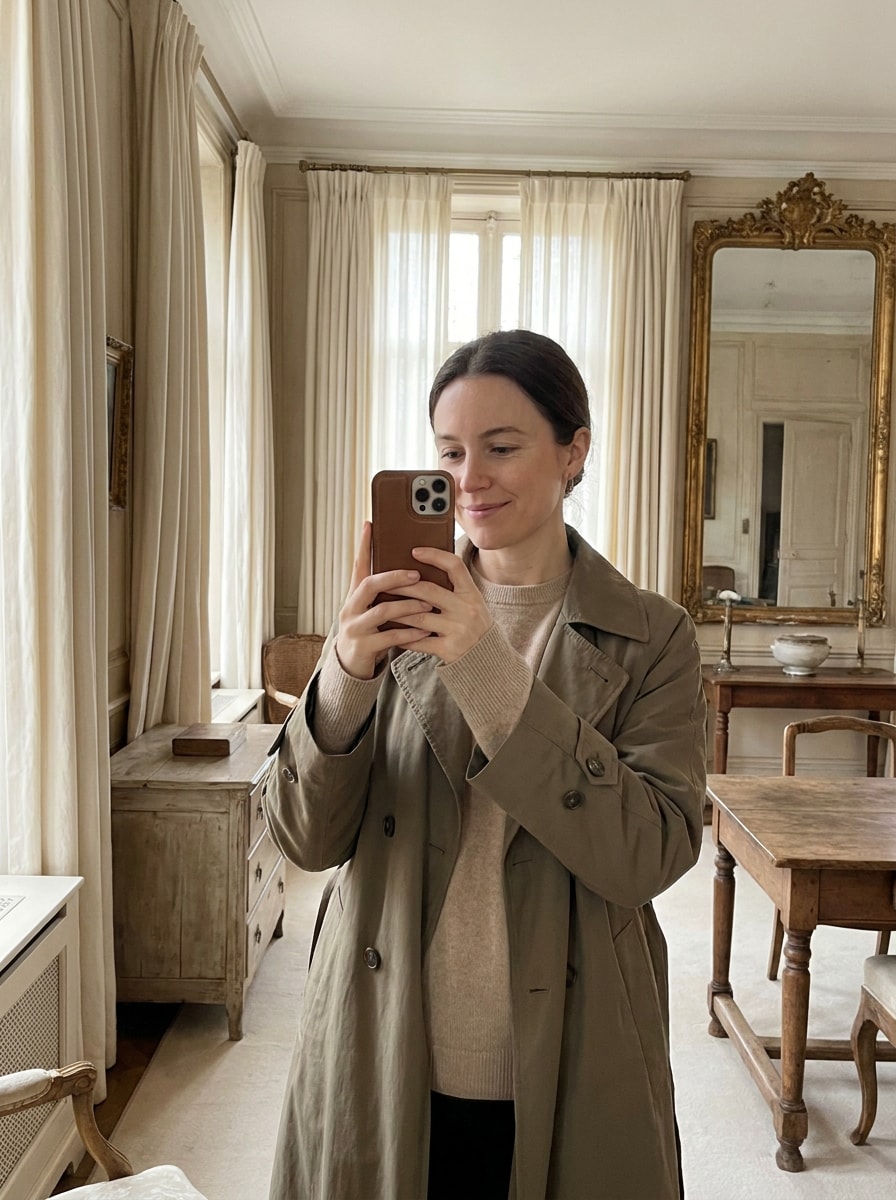
Verwenden Sie das hochgeladene Bild als Motiv und verwandeln Sie es in ein Quiet-Luxury-Selfie mit Old-Money-Eleganz. Fügen Sie cremige Neutraltöne, gedämpften Kontrast, minimale Retusche, weiches natürliches Licht, geschmackvolle Garderobenverfeinung, realistische Gesichtszüge und ein premium social-ready Finish hinzu, das teuer aussieht, ohne auffällig zu wirken.
Warum Media.io für ein Old-Money-Porträt-Makeover verwenden
Behalten Sie Ihre Identität bei und verbessern Sie dennoch den Stil
Für Selfies und Porträt-Bearbeitungen verwendet Media.io Ihr Referenzbild, um ein verfeinertes Luxusporträt-Filter-Ergebnis zu erstellen, während die wesentlichen Gesichtszüge erkennbar bleiben – sodass das finale Bild immer noch wie Sie selbst wirkt, nur in einem polierteren, Quiet-Luxury-Setting.
Wechseln Sie zwischen Quiet-Luxury-, Preppy- und Heritage-Looks
Stilentscheidungen sind einfacher, wenn Sie Optionen nebeneinander erkunden können. Media.io hilft Ihnen dabei, mehrere Richtungen aus derselben Old-Money-Ästhetik-Filter-Basis zu vergleichen, was die kreative Auswahl schneller und konsistenter macht.
Erzeugen Sie sauberere Ausgaben bis zu 4K
Wenn ein Old-Money-Filter-Visual für den echten Veröffentlichungseinsatz bestimmt ist, bietet Ihnen Media.io eine schärfere Ausgabe bis zu 4K, was das Bild bei Präsentationen, Hintergründen und wiederverwendeten Assets klar hält.
Arbeiten Sie geräteübergreifend ohne zusätzliche Installationen
Kreative Arbeit bleibt selten auf einem Bildschirm. Media.io hält den Old-Money-Filter-Visual-Workflow in Ihrem Browser, sodass Sie auf dem Telefon beginnen und auf dem Desktop fertigstellen können, ohne zusätzliche Software installieren zu müssen.
So wenden Sie einen Old-Money-Filter online an
Verwandeln Sie Ihre Worte in beeindruckende Visuals in drei einfachen Schritten, und verfeinern Sie das Ergebnis anschließend weiter, wenn Sie es weiterentwickeln möchten.
Schritt 1
Laden Sie Ihr Referenzbild hoch
Beginnen Sie mit einem klaren Selfie oder Porträt im JPG-, PNG- oder JPEG-Format. Ein gut beleuchtetes Foto mit einem sichtbaren Gesicht und einem einfachen Hintergrund gibt Media.io eine stärkere Basis für verfeinerte Quiet-Luxury-, Preppy- oder Editorial-Stil-Transformationen.
Schritt 2
Beschreiben Sie die Änderung und stellen Sie die Optionen ein
Geben Sie den gewünschten Look ein, z. B. Herrenhaus-Eleganz, Country-Club-Politur oder ein weiches Blitz-Gesellschaftsporträt. Wählen Sie dann Ihr Modell und passen Sie Seitenverhältnis, Auflösung und die Anzahl der Bildvariationen an Ihren beabsichtigten Verwendungszweck an.
Schritt 3
Generieren, herunterladen und weiter verbessern
Erstellen Sie mehrere Versionen, vergleichen Sie Stimmung und Styling, und laden Sie dann Ihr bevorzugtes Ergebnis herunter. Sie können den Prompt weiter verfeinern, um stärkere Old-Money-Details zu erzielen, einen neuen Hintergrund testen oder weitere polierte Variationen aus demselben Porträt generieren.
Entfesseln Sie das Potenzial des Old-Money-Ästhetik-Filters
Sehen Sie, wie Creators diesen Old-Money-Filter für Inhalte, Marketing und persönliche Projekte verwenden, und passen Sie jede Idee an Ihre Anforderungen an.
Alltagsselfies in Quiet-Luxury-Porträts verwandeln
Verwandeln Sie ein lockeres Handyfoto in ein poliertes Editorial-Bild mit weicheren Neutraltönen, maßgeschneiderten Styling-Hinweisen und verfeinerter Beleuchtung. Media.io macht es einfach, ein teureres Profilbild zu erstellen, ohne aufwändige Retusche oder auffällige Effekte.
Einen konsistenten Preppy- oder Heritage-inspirierten Feed aufbauen
Creators können ein Referenzfoto in Media.io verwenden, um Country-Club-, Ivy-League-, Yachtclub- oder Filmkorn-Looks zu erkunden und dabei dieselbe Identität über alle Posts hinweg beizubehalten. Es ist ein praktischer Weg, eine kohärente visuelle Marke mit einer glaubwürdigen gehobenen Stimmung zu gestalten.
Mode-vorwärts gerichtete Porträts für Moodboards und Cover erstellen
Designstudenten, Stylisten und Content-Teams können einfache Porträts in elegante Konzeptvisuals für Moodboards, Mockups oder Cover-Art verwandeln. Der browserbasierte Workflow von Media.io macht es einfach, eine Old-Money-Ästhetik-Filter-Richtung zu testen, bevor man sich für ein vollständiges Shooting entscheidet.
Was Nutzer sagen
Ava Collins
Lifestyle-Creatorin
„Meine Selfies sehen endlich poliert aus, nicht übermäßig bearbeitet" Ich wollte das Quiet-Luxury-Porträtgefühl, ohne mein echtes Gesicht zu verlieren. Media.io hat mir weiches Editorial-Licht, bessere Styling-Hinweise und eine glaubwürdige gehobene Stimmung aus einem einfachen Selfie gegeben.
Noah Bennett
Social-Media-Manager
„Großartig zum schnellen Testen mehrerer Old-Money-Looks" Das Beste daran war, dass ich Herrenhaus-, Country-Club- und Yacht-inspirierte Versionen aus demselben Upload vergleichen konnte. Es sparte Zeit und gab uns mehrere verwendbare Optionen für Kampagnenvisuals.
Sophie Mercer
Modestudentin
„Nützlich für Moodboards und Konzeptporträts" Ich habe es verwendet, um Editorial-Referenzen für ein Klassenprojekt zu erstellen. Die Ergebnisse wirkten geschmackvoll und zurückhaltend, mit der richtigen neutralen Palette und dem Heritage-Styling anstelle eines generischen Vintage-Effekts.
Daniel Hayes
Porträtfotografie-Hobbyist
„Einfach auf dem Handy und überraschend realistisch" Ich habe es auf meinem Handy ausprobiert und einen einfachen Filter erwartet, aber das Porträt blieb erkennbar und die Farbabstufung sah premium aus. Es fühlte sich eher wie eine gestylte Fototransformation an als ein Ein-Tipp-Gimmick.
Entdecken Sie die beliebtesten KI-Video- und Bildeffekte
Ein Old-Money-Filter ist ein Porträt-Bearbeitungsstil, der Fotos einen verfeinerten, zurückhaltenden Luxuslook verleiht. Statt auffälliger Effekte verwendet er in der Regel weiches Licht, gedämpfte Neutraltöne, elegantes Styling und klassische Hintergründe, um eine polierte, Quiet-Wealth-Ästhetik zu schaffen.
2. Wie kann ich ein Foto online wie Old Money aussehen lassen?
Laden Sie ein klares Porträt auf Media.io hoch und beschreiben Sie dann die gewünschte Stimmung, z. B. Quiet Luxury, Country Club, Heritage Film oder Herrenhaus-Eleganz. Wählen Sie anschließend Ihr Modell und die Bildeinstellungen, generieren Sie einige Variationen und laden Sie die Version herunter, die am besten zu Ihrem idealen Old-Money-Look passt.
3. Gibt es einen kostenlosen Old-Money-Filter, den ich ausprobieren kann?
Media.io ermöglicht es kostenlosen Nutzern, das Tool mit kostenlosen Credits auszuprobieren, was eine einfache Möglichkeit ist, den Effekt zu testen, bevor man ein Upgrade durchführt. Kostenlose Ergebnisse können ein Wasserzeichen enthalten, während kostenpflichtige Pläne wasserzeichenfreie hochauflösende Downloads bieten. Sie können die Optionen auf der Preisseite vergleichen.
4. Kann ein KI-Old-Money-Filter bei Selfies und Porträts funktionieren?
Ja, Media.io ist für die Bild-zu-Bild-Bearbeitung konzipiert und funktioniert daher gut mit Selfies und Porträts. Sie laden ein Referenzbild hoch, und Media.io transformiert das Styling, die Stimmung und den Hintergrund, während das Motiv als visueller Anker für ein realistischeres Old-Money-Porträt-Ergebnis erhalten bleibt.
5. Welcher Fotostil eignet sich am besten für eine Old-Money-Ästhetik-Bearbeitung?
Die besten Quellbilder sind klare, gut beleuchtete Porträts mit einem sichtbaren Gesicht, einfachem Hintergrund und natürlichem Ausdruck. Eine saubere Komposition gibt Media.io mehr Spielraum, um klassische Garderobe-Hinweise, weiches Editorial-Licht und die zurückhaltende Eleganz hinzuzufügen, die Menschen von diesem Stil erwarten.
6. Bleibt mein Gesicht beim Old-Money-Filter erkennbar?
In den meisten Fällen ja. Media.io verwendet Ihr hochgeladenes Referenzbild, um die Transformation zu steuern, was dabei hilft, die Gesichtsidentität besser zu bewahren als beim Start nur aus Text heraus. Die Ergebnisse können je nach Prompt und Modellauswahl variieren, daher ist das Generieren einiger Versionen der beste Weg, um die erkennbarste Bearbeitung zu finden.
Über den KI-gestützten Online-Old-Money-Filter hinaus