Deine Werke werden nur 7 Tage lang gespeichert. Assets, die nach dem Upgrade auf einen Mitgliedschaftstarif erstellt werden, werden dauerhaft gespeichert.
Entfalten Sie Ihr kreatives Potenzial und erleben Sie jetzt die Magie der Media-KI!
KI-Edelstein-Identifikator für schnelle fotobasierte Steinanalyse
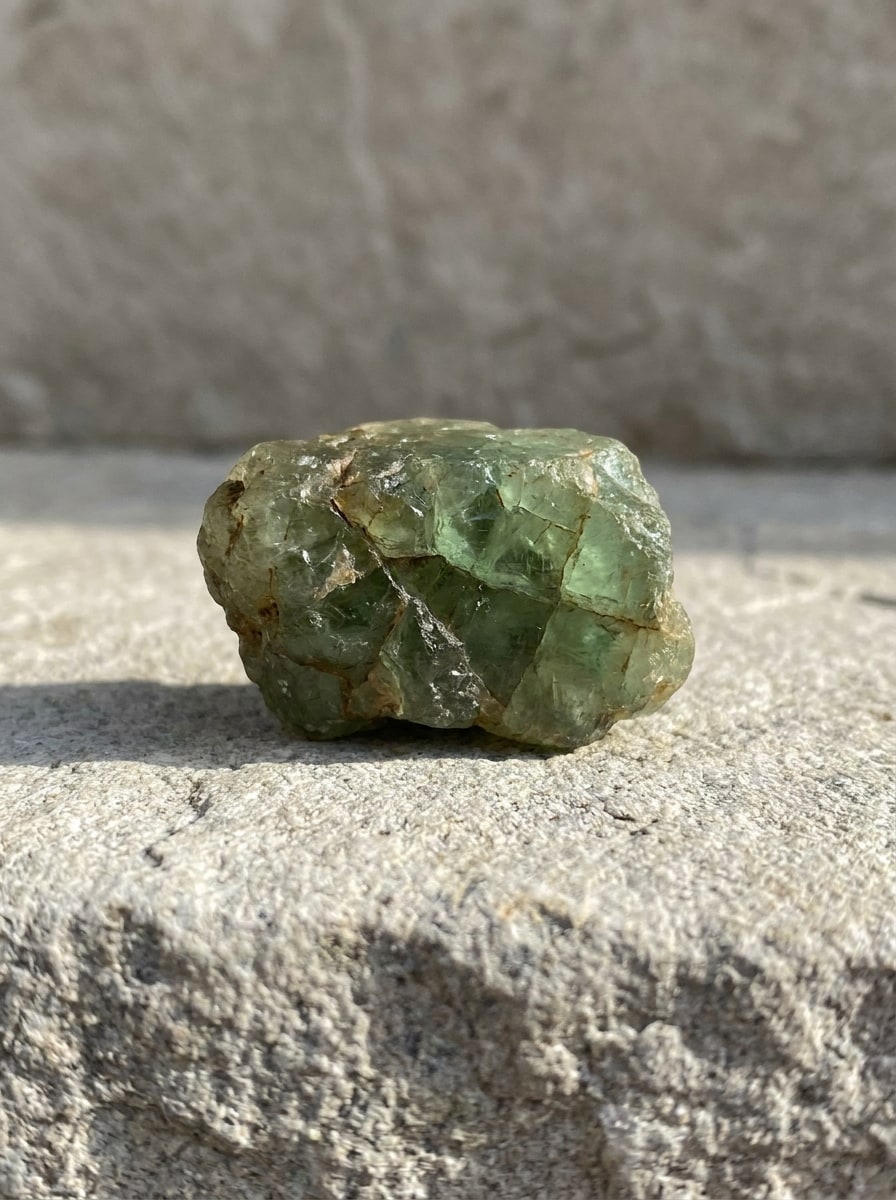
Laden Sie ein klares Edelsteinfoto hoch, um in Sekunden wahrscheinliche Steinübereinstimmungen zu identifizieren. Dieser browserbasierte Edelstein-Identifikator unterstützt Edelsteinidentifikation, Schmuckprüfungen, Überprüfungen loser Steine und Arbeitsabläufe, bei denen Sie Edelsteine aus Fotos auf Mobilgeräten oder dem Desktop identifizieren müssen – ohne App-Download.
Geben Sie Ihre Idee ein -> KI gestaltet sie. Kostenlos ausprobieren.
Sehen Sie sich diese Beispielanweisungen an und passen Sie dann die Prompt-Details an, um bessere Ergebnisse mit diesem Media.io-Edelstein-Identifikator online zu erzielen.
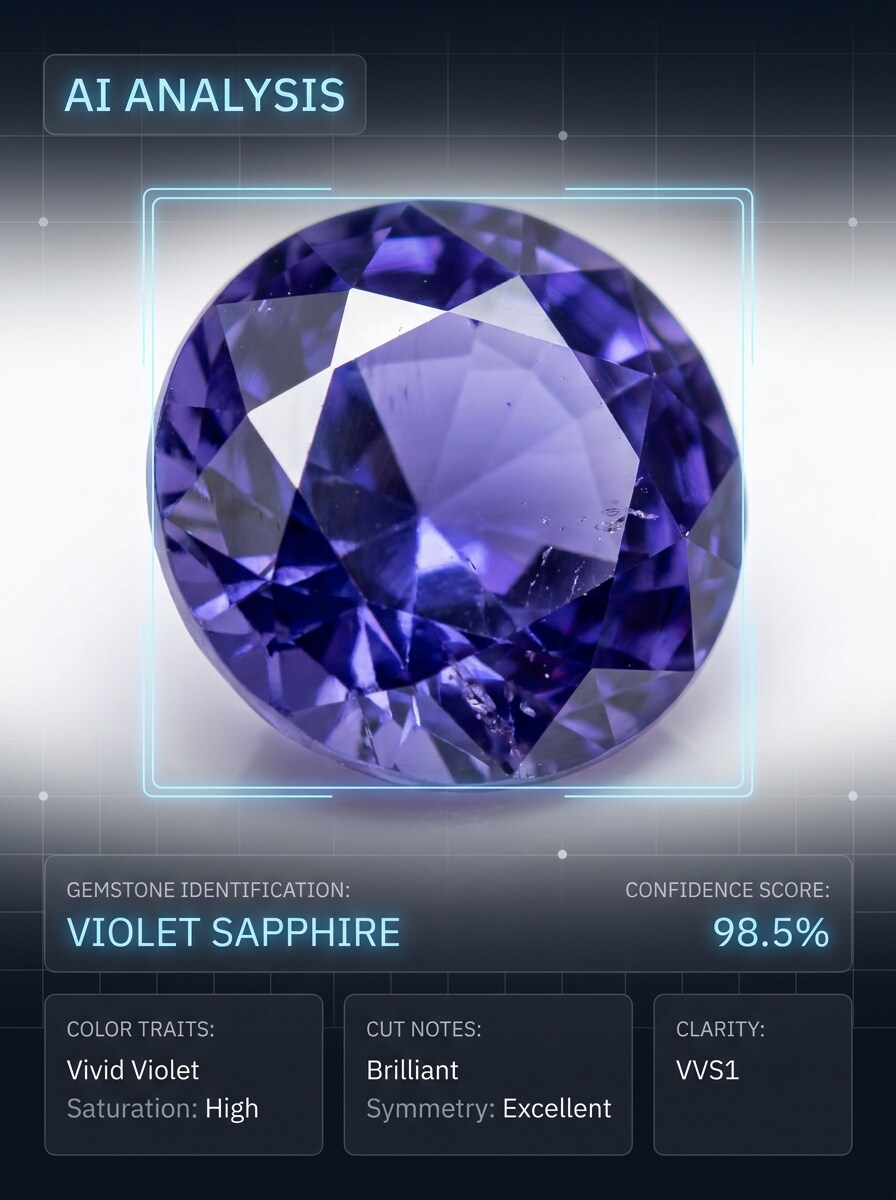
KI-Scan-Überlagerung
Verwenden Sie das hochgeladene Bild als Motiv und verwandeln Sie es in eine professionelle KI-Analyse-Demo. Halten Sie den Edelstein realistisch und fügen Sie gleichzeitig eine saubere browserartige Oberfläche mit einem Edelsteinnamen-Label, Konfidenzwert, Farbmerkmalen, Schliffhinweisen, dezenten Beschriftungen, weißem Hintergrund, gestochen scharfen Makrodetails und einer vertrauenswürdigen wissenschaftlichen Präsentation hinzu.
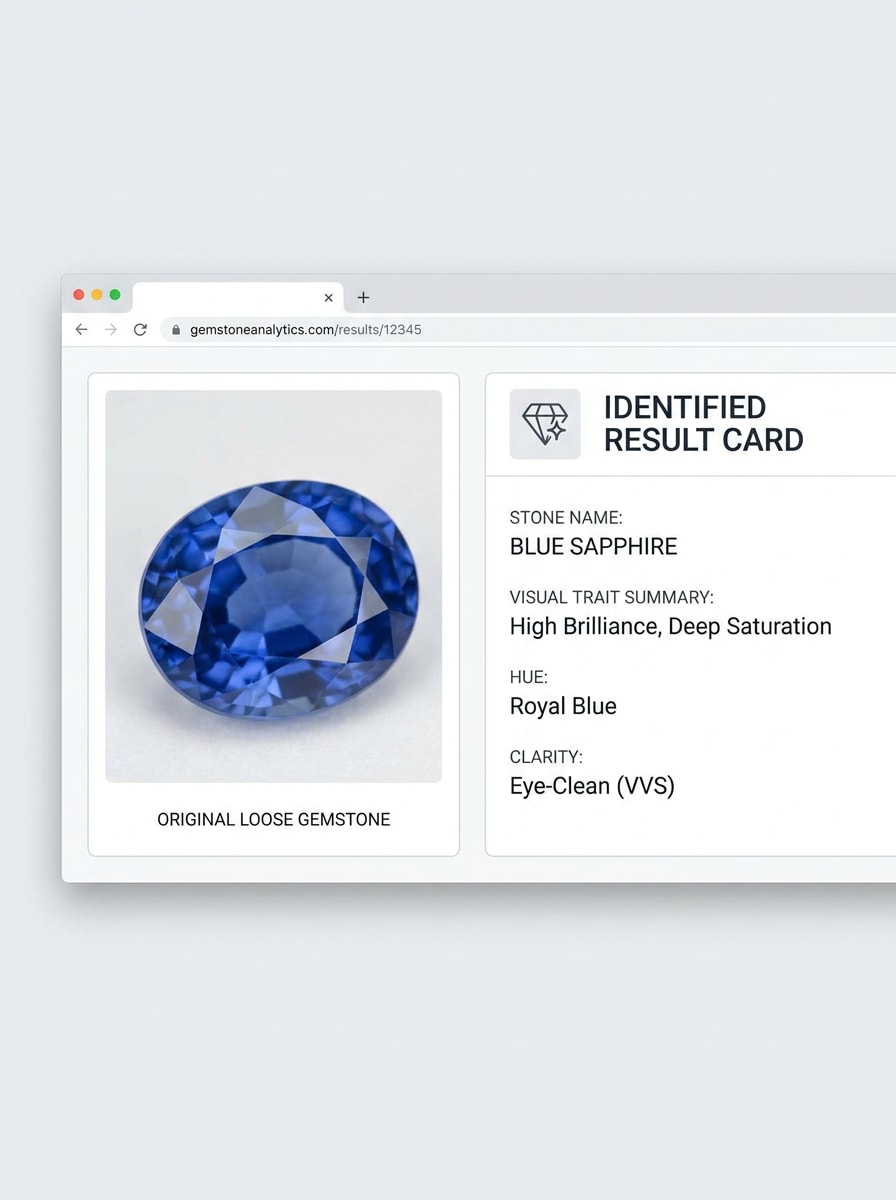
Identifikation Vorher-Nachher
Verwenden Sie das hochgeladene Bild als Motiv und erstellen Sie eine Vorher-Nachher-Identifikationsansicht nebeneinander. Zeigen Sie das ursprüngliche Edelsteinfoto links und eine verfeinerte Ergebniskarte rechts mit wahrscheinlichem Steinnamen, Zusammenfassung der visuellen Merkmale, Farbfamilie und einer eleganten modernen Benutzeroberfläche, heller Beleuchtung und einem sauberen pädagogischen Look.
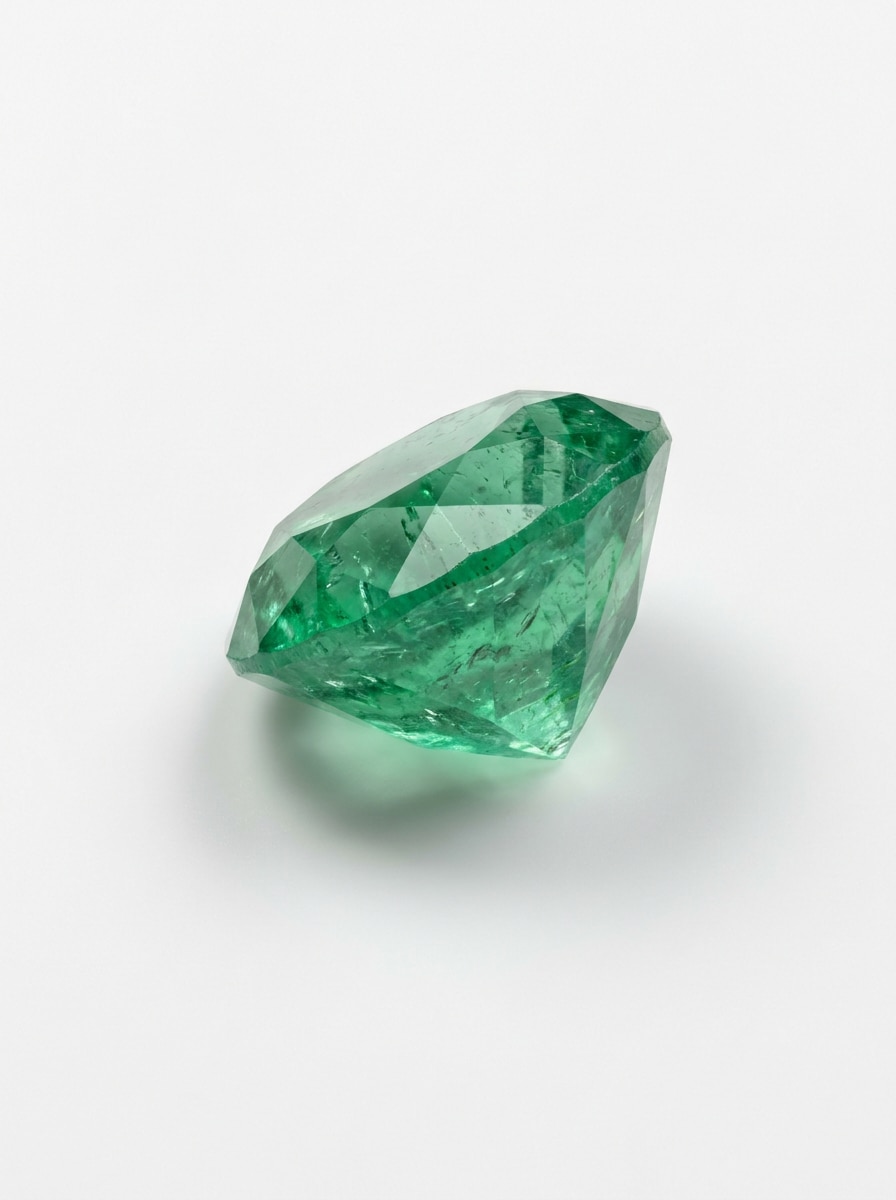
Loser Stein Makro
Verwenden Sie das hochgeladene Bild als Motiv und verbessern Sie es zu einer detailreichen Makroanalyse-Ansicht für die Überprüfung loser Steine. Erhalten Sie realistische Facetten, Einschlüsse, Transparenz und Farbtiefe mit diffusem Studiolichy, präzisem Fokus, minimaler Hintergrundablenkung und einer sauberen Präsentation für Edelsteinbewertung und -vergleich.
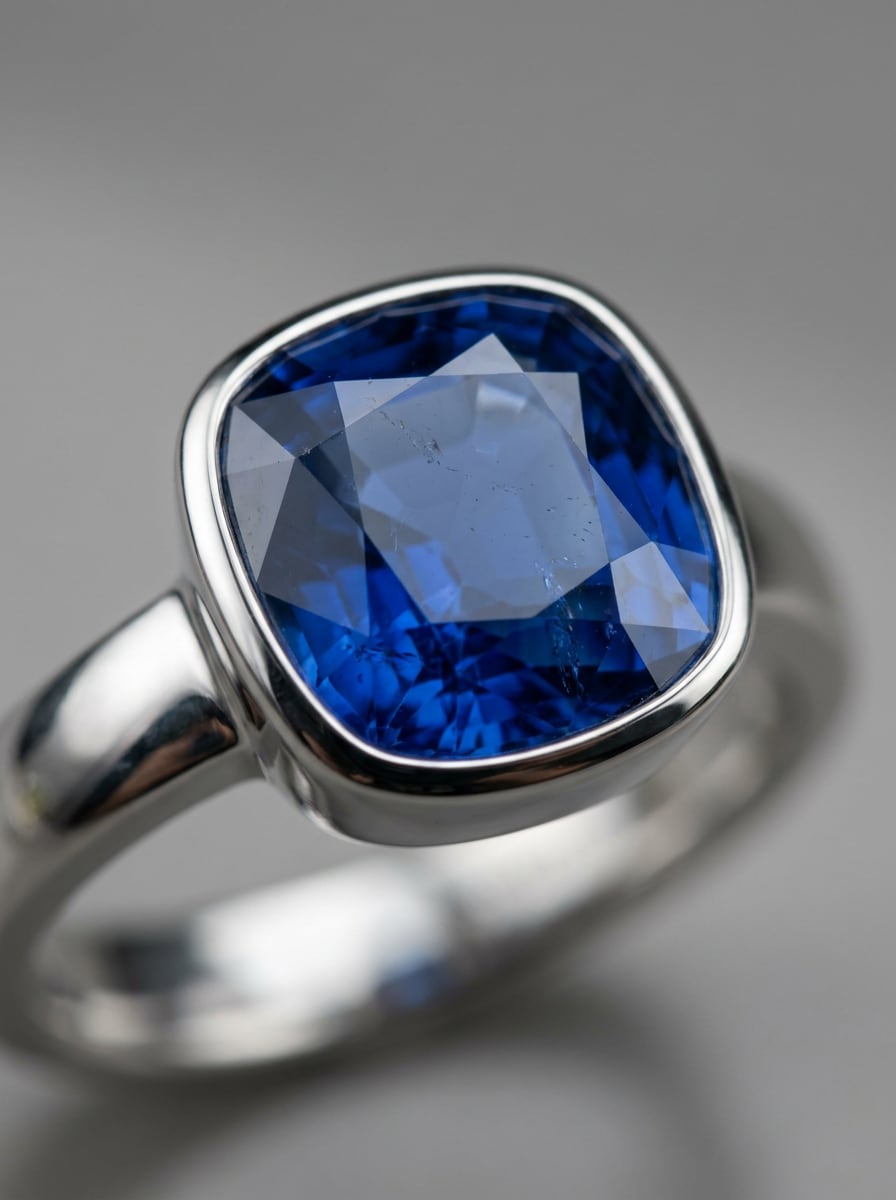
Schmuckstein-Nahaufnahme
Verwenden Sie das hochgeladene Bild als Motiv und verwandeln Sie es in eine hochwertige Schmuckstein-Nahaufnahme für eine einfachere Analyse. Lenken Sie die Aufmerksamkeit auf den Mittelstein, halten Sie das Metall realistisch, aber sekundär, verwenden Sie saubere Highlights, geringe Schärfentiefe, verfeinerte Reflexionen und eine luxuriöse redaktionelle Stimmung, die dennoch Identifikationsdetails unterstützt.
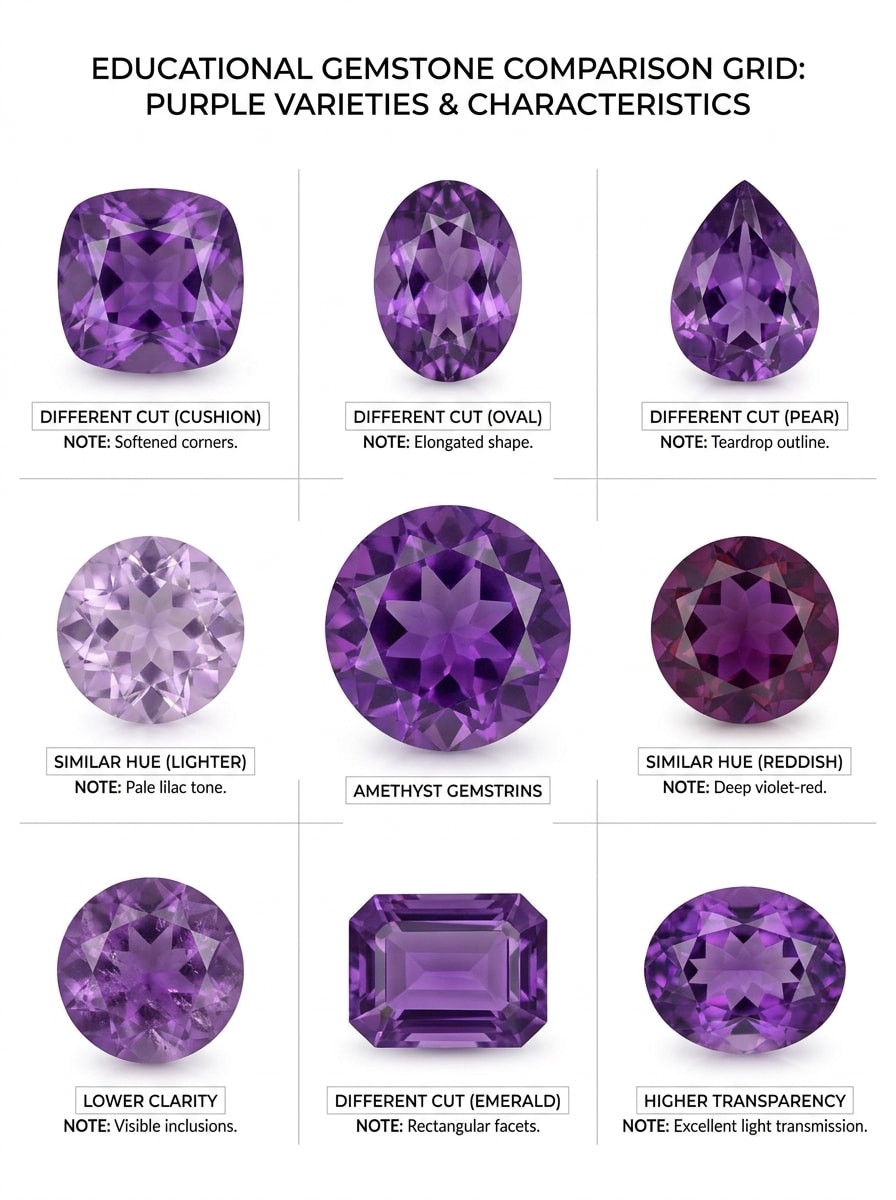
Vergleichsraster ähnlicher Steine
Verwenden Sie das hochgeladene Bild als Referenzstein und erstellen Sie ein pädagogisches Vergleichsraster darum herum. Zeigen Sie den hochgeladenen Edelstein neben visuell ähnlichen Steinen mit Beschriftungen, dezenten Notizkarten für Farbton-, Klarheits-, Transparenz- und Schliffunterschiede, sauberem weißem Layout, redaktionellem Infografik-Stil und einer gut lesbaren visuellen Hierarchie.
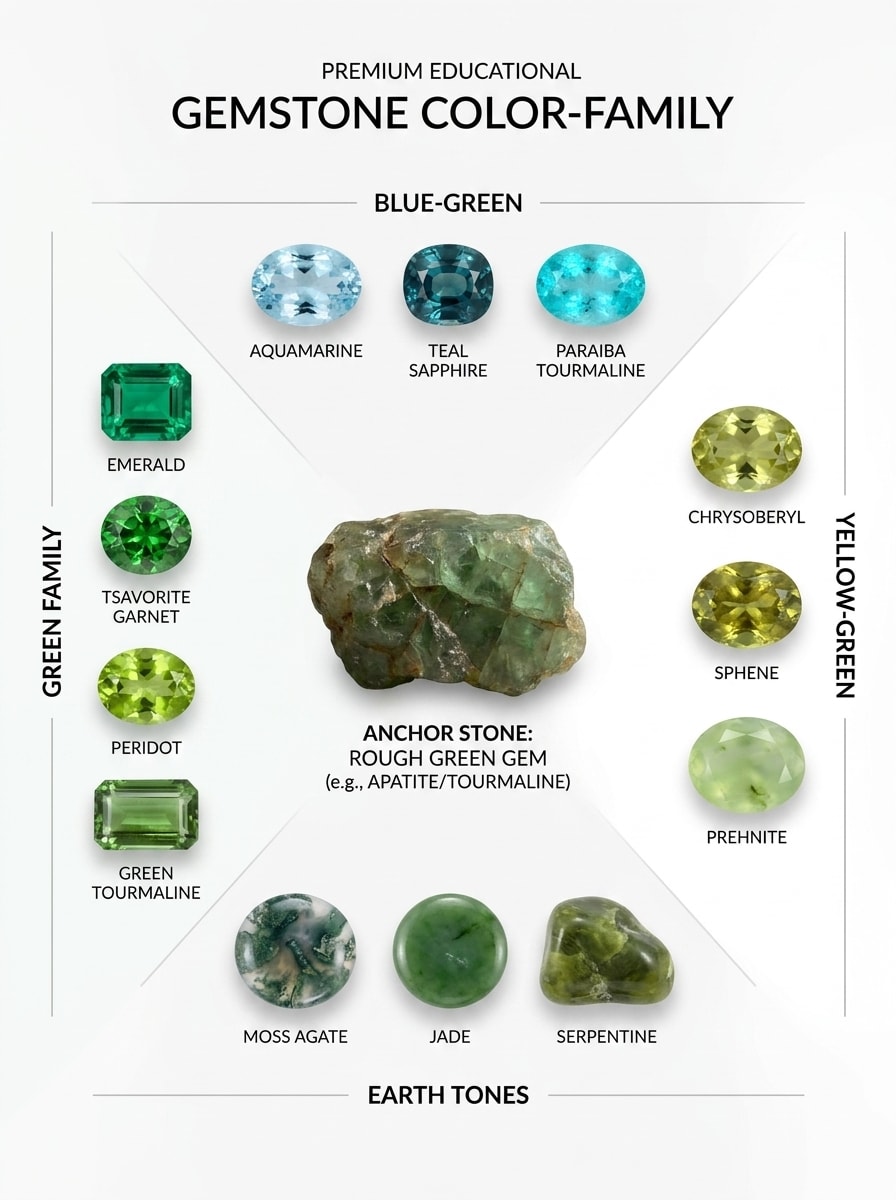
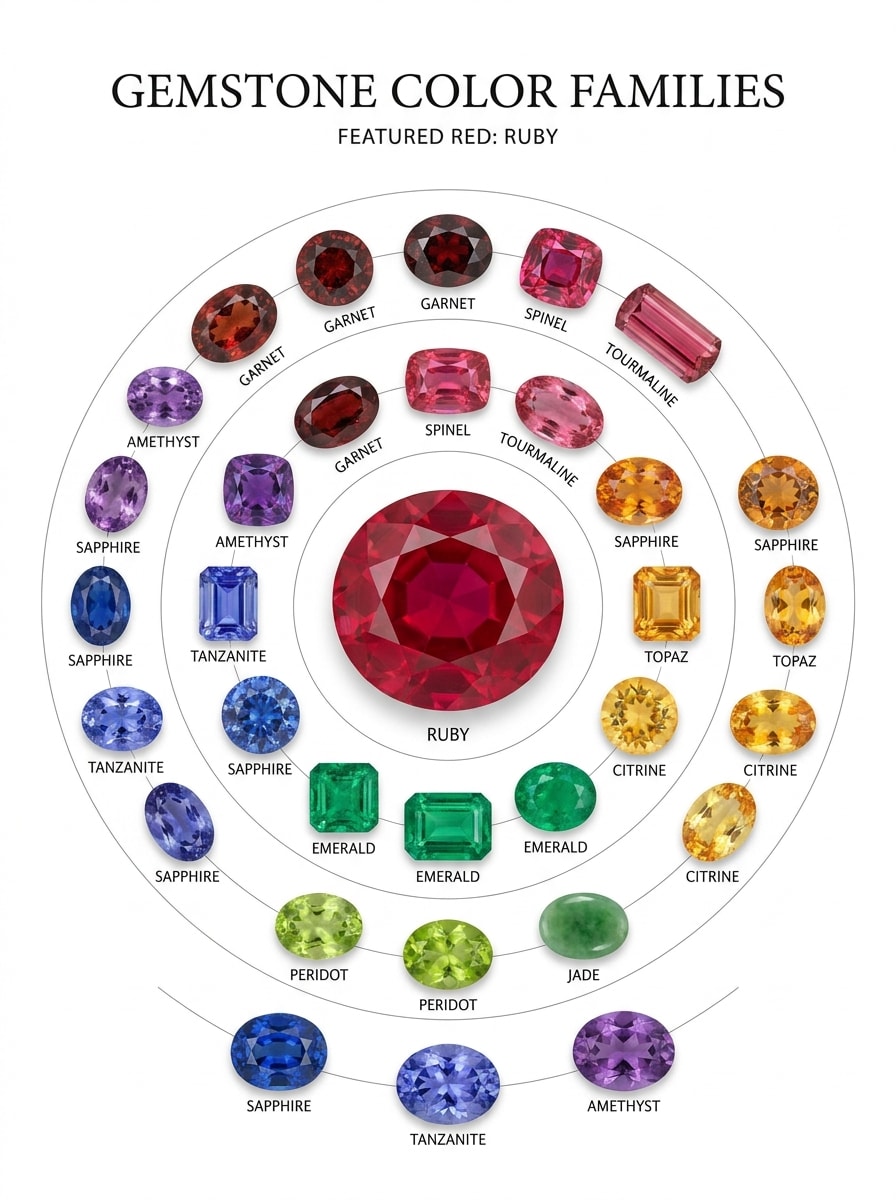
Farbfamilien-Diagramm
Verwenden Sie das hochgeladene Bild als Ankermotiv und verwandeln Sie es in ein Edelstein-Farbfamilien-Diagramm. Umgeben Sie den Referenzstein mit koordinierten Edelsteinen in verwandten Farbtönen, fügen Sie saubere Beschriftungen und dezente Kategoriemarkierungen hinzu, behalten Sie einen hellen weißen Hintergrund, hochwertigen pädagogischen Stil und eine klare visuelle Gruppierung für einen einfacheren farbbasierten Vergleich bei.
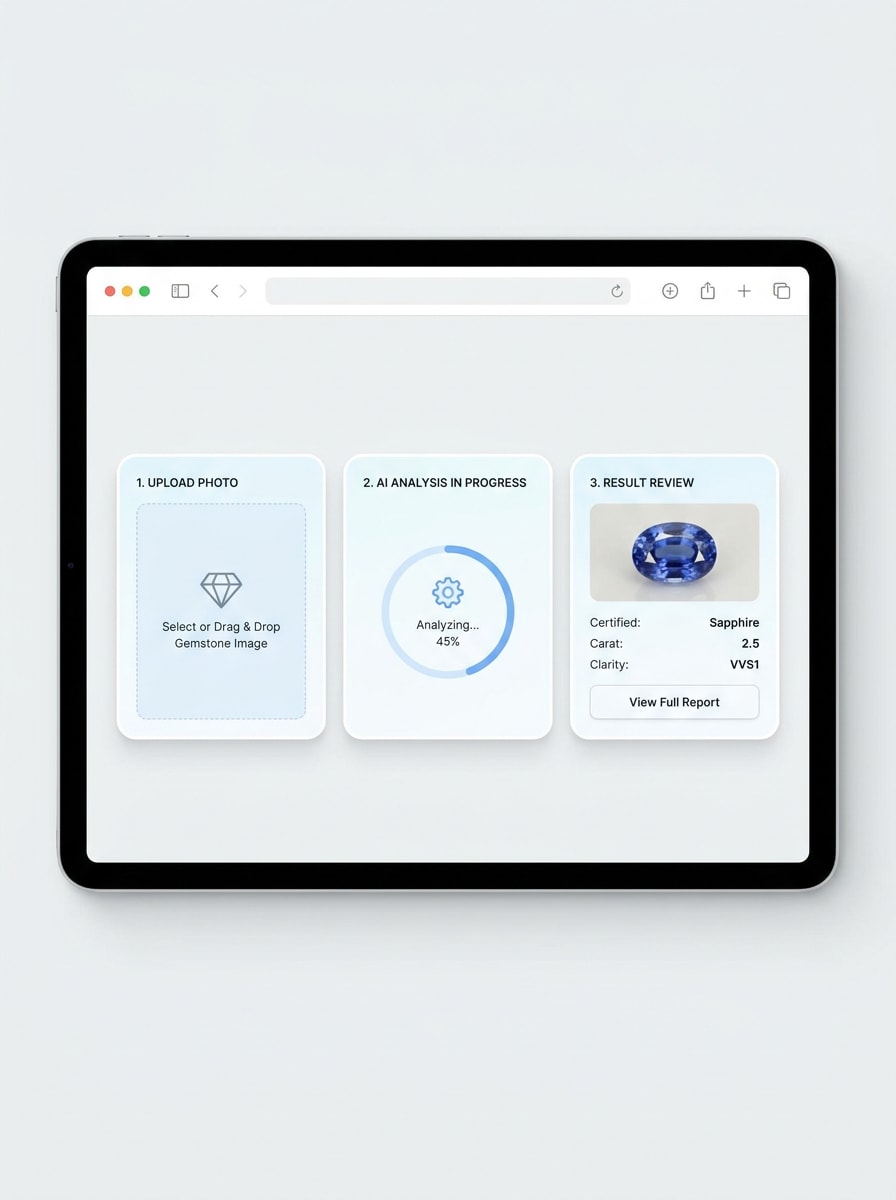
Schrittweiser Upload-Ablauf
Verwenden Sie das hochgeladene Bild als Motiv und verwandeln Sie es in eine schrittweise Browser-Workflow-Ansicht. Zeigen Sie klare Phasen für Foto-Upload, Analyse und Ergebnisüberprüfung mit präzisen Beschriftungen, sauberen Schnittstellenkarten, weichen Schatten, hellem neutralem Farbschema und einem benutzerfreundlichen SaaS-Stil, der Geschwindigkeit und Klarheit kommuniziert.
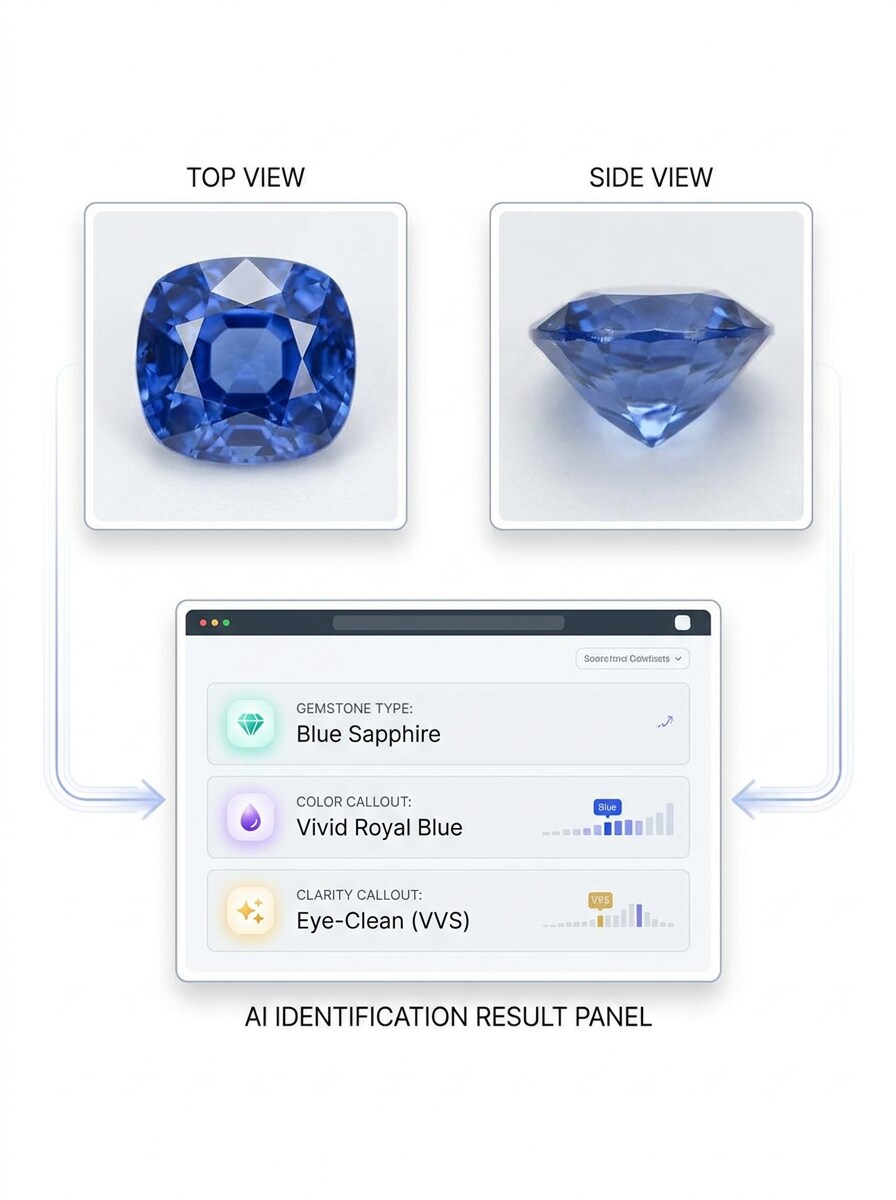
Mehrwinkel-Analyse
Verwenden Sie das hochgeladene Bild als Hauptmotiv und erstellen Sie eine Mehrwinkel-Edelsteinanalyse-Demo. Präsentieren Sie Draufsicht- und Seitenansichtsvariationen, die in ein Identifikationsergebnispanel münden, mit sauberer technischer Benutzeroberfläche, Farb- und Klarheitsbeschriftungen, ausgewogenem Weißraum und einer glaubwürdigen modernen Labor-trifft-Web-App-Ästhetik.
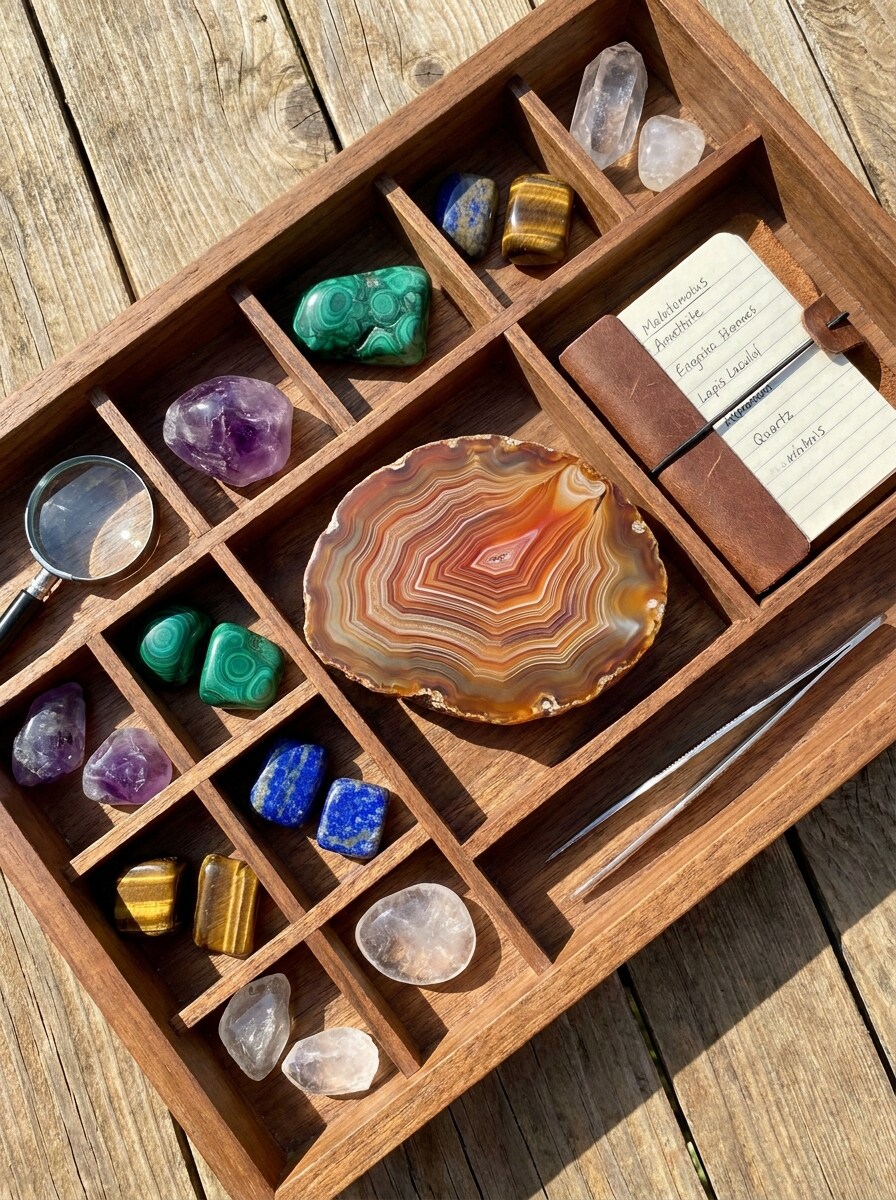
Edelstein-Tablett-Entdeckung
Verwenden Sie das hochgeladene Bild als Inspiration und verwandeln Sie die Szene in eine Sammler-artige Edelstein-Tablett-Entdeckungsansicht. Ordnen Sie mehrere polierte Steine in einem ordentlichen Tablett an, halten Sie den hochgeladenen Edelstein visuell prominent, fügen Sie helles natürliches Licht, realistische Texturen, eine organisierte Komposition und eine einladende Hobbyisten-Atmosphäre für Vergleich und Entdeckung hinzu.
Kristall- und Edelstein-Scanner Mobile-Mockup
Verwenden Sie das hochgeladene Bild als gescanntes Motiv und verwandeln Sie es in ein mobiles Edelstein-Scanner-Mockup. Zeigen Sie eine Smartphone-Kameraansicht, die den Stein mit einer Ergebniskarte erkennt, mit sauberer moderner mobiler Benutzeroberfläche, hellem minimalem Hintergrund, scharfen Kanten und einer praktischen Scan-zu-Ergebnis-Ansicht für alltägliche Benutzer.
Warum Media.io für die Online-Edelsteinidentifikation verwenden
Fotobasierte Analyse ohne App-Download
Für eine schnelle Edelsteinidentifikation online ermöglicht Media.io das Hochladen eines klaren Steinfotos im Browser und die Überprüfung sichtbarer Merkmale ohne zusätzliche Software, was es einfacher macht, lose Edelsteine, Schmuckstücke oder Fragen zur Rohedelstein-Identifikation von fast überall zu überprüfen.
Verschiedene Looks erkunden, ohne die Richtung zu verlieren
Stilentscheidungen hängen oft von subtilen visuellen Unterschieden ab, und Media.io hilft Ihnen, mehrere Richtungen aus demselben Edelstein-Identifikator-Bild zu vergleichen, sodass die kreative Auswahl schneller und konsistenter wirkt.
Sauberere Ausgabe bis zu 4K generieren
Wenn eine Edelstein-Identifikator-Ansicht für den echten Veröffentlichungseinsatz bestimmt ist, bietet Ihnen Media.io eine schärfere Ausgabe bis zu 4K, was dazu beiträgt, dass das Bild in Präsentationen, Hintergründen und wiederverwendeten Assets klar bleibt.
Funktioniert reibungslos in Telefon- und Desktop-Workflows
Ob bei Desktop-Recherchen oder schnellen Telefonprüfungen, Media.io hält den Online-Edelstein-Scanner-Workflow im Browser, sodass Sie nahtloser zwischen Geräten wechseln können, während Sie Steinbilder oder Notizen zur Gestein- und Edelsteinidentifikation überprüfen.
So verwenden Sie den KI-Edelstein-Identifikator
Verwandeln Sie Ihre Worte in drei einfachen Schritten in beeindruckende Bilder und verfeinern Sie das Ergebnis weiter, wenn Sie es weiterentwickeln möchten.
Schritt 1
Laden Sie Ihr Referenzbild hoch
Laden Sie ein klares Foto Ihres losen Steins, Kristalls, Perlen oder Schmuckstücks im JPG-, PNG- oder JPEG-Format hoch. Für bessere Edelstein-Identi Ergebnisse verwenden Sie ein scharfes Bild mit guter Beleuchtung, sichtbarer Farbe und minimalem Hintergrundchaos.
Schritt 2
Beschreiben Sie die Änderung und legen Sie Optionen fest
Fügen Sie einen Prompt hinzu, der erklärt, was Sie analysieren oder visualisieren möchten, z. B. eine saubere Scan-Überlagerung, ein Vergleichsbrett oder eine Steinbewertung. Wählen Sie dann das Modell und passen Sie Seitenverhältnis, Auflösung und Bildanzahl an Ihren Workflow an.
Schritt 3
Generieren, Herunterladen und weiter verbessern
Generieren Sie das Ergebnis, vergleichen Sie Variationen und laden Sie die Version herunter, die den Stein am einfachsten überprüfbar macht. Falls nötig, laden Sie einen anderen Winkel hoch, verfeinern Sie den Prompt oder erstellen Sie eine klarere Nebeneinander-Ansicht für eine genauere Inspektion.
Das Potenzial der Edelstein-Identifikation entfalten
Sehen Sie, wie Ersteller, Sammler und Käufer diesen Media.io-Edelstein-Identifikator für Inhalte, Recherchen und persönliche Projekte nutzen, und passen Sie jede Idee an Ihre Anforderungen an.
Lose Steine überprüfen, bevor Sie sie beschriften oder auflisten
Sammler, Wiederverkäufer und Hobbyisten können Makrofotos hochladen, um die visuelle Überprüfung zu beschleunigen, bevor sie Angebote, Aufbewahrungsetiketten oder pädagogische Beiträge erstellen. Media.io ist besonders nützlich für die frühe Phase der Edelsteinidentifikation, wenn Sie einen schnellen browserbasierten Ausgangspunkt wünschen.
Ähnliche Edelsteine und Farbvariationen vergleichen
Verwenden Sie Nebeneinander-Ansichten, um ähnlich aussehende Steine nach Farbton, Klarheit, Transparenz und Schliff zu unterscheiden. Media.io eignet sich gut für die Amethyst-Identifikation, Vergleiche lila Steine und breitere Gestein- und Edelstein-Identifikationsrecherchen, wenn Sie eine klarere visuelle Referenz wünschen.
Steine in Ringen, Anhängern und Ohrringen inspizieren
Schmuckfotos sind oft schwieriger zu lesen, weil sie Reflexionen und Metallfassungen aufweisen, aber klare Nahaufnahmen können dennoch einen nützlichen ersten Überblick bieten. Probieren Sie Media.io für Ringmittelsteine, Vintage-Funde, Rohedelstein-Identifikation oder sogar Fragen wie die Identifikation echter Perlen aus einem Halskettenfoto aus.
Was Benutzer über diesen Edelstein-Identifikator sagen
Lena Ortiz
Vintage-Schmuckverkäuferin
„Hilfreich für schnelle Angebotsvorbereitungen" Ich benutze es, wenn ich Ringe und Anhänger für den Wiederverkauf fotografiere. Der Browser-Workflow ist einfach, und die Vergleichsausgaben helfen mir, wahrscheinliche Steinübereinstimmungen zu überprüfen, bevor ich Produktbeschreibungen schreibe.
Marcus Hale
Gestein- und Mineral-Hobbyist
„Nützlicher visueller Ausgangspunkt" Ich wollte einen Edelstein-Finder per Foto, ohne eine weitere App herunterzuladen. Media.io machte es einfach, klare Aufnahmen von meinem Telefon hochzuladen und sauberere Analyseansichten für meine Sammlungsnotizen zu erstellen.
Priya N.
Content-Erstellerin
„Großartig für pädagogische Edelsteinbeiträge" Die KI-Scan-Überlagerung und Vergleichsraster-Stile sind perfekt für Kurzinhalte. Ich kann ein einfaches Edelsteinfoto in etwas verwandeln, das polierter, organisierter und für die Zuschauer leichter verständlich aussieht.
Ethan Brooks
Kristallshop-Besitzer
„Funktioniert gut auf dem Handy" Ich habe es sowohl auf dem Desktop als auch auf dem Telefon getestet, und es passte gut in meinen täglichen Workflow. Für Rohedelstein-Identifikation und schnelle visuelle Überprüfungen ist der Upload-Prozess schnell und unkompliziert.
Entdecken Sie die beliebtesten KI-Video- und Bildeffekte
1. Wie funktioniert ein KI-Edelstein-Identifikator aus einem Foto?
Ein KI-Edelstein-Identifikator verwendet Ihr hochgeladenes Bild als Referenz und analysiert sichtbare Merkmale wie Farbe, Schliff, Klarheit, Form und Gesamterscheinung. In Media.io laden Sie ein klares Foto hoch und überprüfen eine bildbasierte Analyseansicht in Ihrem Browser ohne App-Download.
2. Kann ich einen Edelstein online kostenlos identifizieren?
Ja, Sie können die Online-Edelstein-Identifikation mit Media.io mit kostenlosen Credits ausprobieren. Wenn Sie mehr Nutzung oder Workflows mit höherem Volumen benötigen, überprüfen Sie die Preisseite für Abonnementoptionen. Kostenlose Benutzer sehen möglicherweise Wasserzeichen, während kostenpflichtige Pläne wasserzeichenfreie hochauflösende Downloads unterstützen.
3. Wie genau ist ein Edelstein-Identifikator aus einem Bild?
A Edelstein-Identifikator aus einem Bild ist am nützlichsten als schnelles visuelles Hilfsmittel, und die Ergebnisqualität hängt stark von der Klarheit Ihres hochgeladenen Fotos ab. Saubere Beleuchtung, sichtbare Facetten, genaue Farbe und mehrere Winkel können die Ergebnisse verbessern, insbesondere bei Aufgaben der Online-Edelsteinidentifikation, die ähnlich aussehende Steine betreffen.
4. Welche Art von Foto liefert das beste Edelstein-Identifikationsergebnis?
Das beste Bild ist scharf, gut beleuchtet und auf den Stein fokussiert mit minimalen Hintergrundablenkungen. Für stärkere Edelstein-Identifikationsergebnisse in Media.io verwenden Sie neutrales Licht, vermeiden Sie starke Filter, kontrollieren Sie Reflexionen und laden Sie Nahaufnahmen hoch, die Farbe, Transparenz, Einschlüsse und Schliffdetails zeigen. Wenn möglich, testen Sie mehr als einen Winkel für die Rohedelstein-Identifikation oder in Schmuck gefasste Steine.
5. Kann es Steine identifizieren, die in Schmuck gefasst sind?
Ja, Sie können Fotos von Steinen hochladen, die in Ringen, Halsketten, Ohrringen oder anderen Schmuckstücken gefasst sind. Klare Nahaufnahmen helfen Media.io, den sichtbaren Mittelstein effektiver zu überprüfen, was für Edelsteinidentifikation, Online-Edelstein-Identifikation und Edelstein-ID-Prüfungen nützlich ist, bei denen die Metallfassung vorhanden, aber nicht übermäßig ablenkend ist.
6. Funktioniert der Edelstein-Identifikator auf iPhone, Android und Desktop?
Media.io ist webbasiert, sodass der Edelstein-Identifikator auf iPhone, Android, Windows und Mac funktioniert, solange Sie einen Browser haben. Das macht es praktisch für die Online-Edelstein-Identifikation oder schnelle Gestein- und Edelstein-Identifikationsprüfungen beim Einkaufen, Sortieren oder Fotografieren von Steinen.
Über den KI-gestützten Online-Edelstein-Identifikator hinaus