Deine Werke werden nur 7 Tage lang gespeichert. Assets, die nach dem Upgrade auf einen Mitgliedschaftstarif erstellt werden, werden dauerhaft gespeichert.
Entfalten Sie Ihr kreatives Potenzial und erleben Sie jetzt die Magie der Media-KI!
Wenden Sie in Sekundenschnelle einen Retro-Filmeffekt auf jedes Foto an
Verwandeln Sie jedes hochgeladene Bild in eine nostalgische Bearbeitung im Analog-Stil mit warmem Korn, Verblassung, Staub und Lichtlecks. Media.io hilft Ihnen, einen Retro-Filmeffekt, einen Stummfilm-Filter, oder einen polierten Stummfilm-Fotoeffekt online mit schnellen, einsteigerfreundlichen Steuerelementen zu erstellen.
Geben Sie Ihre Idee ein -> KI gestaltet sie. Kostenlos ausprobieren.
Sehen Sie sich diese Beispielanweisungen an und passen Sie dann die Prompt-Details an, um bessere Ergebnisse mit diesem Retro-Filmeffekt in Media.io zu erzielen, einschließlich eines KI-Stummfilm-Filters wenn Sie einen klassischeren Altkino-Stil wünschen.
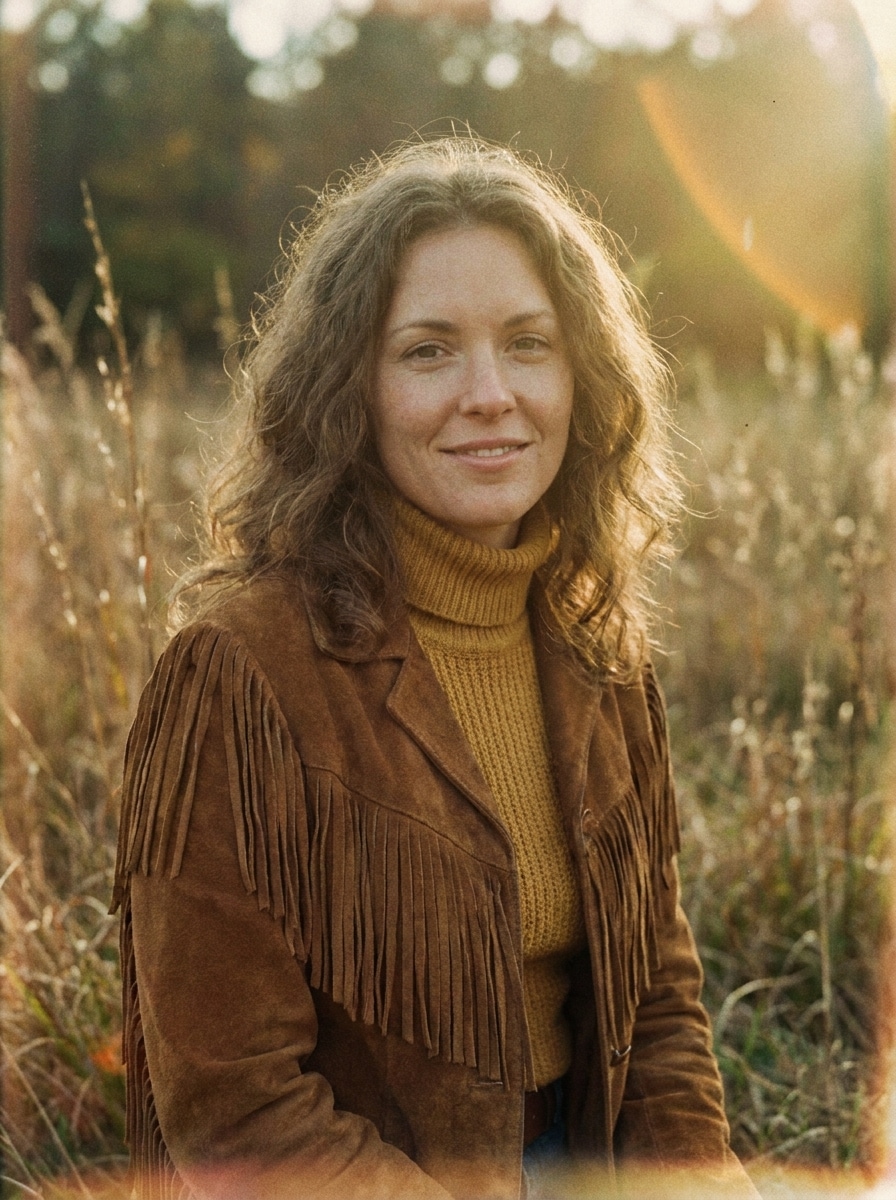
35mm Warmes Korn
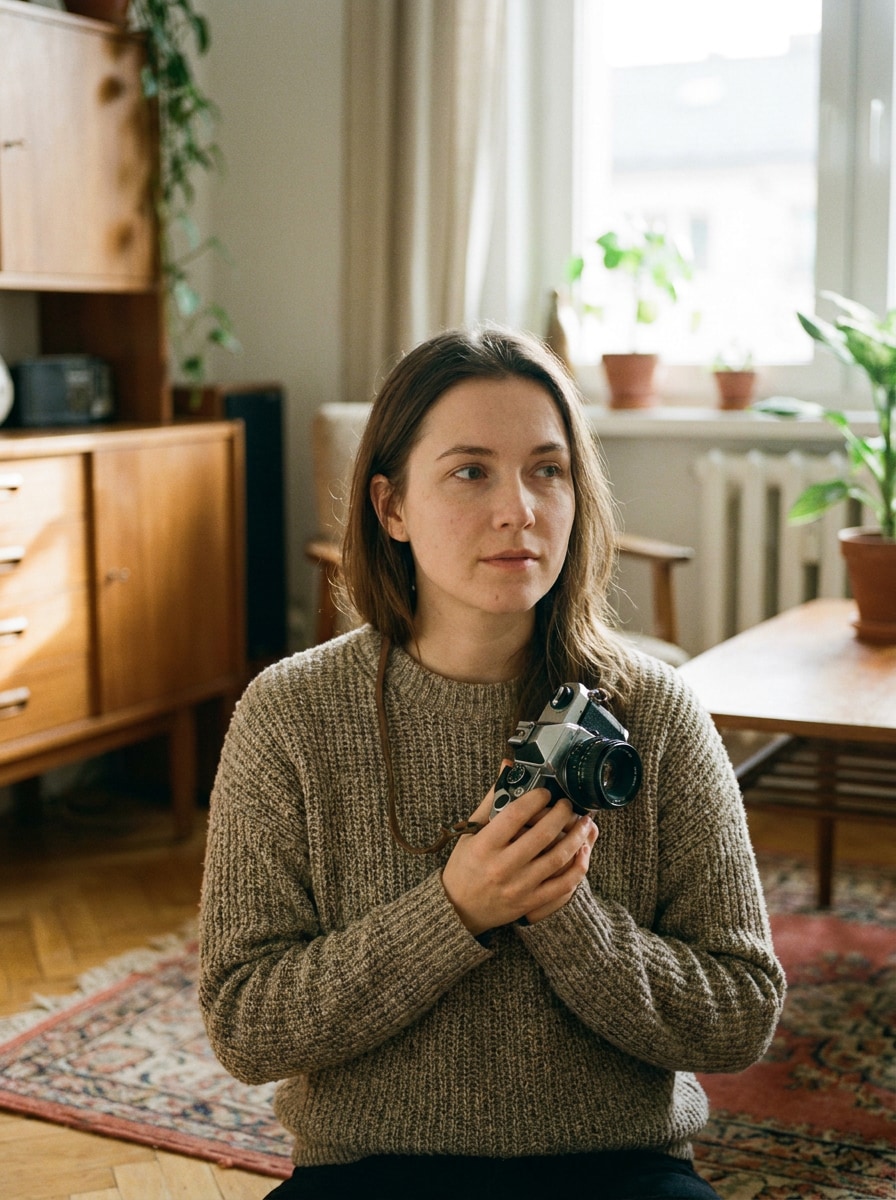
Verwenden Sie das hochgeladene Bild als Hauptmotiv und verwandeln Sie es in ein realistisches warmes 35-mm-Filmfoto. Fügen Sie feines natürliches Korn, leicht verblasste Schwarztöne, sanften Kontrast, weiche Halation um helle Bereiche, authentische analoge Textur, hautfreundliche Warmt öne und eine ruhige nostalgische Stimmung hinzu, während die Gesichtsdetails scharf bleiben.
Einwegkamera-Blitz
Verwenden Sie das hochgeladene Bild als Motiv und gestalten Sie es wie einen Schnappschuss einer Einwegkamera aus den 1990er Jahren. Fügen Sie direkten Blitzschein, sichtbares Korn, leicht überbelichtete Glanzlichter, milde Weichheit, eine ungezwungene Party-Atmosphäre, dezente Datumsstempel-Gestaltung und nostalgische Nachtleben-Energie hinzu, während die Person erkennbar bleibt.
Kodak Sommer-Verblassung
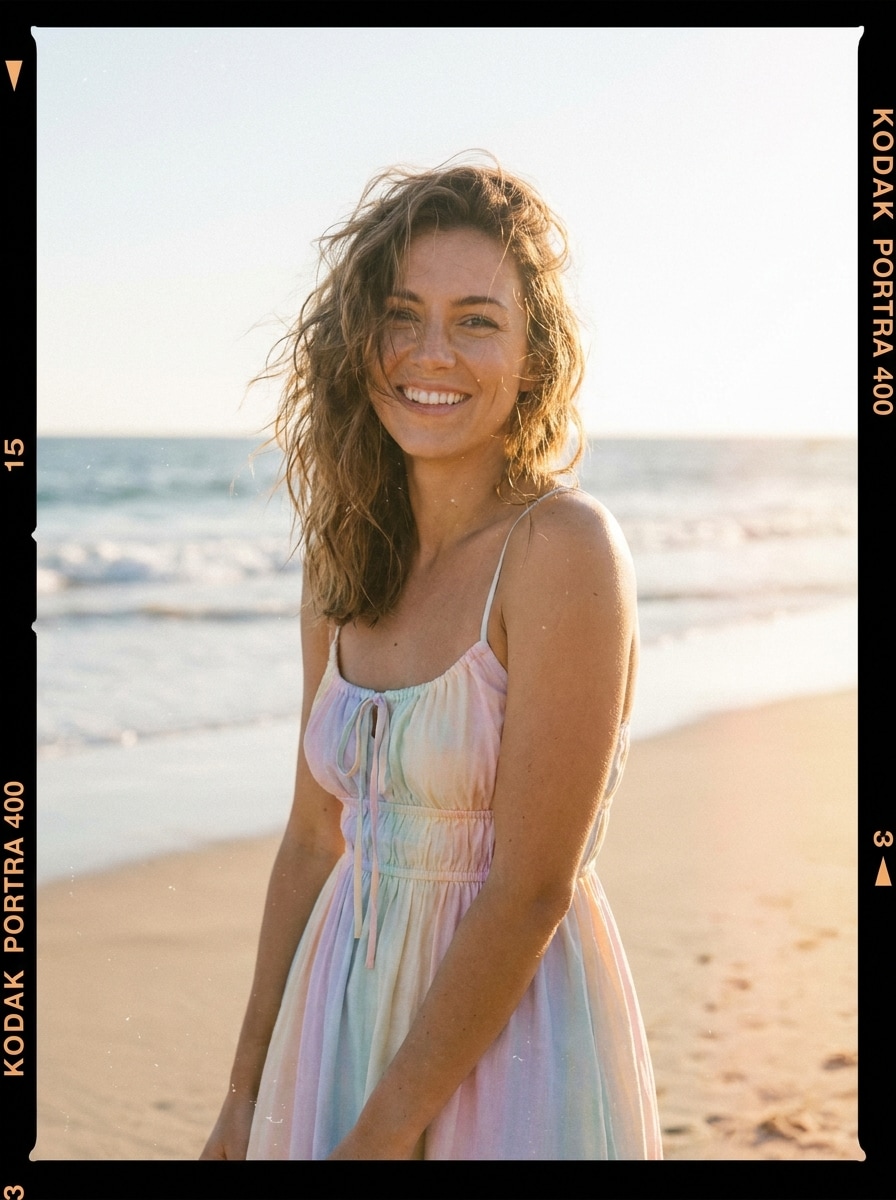
Verwenden Sie das hochgeladene Bild und verleihen Sie ihm einen verblassten, von Kodak inspirierten Sommer-Filmstil. Fügen Sie sonnengewaschene Wärme, Pastell-Glanzlichter, sanfte Verblassung, weiches Filmkorn, dezente Staubpartikel, cremiges Licht und eine entspannte Urlaubsstimmung mit schmeichelhaften Farben und erhaltener Motivklarheit hinzu.
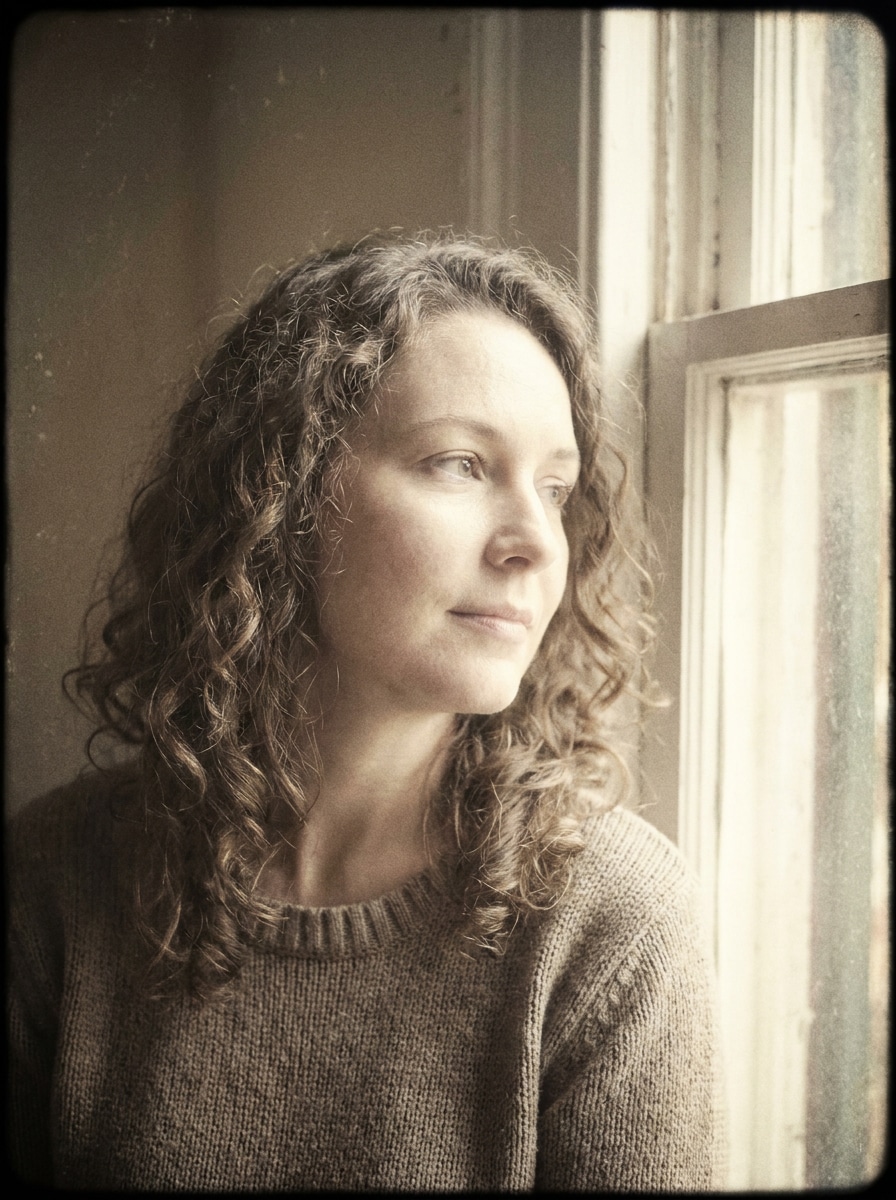
Weiches Retro-Porträt
Verwenden Sie das hochgeladene Porträt und wandeln Sie es in einen weichen Retro-Studio-Look um. Fügen Sie cremige Glanzlichter, gedämpften Kontrast, leichtes Filmkorn, eine dezente Vignette, zarte Farbalterung und eine verfeinerte nostalgische Atmosphäre hinzu, während die natürlichen Gesichtszüge und sanften Tonübergänge erhalten bleiben.
70er Analoger Glanz
Verwenden Sie das hochgeladene Bild als Referenz und gestalten Sie es in ein analoges Porträt der 1970er Jahre um. Fügen Sie goldene Wärme, sanften Objektivglanz, verblasste Sättigung, sichtbares Korn, weichen Fokus an den Rändern, erdige Töne und ein redaktionelles nostalgisches Gefühl hinzu, wobei das Hauptmotiv noch klar erkennbar bleibt.
Staub und Kratzer
Verwenden Sie das hochgeladene Bild und wenden Sie eine gealterte Filmtextur mit realistischem Staub, schwachen Kratzern, matter Verblassung, leichter Verfärbung und sanftem Korn an. Halten Sie die ursprüngliche Komposition lesbar, während Sie ihr den Charakter eines alten gedruckten Fotos mit verwittertem Archivcharme verleihen.
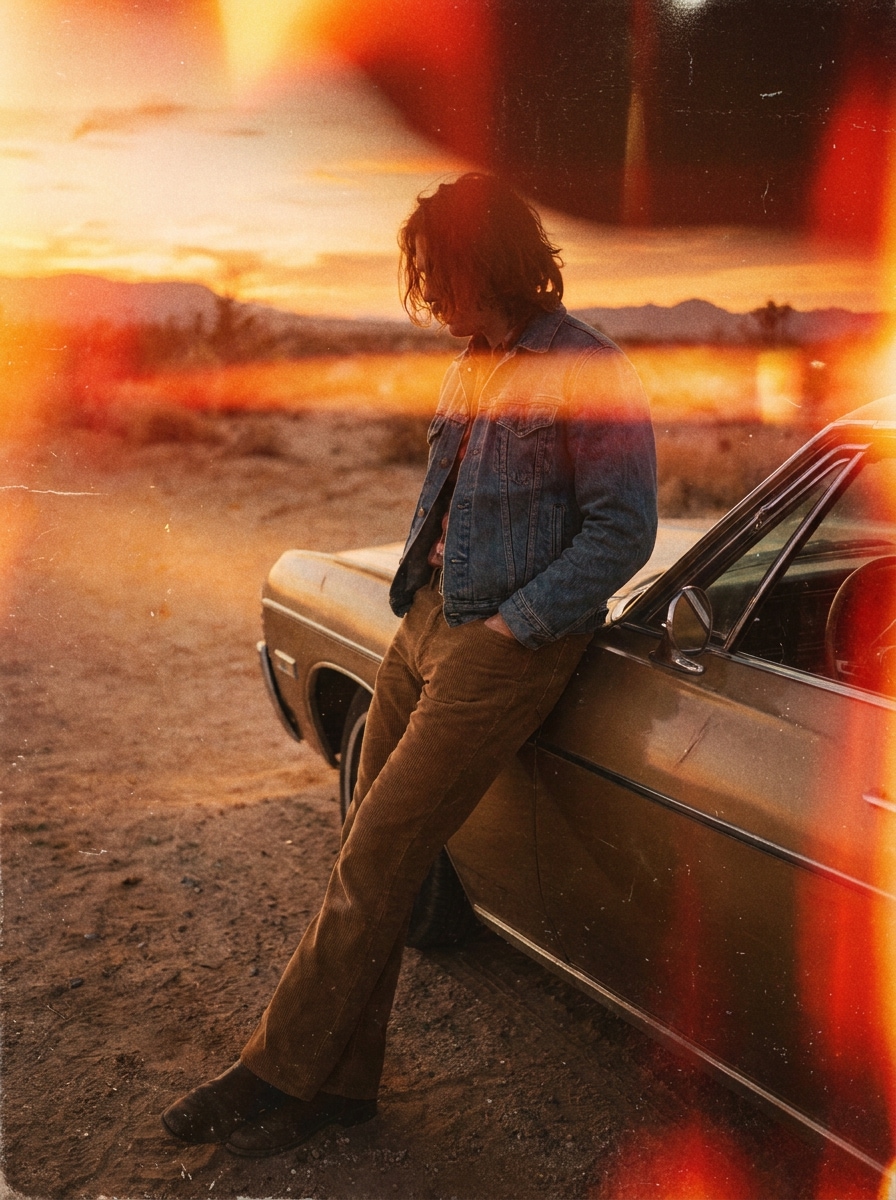
Lichtleck-Filmbrand
Verwenden Sie das hochgeladene Bild und verbessern Sie es mit analogen Filmbrand-Effekten. Fügen Sie orange und rote Lichtlecks, sichtbares Korn, milde Verblassung, warme zufällige Belichtungsstreifen und ein Vintage-Kamera-Gefühl hinzu, während die Hauptkomposition erhalten bleibt und das Motiv leicht erkennbar ist.
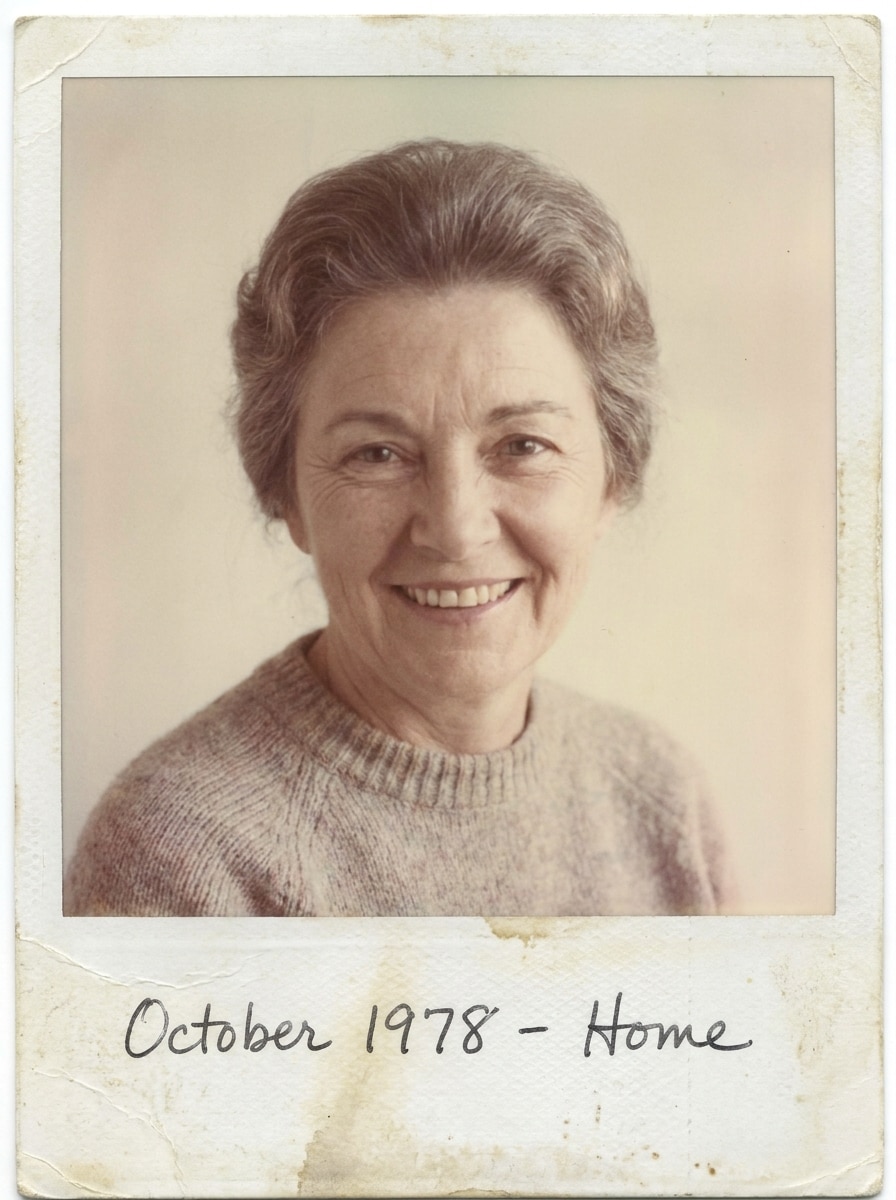
Polaroid-Retro-Rahmen
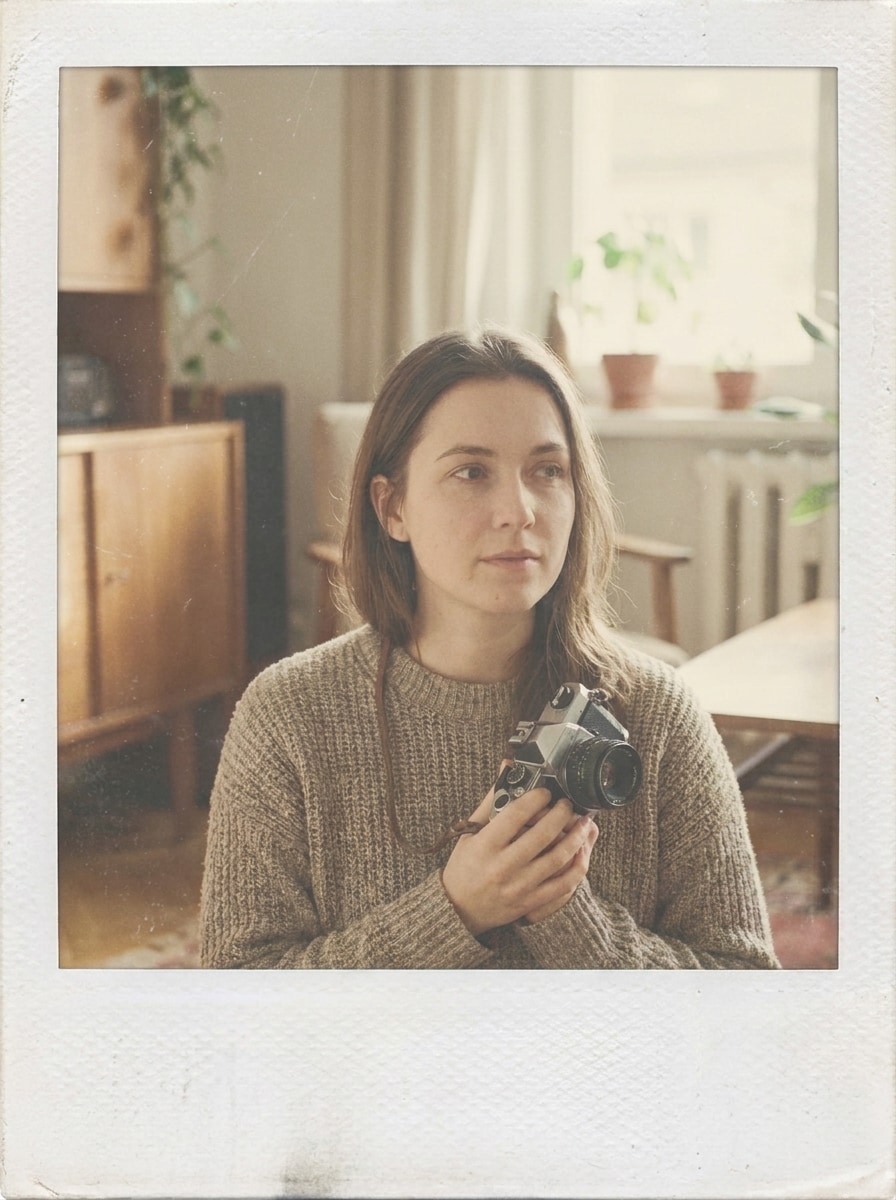
Verwenden Sie das hochgeladene Bild und verwandeln Sie es in eine Bearbeitung im Stil eines Vintage-Sofortfotos. Fügen Sie weich verblasste Farben, niedrigen Kontrast, leichtes Filmkorn, leichte Auswaschung, einen weißen Polaroid-artigen Rahmen und eine persönliche, warme und sanft gealterte Erinnerungsstimmung hinzu.
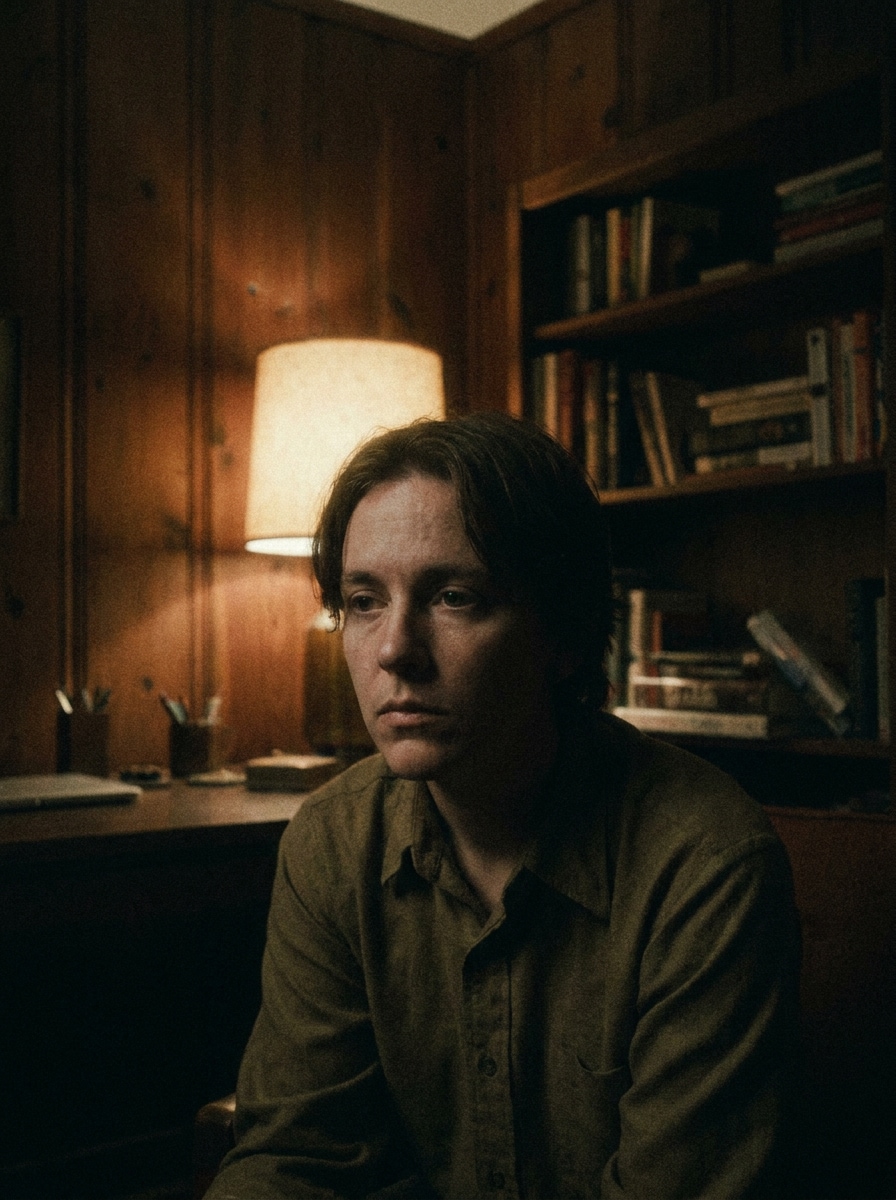
Neo-Retro-Kino
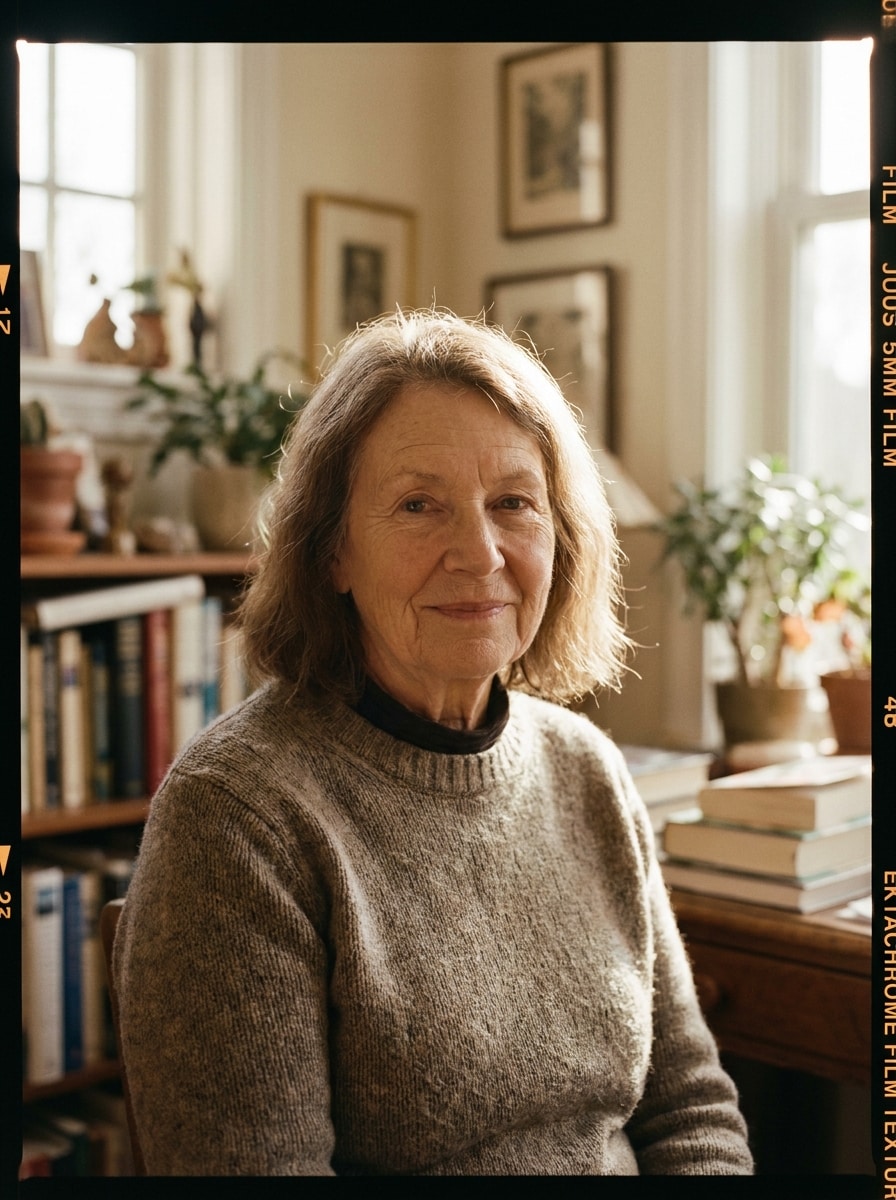
Verwenden Sie das hochgeladene Bild als Motiv und verwandeln Sie es in ein retro-kinematografisches Standbild. Fügen Sie stimmungsvolles Farbgrading, organisches Korn, Halation um Lichter, dezente Schattenverblassung, dramatischen Kontrast und eine polierte analoge Atmosphäre hinzu, während eine starke Komposition und Charakterpräsenz erhalten bleiben.
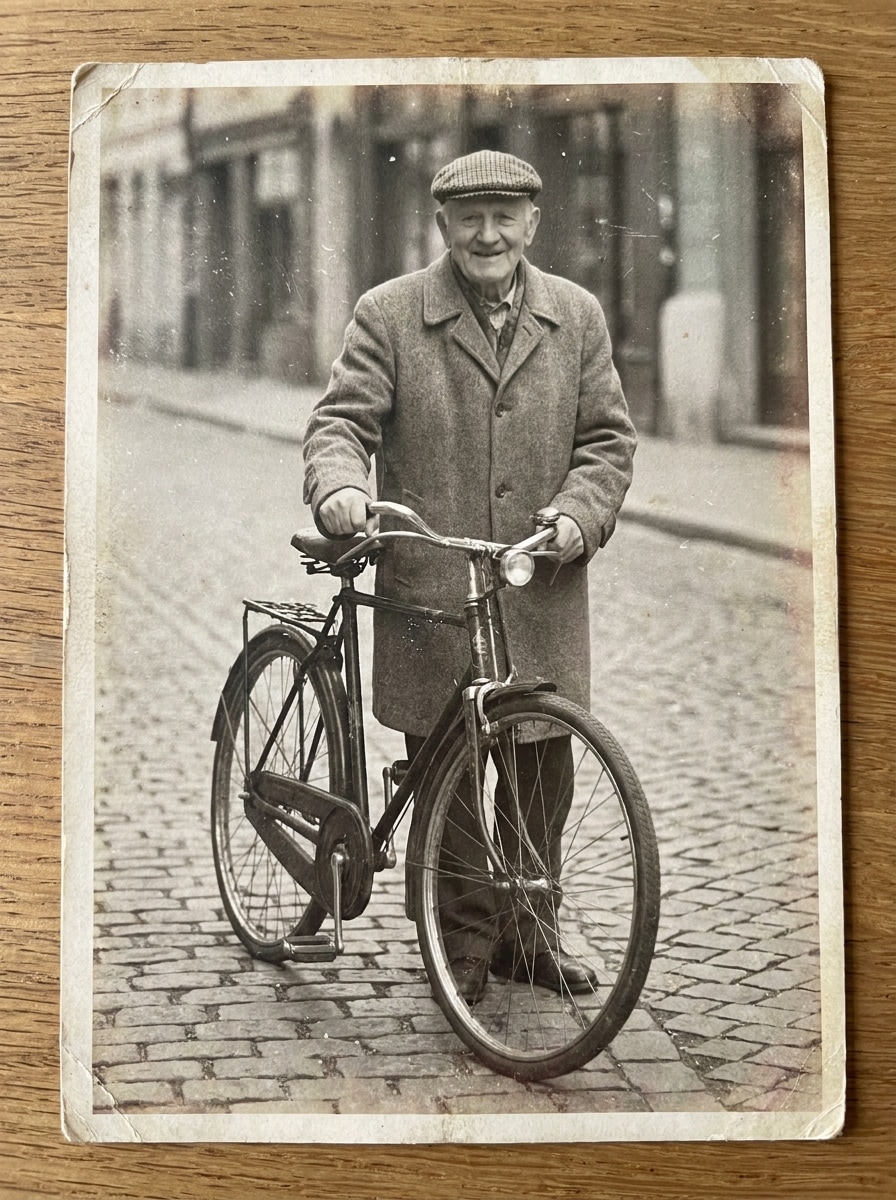
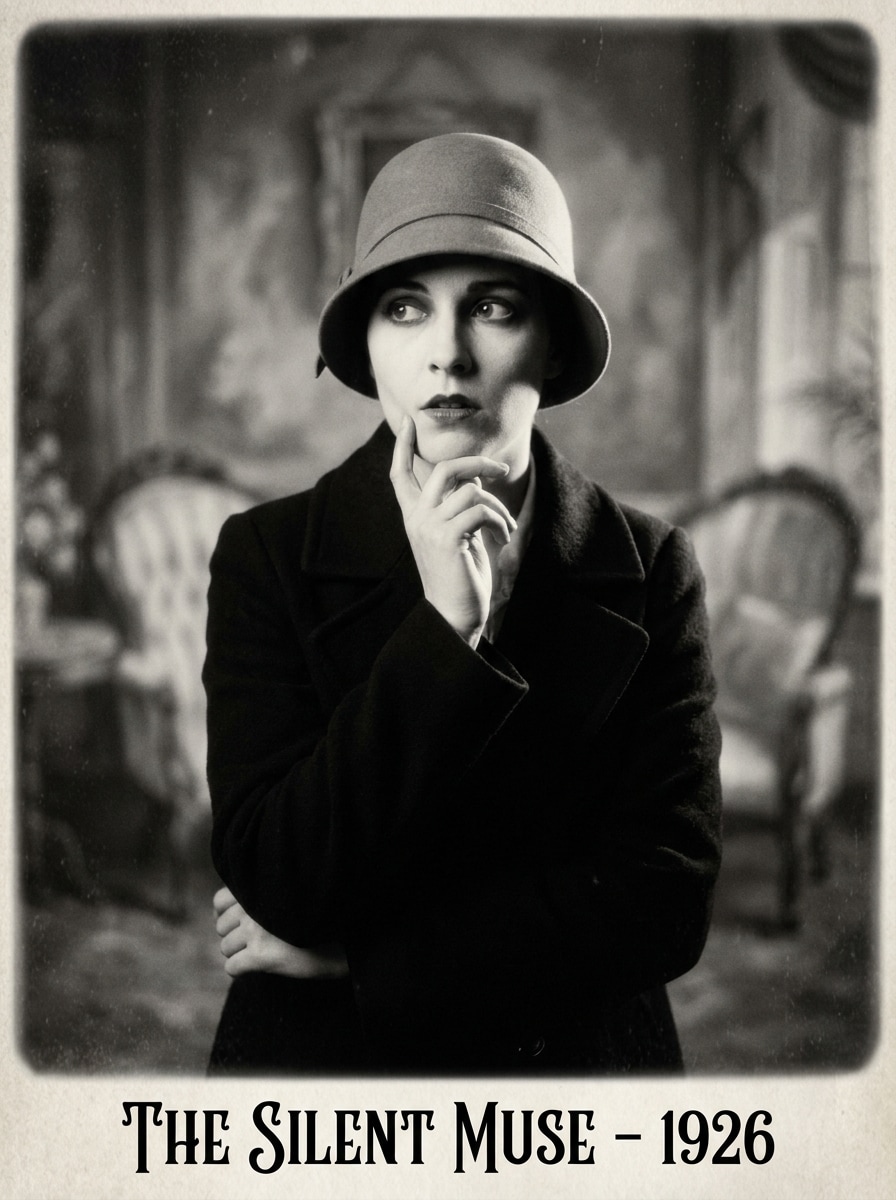
Stummfilm-Monochrom
Verwenden Sie das hochgeladene Bild als Motiv und gestalten Sie es in ein frühes Kinoporträt mit einem verfeinerten KI-Stummfilm-Filters Look um. Konvertieren Sie es in sattes Schwarz-Weiß, fügen Sie subtile Flimmertextur, sanftes Korn, schwache Vignette, klassischen Stummfilm-Kontrast und eine zeitlose dramatische Stimmung hinzu.
Warum Media.io für Retro-Film-Fotobearbeitungen verwenden
Identität bewahren, während das Aussehen geändert wird
Egal, ob Sie Selfies oder Reisefotos bearbeiten, Media.io ermöglicht es Ihnen, ein Bild hochzuladen und schnell filminspirierte Stile wie Korn, Verblassung und Lichtlecks anzuwenden, damit Sie ein poliertes nostalgisches Ergebnis erhalten, ohne komplexe Bearbeitungssoftware erlernen zu müssen.
Verschiedene Looks erkunden, ohne die Richtung zu verlieren
Für Bilder, die veröffentlicht oder über verschiedene Assets wiederverwendet werden müssen, liefert Media.io schärfere Ausgaben bis zu 4K, damit Ihre retro-gestalteten Visuals in Präsentationen, Hintergründen und anderen endgültigen Designs klar bleiben.
Endgültige Visuals für echte Projekte scharf halten
Wenn das endgültige Retro-Filmeffekt-Visual über eine kleine Vorschau hinaus wiederverwendet wird, hilft Media.io dabei, schärfere Ergebnisse bis zu 4K zu liefern, damit das Bild in der praktischen Design- und Präsentationsarbeit zuverlässiger bleibt.
Im Browser auf allen Geräten erstellen
Einige Retro-Filmeffekt-Konzepte werden unterwegs entworfen und später am Schreibtisch fertiggestellt. Media.io hält diesen Prozess online, sodass Sie zum gleichen Workflow zurückkehren können, ohne zusätzliche Installationen oder Einrichtungen.
So erstellen Sie einen Retro-Filmeffekt online
Verwandeln Sie Ihre Worte in atemberaubende Visuals in drei einfachen Schritten und verfeinern Sie das Ergebnis anschließend, wenn Sie es weiter ausbauen möchten.
Schritt 1
Laden Sie Ihr Referenzbild hoch
Beginnen Sie mit einem klaren Porträt, Selfie, Straßenfoto oder Reisefoto im JPG-, PNG- oder JPEG-Format. Ein sauberes Quellbild gibt der KI eine stärkere Basis für das Hinzufügen von Korn, Verblassung, Blitzschein, monochromer Gestaltung oder anderen analog inspirierten Details.
Schritt 2
Beschreiben Sie die Änderung und legen Sie Optionen fest
Geben Sie den gewünschten Look ein, z. B. warmes 35-mm-Korn, Einwegkamera-Blitz oder ein Schwarz-Weiß-Finish im Stummfilm-Stil. Wählen Sie dann Ihr Modell und passen Sie Seitenverhältnis, Auflösung oder Anzahl der generierten Bilder an Ihre gewünschte Ausgabe an.
Schritt 3
Generieren, herunterladen und weiter verbessern
Generieren Sie mehrere Variationen, vergleichen Sie die Filmtexturen und Farbstimmungen und laden Sie dann Ihr Lieblingsergebnis herunter. Verfeinern Sie bei Bedarf den Prompt, probieren Sie einen anderen analogen Stil aus oder bearbeiten Sie weiter, bis das Bild Ihrer genauen nostalgischen Ästhetik entspricht.
Sehen Sie, wie Kreative diesen Retro-Filmeffekt für Inhalte, Marketing und persönliche Projekte nutzen, und passen Sie jede Idee in Media.io an den jeweiligen Bedarf an.
Reisefotos eine nostalgische Sommerstimmung verleihen
Verwandeln Sie aktuelle Urlaubsfotos in warme, verblasste Bilder mit Korn, Staub und sonnengewaschenen Farben. Dies ist ideal für Kreative, die Scrapbook-artige Beiträge, erinnerungsgetriebene Karussell-Cover oder ein klassisches 35-mm-Feeling wünschen, das emotionaler wirkt als ein Standardfilter.
Porträts für redaktionelle und soziale Inhalte gestalten
Werten Sie Porträts mit schmeichelhafter analoger Textur, sanftem Kontrast und kinematografischer Wärme auf. Media.io ist nützlich, wenn Sie einen Altkamera-Look für Profilbilder, Paarfotos, Modekonzepte oder sogar einen dezenten Stummfilm-Fotoeffekt für thematische Inhalte wünschen.
Fotografen, Vermarkter und kleine Marken können gewöhnliche Fotos in einprägsame Kampagnenmaterialien mit Einwegblitz, Polaroid-Rahmen, monochromem Kinostil oder einer KI-Stummfilm-Filter-Richtung verwandeln. Media.io macht es schnell, nostalgische kreative Konzepte zu testen, ohne einen vollständigen manuellen Retuschier-Workflow.
Was Nutzer über diesen Effekt sagen
Ava Martinez
Lifestyle-Erstellerin
„Meine Reisefotos sehen endlich cineastisch aus." Ich habe einige Urlaubsporträts hochgeladen und fast sofort diese verblasste 35-mm-Stimmung erhalten. Das Korn und die warmen Töne sahen natürlich aus, nicht übertrieben, und die verschiedenen Variationen halfen mir, eine Version zu wählen, die zu meinem Instagram-Karussell passte.
Jordan Lee
Porträtfotograf
„Großartig für schnelle Retro-Kundenpreviews." Das ist viel schneller als einen analogen Look von Grund auf neu aufzubauen. Ich kann Einwegkamera-Blitz, Staub oder monochromen Altfilm-Stil auf einem Kundenbild testen und Konzepte schnell senden, während das Motiv erkennbar bleibt.
Nina Patel
Social-Media-Managerin
„Einfach zu bedienen auf Desktop und Smartphone." Ich verwende es, wenn wir nostalgische Visuals für Launches und Story-Beiträge benötigen. Der Workflow ist einfach, und die Seitenverhältnis-Optionen machen es einfach, Bearbeitungen zu erstellen, die für verschiedene Kanäle funktionieren, ohne alles neu machen zu müssen.
Ethan Brooks
Indie-Musik-Vermarkter
„Perfekt für Cover und Promo-Kunst." Wir haben mehrere Retro-Looks für ein Single-Cover-Konzept getestet, einschließlich Lichtlecks und einem schwarz-weißen Altkino-Stil. Die Ergebnisse wirkten ausdrucksstark und verwendbar, besonders wenn wir etwas Atmosphärisches brauchten, ohne ein vollständiges Design-Team einzustellen.
Entdecken Sie die beliebtesten KI-Video- und Bildeffekte
1. Wie kann ich online einen Retro-Filmeffekt zu einem Foto hinzufügen?
Laden Sie Ihr Bild auf Media.io hoch, beschreiben Sie den gewünschten Look und generieren Sie das bearbeitete Ergebnis. Sie können warmes 35-mm-Korn, Einwegkamera-Blitz, Staub, Verblassung, Lichtlecks oder sogar einen monochromen Altkino-Look anfordern und dann die Version herunterladen, die Ihnen am besten gefällt.
2. Ist dieser Retro-Filmfilter kostenlos nutzbar?
Media.io bietet kostenlose Credits an, sodass Sie den Effekt ausprobieren können, bevor Sie upgraden. Kostenlose Nutzer sehen möglicherweise Wasserzeichen, während kostenpflichtige Pläne wasserzeichenfreie hochauflösende Downloads und mehr Nutzung freischalten. Sie können die Optionen auf der Preisseite vergleichen.
3. Was ist der Unterschied zwischen einem Retro-Filmeffekt und einem Vintage-Fotofilter?
Ein Retro-Filmeffekt zielt normalerweise darauf ab, einen bestimmten Analogkamera-Look nachzubilden, wie z. B. 35-mm-Korn, Einwegblitz, Staub, Halation oder verblasste Farbe. Ein Vintage-Fotofilter ist oft breiter gefasst und fügt möglicherweise einfach altmodische Töne hinzu. Media.io ist besser geeignet, wenn Sie eine gezieltere, filmstiltypische Transformation aus einem hochgeladenen Bild wünschen.
4. Kann ich mein Bild wie einen 35-mm-Film oder eine Einwegkamera-Aufnahme aussehen lassen?
Media.io unterstützt Bild-zu-Bild-Umgestaltung, sodass Sie ein Foto hochladen und einen 35-mm-Look, Einwegkamera-Blitz, Polaroid-Verblassung oder einen Stummfilm-Filter-Stil anfordern können. Dies macht es einfach, verschiedene analoge Ästhetiken aus demselben Originalbild zu testen.
5. Behält das bearbeitete Bild eine gute Qualität für soziale Medien oder den Druck?
Media.io bietet Auflösungsoptionen einschließlich 1K, 2K und 4K, was Ihnen hilft, Bilder zu erstellen, die für Social-Media-Beiträge, Cover und viele druckorientierte Verwendungen geeignet sind. Sie können auch das Seitenverhältnis anpassen, um Ihr Layout anzupassen, bevor Sie das endgültige Retro-gestaltete Bild herunterladen. Kostenlose Nutzer sehen möglicherweise Wasserzeichen.
6. Kann ich den Retro-Filmeffekt auf Smartphone und Desktop verwenden?
Media.io ist webbasiert, sodass Sie es in einem Browser auf Desktop- oder Mobilgeräten verwenden können. Das bedeutet, dass Sie Fotos von einem Laptop während eines Kampagnen-Workflows hochladen und bearbeiten oder schnell einen nostalgischen Beitrag direkt von Ihrem Smartphone aus erstellen können.
Über den KI-gestützten Online-Retro-Filmeffekt hinaus