Deine Werke werden nur 7 Tage lang gespeichert. Assets, die nach dem Upgrade auf einen Mitgliedschaftstarif erstellt werden, werden dauerhaft gespeichert.
Entfalten Sie Ihr kreatives Potenzial und erleben Sie jetzt die Magie der Media-KI!
Wenden Sie einen Film-Noir-Filter für dramatische, kinoreife Fotobearbeitungen an
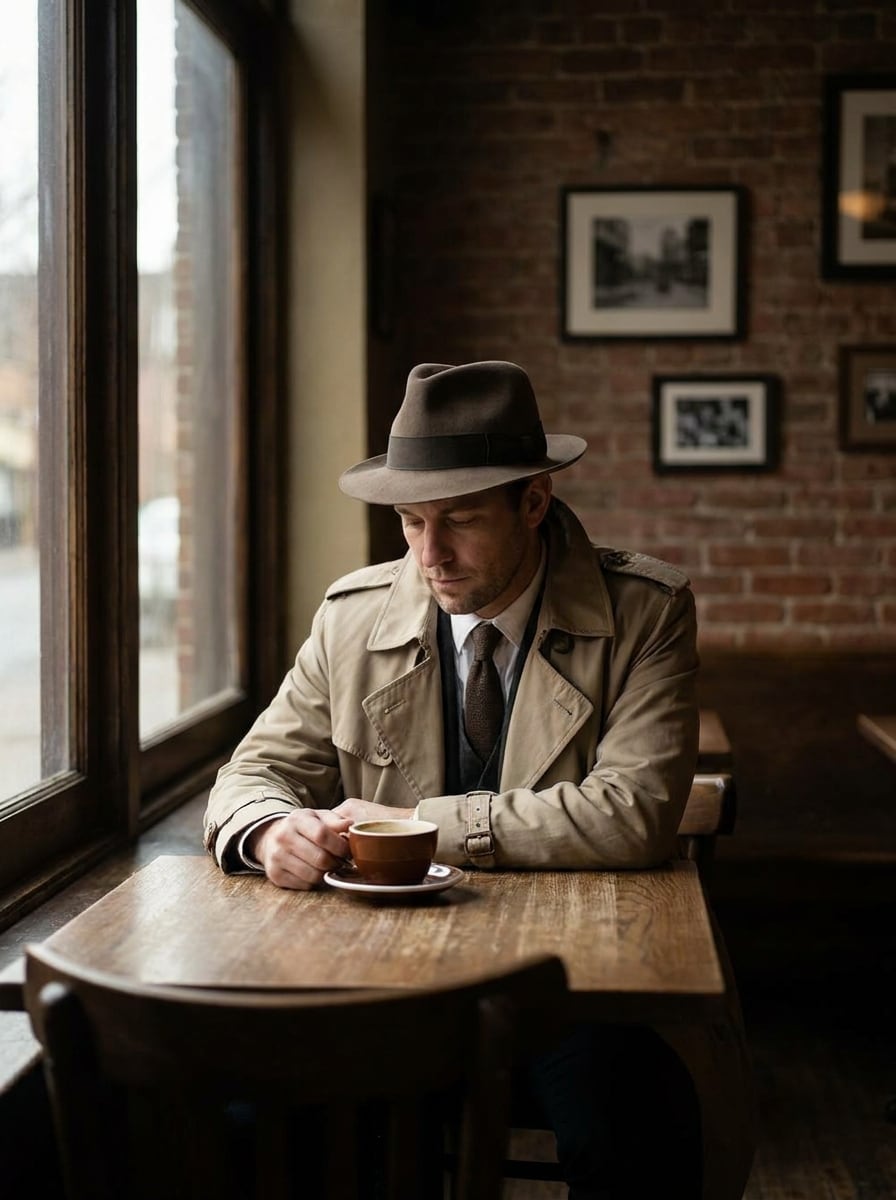
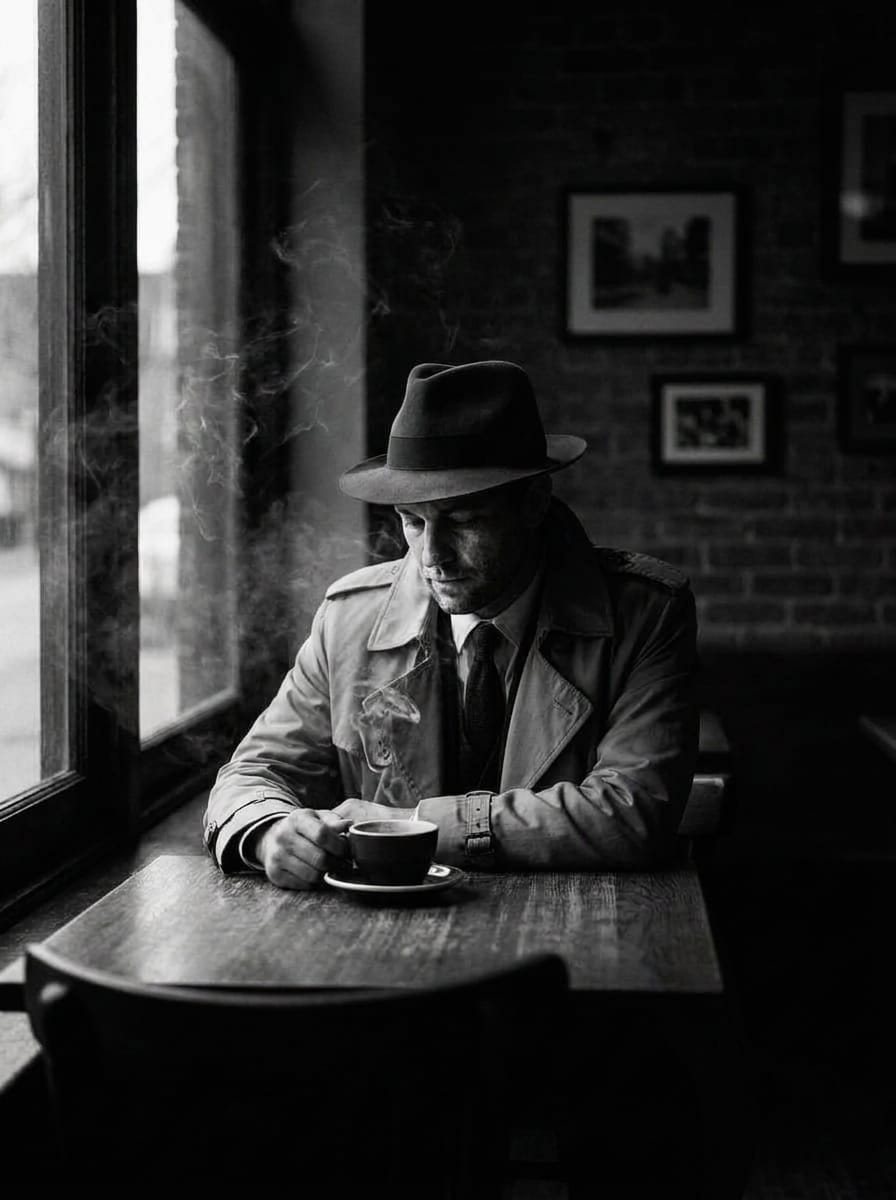
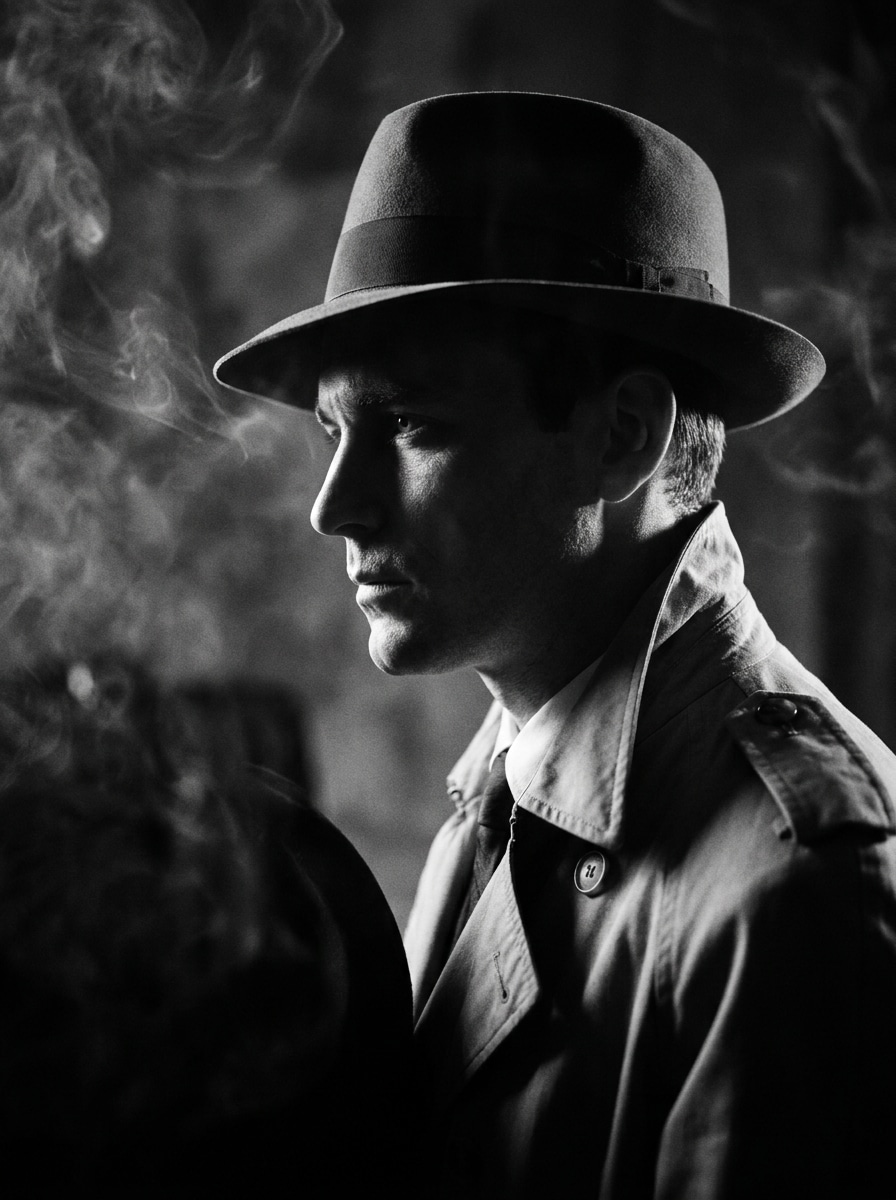
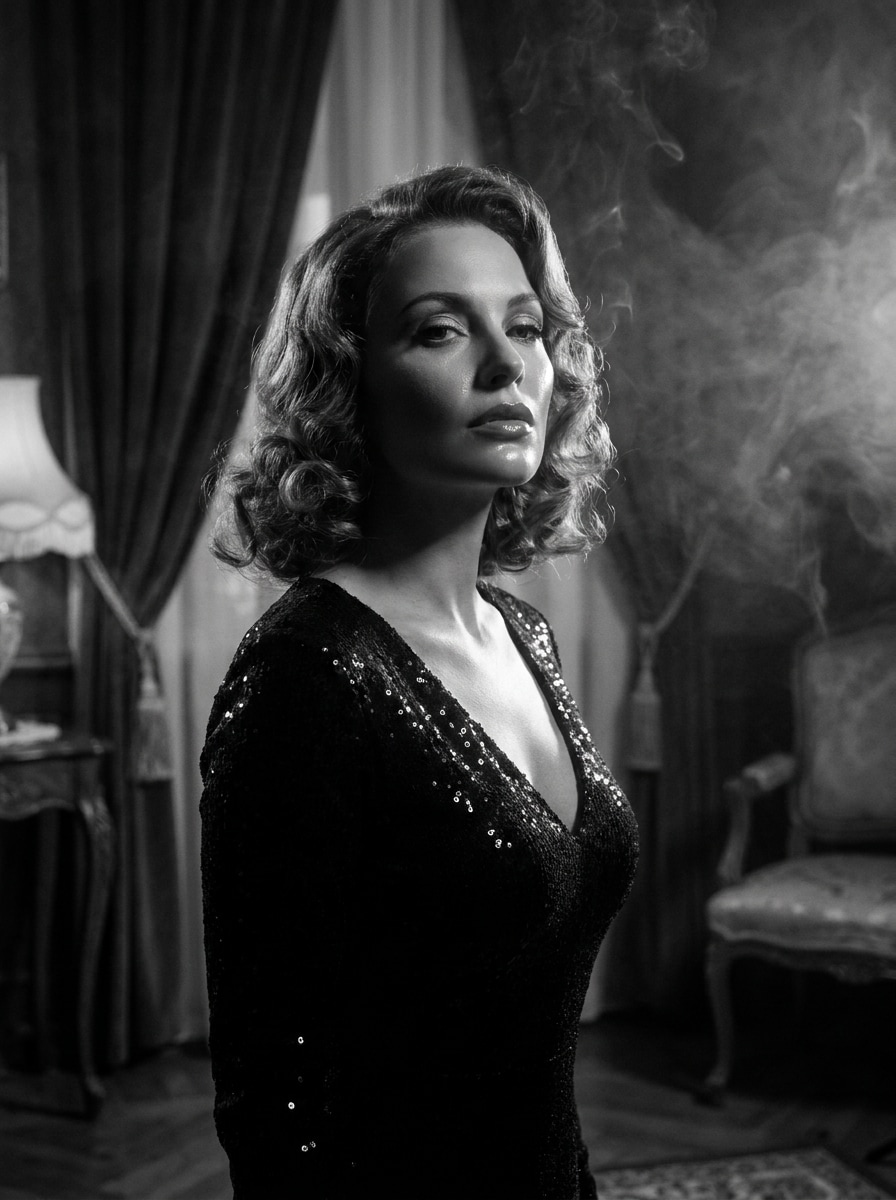
Verwandeln Sie Porträts, Straßenszenen und Landschaften in stimmungsvolle Noir-Bilder mit tiefen Schatten, klaren Highlights und einer Vintage-Atmosphäre. Media.io hilft Ihnen, einen Film-Noir-Filter online aus Ihrem eigenen Foto zu erstellen, egal ob Sie ein KI-Noir-Filter Stil, eine Detektiv-Stimmung, ein Schwarz-Weiß-Noir-Porträt oder ein poliertes monochromes Charakterbild möchten. Es kann ebenfalls mit einem Detektiv-Fotofilter.
Geben Sie Ihre Idee ein -> KI gestaltet es. Kostenlos ausprobieren.
Sehen Sie sich diese Beispiel-Anweisungen an und passen Sie die Prompt-Details an, um bessere Ergebnisse mit diesem Film-Noir-Filter in Media.io zu erzielen.
Studio-Noir mit hohem Kontrast
Verwenden Sie das hochgeladene Bild als Motiv und verwandeln Sie es in ein klassisches Film-Noir-Porträt der 1940er Jahre. Erstellen Sie einen Schwarz-Weiß-Look mit hohem Kontrast, dramatischer Seitenbeleuchtung, tiefen modellierten Schatten, klarer Gesichtsdetaillierung, dezenter Silberkornstruktur, rauchiger Studio-Stimmung und eleganter filmischer Realistik.
Femme Fatale Glamour Noir
Verwenden Sie das hochgeladene Porträt als Motiv und gestalten Sie es im glamourösen Old-Hollywood-Noir-Stil um. Fügen Sie monochrome Töne, weichen Scheinwerferglanz, glänzende Highlights auf Haar und Haut, tiefe Samtschwarz-, zarte Dunstschichten, raffinierten Gesichts-Kontrast und eine mysteriöse, gehobene Stimmung mit zeitlosem Vintage-Drama hinzu.
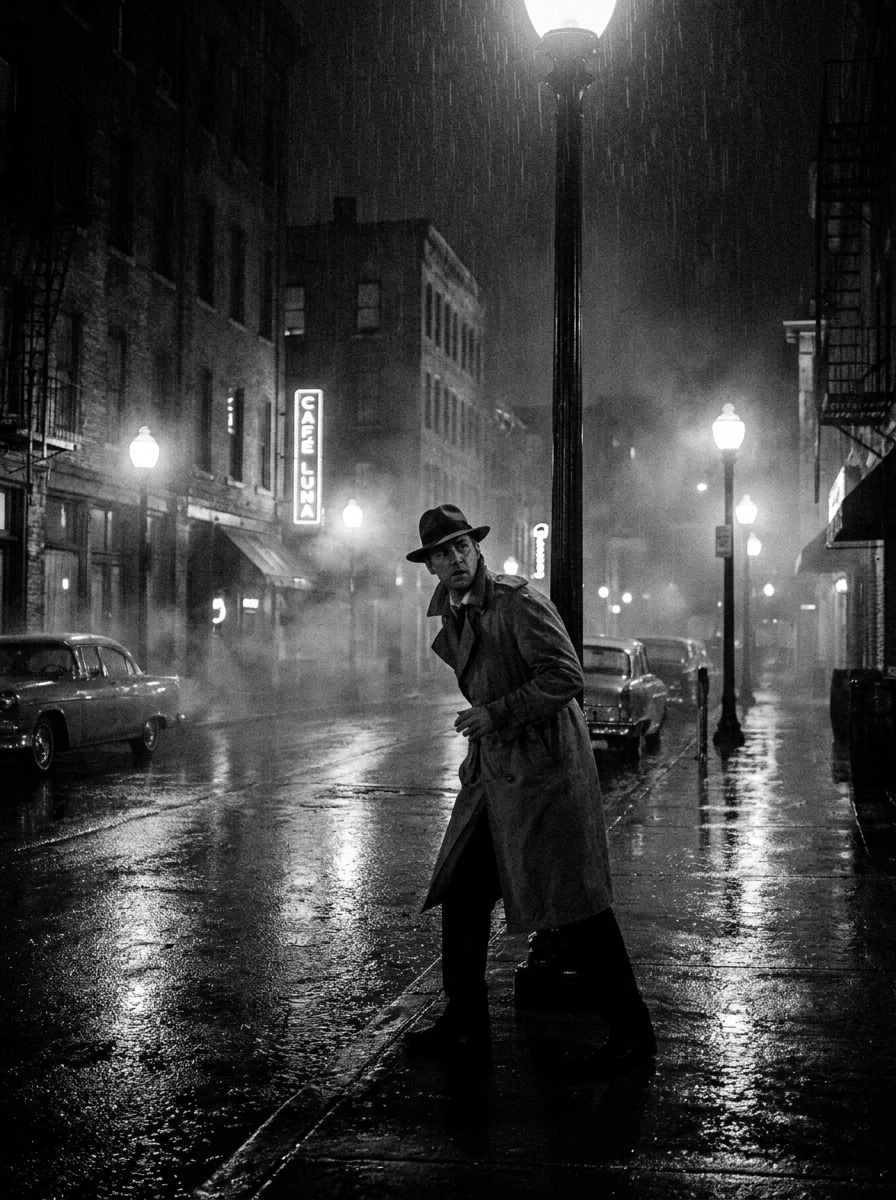
Regnerische Straßen-Detektiv-Noir
Verwenden Sie das hochgeladene Bild als Motiv und verwandeln Sie es in eine regnerische Krimi-Szene. Erzeugen Sie eine Schwarz-Weiß-Stadtatmosphäre mit nassen Straßenreflexionen, Trenchcoat-Detektiv-Flair, harten Schatten, leuchtenden Straßenlichtern, Nebelschwaden, körniger Struktur und spannender filmischer Inszenierung für ein echtes Detektiv-Fotofilter Effekt.
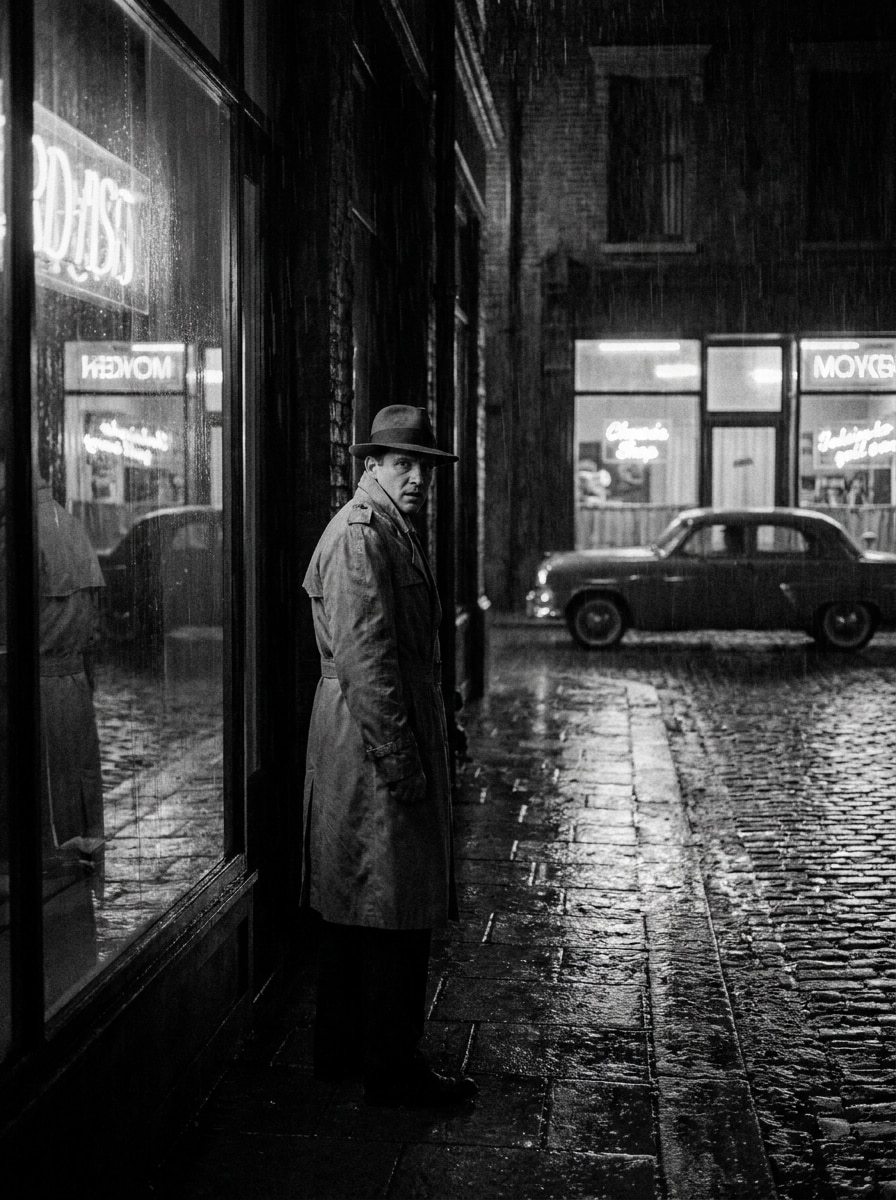
Neonreflexions-Noir
Verwenden Sie das hochgeladene Straßenporträt und verwandeln Sie es in einen modernen Noir-Look mit monochromer Farbgebung und reflektierenden Highlights. Betonen Sie tiefe Schatten, regenfeuchte Oberflächen, Glasreflexionen, kontrolliertes Korn, dramatische Randbeleuchtung und eine coole, angespannte Stimmung, die filmisch, elegant und urban wirkt.
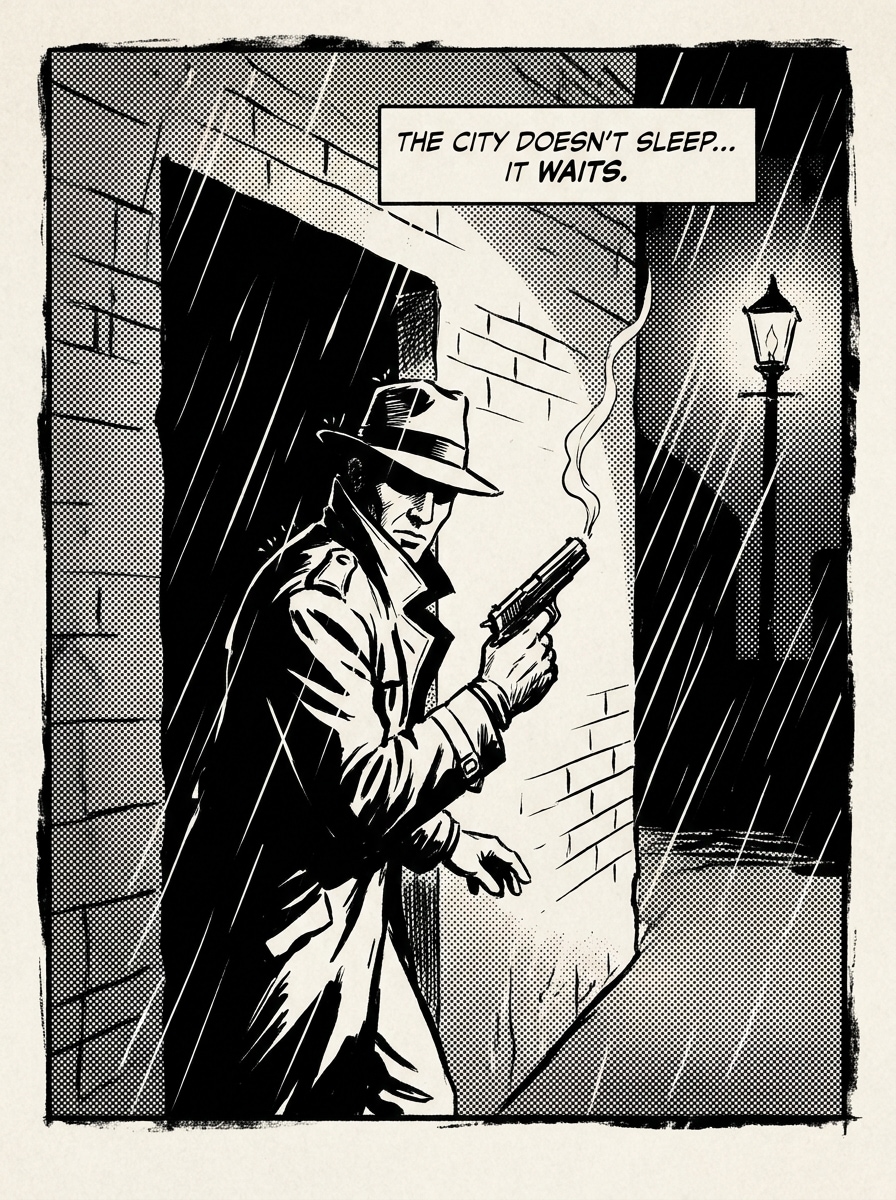
Film-Noir-Comic
Nutzen Sie das hochgeladene Foto als Grundlage und gestalten Sie es zu einem grafischen Noir-Comic-Panel um. Fügen Sie markante, gezeichnete Umrisse, Schwarz-Weiß-Schattenblöcke, rauhe Papiertextur, übertriebenen Kontrast, filmische Komposition und dramatische Gesichts- oder Umgebungsmotive hinzu, wobei das ursprüngliche Motiv erkennbar bleibt.
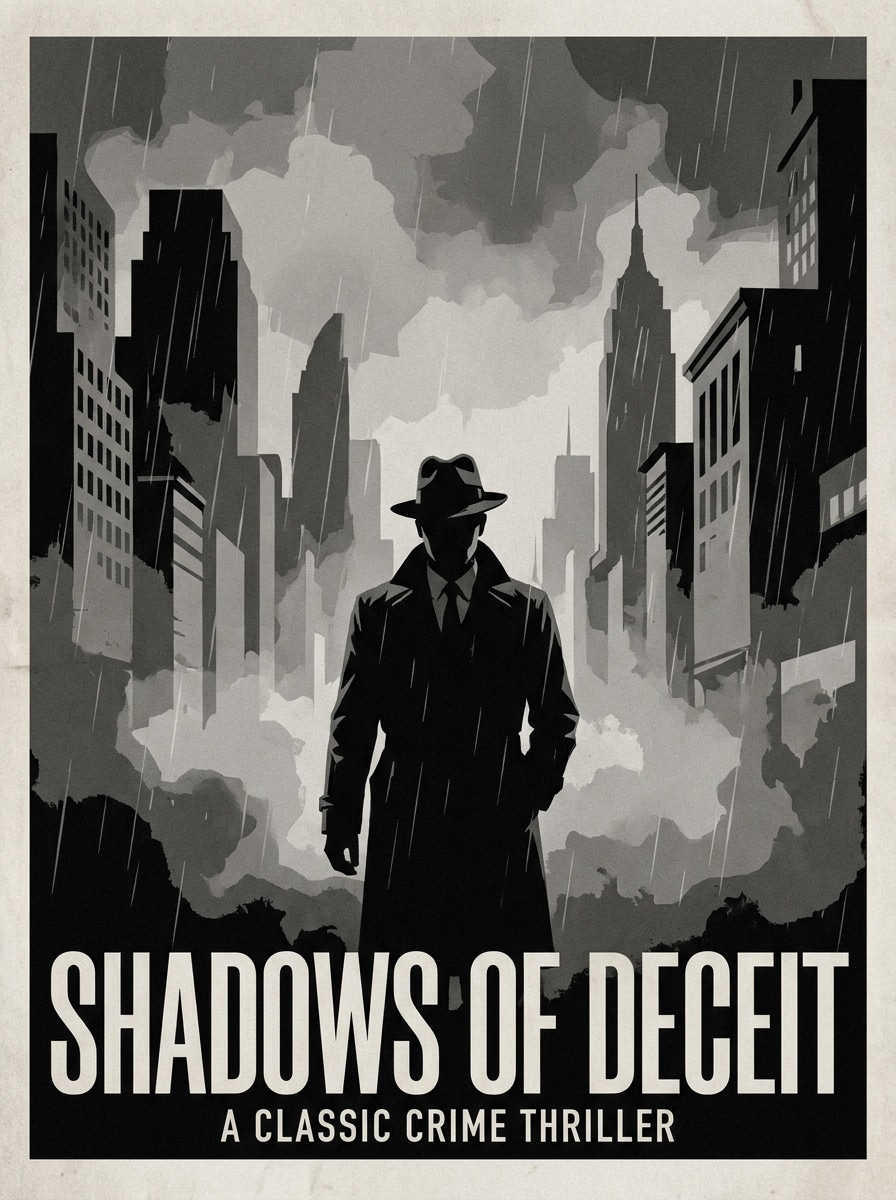
Poster-Krimi-Noir
Verwenden Sie das hochgeladene Bild und machen Sie daraus ein Vintage-Krimi-Poster. Erstellen Sie monochrome, postermäßige Schattierungen, starke Silhouetten, rauchige Atmosphäre, starken Kontrast, saubere Negativfläche für Titel und eine dramatische Retro-Kino-Stimmung, die sich für Cover, Werbung oder Kunstdruck eignet.
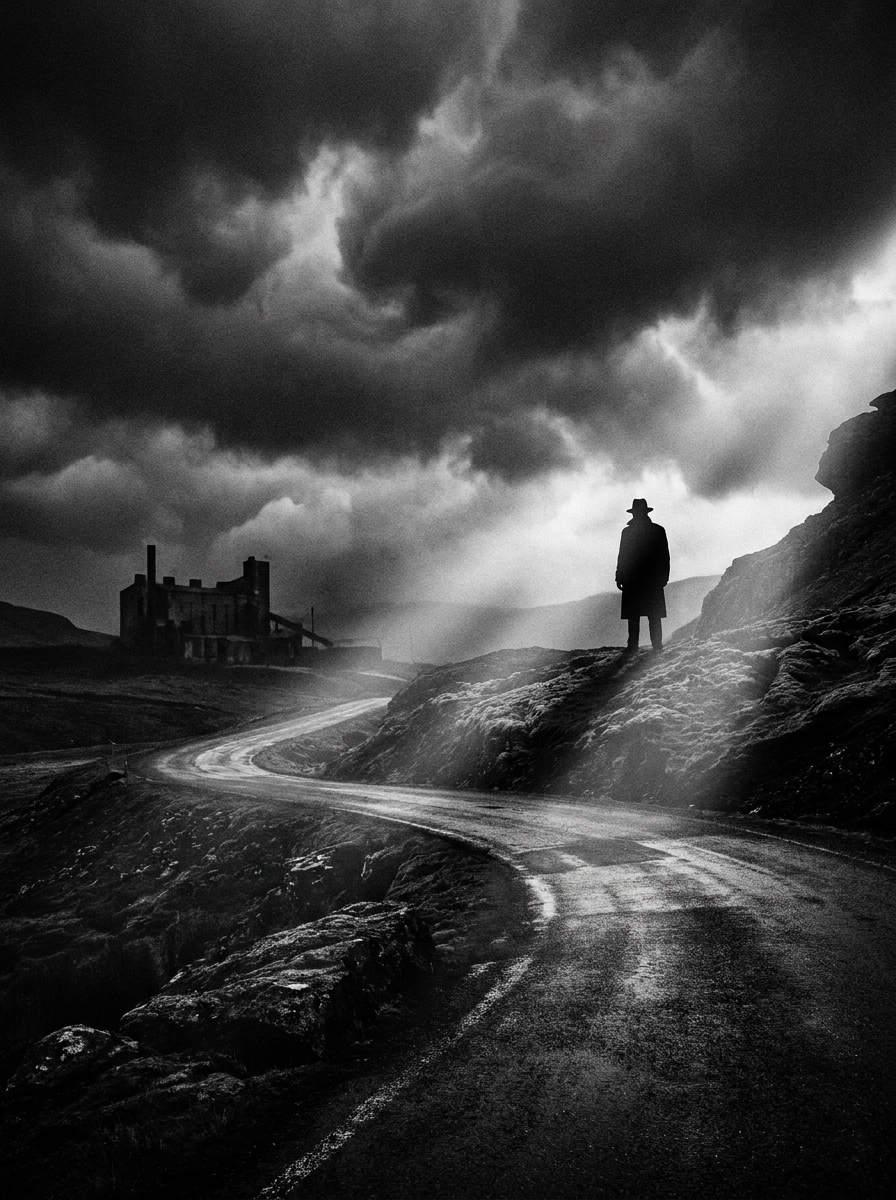
Stimmungsvolles Landschafts-Noir
Verwandeln Sie das hochgeladene Landschaftsfoto in einen filmischen Noir-Look. Setzen Sie auf hochkontrastige Schwarz-Weiß-Darstellung, verstärken Sie die Wolkendramatik, bereichern Sie dunkle Vordergrundtöne, heben Sie selektive Highlights hervor, fügen Sie feines Filmkorn hinzu und schaffen Sie eine düstere Atmosphäre mit starker visueller Tiefe.
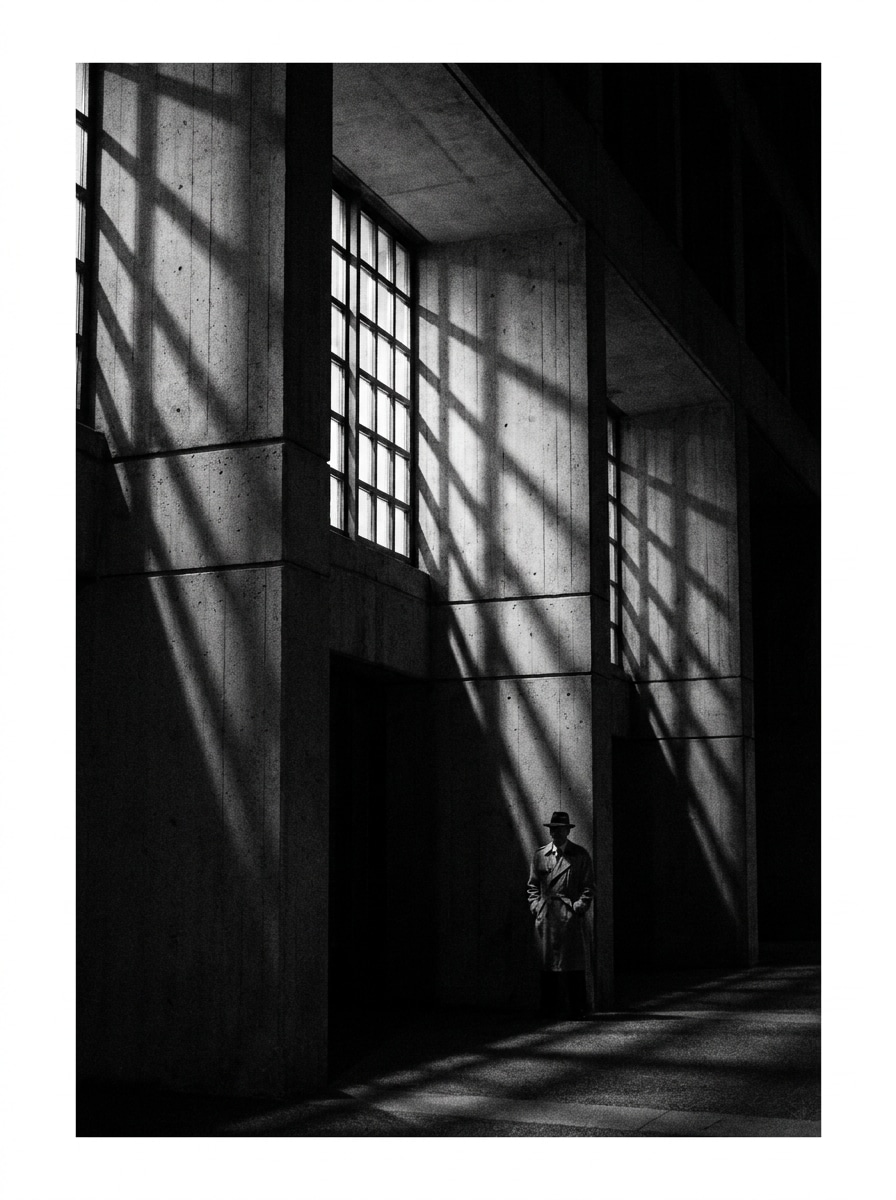
Noir-Architektur-Studie
Nutzen Sie das hochgeladene Gebäude- oder Straßenfoto und verleihen Sie ihm eine markante Noir-Optik. Betonen Sie geometrische Licht-und-Schatten-Muster, monochromen Kontrast, klare Linien, Schattentiefe, feines Korn und eine minimalistische urbane Stimmung, die intelligent, dramatisch und redaktionell wirkt.
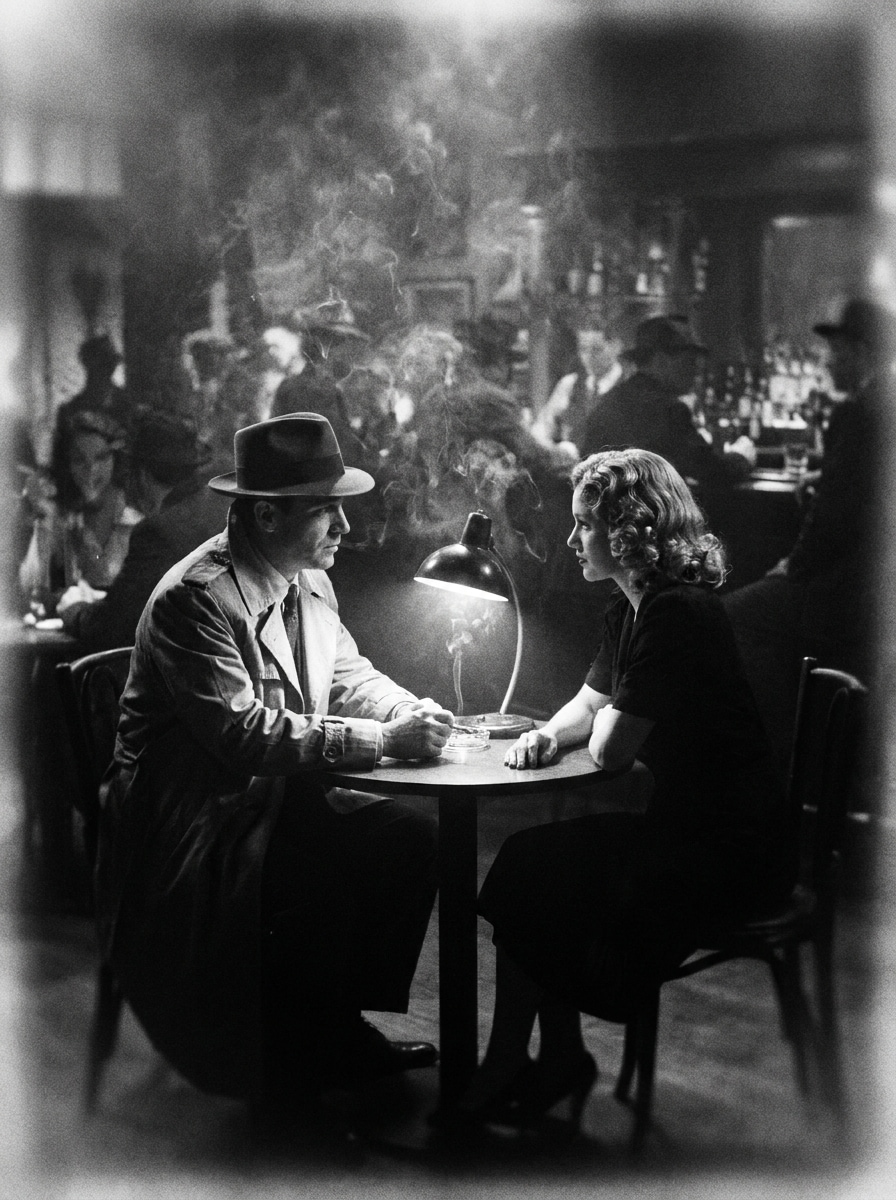
Rauchiges Speakeasy-Noir
Verwenden Sie das hochgeladene Bild als Motiv und verwandeln Sie es in eine rauchige Speakeasy-Szene. Fügen Sie monochrome Farbgebung, Scheinwerferkontrast, nebelgefüllten Hintergrund, sanften Falloff, tiefe Schwarztöne, dezentes Korn und eine intime Old-Hollywood-Stimmung mit reichhaltiger filmischer Textur hinzu.
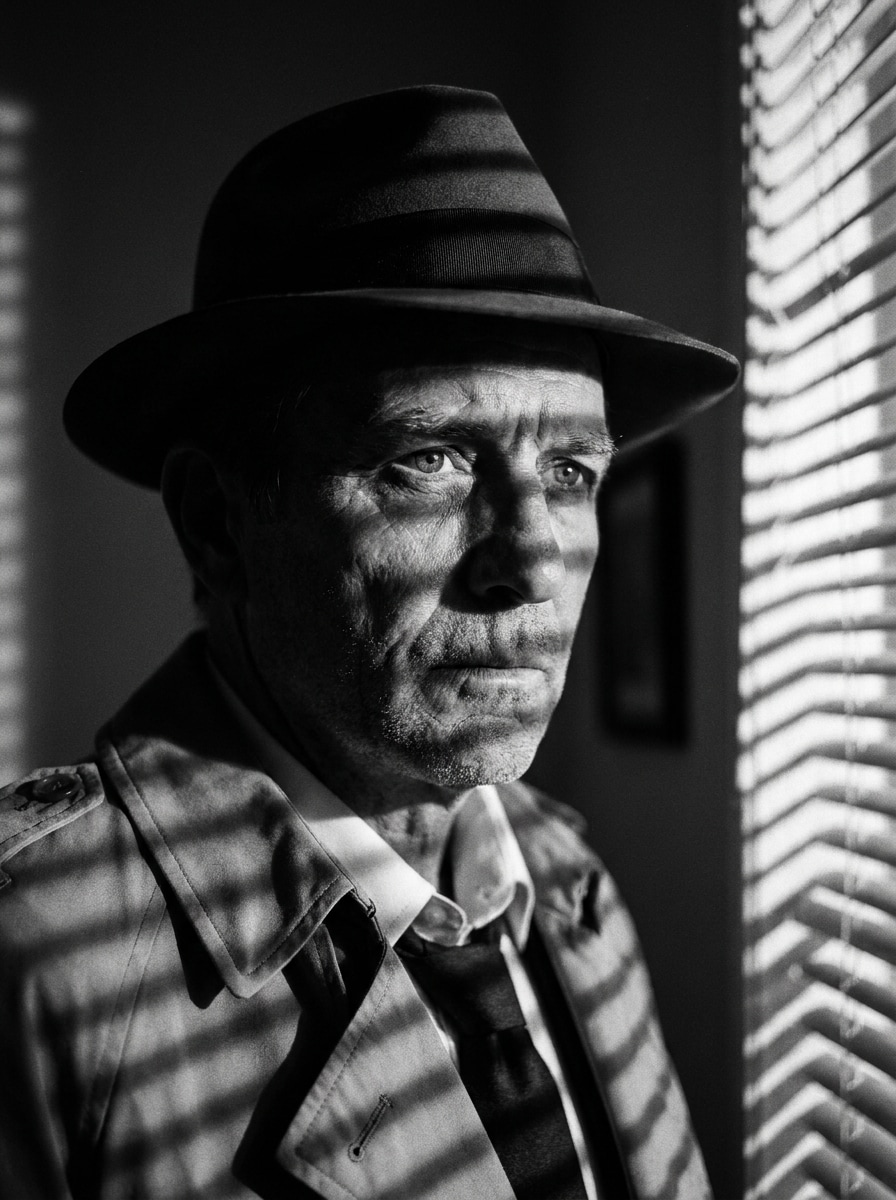
Venezianische Jalousien-Schatten-Noir
Verwenden Sie das hochgeladene Porträt und kreieren Sie eine angespannte Detektivfilm-Optik mit gestreiften Fensterschatten. Erstellen Sie ein dramatisches monochromes Bild mit tiefem Schwarz, scharfen Highlight-Streifen über Gesicht und Hintergrund, klarer Struktur, subtilen Körnung und einem klassischen Noir-Detektiv-Filter Stimmung.
Warum Media.io für Film-Noir-Fototransformationen nutzen?
Das Motiv bleibt in jedem Noir-Edit erkennbar
Wenn das Ergebnis an das Originalmotiv gebunden bleiben soll, hilft Media.io, die markanten Merkmale zu erhalten und gleichzeitig den visuellen Film-Noir-Filter für Social Media, Branding oder Mockups anzupassen.
Den passenden Stil für jede Variante wählen
Verschiedene Ausgaben erfordern unterschiedliche Ästhetik. Media.io ermöglicht die Erkundung von verschiedenen Interpretationen des Film-Noir-Filter-Konzepts, sodass das Endergebnis schneller die richtige Stimmung trifft.
Saubere Ausgabe bis zu 4K generieren
Für Projekte, die mehr als Entwurfsqualität benötigen, hilft Media.io, Film-Noir-Filter-Visuals bis zu 4K zu erzeugen, sodass Details sauber bleiben für Präsentation, Zuschnitt oder Weiterverwendung der finalen Datei.
Der Workflow bleibt geräteübergreifend erhalten
Wenn eine Film-Noir-Filter-Idee nicht am Hauptarbeitsplatz entsteht, können Sie in Media.io im Browser gestalten und verfeinern – das Wechseln zwischen Handy und Desktop bleibt nahtlos und nicht störend.
So nutzen Sie einen Film-Noir-Filter online
Verwandeln Sie Ihre Worte in beeindruckende Bilder in drei einfachen Schritten und verfeinern Sie das Ergebnis weiter, wenn Sie möchten.
Schritt 1
Ihr Referenzbild hochladen
Beginnen Sie mit einem klaren JPG, PNG oder JPEG-Foto. Porträts, regnerische Straßenszenen, Gebäude und dramatische Landschaften funktionieren besonders gut, wenn das Motiv sichtbar ist und das Originalbild genügend Details für die Noir-Transformation bietet.
Schritt 2
Veränderung beschreiben und Optionen festlegen
Geben Sie einen Prompt ein, der den gewünschten Look beschreibt, z.B. hoher Kontrast, tiefe Schatten, rauchige Atmosphäre, Vintage-Kinomood, venezianische Jalousien-Beleuchtung oder Detektivfilm-Stil. Wählen Sie dann Ihr Modell und passen Sie Seitenverhältnis, Qualität oder Bildvariation an.
Schritt 3
Erstellen, Herunterladen und weiter verbessern
Erzeugen Sie Ihre Noir-Versionen, vergleichen Sie die Ergebnisse und laden Sie das Bild herunter, das am besten zur gewünschten Stimmung passt. Verfeinern Sie gegebenenfalls den Prompt, probieren Sie neue Kompositionen oder erstellen Sie weitere Varianten, bis Licht, Korn und Ton stimmen.
Sehen Sie, wie Kreative diesen Film-Noir-Filter für Inhalte, Marketing und persönliche Projekte nutzen und passen Sie jede Idee in Media.io dem Brief an.
Einfache Porträts in Vintage-Krimi-Kinostills verwandeln
Verleihen Sie Porträtaufnahmen und Lifestyle-Fotos eine dramatische monochrome Identität mit harten Schatten, rauchiger Tiefe und klassischer Studio-Spannung. Perfekt für Kreative, die einen polierten Charakter-Look, Old-Hollywood-Stimmung oder ein glaubwürdiges Noir-Detektiv-Filter Makeover ohne aufwendige Bearbeitung wollen.
Stimmungsvolle Social-Posts mit starkem Vorher-Nachher-Effekt erstellen
Eine Noir-Transformation ist besonders klickstark für Reels, Kurzvideos und dramatische Post-Karussells. Verwandeln Sie Alltagsfarben-Aufnahmen in rauhe Kinobilder, die zielgerichtet, stilisiert und einprägsam sind – ideal für Mode, Storytelling, Musik oder Personal-Branding-Inhalte.
Atmosphärische Kunstwerke für Poster, Cover und Werbung schaffen
Nutzen Sie Noir-Styling, um Werbebilder mit markantem Silhouetten-Kontrast, stimmungsvoller Beleuchtung und zeitlosen Schwarz-Weiß-Reiz zu formen. Besonders geeignet für Podcast-Cover, Indie-Filmkonzepte, Buchumschläge, Mystery-Kampagnen und redaktionelle Beiträge, die Spannung, visuelle Charaktere oder eine markante Detektiv-Ära-Stimmung verlangen.
Was Nutzer sagen
Maya T.
Porträt-Künstlerin
"Meine Porträts sehen endlich filmisch aus"Ich habe ein einfaches Studiofoto hochgeladen und ein glaubwürdiges Noir-Ergebnis mit dramatischen Schatten und klaren Gesichtszügen erhalten. Das ging schneller als den Look selbst von Hand zu bauen.
Jordan R.
Social Media Designer
"Super für stimmungsvolle Vorher-Nachher-Posts"Die regnerischen Straßen- und Detektiv-Stil-Varianten sind besonders gelungen. Ich mag, dass ich schnell mehrere Looks testen und das beste für eine Kampagne auswählen kann.
Elena V.
Indie-Autorin
"Hilfreich für Noir-Cover-Konzepte"Ich habe damit ein modernes Porträt in etwas verwandelt, das wie klassische Krimi-Kunst wirkt. Der monochrome Kontrast und die rauchige Atmosphäre kommen sehr gut zur Geltung.
Chris D.
Mobile Content Creator
"Einfach auf dem Handy nutzbar"Ich brauchte keine Desktop-Software, um einen überzeugenden Noir-Effekt zu bekommen. Hochladen, Prompts eingeben und auf dem Handy generieren war unkompliziert und das Ergebnis war poliert genug zum Teilen.
Entdecken Sie die beliebtesten KI-Video- und Bildeffekte
Starten Sie mit einem klaren Foto, laden Sie es in Media.io hoch und beschreiben Sie die klassischen Noir-Eigenschaften: Schwarz-Weiß-Umwandlung, hoher Kontrast, tiefe Schatten, dramatische Beleuchtung, dezentes Korn und eine stimmungsvolle kinoreife Atmosphäre. Die Bildbearbeitung hilft Media.io, Ihr Ausgangsmotiv zu erhalten und die Szene im Filmstil umzugestalten – egal, ob Sie ein Schwarz-Weiß-Noir-Porträt oder eine erweiterte Noir-Szene wollen.
2. Kann ich einen Film-Noir-Filter kostenlos online anwenden?
Media.io bietet kostenlose Credits, sodass Sie eine Noir-Transformation online ausprobieren können, bevor Sie einen Tarif buchen. Für mehr Generierungen oder hochauflösende Downloads ohne Wasserzeichen finden Sie auf der Preis-Seite Abonnementoptionen.
3. Was macht einen realistischen Film-Noir-Effekt aus?
Ein realistisches Noir-Ergebnis kombiniert starke Tontrennung, tiefe Schwarztöne, kontrollierte Highlights, glaubwürdige Schattierung und feines Korn – statt extremem Blur oder flachem Graustufen. In Media.io kommen die besten Resultate meist von einer klaren Ausgangsaufnahme und einem Prompt, der filmische Beleuchtung, monochrome Tiefe und eine Stimmung wie rauchig, regnerisch oder Vintage-Detektiv-Drama beschreibt.
4. Funktioniert ein Film-Noir-Filter besser bei Porträts oder Landschaften?
Beides funktioniert gut, hat aber unterschiedliche Schwerpunkte. Porträts eignen sich für stimmungsvolle Gesichtsausleuchtung, klassischen Charakterstil und Noir-Porträtfilter, während Landschaften und Städte von Wolken, Reflexionen, Architektur und schattenreicher Komposition profitieren. Media.io unterstützt beide, indem Ihr Bild als Referenz für die Transformation genutzt wird.
5. Kann ich ein Farbfoto in Schwarz-Weiß-Noir wandeln, ohne Details zu verlieren?
Ja, sofern der Upload klar und gut belichtet ist. Media.io kann ein Farbfoto monochrom umgestalten und wichtige Motivdetails bewahren – besonders, wenn Sie auf klare Struktur, ausgewogene Highlights und tiefe, aber erkennbare Schatten statt zu starkem Schwarz im Prompt achten.
6. Wie lange dauert es, ein Film-Noir-Bild zu erzeugen?
Normalerweise dauert es nur kurz, eine Noir-Version zu generieren, nachdem Sie das Bild hochgeladen und den Prompt eingegeben haben. Die genaue Geschwindigkeit hängt von Modellwahl, Ausgabeeinstellungen und der Anzahl der generierten Bilder ab – Media.io ermöglicht aber schnelle visuelle Iteration.
Über den KI-gesteuerten Online-Film-Noir-Filter hinaus