Deine Werke werden nur 7 Tage lang gespeichert. Assets, die nach dem Upgrade auf einen Mitgliedschaftstarif erstellt werden, werden dauerhaft gespeichert.
Entfalten Sie Ihr kreatives Potenzial und erleben Sie jetzt die Magie der Media-KI!
Wenden Sie einen Normcore-Filter an, um Porträts in Low-Key-Editorial-Fotos zu verwandeln
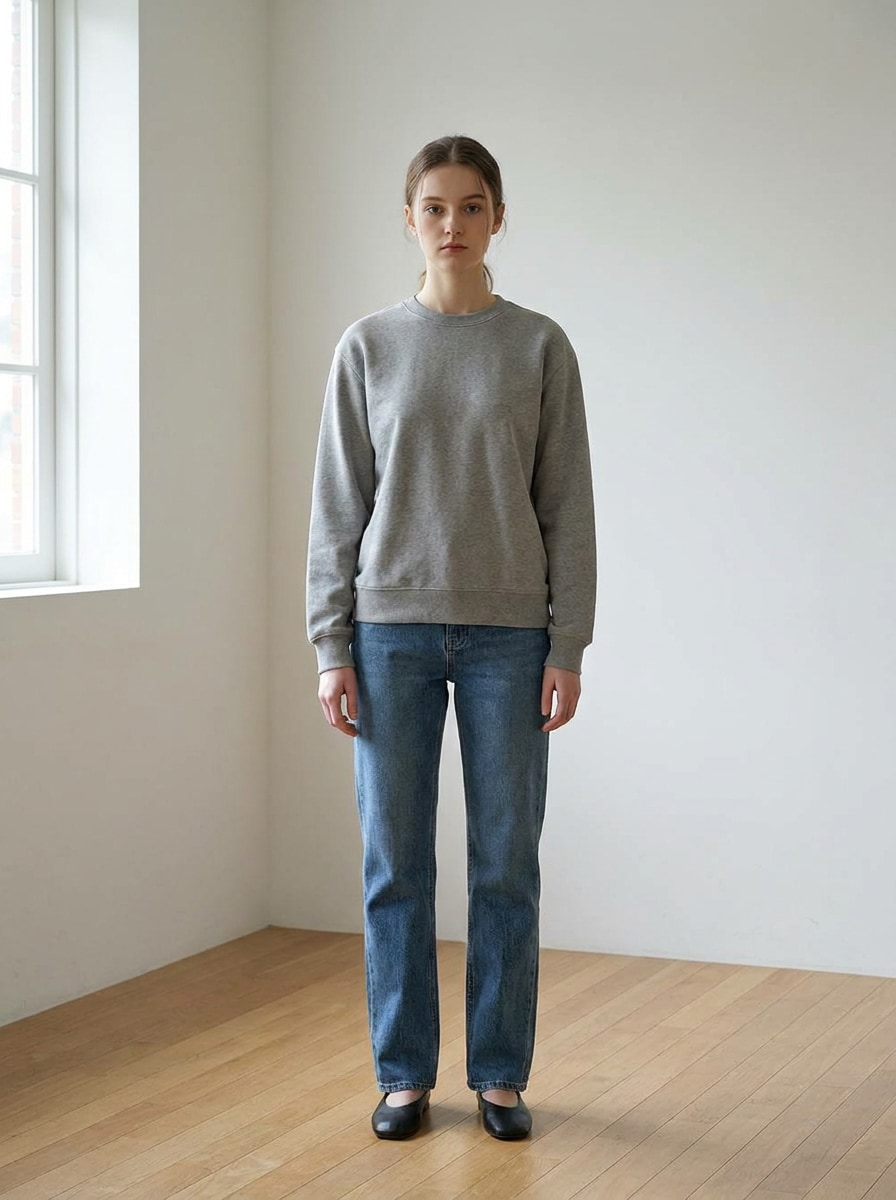
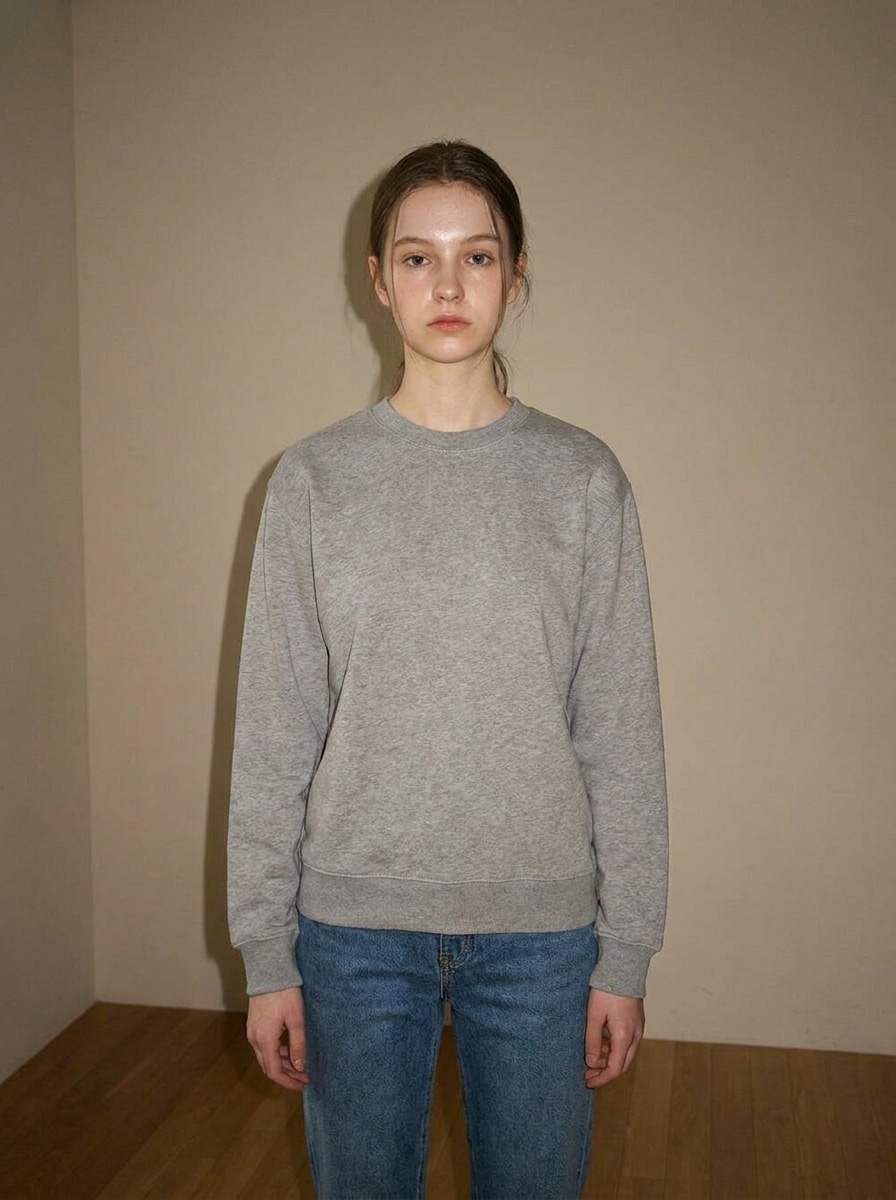
Erstellen Sie unaufdringliche, alltägliche Fotos mit einem Normcore-Filter. Media.io hilft Ihnen, aufwendige Porträts in gedämpfte, natürliche Bilder mit flacher Beleuchtung, subtiler Körnung und realistischer Gestaltung zu verwandeln, sodass ein KI-Normcore-Filter-Workflow sich schnell, einfach und mobilfreundlich anfühlt.
Geben Sie Ihre Idee ein -> KI gestaltet sie. Kostenlos ausprobieren.
Sehen Sie sich diese Beispielanweisungen an und passen Sie dann die Prompt-Details an, um bessere Ergebnisse mit diesem Normcore-Filter zu erzielen.
Blitz-Casual-Porträt
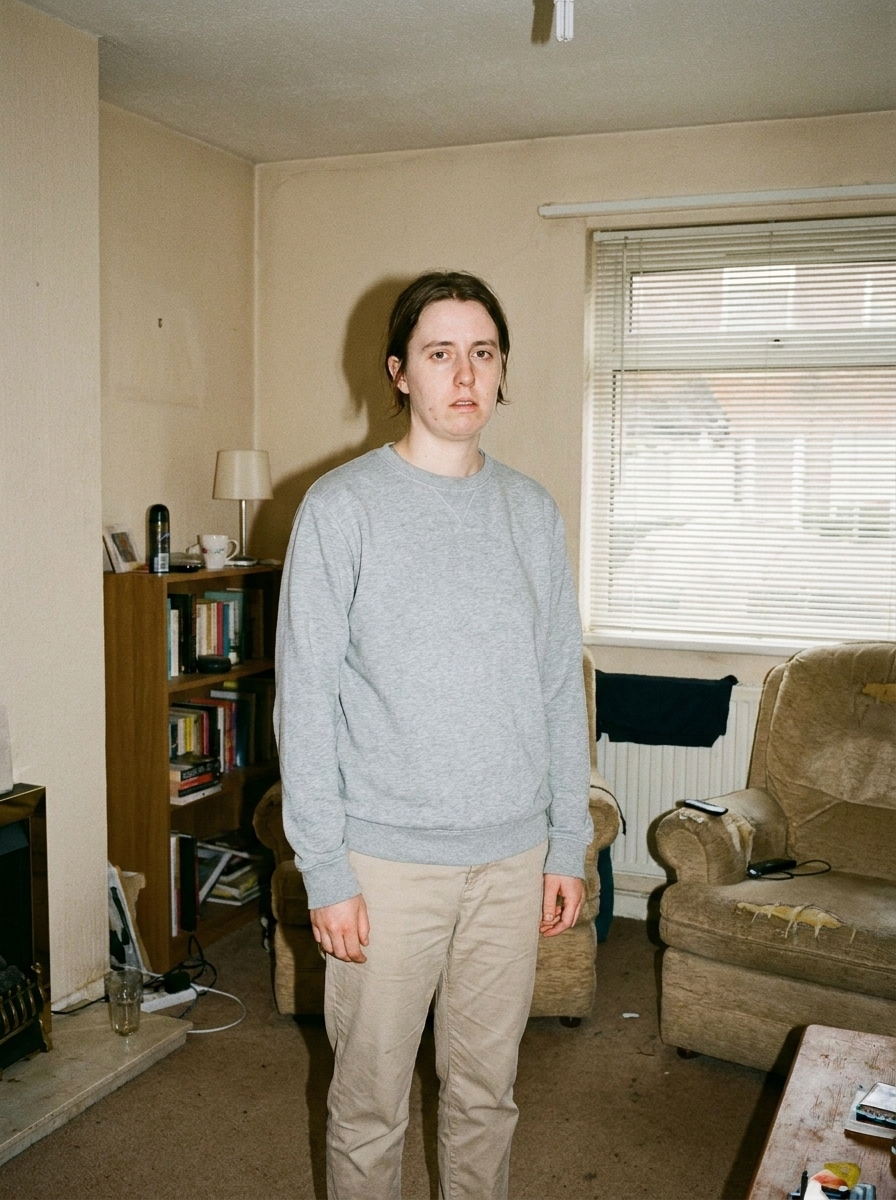
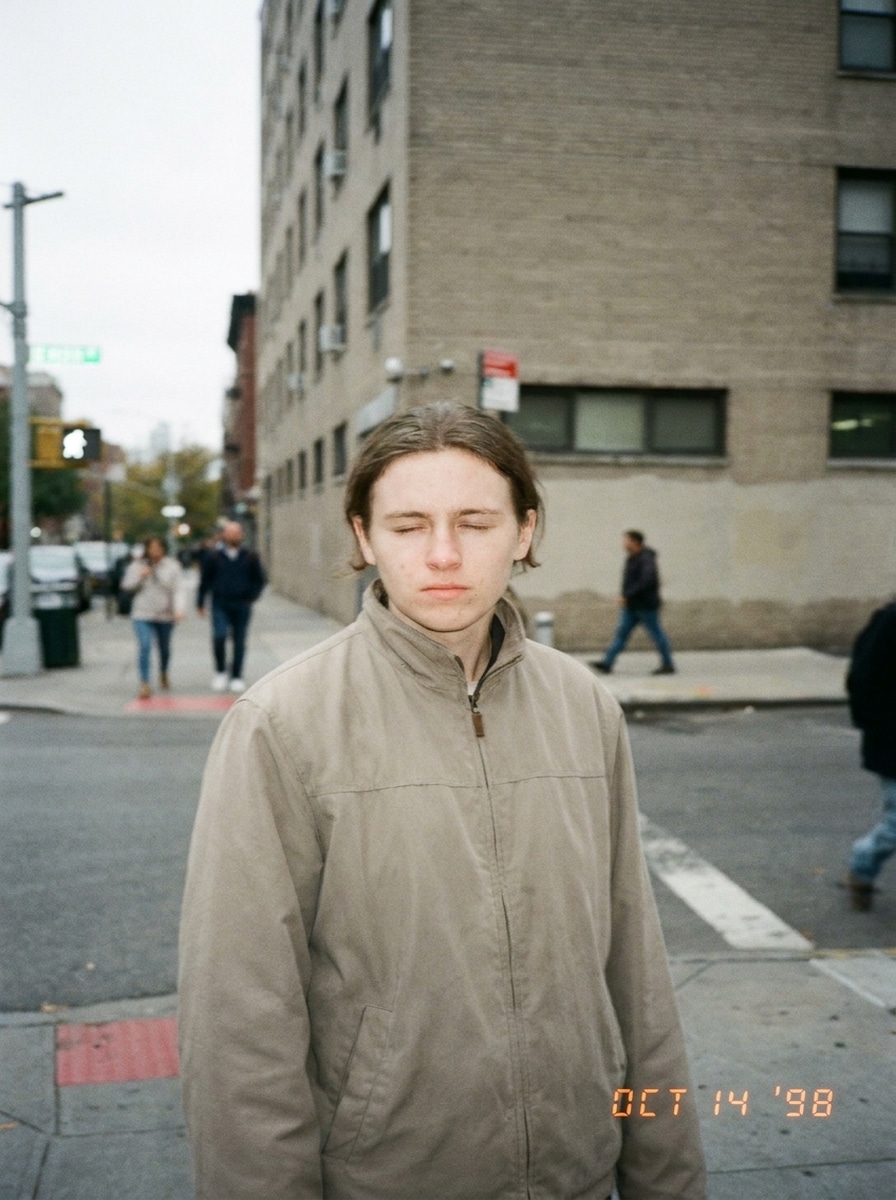
Verwenden Sie das hochgeladene Bild als Motiv und verwandeln Sie es in ein Normcore-Blitzporträt mit schlichtem Alltagsstil, direktem Kamerablitz, neutralen Beige- und Grautönen, realistischer Hauttextur, minimaler Nachbearbeitung, natürlicher Körpersprache, leicht ungeschicktem Bildausschnitt und einer authentischen Innen-Schnappschuss-Atmosphäre.
Kiosk-Candid
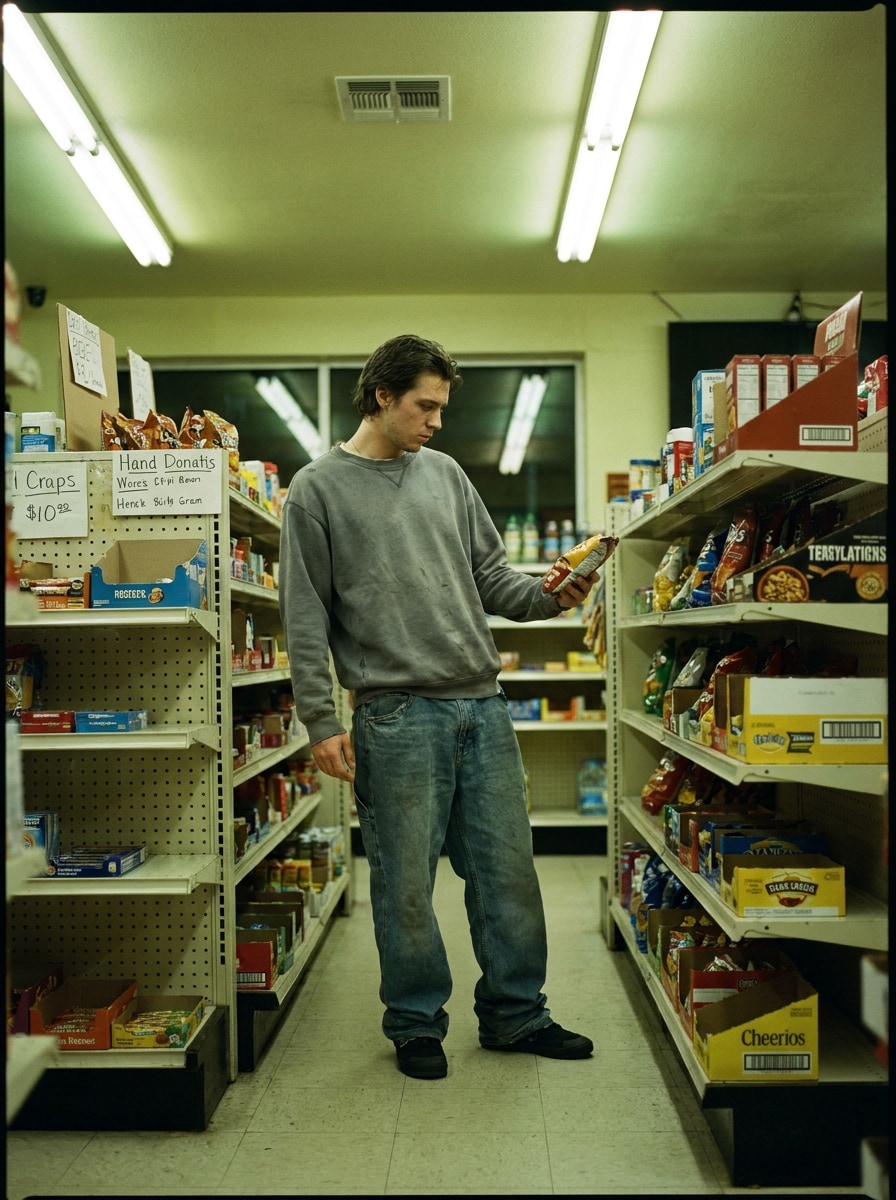
Verwenden Sie das hochgeladene Bild als Motiv und gestalten Sie es in einen Kiosk-Normcore-Candid um, mit flachem Leuchtstofflicht, gedämpften Farben, schlichter Alltagskleidung, zurückhaltendem Realismus, natürlicher Haltung, alltäglichen Produktregalen im Hintergrund und einem unpolierten Dokumentarstil.
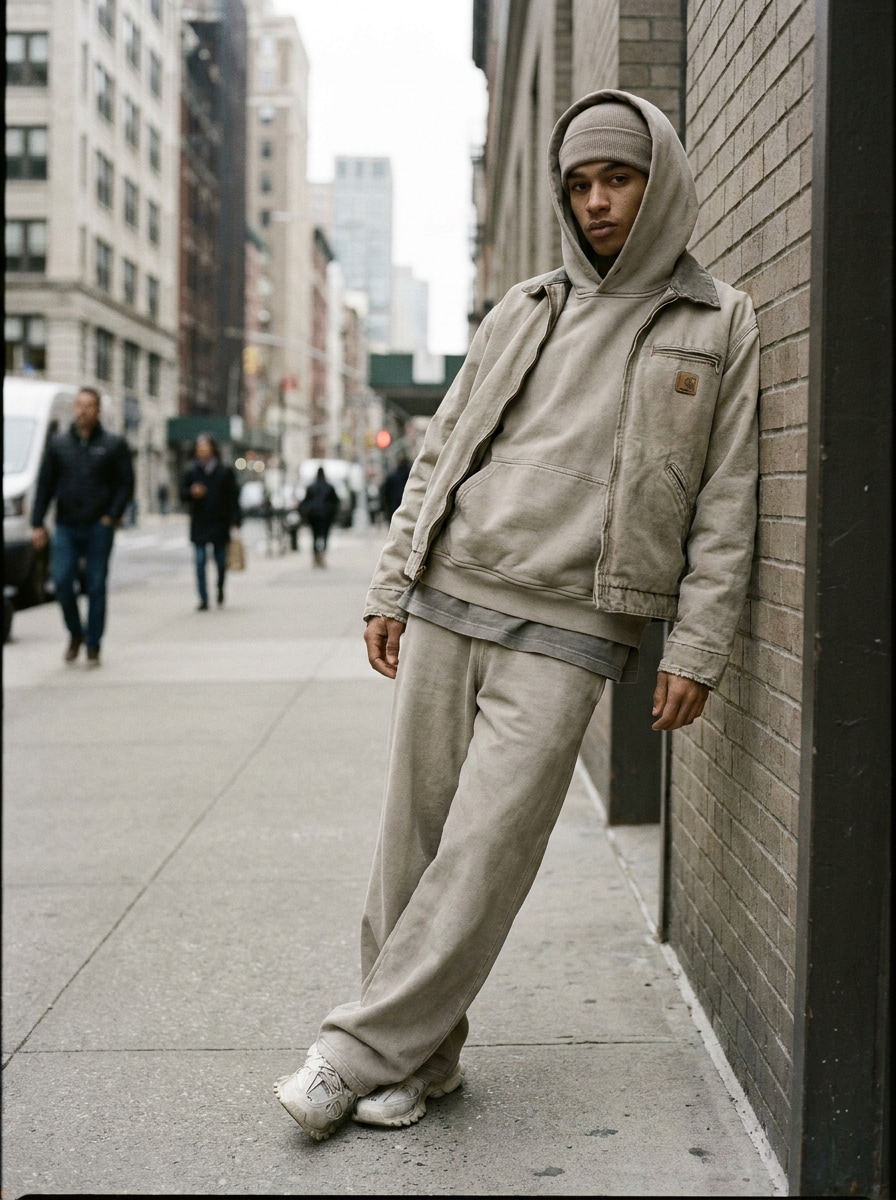
Gedämpfter Streetwear-Look
Verwenden Sie das hochgeladene Bild als Motiv und wenden Sie eine Normcore-Ästhetik mit oversized Basics, weicher Entsättigung, kontrastarmen Streetwear-Tönen, neutralen Bürgersteigen oder Ladengeschäften, entspannter Körperhaltung, subtiler Körnung und einer zurückhaltenden Mode-Editorial-Stimmung an, die dennoch gewöhnlich und glaubwürdig wirkt.
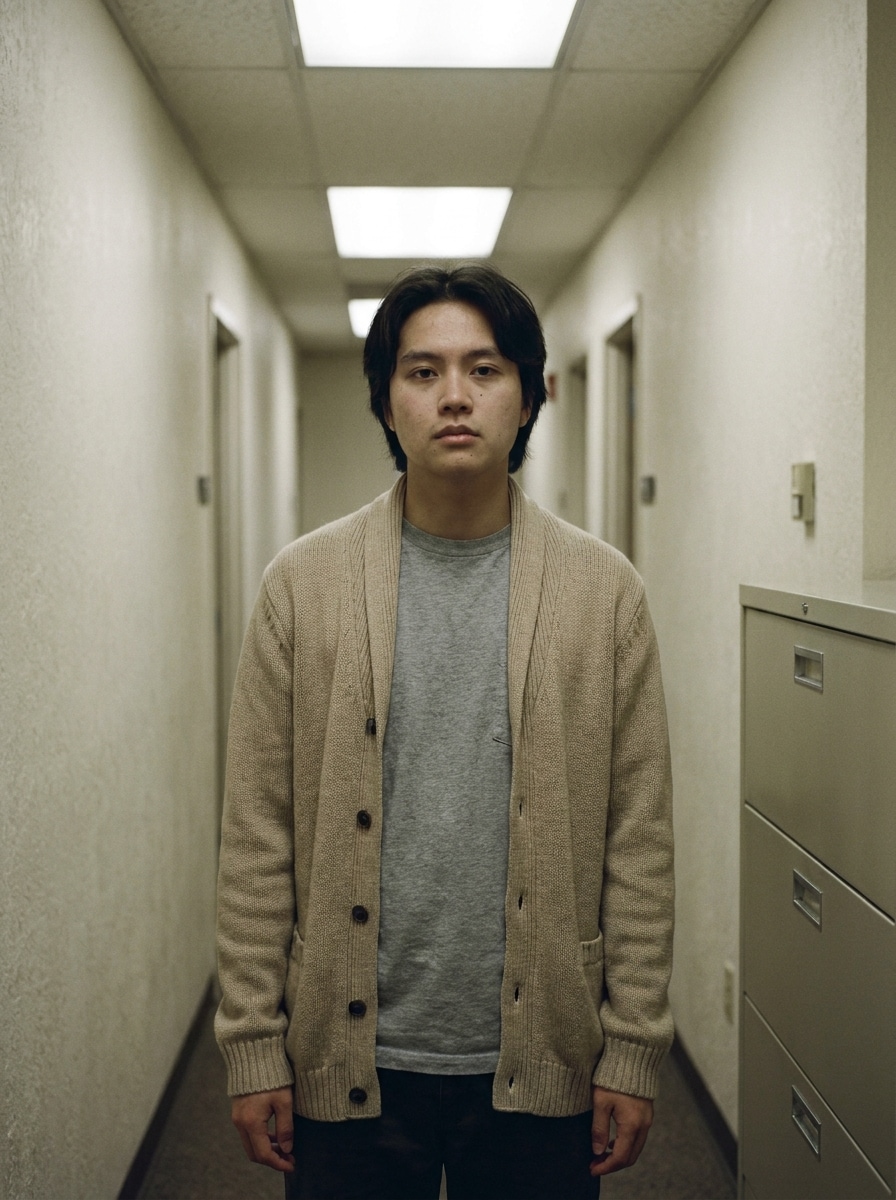
Officecore Minimal
Verwenden Sie das hochgeladene Bild als Motiv und verwandeln Sie es in ein Officecore-Normcore-Foto mit Beige- und Grau-Kleidungsschichten, flacher Innenbeleuchtung, klarem Bildausschnitt, schlichter Arbeitsumgebung, realistischen Hautdetails, minimalem Styling und einer ruhigen, glamourfreien Alltagsatmosphäre.
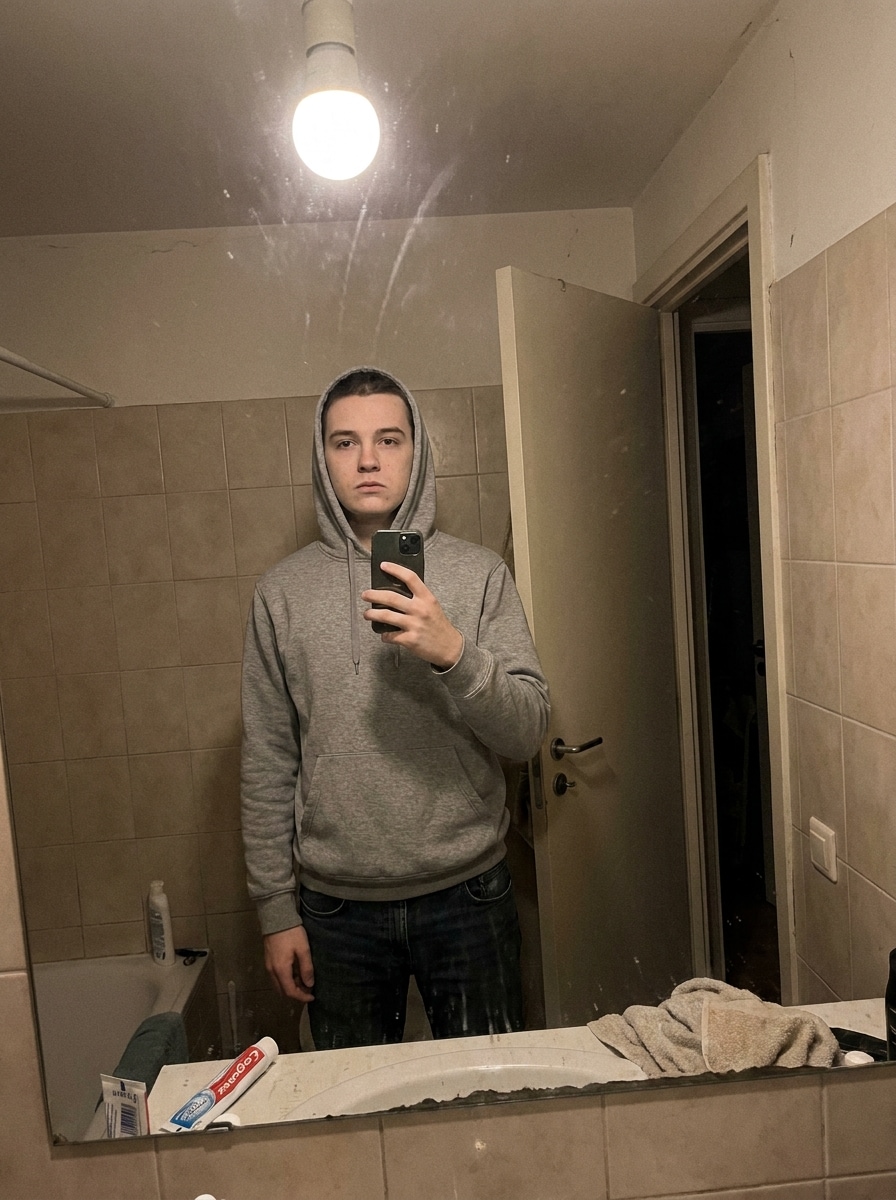
Deadpan-Spiegel-Selfie
Verwenden Sie das hochgeladene Bild als Motiv und erstellen Sie ein Deadpan-Spiegel-Selfie mit Normcore-Ästhetik, schlichter Bad- oder Flurkulisse, einfachen Basics, niedriger Sättigung, realistischen Unvollkommenheiten, natürlicher Beleuchtung, minimalem Hochglanz und einer Anti-Glam-Social-Post-Stimmung.
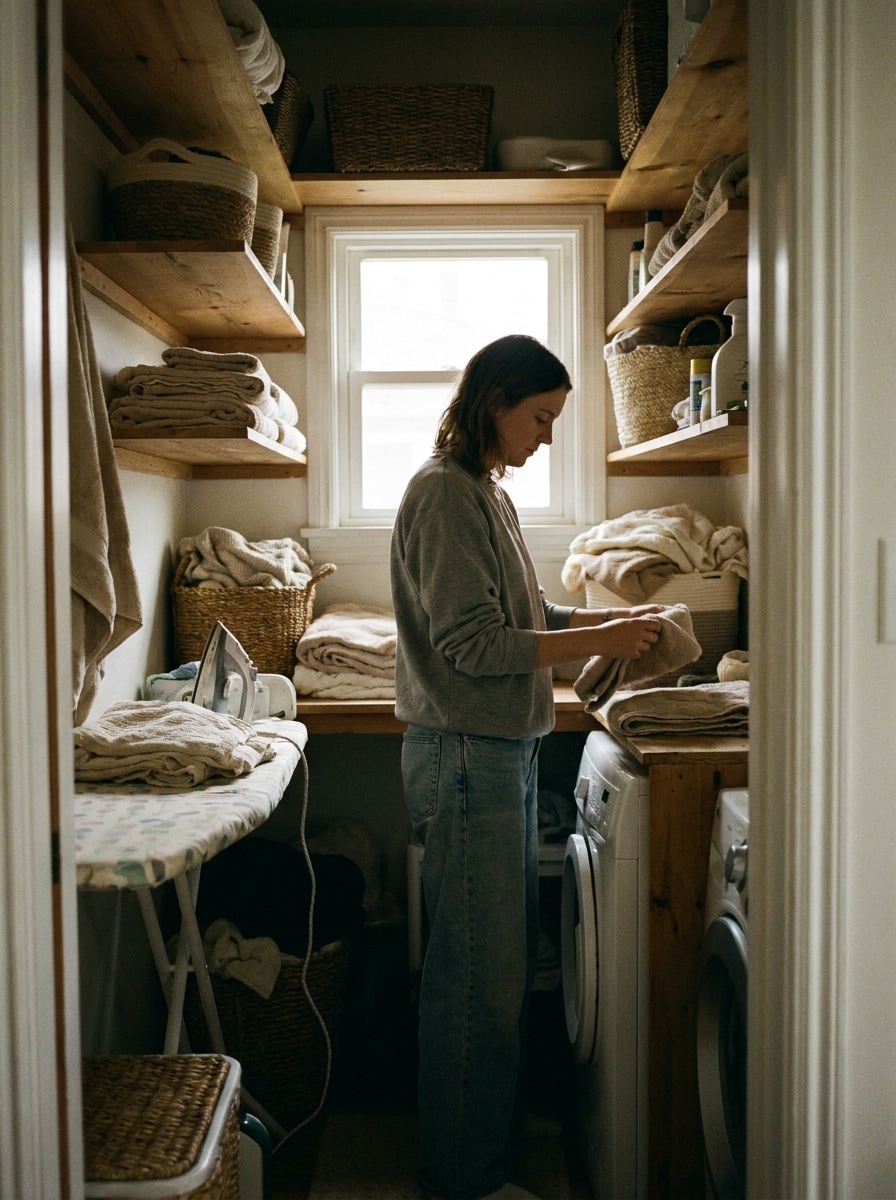
Waschtag-Realismus
Verwenden Sie das hochgeladene Bild als Motiv und verwandeln Sie es in einen Waschtag-Normcore-Schnappschuss mit Wohnungs- oder Waschraumumgebung, neutralen Farben, natürlicher Körpersprache, realistischer Beleuchtung, unpoliertem Styling, weicher Textur und einer häuslichen Szene, die gewöhnlich, aber visuell bewusst wirkt.
Einwegkamera-Normcore
Verwenden Sie das hochgeladene Bild als Motiv und wenden Sie einen Einwegkamera-Normcore-Look mit hartem Blitz, leichter Unschärfe, weicher filmähnlicher Körnung, gedämpften Tönen, lässigem Bildausschnitt, niedrigem Dynamikbereich und einem nostalgischen Alltagsschnappschuss-Gefühl an, das absichtlich schlicht bleibt.
Früher Digitalschnappschuss
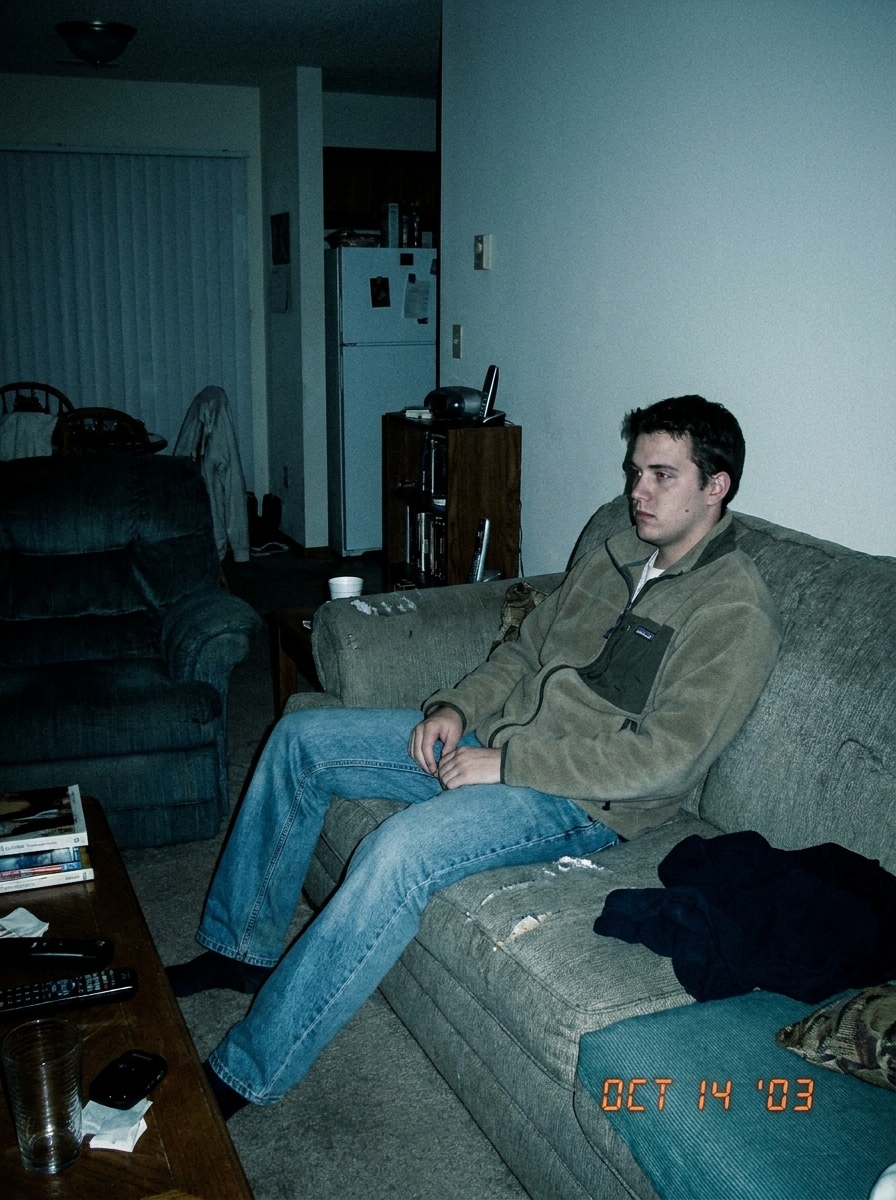
Verwenden Sie das hochgeladene Bild als Motiv und verwandeln Sie es in einen frühen digitalen Normcore-Schnappschuss mit kühlen neutralen Tönen, leichtem Rauschen, realistischen Schatten, einfacher Komposition, wenig Hochglanz, natürlicher Körperhaltung und einer unkomplizierten 2000er-Kompaktkamera-Stimmung.
Parkplatz Minimal
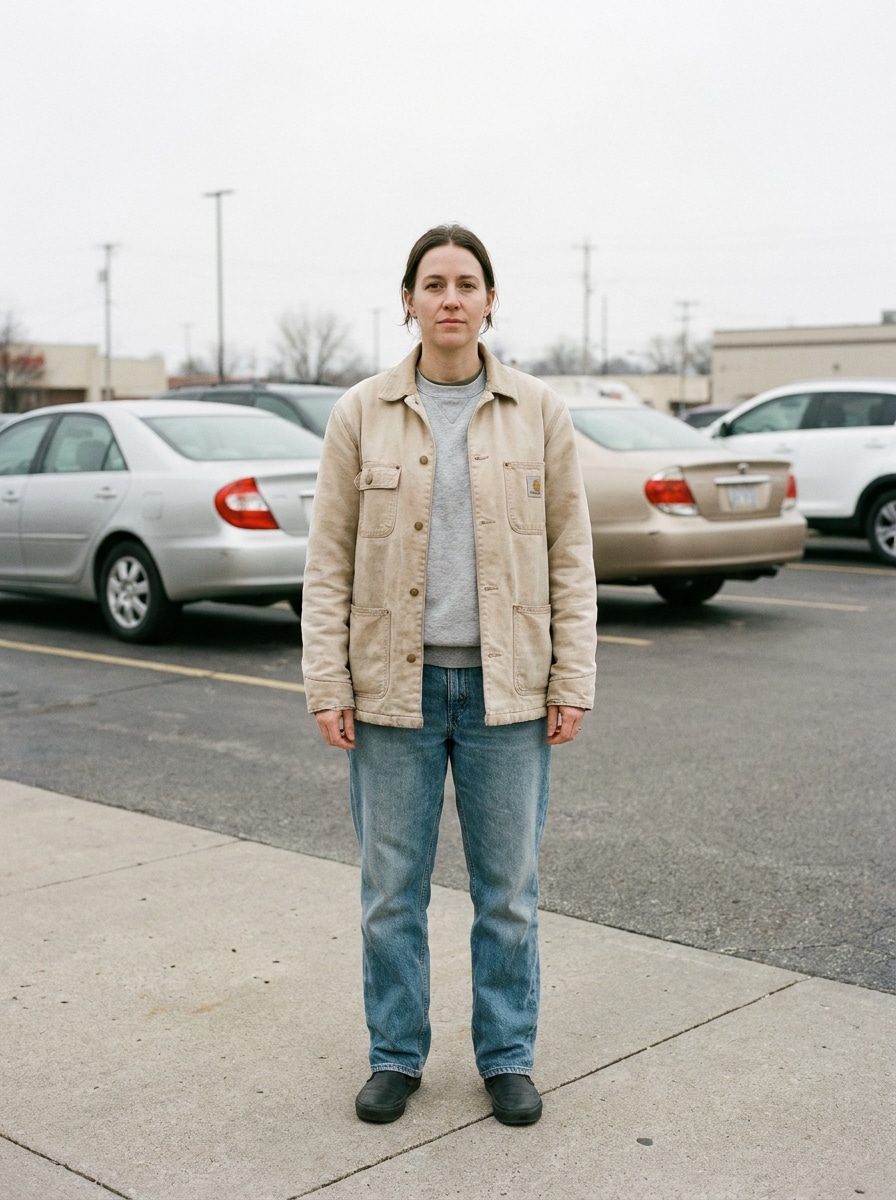
Verwenden Sie das hochgeladene Bild als Motiv und erstellen Sie ein Parkplatz-Normcore-Porträt mit bedeckter Beleuchtung, ausgewaschenen Neutraltönen, lässigem Outfit-Styling, zentriertem Bildausschnitt, subteilem Dokumentarrealismus, schlichter Umgebung und einem ruhigen, zurückhaltenden Editorial-Ton.
Supermarktgang-Editorial
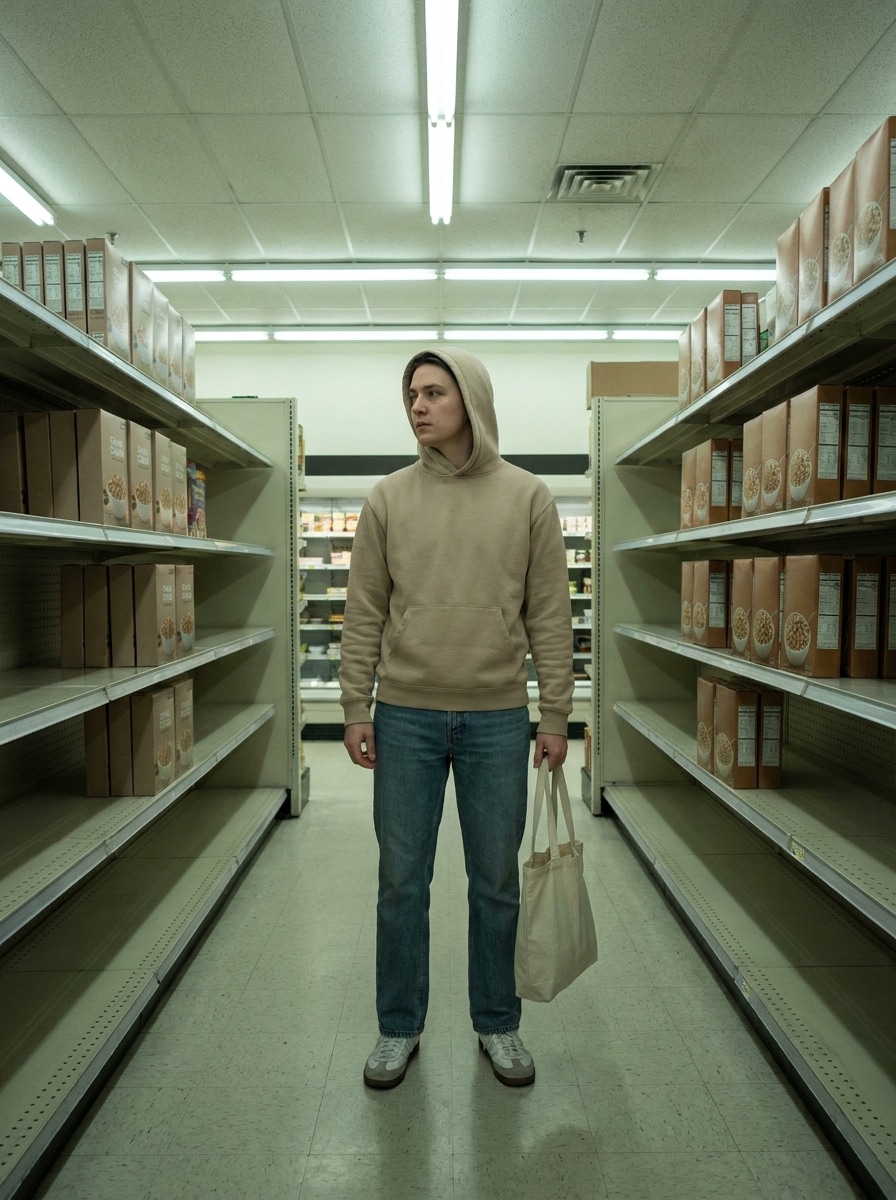
Verwenden Sie das hochgeladene Bild als Motiv und verwandeln Sie es in ein Supermarktgang-Editorial mit einem Normcore-Ästhetikfilter, Leuchtstoffbeleuchtung, neutralen Farben, lässigen Basics, symmetrischem Gang-Bildausschnitt, glamourfreiem Realismus und subtiler visueller Ironie zwischen Mode-Styling und Alltagsraum.
Warum Media.io für Normcore-Fotobearbeitungen nutzen
Identität bewahren und dabei den Look verändern
Wenn das Motiv nach der Transformation noch wie es selbst aussehen soll, hilft Media.io dabei, wesentliche Identitätsmerkmale beizubehalten und gleichzeitig den visuellen Normcore-Filter-Stil für ein saubereres Endergebnis zu aktualisieren.
Die Person erkennbar halten und dabei die Stimmung verändern
Eine einzelne Idee braucht oft mehr als einen Look. Media.io hilft dabei, denselben visuellen Normcore-Filter in verschiedenen Stilen neu zu interpretieren, sodass jede Version besser zum Projektbriefing passt.
Körnung, Bildausschnitt und Auflösung für die genaue Stimmung fein abstimmen
Manche Ergebnisse müssen mehr leisten, als in einer Vorschau gut auszusehen. Media.io hilft dabei, sauberere visuelle Normcore-Filter-Bilder mit einer Ausgabe von bis zu 4K zu erstellen, sodass das endgültige Bild auf Hintergrundbildern, Präsentationen und Mockups standhält.
Geräteübergreifend ohne zusätzliche Installationen arbeiten
Manche visuelle Normcore-Filter-Konzepte werden unterwegs entworfen und später am Schreibtisch fertiggestellt. Media.io hält diesen Prozess online, sodass Sie zum gleichen Workflow zurückkehren können, ohne zusätzliche Installationen oder Einrichtung.
So erstellen Sie einen Normcore-Fotoeffekt
Verwandeln Sie Ihre Worte in beeindruckende Bilder in drei einfachen Schritten und verfeinern Sie das Ergebnis anschließend nach Belieben.
Schritt 1
Laden Sie Ihr Referenzbild hoch
Beginnen Sie mit einem klaren Porträt, Selfie oder einem lässigen Ganzkörperfoto im JPG-, PNG- oder JPEG-Format. Bilder mit sichtbarer Kleidung, Gesichtsdetails und einfachen Posen geben der KI in der Regel besseres Material für eine zurückhaltende Stil-Transformation.
Schritt 2
Beschreiben Sie die Änderung und legen Sie Optionen fest
Geben Sie einen Prompt ein, der den gewünschten Look beschreibt, z. B. Blitzbeleuchtung, gedämpfte Farbe, Deadpan-Stimmung, schlichte Kleidung, Supermarkt-Bildausschnitt oder Einwegkamera-Körnung. Wählen Sie dann Ihr Modell, Seitenverhältnis, Auflösung und Anzahl der Bilder.
Schritt 3
Generieren, herunterladen und weiter verbessern
Erstellen Sie mehrere Variationen, vergleichen Sie, welche am besten das Low-Key-Editorial-Gefühl einfängt, und laden Sie Ihr Lieblingsergebnis herunter. Sie können den Prompt verfeinern, mit einem anderen Bildausschnitt neu generieren oder das Styling für eine stärkere oder weichere Normcore-Stimmung anpassen.
Sehen Sie, wie Kreative diesen Normcore-Filter für Inhalte, Marketing und persönliche Projekte nutzen, und passen Sie jede Idee an das Briefing an.
Polierte Selfies in zurückhaltende Social-Posts verwandeln
Wenn Ihr Originalfoto zu glänzend wirkt, hilft Ihnen dieser Bearbeitungsstil dabei, zu gedämpften Farben, realistischer Textur und Anti-Glam-Komposition zu wechseln. Er eignet sich gut für Kreative, die eine Deadpan-Feed-Ästhetik wünschen, die bewusst, zeitgemäß und weniger überproduziert wirkt.
Modereferenzen mit alltäglichem Realismus erstellen
Stylisten, Fotografen und Moodboard-Ersteller können schlichtes Basics-Styling, flachen Blitz und gewöhnliche Locations testen, ohne ein vollständiges Shooting zu planen. Ein KI-Workflow erleichtert es, Low-Key-Editorial-Richtungen vor der Produktion zu skizzieren.
Ironische Kampagnenbilder aus gewöhnlichen Umgebungen erstellen
Marken und Social-Teams können Porträts in Supermarkt-, Parkplatz-, Büro- oder Flurszenen verwandeln, die subtil stilvoll wirken, anstatt traditionell glamourös. Dieser Ansatz eignet sich für trendgetriebene Inhalte, bei denen Realismus, Zurückhaltung und ein trockener visueller Ton wichtiger sind als Hochglanz.
Was Nutzer sagen
Avery M.
Content Creator
„Genau die zurückhaltende Bearbeitung, die ich wollte" Ich wollte, dass meine Porträts weniger poliert wirken und eher wie natürliche Mode-Schnappschüsse. Dieses Tool hat die Beleuchtung flacher, die Töne gedämpfter und das gesamte Bild absichtlich gewöhnlich wirken lassen, ohne mein Gesicht zu verlieren.
Jordan P.
Social Media Manager
„Nützlich für trendgetriebene Marken-Posts" Wir haben ein Supermarkt-Editorial-Konzept für Social Media getestet und schnell starke Ergebnisse erzielt. Der Browser-Workflow war einfach, und das Generieren verschiedener Versionen half uns, die richtige Balance zwischen Realismus und Stil zu finden.
Nina L.
Styling-Studentin
„Toll für Moodboards und visuelle Experimente" Ich nutze es, um normcore-inspirierte Outfits und Settings vor Shootings zu previsualisieren. Die Bearbeitungen halten Fotos glaubwürdig, was für diese Ästhetik wichtig ist, und die Prompt-Kontrolle hilft sehr bei Blitz, Körnung und schlichter Komposition.
Marcus D.
Fotograf
„Schnelle Möglichkeit, Low-Glam-Looks zu testen" Anstatt Zeit damit zu verbringen, jedes Testbild manuell zu bearbeiten, lade ich ein klares Porträt hoch und generiere Variationen. Das ist besonders hilfreich, wenn Kunden einen lässigen, alltäglichen Look anstelle eines glänzenden Kampagnen-Finishs wünschen.
Entdecken Sie die beliebtesten KI-Video- und Bildeffekte
Ein Normcore-Filter ist ein Fotoeffekt, der ein Bild in Richtung eines zurückhaltenden, alltäglichen Stils verschiebt. Anstatt aufwendiger Glam-Bearbeitungen betont er in der Regel gedämpfte Farben, flachere Beleuchtung, realistische Textur und schlichte, natürliche visuelle Hinweise. Mit Media.io können Sie ein hochgeladenes Foto als Referenz verwenden und es mit KI in einen Low-Key-Editorial-Look verwandeln.
2. Wie mache ich ein Foto mit KI normcore-mäßig?
Laden Sie ein klares Bild auf Media.io hoch und beschreiben Sie dann den gewünschten Look mit Details wie direktem Blitz, weicher Entsättigung, schlichter Kleidung, ungeschicktem Bildausschnitt oder einem Supermarkt-Hintergrund. Wählen Sie danach Ihr Modell und Bildeinstellungen, generieren Sie Variationen und verfeinern Sie den Prompt, bis das Foto zur gewünschten Normcore-Stimmung passt.
3. Kann ich einen Normcore-Filter kostenlos nutzen?
Kostenlose Nutzer können Media.io mit kostenlosen Credits ausprobieren. Wenn Sie mehr Generierungen, höhere Nutzung oder Downloads ohne Wasserzeichen benötigen, können Sie die Preisseite für verfügbare Pläne prüfen. Kostenlose Nutzer können kostenlose Credits verwenden. Für mehr Nutzung können Nutzer einen Plan auf der Preisseite abonnieren. Upgraden Sie auf einen kostenpflichtigen Plan auf der Preisseite für mehr Credits und hochauflösende Downloads ohne Wasserzeichen.
4. Welche Art von Fotos eignet sich am besten für einen Normcore-Ästhetikfilter?
Klare Porträts, Selfies und lässige Ganzkörperfotos funktionieren in der Regel am besten, da die KI das Motiv bewahren kann, während der Stil rundherum verändert wird. Bilder mit sichtbaren Gesichtsdetails, einfachen Posen und unübersichtlichen Hintergründen sind besonders hilfreich beim Anwenden eines Normcore-Ästhetikfilter oder beim Umwandeln eines polierten Bildes in ein natürlicheres, alltägliches Ergebnis.
5. Kann ich einen Normcore-Filter-Look auf iPhone oder Android erstellen?
Media.io ist webbasiert, sodass Sie diesen Look auf iPhone, Android, Mac, Windows oder jedem anderen Gerät mit einem Browser erstellen können. Das macht es einfach, ein Foto hochzuladen, zu bearbeiten und das Ergebnis herunterzuladen, ohne separate Desktop-Software zu benötigen. Media.io ist ein webbasiertes Tool, das auf jedem Gerät mit einem Browser funktioniert (Windows, Mac, iOS, Android).
6. Bleibt das bearbeitete Bild nach dem Anwenden des Filters hochauflösend?
Media.io unterstützt 1K-, 2K- und 4K-Auflösungsoptionen für die Bild-zu-Bild-Bearbeitung. Das bedeutet, dass Sie Ihr transformiertes Foto scharf genug für Social-Media-Posts, Moodboards oder andere kreative Zwecke halten können, während Sie gleichzeitig den gedämpften, alltäglichen Stil einer Normcore-Bearbeitung anwenden. Kostenlose Nutzer erhalten möglicherweise Wasserzeichen.
Über den KI-gestützten Online-Normcore-Filter hinaus