Deine Werke werden nur 7 Tage lang gespeichert. Assets, die nach dem Upgrade auf einen Mitgliedschaftstarif erstellt werden, werden dauerhaft gespeichert.
Entfalten Sie Ihr kreatives Potenzial und erleben Sie jetzt die Magie der Media-KI!
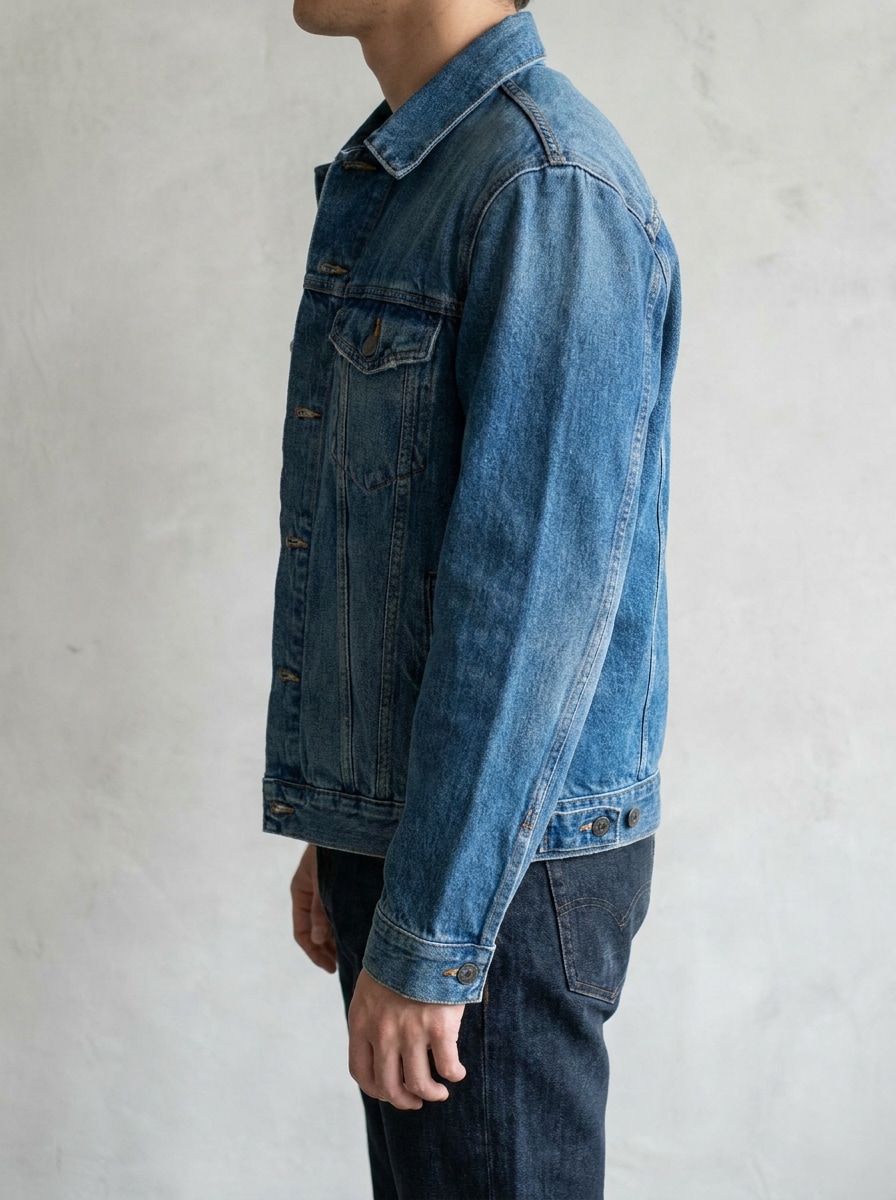
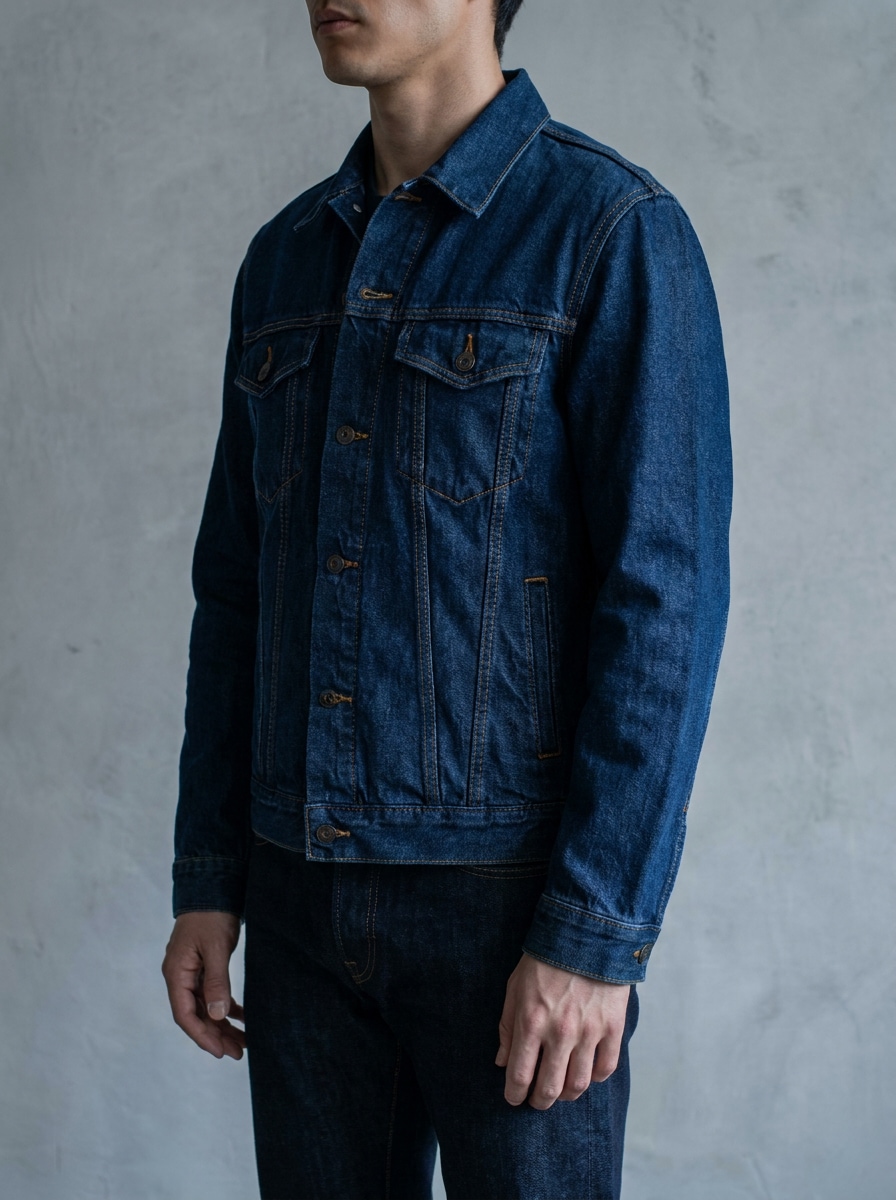
KI-Denim-Filter für realistische Modemakeovers aus deinem Foto
Lade ein Porträt oder Outfit-Foto hoch und verwandle es in Sekundenschnelle in ein professionelles Denim-Style-Bild. Media.io hilft dir, einen KI-Denim-Filter Look mit realistischen Stoffdetails, editoriellen Blautönen und social-media-tauglichen Resultaten für Selfies, Streetwear-Edits und kreative Kampagnen zu erstellen. Kreative nutzen ihn oft für den blauen Denim-Fotoeffekt.
Gib deine Idee ein -> Die KI designt sie. Kostenlos testen.
Sieh dir diese Beispielanweisungen an und passe die Eingabedetails an, um mit diesem KI-Denim-Filter stärkere und raffiniertere Denim-Ergebnisse zu erzielen.
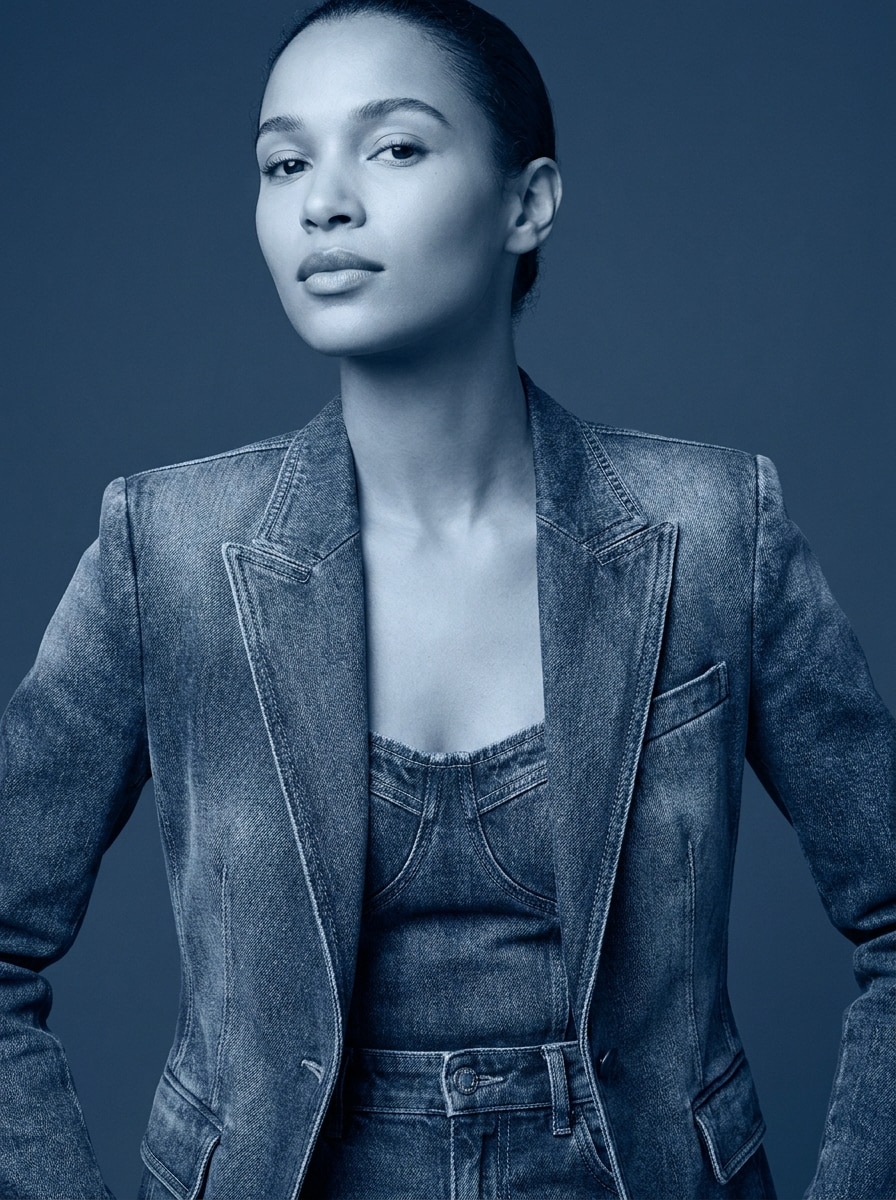
Editorial Denim-Porträt
Nutze das hochgeladene Bild als Motiv und verwandle es in ein High-Fashion-Editorial-Porträt mit maßgeschneiderter Jeanskleidung, feiner Jeansstruktur, sichtbaren Nähten, weichem Studio-Licht, einer monochromen Indigo-Palette, glatter Hautretusche, eleganter Komposition und erstklassigen Magazindetails.
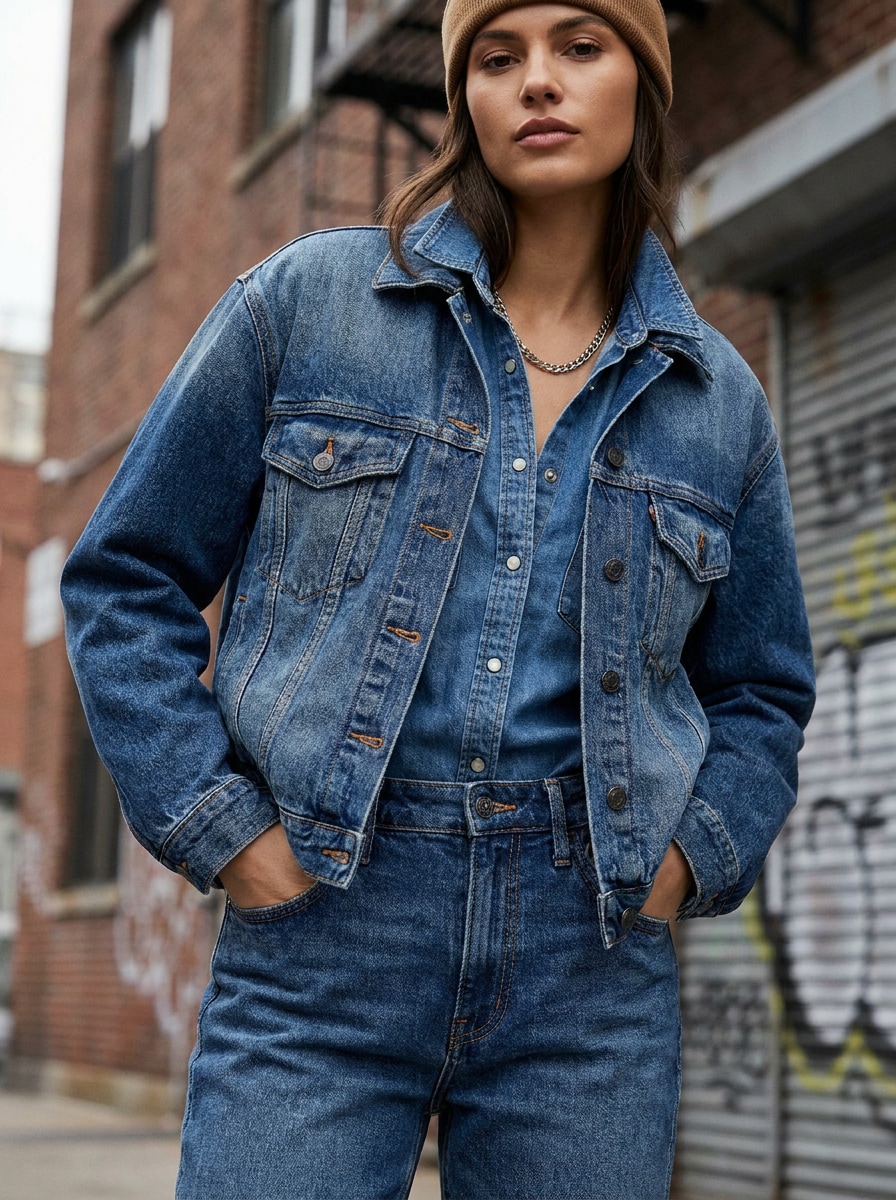
Denim-on-Denim Street Style
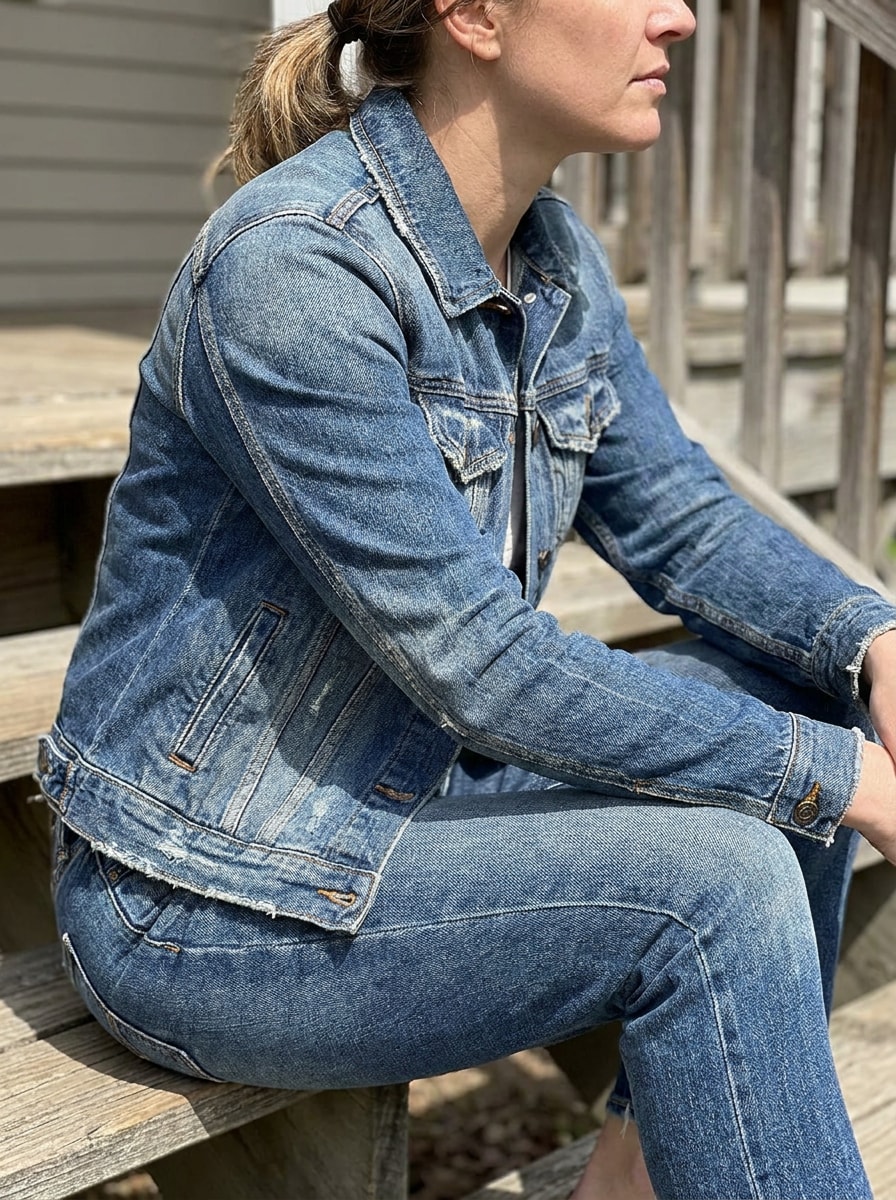
Nutze das hochgeladene Bild als Motiv und restyle das Outfit in mehrlagigen Denim-Streetwear-Look mit einer kurzen Jeansjacke, entspannten Jeans, genähten Paneelen, gewaschenen Indigo-Tönen, natürlichen Falten, urbaner Modeausstrahlung, kühlem Tageslicht und einer authentischen Street-Foto-Komposition mit realistischer Textur.
Kompletter Denim-Textur-Tausch
Nutze das hochgeladene Bild als Motiv und wende einen kompletten Denim-Texturfilter auf das Outfit an, wobei der Originalstoff durch fotorealistische Jeansstruktur, gewebte Textur, Taschenlinien, Nahtdetails, ausgeblichene Waschung, natürlichen Faltenwurf und ausgewogene Beleuchtung ersetzt wird – Körperform und Pose bleiben erhalten.
Patchwork-Denim-Effekt
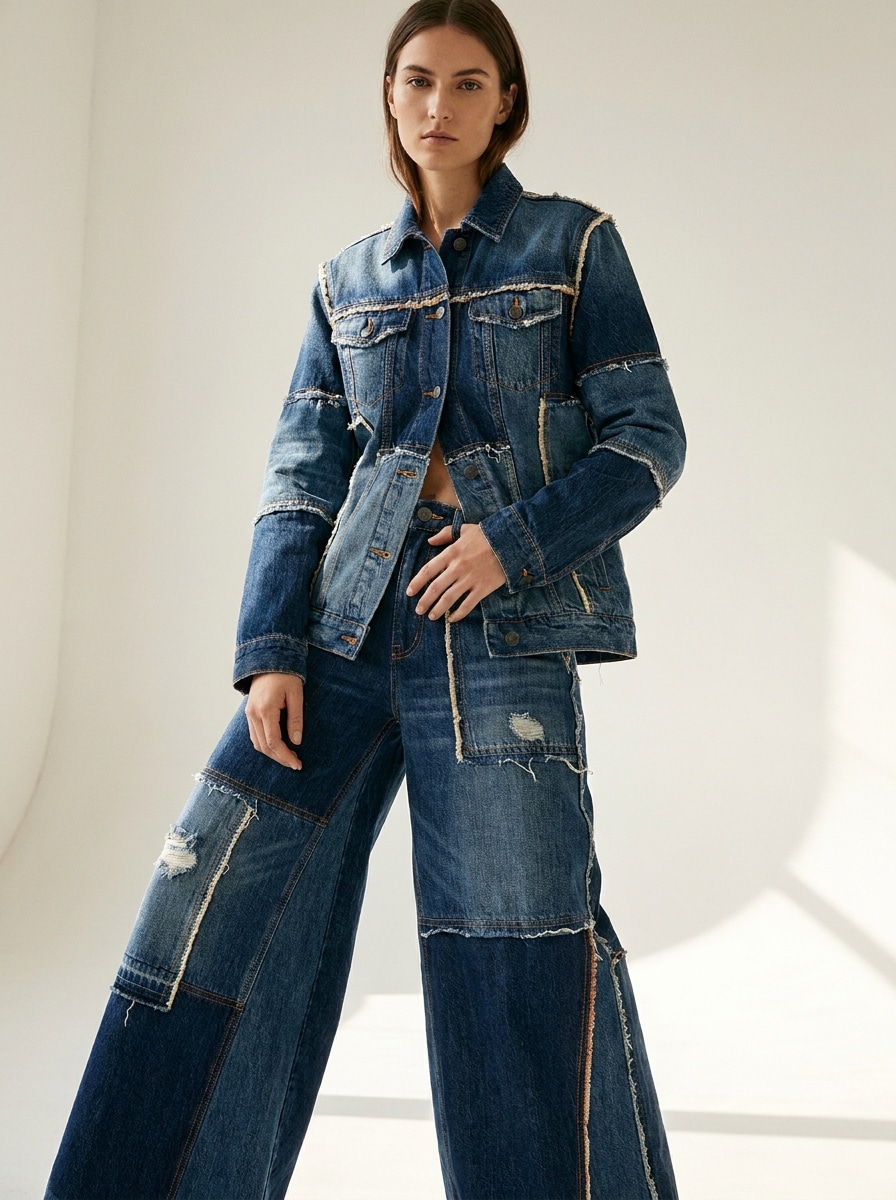
Nutze das hochgeladene Bild als Motiv und verwandle den Look in kreative Patchwork-Denim-Mode mit gemischten Jeanspaneelen in Blau, Kontrastnähten, einzelnen Stofflagen, handgefertigter Textur, redaktionellem Styling, weichem Richtungslicht und moderner Kunst-meets-Streetwear-Stimmung.
Y2K-Denim-Glam
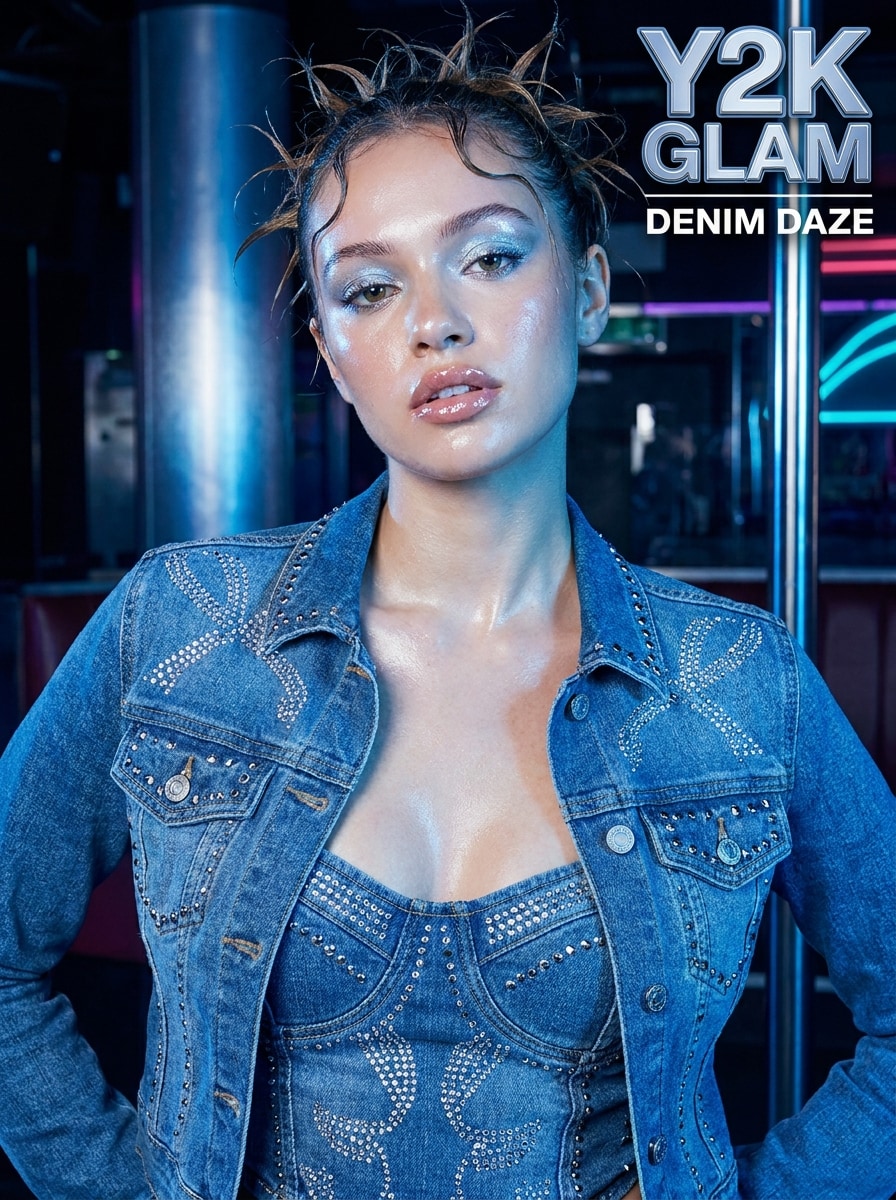
Nutze das hochgeladene Bild als Motiv und verpasse ihm ein Y2K-Denim-Glam-Makeover mit figurbetontem Jeans-Styling, Strassakzenten, kühler Blautönung, glänzendem Make-up, Blitzfoto-Charme, eleganter Pose, starkem Kontrast und einer verspielten, social-media-bereiten Modeästhetik.
Denim-Puppen-Look
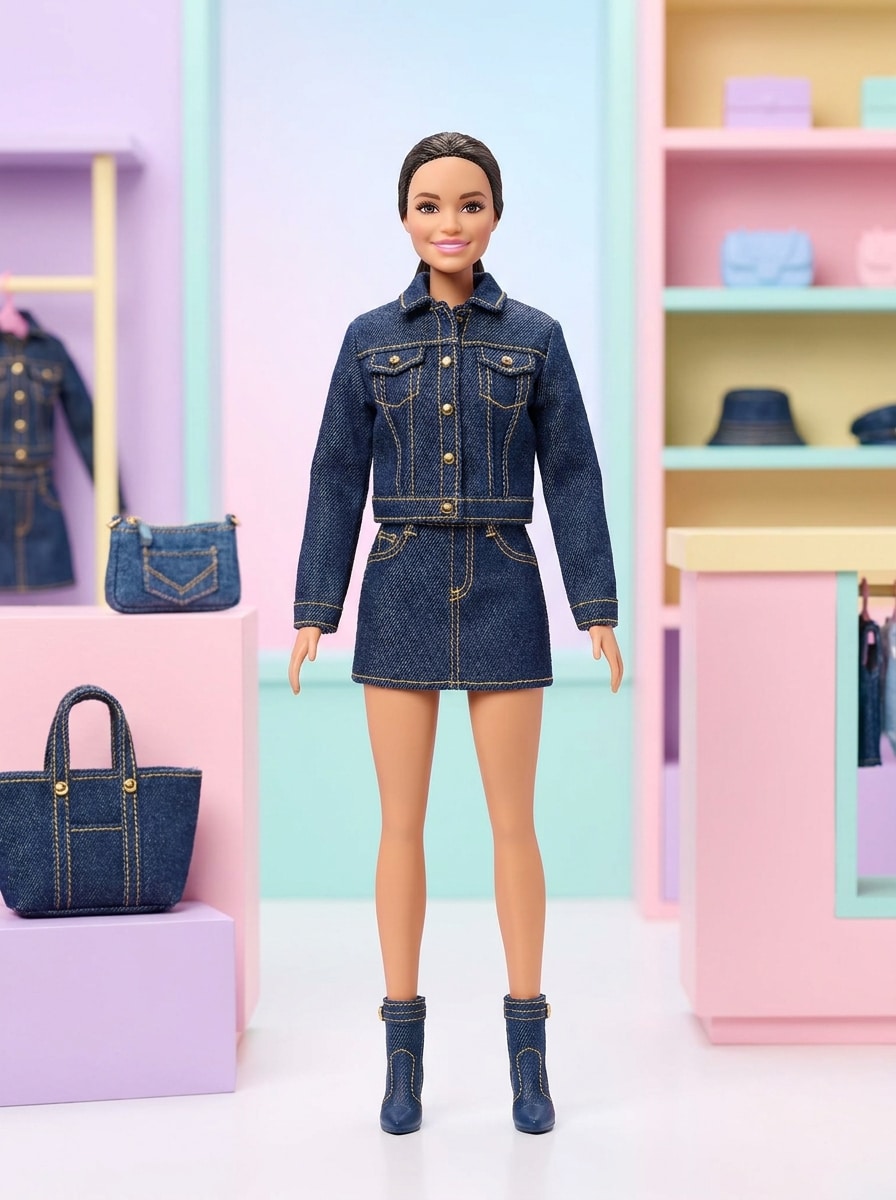
Nutze das hochgeladene Bild als Motiv und verwandle es in ein poliertes Denim-Puppen-Konzept mit abgestimmter Jeanskleidung, glattem, edlem Finish, Spielzeug-inspirierter Perfektion, präzisen Nähten, verspielten Proportionen, weichem, sauberem Hintergrund und heller, kommerzieller Beleuchtung – das Gesicht bleibt dabei erkennbar.
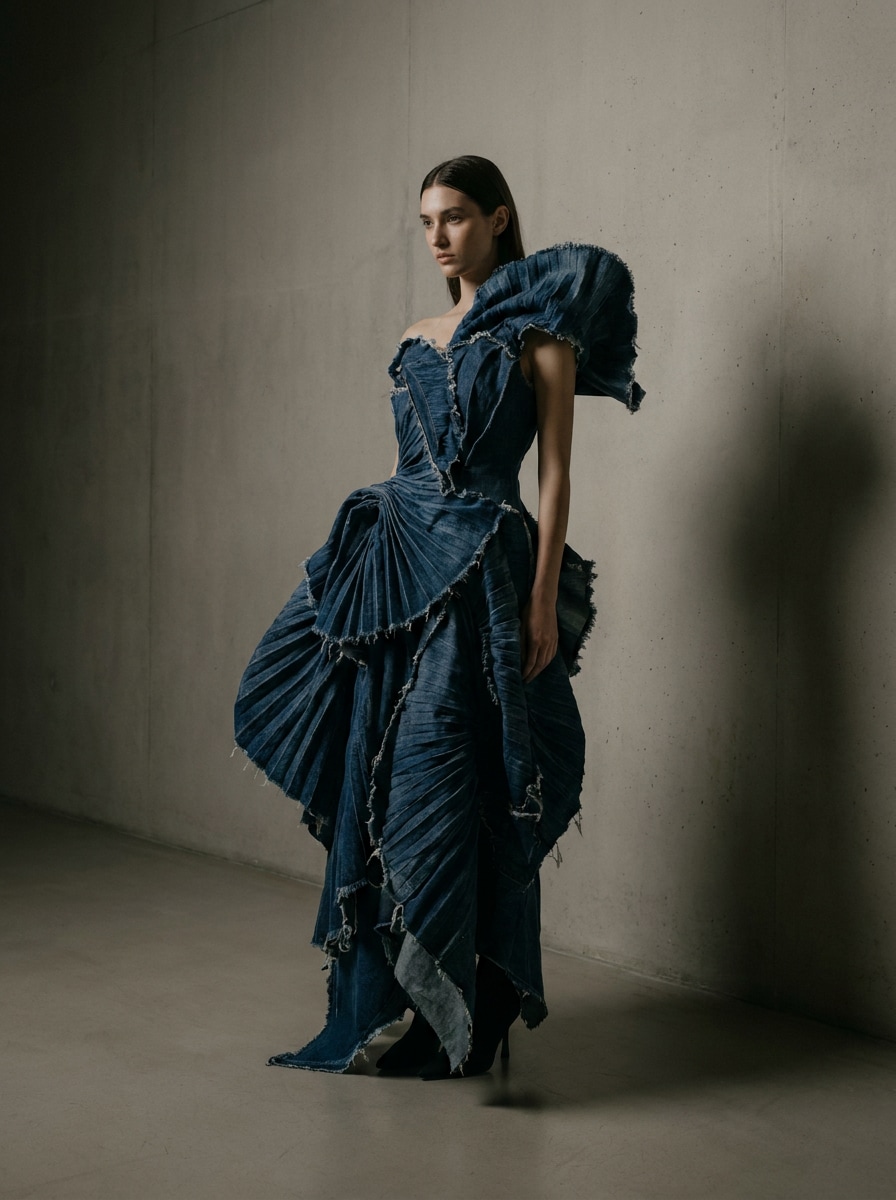
Denim-Skulptur-Mode
Nutze das hochgeladene Bild als Motiv und interpretiere es als tragbare Denim-Kunst mit skulpturalen Jeansformen, dramatischer Silhouette, Couture-Falten, tiefen Indigotönen, galerieähnlichem Hintergrund, gerichteter Beleuchtung, gewagter Modestimmung und hochwertigem Editorial-Handwerk neu.
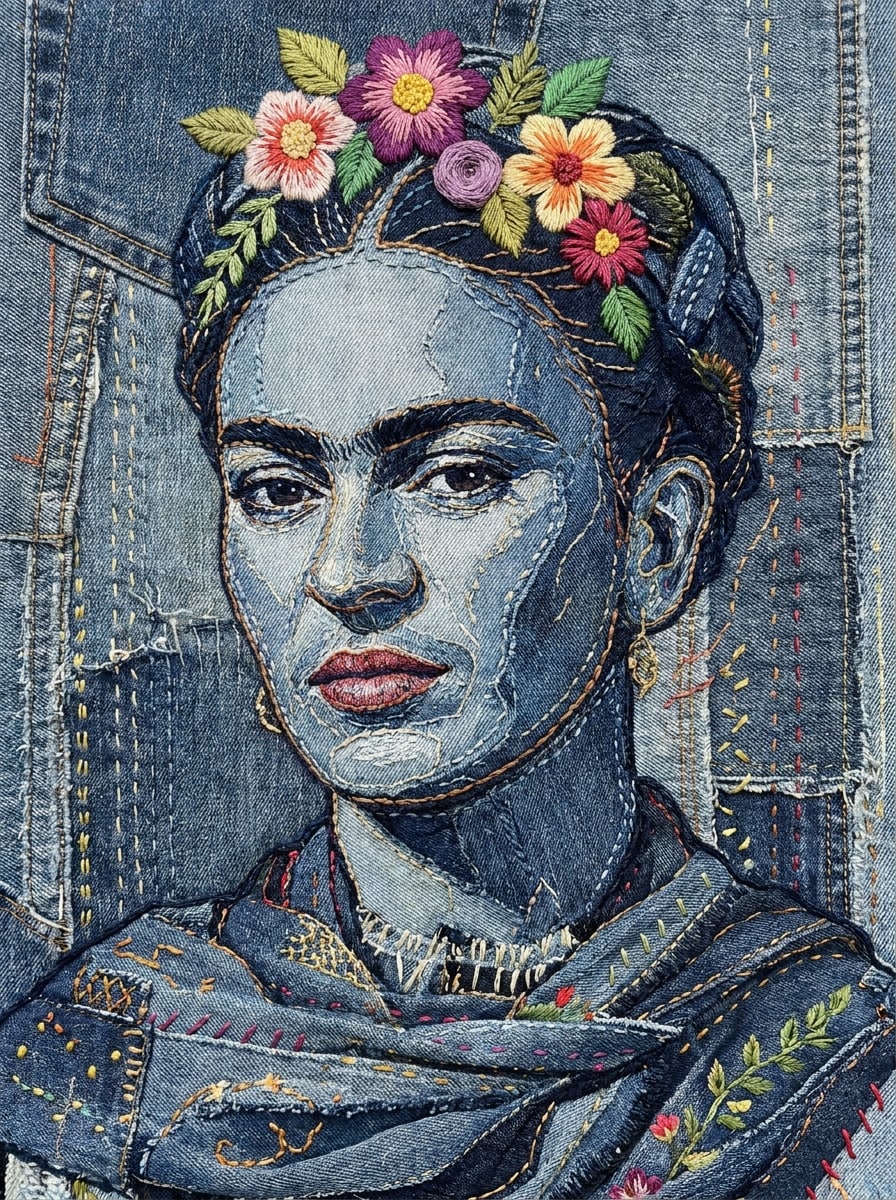
Besticktes Denim-Porträt
Nutze das hochgeladene Bild als Motiv und verwandle es in einen künstlerischen Denim-Porträt-Filter Look mit bestickten Konturen, Fadenverzierungen, Jeansstofftextur, dekorativen Nähten, geschichteten Blautönen, weichem Licht, handgefertigter Eleganz und bewahrter Gesichtserkennung.
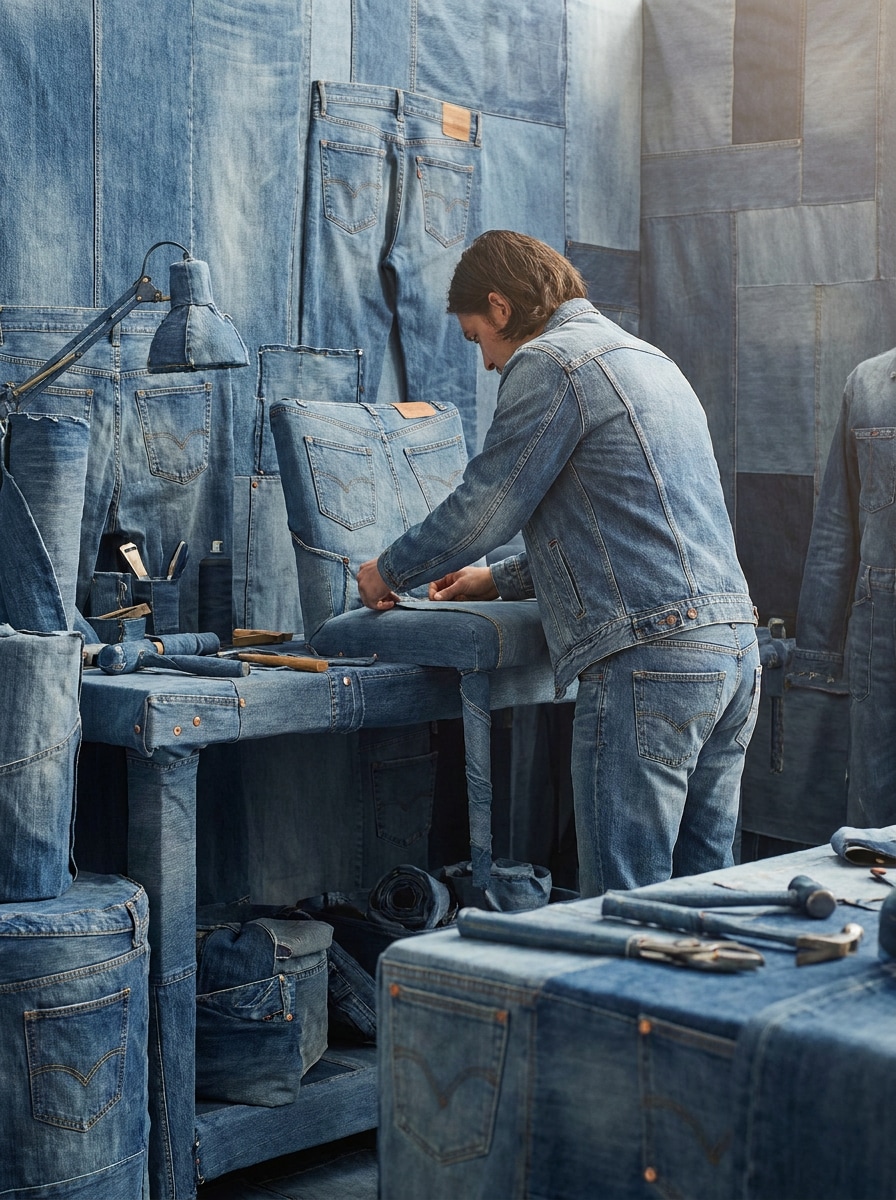
Denim-Hintergrundwelt
Nutze das hochgeladene Bild als Motiv und verwandle die ganze Szene in eine abgestimmte Denim-Welt, in der Kleidung, Requisiten und Hintergrundflächen realistische Jeansstrukturen, Nähte, Falten und geschichtete Indigotöne annehmen, während die Originalkomposition erhalten bleibt.
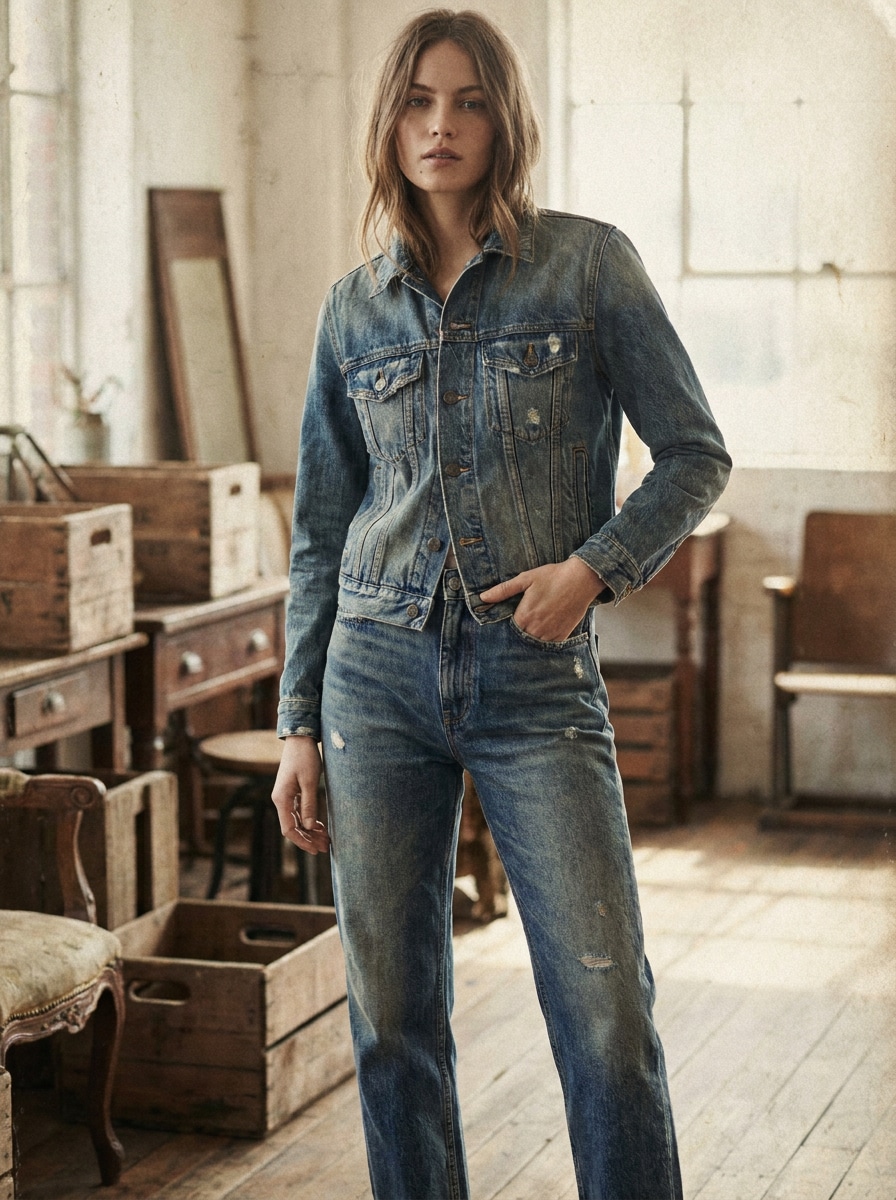
Vintage-Washed-Jeans-Ästhetik
Nutze das hochgeladene Bild als Motiv und wende eine Vintage-Washed-Jeans-Ästhetik mit verwaschenen Indigotönen, subtiler Körnung, sanftem Kontrast, authentischer Denim-Textur, leichter Used-Optik, nostalgischer Editorial-Stimmung und natürlichem Licht für ein zeitloses Modefinish an.
Warum Media.io für Denim-Foto-Edits verwenden?
Das Motiv bleibt in neuen Styles erkennbar
Für Porträts, Selfies und Outfit-Fotos nutzt Media.io einen Referenzbild-Workflow, um einen Denim-Porträt-Filter Effekt anzuwenden und dabei das Motiv erkennbar zu halten. So wirkt das Endbild persönlicher und fashion-orientierter anstelle von generisch.
Unterschiedliche Looks ausprobieren, ohne Ziel zu verlieren
Wenn die Denim-Visualisierung über eine kleine Vorschau hinaus funktionieren soll, liefert Media.io gestochen scharfe Ergebnisse bis zu 4K, damit Details für Design-Reviews, Kampagnenkonzepte und Präsentationen klar bleiben.
Endvisuals scharf für reale Projekte halten
Wenn das Denim-Filter-Bild auch über eine kleine Vorschau hinaus verwendet wird, sorgt Media.io für gestochen scharfe Ergebnisse bis zu 4K, damit das Bild in echten Design- und Präsentationsaufgaben zuverlässig bleibt.
Denim-Transformationen direkt im Browser erstellen
Der Wechsel zwischen Handy und Computer ist mit Media.io einfacher, weil der Denim-Workflow im Browser stattfindet. So kannst du einen Denim-Texturfilter Look überall erstellen und anpassen, ohne den Prozess auf einem anderen Gerät neu aufzubauen.
So verwendest du den KI-Denim-Filter
Verwandle deine Worte in beeindruckende Visuals in drei einfachen Schritten und verfeinere das Ergebnis nach Wunsch weiter.
Schritt 1
Lade dein Referenzbild hoch
Beginne mit einem klaren Selfie, Porträt oder Outfit-Foto im JPG-, PNG- oder JPEG-Format. Wähle ein Bild mit sichtbarer Kleidung, sauberem Licht und einer starken Pose, damit die Denim-Transformation das Motiv möglichst exakt erhält.
Schritt 2
Beschreibe die Veränderung und stelle Optionen ein
Gib den gewünschten Denim-Stil ein, wie z.B. editorielle Blautöne, Patchwork-Streetwear oder einen kompletten Jeans-Material-Tausch. Wähle dann dein Modell und passe Seitenverhältnis, Auflösung oder die Anzahl der Varianten an dein Projekt an.
Schritt 3
Erstellen, Herunterladen und weiter verbessern
Erzeuge dein Ergebnis, vergleiche verschiedene Denim-Looks und lade die Version herunter, die dir am besten gefällt. Optional kannst du den Prompt anpassen, neue Varianten generieren oder weiter bearbeiten für schärfere Texturen, besseres Styling oder eine stärkere Fashion-Stimmung.
Sieh dir an, wie Kreative den KI-Denim-Filter für Content, Marketing und persönliche Projekte nutzen – und passe jede Idee an deinen Bedarf an.
Selfies für modische Social Posts aufwerten
Verwandle Alltags-Porträts in auffällige blaustichige Style-Posts mit gestochenen Stoffdetails, poliertem Licht und trendbewusster Ästhetik. So erstellst du schnell herausstechende Profilbilder, Reel-Cover oder Feed-Posts – ganz ohne aufwändiges Fotoshooting.
Outfit-Konzepte vor einer echten Kampagne testen
Kreative, Stylisten und kleine Labels können sehen, wie ein Look in gewaschenem Indigo, Patchwork oder Denim-on-Denim wirkt, bevor sie in die Produktion gehen. Das macht das Konzept schneller, wenn Bildideen für Moodboards, Anzeigen oder Launches gebraucht werden.
Markante Material-Tausch-Edits für Kurzform-Content bauen
Willst du überraschende Vorher-Nachher-Bilder? Verwandle Kleidung oder ganze Szenen mit jeansinspirierten Flächen und geschichteten Stoff-Styles. Dieser starke Effekt eignet sich besonders für Trendvideos, Fashion-Challenges und auffällige Kreativ-Experimente.
Das sagen Nutzer über den Denim-Effekt
Ava Collins
UGC Creator
"Perfekt für schnelle Social-Edits" Ich habe ein einfaches Selfie hochgeladen und in wenigen Minuten einen polierten Denim-Mode-Look erhalten. Die Textur wirkte überraschend echt, besonders bei Nähten und Falten – und das Ergebnis war viel leichter als es manuell zu bauen.
Marcus Reed
Freelancer Fashion-Marketing
"Ideal für Konzeptvisualisierungen" Ich nutze es, um Denim-Kampagnenideen zu visualisieren, bevor geshootet wird. So kann ich verschiedene Editorial-, Streetwear- und Monochrom-Richtungen schnell durchspielen, und Gesicht sowie Pose bleiben meist nah am Originalbild.
Nina Patel
Design-Studentin
"Einfach auf dem Handy nutzbar"Der Browser-Workflow ist simpel, sogar auf dem Handy. Ich habe einen Patchwork-Look und ein Vintage-Washed-Design aus dem gleichen Bild getestet, und beide waren sauber genug, um sie auf meinen Präsentationsfolien zu verwenden.
Jordan Lee
Content-Stratege
"Besser als ein generischer Filter" Das fühlt sich mehr an wie eine KI-Mode-Transformation als wie ein simples Overlay. Statt nur einen Blauton drüber zu legen, fügt es glaubwürdige Jeansstruktur samt Aufbau hinzu – das macht das Endbild wirklich interessanter.
Entdecken Sie die beliebtesten KI-Video- und Bildeffekte
Ein KI-Denim-Filter ist ein Bild-zu-Bild-Effekt, der ein hochgeladenes Foto in ein Denim-inspiriertes Visual verwandelt. Bei Media.io kannst du Jeansstrukturen, Stickdetails, gewaschene Blautöne und modeorientierte Stoffwechsel auf Porträts, Selfies oder Outfit-Fotos anwenden, wobei das Originalmotiv als Referenz dient.
2. Wie mache ich aus einem Foto online ein Denim-Style-Bild?
Lade eine JPG-, PNG- oder JPEG-Datei auf Media.io hoch, beschreibe deinen Wunsch-Denim-Look – zum Beispiel editorial, Patchwork, Streetwear oder ein kompletter Materialtausch. Dann wähle Modell, Seitenverhältnis und Auflösung, generiere das Bild und lade die Version herunter, die am besten zu deiner Idee passt.
3. Ist der KI-Denim-Filter kostenlos?
Ja, kostenlose Nutzer können den KI-Denim-Filter mit Gratis-Credits ausprobieren. Für mehr Generierungen oder höhere Nutzung kannst du die Media.io-Angebote auf der Preisseite ansehen. Kostenlose Exporte enthalten ggf. ein Wasserzeichen, kostenpflichtige Pläne unterstützen Downloads in hoher Auflösung ohne Wasserzeichen.
4. Kann ich den Denim-Filter auf Selfies, Porträts und Outfit-Fotos anwenden?
Der Upload-basierte Workflow von Media.io funktioniert für Selfies, Porträt-Nahaufnahmen und weite Outfit-Fotos, weil das Bild die Transformation anleitet. Das macht Media.io nützlich für schnelle Style-Tests bis hin zu aufwendigen Mode-Edits mit abgestimmten Denim-Texturen – und läuft im Browser auf Desktop oder Mobilgerät.
5. Bleiben Gesicht und Pose nach der Denim-Transformation durch die KI erhalten?
Media.io ist darauf ausgelegt, das hochgeladene Bild als Referenz zu nutzen – so bleiben Gesicht, Pose und Komposition meist erkennbar und authentisch, besser als beim Neuaufbau. Die Resultate hängen vom Prompt und der Bildqualität ab, aber ein sauberes Ausgangsbild verbessert Identität und Kleidungsdetails.
6. In welcher Bildqualität oder Auflösung kann ich exportieren?
Media.io unterstützt die Bild-zu-Bild-Generierung in 1K-, 2K- und 4K-Auflösung. Du kannst auch verschiedene Seitenverhältnisse wählen, darunter 1:1, 9:16, 16:9, 4:3 und 3:4 – praktisch, um Bilder für Social Posts, Cover, Mockups oder Präsentationen vorzubereiten. Bei kostenlosen Nutzern kann ein Wasserzeichen enthalten sein.