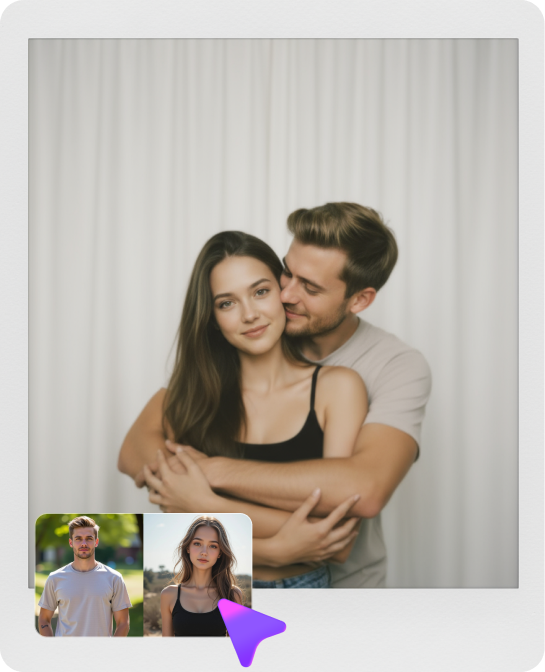
Klicken oder ziehen, um hochzuladen, oder wählen Sie aus Meine HistorieKlicken Sie zum HochladenMeine Historie
Keine Ideen? Erstellen Sie zuerst ein Bild. >
Laden Sie jpg-, jpeg- oder png-Bilder bis zu 50 MB hoch, mit einer Mindestbreite/-höhe von 300 px.
Try a Bear Face Filter Without Hiding Your Smile
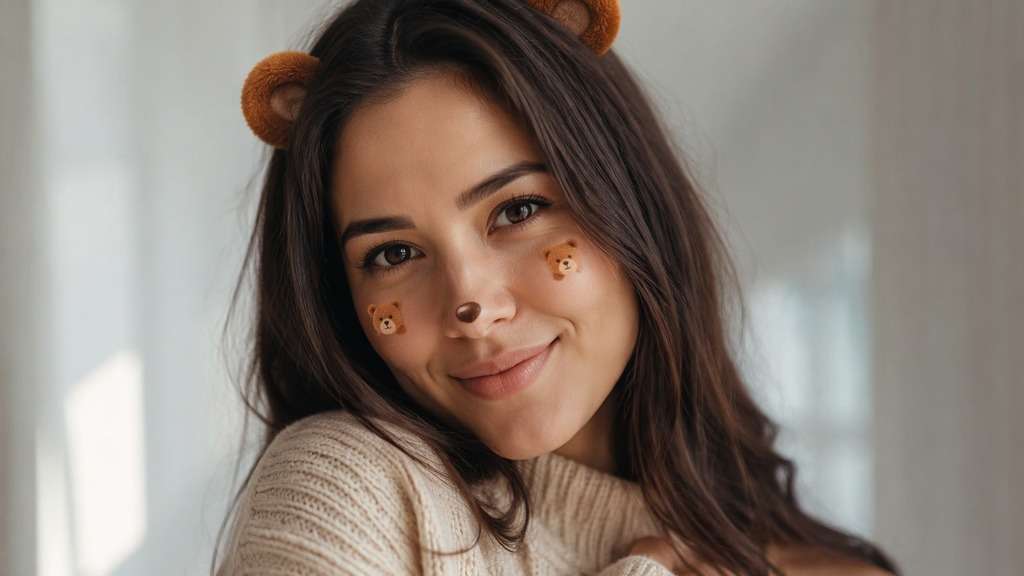
You want the cozy teddy-bear look, not a mask that replaces your whole face. A bear face filter can add small round ears, a button nose and a touch of warm blush to the selfie you already have. Choose whether you want a fluffy character effect or a simple flat sticker, then keep your real expression in view.
Keep the top of the head visible for symmetrical bear ears; avoid adding a full bear head over the face.
Bear Face Filter Prompts for Teddy and Cartoon Selfies
Round bear ears and a small dark nose are the visual anchors. Changing the ear material, accessory color or amount of cheek blush gives you distinct characters without turning the portrait into a different person.
Classic Brown Teddy
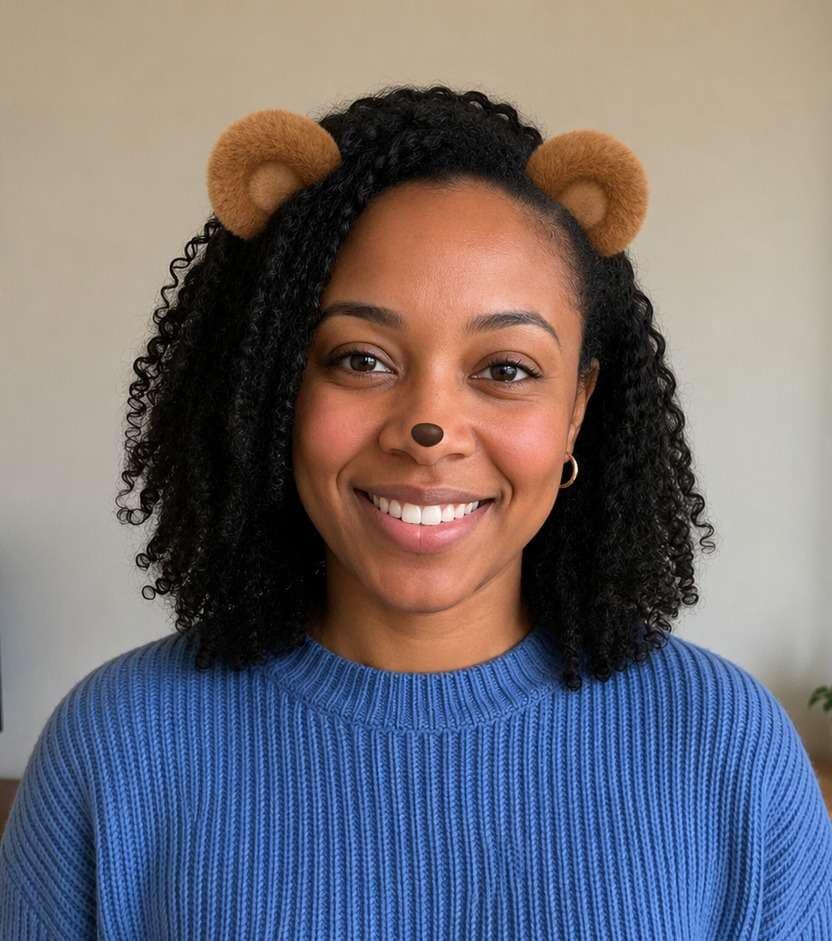
Edit my uploaded reference photo: Apply compact caramel round bear ears and tiny black button nose. Keep the same person, real facial identity and expression except where this named face effect intentionally changes proportions, and preserve original hair, clothing, perspective, room or outdoor setting. Do not add captions, logos, extra people or unrelated props.
Polar Bear Stickers
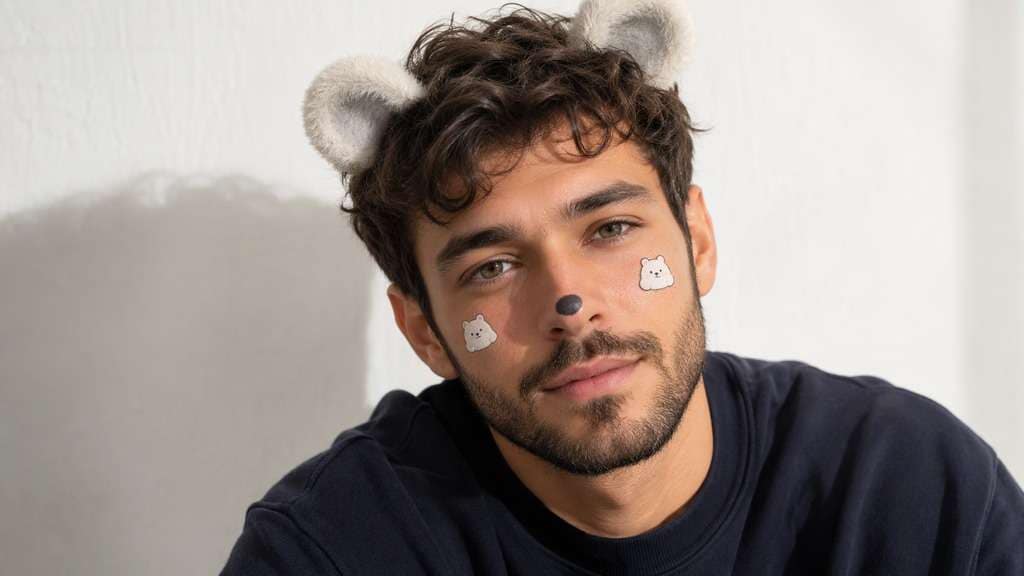
Edit my uploaded reference photo: Add two plush white bear ears with pale gray shading and small dark nose. Keep the same person, real facial identity and expression except where this named face effect intentionally changes proportions, and preserve original hair, clothing, perspective, room or outdoor setting. Do not add captions, logos, extra people or unrelated props.
Pastel Pink Teddy
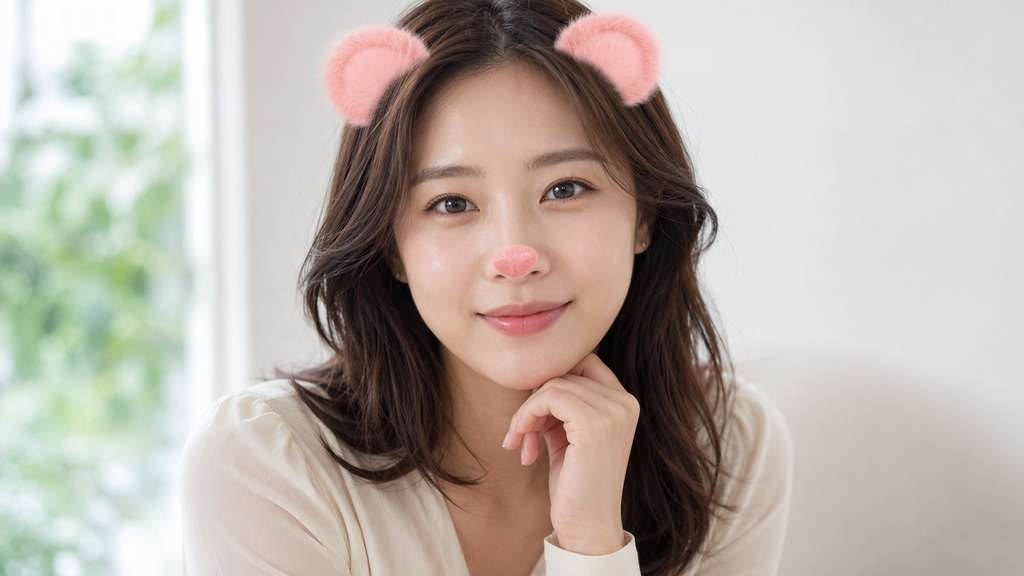
Edit my uploaded reference photo: Add blush-pink round bear ears and pink nose sticker, preserve clean face. Keep the same person, real facial identity and expression except where this named face effect intentionally changes proportions, and preserve original hair, clothing, perspective, room or outdoor setting. Do not add captions, logos, extra people or unrelated props.
Flat Cartoon Bear
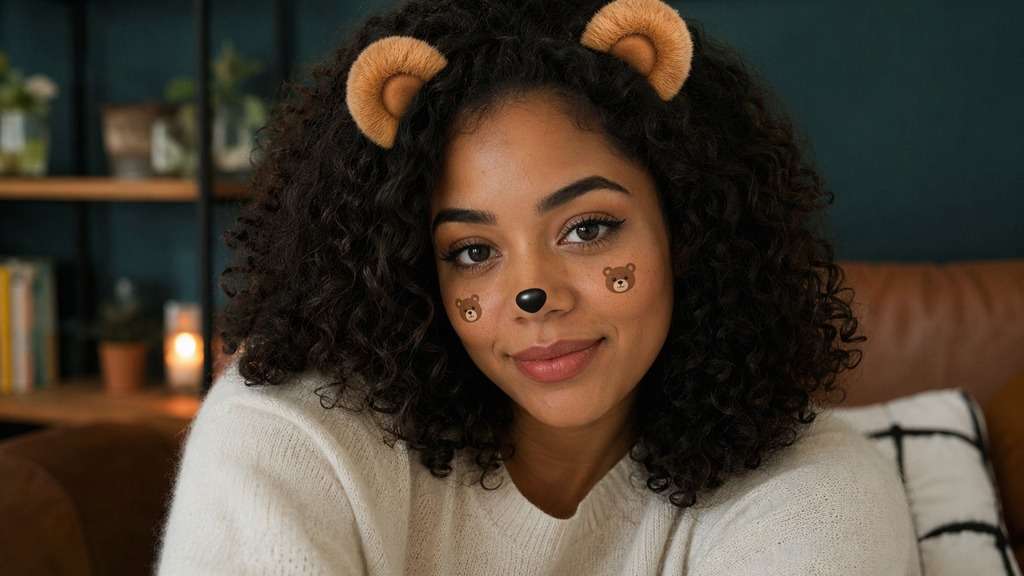
Edit my uploaded reference photo: Use clean flat brown ear graphics and small black nose, clear sticker style. Keep the same person, real facial identity and expression except where this named face effect intentionally changes proportions, and preserve original hair, clothing, perspective, room or outdoor setting. Do not add captions, logos, extra people or unrelated props.
Honey Bear Warmth
Edit my uploaded reference photo: Add warm golden ears with light plush texture and restrained peach cheek blush. Keep the same person, real facial identity and expression except where this named face effect intentionally changes proportions, and preserve original hair, clothing, perspective, room or outdoor setting. Do not add captions, logos, extra people or unrelated props.
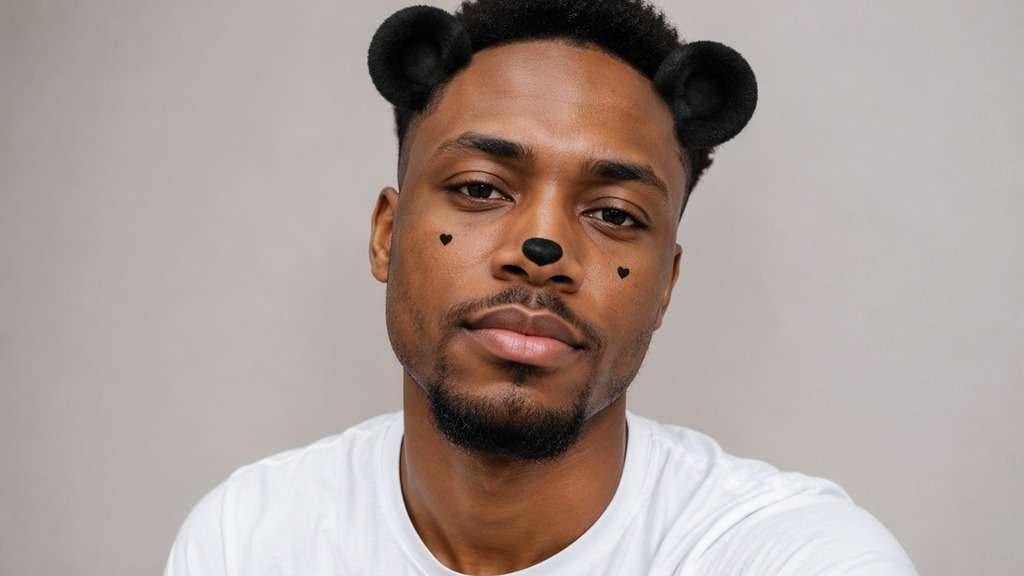
Panda-Inspired Face
Edit my uploaded reference photo: Add small black rounded ears and neat black button nose, no dramatic eye patches. Keep the same person, real facial identity and expression except where this named face effect intentionally changes proportions, and preserve original hair, clothing, perspective, room or outdoor setting. Do not add captions, logos, extra people or unrelated props.
Couple Teddy Portrait
Edit my uploaded reference photo: Add matching round ear overlays to each visible head, keep both smiles. Keep the same person, real facial identity and expression except where this named face effect intentionally changes proportions, and preserve original hair, clothing, perspective, room or outdoor setting. Do not add captions, logos, extra people or unrelated props.
Rustic Brown Bear
Edit my uploaded reference photo: Add small cinnamon-colored ears and muted nose sticker, natural daylight. Keep the same person, real facial identity and expression except where this named face effect intentionally changes proportions, and preserve original hair, clothing, perspective, room or outdoor setting. Do not add captions, logos, extra people or unrelated props.
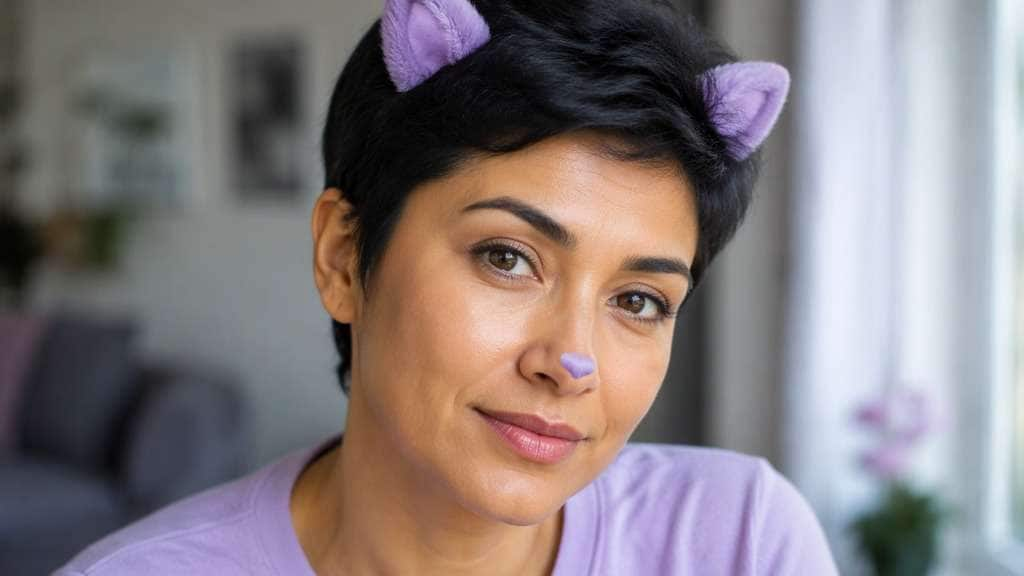
Lavender Bear Accent
Edit my uploaded reference photo: Add tiny lavender cartoon ears and light plum nose accent, keep original skin tone. Keep the same person, real facial identity and expression except where this named face effect intentionally changes proportions, and preserve original hair, clothing, perspective, room or outdoor setting. Do not add captions, logos, extra people or unrelated props.
Minimal Bear Ears
Edit my uploaded reference photo: Add only two well-placed little round bear ears, no other facial change. Keep the same person, real facial identity and expression except where this named face effect intentionally changes proportions, and preserve original hair, clothing, perspective, room or outdoor setting. Do not add captions, logos, extra people or unrelated props.
Get the Teddy Look with Better Sticker Placement
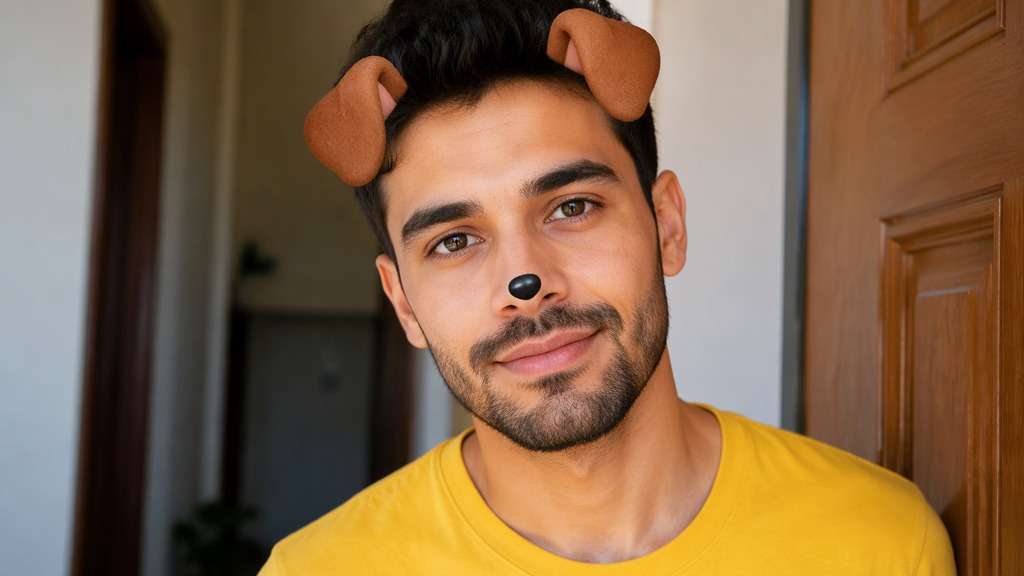
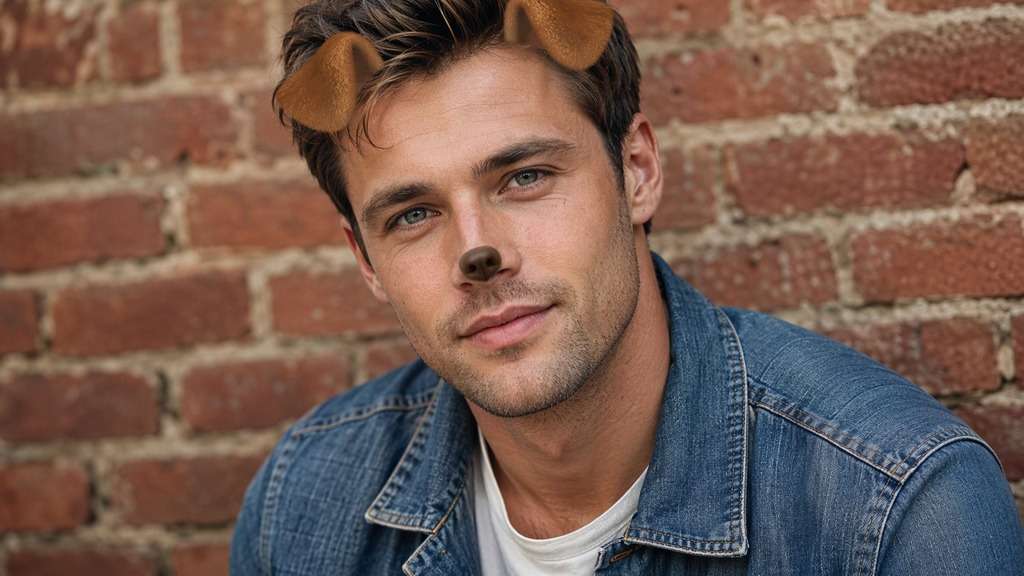
Round Ears, Not Puppy Flaps
Bear ears sit as short rounded shapes near the crown of the head. Keep them compact and upright so the effect does not drift into the long floppy dog-ear silhouette.
Choose a Small Bear Nose
A button nose should line up with the subject's existing nose and leave the mouth visible. An oversized animal muzzle can hide the expression that makes a friendly selfie work.
Match Plush or Cartoon Finishes
Soft fuzzy ears look like a costume accessory; flat drawn ears feel like a classic phone sticker. Using one finish across ears and nose keeps the style coherent.
Make Cheek Blush Optional
A restrained warm blush can help the bear features feel playful, but it is not required. On already rosy portraits, ask for ears and nose only to avoid over-retouching.
How to Add a Bear Face Filter to a Selfie Online
One clear face, visible hairline and a little upper-frame space help the bear accessories sit where you expect.
Step 1
Upload a Head-and-Shoulders Selfie
Open Media.io AI Face Editor and upload a clear front-facing photo with a little space above your head.
Step 2
Prompt Round Ears and a Nose
Enter a prompt for short round bear ears, a tiny button nose and optional blush. Ask to preserve your eyes, smile and hair.
Step 3
Generate and Review Bear Features
Click Generate and check ear symmetry, nose position and the visibility of your real expression; revise oversized stickers.
An AI bear face filter is most useful for playful edits that still clearly show the original person.
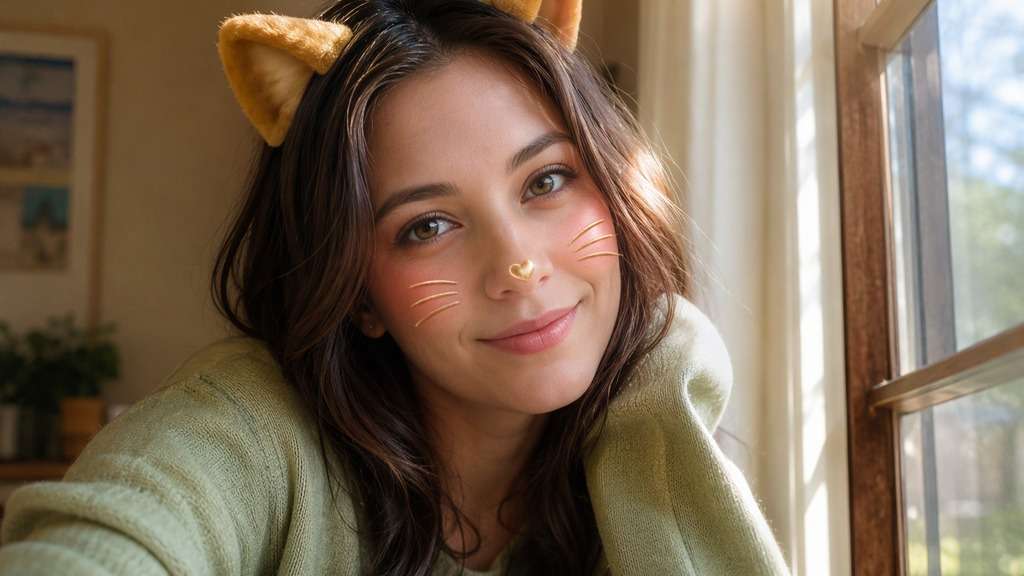
Cozy Profile Photo
A relaxed indoor portrait with a knit sweater pairs well with small fuzzy caramel ears. Keep the original room and a natural smile for a soft, friendly avatar.
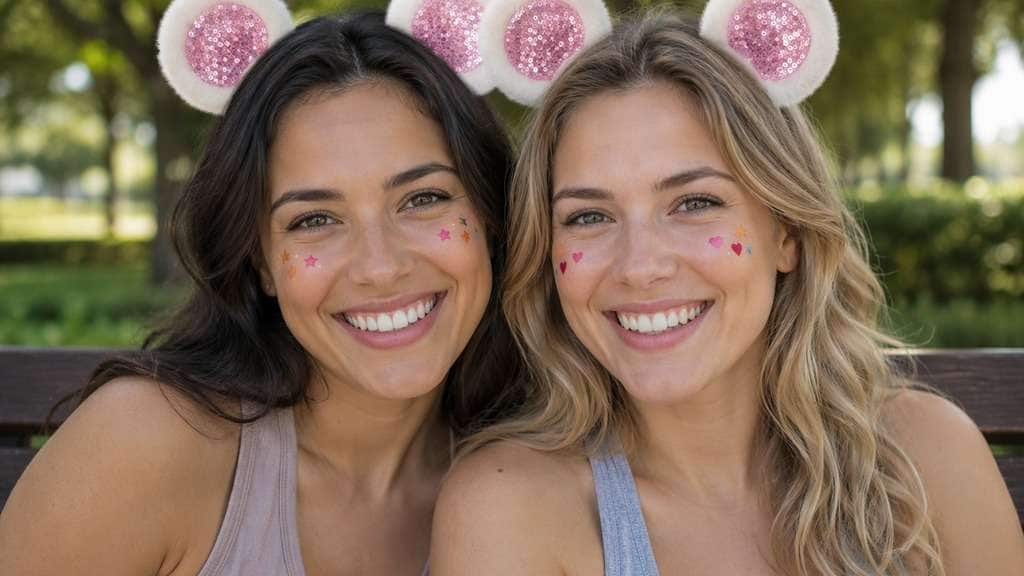
Matching Couple Selfies
Apply the same small round-ear style to each person while preserving their different expressions. Avoid one oversized face mask that overlaps both people. Leave a little space between heads so each set of rounded ears is clearly separate, especially in a square crop.
Funny Group Chat Reaction
A flat cartoon bear nose and tiny ears can turn a serious face into a lighthearted reply image. The joke works better when the expression remains legible. For the strongest reaction, keep the original serious expression instead of asking AI to invent a grin.
Bear Face Filter Preview Checklist
Shape
Photo preview checklist
"Are the ears round and compact?" Long floppy ears look more like a dog than a bear.
Balance
Photo preview checklist
"Are ears positioned symmetrically?" Check that stickers attach to the head at a believable height.
Nose
Photo preview checklist
"Is the button nose small?" A large muzzle can cover a smile and change the intended effect.
Recognition
Photo preview checklist
"Can you still recognize the face?" Keep eye shape and original facial structure clear.
Typically small round bear ears, a button nose and sometimes soft cheek color. The exact finish can look plush, cartoon-like or simple sticker-style.
2. How is a bear filter different from a dog filter?
Bear ears are short and rounded, while classic puppy ears hang lower and often come with a dog nose or tongue. Choose the shape you want in the prompt.
3. Can I add bear ears without changing my real face?
Ask specifically to keep your eyes, mouth, face shape, hairstyle and expression unchanged. Review the generation because some AI edits may still alter small details.
4. Can a bear face edit work on photos with two people?
Yes, request appropriately sized accessories for each visible face. Group photos need enough separation between heads for the ears to remain distinct.
5. Should I use a full bear mask or small stickers?
Small stickers are better when you want a recognizable selfie or profile photo. A full mask is a separate character-transformation look.
6. Is there a live camera bear lens here?
This workflow edits an uploaded still image. It does not promise live camera tracking or animation from another platform's Lens.