
AI Duanju Generator: Make a Short Drama from Your Script
Have a betrayal reveal, a secret romance, or a sharp cliffhanger in mind? The AI Duanju Generator from Media.io helps turn your own short drama script into a watchable episode with AI visuals and voiceover. Duanju, also called microdrama or short drama, is built around fast conflict and an ending that makes viewers want the next part. Paste your script, choose Realistic or Anime, and add optional music and subtitles. Create a video up to 3 minutes long with export options up to 4K.
Build a Short Drama That Has a Hook, a Twist, and a Next Episode
An AI short drama generator is most useful when you already know what the audience should feel next. Media.io uses the script-led workflow to help turn a compact story into visual scenes. Start with the moment you want viewers to remember, then write the scenes that make it matter.
Structure the Episode Around a Reveal, Not a Random Clip
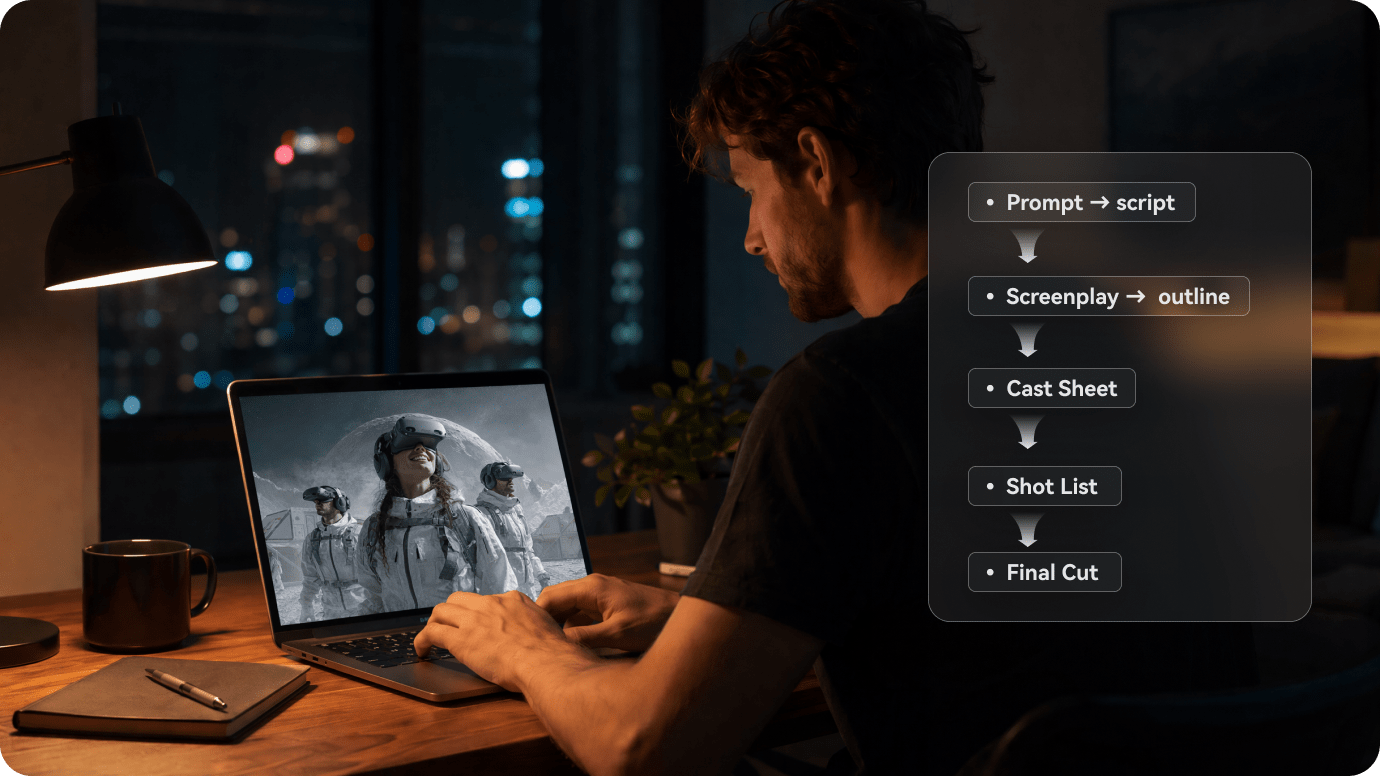
Open with a problem the viewer understands immediately: a bride spots her ex at the altar, or a dismissed employee returns as the new owner. Write the confrontation, the reversal, and the final unanswered question into your script. In Structured Mode, check that the storyboard follows the same sequence before rendering.
- Hook - begin with a startling decision, discovery, or confrontation
- Turn - let new evidence change who holds the power
- Cliffhanger - end on a question the next episode can answer
Give Every Recurring Character a Clear Visual Identity
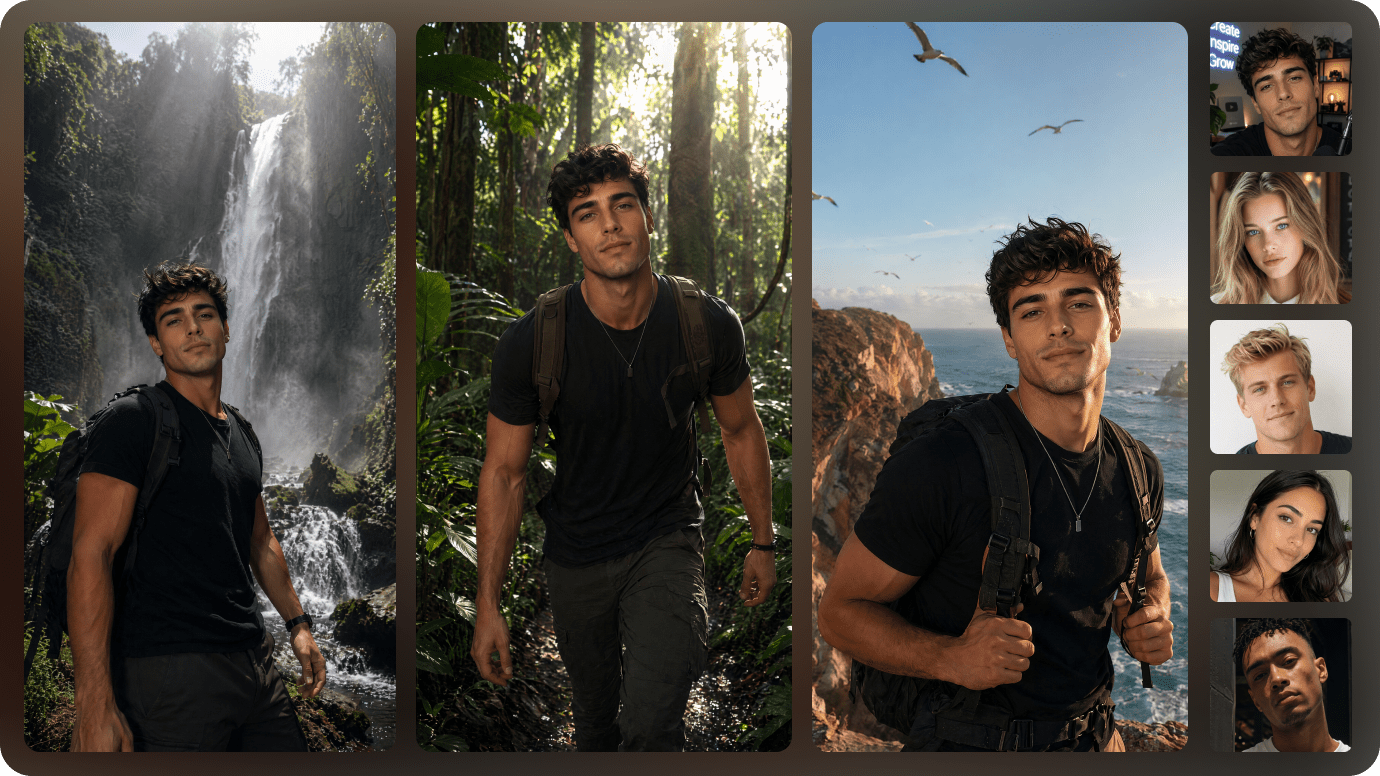
Give your lead, rival, and supporting character distinct names, relationships, outfits, and recognizable traits in the script. In Structured Mode, create AI characters or provide reference photos and reuse saved character assets for later episode projects. References can help, but review generated scenes for changes in faces, costumes, and surroundings.
- Lead - repeat specific face, wardrobe, and personality cues
- Rival - show the conflict in their relationship to the lead
- Cast references - reuse available character images and descriptions
- Continuity review - compare key shots before publishing
Make Dialogue and Mood Serve the Dramatic Turn
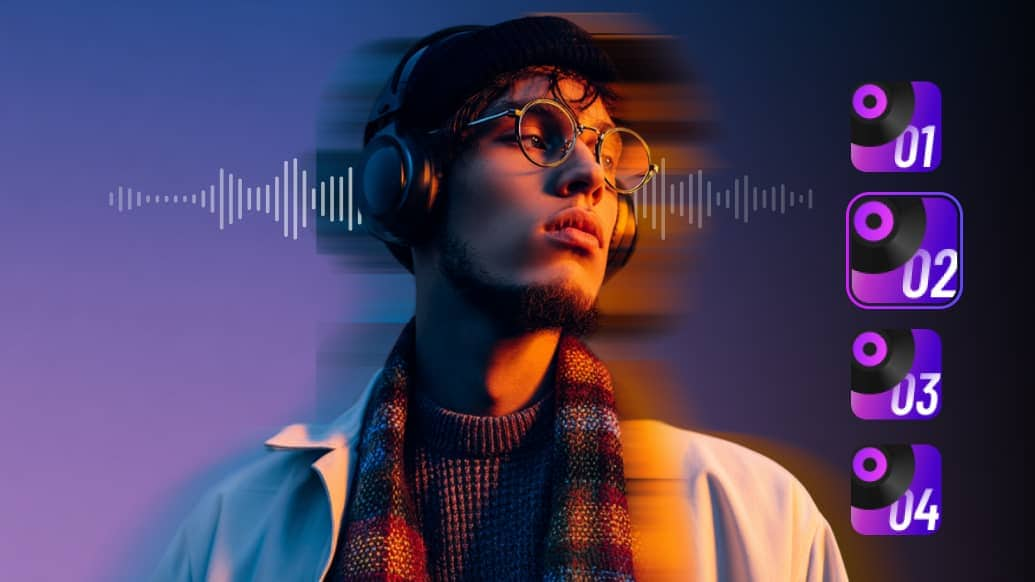
Duanju relies on meaningful reactions, not endless narration. Use short spoken lines such as "You never owned this company" followed by an immediate reaction shot in your writing. Media.io can generate voiceover and AI visuals; enable optional background music and subtitles when they help the reveal land. Check dialogue, caption timing, and on-screen clarity before posting.
- Dialogue - write short lines with a clear speaker
- Reactions - allow visual pauses after important revelations
- Music - add tension or tenderness only where it helps
- Subtitles - make important spoken lines easy to follow
Choose Realistic or Anime for Your Duanju Story
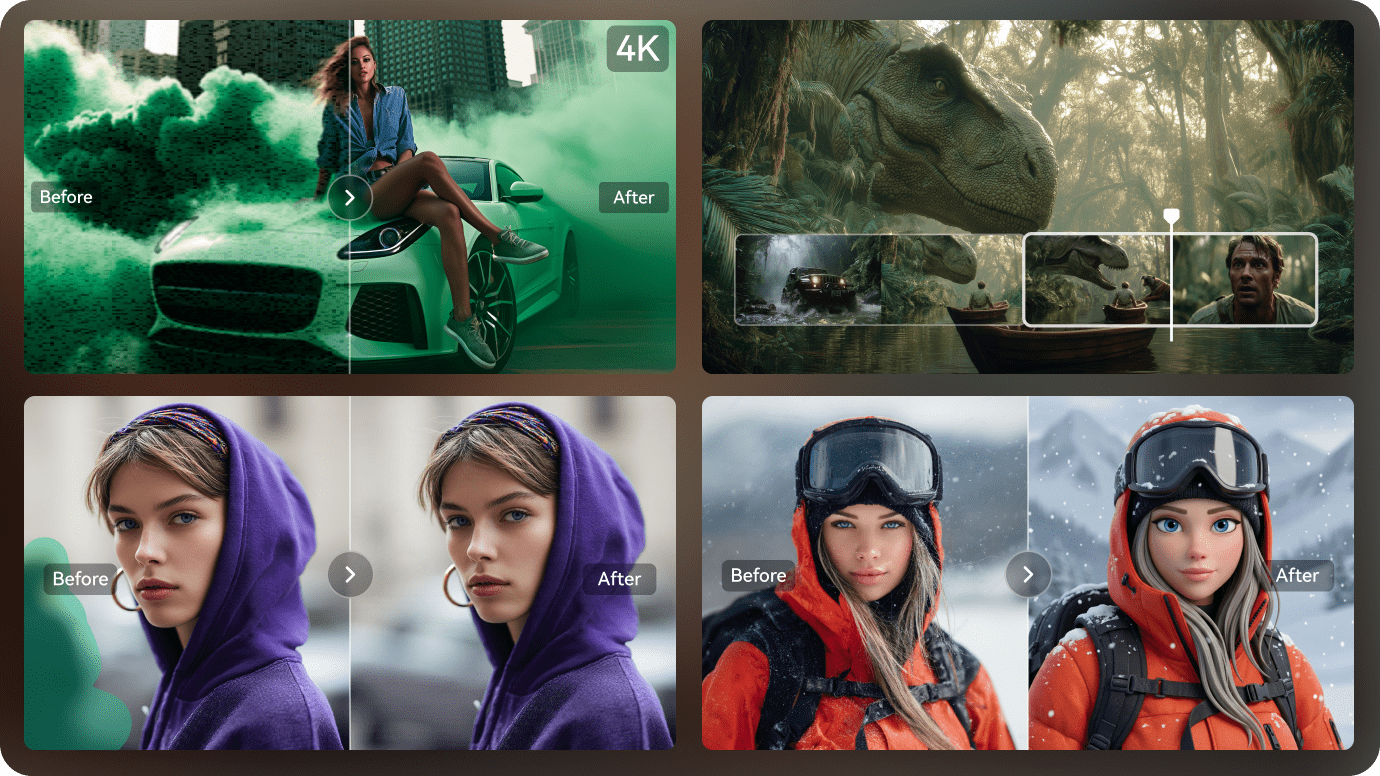
Realistic is a useful preset for workplace revenge, family secrets, and contract romance. Anime works for stylized fantasy, mystery, and supernatural relationships. Describe lighting, outfits, locations, and emotional tone in your own script to guide the look beyond the two presets.
For a single pilot, teaser, or episode, Media.io supports videos up to 3 minutes long and exports up to 4K depending on available settings. A longer story can be planned as separate episode scripts; do not assume automatic season management or identical characters in every new render.
How to Plan a 30- to 180-Second Duanju Episode
These are practical script-writing starting points, not fixed generation presets. Media.io can generate up to 3 minutes of video; choose the duration your story needs and decide the reveal before writing the opening.
| Episode Planning Choice | Suggested Script Approach |
|---|---|
| 30-second microdrama | One confrontation, one change in power, one sharp final line. |
| 60-second episode | Hook early; establish the conflict, land a twist, and cut on an unanswered question. |
| 90-second short drama | Give two or three characters room for opposing goals, a reveal, and a strong reaction. |
| Up to 180 seconds | Use more setup or a second turn, but keep each scene moving toward the climax. |
| Opening hook | Show the unusual problem first; explain background only after the viewer cares. |
| Character relationships | State who knows the secret, who wants it hidden, and what each person risks. |
| Dialogue and reactions | Use short, speaker-labeled lines and include the key reaction after a reveal. |
| Story continuity | Keep names, outfits, settings, and key plot facts consistent in your script and references. |
| Cliffhanger ending | Finish with a new threat, identity reveal, or decision that invites Episode 2. |
How to Create AI Duanju Online from a Drama Script
An original 60- to 90-second scene works well for a first test. Write the hook, identify the characters, and end on a clear turn before generating.
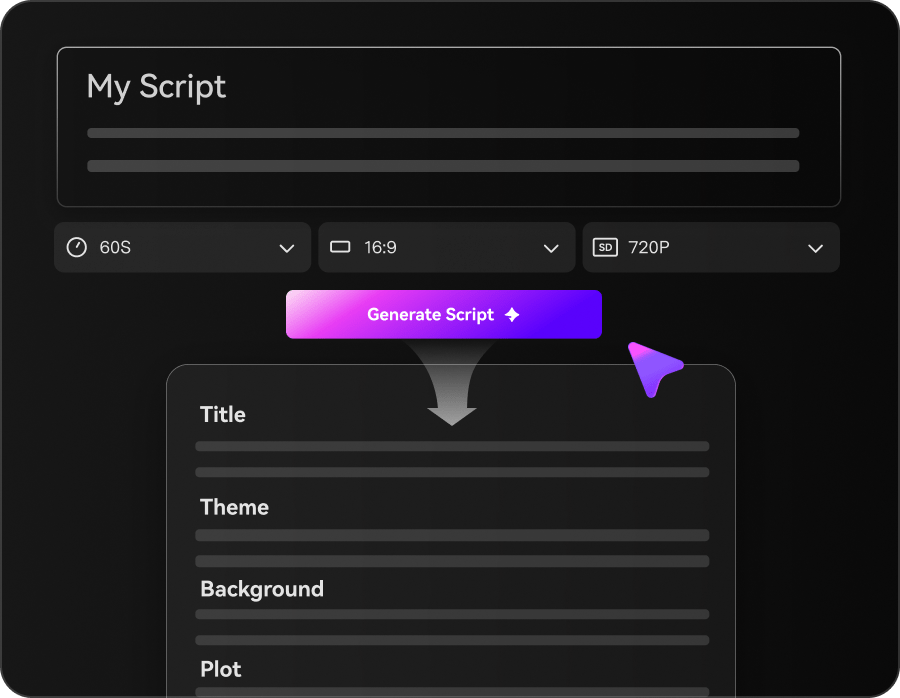
Write a Hook-First Duanju Script
Paste a short drama script into Media.io. State the setting, name each speaker, and describe the action that changes the situation. Choose Agent Mode for a simpler flow, or Structured Mode to review story structure first.
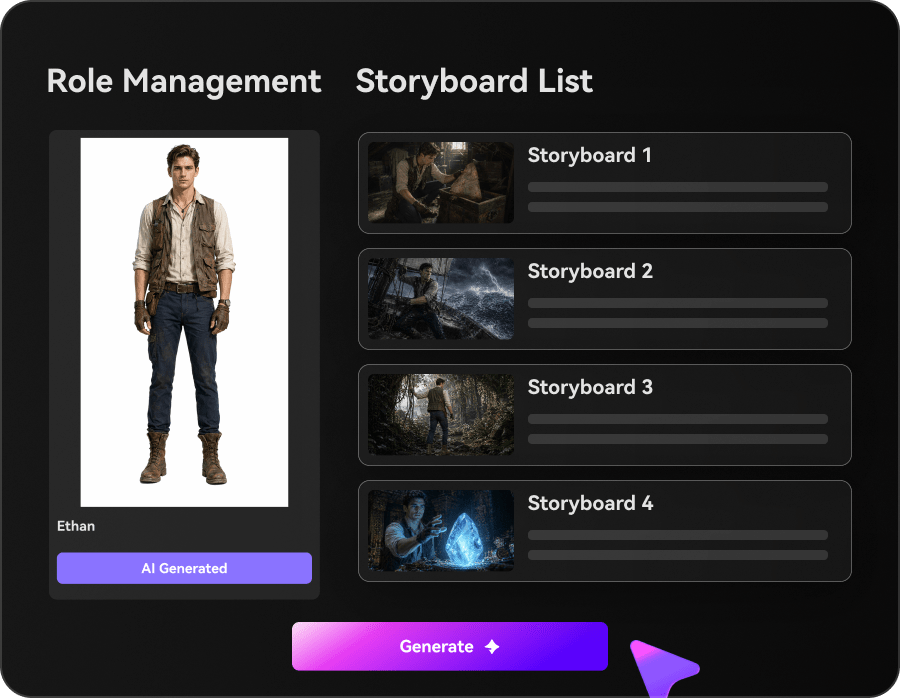
Choose Your Cast and Drama Style
Use Realistic or Anime as your visual starting point. In Structured Mode, set up characters with descriptions or reference photos and preview the storyboard. Turn optional music and subtitles on or off before generation.
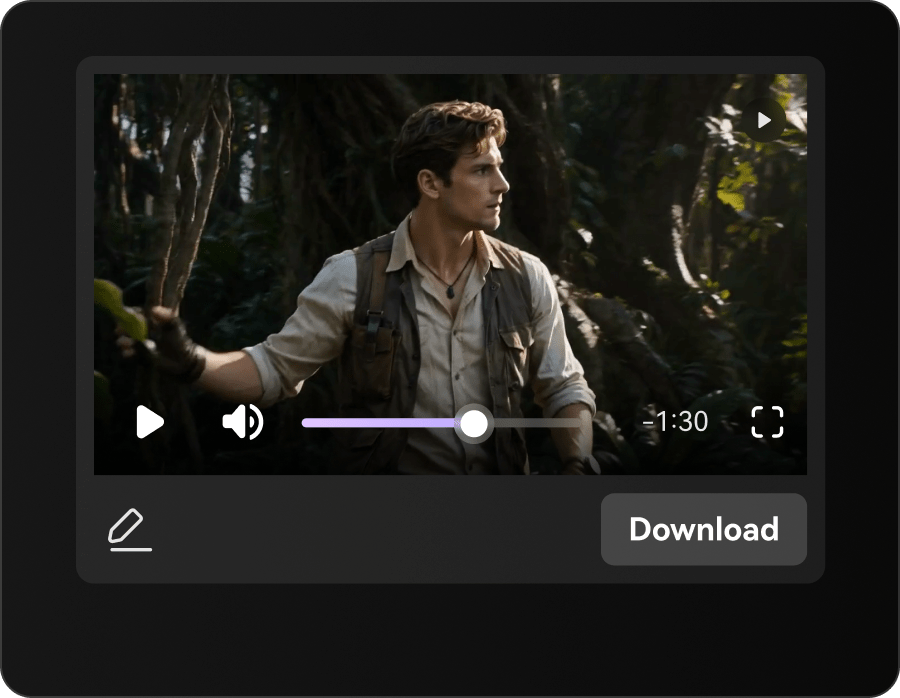
Generate, Review, and Export the Episode
Generate the scenes and voiceover. Watch the result for plot clarity, character continuity, legible captions, and the strength of the last shot. Export up to 3 minutes and up to 4K when available for your settings.
AI Duanju vs a Regular AI Video Clip: What Changes?
Both can contain AI-generated scenes. A duanju is distinguished by its dramatic writing and serialized intent, not by a guaranteed platform format or special export mode.
| Decision | AI Duanju Episode | Ordinary AI Video Clip |
|---|---|---|
| Viewer promise | A compact story with a conflict and a payoff | A visual moment, effect, or single idea |
| Starting input | A script with named roles, actions, dialogue, and story turns | Often a visual prompt or shot description |
| Opening seconds | Establish a problem or surprise worth following | Introduce the subject, action, or visual style |
| Role of characters | Relationships and motives drive the next scene | Characters can be present without an ongoing plot |
| Ending | Reveal, reversal, or cliffhanger with a reason to continue | May simply conclude the visual action |
| Production focus | Review scene order, references, dialogue, and continuity | Focus on the look and movement of an individual clip |
Need a broader script workflow for explainers or narration? Visit Media.io Script to Video.
Four AI Duanju Story Ideas You Can Turn into an Episode
Start with an original premise that can be told in one short dramatic scene. Each idea below offers a conflict, a turning point, and a closing line you can adapt in your own AI micro drama generator workflow.
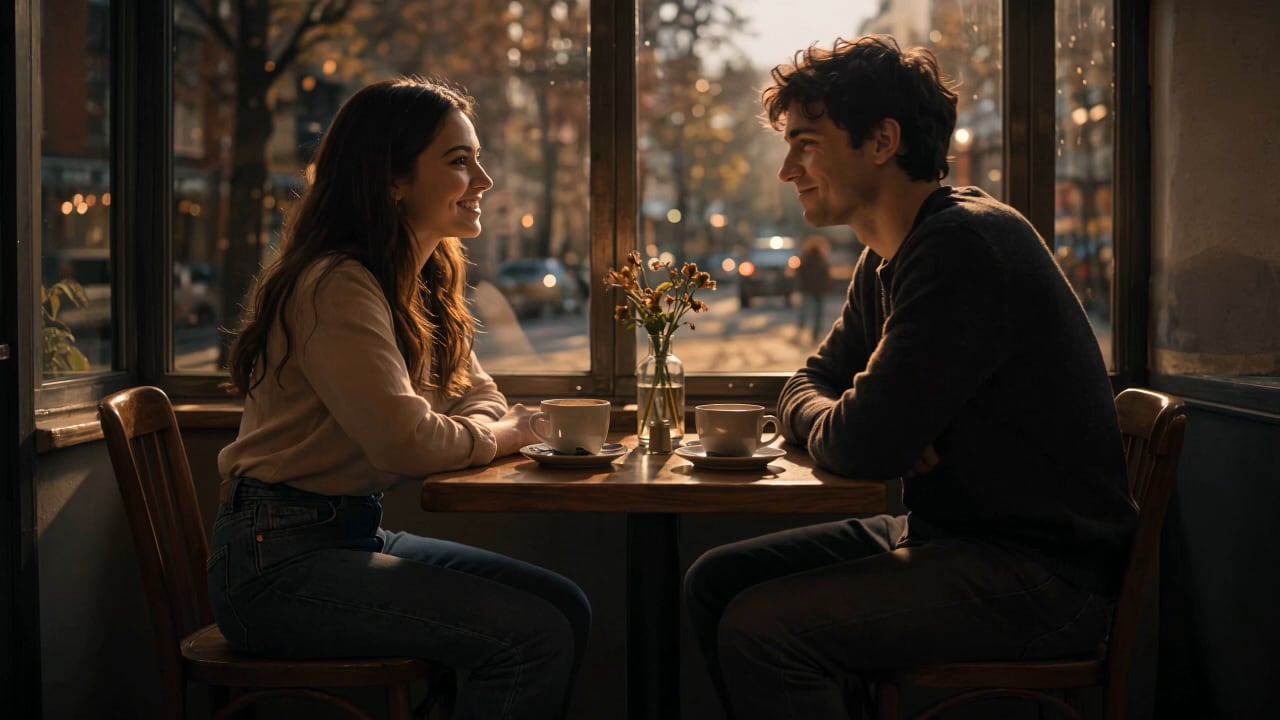
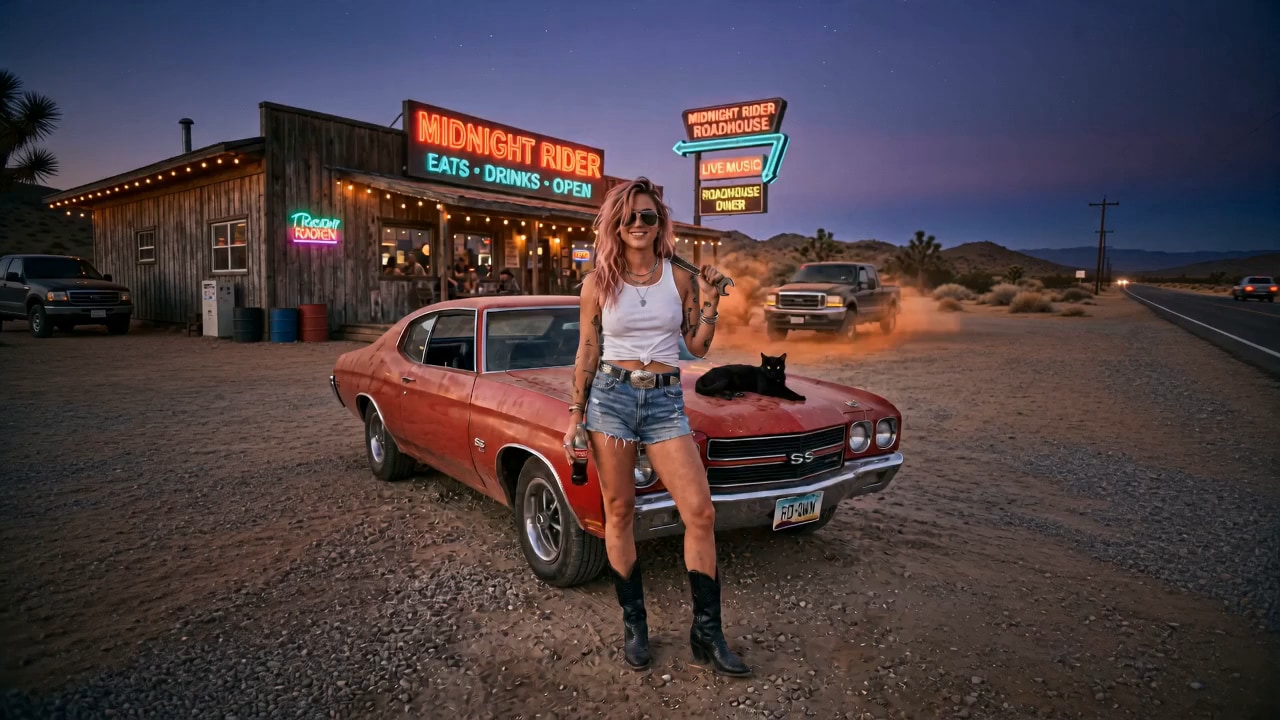
Contract Romance: The Wedding Clause
Hook: A chef signs a pretend-marriage contract to save her family restaurant. Conflict: At the engagement dinner, the groom's mother claims the contract has a hidden condition. Reveal: The chef produces an older copy with a different date. Cliffhanger line: "Then why does this one say you married me five years ago?" Keep the opening confrontation on screen, not buried in backstory.
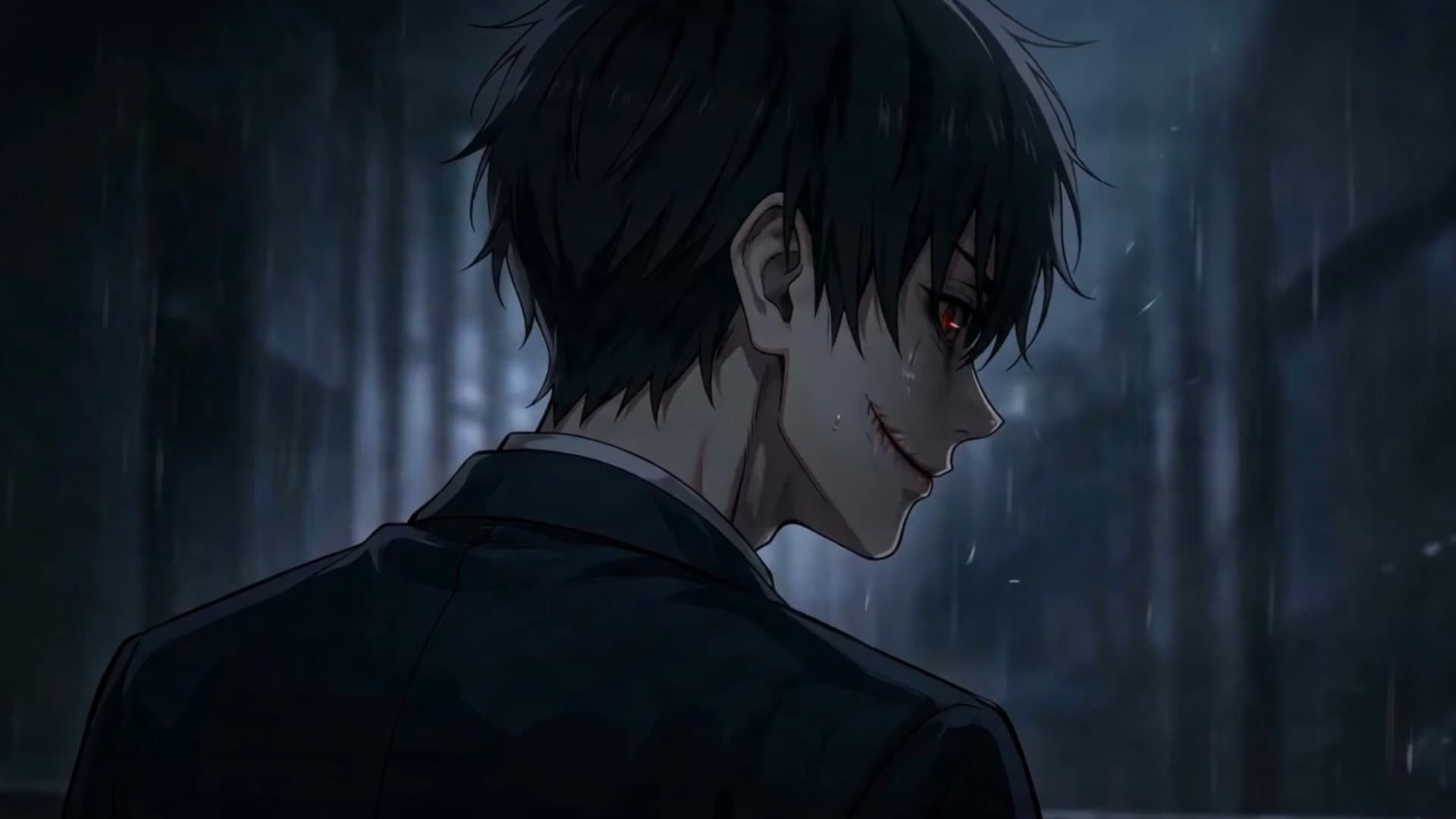
Revenge Reveal: The Empty Boardroom
Hook: A fired assistant returns to the boardroom after being humiliated. Conflict: The executives mock her as an unknown investor joins by video call. Reveal: She turns off the screen and reveals a signed acquisition contract. Cliffhanger line: "I am not here for my job. I am here for yours." For an AI revenge drama, keep the same boardroom and character references through the reveal.
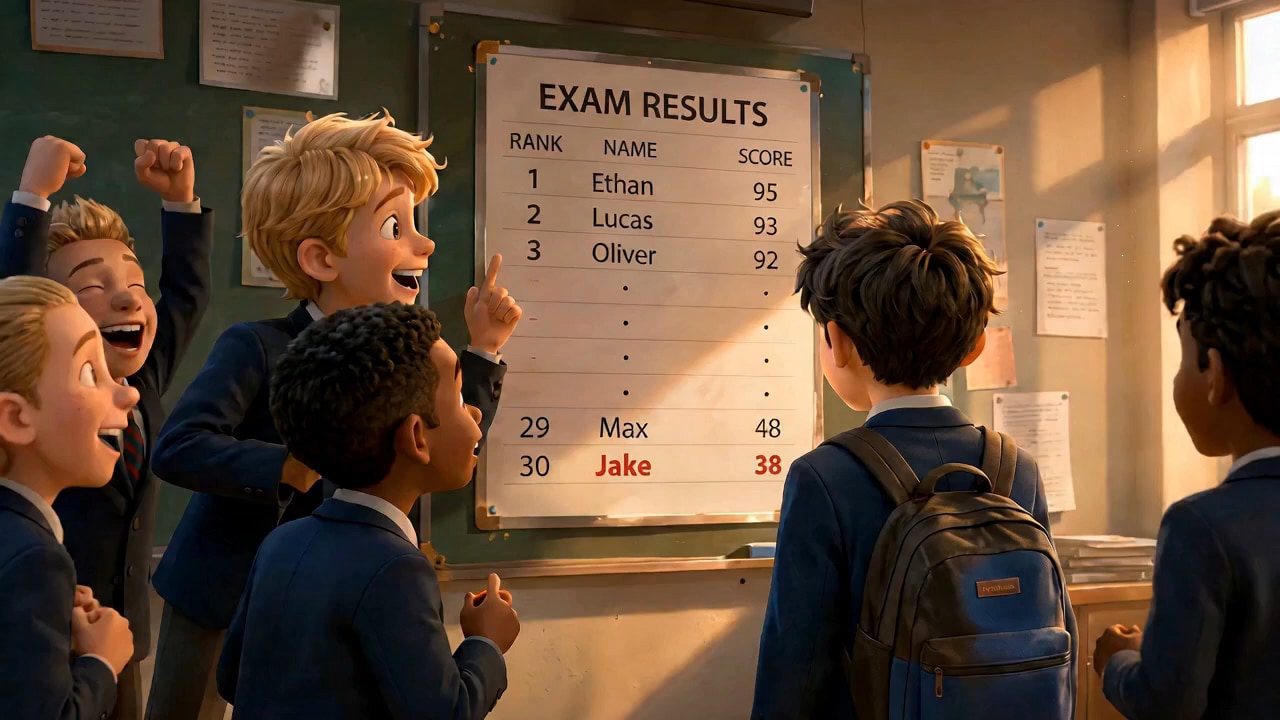
Fantasy Rebirth: One Hour Before Midnight
Hook: An astronomer relives the same night whenever the clock strikes twelve. Conflict: She looks for the stranger who can break the loop. Reveal: The stranger created the loop to keep her from discovering a crime. Cliffhanger line: "This time, the clock stopped for you." Use a single recognizable location and repeated clock imagery to make the fantasy easier to follow.
Anime Mystery: The Other Reflection
Hook: A student notices that her reflection moves a second late. Conflict: Her friend insists the mirror has been covered for years. Reveal: In the final shot, the reflection raises a hand before she does. Cliffhanger line: "That is not your reflection. That is the student who disappeared." For an AI anime short drama, describe a stable costume, hairstyle, and school setting.
Hear What Creators Have to Say


"I used Media.io to turn a screenplay scene into a visual pitch. It helped me show the tone, character setup, and story flow more clearly than a text-only treatment — without building a traditional pre-production workflow from scratch."

"I turned a chapter from my novel into a short AI video preview without hiring a production team. Media.io helped translate the story structure, characters, and atmosphere into something visual and easy to share."

"For Reddit-style story videos, Media.io gives me a more connected workflow from long-form text to a structured AI video. I can paste long text, review the story outline, build characters, and turn it into a structured AI video for my channel."

"We use Media.io to turn campaign scripts and product stories into short AI videos. It helps our team move from written concepts to visual brand storytelling in one workflow."

"Media.io helped me move from written scenes to visual story drafts much faster. I can start with a script, set up characters, preview the storyboard, and generate short-drama videos without building everything from scratch."

"I run a faceless story channel, so I need a faster way to turn YouTube scripts into videos. Media.io helps me organize narration, create characters, and turn written story ideas into visual videos in one connected workflow."
"I used Media.io to turn a screenplay scene into a visual pitch. It helped me show the tone, character setup, and story flow more clearly than a text-only treatment — without building a traditional pre-production workflow from scratch."
"I turned a chapter from my novel into a short AI video preview without hiring a production team. Media.io helped translate the story structure, characters, and atmosphere into something visual and easy to share."
"For Reddit-style story videos, Media.io gives me a more connected workflow from long-form text to a structured AI video. I can paste long text, review the story outline, build characters, and turn it into a structured AI video for my channel."
"We use Media.io to turn campaign scripts and product stories into short AI videos. It helps our team move from written concepts to visual brand storytelling in one workflow."
"Media.io helped me move from written scenes to visual story drafts much faster. I can start with a script, set up characters, preview the storyboard, and generate short-drama videos without building everything from scratch."
"I run a faceless story channel, so I need a faster way to turn YouTube scripts into videos. Media.io helps me organize narration, create characters, and turn written story ideas into visual videos in one connected workflow."
"I used Media.io to turn a screenplay scene into a visual pitch. It helped me show the tone, character setup, and story flow more clearly than a text-only treatment — without building a traditional pre-production workflow from scratch."
"I turned a chapter from my novel into a short AI video preview without hiring a production team. Media.io helped translate the story structure, characters, and atmosphere into something visual and easy to share."
AI Duanju Generator FAQs
What is AI duanju?
Duanju means short drama: a compact, often serialized fictional story built around characters, conflict, and a strong episode ending. An AI duanju uses AI-generated video as the production method. It differs from a generic short clip because it has a scripted story arc.
How can I create AI duanju online from a script?
Write one short episode with named speakers, actions, and a cliffhanger. Paste it into Media.io Script to Video, choose Agent Mode or Structured Mode, select Realistic or Anime, then generate your short drama. Review the final scenes and dialogue before sharing.
What should I include in a 60-second duanju script?
Try one character problem, one confrontation, one revealing turn, and one unanswered ending. Establish the stakes immediately; avoid a long introduction. A short episode works better when every scene changes what the viewer knows.
Can Media.io turn a novel scene into a short drama video?
Yes, you can adapt a novel scene into a shorter script or plot description and use it as the input. Give characters names, describe the location and actions, and turn narration-heavy passages into short spoken lines or visible dramatic beats.
How long can my AI short drama be?
The currently provided Media.io Script to Video specification supports up to 3 minutes per generated video. A longer story can be split into separate episodes, each with its own script.
Can I export an AI Duanju episode in 4K?
Media.io supports export settings up to 4K, subject to the options available in your project. Resolution and video orientation are different settings, so check the aspect ratio before publishing to a vertical-video platform.
How do I keep the same main characters in several episodes?
Use stable names, appearance descriptions, wardrobe details, and the same reference images where available. Structured Mode supports character setup and reusable saved assets. Always review each generated video; identical appearance across every scene or episode is not guaranteed.
Should I choose Realistic or Anime for duanju?
Choose Realistic for a live-action-inspired workplace, family, or contract-romance drama. Choose Anime for a stylized fantasy, supernatural mystery, or illustrated drama. Both are available quick presets; you can describe additional visual choices in the script.
Can the AI short drama include spoken dialogue and subtitles?
Media.io can generate voiceover with AI visuals, and you can enable optional background music and subtitles before generation. Write clear speaker labels and check the resulting speech and captions before publishing; exact lip synchronization is not guaranteed by the stated feature set.
Can I make a multi-episode AI duanju series?
You can create separate episode videos and reuse character assets where available. Plan each episode with its own hook and ending, and keep a written record of important plot facts. The stated workflow does not guarantee automatic season management or effortless character continuity.
Does AI duanju automatically mean a vertical 9:16 video?
No. Duanju is a narrative format commonly viewed on phones, while 9:16 is an aspect ratio. Check the orientation and export controls in your Media.io project before claiming or publishing a vertical final video.
Is Media.io AI Duanju Generator free to use?
Media.io can be explored online, but AI video generation may require credits. Available generation limits, export options, and plan benefits depend on the current account and project settings. Check the interface before starting a larger episode series.
More Story and Drama Video Tools from Media.io
Use the broader Script to Video workflow for other written content, or explore story-focused approaches for anime, horror, novels, and multi-scene ideas.

Your Next Duanju Starts with One Dramatic Scene
Create It from Your Script
Write the confrontation you've been imagining. Name the characters, choose what changes, and end with a question worth answering. Media.io helps turn that script into an AI short drama with your chosen visual style, voiceover, and optional music and subtitles.
 Made for storytelling, from first script to final scene