
















Kling 3.0 Turbo Gerador de Vídeo IA
Crie vídeos IA mais rápidos online com Kling 3.0 Turbo no Media.io. Transforme prompts ou imagens em vídeos curtos e dinâmicos com movimento mais suave, maior estabilidade visual e melhor sincronização audiovisual para mídias sociais, anúncios, vídeos de produtos, storyboards e testes criativos.
Gere Vídeos IA Mais Rápido com Kling 3.0 Turbo
Use o Gerador de Vídeo IA Kling 3.0 Turbo quando velocidade, testes e produção de formato curto importam. Este fluxo de trabalho Kling IA é especialmente útil para anúncios de produtos, conteúdo social, rascunhos cinematográficos, prévias de personagens falantes e variações de campanha.
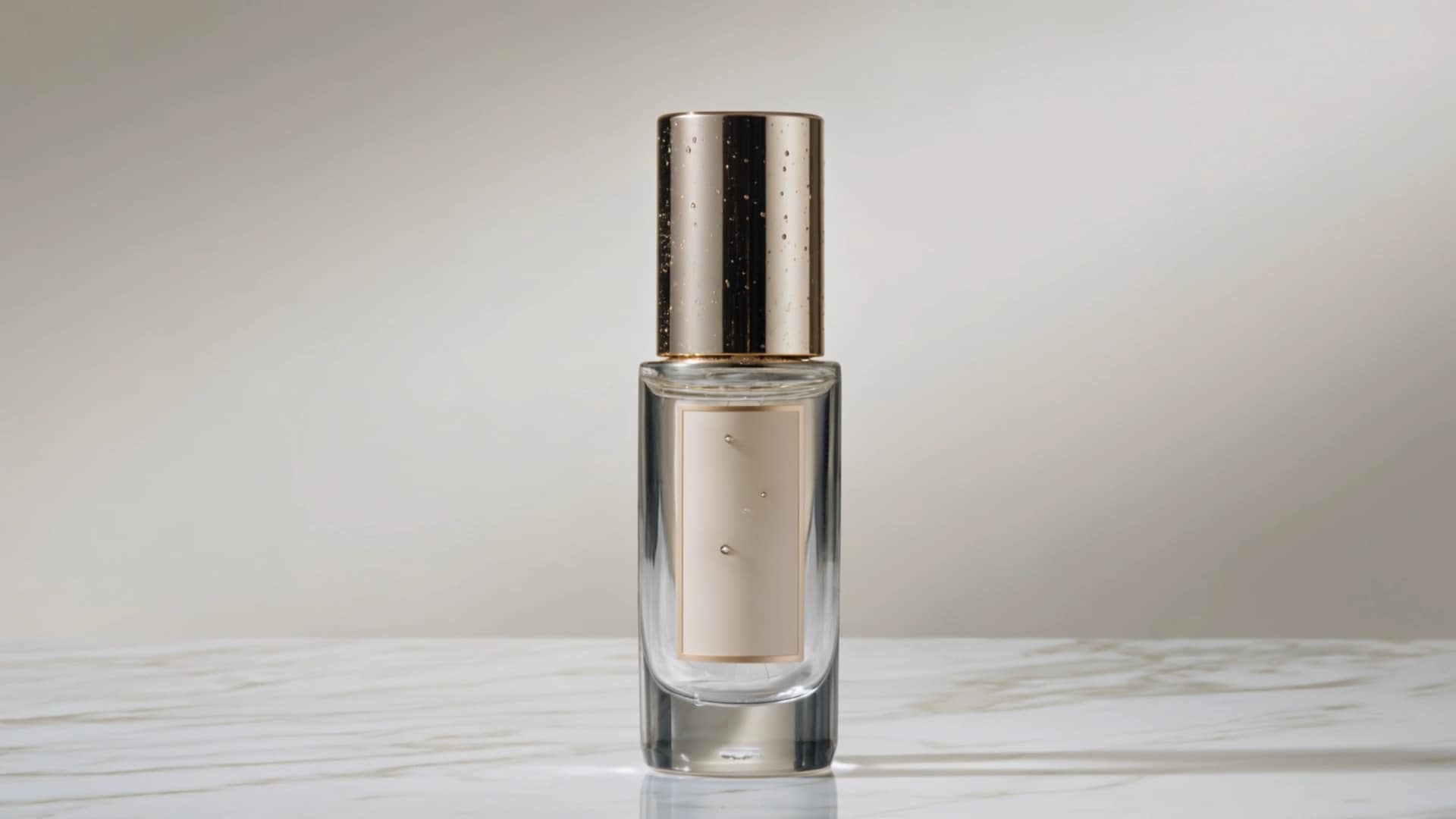
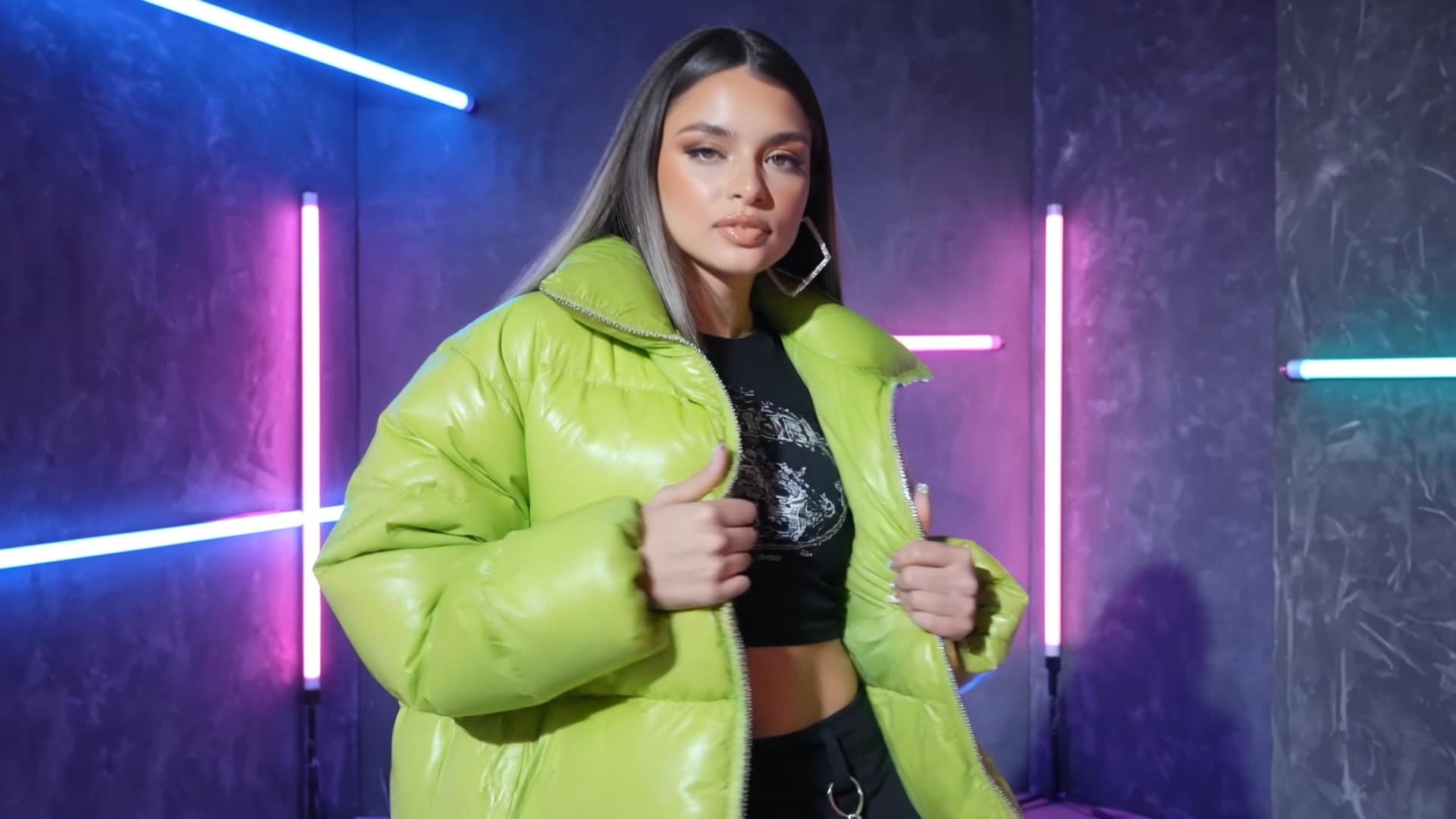


Visão Geral Kling 3.0 Turbo
Isto Visão Geral Kling 3.0 Turbo explica onde o modelo se encaixa melhor: criação de vídeo IA rápida e de alta frequência, rascunhos de formato curto, conceitos de movimento de produto, clipes sociais, variações de anúncios e prévias de storyboard. Media.io empacota Kling V3.0 Turbo em um fluxo de trabalho de navegador mais fácil, para que as equipes possam testar mais ideias sem instalar software extra.
1Entrada
Comece com um prompt, imagem de produto, retrato, arte IA ou referência visual.
2Direcionar
Adicione movimento de câmera, ação do sujeito, estilo, iluminação, ritmo e propósito de saída.
3Gerar
Crie um rascunho de vídeo IA curto rapidamente, depois compare múltiplas versões criativas.
4Publicar
Use o resultado para posts sociais, anúncios, páginas de produtos, apresentações ou storyboards.
Nota SEO para confiança na página: esta página foca em casos de uso práticos do Kling 3.0 Turbo—velocidade, iteração, texto para vídeo, imagem para vídeo e acesso online—evitando alegações não suportadas sobre especificações exatas de modelo privado.
Principais Recursos do Kling 3.0 Turbo
Um modelo de vídeo IA de alta eficiência para rascunhos rápidos, produção de formato curto, sincronização audiovisual e testes criativos repetíveis.
Rascunho de Vídeo de Alta Produtividade
Kling 3.0 Turbo foi projetado para pipelines criativos de alto volume. Use-o para gerar múltiplos rascunhos de vídeos curtos para anúncios, páginas de produtos, páginas de destino e campanhas sociais quando a velocidade importa mais do que perfeição única.
Iteração Criativa de Baixa Latência
Teste mais ideias em menos tempo. De diferentes ganchos e ângulos de câmera a revelações de produtos e estilos de fundo, Kling 3.0 Turbo ajuda profissionais de marketing e criadores a passar do conceito ao vídeo pronto para revisão mais rápido.
Sincronização Audiovisual para Clipes Curtos
Crie vídeos curtos onde movimento, ritmo e timing de áudio pareçam mais alinhados. Isso torna Kling 3.0 Turbo útil para prévias de personagens falantes, clipes de produtos com design de som, cenas de diálogo curtas e rascunhos de vídeos sociais.
Fluxos de Trabalho Baseados em Texto ou Imagem
Comece a partir de um prompt escrito ou uma imagem de referência. Descreva a cena, sujeito, movimento de câmera, clima e ritmo, ou carregue uma foto de produto, retrato, visual conceitual ou imagem gerada por IA para transformá-la em movimento.
Saída Confiável para Uso Prático
Kling 3.0 Turbo foca em resultados estáveis e utilizáveis para produção cotidiana. É adequado para clipes sociais, prévias de conceito, vídeos de e-commerce, testes de storyboard e variações de campanha que precisam ser revisadas rapidamente.
Acesso Online, Sem Necessidade de APK
Use Kling 3.0 Turbo diretamente no Media.io do seu navegador. Sem configuração complexa, sem instalação local e sem necessidade de procurar arquivos APK não oficiais—apenas insira um prompt, carregue uma imagem e gere online.
Como Usar Kling 3.0 Turbo no Media.io
Crie vídeos a partir de texto ou imagens em três passos simples.
Escolha Seu Fluxo de Trabalho
Selecione Texto para Vídeo ou Imagem para Vídeo. Comece a partir de um prompt, imagem de produto, retrato, visual de referência ou arte conceitual.
Descreva o Movimento
Adicione detalhes da cena, movimento de câmera, ação do sujeito, estilo visual, ritmo e direção de som para um resultado mais controlado.
Gerar e Refinar
Visualize o vídeo IA, ajuste o prompt, crie mais versões e exporte seu melhor resultado para anúncios, social ou páginas de produtos.
Melhores Casos de Uso para Kling 3.0 Turbo
Kling 3.0 Turbo é melhor usado como uma rota de produção rápida para rascunhos de vídeos curtos, testes de variação de anúncios, prévias de movimento de produto e validação de cena audiovisual.
Gere Mais Variações de Anúncios Antes de Escolher um Vencedor
Kling 3.0 Turbo é especialmente útil quando sua equipe precisa testar múltiplas direções de vídeos curtos rapidamente. Crie diferentes ganchos, planos de abertura, revelações de produtos, estilos de ritmo, climas de fundo e variações de CTA antes de passar para a edição final.
Isso torna o modelo uma escolha prática para anúncios do TikTok, Instagram Reels, YouTube Shorts, campanhas sociais pagas, conteúdo estilo criador e rascunhos de vídeo para páginas de destino onde velocidade e iteração importam mais do que uma única renderização perfeita.
Testar Ideias de Vídeo para AnúnciosTransforme Imagens Estáticas de Produtos em Anúncios de Movimento Curtos
Para equipes de e-commerce, Kling 3.0 Turbo pode transformar uma imagem de produto, visual de campanha ou conceito de produto gerado por IA em um rascunho de vídeo curto com movimento de câmera, mudanças de iluminação, planos de detalhe e uma sensação comercial mais dinâmica.
Use-o para criar prévias rápidas de movimento de produto para lojas online, anúncios sociais, páginas de lançamento, campanhas de e-mail, listagens de marketplace e testes promocionais. É ideal para validar direção visual antes de investir em produção de maior fidelidade.
Animar uma Imagem de ProdutoPrévia de Cenas Falantes, Storyboards e Narrativas Curtas
Kling 3.0 Turbo é valioso para validação de cena em estágio inicial. Agências, cineastas, educadores e equipes de marca podem usá-lo para prever ritmo de câmera, emoção de personagem, momentos de diálogo curtos, timing de narração e alinhamento audiovisual antes de atualizar para um fluxo de trabalho final mais avançado.
Funciona bem para vídeos de apresentação, rascunhos de personagens falantes, testes de storyboard, cenas explicativas, prévias de conteúdo curto multilíngue e filmes conceituais onde o primeiro objetivo é ver se a ideia funciona visual e ritmicamente.
Prototipar uma CenaKling 3.0 Turbo vs Outros Modelos de Vídeo IA
Use esta comparação para entender onde Kling 3.0 Turbo se encaixa no seu fluxo de trabalho de vídeo IA.
| Modelo | Melhor Para | Ponto Forte | Uso Sugerido |
|---|---|---|---|
| Kling 3.0 Turbo | Geração rápida de vídeo IA | Velocidade, iteração de formato curto, sincronização audiovisual prática | Clipes sociais, anúncios, rascunhos de produtos, testes de campanha |
| Kling AI 3.0 \/ Omni | Fluxos de trabalho de vídeo avançados | Capacidades de ecossistema de maior fidelidade, fluxos de trabalho de múltiplas tomadas, caminhos de consistência de personagens | Saídas premium, cenas de histórias, fluxos de trabalho orientados para 4K quando suportado |
| Runway Gen-4 Turbo | Imagem para vídeo orientado ao criador | Forte ecossistema criativo e produção de imagem para vídeo | Experimentos visuais, tratamentos criativos, clipes rápidos orientados por imagem |
| Google Veo | Experimentos de vídeo generativo de alta qualidade | Realismo de vídeo avançado e suporte ao ecossistema Google | Experimentos cinematográficos, testes de vídeo AI premium |
| Pika \/ Luma | Efeitos sociais e movimento cinematográfico | Efeitos fáceis, movimento de câmera, modelos criativos | Clipes estilo viral, rascunhos cinematográficos, fluxos de trabalho de criadores |
Escolha Kling 3.0 Turbo quando sua prioridade for produção de conteúdo mais rápida e testes criativos. Escolha modelos de maior fidelidade ou Kling 3.0 Omni quando precisar de consistência mais rigorosa, controle narrativo mais longo ou fluxos de trabalho de finalização avançados.
Por que usar Kling 3.0 Turbo no Media.io?
Media.io transforma Gerador de Vídeo IA Kling 3.0 Turbo acesso em um fluxo de trabalho criativo completo para usuários reais, desde escrita de prompts e geração de imagem para vídeo até edição, compressão, conversão e publicação.
Acesso Online Fácil
Crie vídeos no seu navegador sem instalar um APK Kling 3.0 Turbo.
Suíte Criativa de IA
Continue editando, convertendo, comprimindo, aprimorando ou reaproveitando vídeos no Media.io.
Desenvolvido para Equipes
Útil para profissionais de marketing, vendedores de e-commerce, agências, criadores e equipes de produto.
Amigável para Iniciantes
Escreva um prompt, faça upload de uma imagem, gere um vídeo e refine o resultado.
Explore os efeitos de vídeo e imagem de IA mais quentes



Perguntas Frequentes sobre Kling 3.0 Turbo
1. O que é Kling 3.0 Turbo?
Kling 3.0 Turbo é uma rota de modelo de geração de vídeo AI rápida projetada para criação eficiente de vídeos curtos. É melhor usado para rascunhos rápidos, clipes sociais, variações de anúncios, vídeos de produtos e testes de conceito criativo.
2. O que é Kling 3.0 Turbo AI Video Generator?
A Gerador de Vídeo IA Kling 3.0 Turbo permite criar vídeos a partir de prompts de texto ou imagens usando Kling AI. No Media.io, você pode acessar o fluxo de trabalho online e gerar vídeos diretamente do seu navegador.
3. Kling 3.0 Turbo é diferente de Kling AI?
Sim. Kling IA é o ecossistema de vídeo AI mais amplo, enquanto Kling 3.0 Turbo se refere a uma opção de modelo mais rápida focada em geração de vídeo curto de alta eficiência e iteração criativa.
4. Posso usar Kling 3.0 Turbo online?
Sim. Media.io permite criar vídeos AI online sem configuração complicada. Você pode inserir um prompt, fazer upload de uma imagem, selecionar o fluxo de trabalho de vídeo e gerar o resultado no seu navegador.
5. Preciso de um APK Kling 3.0 Turbo?
Não. Você não precisa de um APK Kling 3.0 Turbo para gerar vídeos no Media.io. O fluxo de trabalho online é mais seguro e fácil do que baixar arquivos APK não oficiais.
6. Kling 3.0 Turbo pode criar vídeos a partir de imagens?
Sim. Kling 3.0 Turbo é útil para fluxos de trabalho de imagem para vídeo, como animação de produtos, animação de retratos, clipes de moda AI, prévias de cenas cinematográficas e efeitos de mídia social.
7. Kling 3.0 Turbo é bom para vídeos de mídia social?
Sim. É especialmente útil para ideação de vídeo de formato curto, ganchos, revelações de produtos, clipes estilo criador e variações de campanha para TikTok, Instagram Reels, YouTube Shorts e anúncios sociais pagos.
8. Posso usar Kling 3.0 Turbo para vídeos comerciais?
Kling 3.0 Turbo pode suportar rascunhos estilo comercial, anúncios, vídeos de produtos e conteúdo de marca. Antes de publicar comercialmente, revise a saída cuidadosamente e siga os termos do Media.io mais regras de licenciamento aplicáveis.
Mais Ferramentas de Vídeo AI no Media.io
 4.7 (162.357 Votos)