As criações são armazenadas por apenas 7 dias. Os recursos criados após o upgrade para um plano de assinatura serão armazenados permanentemente.
Desbloqueie seu potencial criativo e experimente a magia da IA de mídia hoje!
Filtro de Tempestade para Efeitos Dramáticos de Relâmpagos e Fotos de Tempestade
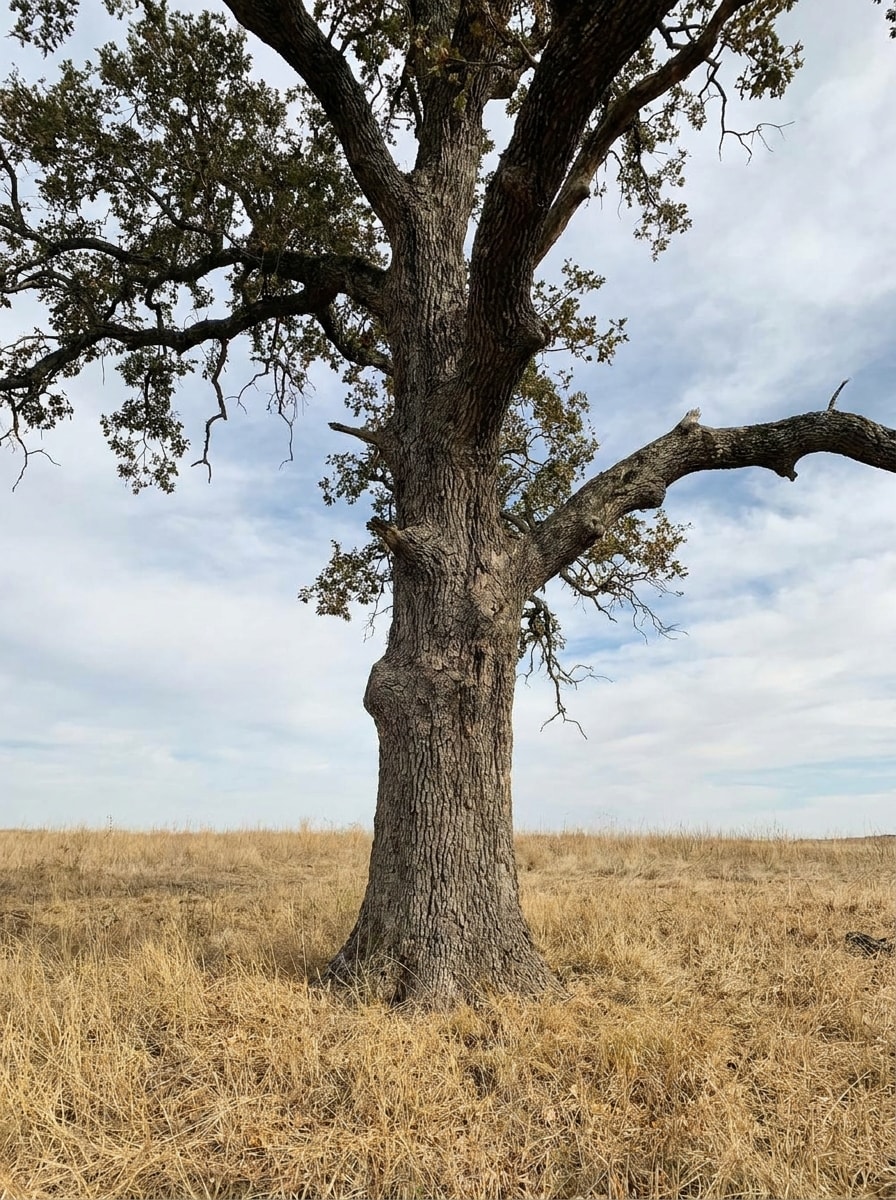
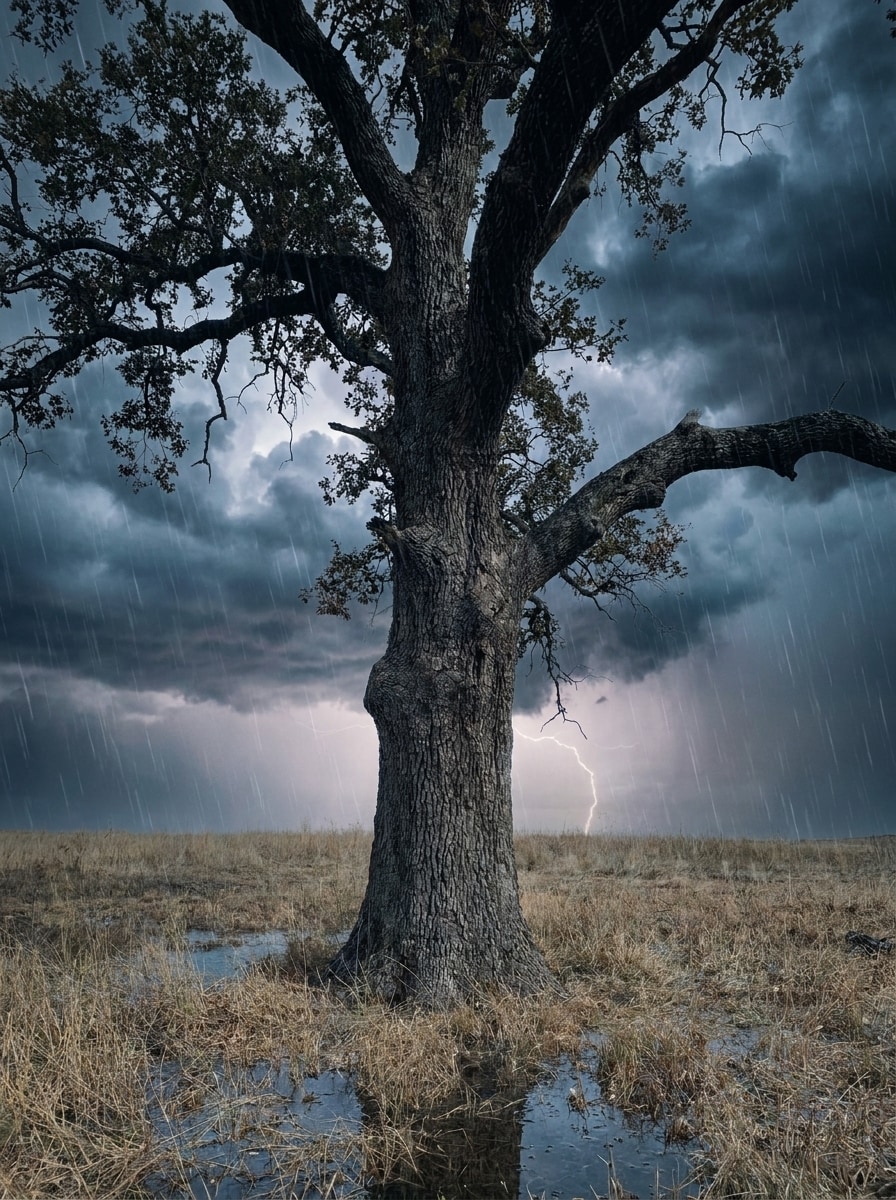
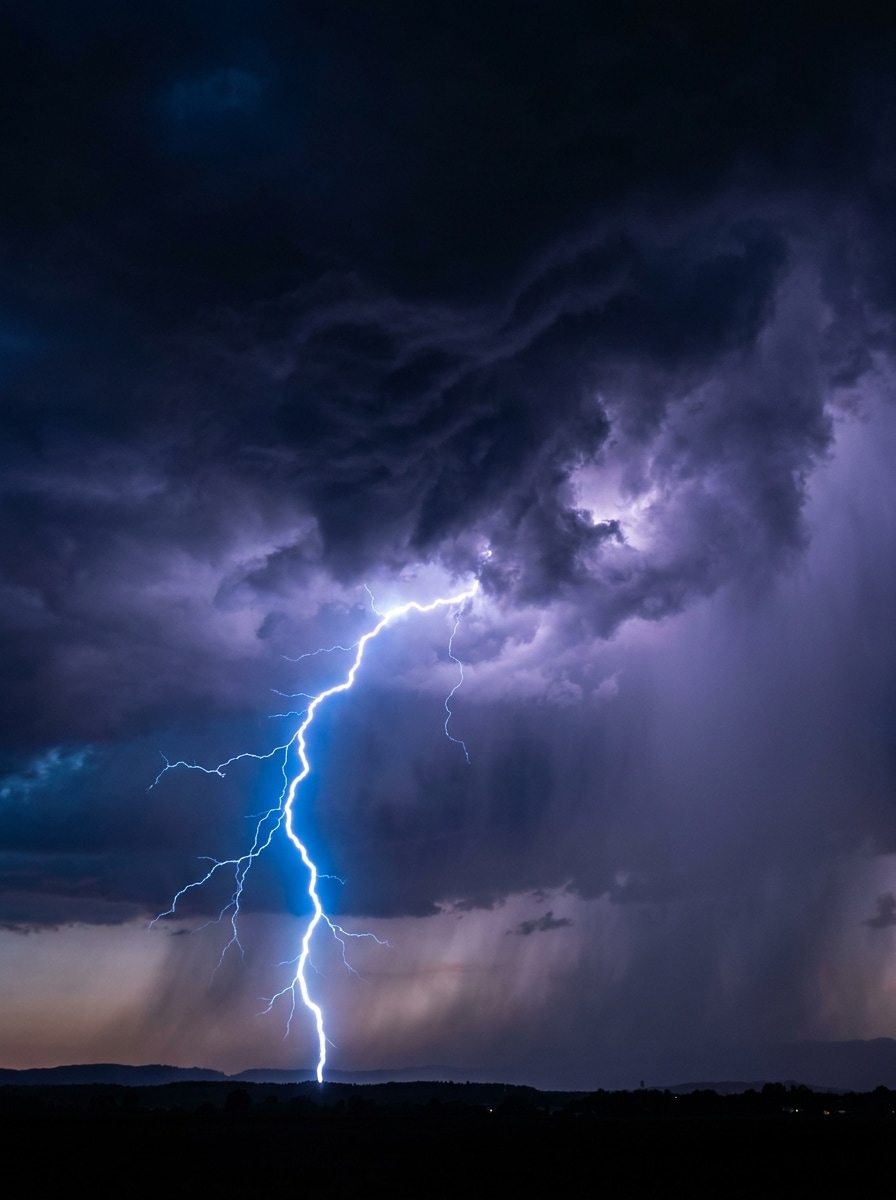
Crie edições cinematográficas de clima a partir das suas próprias fotos com um filtro de tempestade realista. Adicione relâmpagos, chuva, nuvens escuras e uma atmosfera sombria a retratos, selfies, paisagens ou fotos urbanas em segundos com o editor de imagem para imagem com IA do Media.io. Também pode ajudar com filtro de nuvens de tempestade.
Digite sua ideia -> A IA a cria. Grátis para experimentar.
Revise estas direções de exemplo e personalize os detalhes para obter resultados mais fortes com este filtro de tempestade ou uma aparência de filtro de tempestade com IA no Media.io.
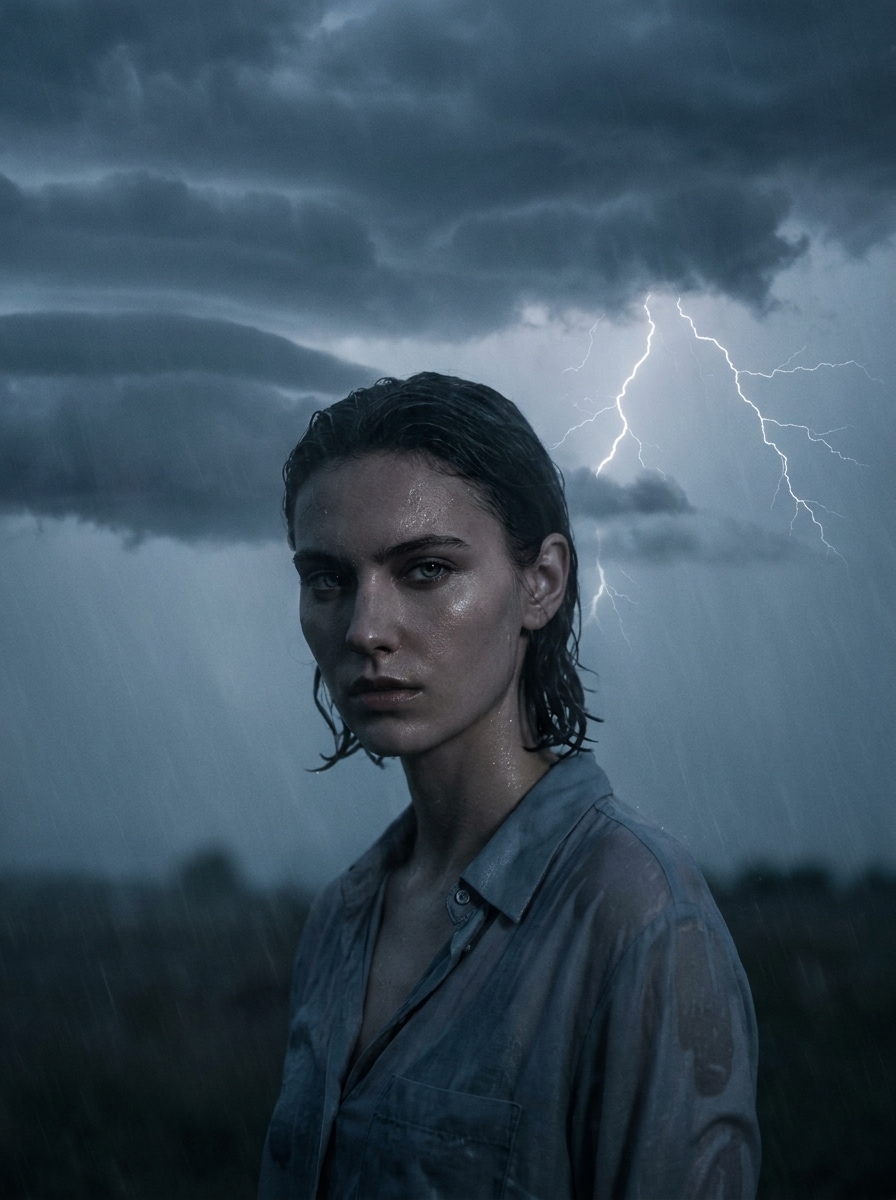
Retrato Sombrio com Relâmpagos
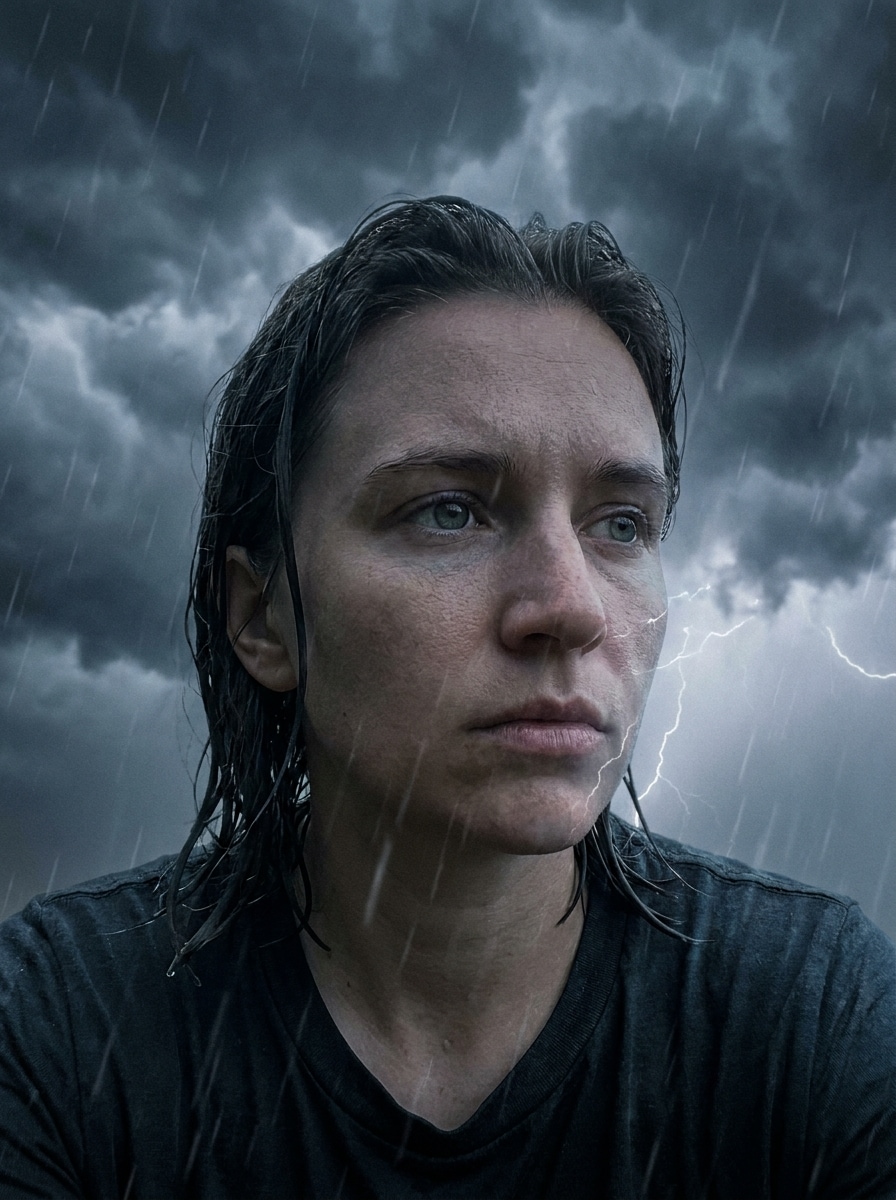
Use a imagem enviada como assunto principal e transforme-a em um retrato cinematográfico de tempestade. Adicione nuvens de tempestade densas e escuras atrás do assunto, um raio realista ao longe, gradação de cor azul-acinzentada fria, névoa de chuva sutil, destaques úmidos brilhantes, contraste dramático e preserve os detalhes faciais naturais.
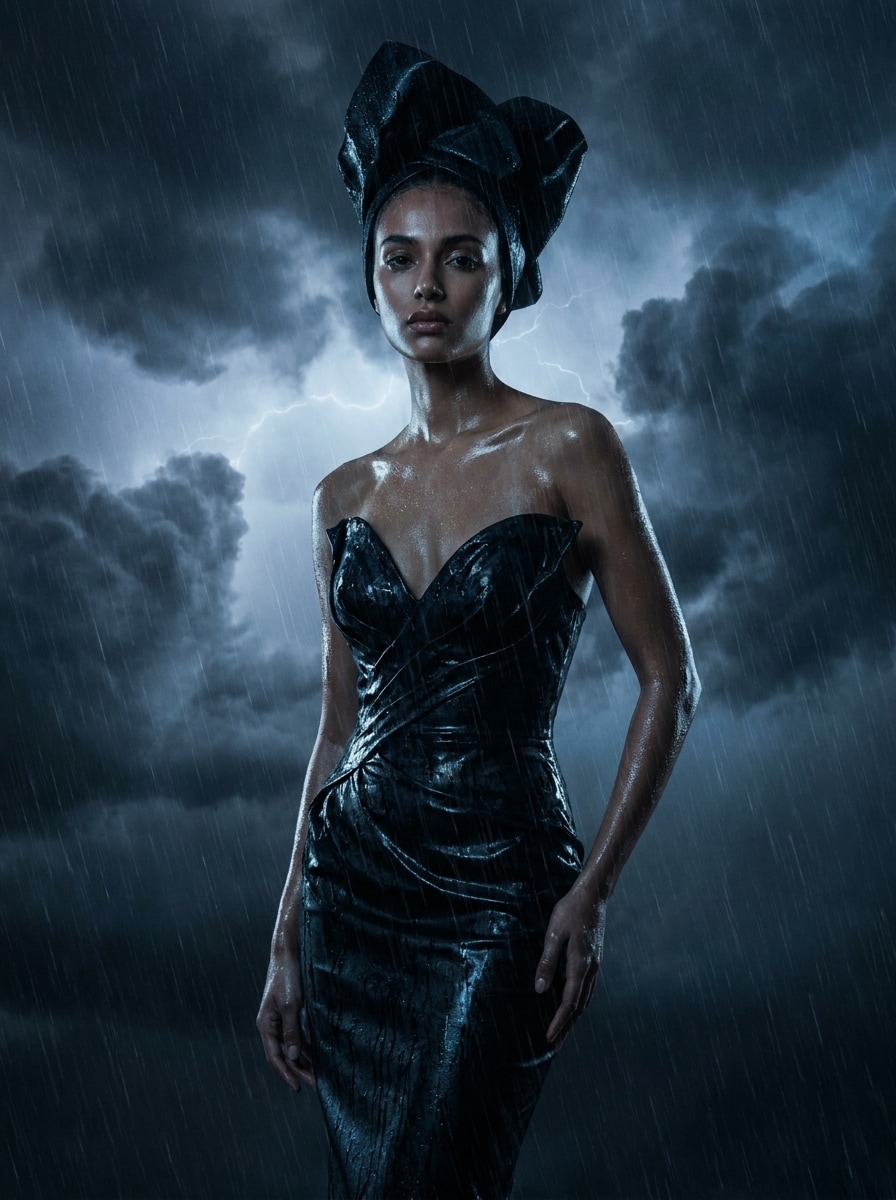
Tempestade Editorial Chuvosa
Use a imagem enviada como assunto e aplique uma transformação editorial de tempestade de alto nível. Adicione camadas de chuva, nuvens de trovoada pesadas, brilho suave de relâmpago, superfícies molhadas refletivas, profundidade de sombra rica, tons frios dessaturados e um clima refinado de revista de moda, mantendo a pessoa ou cena reconhecível.
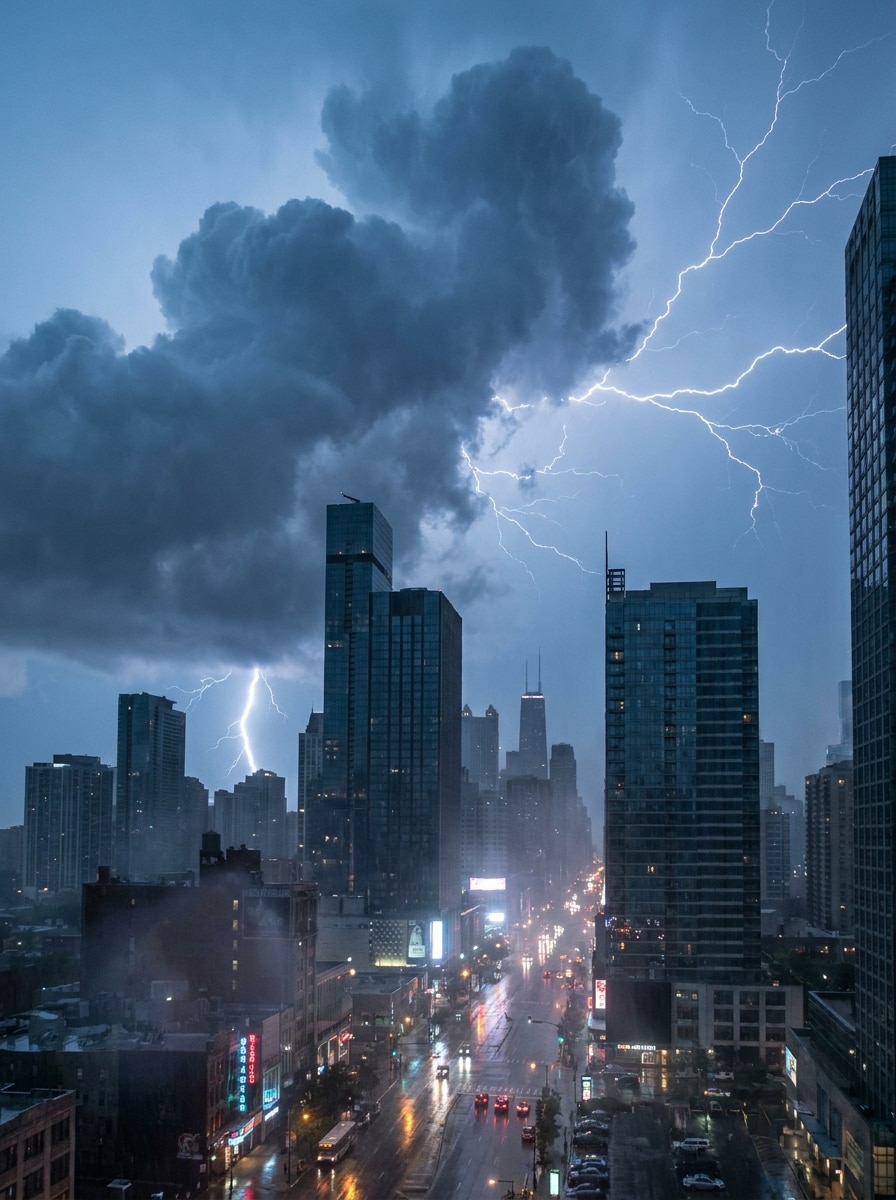
Tempestade no Horizonte da Cidade
Use a foto urbana enviada como base e transforme-a em uma cena de tempestade dramática. Preencha o céu com nuvens de tempestade imponentes, adicione raios brilhantes, reflexos de ruas molhadas, névoa atmosférica suave, contraste mais escuro e um clima urbano cinematográfico com textura climática realista.
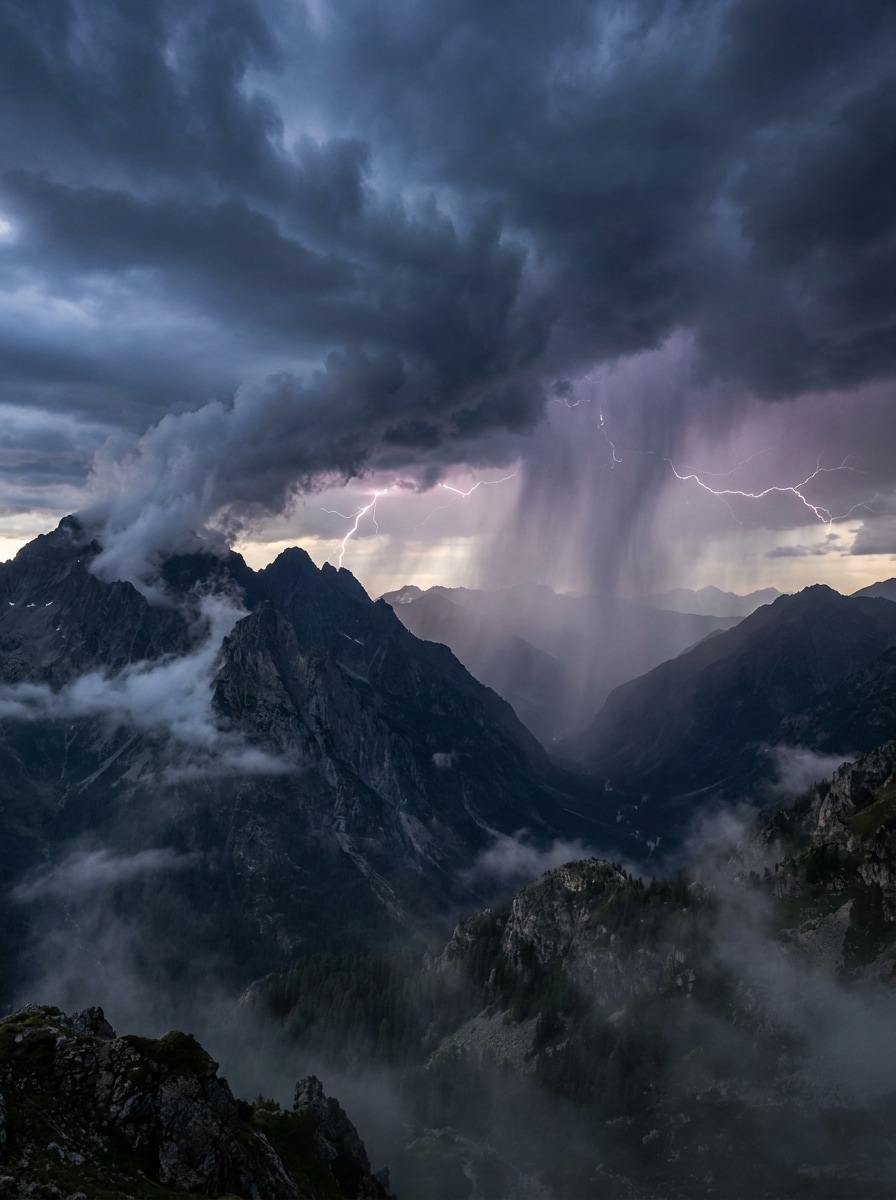
Tempestade Épica nas Montanhas
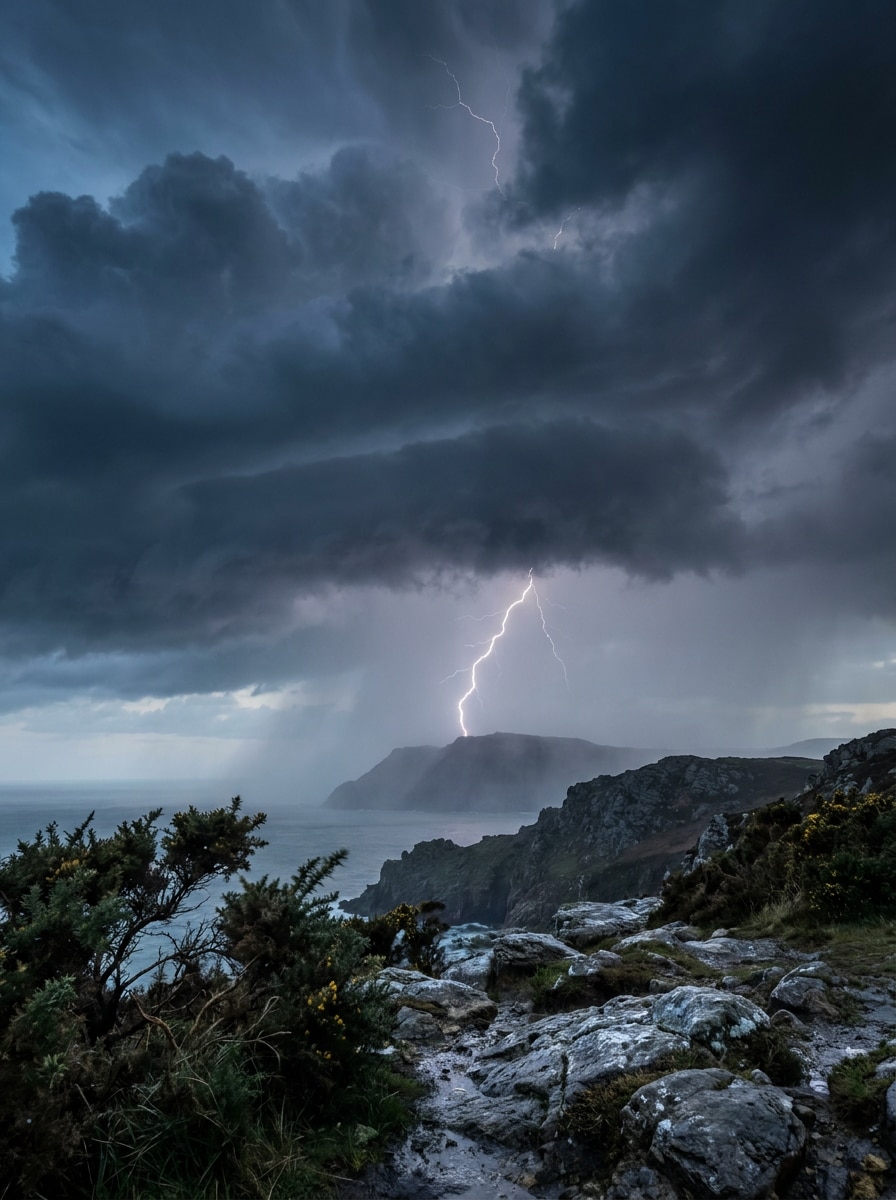
Use a imagem de paisagem enviada e transforme-a em uma épica tempestade nas montanhas. Adicione nuvens de tempestade massivas sobre os picos, relâmpagos distantes, cortinas de chuva, maior profundidade, tons de céu mais escuros, gradação de cor natural fria e drama climático realista, preservando os detalhes do terreno.
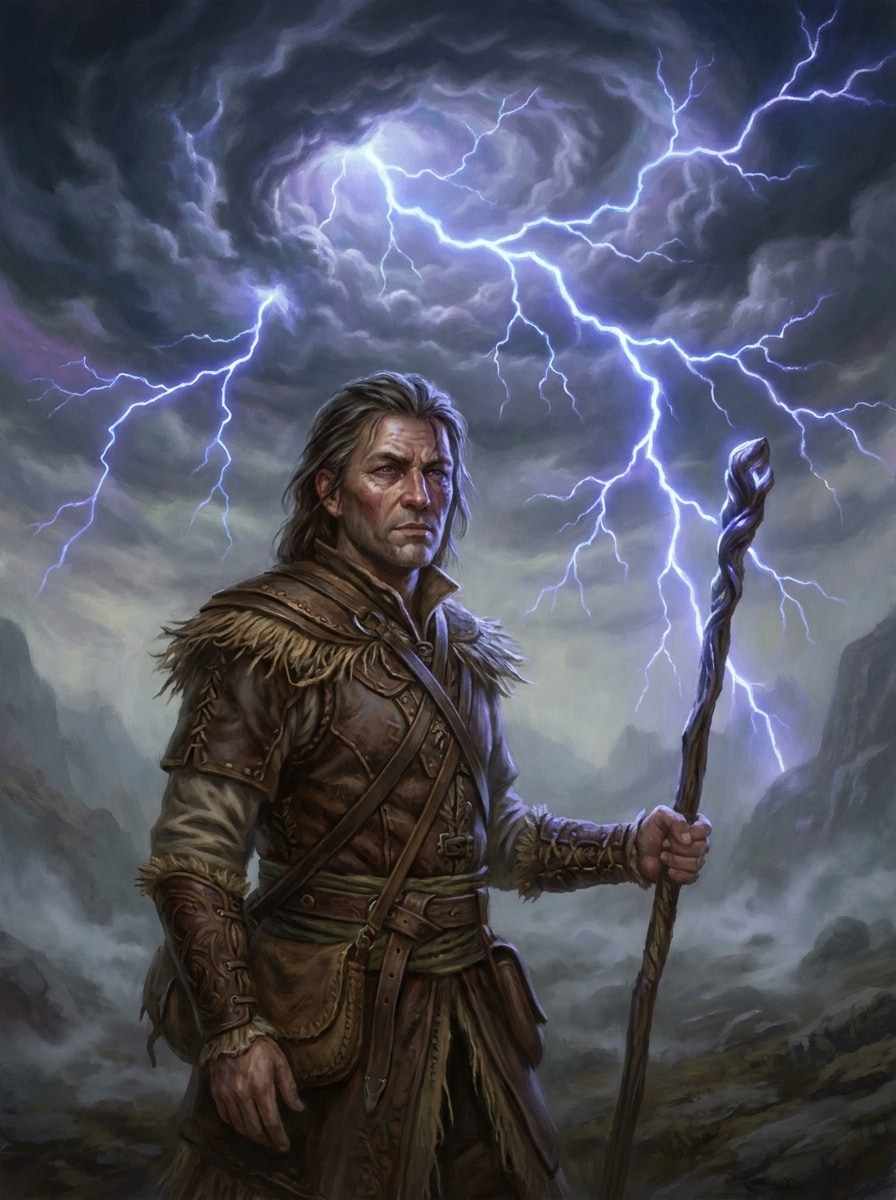
Céu Fantástico com Relâmpagos
Use a imagem enviada como assunto e reestilize a cena com um céu de tempestade surreal. Adicione nuvens escuras redemoinhantes, relâmpagos ramificados brilhantes, destaques azul-violeta luminosos, atmosfera nebulosa, realismo mágico e contraste forte, mantendo o assunto original claro e centralizado.
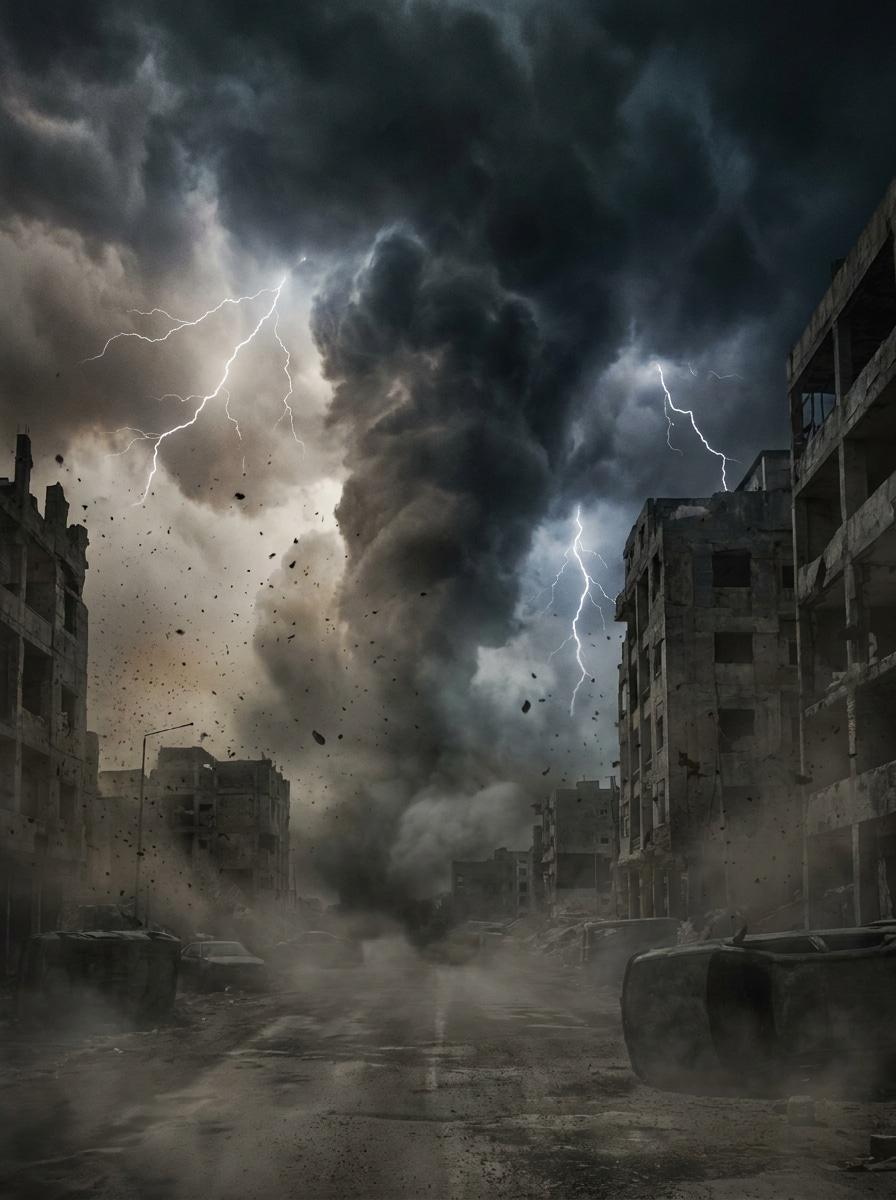
Efeito de Tempestade Apocalíptica
Use a imagem enviada como base da cena e crie uma transformação de tempestade apocalíptica. Adicione frentes de tempestade gigantes, relâmpagos intensos, névoa escura, atmosfera com vento, cores dessaturadas suaves, contraste pesado e escala de filme catástrofe, mantendo uma estrutura crível e assuntos reconhecíveis.
Destaque de Relâmpago no Antes e Depois
Use a imagem enviada e aplique um efeito de tempestade ousado projetado para revelações sociais de antes e depois. Adicione um ponto focal de relâmpago marcante, nuvens escurecidas, contraste aumentado, chuva sutil, destaques nítidos e um acabamento realista que seja claramente visível em telas de celular.
Filtro de Selfie com Tempestade
Use a selfie enviada como assunto e dê a ela uma transformação realista de tempestade. Adicione cobertura de nuvens escuras, listras suaves de chuva, iluminação suave de relâmpago, gradação azul fria, sombras sombrias e preserve a clareza facial para uma aparência filtro de tempestade com IA refinada.
Realismo Documental de Tempestade
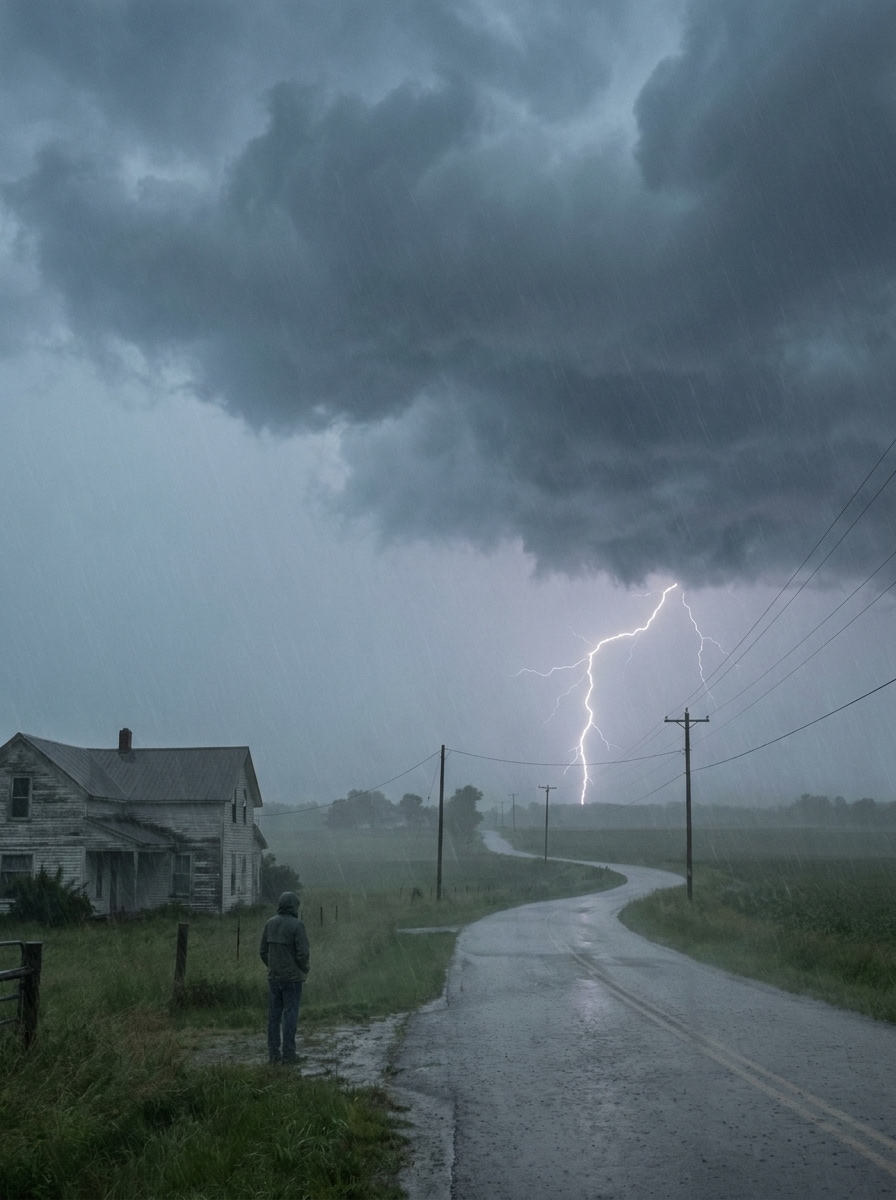
Use a imagem enviada e faça-a parecer como se tivesse sido capturada durante uma tempestade real. Adicione densidade de nuvens autêntica, posicionamento natural de relâmpagos, cores de tempestade suaves, leve umidade atmosférica, contraste moderado e iluminação climática crível sem exagero fantástico.
Melhoria de Céu Escuro e Relâmpagos
Use a foto enviada como referência e aprimore-a com um dramático filtro de céu tempestuoso. Adicione nuvens de tempestade escuras, um ou dois raios realistas, névoa de chuva sutil, sombras de céu mais profundas, exposição equilibrada e uma atmosfera atmosférica cinematográfica crível de trovoada.
Por Que Usar o Media.io para Edições de Fotos com Tempestade
Mantenha o Assunto Original Reconhecível
Para criadores que desejam um filtro de foto de tempestade sem perder feições faciais ou estrutura da cena, o Media.io usa sua imagem enviada como âncora visual, ajudando a preservar a identidade e os principais detalhes enquanto adiciona clima sombrio ao redor do assunto.
Retrabalhе um Assunto em Múltiplos Estilos
Se o assunto ainda precisar parecer com ele mesmo após a transformação, o Media.io ajuda a manter as pistas de identidade principais enquanto atualiza o estilo visual final do filtro de tempestade para um resultado final mais limpo.
Mantenha os Visuais Finais Nítidos para Projetos Reais
Visuais prontos para publicação precisam de clareza e atmosfera. O Media.io entrega uma saída de filtro de tempestade mais nítida de até 4K, para que sua imagem editada permaneça precisa em apresentações, papéis de parede e ativos criativos reutilizados.
Edite Efeitos de Tempestade Facilmente em Qualquer Dispositivo
Alguns conceitos visuais de filtro de tempestade são esboçados em movimento e concluídos posteriormente em uma mesa. O Media.io mantém esse processo online, para que você possa retornar ao mesmo fluxo de trabalho sem instalações ou configurações extras.
Como Aplicar um Filtro de Tempestade Online
Transforme suas palavras em visuais impressionantes em três etapas simples e continue refinando o resultado se quiser ir mais longe.
Passo 1
Envie Sua Imagem de Referência
Comece com um retrato, selfie, paisagem ou foto urbana clara em JPG, PNG ou JPEG. Uma imagem fonte limpa fornece à IA uma base mais sólida para relâmpagos realistas, nuvens escuras, atmosfera de chuva e estilo climático cinematográfico.
Passo 2
Descreva a Mudança e Defina as Opções
Diga à IA que tipo de aparência de tempestade você deseja, como relâmpagos realistas, um efeito escuro de foto de tempestade ou uma transformação dramática do horizonte. Em seguida, escolha seu modelo e ajuste a proporção, resolução e o número de variações de imagem.
Passo 3
Gere, Baixe e Continue Melhorando
Crie múltiplas versões, compare o clima e a intensidade e baixe o resultado que mais gostar. Se necessário, refine o prompt, altere o enquadramento ou gere novamente até que sua cena de tempestade pareça exatamente certa.
Desbloqueie o Potencial do Filtro de Tempestade com IA
Veja como os criadores usam este filtro de tempestade para conteúdo, marketing e projetos pessoais e adapte cada ideia ao seu briefing.
Transforme Retratos Simples em Edições Cinematográficas
Dê a um retrato ou selfie comum uma transformação dramática com relâmpagos, brilho de chuva e céus sombrios. O Media.io ajuda a transformar fotos simples em miniaturas de destaque, imagens de perfil ou conteúdo de antes e depois em formato curto com um acabamento editorial refinado.
Aprimore Fotos de Viagem e Paisagem com Atmosfera
Uma imagem tranquila de montanha, praia ou cidade pode se tornar muito mais memorável com uma transformação climática realista. Use o Media.io para criar céus mais escuros, maior profundidade e tensão crível de tempestade com a sensação de filtro de céu tempestuoso para papéis de parede, impressões ou narrativas sociais.
Crie Visuais Sociais que Param a Rolagem Rapidamente
Se você precisa de um ousado efeito escuro de foto de tempestade para Instagram, TikTok ou gráficos promocionais, o Media.io facilita a criação de edições de tempestade com maior contraste e apelo emocional. Teste diferentes posicionamentos de relâmpagos e intensidade de nuvens para encontrar uma aparência que chame a atenção em telas pequenas.
O Que os Usuários Dizem Sobre os Efeitos de Tempestade do Media.io
Jasmine R.
Criadora de Conteúdo
"Ótimo para edições dramáticas de antes e depois" Usei para transformar uma selfie normal em uma cena de tempestade para um reel, e o relâmpago pareceu muito mais realista do que aplicativos básicos de sobreposição. O assunto ficou claro, o que fez a transformação parecer refinada.
Ethan M.
Fotógrafo de Viagem
"Útil para conceitos de paisagem sombria" Testei uma foto de paisagem com nuvens mais escuras e relâmpagos distantes, e o resultado pareceu cinematográfico sem parecer falso. Foi fácil ajustar o clima e gerar algumas versões diferentes de tempestade.
Nina C.
Designer de Mídia Social
"Maneira rápida de criar visuais com tema climático" Precisava de um efeito de imagem de tempestade rápido para um mockup de campanha, e o Media.io me ajudou a chegar lá rapidamente. O fluxo de trabalho no navegador é simples, e as opções de enquadramento de saída facilitaram o ajuste para diferentes tamanhos de postagem.
Marcus T.
Artista Digital
"Bom controle sobre realismo e intensidade" O que mais gostei foi poder manter a composição original enquanto transformava o céu em uma aparência dramática de trovoada. Funciona bem tanto para cenas climáticas realistas quanto para conceitos de tempestade fantástica mais estilizados.
Explore os efeitos de vídeo e imagem de IA mais quentes
Um filtro de tempestade transforma uma imagem normal em uma cena temática de tempestade, adicionando elementos visuais como relâmpagos, nuvens escuras, atmosfera de chuva e iluminação mais sombria. Com o Media.io, você envia sua própria foto e usa IA para criar uma aparência climática mais dramática, mantendo o assunto ou cena original como base.
2. Como posso adicionar relâmpagos realistas e nuvens de tempestade a uma imagem?
Envie uma imagem clara para o Media.io e descreva a mudança climática que deseja, como raios realistas, céus mais escuros ou um clima cinematográfico de tempestade. O Media.io usa sua foto de referência para aplicar uma transformação climática de aparência natural, incluindo um estilo de filtro de céu tempestuoso, mantendo a composição original como fundação.
3. Este filtro de foto de tempestade é gratuito?
Sim, os usuários gratuitos podem experimentar o Media.io com créditos gratuitos. Se precisar de mais gerações, maior uso ou downloads de alta resolução sem marca d'água, você pode verificar a página de preços para os planos disponíveis.
4. Posso usar o filtro de tempestade no iPhone, Android ou computador?
O Media.io é um editor baseado na web, portanto você pode usar este filtro de tempestade no iPhone, Android, Windows ou Mac, desde que tenha um navegador. Isso facilita a criação de uma edição com filtro de foto de tempestade pelo celular, tablet ou computador sem instalar software adicional.
5. A IA manterá os detalhes da minha foto claros após a aplicação do efeito de tempestade?
O Media.io funciona em navegadores modernos em computadores e dispositivos móveis, para que você possa criar e revisar edições de imagem com tema de tempestade sem instalar softwares pesados.
6. Quanto tempo leva para gerar um efeito de imagem de tempestade?
A geração é tipicamente rápida, e muitos usuários podem criar uma variação de tempestade em segundos após enviar uma imagem e inserir um prompt. O tempo exato pode variar dependendo das configurações de imagem e de quantas variações você gera de uma vez.