As criações são armazenadas por apenas 7 dias. Os recursos criados após o upgrade para um plano de assinatura serão armazenados permanentemente.
Desbloqueie seu potencial criativo e experimente a magia da IA de mídia hoje!
Crie uma aparência realista de filtro de CCTV a partir de qualquer foto online
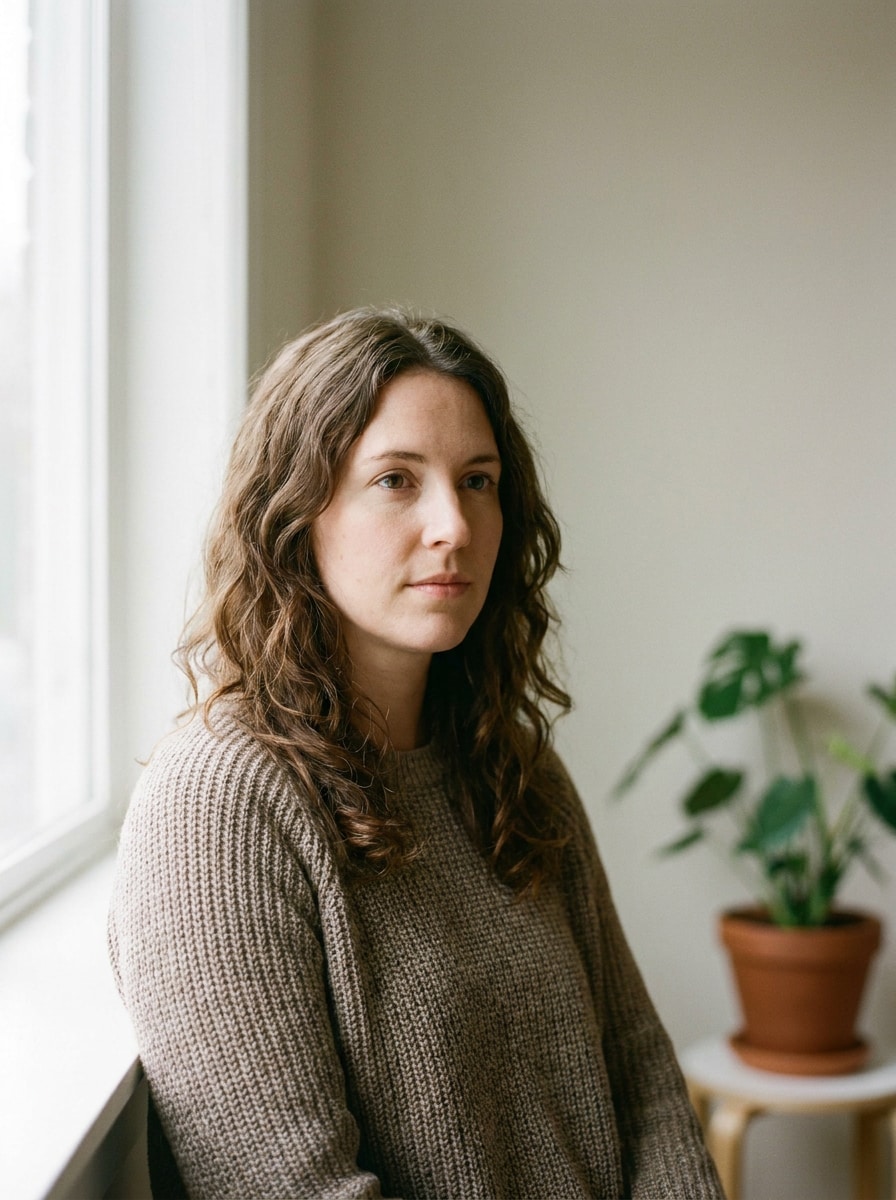
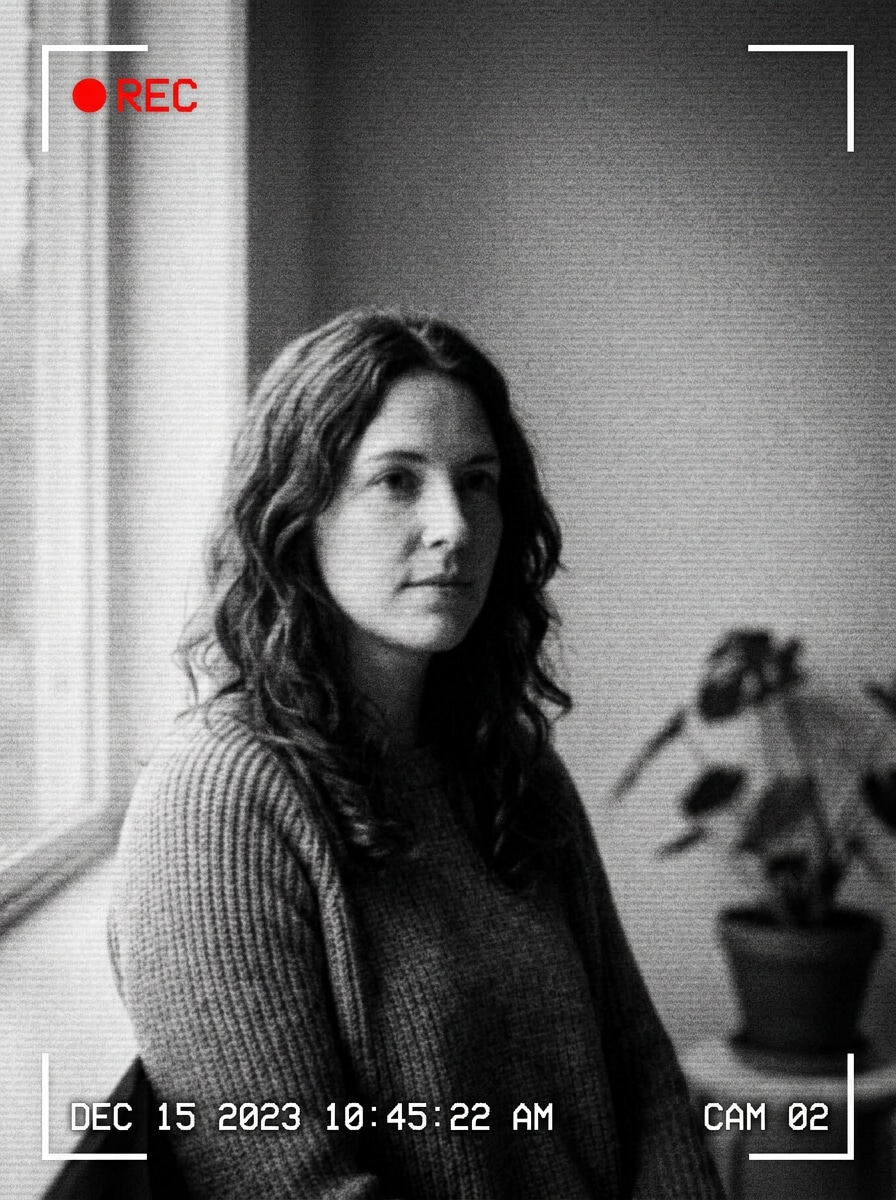
Transforme qualquer imagem enviada em visuais convincentes no estilo vigilância com um filtro de cctv. Media.io ajuda você a adicionar sobreposições de data/hora, scanlines, granulação, tons de visão noturna e estilo retrô de monitor de forma rápida, para criar edições de brincadeira, posts nas redes sociais ou imagens cinematográficas sem habilidades avançadas de edição.
Digite sua ideia -> A IA desenha para você. Gratuito para testar.
Confira essas instruções de exemplo e adapte os detalhes do prompt para obter resultados melhores com esse filtro de cctv na Media.io.
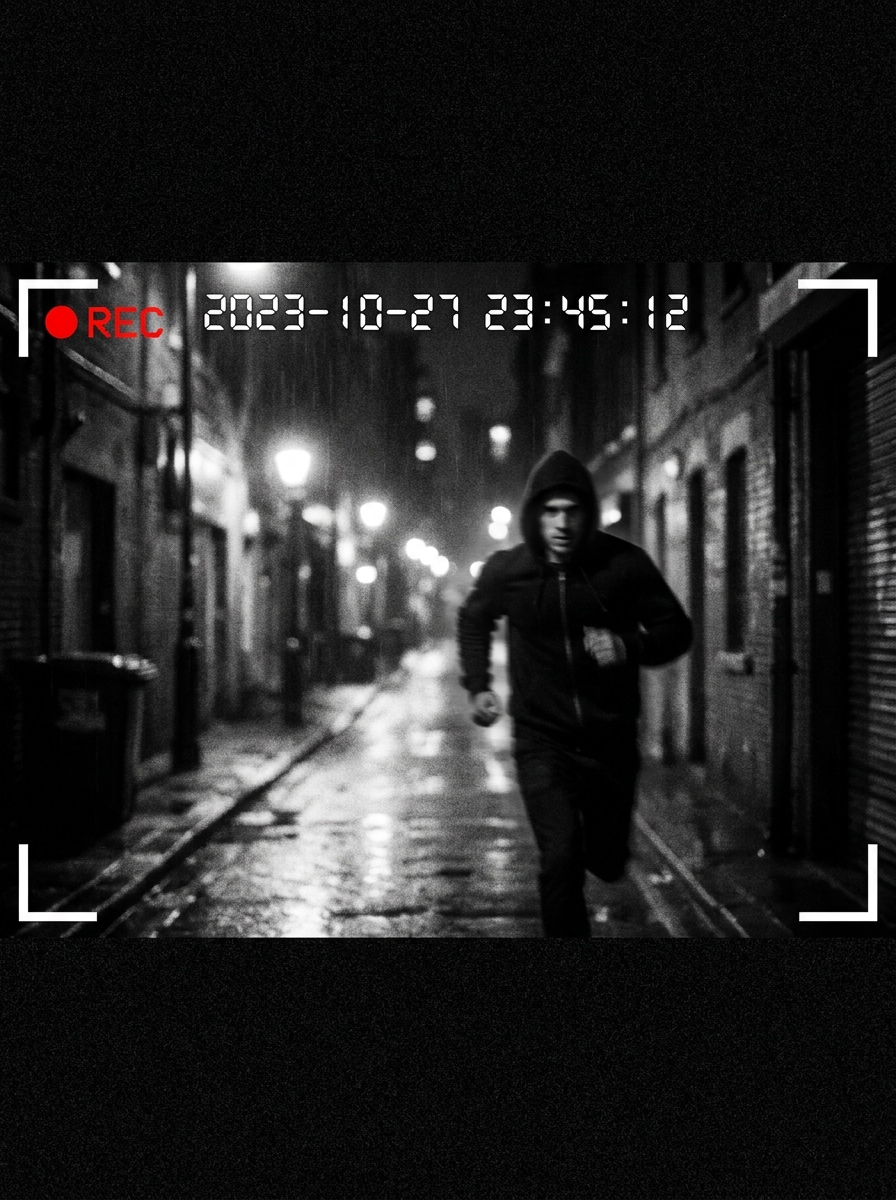
CCTV Preto e Branco
Use a imagem enviada como tema e transforme-a em uma filmagem de vigilância preto e branco realista. Adicione baixo contraste, leve desfoque, ruído digital, sobreposição de data/hora, ícone REC, marcadores de moldura nos cantos e um leve ângulo elevado de câmera de segurança para um efeito autêntico de sala de monitoramento.
Filmagem de Segurança Antiga
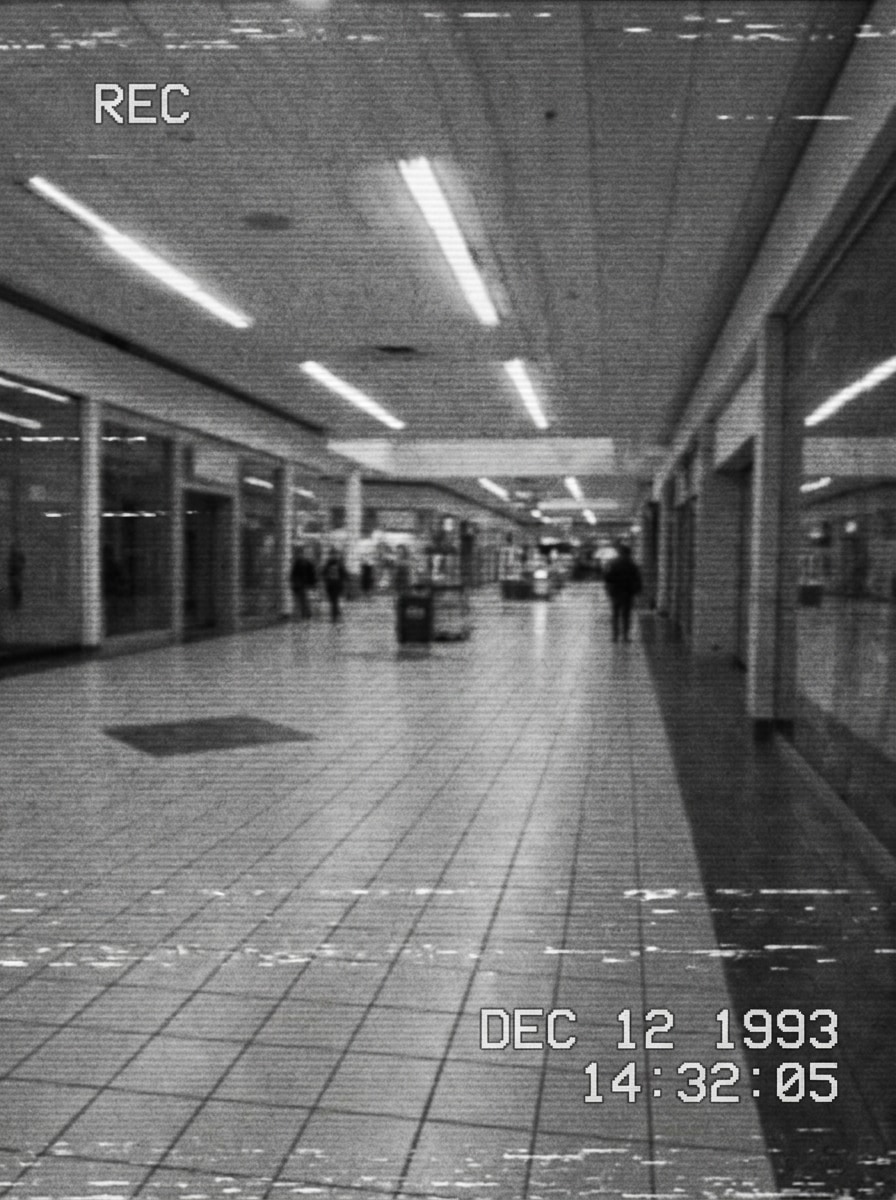
Use a imagem enviada como tema e redirecione para uma filmagem de segurança granulada antiga. Adicione granulação analógica intensa, contraste lavado, scanlines, leve interferência estática, carimbo de data desbotado e textura de reprodução de baixa resolução para criar um visual de arquivo de câmera usado.
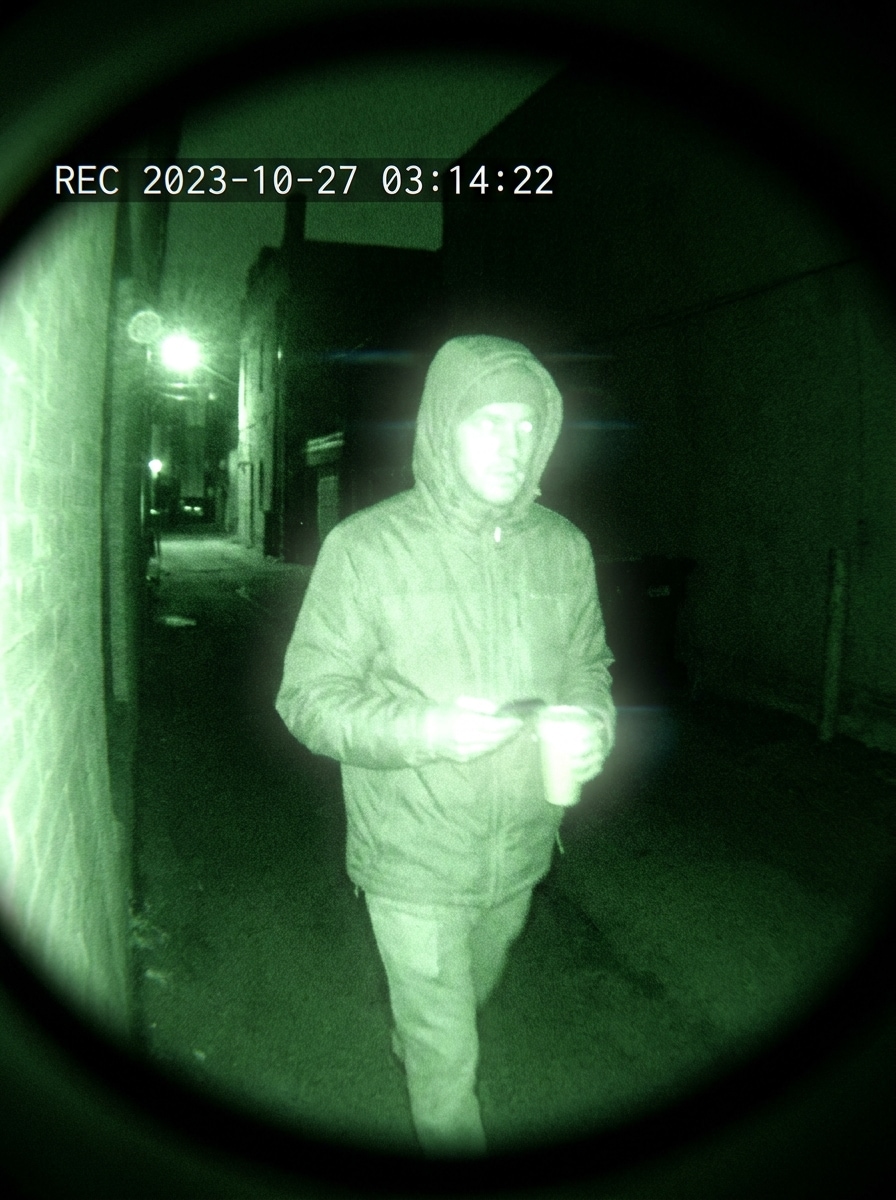
Visão Noturna Verde
Use a imagem enviada como tema e aplique um filtro dramático de visão noturna verde de câmera de segurança. Adicione brilho infravermelho, destaques fortes, sombras profundas, ruído digital de sensor, sobreposição de horário e vinheta escura nos cantos para uma aparência convincente de vigilância noturna.
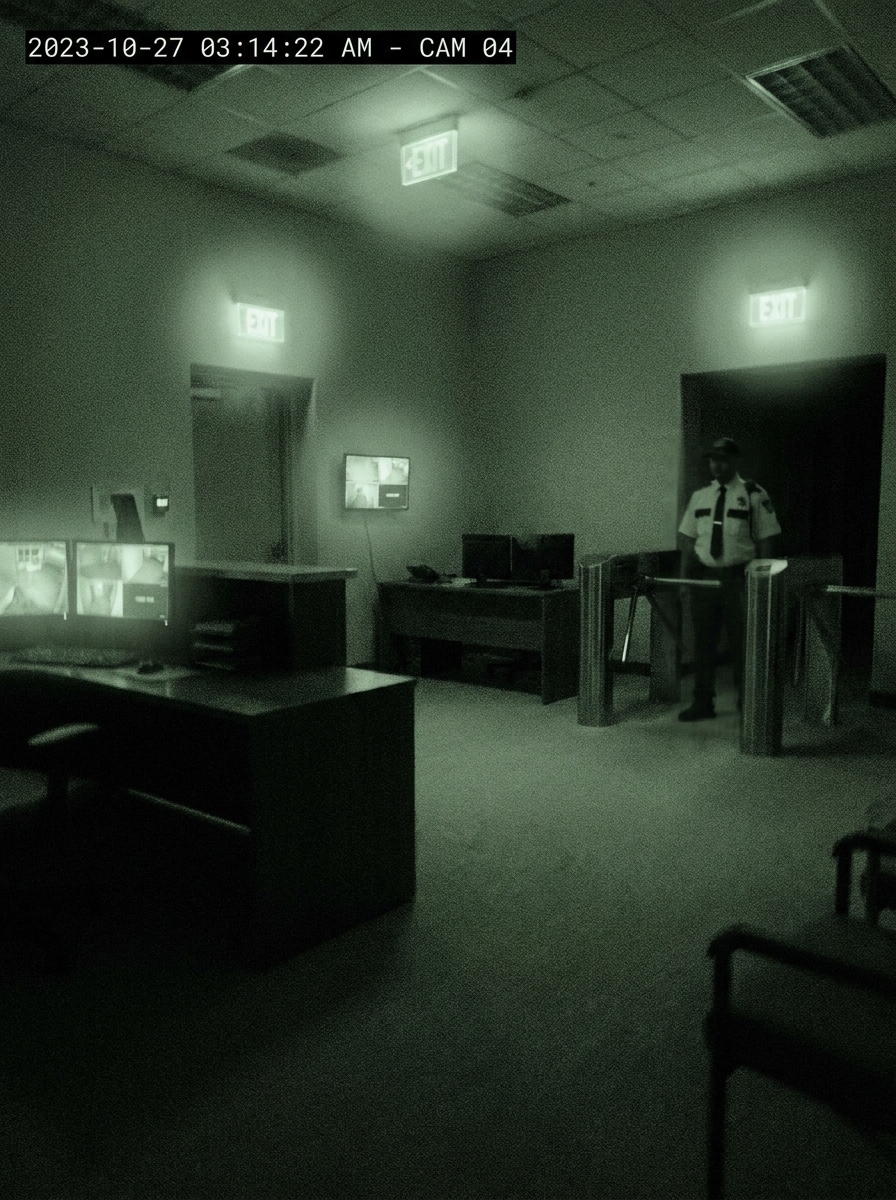
Infravermelho em Baixa Luz
Use a imagem enviada como tema e dê a ela o aspecto de filmagem infravermelha de segurança em baixa luz. Misture tons verde-acinzentados suaves, névoa suave, sombras ruidosas, desfoque das bordas, gráficos de data/hora e atmosfera noturna silenciosa para uma cena de CCTV sutil e realista.
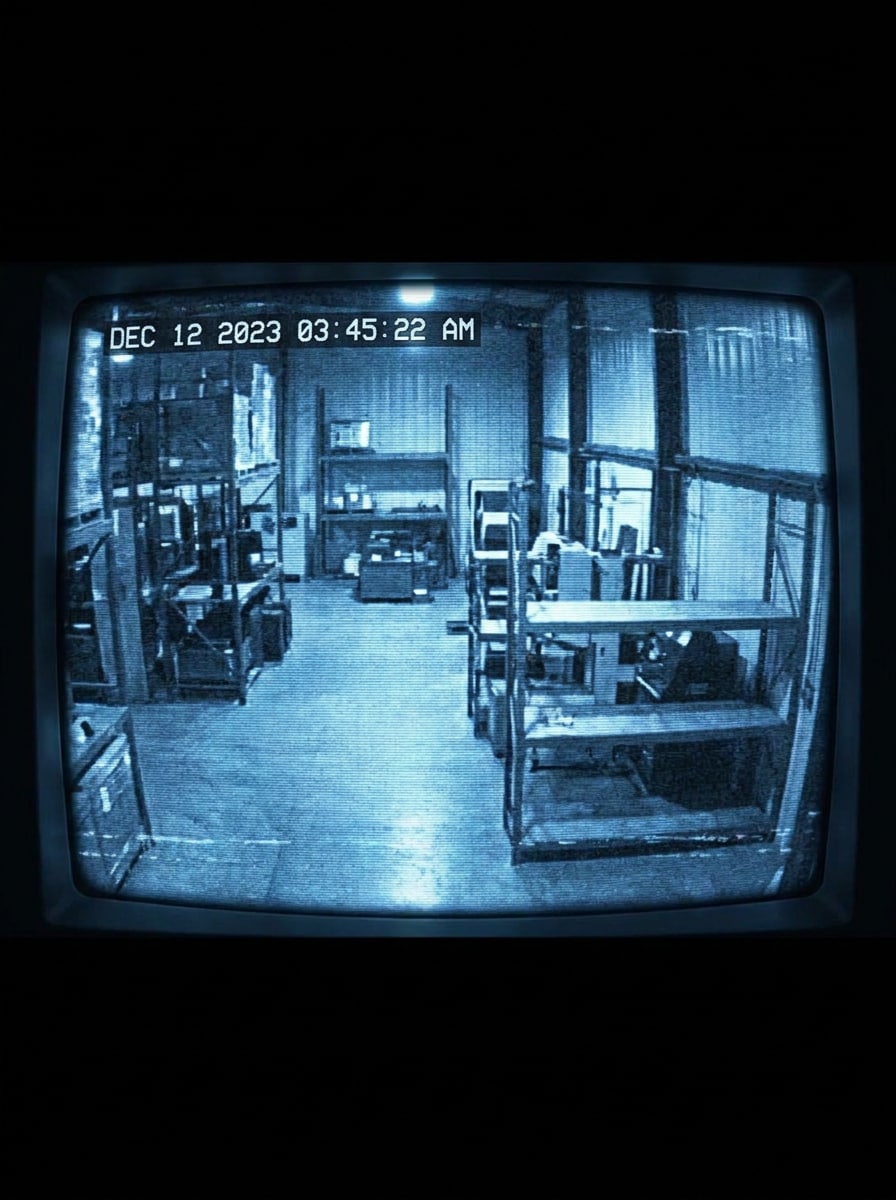
Monitor CRT Azul
Use a imagem enviada como tema e transforme-a num feed de monitor de segurança CRT azul retrô. Adicione tonalidade azul fria, brilho de fósforo, curvatura da tela, scanlines, dados de horário e ruído analógico para um visual de sala de controle.
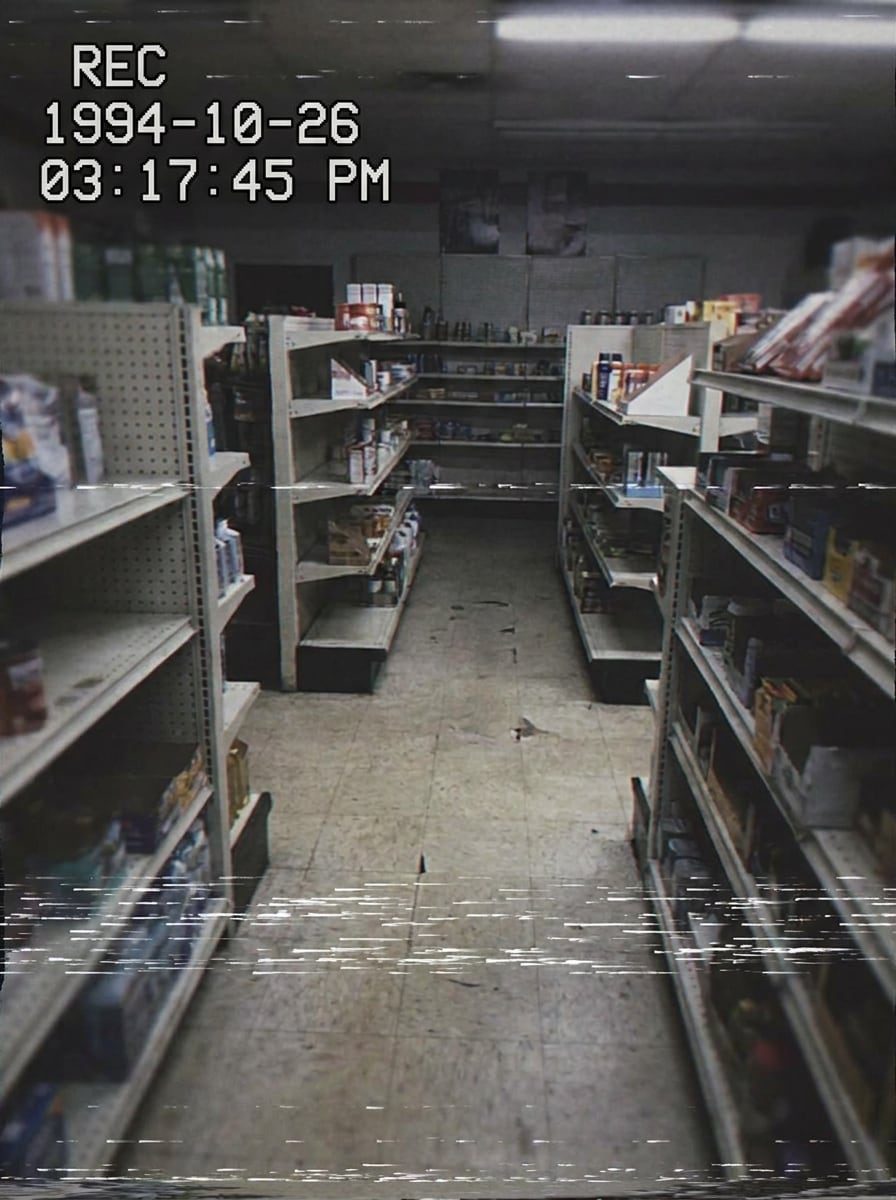
Feed de Segurança VHS
Use a imagem enviada como tema e transforme-a em uma filmagem de vigilância no estilo VHS. Adicione granulação de fita, distorção de rastreamento, tremulação, rajadas de estática, sobreposição de data/hora e cores desbotadas para criar um efeito retrô de reprodução instantaneamente reconhecível.
Flagrado pela Câmera
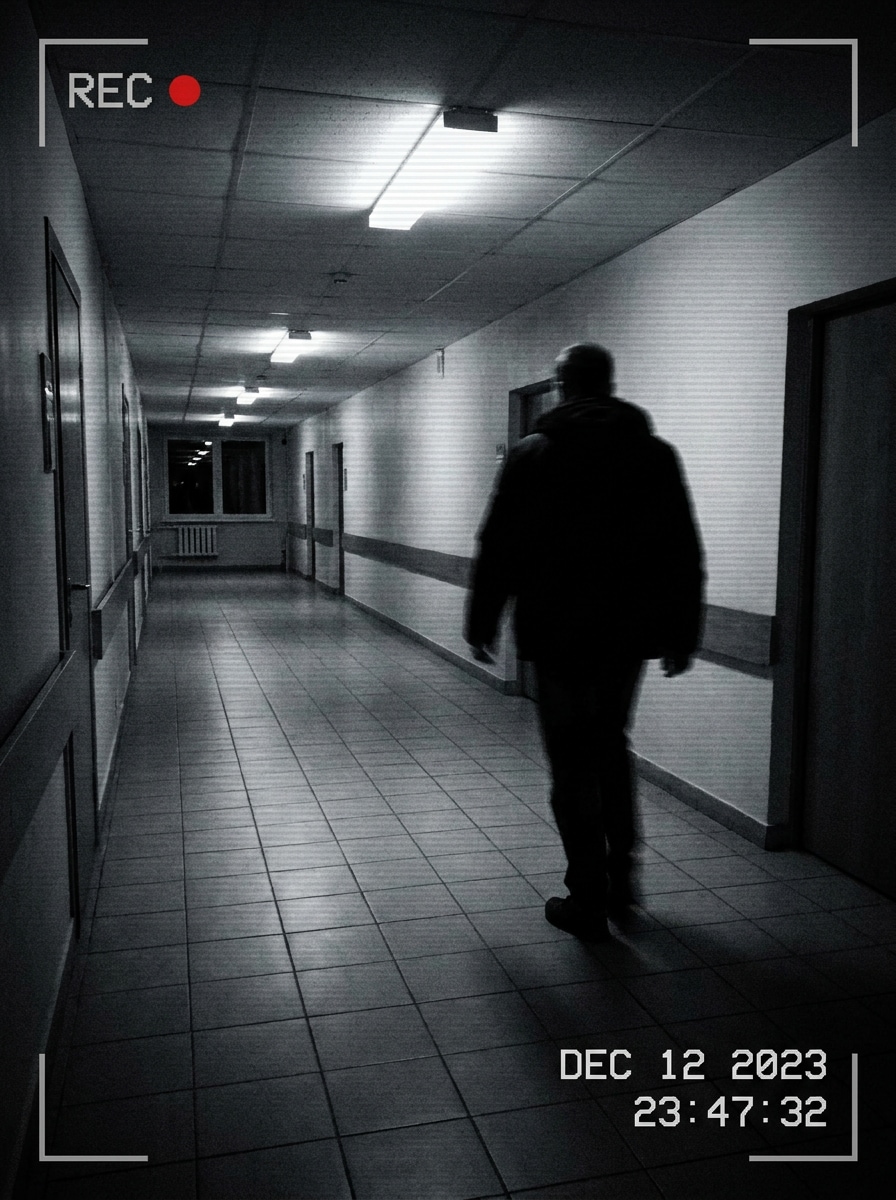
Use a imagem enviada como tema e crie uma imagem dramática de segurança “flagrou na câmera”. Adicione contraste forte, data/hora, ícone REC, desfoque de movimento, enquadramento amplo de vigilância e suportes nos cantos para dar à cena um momento tenso capturado das imagens monitoradas.
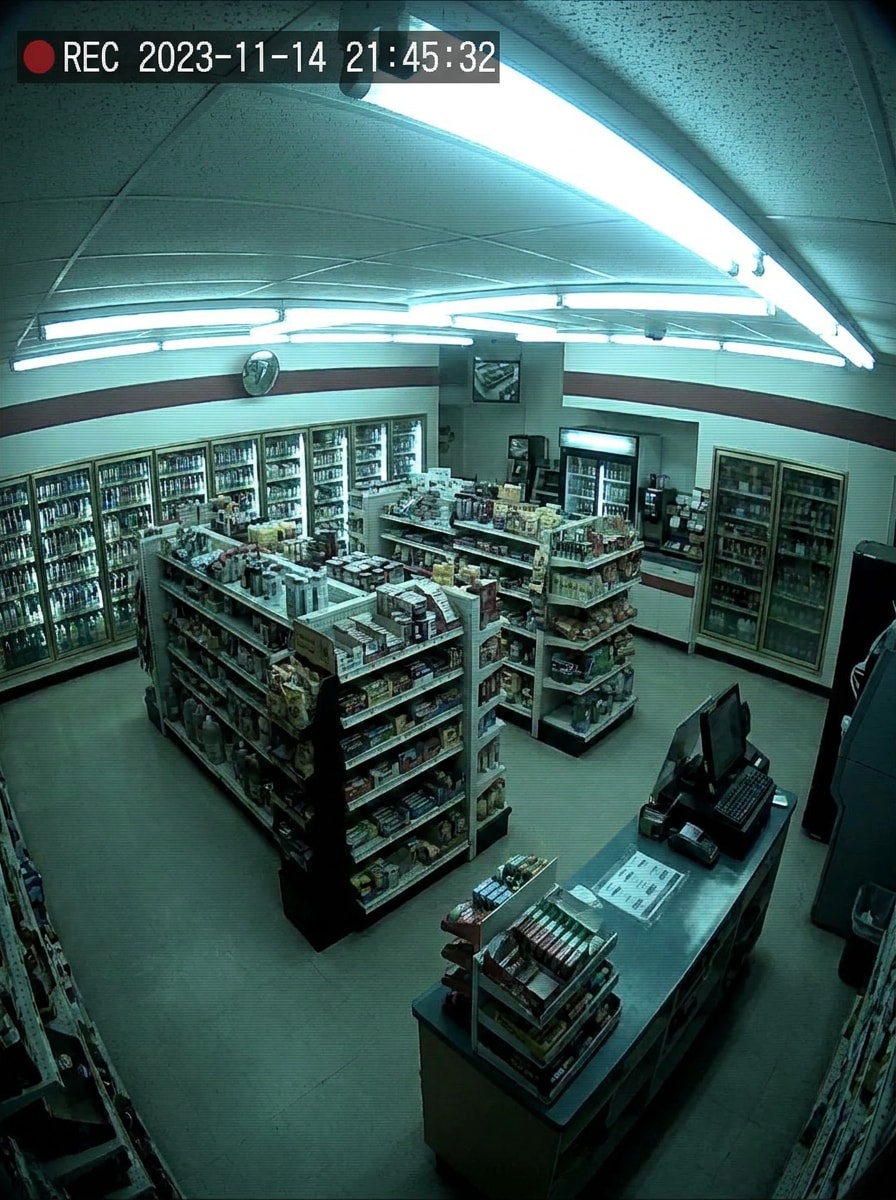
Câmera de Loja de Conveniência
Use a imagem enviada como tema e faça parecer uma filmagem de vigilância de loja. Aplique um ângulo alto de câmera no canto, tonalidade fluorescente, textura de baixo detalhe, registro de data/hora e granulação leve para um visual de monitoramento de varejo do dia a dia.
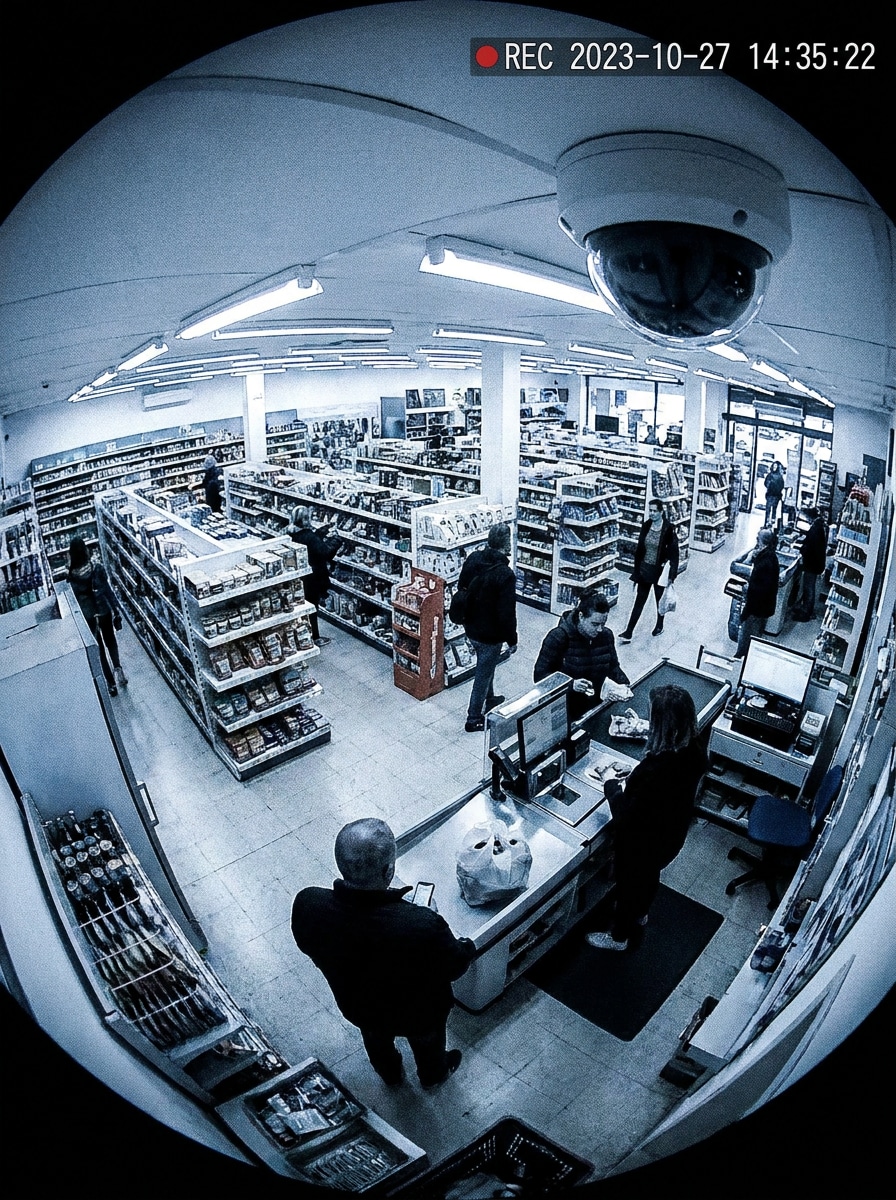
CCTV Olho de Peixe
Use a imagem enviada como tema e acrescente um filtro de câmera CCTV olho de peixe. Inclua distorção de lente curva, perspectiva de canto do teto, sobreposição de data/hora, ruído digital e textura comprimida para simular uma câmera de segurança de ângulo amplo tipo domo.
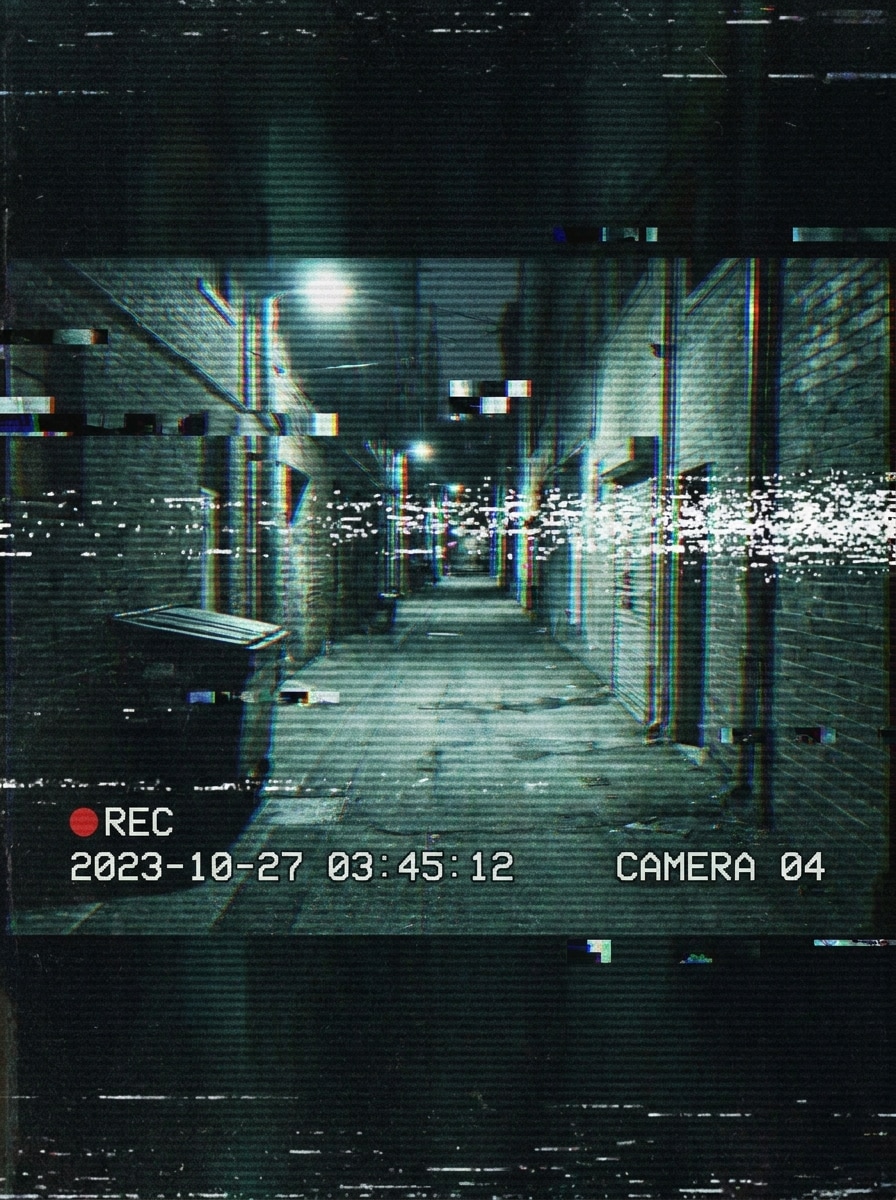
Surveillance Glitch
Use a imagem enviada como tema e faça com que pareça filmagem de vigilância corrompida. Sobreponha scanlines, glitches de sinal, distorção cromática, gráficos de data/hora, ruído estático e contraste escuro dramático para um efeito estilizado e reconhecível de falha de CCTV.
Por que usar Media.io para edições de filtro CCTV
Resultados baseados em referência que mantém o tema reconhecível
Selfies, fotos de rua e imagens de brincadeira mantêm a pessoa, pet ou ambiente original reconhecível pois o Media.io usa sua imagem enviada como referência, transformando-a com um filtro de foto cctv realista usando data/hora, granulação ou visão noturna.
Crie rápido looks retro, visão noturna ou modernos de segurança
Media.io economiza tempo para criadores que querem estética de filmagem monitorada, permitindo alternar entre vigilância preto e branco, visão noturna verde ou visual estilo VHS em um fluxo no navegador, tornando o filtro de câmera de vigilância mais fácil de criar sem sobreposições manuais.
Gere resultados limpos em até 4K
Para apresentações, cortes ou reutilização de campanhas, Media.io gera visual de filtros CCTV com até saída 4K para que a imagem fique mais limpa e utilizável além de rascunhos. Isso deixa mais espaço para recortar, apresentar e reutilizar o ativo final.
Crie de qualquer navegador sem limite apenas para apps
Editar na mesa ou revisar rascunhos em movimento é mais simples com Media.io porque o fluxo fica no navegador, facilitando criar e revisitar um visual de filmagem de segurança em diferentes dispositivos com o mesmo processo de filtro cctv.
Como aplicar um filtro CCTV online
Transforme suas palavras em visuais incríveis em três passos simples e continue refinando se quiser aprimorar o resultado.
Passo 1
Envie sua imagem de referência
Comece com uma foto clara, selfie, imagem de pet, foto de rua ou cena interna. Faça upload de JPG, PNG ou JPEG que você quer transformar em enquadramento estilo vigilância convincente.
Passo 2
Descreva a mudança e configure as opções
Digite o visual CCTV desejado, como monitoramento preto e branco, visão noturna verde, reprodução VHS ou filmagem com glitches e data/hora. Escolha então o modelo, proporção, resolução e número de variações da imagem.
Passo 3
Gere, baixe e continue aprimorando
Crie vários resultados, compare a versão mais forte e baixe a que se encaixa no seu post ou projeto. Você pode refinar o prompt, gerar em estilo diferente ou reutilizar a imagem em edições criativas depois.
Desbloqueie o potencial do filtro de câmera de segurança
Veja como criadores usam esse filtro CCTV para conteúdo, marketing e projetos pessoais, e adapte cada ideia ao seu briefing.
Crie conteúdo viral “Flagrado pela Câmera” nas redes sociais
Transforme retratos comuns, fotos de pets ou de corredores em imagens dramáticas de vigilância com carimbo de data, ícones REC e enquadramento granulado. Media.io ajuda você a criar um efeito de foto cctv instantaneamente reconhecível para TikTok, Reels e memes sem um fluxo longo de edição.
Produza visuais de horror, suspense e mistério mais rápido
Criadores podem simular imagens de monitores assustadores, cenas de espaços liminares e filmagem de segurança em baixa luz para thumbnails, posters ou pitch decks. Um de câmera de segurança visual estilizado do Media.io comunica tensão rapidamente, especialmente quando se busca atmosfera de retro-tecnologia ou patrulha noturna.
Prototipe conceitos de vídeo com quadros baseados em fotos
Se você está planejando um curta, videoclipe ou sequência de pegadinhas, comece gerando imagens estilo vigilância. Testar um de câmera CCTV olho de peixe visual em fotos com Media.io facilita prever ângulos, sobreposições e clima antes de editar o vídeo completo.
O que usuários dizem sobre a ferramenta de filtro CCTV
Maya Chen
Criadora de vídeo curta
"Perfeito para posts rápidos estilo vigilância" Usei para transformar uma selfie de corredor normal em uma imagem convincente de câmera de segurança com data/hora e granulação. Isso me poupou de precisar sobrepor efeitos manualmente em outro aplicativo.
Jordan Alvarez
Cineasta Indie
"Ótima ferramenta conceitual para cenas de suspense" Testei vários estilos para uma sequência de suspense, incluindo visão noturna e filmagem de monitor antigo. O fluxo de imagem para imagem facilitou manter o ator reconhecível enquanto mudava o clima.
Sophie Patel
Designer de Redes Sociais
"Fácil no celular e no desktop" O que mais gostei foi não precisar baixar outro aplicativo. Pude enviar uma foto de referência no navegador, testar alguns estilos de vigilância e conseguir algo útil para um mockup de campanha rapidamente.
Ethan Brooks
Editor de Memes
"Os efeitos são instantaneamente reconhecíveis" Os melhores resultados tinham os sinais clássicos que as pessoas reconhecem na hora: scanlines, data/hora, símbolo REC e qualidade de imagem levemente áspera. Funciona muito bem para edições de piada “flagrou na câmera”.
Explore os efeitos de vídeo e imagem de IA mais quentes
Um filtro CCTV é um efeito de edição que faz uma foto ou quadro parecer vinda de uma câmera de segurança. Frequentemente adiciona tons preto e branco ou visão noturna, sobreposições de data/hora, ícones REC, granulação, scanlines, desfoque ou textura de monitor de baixa resolução para criar uma imagem no estilo vigilância.
2. Como posso fazer uma foto parecer filmagem de câmera de segurança online?
Envie sua imagem ao Media.io, descreva o visual desejado e gere variações. Media.io pode transformar uma foto normal em uma imagem com filtro CCTV usando estilos de filmagem preto e branco, tons verdes infravermelhos, distorção VHS, sobreposições de data/hora e outros detalhes reconhecíveis de câmeras de segurança diretamente no navegador. Imagens enviadas são automaticamente excluídas dos nossos servidores após 7 dias para proteger a privacidade.
3. Posso adicionar efeito CCTV em vídeo também?
Esta página foca na criação de imagens baseadas em fotos, mas muitos usuários começam com stills no Media.io para testar o clima antes de aplicar tratamento semelhante no estilo CCTV durante a edição do vídeo.
4. Existe um filtro CCTV gratuito que posso usar sem baixar aplicativo?
Sim. Media.io é baseado na web, então você pode testar o fluxo de filtro CCTV online sem instalar outro app. Usuários gratuitos podem usar créditos gratuitos, e se precisar de mais uso ou downloads em alta resolução sem marca d'água, veja a página de preços para os planos disponíveis.
5. Qual estilo CCTV é mais realista: preto e branco, visão noturna ou filmagem vintage?
Depende da cena. Preto e branco costuma parecer vigilância interna padrão, visão noturna é melhor para ambientes escuros ou externos, e filmagem vintage combina com clima analógico antigo. Para um filtro de foto CCTV crível, combine o visual com iluminação, ângulo da câmera e contexto da história da imagem original.
6. Posso usar filtro CCTV no iPhone, Android e desktop?
Media.io funciona em navegador compatível, então você pode criar um visual de filtro de câmera de vigilância no iPhone, Android, Windows ou Mac. Essa flexibilidade facilita editar do celular, tablet ou computador sem precisar trocar de ferramenta.